
Cinema Date Popcorn Realistic By Nano Ba
Cinema Date Popcorn Realistic By Nano Ba is a ready photo look for Nano Banana.

- Prompt included
- Model and format preset
- Free template
The prompt behind this image
Copy the exact prompt behind Cinema Date Popcorn Realistic By Nano Ba, or open it in the studio and make it yours.
{ "generation_request": { "meta_data": { "tool": "Nano Banana 2", "task_type": "cinema_date_popcorn_realistic", "version": "LOVE_Cinema" }, "input": { "mode": "text_to_image", "notes": "Ultra photoreal candid moment of a couple sitting together in a movie theater, eating popcorn. Must feel warm, intimate, natural, and real, like a quiet cinema date captured spontaneously, not staged. No text anywhere." }, "scene": { "location": "movie theater", "time": "night", "environment": "dark cinema interior, soft screen glow, subtle audience blur, cozy theater atmosphere, no readable movie content on screen" }, "subjects": { "interaction": "they sit close together in cinema seats, sharing popcorn naturally, shoulders lightly touching, one of them reaching into the popcorn while the other smiles softly or looks toward the screen", "emotion": "cozy connection, comfort, romance, playful tenderness, quiet happiness", "micro_expression": "small genuine smiles, relaxed eyes, calm affectionate expressions, no exaggerated reactions", "body_language": "natural seated posture, slight lean toward each other, relaxed shoulders, comfortable closeness, unposed intimacy" }, "styling": { "woman": "casual chic cinema-date outfit, same established hair color, open softly wavy hair with natural texture, realistic makeup", "man": "casual but neat outfit such as a shirt or t-shirt with jeans, natural fit, relaxed appearance" }, "camera": { "lens": "50mm low-light lifestyle lens", "aperture": "f1.8", "depth_of_field": "soft shallow depth of field with subtle theater blur", "framing": "medium shot focused on both of them in their seats with popcorn visible", "angle": "slightly side angle or front three-quarter angle, as if quietly captured from a nearby row", "motion": "still, natural, candid capture" }, "lighting": { "type": "cinema screen glow mixed with low ambient theater light", "behavior": "soft flickering screen light across faces, gentle shadows, no harsh contrast, no studio effect", "skin_response": "natural skin texture, believable low-light rendering, no smoothing, no plastic finish" }, "color": { "palette": "soft dark neutrals, muted red or brown seat tones, gentle cool screen light, warm skin tones, popcorn highlights", "grade": "cinematic but restrained, realistic low-light balance, no HDR, no oversaturation" }, "realism": { "faces": "fully natural human faces, realistic proportions, no AI beauty filter, no over-perfect symmetry", "skin": "visible pores, subtle natural imperfections, believable cinema lighting interaction", "hair": "natural strands, soft realistic texture, not overstyled", "hands": "correct popcorn holding and reaching gestures, natural finger placement, no extra fingers, no warped hands, no fused fingers",
How to use Cinema Date Popcorn Realistic By Nano Ba in 3 steps
- 1
Open
The prompt is already in the box next to the preview, with the template's model and format selected.
- 2…a portrait of your subject in softgolden-hour light, 85mm…
Personalize
Edit the subject and creative details for your destination.
- 3Generate
Generate
Press Generate — your image is created in PicX Studio, so you can compare it with the original and refine one variable at a time.
More like this
Templates with the same subject, style or setup. Open one to see its prompt.

Comparing Realism Keywords in Midjourney

Romantic Cinematic Still of a Couple in

Two Tickets, One Night

Found Photograph: Us, 1970

80s Couple Studio Portrait

Enchanted Forest Root Kiss Scene By Nano

Nano Banana Pro Photoreal Playful Couple

Couple Goals from the Google Gemini Nano

80s Golden Hour Cinema
Cinematic Sport Logo Render in Midjourne
Cinematic Portrait Transformation
Festive Couple Holiday Magic Template
Make it yours
Cinema Date Popcorn Realistic By Nano Ba works as-is. These are the safest ways to change it without losing the look.
Change one field
Copy a single group, rewrite it, and generate again so you can see what that field is doing.
Keep the frame, change the subject
Hold the composition and light of 38-cinema-date-popcorn-realistic-by-nano-ba, then swap wardrobe, props or the person for a new take.
| If the result… | Why | Fix |
|---|---|---|
| The result drifts from the preview | Too many fields changed at once. | Reuse 38-cinema-date-popcorn-realistic-by-nano-ba as-is first, then change one group — subject, light, or setting. |
| The model over-stylizes the scene | The prose prompt leaves finish and camera underspecified. | Add one camera or lighting sentence and stay on Nano Banana. |
More Nano Banana templates
Other prompts made for Nano Banana.









More image prompts
Fresh picks from across the catalog.
Ultra-cinematic Protein Bar Product Photography
ChatGPT App Showing WeChat Moments Screenshot
Stylized Football Figurine Popping Out of Energy Drink Can
Rainy Sakura Schoolgirl Portrait
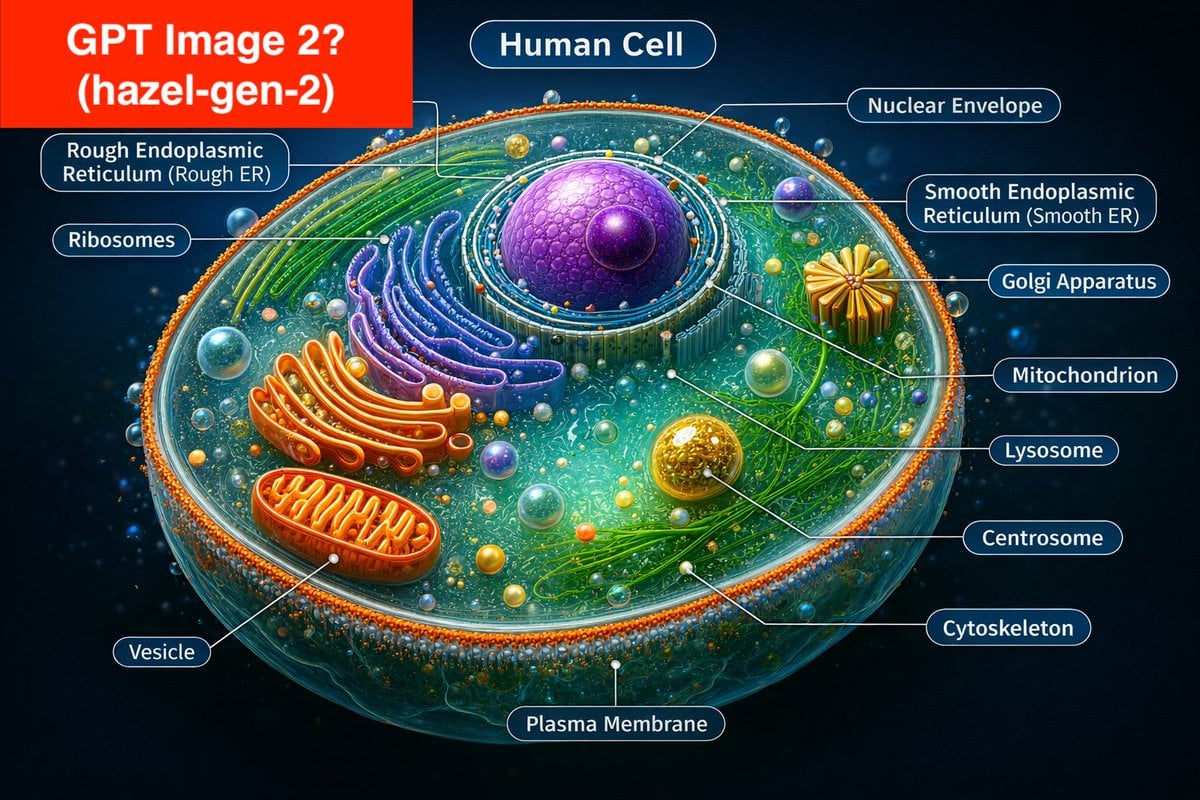
Labeled Diagram of a Human Cell (Comparison Prompt)
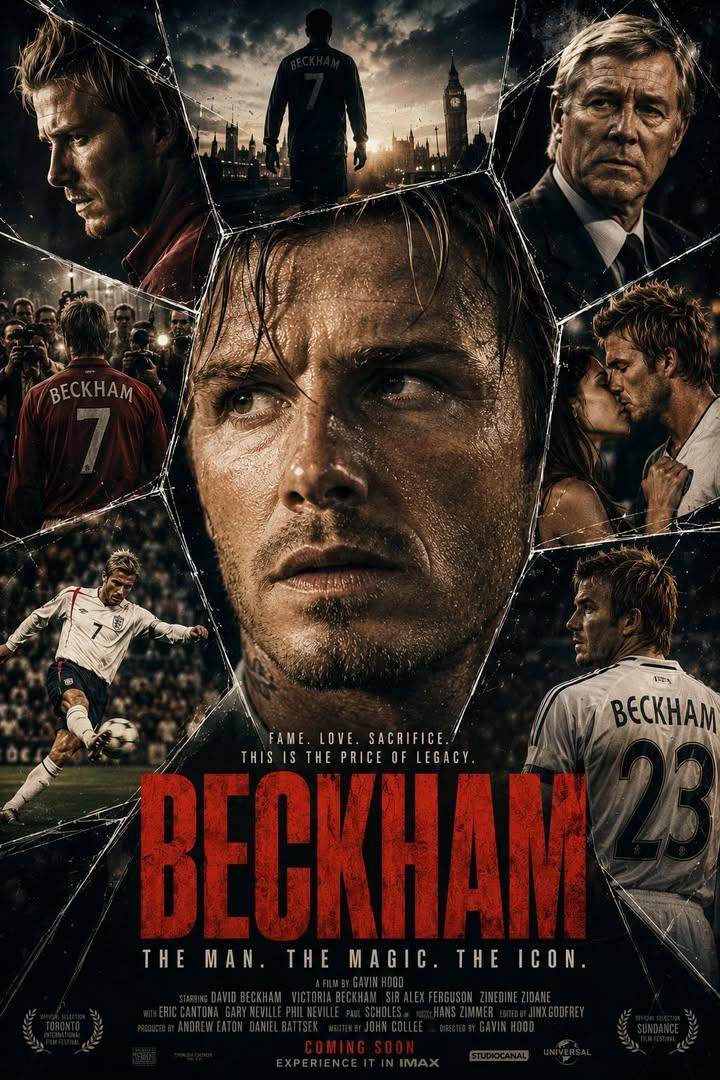
Cinematic Dark Thriller Movie Poster
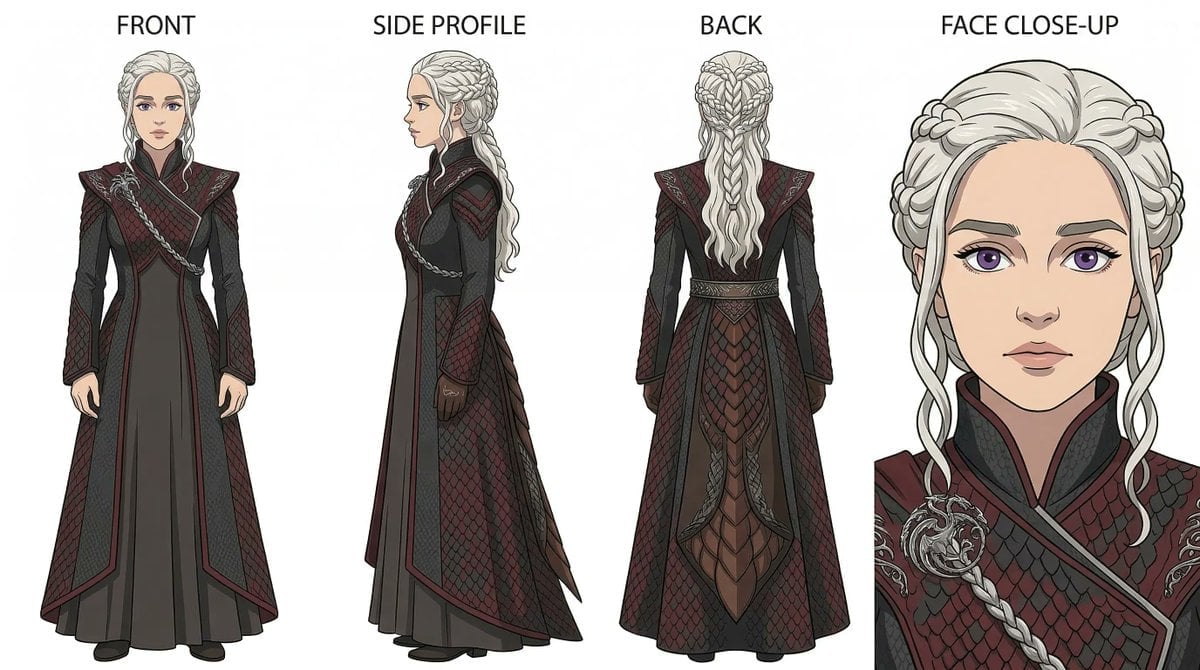
Ghibli x Game of Thrones Character Prompts
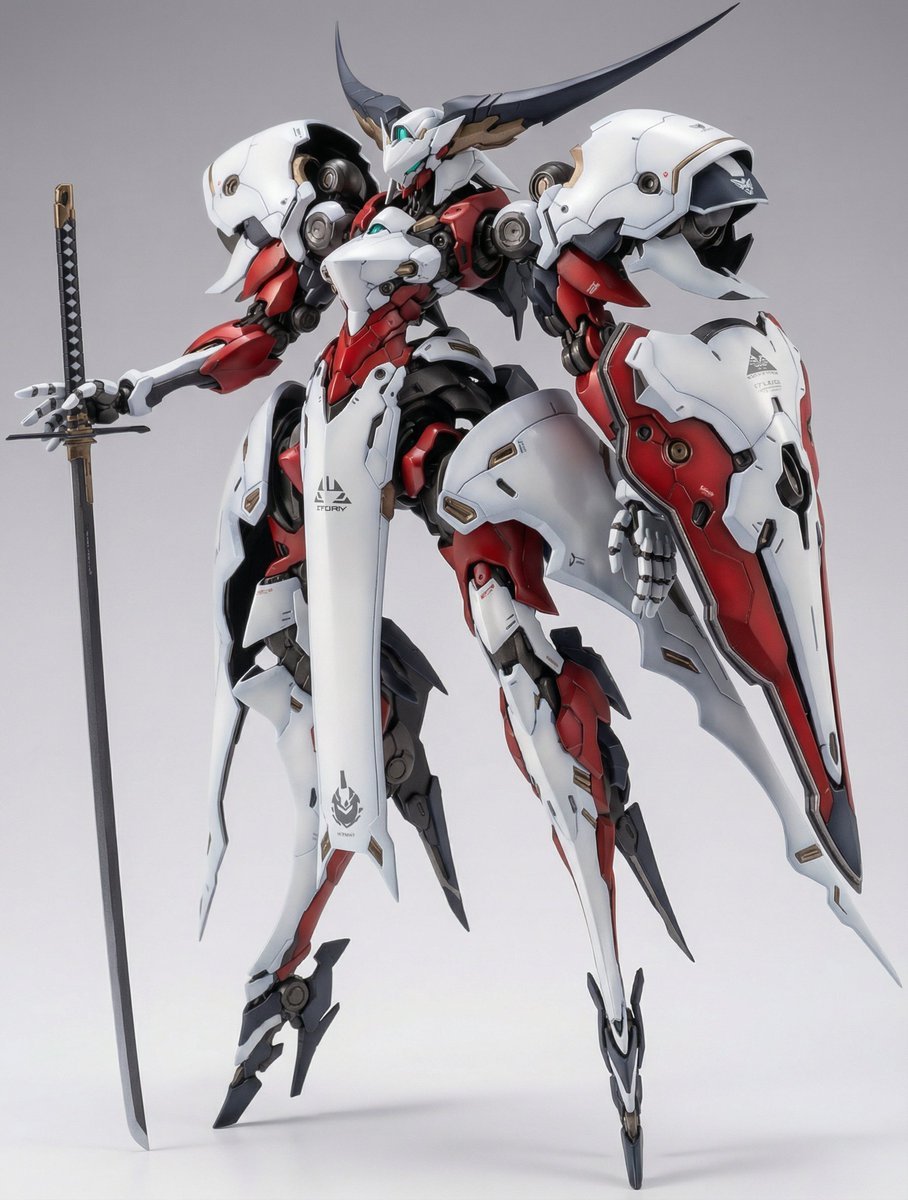
Full Armor Mecha Girl Figure Concept for Nano Banana Pro
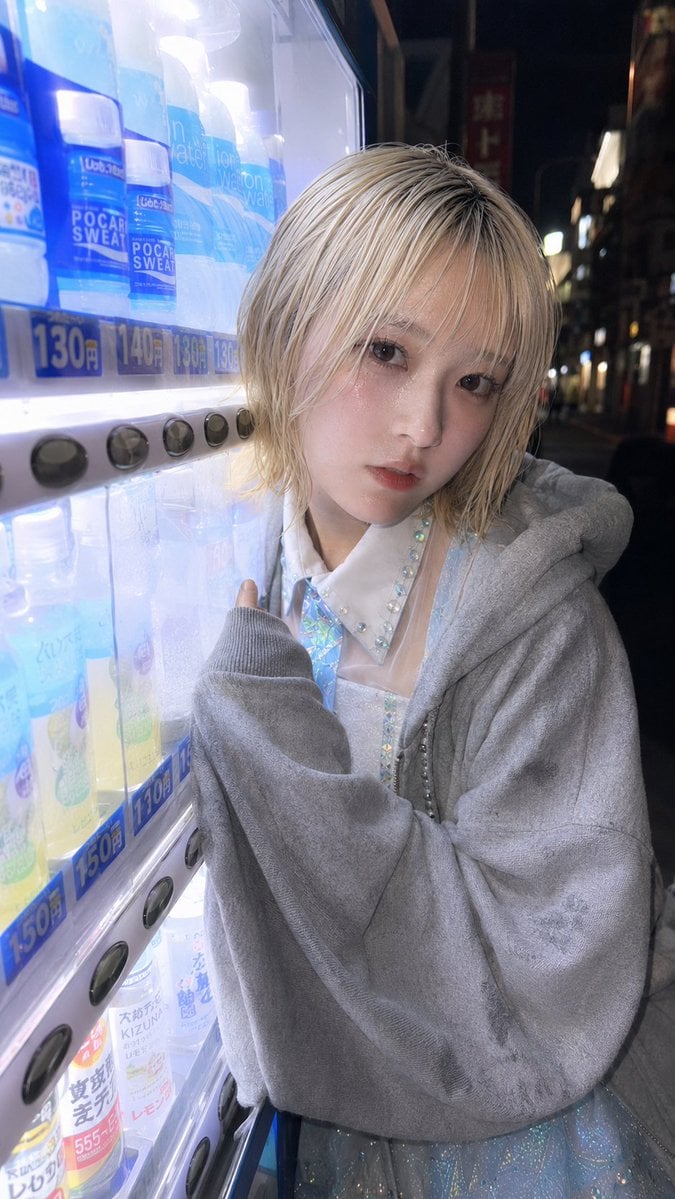
Ultra-Wide Vending Machine Portrait
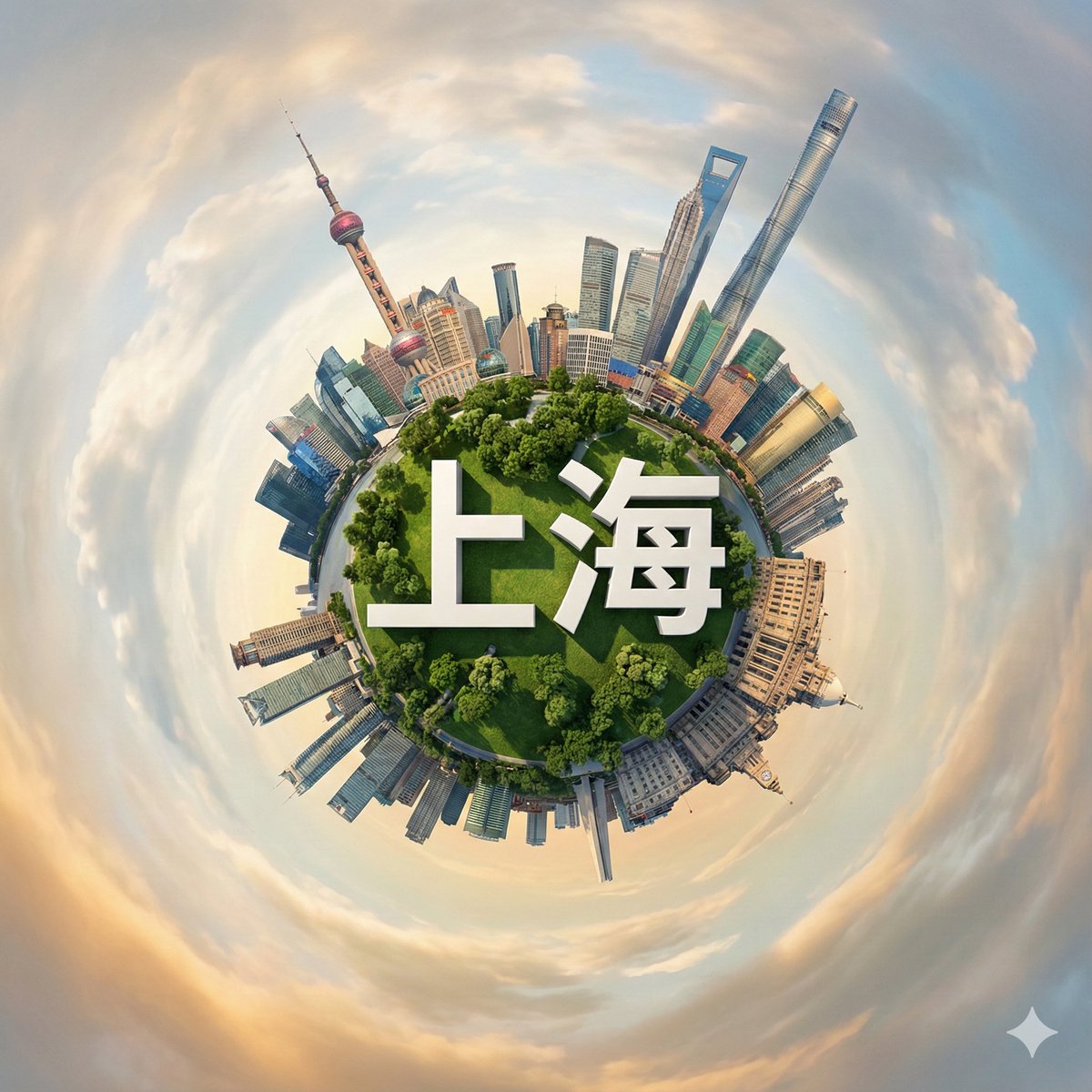
Hyperrealistic Miniature Planet Cityscape
Browse template categories
Cinema Date Popcorn Realistic By Nano Ba questions
How do I use the 38-cinema-date-popcorn-realistic-by-nano-ba template?
Add your photo if the template asks for one, edit the prompt if you like — the template's model and format are already selected — and press Generate. Your version opens in PicX Studio.
Can I customize the 38-cinema-date-popcorn-realistic-by-nano-ba template?
Yes. You can change the subject, setting, lighting, mood, format, and available model controls before creating your image.
Is the 38-cinema-date-popcorn-realistic-by-nano-ba template free?
Opening and editing this template is free. Generating uses credits, shown on the Generate button when you are signed in.
Which AI model should I use?
Start with Nano Banana, which is the model associated with this template. You can compare another compatible model for a different finish.
Looking for something else? Browse all templates.

Your photo, any look
Thousands of ready templates for every top image and video model, from one credit balance.