
Festive Couple Holiday Magic Template
Festive Couple Holiday Magic Template is a ready photo look.

- Prompt included
- Model and format preset
- Free template
The prompt behind this image
Copy the exact prompt behind Festive Couple Holiday Magic Template, or open it in the studio and make it yours.
"A joyful young Indian couple, dressed in festive red and white Santa-themed outfits, smiling warmly at the viewer. The woman has long dark hair and is wearing a red fleece top with white fur trim and matching red pants with a white stripe. She is leaning into the man, who has neat dark hair and a beard, wearing a red hooded sweatshirt with white fur trim and white pants. In the background, a jolly Santa Claus, with a white beard and traditional red suit, is holding a lantern and a sack of gifts, looking towards the couple. They are standing on a snowy street, flanked by illuminated Christmas trees and warm streetlights, creating a magical holiday atmosphere. Don't change the face, make sure the face is the same." Custom photo printing edit this image
How to use Festive Couple Holiday Magic Template in 3 steps
- 1Upload ImagePNG, JPG or paste
Add your photo
Upload the photo the template builds on. The prompt, model and format are already set.
- 2…a portrait of your subject in softgolden-hour light, 85mm…
Personalize
Edit the subject and creative details for your destination.
- 3Generate
Generate
Press Generate — your image is created in PicX Studio, so you can compare it with the original and refine one variable at a time.
More like this
Templates with the same subject, style or setup. Open one to see its prompt.

Christmas Ornament Portrait Glossy Glass Resin Finish with Hand Painted Details Holiday Lighting
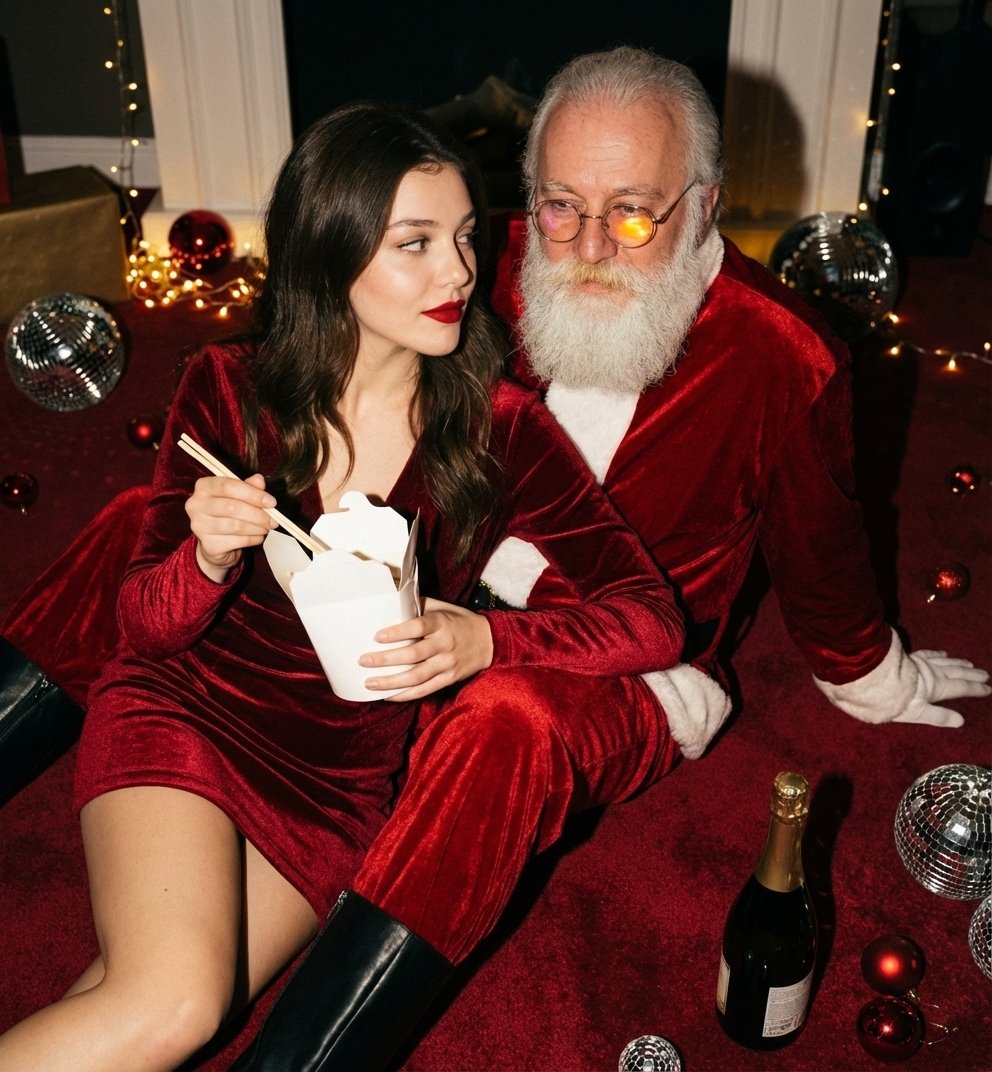
Christmas Holiday Editorial Template

Found Photograph: Us, 1970

80s Couple Studio Portrait

Cinema Date Popcorn Realistic By Nano Ba

Enchanted Forest Root Kiss Scene By Nano

Romantic Cinematic Still of a Couple in

Nano Banana Pro Photoreal Playful Couple

Couple Goals from the Google Gemini Nano
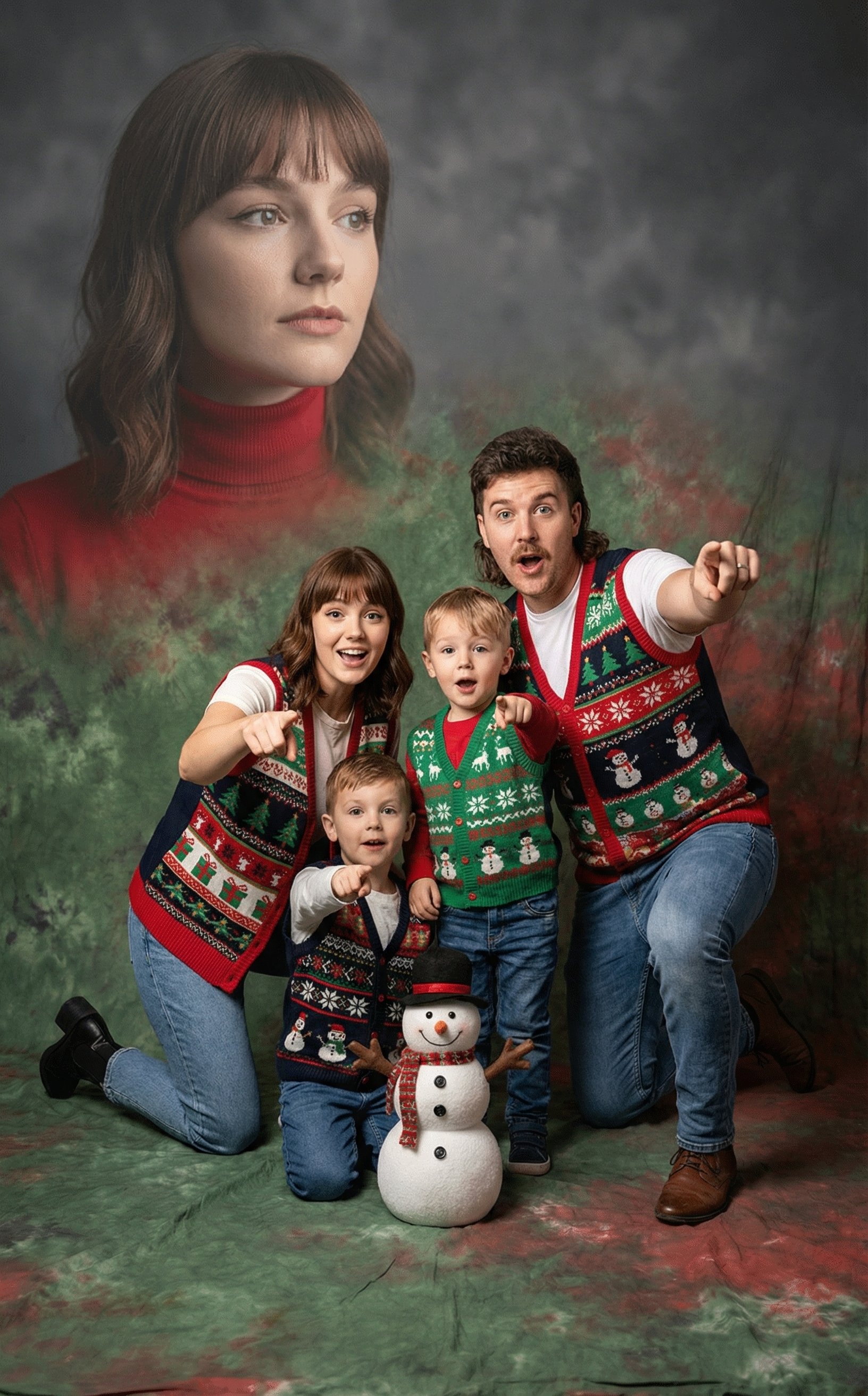
Awkward 90s Holiday Studio Portrait
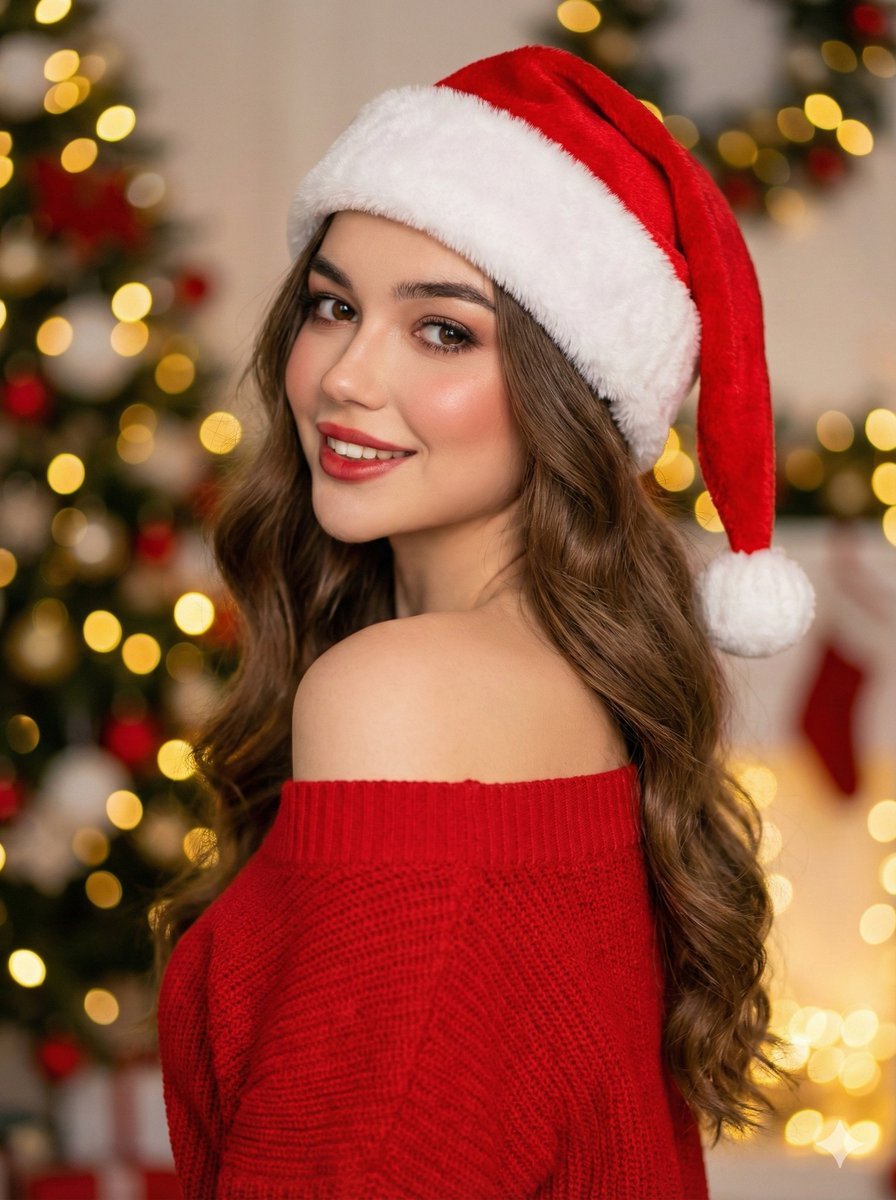
High-Fashion Christmas Portrait with Holiday Sophistication
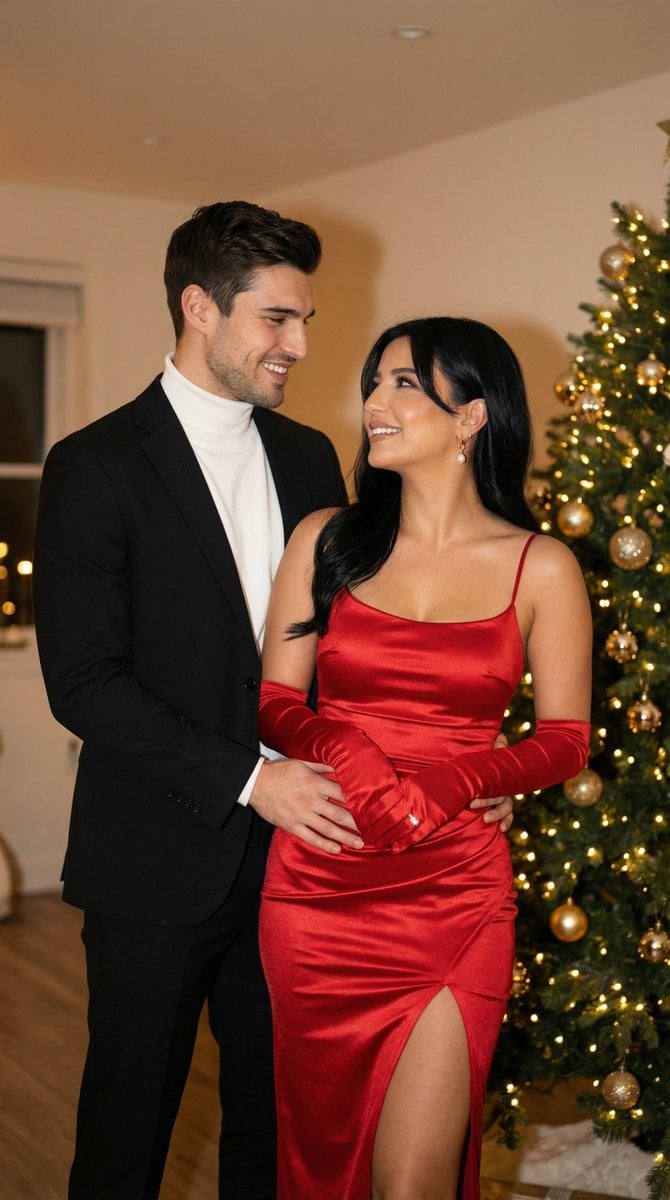
Photoreal Holiday Couple Portrait with Identity Lock
Make it yours
Festive Couple Holiday Magic Template works as-is. These are the safest ways to change it without losing the look.
Change one field
Copy a single group, rewrite it, and generate again so you can see what that field is doing.
Keep the frame, change the subject
Hold the composition and light of Festive Couple Holiday Magic Template, then swap wardrobe, props or the person for a new take.
| If the result… | Why | Fix |
|---|---|---|
| The result drifts from the preview | Too many fields changed at once. | Reuse Festive Couple Holiday Magic Template as-is first, then change one group — subject, light, or setting. |
| The model over-stylizes the scene | The prose prompt leaves finish and camera underspecified. | Add one camera or lighting sentence and stay on PicX Studio. |
More image prompts
Fresh picks from across the catalog.
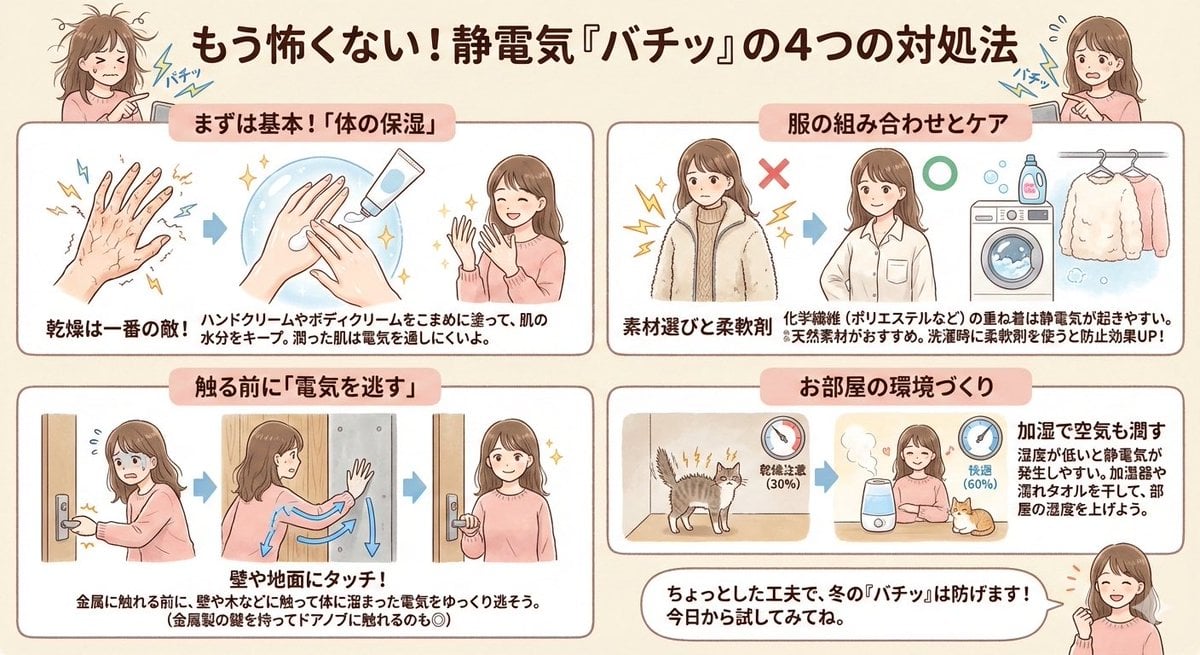
Static Electricity Diagram Generation
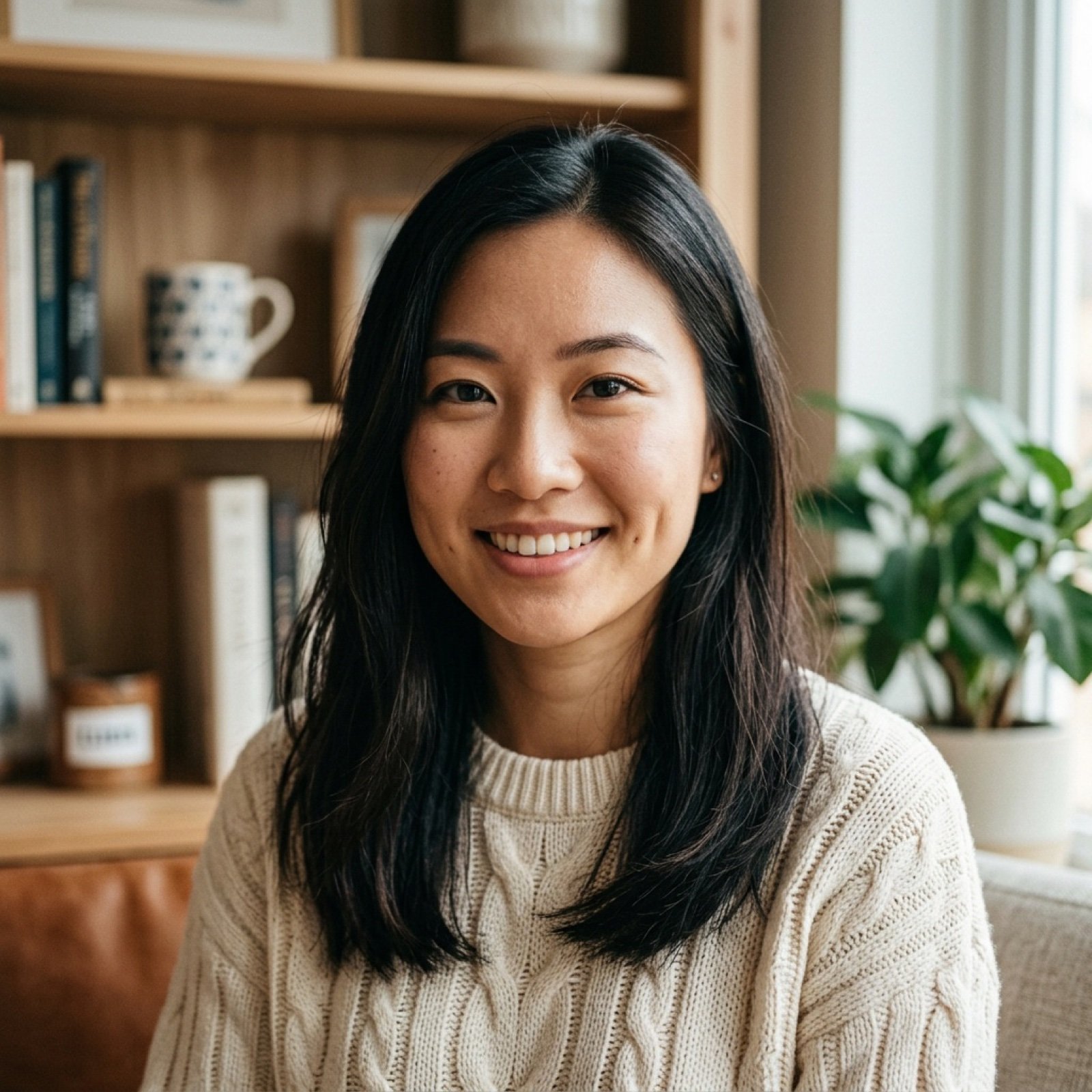
Simple photo upscaling and repair prompt
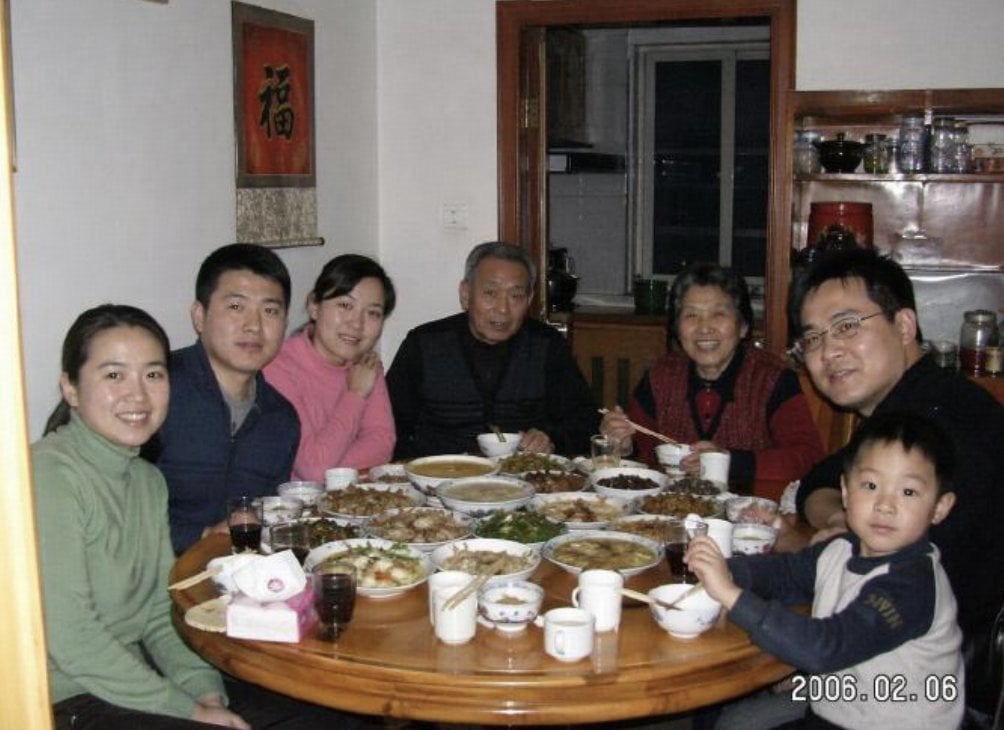
Anonymized 2000s Family Dinner Photo
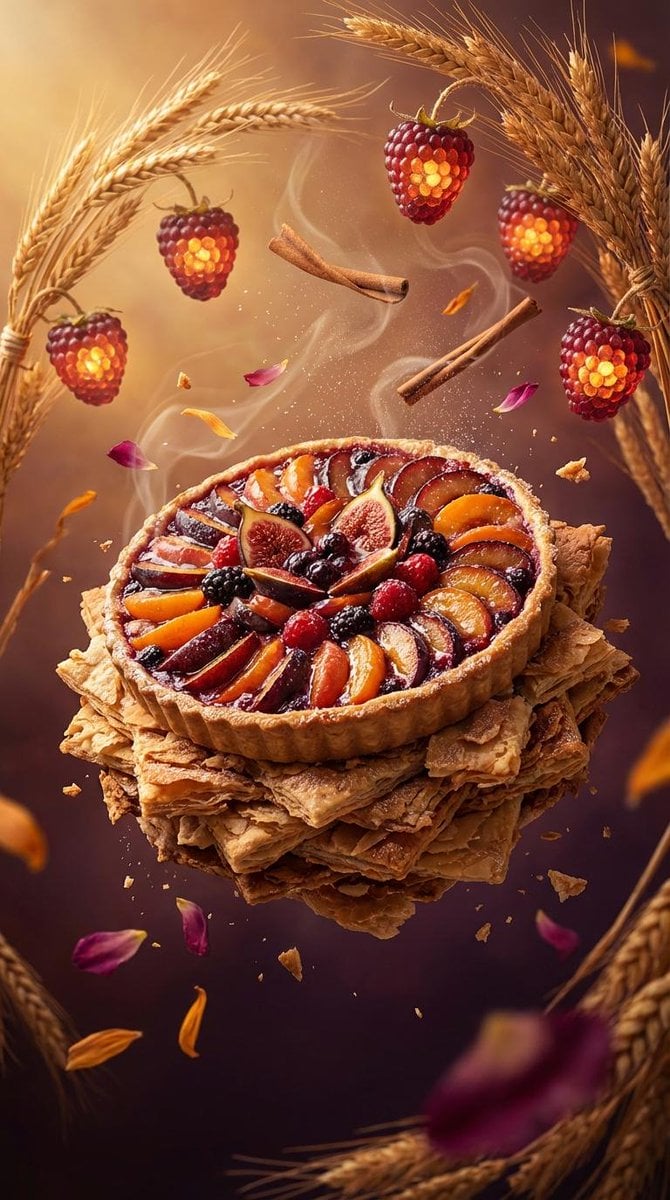
Rustic Fruit Tart Floating in a Dream Orchard (Video Prompt)

Cinematic low-key urban portrait prompt
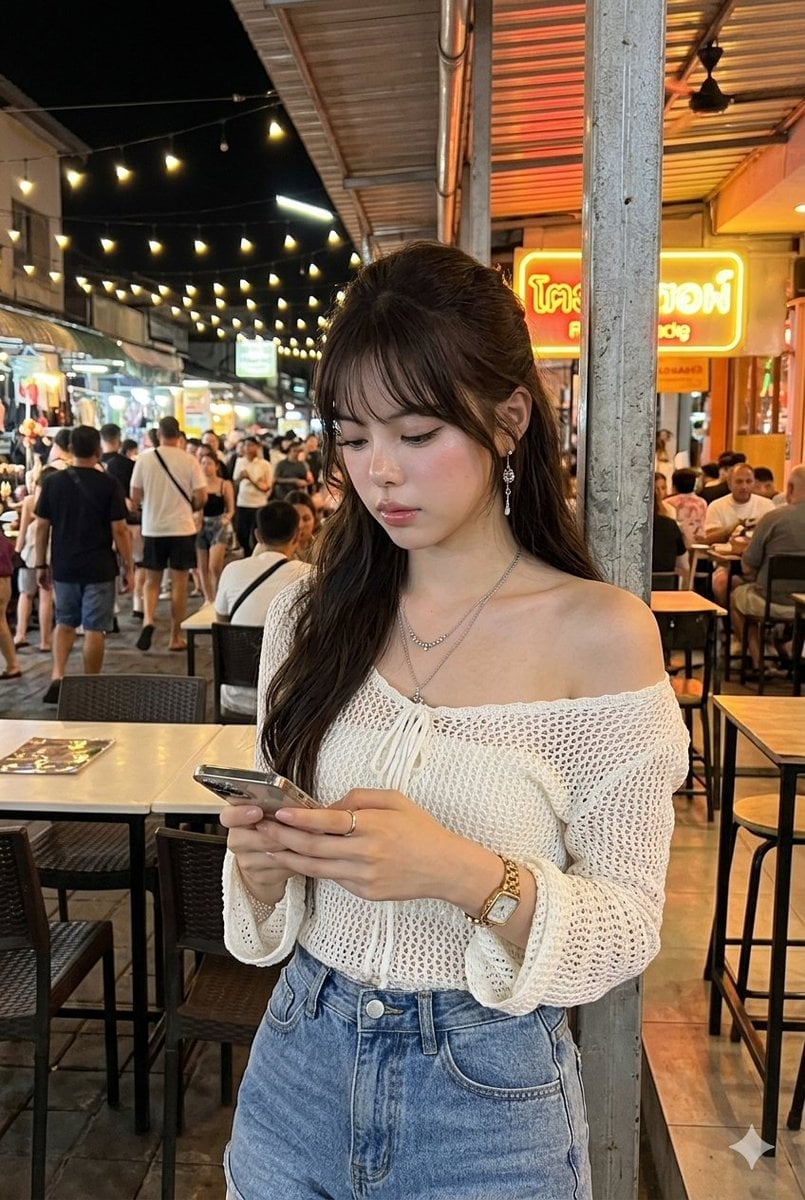
Tropical Night Market Portrait
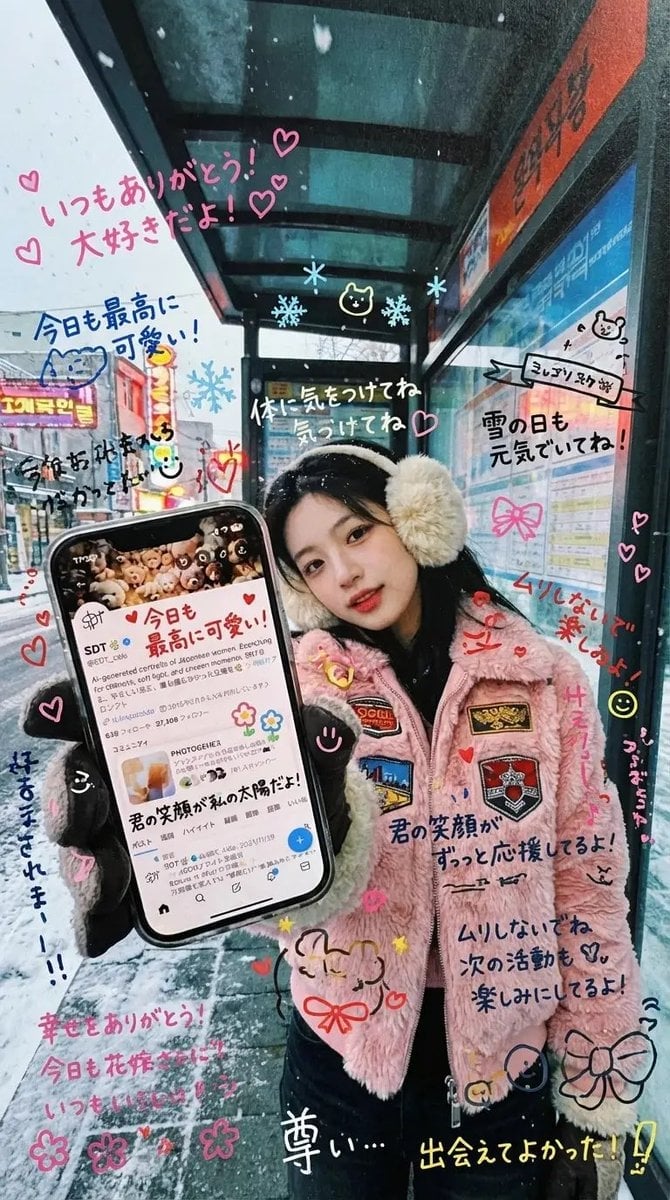
Handwritten Graffiti Message for Favorite Idol
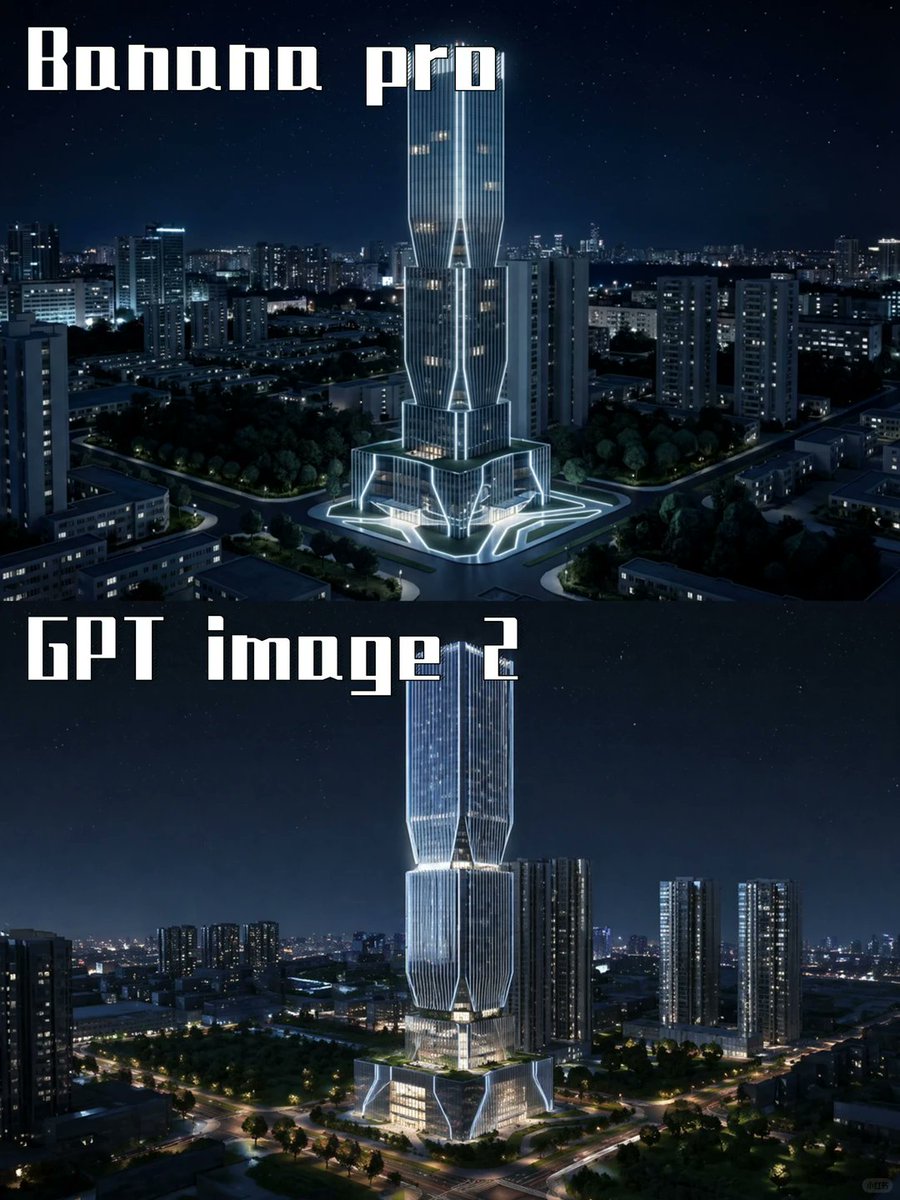
Night Skyscraper AI Model Comparison
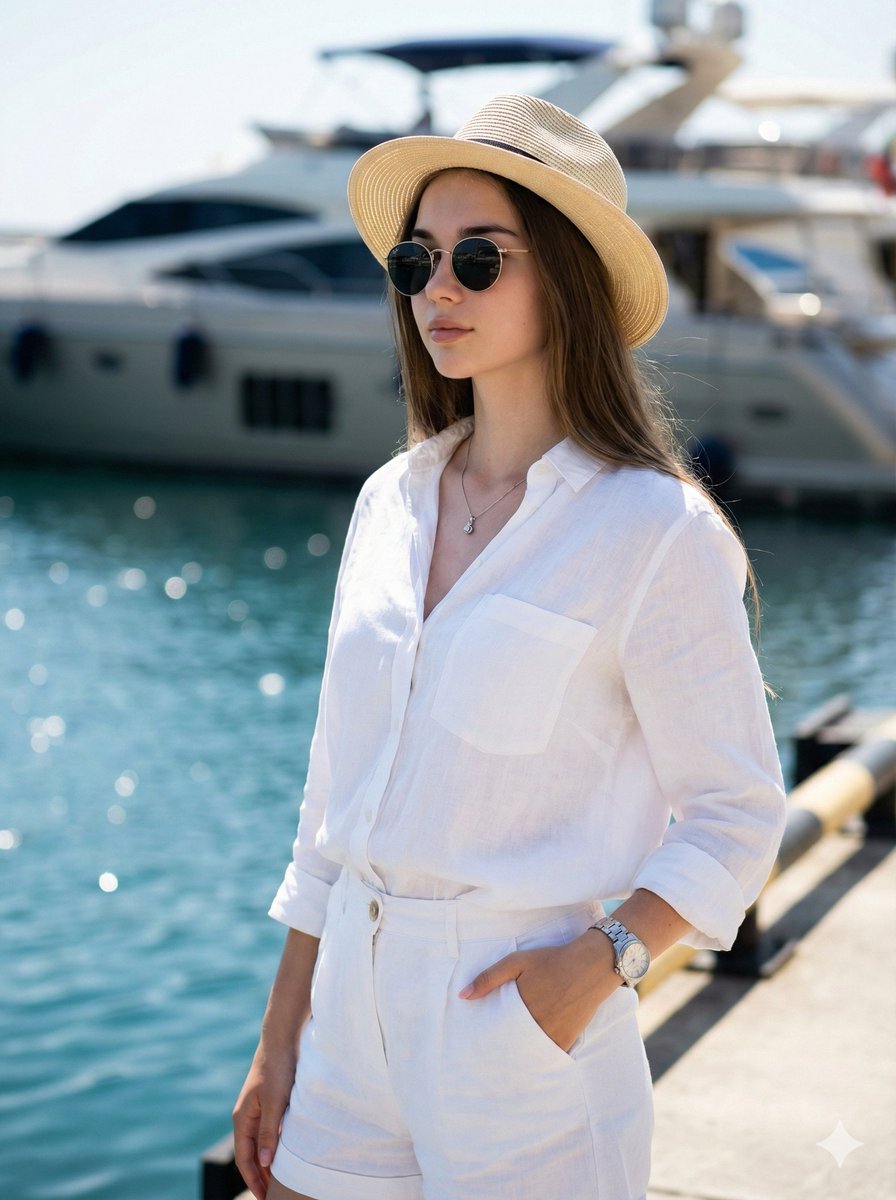
High-Fashion Marina Editorial Prompt with Strict Identity Lock
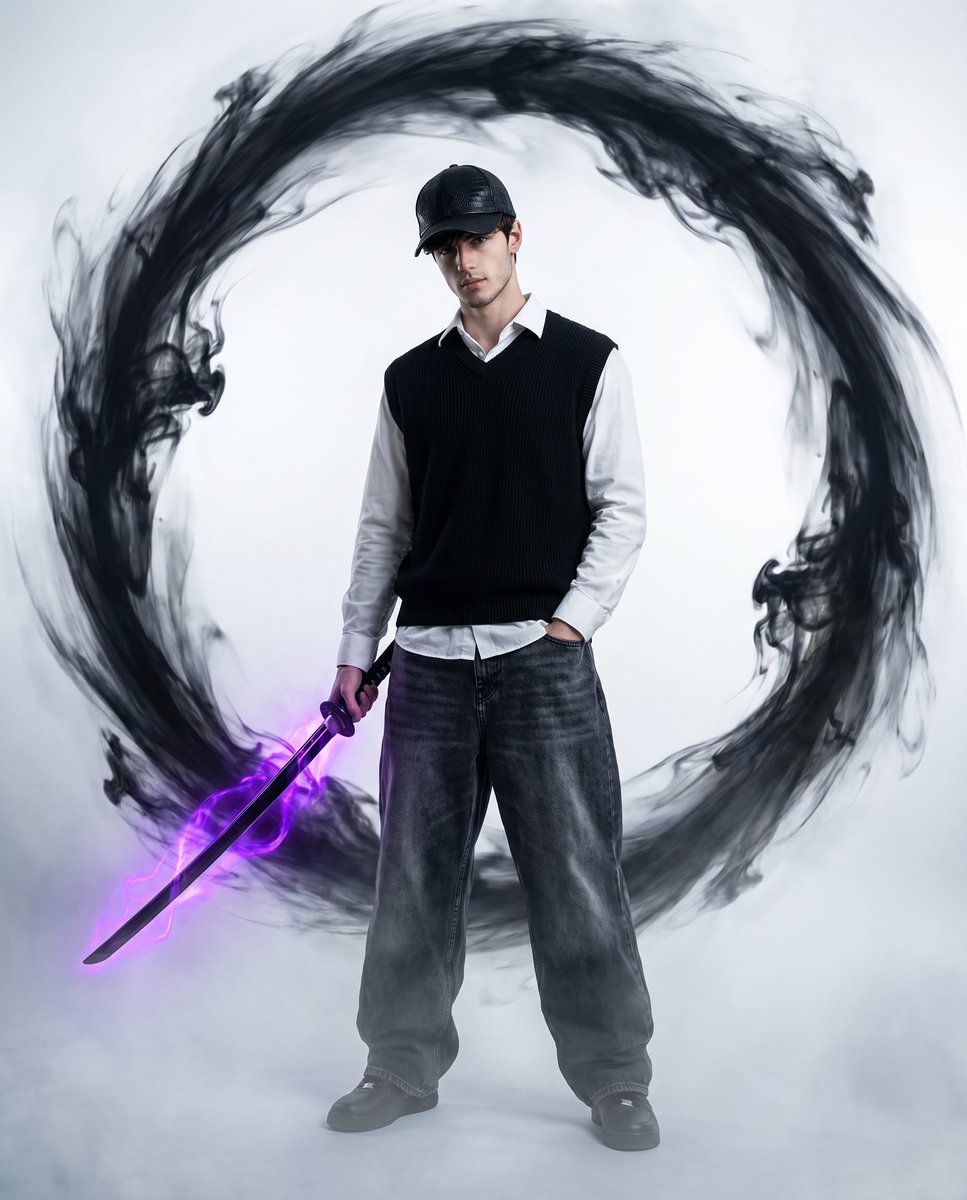
Vortex Katana Warrior
Browse template categories
Festive Couple Holiday Magic Template questions
How do I use the Festive Couple Holiday Magic Template template?
Add your photo if the template asks for one, edit the prompt if you like — the template's model and format are already selected — and press Generate. Your version opens in PicX Studio.
Can I customize the Festive Couple Holiday Magic Template template?
Yes. You can change the subject, setting, lighting, mood, format, and available model controls before creating your image.
Is the Festive Couple Holiday Magic Template template free?
Opening and editing this template is free. Generating uses credits, shown on the Generate button when you are signed in.
Which AI model should I use?
Choose a compatible model in PicX Studio based on the style, speed, and output controls your project needs.
Looking for something else? Browse all templates.

Your photo, any look
Thousands of ready templates for every top image and video model, from one credit balance.