
Couple Goals from the Google Gemini Nano
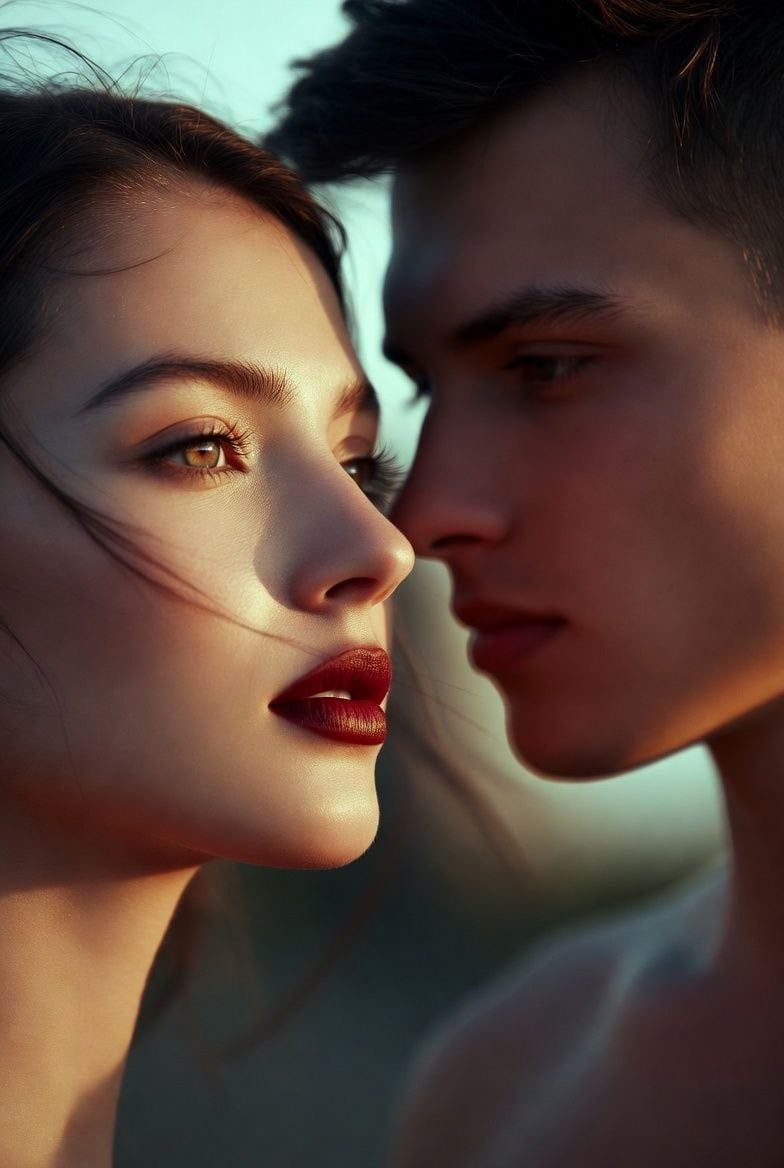
Couple Goals from the Google Gemini Nano is a ready photo look for Nano Banana.

- Prompt included
- Model and format preset
- Free template
The prompt behind this image
Copy the exact prompt behind Couple Goals from the Google Gemini Nano, or open it in the studio and make it yours.
A cinematic close-up portrait of a couple standing side by side, their faces gently turned toward each other as soft evening light wraps them in warm, natural tones. The woman tilts her chin slightly toward the man, her red lips relaxed and her eyes glowing with quiet emotion. The man gazes at her with a calm, focused intensity, his expression soft and affectionate. Their features are captured with clean, natural detail—no glowing edges or outlines—preserving a pure editorial aesthetic. A subtle breeze lifts a few strands of their hair, adding movement and realism. The softly blurred background keeps the attention on their connection, the delicate shadows on their faces, and the intimate, cinematic mood that feels straight out of a romantic film still.
How to use Couple Goals from the Google Gemini Nano in 3 steps
- 1
Open
The prompt is already in the box next to the preview, with the template's model and format selected.
- 2…a portrait of your subject in softgolden-hour light, 85mm…
Personalize
Edit the subject and creative details for your destination.
- 3Generate
Generate
Press Generate — your image is created in PicX Studio, so you can compare it with the original and refine one variable at a time.
More like this
Templates with the same subject, style or setup. Open one to see its prompt.
Couple Goals from the Google Gemini Nano

Google Gemini Nano Banana Pro

Cinema Date Popcorn Realistic By Nano Ba

Enchanted Forest Root Kiss Scene By Nano

Nano Banana Pro Photoreal Playful Couple

Found Photograph: Us, 1970

80s Couple Studio Portrait
Gemini Night Flash Portrait
Image on Gemini Nano Banana
Gemini Nano Banana Portrait
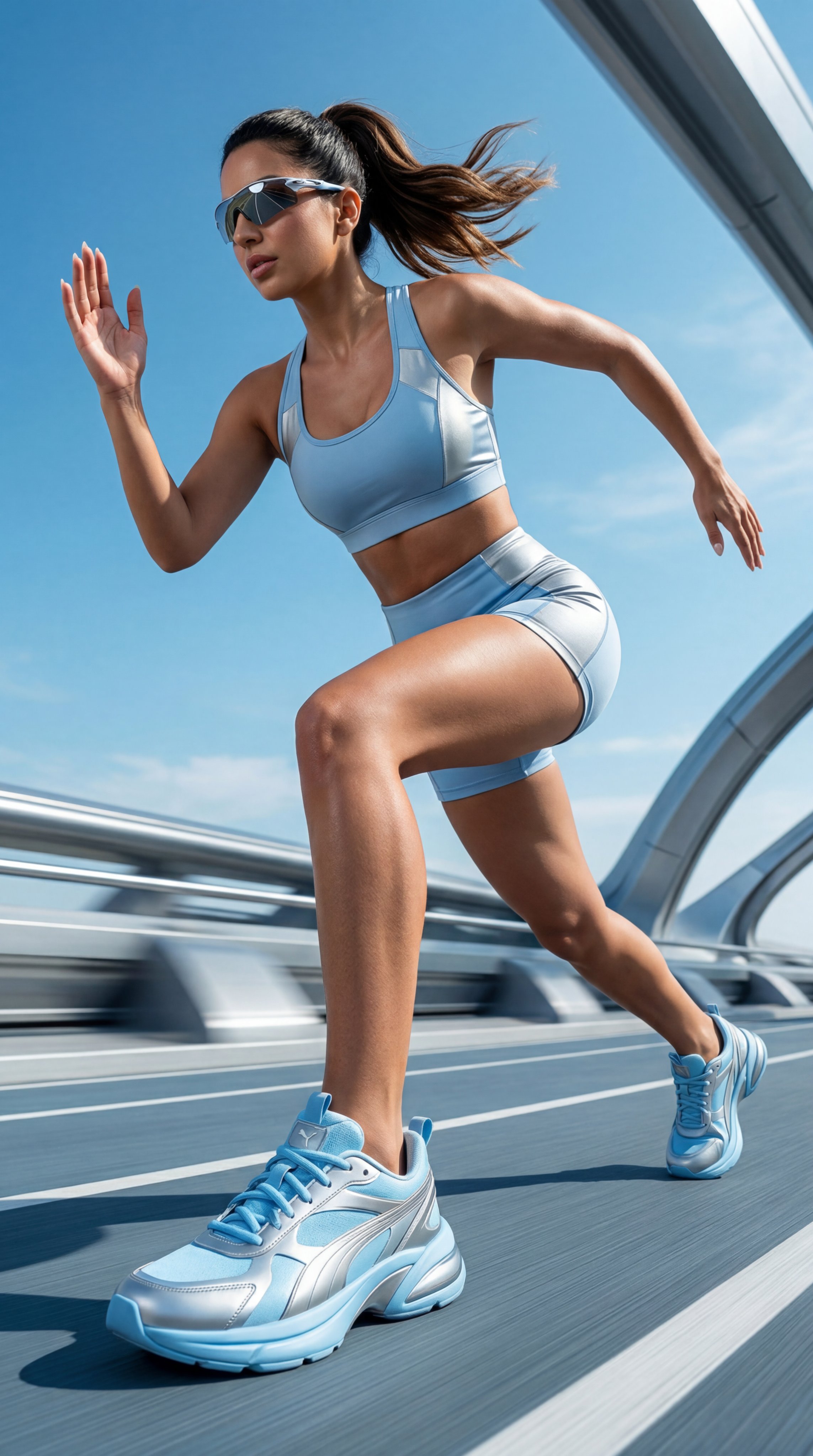
Gemini Nano Banana Realistic Portrait Re

Gemini Nano Banana 2 Isometric 3d City D
Make it yours
Couple Goals from the Google Gemini Nano works as-is. These are the safest ways to change it without losing the look.
Change one field
Copy a single group, rewrite it, and generate again so you can see what that field is doing.
Keep the frame, change the subject
Hold the composition and light of 28-couple-goals-from-the-google-gemini-nano, then swap wardrobe, props or the person for a new take.
| If the result… | Why | Fix |
|---|---|---|
| The result drifts from the preview | Too many fields changed at once. | Reuse 28-couple-goals-from-the-google-gemini-nano as-is first, then change one group — subject, light, or setting. |
| The model over-stylizes the scene | The prose prompt leaves finish and camera underspecified. | Add one camera or lighting sentence and stay on Nano Banana. |
More Nano Banana templates
Other prompts made for Nano Banana.










More image prompts
Fresh picks from across the catalog.
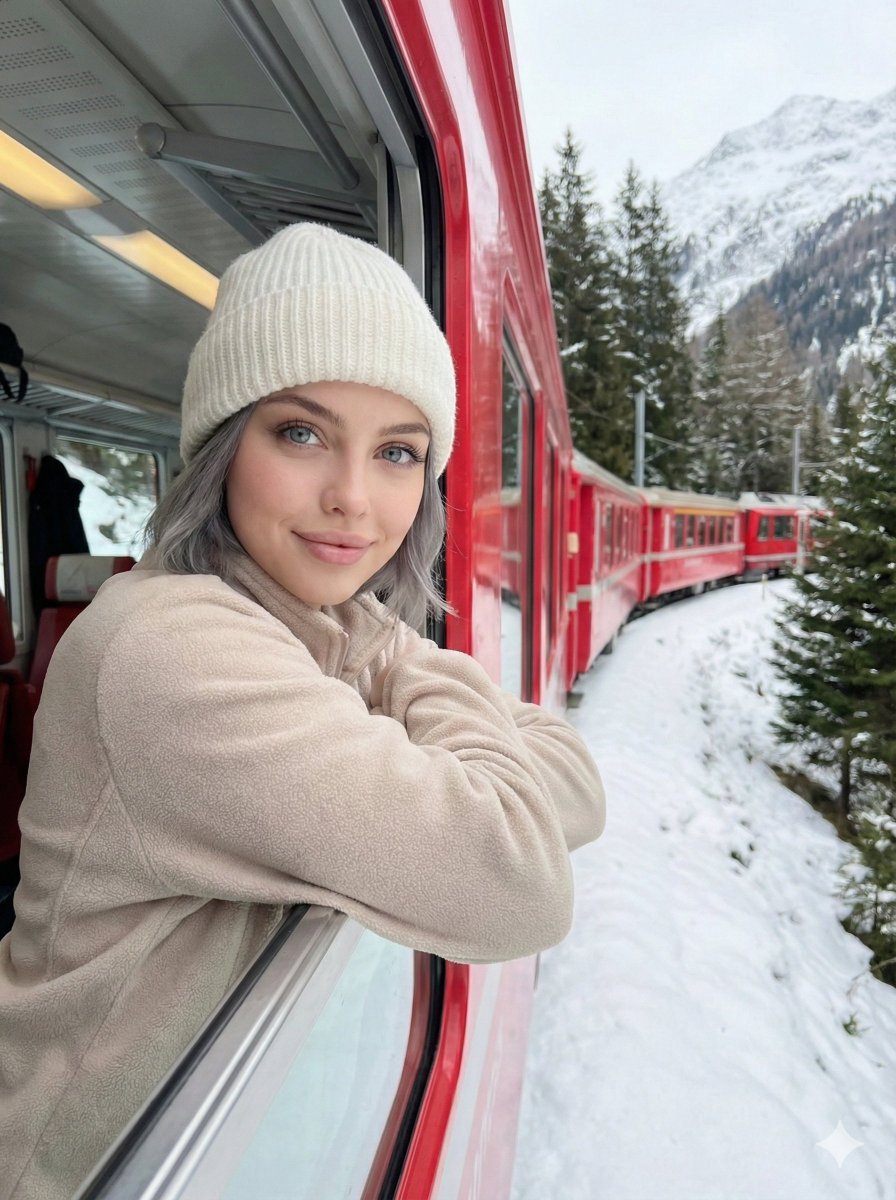
Detailed Image Generation Prompt for a Winter Train Journey Portrait
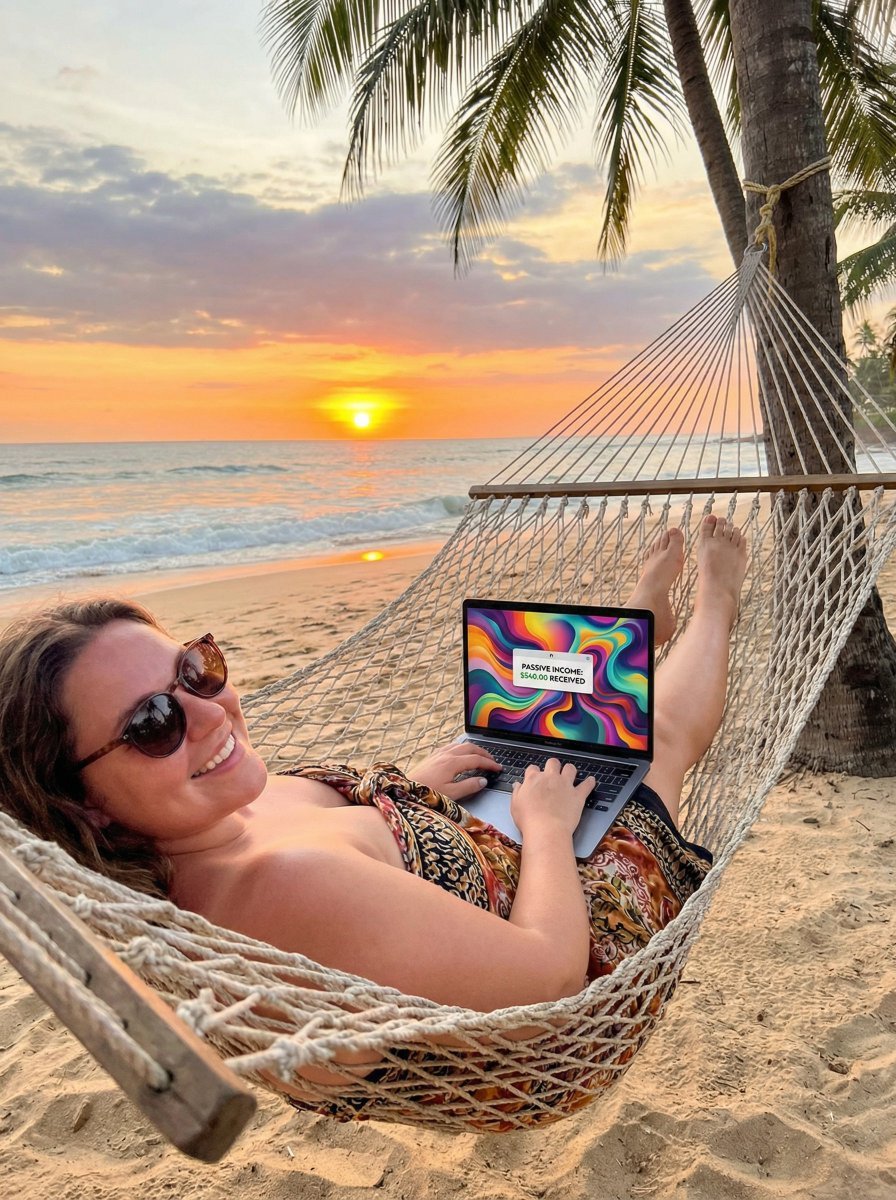
JSON Prompt for Digital Nomad Generating AI Art on a Beach Hammock

Samurai Sniper Dynamic Battle Scene Prompt
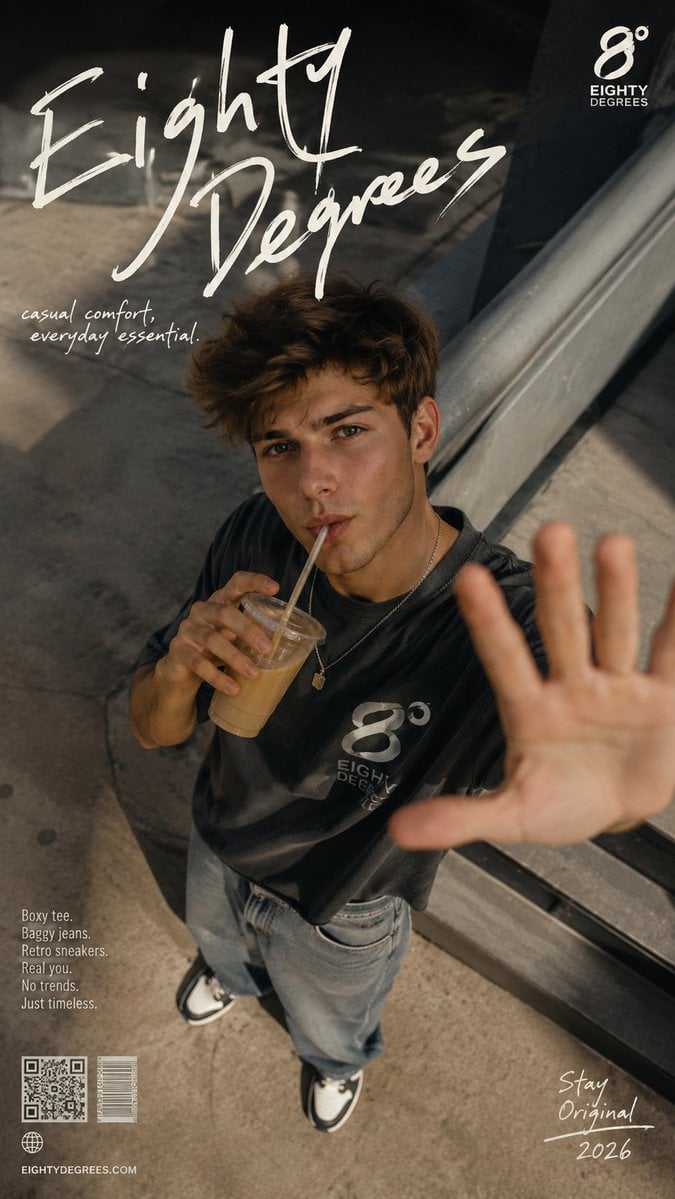
2026 Fashion Editorial Portrait
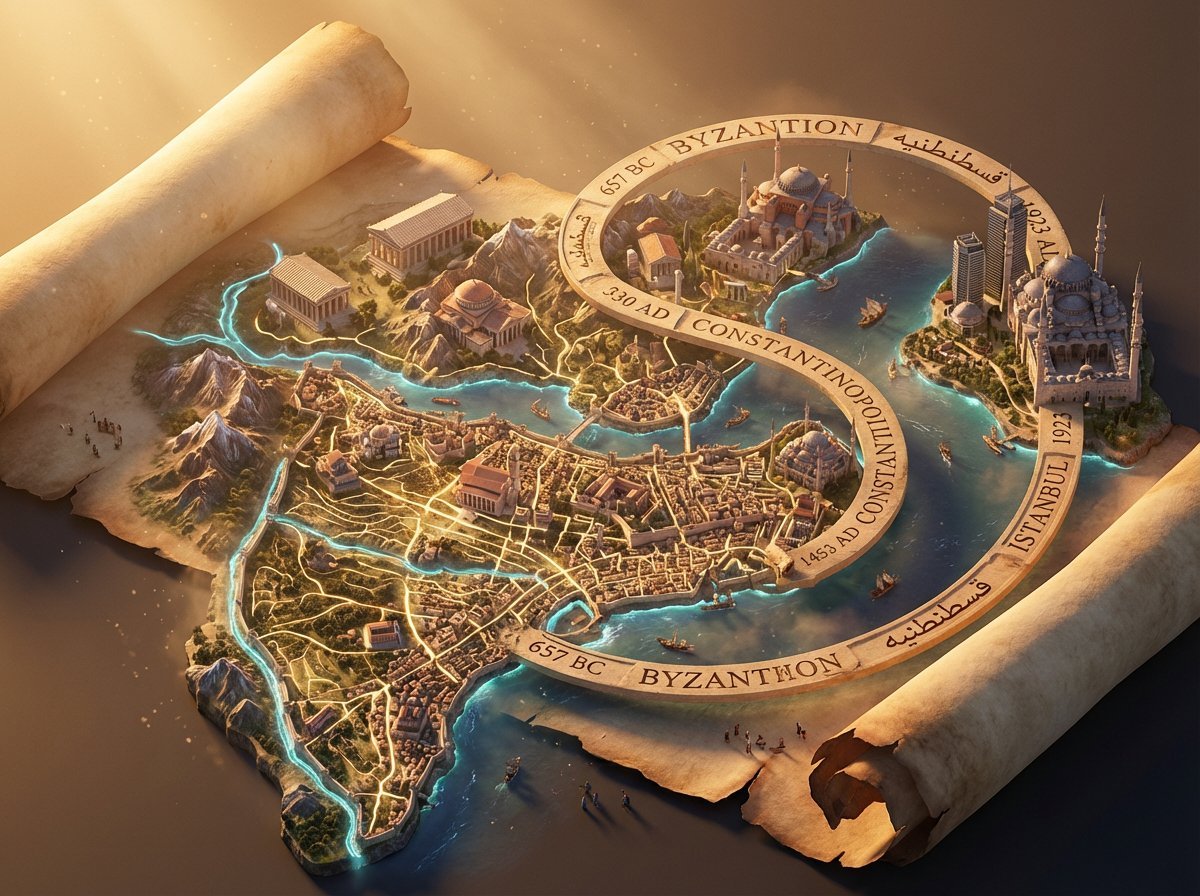
3D Isometric Atlas Scene in Firefly Style
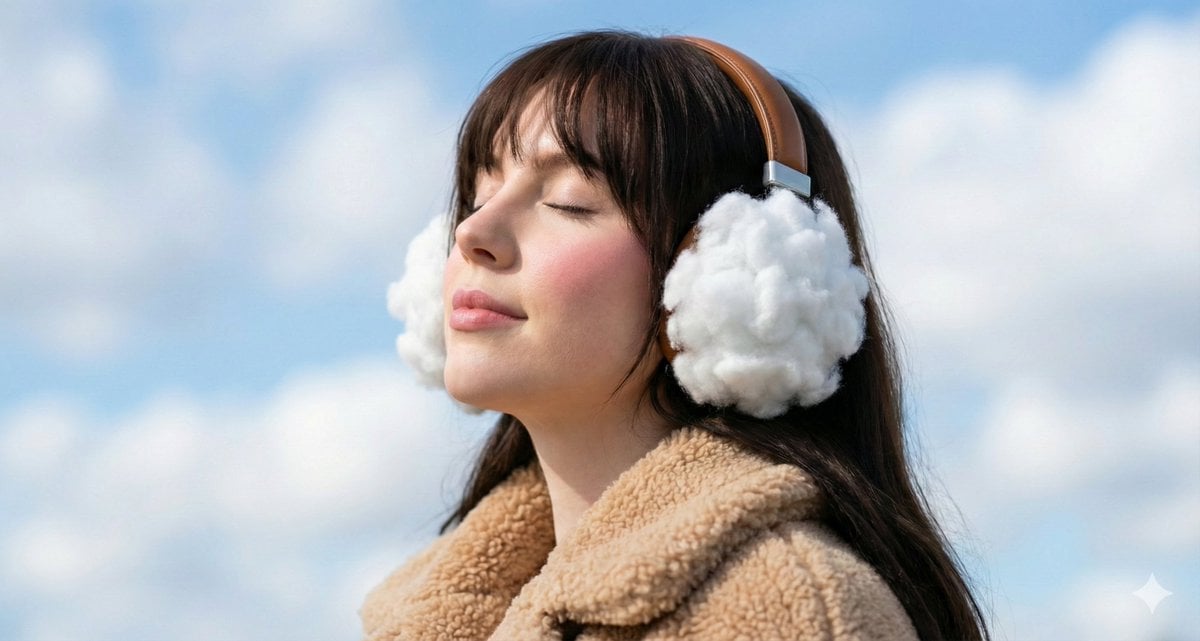
Surreal Dreamy Portrait with Cloud Headphones
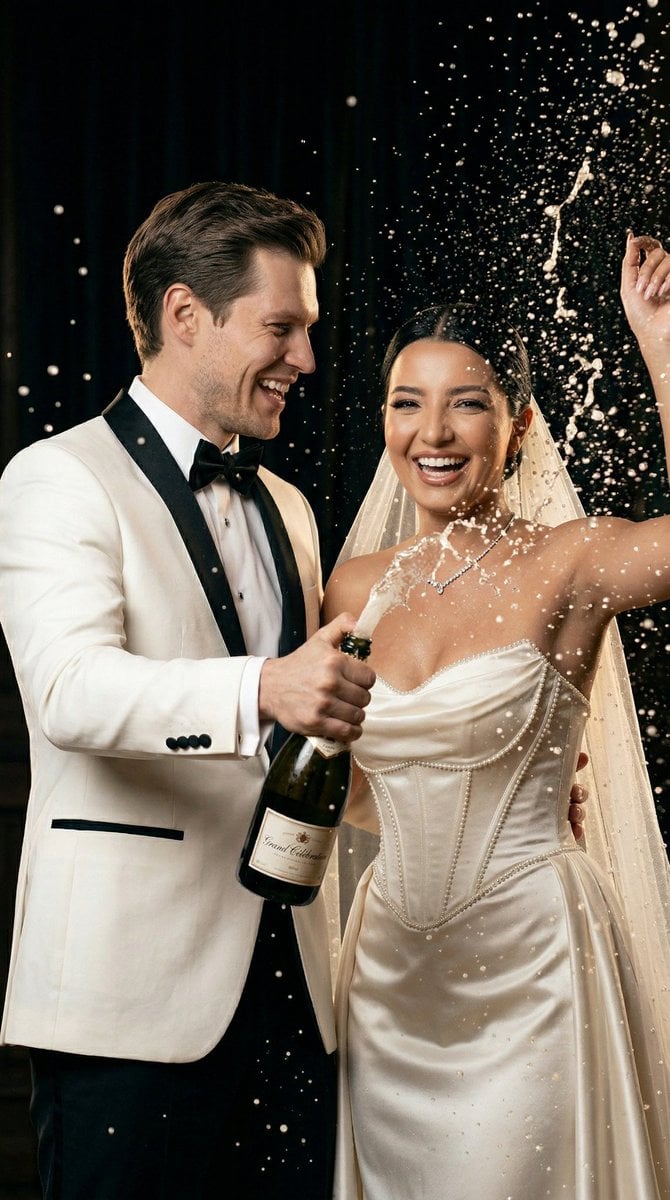
Luxury Champagne Wedding Campaign Image-to-Image Prompt for Nano Banana 2

Photorealistic Fast Food Storefront

Retro Japanese Game Magazine Ad
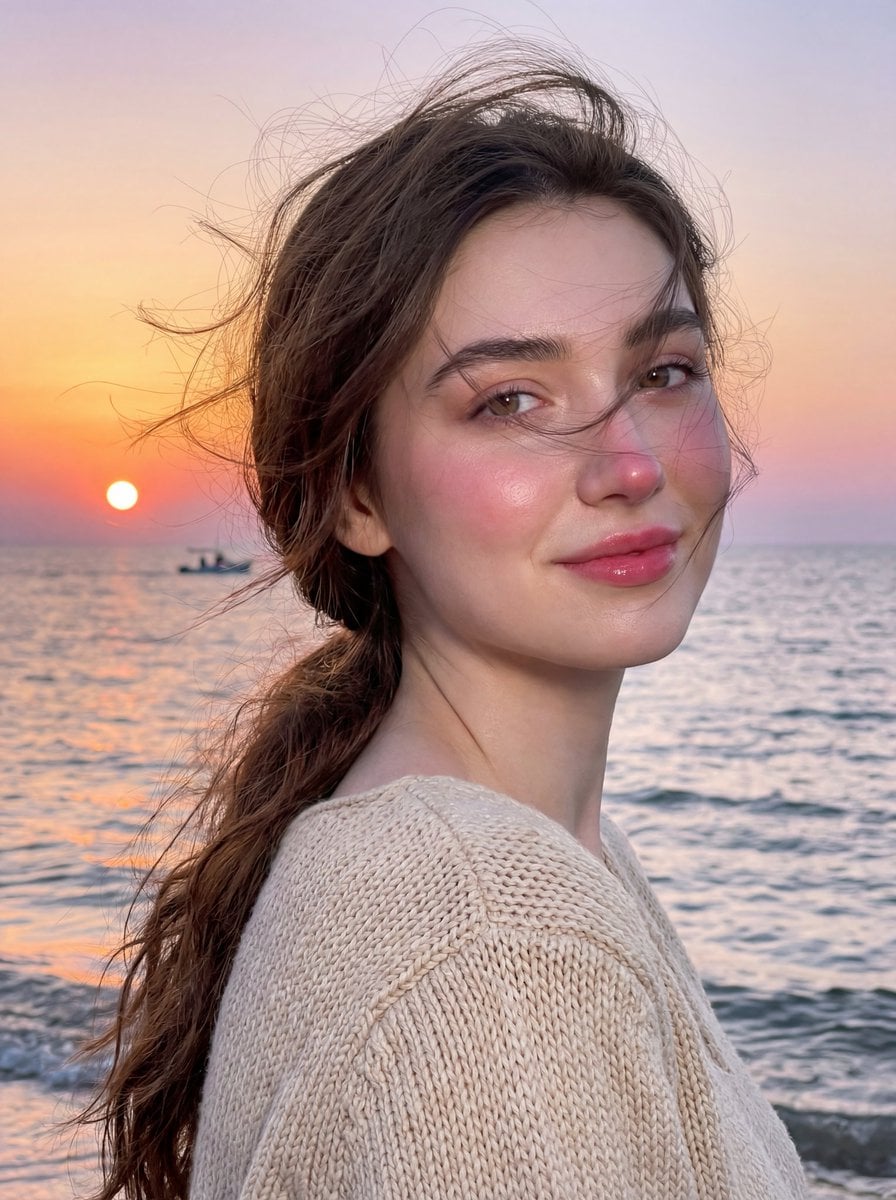
Golden Hour Seaside Portrait with Identity Preservation
Browse template categories
Couple Goals from the Google Gemini Nano questions
How do I use the 28-couple-goals-from-the-google-gemini-nano template?
Add your photo if the template asks for one, edit the prompt if you like — the template's model and format are already selected — and press Generate. Your version opens in PicX Studio.
Can I customize the 28-couple-goals-from-the-google-gemini-nano template?
Yes. You can change the subject, setting, lighting, mood, format, and available model controls before creating your image.
Is the 28-couple-goals-from-the-google-gemini-nano template free?
Opening and editing this template is free. Generating uses credits, shown on the Generate button when you are signed in.
Which AI model should I use?
Start with Nano Banana, which is the model associated with this template. You can compare another compatible model for a different finish.
Looking for something else? Browse all templates.

Your photo, any look
Thousands of ready templates for every top image and video model, from one credit balance.