
Luxury Champagne Wedding Campaign Image-to-Image Prompt for Nano Banana 2
A complex image-to-image prompt for Nano Banana 2 focused on generating a luxury wedding campaign image featuring a couple under a frozen champagne splash.
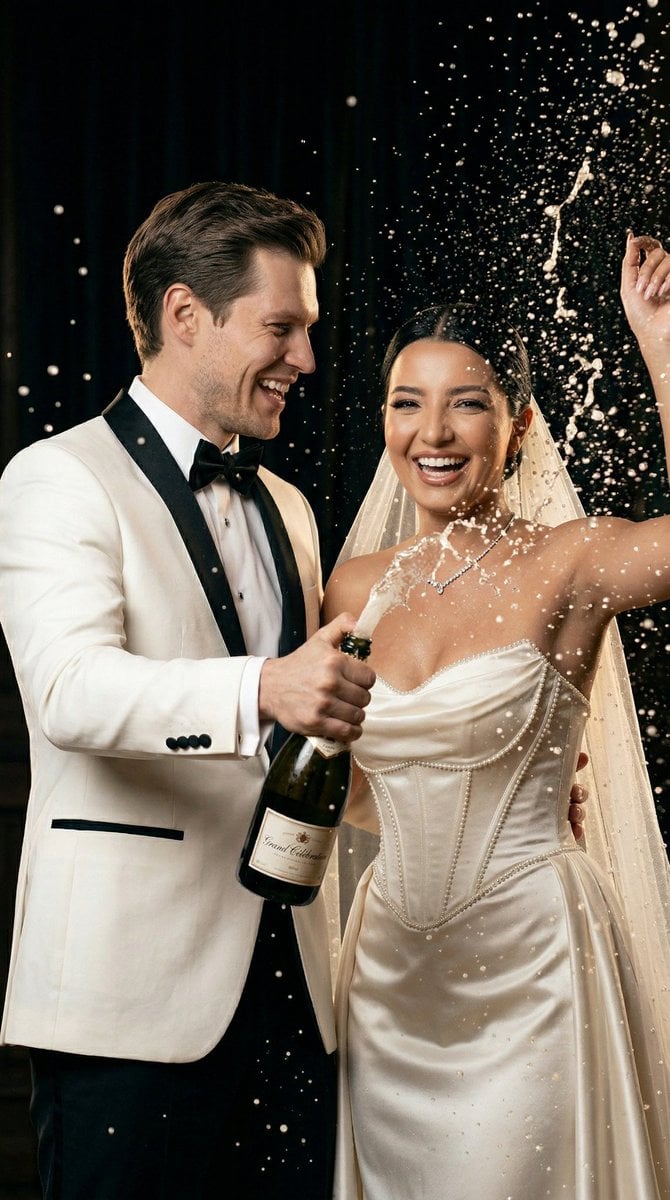
- Prompt included
- Model and format preset
- Free template
The prompt behind this image
Copy the exact prompt behind Luxury Champagne Wedding Campaign Image-to-Image Prompt for Nano Banana 2, or open it in the studio and make it yours.
{ "generation_request": { "meta_data": { "tool": "Nano Banana 2", "task_type": "luxury_champagne_wedding_campaign", "version": "v2.0_CHAMPAGNE_SPLASH_EDITORIAL" }, "input": { "mode": "image_to_image", "multi_reference": true, "reference_image_usage": "maximum", "preserve_identity": true, "identity_lock": "absolute", "no_identity_blending": true, "face_similarity_priority": "maximum", "notes": "Use uploaded bride and groom exactly. Transform into a luxury champagne celebration campaign moment with controlled splash dynamics." }, "scene": { "location": "dark elegant night background with subtle depth", "mood": "celebration, luxury, high-energy, cinematic" }, "composition": { "framing": "mid shot, centered couple", "focus": "faces sharp, champagne splash frozen", "depth": "foreground bokeh droplets, mid subjects, deep dark background" }, "styling": { "absolute_lock": true, "bride": { "identity_match": "exact uploaded bride", "beauty": "high-fashion bridal glow, defined cheekbones, radiant skin", "dress": "same wedding dress but enhanced sparkle detail", "pose": "one arm lifted elegantly, body slightly arched", "expression": "genuine joyful laugh, confident and radiant" }, "groom": { "identity_match": "exact uploaded groom", "outfit": "same suit, refined texture", "pose": "holding champagne bottle firmly, angled upward", "expression": "laughing naturally, looking toward bride" } }, "motion": { "type": "high-speed freeze moment", "champagne": "sharp liquid splash with visible droplets and arcs", "direction": "upward spray with natural pressure curve", "particles": "foreground and background droplets for depth" }, "cinematography": { "camera": "ARRI Alexa Mini LF", "lens": "85mm portrait lens", "aperture": "f/2.0", "shutter": "high-speed freeze (1/2000 feel)", "lighting": "flash-style frontal highlight + soft rim light", "highlight": "liquid sparkle and skin glow emphasized", "color_grading": "warm luxury tones, champagne gold highlights", "style": "high-end fashion campaign" }, "art_direction": { "contrast": "bright liquid vs dark background", "texture": "sparkling droplets, glossy fabric", "tone": "celebration but premium, not chaotic" }, "physics_and_realism": { "liquid": "realistic fluid dynamics and pressure", "anatomy": "perfect posture and hand grip", "interaction": "natural champagne reaction force", "no_glitches": true }, "realism": { "priority": "maximum realism", "no_ai_look": true, "no_cgi": true }, "negative_prompt": { "errors": "blurry liquid, distorted faces, chaotic splash",
How to use Luxury Champagne Wedding Campaign Image-to-Image Prompt for Nano Banana 2 in 3 steps
- 1Upload ImagePNG, JPG or paste
Add your photo
Upload the photo the template builds on. The prompt, model and format are already set.
- 2…a portrait of your subject in softgolden-hour light, 85mm…
Personalize
Edit the subject and creative details for your destination.
- 3Generate
Generate
Press Generate — your image is created in PicX Studio, so you can compare it with the original and refine one variable at a time.
More like this
Templates with the same subject, style or setup. Open one to see its prompt.

Nano Banana - Evening Champagne Blue

Polo Ralph Lauren Luxury American Heritage Fashion Campaign

Blue Backdrop Luxury Fashion Portrait Campaign
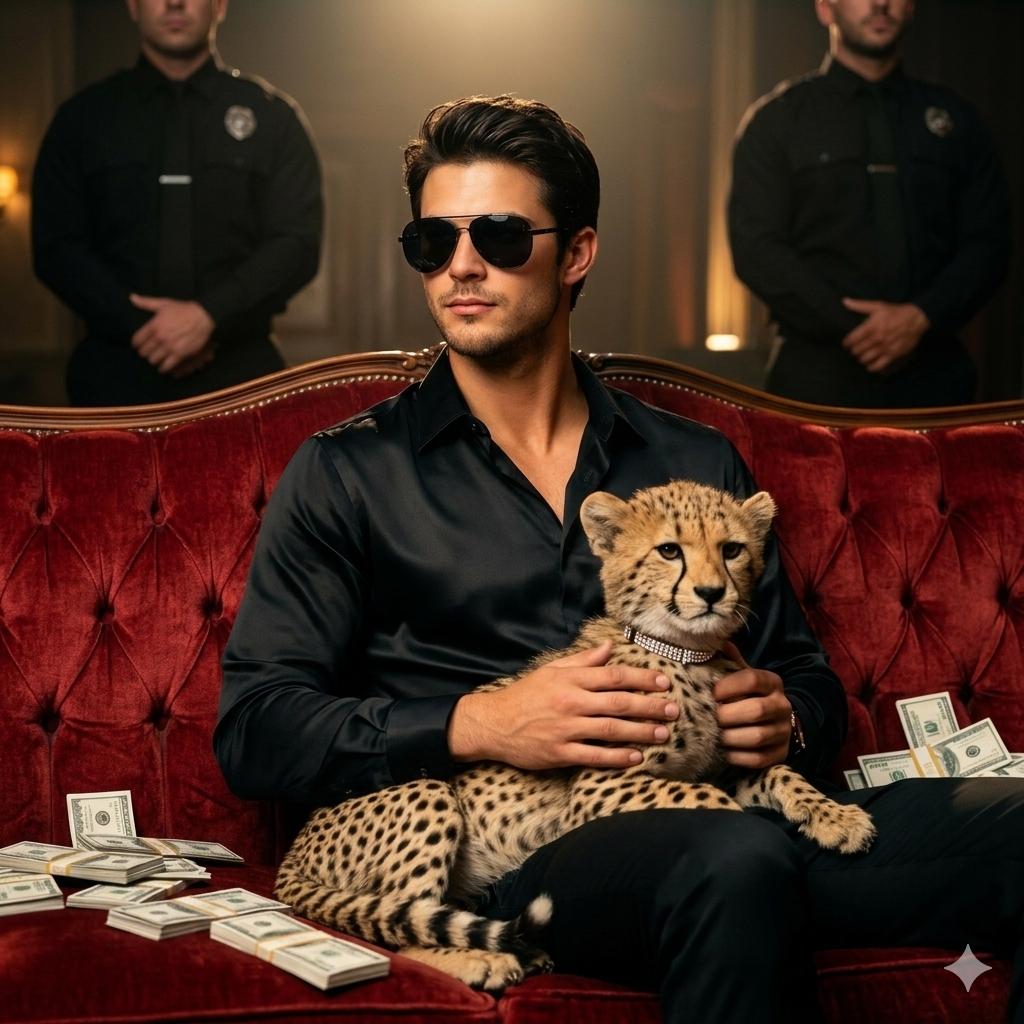
Champagne And Cash Toast
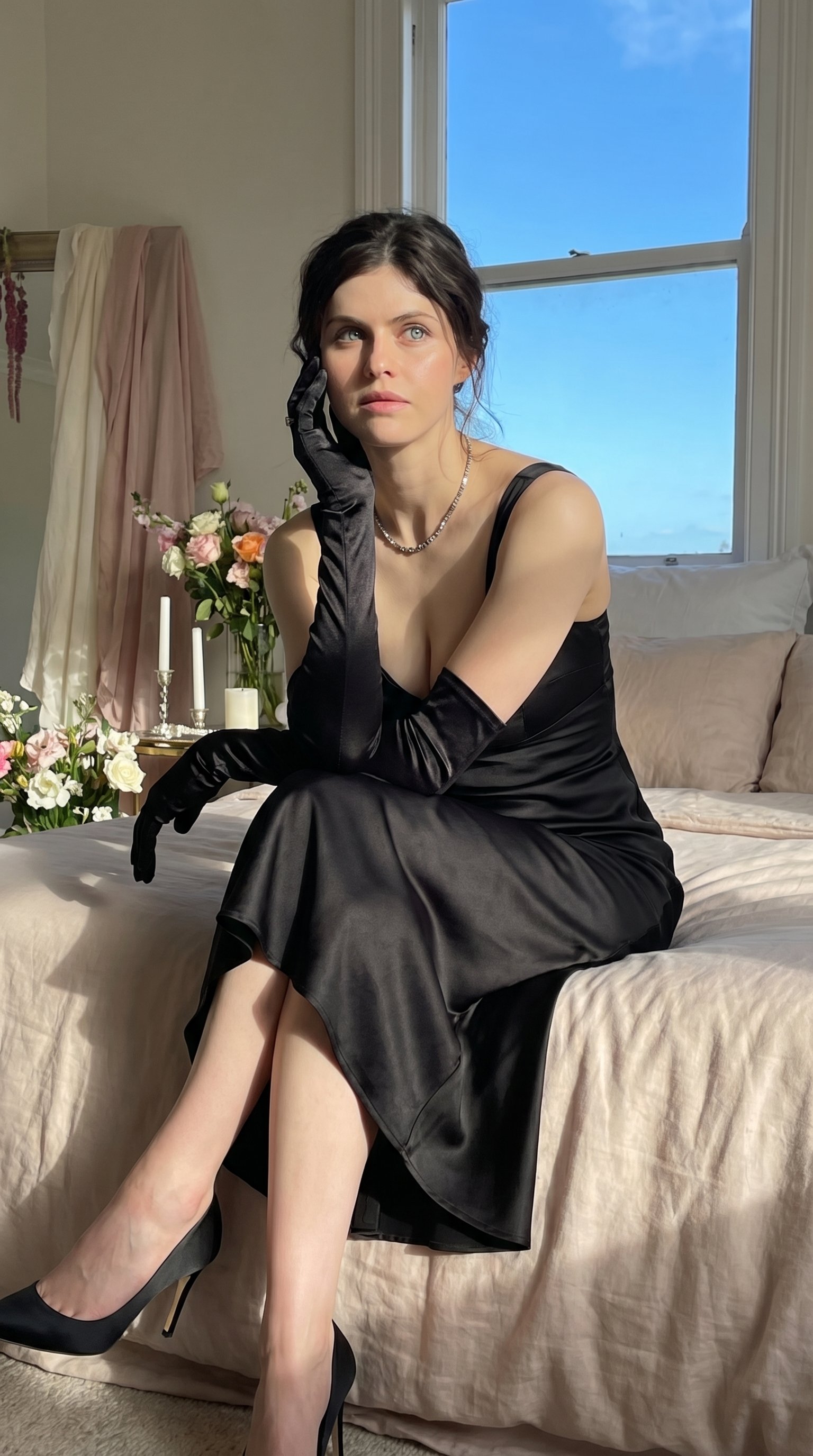
Quiet Luxury - Alexandra Daddario (Nano Banana)
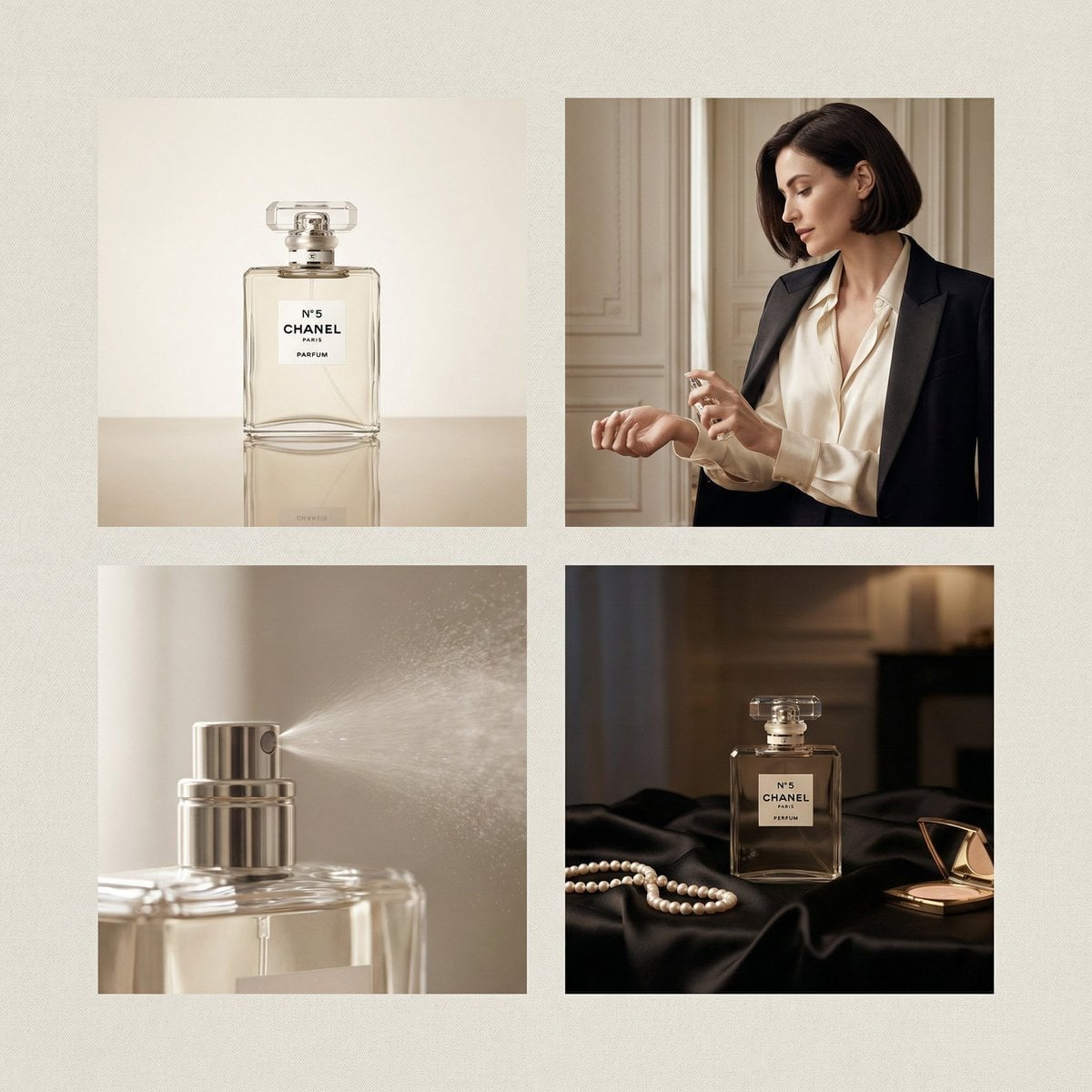
Chanel Perfume 2x2 Grid Luxury Campaign
Luxury Monochrome Wedding Invitation
Luxury Chinese Wedding Invitation
Luxury Brand Campaign Portrait

Sealing Wax Letter Desk

Ballroom Floor Reflections

Vintage Camera Leather Case
Make it yours
Luxury Champagne Wedding Campaign Image-to-Image Prompt for Nano Banana 2 works as-is. These are the safest ways to change it without losing the look.
Change one field
Copy a single group, rewrite it, and generate again so you can see what that field is doing.
Keep the frame, change the subject
Hold the composition and light of Luxury Champagne Wedding Campaign Image-to-Image Prompt for Nano Banana 2, then swap wardrobe, props or the person for a new take.
| If the result… | Why | Fix |
|---|---|---|
| The result drifts from the preview | Too many fields changed at once. | Reuse Luxury Champagne Wedding Campaign Image-to-Image Prompt for Nano Banana 2 as-is first, then change one group — subject, light, or setting. |
| The model over-stylizes the scene | The prose prompt leaves finish and camera underspecified. | Add one camera or lighting sentence and stay on Nano Banana 2. |
More Nano Banana 2 templates
Other prompts made for Nano Banana 2.

Photorealistic Leaf Shaped Like a Dragon

K-Pop Idol Portrait Grid for Rapid Selection

Poetic Rain Forest Portrait During Golden Hour

Urban Street Portrait with Cartoon Inner Self Duo

Candid Nighttime Photo with Cat Prompt

High-Concept 3D Diorama Generation Prompt

Cinematic Futuristic Studio Portrait Template

Skincare Editorial Photography Collage Prompt

Hyper-Realistic Commercial Product Photography (Splash Effect)

Hyper-Realistic Nightclub Portrait Prompt
More image prompts
Fresh picks from across the catalog.
Precise Natural History Illustration Prompt: Chinese Peacock Butterfly
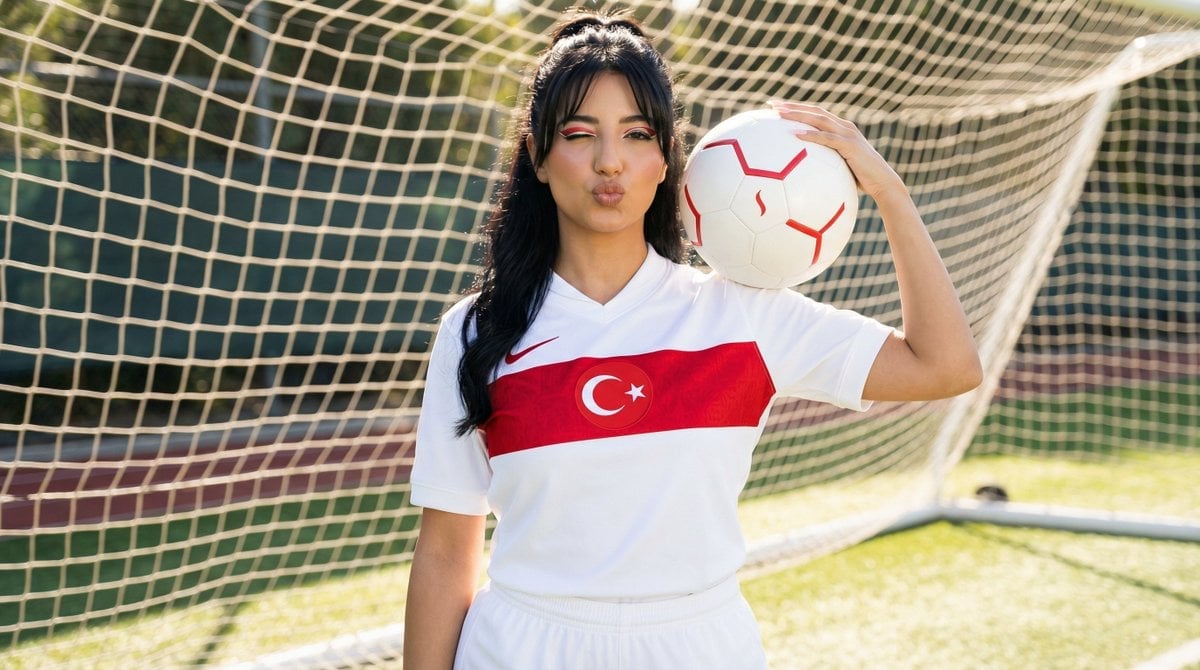
Sporty Outdoor Portrait with Turkey Soccer Kit
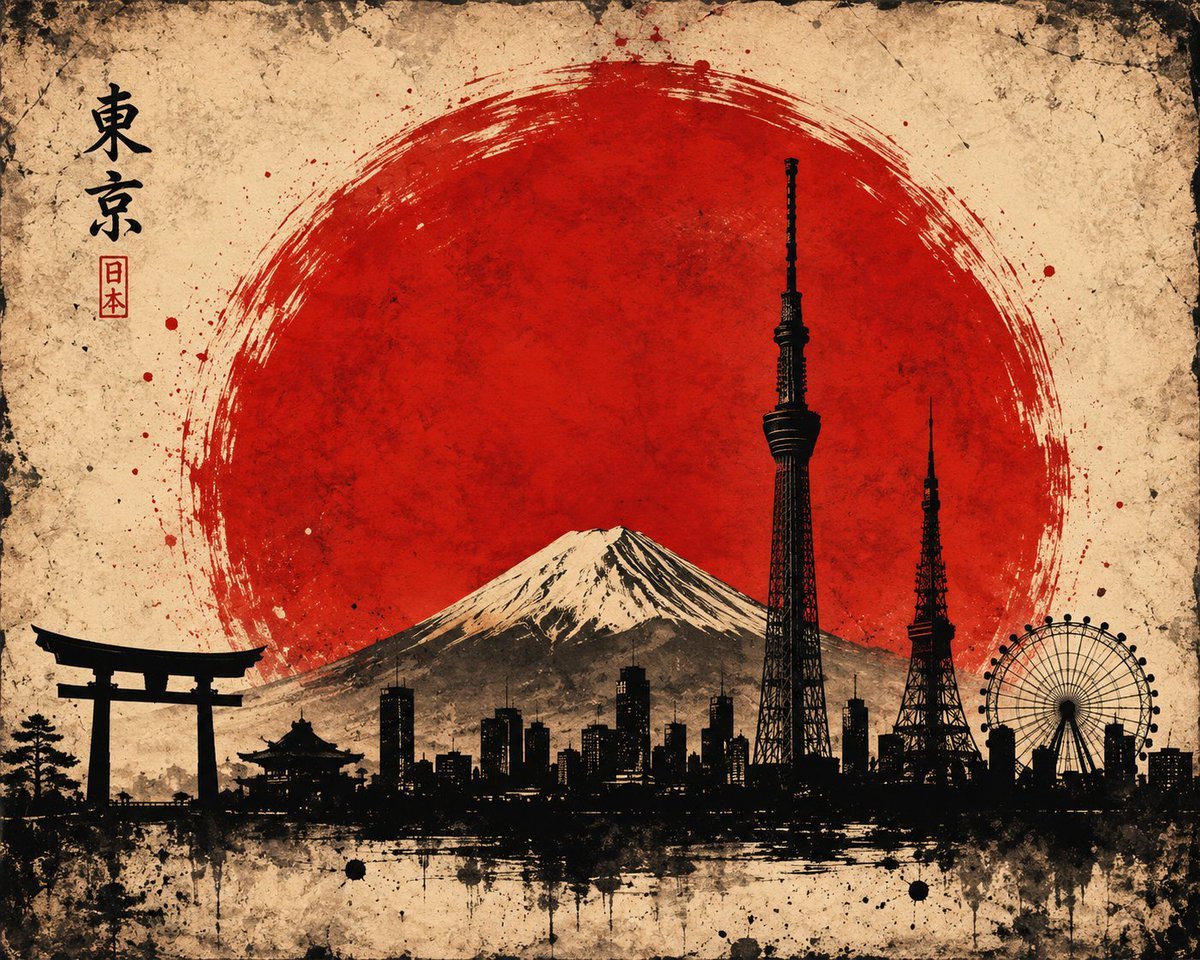
Vintage Brush Flag City Posters
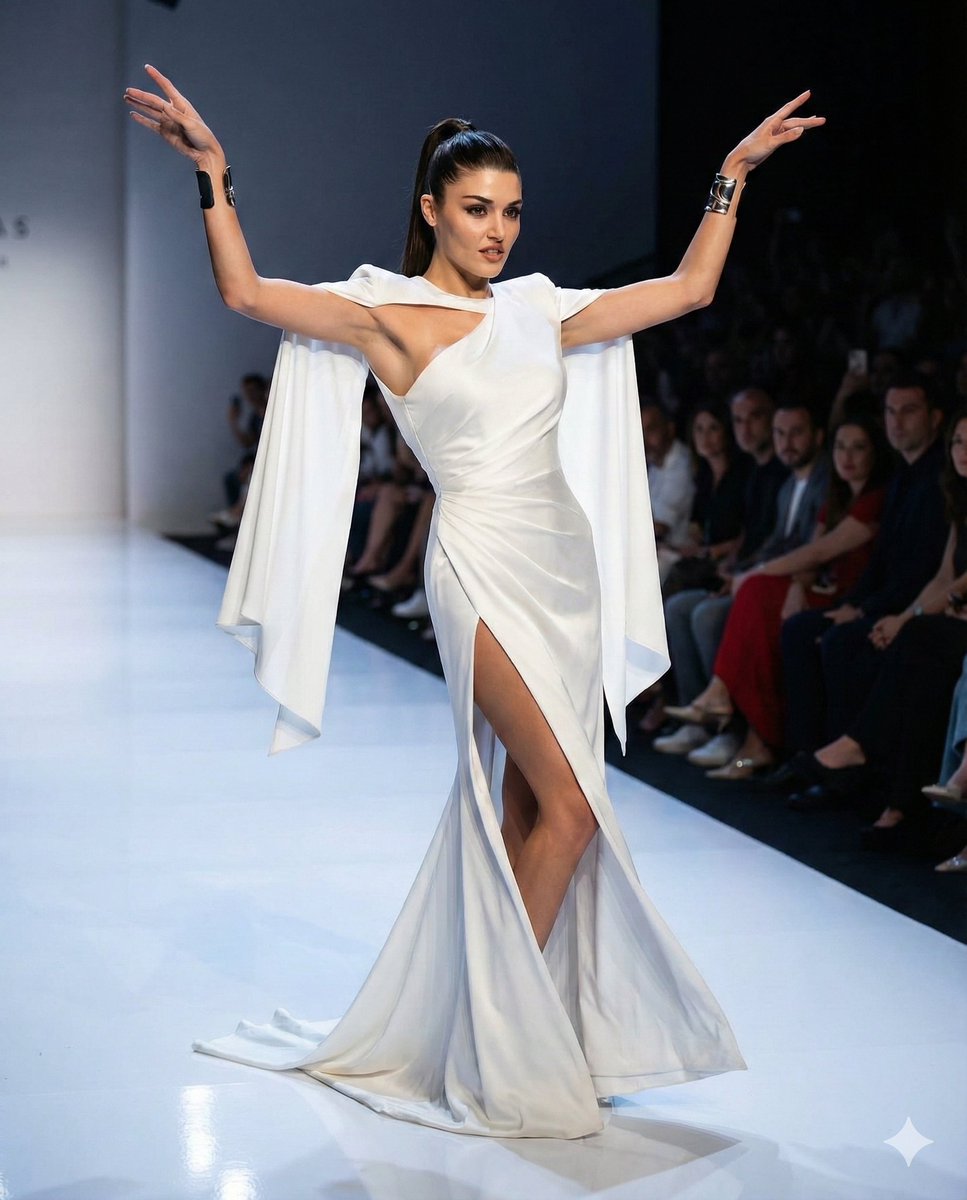
Couture Runway Fashion Editorial of Hande Ercel
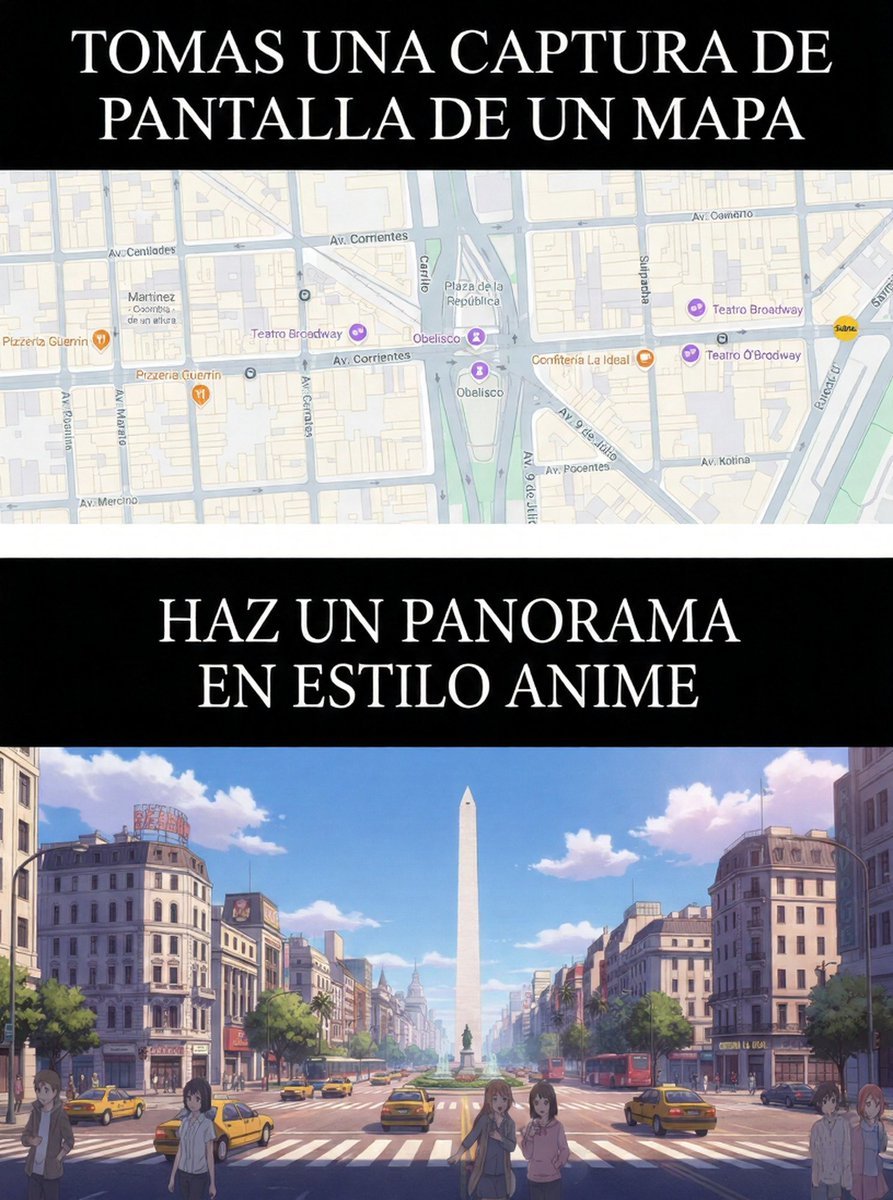
Map to Anime Panorama Conversion
Minimalist Sigil Logo Design
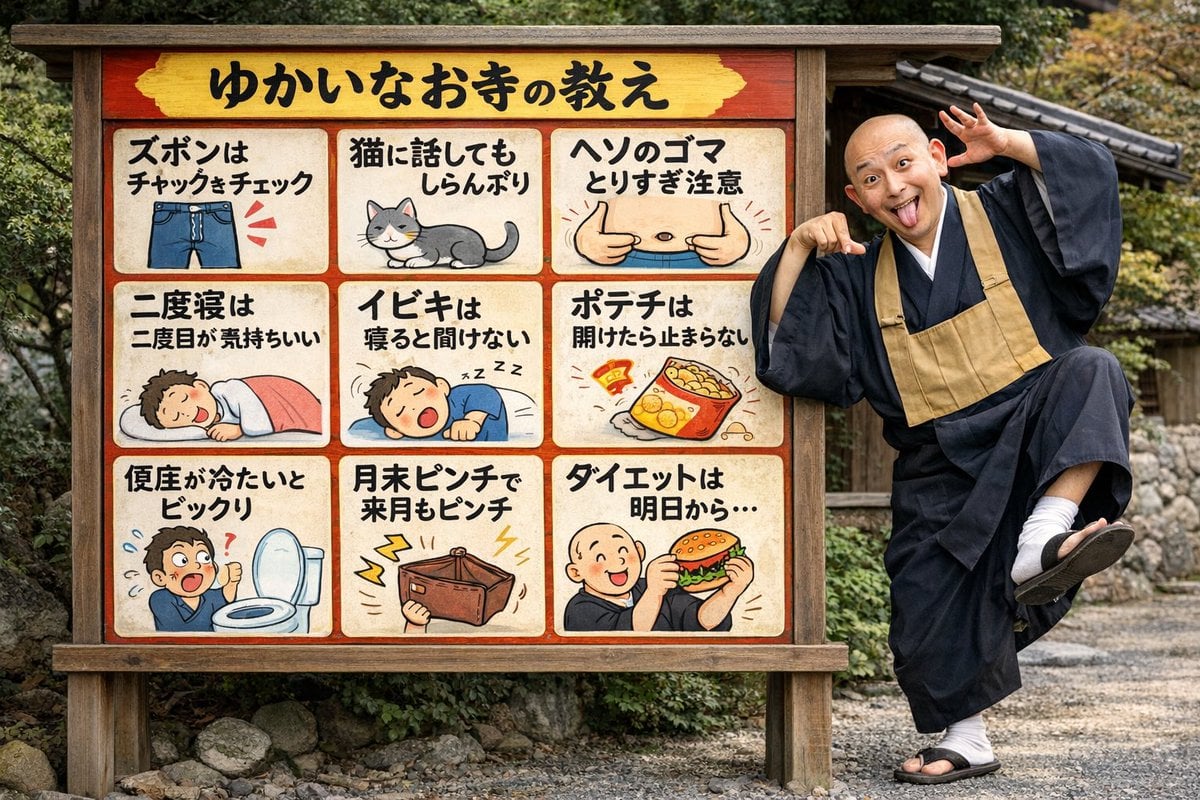
Humorous Temple Signboard with Goofy Monk
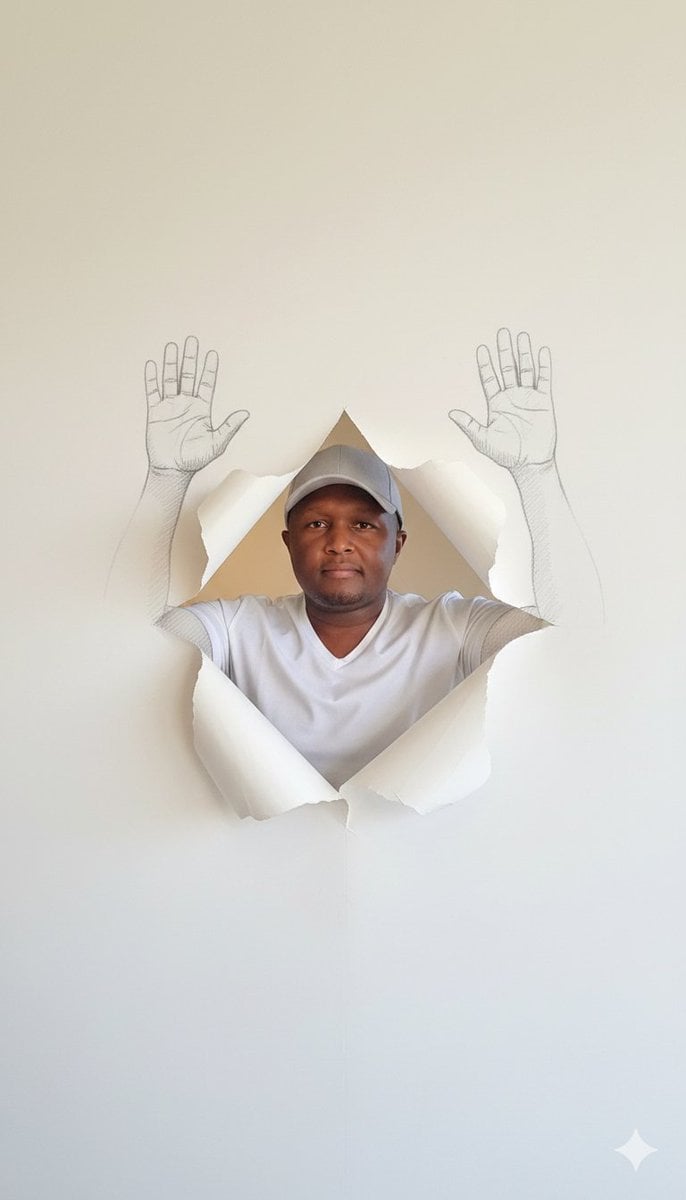
Surreal Portrait with Sketch Hands Emerging from Wallpaper
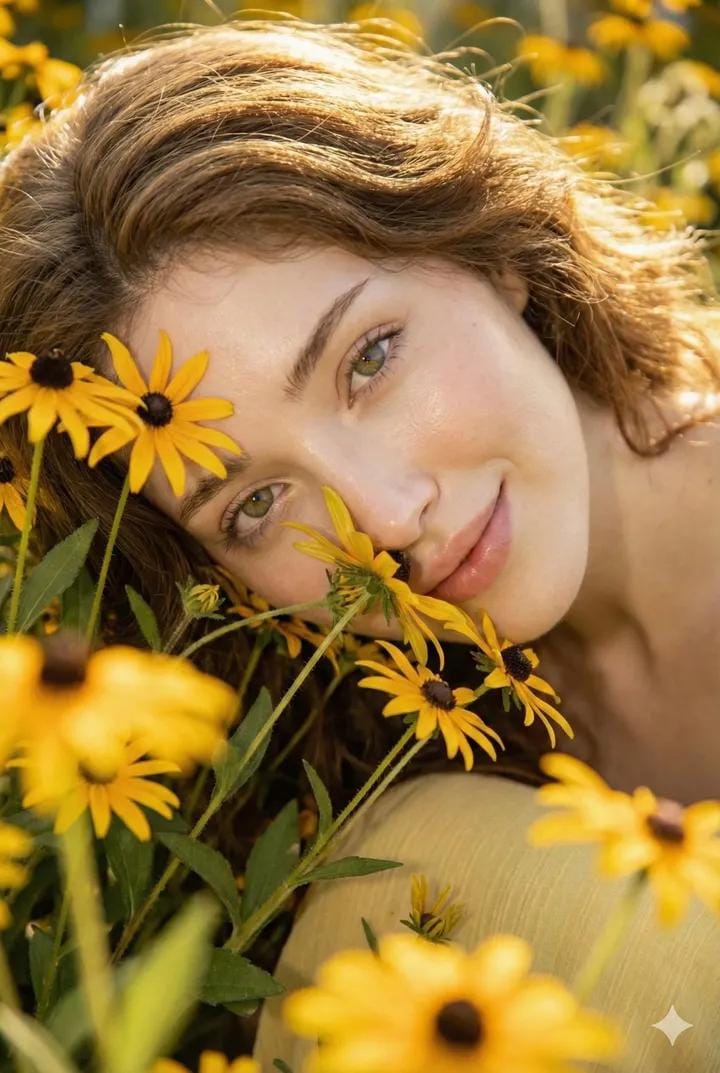
Cinematic Portrait with Harsh Flash and Floral Background (Duplicate)
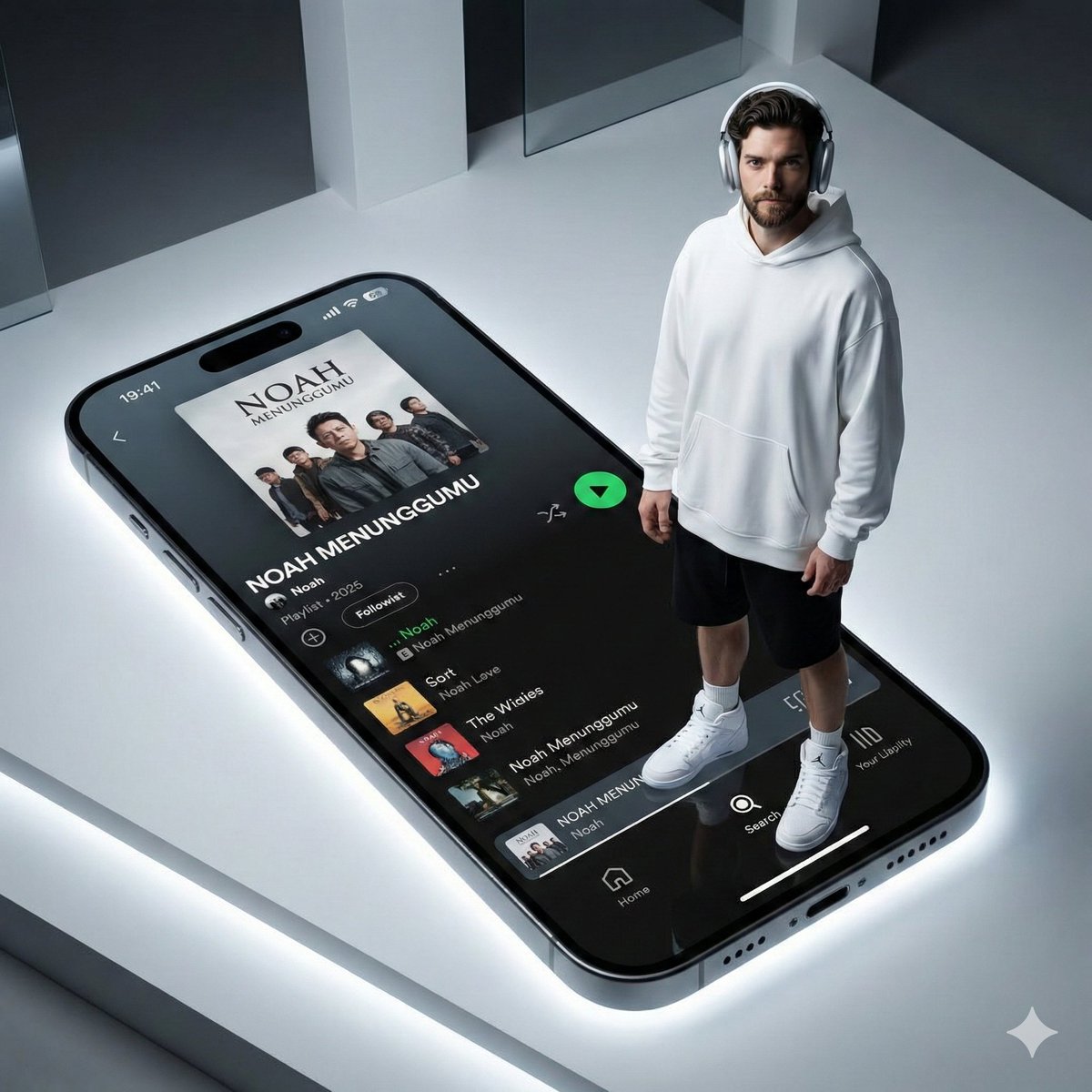
Futuristic Fashion Shot on Giant Smartphone Screen
Browse template categories
Luxury Champagne Wedding Campaign Image-to-Image Prompt for Nano Banana 2 questions
How do I use the Luxury Champagne Wedding Campaign Image-to-Image Prompt for Nano Banana 2 template?
Add your photo if the template asks for one, edit the prompt if you like — the template's model and format are already selected — and press Generate. Your version opens in PicX Studio.
Can I customize the Luxury Champagne Wedding Campaign Image-to-Image Prompt for Nano Banana 2 template?
Yes. You can change the subject, setting, lighting, mood, format, and available model controls before creating your image.
Is the Luxury Champagne Wedding Campaign Image-to-Image Prompt for Nano Banana 2 template free?
Opening and editing this template is free. Generating uses credits, shown on the Generate button when you are signed in.
Which AI model should I use?
Start with Nano Banana 2, which is the model associated with this template. You can compare another compatible model for a different finish.
Looking for something else? Browse all templates.

Your photo, any look
Thousands of ready templates for every top image and video model, from one credit balance.