
Vintage Brush Flag City Posters
A stylized prompt for creating vintage-style posters that combine national flags with city skylines using heavy brushstrokes and grunge textures.
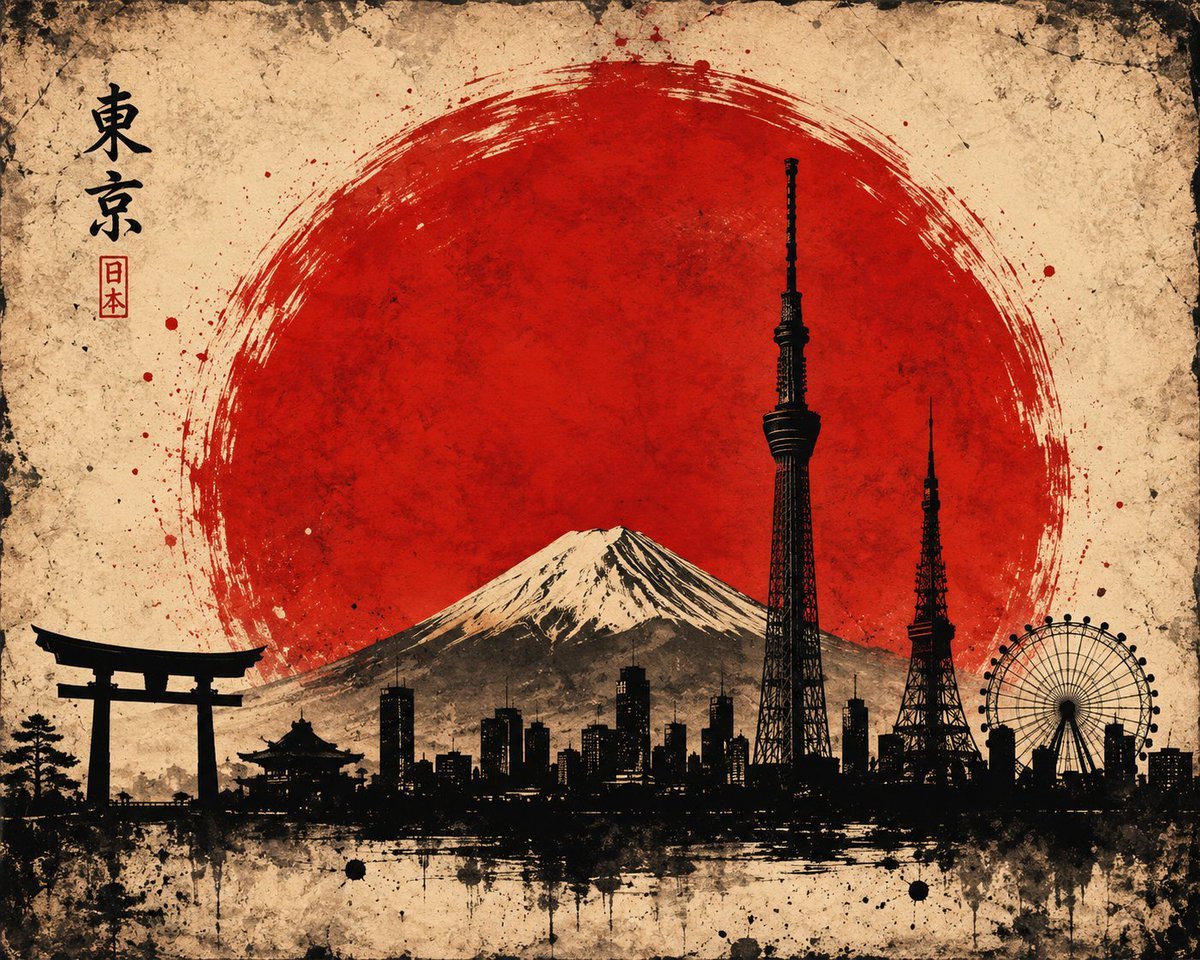
- Prompt included
- Model and format preset
- Free template
The prompt behind this image
Copy the exact prompt behind Vintage Brush Flag City Posters, or open it in the studio and make it yours.
A textured, grunge-style graphic illustration featuring the Australian flag as the background, rendered with heavy brushstrokes, paint splatters, and a vintage, weathered paper texture. In the foreground, a stark black silhouette skyline of Sydney, Australia is positioned along the bottom. The silhouette prominently features the Sydney Opera House and the Sydney Harbour Bridge on the left, alongside various city skyscrapers and the Sydney Tower Eye. The Union Jack in the canton and the Southern Cross stars are clearly visible, integrated seamlessly into the distressed paint texture of the flag. High contrast, artistic, patriotic theme. Create a picture of A minimalist silhouette skyline of Tokyo, featuring the Tokyo Skytree, Tokyo Tower, a Ferris wheel, and a Torii gate on the far left. In the center background, Mount Fuji with a snow-capped peak is visible. Behind the entire skyline is a massive, vibrant red sun rendered in a bold, textured Japanese ink wash brushstroke style (sumi-e). The background is a distressed, vintage beige parchment texture with artistic paint splatters and rough borders. The overall aesthetic is a fusion of modern cityscape and traditional Japanese grunge art, high contrast, black silhouettes against a red and cream background.
How to use Vintage Brush Flag City Posters in 3 steps
- 1
Open
The prompt is already in the box next to the preview, with the template's model and format selected.
- 2…a portrait of your subject in softgolden-hour light, 85mm…
Personalize
Edit the subject and creative details for your destination.
- 3Generate
Generate
Press Generate — your image is created in PicX Studio, so you can compare it with the original and refine one variable at a time.
More like this
Templates with the same subject, style or setup. Open one to see its prompt.











Make it yours
Vintage Brush Flag City Posters works as-is. These are the safest ways to change it without losing the look.
Change one field
Copy a single group, rewrite it, and generate again so you can see what that field is doing.
Keep the frame, change the subject
Hold the composition and light of Vintage Brush Flag City Posters, then swap wardrobe, props or the person for a new take.
| If the result… | Why | Fix |
|---|---|---|
| The result drifts from the preview | Too many fields changed at once. | Reuse Vintage Brush Flag City Posters as-is first, then change one group — subject, light, or setting. |
| The model over-stylizes the scene | The prose prompt leaves finish and camera underspecified. | Add one camera or lighting sentence and stay on GPT Image 2. |
More GPT Image 2 templates
Other prompts made for GPT Image 2.

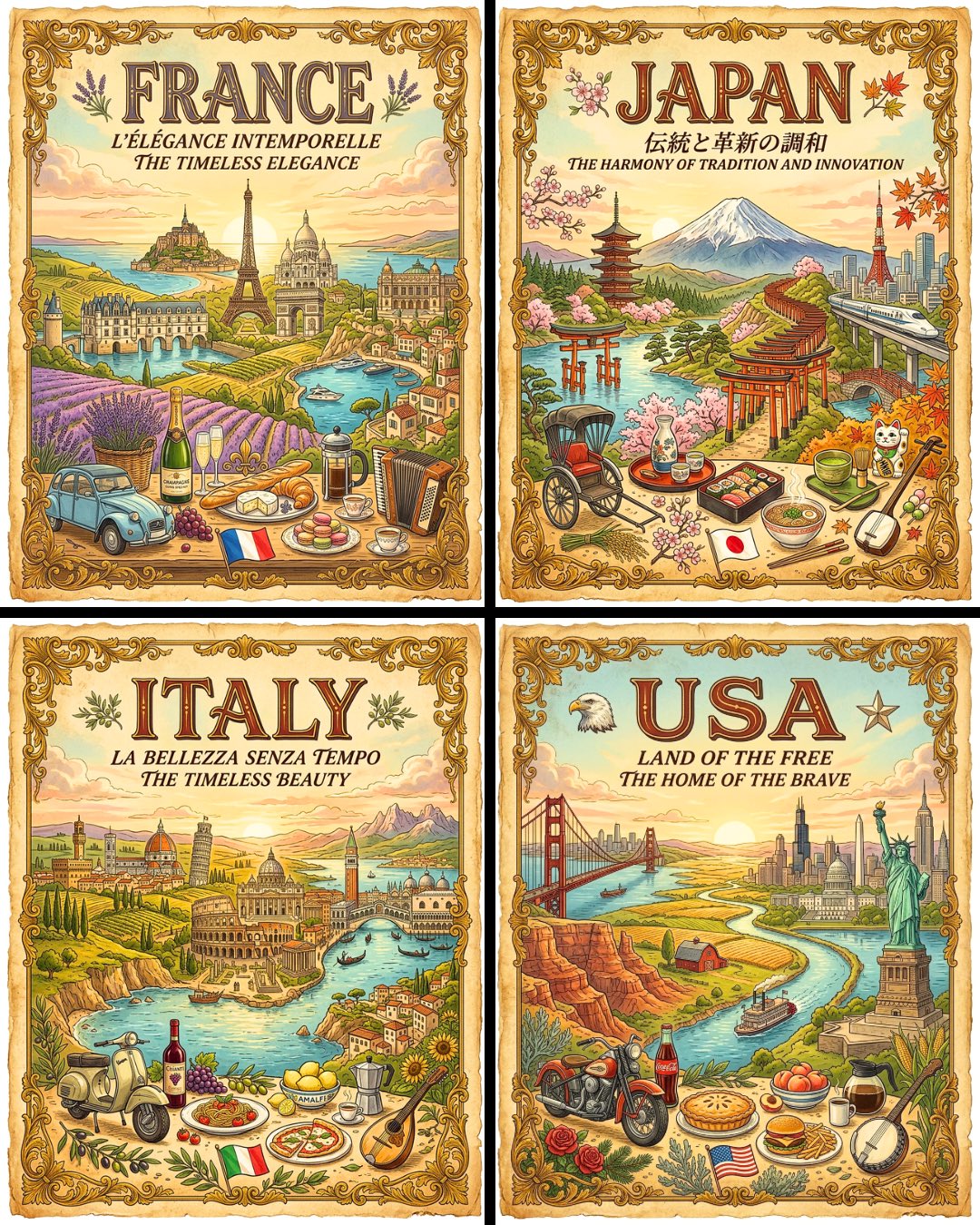
Six VTuber Japanese Logo Sheet

Realistic Portrait of Woman and Deer

The Vista Modular Condo Poster

AI Model Routing Comparison Infographic

2.5D Anime Art Board

Isometric Productivity Desk Scene

New York Double Exposure Poster

Four-Panel AI Landscape Comparison

Japanese Tatami Lifestyle Magazine Cover

NESCAFÉ Coffee Map Poster
More image prompts
Fresh picks from across the catalog.

Soft Intimate Mirror Selfie (Reference-Based Generation)
Anime Girl Reaching Toward Cat

Goth Style Transformation
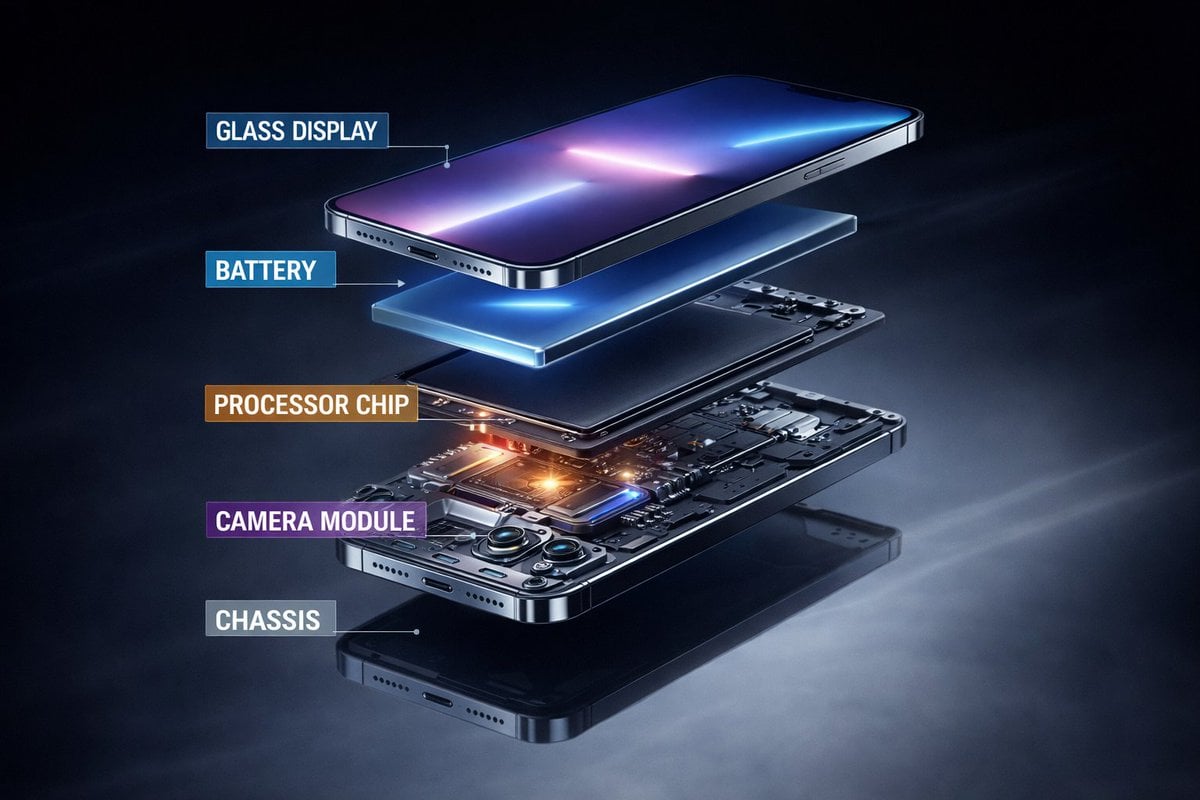
Ultra-Premium Futuristic Smartphone Product Photo
Hyper-Realistic Commercial Food Photography
3D Cinematic Character Render with Adaptive Magic Aura

Blonde Woman Backless Dress Portrait Prompt
Rustic Fruit Tart Floating in a Dream Orchard (Video Prompt)
Cinematic Melancholic Portrait with Face Lock Prompt
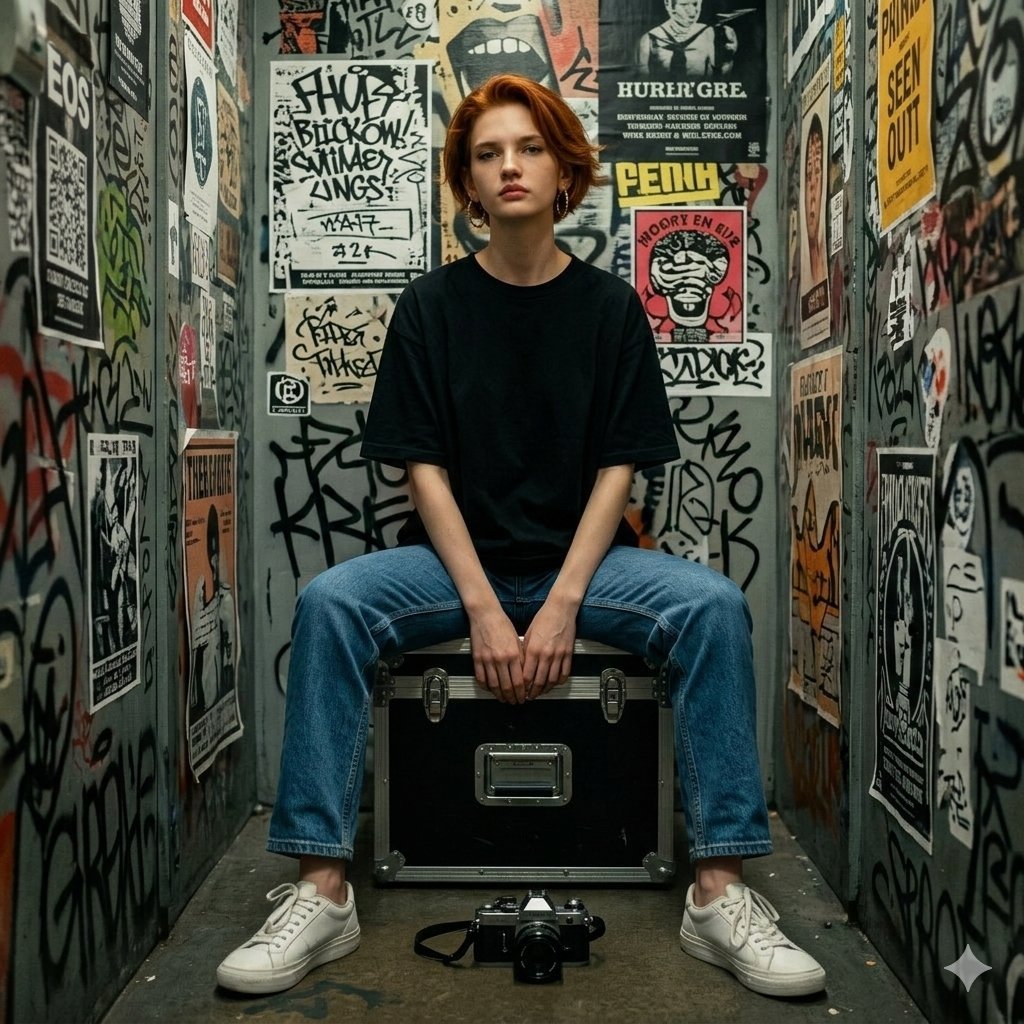
Hyper-realistic Portrait in Graffiti Room
Browse template categories
Vintage Brush Flag City Posters questions
How do I use the Vintage Brush Flag City Posters template?
Add your photo if the template asks for one, edit the prompt if you like — the template's model and format are already selected — and press Generate. Your version opens in PicX Studio.
Can I customize the Vintage Brush Flag City Posters template?
Yes. You can change the subject, setting, lighting, mood, format, and available model controls before creating your image.
Is the Vintage Brush Flag City Posters template free?
Opening and editing this template is free. Generating uses credits, shown on the Generate button when you are signed in.
Which AI model should I use?
Start with GPT Image 2, which is the model associated with this template. You can compare another compatible model for a different finish.
Looking for something else? Browse all templates.

Your photo, any look
Thousands of ready templates for every top image and video model, from one credit balance.