
3D Cinematic Character Render with Adaptive Magic Aura
A master prompt template for generating a full-body 3D cinematic render of an existing character.
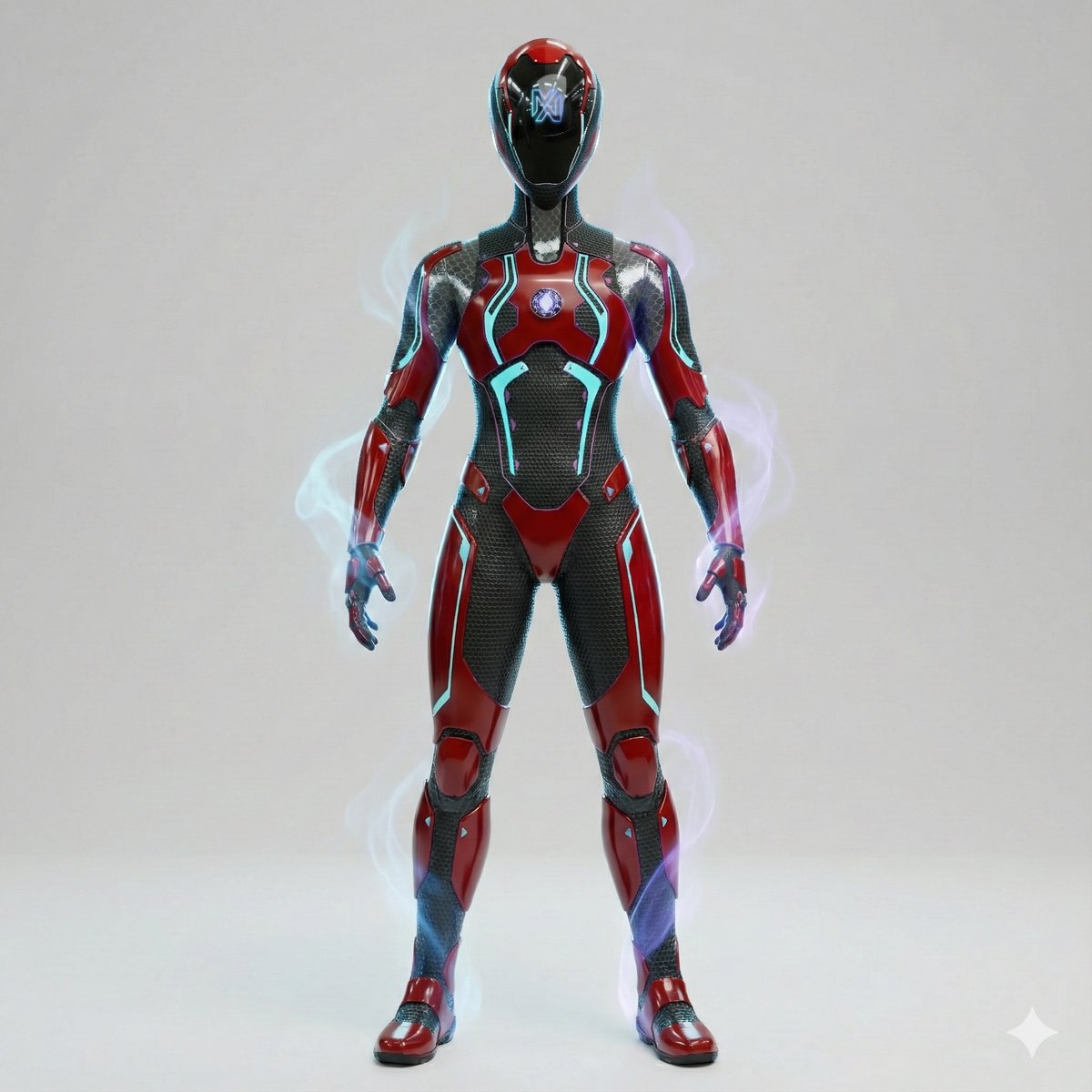
- Prompt included
- Model and format preset
- Free template
The prompt behind this image
Copy the exact prompt behind 3D Cinematic Character Render with Adaptive Magic Aura, or open it in the studio and make it yours.
Create a full-body 3D cinematic render of the attached reference character, strictly preserving the original identity, design language, and color palette of the uploaded image, while adding subtle magical power effects as accent details only. Color Direction (CRITICAL — FOLLOW REFERENCE EXACTLY) The entire character color palette must be derived directly from the reference image Maintain the same: primary colors contrast levels saturation balance material finishes DO NOT introduce new dominant colors DO NOT globally darken or color-grade the character Character must remain clean, sharp, and high-contrast, never muddy or washed Magical Aura (ADAPTIVE & RANDOMIZED — ACCENT ONLY) Add a subtle magical aura that: automatically adapts to the reference character’s aesthetic uses a random accent color that complements (not overrides) the original palette Aura appears as: thin energy wisps soft smoke-like trails faint arcane particles gentle glow around hands, shoulders, feet, or back Aura is: semi-transparent low-to-medium intensity elegant and contained, not explosive Aura must never recolor armor, skin, or outfit No heavy fog, no color wash, no neon flooding Character Preservation Full body visible, head to toe Exact proportions, silhouette, and identity preserved No redesigns, no stylization changes Facial coverage, helmets, masks, or headgear remain unchanged Hair / Head Details (If Visible in Reference) Hair visibility, length, color, and style must match the reference Hair color remains exactly as in the source image No tinting from aura or lighting High-detail realistic strands with natural highlights Armor / Outfit / Surface Materials Materials must match the reference: metal stays metal fabric stays fabric organic surfaces stay organic No color changes No fantasy recoloring Emblems, symbols, and markings retain original colors Pose & Body Language Natural, confident, controlled stance Calm power presence Balanced posture, not aggressive or exaggerated Camera & Framing Full-body shot Slight low-angle for presence Centered, clean composition No cropping Background Clean {argument name="background color" default="white"}, light gray, or neutral studio background No environmental colors Aura clearly readable against background Lighting Professional studio lighting Focus on: material clarity sharp silhouette surface detail Any colored rim light comes only from aura No color bleeding Render Style High-quality 3D cinematic render Unreal Engine / game-ready realism Sharp geometry, clean topology No stylized filters No post color grading Negative Prompt (STRICT) Avoid: new color palettes color grading muddy blacks low contrast neon effects fantasy color wash aura overpowering character text, logos, watermarks Quality Tags Ultra-high resolution, reference-accurate, cinematic 3D, sharp contrast, adaptive magic aura, premium character render, clean studio look
How to use 3D Cinematic Character Render with Adaptive Magic Aura in 3 steps
- 1Upload ImagePNG, JPG or paste
Add your photo
Upload the photo the template builds on. The prompt, model and format are already set.
- 2…a portrait of your subject in softgolden-hour light, 85mm…
Personalize
Edit the subject and creative details for your destination.
- 3Generate
Generate
Press Generate — your image is created in PicX Studio, so you can compare it with the original and refine one variable at a time.
More like this
Templates with the same subject, style or setup. Open one to see its prompt.

Miniature Travel Diorama Postcard

Anime Happily Ever After Sky

Anime Stained Glass Prayer

Anime White Horse Escape

Anime Golden Spinning Straw

Anime Gingerbread Cottage

Anime Bean Stalk Climb

Anime Seafoam Transformation

Anime Shoe Fitting Trial

Anime Beast Library Night

Anime Poison Apple Offer
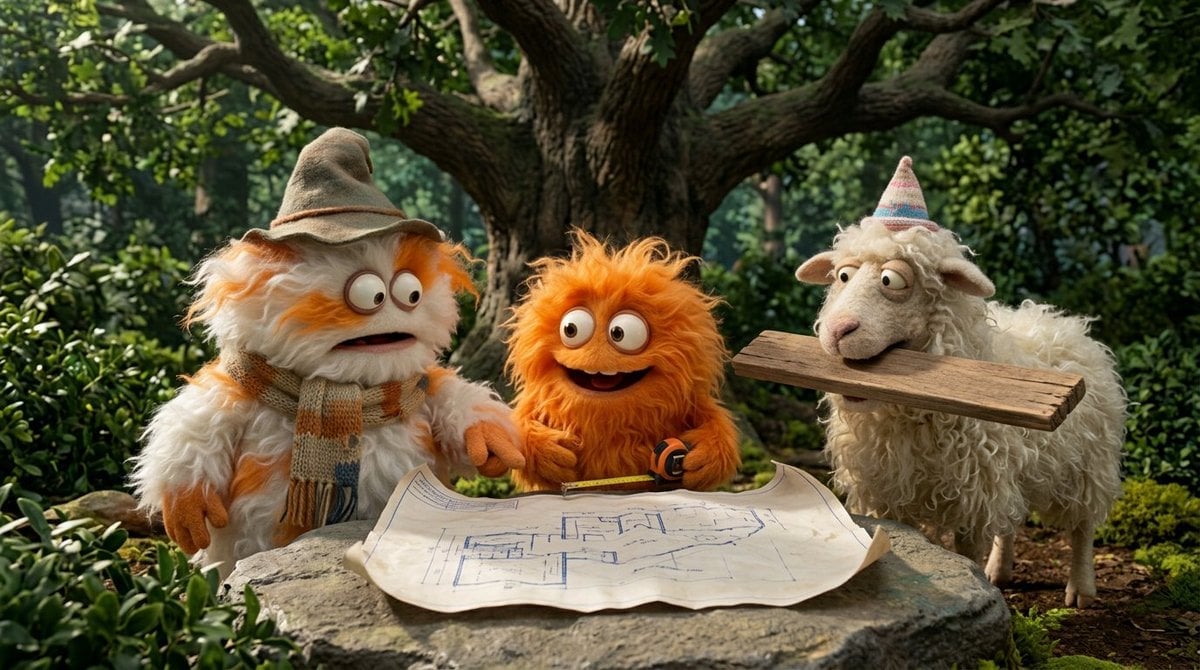
Anime Frozen Fountain Kiss
Make it yours
3D Cinematic Character Render with Adaptive Magic Aura works as-is. These are the safest ways to change it without losing the look.
Change one field
Copy a single group, rewrite it, and generate again so you can see what that field is doing.
Keep the frame, change the subject
Hold the composition and light of 3D Cinematic Character Render with Adaptive Magic Aura, then swap wardrobe, props or the person for a new take.
| If the result… | Why | Fix |
|---|---|---|
| The result drifts from the preview | Too many fields changed at once. | Reuse 3D Cinematic Character Render with Adaptive Magic Aura as-is first, then change one group — subject, light, or setting. |
| The model over-stylizes the scene | The prose prompt leaves finish and camera underspecified. | Add one camera or lighting sentence and stay on Nano Banana 2. |
More Nano Banana 2 templates
Other prompts made for Nano Banana 2.

Photorealistic Leaf Shaped Like a Dragon

K-Pop Idol Portrait Grid for Rapid Selection

Poetic Rain Forest Portrait During Golden Hour

Urban Street Portrait with Cartoon Inner Self Duo

Candid Nighttime Photo with Cat Prompt

High-Concept 3D Diorama Generation Prompt

Cinematic Futuristic Studio Portrait Template

Skincare Editorial Photography Collage Prompt

Hyper-Realistic Commercial Product Photography (Splash Effect)

Hyper-Realistic Nightclub Portrait Prompt
More image prompts
Fresh picks from across the catalog.
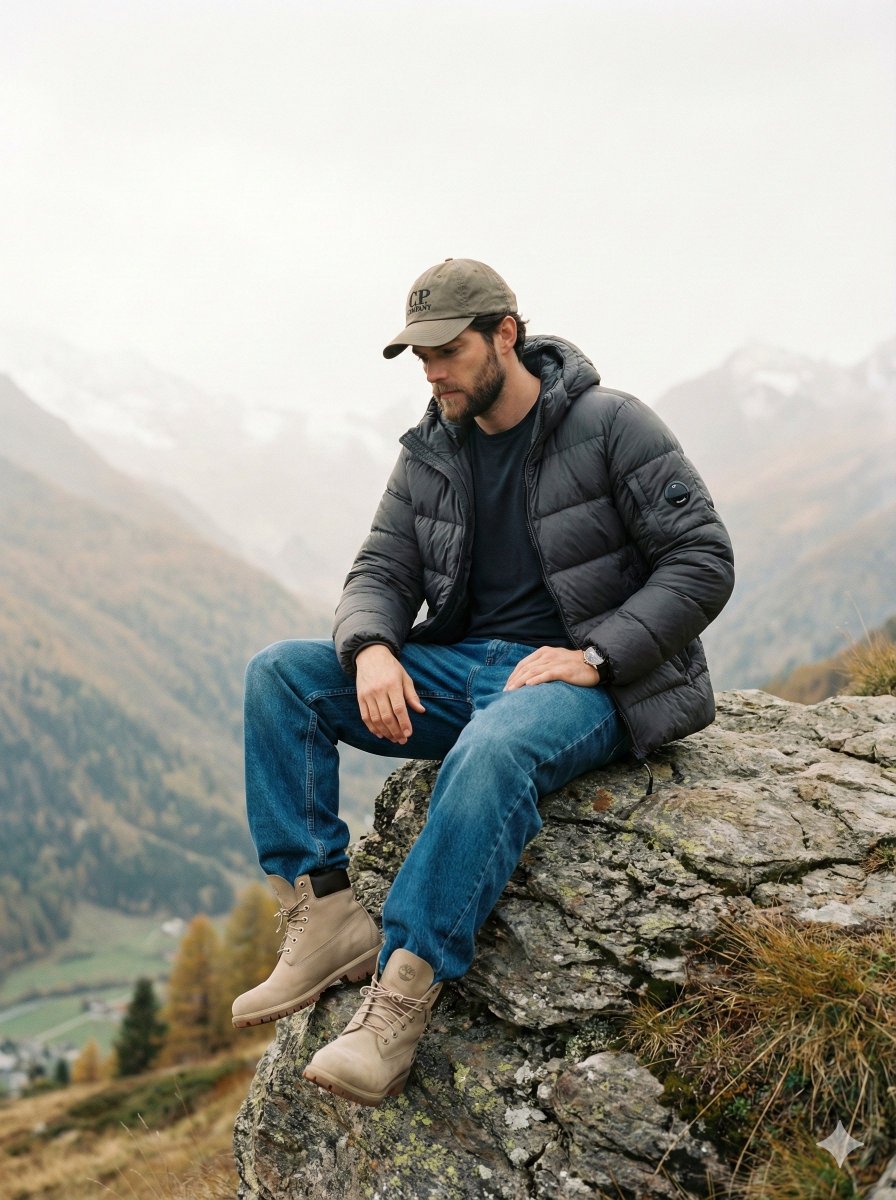
Cinematic Fashion Editorial Image Prompt for Male Subject in Swiss Alps
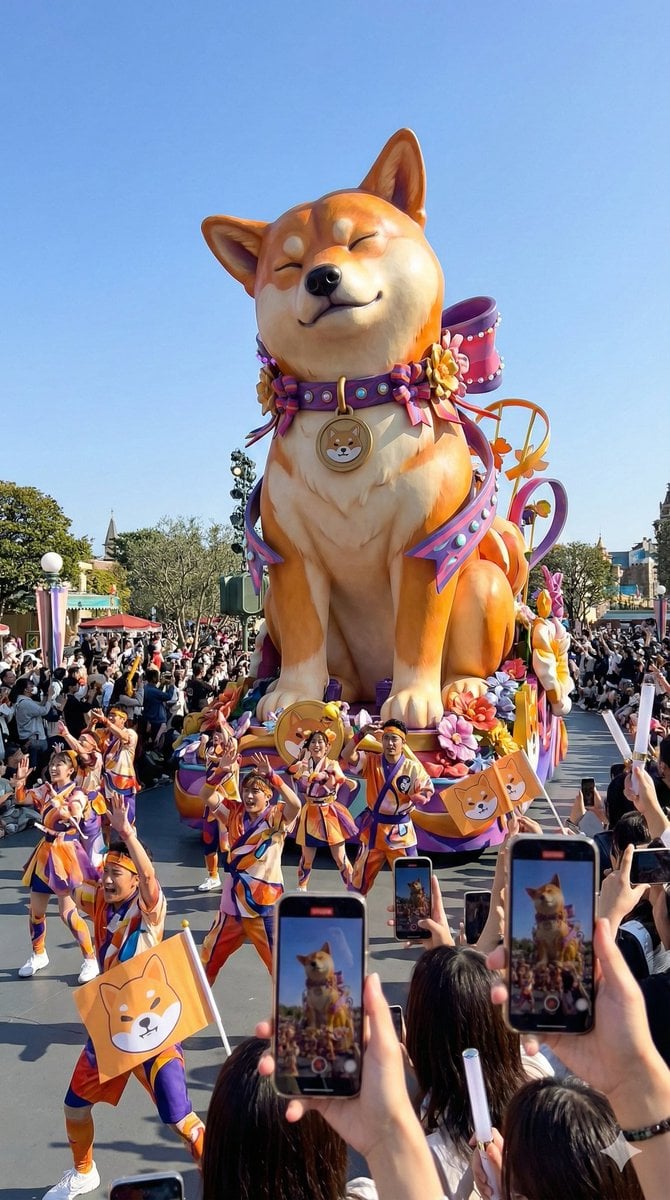
Theme Park Parade Float Generation Prompt for Nano banana Pro
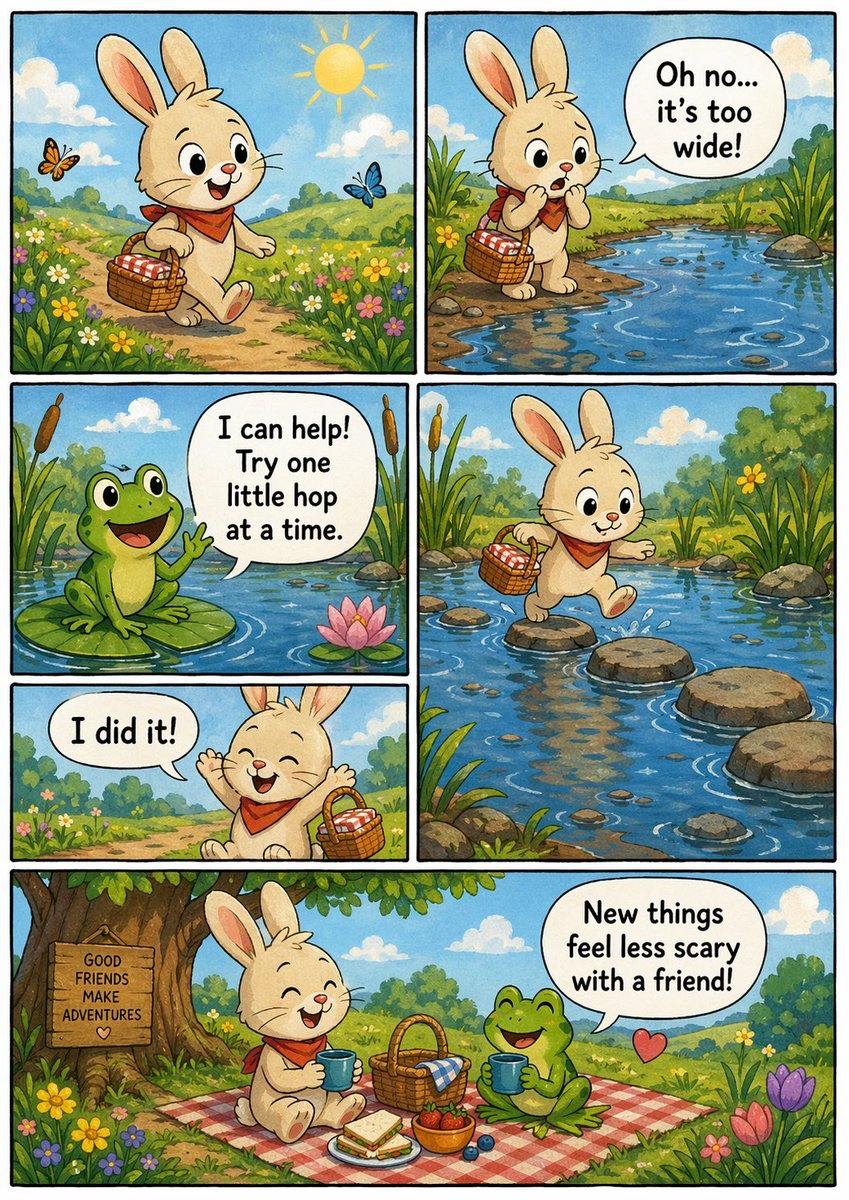
Indie Comic Book Page
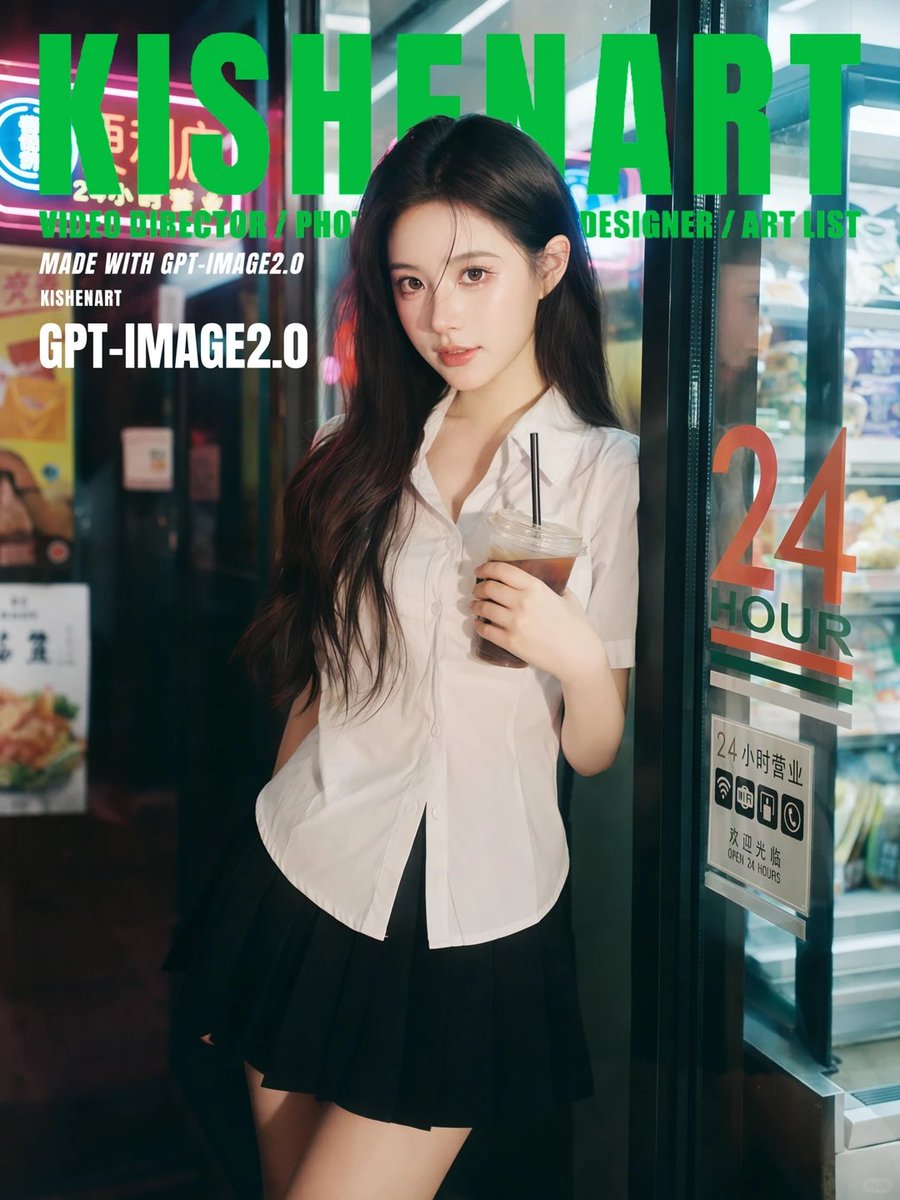
Ultra-Realistic 35mm Film Portrait
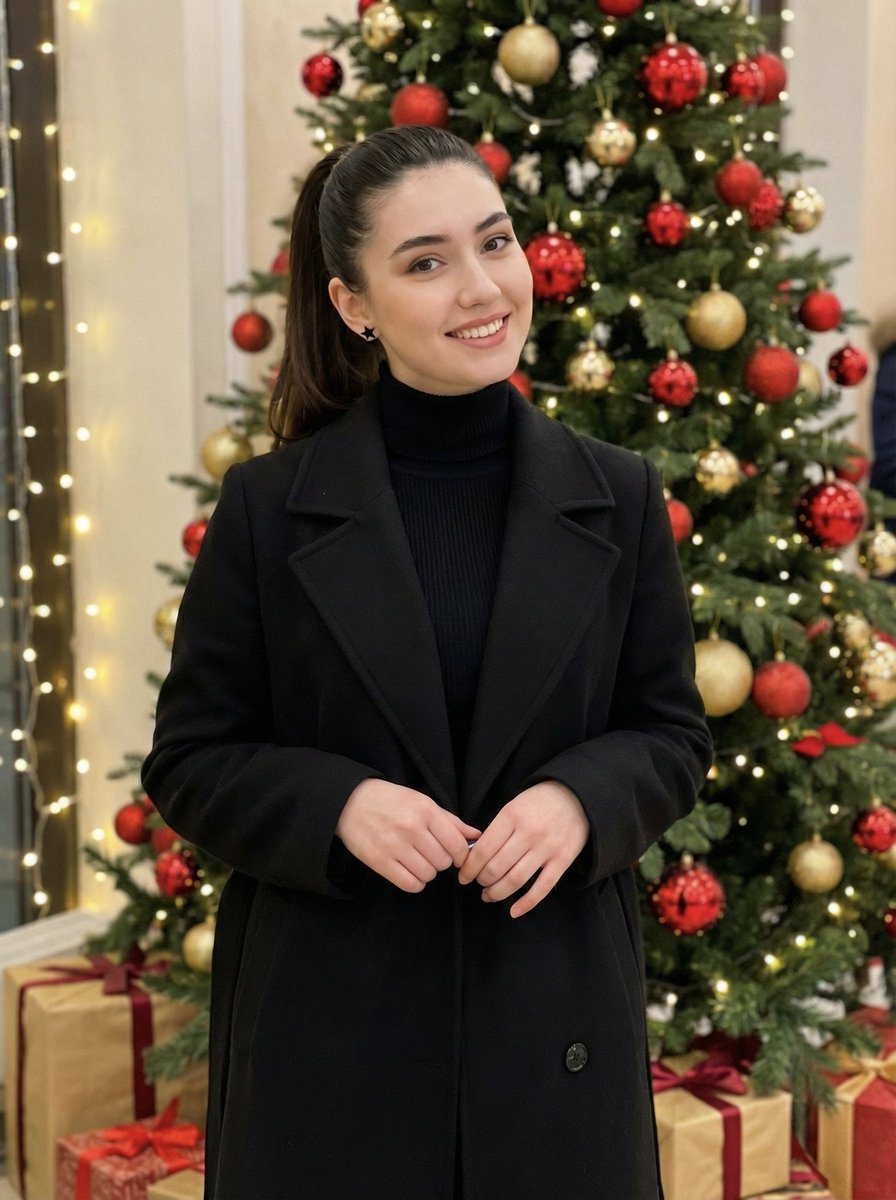
Holiday Elegance Portrait with Face Reference
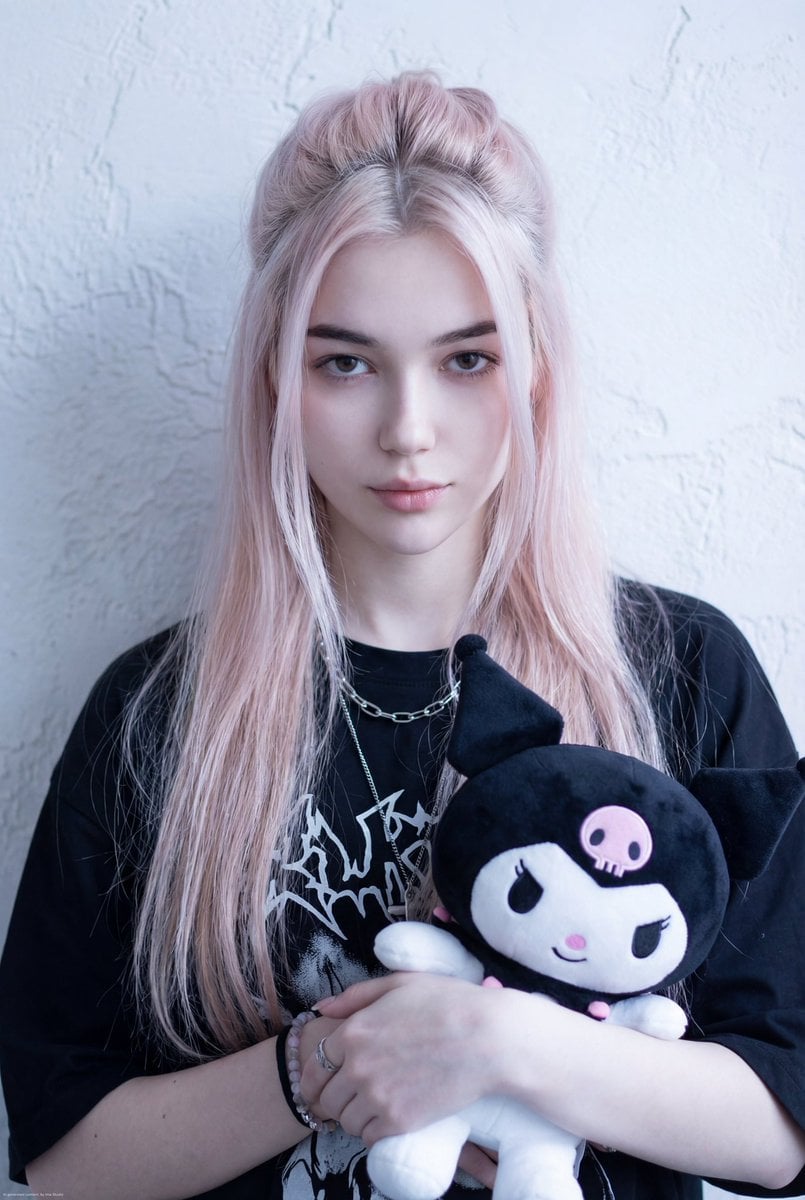
Kuromi Influencer Portrait Prompt for Nano Banana Pro
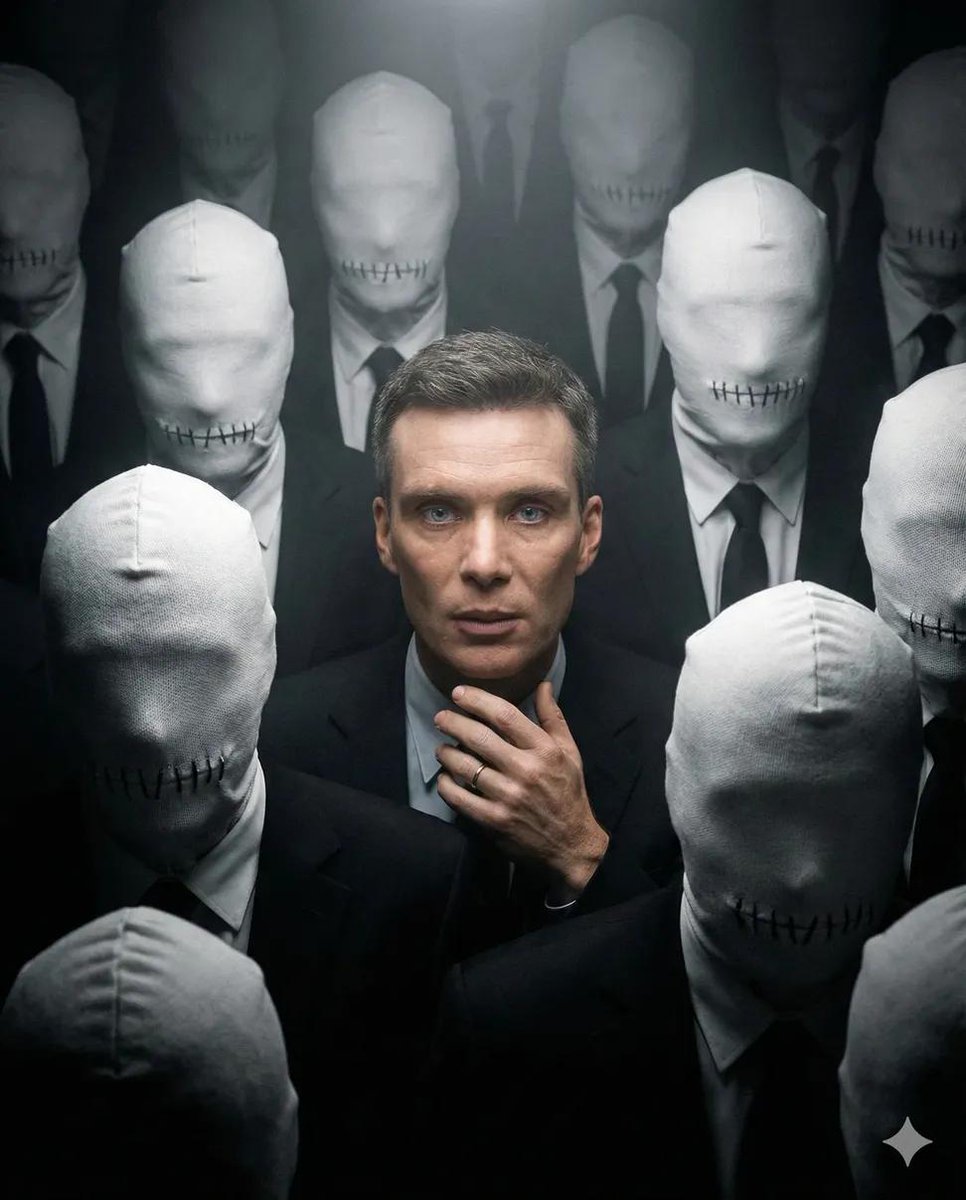
Surreal Dystopian Conceptual Portrait Prompt (Facial Lock)
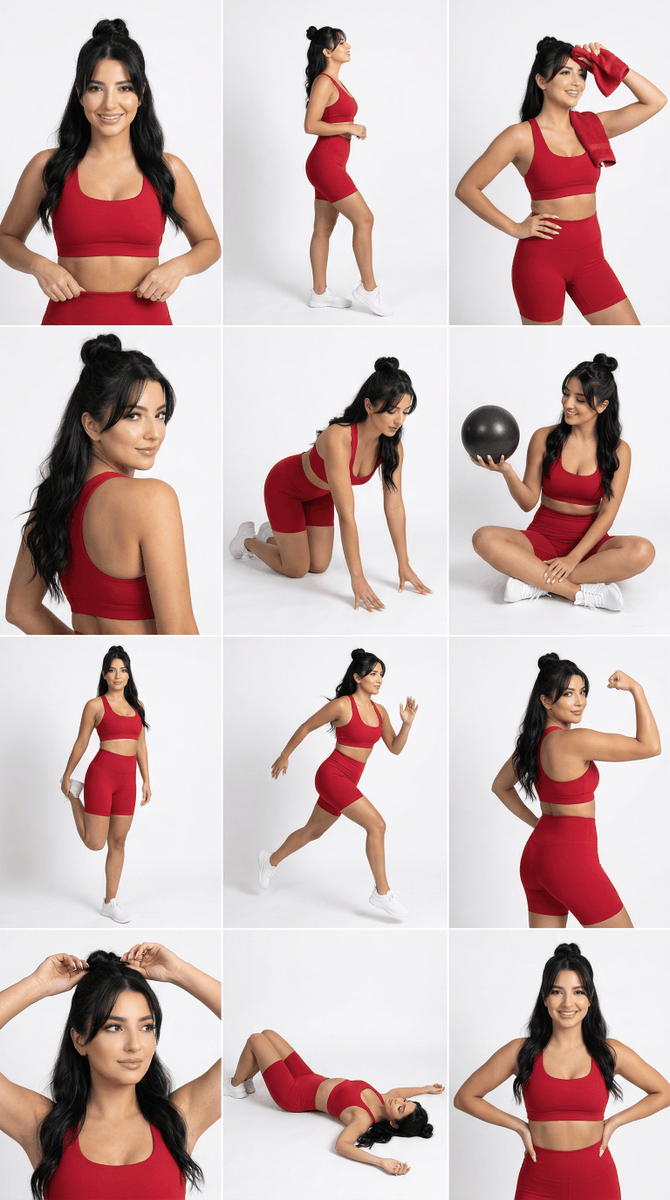
Strict Identity Activewear Grid Generation
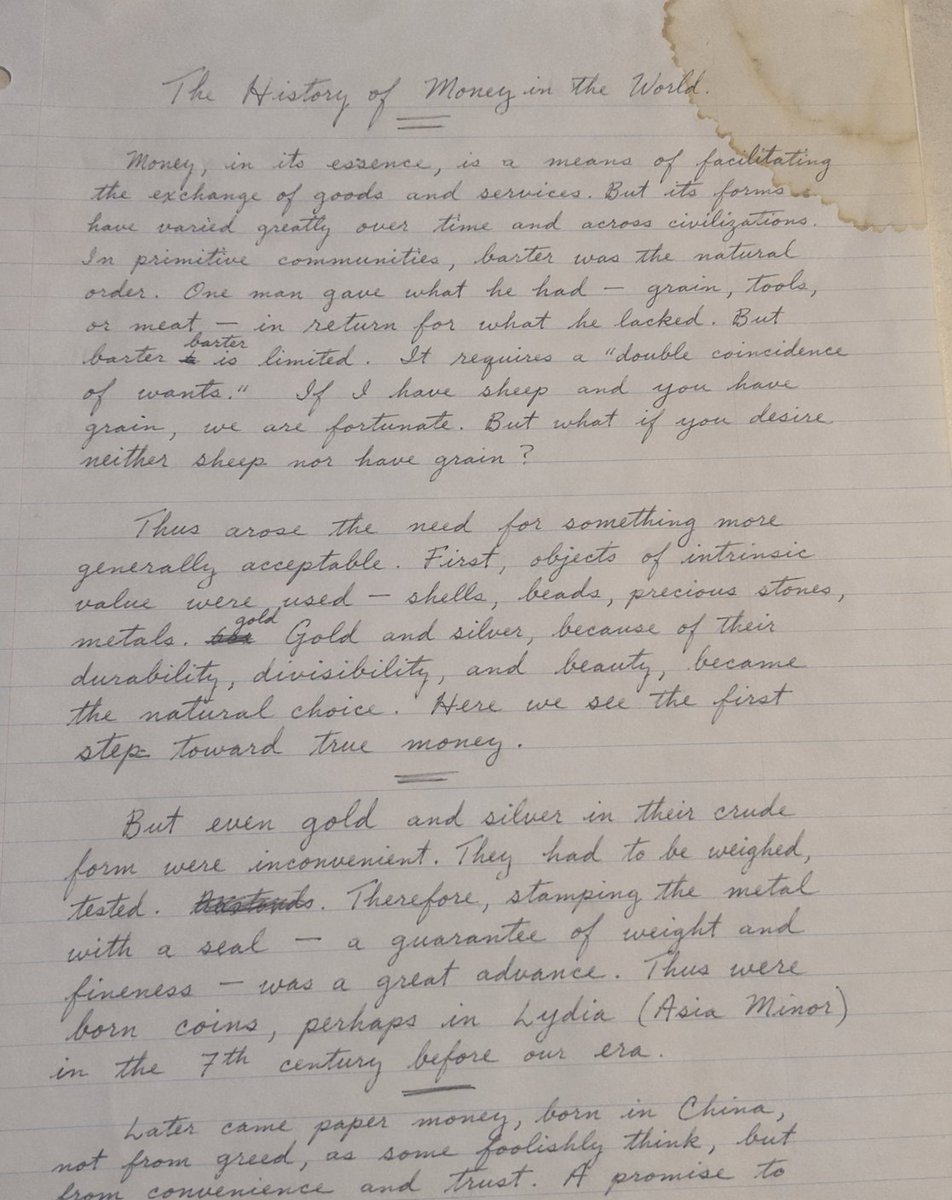
Handwritten Historical Essay

Gpt2 Infographic Edu Visual Japanese Sci Fi Suit Up Process Board
Browse template categories
3D Cinematic Character Render with Adaptive Magic Aura questions
How do I use the 3D Cinematic Character Render with Adaptive Magic Aura template?
Add your photo if the template asks for one, edit the prompt if you like — the template's model and format are already selected — and press Generate. Your version opens in PicX Studio.
Can I customize the 3D Cinematic Character Render with Adaptive Magic Aura template?
Yes. You can change the subject, setting, lighting, mood, format, and available model controls before creating your image.
Is the 3D Cinematic Character Render with Adaptive Magic Aura template free?
Opening and editing this template is free. Generating uses credits, shown on the Generate button when you are signed in.
Which AI model should I use?
Start with Nano Banana 2, which is the model associated with this template. You can compare another compatible model for a different finish.
Looking for something else? Browse all templates.

Your photo, any look
Thousands of ready templates for every top image and video model, from one credit balance.