
Theme Park Parade Float Generation Prompt for Nano banana Pro
This is a detailed JSON-formatted prompt for the Nano banana Pro tool, designed to generate a realistic, high-impact image of a theme park parade float.
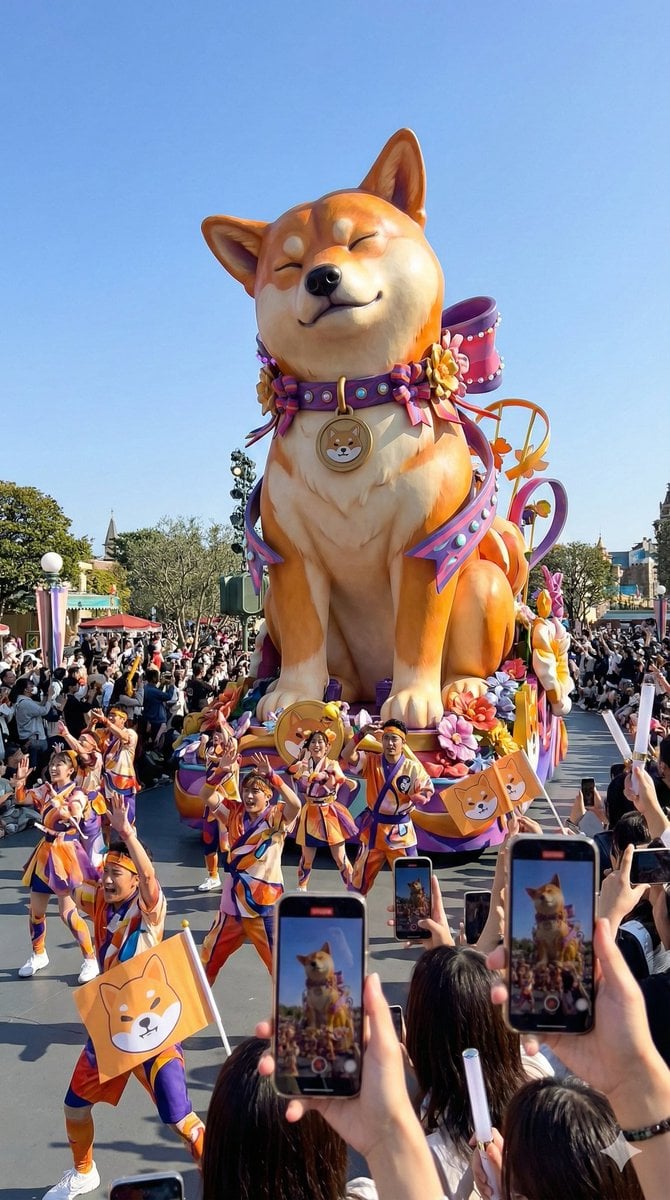
- Prompt included
- Model and format preset
- Free template
The prompt behind this image
Copy the exact prompt behind Theme Park Parade Float Generation Prompt for Nano banana Pro, or open it in the studio and make it yours.
{ "purpose": "Generate a flashy, gorgeous, photorealistic parade-float image based on the motif of the reference image, as if shot at a real theme park", "style": { "expression": "photorealistic photography style", "reality": "a structure that meets safety standards and could plausibly exist in reality", "world_view": "a large-scale parade at a popular theme park" }, "main_subject": { "type": "a parade float based on the motif of the reference image", "scale": { "impression": "very flashy and eye-catching, but kept to a realistic height", "height_limit": "within a height considered operationally safe" }, "motif_interpretation": { "reference_source": "the provided reference image", "reflection_method": "reinterpret the shape, color, and mood as a three-dimensional sculpture", "abstraction_level": "not reproduced as-is, but designed as a theme-park float" }, "main_sculpture": { "pose": "{argument name="main sculpture pose" default="sitting"}", "reason": "to keep the center of gravity low and ensure stability", "leg_treatment": "the legs are integrated into the float structure or decoration and are not explicitly depicted" }, "decoration": { "color": "a highly saturated, high-contrast color scheme based on the reference image", "elements": "large decorative parts, ribbon-like or radial motifs", "density": "a high density of decoration that feels flashy at a glance" }, "texture": "a realistic texture reminiscent of FRP sculpting and paintwork" }, "surrounding_elements": { "dancers": { "presence": true, "count": "many", "costume": { "design": "a design that abstracts the motif of the reference image", "color": "a flashy color scheme reflecting the reference image's color palette", "mobility": "a realistic structure that could actually be worn" }, "movement": "dancing with big, festive gestures" }, "audience": { "presence": true, "smartphone_photography": { "action": "many audience members are holding up smartphones to take photos", "screen_expression": "smartphone screens showing the float reflected on them are scattered throughout" }, "fan_goods": { "action": "cheering while waving items themed on the reference image's motif", "types": "flags, light sticks, abstracted small items", "effect": "gives the whole frame a sense of movement and rhythm" } } }, "environment": { "weather": "{argument name="weather" default="clear blue sky"}", "time_of_day": "daytime", "location": "{argument name="location" default="the theme park's main parade route"}" }, "camera": { "viewpoint": "a natural camera position from the audience's eye level", "equipment": "iPhone", "image_quality": "slightly rough smartphone photorealistic image quality", "handheld_feel": "a slight, immersive shake", "aspect_ratio": "9:16" } }
How to use Theme Park Parade Float Generation Prompt for Nano banana Pro in 3 steps
- 1Upload ImagePNG, JPG or paste
Add your photo
Upload the photo the template builds on. The prompt, model and format are already set.
- 2…a portrait of your subject in softgolden-hour light, 85mm…
Personalize
Edit the subject and creative details for your destination.
- 3Generate
Generate
Press Generate — your image is created in PicX Studio, so you can compare it with the original and refine one variable at a time.
More like this
Templates with the same subject, style or setup. Open one to see its prompt.

Theme Park Anime Selfie

Woman in Mall with Chanel Bag - Heart Gesture
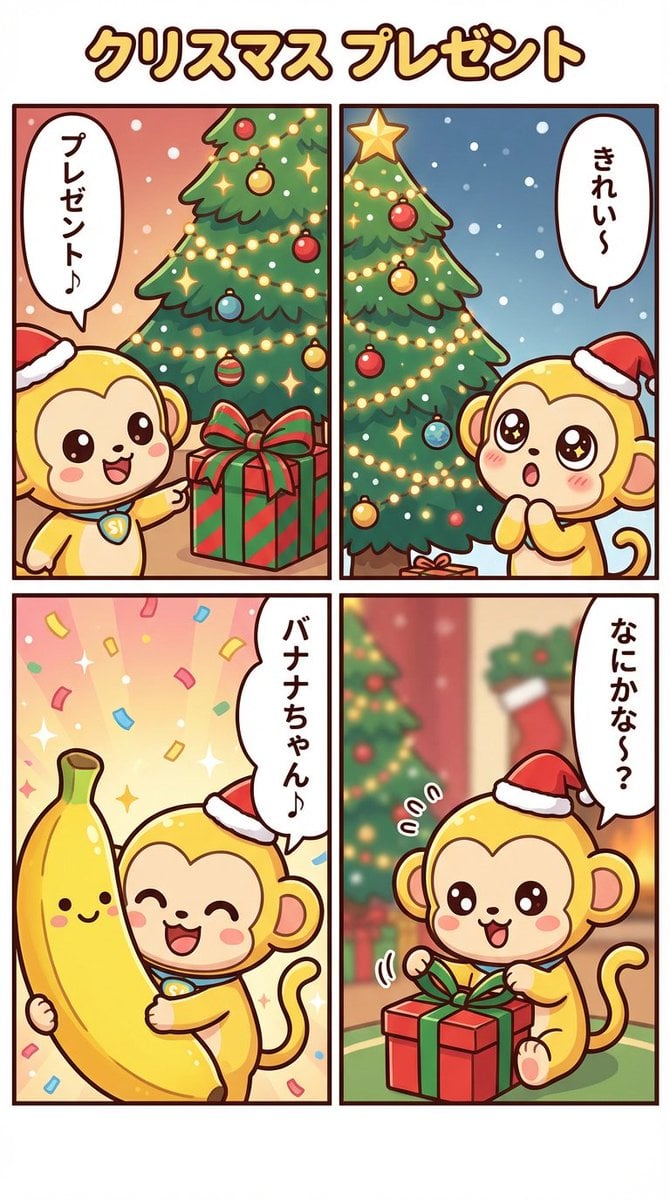
Nano Banana Pro Manga Generation - Christmas Present Theme

Anime Parade Float Hero
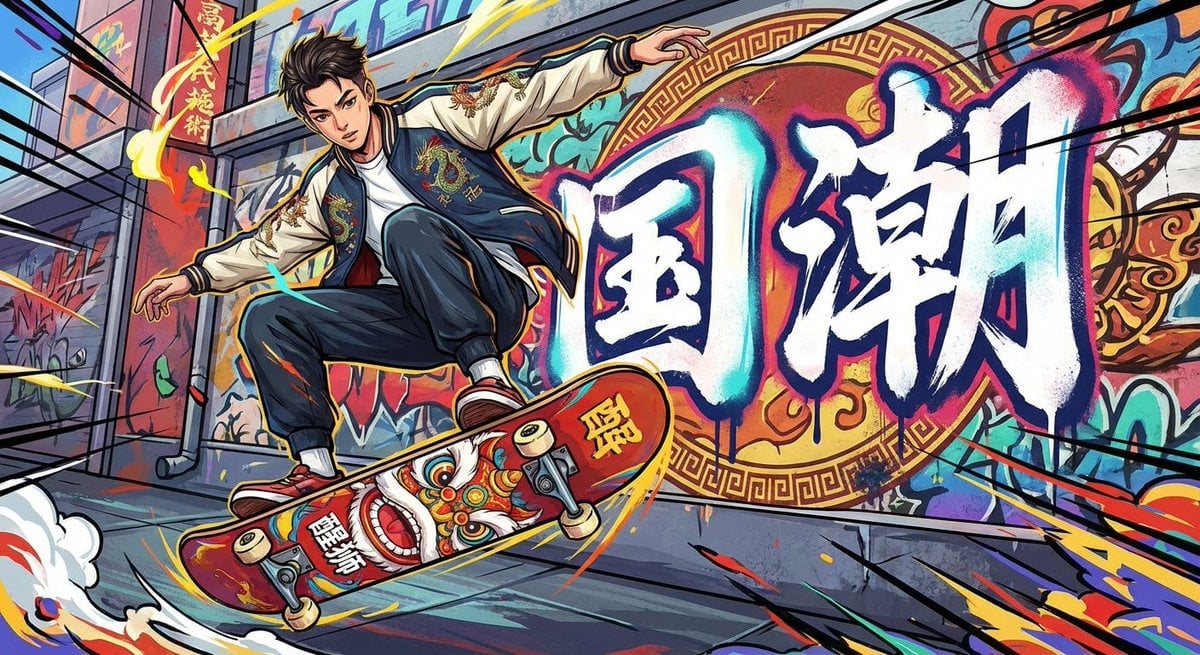
Nano Banana Pro-themed hero image (duplicate Chinese prompt 3)
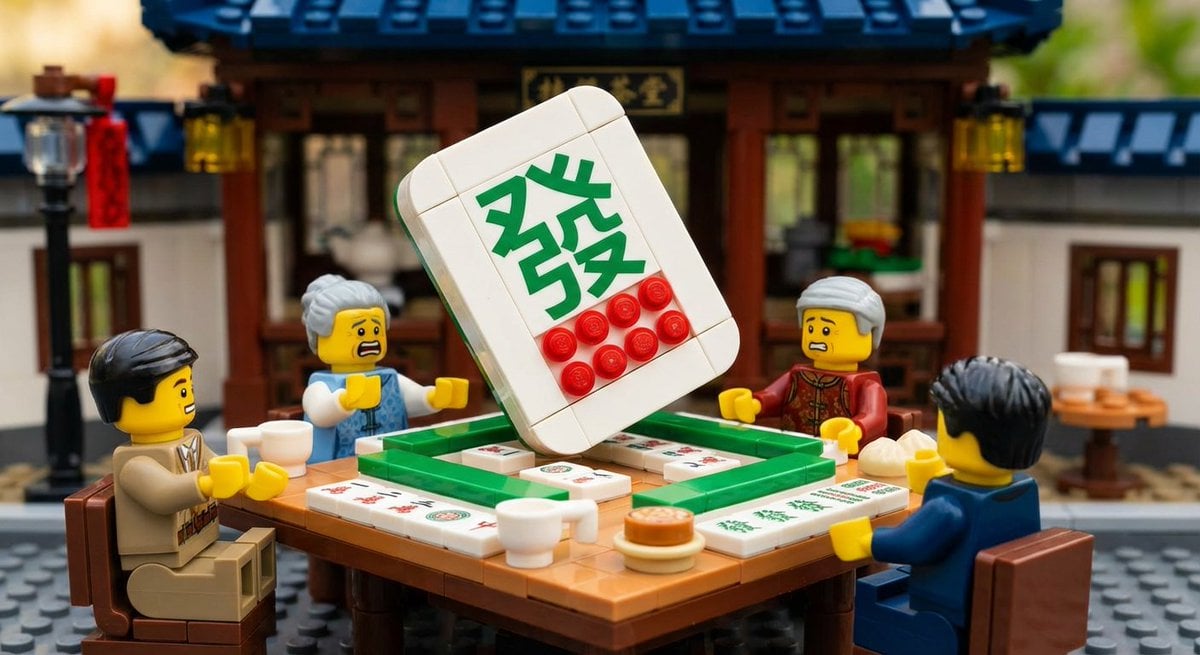
Nano Banana Pro-themed hero image (duplicate Chinese prompt 2)
Nano Banana Pro-themed hero image (duplicate Chinese prompt)

Nano Banana Pro-themed hero image (Chinese)

Manga Generation Prompt Template for Nano Banana Pro
Japanese Jungle Theme Park Parody Poster

Anime Rain Poncho Parade

Anime Street Performer Magic
Make it yours
Theme Park Parade Float Generation Prompt for Nano banana Pro works as-is. These are the safest ways to change it without losing the look.
Change one field
Copy a single group, rewrite it, and generate again so you can see what that field is doing.
Keep the frame, change the subject
Hold the composition and light of Theme Park Parade Float Generation Prompt for Nano banana Pro, then swap wardrobe, props or the person for a new take.
| If the result… | Why | Fix |
|---|---|---|
| The result drifts from the preview | Too many fields changed at once. | Reuse Theme Park Parade Float Generation Prompt for Nano banana Pro as-is first, then change one group — subject, light, or setting. |
| The model over-stylizes the scene | The prose prompt leaves finish and camera underspecified. | Add one camera or lighting sentence and stay on Nano Banana 2. |
More Nano Banana 2 templates
Other prompts made for Nano Banana 2.

Photorealistic Leaf Shaped Like a Dragon

K-Pop Idol Portrait Grid for Rapid Selection

Poetic Rain Forest Portrait During Golden Hour

Urban Street Portrait with Cartoon Inner Self Duo

Candid Nighttime Photo with Cat Prompt

High-Concept 3D Diorama Generation Prompt

Cinematic Futuristic Studio Portrait Template

Skincare Editorial Photography Collage Prompt

Hyper-Realistic Commercial Product Photography (Splash Effect)

Hyper-Realistic Nightclub Portrait Prompt
More image prompts
Fresh picks from across the catalog.
Summer Beach Beverage Commercial Shot
ASCII Art of a Figure with a Small House
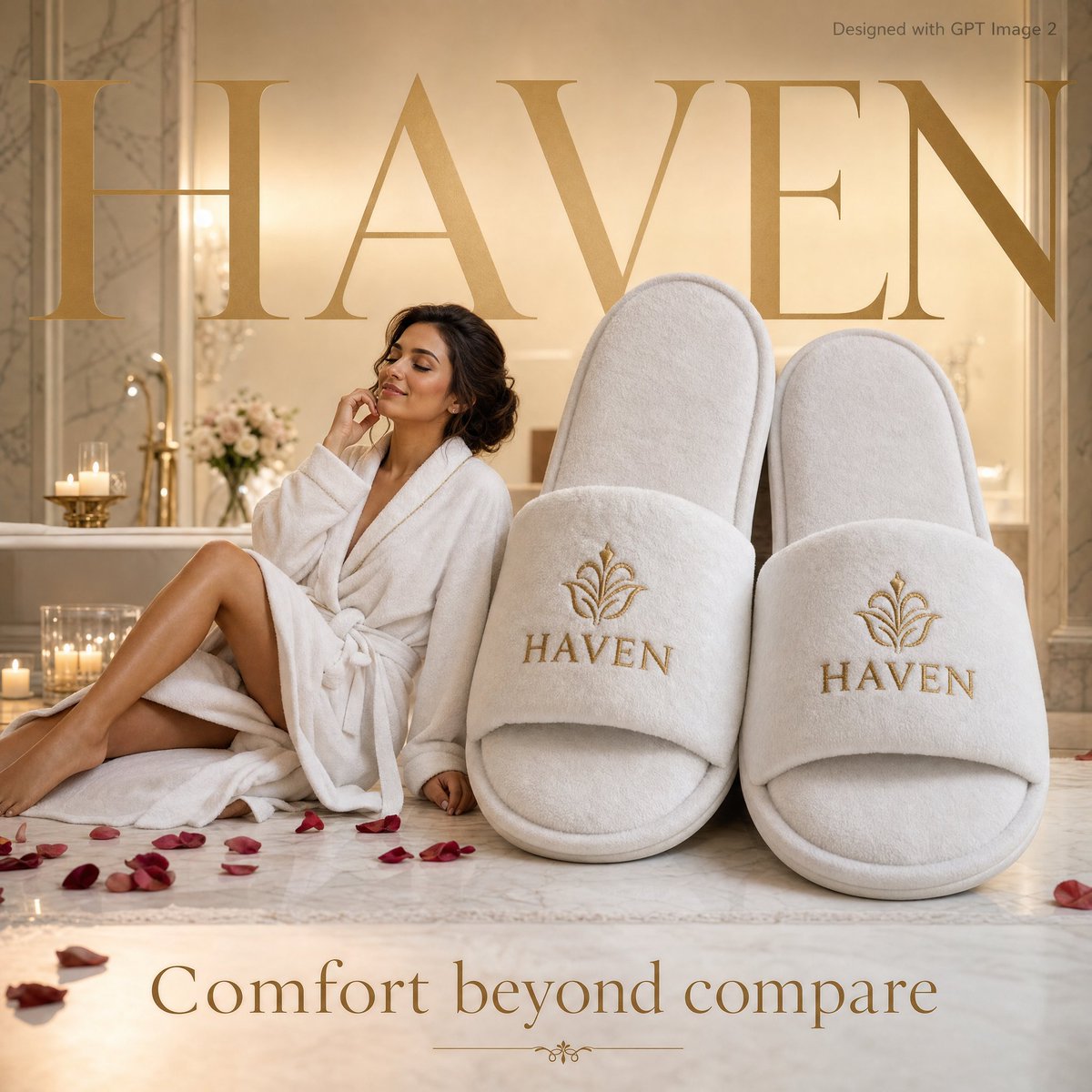
Luxury Hospitality Slipper Ad
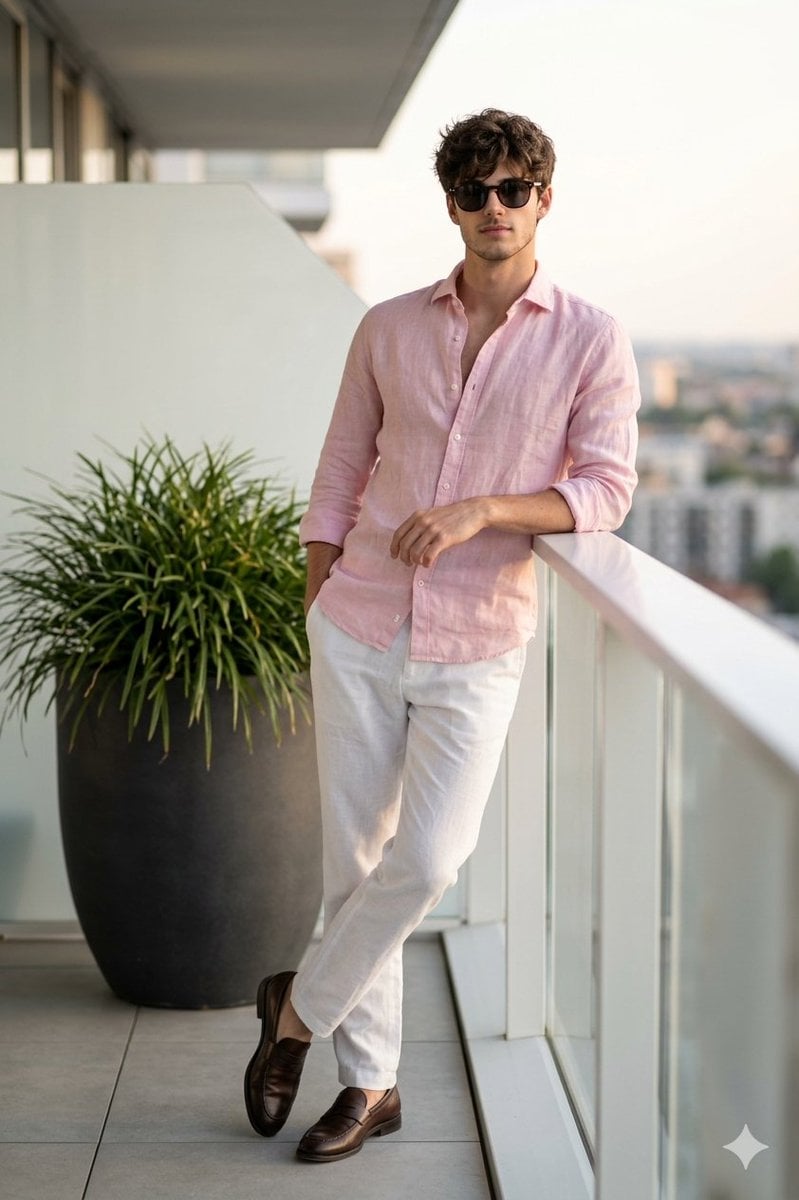
Cinematic Portrait of a Man on a Luxury Balcony
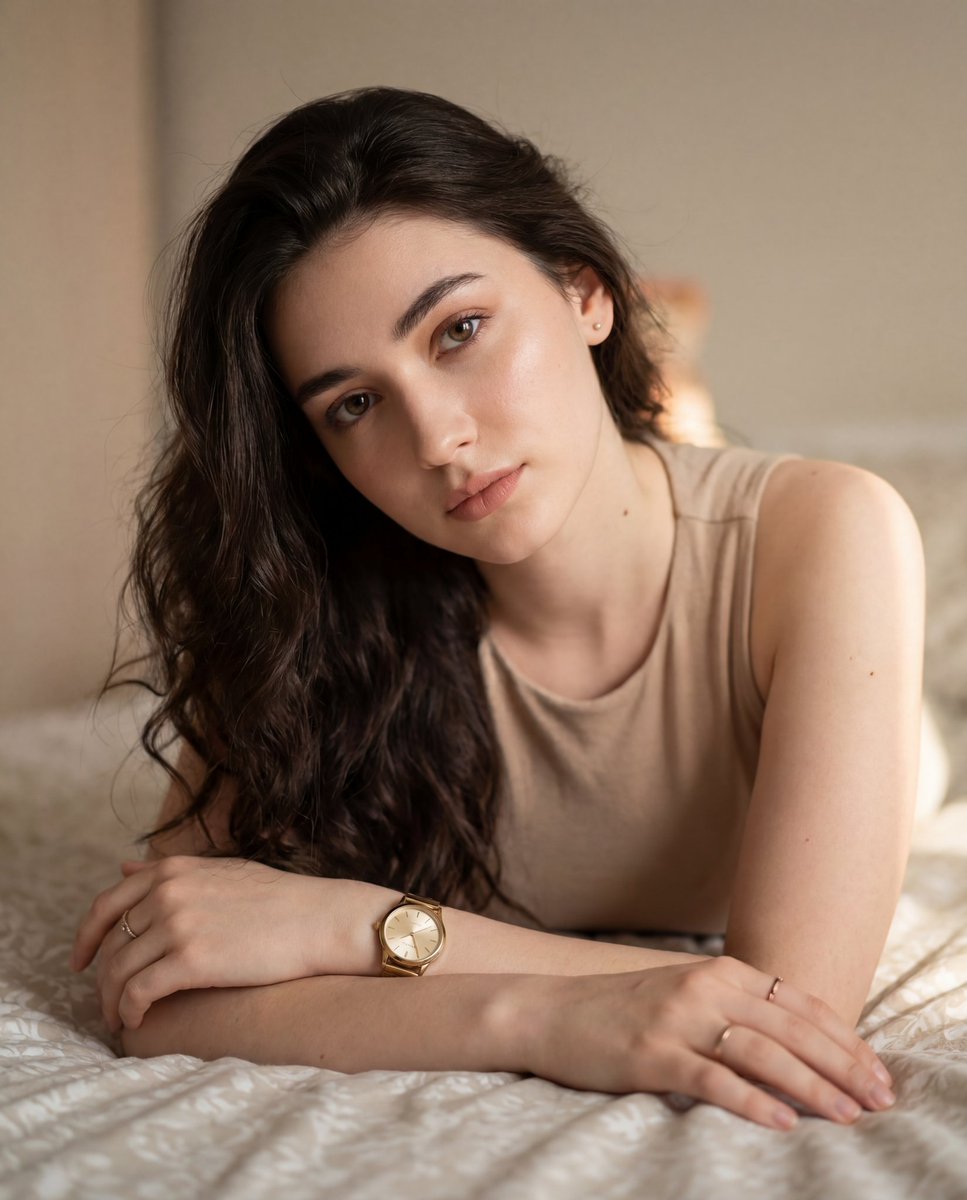
Colored Pencil Illustration Style Prompt
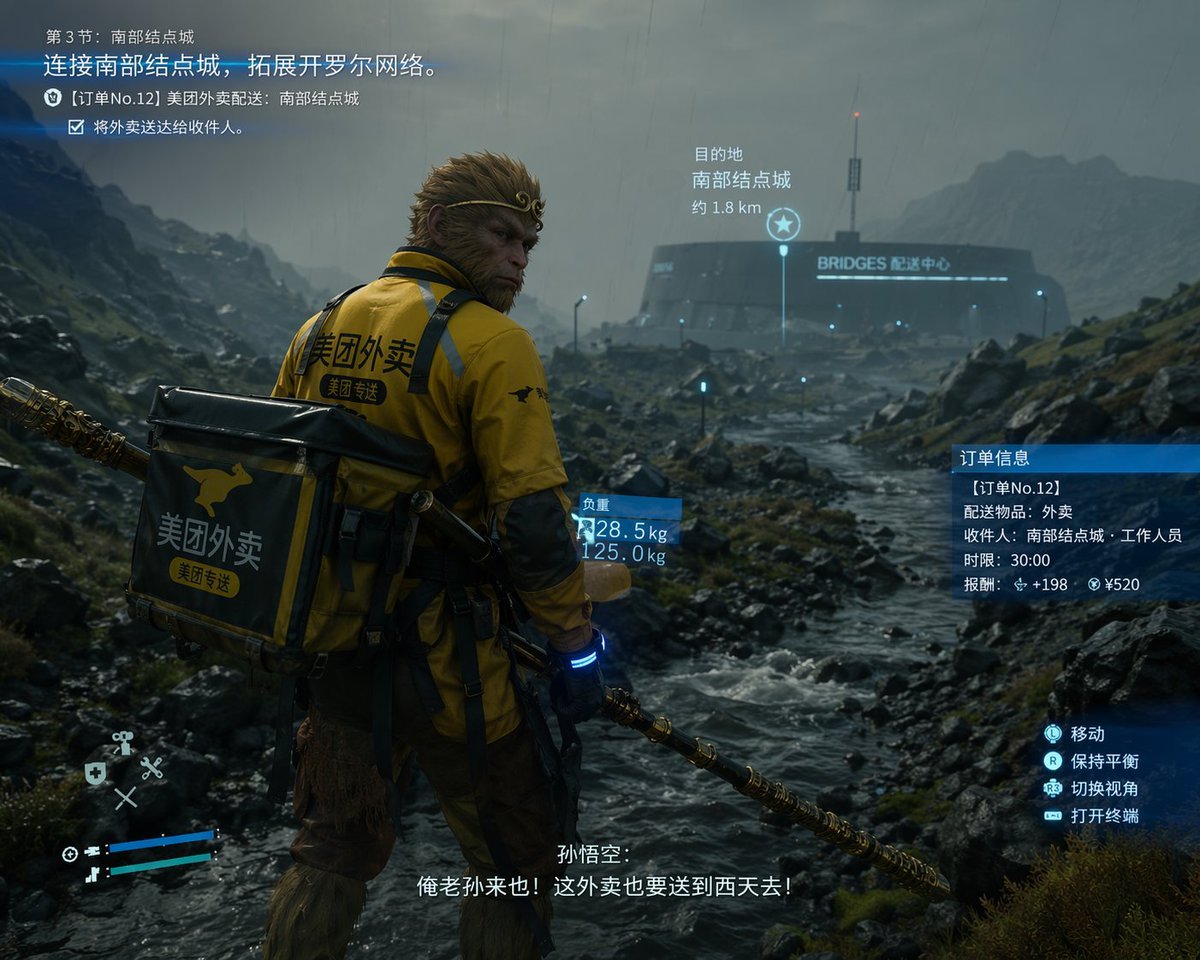
Cinematic Game UI Mockup
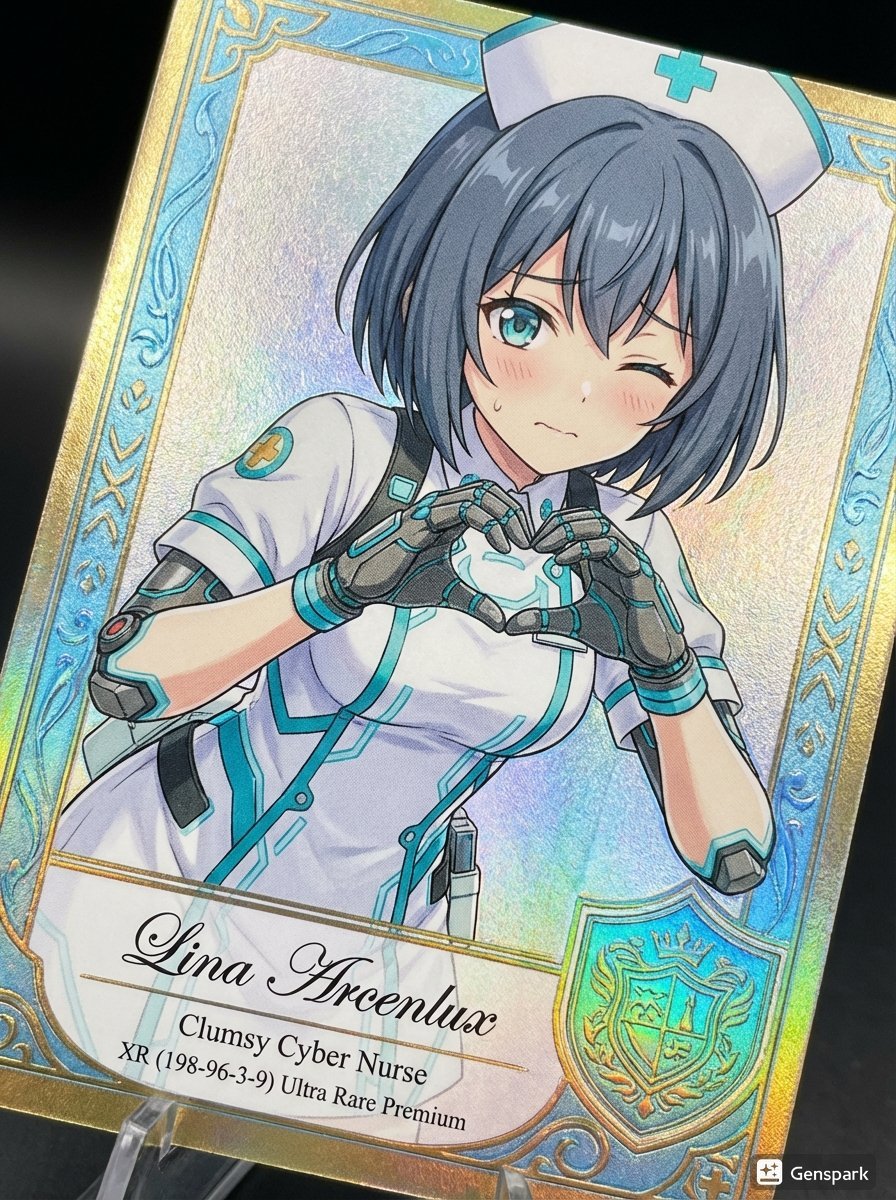
Comparing AI Art Versions with Nano Banana Pro
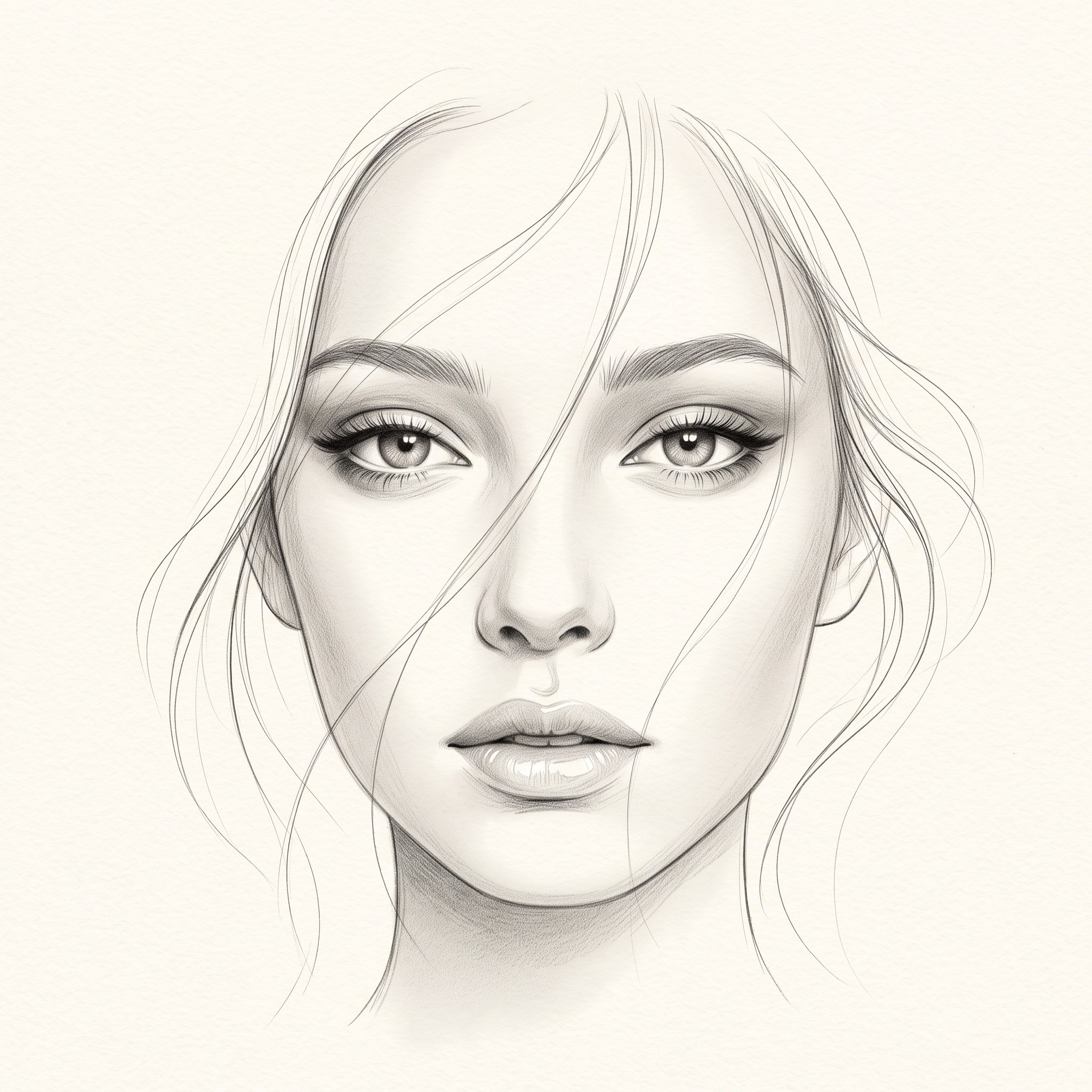
Minimalist Pencil Sketch Portrait
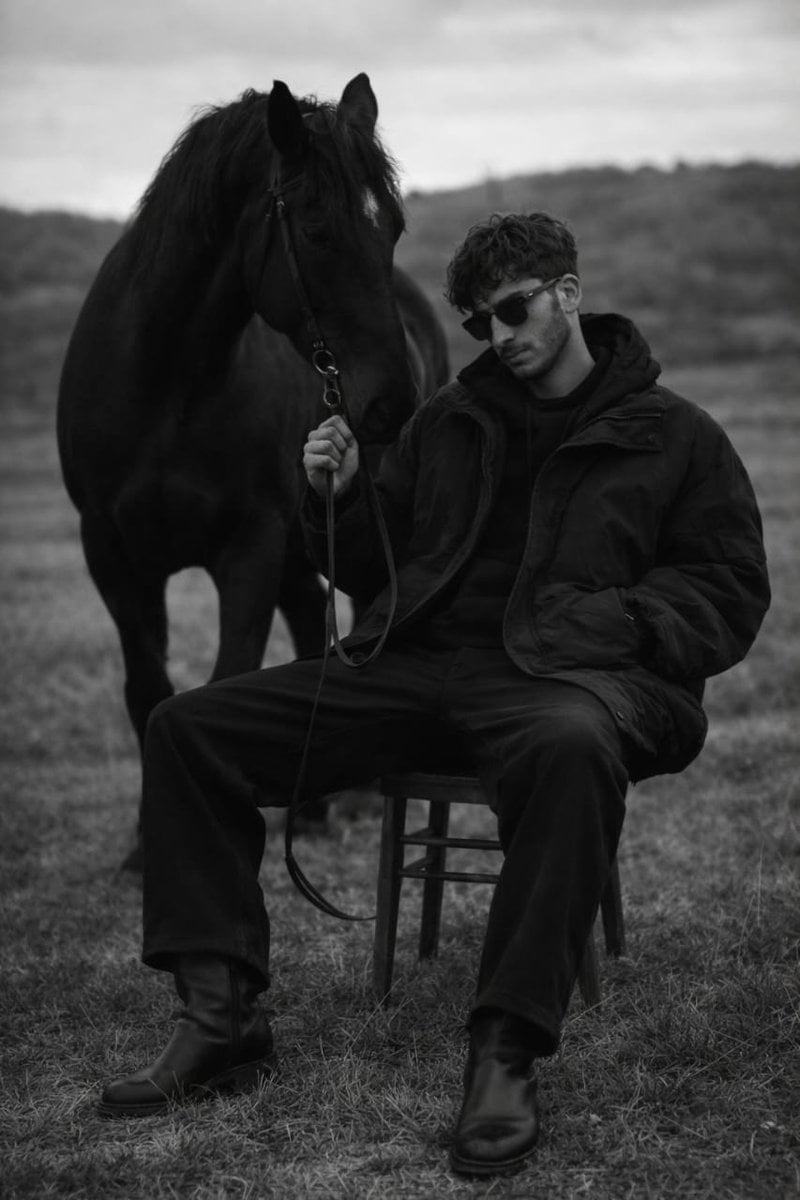
Monochrome Editorial Portrait: Man and Horse
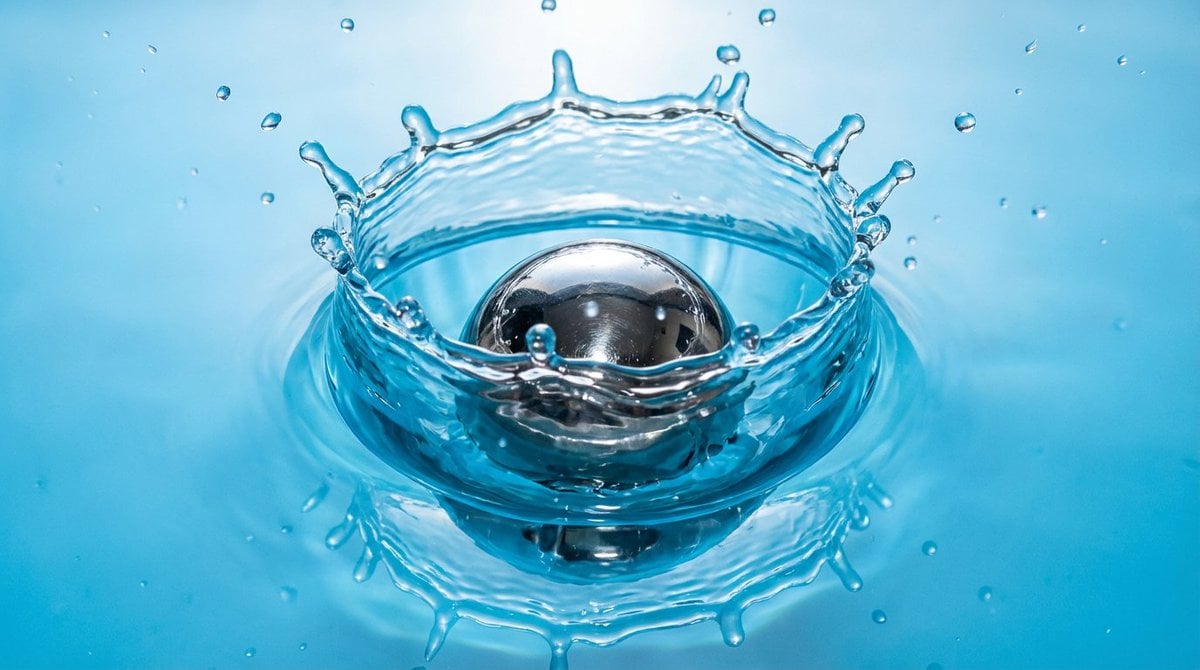
Metal ball splashing into water (slow-motion feel)
Browse template categories
Theme Park Parade Float Generation Prompt for Nano banana Pro questions
How do I use the Theme Park Parade Float Generation Prompt for Nano banana Pro template?
Add your photo if the template asks for one, edit the prompt if you like — the template's model and format are already selected — and press Generate. Your version opens in PicX Studio.
Can I customize the Theme Park Parade Float Generation Prompt for Nano banana Pro template?
Yes. You can change the subject, setting, lighting, mood, format, and available model controls before creating your image.
Is the Theme Park Parade Float Generation Prompt for Nano banana Pro template free?
Opening and editing this template is free. Generating uses credits, shown on the Generate button when you are signed in.
Which AI model should I use?
Start with Nano Banana 2, which is the model associated with this template. You can compare another compatible model for a different finish.
Looking for something else? Browse all templates.

Your photo, any look
Thousands of ready templates for every top image and video model, from one credit balance.