
Cinematic Game UI Mockup
Generates a realistic video game screenshot featuring a custom character in a desolate landscape with 7 detailed HUD and mission UI elements.
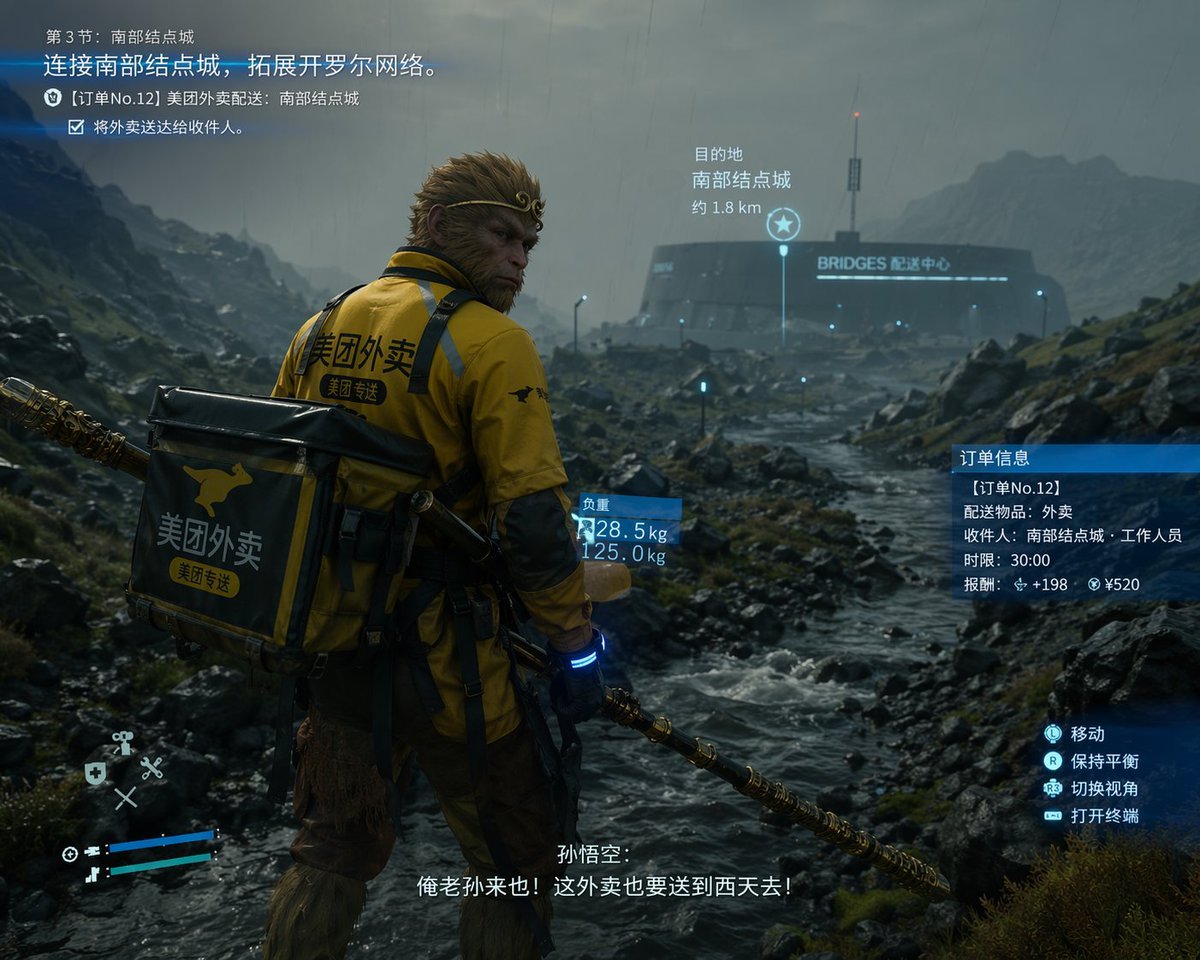
- Prompt included
- Model and format preset
- Free template
The prompt behind this image
Copy the exact prompt behind Cinematic Game UI Mockup, or open it in the studio and make it yours.
- Type
- video game screenshot mockup
- Style
- cinematic, realistic 3D graphics, overcast, rainy, desolate rocky landscape reminiscent of Death Stranding
- Character › Identity
- {argument name="character identity" default="Sun Wukong"}
- Character › Features
- monkey face, golden headband, holding a golden staff
- Character › Outfit
- yellow delivery jacket with black accents, large square black and yellow delivery backpack
- Character › Branding
- kangaroo logo and text {argument name="delivery company" default="美团外卖"} on jacket and backpack
- Environment › Foreground
- rocky terrain with a flowing stream
- Environment › Background
- futuristic circular building with a tall antenna, glowing text {argument name="building name" default="BRIDGES 配送中心"}
- Layout › Ui Elements
- 7
- Layout › Sections › 0 › Position
- top-left
- Layout › Sections › 0 › Type
- mission objective
- Layout › Sections › 0 › Text
- 第3节:南部结点城 / {argument name="mission objective" default="连接南部结点城,拓展开罗尔网络。"} / [订单No.12] 美团外卖配送:南部结点城 / 将外卖送达给收件人。
- Layout › Sections › 1 › Position
- center-right
- Layout › Sections › 1 › Type
- destination marker
- Layout › Sections › 1 › Text
- 目的地 / 南部结点城 / 约 1.8 km
- Layout › Sections › 1 › Icon
- star
- Layout › Sections › 2 › Position
- center
- Layout › Sections › 2 › Type
- weight info
- Layout › Sections › 2 › Text
- 负重 / 28.5 kg / 125.0 kg
- Layout › Sections › 2 › Attached To
- backpack
- Layout › Sections › 3 › Position
- middle-right
- Layout › Sections › 3 › Type
- order info
- Layout › Sections › 3 › Text
- 订单信息 / [订单No.12] / 配送物品:外卖 / 收件人:南部结点城·工作人员 / 时限:30:00 / 报酬:+198 ¥520
- Layout › Sections › 4 › Position
- bottom-right
Raw JSON
{
  "type": "video game screenshot mockup",
  "style": "cinematic, realistic 3D graphics, overcast, rainy, desolate rocky landscape reminiscent of Death Stranding",
  "character": {
    "identity": "{argument name=\"character identity\" default=\"Sun Wukong\"}",
    "features": "monkey face, golden headband, holding a golden staff",
    "outfit": "yellow delivery jacket with black accents, large square black and yellow delivery backpack",
    "branding": "kangaroo logo and text {argument name=\"delivery company\" default=\"美团外卖\"} on jacket and backpack"
  },
  "environment": {
    "foreground": "rocky terrain with a flowing stream",
    "background": "futuristic circular building with a tall antenna, glowing text {argument name=\"building name\" default=\"BRIDGES 配送中心\"}"
  },
  "layout": {
    "ui_elements": 7,
    "sections": [
      {
        "position": "top-left",
        "type": "mission objective",
        "text": "第3节:南部结点城 / {argument name=\"mission objective\" default=\"连接南部结点城,拓展开罗尔网络。\"} / [订单No.12] 美团外卖配送:南部结点城 / 将外卖送达给收件人。"
      },
      {
        "position": "center-right",
        "type": "destination marker",
        "text": "目的地 / 南部结点城 / 约 1.8 km",
        "icon": "star"
      },
      {
        "position": "center",
        "type": "weight info",
        "text": "负重 / 28.5 kg / 125.0 kg",
        "attached_to": "backpack"
      },
      {
        "position": "middle-right",
        "type": "order info",
        "text": "订单信息 / [订单No.12] / 配送物品:外卖 / 收件人:南部结点城·工作人员 / 时限:30:00 / 报酬:+198 ¥520"
      },
      {
        "position": "bottom-right",
        "type": "controls",
        "text": "移动 / 保持平衡 / 切换视角 / 打开终端",
        "icons": "controller buttons"
      },
      {
        "position": "bottom-center",
        "type": "subtitles",
        "text": "孙悟空: / {argument name=\"subtitle text\" default=\"俺老孙来也!这外卖也要送到西天去!\"}"
      },
      {
        "position": "bottom-left",
        "type": "HUD",
        "elements": "blue health/stamina bars, D-pad tool icons"
      }
    ]
  }
}How to use Cinematic Game UI Mockup in 3 steps
- 1Upload ImagePNG, JPG or paste
Add your photo
Upload the photo the template builds on. The prompt, model and format are already set.
- 2…a portrait of your subject in softgolden-hour light, 85mm…
Personalize
Edit the subject and creative details for your destination.
- 3Generate
Generate
Press Generate — your image is created in PicX Studio, so you can compare it with the original and refine one variable at a time.
More like this
Templates with the same subject, style or setup. Open one to see its prompt.
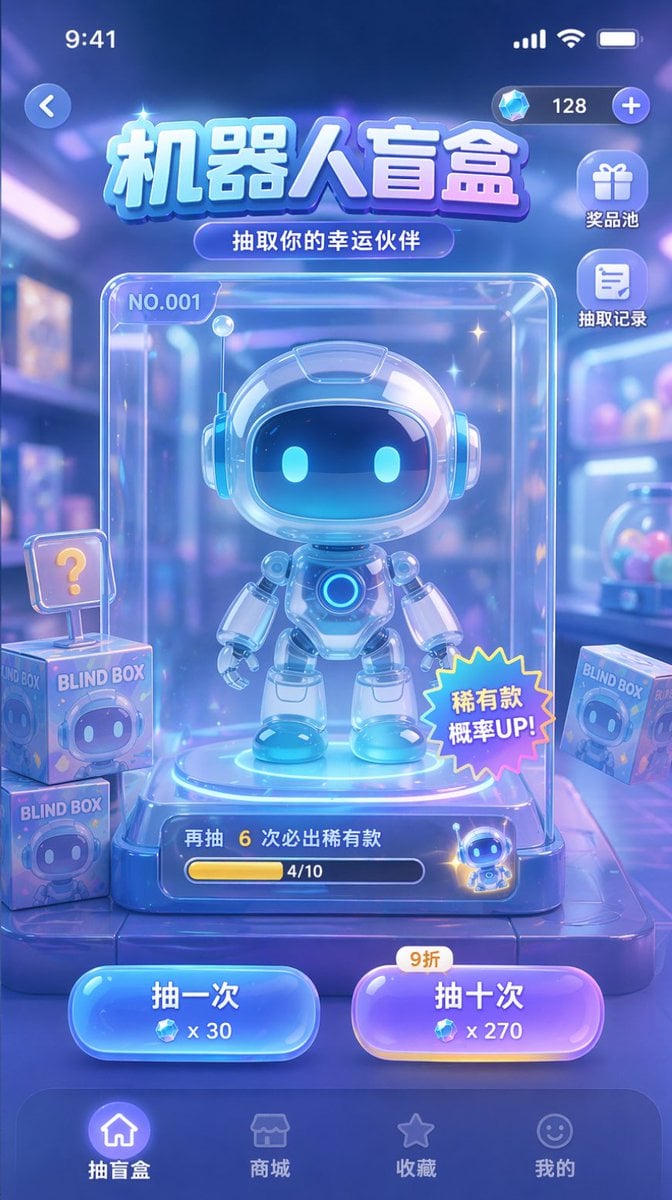
Gacha Game UI Mockup
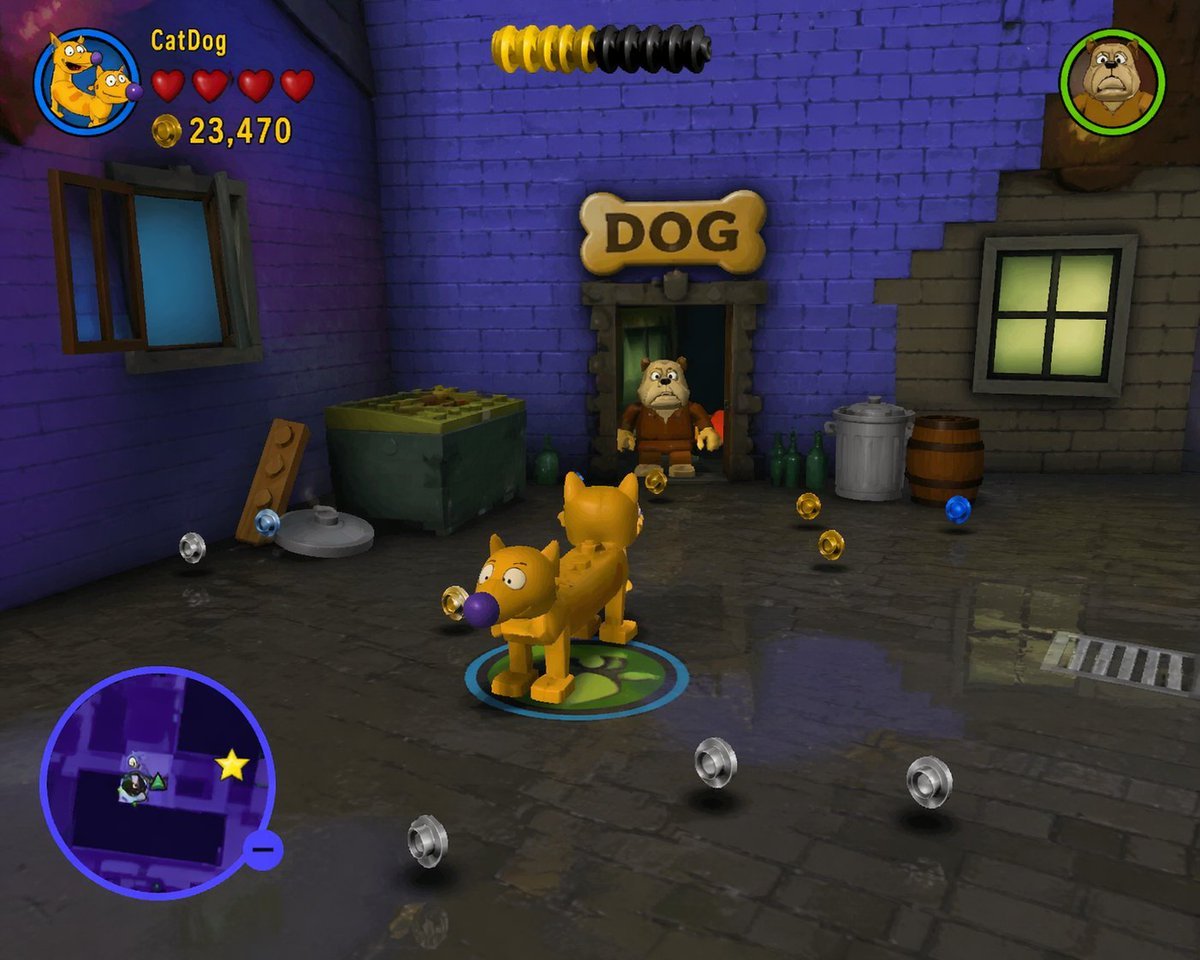
LEGO Video Game Mockup
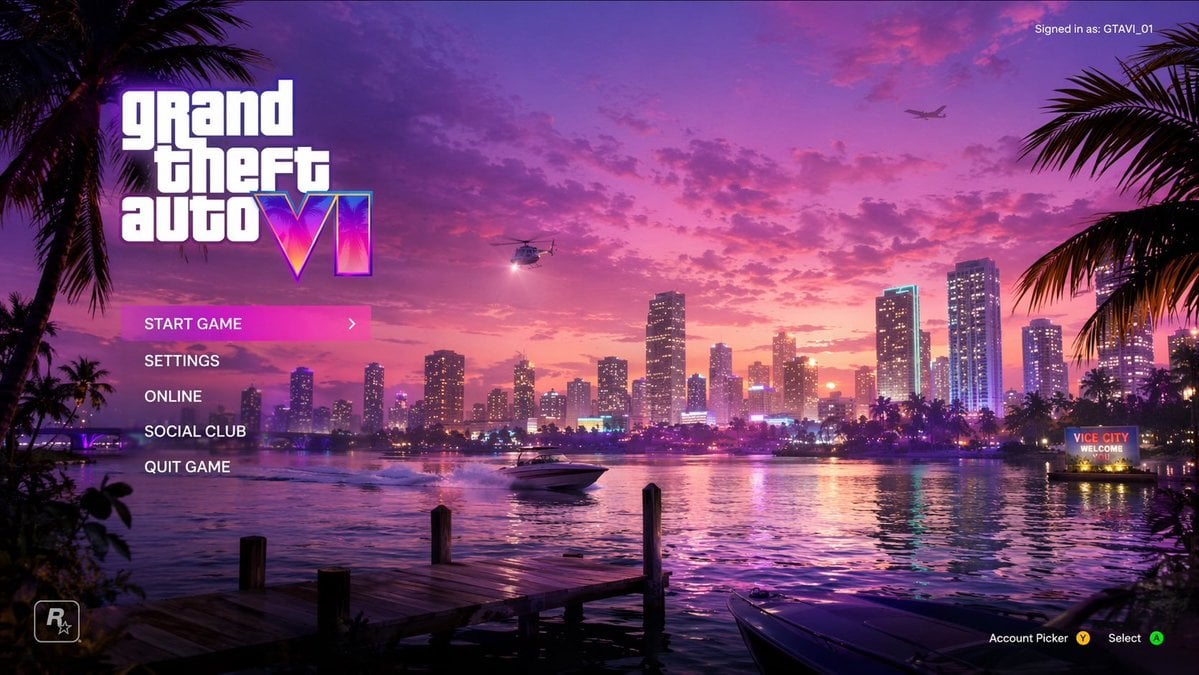
Vice City Sunset Game Menu Mockup
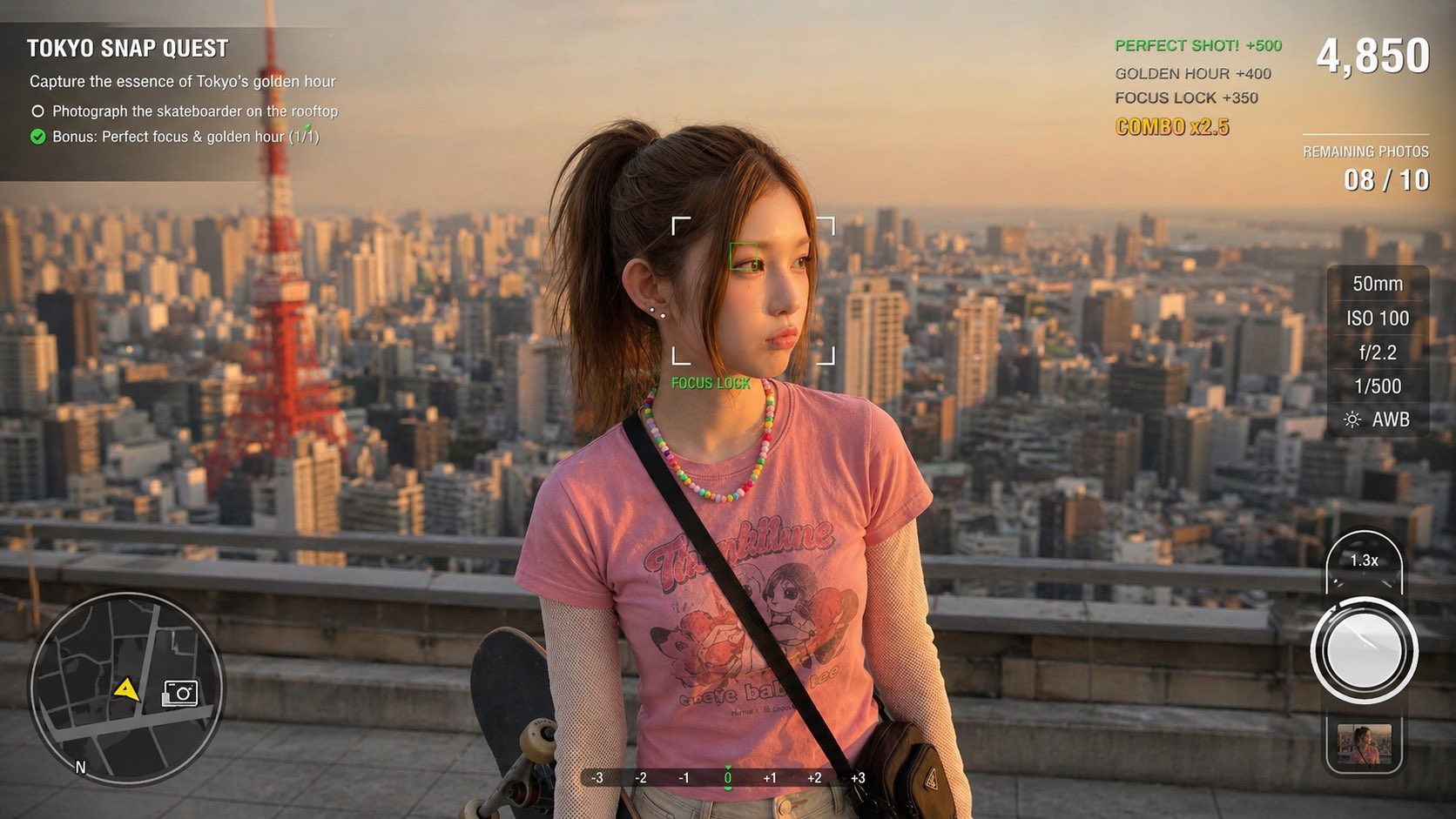
Photography Game Cinematic Capture

Product Shot - T-Shirt Mockup

Cinematic Anime Shinobi Poster Mockup
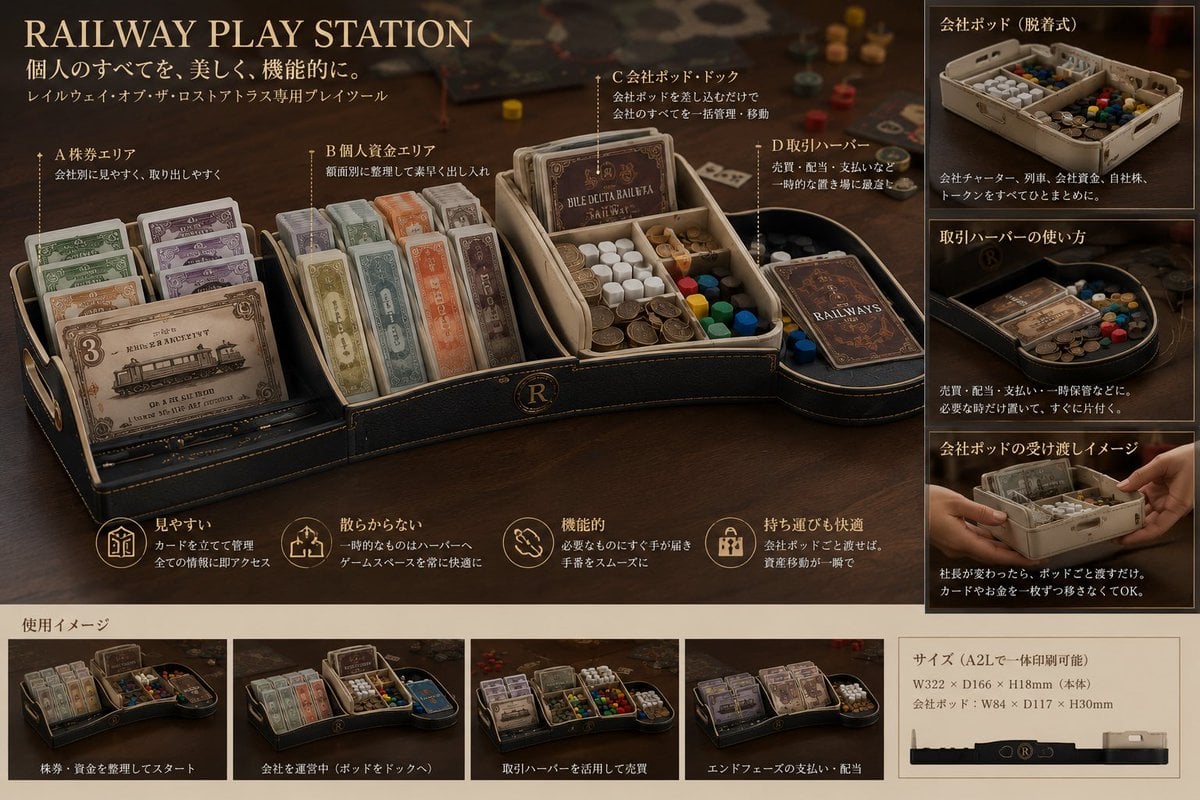
Luxury Railway Board Game Organizer Poster

Lumen iOS Wellness App Mockup
Bedtime Companion App Mockup
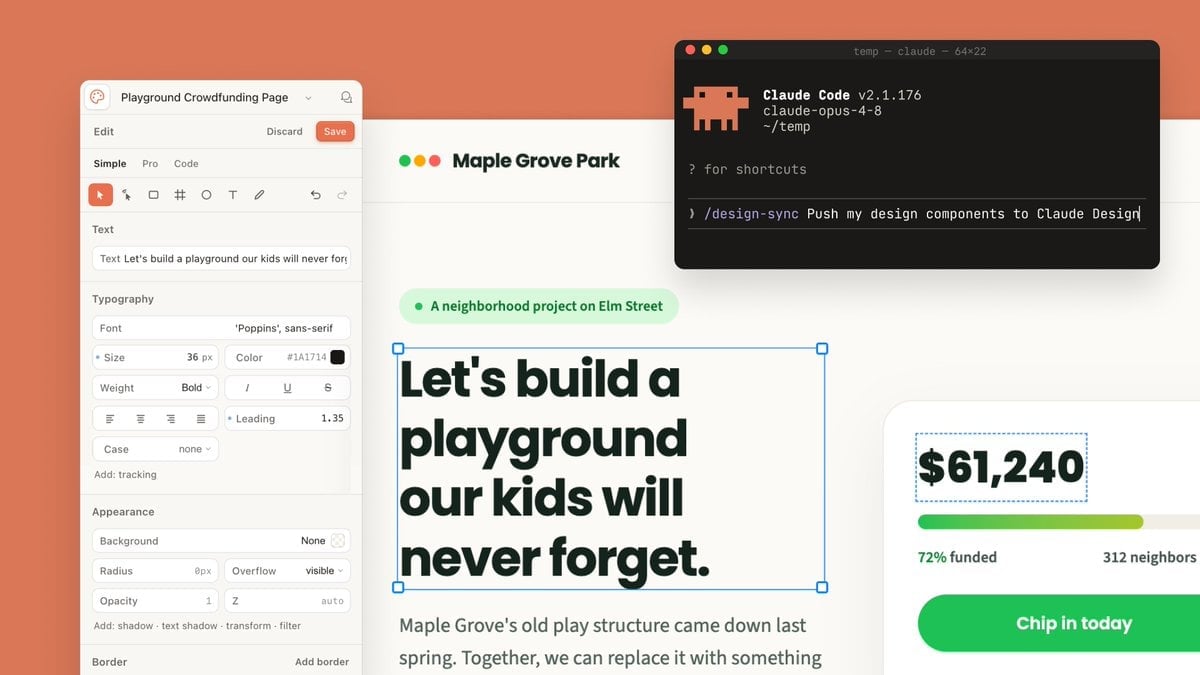
Claude Design Sync UI Mockup

Japanese Mystery Website Mockup
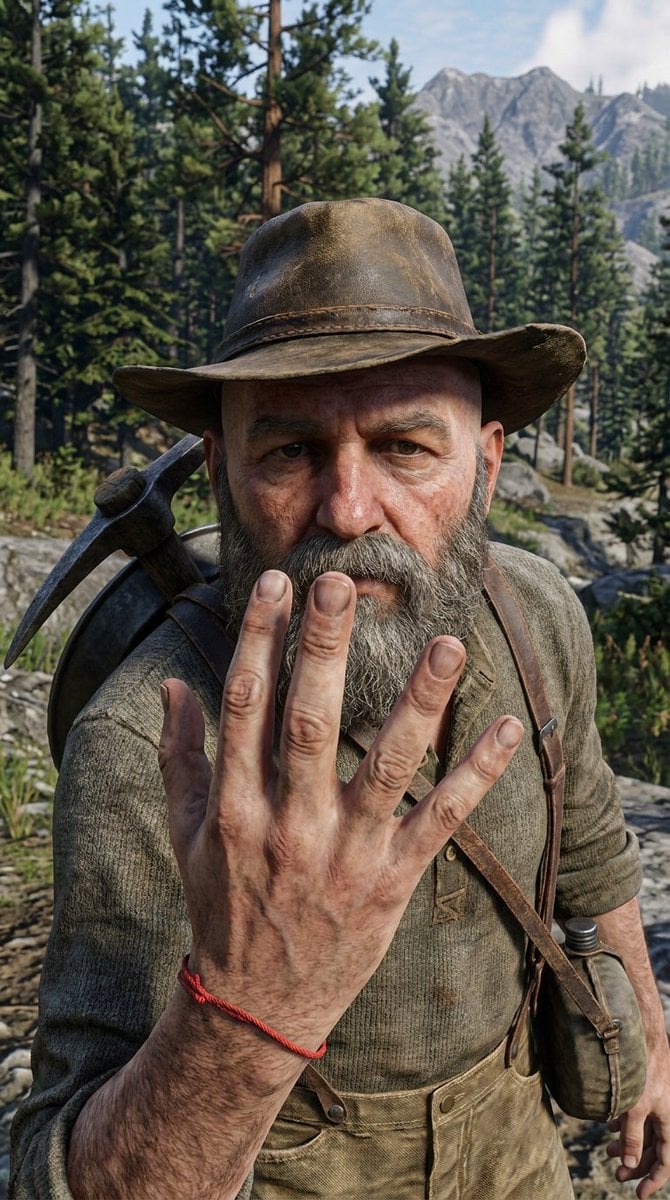
3D Game Character Transformation
Make it yours
Cinematic Game UI Mockup works as-is. These are the safest ways to change it without losing the look.
Swap the setting
Keep the rest of the prompt and replace the location block. The current setting is “rocky terrain with a flowing stream”.
Change one field
Copy a single group, rewrite it, and generate again so you can see what that field is doing.
Keep the frame, change the subject
Hold the composition and light of Cinematic Game UI Mockup, then swap wardrobe, props or the person for a new take.
| If the result… | Why | Fix |
|---|---|---|
| The result drifts from the preview | Too many fields changed at once. | Reuse Cinematic Game UI Mockup as-is first, then change one group — subject, light, or setting. |
| GPT Image 2 ignores part of the JSON | Some models flatten or skip nested keys. | Keep the same values and paste them as a short paragraph instead. |
More GPT Image 2 templates
Other prompts made for GPT Image 2.

Six VTuber Japanese Logo Sheet

Realistic Portrait of Woman and Deer

The Vista Modular Condo Poster

AI Model Routing Comparison Infographic

2.5D Anime Art Board

Isometric Productivity Desk Scene

New York Double Exposure Poster

Four-Panel AI Landscape Comparison

Japanese Tatami Lifestyle Magazine Cover

NESCAFÉ Coffee Map Poster
More image prompts
Fresh picks from across the catalog.
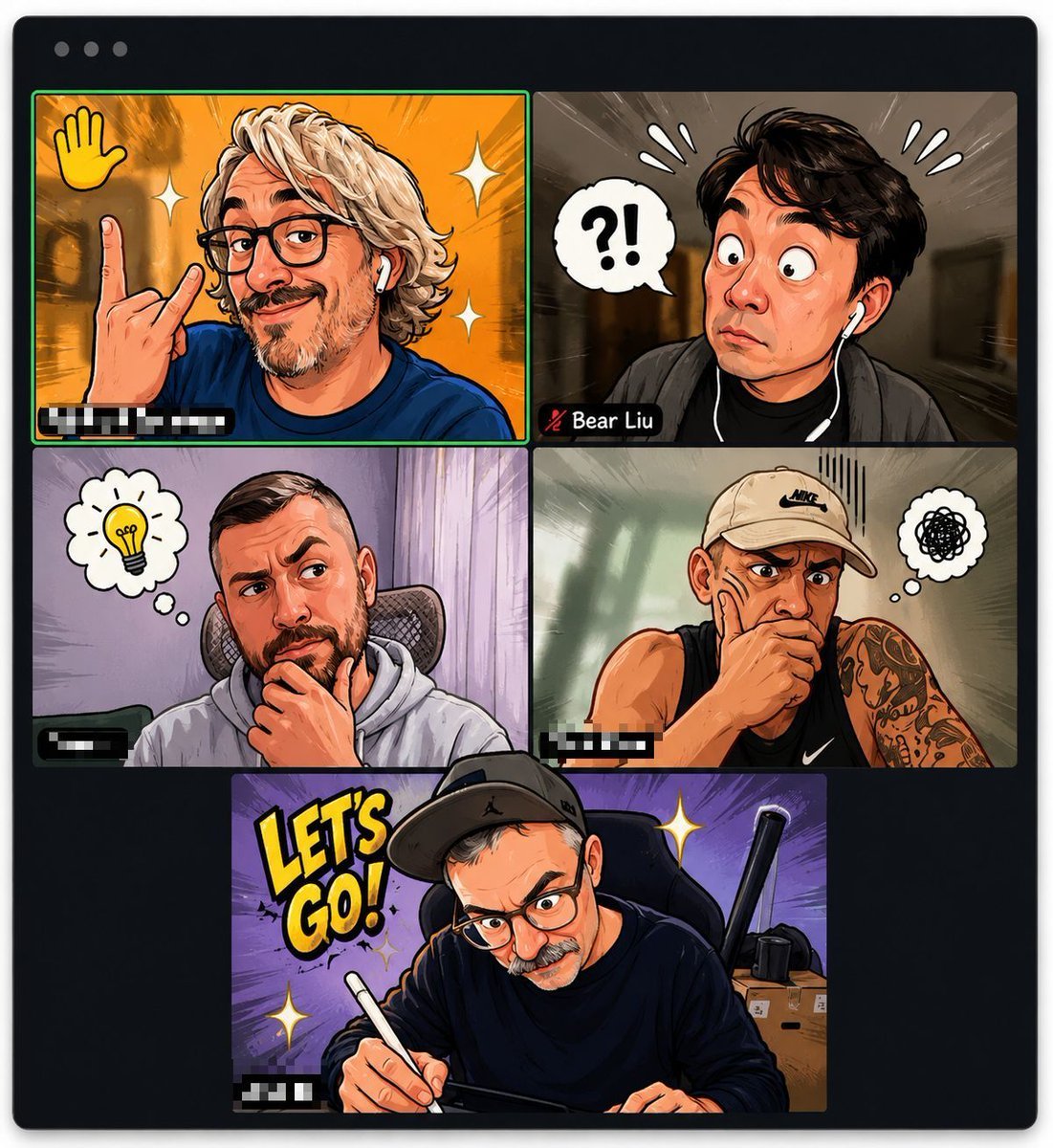
Comic Cartoon Video Call
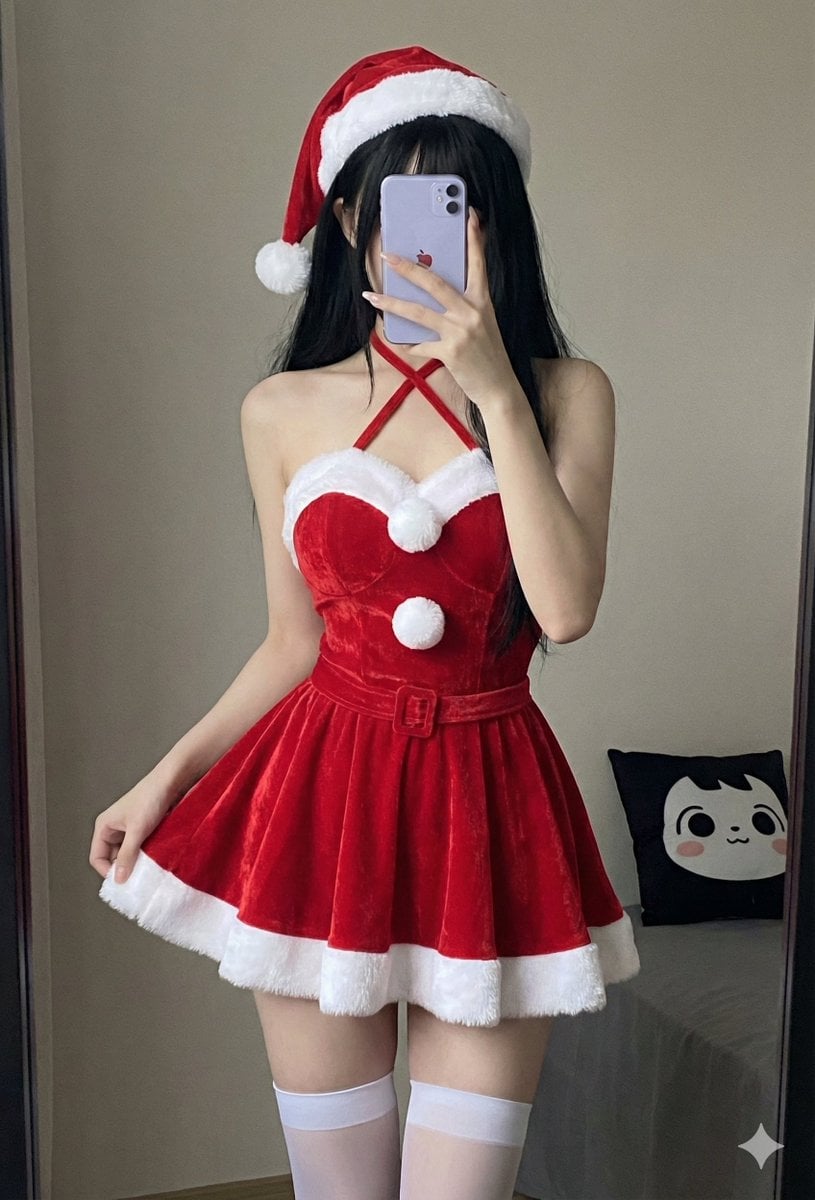
Depth Map Controlled Santa Selfie
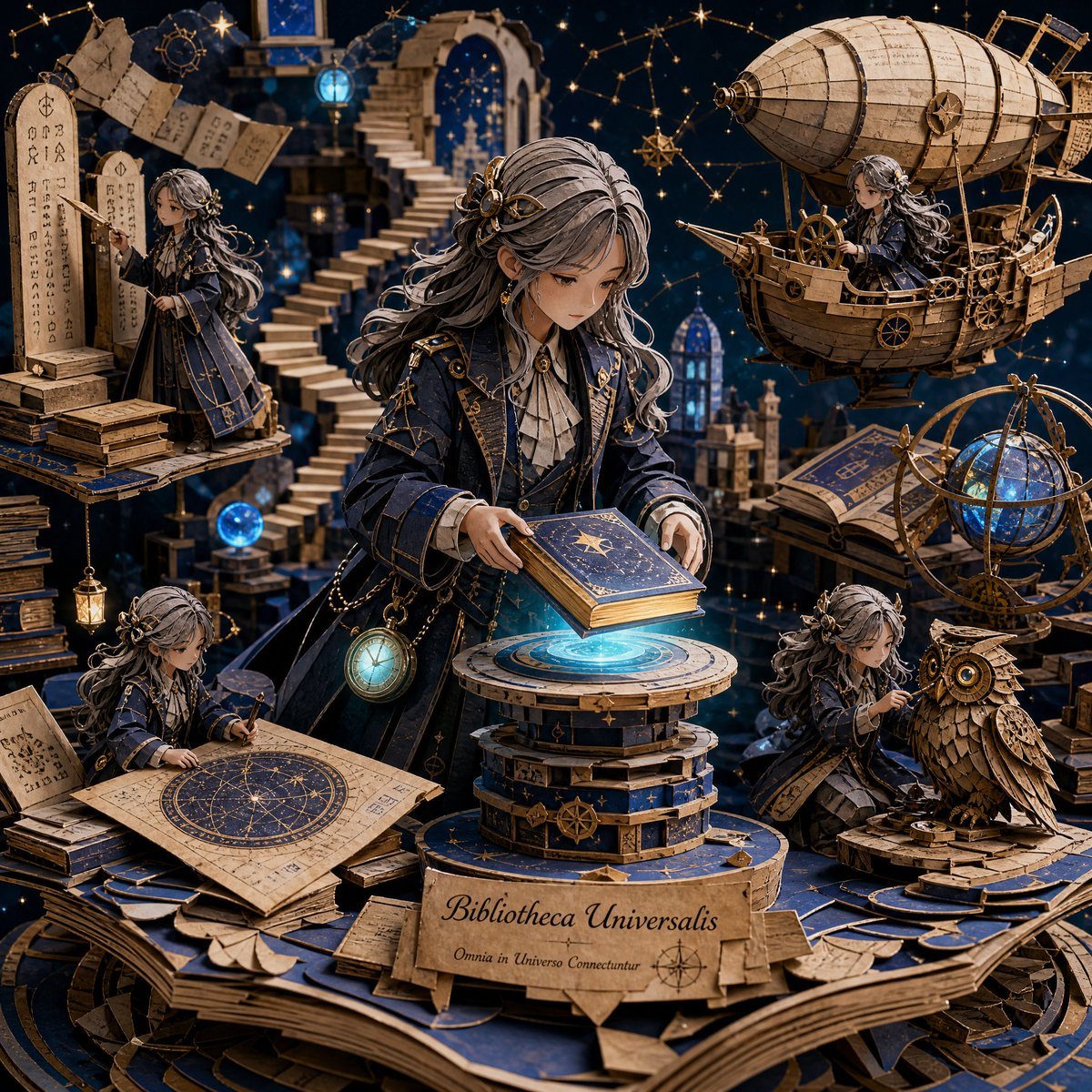
3D Papercraft Cosmic Library Diorama
Cinderella Transformation AI Image Prompt
Urban Digital Signage Exhibition
The Crimson Vow - Hyper-Realistic Cinematic Profile
Anime McDonald's Recommendation Poster
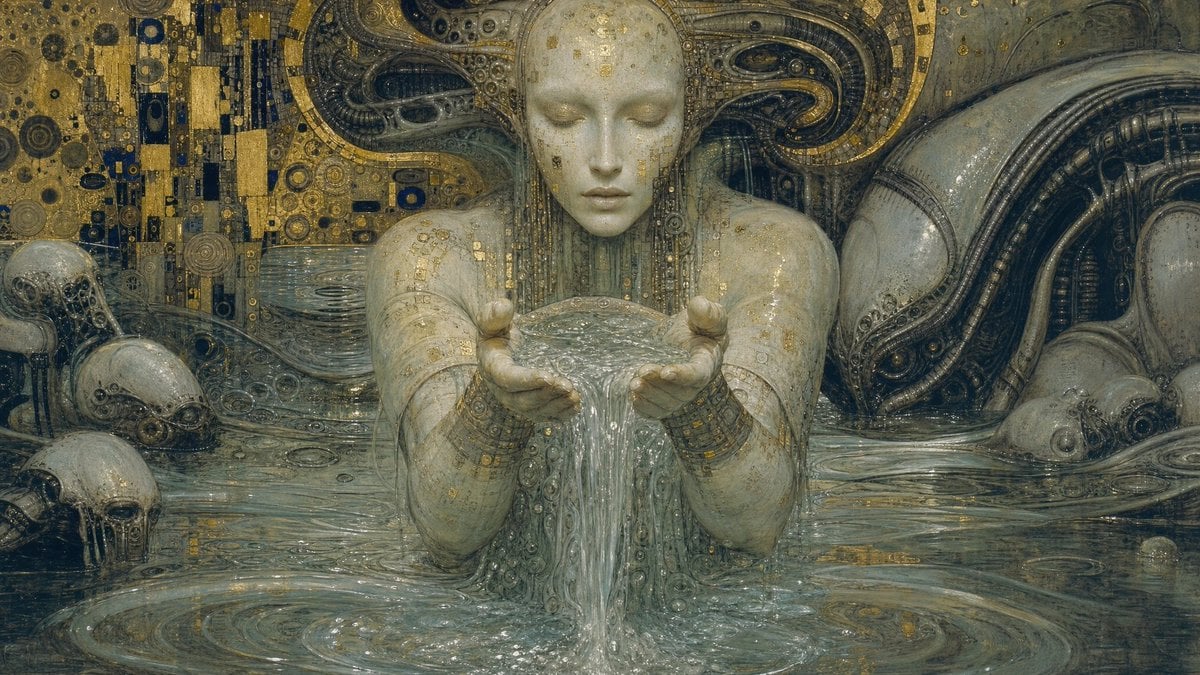
Biomechanical Surrealism with Gold Leaf
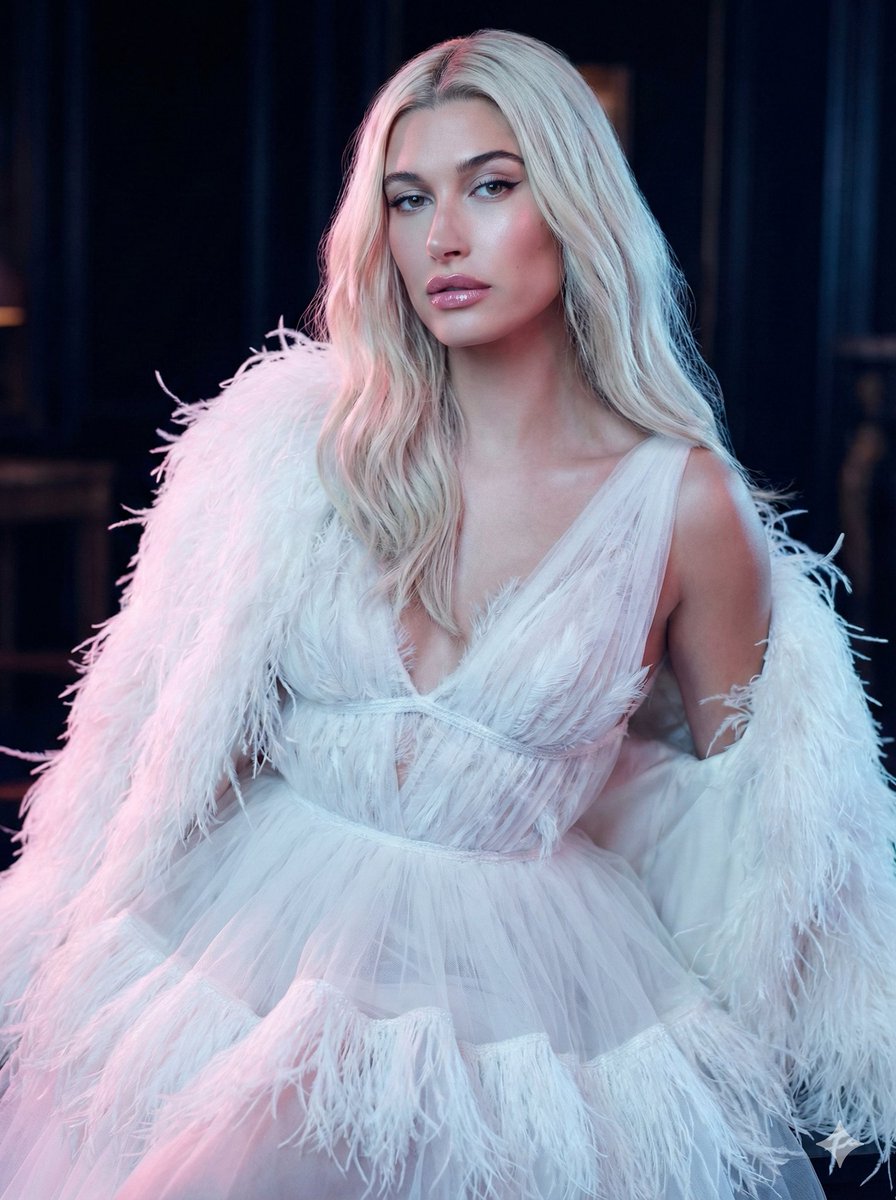
High-Fashion Feather Tulle Glamour Portrait Prompt in JSON
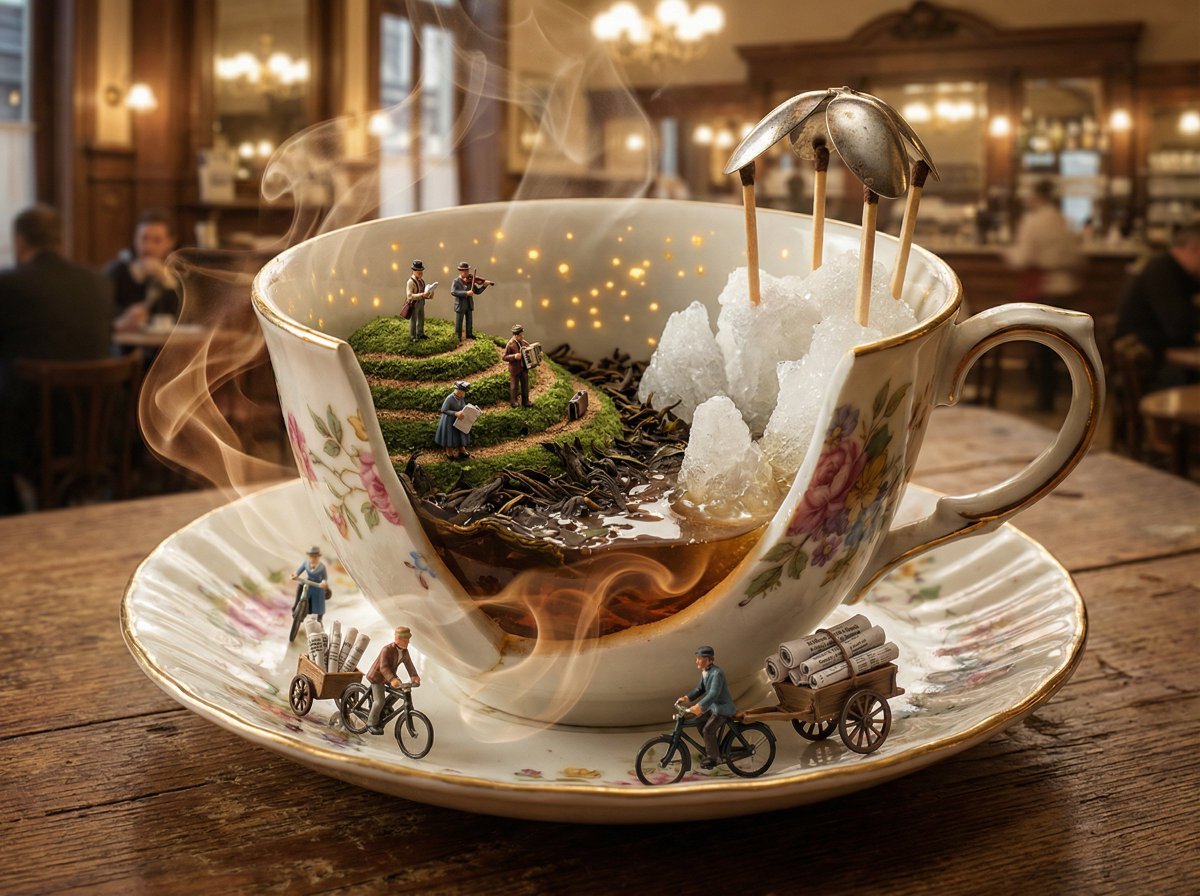
World in an Object Cinematic 3D Scene Template
Browse template categories
Cinematic Game UI Mockup questions
How do I use the Cinematic Game UI Mockup template?
Add your photo if the template asks for one, edit the prompt if you like — the template's model and format are already selected — and press Generate. Your version opens in PicX Studio.
Can I customize the Cinematic Game UI Mockup template?
Yes. You can change the subject, setting, lighting, mood, format, and available model controls before creating your image.
Is the Cinematic Game UI Mockup template free?
Opening and editing this template is free. Generating uses credits, shown on the Generate button when you are signed in.
Which AI model should I use?
Start with GPT Image 2, which is the model associated with this template. You can compare another compatible model for a different finish.
Looking for something else? Browse all templates.

Your photo, any look
Thousands of ready templates for every top image and video model, from one credit balance.