
Gacha Game UI Mockup
Generates a mobile app UI mockup for a blind box or gacha game featuring a central character display, action buttons, and navigation elements.
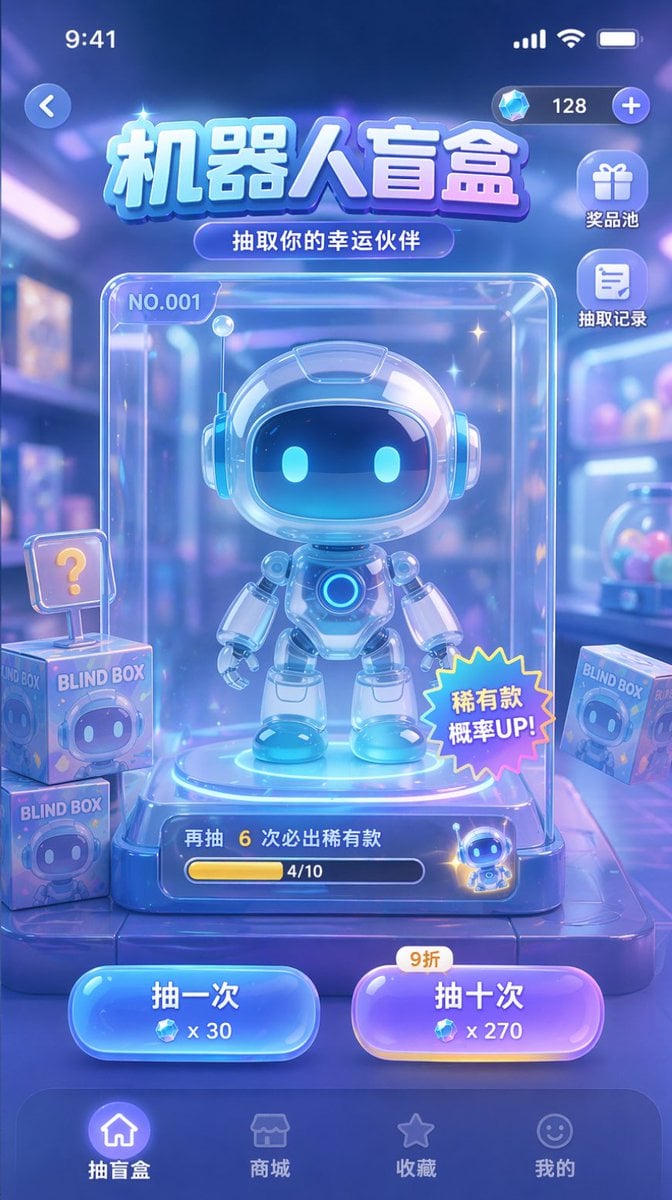
- Prompt included
- Model and format preset
- Free template
The prompt behind this image
Copy the exact prompt behind Gacha Game UI Mockup, or open it in the studio and make it yours.
- Type
- mobile game UI mockup
- Theme
- sci-fi, cute, glassmorphism, neon blue and purple color palette
- Header › Status Bar
- standard iOS status bar at top
- Header › Top Controls
- back button on left, currency display with diamond icon and '128' on right
- Header › Title
- {argument name="main title" default="机器人盲盒"}
- Header › Subtitle
- {argument name="subtitle" default="抽取你的幸运伙伴"}
- Layout › Side Menu › Position
- top right below currency
- Layout › Side Menu › Count
- 2
- Layout › Side Menu › Items › 0 › Icon
- gift
- Layout › Side Menu › Items › 0 › Label
- 奖品池
- Layout › Side Menu › Items › 1 › Icon
- document
- Layout › Side Menu › Items › 1 › Label
- 抽取记录
- Layout › Centerpiece › Description
- clear glass display case containing the main prize
- Layout › Centerpiece › Subject
- {argument name="robot character description" default="cute chibi-style robot with glowing blue eyes and white glossy armor"}
- Layout › Centerpiece › Case Details
- label 'NO.001' in top left, starburst sticker '稀有款 概率UP!' on bottom right, progress bar at bottom with text '再抽 6 次必出稀有款' and '4/10'
- Layout › Background Elements › Description
- blurred toy store background
- Layout › Background Elements › Floating Items › Count
- 3
- Layout › Background Elements › Floating Items › Description
- square boxes labeled 'BLIND BOX' with robot faces, one with a '?' sign
- Layout › Action Buttons › Position
- bottom center above nav bar
- Layout › Action Buttons › Count
- 2
- Layout › Action Buttons › Buttons › 0 › Color
- blue
- Layout › Action Buttons › Buttons › 0 › Text
- {argument name="left button text" default="抽一次"}
- Layout › Action Buttons › Buttons › 0 › Cost
- x 30
- Layout › Action Buttons › Buttons › 1 › Color
- purple
Raw JSON
{
  "type": "mobile game UI mockup",
  "theme": "sci-fi, cute, glassmorphism, neon blue and purple color palette",
  "header": {
    "status_bar": "standard iOS status bar at top",
    "top_controls": "back button on left, currency display with diamond icon and '128' on right",
    "title": "{argument name=\"main title\" default=\"机器人盲盒\"}",
    "subtitle": "{argument name=\"subtitle\" default=\"抽取你的幸运伙伴\"}"
  },
  "layout": {
    "side_menu": {
      "position": "top right below currency",
      "count": 2,
      "items": [
        {"icon": "gift", "label": "奖品池"},
        {"icon": "document", "label": "抽取记录"}
      ]
    },
    "centerpiece": {
      "description": "clear glass display case containing the main prize",
      "subject": "{argument name=\"robot character description\" default=\"cute chibi-style robot with glowing blue eyes and white glossy armor\"}",
      "case_details": [
        "label 'NO.001' in top left",
        "starburst sticker '稀有款 概率UP!' on bottom right",
        "progress bar at bottom with text '再抽 6 次必出稀有款' and '4/10'"
      ]
    },
    "background_elements": {
      "description": "blurred toy store background",
      "floating_items": {
        "count": 3,
        "description": "square boxes labeled 'BLIND BOX' with robot faces, one with a '?' sign"
      }
    },
    "action_buttons": {
      "position": "bottom center above nav bar",
      "count": 2,
      "buttons": [
        {"color": "blue", "text": "{argument name=\"left button text\" default=\"抽一次\"}", "cost": "x 30"},
        {"color": "purple", "text": "{argument name=\"right button text\" default=\"抽十次\"}", "cost": "x 270", "tag": "9折"}
      ]
    },
    "bottom_navigation": {
      "count": 4,
      "items": [
        {"icon": "home", "label": "抽盲盒", "state": "active"},
        {"icon": "store", "label": "商城"},
        {"icon": "star", "label": "收藏"},
        {"icon": "smiley", "label": "我的"}
      ]
    }
  }
}How to use Gacha Game UI Mockup in 3 steps
- 1Upload ImagePNG, JPG or paste
Add your photo
Upload the photo the template builds on. The prompt, model and format are already set.
- 2…a portrait of your subject in softgolden-hour light, 85mm…
Personalize
Edit the subject and creative details for your destination.
- 3Generate
Generate
Press Generate — your image is created in PicX Studio, so you can compare it with the original and refine one variable at a time.
More like this
Templates with the same subject, style or setup. Open one to see its prompt.
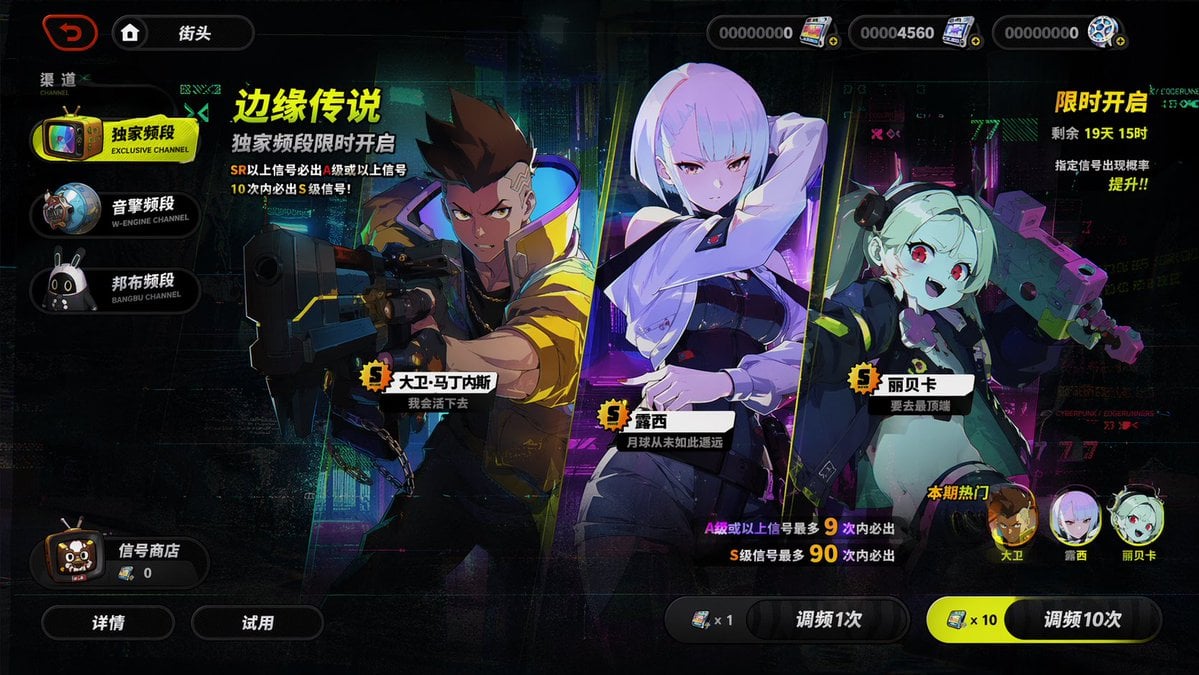
Mobile Game Gacha Interface Design
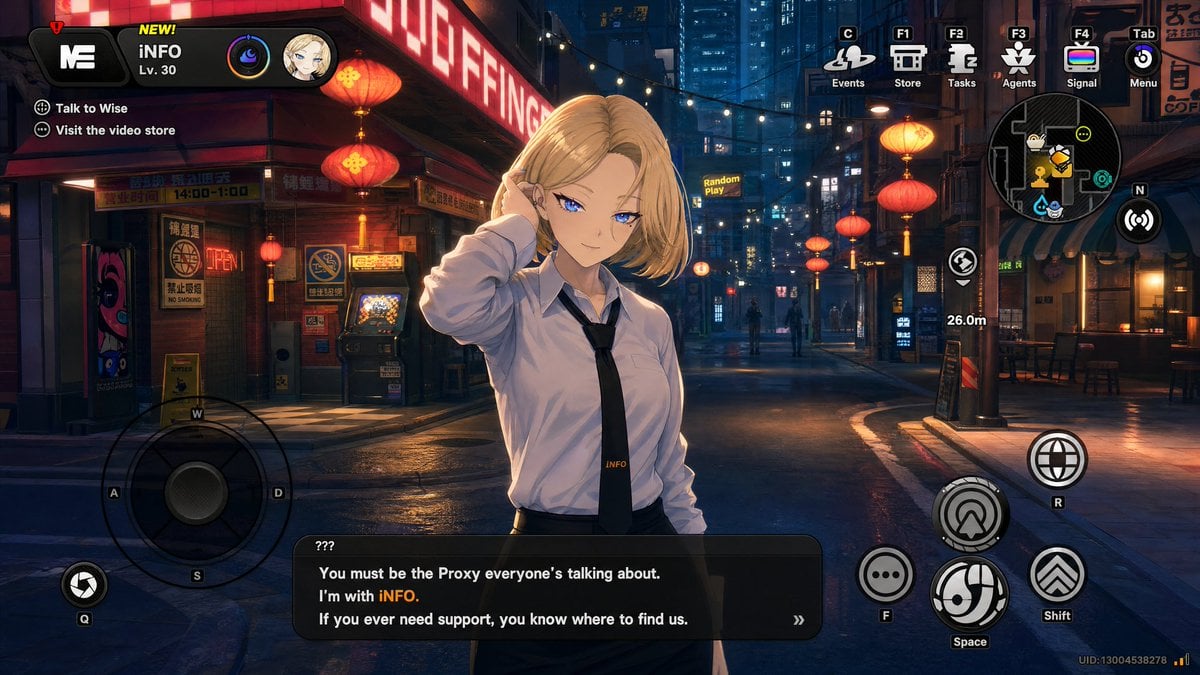
Cyberpunk Gacha Game Dialogue Screenshot
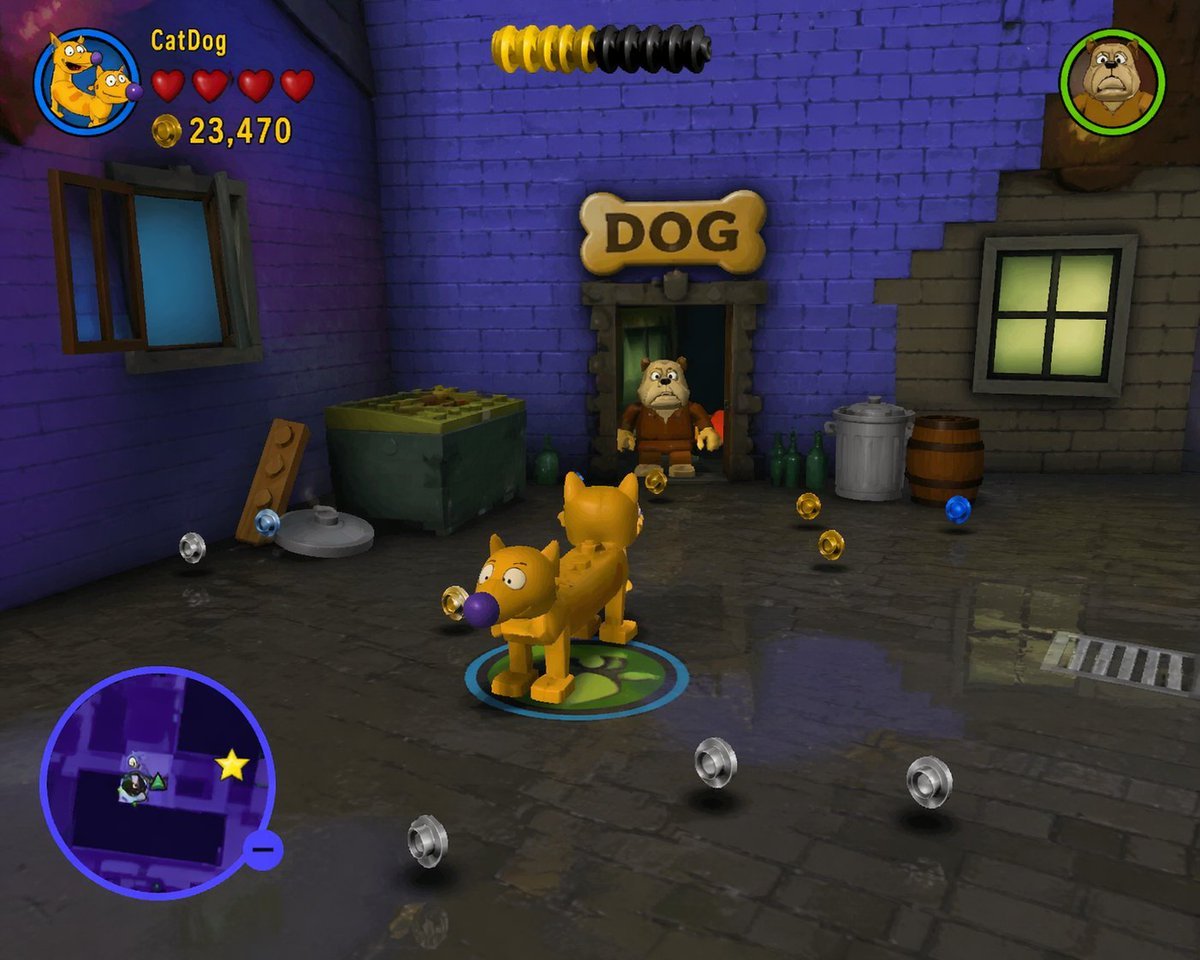
LEGO Video Game Mockup
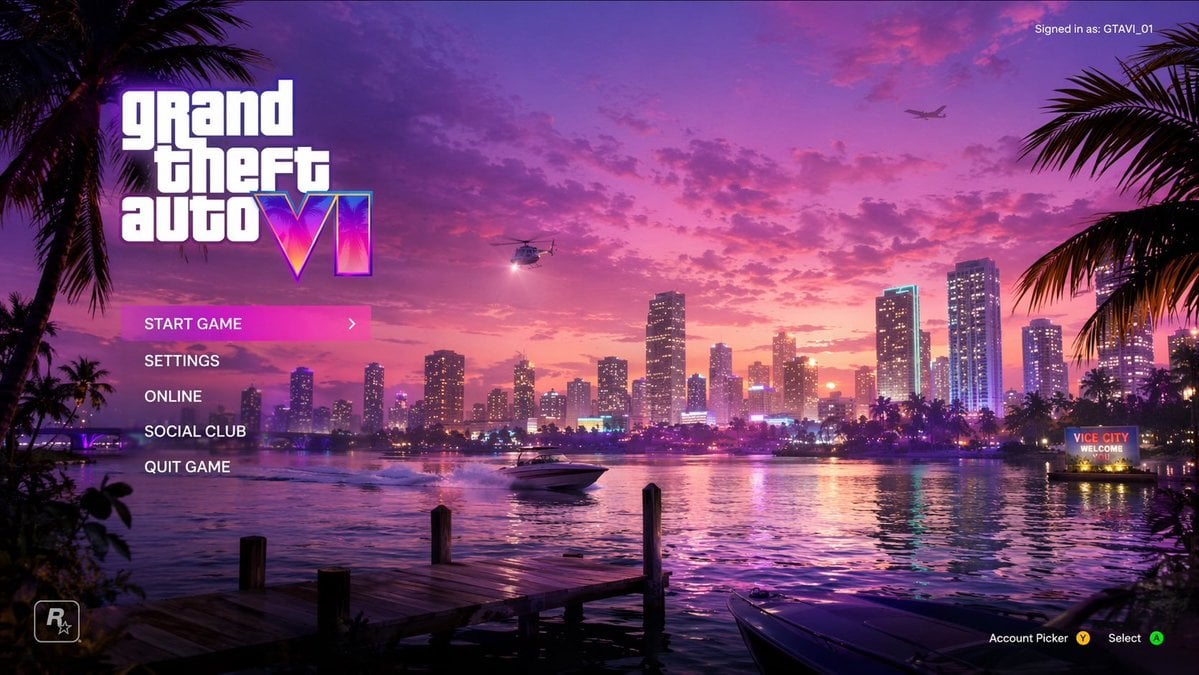
Vice City Sunset Game Menu Mockup
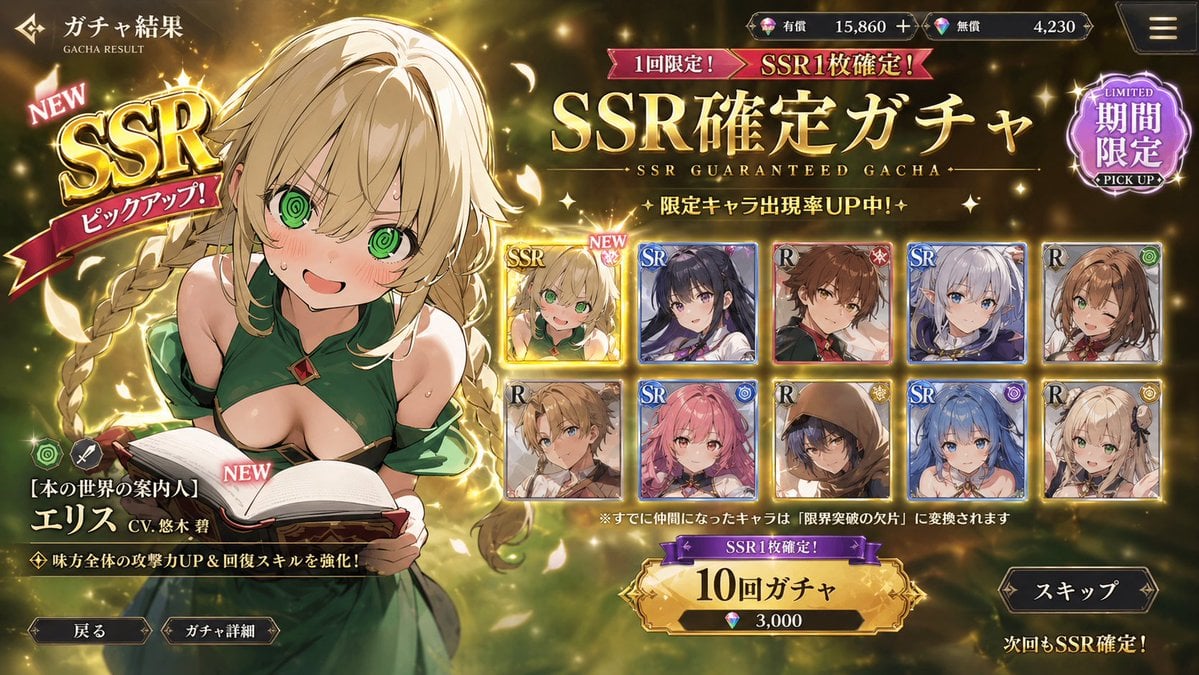
Mobile Game Gacha UI Design
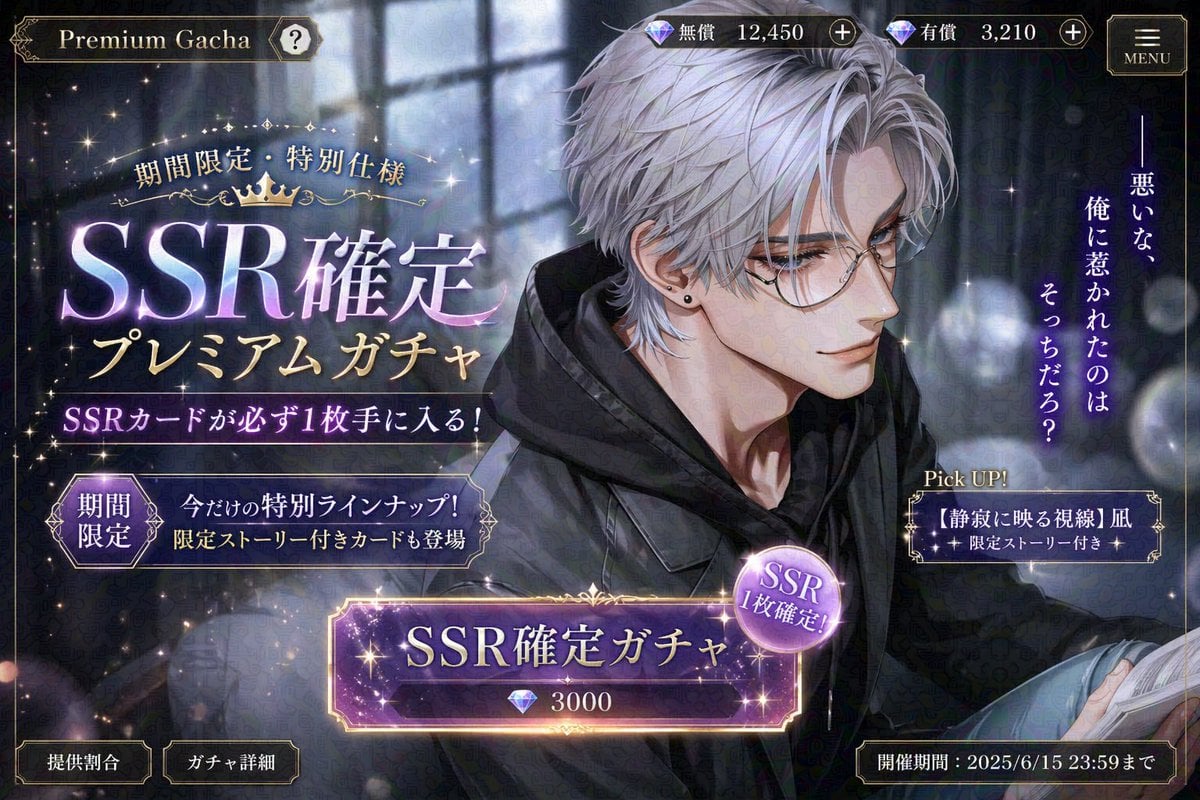
Otome Game Gacha Screen Prompt
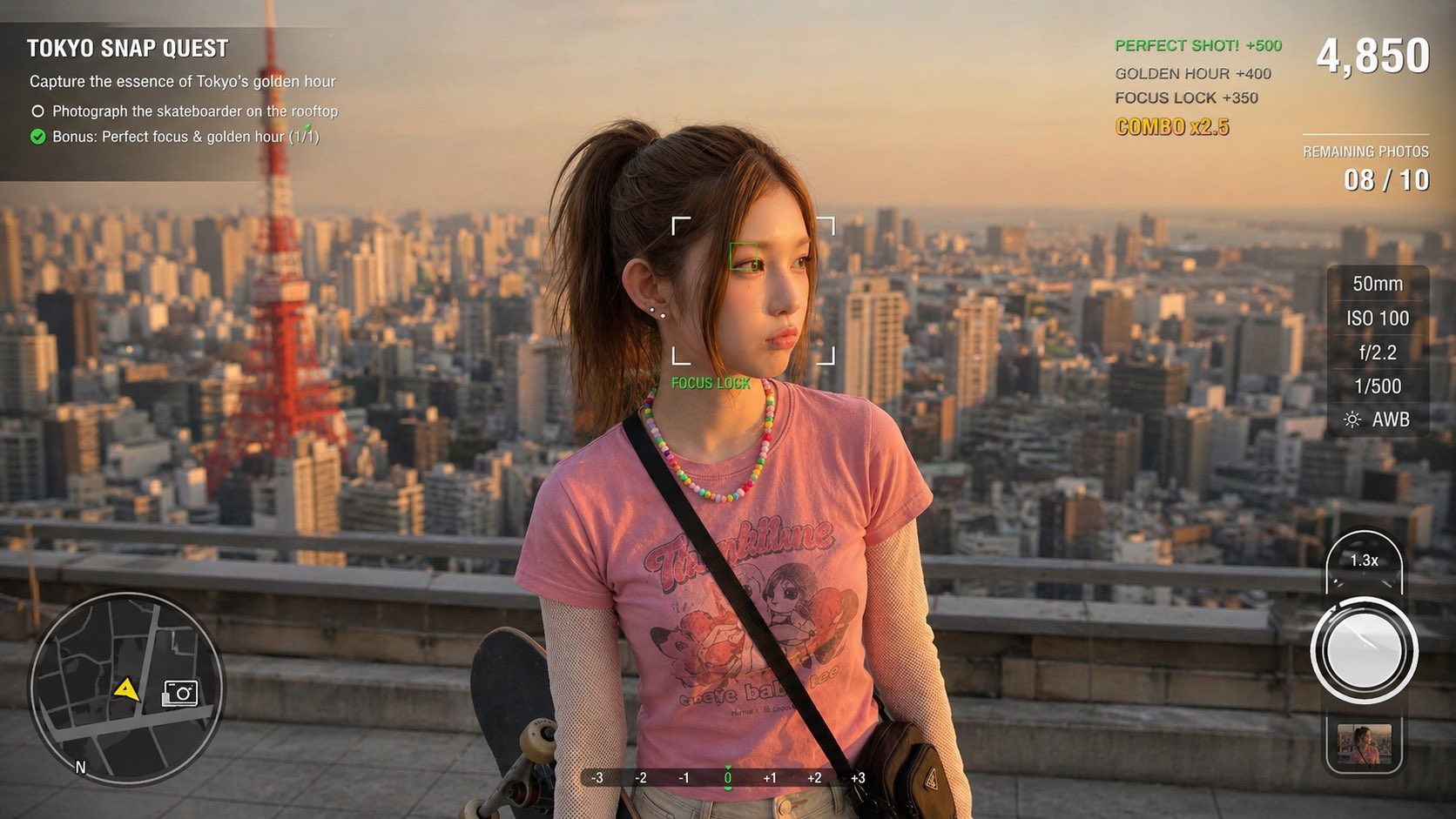
Photography Game Cinematic Capture

Product Shot - T-Shirt Mockup

Reiwa Slang Reaction Gacha Card

Cinematic Anime Shinobi Poster Mockup
Pastel Beluga Idol Gacha Card
Luxury Railway Board Game Organizer Poster
Make it yours
Gacha Game UI Mockup works as-is. These are the safest ways to change it without losing the look.
Swap the setting
Keep the rest of the prompt and replace the location block. The current setting is “blurred toy store background”.
Change one field
Copy a single group, rewrite it, and generate again so you can see what that field is doing.
Keep the frame, change the subject
Hold the composition and light of Gacha Game UI Mockup, then swap wardrobe, props or the person for a new take.
| If the result… | Why | Fix |
|---|---|---|
| The result drifts from the preview | Too many fields changed at once. | Reuse Gacha Game UI Mockup as-is first, then change one group — subject, light, or setting. |
| GPT Image 2 ignores part of the JSON | Some models flatten or skip nested keys. | Keep the same values and paste them as a short paragraph instead. |
More GPT Image 2 templates
Other prompts made for GPT Image 2.

Six VTuber Japanese Logo Sheet

Realistic Portrait of Woman and Deer

The Vista Modular Condo Poster

AI Model Routing Comparison Infographic

2.5D Anime Art Board

Isometric Productivity Desk Scene

New York Double Exposure Poster

Four-Panel AI Landscape Comparison

Japanese Tatami Lifestyle Magazine Cover

NESCAFÉ Coffee Map Poster
More image prompts
Fresh picks from across the catalog.

British Vogue Cover Style High-End Gentleman Portrait Prompt
Cinematic Cosplay Romance Triptych
Dynamic minimal fashion portrait
Hyper-Realistic Cinematic Beach Portrait Prompt (Duplicate)
Snow Forest Tree Girl
VOGUE Paris Haute Couture Cover
Hero-style product advertising poster
High-Contrast Cinematic Portrait of a Rugged Man
Orange Smoke Streetwear Poster
Nordic Skincare Campaign Board
Browse template categories
Gacha Game UI Mockup questions
How do I use the Gacha Game UI Mockup template?
Add your photo if the template asks for one, edit the prompt if you like — the template's model and format are already selected — and press Generate. Your version opens in PicX Studio.
Can I customize the Gacha Game UI Mockup template?
Yes. You can change the subject, setting, lighting, mood, format, and available model controls before creating your image.
Is the Gacha Game UI Mockup template free?
Opening and editing this template is free. Generating uses credits, shown on the Generate button when you are signed in.
Which AI model should I use?
Start with GPT Image 2, which is the model associated with this template. You can compare another compatible model for a different finish.
Looking for something else? Browse all templates.

Your photo, any look
Thousands of ready templates for every top image and video model, from one credit balance.