
Orange Smoke Streetwear Poster
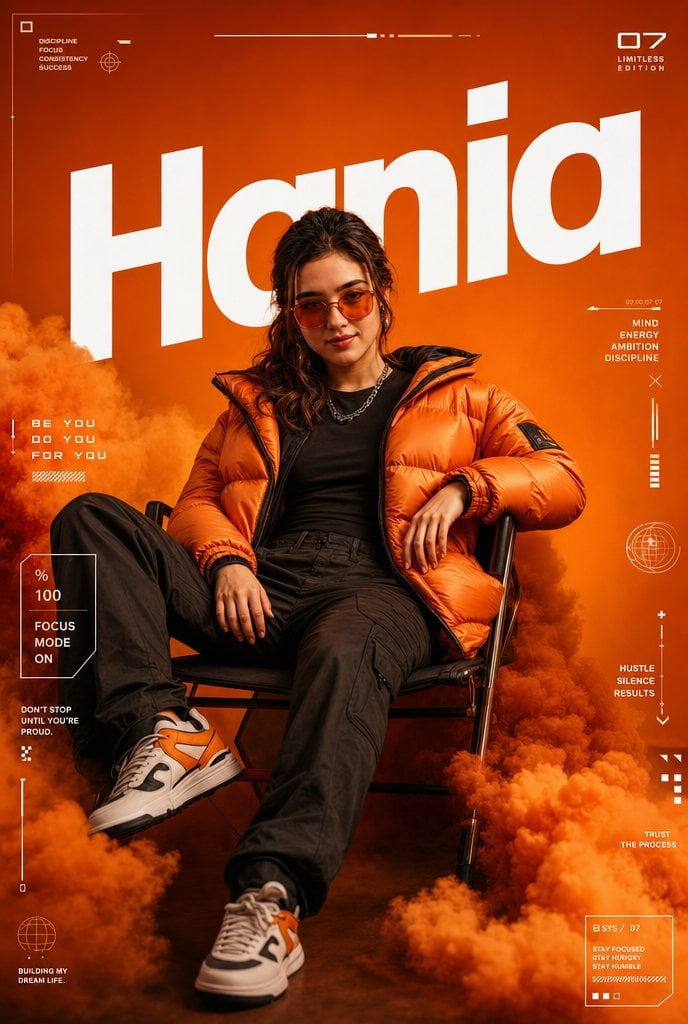
A cinematic vertical streetwear poster of a seated woman in an orange puffer jacket surrounded by smoke, bold typography, and futuristic HUD graphics.
- Prompt included
- Model and format preset
- Free template
The prompt behind this image
Copy the exact prompt behind Orange Smoke Streetwear Poster, or open it in the studio and make it yours.
Goal: Create a cinematic vertical fashion poster featuring {argument name="character name" default="Hania"} as the huge background title, with a stylish young woman seated confidently in a low black chair amid dense orange smoke clouds. Canvas: Vertical 2:3 poster, high-resolution editorial streetwear style, saturated monochrome orange background, dramatic studio lighting, sharp subject detail, deep shadows, premium magazine-cover composition. Main subject: One young woman centered in the lower half, relaxed dominant pose, leaning back in a black metal-framed chair with one leg extended toward the camera and the other bent. Her face is covered by a centered opaque medium-brown square censor block. She has long dark wavy hair visible around the block. Outfit: exactly 5 visible fashion pieces — oversized glossy {argument name="jacket color" default="orange"} puffer jacket, fitted black shirt, dark black cargo pants, silver chain necklace, and white-orange-black chunky sneakers. One hand rests on the chair arm, the other relaxed near her lap. Environment: Thick orange smoke clouds surround the chair and legs, especially dense along the bottom edge, left side, and right lower corner. Use a warm orange gradient backdrop with darker smoky shadows near the floor. Typography and layout: Place one enormous white italic bold sans-serif word “{argument name="headline text" default="Hania"}” behind the subject, spanning almost the full width, cropped slightly by the edges and partly hidden behind her head and jacket. The word should be tilted subtly and feel like a sportswear campaign headline. HUD / graphic overlays: Add thin white futuristic interface lines, tiny labels, boxes, and symbols around the edges. Include exactly 12 discrete overlay groups: 1) top-left small square icon with the stacked words “DISCIPLINE / FOCUS / CONFIDENCE / SUCCESS”; 2) top-center thin horizontal progress line with small blocks and dots; 3) top-right “07” with “LIMITLESS / EDITION”; 4) left-middle slogan “BE YOU / DO YOU / FOR YOU”; 5) left-lower outlined status card showing “% / 100 / FOCUS / MODE / ON”; 6) lower-left small quote “DON’T STOP / UNTIL YOU’RE / PROUD.” with tiny dot marks; 7) bottom-left small globe icon and caption “BUILDING MY / DREAM LIFE”; 8) right-upper tiny line and stacked words “MIND / ENERGY / AMBITION / DISCIPLINE”; 9) right-middle circular globe target icon; 10) right-middle vertical plus, line, arrow, and the words “HUSTLE / SILENCE / RESULTS”; 11) right-lower small geometric squares and the words “TRUST / THE PROCESS”; 12) bottom-right outlined data card reading “B SYS / 07”, “STAY FOCUSED / STAY HUNGRY / STAY HUMBLE”, plus tiny square indicators. Visual style: Cinematic streetwear advertising poster, bold orange-and-white color palette, clean futuristic microtypography, crisp high-contrast lighting, realistic fabric texture on the puffer jacket, volumetric smoke, shallow depth of field, no extra people, no watermark. Keep all overlay text white and small, with the giant title as the dominant graphic element.
How to use Orange Smoke Streetwear Poster in 3 steps
- 1Upload ImagePNG, JPG or paste
Add your photo
Upload the photo the template builds on. The prompt, model and format are already set.
- 2…a portrait of your subject in softgolden-hour light, 85mm…
Personalize
Edit the subject and creative details for your destination.
- 3Generate
Generate
Press Generate — your image is created in PicX Studio, so you can compare it with the original and refine one variable at a time.
More like this
Templates with the same subject, style or setup. Open one to see its prompt.

Urban Fashion Editorial Collage Streetwear Poster

Ultra-Stylized High-Fashion Streetwear Poster

Urban Fashion Editorial Collage Poster

Selective Color Monochrome Football Poster

Campaign Smoke National Symbols World Cup

Gpt2 Product Marketing Streetwear Sneaker Poster Ad

1988 Mall Style
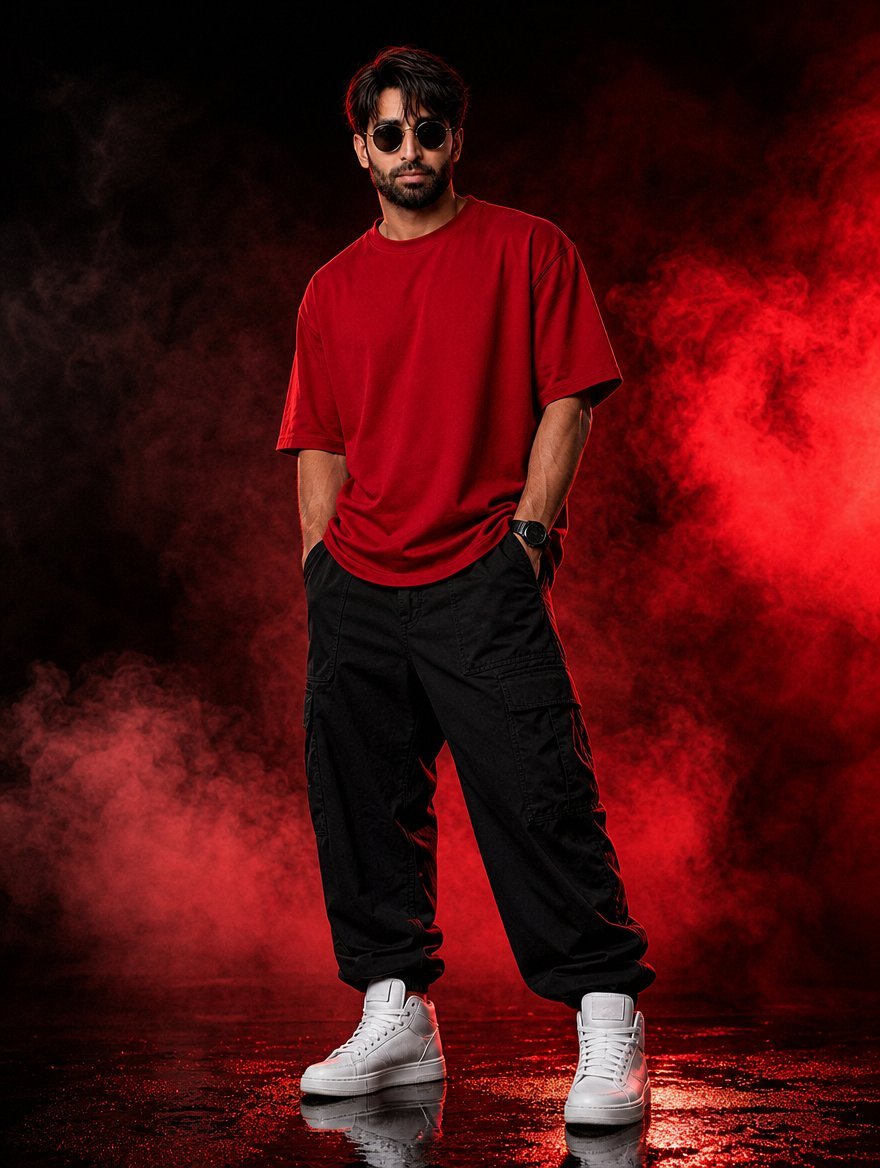
Red Smoke Streetwear Fashion Portrait

Japan Travel Brochure Poster
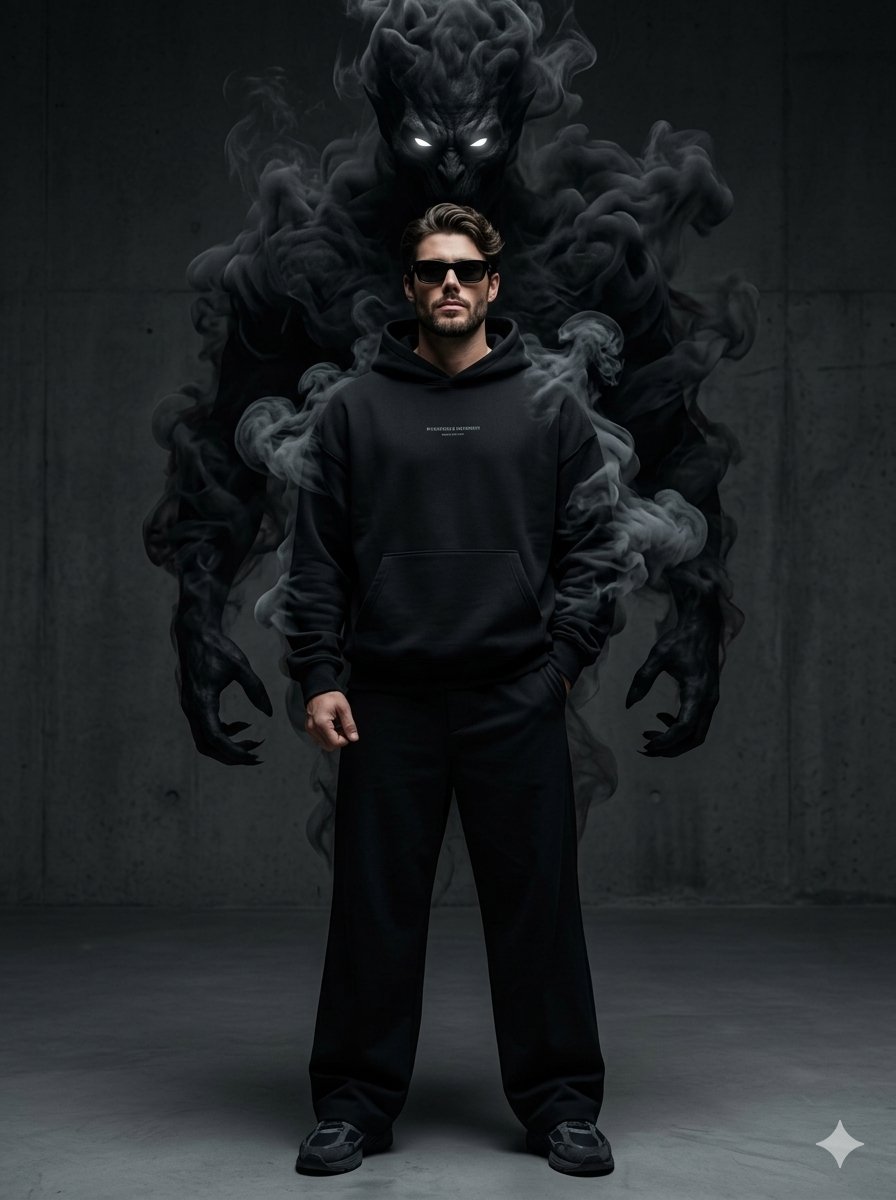
Supernatural Streetwear Portrait with Smoke Demon

Cartoon TV Show Poster Pack

Trendy Cafe Drink Promo Poster
Make it yours
Orange Smoke Streetwear Poster works as-is. These are the safest ways to change it without losing the look.
Change one field
Copy a single group, rewrite it, and generate again so you can see what that field is doing.
Keep the frame, change the subject
Hold the composition and light of Orange Smoke Streetwear Poster, then swap wardrobe, props or the person for a new take.
| If the result… | Why | Fix |
|---|---|---|
| The result drifts from the preview | Too many fields changed at once. | Reuse Orange Smoke Streetwear Poster as-is first, then change one group — subject, light, or setting. |
| The model over-stylizes the scene | The prose prompt leaves finish and camera underspecified. | Add one camera or lighting sentence and stay on GPT Image 2. |
More GPT Image 2 templates
Other prompts made for GPT Image 2.

Six VTuber Japanese Logo Sheet

Realistic Portrait of Woman and Deer

The Vista Modular Condo Poster

AI Model Routing Comparison Infographic

2.5D Anime Art Board

Isometric Productivity Desk Scene

New York Double Exposure Poster

Four-Panel AI Landscape Comparison

Japanese Tatami Lifestyle Magazine Cover

NESCAFÉ Coffee Map Poster
More image prompts
Fresh picks from across the catalog.

Macro Shell Jelly on Wet Basalt
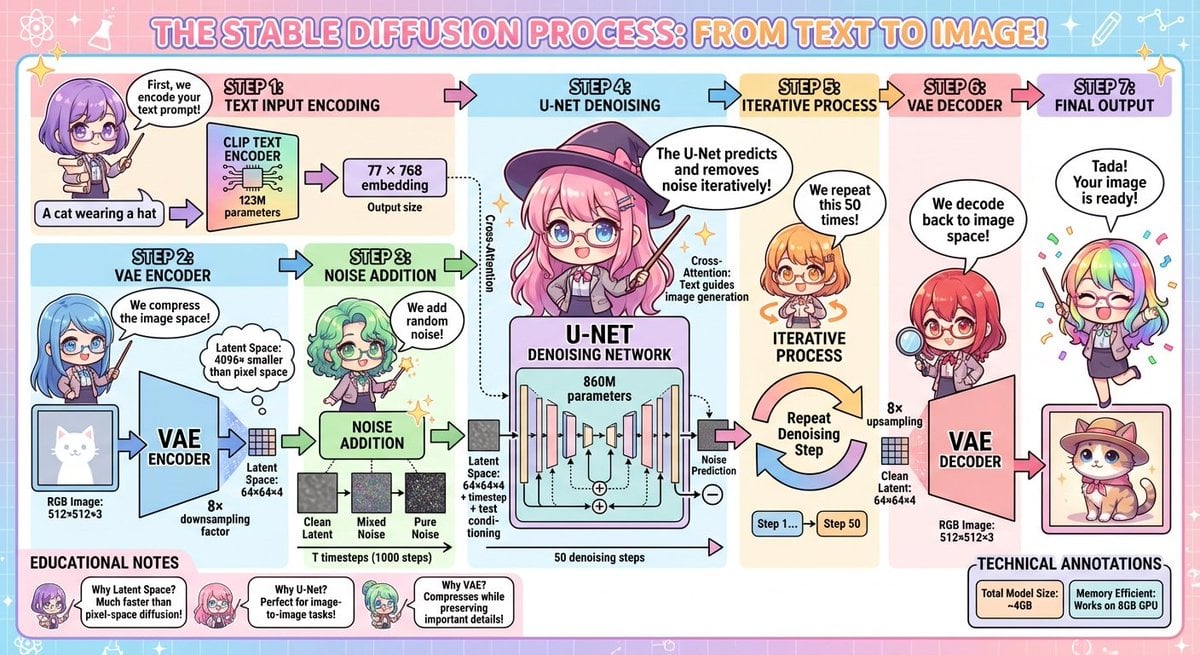
Stable Diffusion educational anime diagram
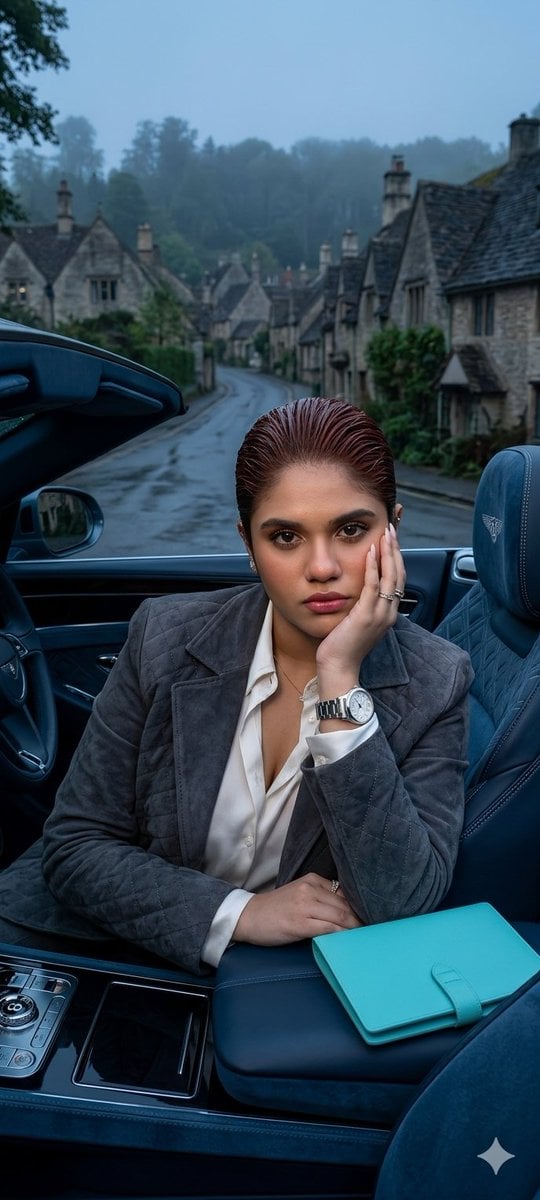
X Oye Samia Hyper Realistic Scene on the Outskirts

Professional Studio Headshot Prompt
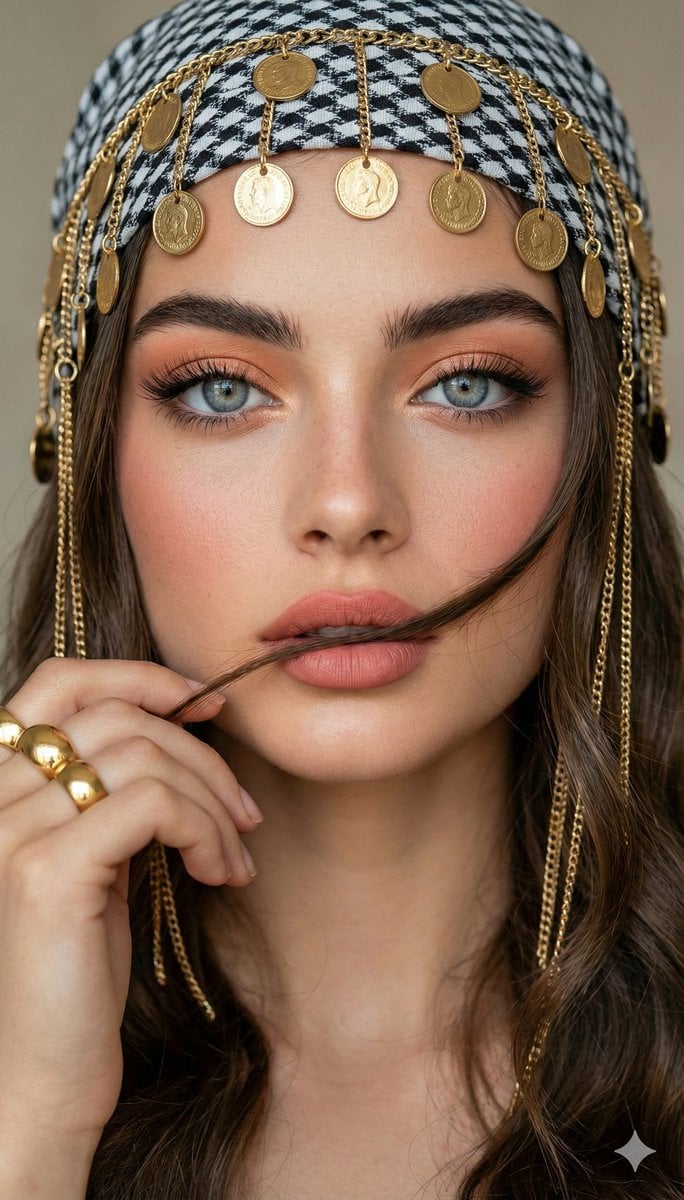
Close-up Portrait with Headscarf and Jewelry Prompt (Image Reference)
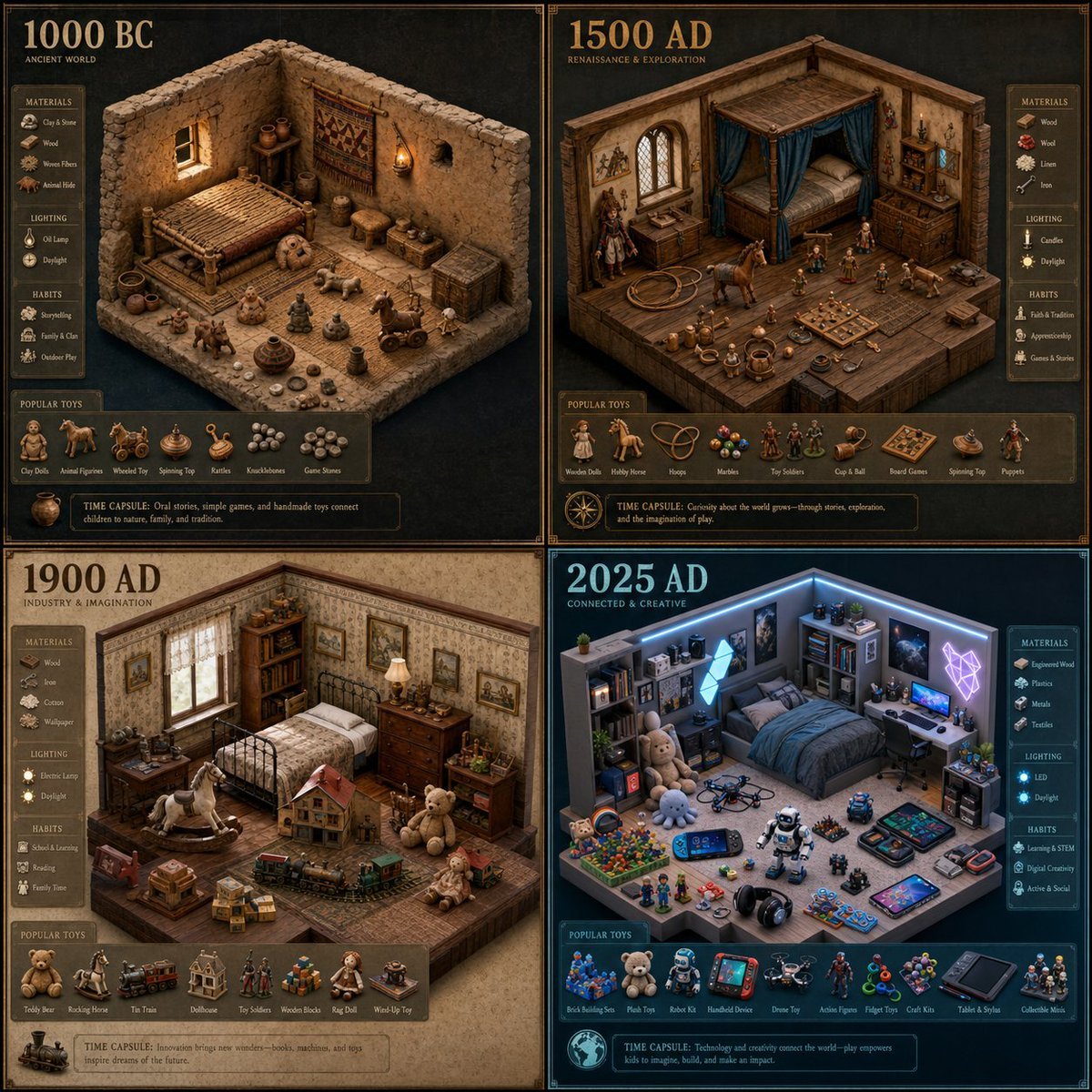
Historical Era Bedroom Interior Map
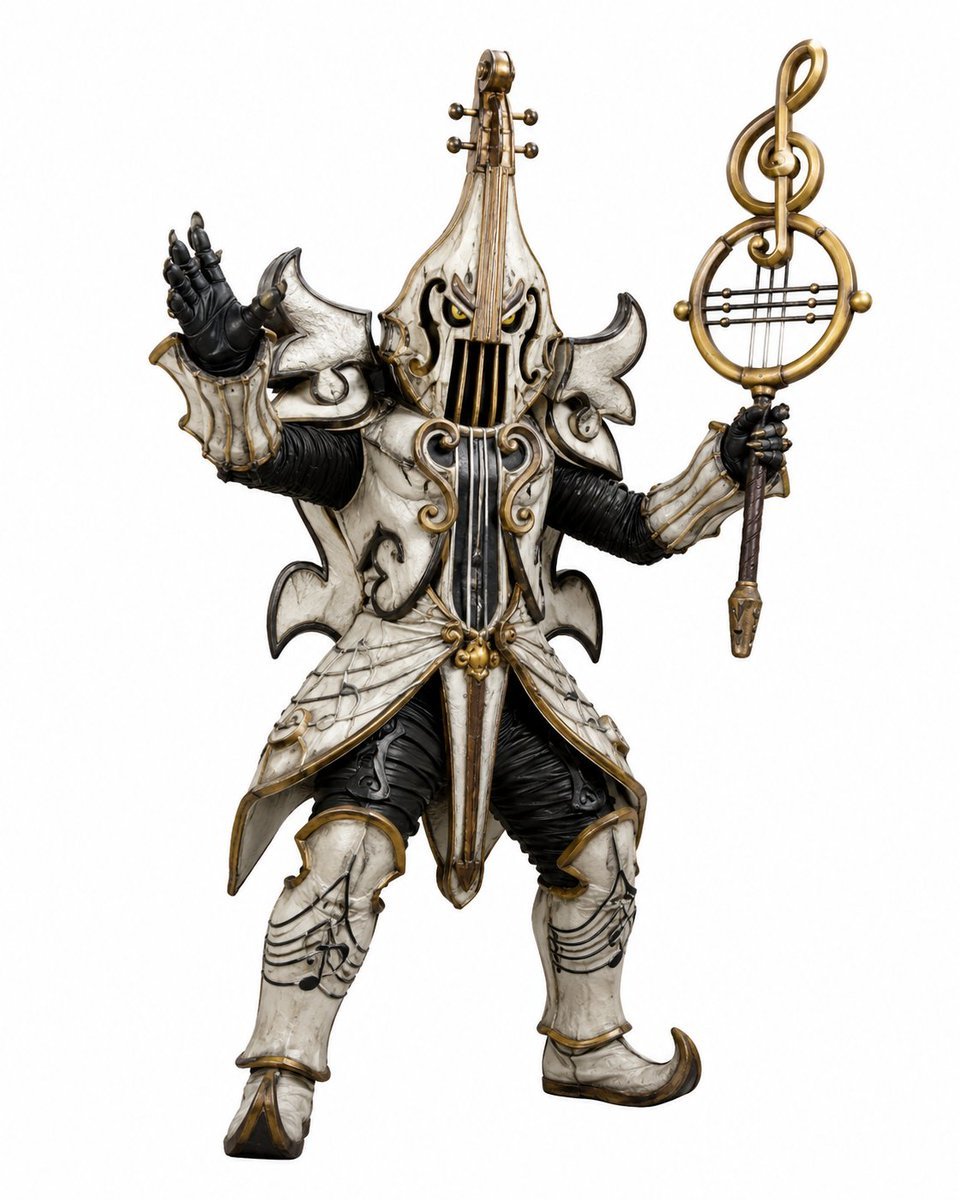
Music-Themed Tokusatsu Kaijin
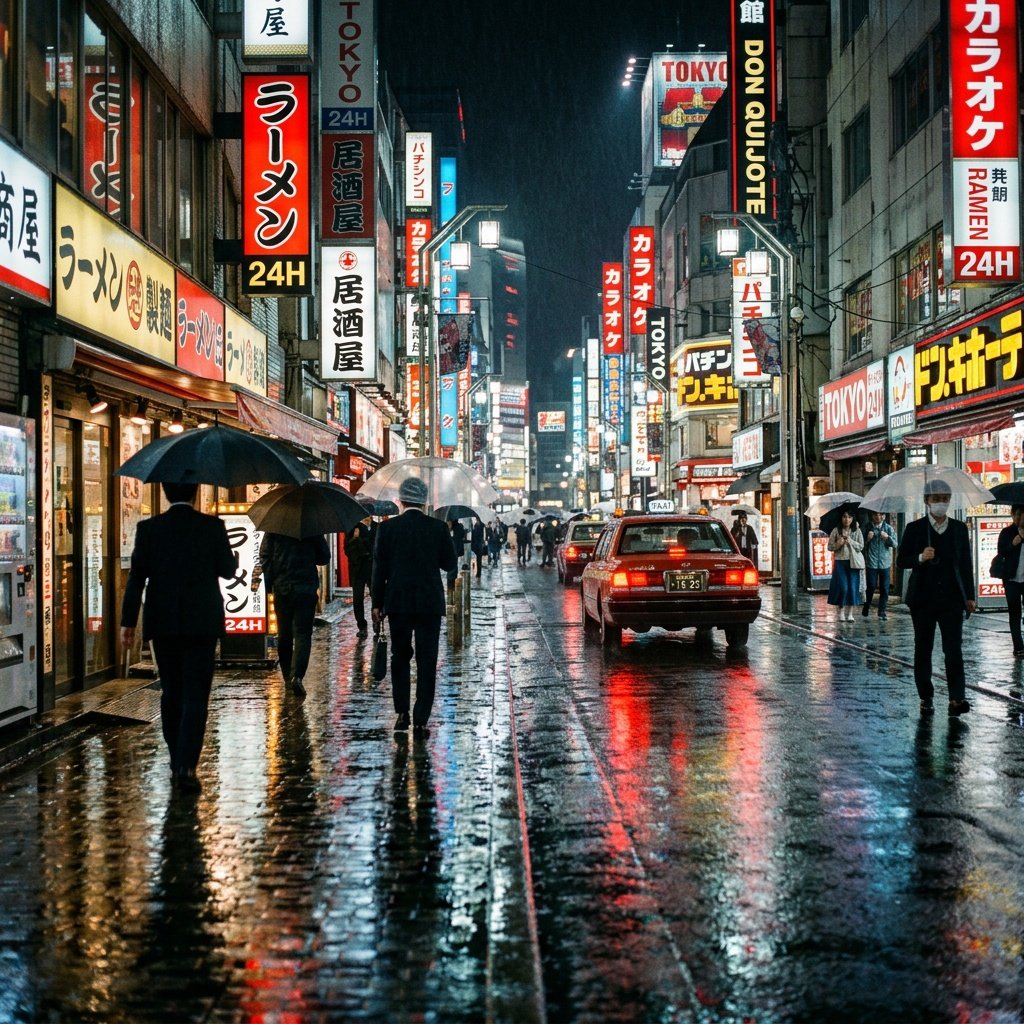
Cinematic Tokyo Street at Night
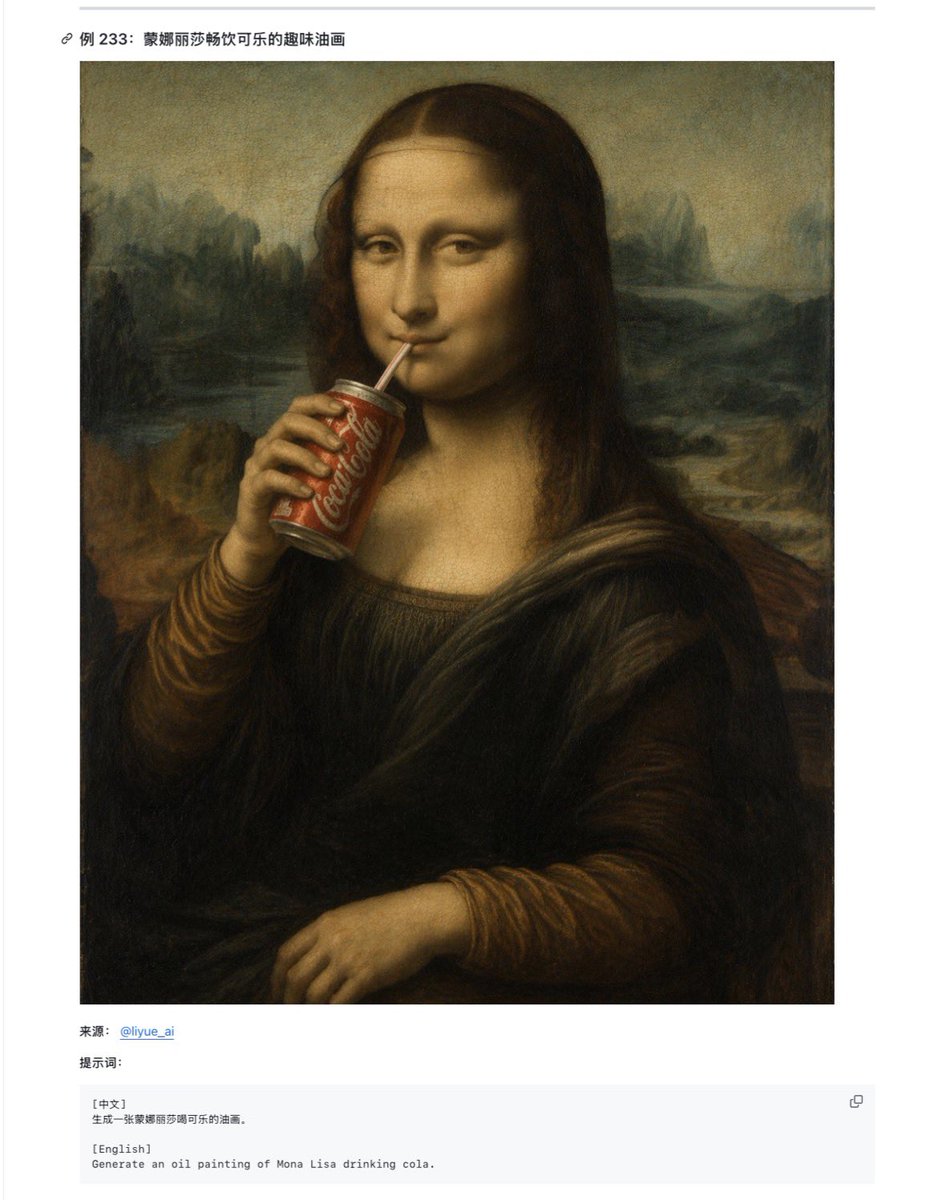
Mona Lisa Coca-Cola Web Example
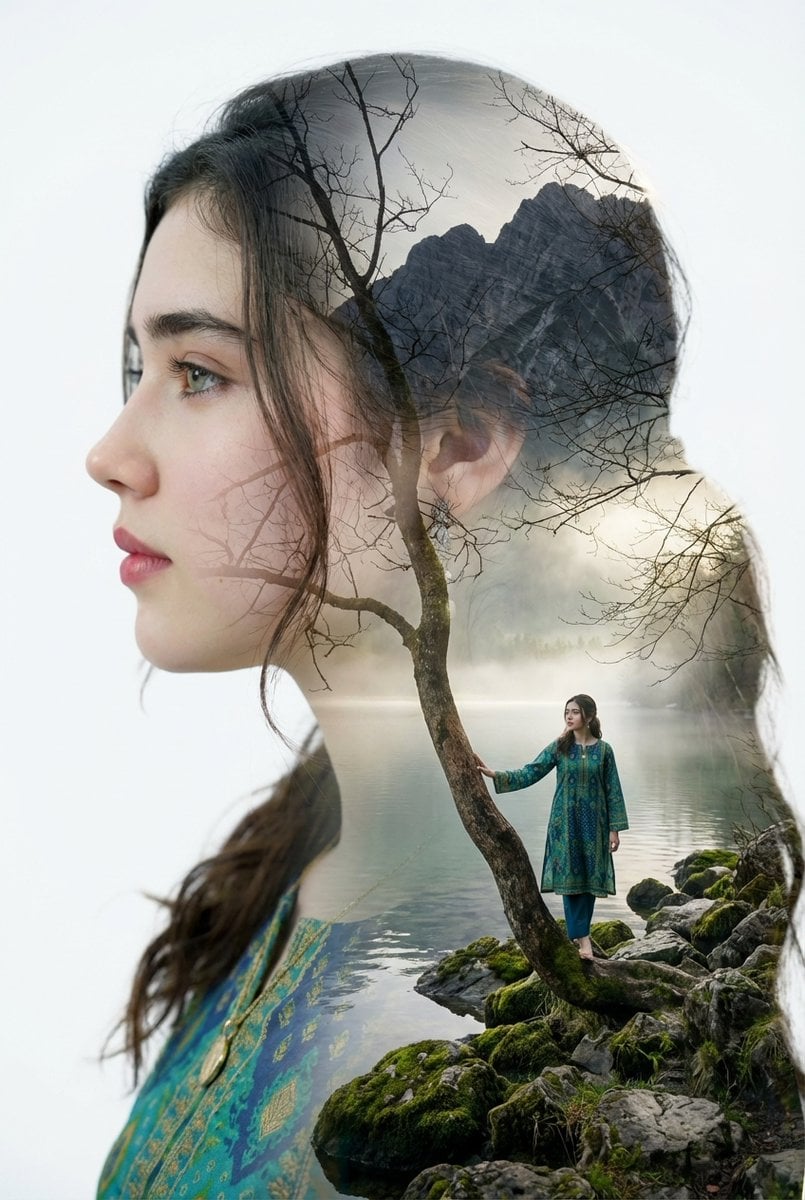
Double Exposure Portrait with Tree Branches and Landscape
Browse template categories
Orange Smoke Streetwear Poster questions
How do I use the Orange Smoke Streetwear Poster template?
Add your photo if the template asks for one, edit the prompt if you like — the template's model and format are already selected — and press Generate. Your version opens in PicX Studio.
Can I customize the Orange Smoke Streetwear Poster template?
Yes. You can change the subject, setting, lighting, mood, format, and available model controls before creating your image.
Is the Orange Smoke Streetwear Poster template free?
Opening and editing this template is free. Generating uses credits, shown on the Generate button when you are signed in.
Which AI model should I use?
Start with GPT Image 2, which is the model associated with this template. You can compare another compatible model for a different finish.
Looking for something else? Browse all templates.

Your photo, any look
Thousands of ready templates for every top image and video model, from one credit balance.