
Mona Lisa Coca-Cola Web Example
Creates a documentation-style screenshot featuring a Renaissance oil-painting parody of Mona Lisa drinking Coca-Cola with bilingual prompt text below.
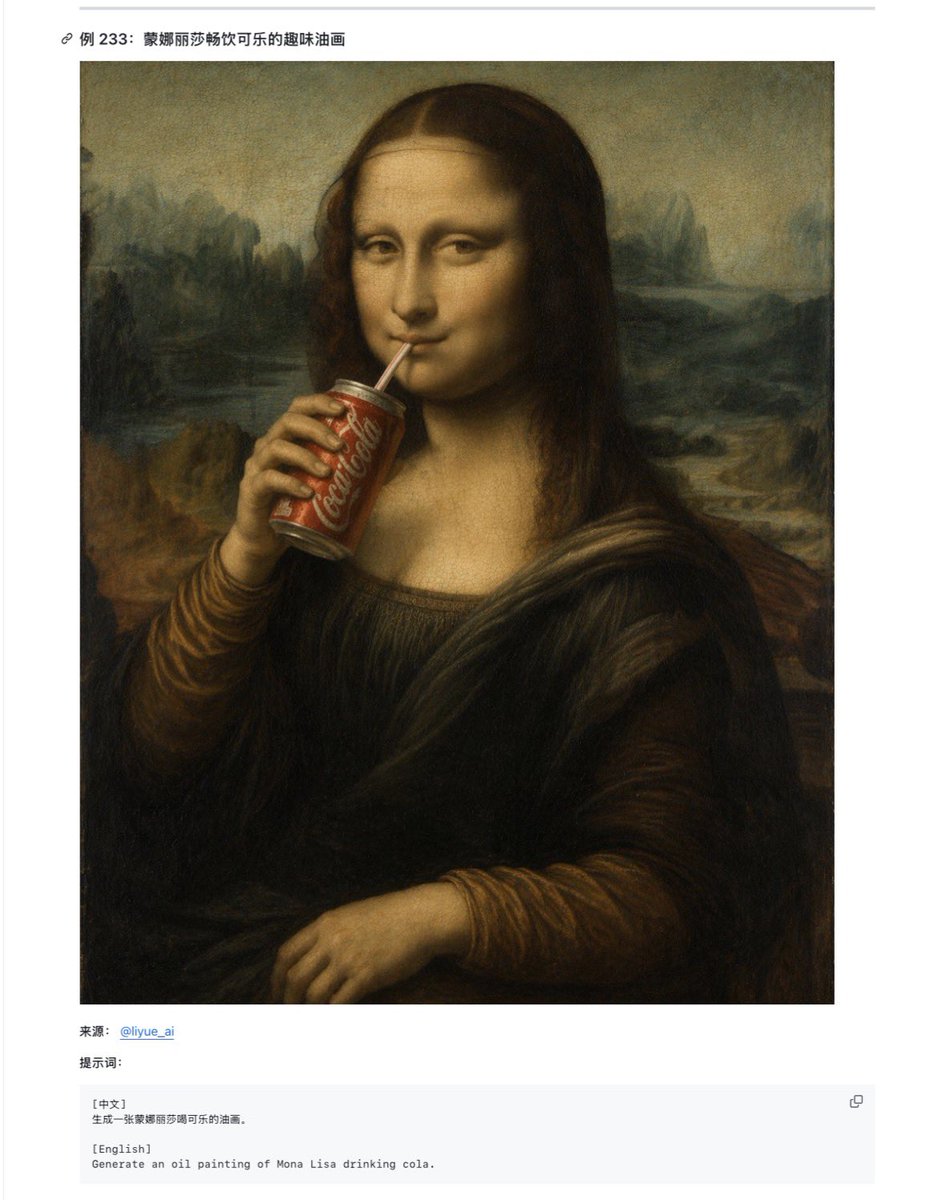
- Prompt included
- Model and format preset
- Free template
The prompt behind this image
Copy the exact prompt behind Mona Lisa Coca-Cola Web Example, or open it in the studio and make it yours.
Goal: Create a clean documentation-style webpage screenshot showing an example entry about Mona Lisa drinking Coca-Cola, with a large generated artwork preview and a small bilingual prompt box below it. Canvas: Portrait-oriented screenshot on a white page, approximately 768 × 984 px, with generous margins and a very light gray horizontal rule near the top. Layout: At the top left, place a small link/chain icon followed by the bold Chinese title “例 233: 蒙娜丽莎畅饮可乐的趣味油画”. Below it, center a large square artwork image with a thin white margin around it. Under the artwork, add exactly 3 lower content elements: 1 source line, 1 prompt label line, and 1 pale gray code-style prompt box. Main artwork: Generate an old-master oil painting parody of {argument name="painting subject" default="Mona Lisa"} drinking {argument name="drink brand" default="Coca-Cola"}. The figure is seated in the classic Mona Lisa pose with dark brown hair, Renaissance clothing, folded lower hand, and a misty landscape background in muted green, brown, and ochre tones. The left hand holds a red soda can near the mouth, with the white Coca-Cola script visible on the can. The painting should look aged, softly blended, and varnished, imitating a Renaissance oil portrait. Add one opaque dark brown square censorship block over the face, centered from forehead to chin, obscuring the facial features while leaving hair, neck, hand, and soda can visible. Lower text content: The source line reads “来源: @liyue_ai” with the handle in blue like a hyperlink. The next line reads “提示词:”. The code box contains exactly 2 labeled language blocks: “[中文]” followed by “生成一张蒙娜丽莎畅饮可乐的油画。” and “[English]” followed by “Generate an oil painting of Mona Lisa drinking cola.” Add one small copy icon at the upper right of the code box. Visual style: Minimal Chinese web article interface, white background, black and gray sans-serif UI text, light gray code box, subtle borders, no decorative clutter. Keep the artwork painterly and historically styled, while the surrounding page remains crisp like a browser screenshot. Constraints: Include exactly 1 main artwork, exactly 1 soda can, exactly 1 face-obscuring square, exactly 1 title line, exactly 1 source line, exactly 1 prompt label, exactly 1 code box, and exactly 2 language sections inside the code box. Do not add extra images, comments, watermarks, or unrelated UI panels.
How to use Mona Lisa Coca-Cola Web Example in 3 steps
- 1Upload ImagePNG, JPG or paste
Add your photo
Upload the photo the template builds on. The prompt, model and format are already set.
- 2…a portrait of your subject in softgolden-hour light, 85mm…
Personalize
Edit the subject and creative details for your destination.
- 3Generate
Generate
Press Generate — your image is created in PicX Studio, so you can compare it with the original and refine one variable at a time.
More like this
Templates with the same subject, style or setup. Open one to see its prompt.
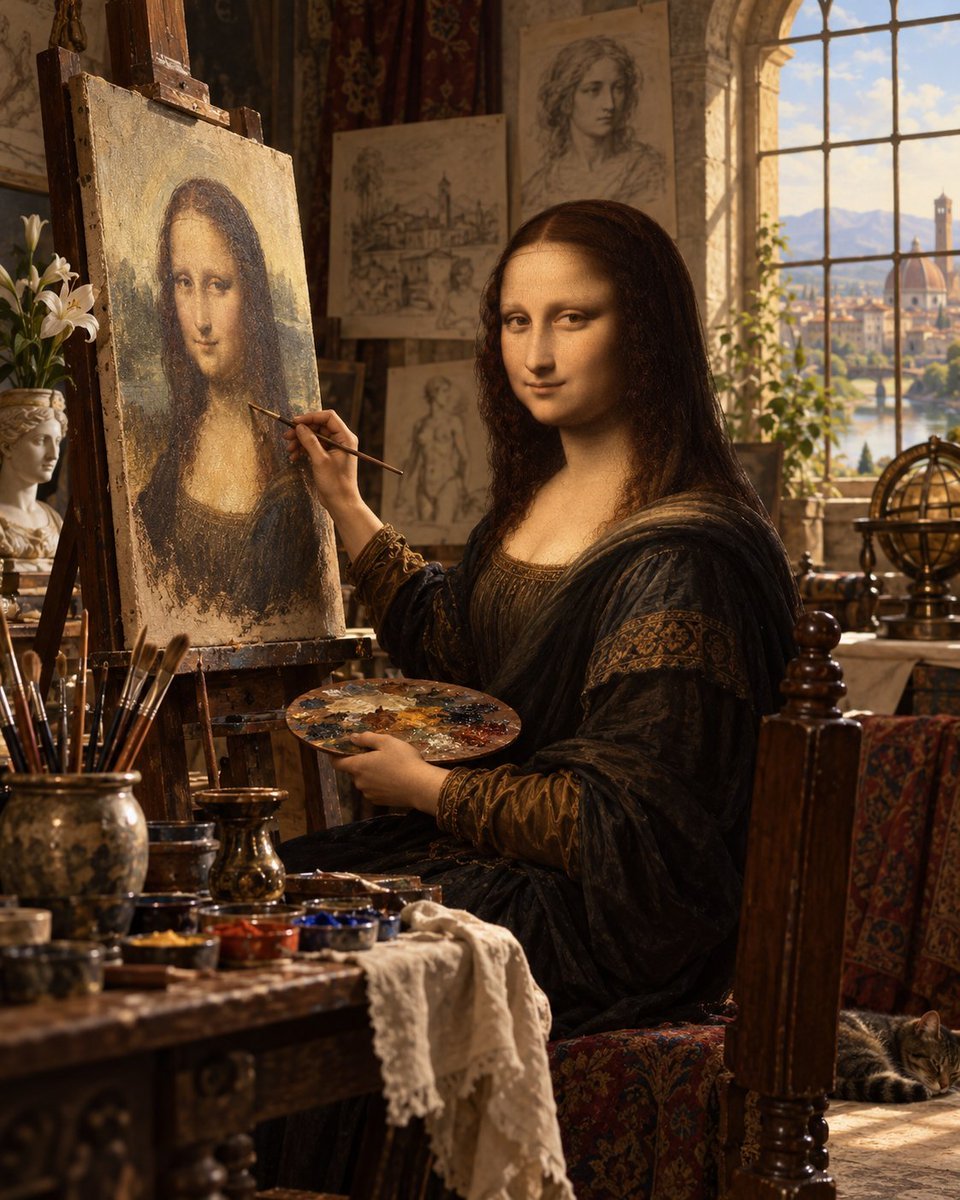
Mona Lisa Renaissance Studio Scene
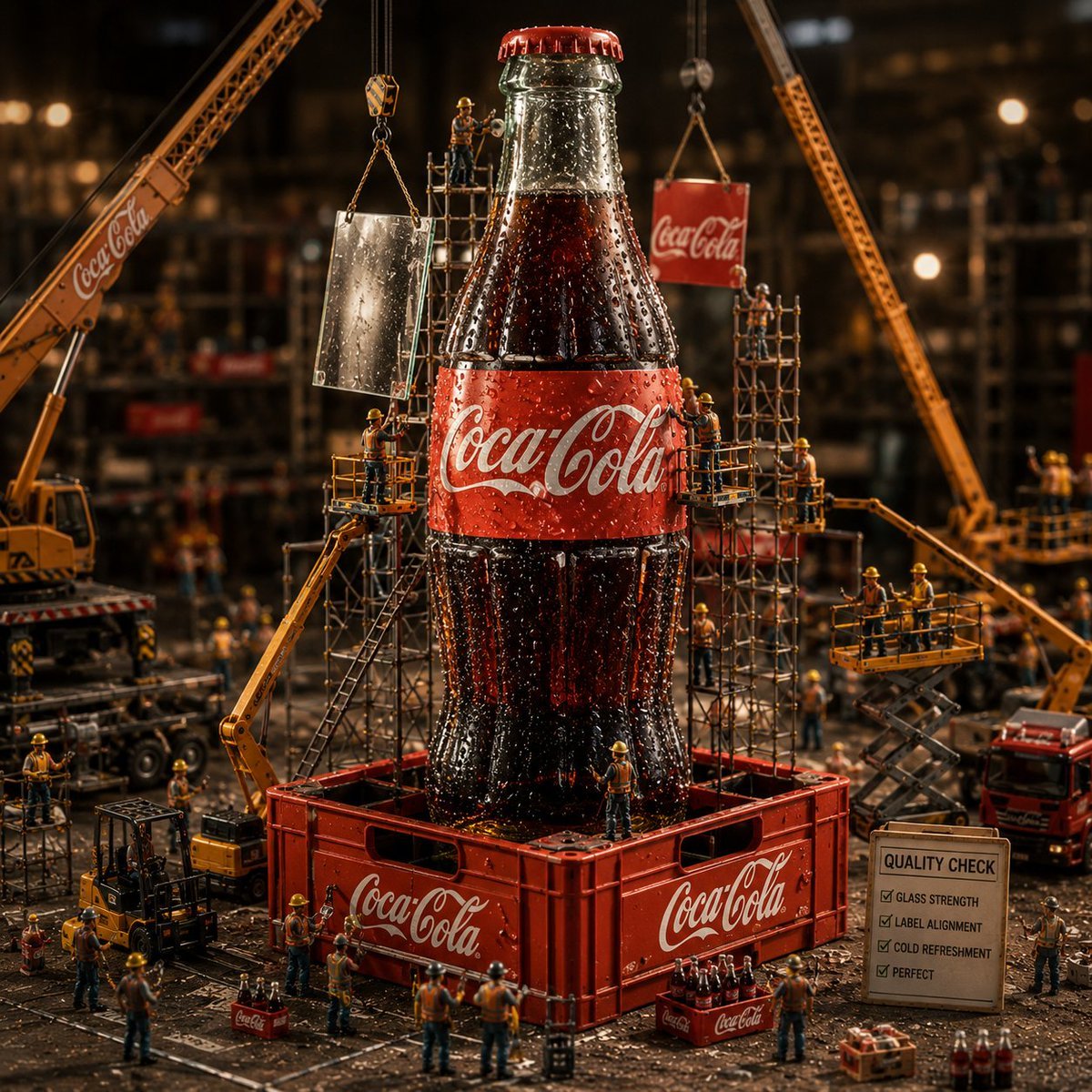
Coca-Cola Bottle Construction Macro Scene
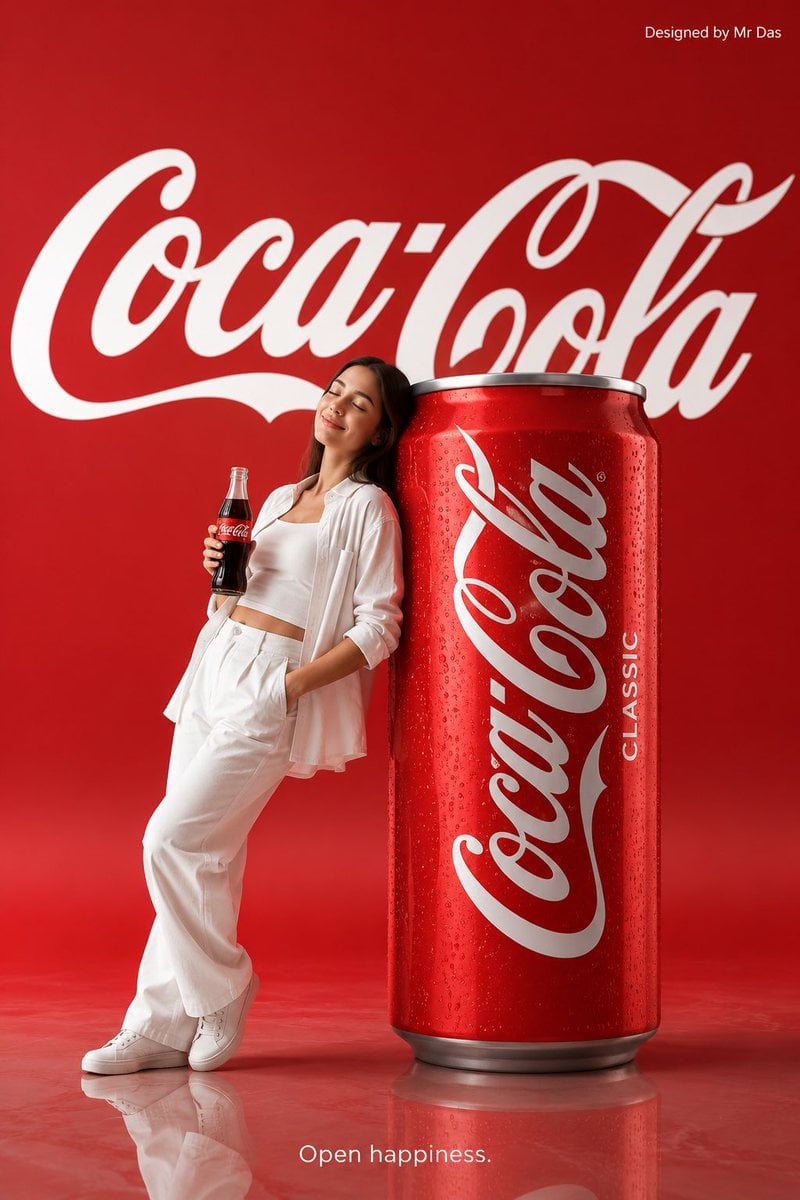
Minimalist Coca Cola Ad
Dynamic Coca-Cola Supermen Prompt
Coca-Cola Advertising Poster
Coca-Cola Magic Poster
Leonardo Painting the Mona Lisa
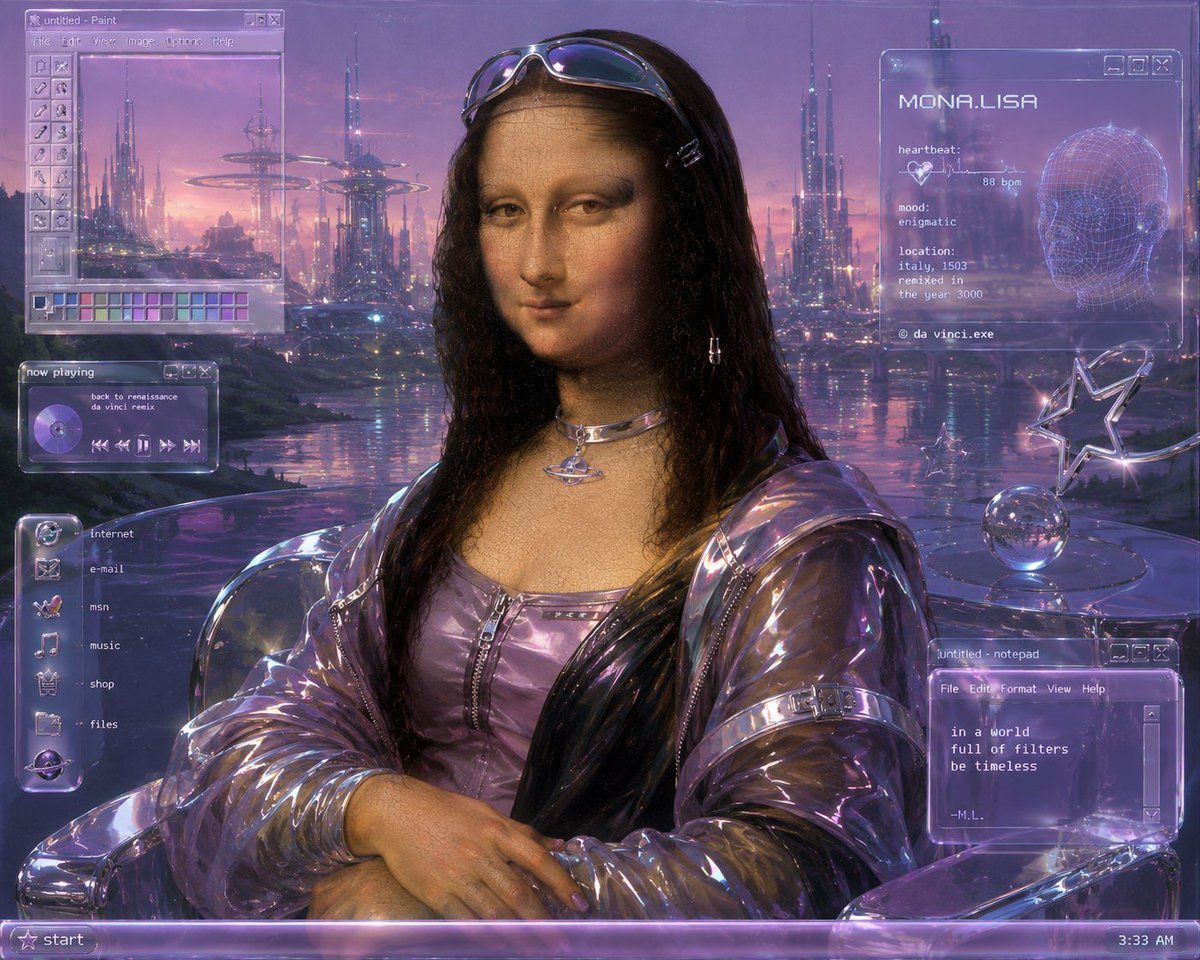
Y2K Futurist Mona Lisa Desktop
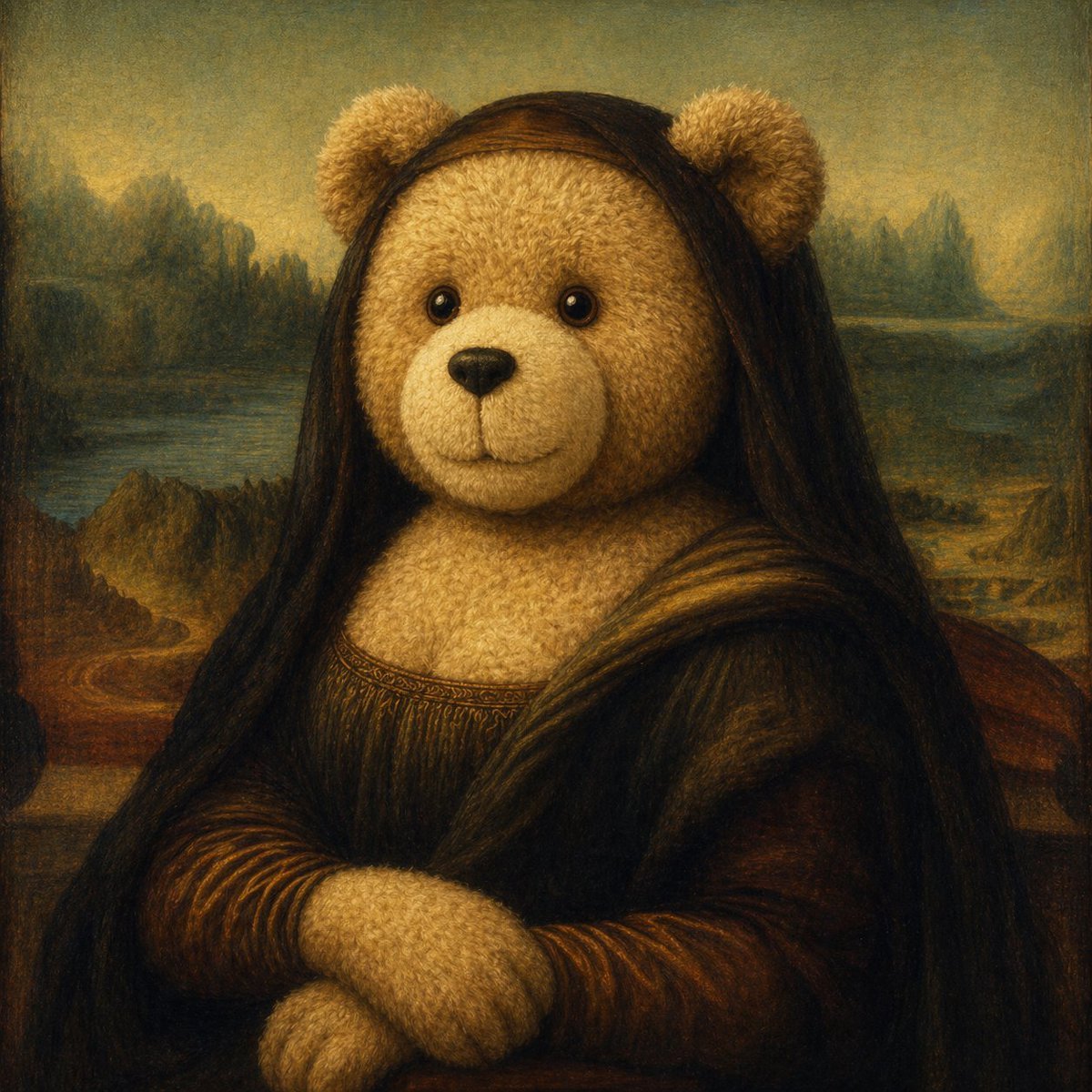
Teddy Bear Mona Lisa Hybrid
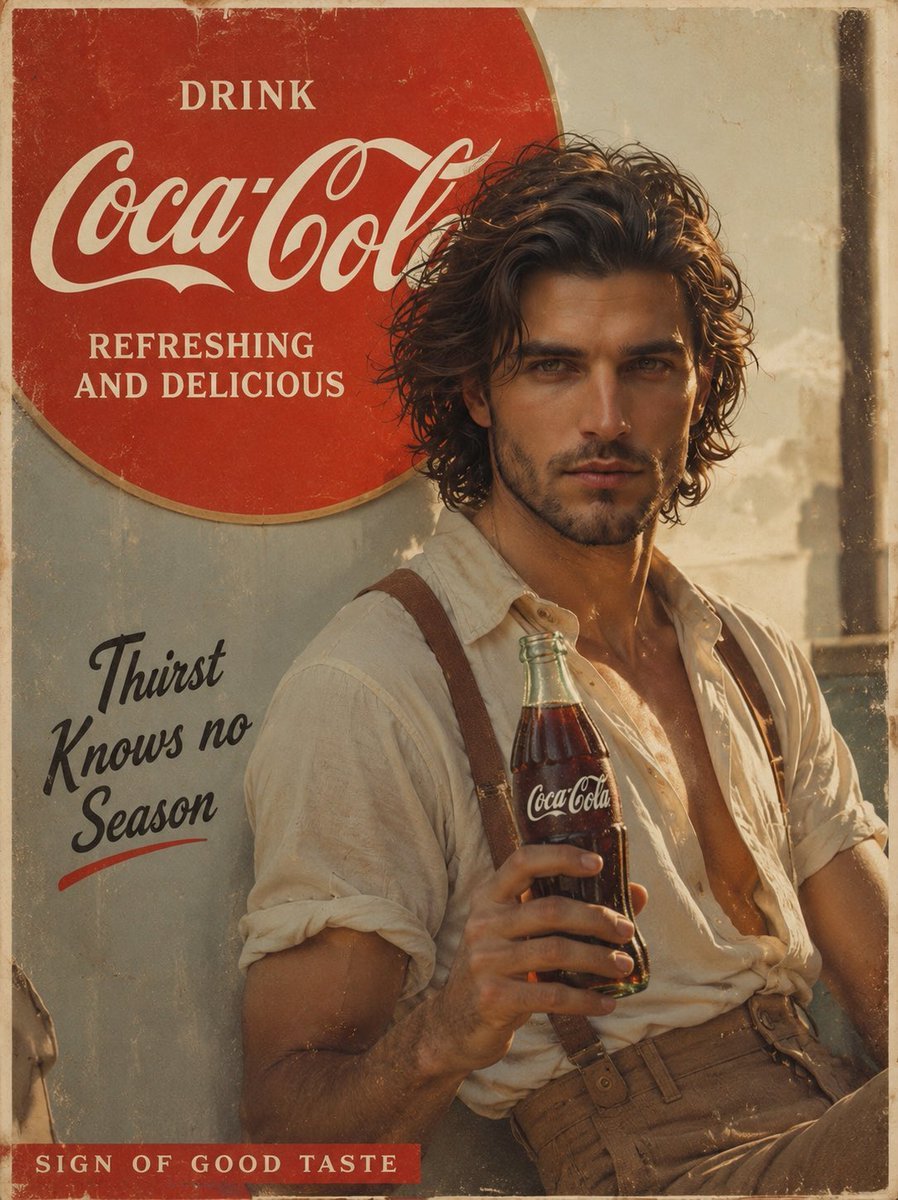
Prompt: Create a cinematic vintage Coca Cola adver
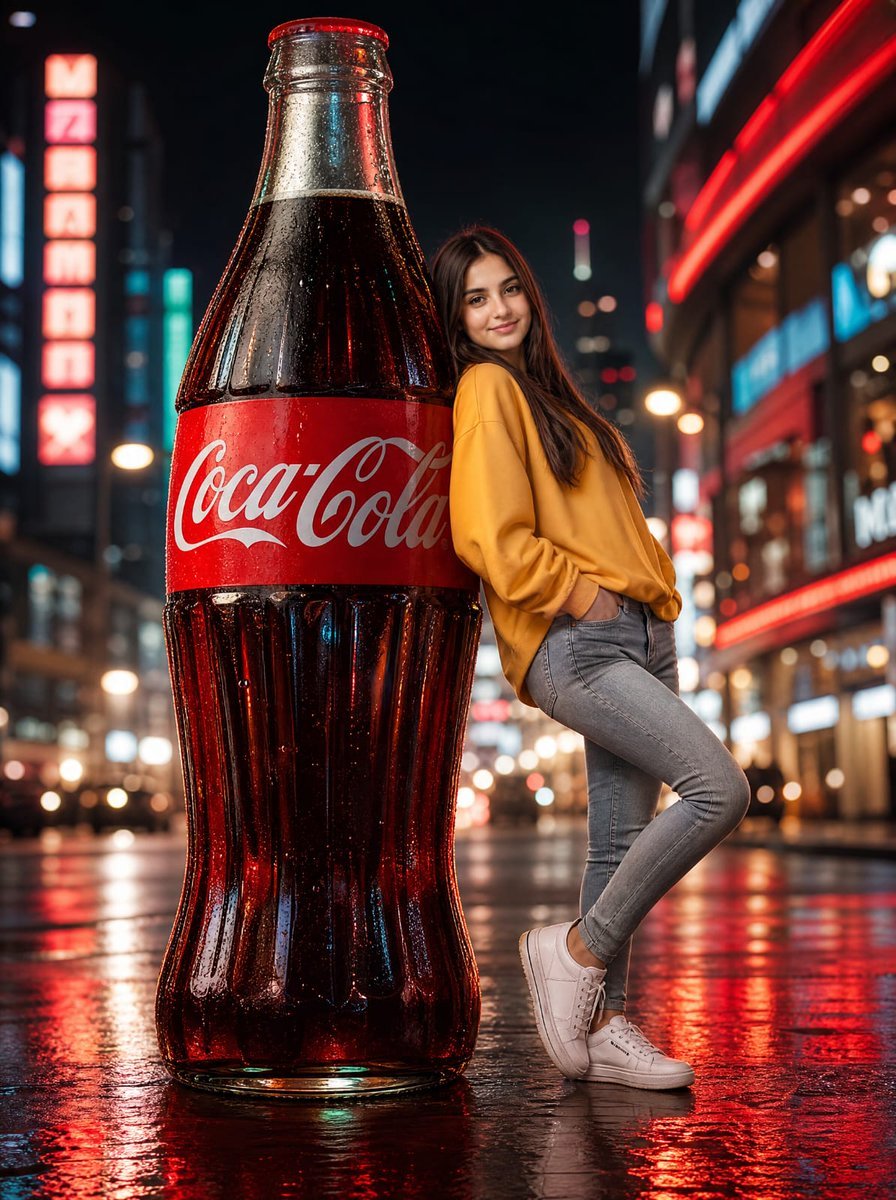
Neon Coca-Cola Street Portrait
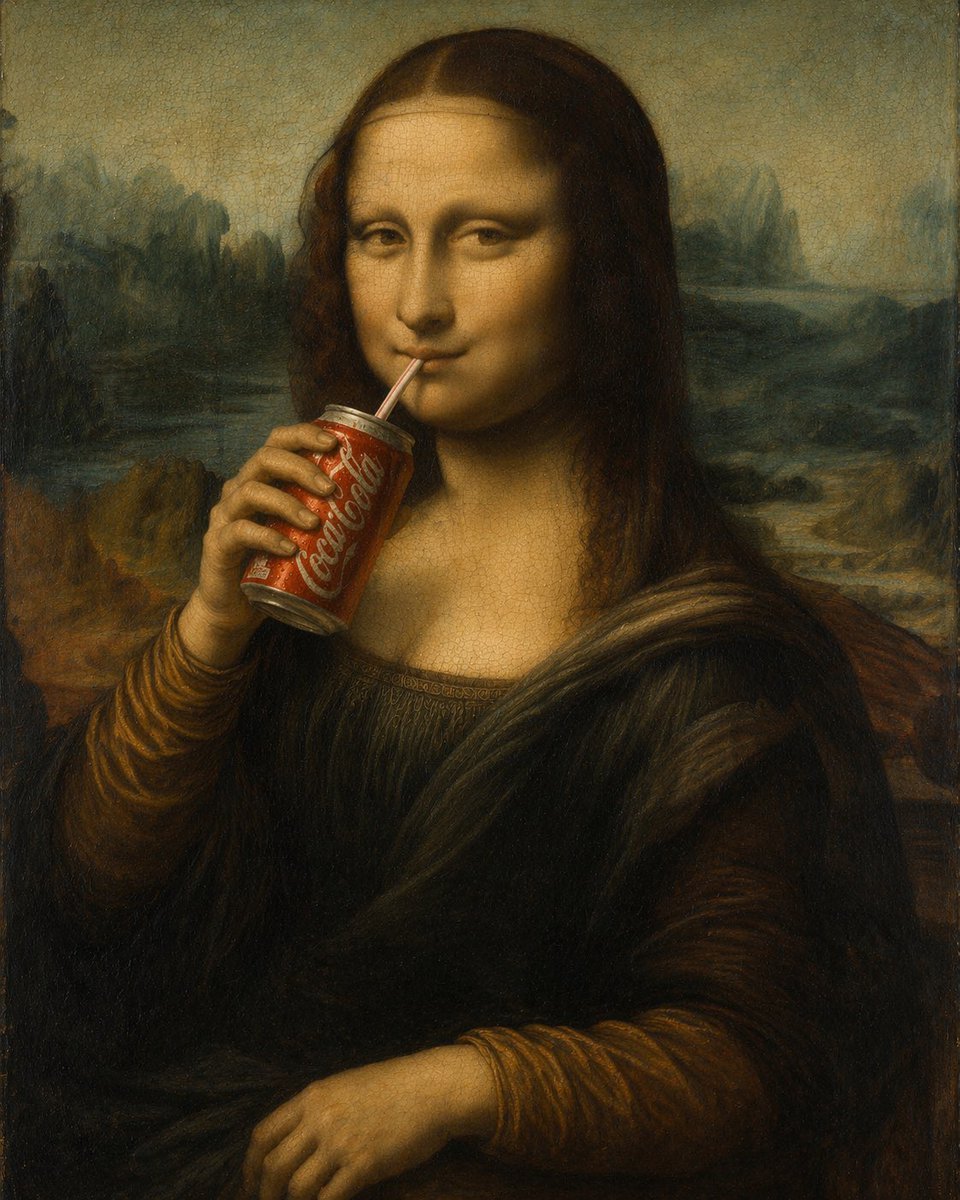
Mona Lisa Drinking Coke Oil Painting
Make it yours
Mona Lisa Coca-Cola Web Example works as-is. These are the safest ways to change it without losing the look.
Change one field
Copy a single group, rewrite it, and generate again so you can see what that field is doing.
Keep the frame, change the subject
Hold the composition and light of Mona Lisa Coca-Cola Web Example, then swap wardrobe, props or the person for a new take.
| If the result… | Why | Fix |
|---|---|---|
| The result drifts from the preview | Too many fields changed at once. | Reuse Mona Lisa Coca-Cola Web Example as-is first, then change one group — subject, light, or setting. |
| The model over-stylizes the scene | The prose prompt leaves finish and camera underspecified. | Add one camera or lighting sentence and stay on GPT Image 2. |
More GPT Image 2 templates
Other prompts made for GPT Image 2.

Six VTuber Japanese Logo Sheet

Realistic Portrait of Woman and Deer

The Vista Modular Condo Poster

AI Model Routing Comparison Infographic

2.5D Anime Art Board

Isometric Productivity Desk Scene

New York Double Exposure Poster

Four-Panel AI Landscape Comparison

Japanese Tatami Lifestyle Magazine Cover

NESCAFÉ Coffee Map Poster
More image prompts
Fresh picks from across the catalog.
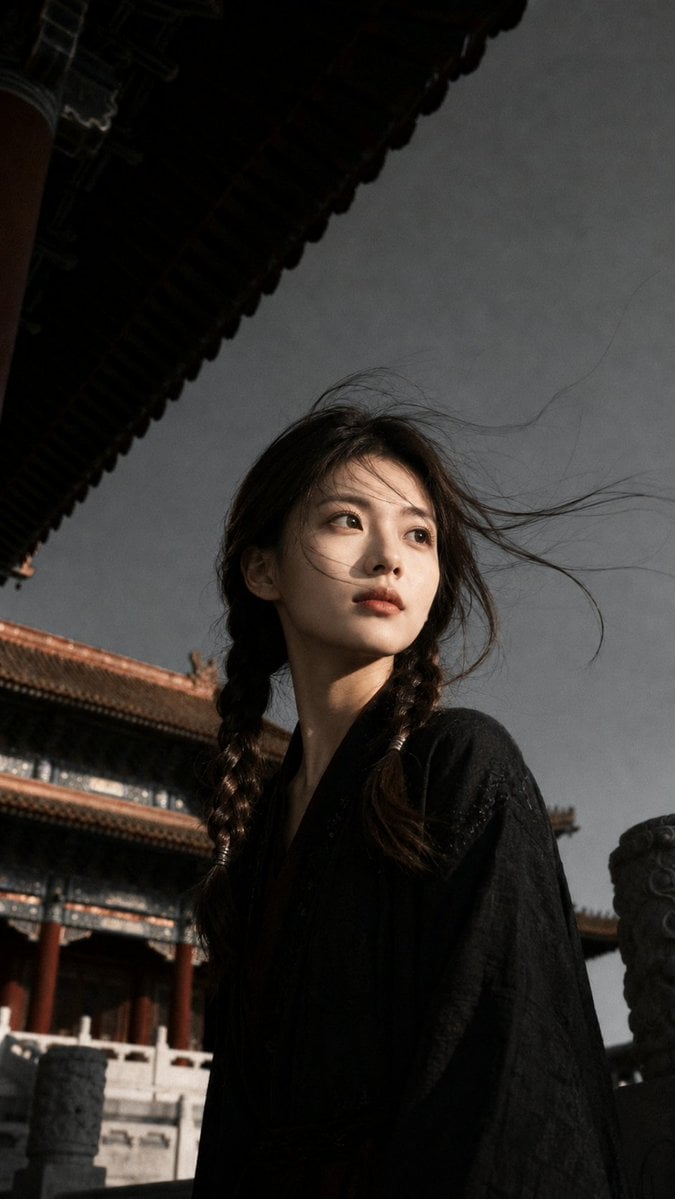
Ancient Chinese Cinematic Still
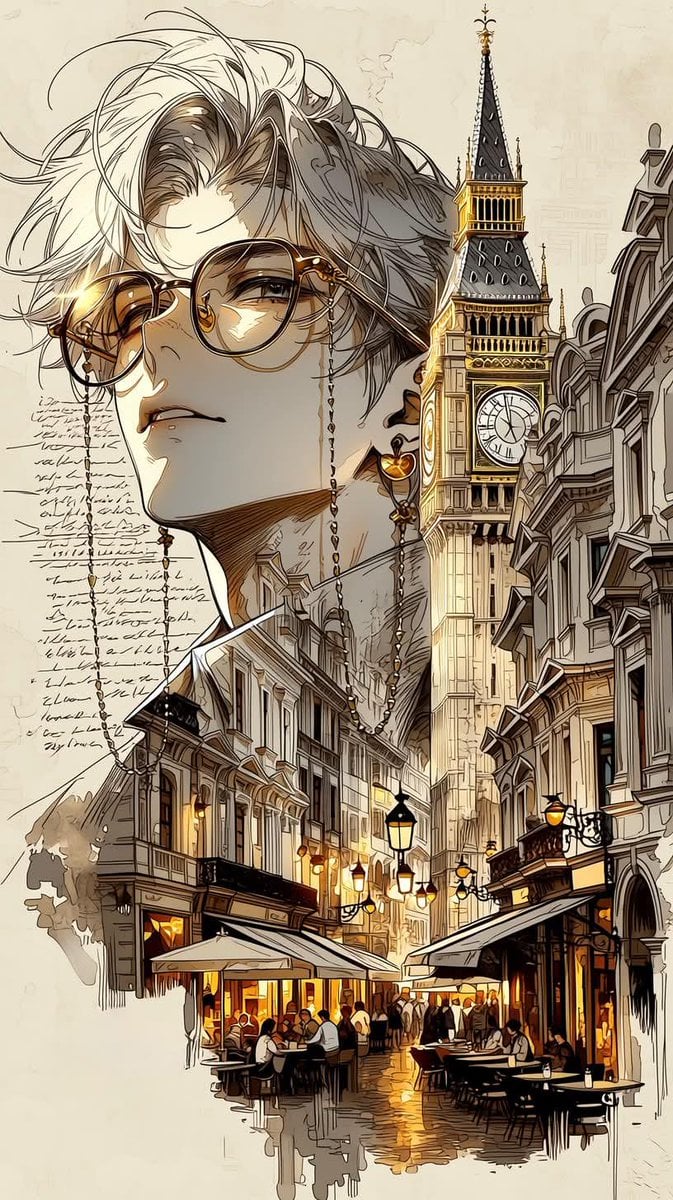
European City Travel Illustration
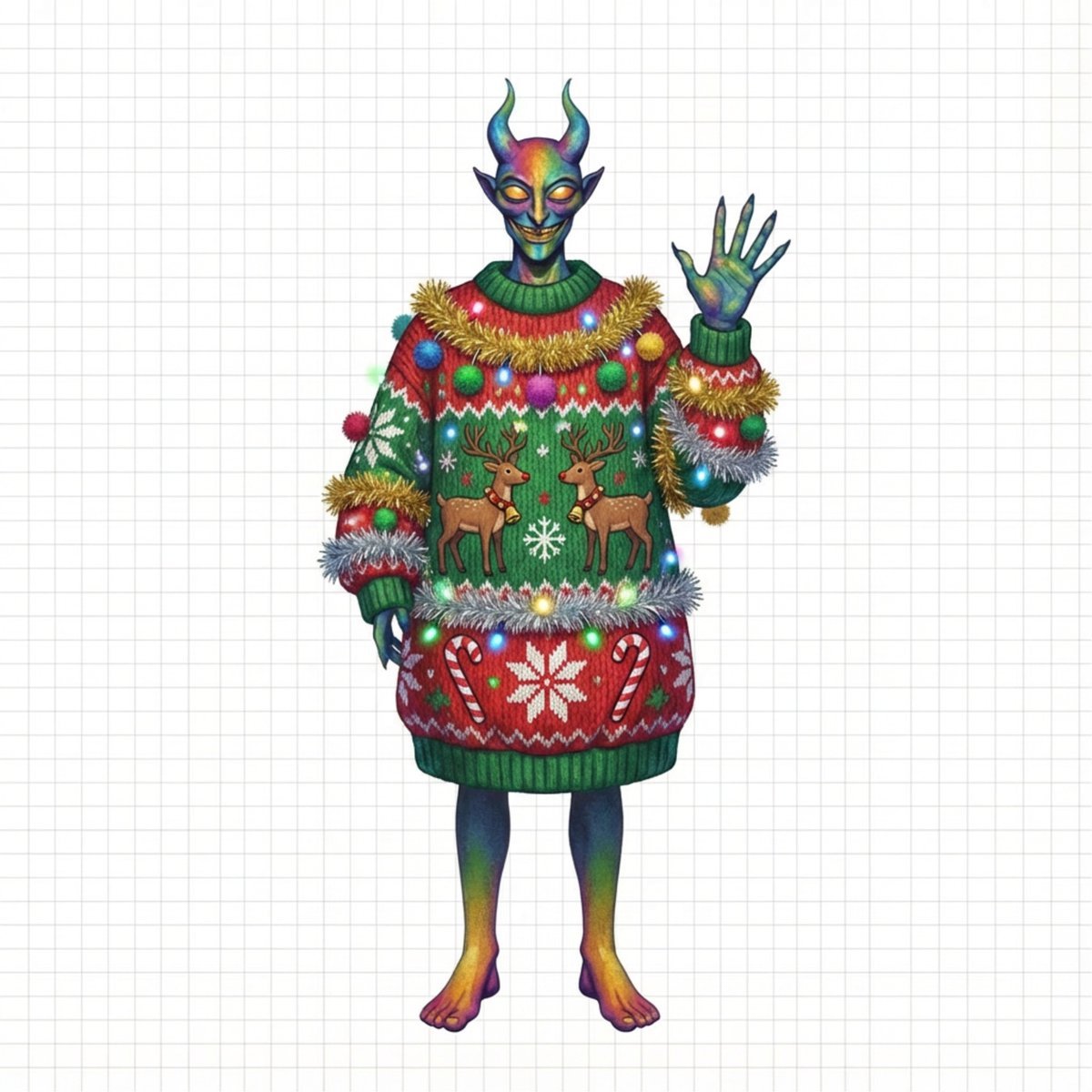
Ugly Christmas Sweater Prompt Template
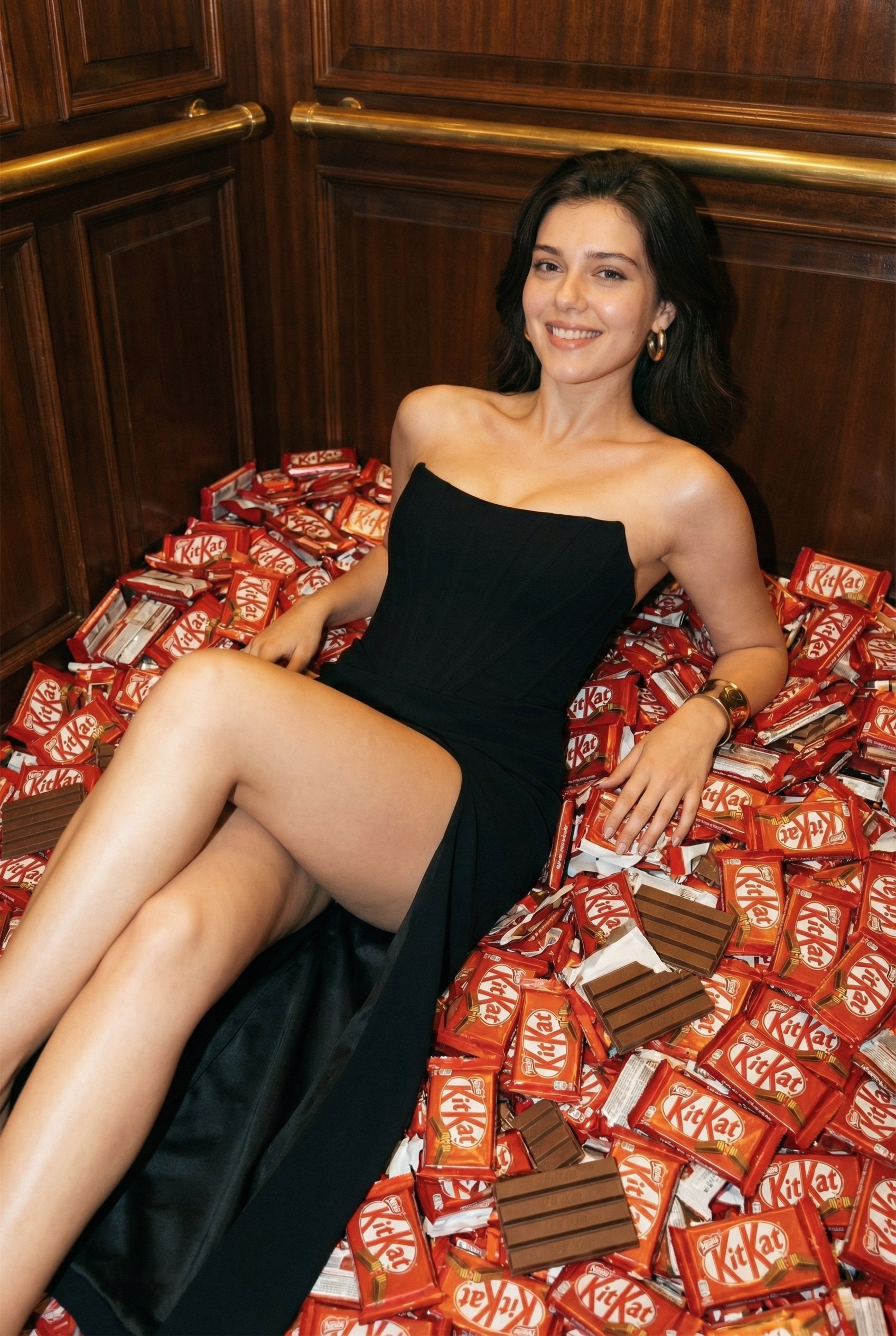
Luxurious KitKat Sweet Retreat
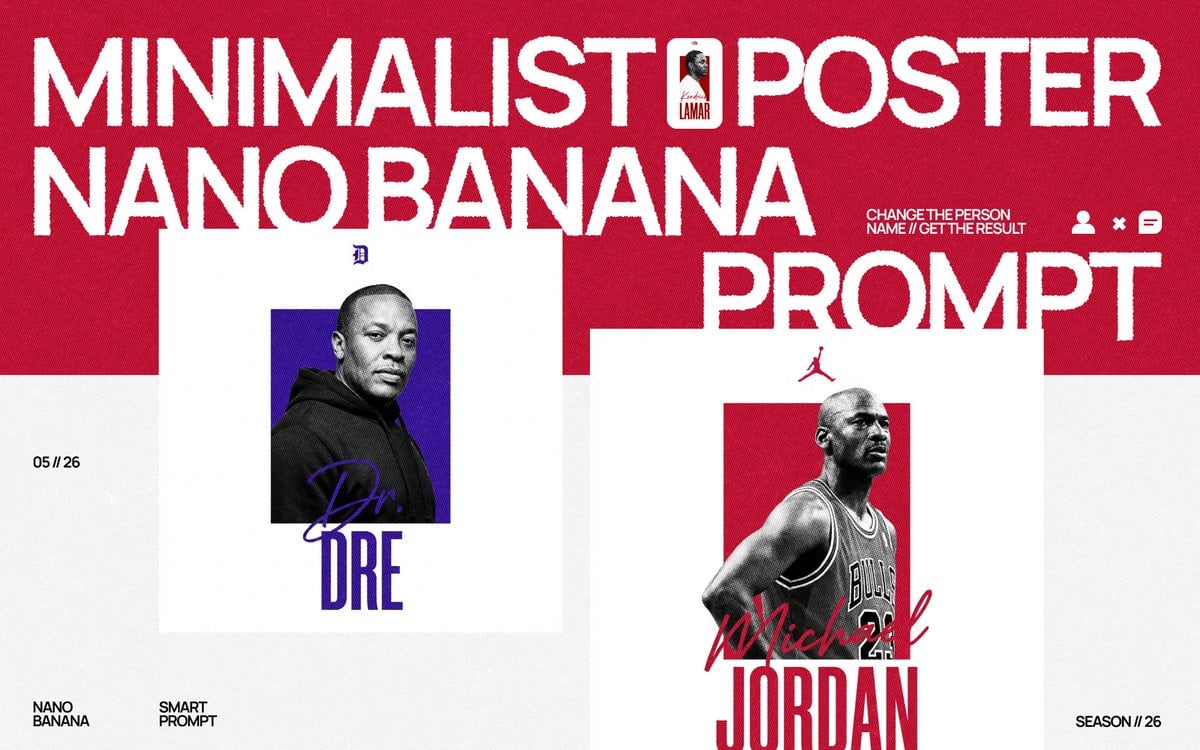
Minimalist Nano Banana Poster Layout
Shogi Battlefield Video Thumbnail
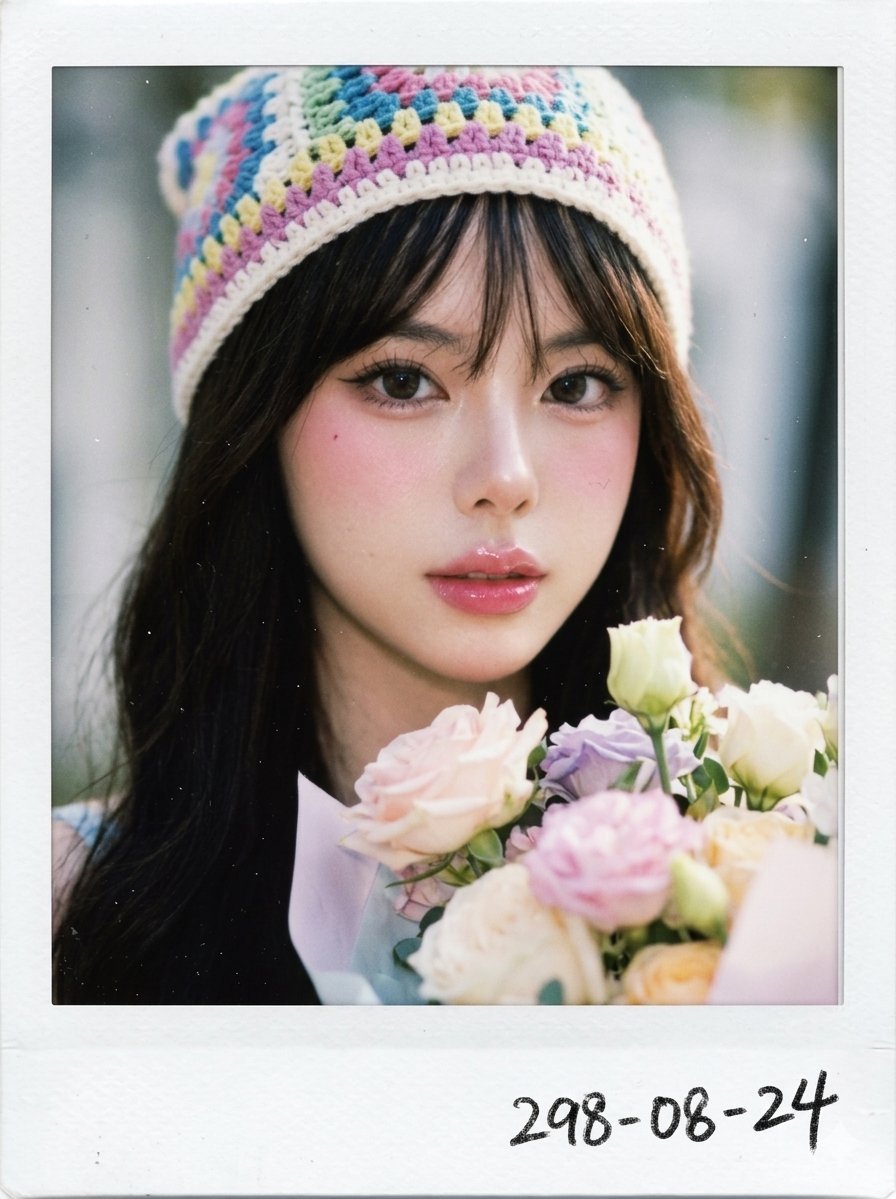
X Chryzleenprompt Create Image a Hyper Photorealistic Polaroid
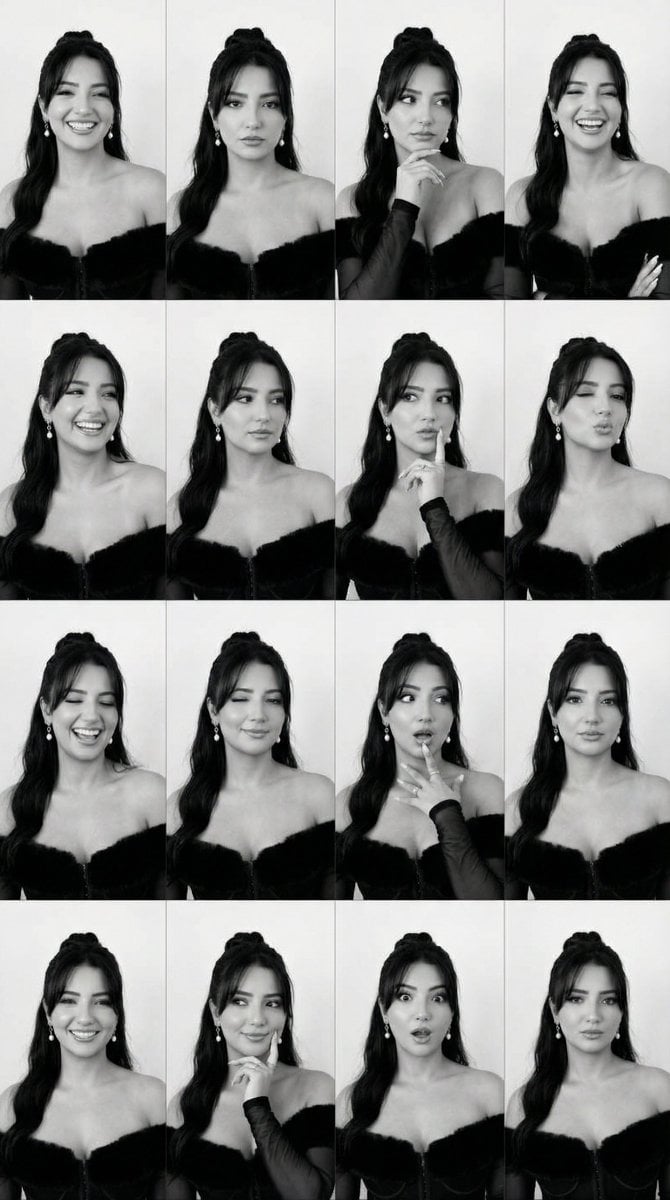
Identity Swap on Expression Grid (4x4)
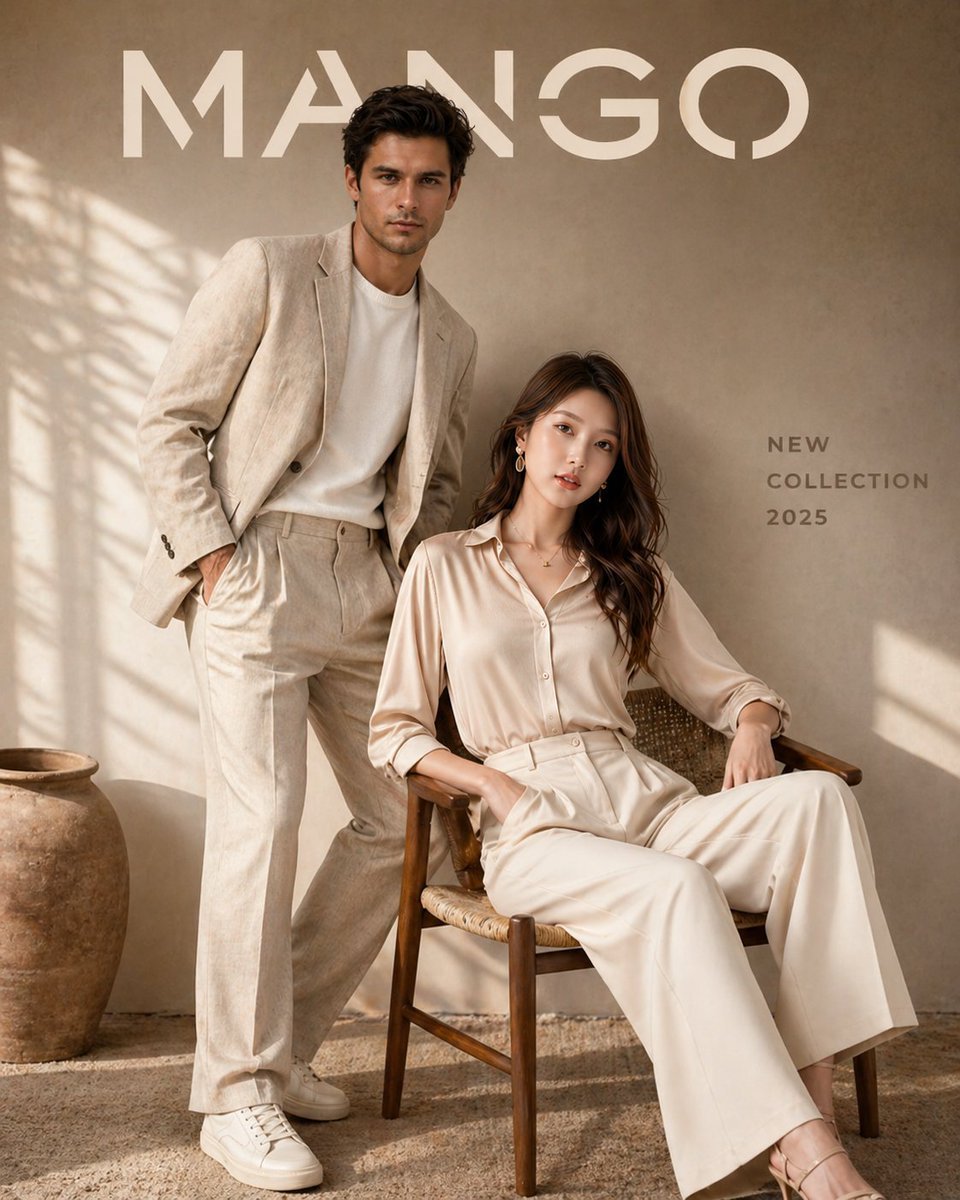
Luxury Fashion Brand Advertisement
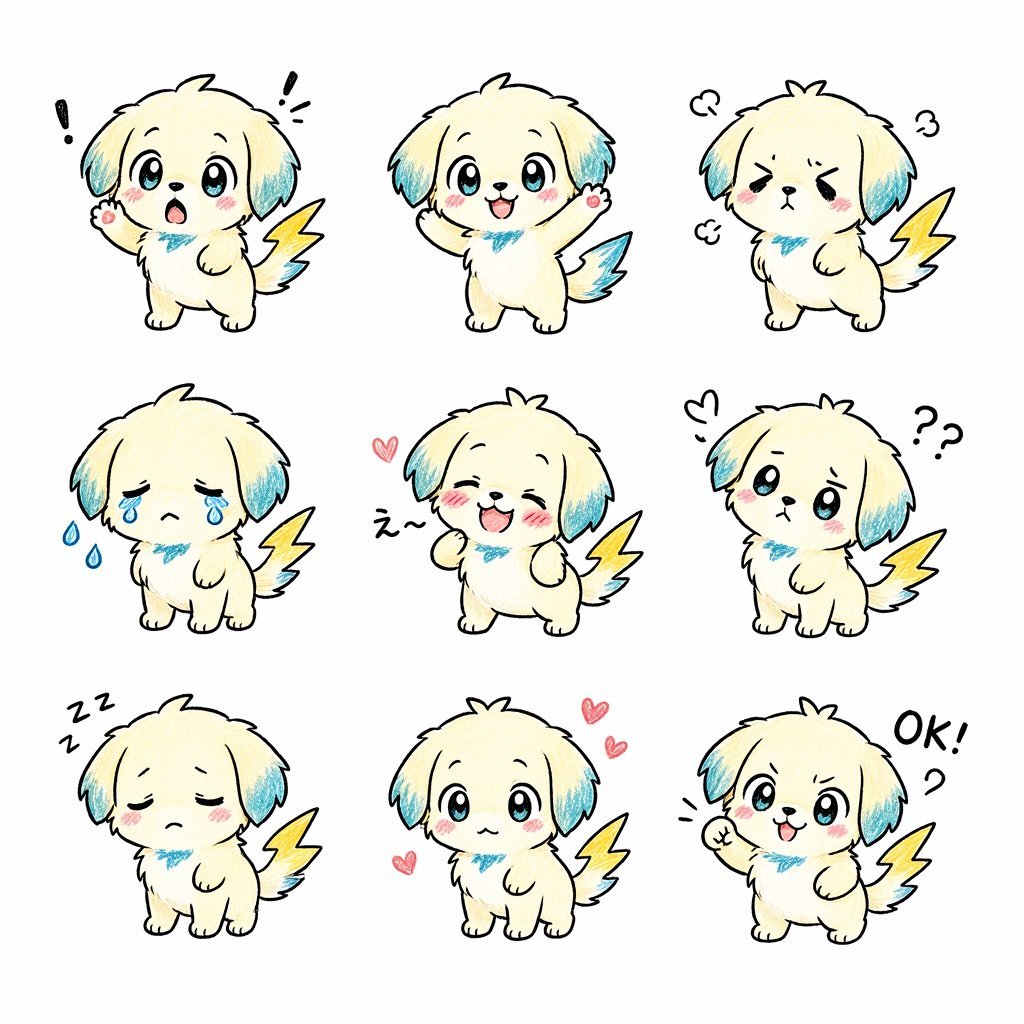
Kawaii Puppy Emotion Sticker Sheet
Browse template categories
Mona Lisa Coca-Cola Web Example questions
How do I use the Mona Lisa Coca-Cola Web Example template?
Add your photo if the template asks for one, edit the prompt if you like — the template's model and format are already selected — and press Generate. Your version opens in PicX Studio.
Can I customize the Mona Lisa Coca-Cola Web Example template?
Yes. You can change the subject, setting, lighting, mood, format, and available model controls before creating your image.
Is the Mona Lisa Coca-Cola Web Example template free?
Opening and editing this template is free. Generating uses credits, shown on the Generate button when you are signed in.
Which AI model should I use?
Start with GPT Image 2, which is the model associated with this template. You can compare another compatible model for a different finish.
Looking for something else? Browse all templates.

Your photo, any look
Thousands of ready templates for every top image and video model, from one credit balance.