
Leonardo Painting the Mona Lisa
This prompt generates a cinematic historical scene of Leonardo da Vinci painting the Mona Lisa from a live model, ideal for dramatic fine-art and Renaissance-themed visuals.
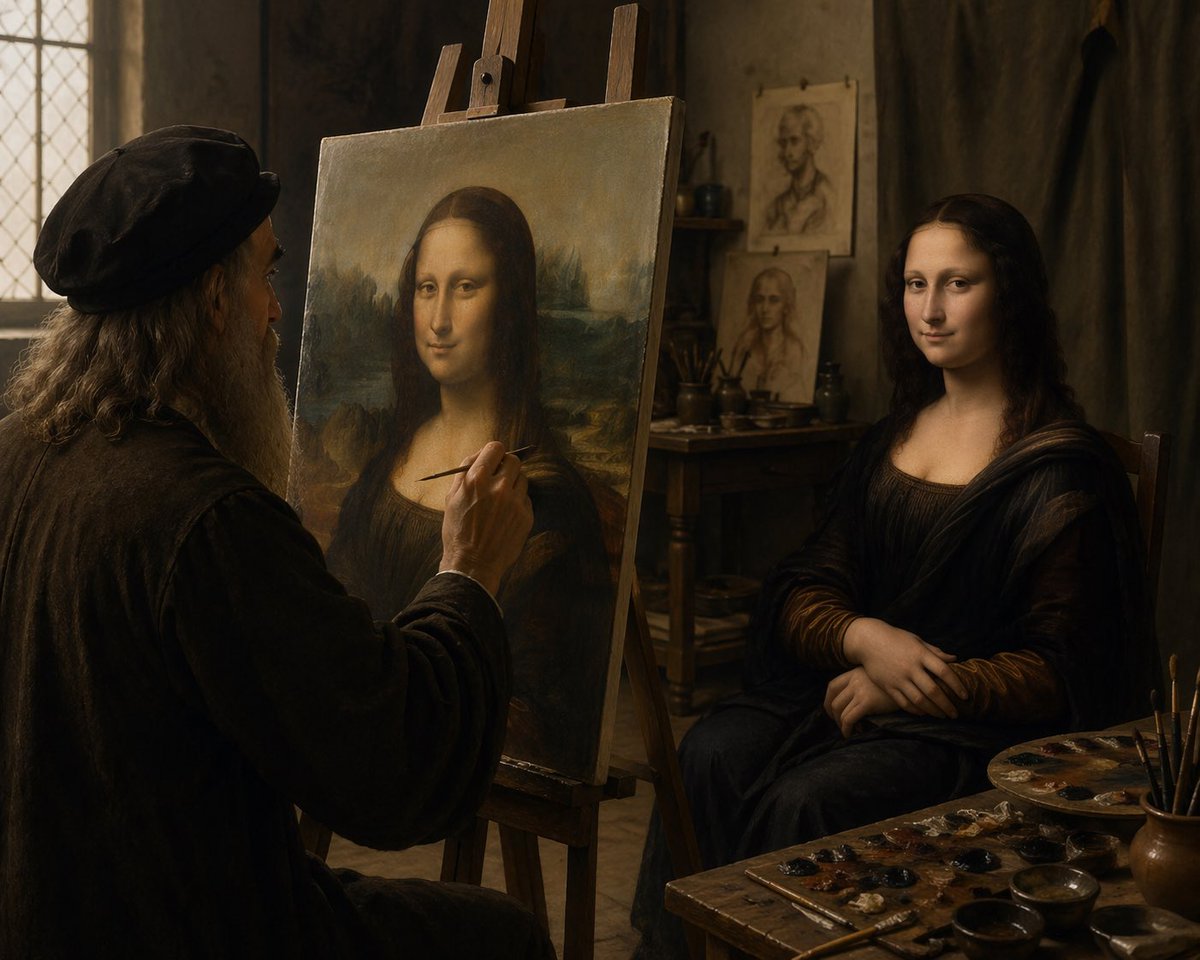
- Prompt included
- Model and format preset
- Free template
The prompt behind this image
Copy the exact prompt behind Leonardo Painting the Mona Lisa, or open it in the studio and make it yours.
A cinematic Renaissance art studio interior lit by soft warm window light, showing an elderly Leonardo da Vinci-like painter in left profile, seated at an easel and painting the Mona Lisa from a live model. The painter has long gray hair, a full gray beard, and wears a dark period cap and heavy dark robe. In the center foreground stands a large canvas on a wooden easel displaying the Mona Lisa composition, while on the right a live female sitter poses in the same iconic posture with folded hands, wearing a dark Renaissance dress and veil-like drapery. The mood is intimate, quiet, and painterly, with rich brown and amber tones, dramatic chiaroscuro, aged plaster walls, a leaded-glass window on the left, and a wooden table in the back holding brushes and studies. Include 2 portrait sketches pinned or propped in the background behind the model. In the lower right foreground, show a cluttered painter’s worktable with 1 paint palette, multiple small paint dabs, several brushes in a cup, and a few shallow bowls. Compose the scene as a realistic historical photograph of the moment the masterpiece is being created, medium-wide shot, slightly over-the-shoulder from behind the artist, extremely detailed textures, old master atmosphere, soft focus falloff, no modern objects.
How to use Leonardo Painting the Mona Lisa in 3 steps
- 1Upload ImagePNG, JPG or paste
Add your photo
Upload the photo the template builds on. The prompt, model and format are already set.
- 2…a portrait of your subject in softgolden-hour light, 85mm…
Personalize
Edit the subject and creative details for your destination.
- 3Generate
Generate
Press Generate — your image is created in PicX Studio, so you can compare it with the original and refine one variable at a time.
More like this
Templates with the same subject, style or setup. Open one to see its prompt.
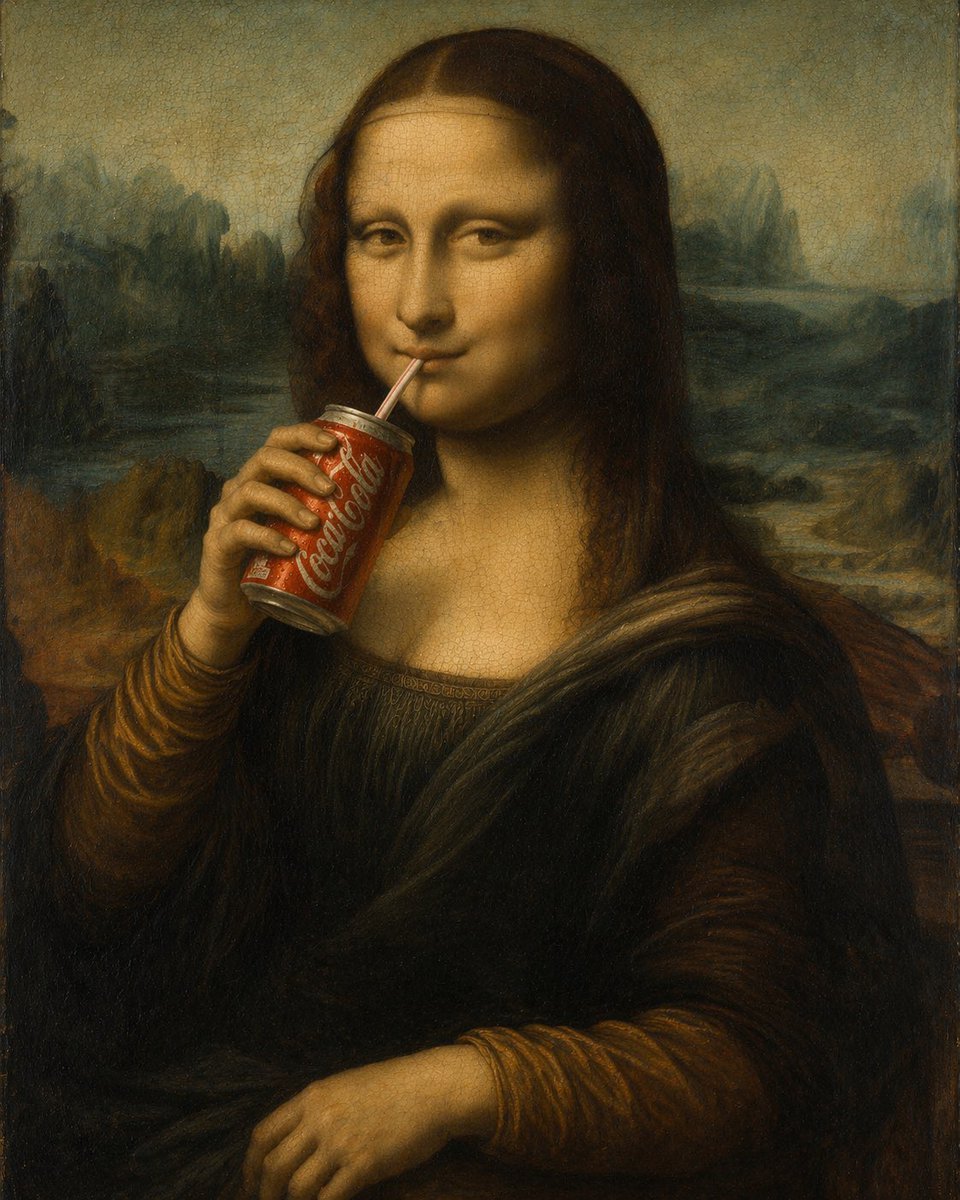
Mona Lisa Drinking Coke Oil Painting
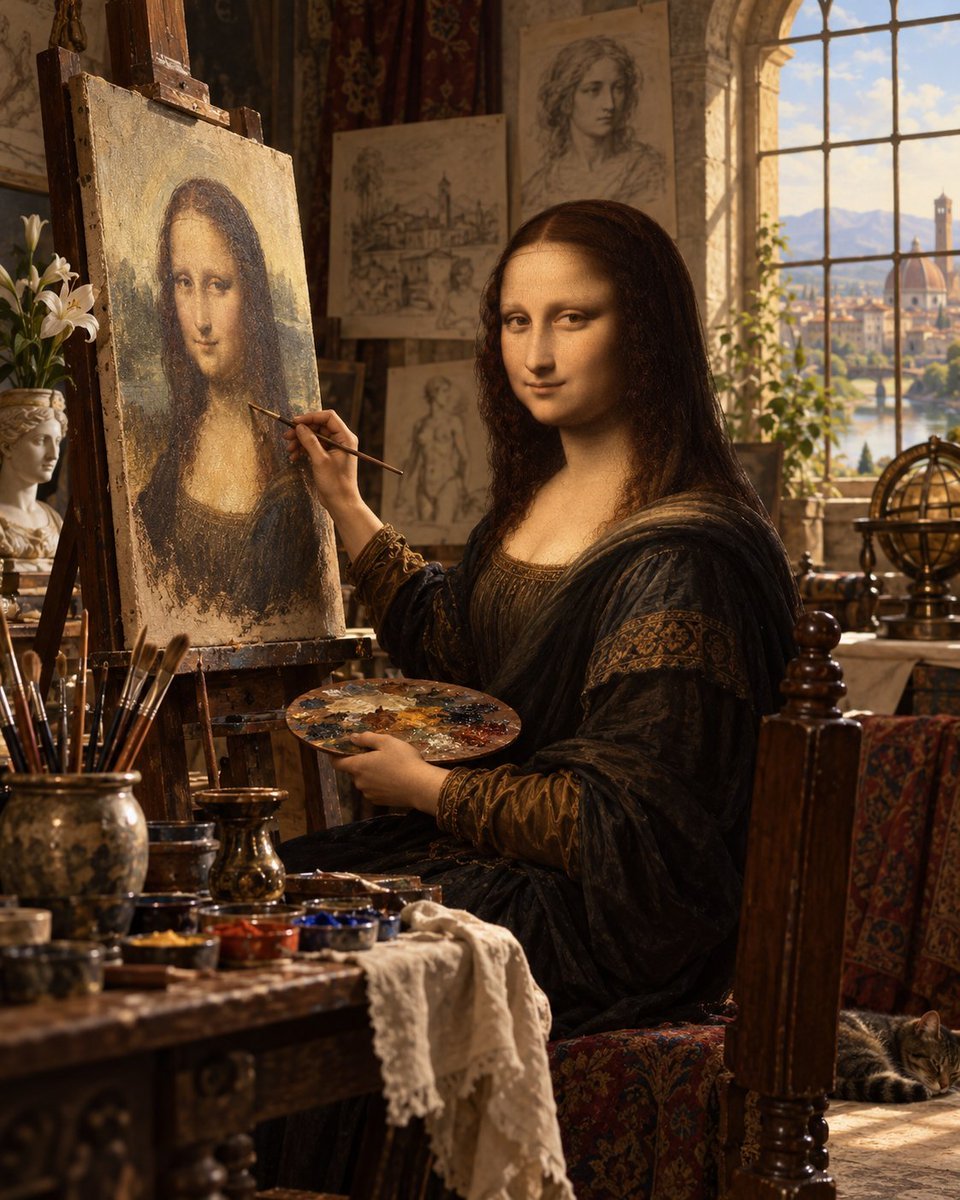
Mona Lisa Renaissance Studio Scene
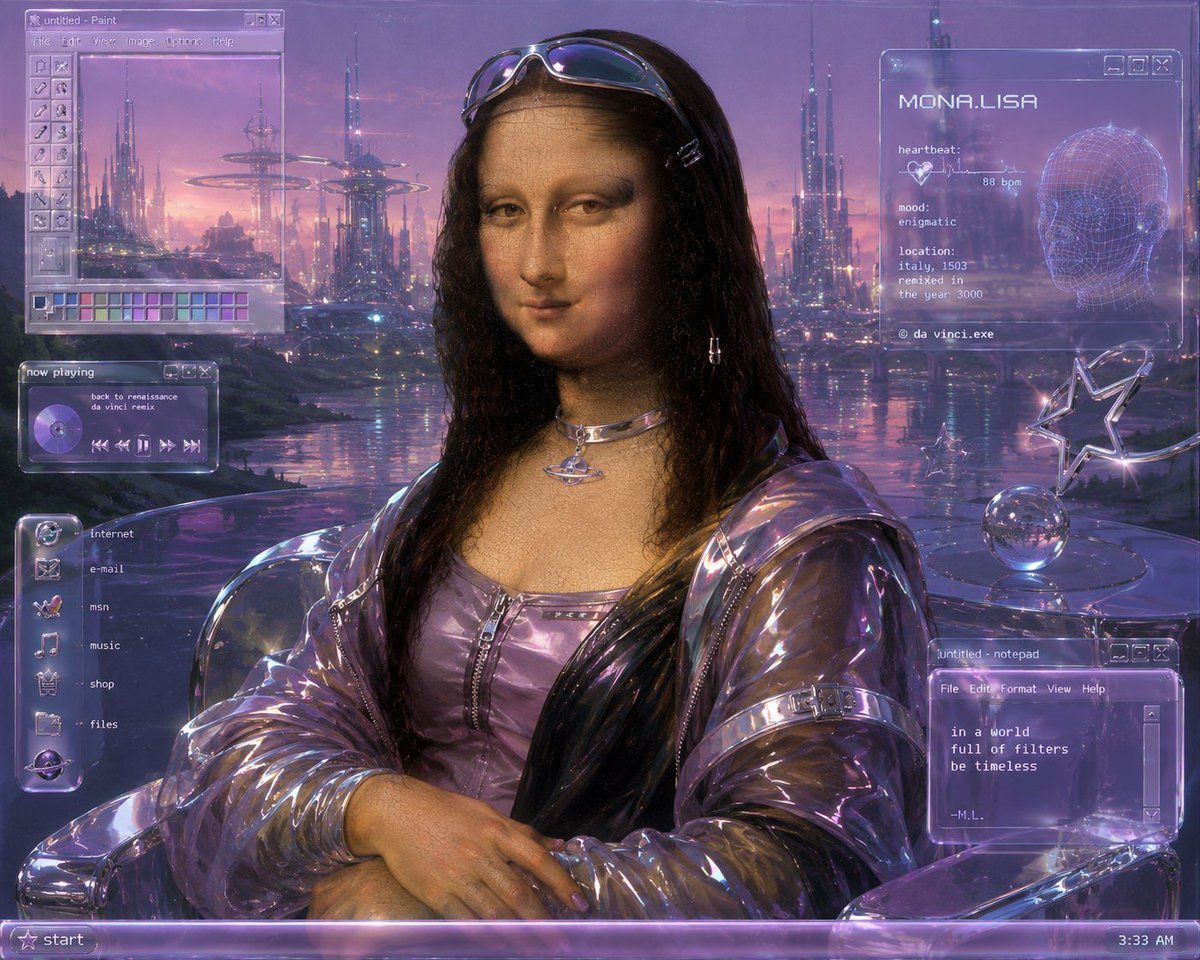
Y2K Futurist Mona Lisa Desktop
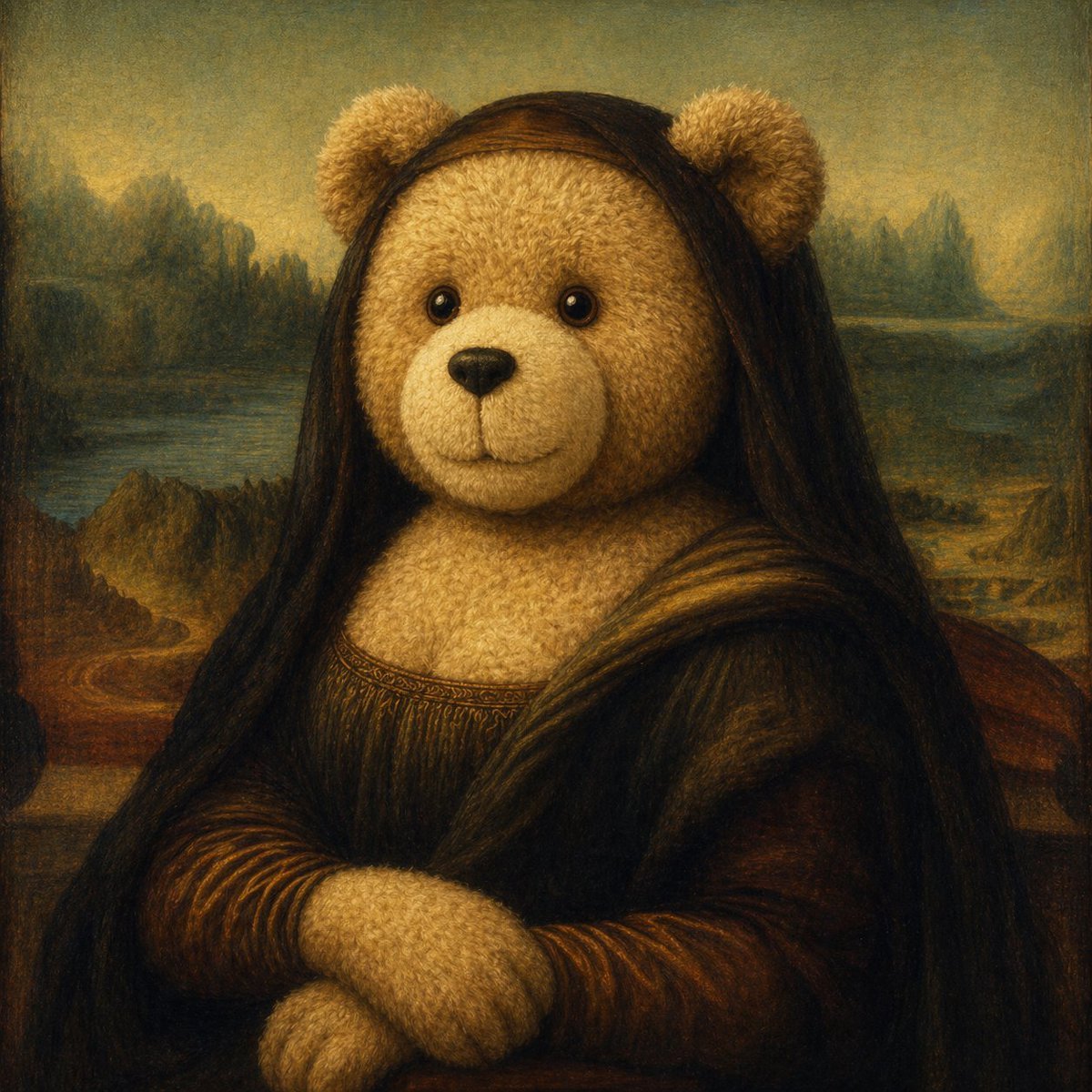
Teddy Bear Mona Lisa Hybrid
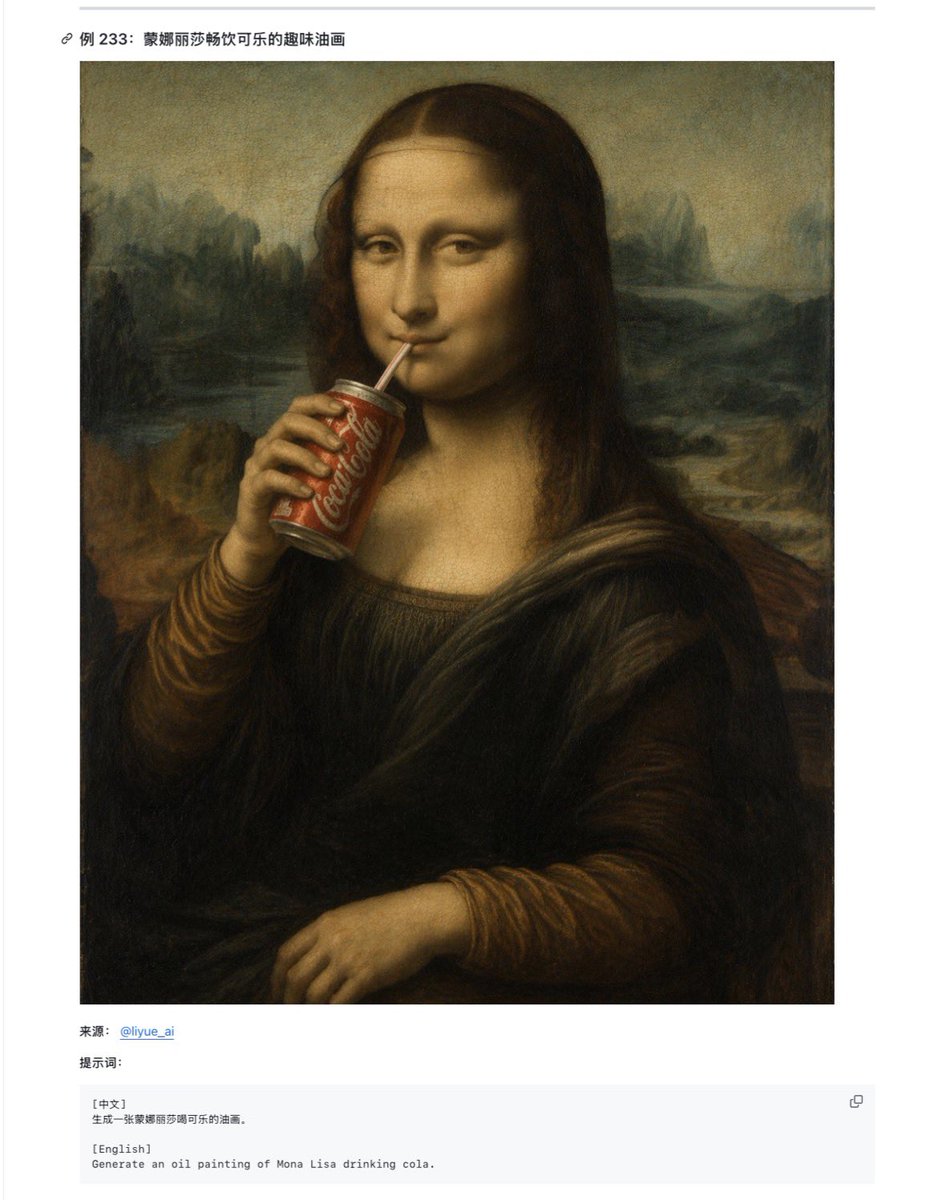
Mona Lisa Coca-Cola Web Example
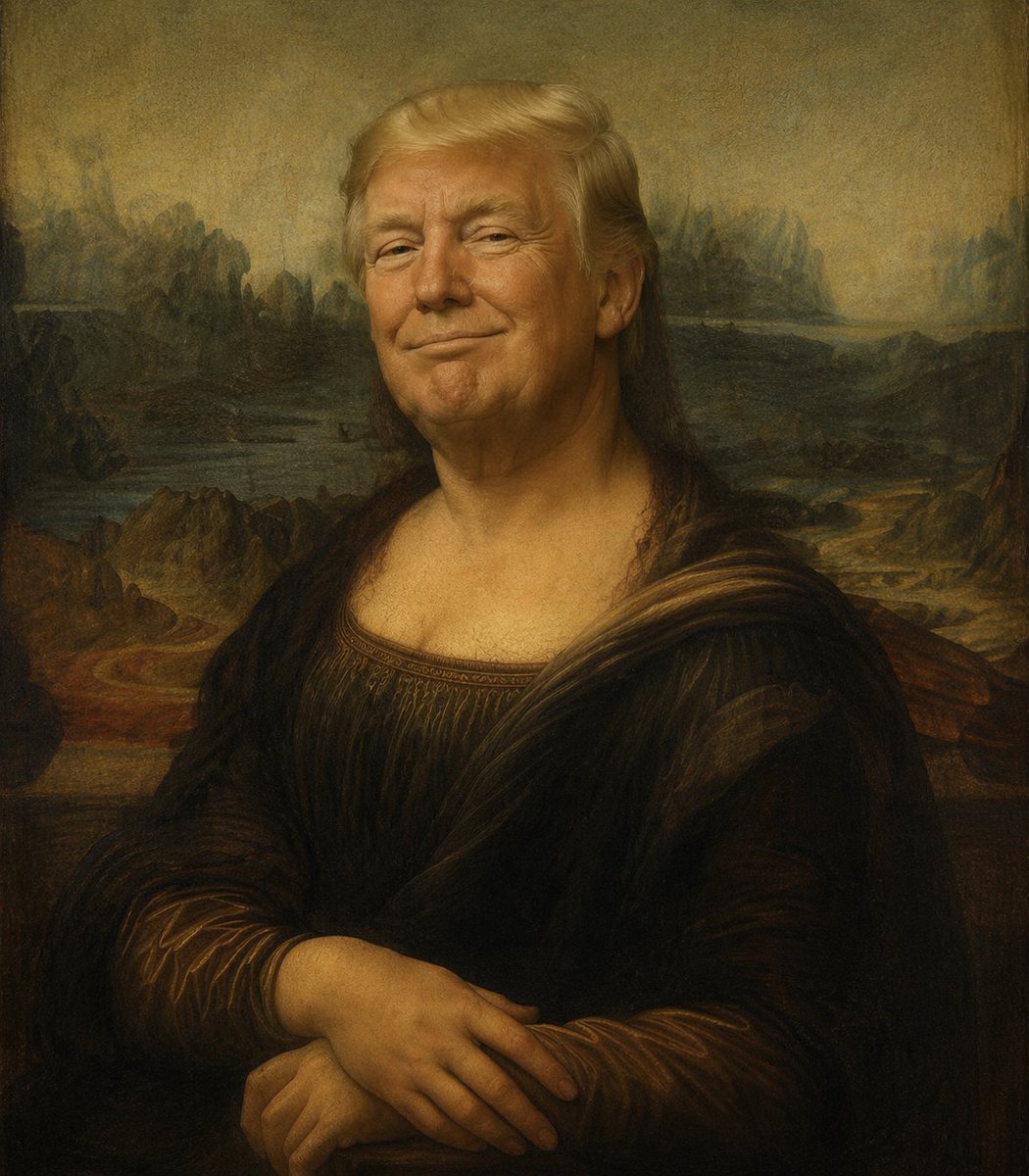
Censored Mona Lisa Oil Portrait
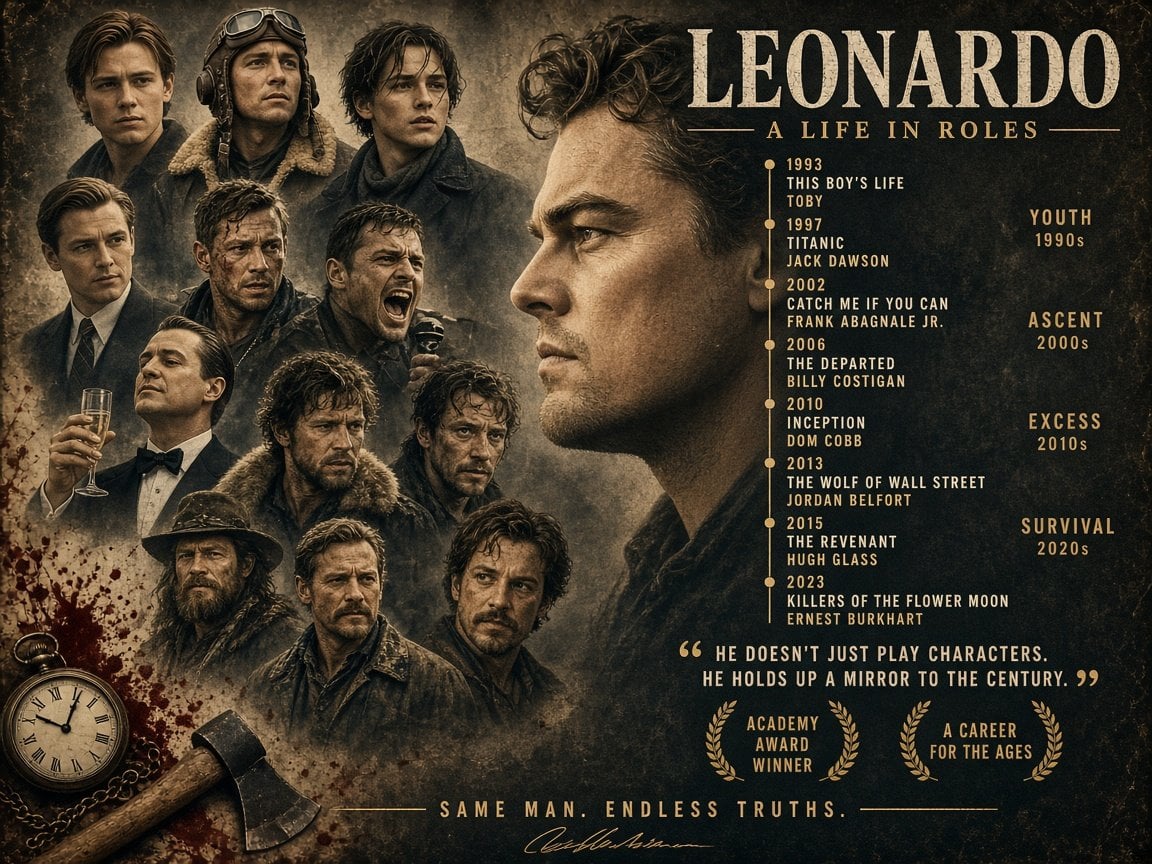
Leonardo Life in Roles Poster
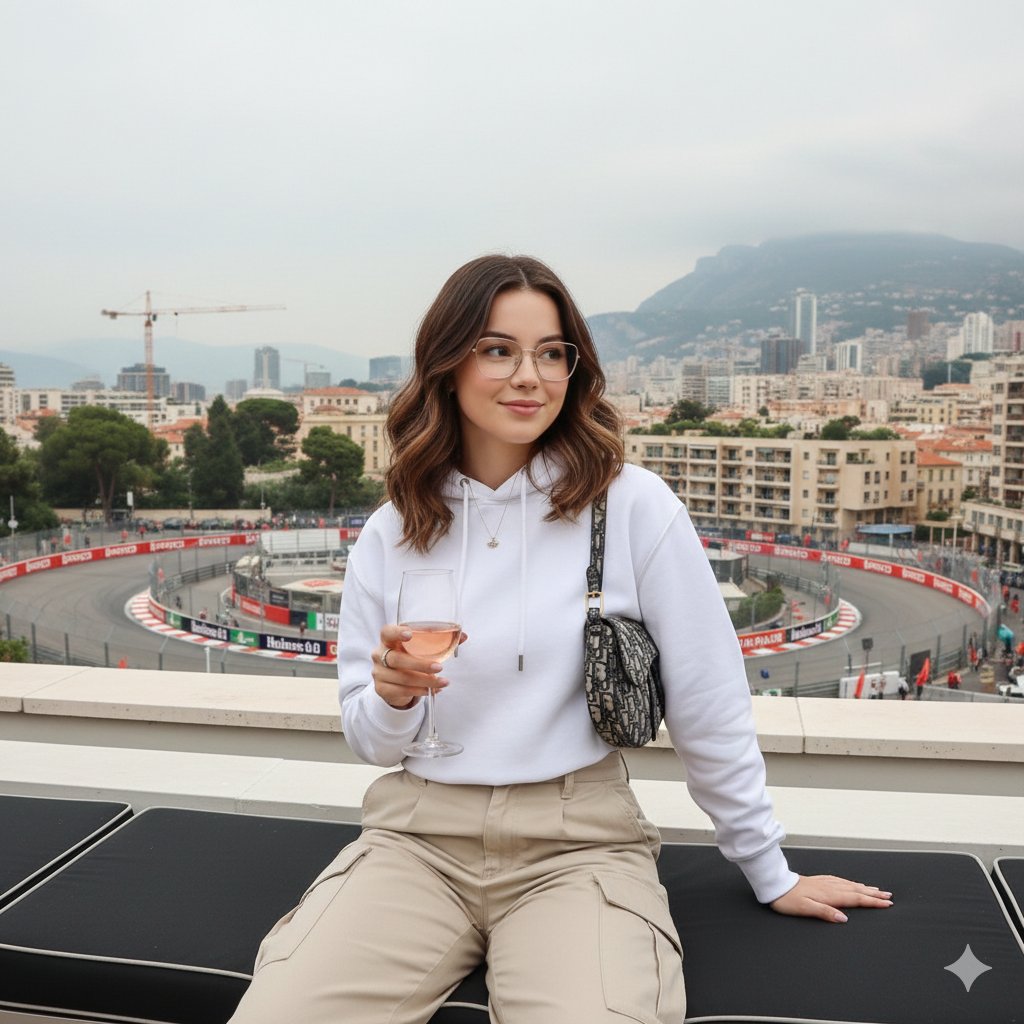
Monaco Grand Prix Rooftop Lifestyle Shot

Luxury Packaging Reveal Prompt for Leonardo AI
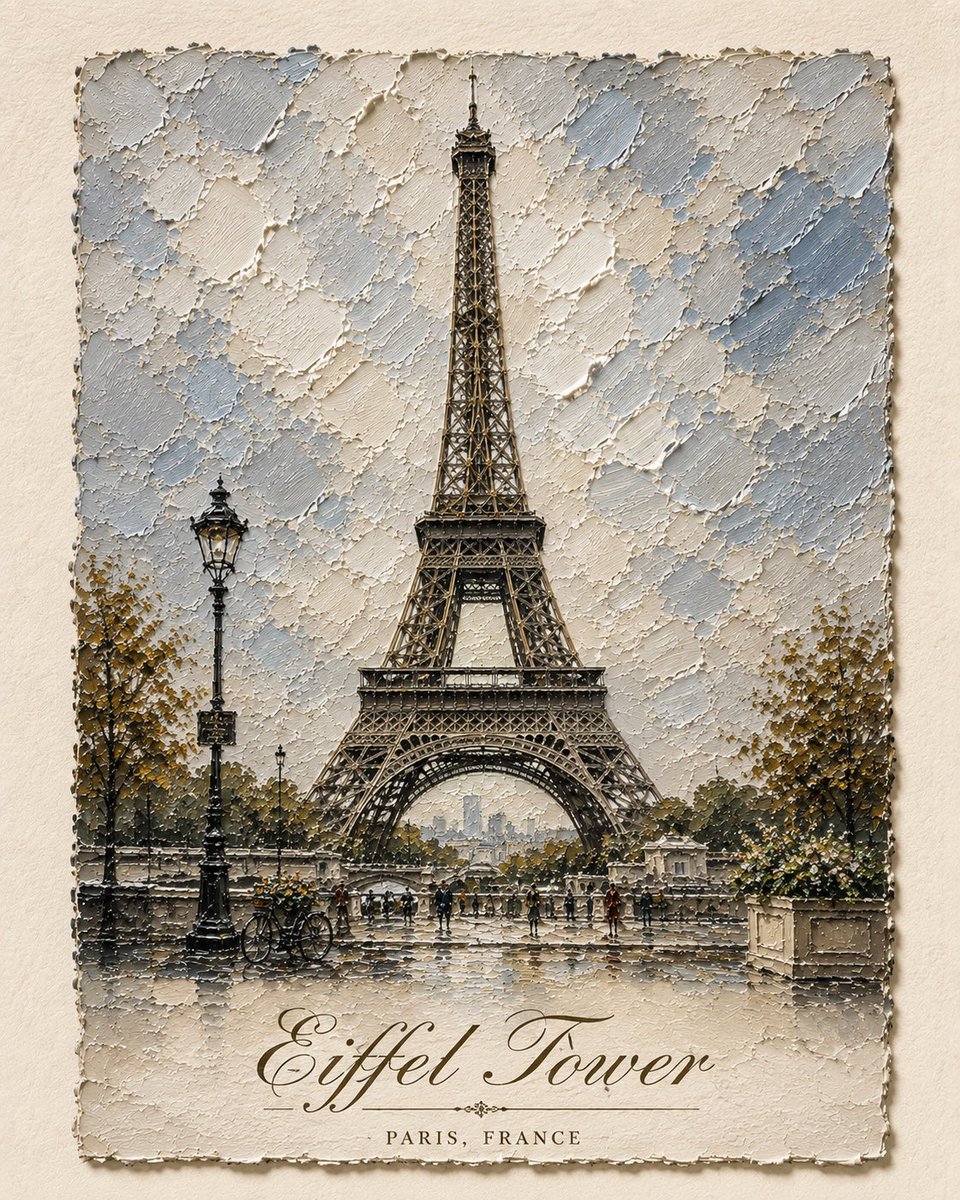
Impasto Oil Architectural Painting
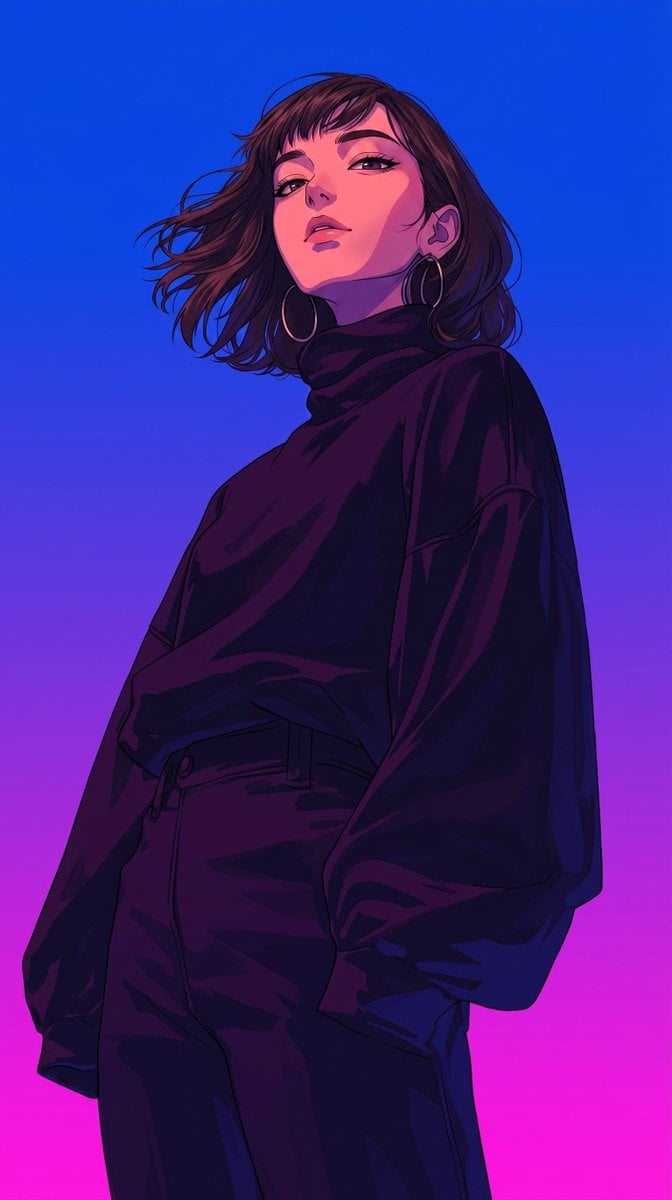
Retro-Modern Neon Anime Painting
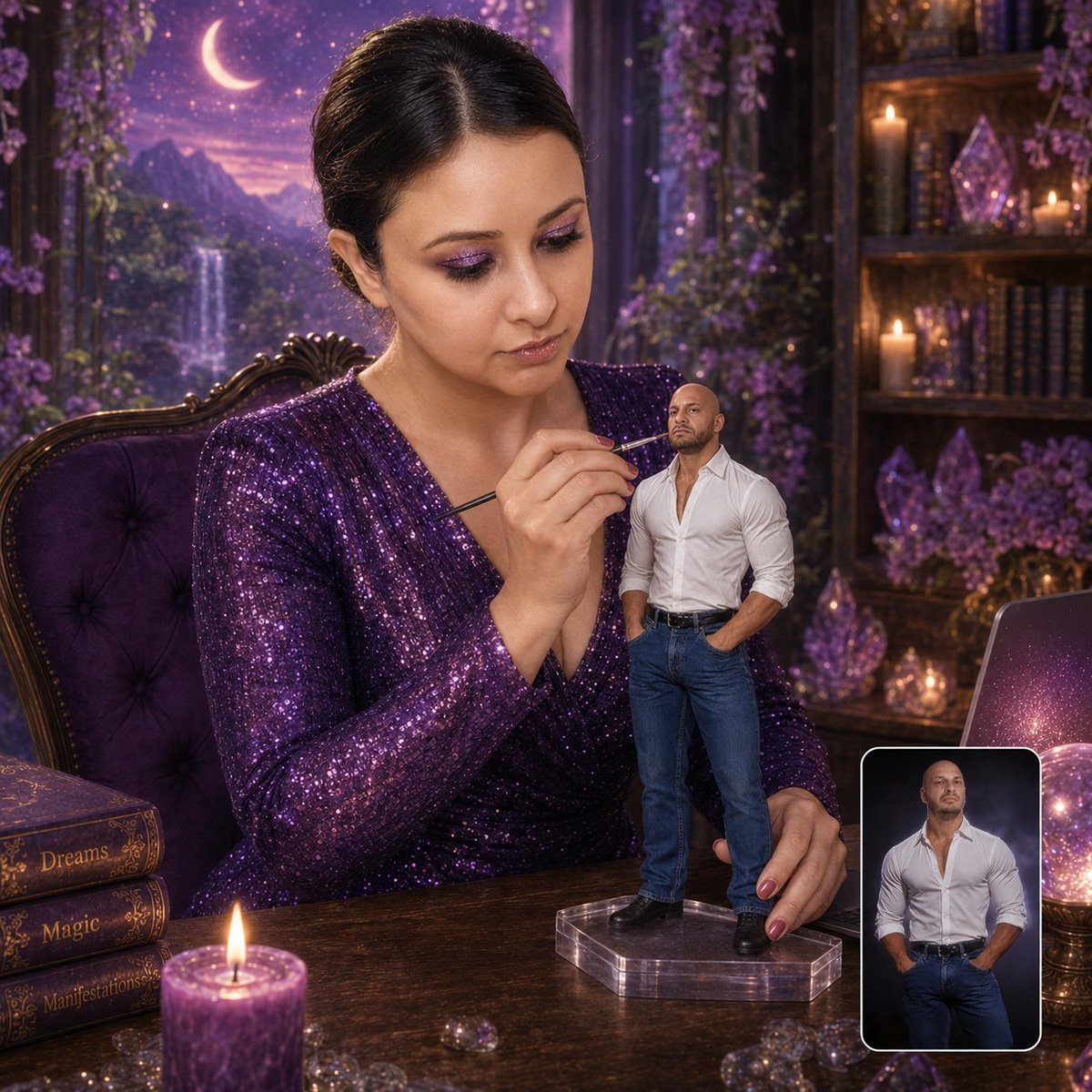
Miniature Figurine Painting Scene
Make it yours
Leonardo Painting the Mona Lisa works as-is. These are the safest ways to change it without losing the look.
Change one field
Copy a single group, rewrite it, and generate again so you can see what that field is doing.
Keep the frame, change the subject
Hold the composition and light of Leonardo Painting the Mona Lisa, then swap wardrobe, props or the person for a new take.
| If the result… | Why | Fix |
|---|---|---|
| The result drifts from the preview | Too many fields changed at once. | Reuse Leonardo Painting the Mona Lisa as-is first, then change one group — subject, light, or setting. |
| The model over-stylizes the scene | The prose prompt leaves finish and camera underspecified. | Add one camera or lighting sentence and stay on GPT Image 2. |
More GPT Image 2 templates
Other prompts made for GPT Image 2.

Six VTuber Japanese Logo Sheet

Realistic Portrait of Woman and Deer

The Vista Modular Condo Poster

AI Model Routing Comparison Infographic

2.5D Anime Art Board

Isometric Productivity Desk Scene

New York Double Exposure Poster

Four-Panel AI Landscape Comparison

Japanese Tatami Lifestyle Magazine Cover

NESCAFÉ Coffee Map Poster
More image prompts
Fresh picks from across the catalog.
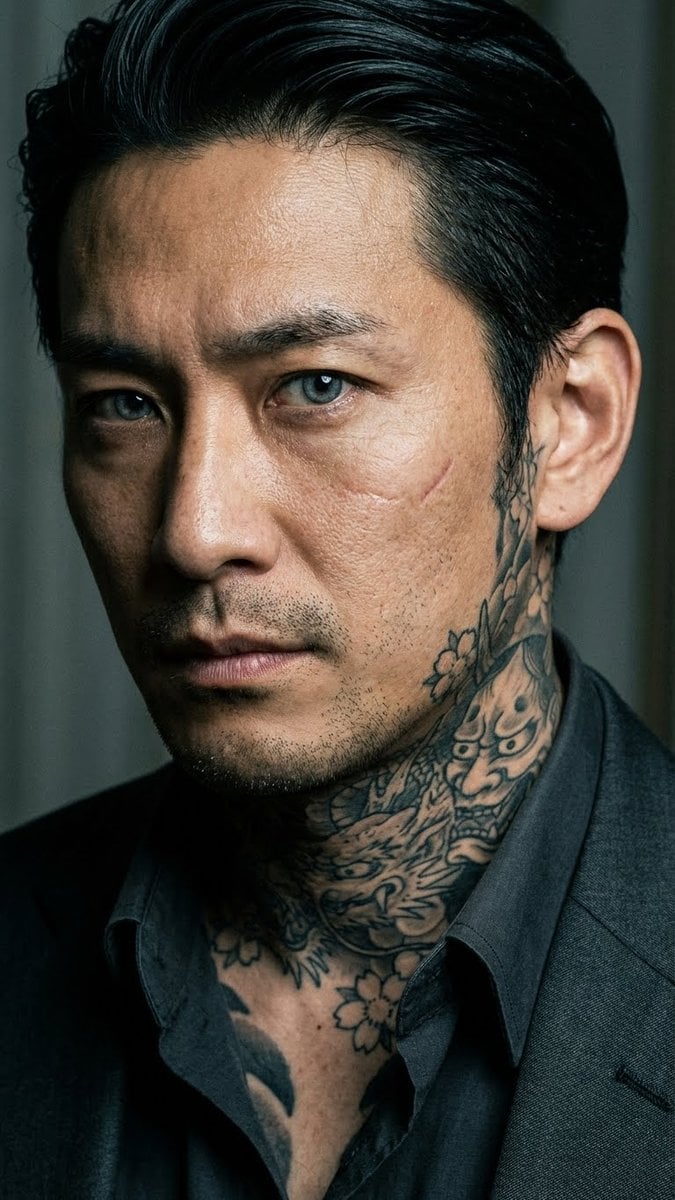
Yakuza Portrait with Irezumi Tattoos

BL Game Package Design
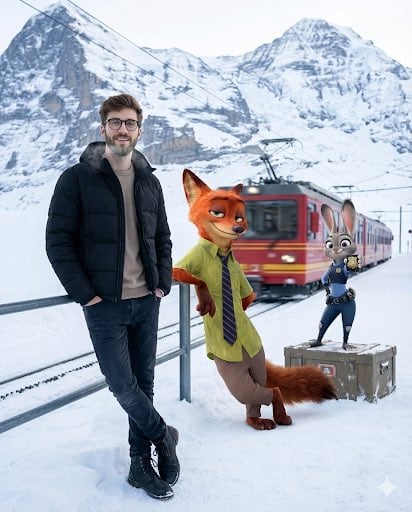
Cinematic Winter Travel Scene with Zootopia Characters
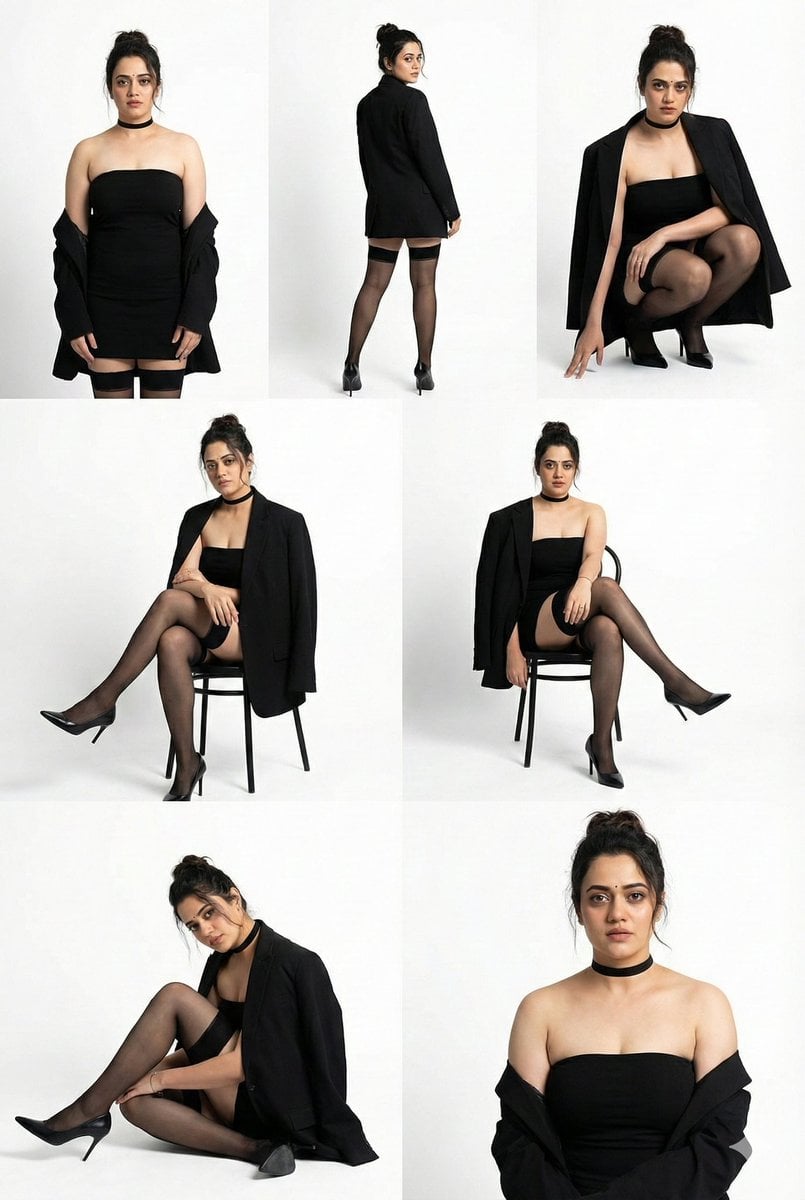
High-Fashion Studio Photo Collage Prompt
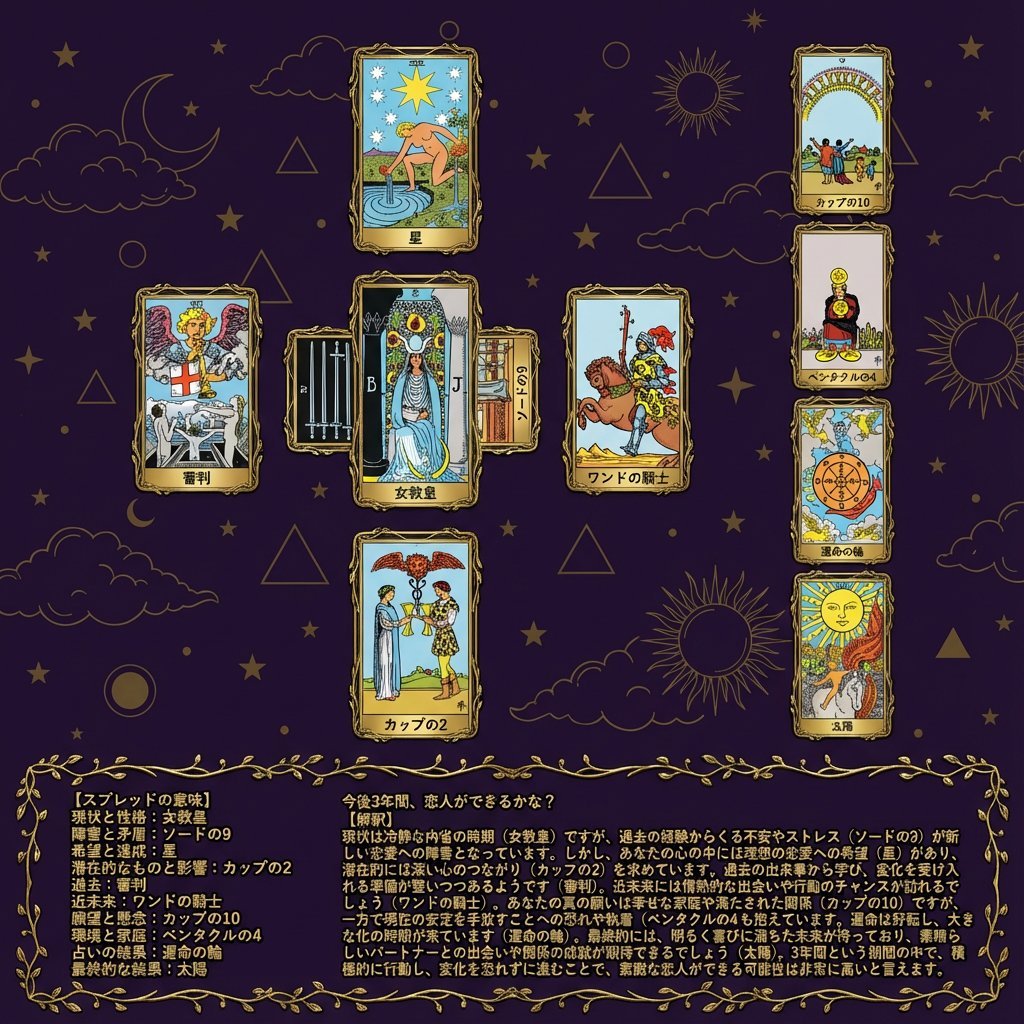
Tarot Celtic Cross Spread Reading Generation Prompt

Panel Live Streaming App UI Mockup
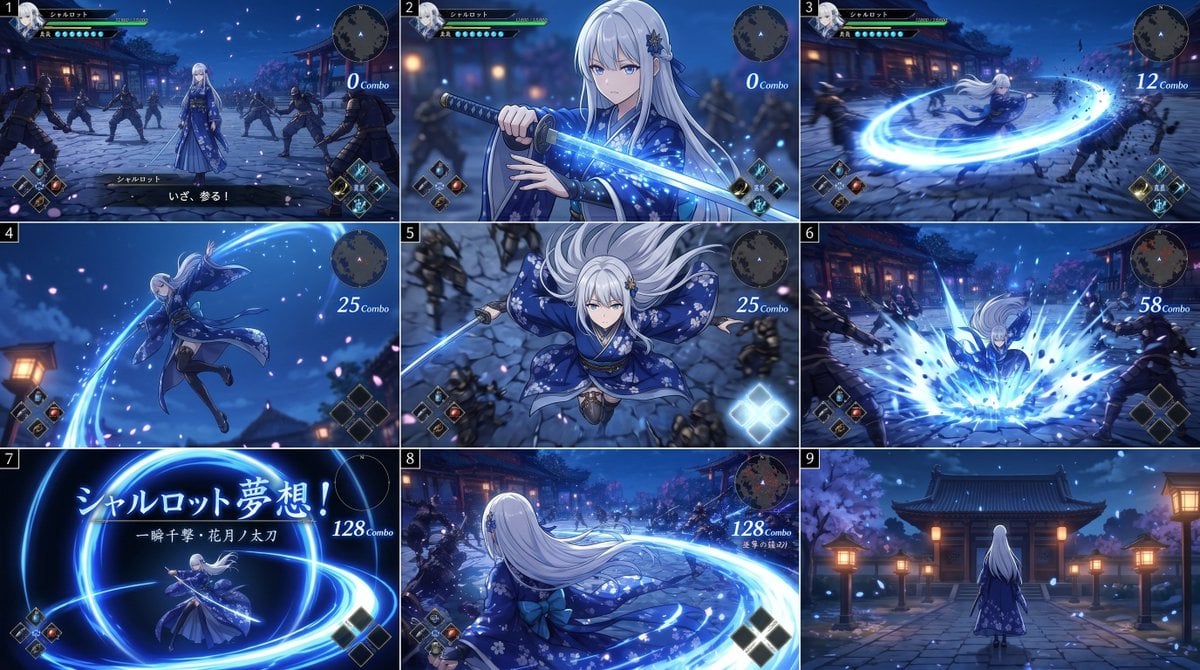
Anime RPG Sword Attack Storyboard
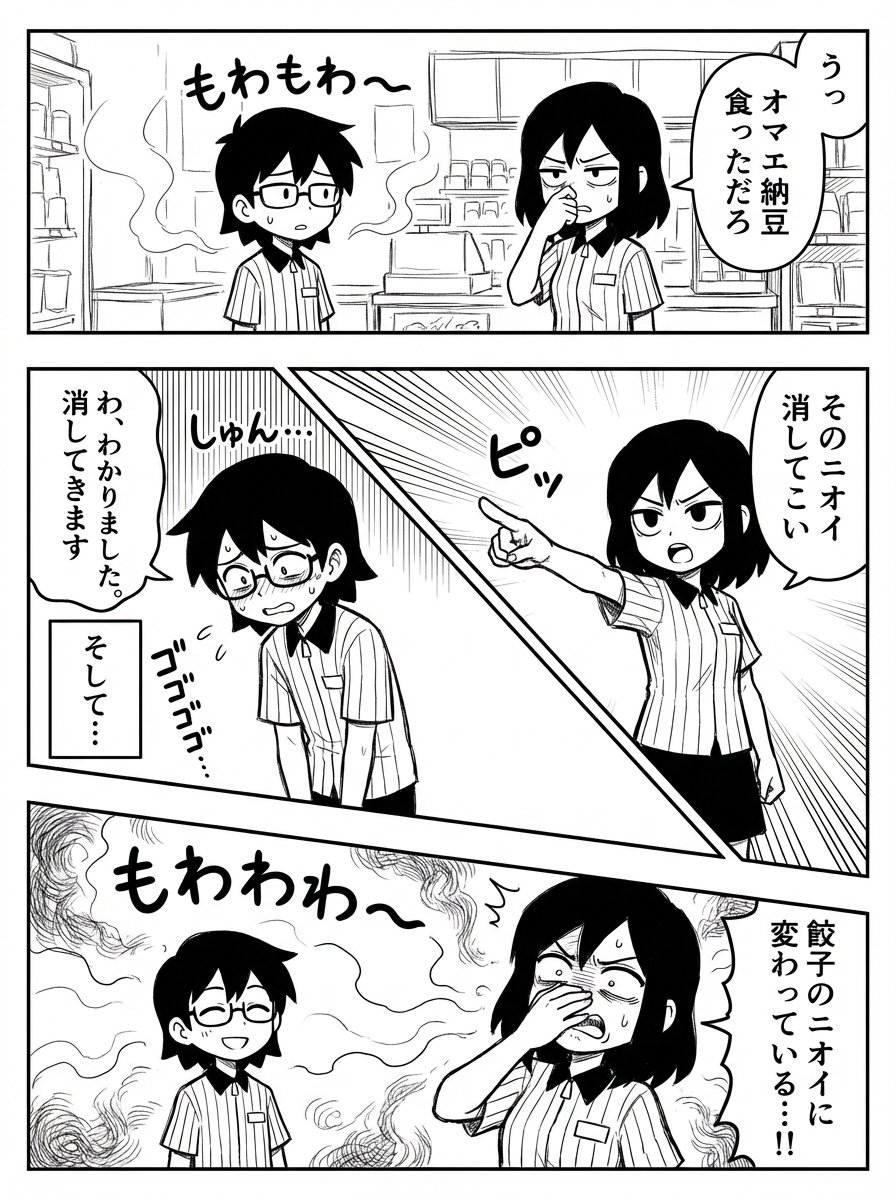
Manual Manga Panel Generation Prompt
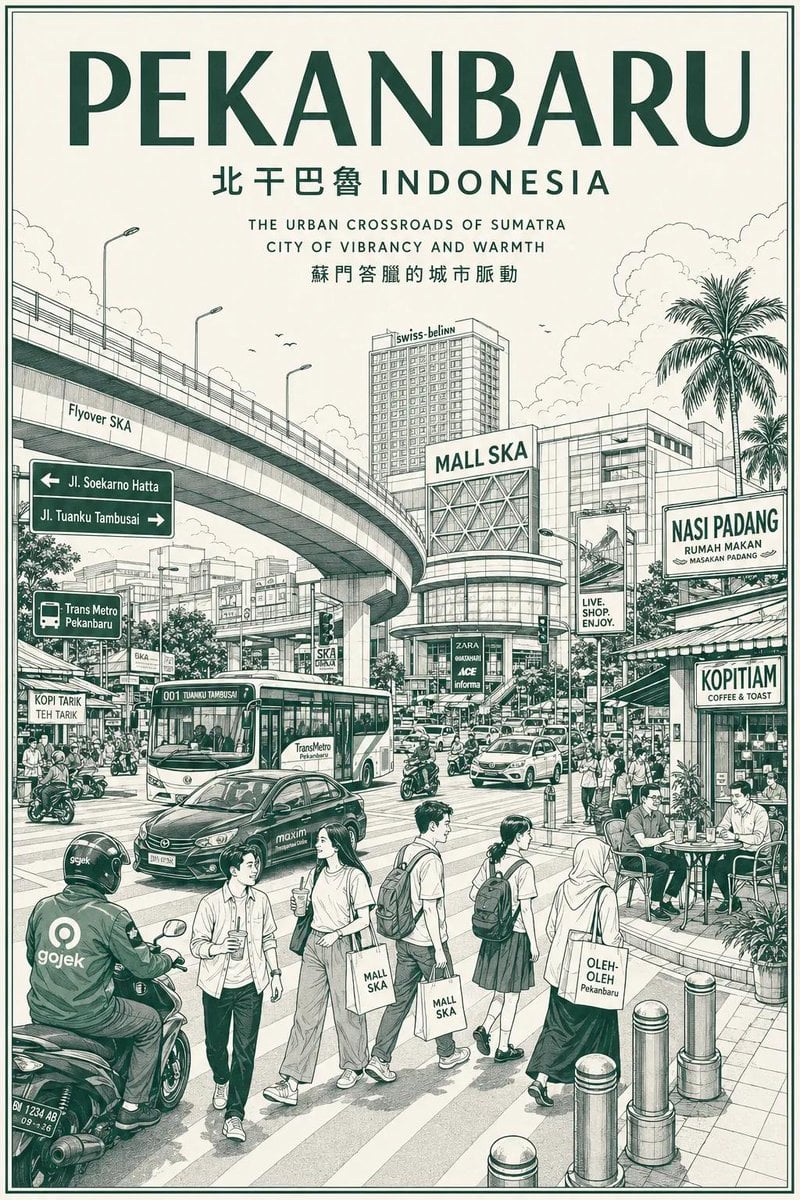
Vintage Monochrome City Travel Poster
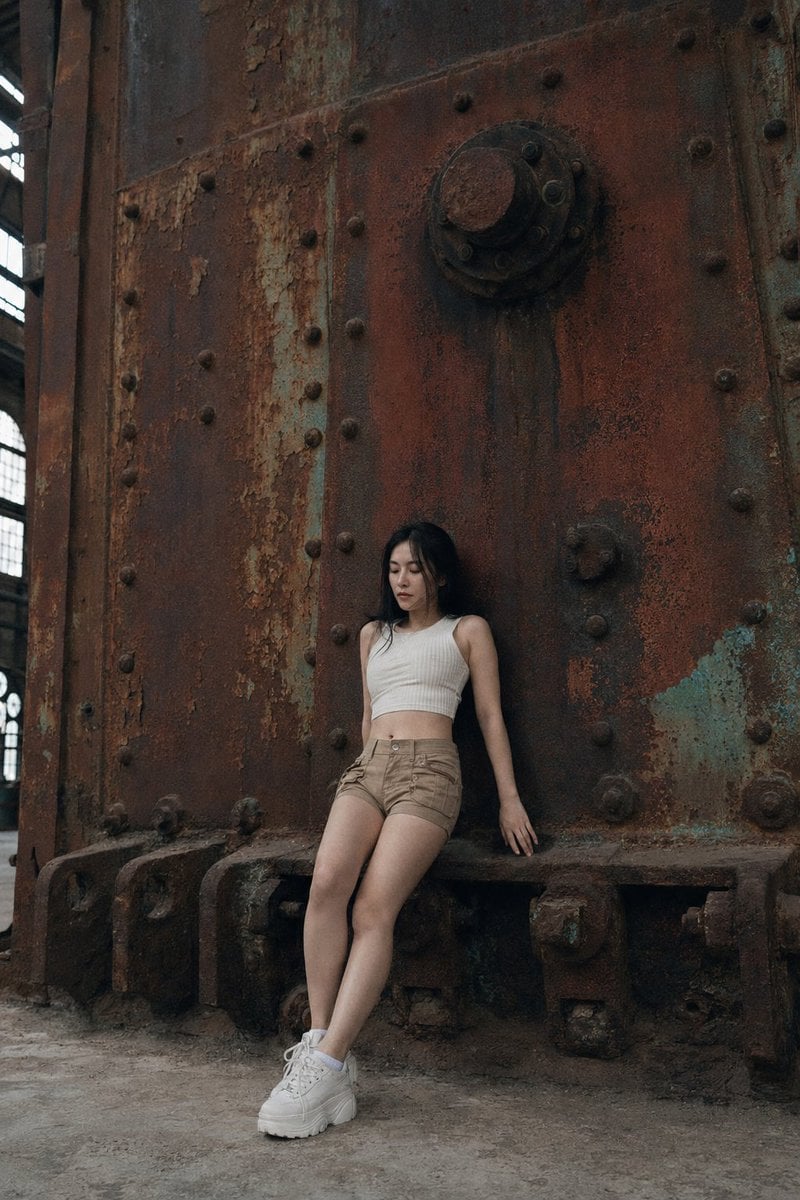
Shanghai Industrial Rust Wall Photography
Browse template categories
Leonardo Painting the Mona Lisa questions
How do I use the Leonardo Painting the Mona Lisa template?
Add your photo if the template asks for one, edit the prompt if you like — the template's model and format are already selected — and press Generate. Your version opens in PicX Studio.
Can I customize the Leonardo Painting the Mona Lisa template?
Yes. You can change the subject, setting, lighting, mood, format, and available model controls before creating your image.
Is the Leonardo Painting the Mona Lisa template free?
Opening and editing this template is free. Generating uses credits, shown on the Generate button when you are signed in.
Which AI model should I use?
Start with GPT Image 2, which is the model associated with this template. You can compare another compatible model for a different finish.
Looking for something else? Browse all templates.

Your photo, any look
Thousands of ready templates for every top image and video model, from one credit balance.