
Shanghai Industrial Rust Wall Photography
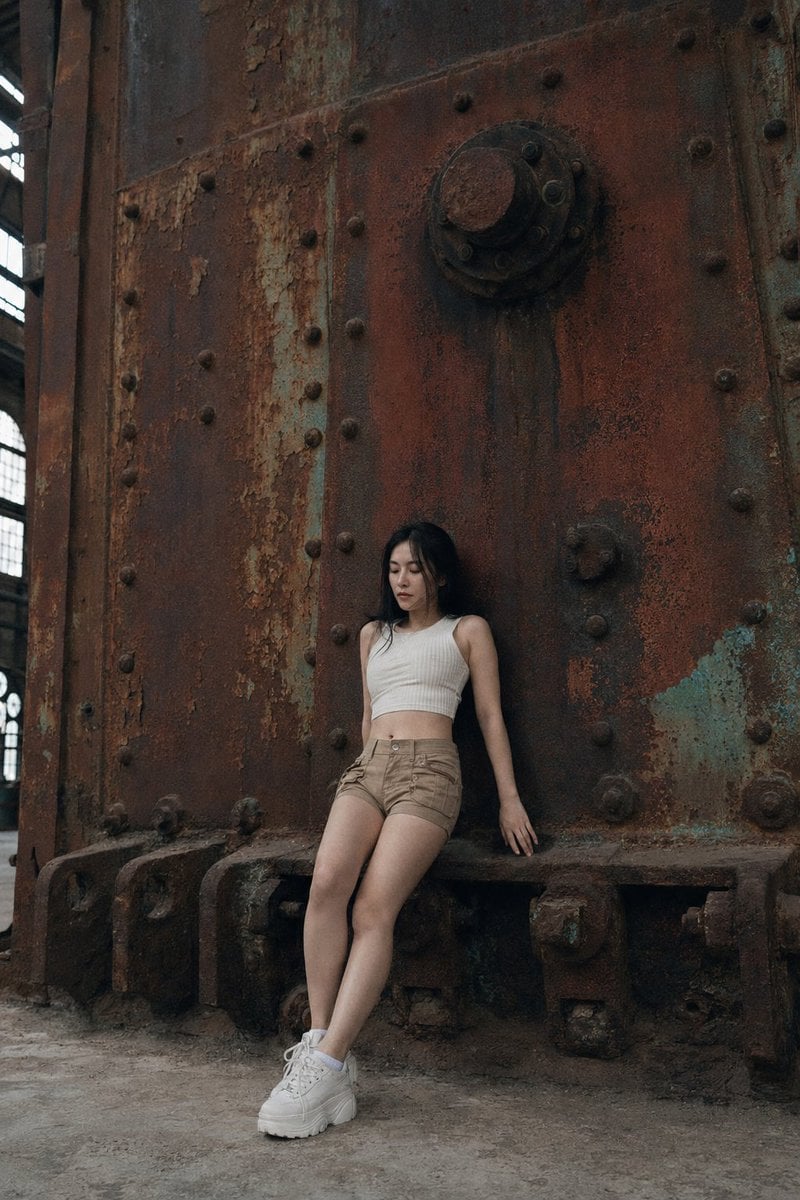
A detailed candid photography prompt capturing a person against a heavily rusted industrial wall in a Shanghai complex.
- Prompt included
- Model and format preset
- Free template
The prompt behind this image
Copy the exact prompt behind Shanghai Industrial Rust Wall Photography, or open it in the studio and make it yours.
This authentic daily life photography image captures a natural candid moment inside a vast {argument name="location" default="1933 Shanghai industrial complex"}, the camera positioned at ground level and pulled back to include the subject's full body from head to white platform trainers. A young Japanese woman in her early twenties occupies the lower center of the frame, dwarfed by the dominant cast iron wall behind her — a surface consumed by deep ochre rust, burnt umber streaks, oxidized copper-green patina, and the quiet archaeology of peeling flakes and ancient bolt-heads. Her skin tone reads as fair translucent cool-beige, somewhere in the NC10–NC15 range, and the even interior light reveals skin subsurface scattering visible under directional light that edges in from a high industrial window — a soft glow beneath the surface of her cheeks and temples. Specular micro-highlights on cheekbones and nose ridge catch the diffuse luminance with a restrained shimmer, while fine foundation powder grain perceptible across her nose bridge and chin gives her complexion the lived-in texture of a real face rather than a retouched one. Her almond-shaped eyes carry soft natural single eyelids, their calm slightly inward quality fixed on some point below the frame, and her refined narrow nose bridge ends in a clean rounded tip. Fine straight black hair falls simply around her face. She wears a cream ribbed crop knit top, tan cargo micro-shorts, and white platform trainers, her full body visible including the thick rubber soles pressed against the mineral-stained concrete floor. Her posture is mid-transition — back flat against the rust-eaten cast iron wall, body beginning its slow slide toward a seated position, one knee slightly bent, arms loose at her sides in a natural unplanned imperfection of weight and gravity. Two or three stray hairs displaced by faint air movement drift across her jawline, and her silhouette is not geometrically symmetrical, her left shoulder angled marginally further from the wall than the right. The light is diffused and even, sourced from somewhere wide and soft above, casting minimal contrast and leaving the scene in a democratic, unheroic glow that suits the quietness of the moment. Shadow pools in the recesses between rust flakes and around the ancient bolt-heads with subtle ISO 400 film grain in shadow areas, a photographic noise texture not CG render smoothness that anchors the image firmly in analog reality. The emotional tone is contemplative and unhurried — a private pause inside a building that has forgotten it was ever new. Aspect ratio 2:3. No watermark, no text overlay, not cartoon, not digitally painted, not illustration, not anime.
How to use Shanghai Industrial Rust Wall Photography in 3 steps
- 1
Open
The prompt is already in the box next to the preview, with the template's model and format selected.
- 2…a portrait of your subject in softgolden-hour light, 85mm…
Personalize
Edit the subject and creative details for your destination.
- 3Generate
Generate
Press Generate — your image is created in PicX Studio, so you can compare it with the original and refine one variable at a time.
More like this
Templates with the same subject, style or setup. Open one to see its prompt.
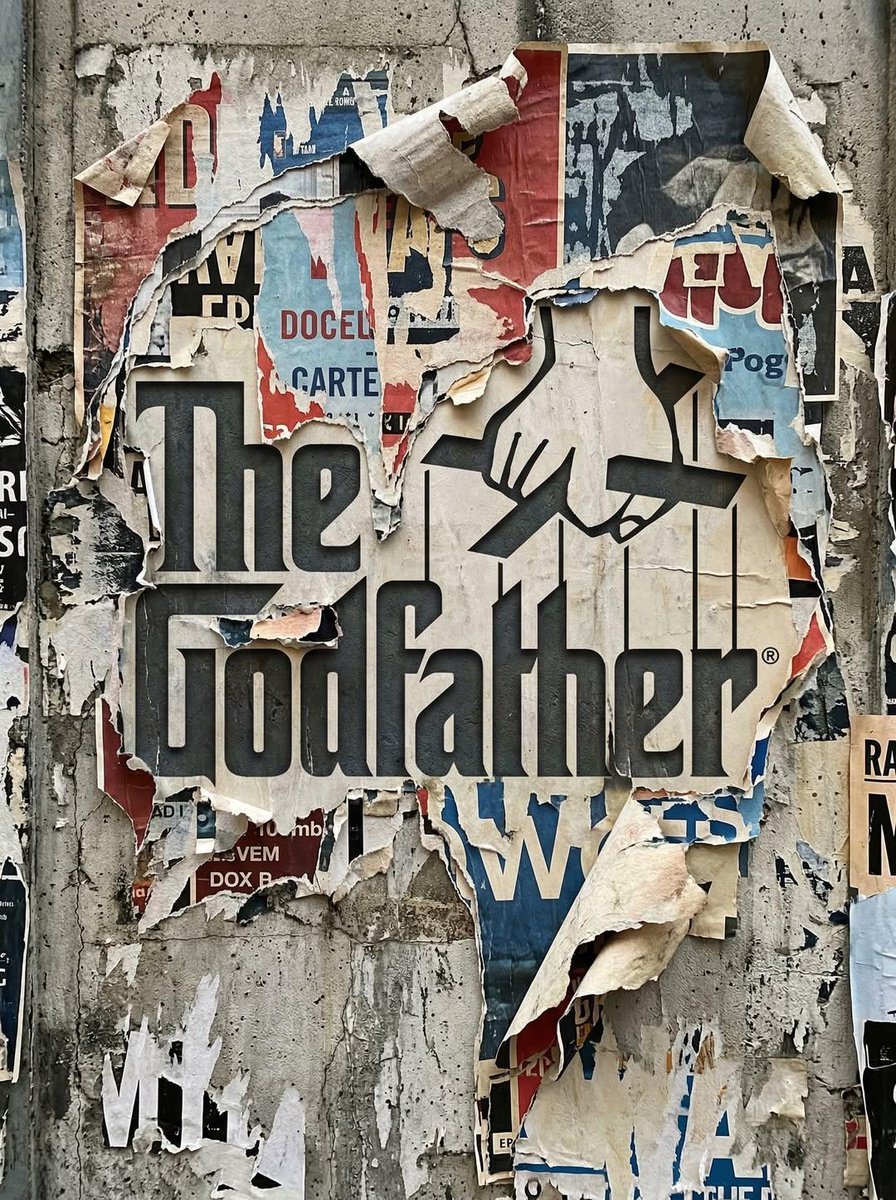
Uploaded logo into a realistic urban wall scene where the logo

Mirror Selfie Chibi Characters Pixar Style

Flower Petal Sunglasses Couture Portrait

Fashion Portrait Colored Smoke Studio

Mountain Valley Lifestyle Portrait

青蛇小青写真大片,绿色紧身蛇鳞裙,湿发红唇,妖娆妩媚

A double exposure, long exposure editorial photograph of a man Use image

Portrait of a young woman in her early 20s walking calmly on a beautiful

Artistic portrait of an elegant Asian woman wearing a black silk

A high-quality photo collage featuring the same person with identical

LIGHTING each element still lit by its original source, windows casting

A 3x3 grid storyboard contact sheet comprised of nine candid, cinematic
Make it yours
Shanghai Industrial Rust Wall Photography works as-is. These are the safest ways to change it without losing the look.
Change one field
Copy a single group, rewrite it, and generate again so you can see what that field is doing.
Keep the frame, change the subject
Hold the composition and light of Shanghai Industrial Rust Wall Photography, then swap wardrobe, props or the person for a new take.
| If the result… | Why | Fix |
|---|---|---|
| The result drifts from the preview | Too many fields changed at once. | Reuse Shanghai Industrial Rust Wall Photography as-is first, then change one group — subject, light, or setting. |
| The model over-stylizes the scene | The prose prompt leaves finish and camera underspecified. | Add one camera or lighting sentence and stay on GPT Image 2. |
More GPT Image 2 templates
Other prompts made for GPT Image 2.

Six VTuber Japanese Logo Sheet

Realistic Portrait of Woman and Deer

The Vista Modular Condo Poster

AI Model Routing Comparison Infographic

2.5D Anime Art Board

Isometric Productivity Desk Scene

New York Double Exposure Poster

Four-Panel AI Landscape Comparison

Japanese Tatami Lifestyle Magazine Cover

NESCAFÉ Coffee Map Poster
More image prompts
Fresh picks from across the catalog.
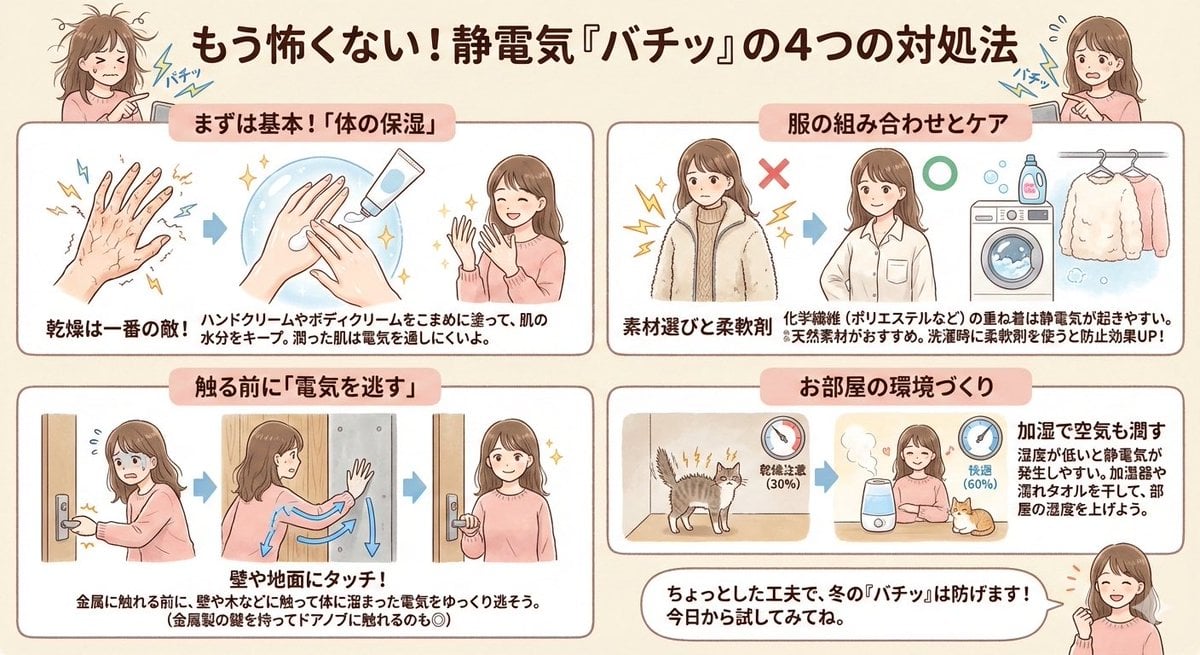
Static Electricity Diagram Generation
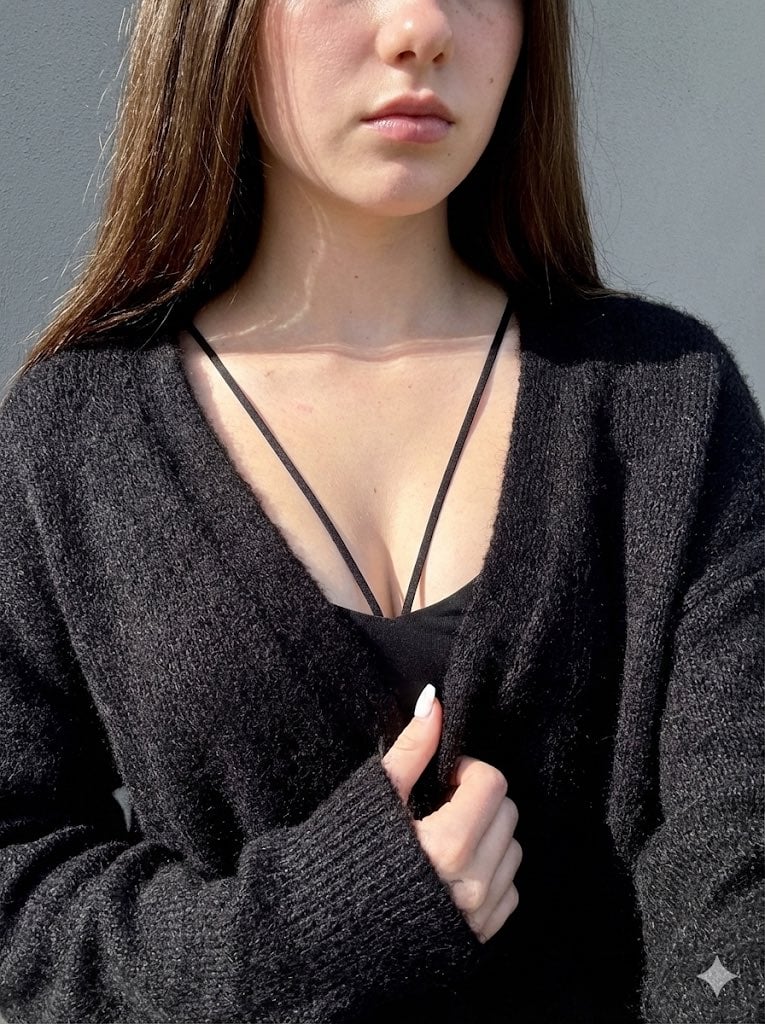
High-Contrast Close-Up with Strict Identity and Texture Focus
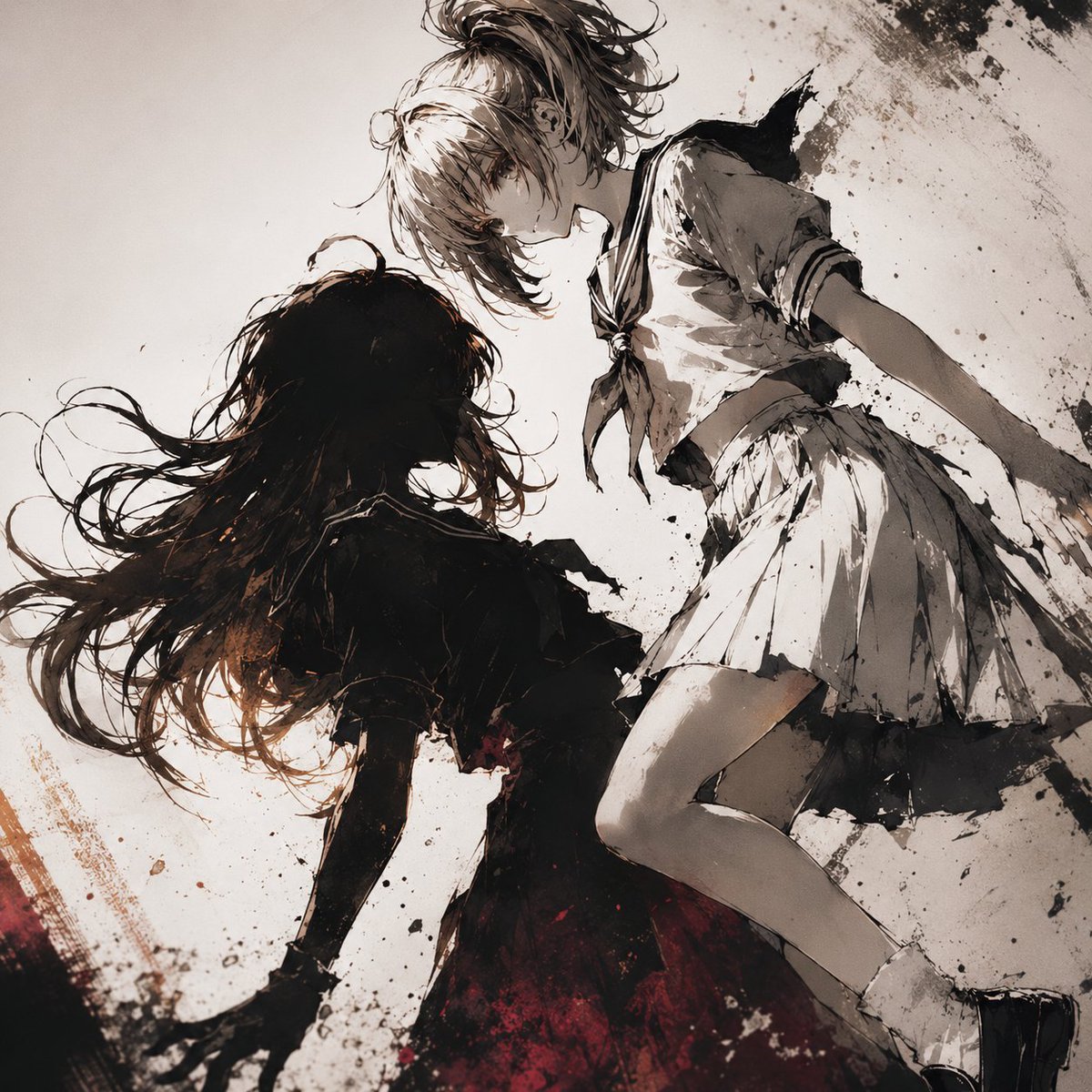
Two Girls in Ink Storm
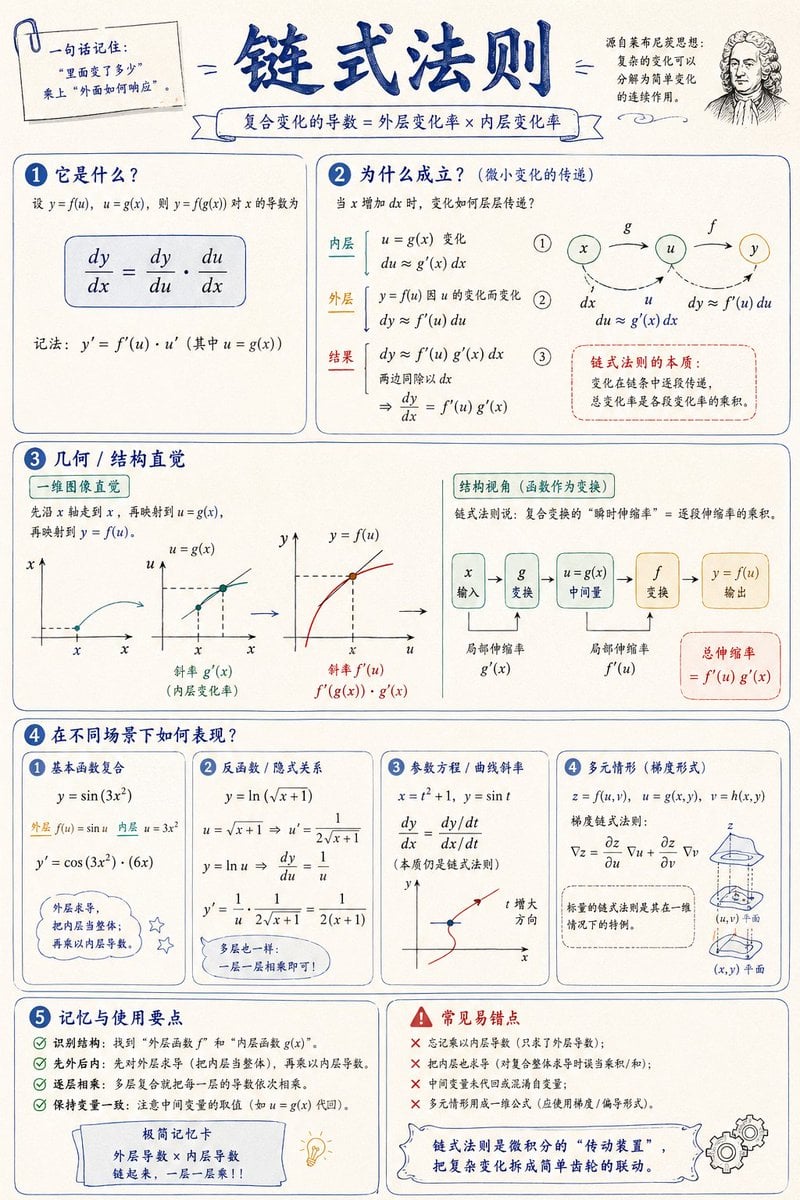
Mathematical Visualization Infographic Prompt
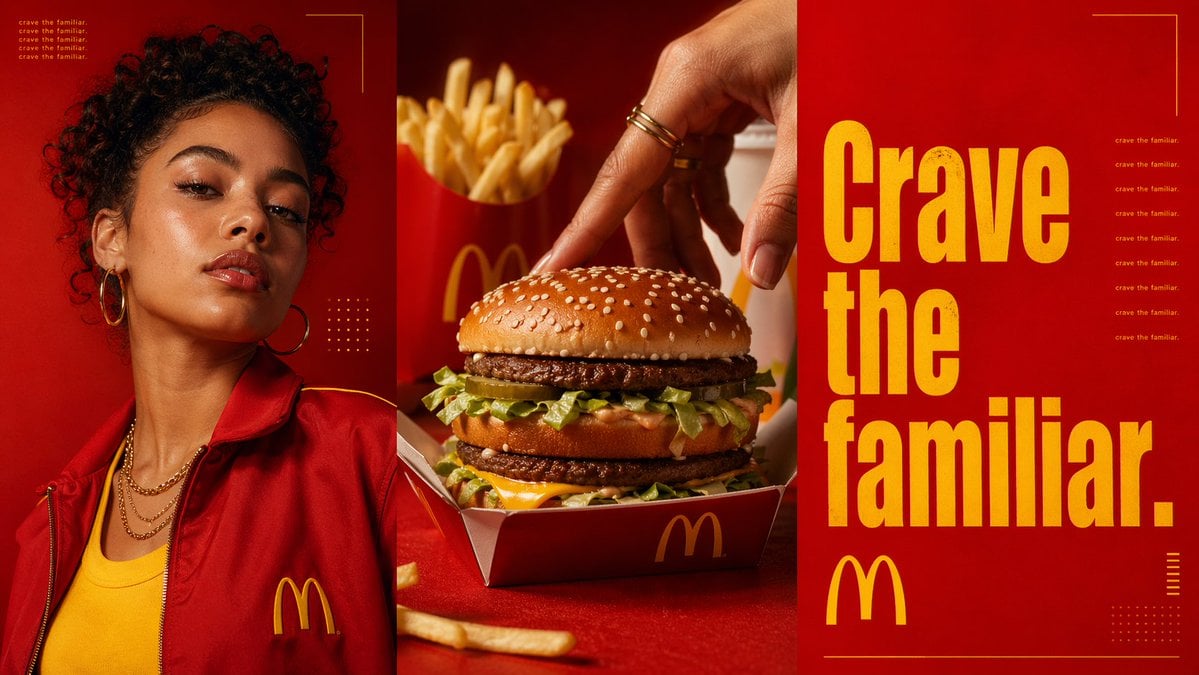
Triptych Fast-Food Ad Poster
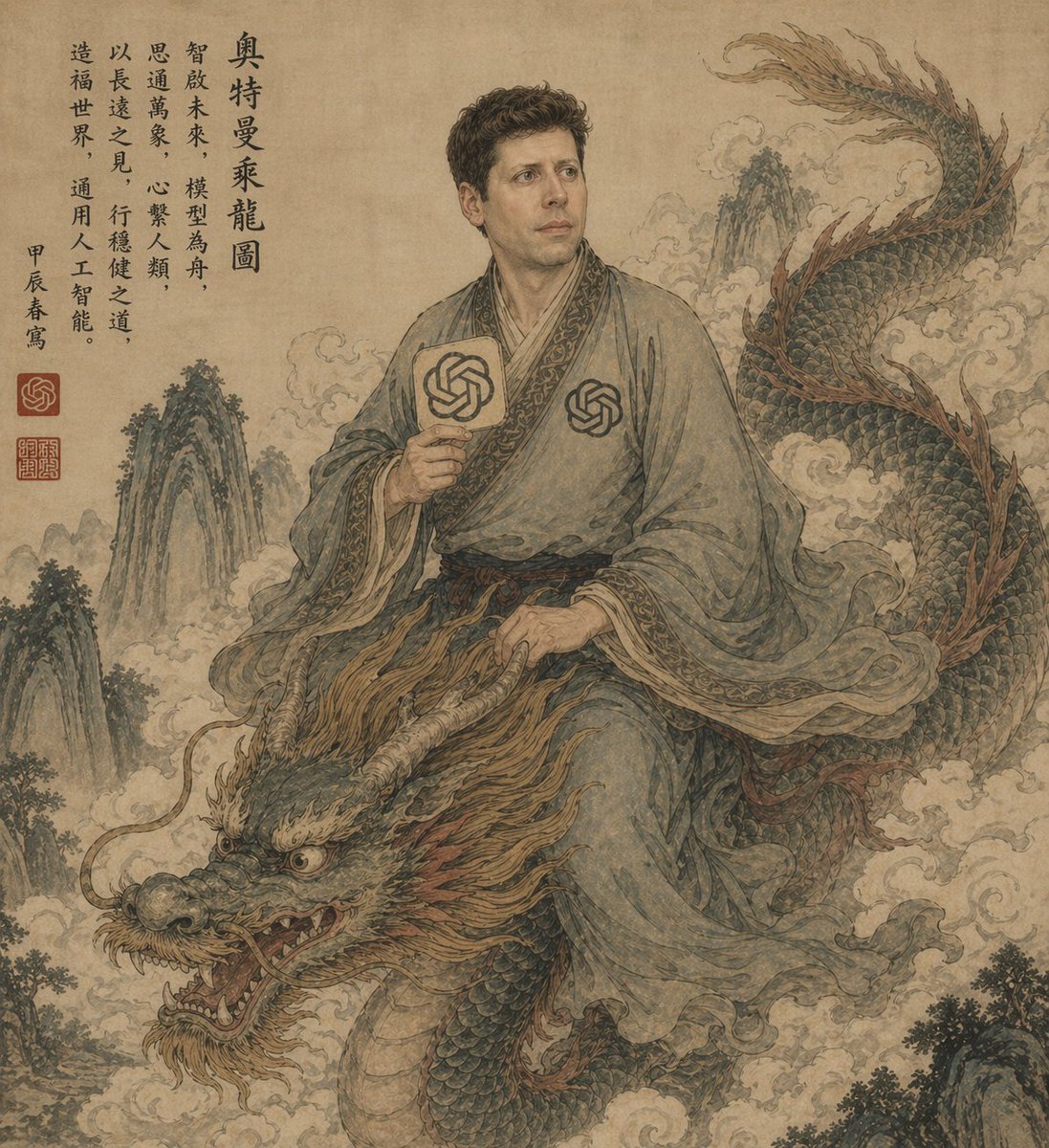
Ancient Scroll Scholar Riding Dragon
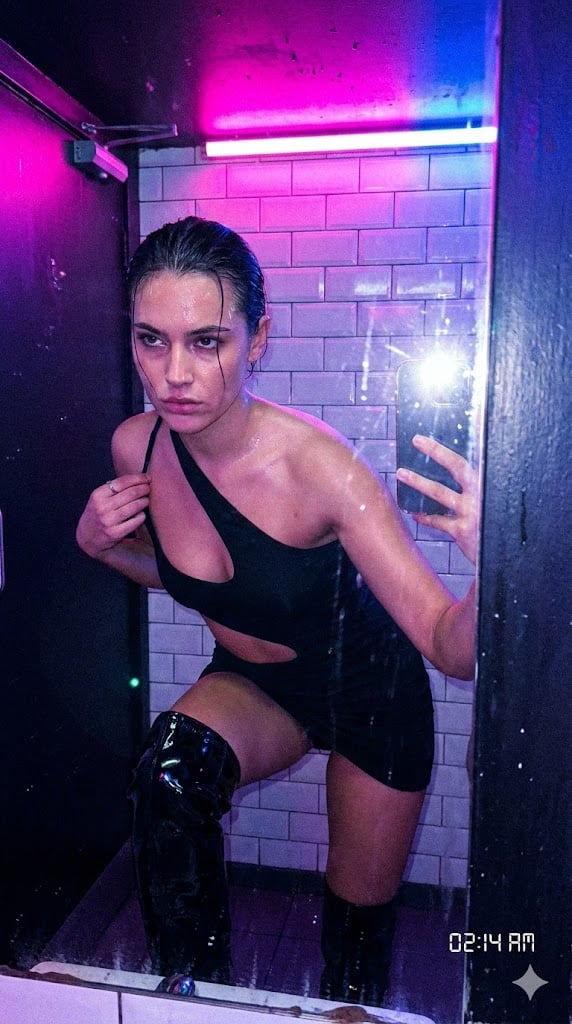
Authentic, Frantic Nightlife Selfie

Luxury Handbag Sunset Ad

Kawaii Great White Shark Vector Prompt
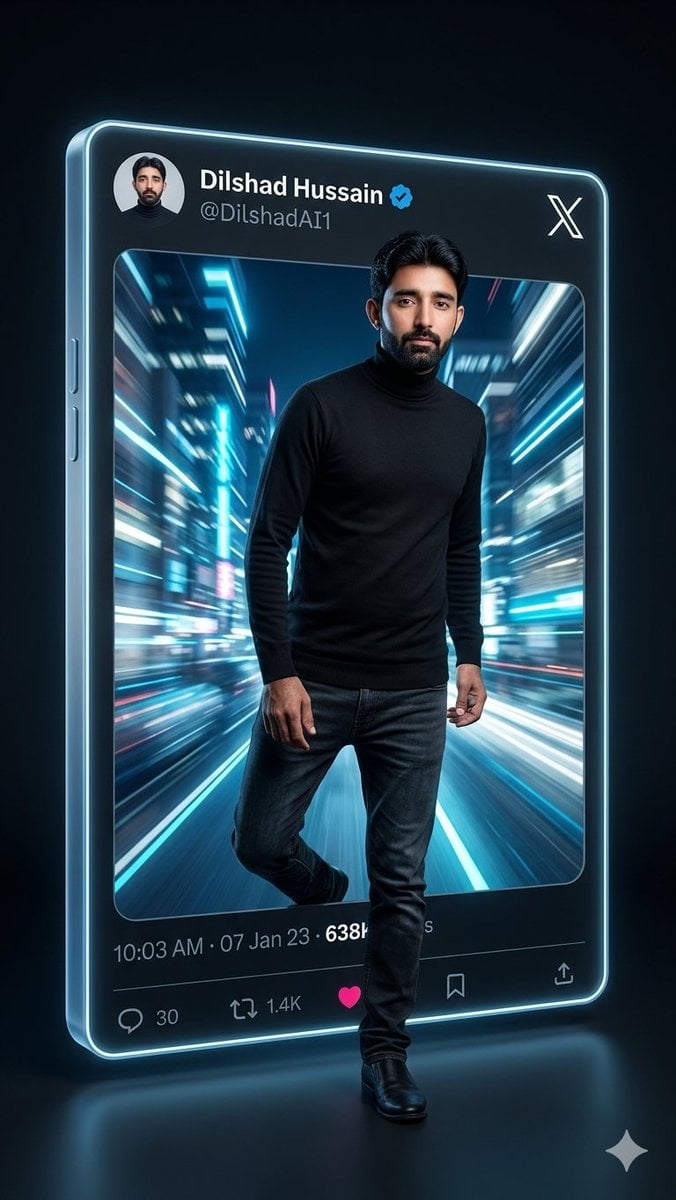
Neon X Post 3D Walkout Portrait
Browse template categories
Shanghai Industrial Rust Wall Photography questions
How do I use the Shanghai Industrial Rust Wall Photography template?
Add your photo if the template asks for one, edit the prompt if you like — the template's model and format are already selected — and press Generate. Your version opens in PicX Studio.
Can I customize the Shanghai Industrial Rust Wall Photography template?
Yes. You can change the subject, setting, lighting, mood, format, and available model controls before creating your image.
Is the Shanghai Industrial Rust Wall Photography template free?
Opening and editing this template is free. Generating uses credits, shown on the Generate button when you are signed in.
Which AI model should I use?
Start with GPT Image 2, which is the model associated with this template. You can compare another compatible model for a different finish.
Looking for something else? Browse all templates.

Your photo, any look
Thousands of ready templates for every top image and video model, from one credit balance.