
Luxury Handbag Sunset Ad
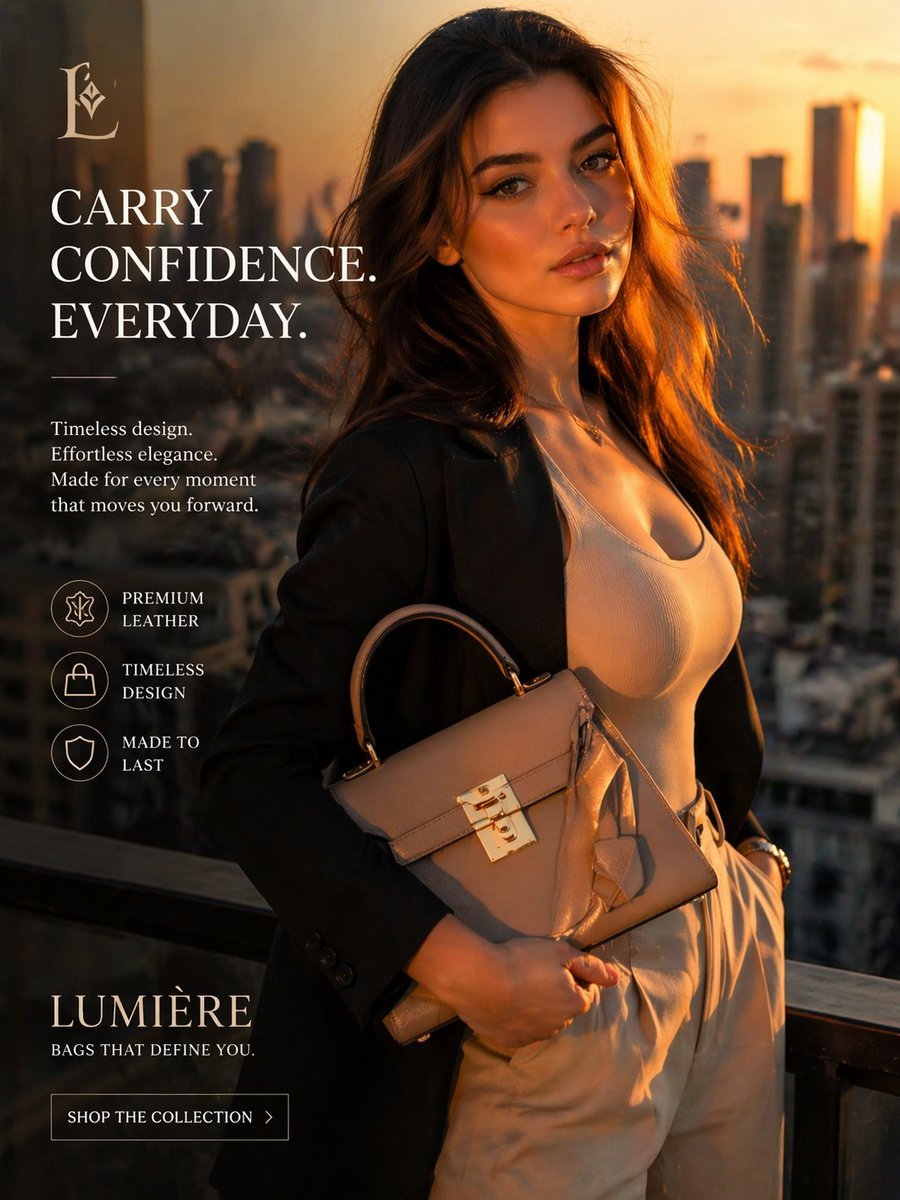
This prompt generates a polished vertical luxury fashion advertisement for a premium handbag brand, ideal for e-commerce campaigns and social media ads.
- Prompt included
- Model and format preset
- Free template
The prompt behind this image
Copy the exact prompt behind Luxury Handbag Sunset Ad, or open it in the studio and make it yours.
Luxury fashion advertisement, vertical editorial product ad shot at golden hour on a high-rise balcony overlooking a modern city skyline at sunset. A stylish woman stands in a confident three-quarter pose, framed from mid-thigh up, with her face obscured by a simple rectangular block matching warm brown-orange tones. She has long, softly wavy brunette hair lit by warm backlight from the setting sun. She wears a black tailored blazer over a fitted white scoop-neck ribbed top and high-waisted light beige trousers, with one hand in her pocket and the other holding a structured taupe leather handbag with a top handle, flap closure, polished gold clasp hardware, and a hanging leather tag. The bag is the visual hero and should look premium, elegant, and sharply detailed. Use cinematic warm lighting, soft rim light on the hair, subtle luxury color grading, shallow depth of field, and blurred skyscrapers in the background. Compose the layout like a premium brand campaign with large text and icons on the left side. At top left, place a refined serif monogram logo: {argument name="brand monogram" default="L"}. Below it, large white serif headline text stacked in uppercase: {argument name="headline text" default="CARRY CONFIDENCE. EVERYDAY."}. Beneath that, add a short white serif body copy in 4 lines: {argument name="body text" default="Timeless design. Effortless elegance. Made for every moment that moves you forward."}. Add exactly 3 circular line icons with labels arranged vertically: premium leather, timeless design, made to last. At the bottom left, place the brand name in large elegant serif capitals: {argument name="brand name" default="LUMIÈRE"}, with smaller uppercase tagline below: {argument name="tagline" default="BAGS THAT DEFINE YOU."}. Add a bordered call-to-action button reading “SHOP THE COLLECTION” with a small right arrow. Overall style: upscale, aspirational, polished e-commerce campaign, photorealistic fashion ad, luxurious but modern, clean typography, balanced negative space, magazine-quality composition.
How to use Luxury Handbag Sunset Ad in 3 steps
- 1Upload ImagePNG, JPG or paste
Add your photo
Upload the photo the template builds on. The prompt, model and format are already set.
- 2…a portrait of your subject in softgolden-hour light, 85mm…
Personalize
Edit the subject and creative details for your destination.
- 3Generate
Generate
Press Generate — your image is created in PicX Studio, so you can compare it with the original and refine one variable at a time.
More like this
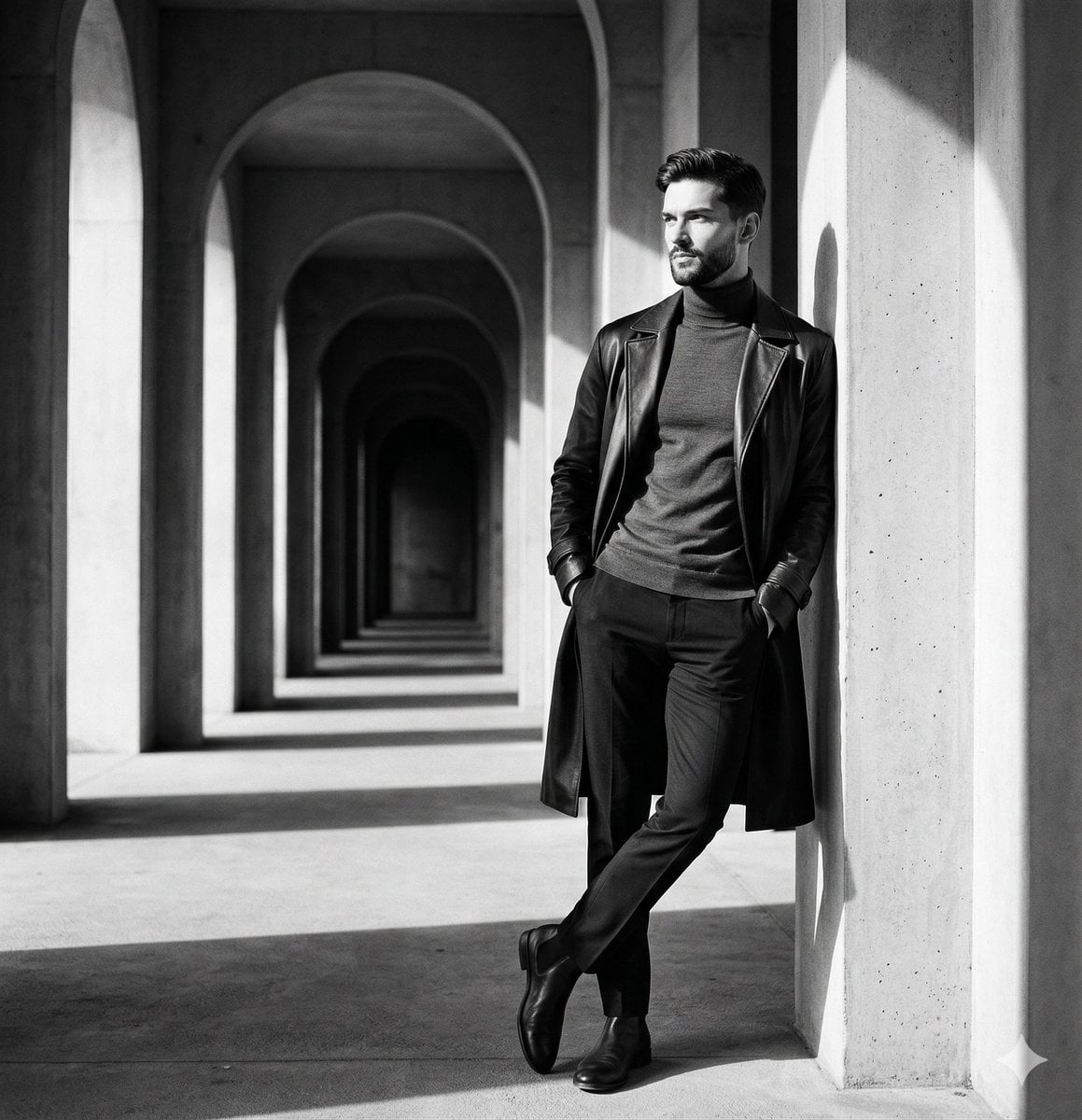
Templates with the same subject, style or setup. Open one to see its prompt.











Make it yours
Luxury Handbag Sunset Ad works as-is. These are the safest ways to change it without losing the look.
Change one field
Copy a single group, rewrite it, and generate again so you can see what that field is doing.
Keep the frame, change the subject
Hold the composition and light of Luxury Handbag Sunset Ad, then swap wardrobe, props or the person for a new take.
| If the result… | Why | Fix |
|---|---|---|
| The result drifts from the preview | Too many fields changed at once. | Reuse Luxury Handbag Sunset Ad as-is first, then change one group — subject, light, or setting. |
| The model over-stylizes the scene | The prose prompt leaves finish and camera underspecified. | Add one camera or lighting sentence and stay on GPT Image 2. |
More GPT Image 2 templates
Other prompts made for GPT Image 2.

Six VTuber Japanese Logo Sheet

Realistic Portrait of Woman and Deer

The Vista Modular Condo Poster

AI Model Routing Comparison Infographic

2.5D Anime Art Board

Isometric Productivity Desk Scene

New York Double Exposure Poster

Four-Panel AI Landscape Comparison

Japanese Tatami Lifestyle Magazine Cover

NESCAFÉ Coffee Map Poster
More image prompts
Fresh picks from across the catalog.
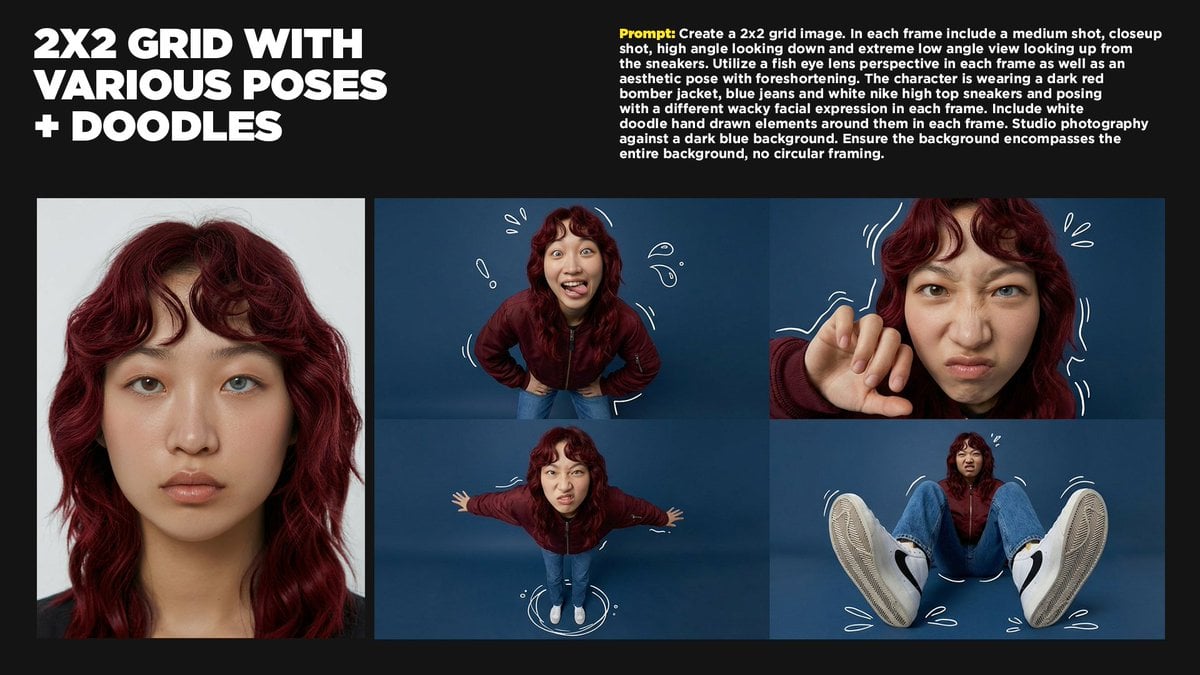
2x2 Grid Storytelling with Extreme Angles and Doodle Elements
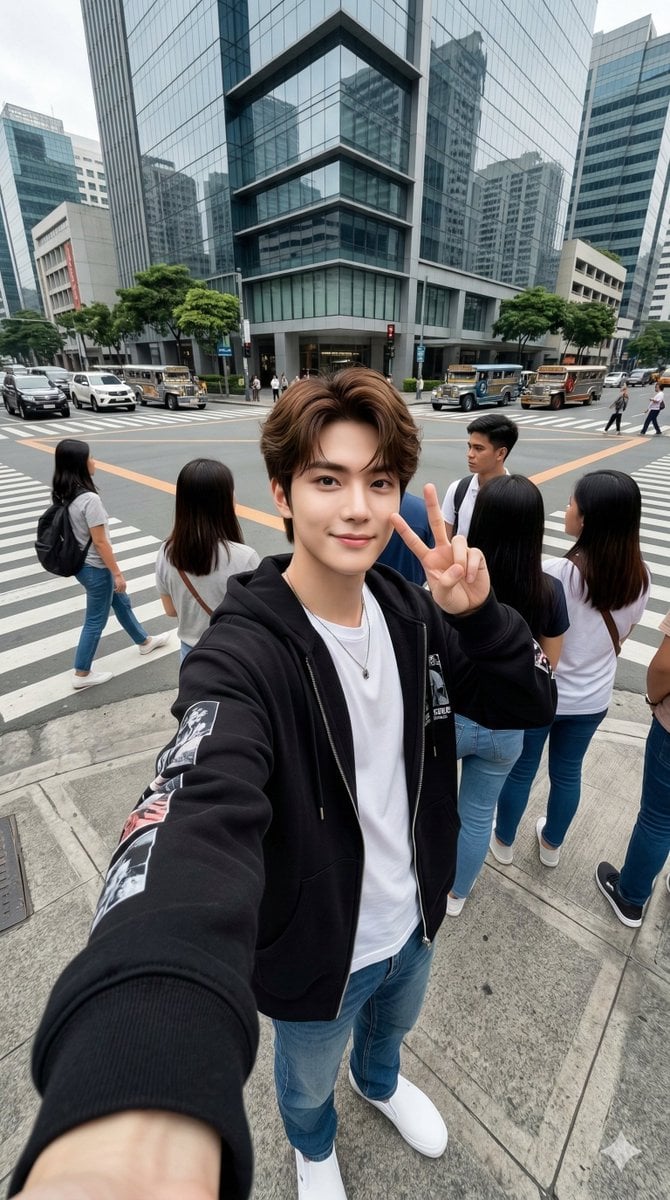
Urban Streetwear Wide-Angle Group Selfie
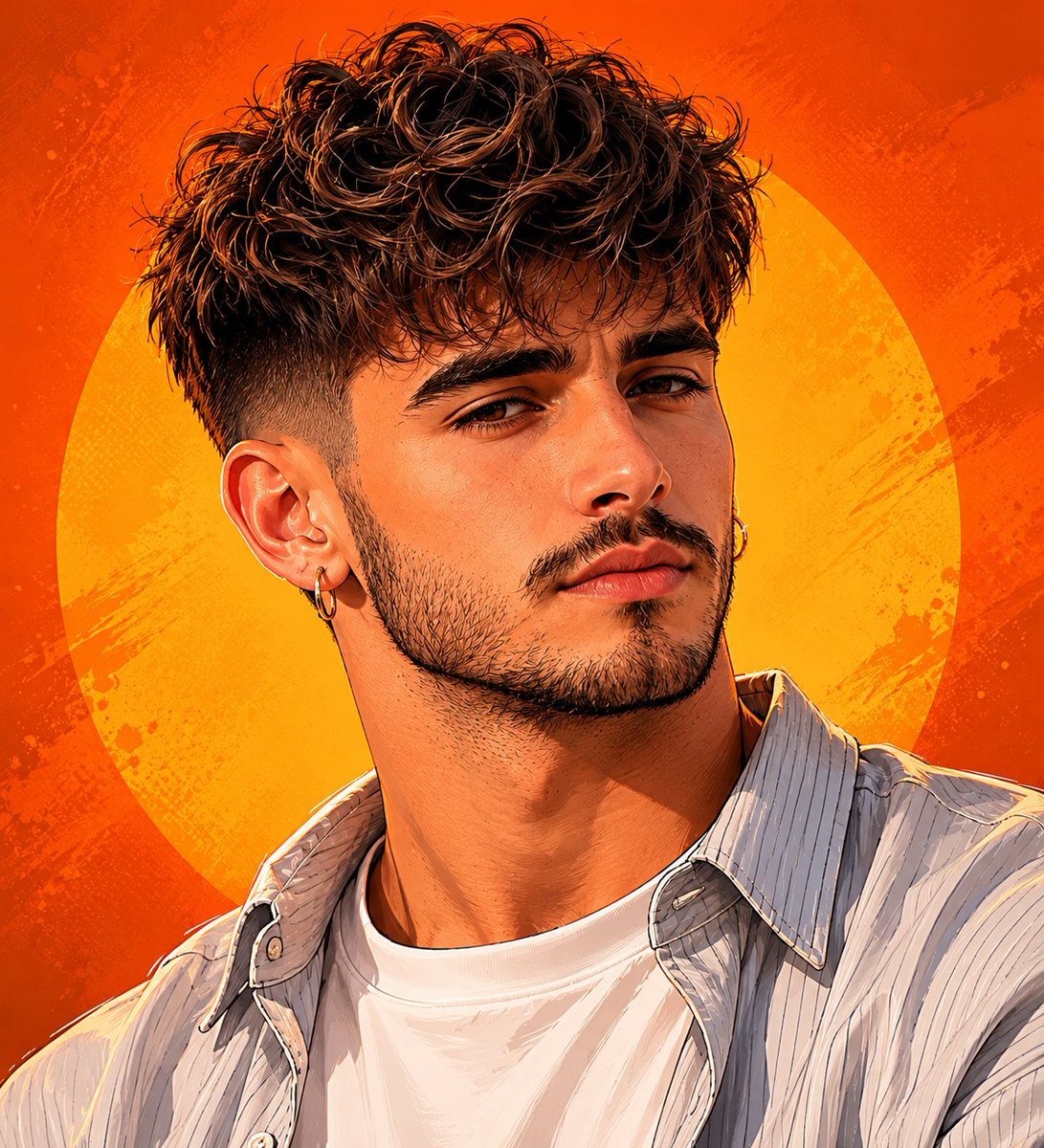
Detailed Digital Vector Portrait with Comic Shading

Water Vs Thunder Breathing Anime Battle
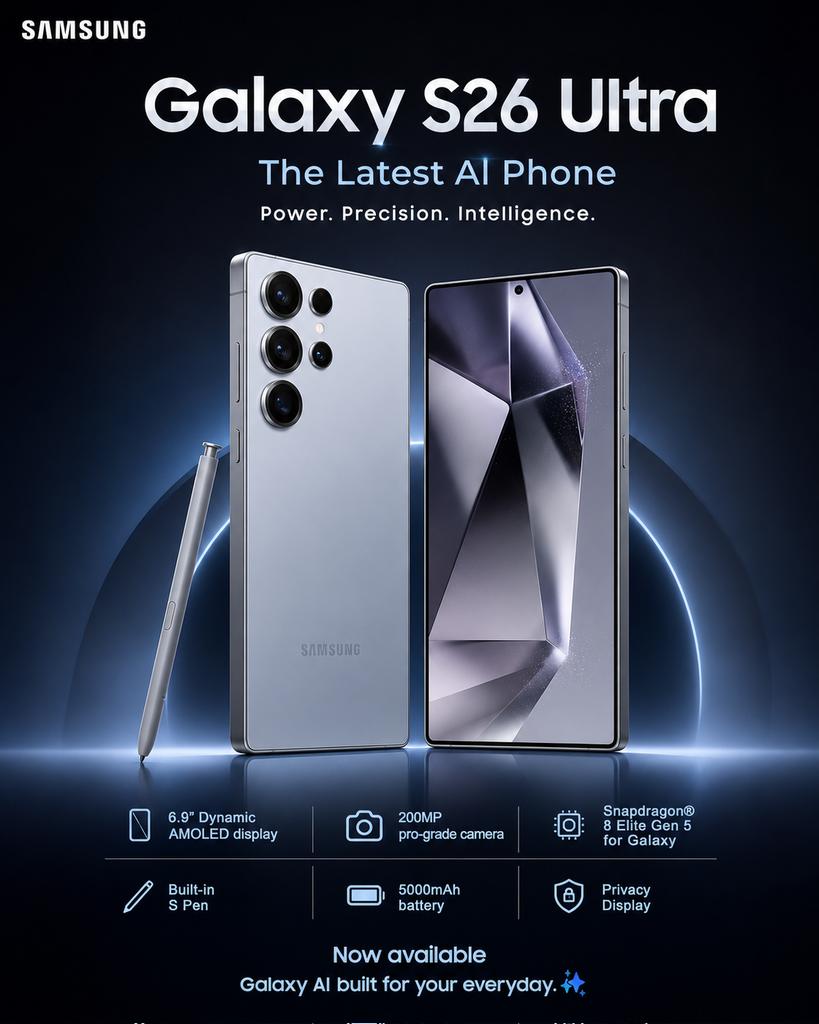
Samsung Galaxy S26 Ultra Poster
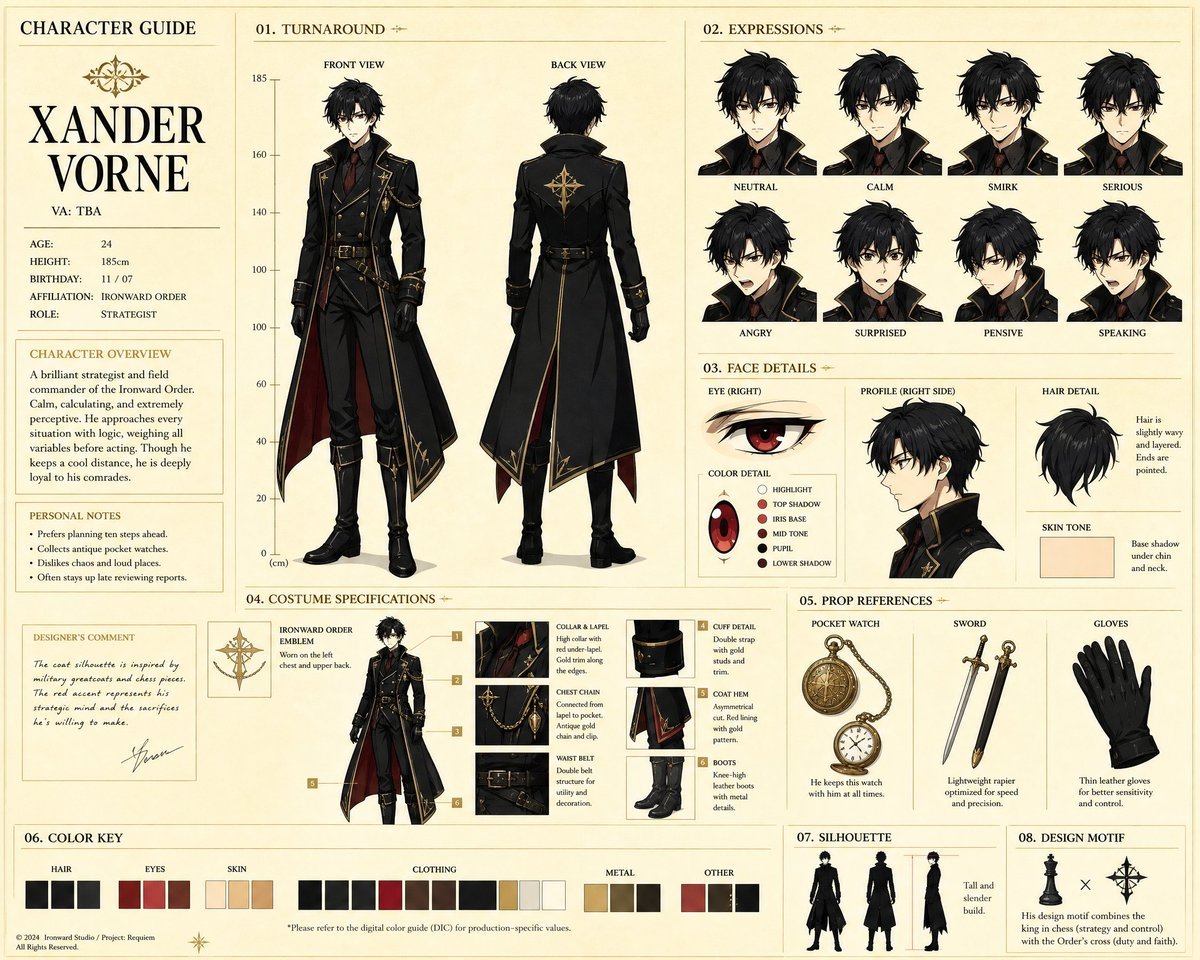
Anime Character Production Guide Sheet
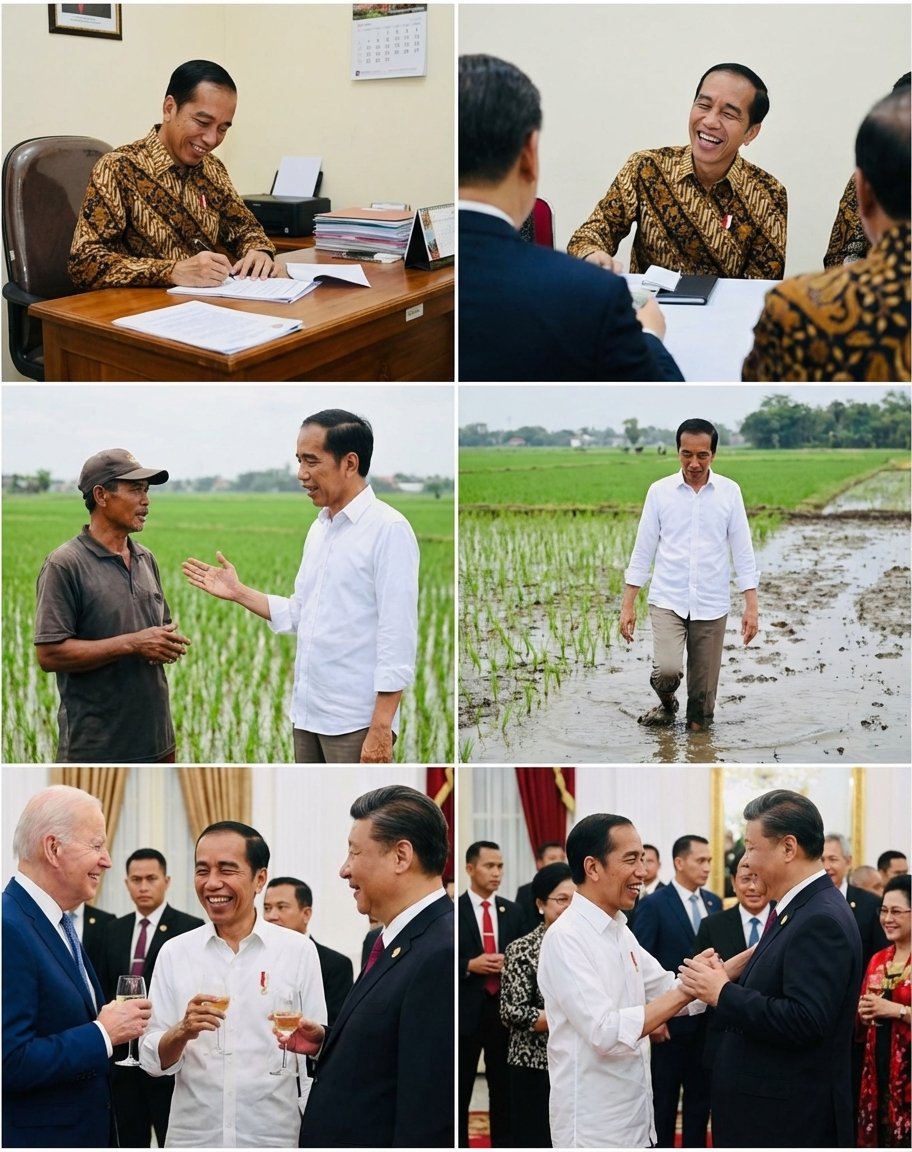
Candid series of Indonesian president photos
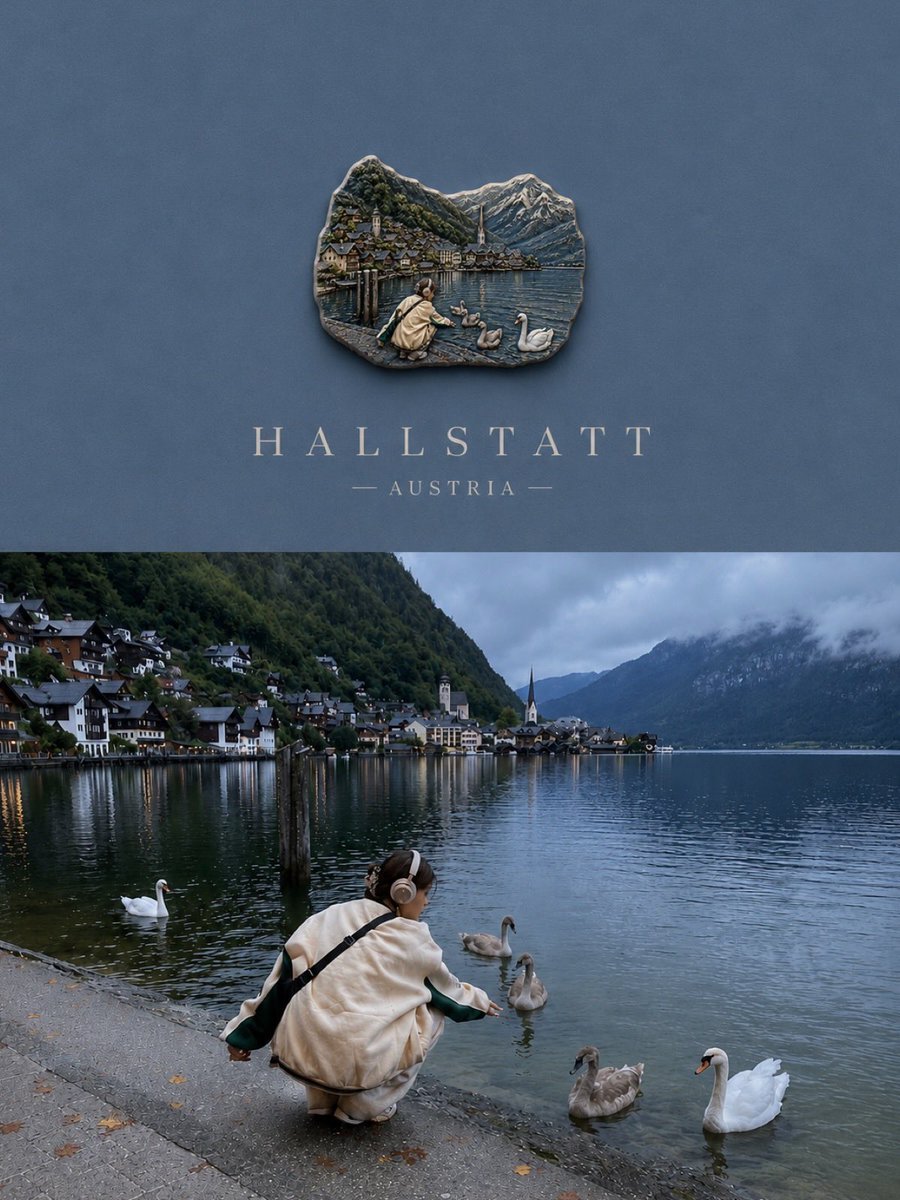
Luxury Travel Poster Split Layout
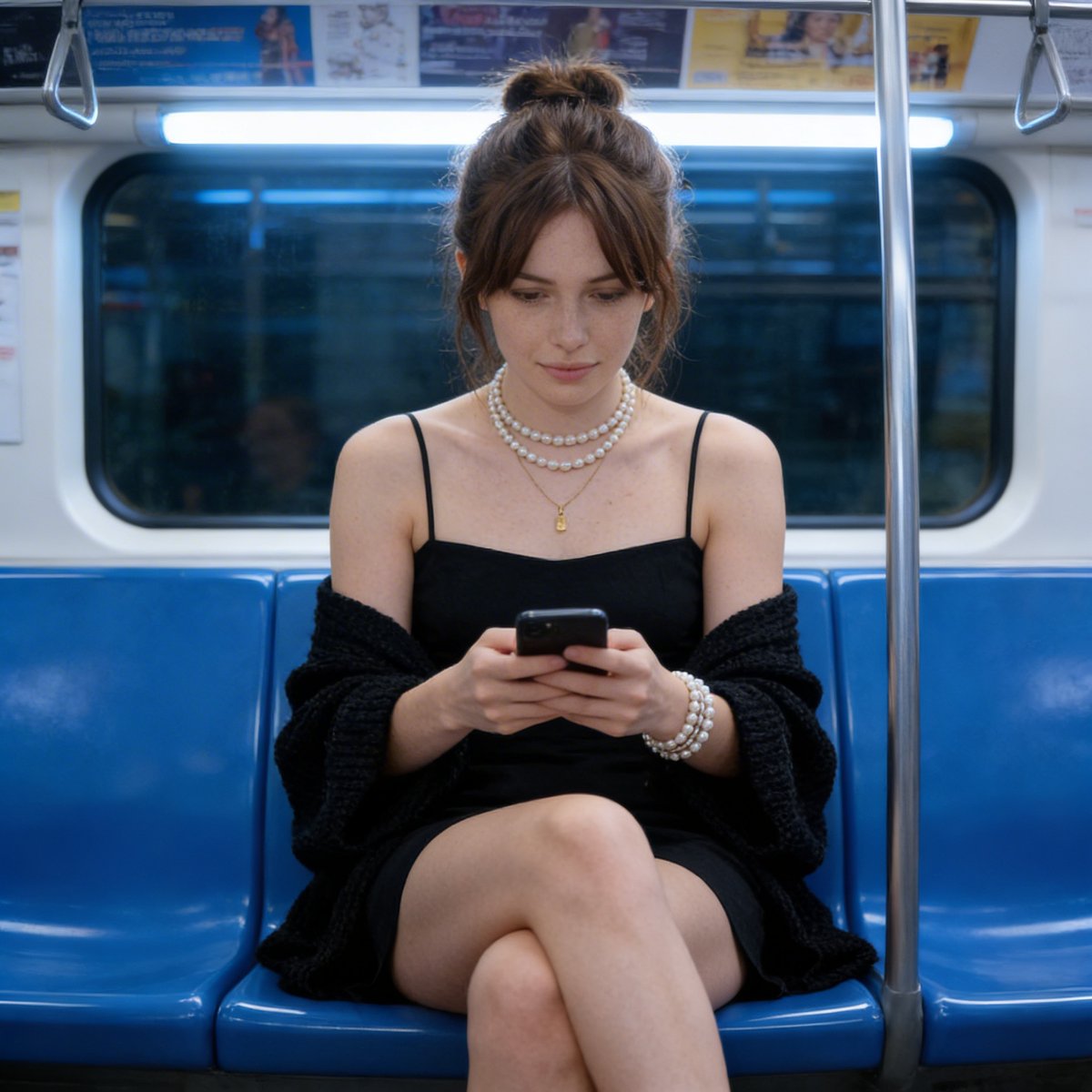
Candid Photograph of Woman on Subway
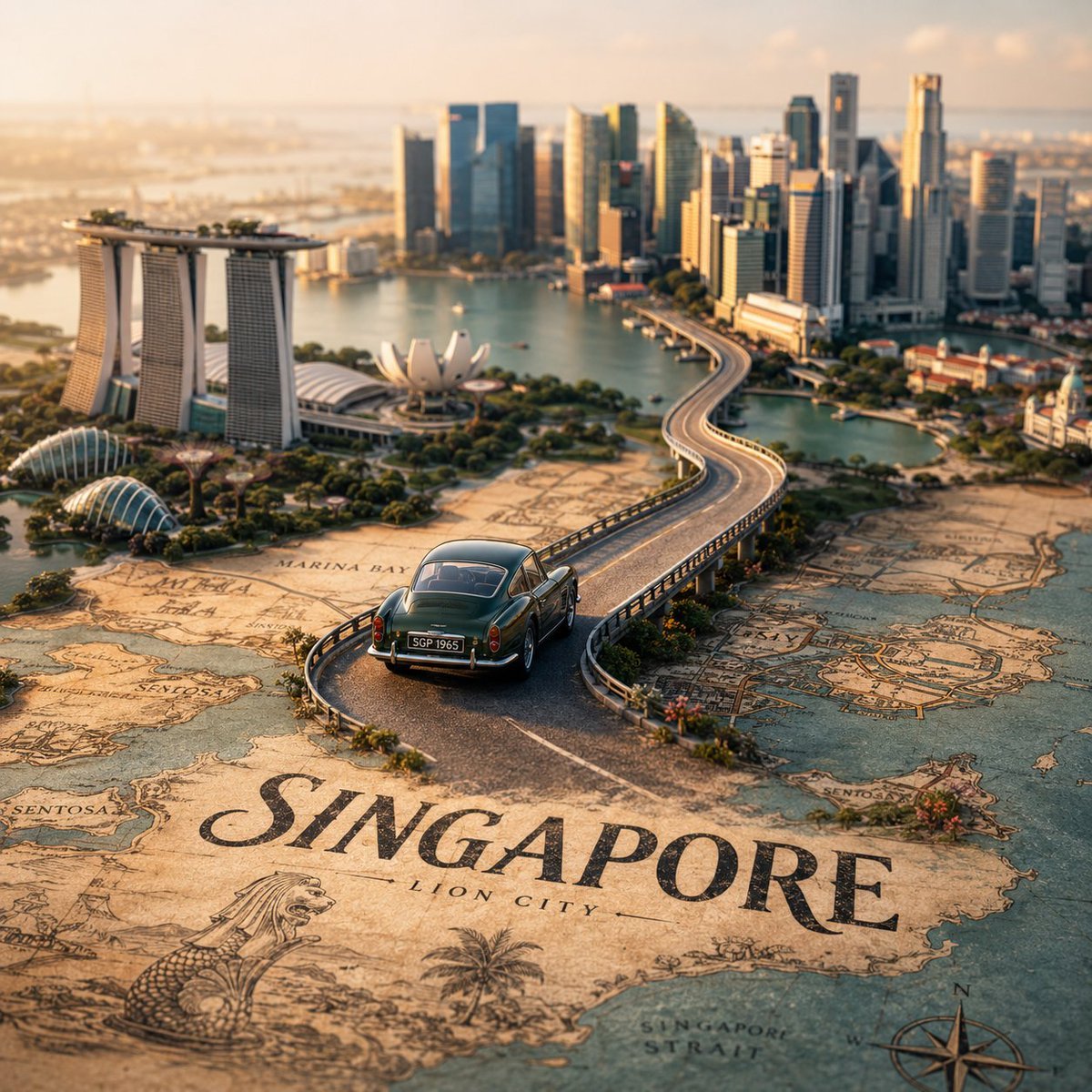
Tilt-Shift City Map Scene
Browse template categories
Luxury Handbag Sunset Ad questions
How do I use the Luxury Handbag Sunset Ad template?
Add your photo if the template asks for one, edit the prompt if you like — the template's model and format are already selected — and press Generate. Your version opens in PicX Studio.
Can I customize the Luxury Handbag Sunset Ad template?
Yes. You can change the subject, setting, lighting, mood, format, and available model controls before creating your image.
Is the Luxury Handbag Sunset Ad template free?
Opening and editing this template is free. Generating uses credits, shown on the Generate button when you are signed in.
Which AI model should I use?
Start with GPT Image 2, which is the model associated with this template. You can compare another compatible model for a different finish.
Looking for something else? Browse all templates.

Your photo, any look
Thousands of ready templates for every top image and video model, from one credit balance.