
Samsung Galaxy S26 Ultra Poster
A premium futuristic smartphone ad poster featuring the Samsung Galaxy S26 Ultra, S Pen, feature icons, and glowing flagship product lighting.
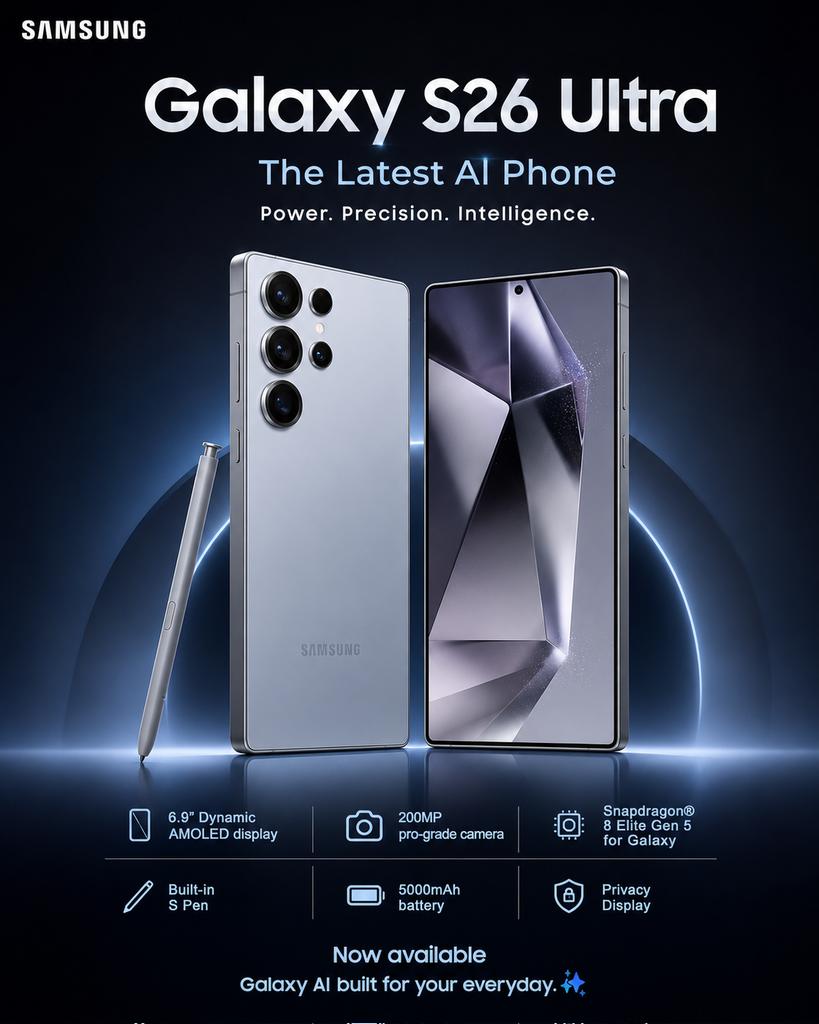
- Prompt included
- Model and format preset
- Free template
The prompt behind this image
Copy the exact prompt behind Samsung Galaxy S26 Ultra Poster, or open it in the studio and make it yours.
Create a premium commercial advertising poster for {argument name="product name" default="Samsung Galaxy S26 Ultra"} in a sleek modern Samsung flagship style. Use a vertical poster canvas with a dark futuristic navy-black background, soft gradients, subtle blue and silver glow accents, glossy reflections, and high-end studio lighting. Place the white SAMSUNG logo in the top-left corner. Center a large bold headline reading “Galaxy S26 Ultra”, with a smaller glowing blue subtitle “The Latest AI Phone” beneath it and the tagline “Power. Precision. Intelligence.” below that. In the center, show two premium silver smartphones standing upright: the left phone shows the back with a matte silver finish and a multi-lens camera cluster with exactly 5 visible camera/sensor circles arranged near the top-left; the right phone shows the front display with thin bezels, a centered punch-hole camera, and an abstract metallic geometric wallpaper in silver, black, and lavender tones. Add a silver S Pen standing diagonally to the left of the phones. Behind the devices, add a glowing partial blue halo ring and a horizontal light flare at the base, with the phones reflected on a glossy floor. Along the lower third, create a clean spec bar with exactly 6 feature items in two rows of three, separated by thin vertical dividers and simple outline icons: 1) phone icon with “6.9” Dynamic AMOLED display”, 2) camera icon with “200MP pro-grade camera”, 3) chip icon with “Snapdragon® 8 Elite Gen 5 for Galaxy”, 4) pen icon with “Built-in S Pen”, 5) battery icon with “5000mAh battery”, 6) shield/lock icon with “Privacy Display”. At the bottom center, add the call-to-action “Now available” and the supporting line “Galaxy AI built for your everyday.” with two small sparkle symbols. Use crisp white and pale blue typography, centered alignment, premium spacing, realistic product rendering, metallic edges, and no extra text or watermarks.
How to use Samsung Galaxy S26 Ultra Poster in 3 steps
- 1Upload ImagePNG, JPG or paste
Add your photo
Upload the photo the template builds on. The prompt, model and format are already set.
- 2…a portrait of your subject in softgolden-hour light, 85mm…
Personalize
Edit the subject and creative details for your destination.
- 3Generate
Generate
Press Generate — your image is created in PicX Studio, so you can compare it with the original and refine one variable at a time.
More like this
Templates with the same subject, style or setup. Open one to see its prompt.

Japan Travel Brochure Poster
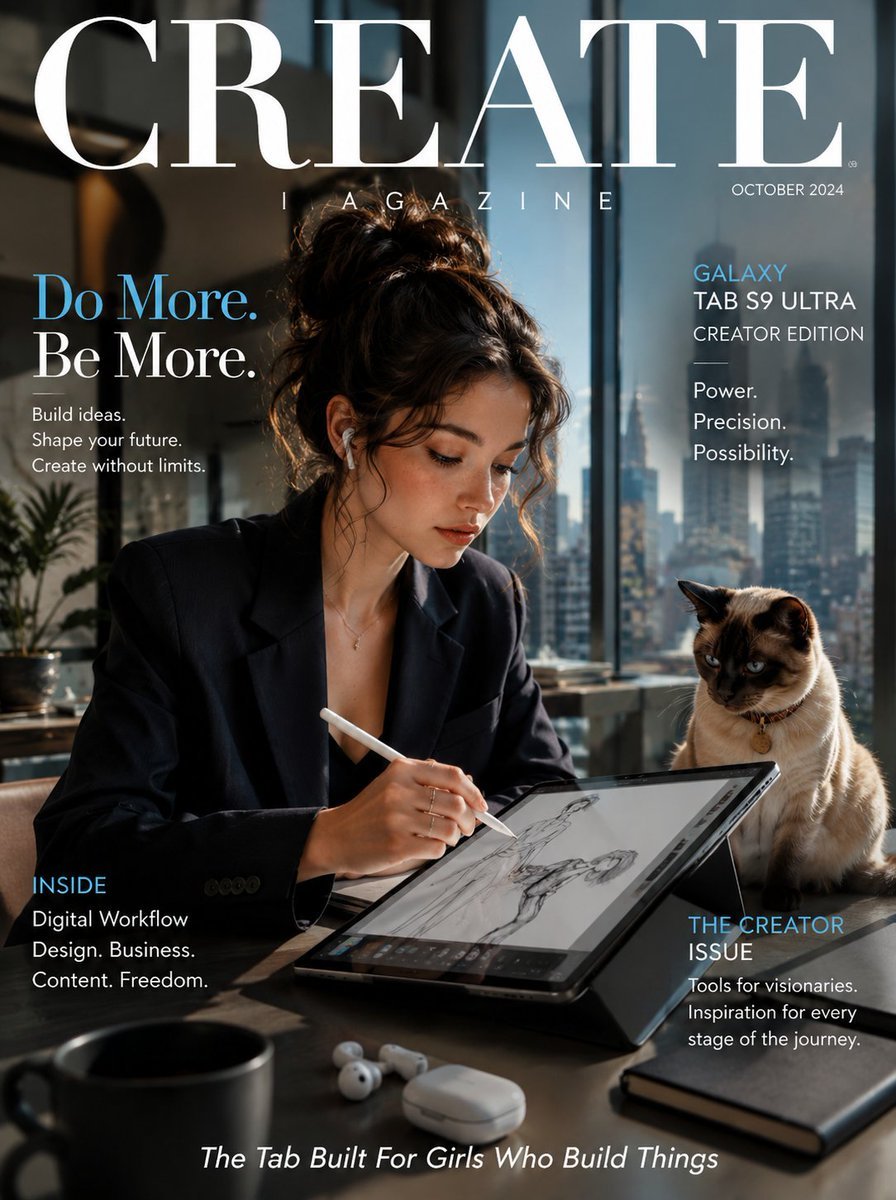
Samsung Galaxy Tab Creative Magazine Cover

Cartoon TV Show Poster Pack

Trendy Cafe Drink Promo Poster

Urban Fashion Editorial Collage Streetwear Poster

Premium Fashion Editorial Cover Layout System

Polo Ralph Lauren Luxury American Heritage Fashion Campaign

Monochrome Halftone Editorial Fashion Poster

Retro Mirror Luxury Fashion Campaign Poster

Luxury Fashion Campaign Typography Poster System

Premium Fashion Editorial Campaign Poster System

Ultra-Stylized High-Fashion Streetwear Poster
Make it yours
Samsung Galaxy S26 Ultra Poster works as-is. These are the safest ways to change it without losing the look.
Change one field
Copy a single group, rewrite it, and generate again so you can see what that field is doing.
Keep the frame, change the subject
Hold the composition and light of Samsung Galaxy S26 Ultra Poster, then swap wardrobe, props or the person for a new take.
| If the result… | Why | Fix |
|---|---|---|
| The result drifts from the preview | Too many fields changed at once. | Reuse Samsung Galaxy S26 Ultra Poster as-is first, then change one group — subject, light, or setting. |
| The model over-stylizes the scene | The prose prompt leaves finish and camera underspecified. | Add one camera or lighting sentence and stay on GPT Image 2. |
More GPT Image 2 templates
Other prompts made for GPT Image 2.

Six VTuber Japanese Logo Sheet

Realistic Portrait of Woman and Deer

The Vista Modular Condo Poster

AI Model Routing Comparison Infographic

2.5D Anime Art Board

Isometric Productivity Desk Scene

New York Double Exposure Poster

Four-Panel AI Landscape Comparison

Japanese Tatami Lifestyle Magazine Cover

NESCAFÉ Coffee Map Poster
More image prompts
Fresh picks from across the catalog.

GPT-Image2 E-Commerce Course Banner
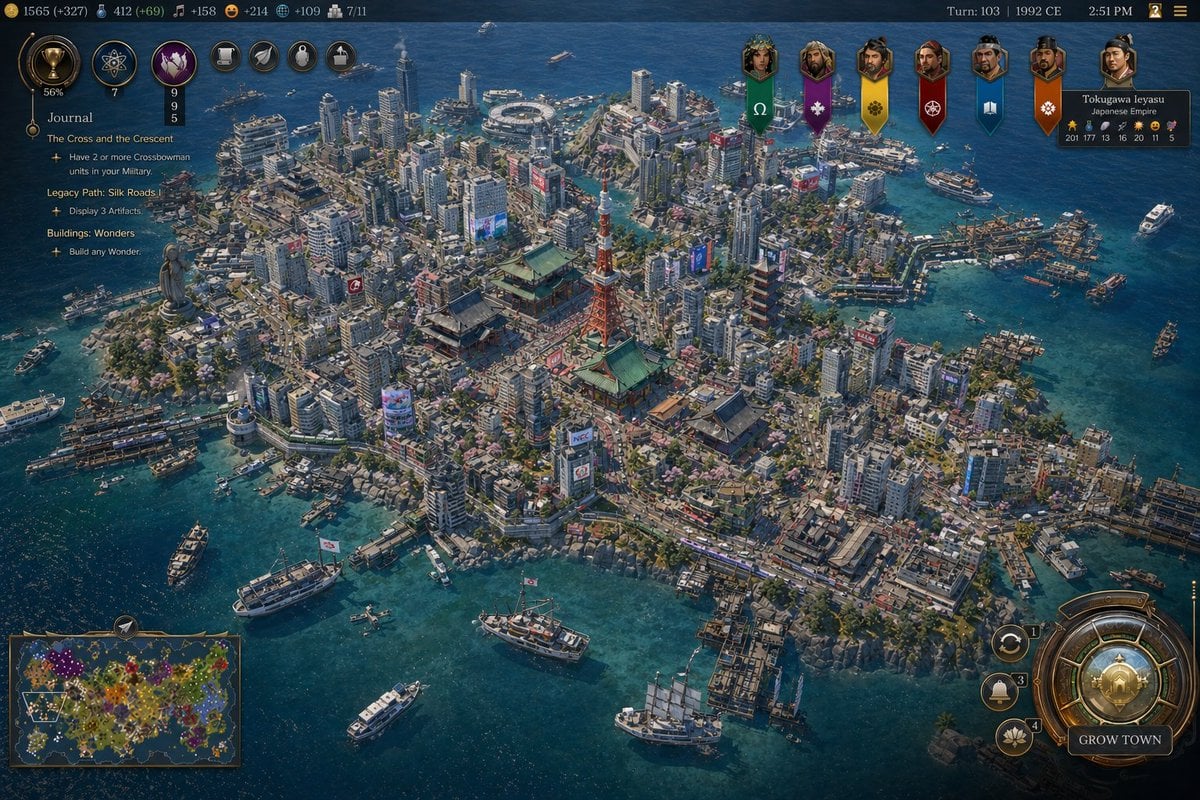
Civilization-Style Tokyo Bay Screenshot

Inuyasha Plush Toy Generation Prompt

Generating 'The Watcher' in Nano Banana

Professional Studio Headshot Prompt
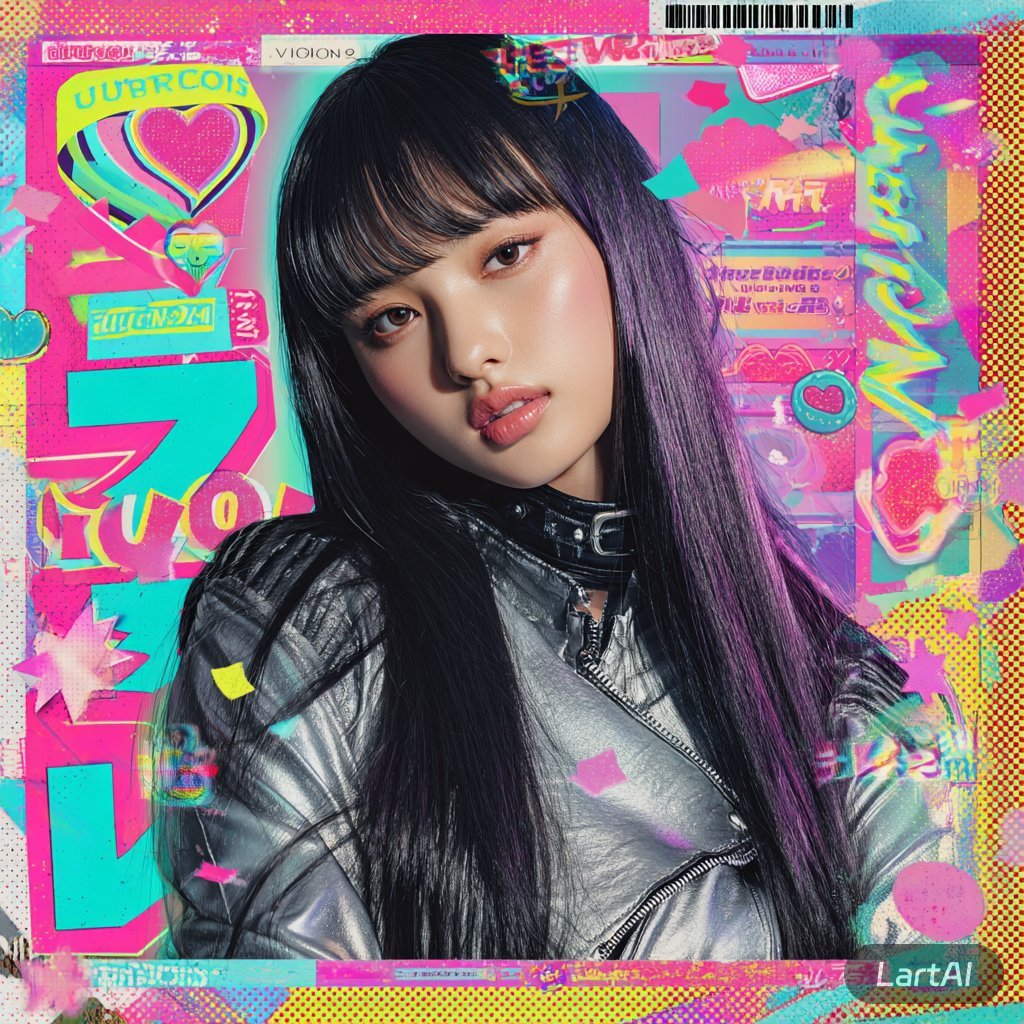
@Lart_AI Prompt 👇 Prompt: Ultra-stylized high-f

Pebble mosaic portrait of a beautiful woman

AI Personality iPhone Selfie Snapshot

High-End Studio Fashion Portrait Prompt for Nano Banana 2

Surreal Double Exposure Portrait with Transparent Torso
Browse template categories
Samsung Galaxy S26 Ultra Poster questions
How do I use the Samsung Galaxy S26 Ultra Poster template?
Add your photo if the template asks for one, edit the prompt if you like — the template's model and format are already selected — and press Generate. Your version opens in PicX Studio.
Can I customize the Samsung Galaxy S26 Ultra Poster template?
Yes. You can change the subject, setting, lighting, mood, format, and available model controls before creating your image.
Is the Samsung Galaxy S26 Ultra Poster template free?
Opening and editing this template is free. Generating uses credits, shown on the Generate button when you are signed in.
Which AI model should I use?
Start with GPT Image 2, which is the model associated with this template. You can compare another compatible model for a different finish.
Looking for something else? Browse all templates.

Your photo, any look
Thousands of ready templates for every top image and video model, from one credit balance.