
Civilization-Style Tokyo Bay Screenshot
This prompt generates a detailed 4X strategy game screenshot of a dense late-20th-century Japanese island metropolis with authentic landmarks, harbors, and full strategy-game UI for mock game scenes or speculative city…
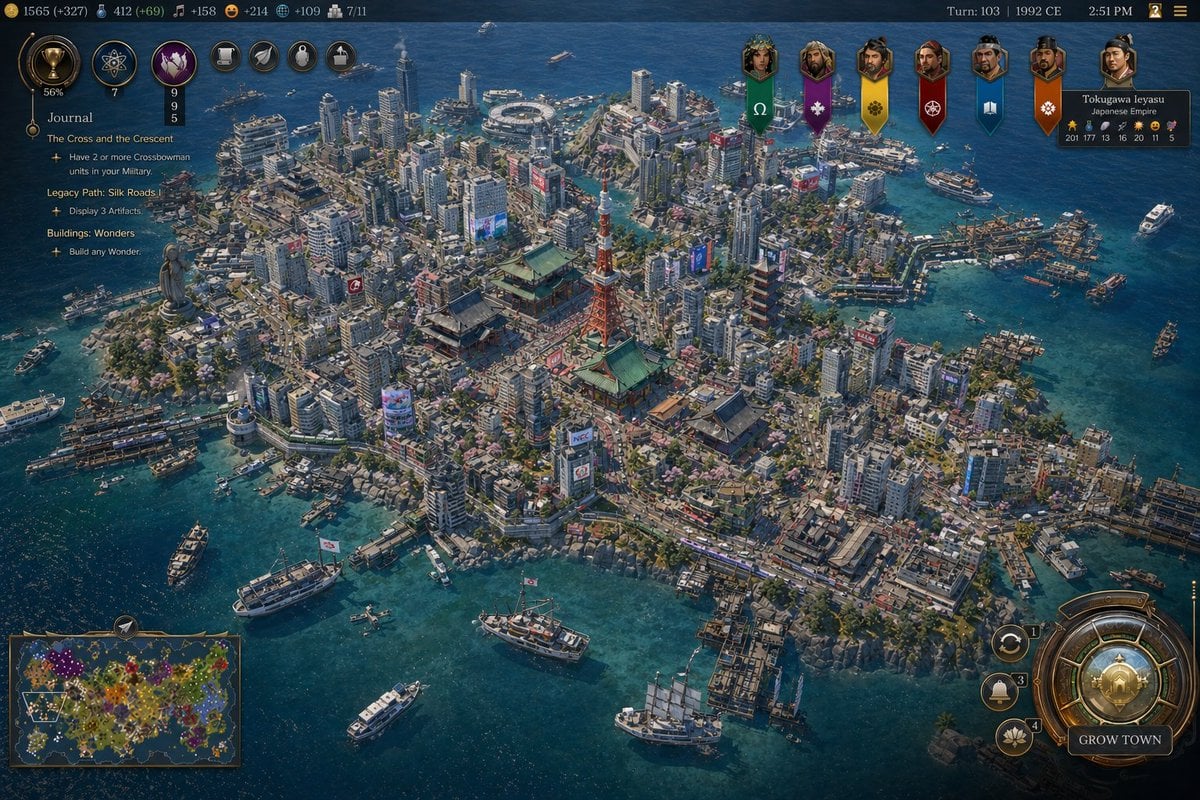
- Prompt included
- Model and format preset
- Free template
The prompt behind this image
Copy the exact prompt behind Civilization-Style Tokyo Bay Screenshot, or open it in the studio and make it yours.
A highly detailed grand-strategy game screenshot in the visual style of a modern Civilization-like city view, showing an isometric aerial perspective of a dense coastal Japanese metropolis built on a compact island surrounded by deep blue ocean. The city should feel like late-20th-century Tokyo Bay, with a believable mix of real-world-inspired landmarks and stylized strategy-game worldbuilding. In the center, place a red-orange steel broadcast tower resembling Tokyo Tower, surrounded by several traditional temple and pagoda complexes with green-tiled roofs, embedded seamlessly inside a forest of tightly packed mid-rise and high-rise concrete and glass buildings. Include exactly 1 red lattice tower, exactly 3 prominent traditional temple or shrine complexes, exactly 2 multi-tier pagodas, exactly 1 large waterside stadium near the upper center shoreline, and exactly 1 monumental statue on a headland at the left edge of the island. The urban fabric should be extremely dense, with narrow streets, elevated roads, billboards, rooftop details, cherry blossom trees scattered through districts, commercial signage, docks, piers, warehouses, and mixed residential and office blocks. The shoreline must be irregular and heavily developed with harbors and ferry terminals, and the surrounding water should contain exactly 12 visible vessels of mixed types: ferries, small motorboats, workboats, yachts, and 1 tall-masted sailing ship near the lower right. Render the water in rich teal-to-navy gradients with shallow coastal transparency and detailed wakes. Present it explicitly as a video game interface screenshot. Add a thin top status bar with resource counters and turn information; the upper right should read Turn: 103, 1992 CE, 2:51 PM. Place exactly 7 leader banners across the upper right, each with a different color and emblem, and include a diplomacy panel naming {argument name="leader name" default="Tokugawa Ieyasu"} of the {argument name="civilization name" default="Japanese Empire"}. On the left side, add a vertical journal panel titled Journal with 3 quest entries and small circular icons. In the lower left, include exactly 1 minimap framed in ornate UI styling. In the lower right, include a large circular command interface with metallic bronze-and-gold ornamentation and a button labeled {argument name="button text" default="GROW TOWN"}; around it place exactly 3 smaller circular action buttons. The overall interface should feel premium, intricate, and historically flavored rather than futuristic. The city itself should evoke {argument name="location" default="Tokyo, Japan"} in {argument name="era" default="1992 CE"}, recreated as a lush, polished, slightly idealized 4X strategy game screenshot with cinematic lighting, crisp miniature-like detail, realistic urban density, authentic Japanese transportation and waterfront infrastructure, and a color palette of ocean blue, concrete gray, greenery, copper UI metals, and pops of neon signage. Use a high-angle three-quarter camera, sharp focus across the whole city, and richly textured, painterly-realistic rendering consistent with gpt-image-2 game concept screenshot output.
How to use Civilization-Style Tokyo Bay Screenshot in 3 steps
- 1Upload ImagePNG, JPG or paste
Add your photo
Upload the photo the template builds on. The prompt, model and format are already set.
- 2…a portrait of your subject in softgolden-hour light, 85mm…
Personalize
Edit the subject and creative details for your destination.
- 3Generate
Generate
Press Generate — your image is created in PicX Studio, so you can compare it with the original and refine one variable at a time.
More like this
Templates with the same subject, style or setup. Open one to see its prompt.

Minecraft Next-Gen Voxel World Screenshot
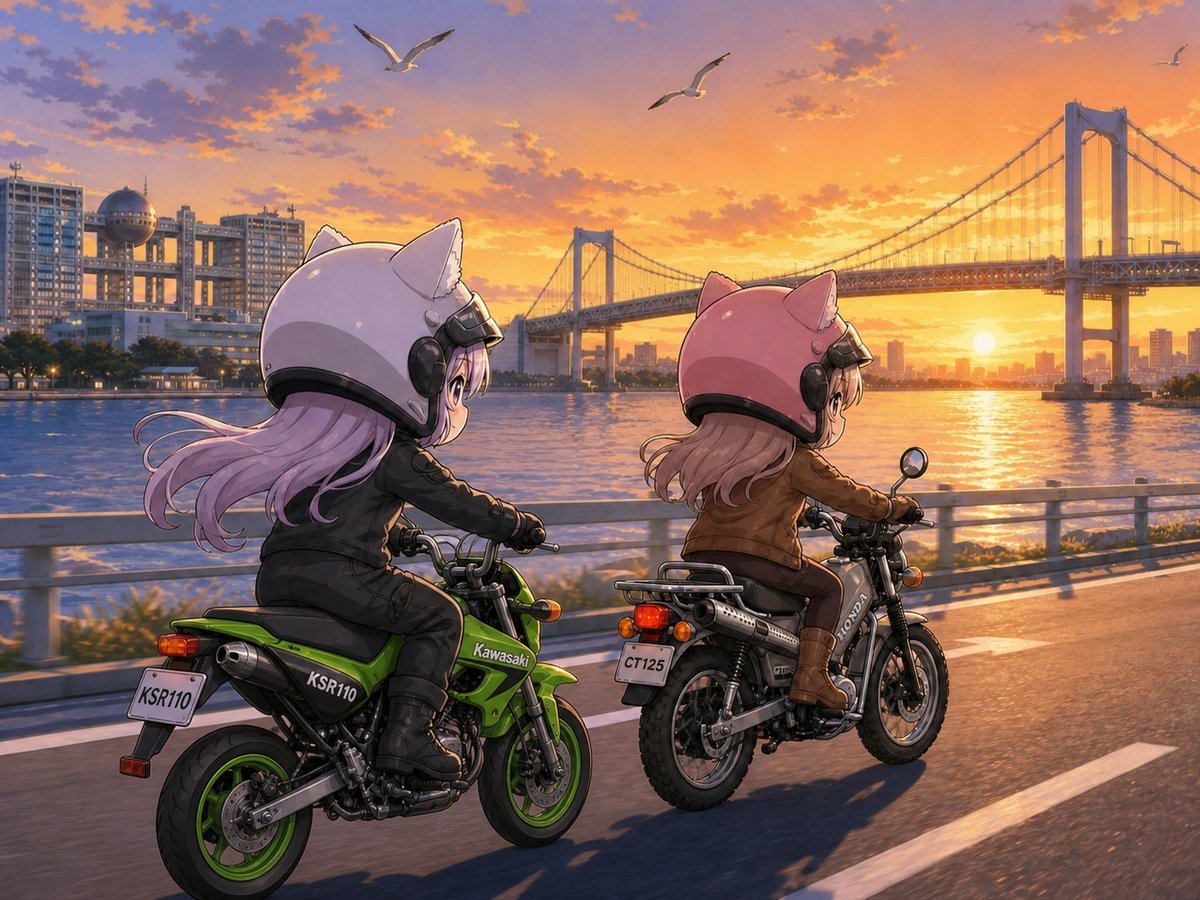
Cat-Eared Riders at Tokyo Bay Sunset
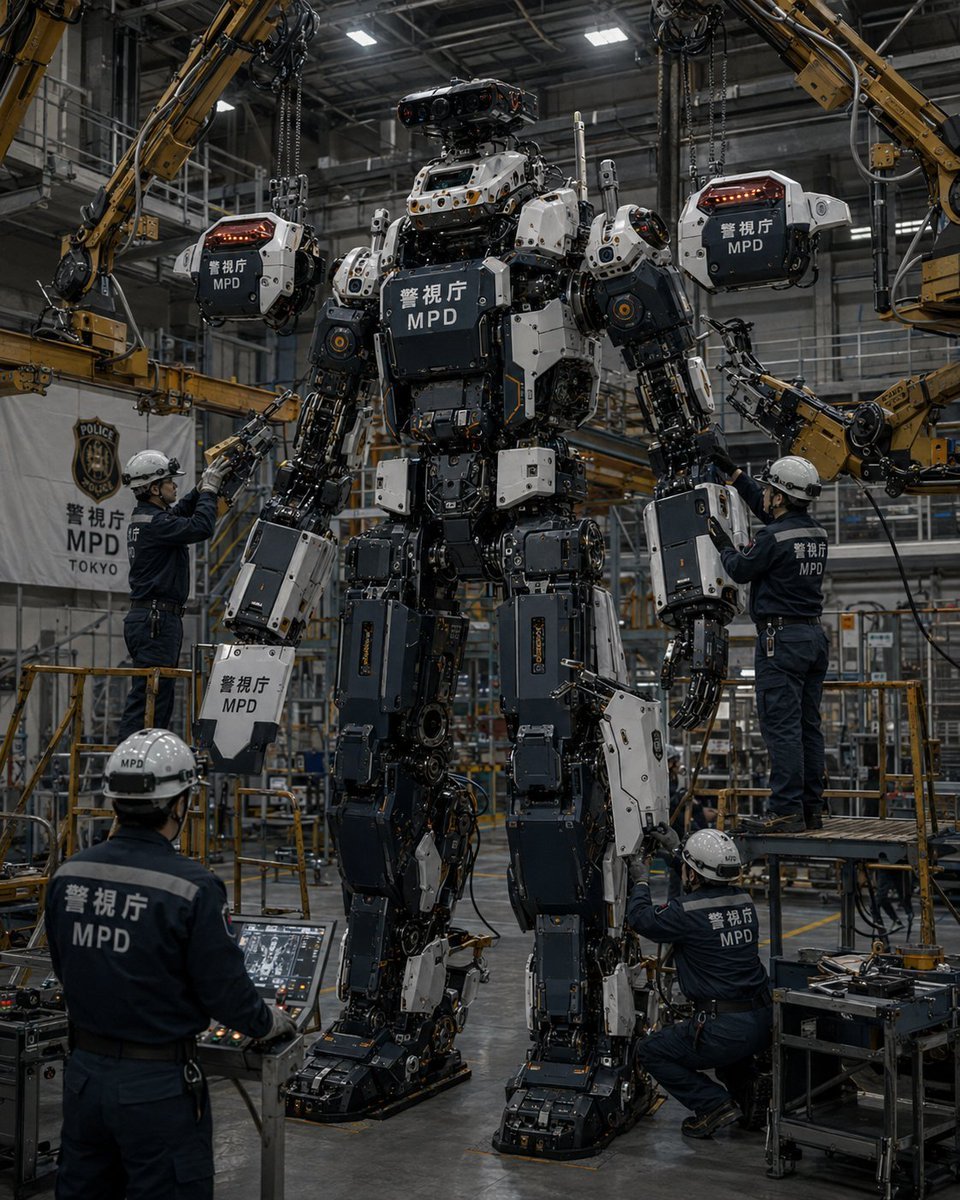
MPD Robot Assembly Bay
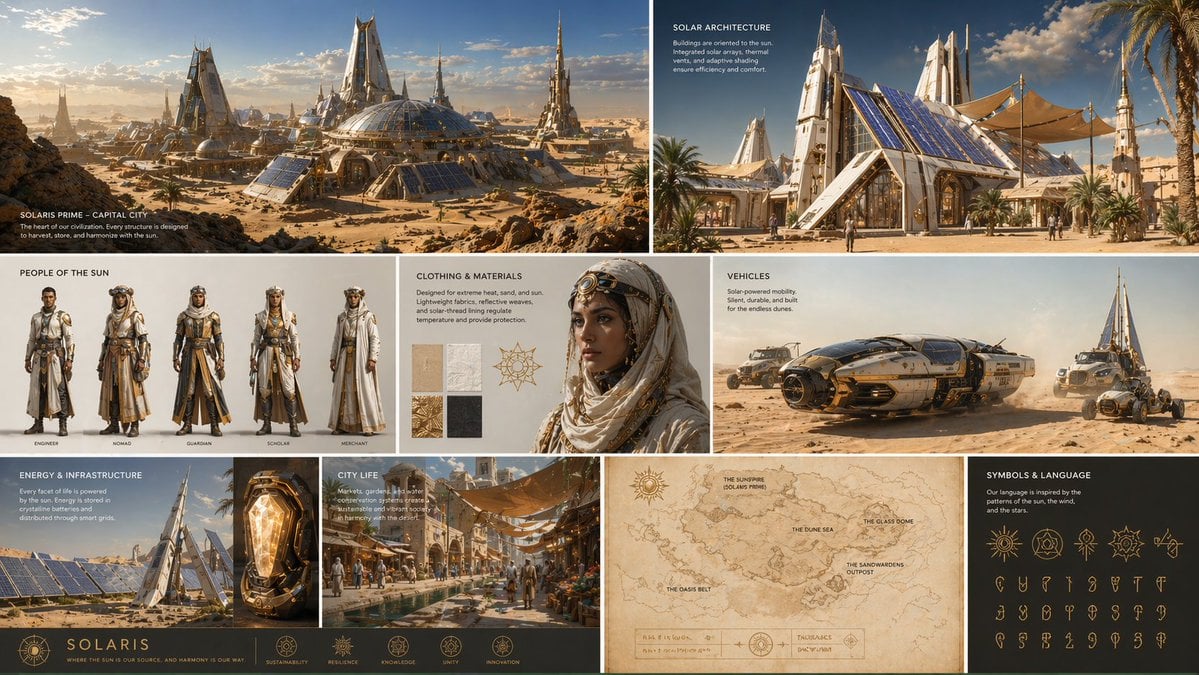
Complete visual worldbuilding set for a futuristic desert civilization
Tokyo Night Crosswalk Fashion Portrait
Anime Girl in Rainy Tokyo Alley
Candid Tokyo Night Smartphone Snapshot
Candid Tokyo Smartphone Night Photo
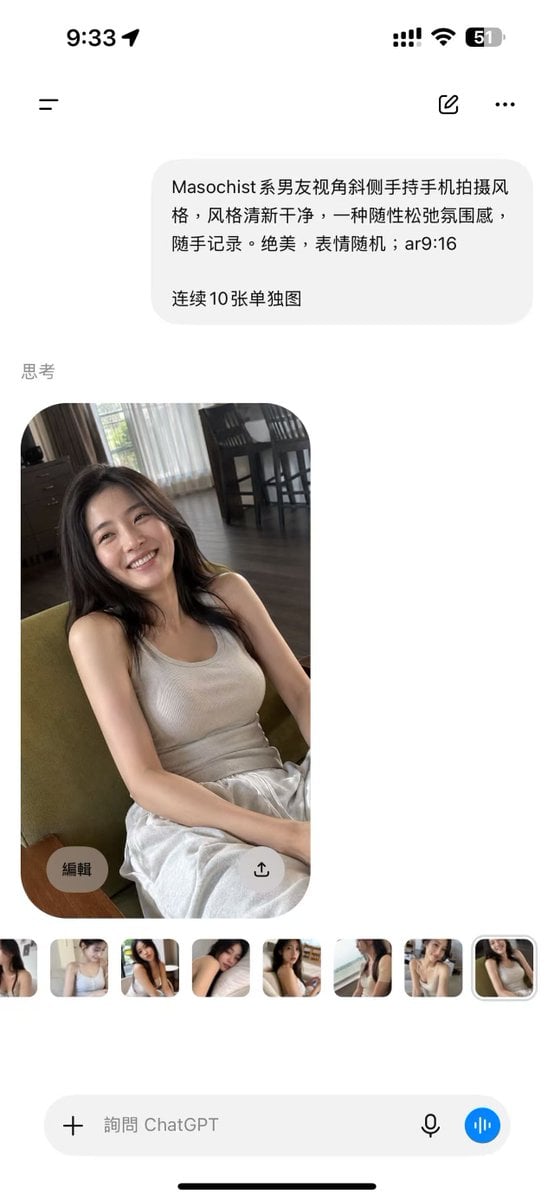
ChatGPT Mobile Photo Carousel Screenshot

ChatGPT Bonus Banner Screenshot
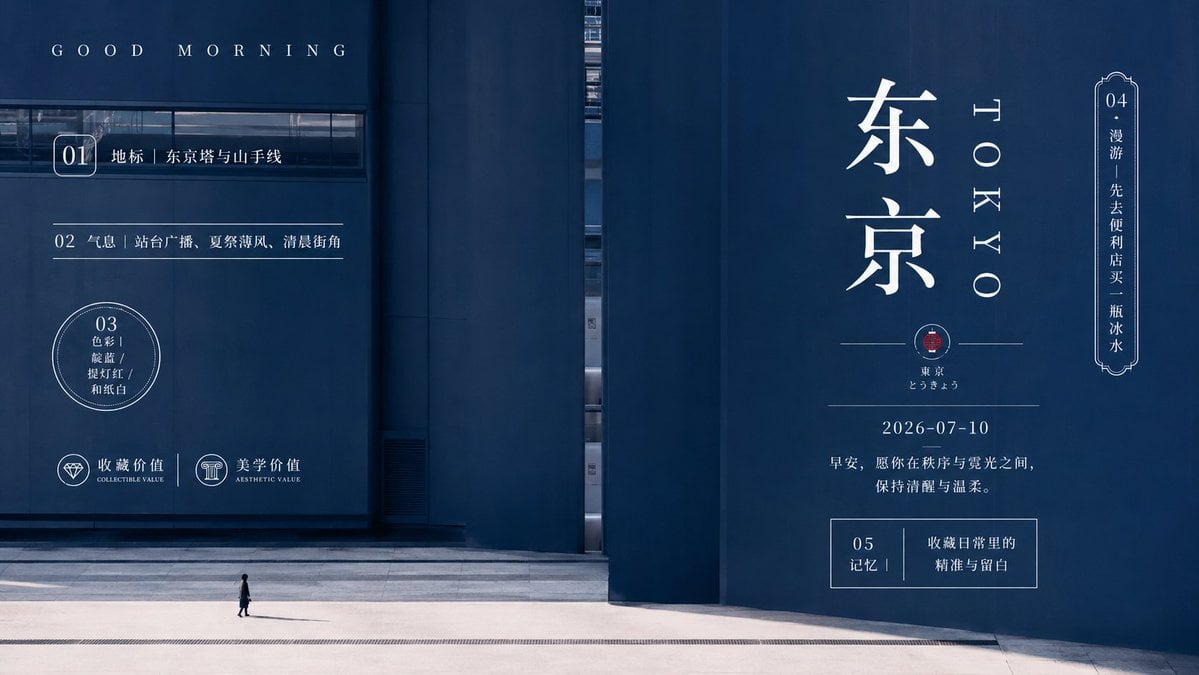
Minimal Tokyo Morning Poster

AI Chat Image Generation Screenshot
Make it yours
Civilization-Style Tokyo Bay Screenshot works as-is. These are the safest ways to change it without losing the look.
Change one field
Copy a single group, rewrite it, and generate again so you can see what that field is doing.
Keep the frame, change the subject
Hold the composition and light of Civilization-Style Tokyo Bay Screenshot, then swap wardrobe, props or the person for a new take.
| If the result… | Why | Fix |
|---|---|---|
| The result drifts from the preview | Too many fields changed at once. | Reuse Civilization-Style Tokyo Bay Screenshot as-is first, then change one group — subject, light, or setting. |
| The model over-stylizes the scene | The prose prompt leaves finish and camera underspecified. | Add one camera or lighting sentence and stay on GPT Image 2. |
More GPT Image 2 templates
Other prompts made for GPT Image 2.

Six VTuber Japanese Logo Sheet

Realistic Portrait of Woman and Deer

The Vista Modular Condo Poster

AI Model Routing Comparison Infographic

2.5D Anime Art Board

Isometric Productivity Desk Scene

New York Double Exposure Poster

Four-Panel AI Landscape Comparison

Japanese Tatami Lifestyle Magazine Cover

NESCAFÉ Coffee Map Poster
More image prompts
Fresh picks from across the catalog.

Cozy Lavender Catgirl Portrait
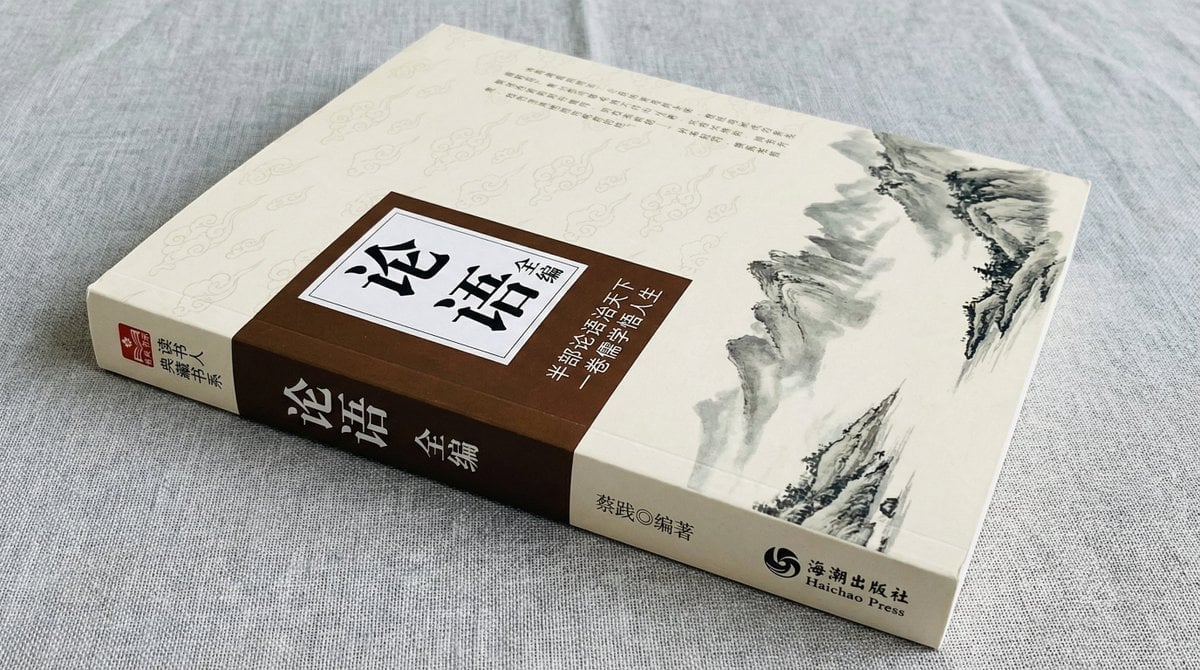
Book Product Photography Prompt

Paparazzi Red Carpet Couple Prompt with Identity Lock
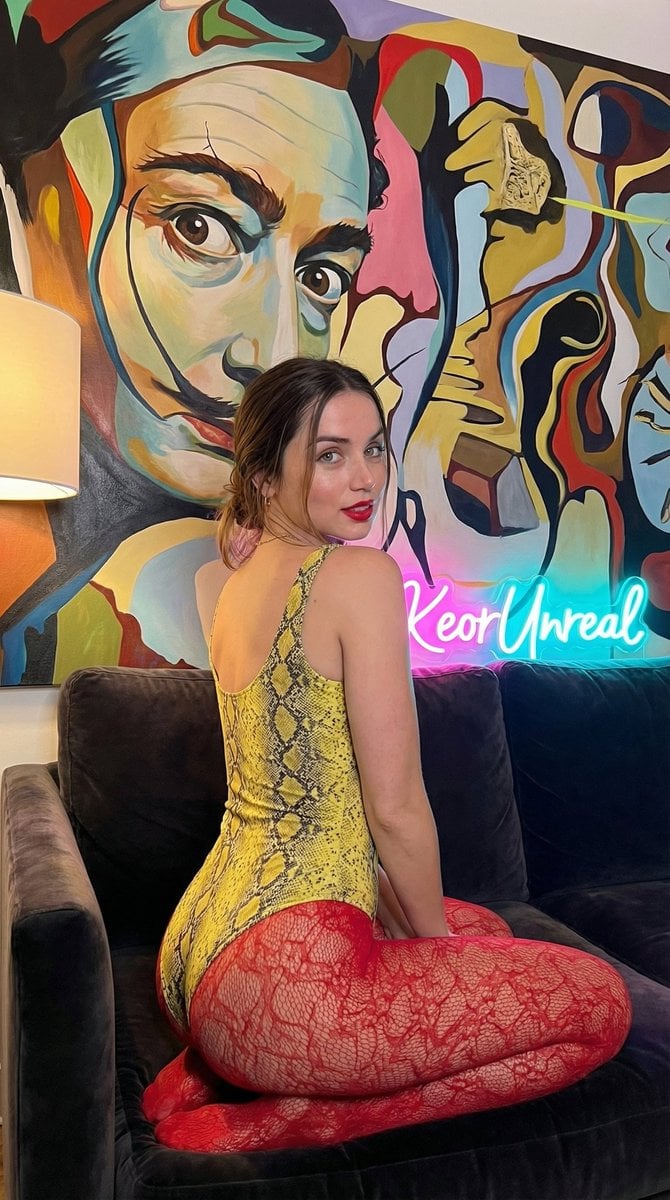
Glamorous Vertical Portrait with Salvador Dali Art and Neon
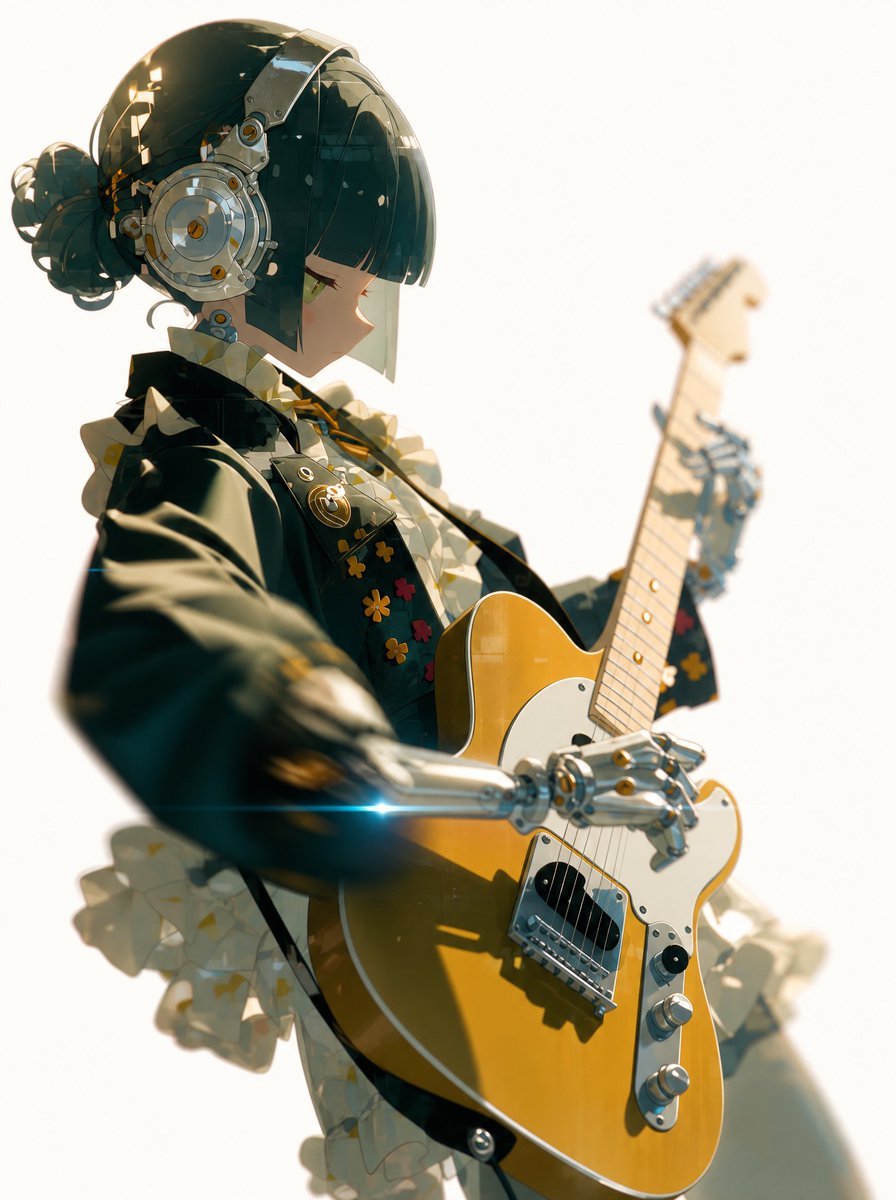
Cyber Idol Guitarist Live Moment
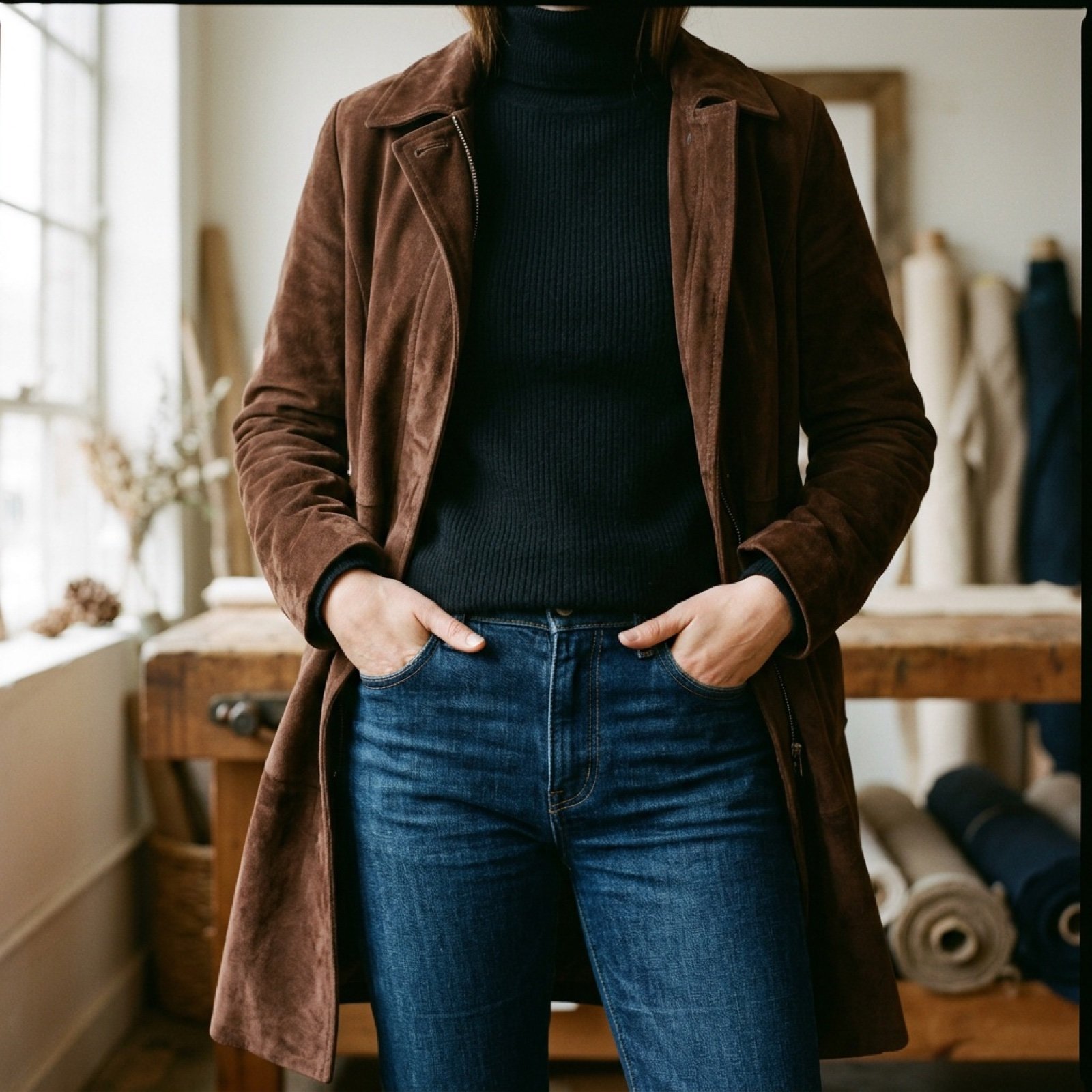
Video Prompt for Suede Trench Coat Showcase
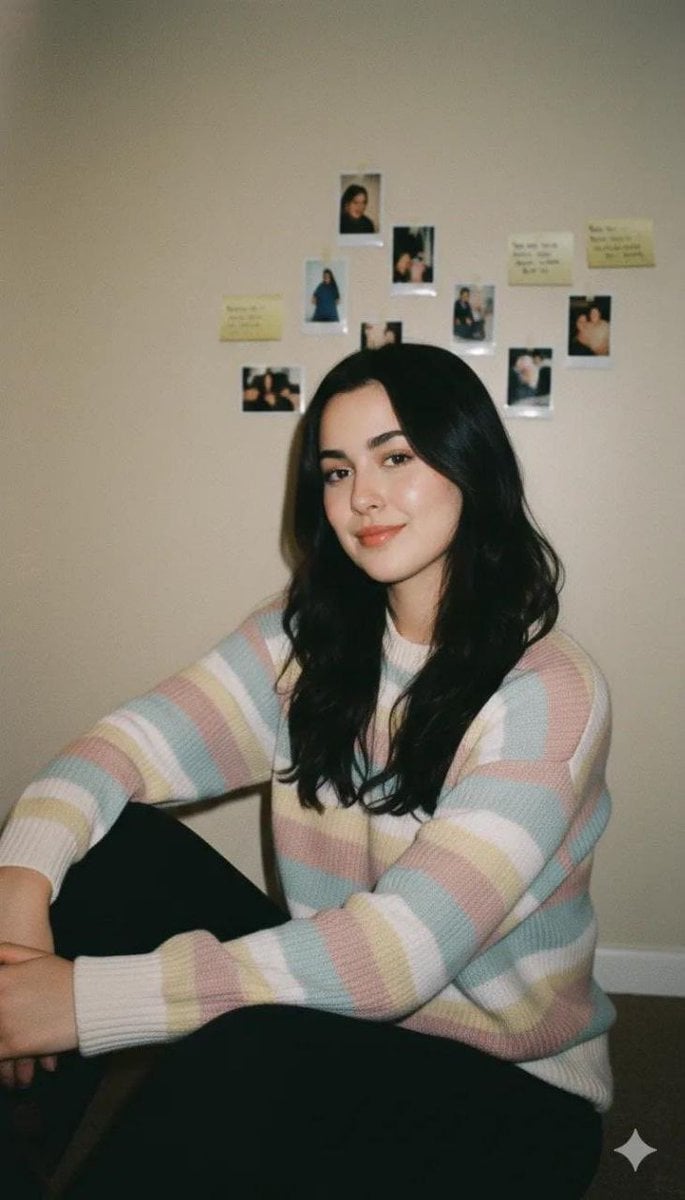
Cozy Vintage Indoor Lifestyle Portrait Prompt
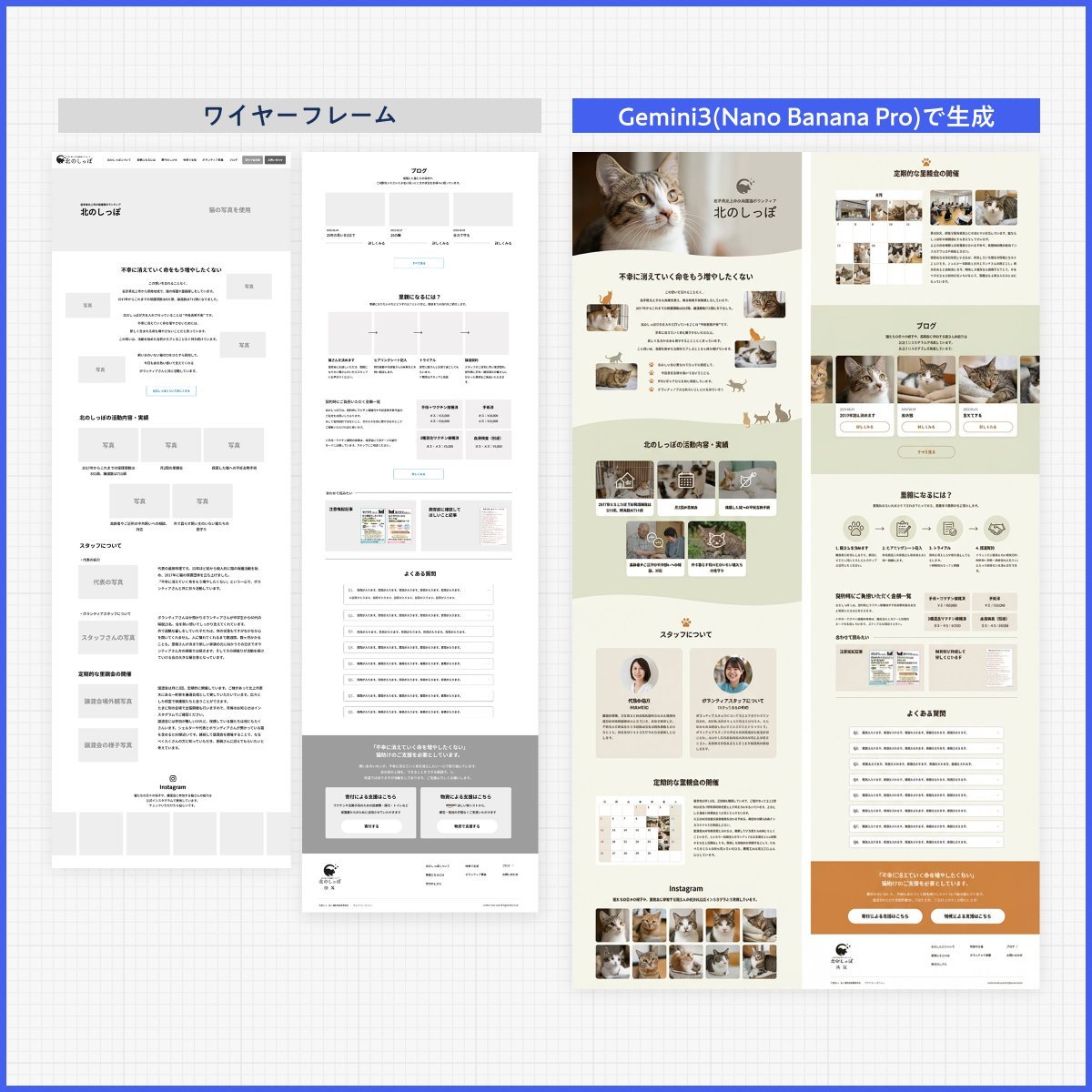
Web page design from reference wireframe
Cyberpunk Audi Rear Chase Shot
Denim Couple Collage
Browse template categories
Civilization-Style Tokyo Bay Screenshot questions
How do I use the Civilization-Style Tokyo Bay Screenshot template?
Add your photo if the template asks for one, edit the prompt if you like — the template's model and format are already selected — and press Generate. Your version opens in PicX Studio.
Can I customize the Civilization-Style Tokyo Bay Screenshot template?
Yes. You can change the subject, setting, lighting, mood, format, and available model controls before creating your image.
Is the Civilization-Style Tokyo Bay Screenshot template free?
Opening and editing this template is free. Generating uses credits, shown on the Generate button when you are signed in.
Which AI model should I use?
Start with GPT Image 2, which is the model associated with this template. You can compare another compatible model for a different finish.
Looking for something else? Browse all templates.

Your photo, any look
Thousands of ready templates for every top image and video model, from one credit balance.