
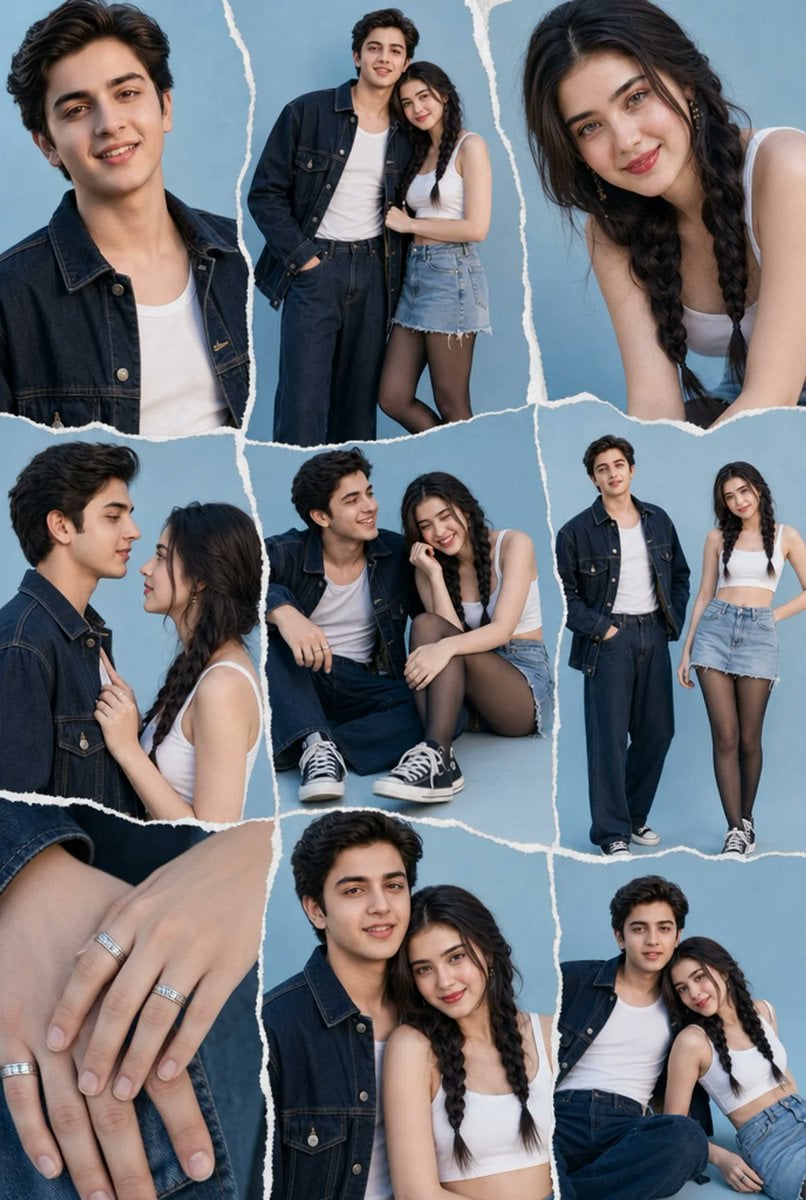
Denim Couple Collage
A realistic fashion editorial collage of a stylish young couple in coordinated denim outfits on a powder-blue backdrop.
- Prompt included
- Model and format preset
- Free template
The prompt behind this image
Copy the exact prompt behind Denim Couple Collage, or open it in the studio and make it yours.
Goal: Create a trendy denim couple photoshoot collage on a soft powder-blue studio background, separated by irregular torn-paper white borders like a scrapbook moodboard. Canvas: Vertical portrait collage, 2:3 aspect ratio, high-resolution fashion editorial style. Use a cool blue palette, soft even studio lighting, realistic photography, clean shadows, and no text. Subjects: A stylish young couple. The man is tall with {argument name="man's hair" default="short wavy black hair"}, wearing a dark navy denim jacket over a white tank top, loose dark indigo jeans, and black-and-white high-top sneakers. The woman has {argument name="woman's hair" default="long dark brown hair in two braids"}, wearing a fitted white crop tank top, a light blue frayed denim mini skirt, sheer black tights, and black-and-white sneakers. Faces may be softly anonymized or obscured. Layout: Include exactly 9 photo fragments separated by rough white ripped-paper seams: 1. Top left: close-up portrait crop of the man from chest to head, denim jacket and white tank visible. 2. Top center: full-body standing couple pose, man with one hand in pocket, woman leaning close and holding his arm. 3. Top right: close-up of the woman leaning forward, emphasizing braided hair and white top. 4. Middle left: intimate side-profile couple close-up, woman holding the man's jacket collar as they face each other. 5. Middle center: seated casual couple pose, man sitting with knee raised and sneakers visible, woman crouched beside him with head resting on her hand. 6. Middle right: full-body standing fashion pose of both subjects side by side. 7. Bottom left: close-up detail of two hands resting on denim, showing exactly 4 silver rings. 8. Bottom center: close couple portrait crop from waist up, woman in front with braids, man slightly behind in denim jacket. 9. Bottom right: seated relaxed couple pose, man leaning back with one arm behind the woman, woman seated beside him. Visual style: Realistic contemporary editorial photography, Korean-inspired fashion shoot, crisp denim textures, natural skin tones, powder-blue seamless backdrop, collage assembled with uneven vertical and horizontal torn-paper edges. Keep all clothing consistent across every fragment. Avoid logos, captions, watermarks, extra people, props, or additional colors outside the blue-white-denim theme.
How to use Denim Couple Collage in 3 steps
- 1Upload ImagePNG, JPG or paste
Add your photo
Upload the photo the template builds on. The prompt, model and format are already set.
- 2…a portrait of your subject in softgolden-hour light, 85mm…
Personalize
Edit the subject and creative details for your destination.
- 3Generate
Generate
Press Generate — your image is created in PicX Studio, so you can compare it with the original and refine one variable at a time.
More like this
Templates with the same subject, style or setup. Open one to see its prompt.











Make it yours
Denim Couple Collage works as-is. These are the safest ways to change it without losing the look.
Change one field
Copy a single group, rewrite it, and generate again so you can see what that field is doing.
Keep the frame, change the subject
Hold the composition and light of Denim Couple Collage, then swap wardrobe, props or the person for a new take.
| If the result… | Why | Fix |
|---|---|---|
| The result drifts from the preview | Too many fields changed at once. | Reuse Denim Couple Collage as-is first, then change one group — subject, light, or setting. |
| The model over-stylizes the scene | The prose prompt leaves finish and camera underspecified. | Add one camera or lighting sentence and stay on GPT Image 2. |
More GPT Image 2 templates
Other prompts made for GPT Image 2.

Six VTuber Japanese Logo Sheet

Realistic Portrait of Woman and Deer

The Vista Modular Condo Poster

AI Model Routing Comparison Infographic

2.5D Anime Art Board

Isometric Productivity Desk Scene

New York Double Exposure Poster

Four-Panel AI Landscape Comparison

Japanese Tatami Lifestyle Magazine Cover

NESCAFÉ Coffee Map Poster
More image prompts
Fresh picks from across the catalog.
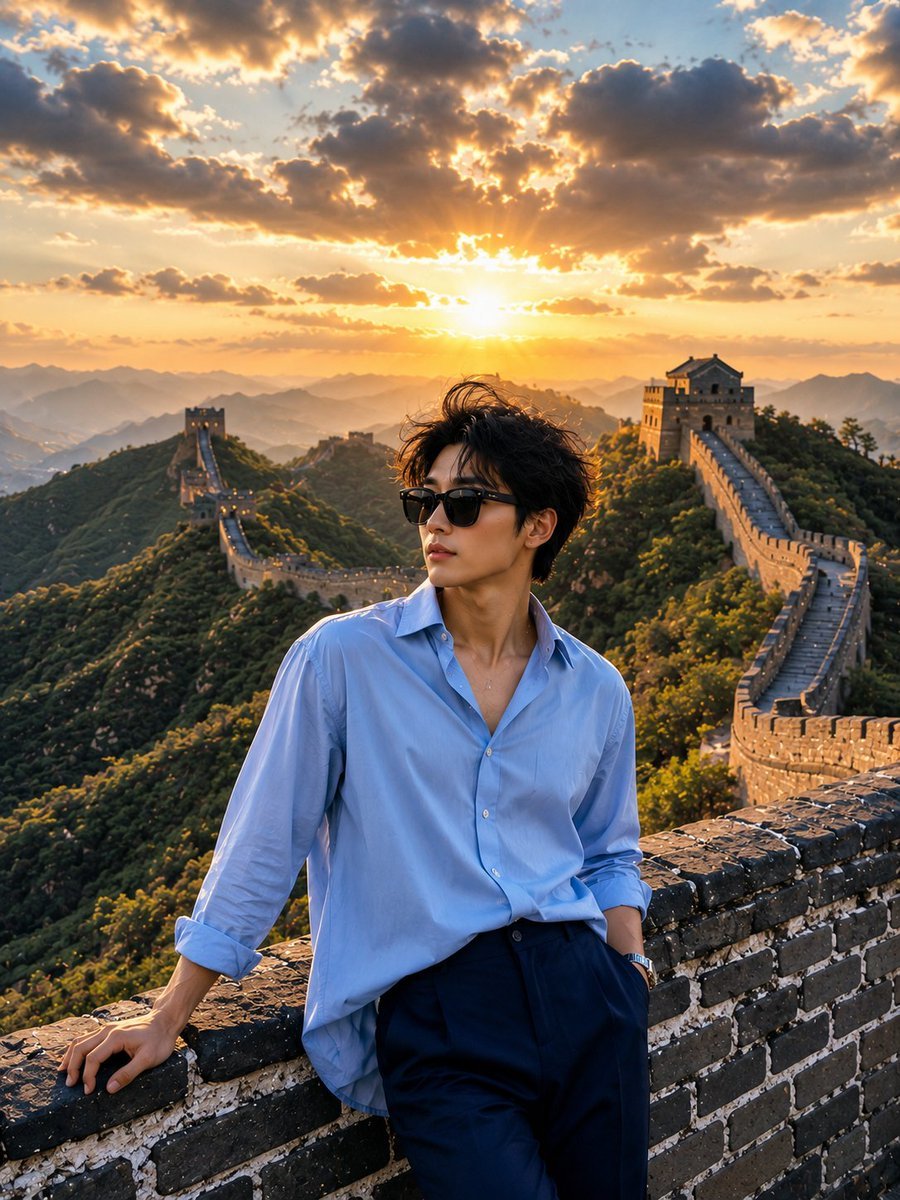
Great Wall Travel Photography
Gemini Nano Banana Realistic Portrait Re

High-Contrast Black and White Editorial Portrait Prompt for Nano Banana 2
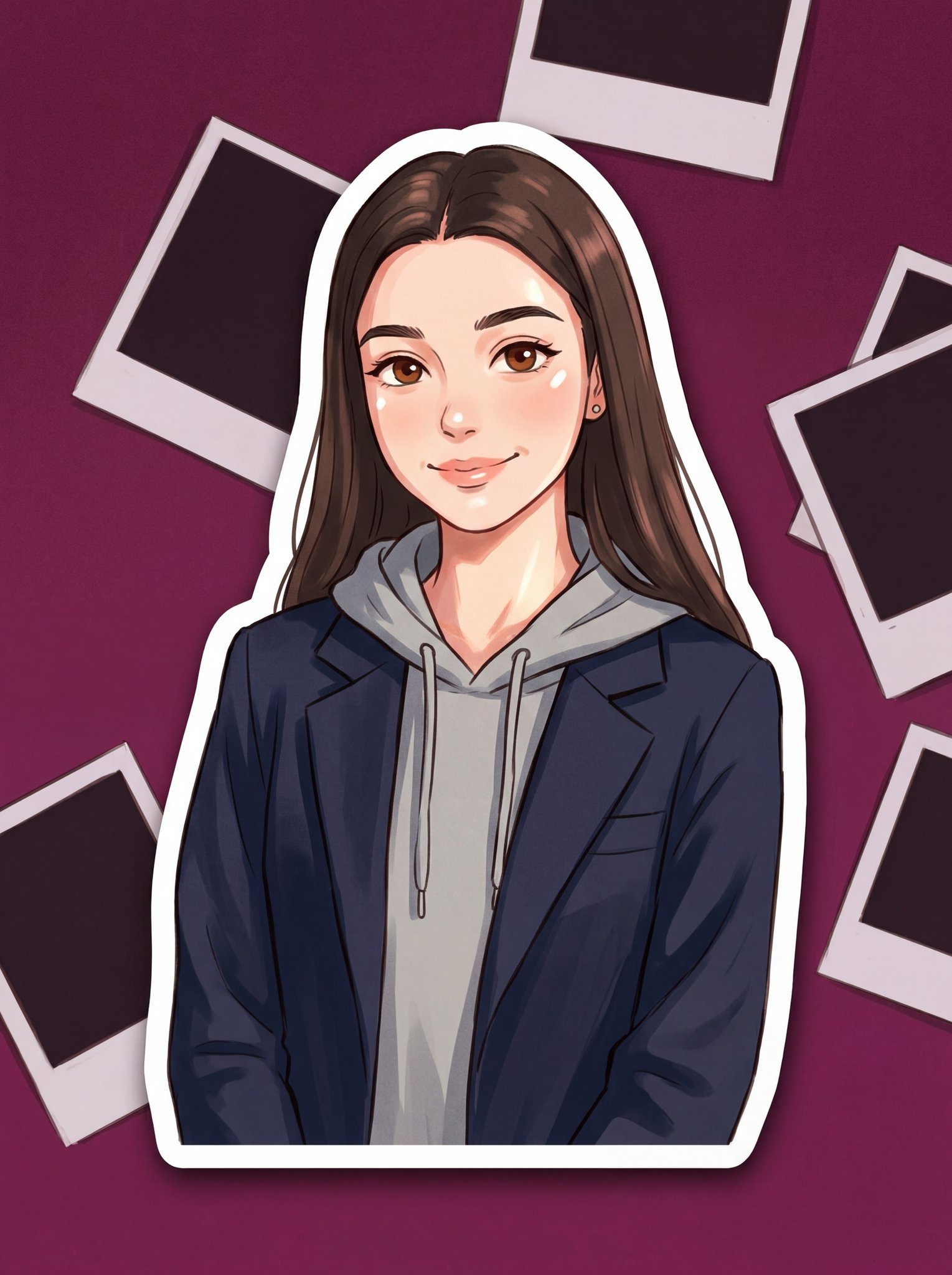
Turn Your Photo Into Ghibli Style with N
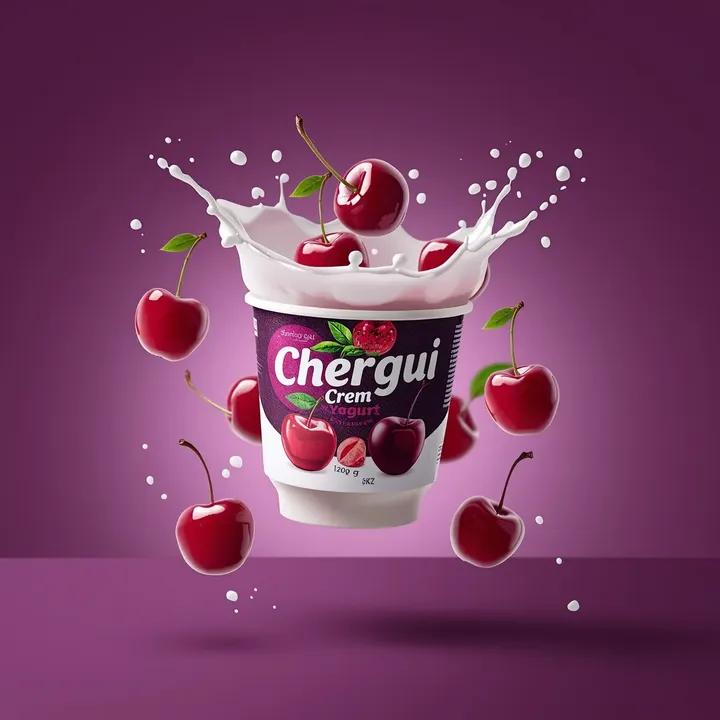
High-End Commercial Yogurt Product Photography
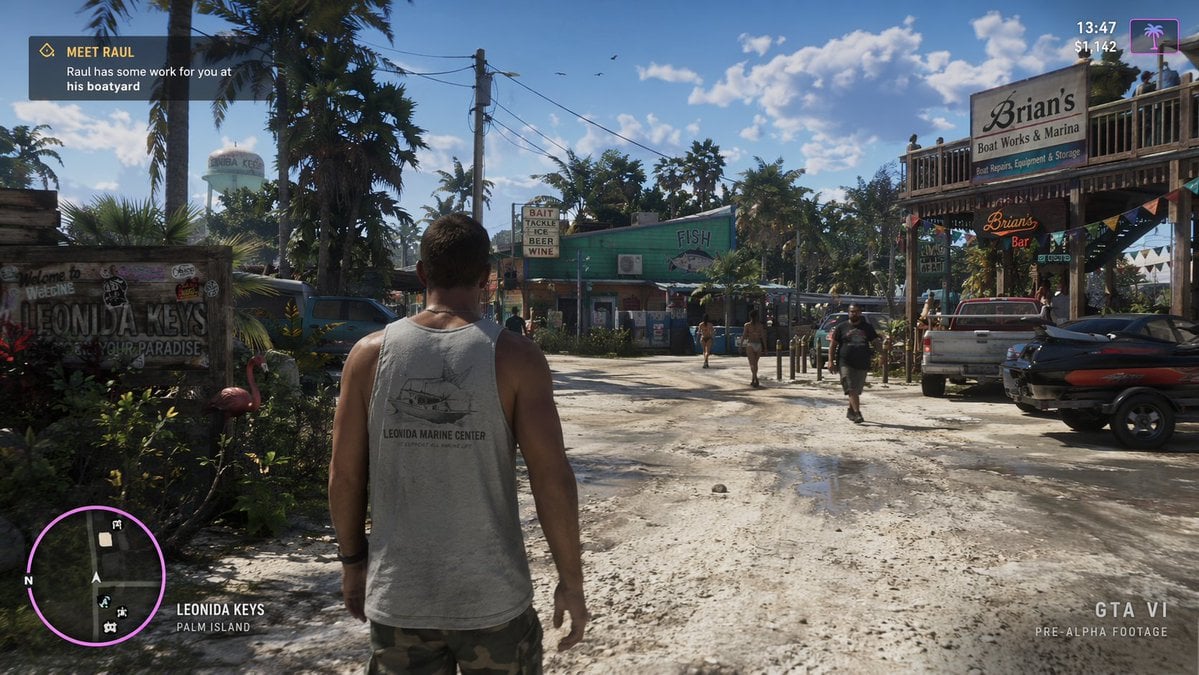
Open World Environment Shot
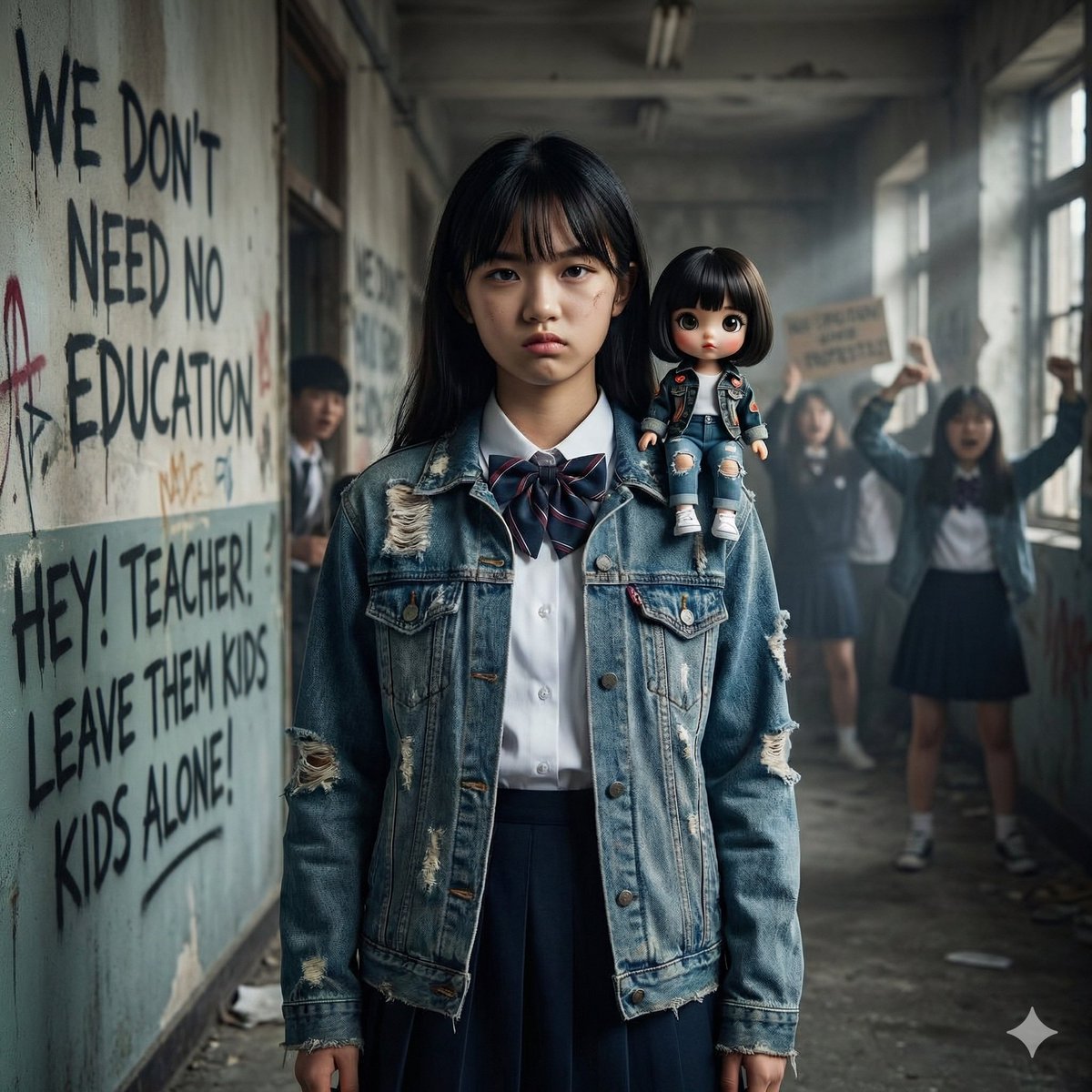
Image Generation from Western Song: Another Brick In The Wall
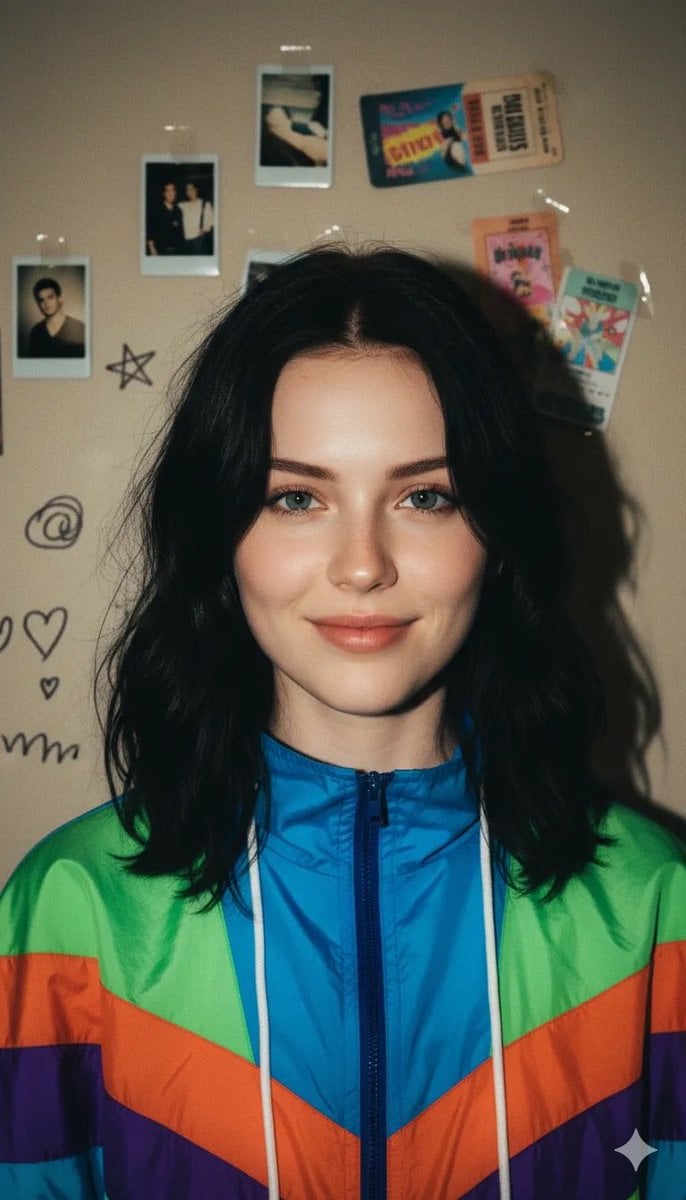
90s Retro Windbreaker Portrait with Harsh Flash (Two Prompts)
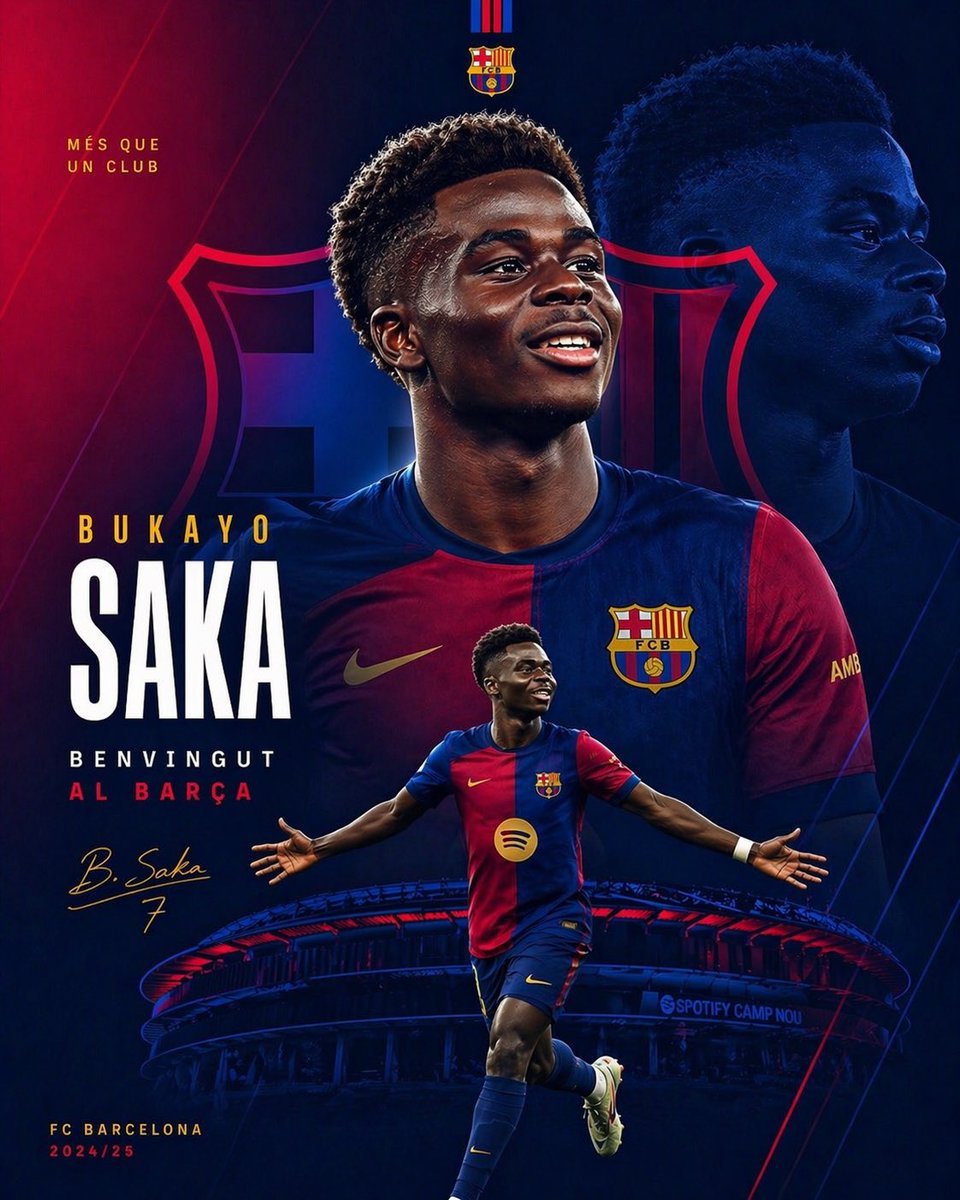
Barcelona Transfer Poster for Saka
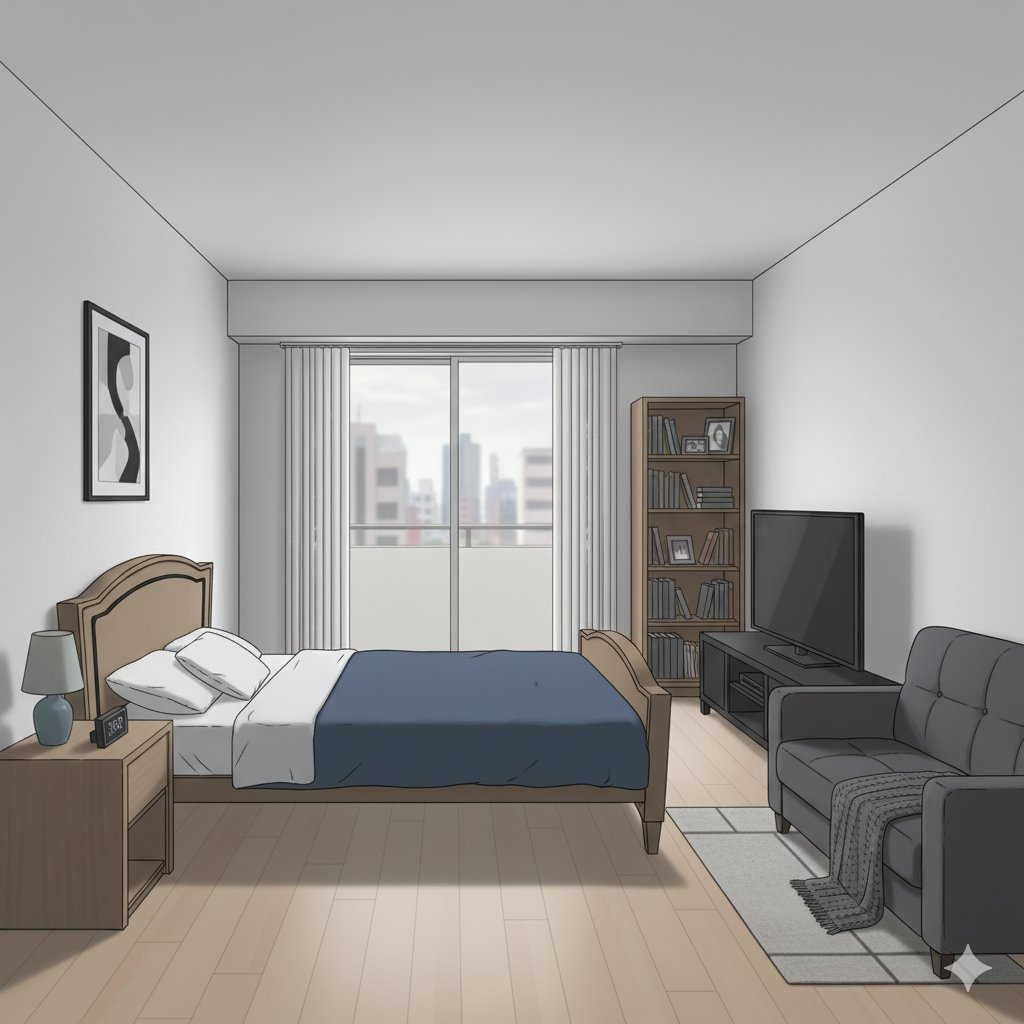
Isometric living room layout based on a sofa photo
Browse template categories
Denim Couple Collage questions
How do I use the Denim Couple Collage template?
Add your photo if the template asks for one, edit the prompt if you like — the template's model and format are already selected — and press Generate. Your version opens in PicX Studio.
Can I customize the Denim Couple Collage template?
Yes. You can change the subject, setting, lighting, mood, format, and available model controls before creating your image.
Is the Denim Couple Collage template free?
Opening and editing this template is free. Generating uses credits, shown on the Generate button when you are signed in.
Which AI model should I use?
Start with GPT Image 2, which is the model associated with this template. You can compare another compatible model for a different finish.
Looking for something else? Browse all templates.

Your photo, any look
Thousands of ready templates for every top image and video model, from one credit balance.