
High-Contrast Black and White Editorial Portrait Prompt for Nano Banana 2
A highly detailed JSON-structured prompt for Gemini Nano Banana 2, designed to generate a black and white editorial portrait of an adult male model.

- Prompt included
- Model and format preset
- Premium template
The prompt behind this image
Copy the exact prompt behind High-Contrast Black and White Editorial Portrait Prompt for Nano Banana 2, or open it in the studio and make it yours.
{ "metadata": { "image_type": "photograph", "primary_purpose": "editorial" }, "composition": { "rule_applied": "rule of thirds", "aspect_ratio": "4:5", "layout": "single subject", "focal_points": [ "Subject's face and sunglasses", "Textured shearling collar of the coat" ], "visual_hierarchy": "Eye starts at the high-contrast face and sunglasses, flows down the textured line of the coat lapel, and softly moves to the blurred background elements", "balance": "asymmetric" }, "color_profile": { "dominant_colors": [ { "color": "Black", "hex": "#0a0a0a", "percentage": "45", "role": "primary subject" }, { "color": "Mid Gray", "hex": "#7a7a7a", "percentage": "35", "role": "background" }, { "color": "White", "hex": "#f5f5f5", "percentage": "20", "role": "accent" } ], "color_palette": "monochromatic", "temperature": "neutral", "saturation": "black and white", "contrast": "high contrast" }, "lighting": { "type": "natural window/outdoor daylight", "source_count": "single source", "direction": "45-degree side", "directionality": "highly directional", "quality": "hard light", "intensity": "dramatic", "contrast_ratio": "high contrast (dramatic shadows)", "mood": "dramatic", "shadows": { "type": "harsh defined edges", "density": "deep black", "placement": "right side of face, neck, and inner folds of coat", "length": "short" }, "highlights": { "treatment": "preserved", "placement": "on face, nose bridge, left cheekbone, and coat lapel" }, "ambient_fill": "absent", "light_temperature": "neutral" }, "technical_specs": { "medium": "digital photography", "style": "realistic", "texture": "sharp", "sharpness": "tack sharp", "grain": "film grain", "depth_of_field": "shallow", "perspective": "straight on" }, "artistic_elements": { "genre": "portrait", "influences": [ "classic cinematic portraiture", "editorial fashion photography" ], "mood": "sophisticated", "atmosphere": "moody, contemplative, and stylishly rugged", "visual_style": "clean" }, "typography": { "present": false, "fonts": [ { "type": "sans-serif", "weight": "regular", "characteristics": "modern" } ], "placement": "background", "integration": "subtle" }, "subject_analysis": { "primary_subject": "Adult male model with short groomed beard, styled hair, wearing sunglasses, a dark turtleneck, and a heavy dark shearling-lined coat", "positioning": "rule of thirds placement", "scale": "medium", "interaction": "isolated", "facial_expression": { "mouth": "neutral", "smile_intensity": "no smile", "eyes": "direct gaze hidden behind sunglasses, looking away from camera", "eyebrows": "neutral", "overall_emotion": "serious", "authenticity": "posed" }, "hands_and_gestures": { "left_hand": "not visible", "right_hand": "not visible", "finger_positions": "relaxed", "finger_interlacing": "none", "hand_tension": "relaxed", "interaction": "none", "naturalness": "
How to use High-Contrast Black and White Editorial Portrait Prompt for Nano Banana 2 in 3 steps
- 1
Open
The prompt is already in the box next to the preview, with the template's model and format selected.
- 2…a portrait of your subject in softgolden-hour light, 85mm…
Personalize
Edit the subject and creative details for your destination.
- 3Generate
Generate
Press Generate — your image is created in PicX Studio, so you can compare it with the original and refine one variable at a time.
More like this
Templates with the same subject, style or setup. Open one to see its prompt.

Nano Banana 2 Editorial Fashion Portrait
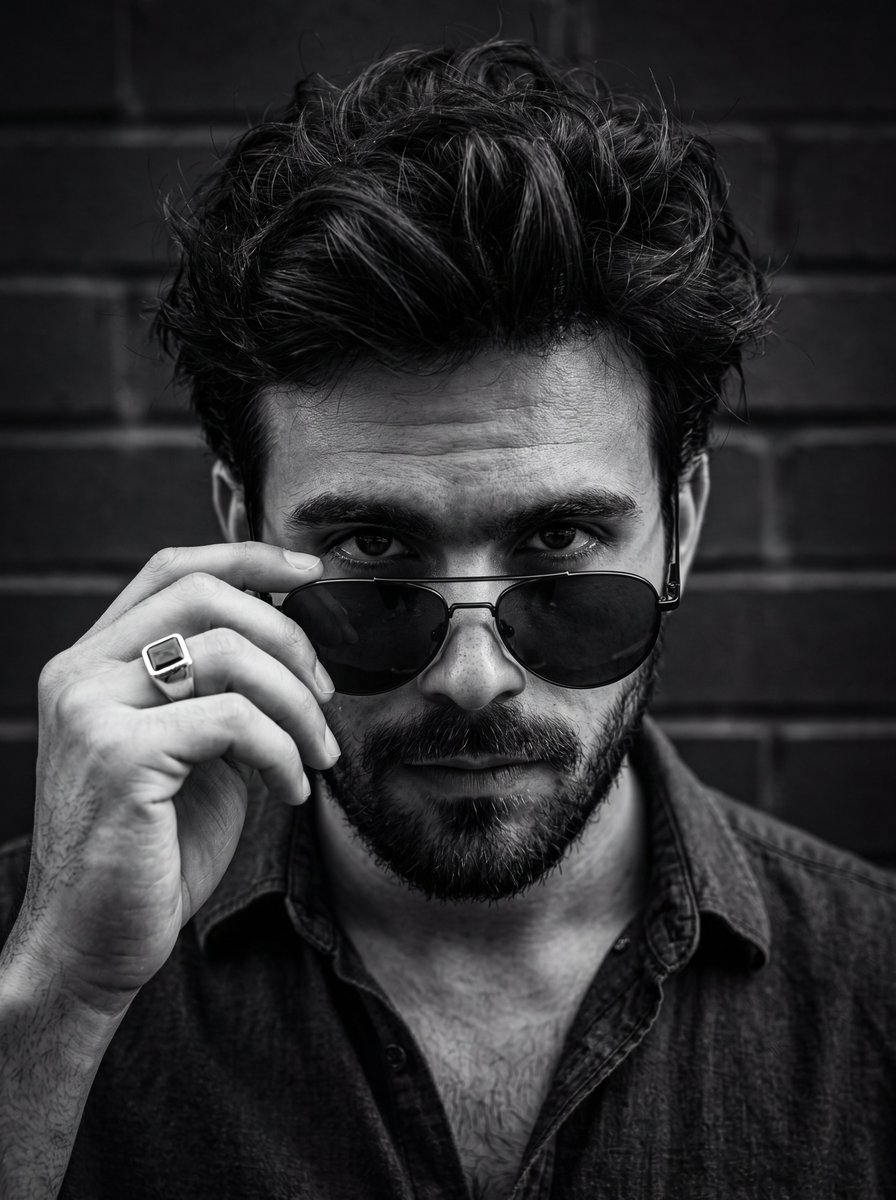
High-contrast black and white intense male portrait
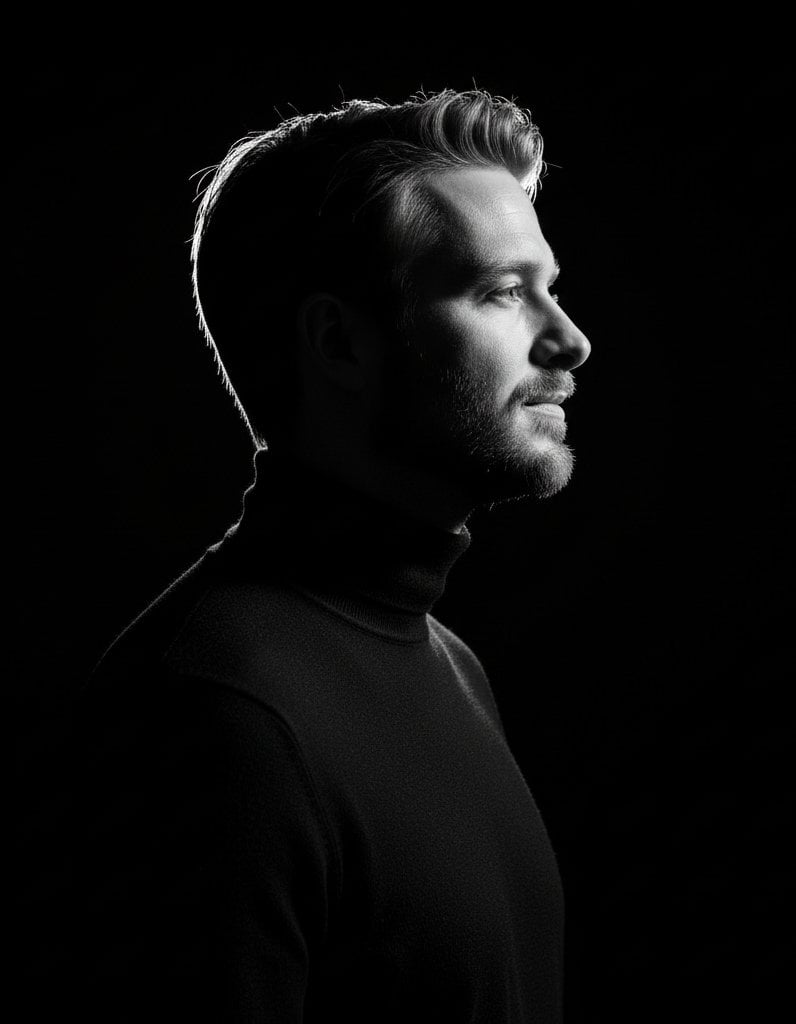
High-contrast rim-lit black and white conceptual side-profile portrait
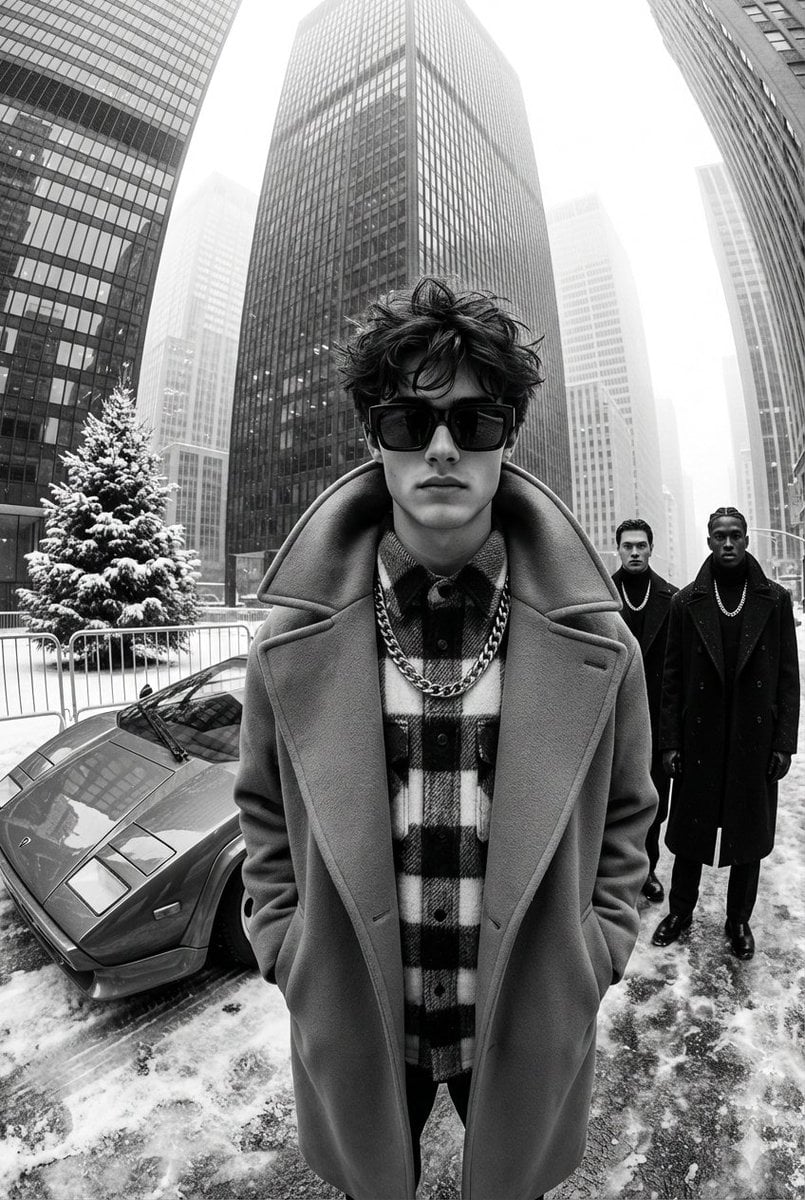
High-Contrast Black and White Street Fashion Editorial
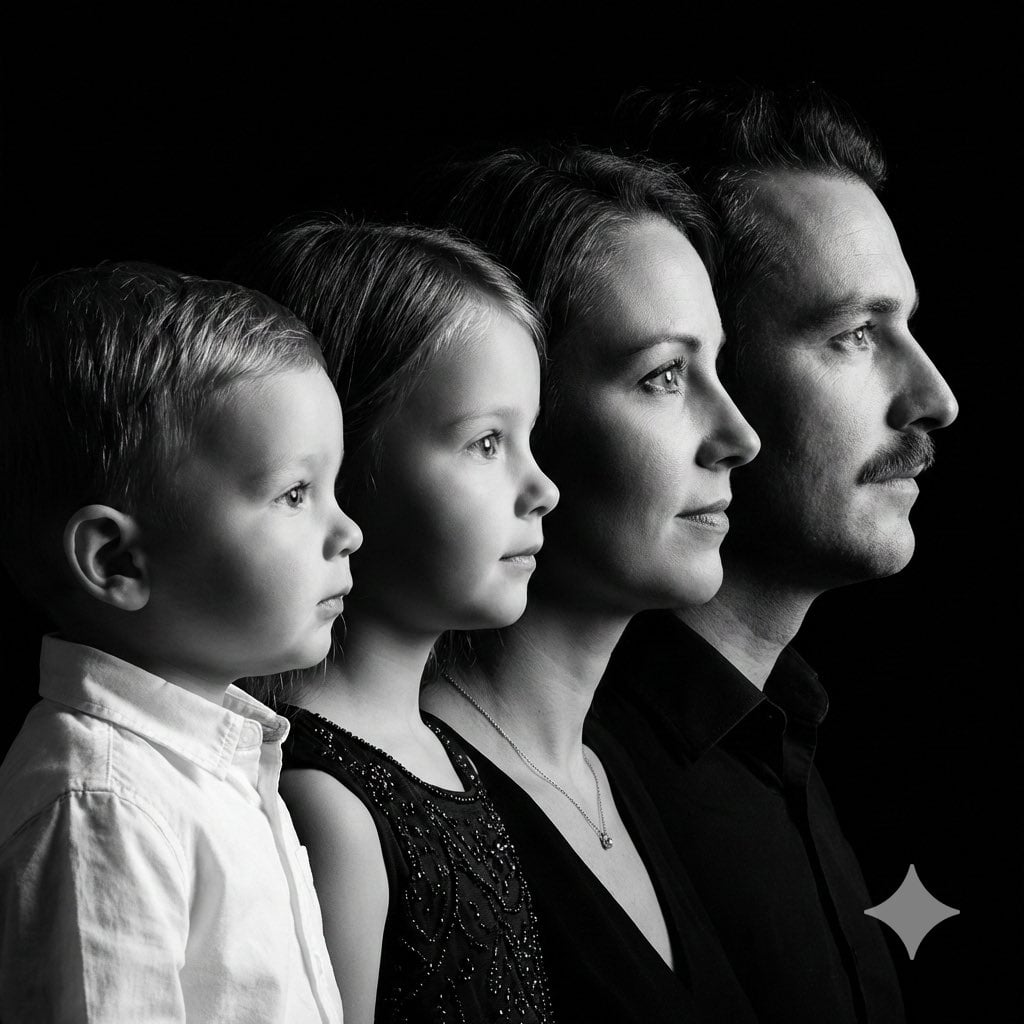
High-Contrast Black and White Family Studio Portrait

Nano Banana Is So Addictive

untitled

Nano Banana 2 Perspective Experiment

Gemini Nano Banana 2 Isometric 3d City D

Nano Banana 2

Gemini Nano Banana 2

Gemini Nano Banana 2 Logo in Wet Sand Be
Make it yours
High-Contrast Black and White Editorial Portrait Prompt for Nano Banana 2 works as-is. These are the safest ways to change it without losing the look.
Change one field
Copy a single group, rewrite it, and generate again so you can see what that field is doing.
Keep the frame, change the subject
Hold the composition and light of High-Contrast Black and White Editorial Portrait Prompt for Nano Banana 2, then swap wardrobe, props or the person for a new take.
| If the result… | Why | Fix |
|---|---|---|
| The result drifts from the preview | Too many fields changed at once. | Reuse High-Contrast Black and White Editorial Portrait Prompt for Nano Banana 2 as-is first, then change one group — subject, light, or setting. |
| The model over-stylizes the scene | The prose prompt leaves finish and camera underspecified. | Add one camera or lighting sentence and stay on Nano Banana 2. |
More Nano Banana 2 templates
Other prompts made for Nano Banana 2.

Photorealistic Leaf Shaped Like a Dragon

K-Pop Idol Portrait Grid for Rapid Selection

Poetic Rain Forest Portrait During Golden Hour

Urban Street Portrait with Cartoon Inner Self Duo

Candid Nighttime Photo with Cat Prompt

High-Concept 3D Diorama Generation Prompt

Cinematic Futuristic Studio Portrait Template

Skincare Editorial Photography Collage Prompt

Hyper-Realistic Commercial Product Photography (Splash Effect)

Hyper-Realistic Nightclub Portrait Prompt
More image prompts
Fresh picks from across the catalog.
Y2k Nano Banana Chryzleen
Cosmetics Promotional Web Banner
Tropical Sunset Ocean Wallpaper
Hyper-realistic cinematic close-up of a pepperoni pizza slice with dramatic cheese pull
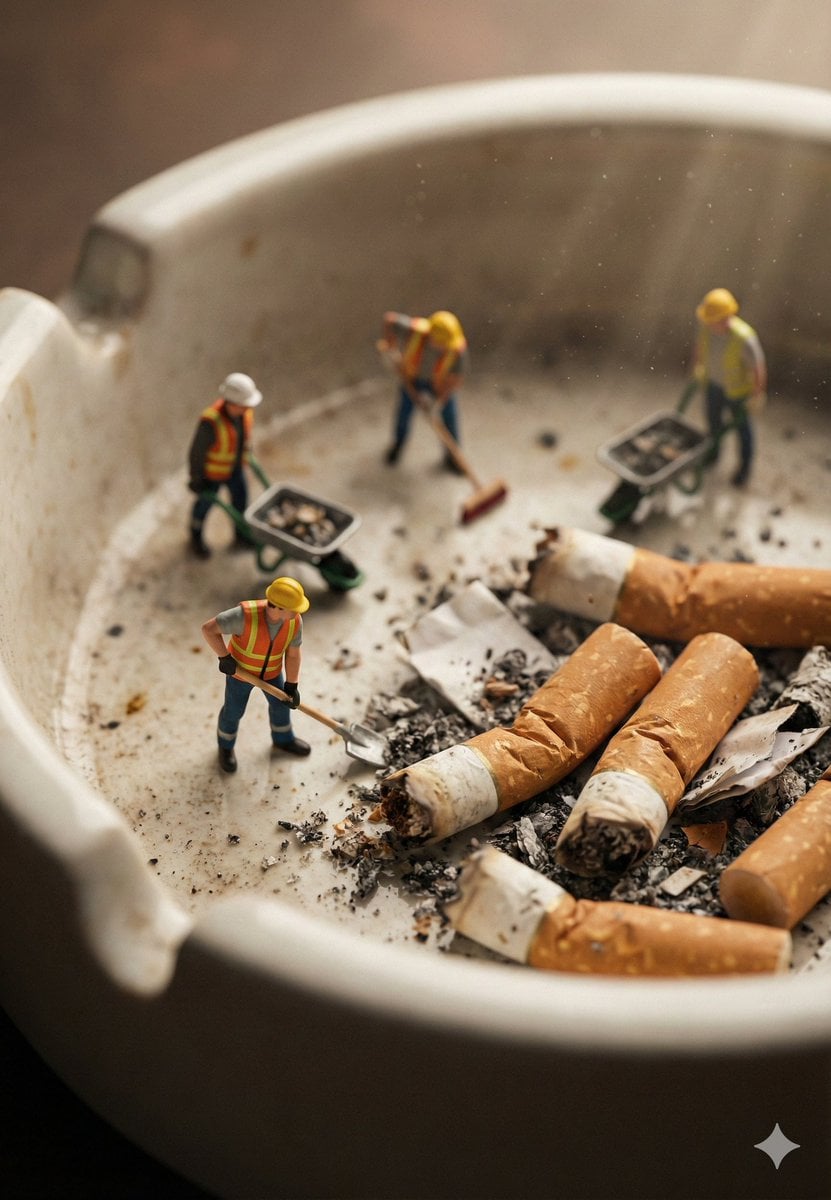
Macro Photography of Miniature Workers Cleaning Ashtray
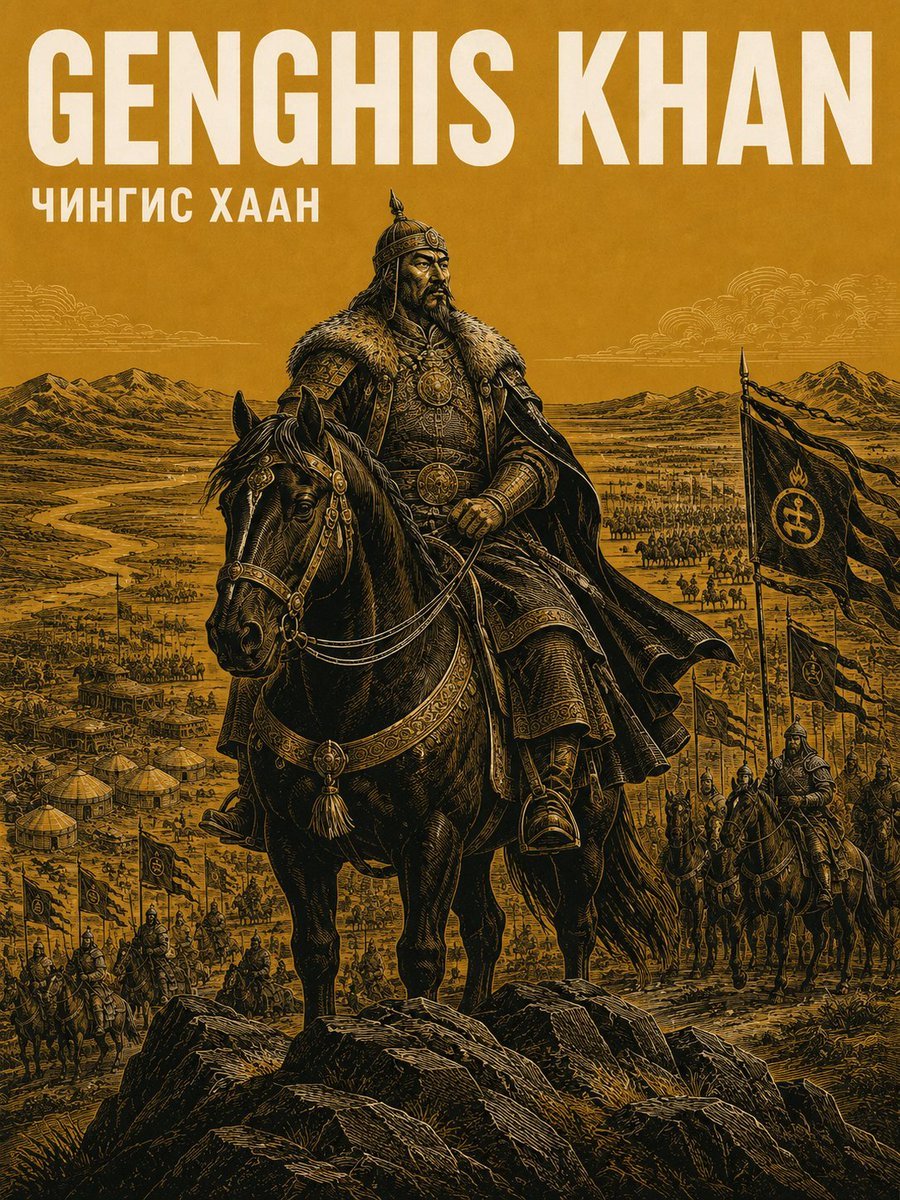
Alexander the Great Historical Poster
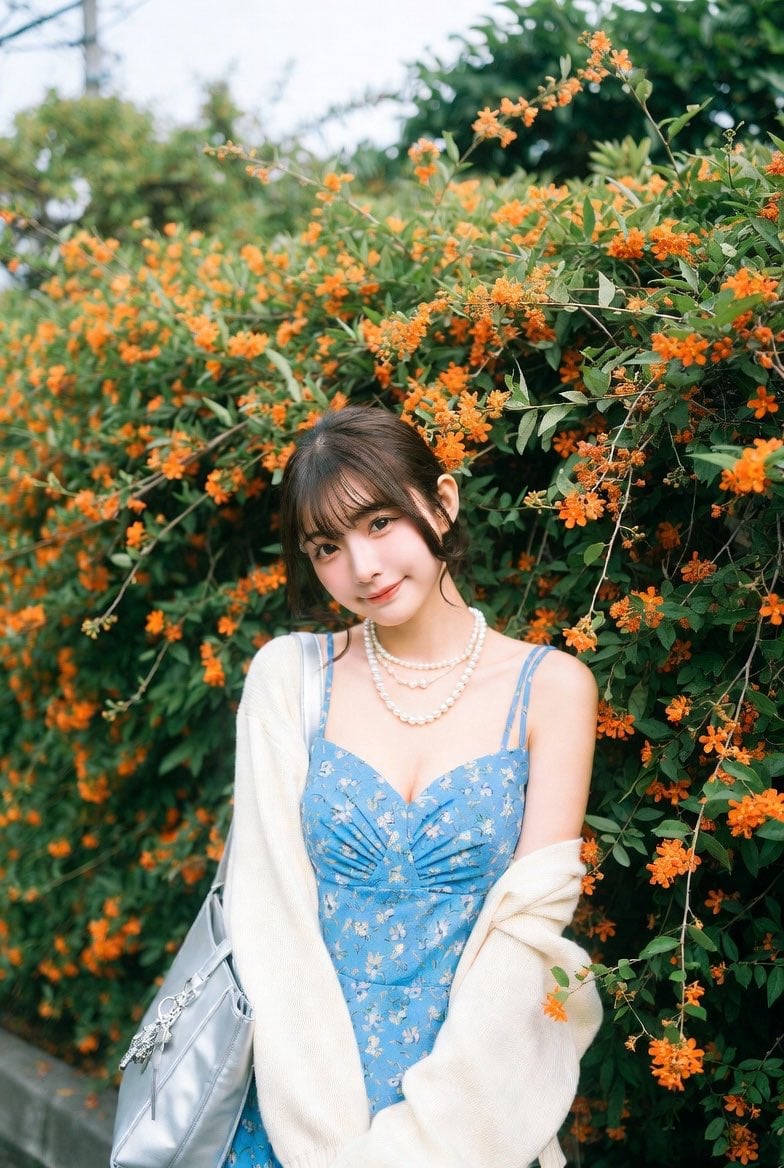
Ultra-Realistic Street-Garden Portrait of an Asian Idol
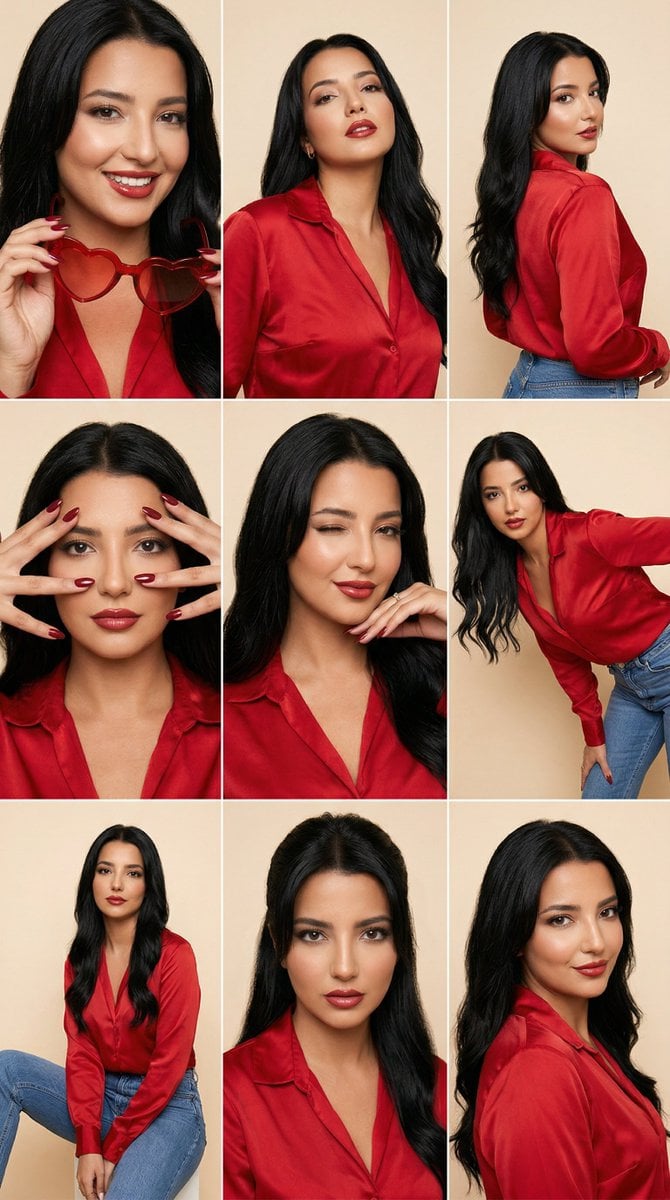
Fashion Editorial Grid Prompt (Red Satin Heart Glasses)
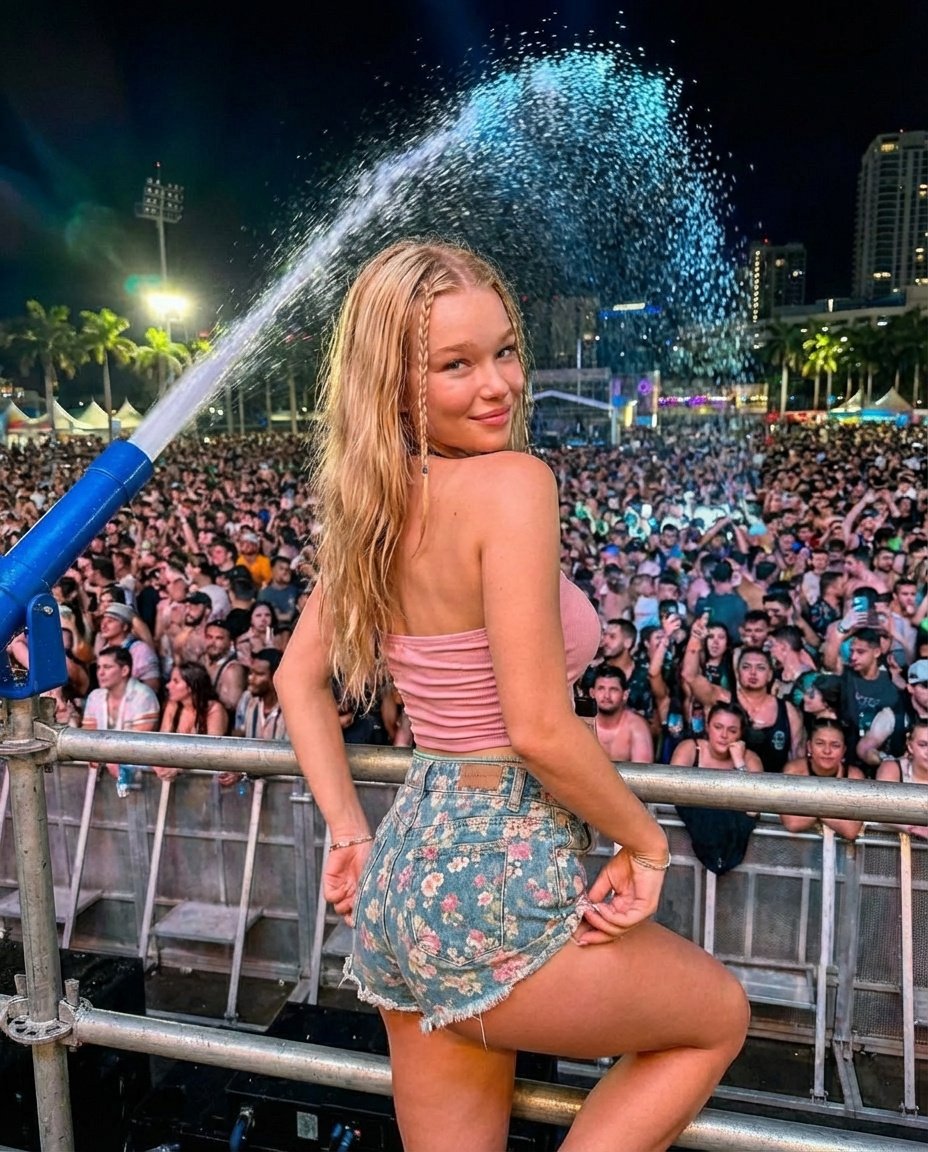
Nighttime Music Festival Photography Prompt
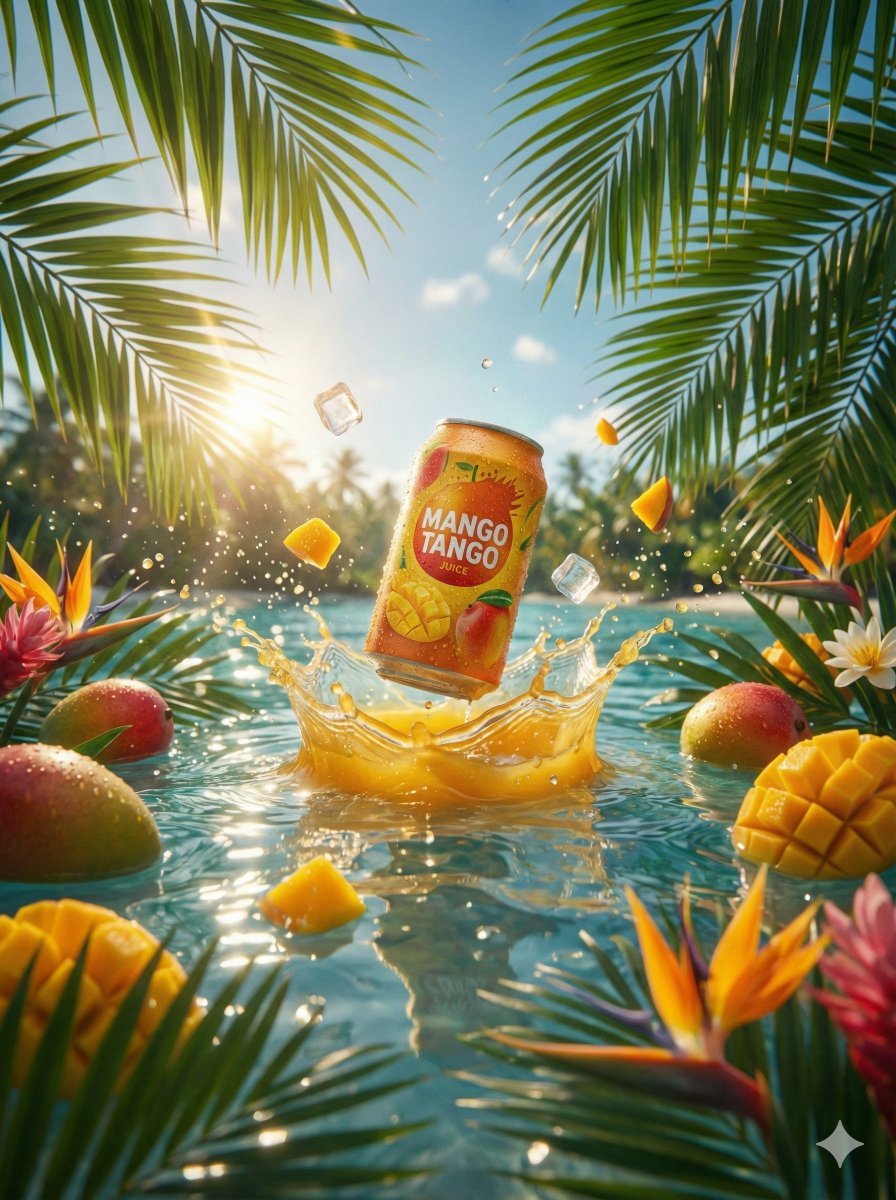
Hyper-Realistic Commercial Beverage Photography Prompt
Browse template categories
High-Contrast Black and White Editorial Portrait Prompt for Nano Banana 2 questions
How do I use the High-Contrast Black and White Editorial Portrait Prompt for Nano Banana 2 template?
Add your photo if the template asks for one, edit the prompt if you like — the template's model and format are already selected — and press Generate. Your version opens in PicX Studio.
Can I customize the High-Contrast Black and White Editorial Portrait Prompt for Nano Banana 2 template?
Yes. You can change the subject, setting, lighting, mood, format, and available model controls before creating your image.
Is the High-Contrast Black and White Editorial Portrait Prompt for Nano Banana 2 template free?
Opening and editing this template is free. Generating uses credits, shown on the Generate button when you are signed in.
Which AI model should I use?
Start with Nano Banana 2, which is the model associated with this template. You can compare another compatible model for a different finish.
Looking for something else? Browse all templates.

Your photo, any look
Thousands of ready templates for every top image and video model, from one credit balance.