
High-Contrast Black and White Street Fashion Editorial
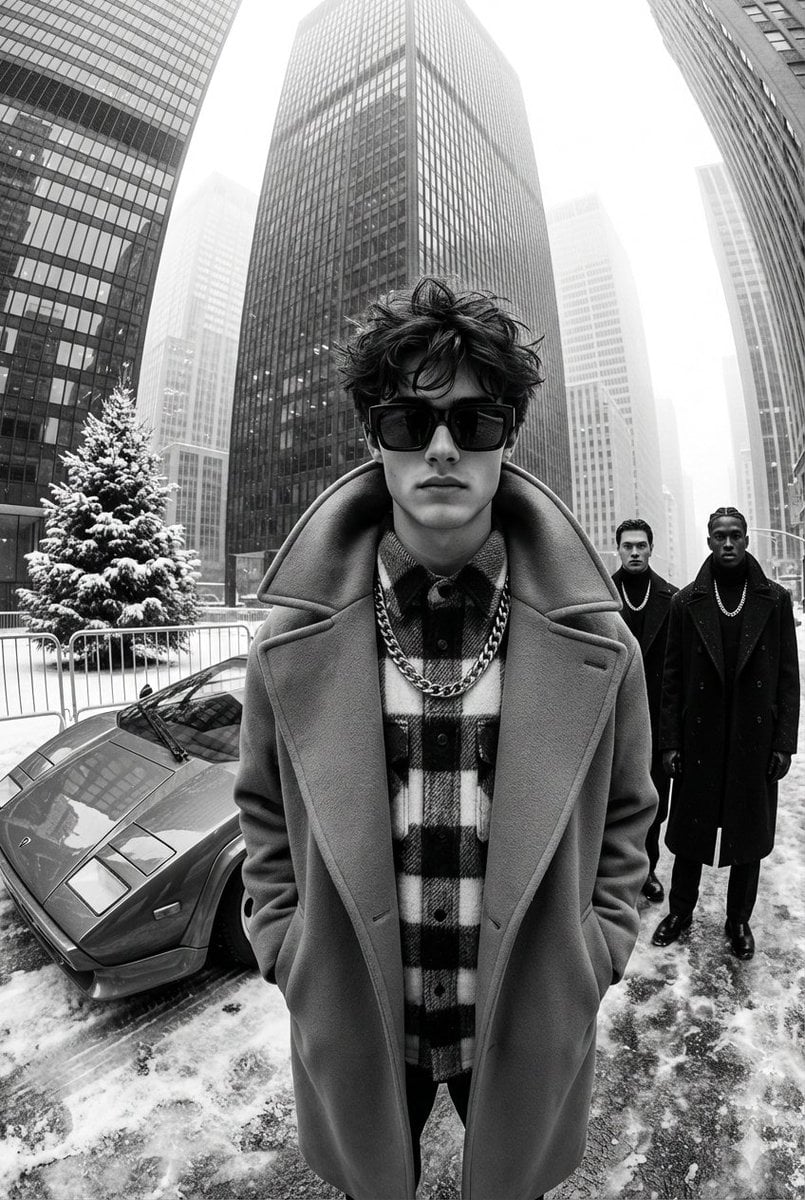
A highly detailed prompt for generating a black-and-white, ultra-glamorous street fashion editorial photograph.
- Prompt included
- Model and format preset
- Premium template
The prompt behind this image
Copy the exact prompt behind High-Contrast Black and White Street Fashion Editorial, or open it in the studio and make it yours.
A black-and-white, high-contrast, ultra-glamorous street fashion editorial photograph taken with an ultra-wide-angle lens that creates the effect of a slight perspective deformation. A vertical composition in the center of a large urban space surrounded by high-rise buildings that rise up and converge to the center of the frame, forming a dramatic architectural geometry. It's a winter day, there is an uneven layer of snow and ice on the ground, the surface is matte, with the texture of frozen asphalt. The contrast is soft at the top of the frame due to the atmospheric haze. In the foreground is the young man standing closest to the camera. He's wearing large rectangular dark sunglasses. Hairstyle-short, with dense front styling, partially disheveled, slight asymmetry of strands. The emotion is neutral, serious, and the gaze is directed directly into the lens. He is wearing a voluminous long coat with a massive collar, under which multi-layered clothes are visible, including a thick shirt with a pronounced checkered texture. A large heavy chain with massive links hangs on the chest, visually dominating the composition. Behind, to the left and right of the man, there are two men dressed identically in dark ensembles: thick coats or jackets, smooth fabrics that emphasize a strict silhouette. They wear large chains of a similar type, stacked on top of clothes. They wear dark sunglasses. They stand statically, strictly, with their legs slightly apart, arms lowered or gathered in front of them. Their figures create balance on the sides of the frame. On the left behind there is a sports car with a low wide body and a pronounced wedge-shaped front. The polished metal reflects the surrounding buildings and the sky. The car is parked on a snow-covered surface next to a small city Christmas tree, surrounded by metal fences.. The fir tree is fluffy and rich in tone, contrasting with the smooth surfaces of cars and skyscrapers. The urban backdrop consists of densely packed skyscrapers stretching into the misty sky. Their glass and concrete facades create vertical rhythms. The light is diffused, wintry, soft, without pronounced shadows. The color scheme is a pure monochrome palette with deep shadows and even light areas. The processing is glossy, with a light feel of an advertising photo shoot, moderate grain, high sharpness in the foreground.
How to use High-Contrast Black and White Street Fashion Editorial in 3 steps
- 1
Open
The prompt is already in the box next to the preview, with the template's model and format selected.
- 2…a portrait of your subject in softgolden-hour light, 85mm…
Personalize
Edit the subject and creative details for your destination.
- 3Generate
Generate
Press Generate — your image is created in PicX Studio, so you can compare it with the original and refine one variable at a time.
More like this
Templates with the same subject, style or setup. Open one to see its prompt.

Luxury Black-and-White Fashion Contact Sheet

Face-Locked Cream Half-Zip Street Walk
Black and White Fashion Editorial Triptych

untitled

Google Gemini Nano Banana Pro

Conceptual Fashion Portrait in Spider We

01 Skincare Split Portrait — Nano Banana 2

24 The Getty Center — California Series

21 Glass Floor Skyscraper — California Series

19 Luxury Helicopter Travel — California Series

08 Rodeo Drive Luxury Exit — California Series

03 Beverly Hills Convertible — California Series
Make it yours
High-Contrast Black and White Street Fashion Editorial works as-is. These are the safest ways to change it without losing the look.
Change one field
Copy a single group, rewrite it, and generate again so you can see what that field is doing.
Keep the frame, change the subject
Hold the composition and light of High-Contrast Black and White Street Fashion Editorial, then swap wardrobe, props or the person for a new take.
| If the result… | Why | Fix |
|---|---|---|
| The result drifts from the preview | Too many fields changed at once. | Reuse High-Contrast Black and White Street Fashion Editorial as-is first, then change one group — subject, light, or setting. |
| The model over-stylizes the scene | The prose prompt leaves finish and camera underspecified. | Add one camera or lighting sentence and stay on Nano Banana 2. |
More Nano Banana 2 templates
Other prompts made for Nano Banana 2.

Photorealistic Leaf Shaped Like a Dragon

K-Pop Idol Portrait Grid for Rapid Selection

Poetic Rain Forest Portrait During Golden Hour

Urban Street Portrait with Cartoon Inner Self Duo

Candid Nighttime Photo with Cat Prompt

High-Concept 3D Diorama Generation Prompt

Cinematic Futuristic Studio Portrait Template

Skincare Editorial Photography Collage Prompt

Hyper-Realistic Commercial Product Photography (Splash Effect)

Hyper-Realistic Nightclub Portrait Prompt
More image prompts
Fresh picks from across the catalog.
Cozy Beer Toast with Oden
Ultra-High-End Abstract Composition
Confused Blonde Anime Girl Portrait
Minimalist Pencil Sketch Portrait
Mediterranean Lifestyle Travel Portrait
Energy Drink Advertising Poster
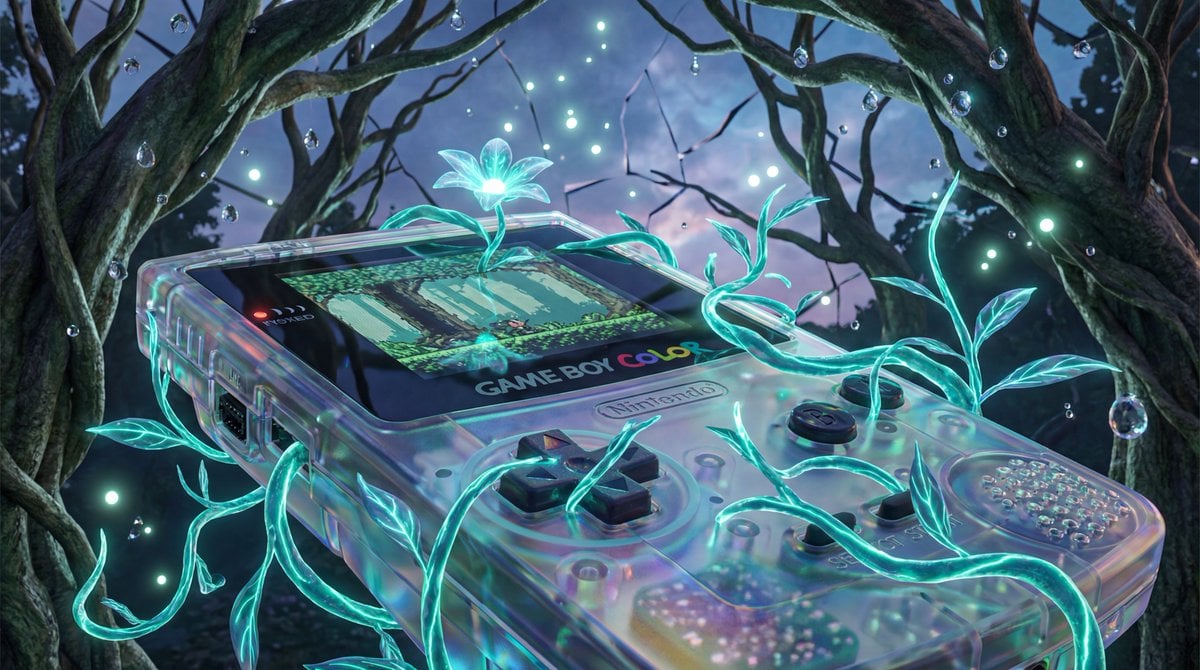
Surreal Bioluminescent Vine Fantasy
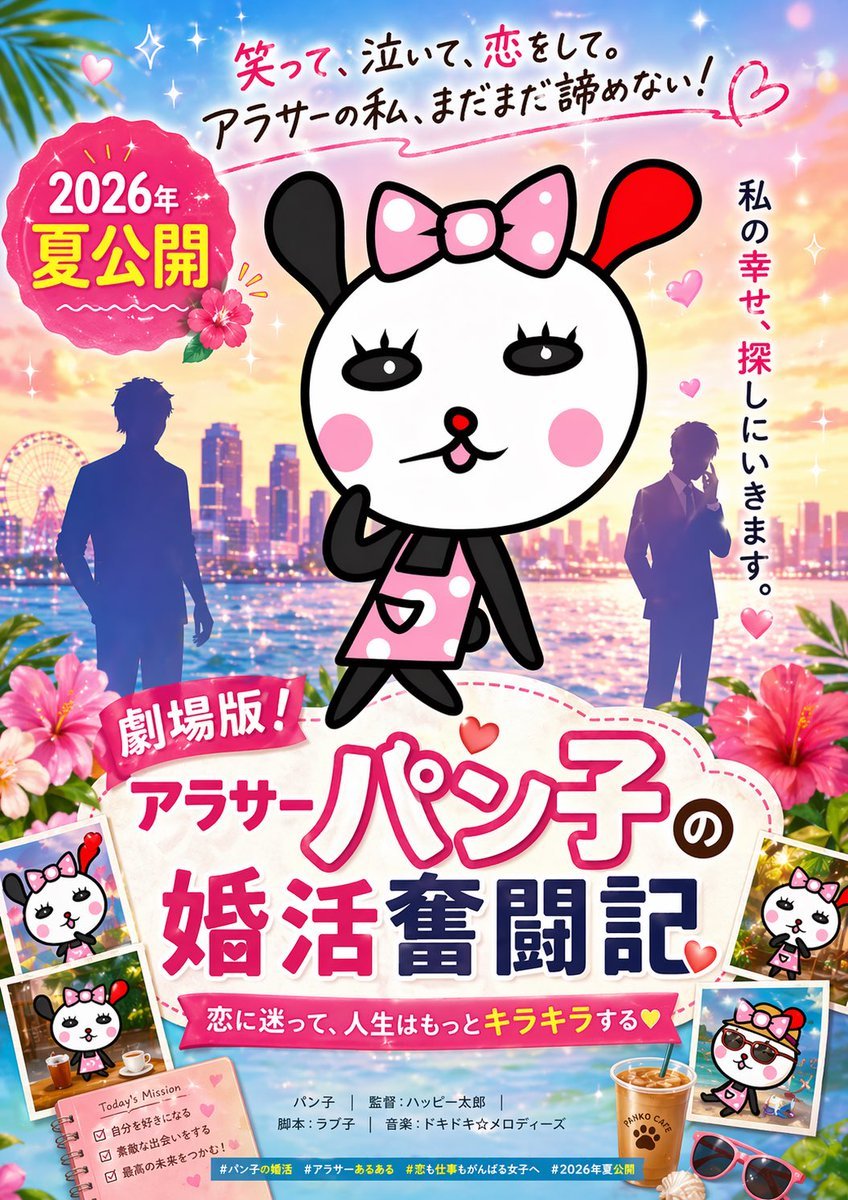
Cute Japanese Romcom Movie Poster

Hyper-Realistic 3D Chibi Doll
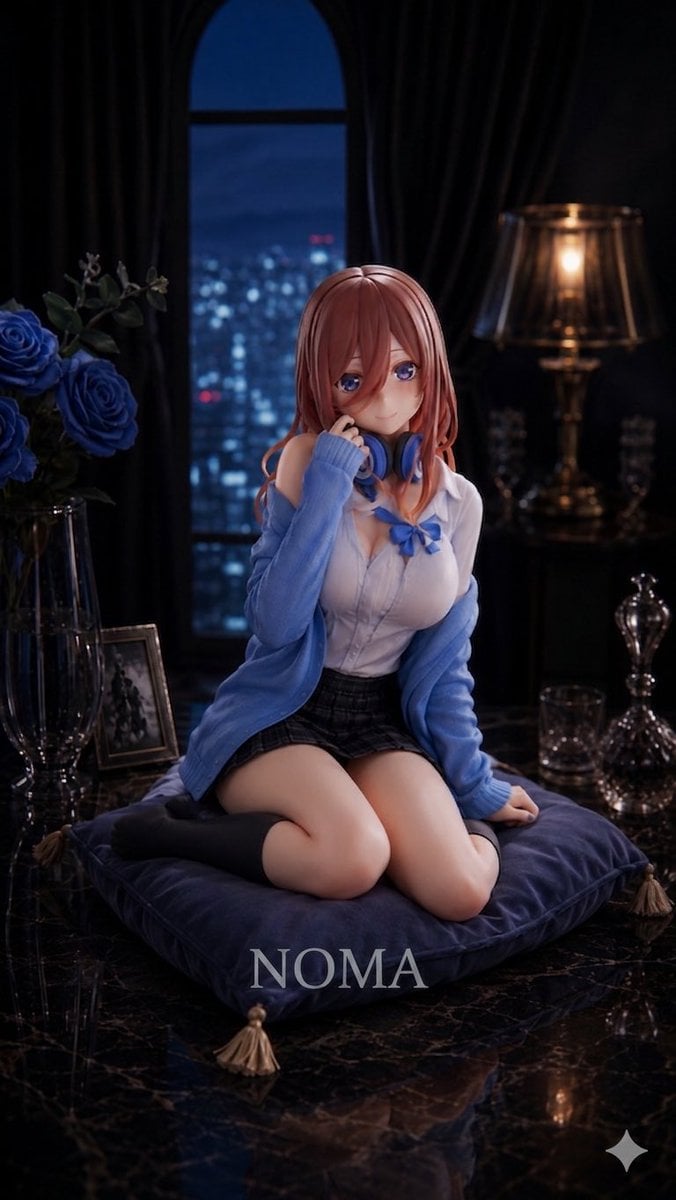
Anime Prize Figure Photography
Browse template categories
High-Contrast Black and White Street Fashion Editorial questions
How do I use the High-Contrast Black and White Street Fashion Editorial template?
Add your photo if the template asks for one, edit the prompt if you like — the template's model and format are already selected — and press Generate. Your version opens in PicX Studio.
Can I customize the High-Contrast Black and White Street Fashion Editorial template?
Yes. You can change the subject, setting, lighting, mood, format, and available model controls before creating your image.
Is the High-Contrast Black and White Street Fashion Editorial template free?
Opening and editing this template is free. Generating uses credits, shown on the Generate button when you are signed in.
Which AI model should I use?
Start with Nano Banana 2, which is the model associated with this template. You can compare another compatible model for a different finish.
Looking for something else? Browse all templates.

Your photo, any look
Thousands of ready templates for every top image and video model, from one credit balance.