
Hyper-Realistic 3D Chibi Doll
A detailed 3D collectible doll style prompt for creating grumpy, pouty baby characters with high-quality studio lighting.

- Prompt included
- Model and format preset
- Free template
The prompt behind this image
Copy the exact prompt behind Hyper-Realistic 3D Chibi Doll, or open it in the studio and make it yours.
Hyper-realistic 3D caricature in {argument name="style" default="collectible chibi doll style"}, ultra-detailed rendering, softbox studio lighting, smooth infinite white background. Proportions: GIANT, round, adorable head with extreme chibi proportions. Small, chubby, baby-like body with short, pudgy arms and legs. Head-to-body ratio 2:1. Toddler height. Face: Extreme pouty, sulky, grumpy expression. Furrowed and lowered eyebrows creating a deep wrinkle in the center of the forehead. Large, shiny brown eyes, slightly squinted with irritation. Small upturned pink nose. Mouth with a VERY exaggerated forward pout, protruding lower lip, creating a baby-like double chin effect. VERY LARGE, round, rosy, puffed cheeks. Baby double chin. Porcelain-like skin with soft, realistic texture. Hair: Voluminous, wavy, messy hair. Loose and frizzy strands falling across the face and nape, giving a tousled appearance. Adapt hair color and length according to the reference image. Maintain the same fluffy volume and texture. Pose: Standing with the head tilted to one side, body slightly curved. Both hands tucked into the front pockets of the shorts. Drooping shoulders. Classic "I'm upset" posture. Clothing: {argument name="outfit" default="Basketball-style athletic tank top"} with contrasting collar and armhole trim, plus loose sports shorts with a drawstring. High-top sneakers in an All-Star style. Thin necklace with a pendant around the neck. Bracelets on the wrists. Keep exactly the same sportswear design, but use {argument name="color scheme" default="RANDOM COLORS"} different from the original red/white combination. Keep the logo and number on the jersey, but feel free to change the text/number. Art Style: Photorealistic 3D collector doll render, soft skin texture, gentle lighting, highly detailed strand-by-strand hair, delicate shading. Same cute yet irritated character style.
How to use Hyper-Realistic 3D Chibi Doll in 3 steps
- 1Upload ImagePNG, JPG or paste
Add your photo
Upload the photo the template builds on. The prompt, model and format are already set.
- 2…a portrait of your subject in softgolden-hour light, 85mm…
Personalize
Edit the subject and creative details for your destination.
- 3Generate
Generate
Press Generate — your image is created in PicX Studio, so you can compare it with the original and refine one variable at a time.
More like this
Templates with the same subject, style or setup. Open one to see its prompt.

Cute Layered Paper Cut Chibi Girl

Pixar-Style Chibi Café Morning Scene

Nano Banana Pro Pink Office Chibi
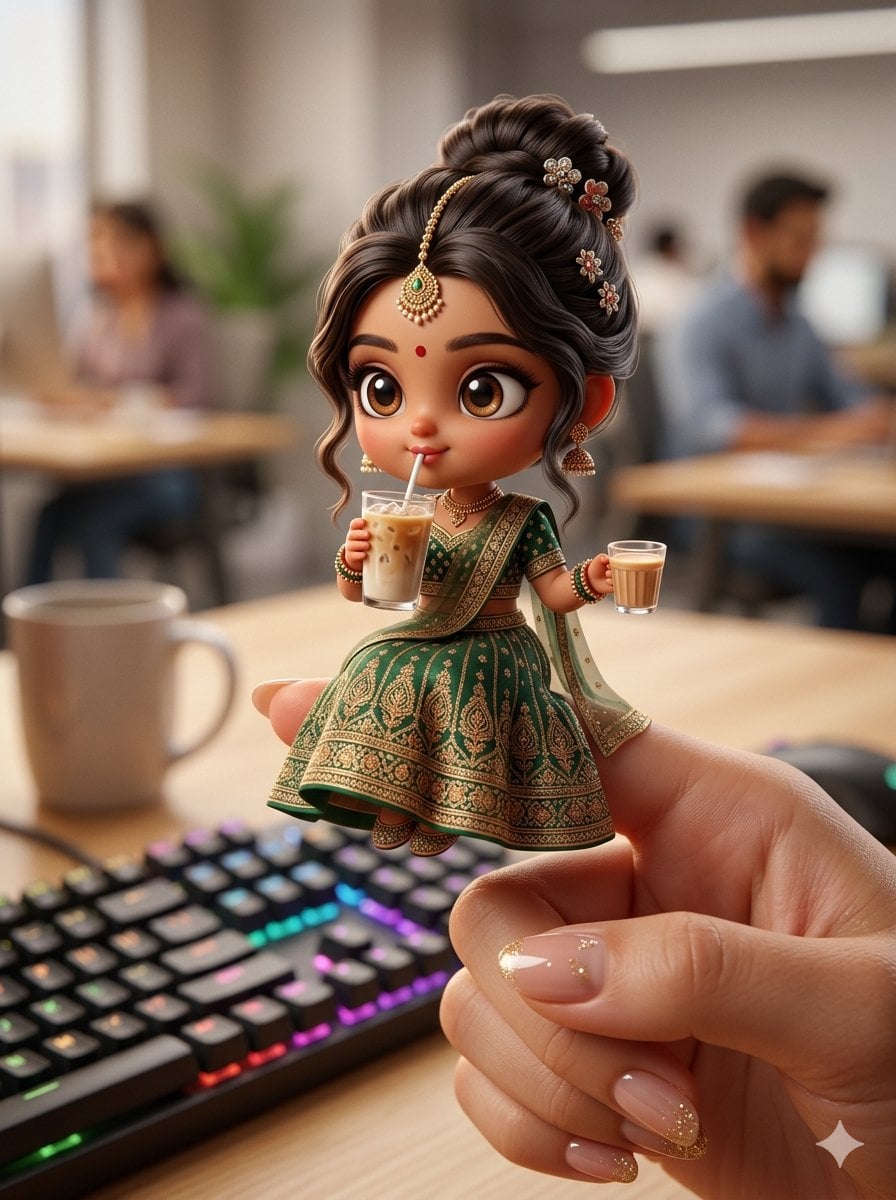
Chibi Doll 3D Miniature Scene
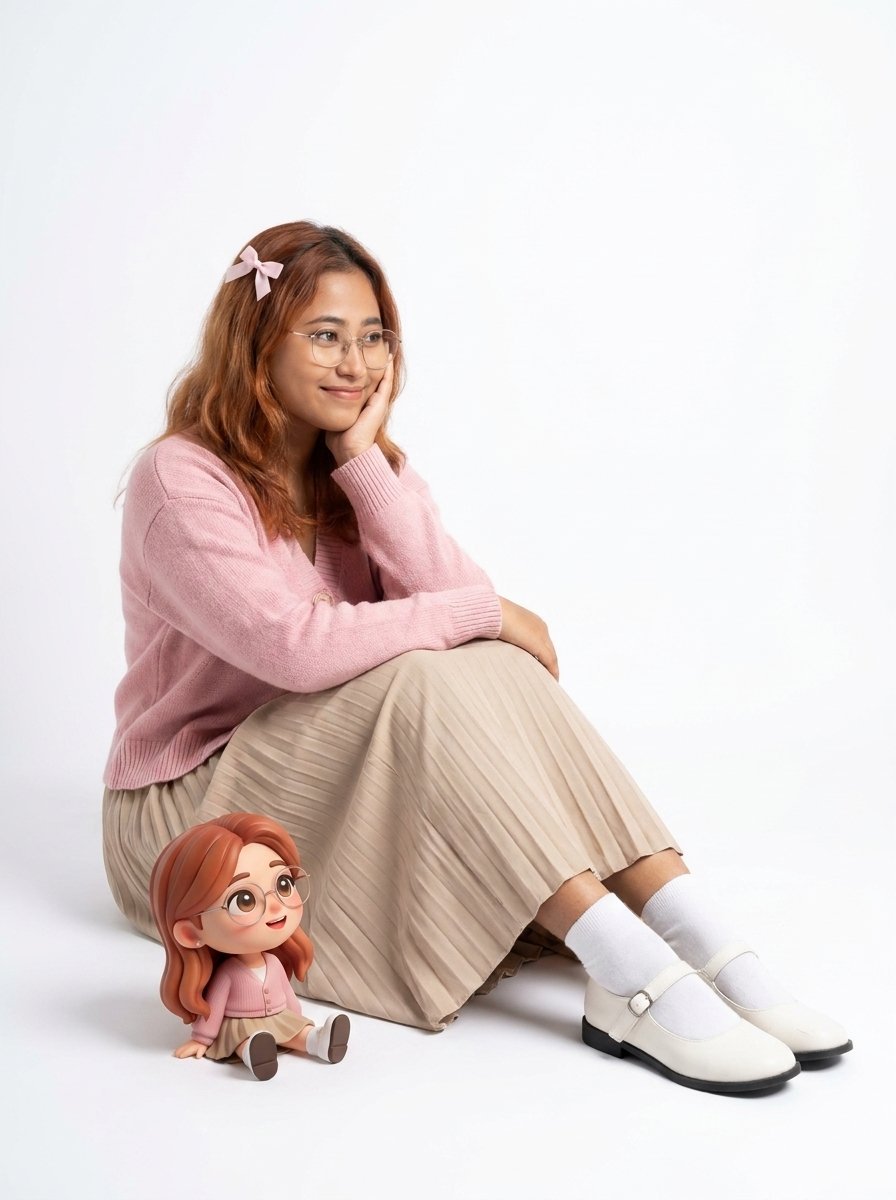
Interactive Subject and Chibi Doll Portrait
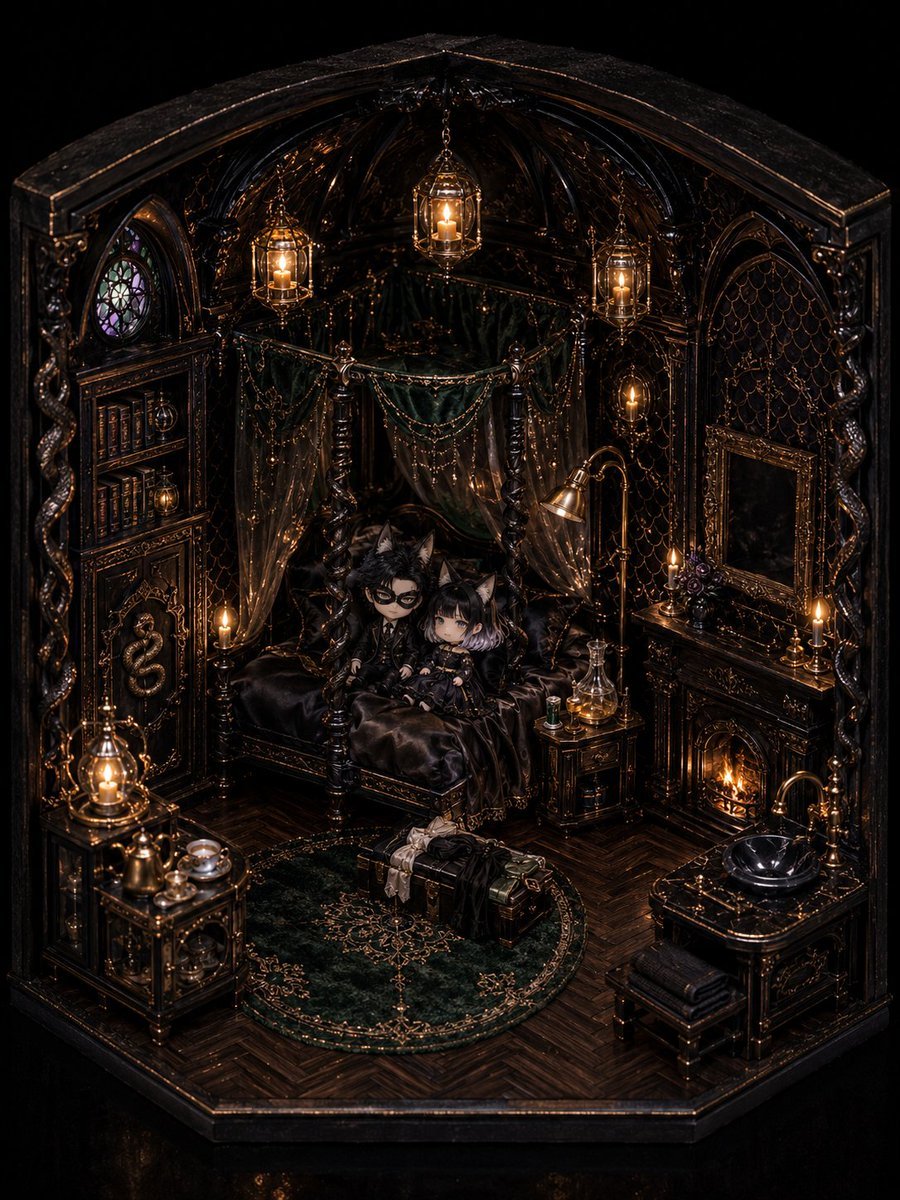
Gothic Chibi Dollhouse Chamber
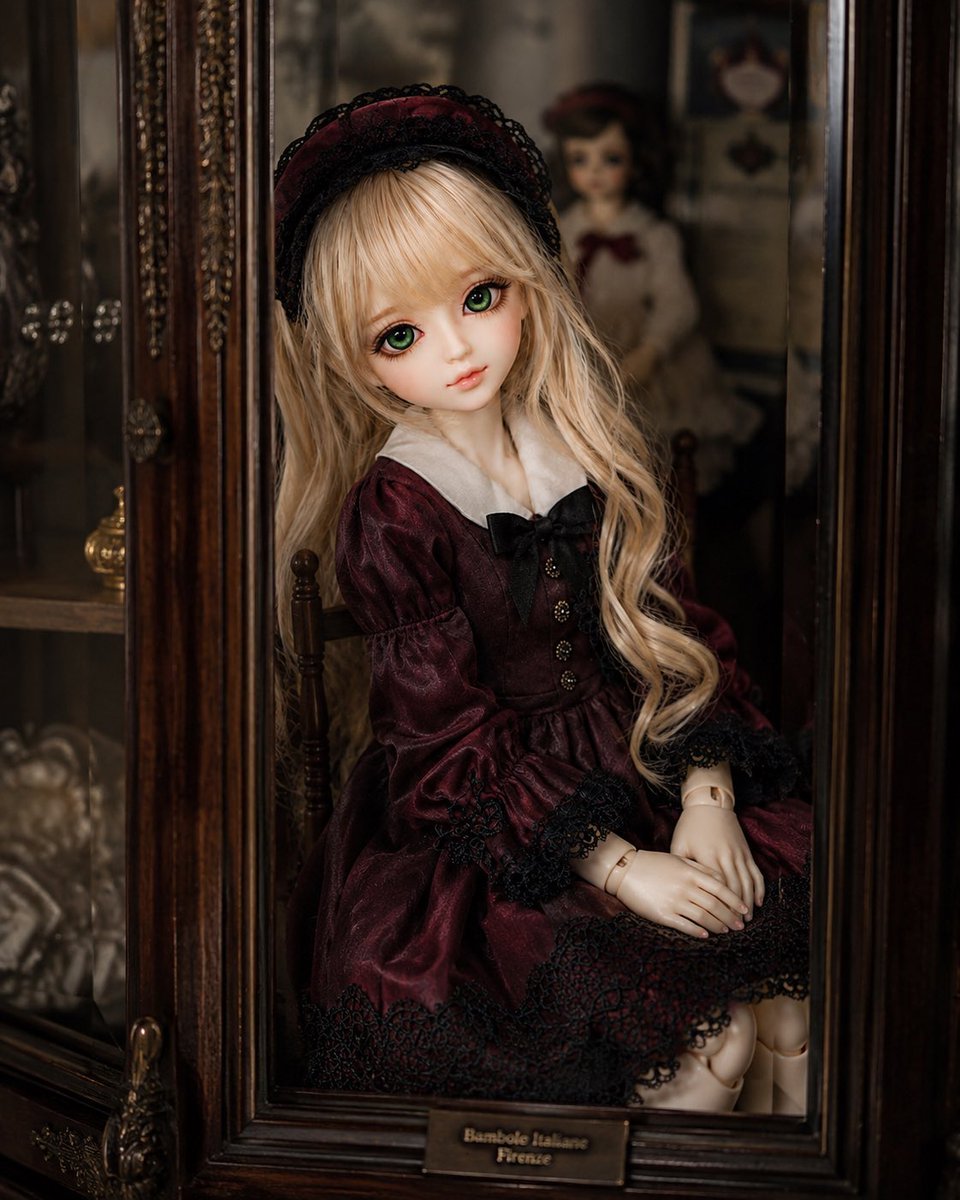
Antique Cabinet Ball-Jointed Doll

Plush Cat Maid Doll in Antique Library
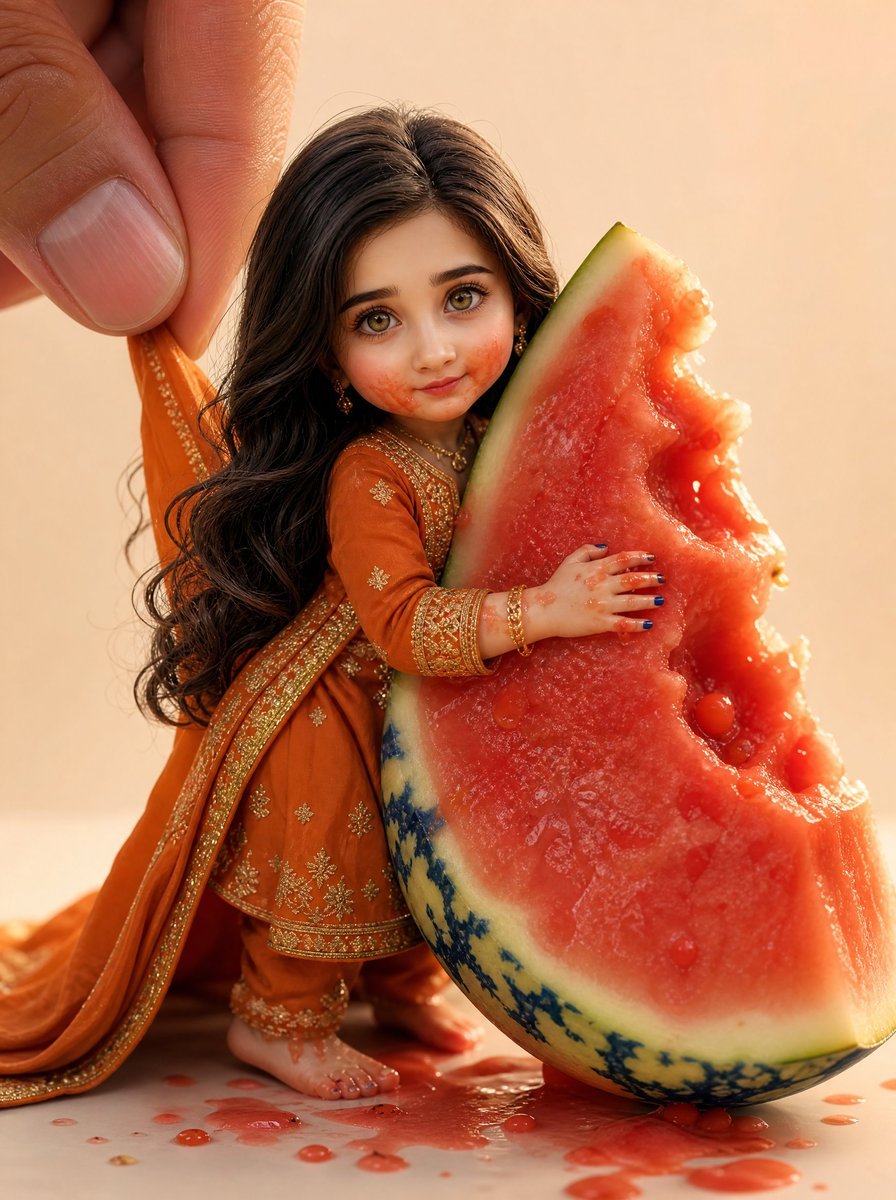
Miniature Doll Hugging Watermelon
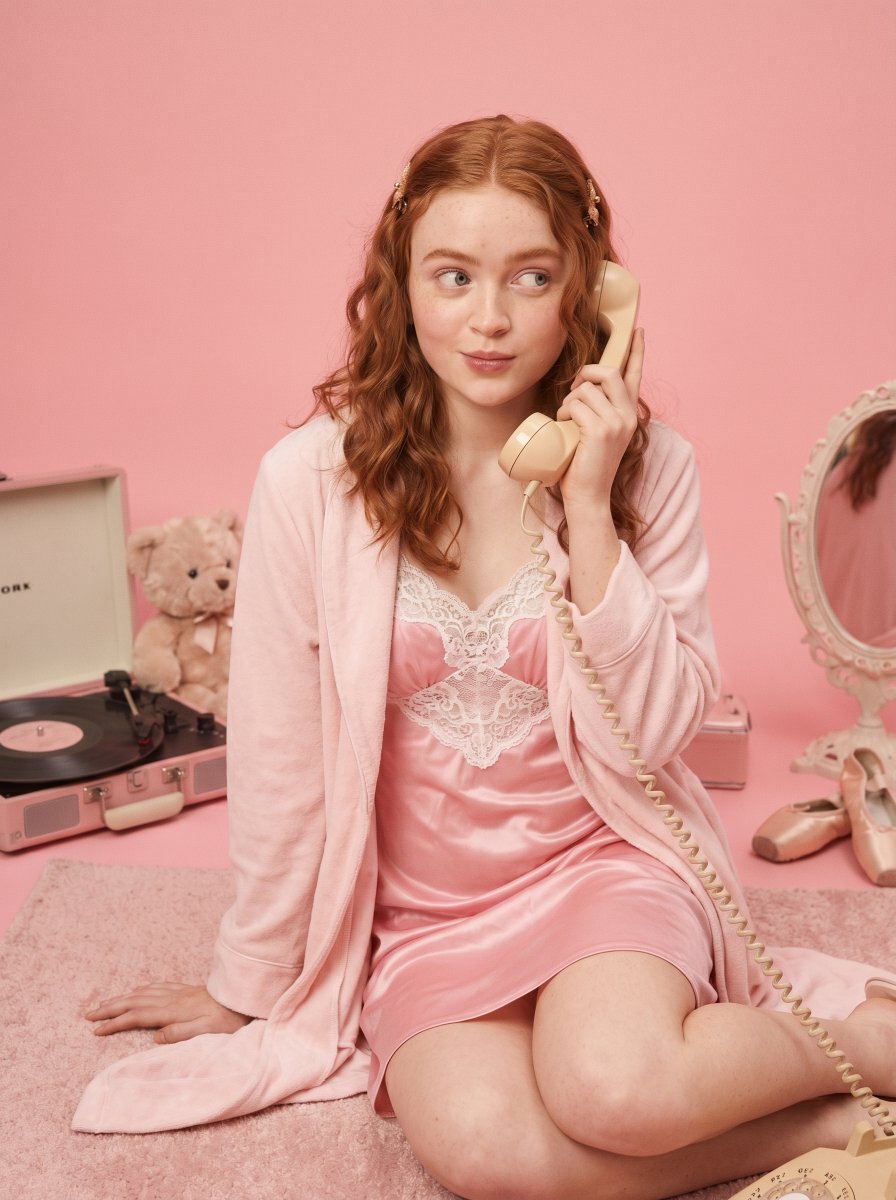
Vintage Doll Aesthetic Studio Session
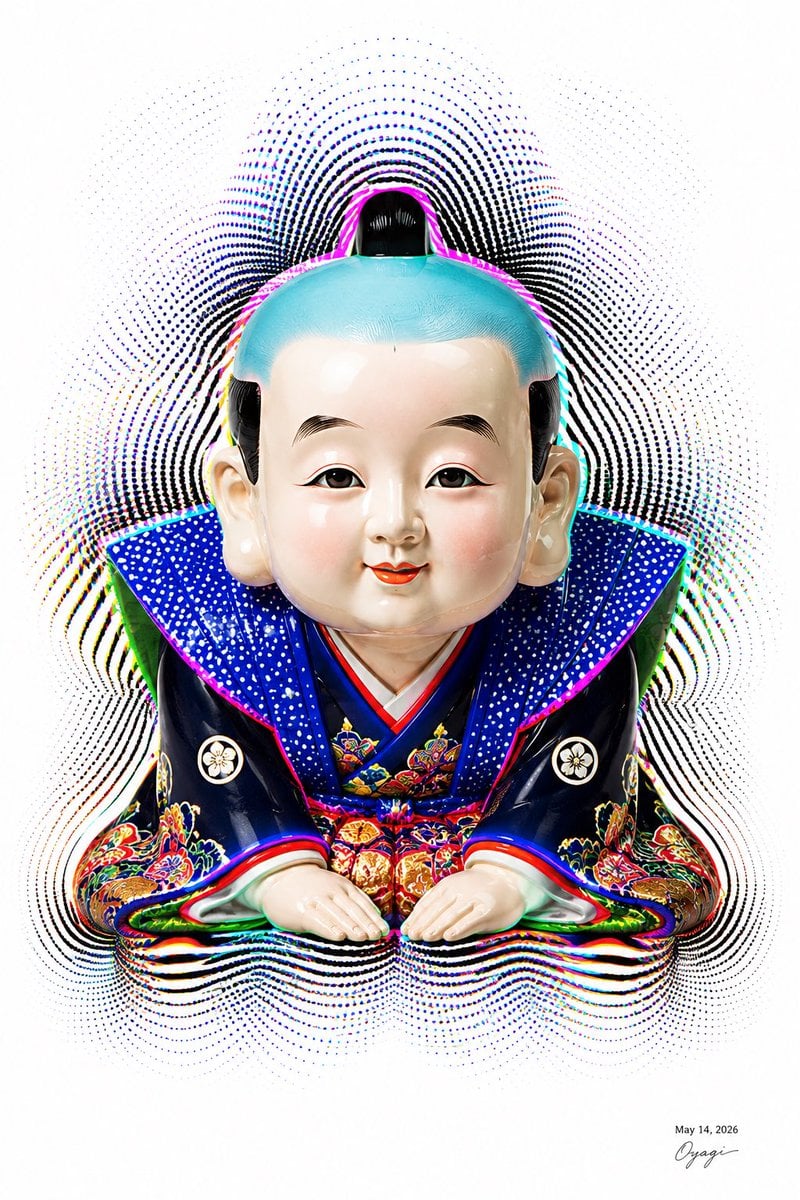
Censored Fukusuke Doll Halftone Art
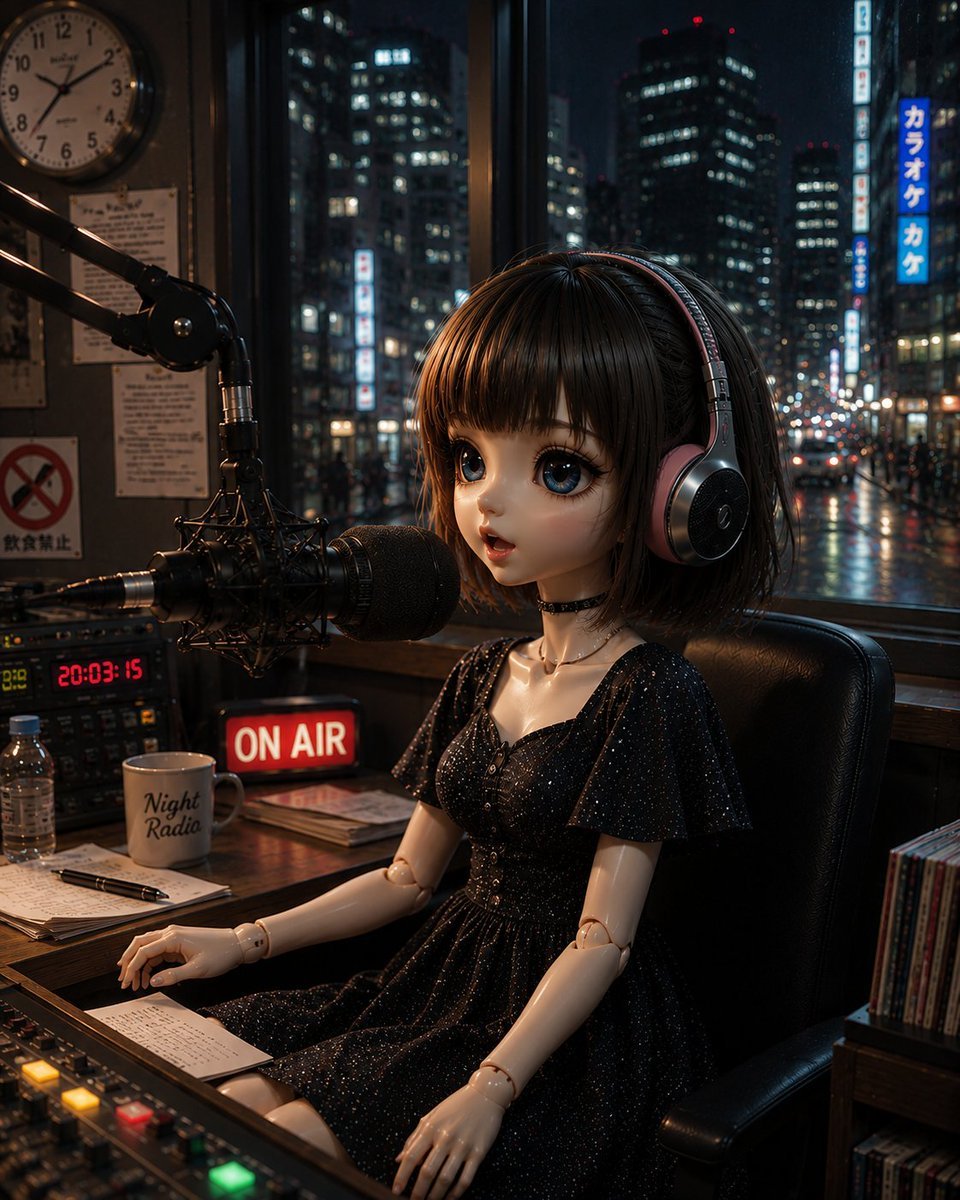
Anonymous Night Radio Doll Host
Make it yours
Hyper-Realistic 3D Chibi Doll works as-is. These are the safest ways to change it without losing the look.
Change one field
Copy a single group, rewrite it, and generate again so you can see what that field is doing.
Keep the frame, change the subject
Hold the composition and light of Hyper-Realistic 3D Chibi Doll, then swap wardrobe, props or the person for a new take.
| If the result… | Why | Fix |
|---|---|---|
| The result drifts from the preview | Too many fields changed at once. | Reuse Hyper-Realistic 3D Chibi Doll as-is first, then change one group — subject, light, or setting. |
| The model over-stylizes the scene | The prose prompt leaves finish and camera underspecified. | Add one camera or lighting sentence and stay on GPT Image 2. |
More GPT Image 2 templates
Other prompts made for GPT Image 2.

Six VTuber Japanese Logo Sheet

Realistic Portrait of Woman and Deer

The Vista Modular Condo Poster

AI Model Routing Comparison Infographic

2.5D Anime Art Board

Isometric Productivity Desk Scene

New York Double Exposure Poster

Four-Panel AI Landscape Comparison

Japanese Tatami Lifestyle Magazine Cover

NESCAFÉ Coffee Map Poster
More image prompts
Fresh picks from across the catalog.
Neon Geometric Confetti Abstract

Tactical Operatives in Urban Explosion
Ethereal Winter Goddess Portrait Prompt
Premium Anime Bicycle Gear Design

Nano Banana Image Generation Prompt Rules (JSON Schema)
Gpt2 Profile Avatar Japanese Classroom Long Hair Snapshot
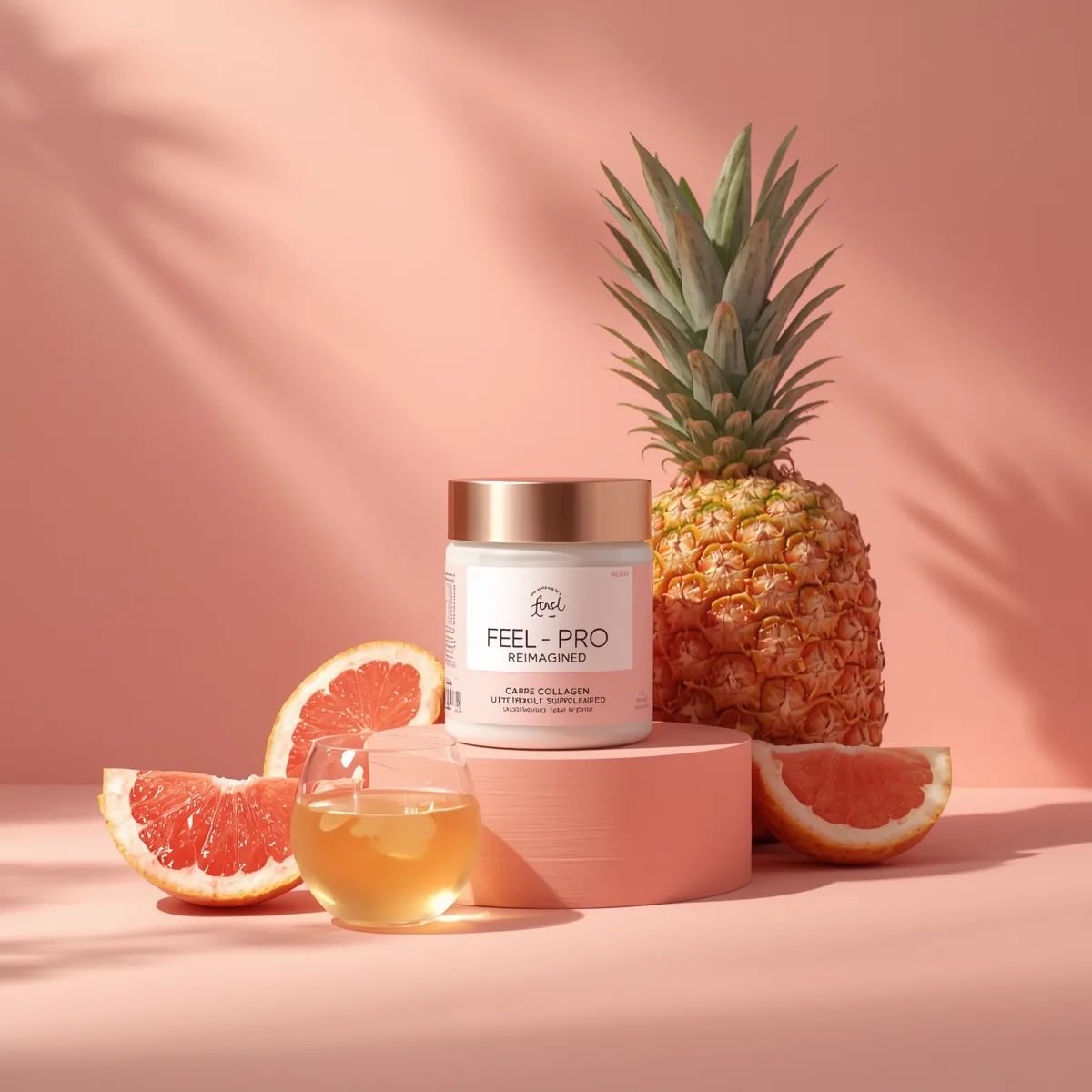
Minimalist Luxury Product Photography Prompts
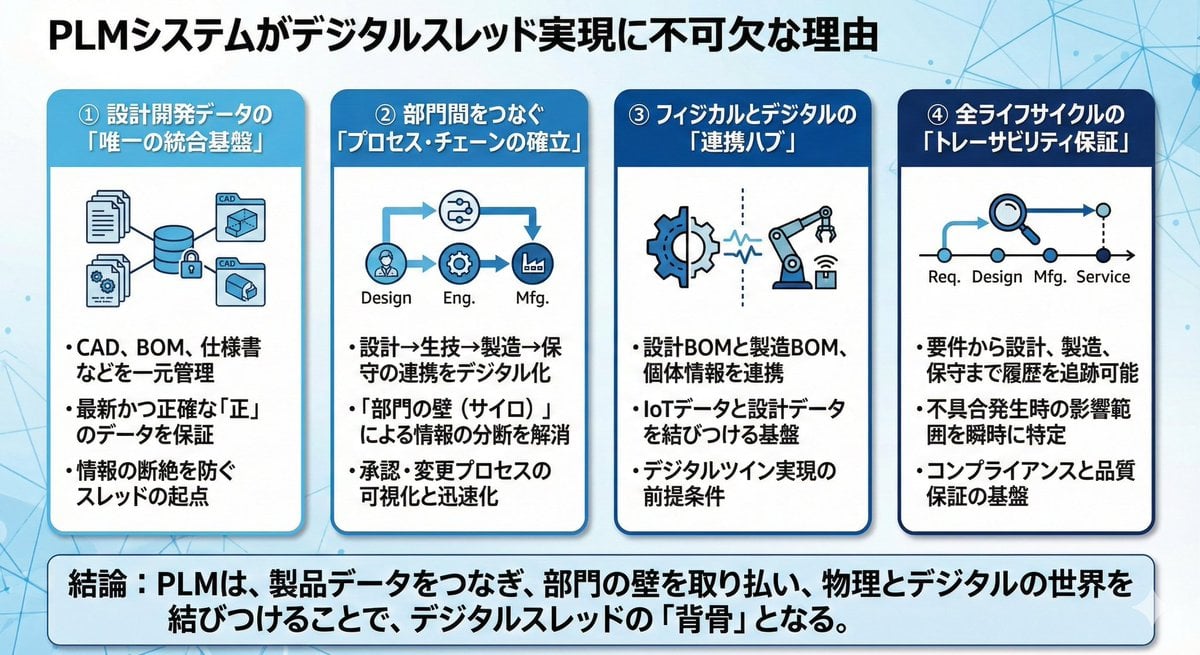
Presentation slide about PLM and digital thread
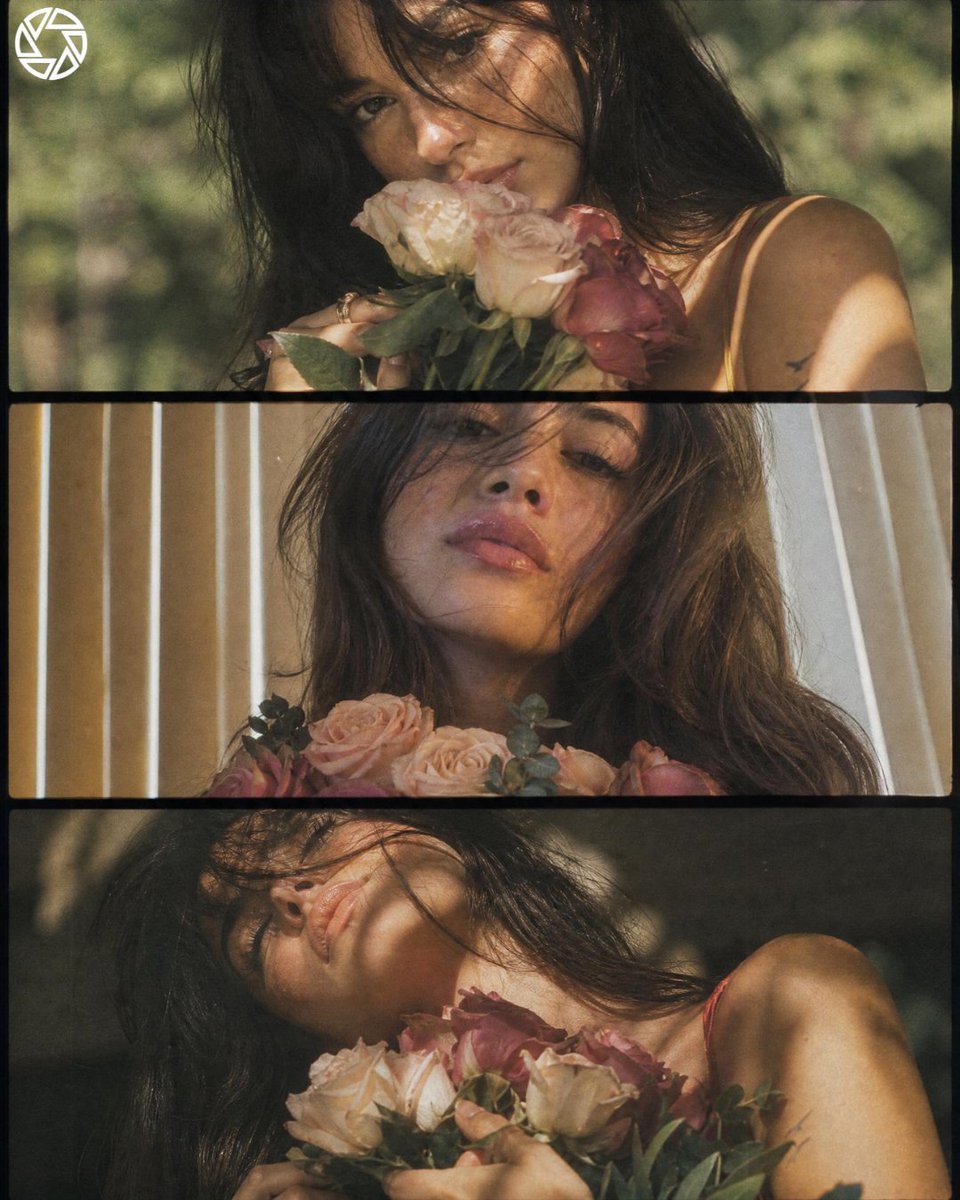
Cinematic Romantic Floral Portrait

Minimalist Corporate Portrait Sprite Sheet
Browse template categories
Hyper-Realistic 3D Chibi Doll questions
How do I use the Hyper-Realistic 3D Chibi Doll template?
Add your photo if the template asks for one, edit the prompt if you like — the template's model and format are already selected — and press Generate. Your version opens in PicX Studio.
Can I customize the Hyper-Realistic 3D Chibi Doll template?
Yes. You can change the subject, setting, lighting, mood, format, and available model controls before creating your image.
Is the Hyper-Realistic 3D Chibi Doll template free?
Opening and editing this template is free. Generating uses credits, shown on the Generate button when you are signed in.
Which AI model should I use?
Start with GPT Image 2, which is the model associated with this template. You can compare another compatible model for a different finish.
Looking for something else? Browse all templates.

Your photo, any look
Thousands of ready templates for every top image and video model, from one credit balance.