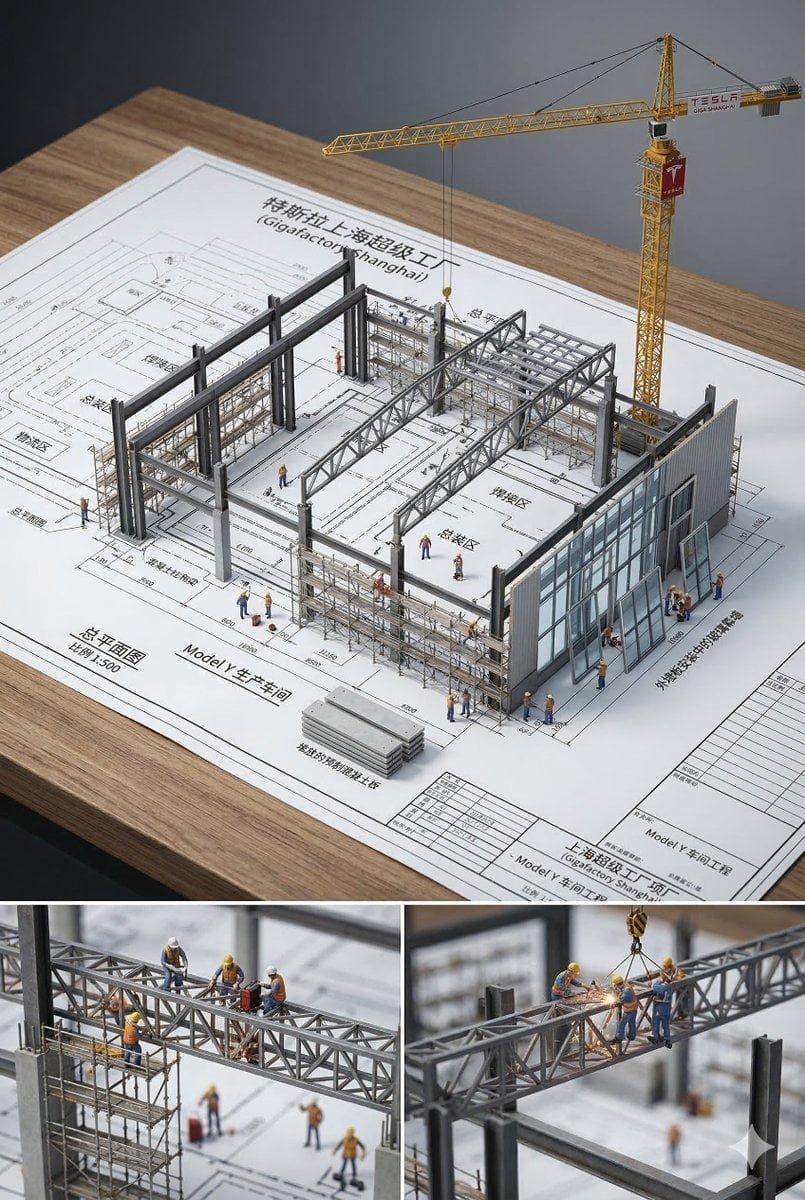
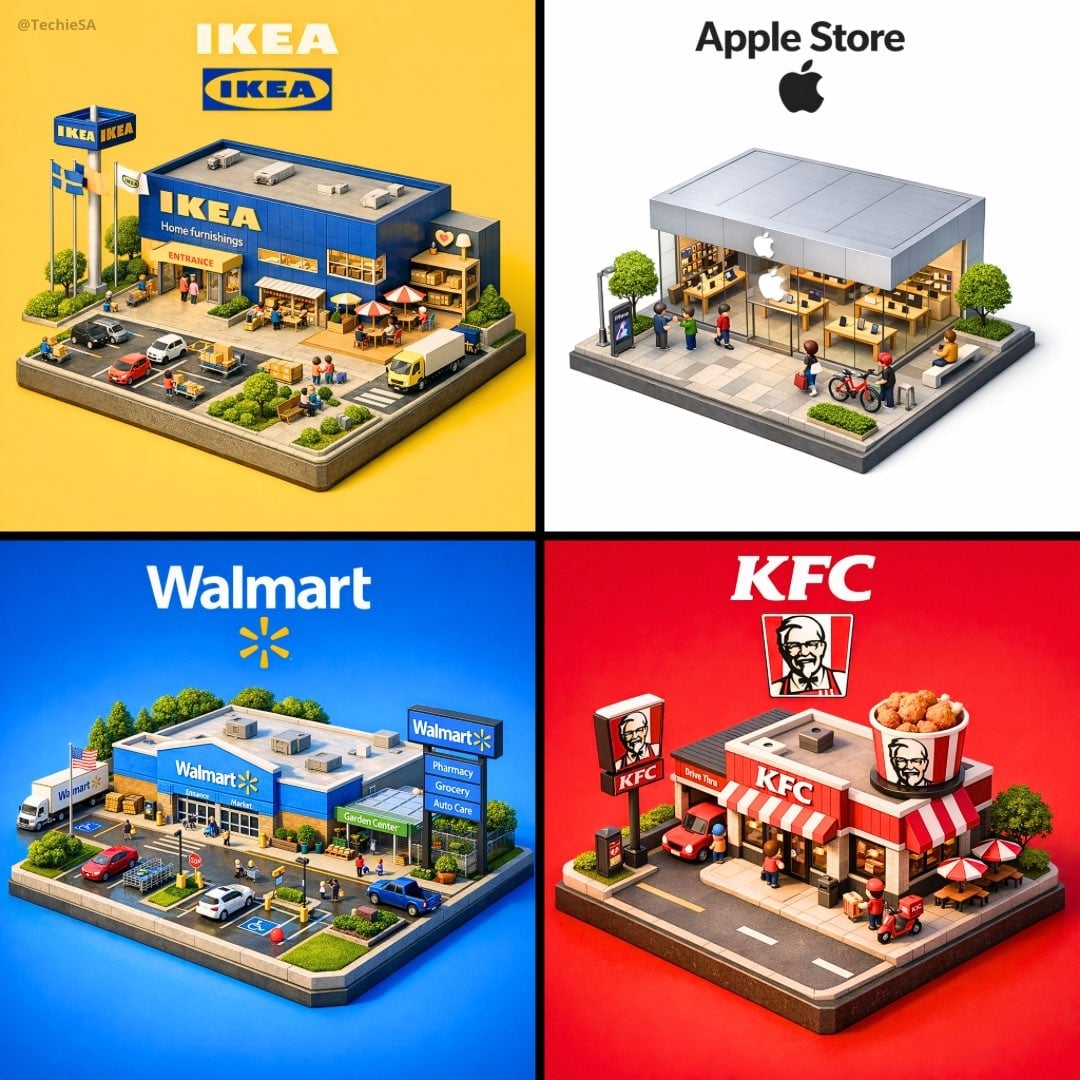
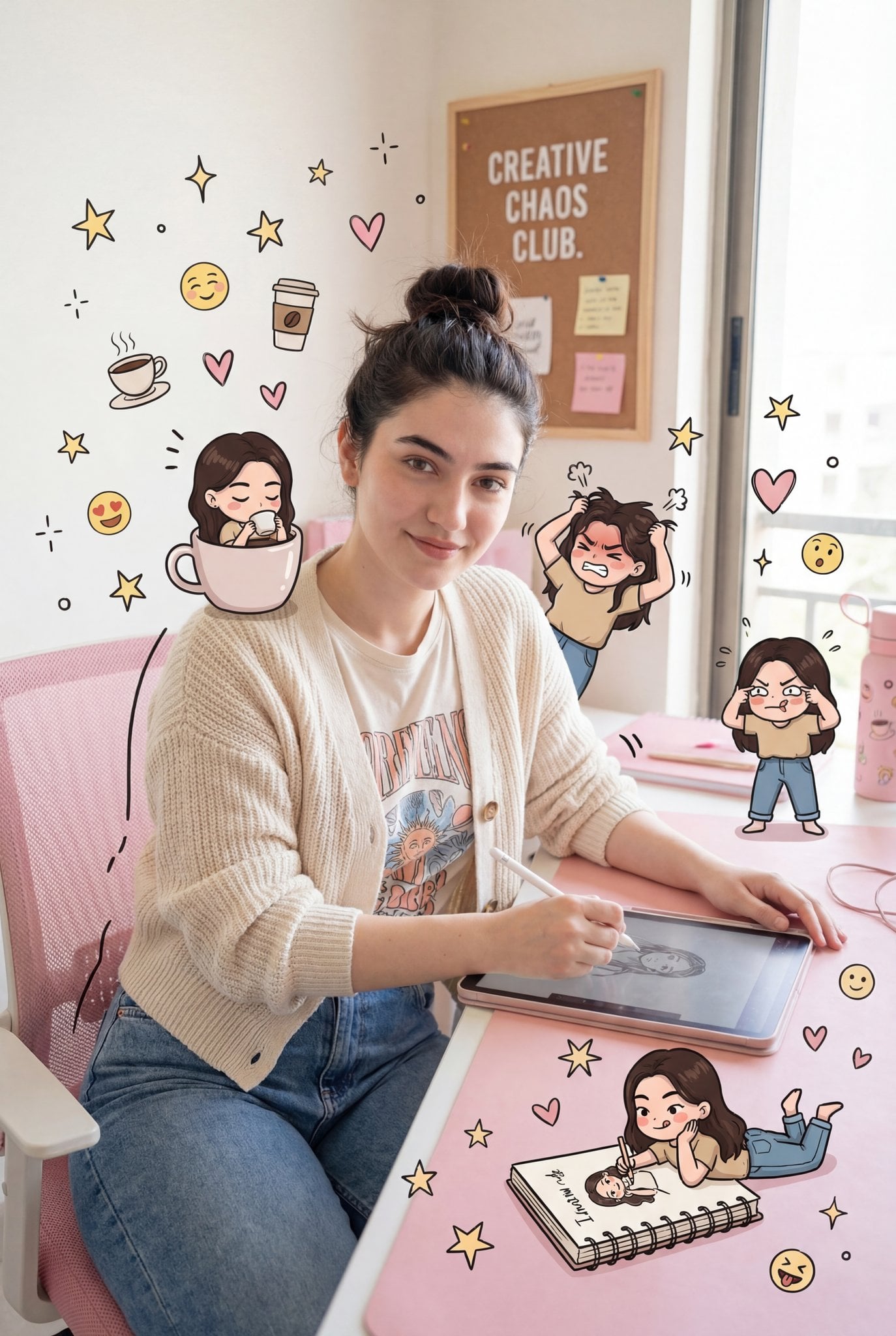
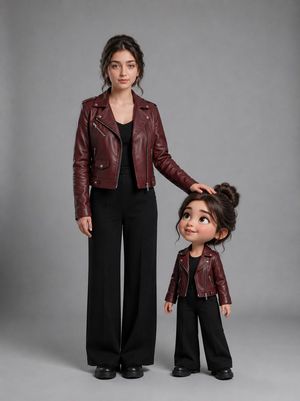
How do I use the Chibi Doll 3D Miniature Scene template?
Choose the primary action to open PicX Studio with the available template settings. Review the model and format, personalize the creative direction, and generate when ready.
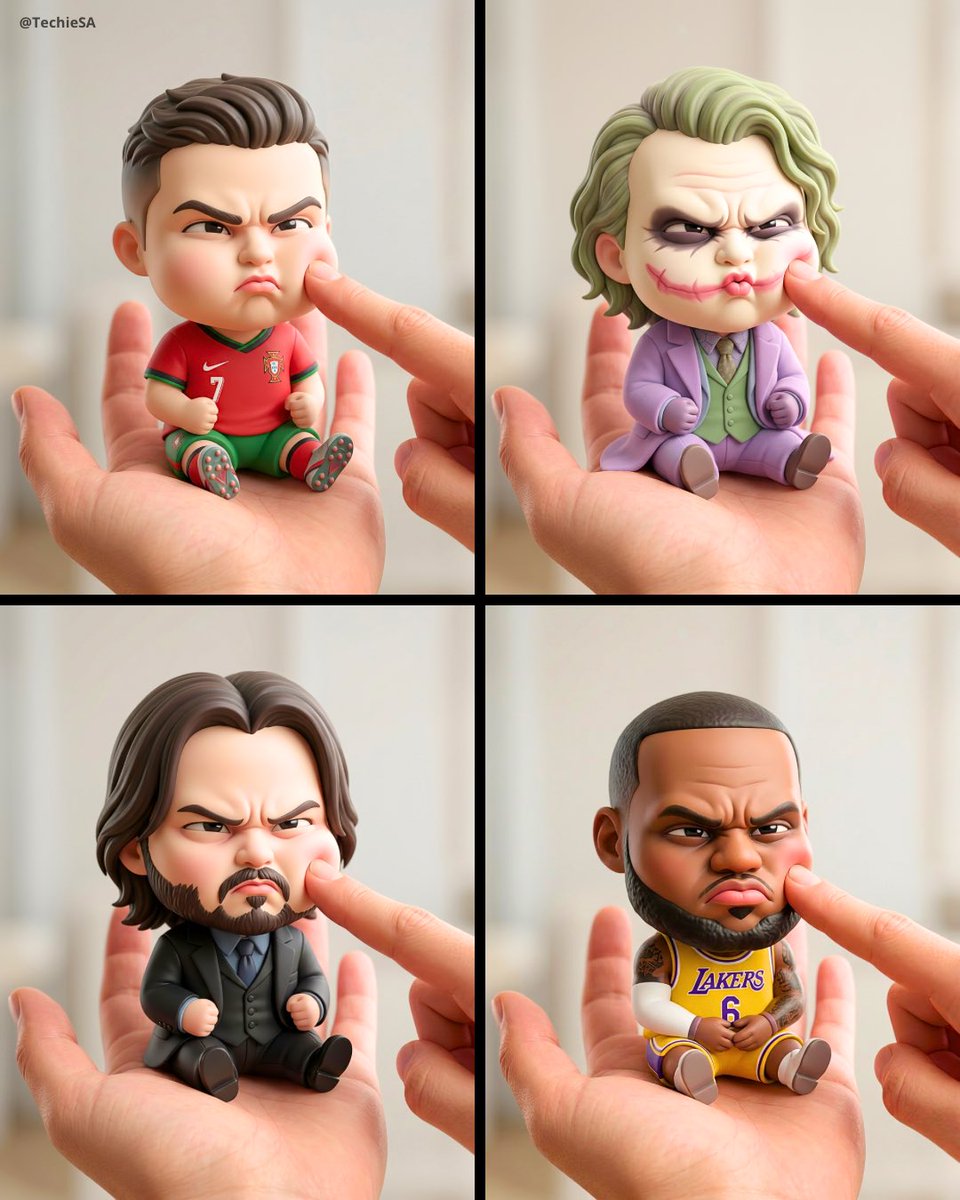
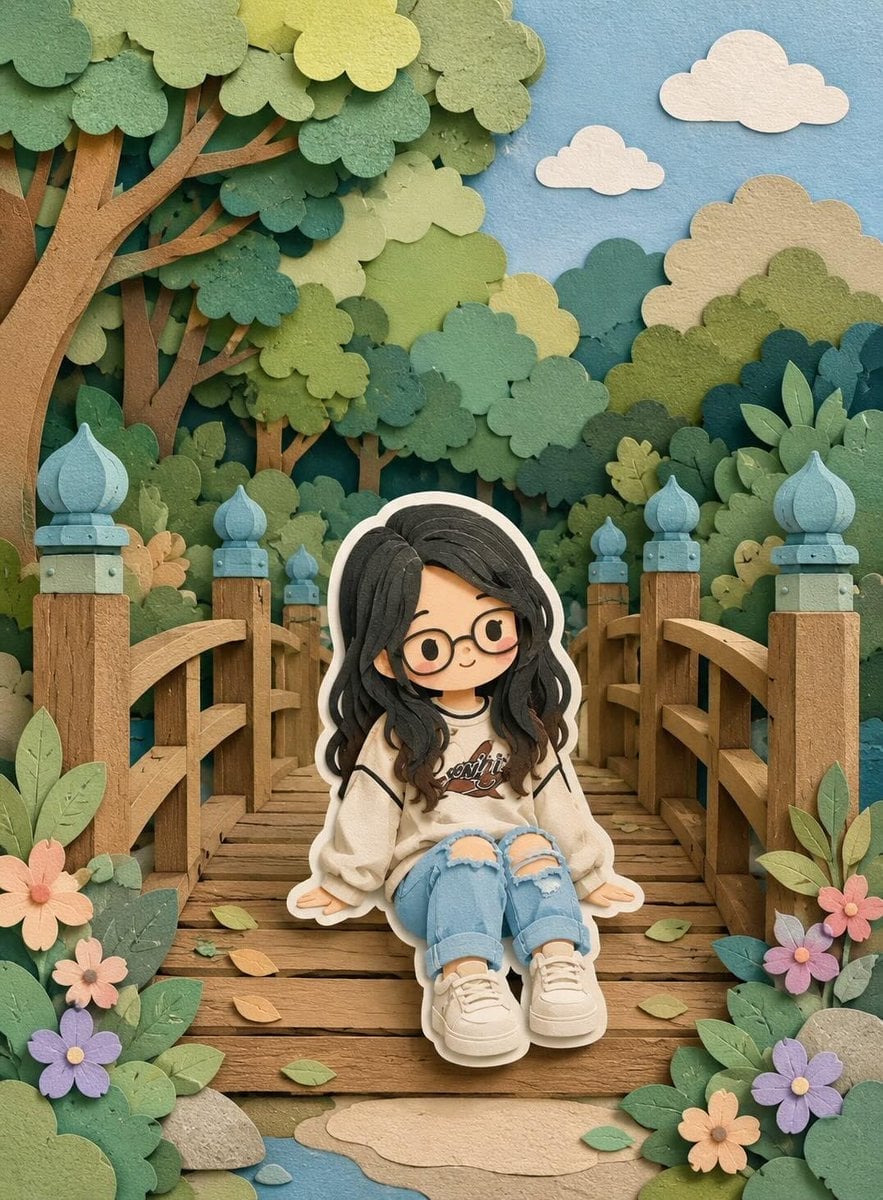
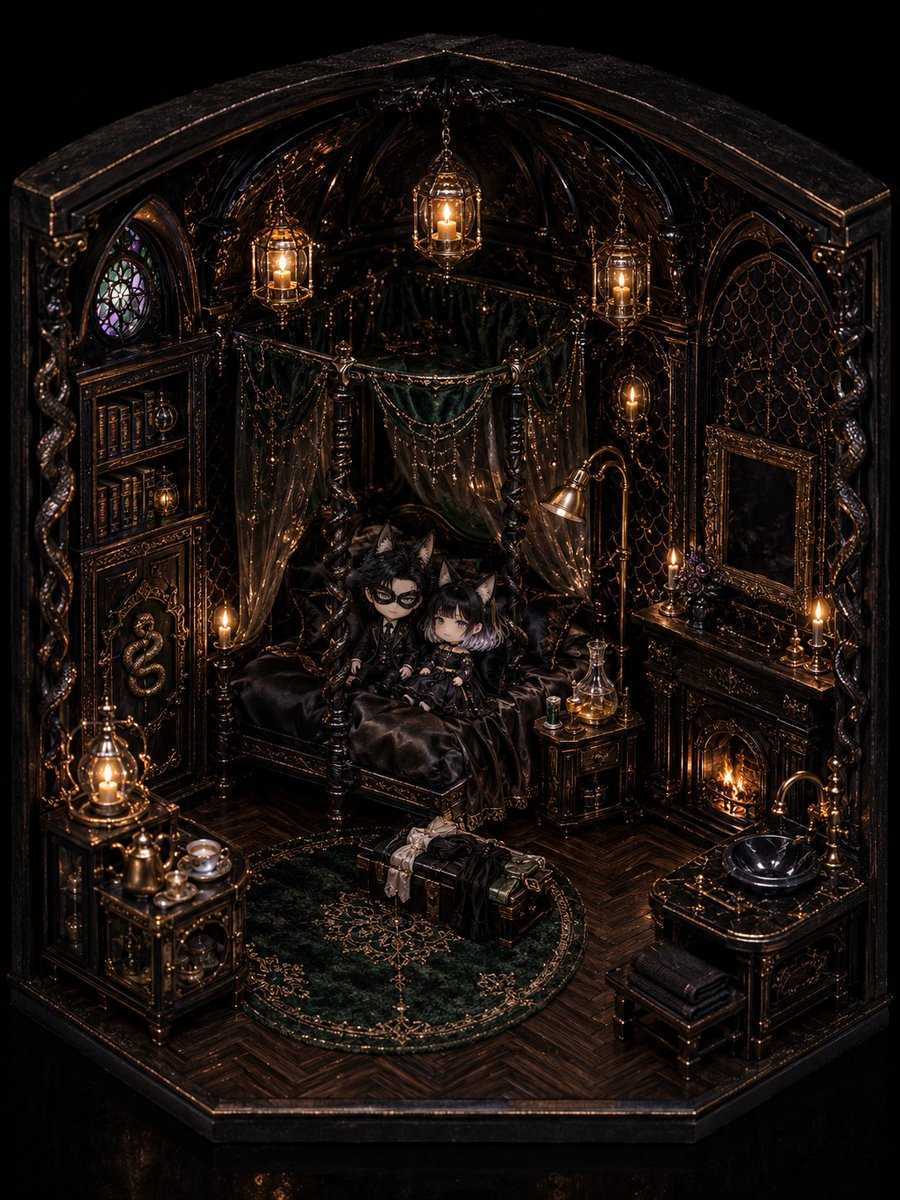
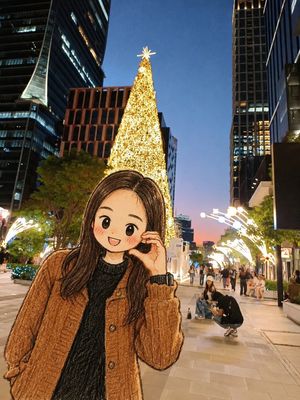
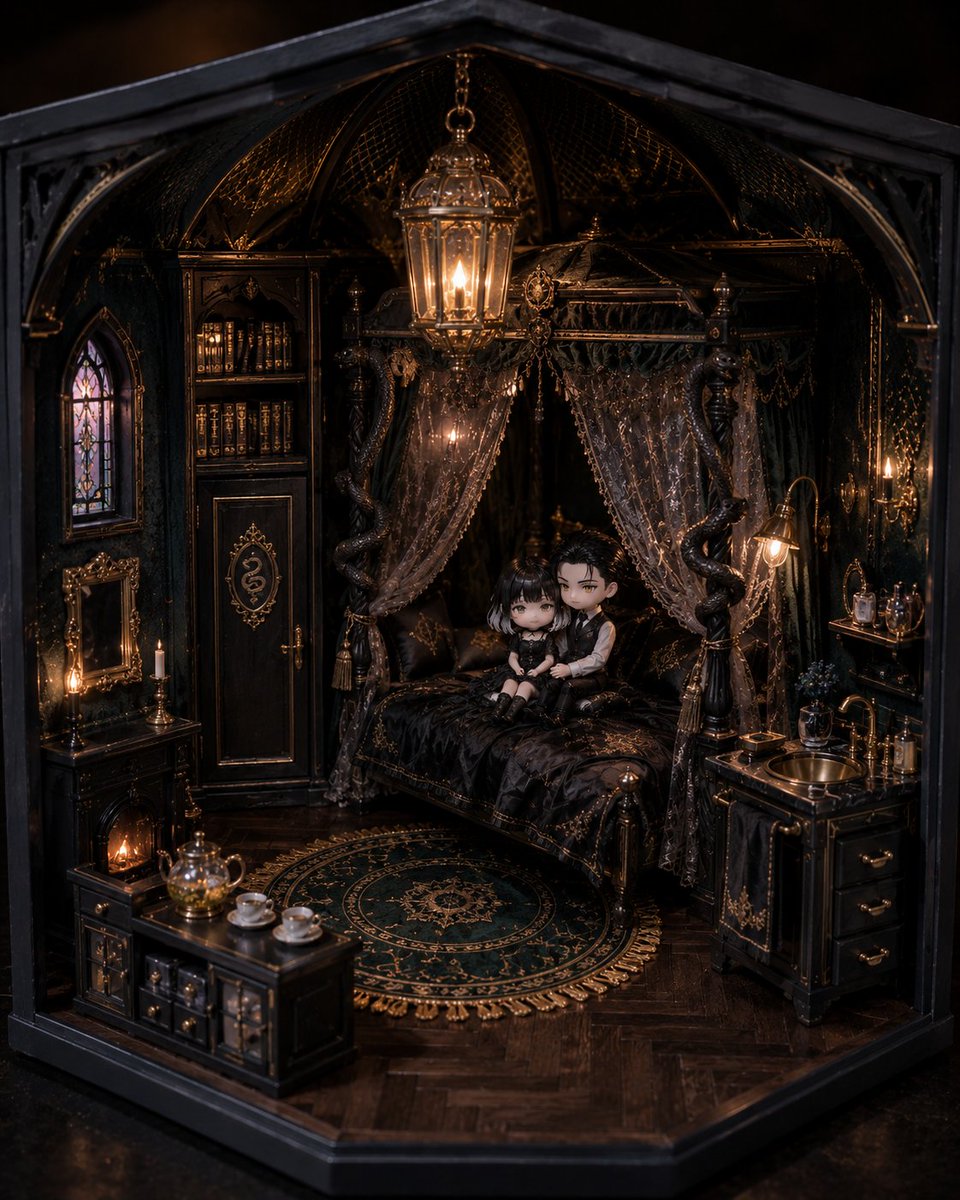
A whimsical prompt for a 3D chibi doll inspired by a reference image, sitting on a realistic human finger in a modern office desk environment.
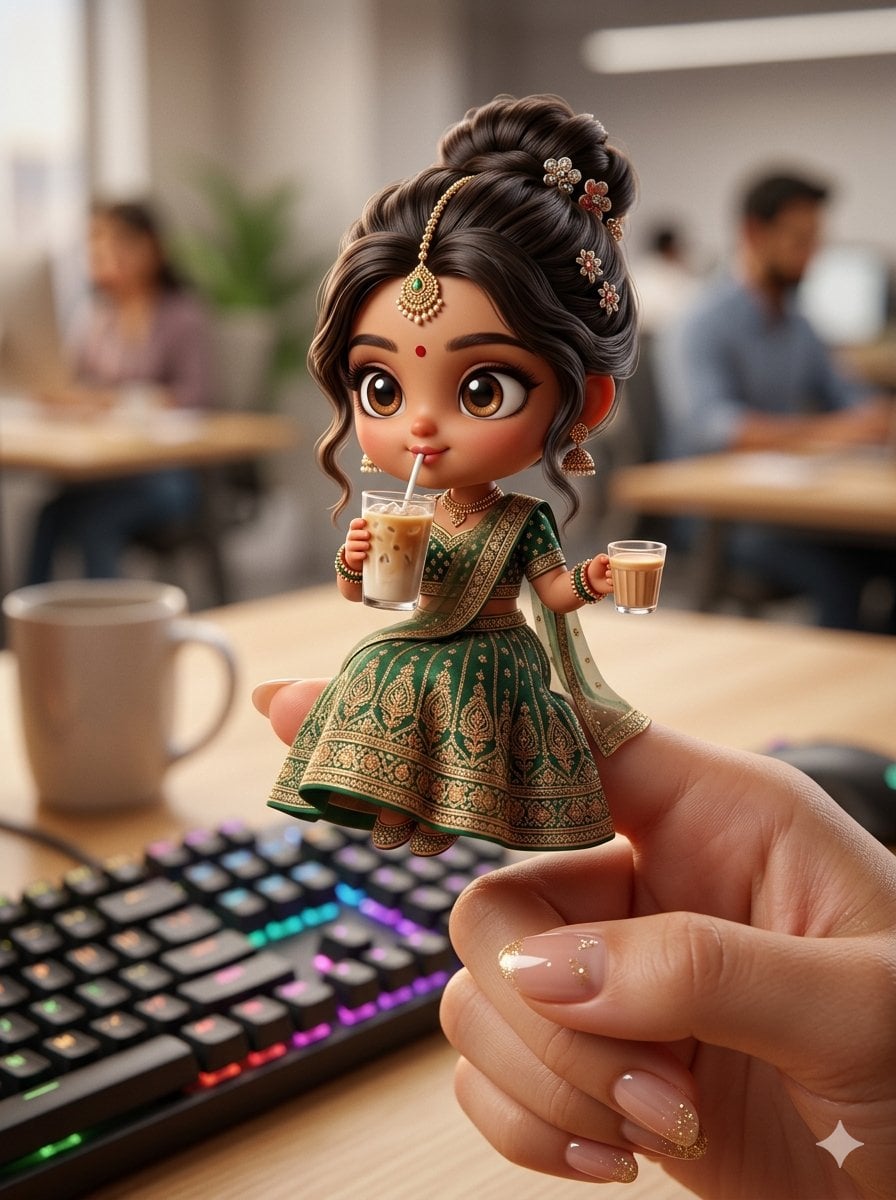
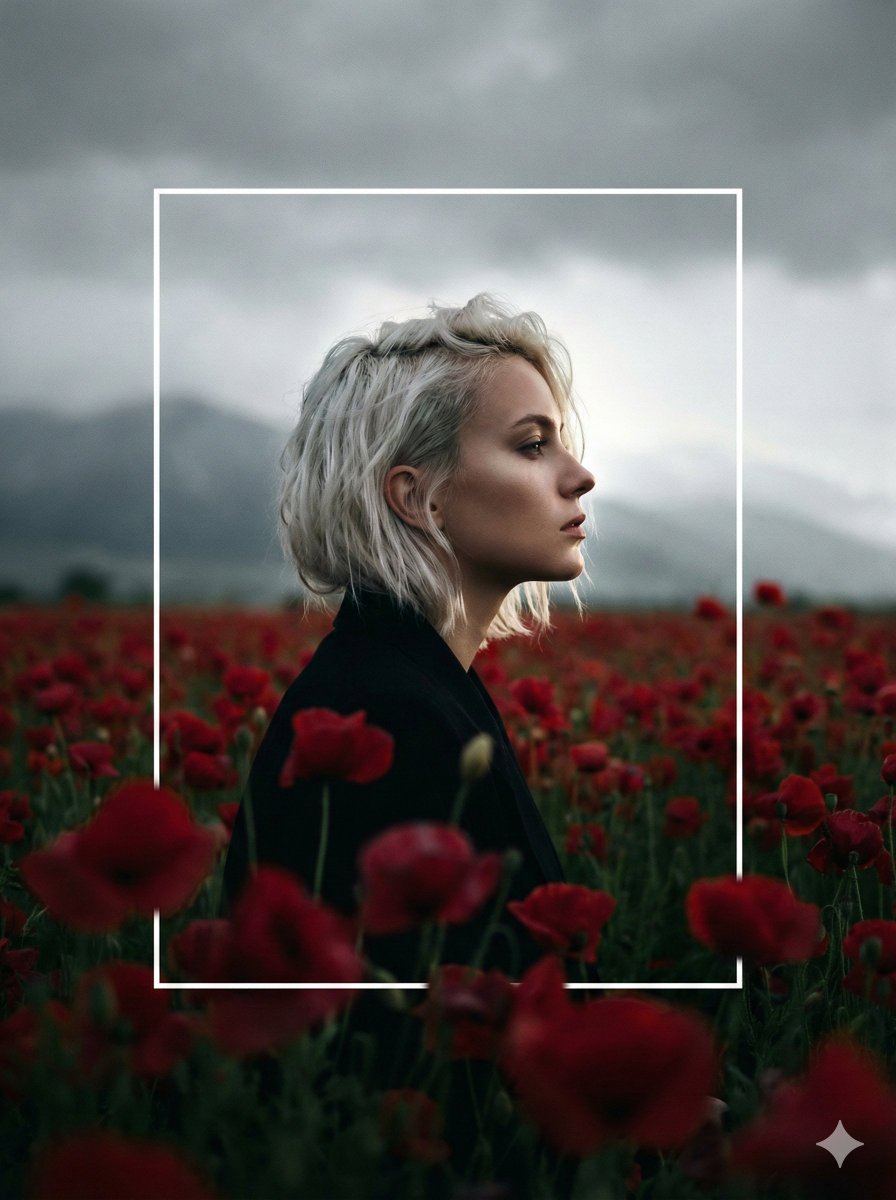
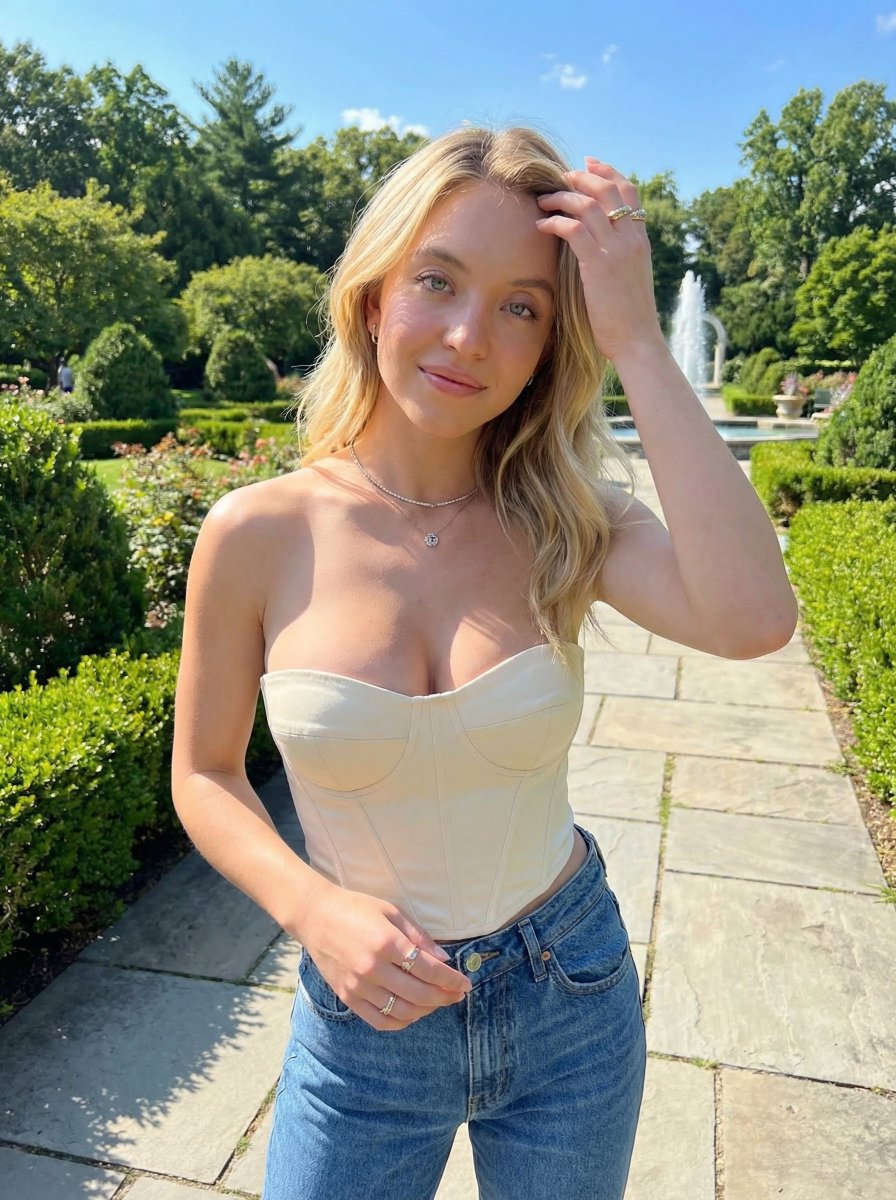
Create a highly detailed, whimsical scene featuring a charming 3D chibi doll inspired by the woman in the reference image. The chibi character has expressive oversized eyes, soft rounded facial features, {argument name="skin tone" default="warm brown"} skin tone, and a playful, slightly mischievous personality. She wears miniature {argument name="attire" default="traditional Indian attire"} inspired by the reference—gold embroidered outfit, delicate jewelry, including a tiny maang tikka, earrings, and a small bindi.The chibi doll is sitting delicately atop a realistic human finger, maintaining perfect balance. She is casually sipping an {argument name="drink" default="iced latte"} through a straw, while holding a transparent cup of milk tea in her other hand. Both drinks show visible ice cubes, soft reflections, and subtle condensation droplets for realism. The hand is ultra-realistic with smooth natural skin texture, soft lighting, and sharply detailed glossy nail art.The fingers are slightly curved, positioned naturally as if presenting the tiny character. Environment: A modern office desk setting with realistic elements—keyboard, mouse, and computer monitor. The background features a shallow depth of field with blurred coworkers and office details, creating a natural cinematic bokeh effect. Lighting & Style: Soft, balanced, slightly warm lighting that enhances both realism and charm. Gentle shadows, realistic reflections, and cinematic depth of field Art Style: Hyper-realistic + stylized 3D chibi fusion, अत्यंत detailed, high resolution (8K), cinematic composition, vibrant yet natural colors, soft shadows, global illumination, ultra-sharp focus on subject.
Choose the primary action to open PicX Studio with the available template settings. Review the model and format, personalize the creative direction, and generate when ready.
Yes. You can change the subject, setting, lighting, mood, format, and available model controls before creating your image.
This template is free to open and customize. Generation usage is shown in PicX Studio before you create.
Start with Nano Banana 2, which is the model associated with this template. You can compare another compatible model for a different finish.
Follow a topic to a crawlable collection of related PicX Studio templates.