
Miniature Doll Hugging Watermelon
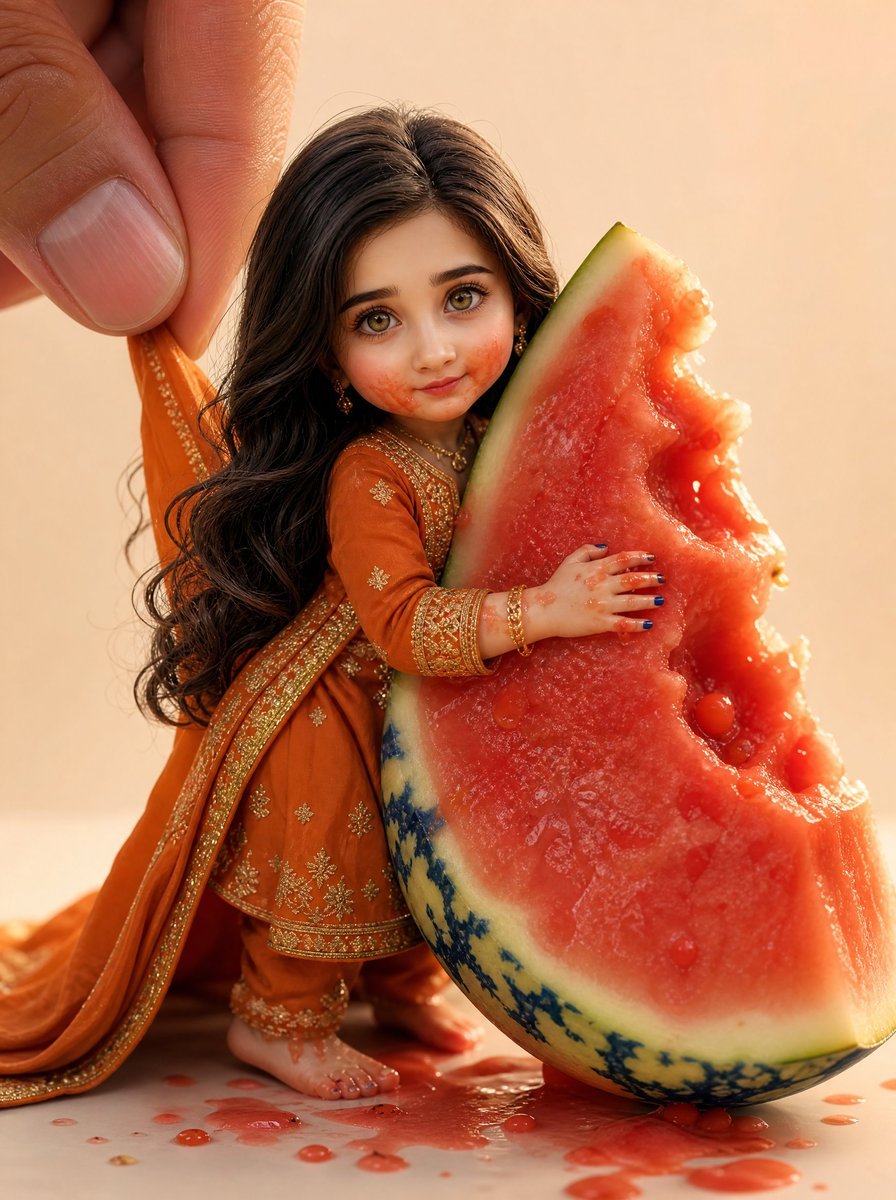
A photorealistic macro scene of a handmade South Asian-style collectible doll in ornate clothing embracing a giant juicy watermelon wedge.
- Prompt included
- Model and format preset
- Free template
The prompt behind this image
Copy the exact prompt behind Miniature Doll Hugging Watermelon, or open it in the studio and make it yours.
Create a photorealistic premium handmade collectible doll portrait in a warm studio macro setup. The subject is a miniature doll version of {argument name="character name" default="a South Asian woman"}, with a slightly oversized head and delicate handmade proportions, standing beside and hugging an enormous bitten wedge of watermelon that is taller than her torso. Preserve the doll-like realism: long thick wavy {argument name="hair color" default="dark brown hair"} parted in the center, cascading down her back; tiny realistic hands and bare feet; glossy blue-painted fingernails and toenails; gold earrings, necklace, bangles, anklets, and intricate henna-like details. Dress her in a traditional {argument name="outfit color" default="burnt orange"} South Asian embroidered outfit with a long dupatta being gently pinched and lifted by a large human hand entering from the upper left; the fabric has ornate gold trim, small floral embroidery, and a premium textile sheen. The face should be obscured by a plain centered square censor block in a medium brown skin-tone color, covering the facial features completely while leaving hair, jewelry, clothing, and pose visible. Compose the scene as a close-up vertical image with the doll on the left-center and the watermelon wedge on the right, its red juicy flesh facing camera, pale rind and mottled green skin visible, with multiple bite marks and wet juice droplets. The doll’s right hand presses into the watermelon flesh and her left arm wraps around it. Add red watermelon juice splashes, puddles, and small droplets on the cream tabletop at the base. Use shallow depth of field, soft golden-hour lighting, warm beige background, realistic scale contrast between the giant human fingers, tiny doll, and oversized fruit, crisp textures in hair strands, embroidery, wet fruit pulp, and skin. Avoid text, logos, watermarks, extra characters, or additional props.
How to use Miniature Doll Hugging Watermelon in 3 steps
- 1Upload ImagePNG, JPG or paste
Add your photo
Upload the photo the template builds on. The prompt, model and format are already set.
- 2…a portrait of your subject in softgolden-hour light, 85mm…
Personalize
Edit the subject and creative details for your destination.
- 3Generate
Generate
Press Generate — your image is created in PicX Studio, so you can compare it with the original and refine one variable at a time.
More like this
Templates with the same subject, style or setup. Open one to see its prompt.
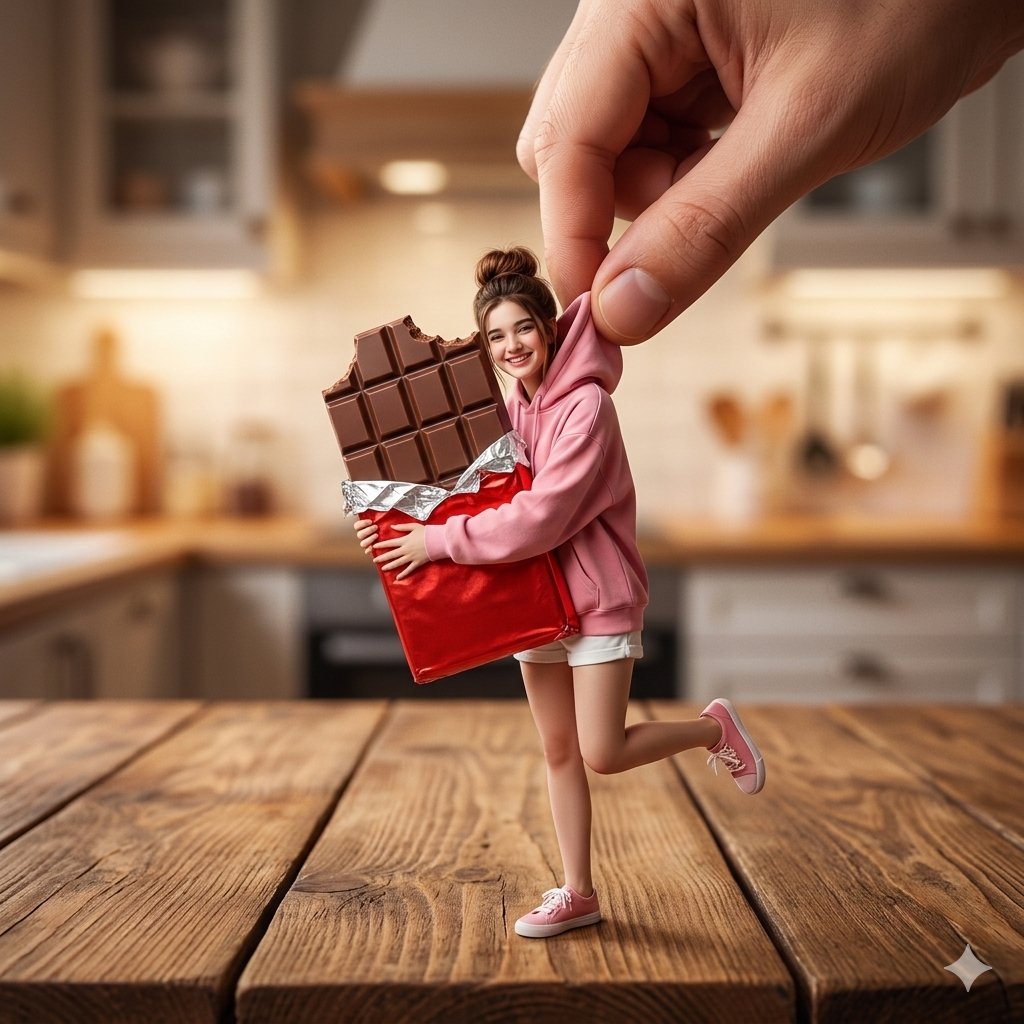
Miniature Woman Hugging Giant Chocolate
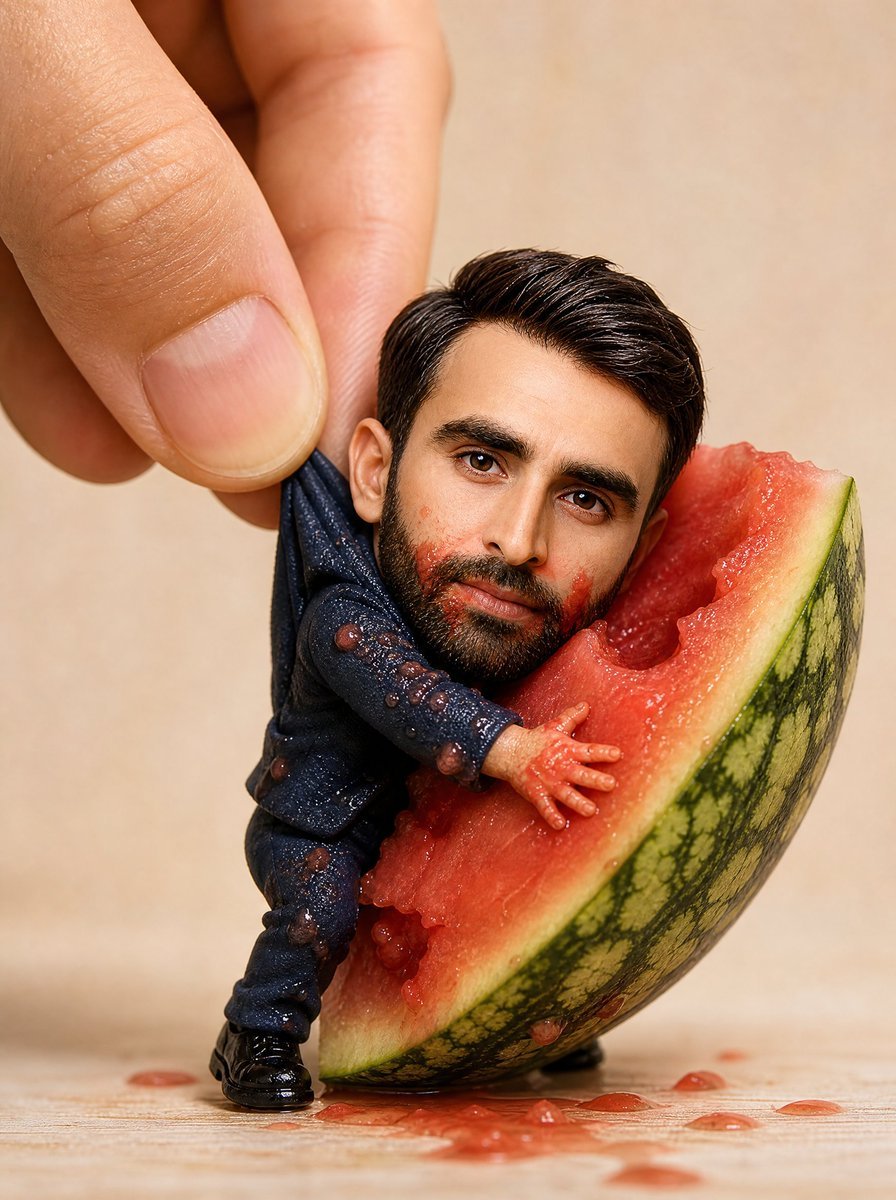
Miniature Figurine With Watermelon

Paper Tunnel Book Architecture
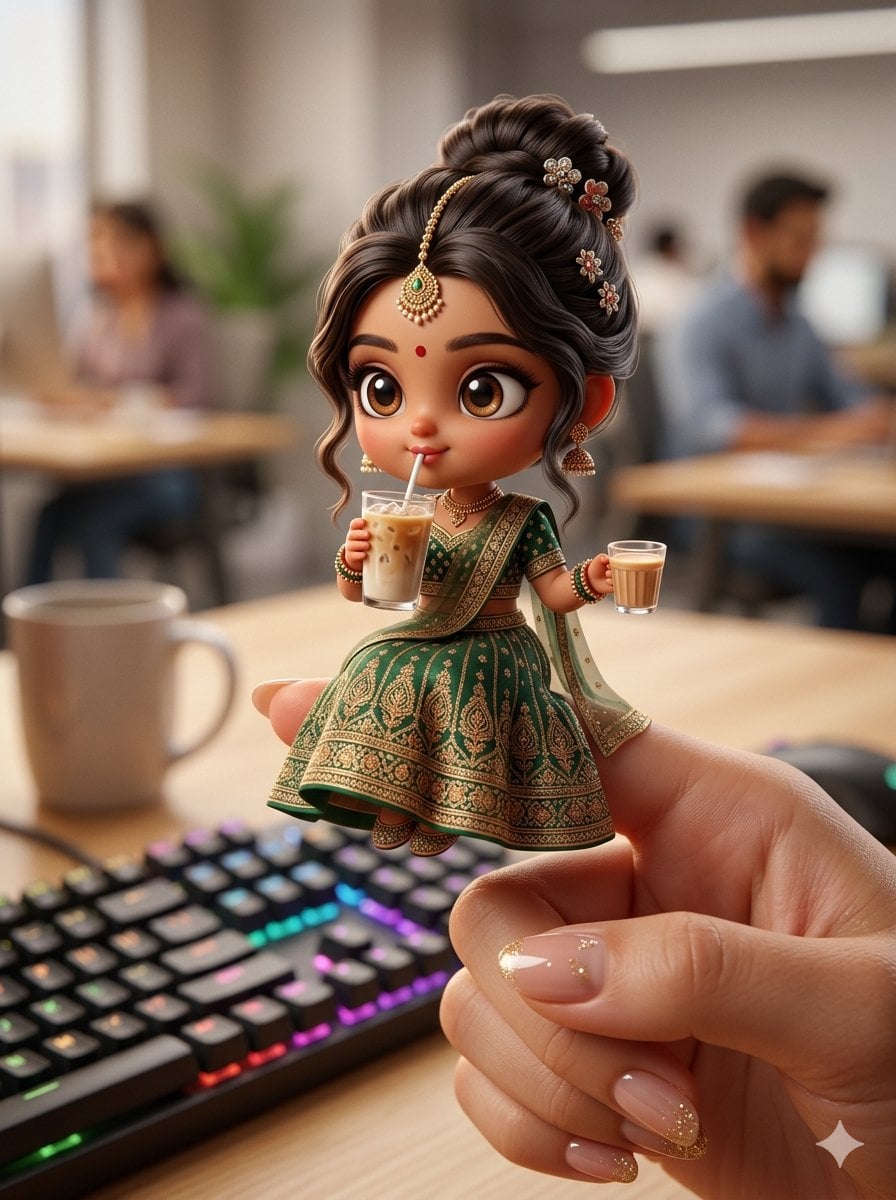
Chibi Doll 3D Miniature Scene
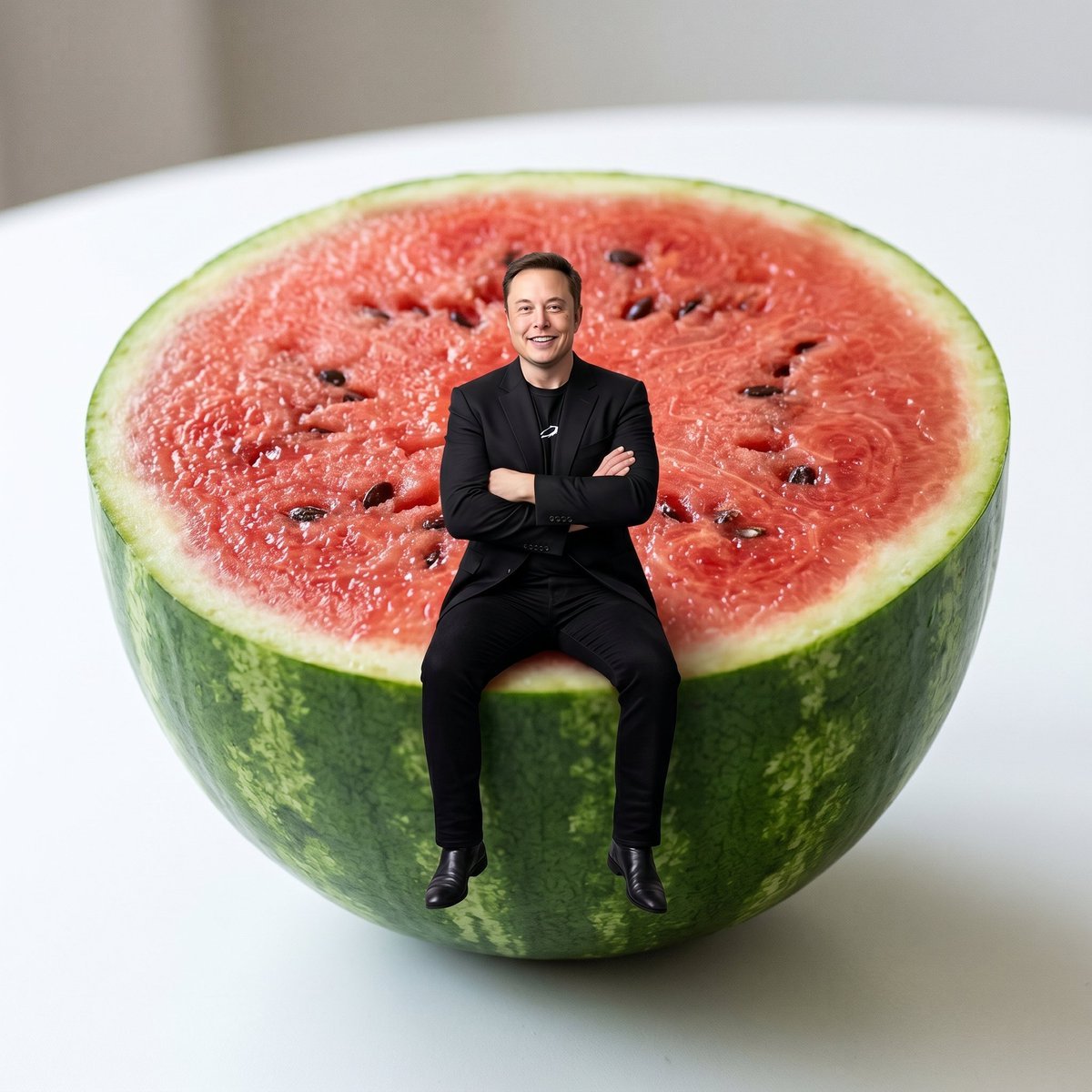
Miniature Person Sitting on Watermelon

Isometric Brand Store Diorama
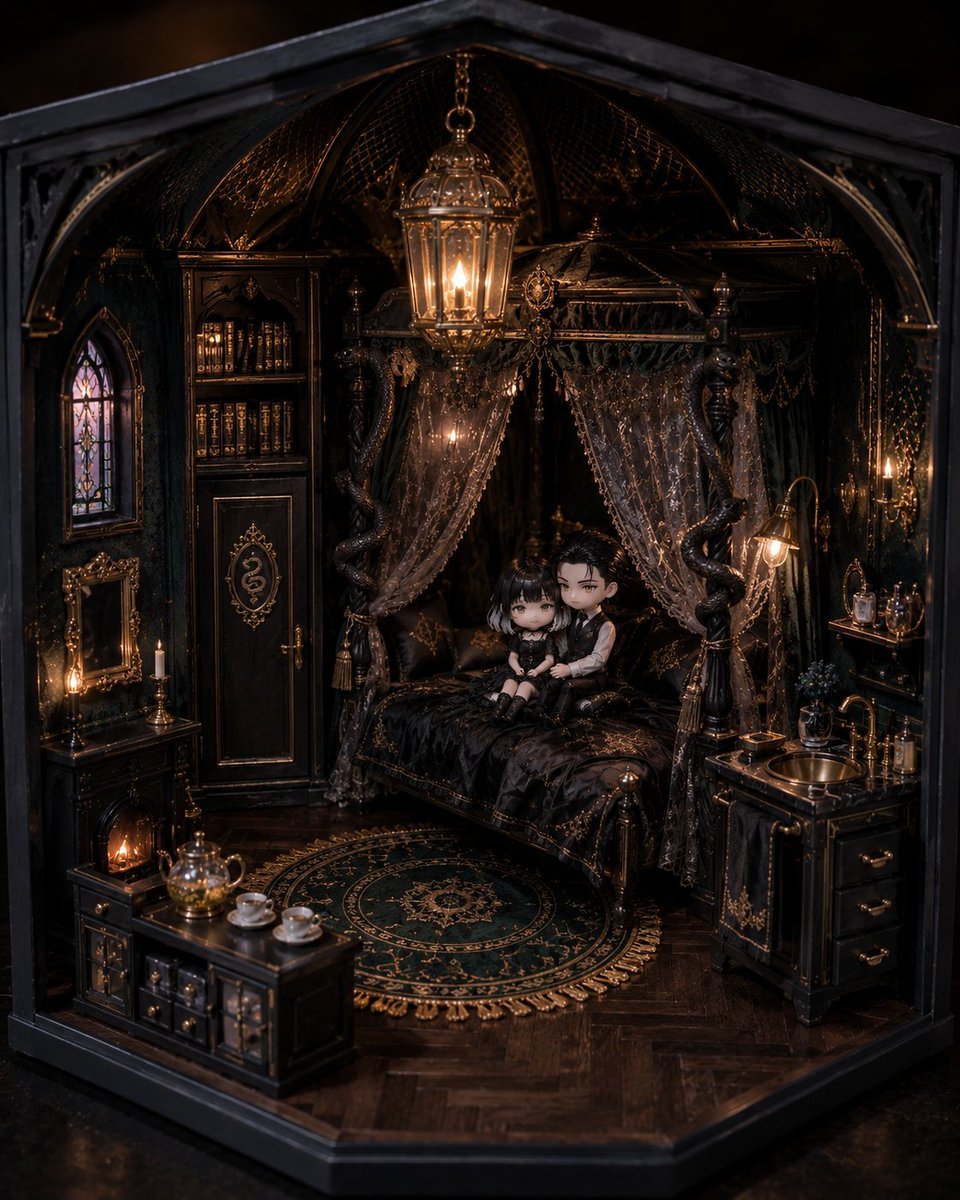
Gothic Miniature Dollhouse Bedroom

Gothic Anime Boy Hugging Teddy Bear
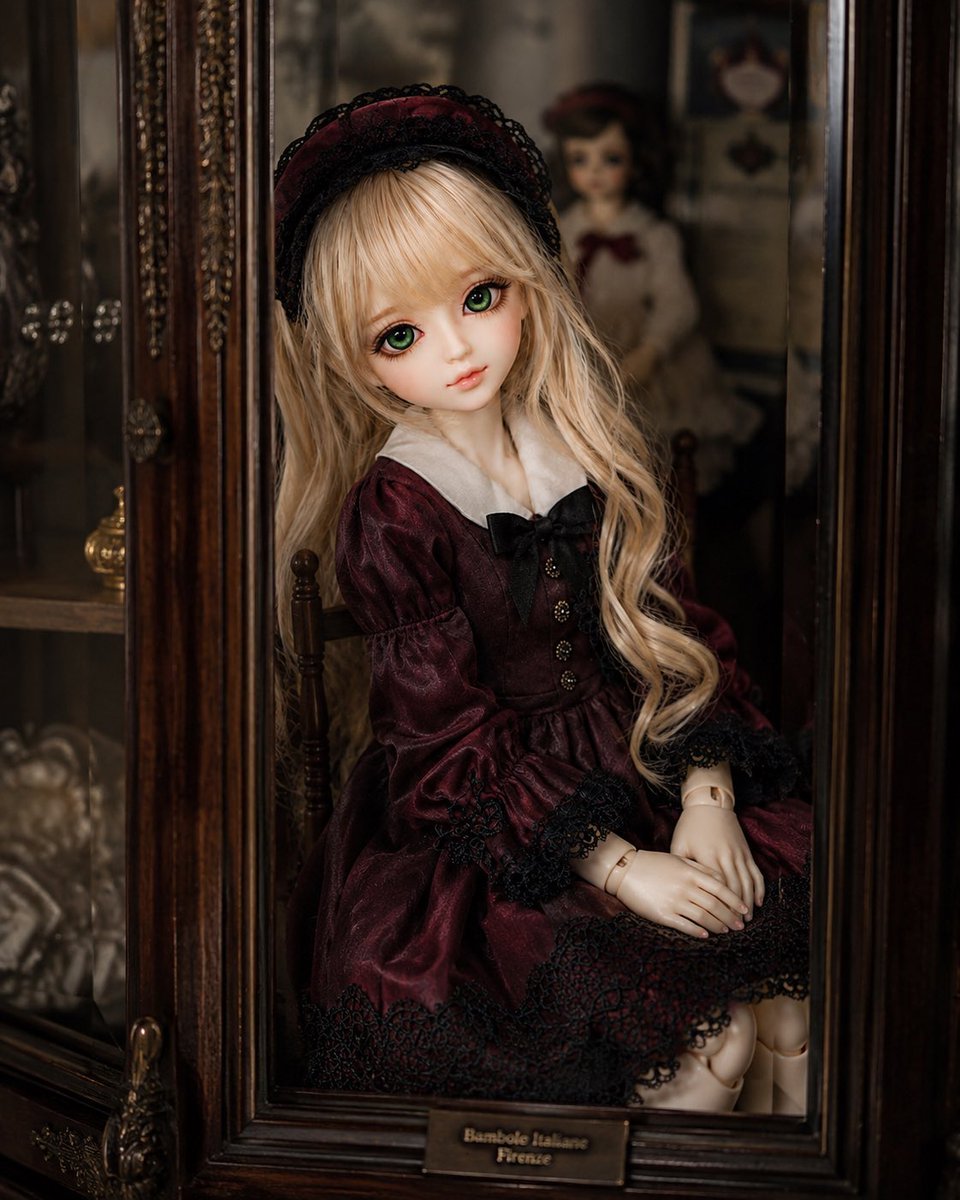
Antique Cabinet Ball-Jointed Doll

Summer Watermelon Lifestyle Snapshot

Anime Girl Hugging Black Cat Plush

Miniature Suitcase Travel Poster
Make it yours
Miniature Doll Hugging Watermelon works as-is. These are the safest ways to change it without losing the look.
Change one field
Copy a single group, rewrite it, and generate again so you can see what that field is doing.
Keep the frame, change the subject
Hold the composition and light of Miniature Doll Hugging Watermelon, then swap wardrobe, props or the person for a new take.
| If the result… | Why | Fix |
|---|---|---|
| The result drifts from the preview | Too many fields changed at once. | Reuse Miniature Doll Hugging Watermelon as-is first, then change one group — subject, light, or setting. |
| The model over-stylizes the scene | The prose prompt leaves finish and camera underspecified. | Add one camera or lighting sentence and stay on GPT Image 2. |
More GPT Image 2 templates
Other prompts made for GPT Image 2.

Six VTuber Japanese Logo Sheet

Realistic Portrait of Woman and Deer

The Vista Modular Condo Poster

AI Model Routing Comparison Infographic

2.5D Anime Art Board

Isometric Productivity Desk Scene

New York Double Exposure Poster

Four-Panel AI Landscape Comparison

Japanese Tatami Lifestyle Magazine Cover

NESCAFÉ Coffee Map Poster
More image prompts
Fresh picks from across the catalog.
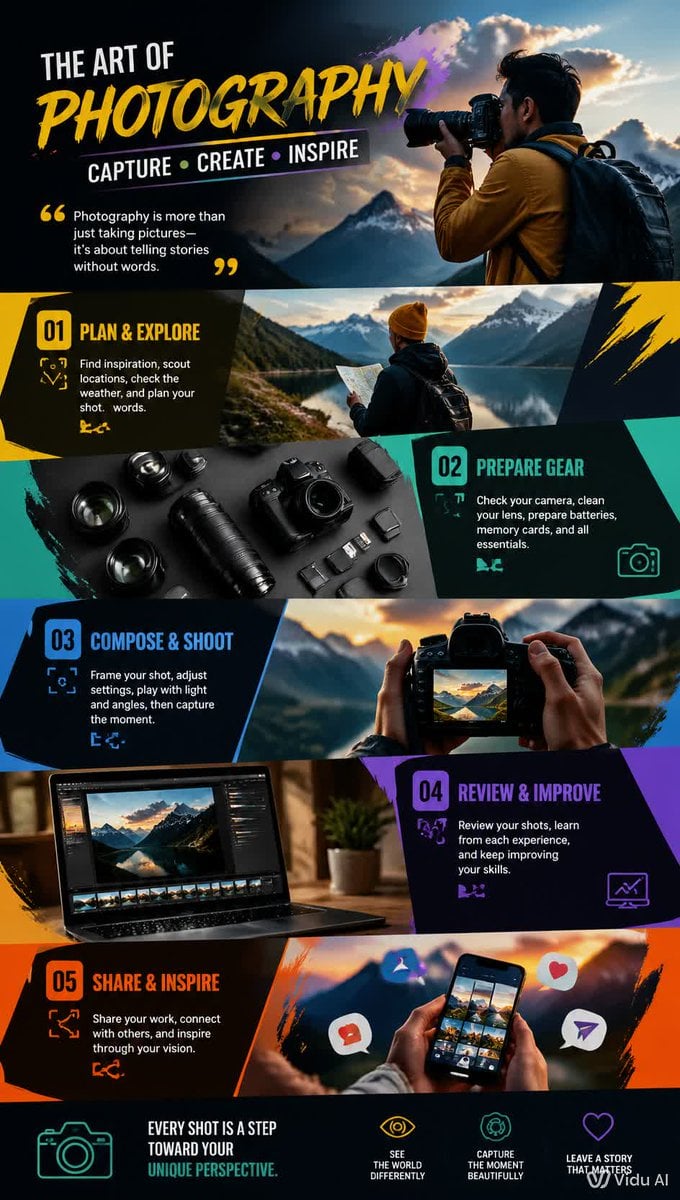
Dynamic Hobby Wallpaper
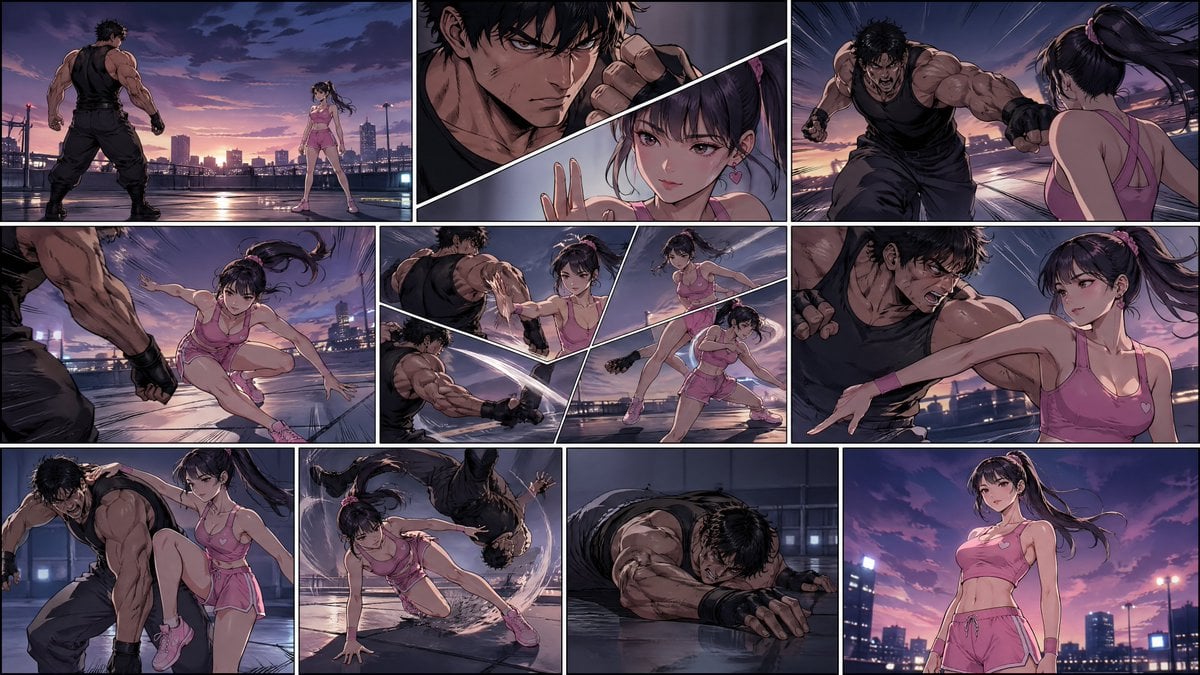
Manhwa Style Fighting Storyboard
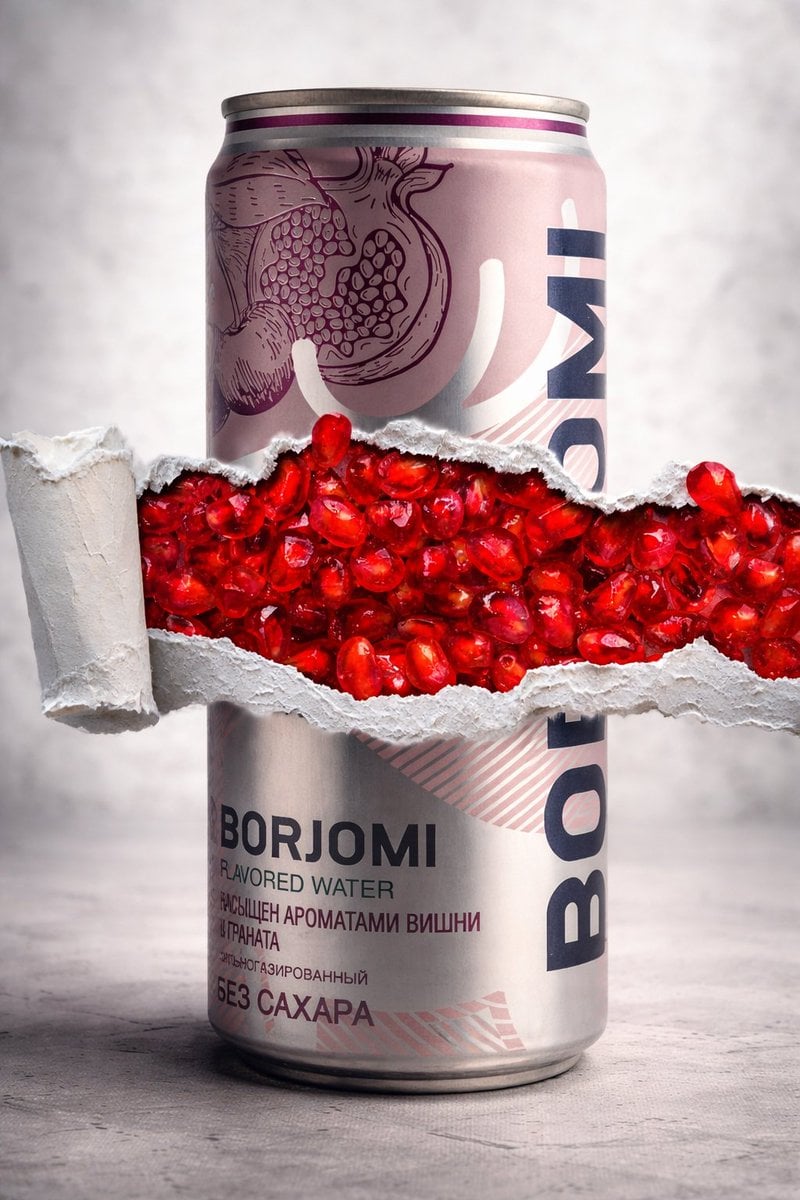
8K Product Photography with Conceptual Cutaway (Borjomi)
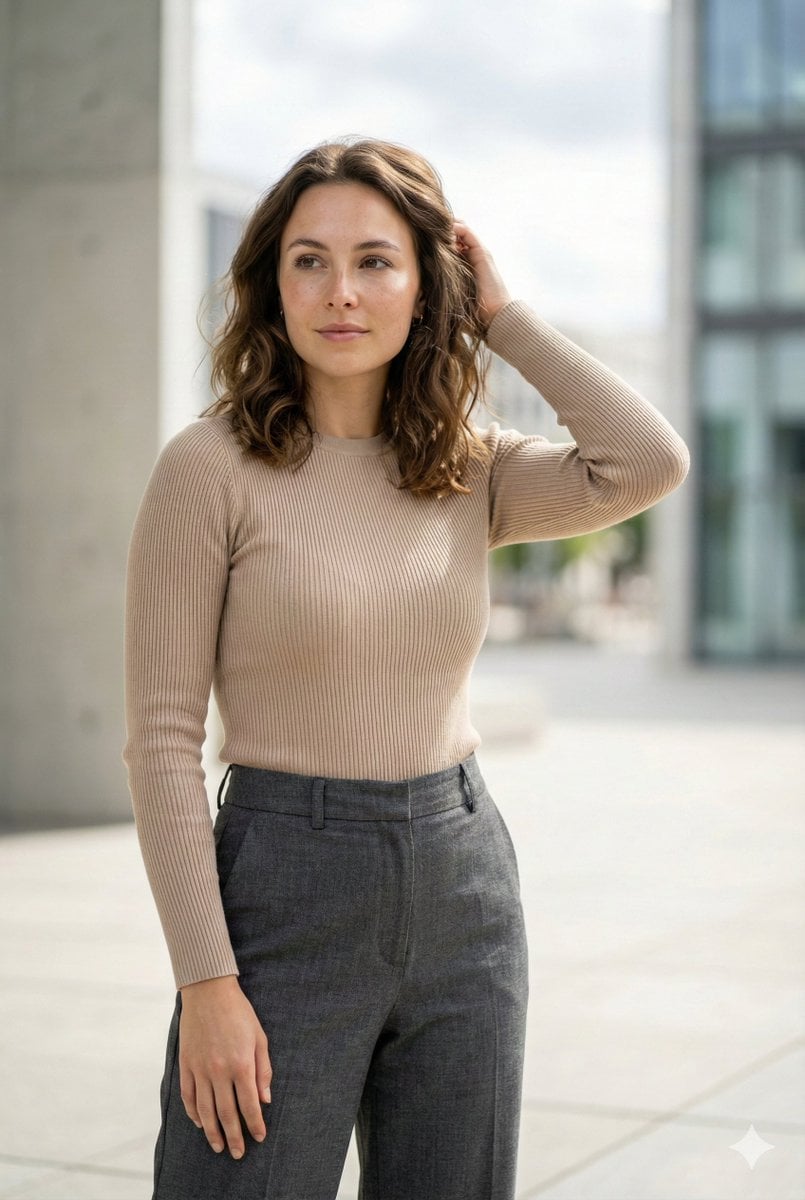
Editorial Urban Fashion Portrait Prompt
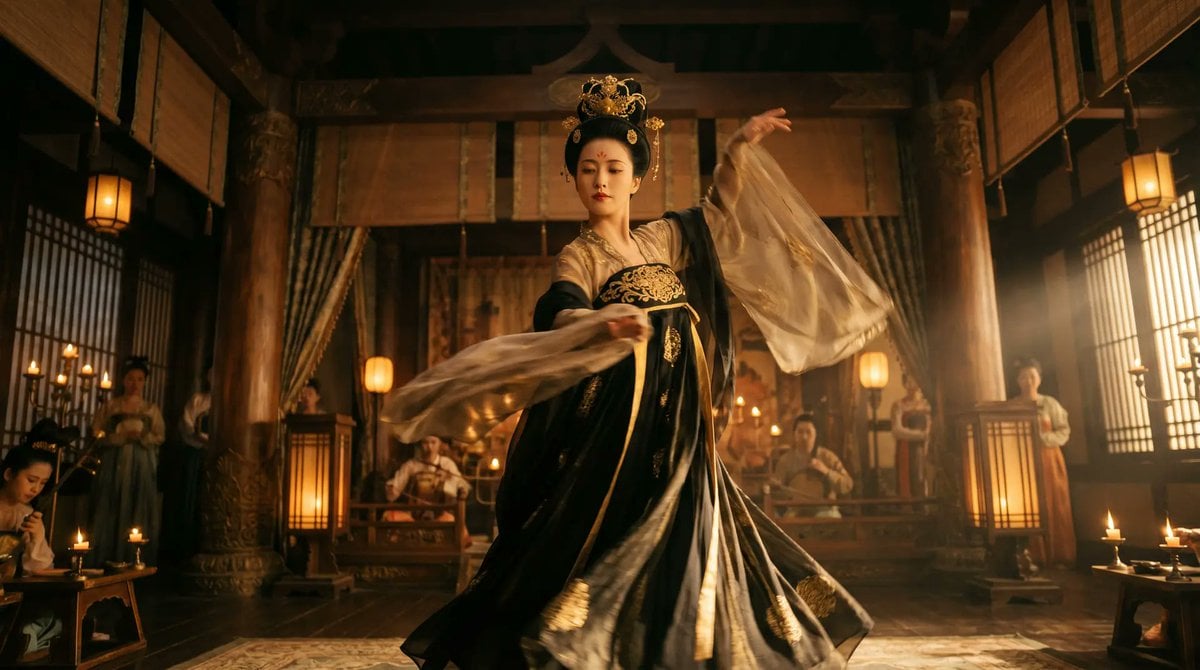
Cinematic Tang Court Dancer at Night
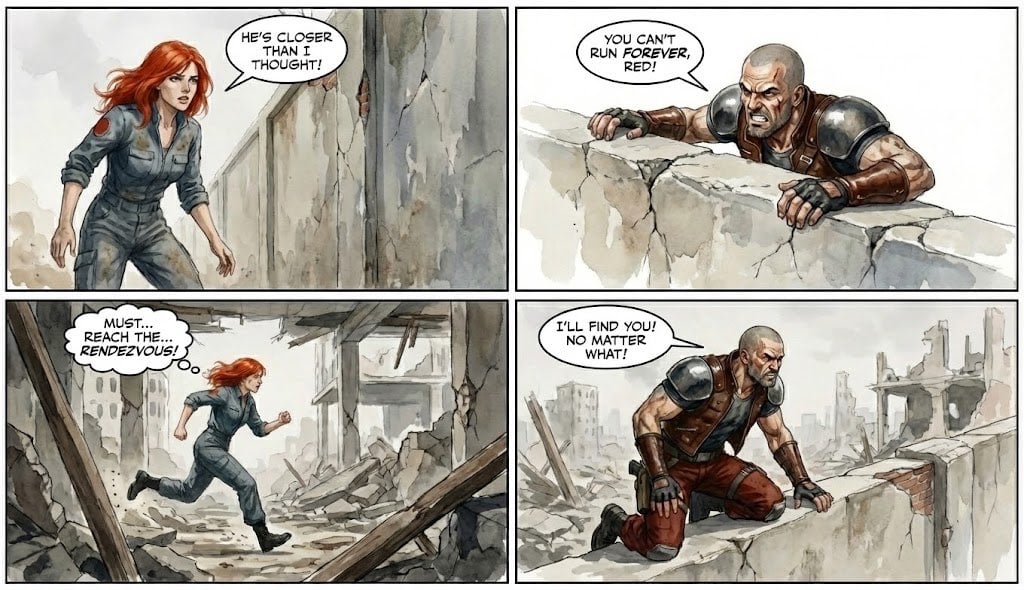
Comic from single image
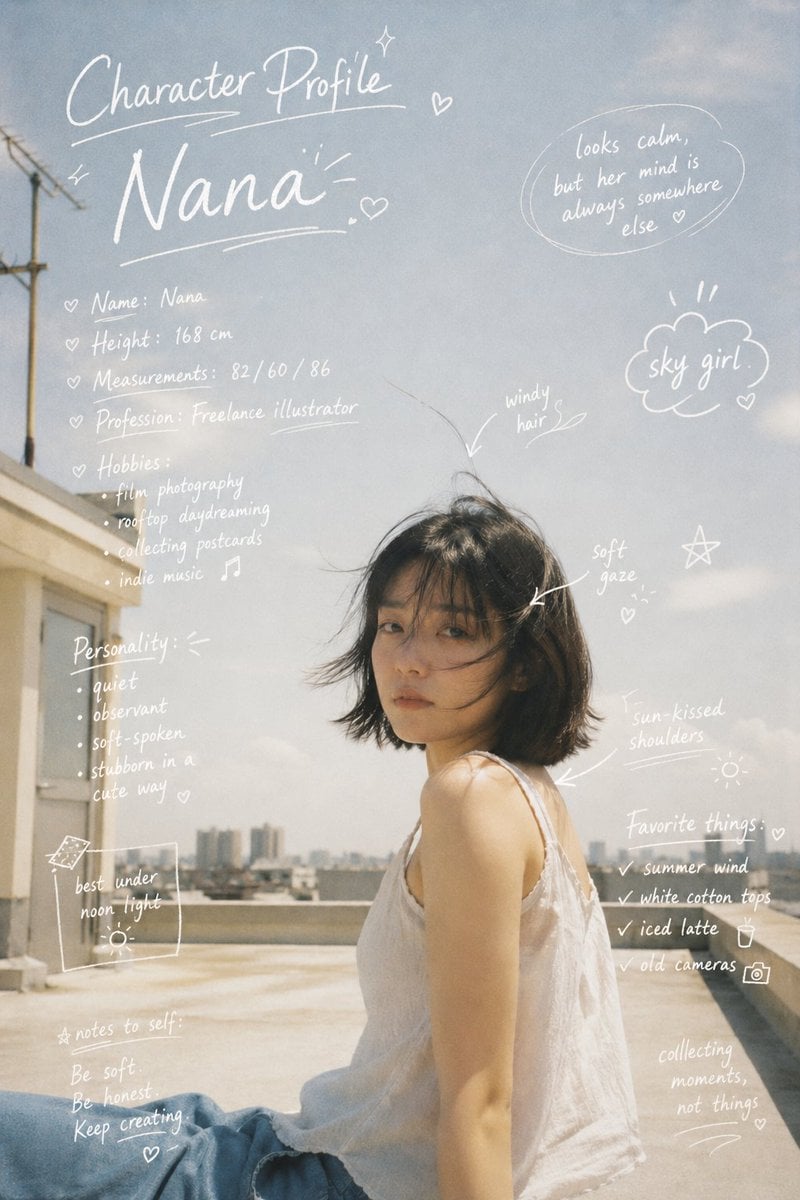
Character Profile Annotation Overlay
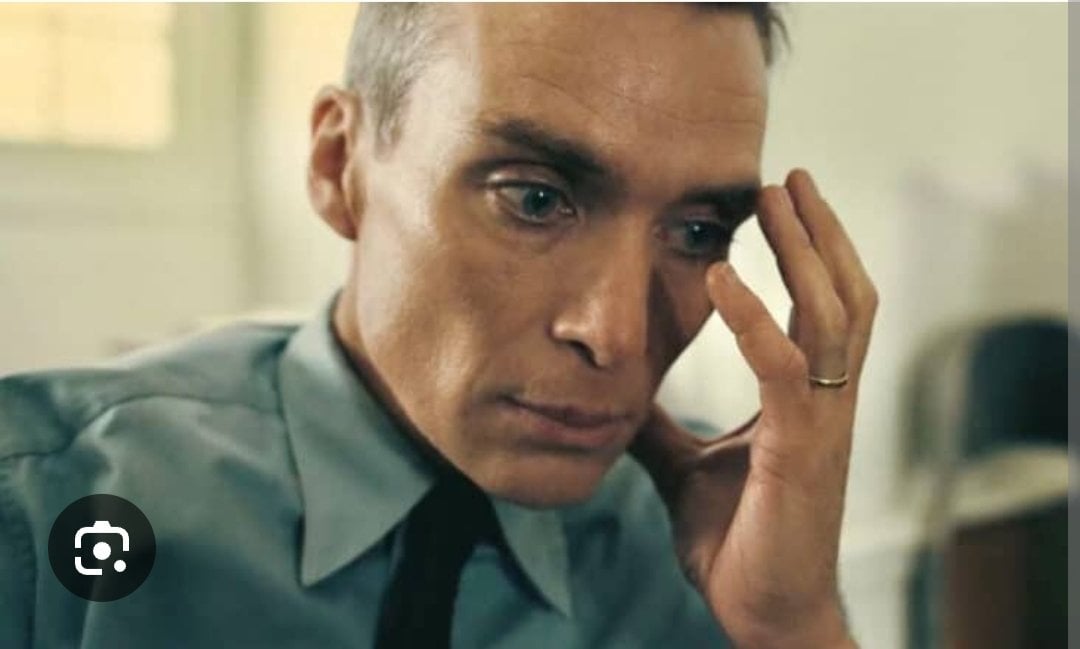
Oppenheimer Scene Face Swap and Restoration

ZARA Fitting Room Mirror Selfie

Horror Anime Movie Poster
Browse template categories
Miniature Doll Hugging Watermelon questions
How do I use the Miniature Doll Hugging Watermelon template?
Add your photo if the template asks for one, edit the prompt if you like — the template's model and format are already selected — and press Generate. Your version opens in PicX Studio.
Can I customize the Miniature Doll Hugging Watermelon template?
Yes. You can change the subject, setting, lighting, mood, format, and available model controls before creating your image.
Is the Miniature Doll Hugging Watermelon template free?
Opening and editing this template is free. Generating uses credits, shown on the Generate button when you are signed in.
Which AI model should I use?
Start with GPT Image 2, which is the model associated with this template. You can compare another compatible model for a different finish.
Looking for something else? Browse all templates.

Your photo, any look
Thousands of ready templates for every top image and video model, from one credit balance.