
Manhwa Style Fighting Storyboard
A complex cinematic storyboard prompt for a fighting scene in Korean manhwa style, featuring detailed panel-by-panel action progression.
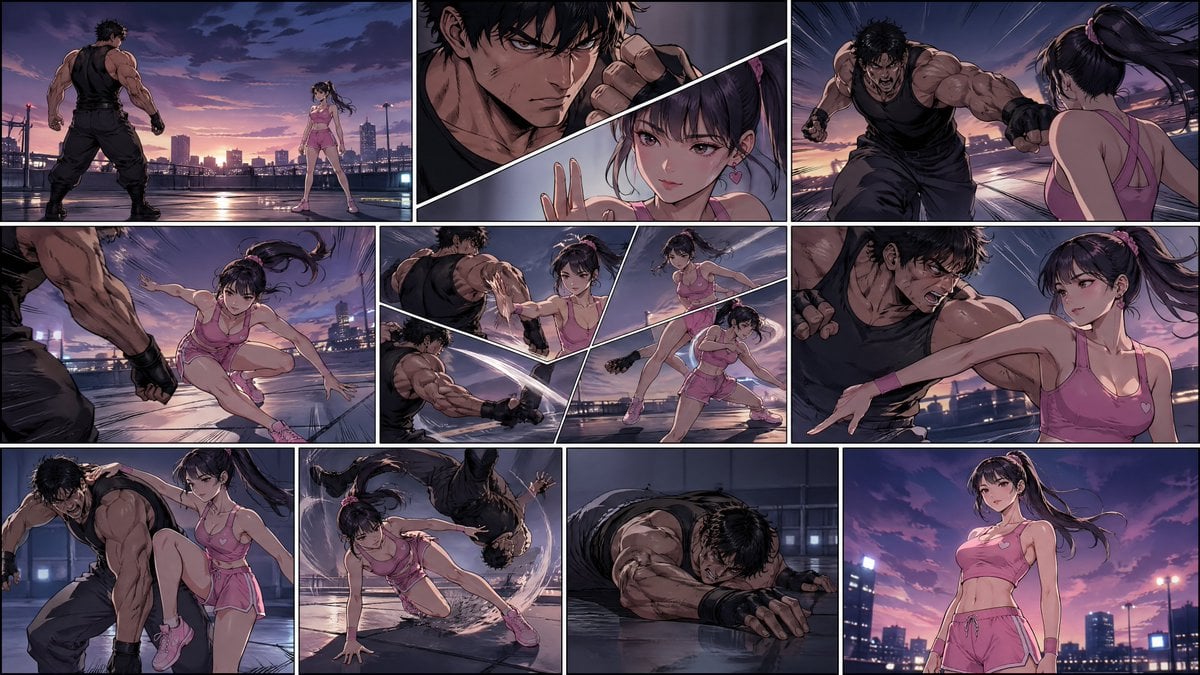
- Prompt included
- Model and format preset
- Free template
The prompt behind this image
Copy the exact prompt behind Manhwa Style Fighting Storyboard, or open it in the studio and make it yours.
Generate a high-quality cinematic storyboard collage in a 16:9 frame, composed of 8–10 connected panels. The entire image should be illustrated in a {argument name="art style" default="stylized Korean manhwa / webtoon-inspired comic style"}, with clean line art, soft cel shading, dynamic action composition, and expressive visual storytelling. Avoid photorealism. Do not use realistic human facial rendering. Keep faces slightly simplified, stylized, and illustrated, while maintaining attractive character design and strong emotional expression. No text, no subtitles, no captions, no watermark. Scene concept: A freestyle fight between a man and a young Chinese woman, with the woman clearly winning in the end. The tone is intense, stylish, energetic, and dramatic, with strong visual rhythm and clear action storytelling. The setting should be clean and minimal, such as {argument name="setting" default="an urban rooftop at dusk"}, a modern training arena, or an empty industrial platform. Female lead: A young adult Chinese woman in her early 20s, clearly adult, illustrated in a Korean comic style. She wears a {argument name="outfit" default="pink Barbie-inspired sporty outfit"} with a fashionable, feminine look. Her design should feel youthful, agile, and confident. She has a light and nimble build, clear body lines, a slim and toned silhouette, and graceful but powerful movement. Her expression and posture should communicate calmness, sharp focus, and quiet confidence. Male opponent: An adult man with a physically stronger and more aggressive presence. He should appear forceful and intimidating at first, creating a visual contrast with the woman’s agility, technique, and composure. Storyboard progression: Panel 1: Wide establishing shot. The man and the woman stand apart in a tense face-off, dramatic atmosphere, strong composition. Panel 2: Close-up or medium shot details — stylized eyes, hands tightening, ready stance, subtle body tension before the fight begins. Panel 3: The man attacks first with aggressive speed and force. Panel 4: The woman dodges smoothly and precisely, using quick footwork and agile body movement. Panel 5: A fluid exchange of action — blocks, slips, pivots, and evasive movement, shown with dynamic comic-style angles. Panel 6: The fight intensifies. The woman remains calm and starts reading his rhythm. Panel 7: Turning point. She finds an opening and counters with clean, skillful technique. Panel 8: A visually striking action moment — spin, redirect, sweep, or takedown — showing her taking control. Panel 9: The man is down or clearly defeated, breathing heavily or collapsed. Panel 10: Final hero shot. The woman stands strong and composed under dramatic lighting, calm and victorious. Visual style: Korean manhwa / webtoon-inspired illustration, cinematic comic storyboard, polished line art, soft cel shading, dramatic lighting, dynamic motion, expressive posing, elegant action choreography, stylish panel composition, clean background design, high detail, vivid but controlled color palette
How to use Manhwa Style Fighting Storyboard in 3 steps
- 1
Open
The prompt is already in the box next to the preview, with the template's model and format selected.
- 2…a portrait of your subject in softgolden-hour light, 85mm…
Personalize
Edit the subject and creative details for your destination.
- 3Generate
Generate
Press Generate — your image is created in PicX Studio, so you can compare it with the original and refine one variable at a time.
More like this
Templates with the same subject, style or setup. Open one to see its prompt.

Headphones Lifestyle Nine Panel Grid
Seedance - Storyboard to Movie
AAA Fighting Game Storyboard Grid
Historical Manhwa Sword Duel Page
Chibi Mascot Fighting Sprite Sheet
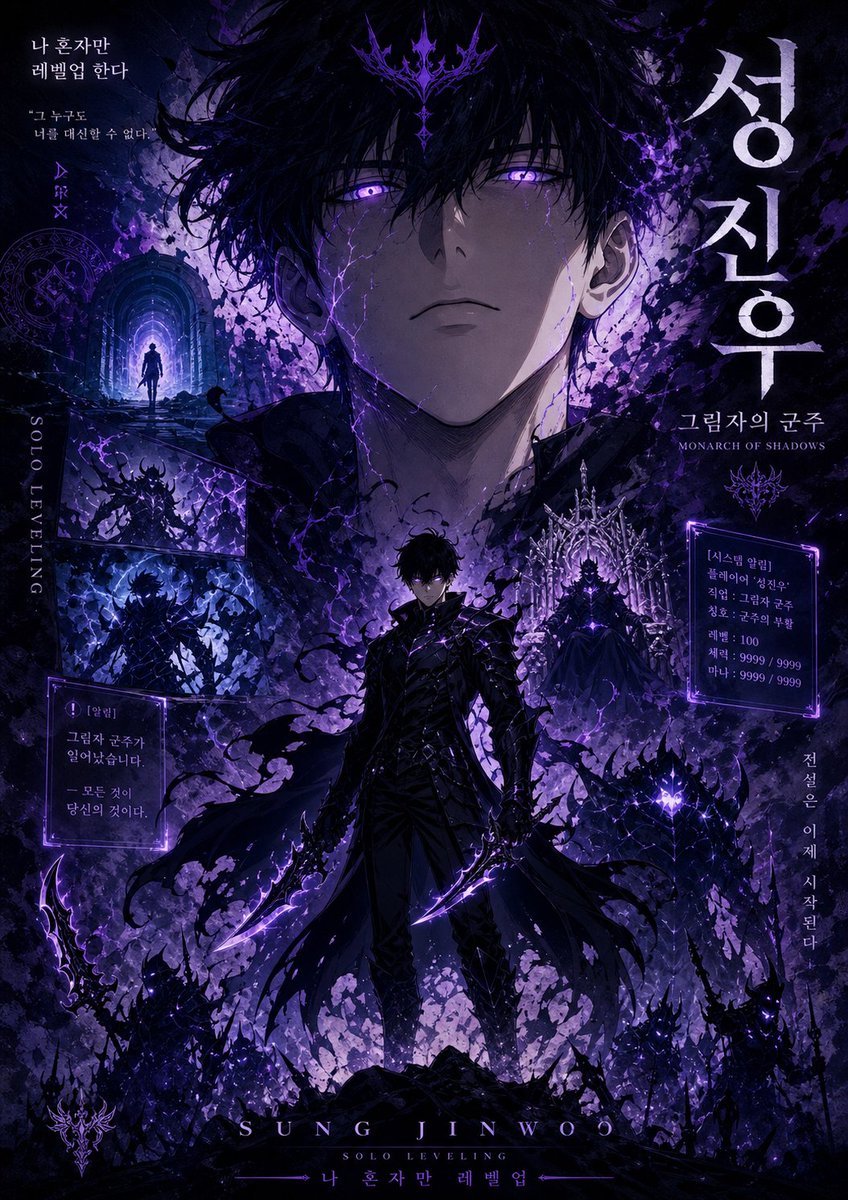
Shadow Monarch Manhwa Cover
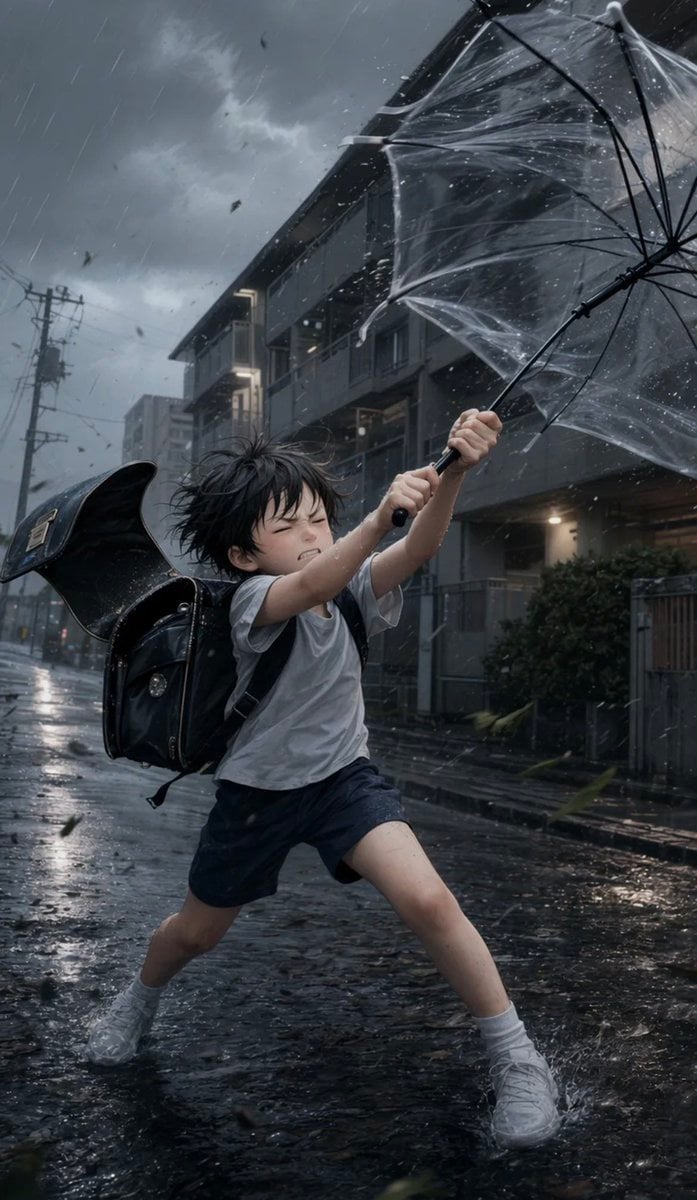
Boy Fighting Storm With Umbrella

Rose Spirit Ocean Manhwa Portrait
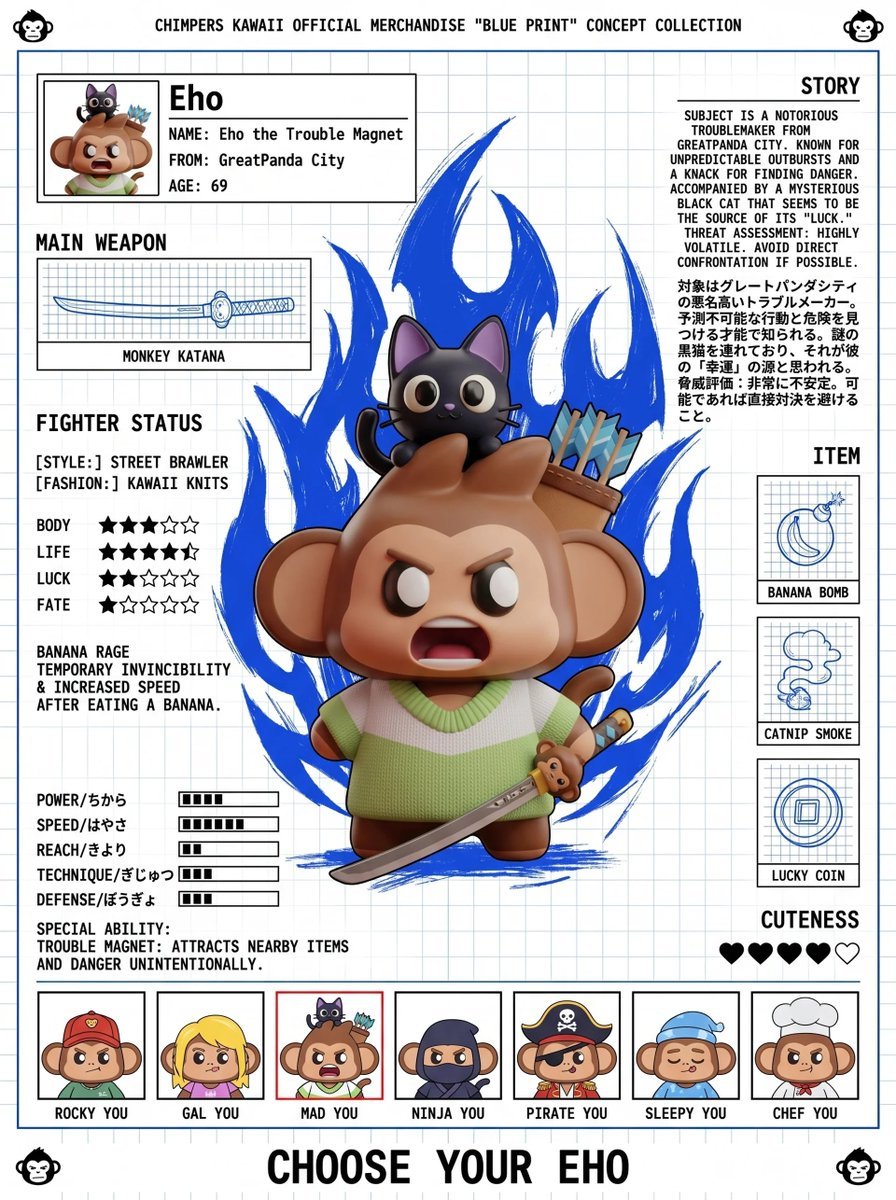
Fighting Game Blueprint Poster
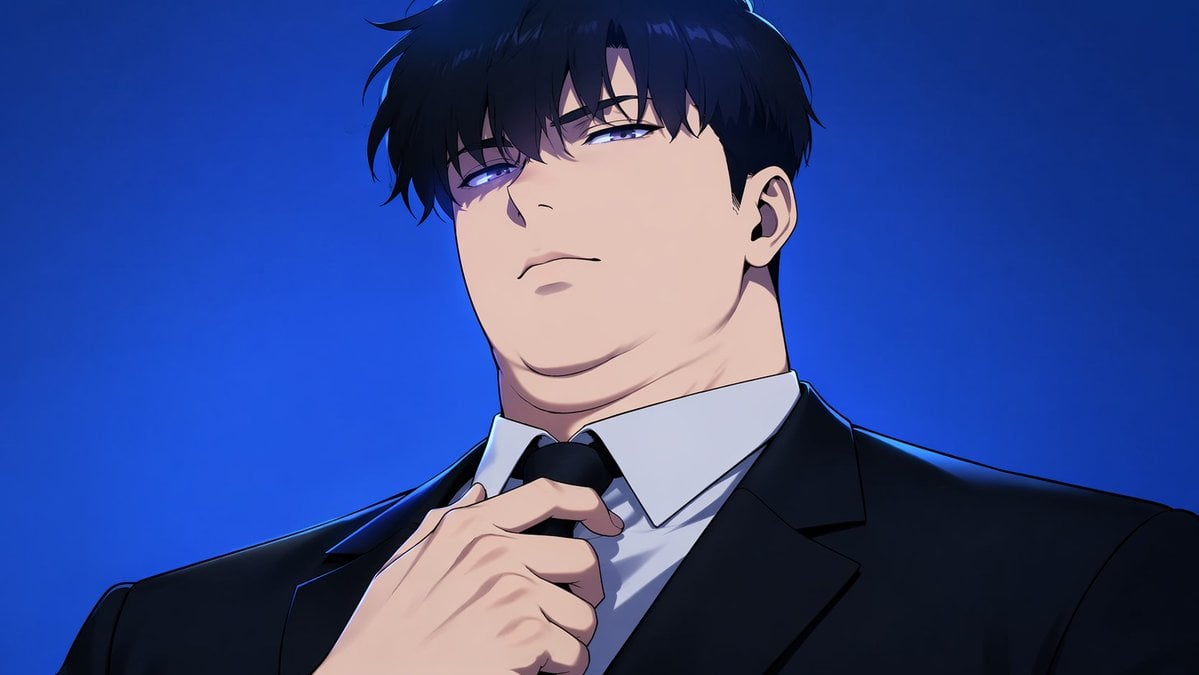
Manhwa Style Boss Adjusting Tie
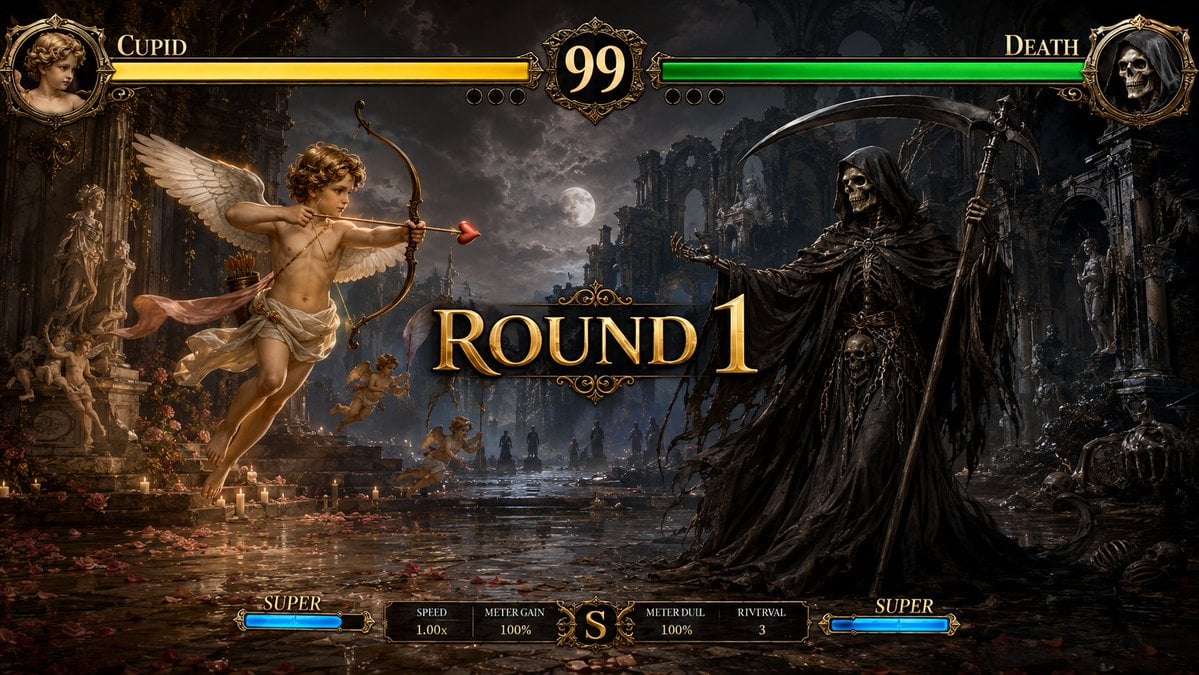
Mythological Fighting Game Versus Screen
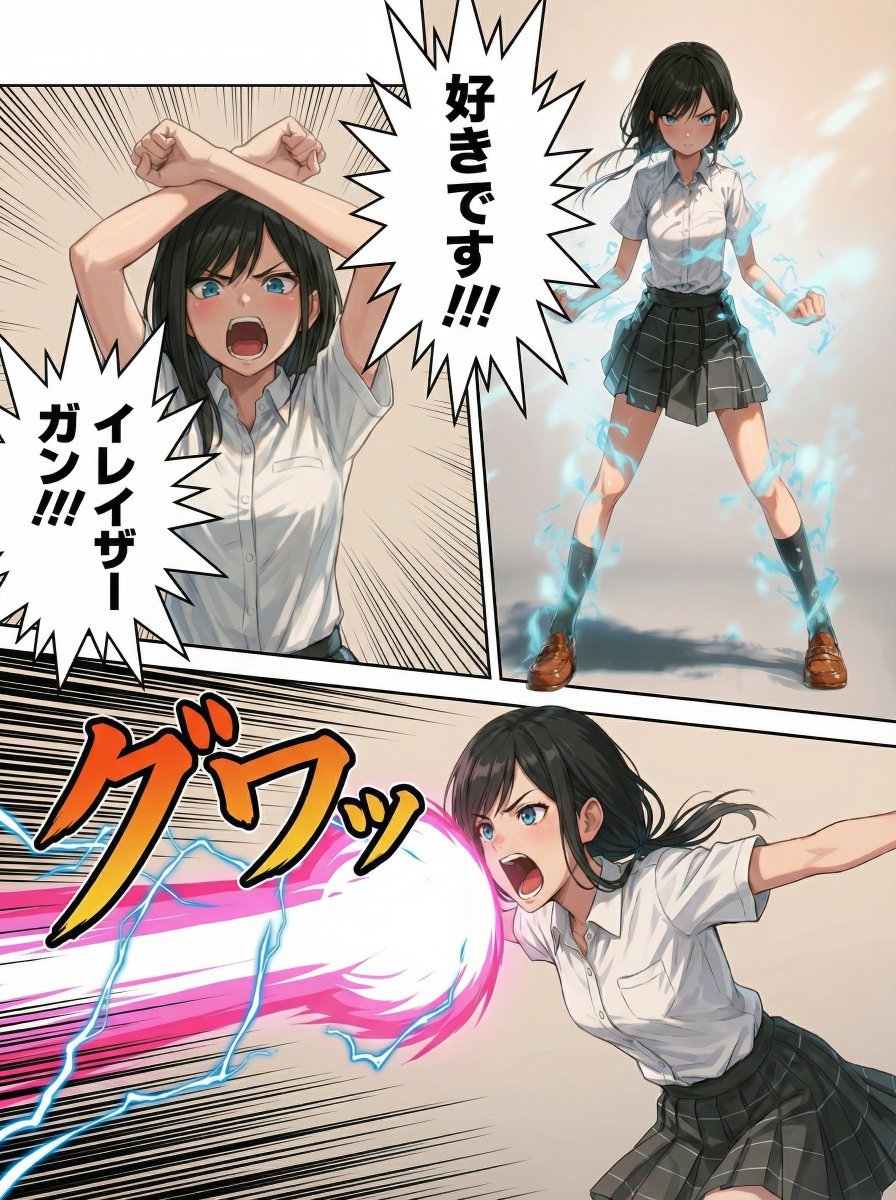
Eraser Gun Style Prompt for Nano Banana Pro (Fighting Pose Stage)
Make it yours
Manhwa Style Fighting Storyboard works as-is. These are the safest ways to change it without losing the look.
Change one field
Copy a single group, rewrite it, and generate again so you can see what that field is doing.
Keep the frame, change the subject
Hold the composition and light of Manhwa Style Fighting Storyboard, then swap wardrobe, props or the person for a new take.
| If the result… | Why | Fix |
|---|---|---|
| The result drifts from the preview | Too many fields changed at once. | Reuse Manhwa Style Fighting Storyboard as-is first, then change one group — subject, light, or setting. |
| The model over-stylizes the scene | The prose prompt leaves finish and camera underspecified. | Add one camera or lighting sentence and stay on GPT Image 2. |
More GPT Image 2 templates
Other prompts made for GPT Image 2.

Six VTuber Japanese Logo Sheet

Realistic Portrait of Woman and Deer

The Vista Modular Condo Poster

AI Model Routing Comparison Infographic

2.5D Anime Art Board

Isometric Productivity Desk Scene

New York Double Exposure Poster

Four-Panel AI Landscape Comparison

Japanese Tatami Lifestyle Magazine Cover

NESCAFÉ Coffee Map Poster
More image prompts
Fresh picks from across the catalog.
Weekend Farmers Market Mirror Selfie (Reference Image Required)
Dreamy Luxury Editorial Reflection Prompt
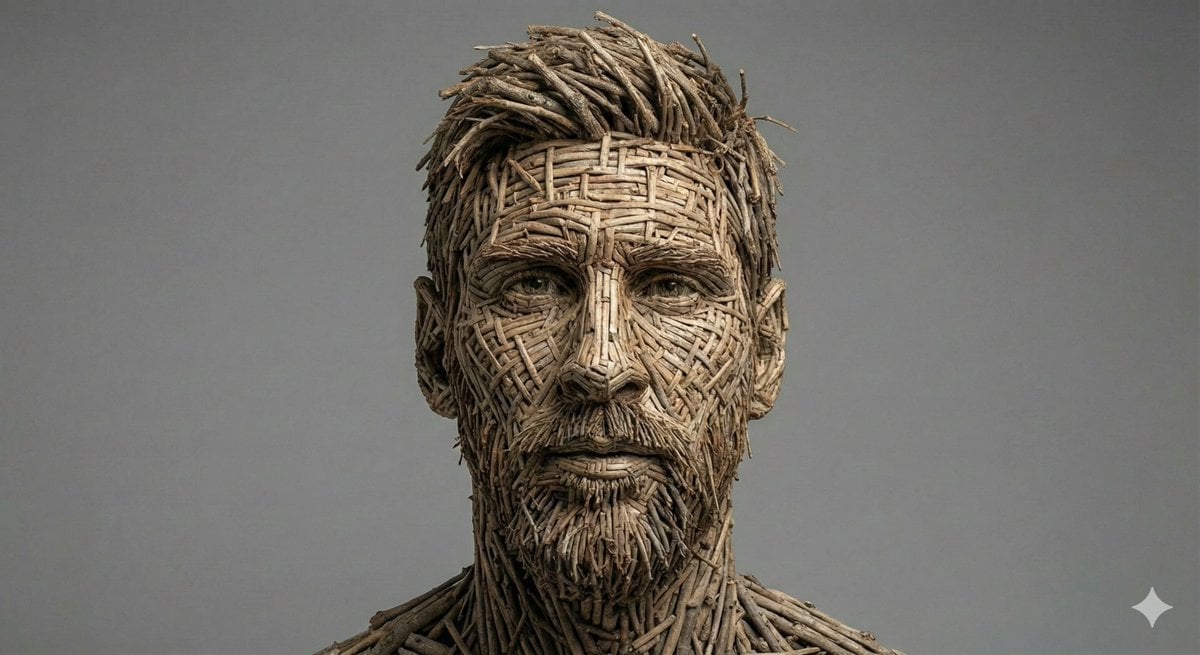
Woven Wooden Twig Portrait with Identity Lock
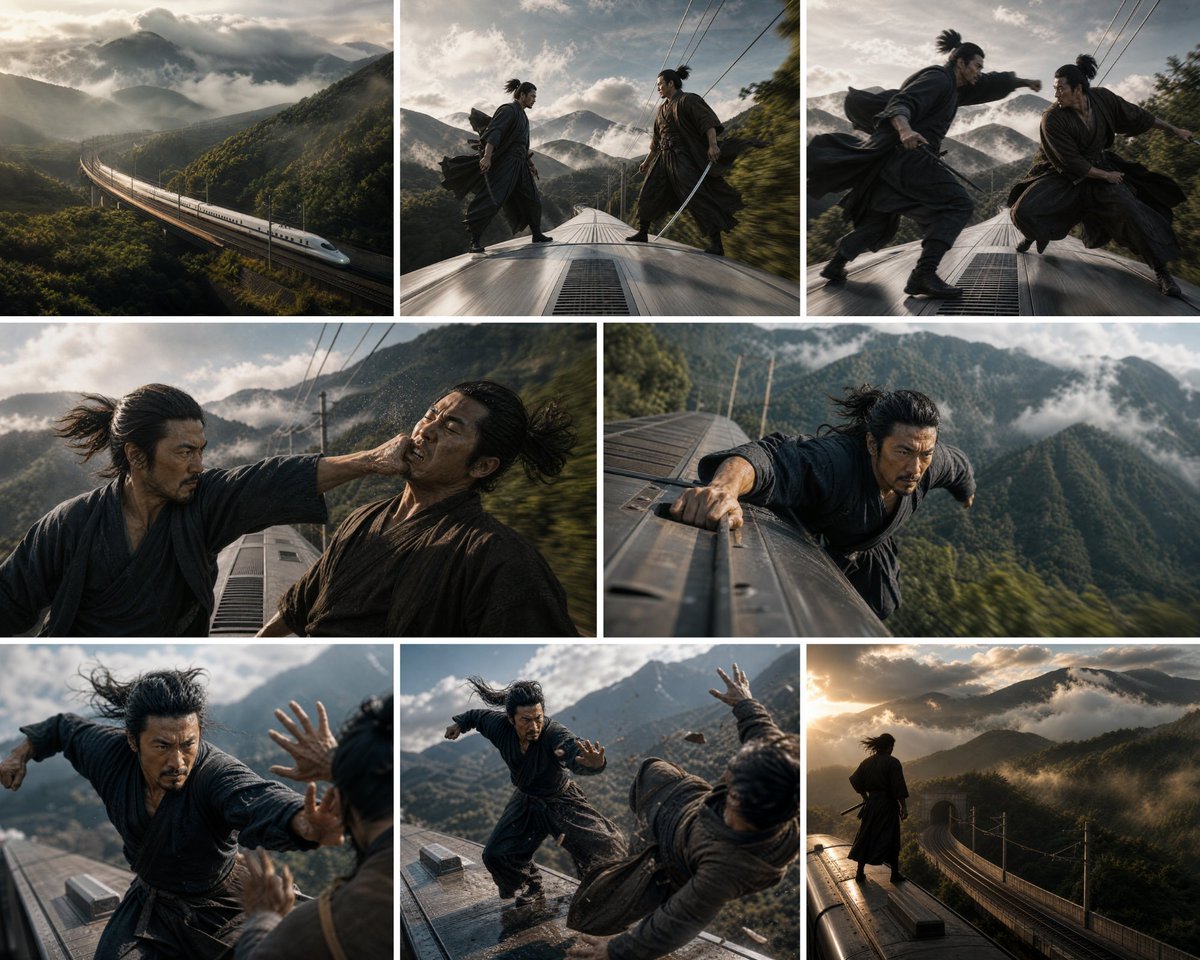
Bullet Train Rooftop Fight Storyboard

Playful Intimate Portrait Photography
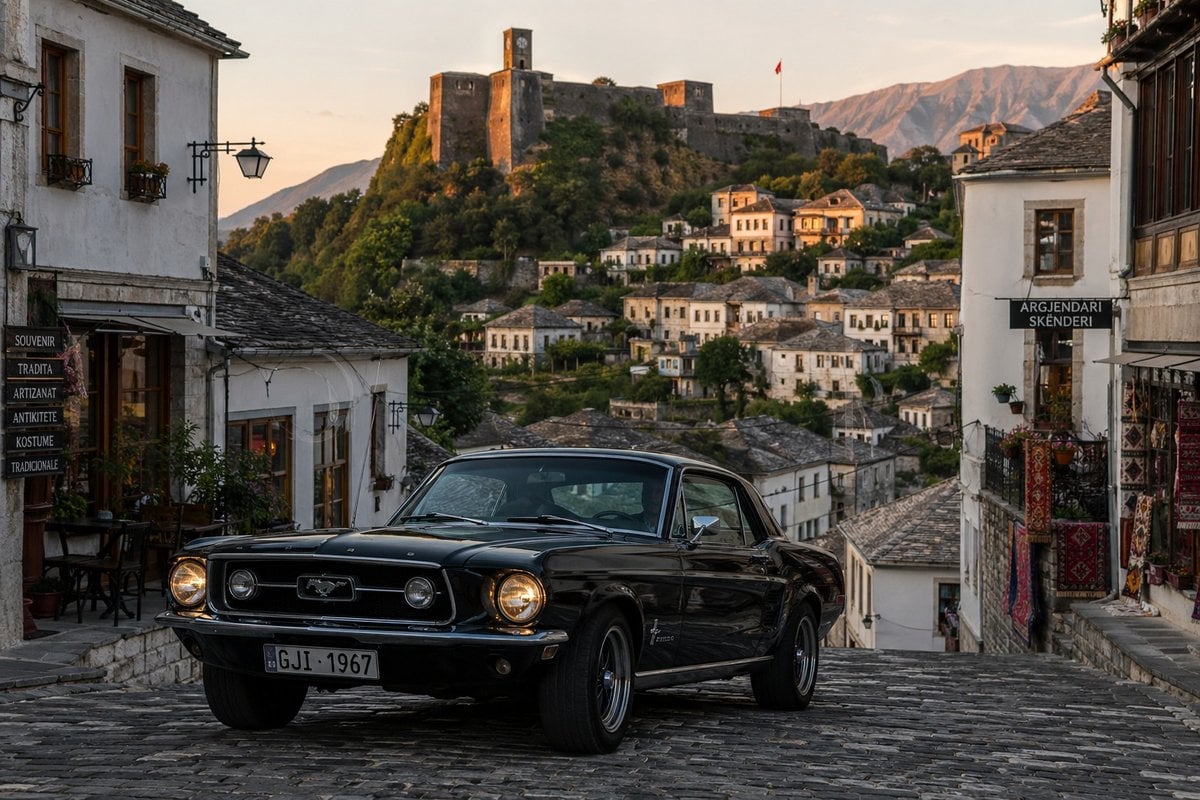
Classic Car in Scenic Location
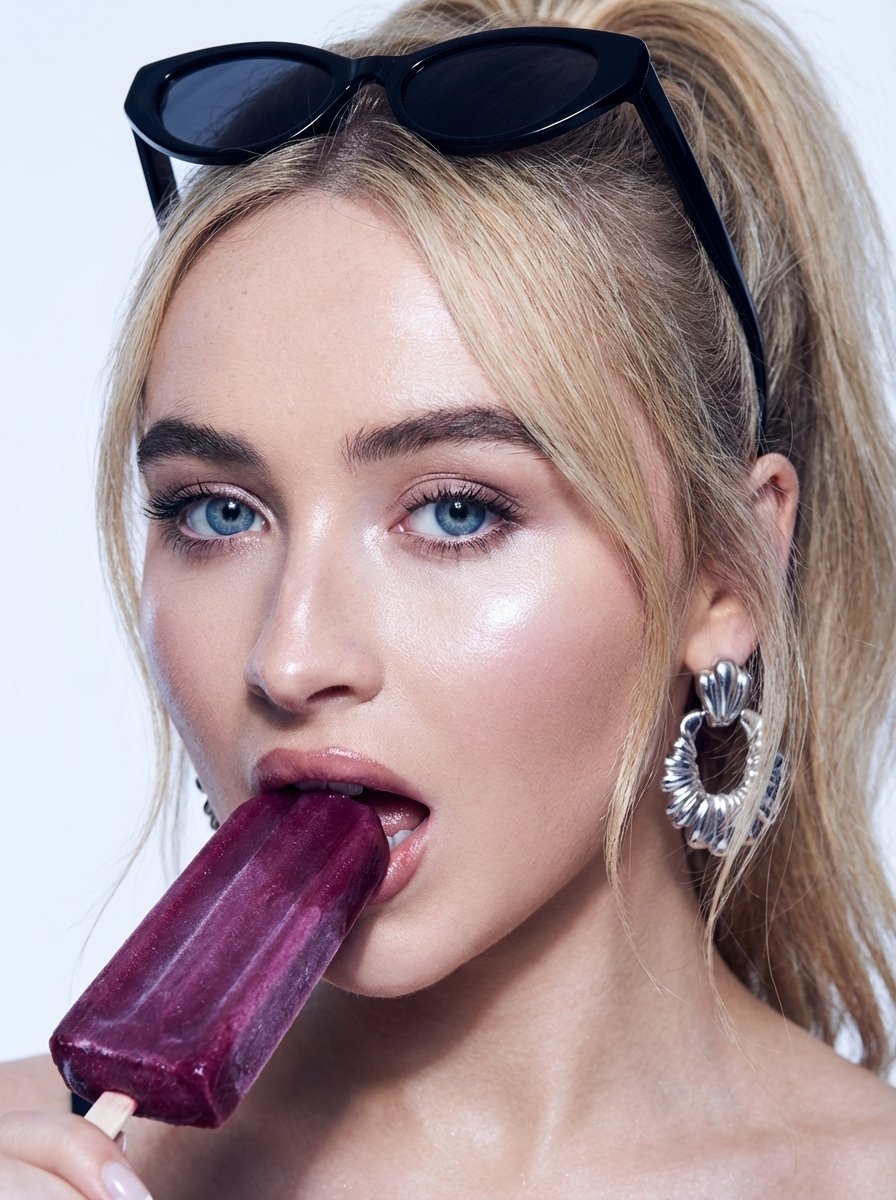
High-Fashion Beauty Close-Up Portrait Prompt for Nano Banana Pro
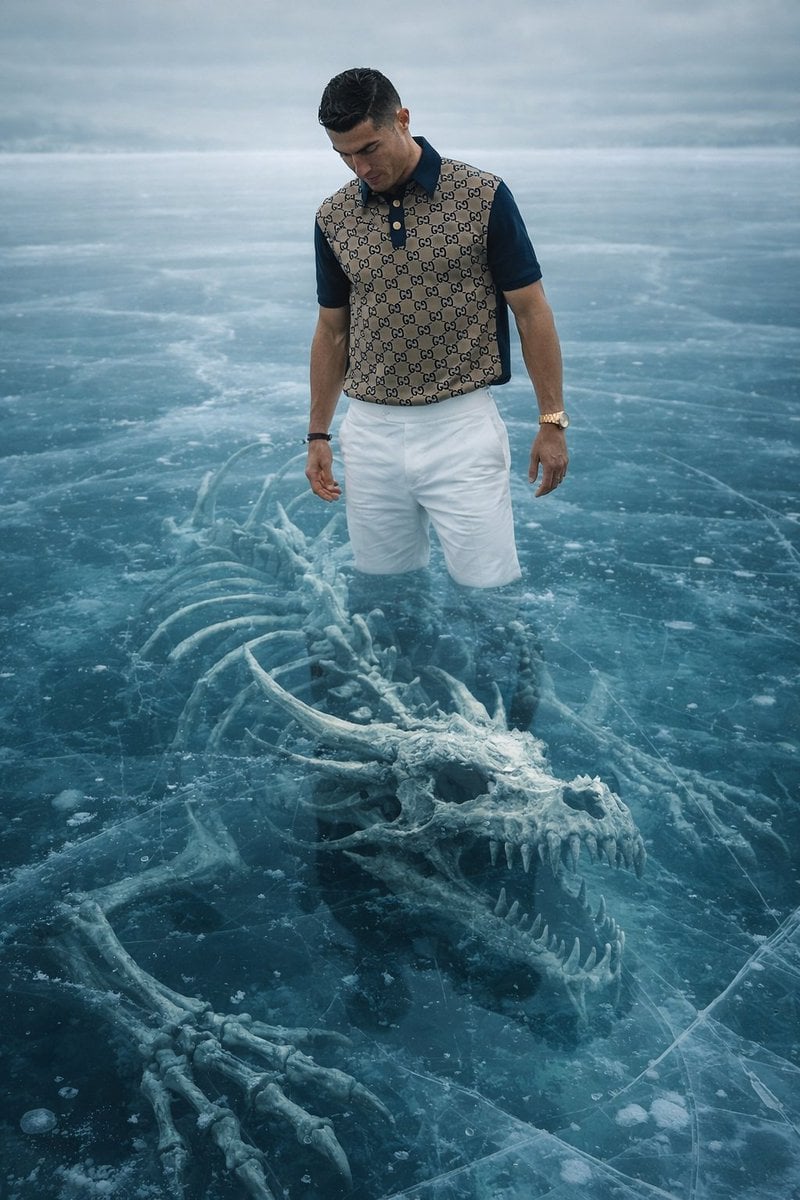
8K Ultra-Realistic Promotional Image of a Man on Ice with a Submerged Skeleton
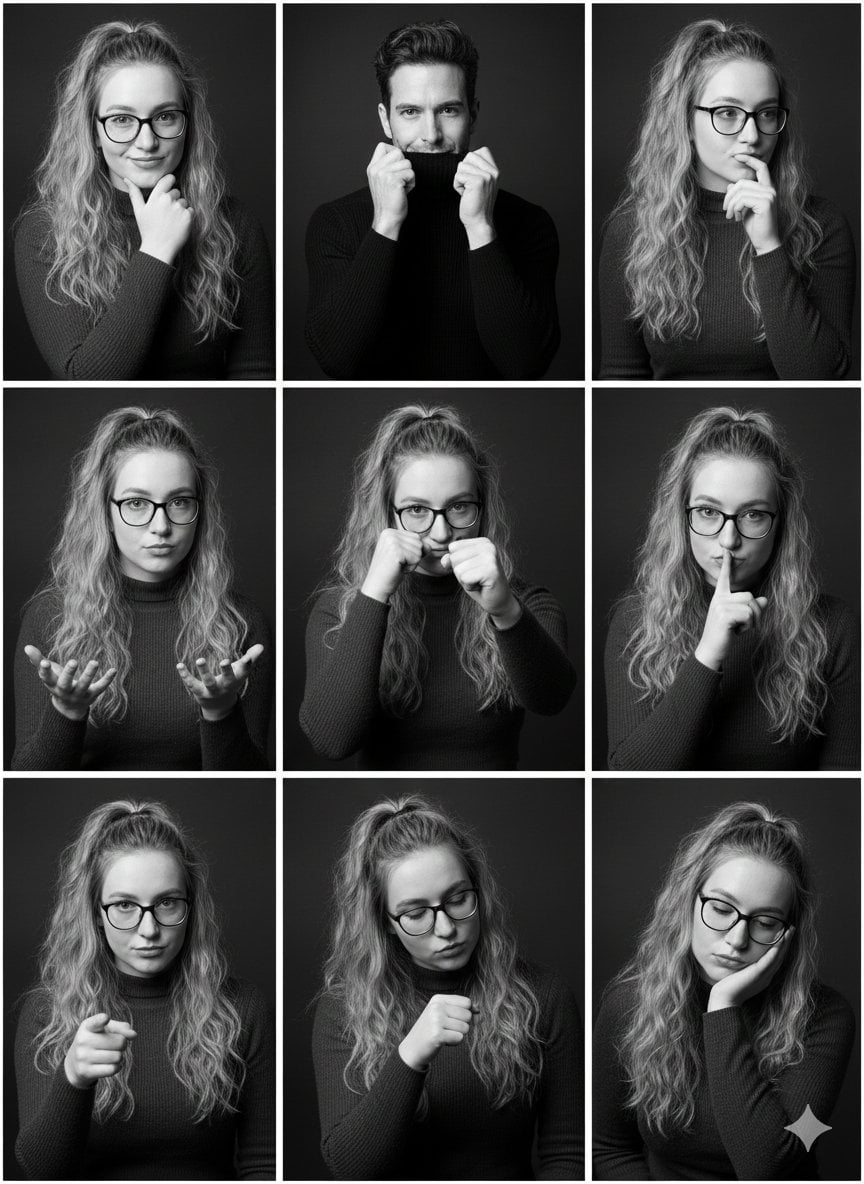
Black and White Studio Portrait Collage (3x3 Grid)
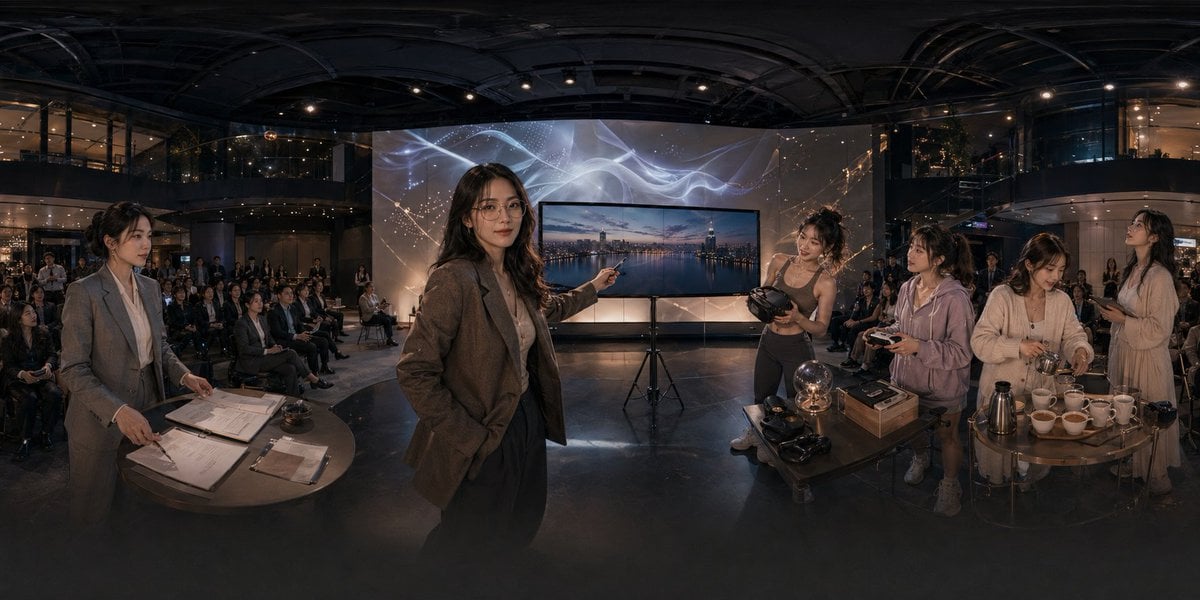
Panoramic Tech Event Atrium Scene
Browse template categories
Manhwa Style Fighting Storyboard questions
How do I use the Manhwa Style Fighting Storyboard template?
Add your photo if the template asks for one, edit the prompt if you like — the template's model and format are already selected — and press Generate. Your version opens in PicX Studio.
Can I customize the Manhwa Style Fighting Storyboard template?
Yes. You can change the subject, setting, lighting, mood, format, and available model controls before creating your image.
Is the Manhwa Style Fighting Storyboard template free?
Opening and editing this template is free. Generating uses credits, shown on the Generate button when you are signed in.
Which AI model should I use?
Start with GPT Image 2, which is the model associated with this template. You can compare another compatible model for a different finish.
Looking for something else? Browse all templates.

Your photo, any look
Thousands of ready templates for every top image and video model, from one credit balance.