
Panoramic Tech Event Atrium Scene
This prompt generates a cinematic ultra-wide corporate showcase scene in a modern atrium, useful for illustrating a tech launch, immersive demo event, or startup presentation.
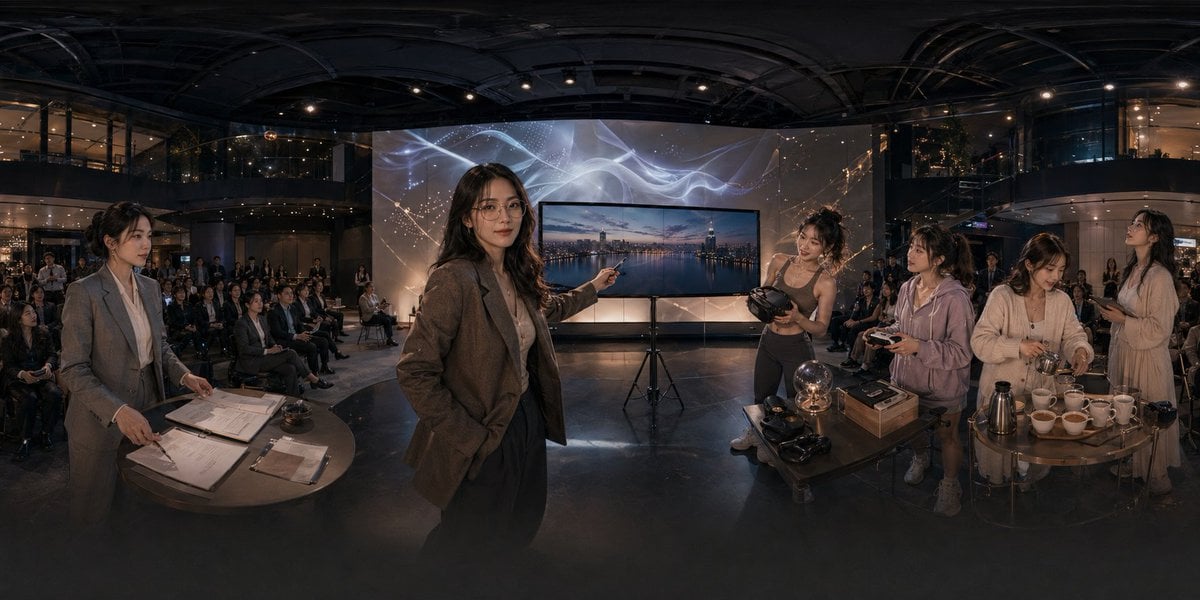
- Prompt included
- Model and format preset
- Free template
The prompt behind this image
Copy the exact prompt behind Panoramic Tech Event Atrium Scene, or open it in the studio and make it yours.
A cinematic ultra-wide panoramic scene inside a modern multi-story event atrium at night, photographed like a 360-degree conference showcase with dramatic warm low-key lighting and glossy dark architectural surfaces. In the center foreground, a professional woman in a brown blazer and dark trousers stands confidently and points toward a large flat-screen display on a tripod; the screen shows a twilight city skyline over water. Behind the display is a tall illuminated backdrop with abstract flowing white light ribbons and faint constellation-like gold sparkles. The venue is filled with a seated audience arranged in rows across the background, watching the presentation. On the left foreground, 1 woman in a gray business suit stands beside a round table covered with paperwork, clipboards, a pen, and a small service bell, as if handling registration or event administration. On the right foreground, there are 4 women gathered around two small round tables demonstrating products and hospitality items: 1 athletic woman in a fitted top holds a VR headset, 1 casually dressed woman in a light hoodie holds a controller, 1 woman in a cream cardigan works with cups and utensils, and 1 woman in a light dress stands nearby holding a phone or small object. The right-side tables contain exactly 11 visible items of note: 1 glowing glass orb lamp, 2 VR headsets, 1 rectangular product box, 1 metallic thermos or coffee pot, and 6 white teacups arranged in a row. The scene should feel like an upscale tech lifestyle launch, blending business presentation, immersive gadgets, and cafe service in one space. Use realistic human proportions, documentary-style staging, polished corporate event photography, subtle reflections on the floor, deep depth, and a seamless extra-wide panorama composition.
How to use Panoramic Tech Event Atrium Scene in 3 steps
- 1Upload ImagePNG, JPG or paste
Add your photo
Upload the photo the template builds on. The prompt, model and format are already set.
- 2…a portrait of your subject in softgolden-hour light, 85mm…
Personalize
Edit the subject and creative details for your destination.
- 3Generate
Generate
Press Generate — your image is created in PicX Studio, so you can compare it with the original and refine one variable at a time.
More like this
Templates with the same subject, style or setup. Open one to see its prompt.
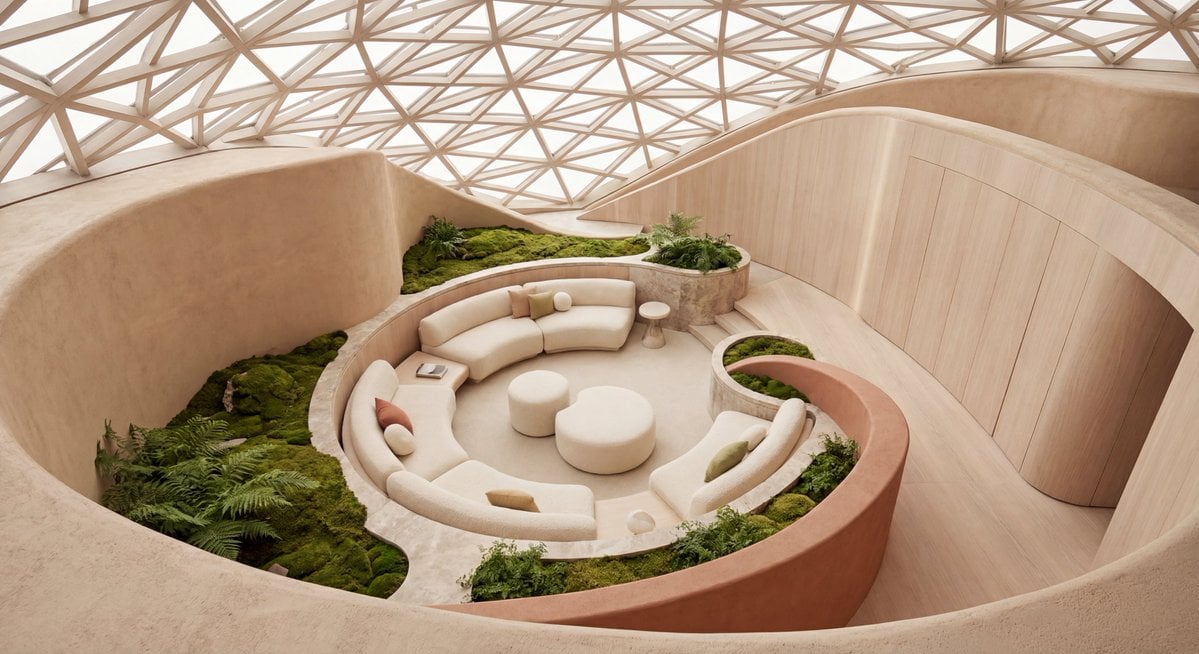
Biophilic Sunken Atrium Lounge
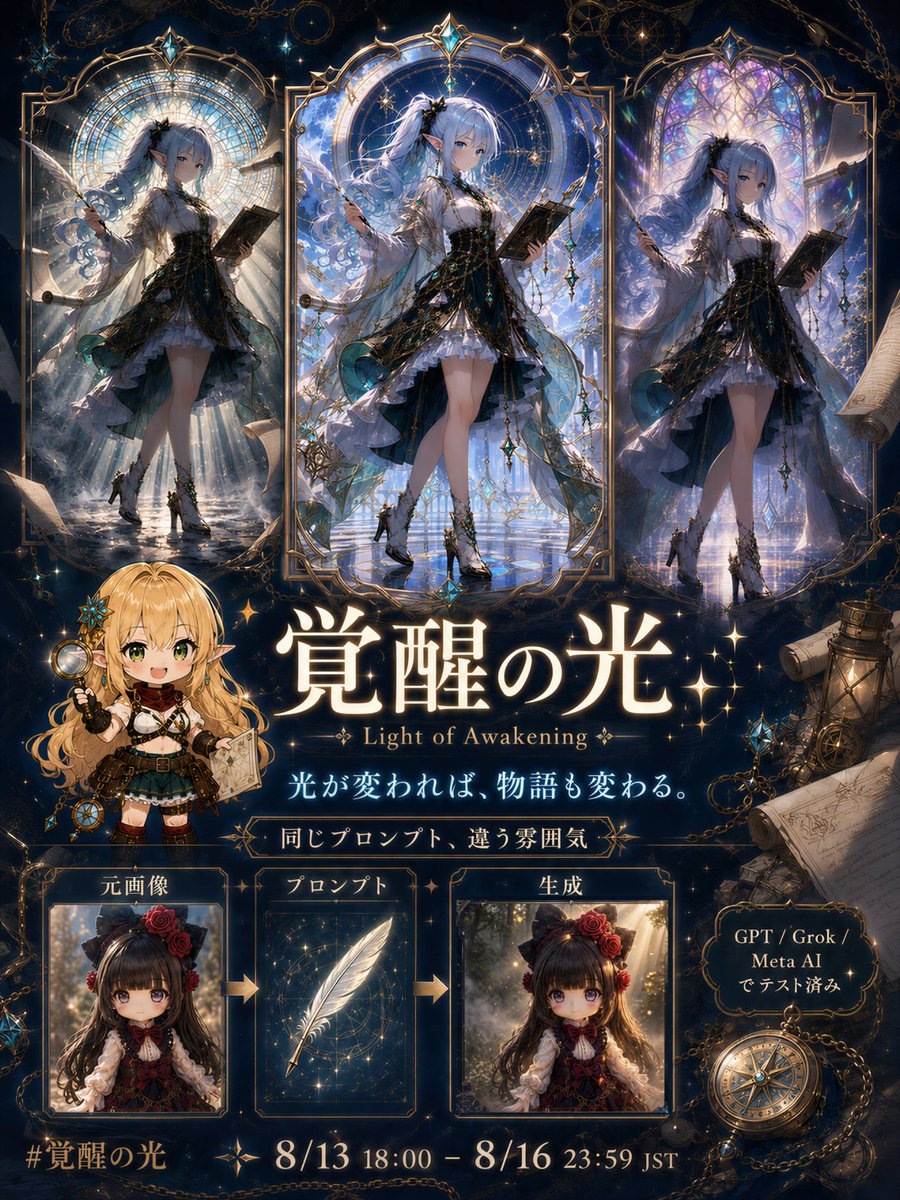
Light of Awakening Event Poster
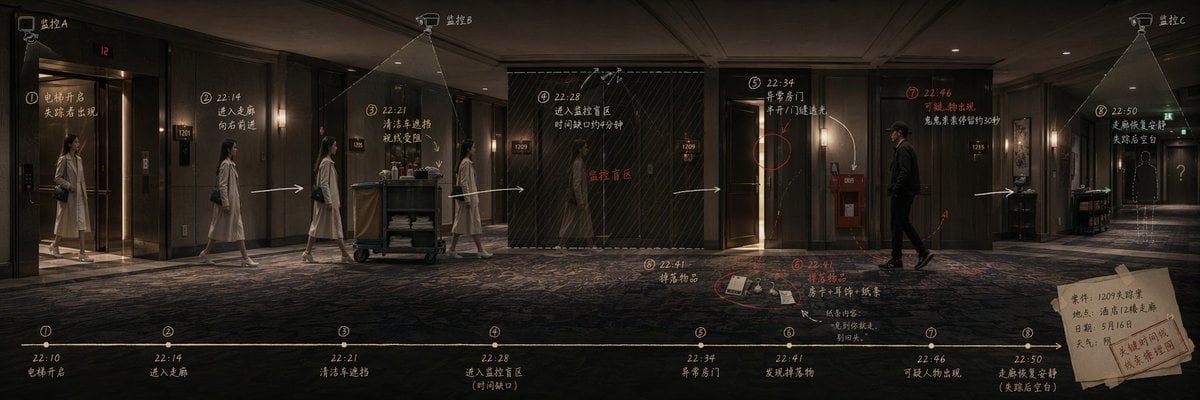
Panoramic Scene Storyboard Template
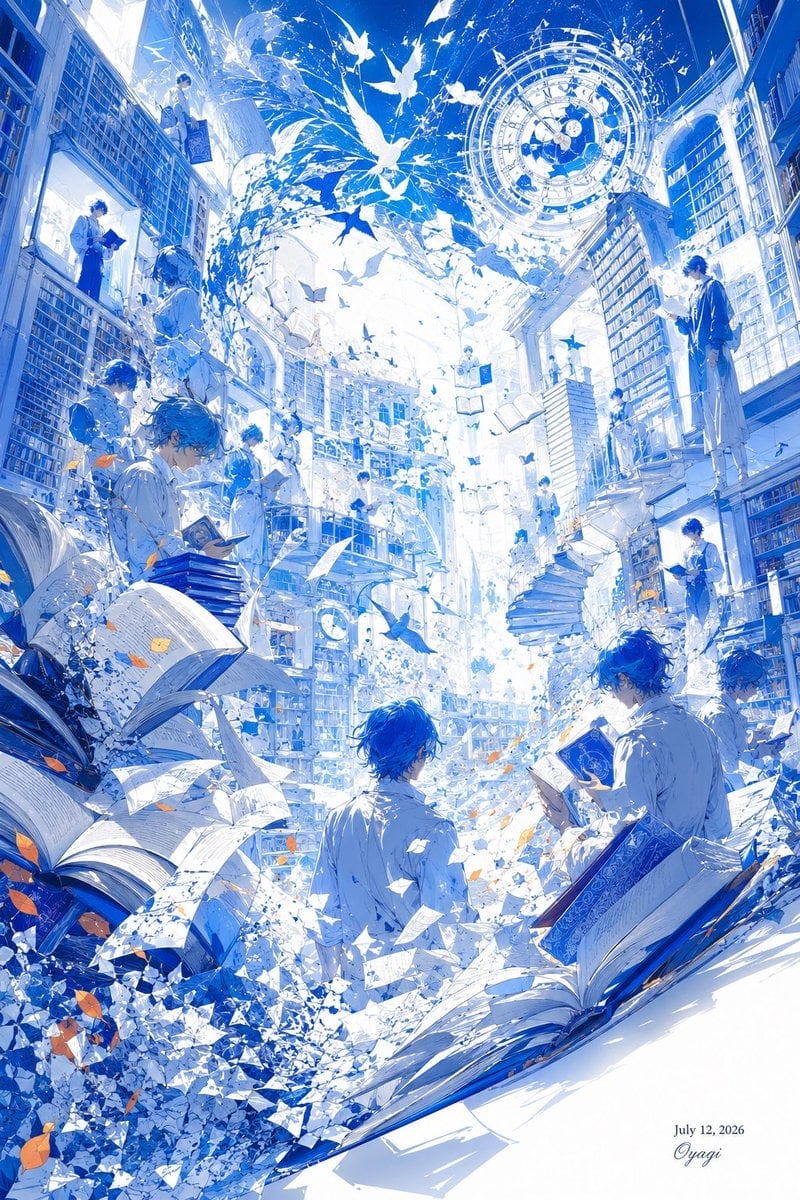
Blue Fantasy Library Atrium

Futuristic AI 2026 Tech Poster

Stylish Japanese Corn Event Poster
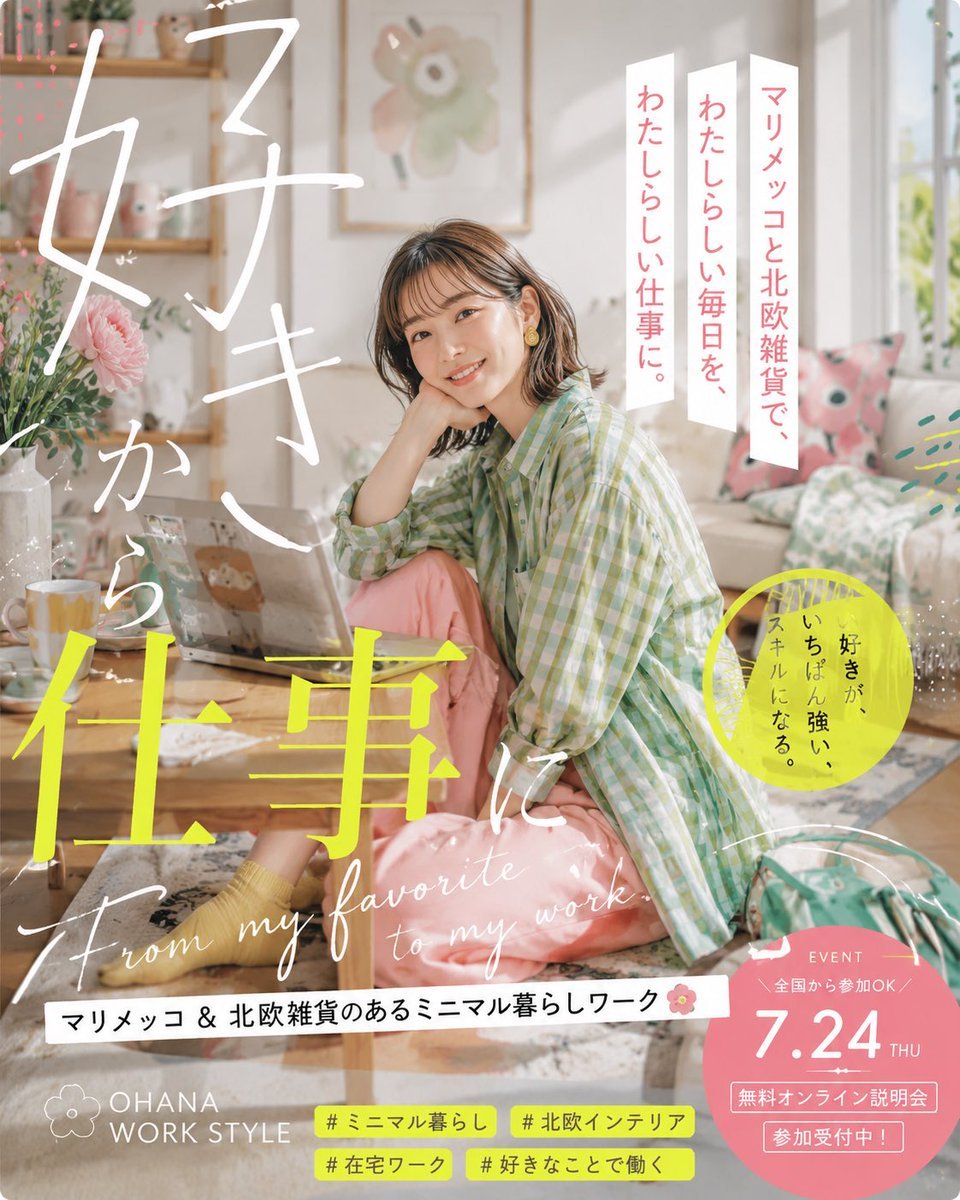
Japanese Lifestyle Work Event Poster
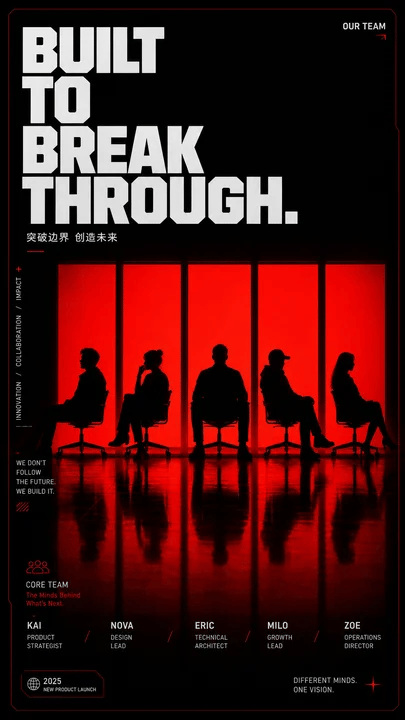
Red Silhouette Team Event Poster
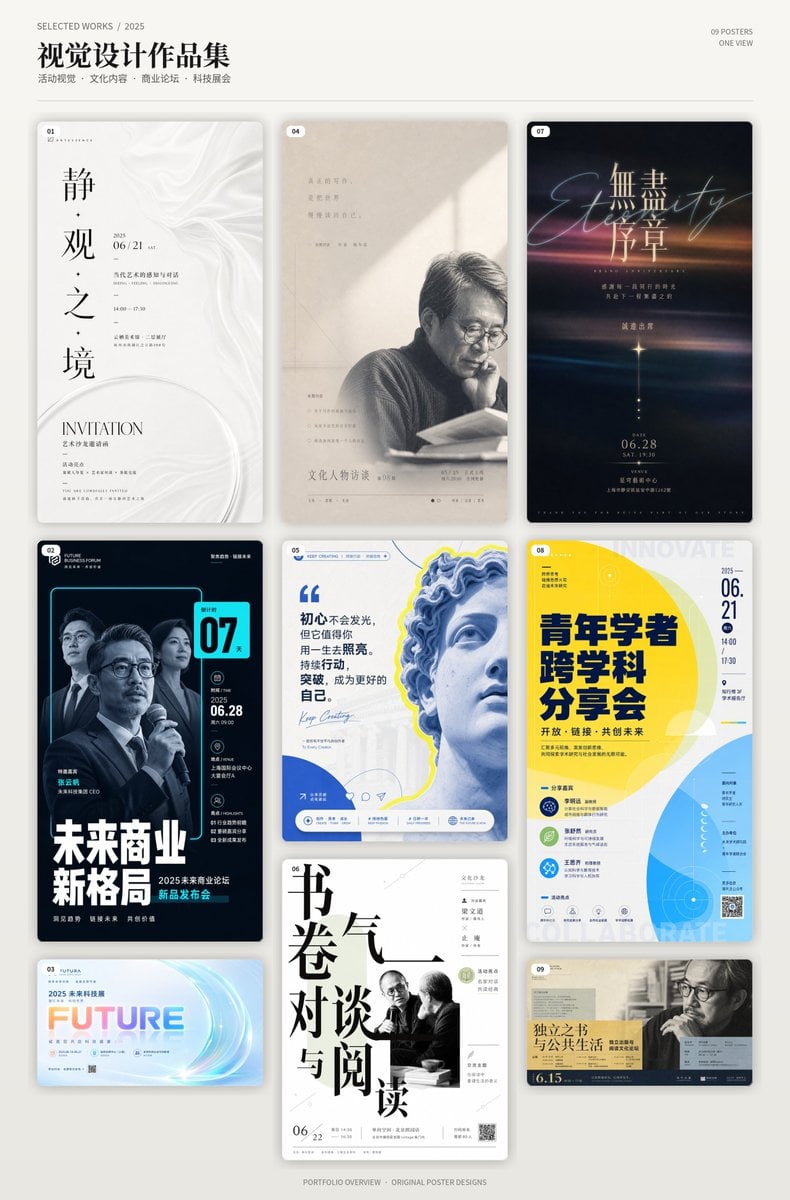
Chinese Event Poster Portfolio Board
Crimson Tech-wear Aesthetic Portrait
Minimalist Luxury Tech Advertisement
Bizarre Salad with Tech and Fishing Lures
Make it yours
Panoramic Tech Event Atrium Scene works as-is. These are the safest ways to change it without losing the look.
Change one field
Copy a single group, rewrite it, and generate again so you can see what that field is doing.
Keep the frame, change the subject
Hold the composition and light of Panoramic Tech Event Atrium Scene, then swap wardrobe, props or the person for a new take.
| If the result… | Why | Fix |
|---|---|---|
| The result drifts from the preview | Too many fields changed at once. | Reuse Panoramic Tech Event Atrium Scene as-is first, then change one group — subject, light, or setting. |
| The model over-stylizes the scene | The prose prompt leaves finish and camera underspecified. | Add one camera or lighting sentence and stay on GPT Image 2. |
More GPT Image 2 templates
Other prompts made for GPT Image 2.

Six VTuber Japanese Logo Sheet

Realistic Portrait of Woman and Deer

The Vista Modular Condo Poster

AI Model Routing Comparison Infographic

2.5D Anime Art Board

Isometric Productivity Desk Scene

New York Double Exposure Poster

Four-Panel AI Landscape Comparison

Japanese Tatami Lifestyle Magazine Cover

NESCAFÉ Coffee Map Poster
More image prompts
Fresh picks from across the catalog.
Cozy AI Agents Studio Group Portrait
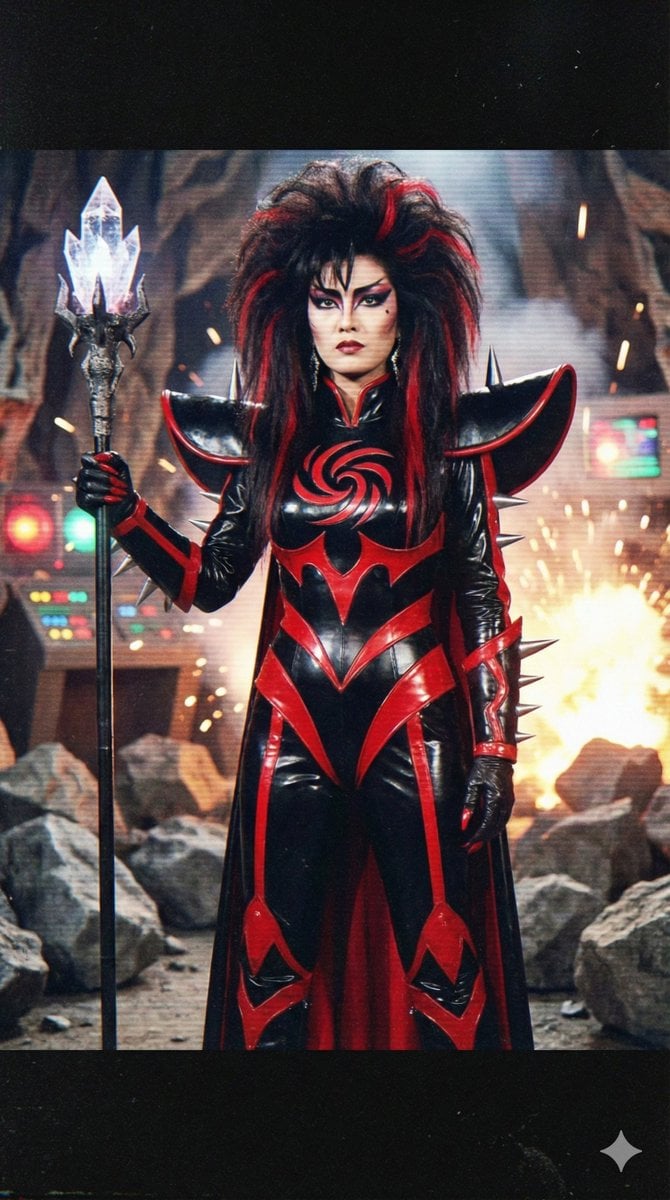
Prompt for 80s TV Style Villainess Character Design
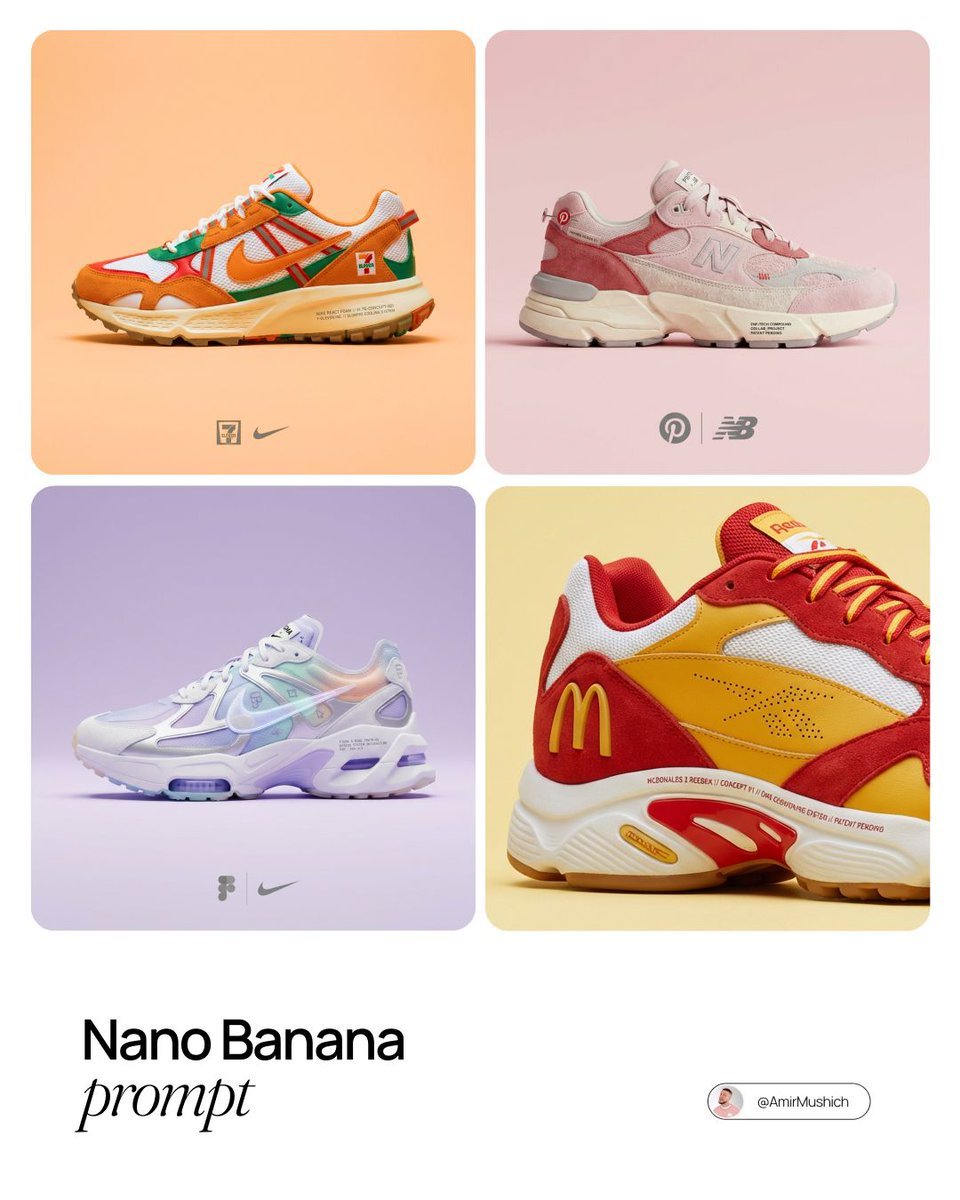
Brand x Sneakers Product Matchmaker Prompt
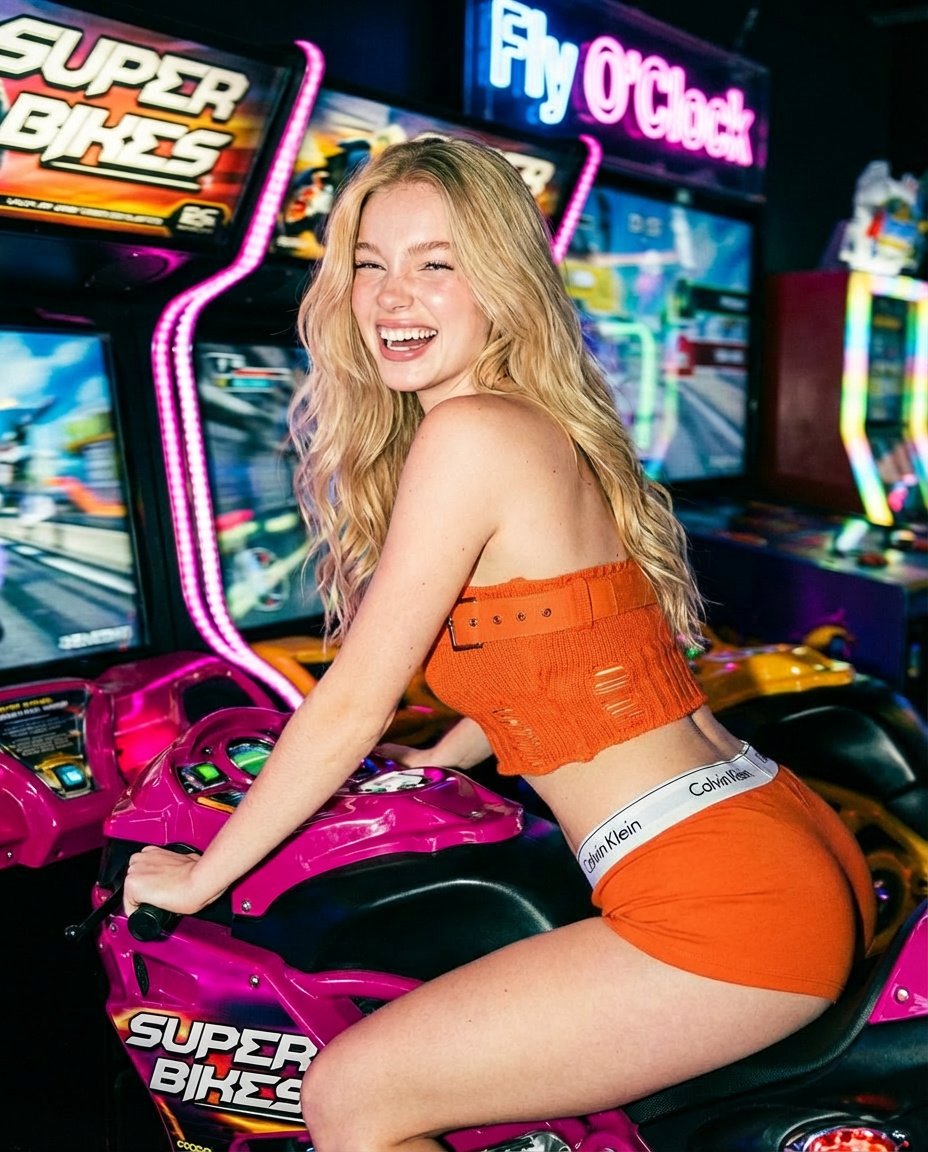
Photorealistic Arcade Motorcycle Game Portrait Prompt
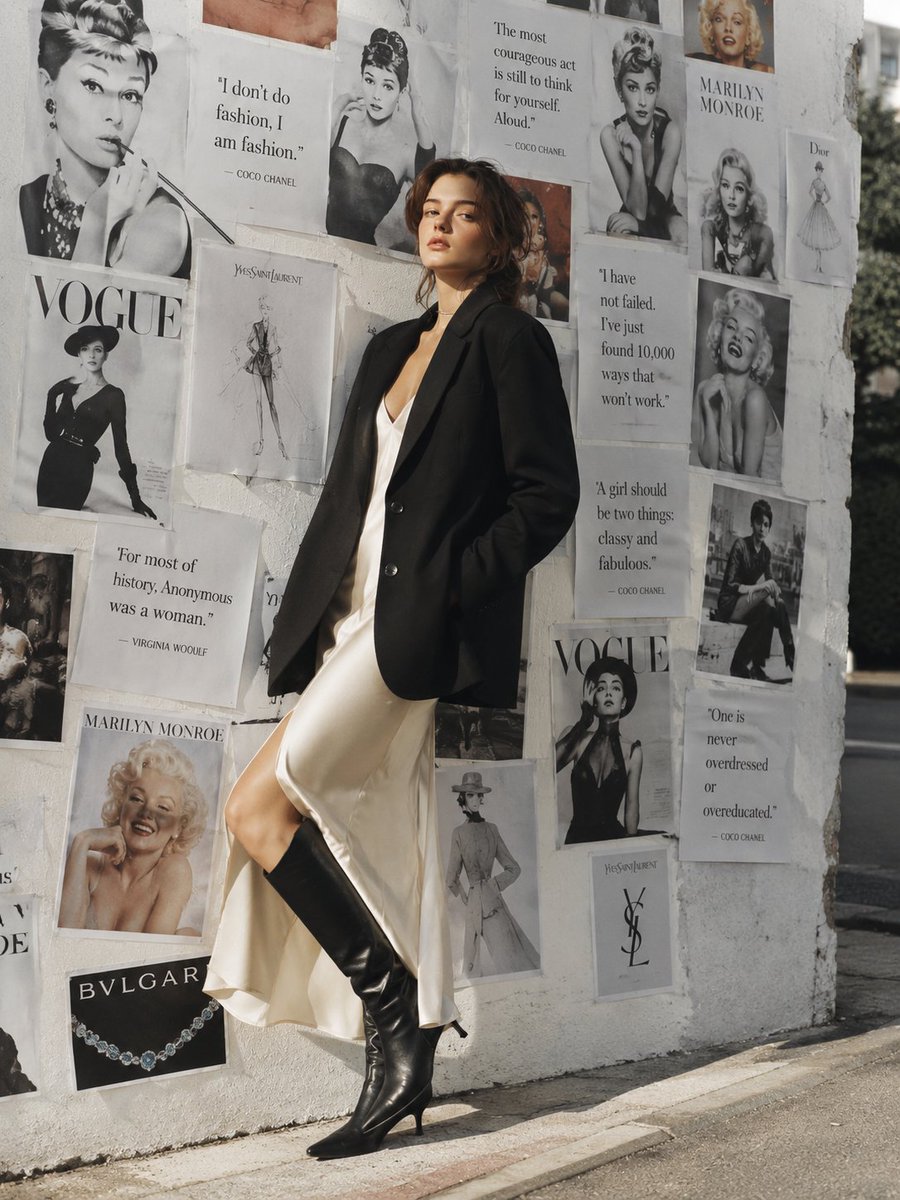
Parisian Chic Fashion Portrait

Fantasy Garden in a Glass Bottle
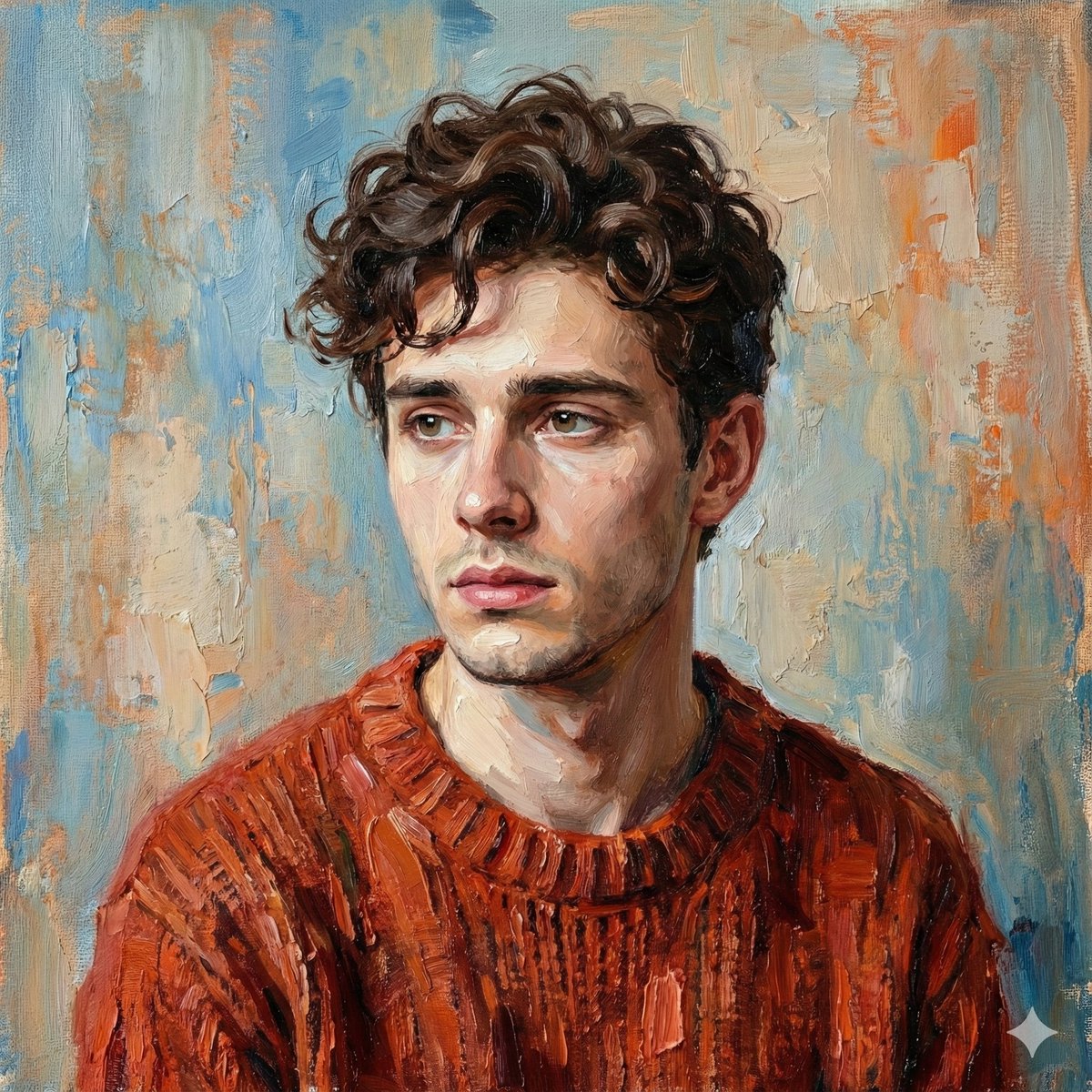
Digital Oil-Painted Bust Portrait
Image Sharpening and Blur Removal
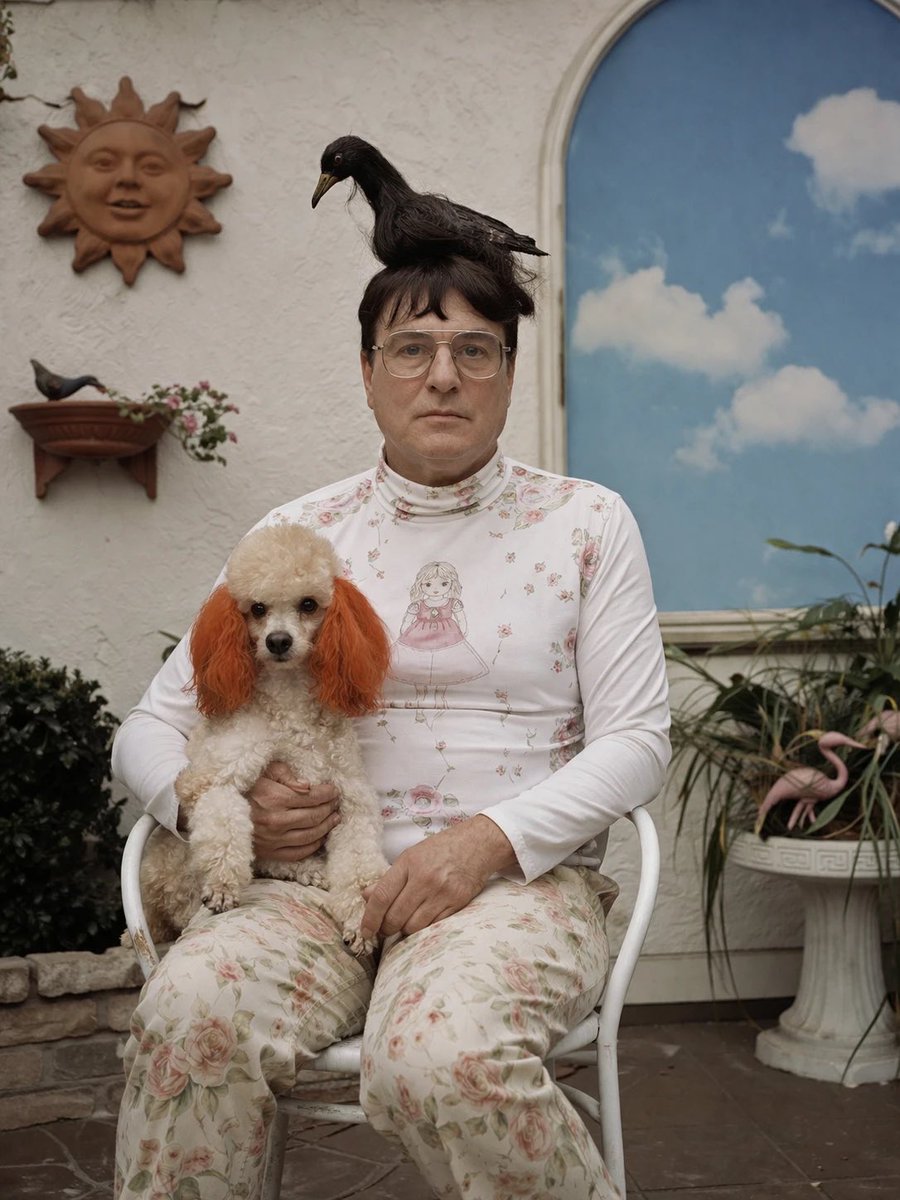
Surreal Patio Portrait with Crow and Dog
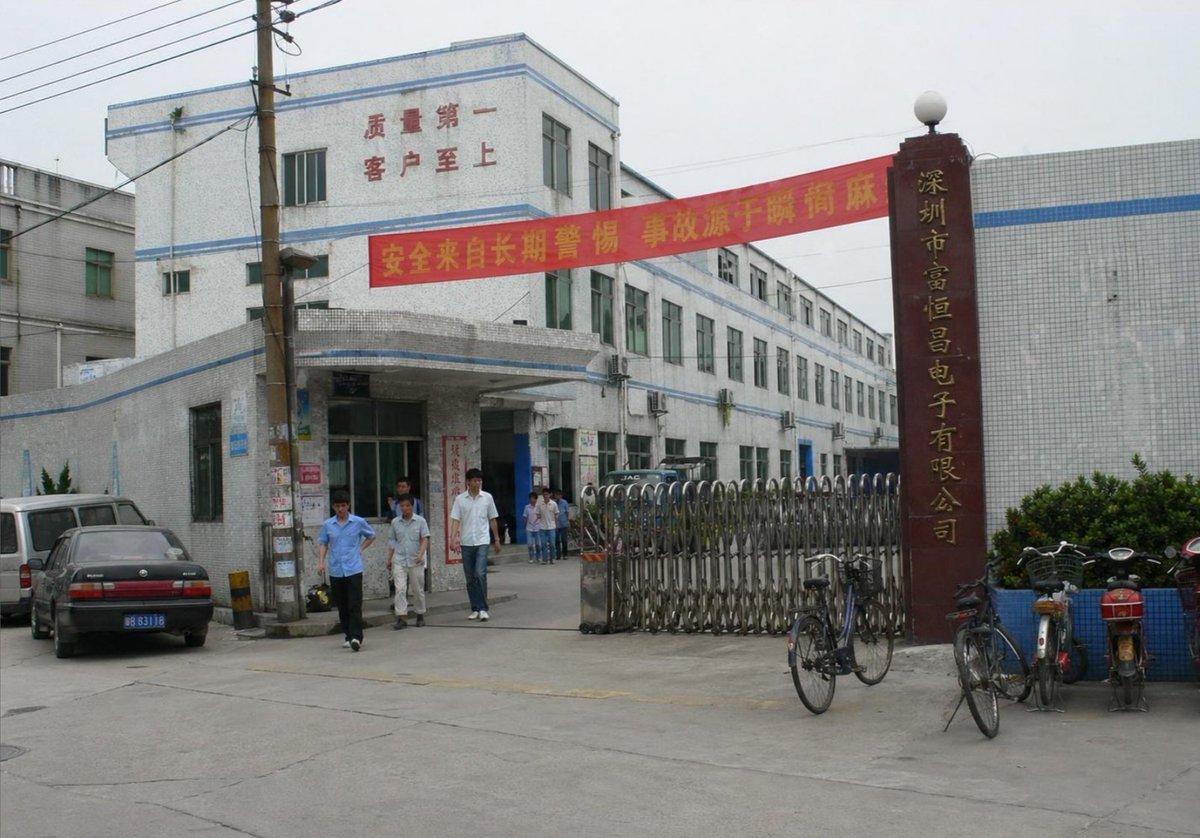
Photorealistic Shenzhen Factory Entrance
Browse template categories
Panoramic Tech Event Atrium Scene questions
How do I use the Panoramic Tech Event Atrium Scene template?
Add your photo if the template asks for one, edit the prompt if you like — the template's model and format are already selected — and press Generate. Your version opens in PicX Studio.
Can I customize the Panoramic Tech Event Atrium Scene template?
Yes. You can change the subject, setting, lighting, mood, format, and available model controls before creating your image.
Is the Panoramic Tech Event Atrium Scene template free?
Opening and editing this template is free. Generating uses credits, shown on the Generate button when you are signed in.
Which AI model should I use?
Start with GPT Image 2, which is the model associated with this template. You can compare another compatible model for a different finish.
Looking for something else? Browse all templates.

Your photo, any look
Thousands of ready templates for every top image and video model, from one credit balance.