
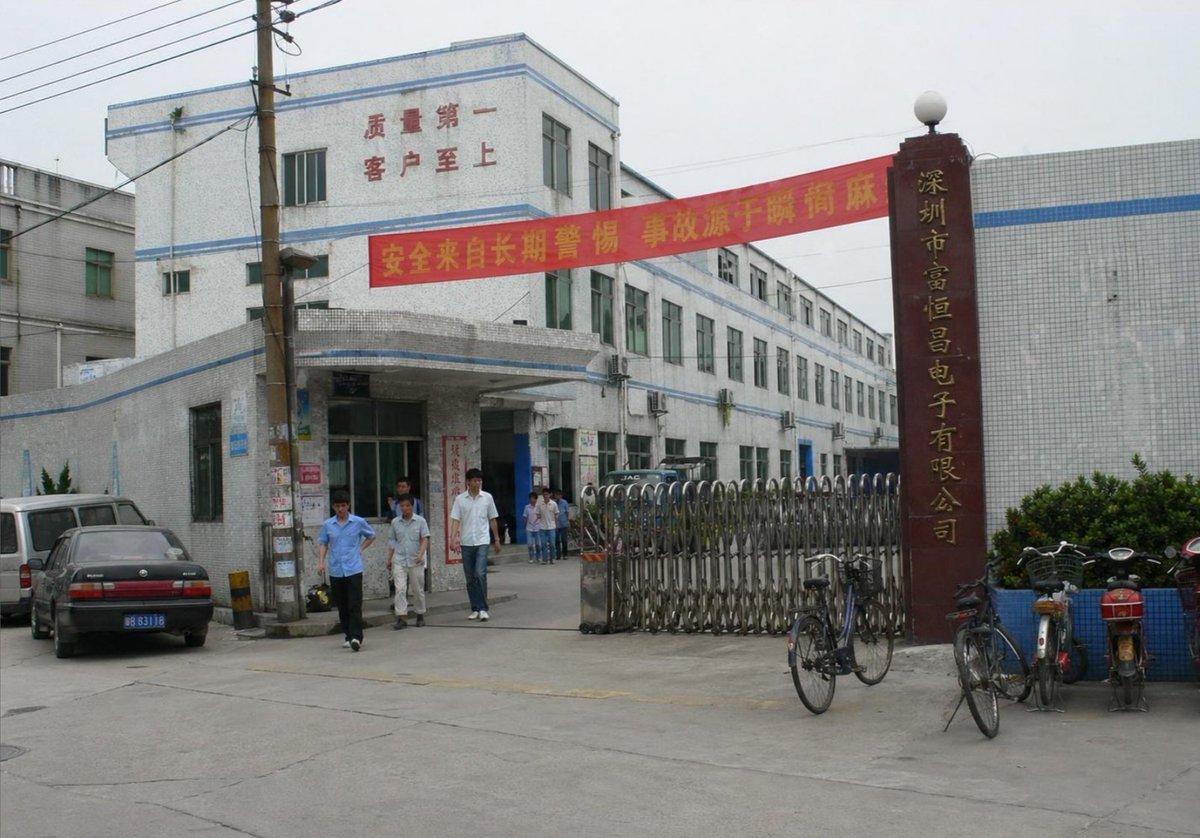
Photorealistic Shenzhen Factory Entrance
Generates a realistic documentary-style street photo of a Chinese electronics factory gate with signage, workers, vehicles, and industrial details.
- Prompt included
- Model and format preset
- Premium template
The prompt behind this image
Copy the exact prompt behind Photorealistic Shenzhen Factory Entrance, or open it in the studio and make it yours.
Create a photorealistic documentary-style street photograph of the entrance to a Chinese electronics factory in Shenzhen on an overcast day. Show a wide horizontal 4:3 view from across a concrete driveway, with a slightly dated early-2000s digital camera look, natural muted colors, soft gray sky, realistic perspective, and no cinematic grading. The main subject is a white ceramic-tile industrial building complex with pale blue horizontal trim, three stories at the front and a long two-to-three-story wing receding diagonally into the background. Place a covered entrance canopy at the front-left center, glass doors beneath it, many rectangular windows with greenish glass, and a few external air-conditioning units on the side wall. On the upper facade, include red Chinese wall text reading {argument name="facade slogan" default="质量第一 客户至上"}. Stretch a red safety banner across the driveway in front of the building with yellow Chinese text reading {argument name="banner text" default="安全来自长期警惕 事故源于瞬间麻痹"}. On the right, place a tall dark red-brown vertical gate pillar topped with a white globe lamp, with gold vertical Chinese company lettering reading {argument name="company sign" default="深圳市富恒昌电子有限公司"}. In front of the pillar and along the entrance, include a closed silver accordion-style metal retractable gate. Add exactly 6 visible people: three adult male workers walking out from the entrance in the foreground, one in a light blue short-sleeve shirt, one in pale work clothes, one in a white shirt and jeans; plus three smaller figures standing farther back near the doorway. Add exactly 5 visible vehicles or bikes: one white van at far left, one dark sedan with a blue license plate parked in front-left, one dark vehicle partly hidden inside the gate, one black bicycle leaning near the gate, and one motorbike/scooter parked at the far right near blue planters. Include a wooden utility pole near the left foreground with overhead power lines crossing the upper-left corner and small posters pasted on the pole. Add low shrubs in blue-tiled planters on the right, gray concrete pavement with cracks and seams, and surrounding tiled factory walls. Make the image convincingly real, like an ordinary factory entrance snapshot, with slight lens softness and mundane environmental detail. Avoid modern luxury architecture, dramatic lighting, crowds, logos other than the described Chinese signage, and any surreal or illustrative style.
How to use Photorealistic Shenzhen Factory Entrance in 3 steps
- 1Upload ImagePNG, JPG or paste
Add your photo
Upload the photo the template builds on. The prompt, model and format are already set.
- 2…a portrait of your subject in softgolden-hour light, 85mm…
Personalize
Edit the subject and creative details for your destination.
- 3Generate
Generate
Press Generate — your image is created in PicX Studio, so you can compare it with the original and refine one variable at a time.
More like this
Templates with the same subject, style or setup. Open one to see its prompt.

Cozy Knit Sweater Window Portrait

Gen Z Triple Selfie Collage — Y2K Flash Photography

Mountain Lake Sunset Landscape

Cinematic Destination Letter Panel Poster

Spider-Man Rooftop Golden Hour Cinematic Photo

Face-Locked Train Window Lifestyle Portrait

Face-Locked Cream Half-Zip Street Walk

Luxury Toothpaste Commercial Storyboard

Unfinished Sketch Comes Alive Portrait

Open Travel Journal Overhead Still Life

Face-Locked City Skyline Double Exposure

Face-Locked Identity Reference Portrait
Make it yours
Photorealistic Shenzhen Factory Entrance works as-is. These are the safest ways to change it without losing the look.
Change one field
Copy a single group, rewrite it, and generate again so you can see what that field is doing.
Keep the frame, change the subject
Hold the composition and light of Photorealistic Shenzhen Factory Entrance, then swap wardrobe, props or the person for a new take.
| If the result… | Why | Fix |
|---|---|---|
| The result drifts from the preview | Too many fields changed at once. | Reuse Photorealistic Shenzhen Factory Entrance as-is first, then change one group — subject, light, or setting. |
| The model over-stylizes the scene | The prose prompt leaves finish and camera underspecified. | Add one camera or lighting sentence and stay on GPT Image 2. |
More GPT Image 2 templates
Other prompts made for GPT Image 2.

Six VTuber Japanese Logo Sheet

Realistic Portrait of Woman and Deer

The Vista Modular Condo Poster

AI Model Routing Comparison Infographic

2.5D Anime Art Board

Isometric Productivity Desk Scene

New York Double Exposure Poster

Four-Panel AI Landscape Comparison

Japanese Tatami Lifestyle Magazine Cover

NESCAFÉ Coffee Map Poster
More image prompts
Fresh picks from across the catalog.
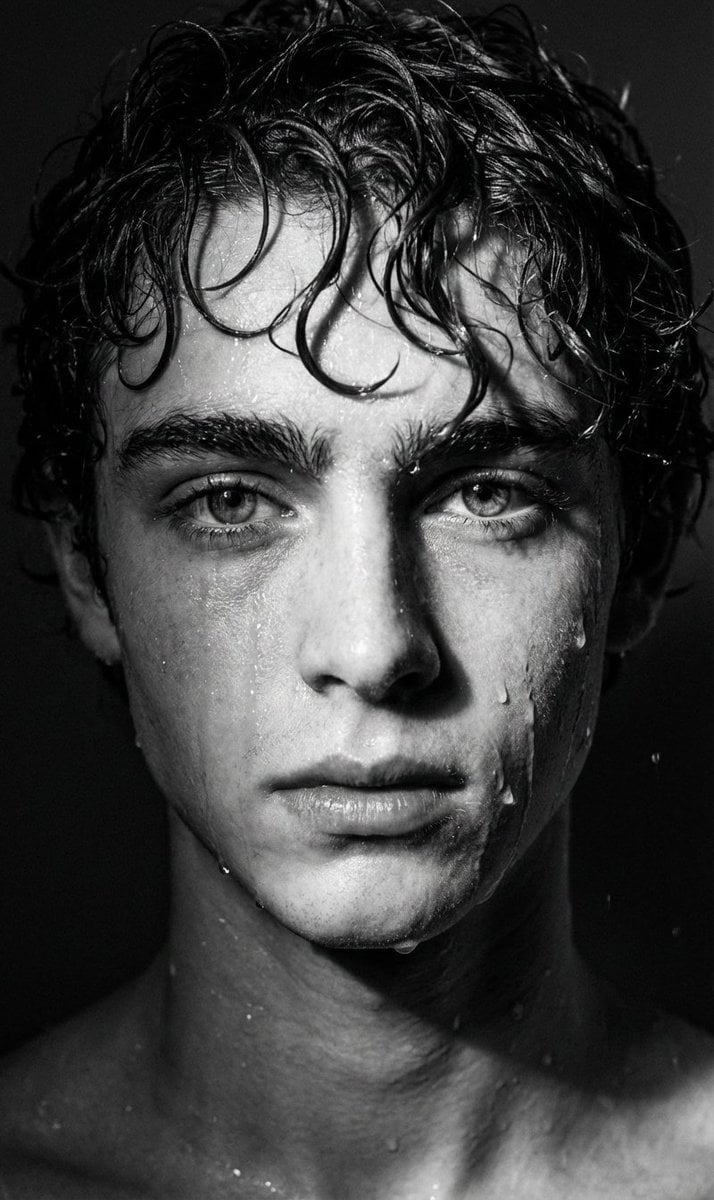
Dramatic Black and White Wet Portrait Prompt
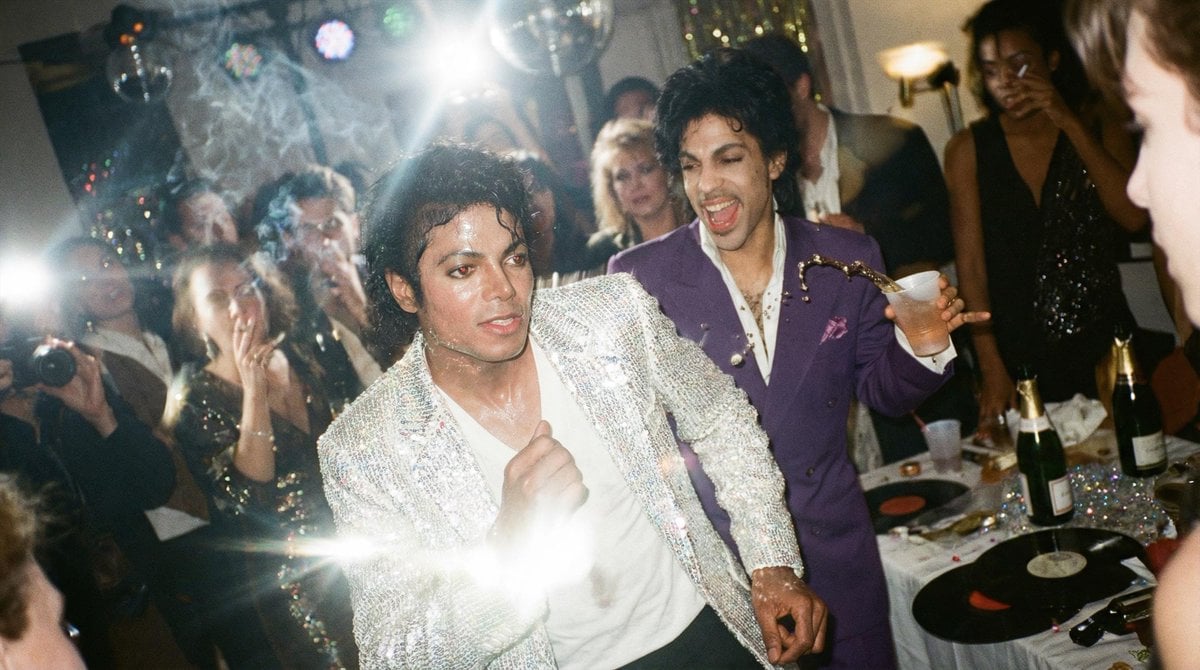
Messy Disposable Camera Party Shot Prompt
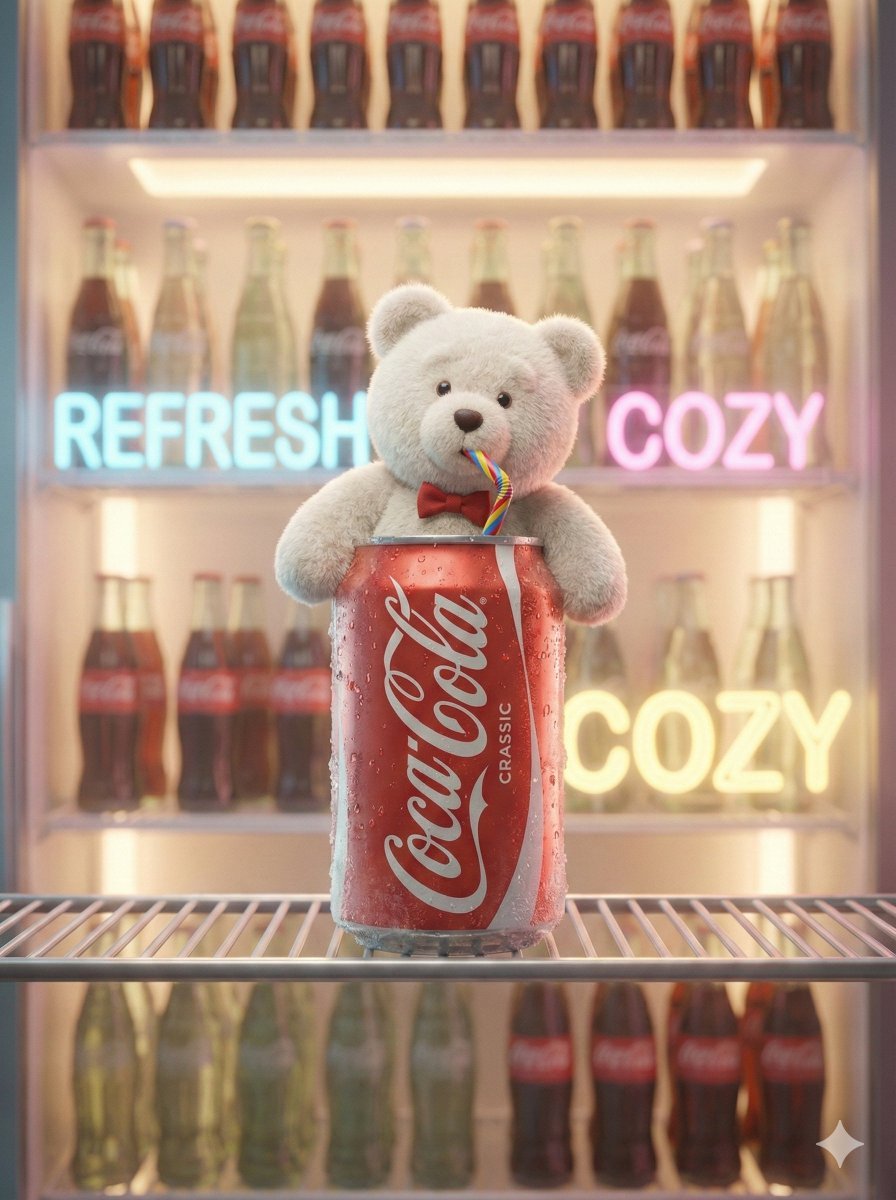
Pixar-Level Commercial Scene: Teddy Bear in a Soda Can
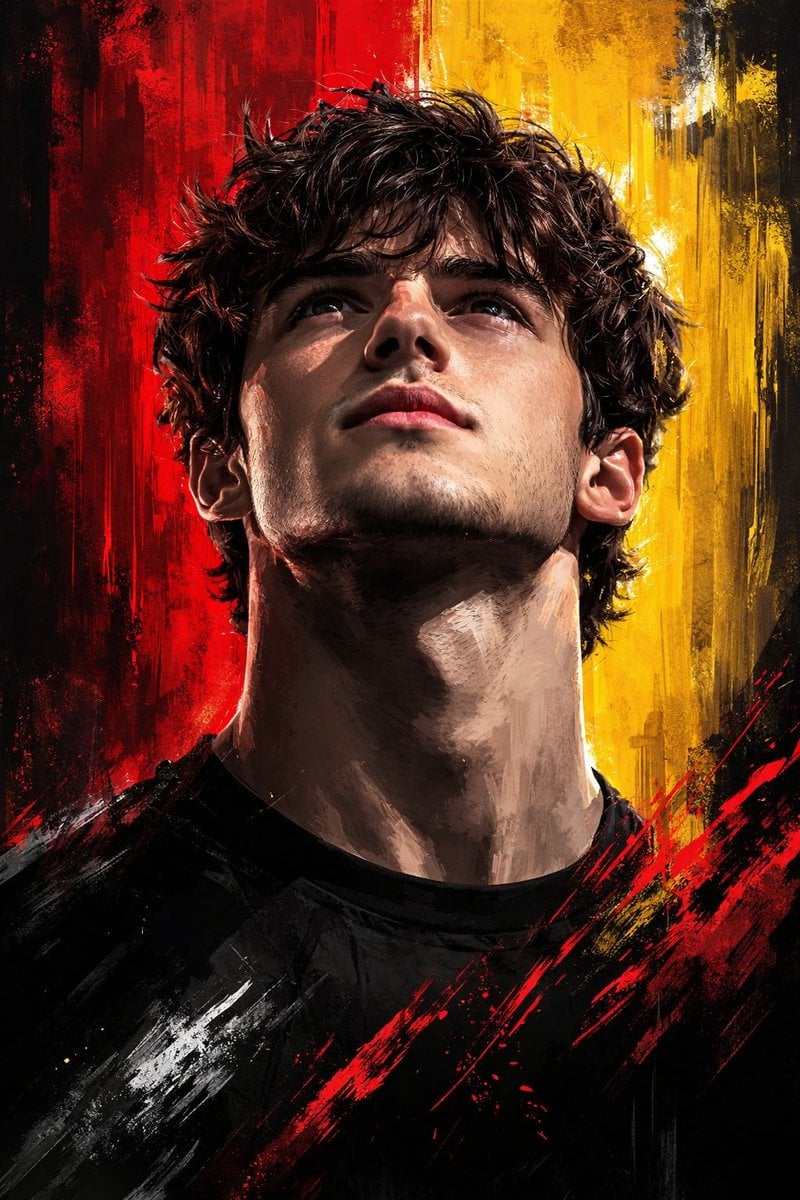
Dramatic Digital Painting Portrait with Limited Palette
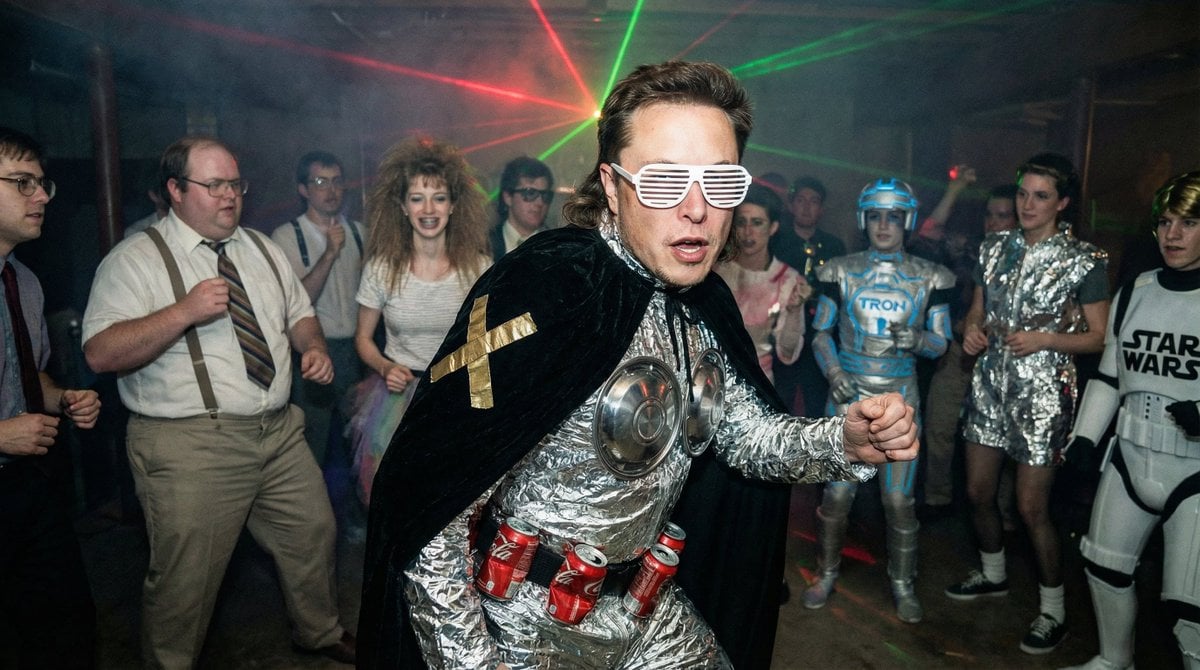
1980s underground nerd techno party flash photo prompt
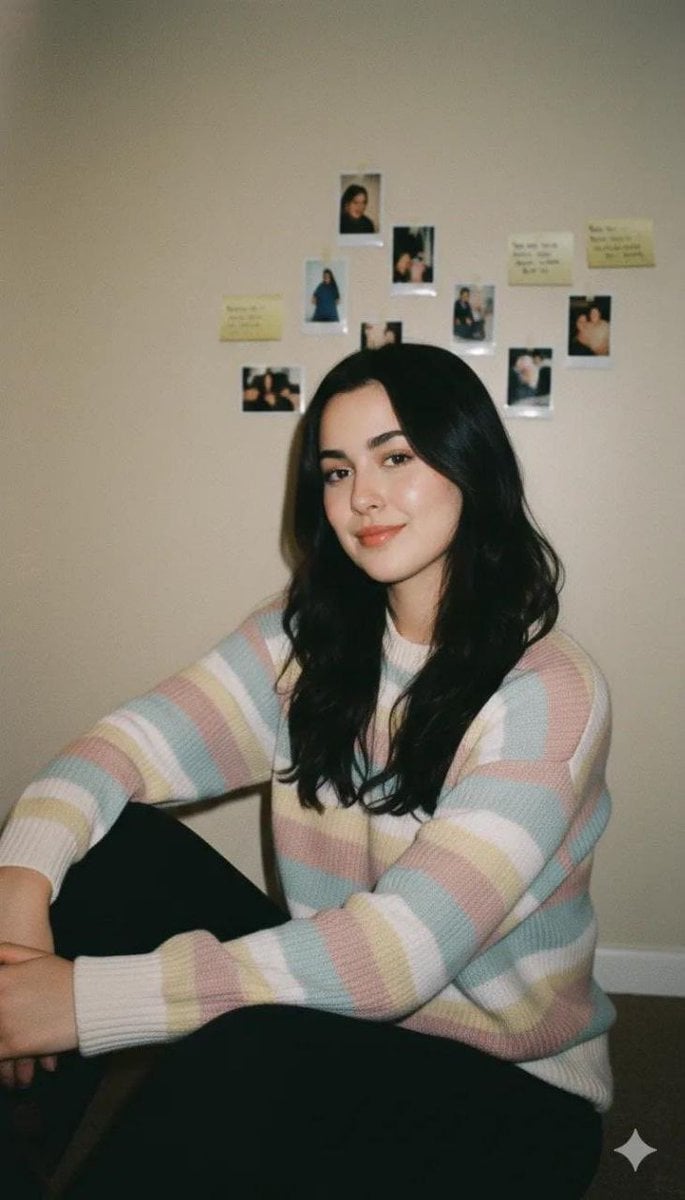
Cozy Vintage Indoor Lifestyle Portrait Prompt
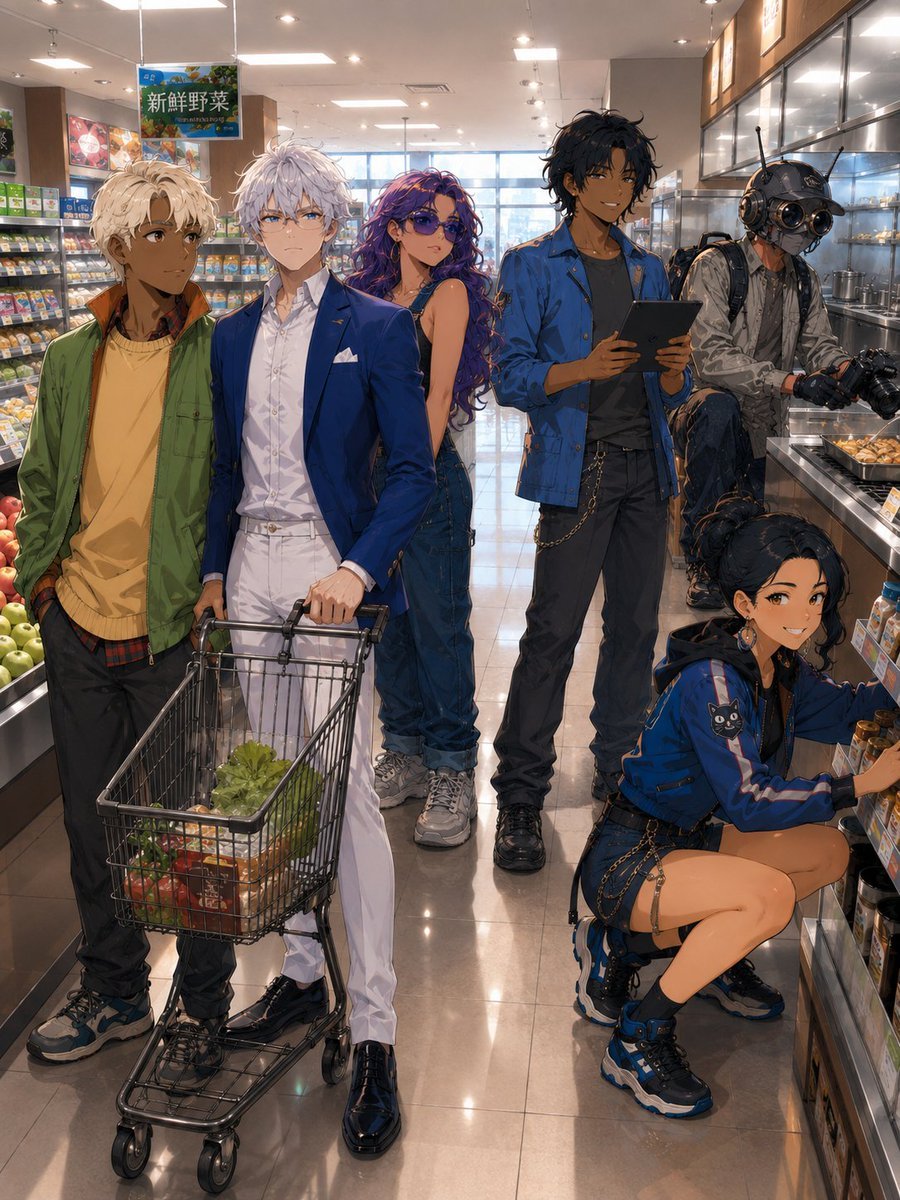
Anime Supermarket Group Scene
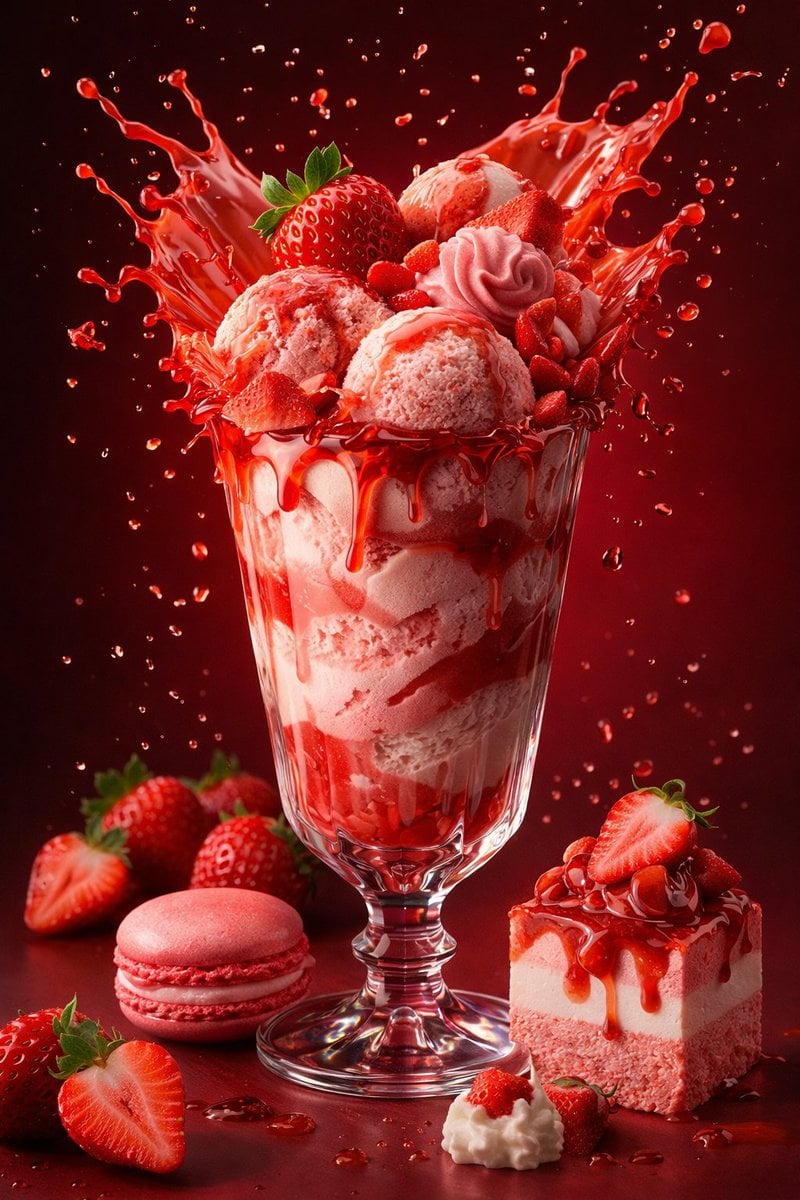
Parameterized Ice Cream Dessert Advertising Poster Prompt
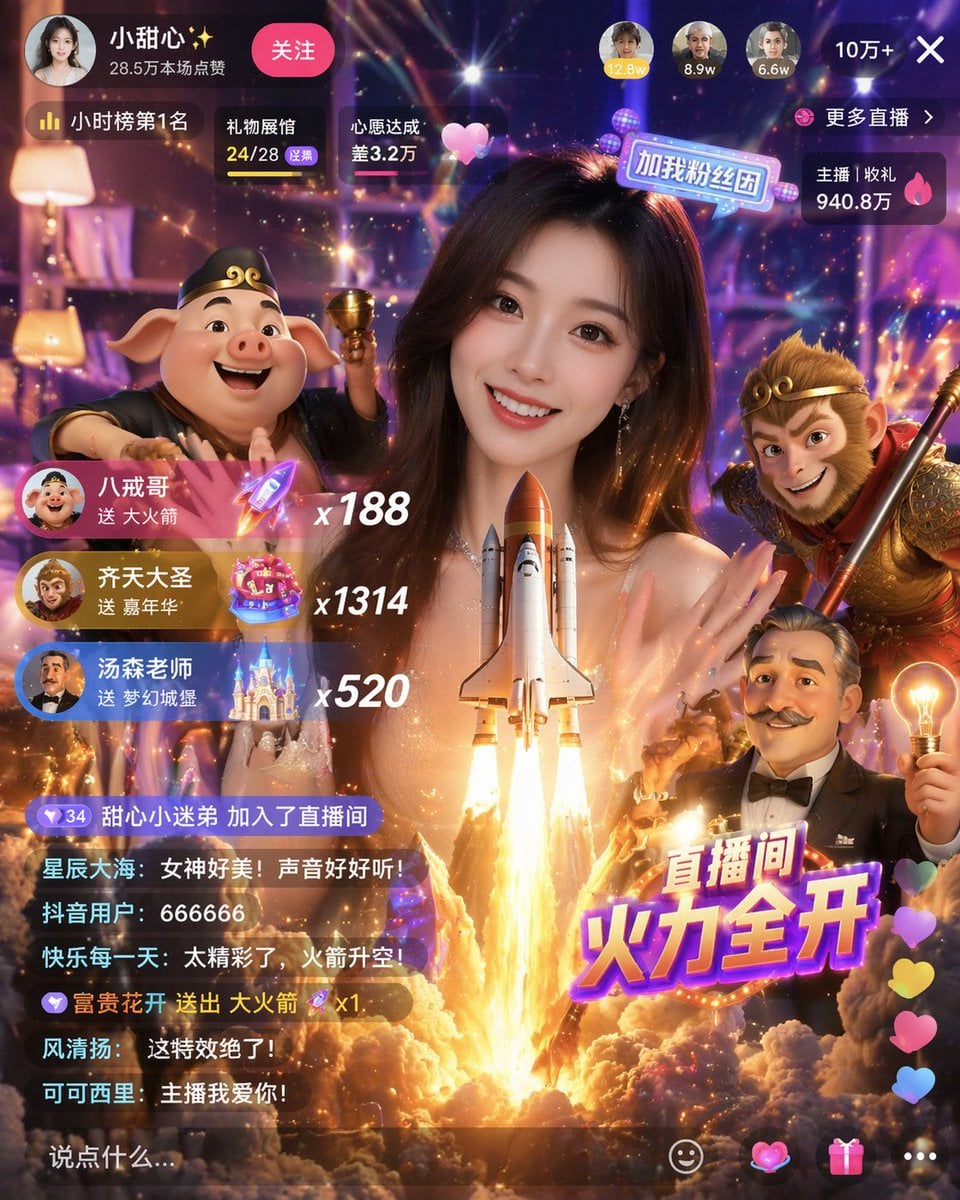
Live Stream UI Mockup with 3D Effects
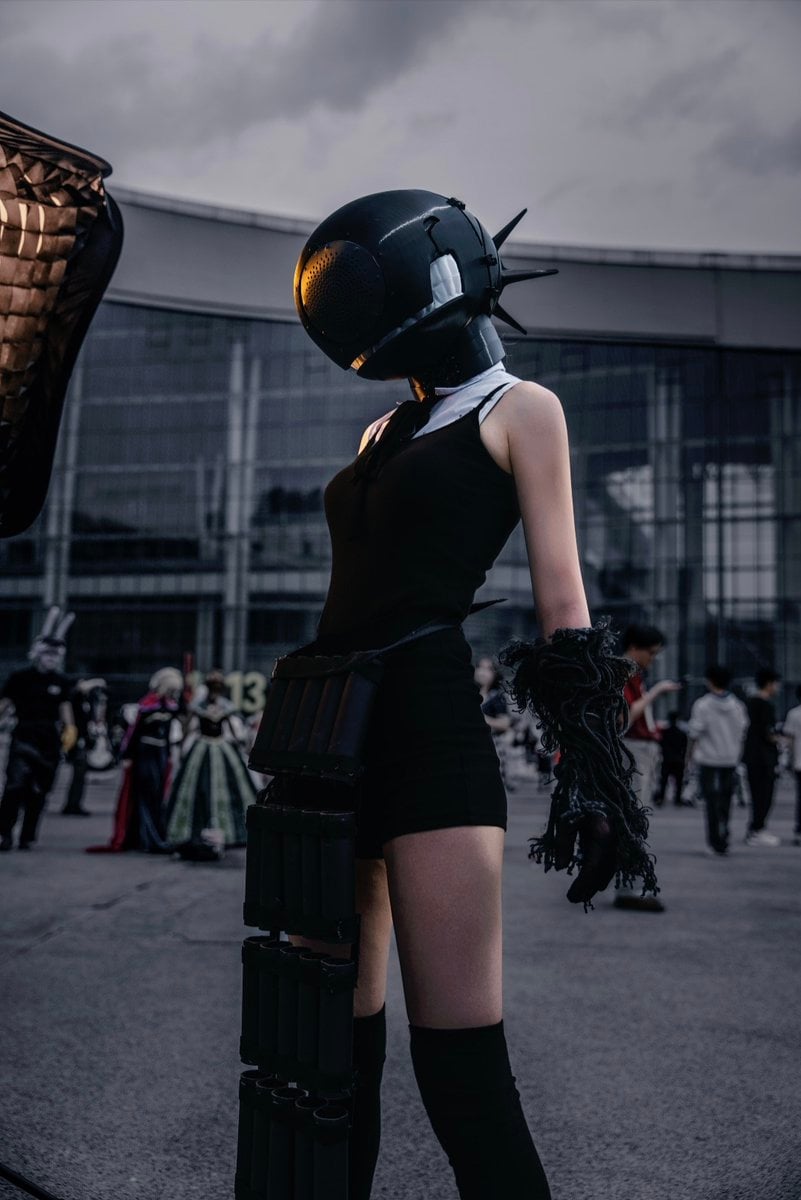
Cyberpunk Cinematic Photo Edit
Browse template categories
Photorealistic Shenzhen Factory Entrance questions
How do I use the Photorealistic Shenzhen Factory Entrance template?
Add your photo if the template asks for one, edit the prompt if you like — the template's model and format are already selected — and press Generate. Your version opens in PicX Studio.
Can I customize the Photorealistic Shenzhen Factory Entrance template?
Yes. You can change the subject, setting, lighting, mood, format, and available model controls before creating your image.
Is the Photorealistic Shenzhen Factory Entrance template free?
Opening and editing this template is free. Generating uses credits, shown on the Generate button when you are signed in.
Which AI model should I use?
Start with GPT Image 2, which is the model associated with this template. You can compare another compatible model for a different finish.
Looking for something else? Browse all templates.

Your photo, any look
Thousands of ready templates for every top image and video model, from one credit balance.