
Open Travel Journal Overhead Still Life
Model: The best journeys don't end-they become part of your story...

- Prompt included
- Model and format preset
- Free template
The prompt behind this image
Copy the exact prompt behind Open Travel Journal Overhead Still Life, or open it in the studio and make it yours.
Warm, photorealistic overhead close-up of an open cream-paper travel journal on a rustic wooden table. Destination: [LOCATION]. Central artwork: Large circular composition, centered on the right-hand page — black-and-white sumi-e/ink-wash + fine-liner illustration of [LOCATION]'s most iconic architecture, landscape, and atmosphere (auto-select the defining landmarks/features). Ink-to-clay transformation: From the flat ink drawing, key landmarks physically emerge as miniature handcrafted clay models — pencil → fine ink → ink wash → tactile matte clay, seamless and magical. Keep the split 60–70% flat ink / 30–40% dimensional clay so it reads as a sketch becoming real, not a pop-up book. Clay pieces: visible handmade texture, small imperfections, real depth. Color: Mostly monochrome/neutral. One signature [LOCATION]-associated accent color, used sparingly on a few key details only. Tiny traveler: One small handcrafted figure at the circle's lower edge, mostly from behind, backpack, looking toward the emerging scene — scale/story detail only, never the focal point. Journal margins (sparse, secondary): Hand-lettered "[LOCATION]" title, a plausible date, brief weather note, one short poetic line, small compass rose, minimal hand-drawn regional map, 3–5 tiny field sketches (food/plants/boats/architecture/culture), and a short "Today's Moments" checklist of destination-specific items. Keep handwriting imperfect and subtle; preserve generous cream negative space — don't overcrowd. Hand + pen: A human hand enters from the lower right holding a fine-liner, its tip touching the exact spot where ink is becoming clay — reinforcing the "drawing it into existence" illusion. Tabletop props: Only 2–3 destination-appropriate items (e.g., ceramic ink cup, dried botanical twig, small photograph, fountain pen), softly out of focus and never competing with the notebook. Look: Warm morning light, gentle cinematic shadows, shallow depth of field, real paper grain, tactile clay texture, fine ink bleed, editorial sketchbook aesthetic. Vertical 4:5. Excludes: Passport stamps, globe, large typography, scrapbook clutter, fantasy portal, full-color painting, oversized miniature person, unrelated or generic landmarks, plastic-toy appearance. Generate for bath
How to use Open Travel Journal Overhead Still Life in 3 steps
- 1
Open
The prompt is already in the box next to the preview, with the template's model and format selected.
- 2…a portrait of your subject in softgolden-hour light, 85mm…
Personalize
Edit the subject and creative details for your destination.
- 3Generate
Generate
Press Generate — your image is created in PicX Studio, so you can compare it with the original and refine one variable at a time.
More like this
Templates with the same subject, style or setup. Open one to see its prompt.

Face-Locked Train Window Lifestyle Portrait
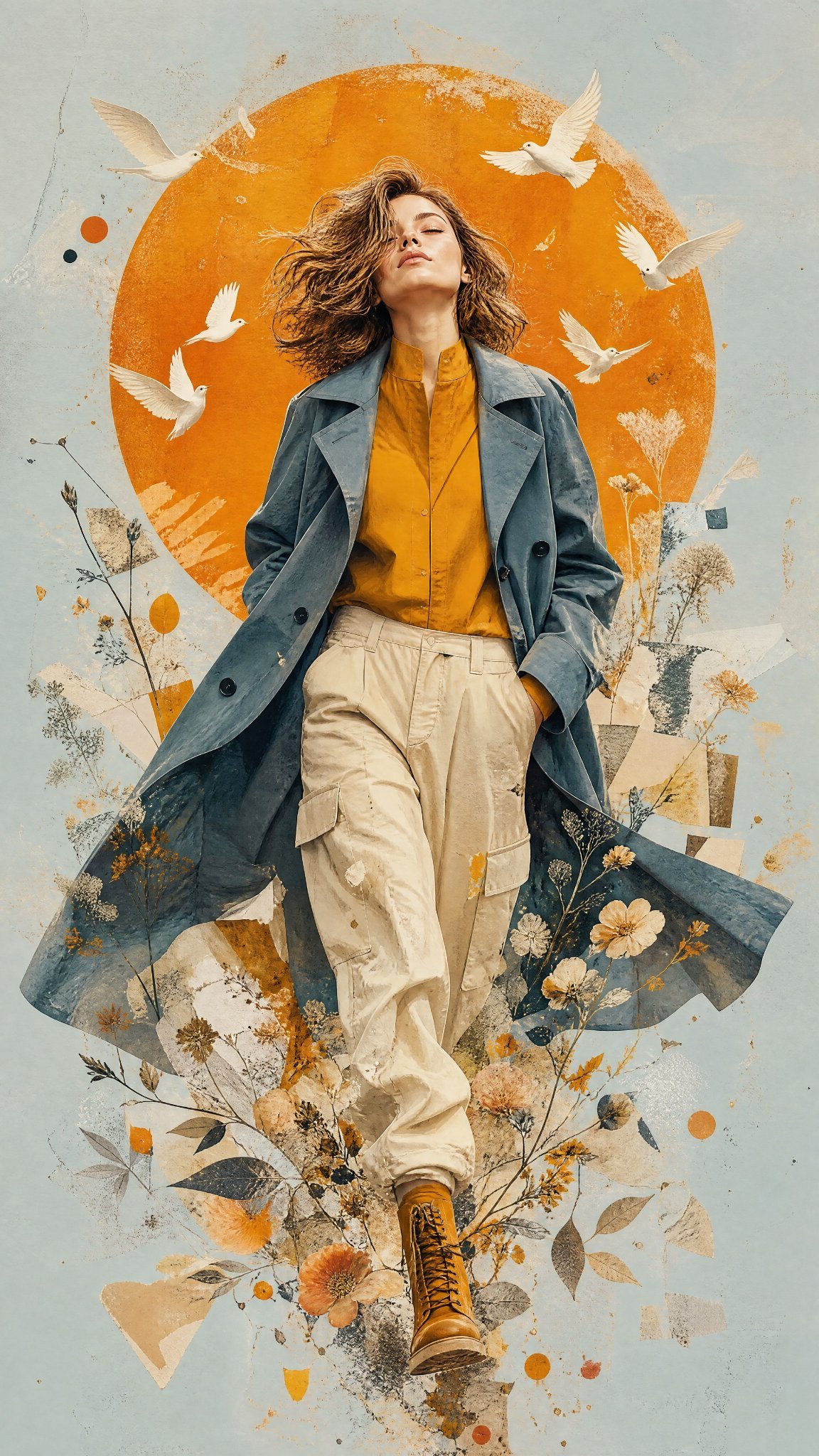
Mixed Media Editorial Woman Illustration

Gpt2 Fisheye Sky Crouch Portrait
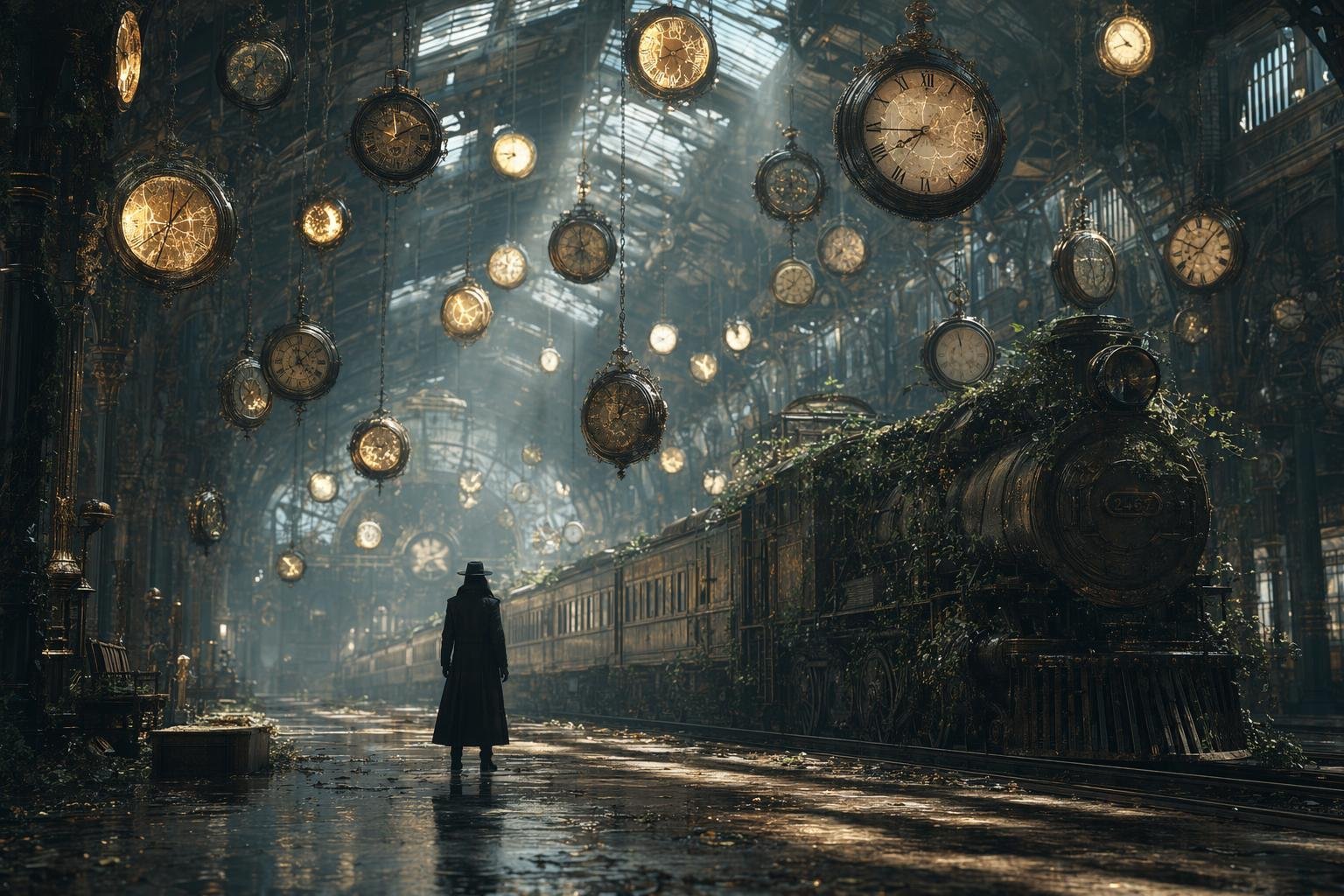
Same Traveler Different Timeline Portrait

Face-Locked Cream Half-Zip Street Walk

Face-Locked Identity Reference Portrait

Dancer Character - Four View Reference Sheet

City Posters by Nano Banana Pro
JSON Seedance - Fairy Macro Flight
Videogame Cinematic Trailer - Seedance 2.0

Kids Crayon Travel Journal Illustration

Premium Vintage Travel Poster Landscape
Make it yours
Open Travel Journal Overhead Still Life works as-is. These are the safest ways to change it without losing the look.
Change one field
Copy a single group, rewrite it, and generate again so you can see what that field is doing.
Keep the frame, change the subject
Hold the composition and light of Open Travel Journal Overhead Still Life, then swap wardrobe, props or the person for a new take.
| If the result… | Why | Fix |
|---|---|---|
| The result drifts from the preview | Too many fields changed at once. | Reuse Open Travel Journal Overhead Still Life as-is first, then change one group — subject, light, or setting. |
| The model over-stylizes the scene | The prose prompt leaves finish and camera underspecified. | Add one camera or lighting sentence and stay on PicX Studio. |
More image prompts
Fresh picks from across the catalog.
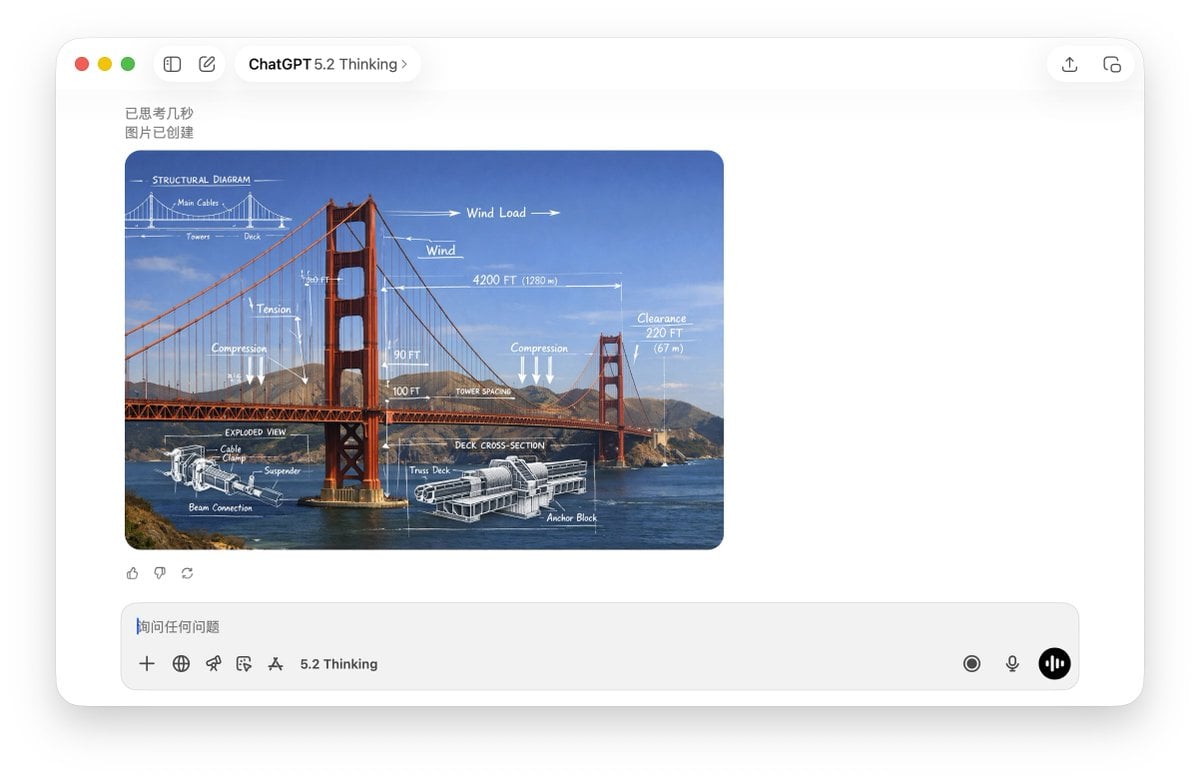
Technical Schematic Overlay Prompt
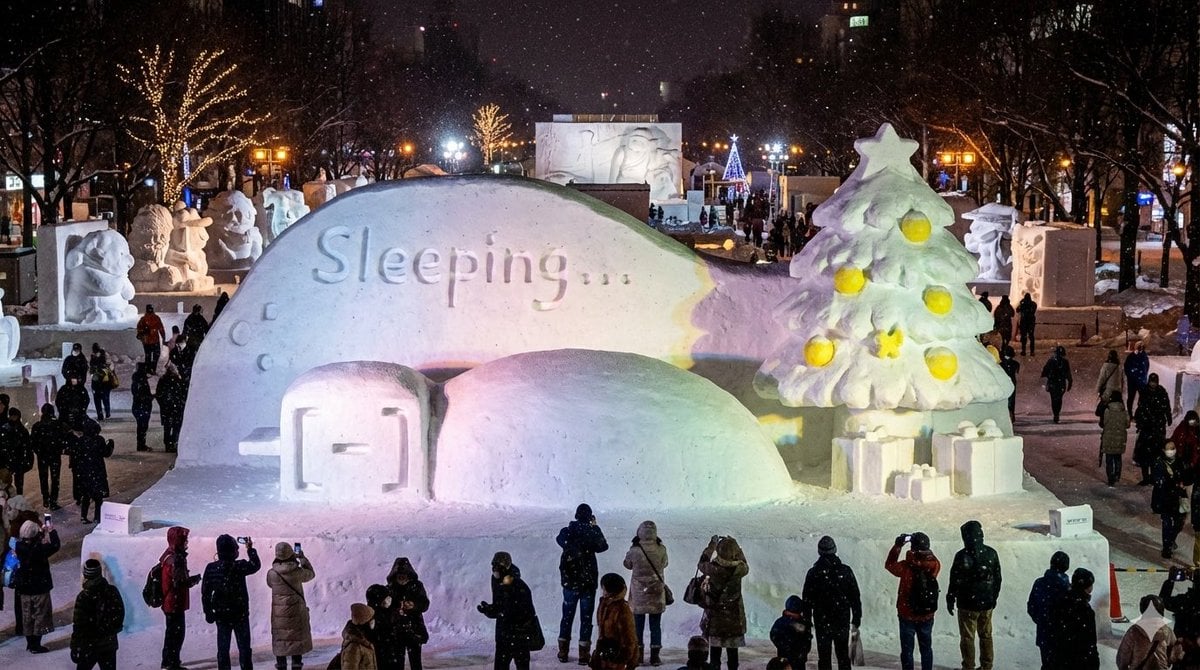
Snow Statue of Not Wanting to Leave the Futon
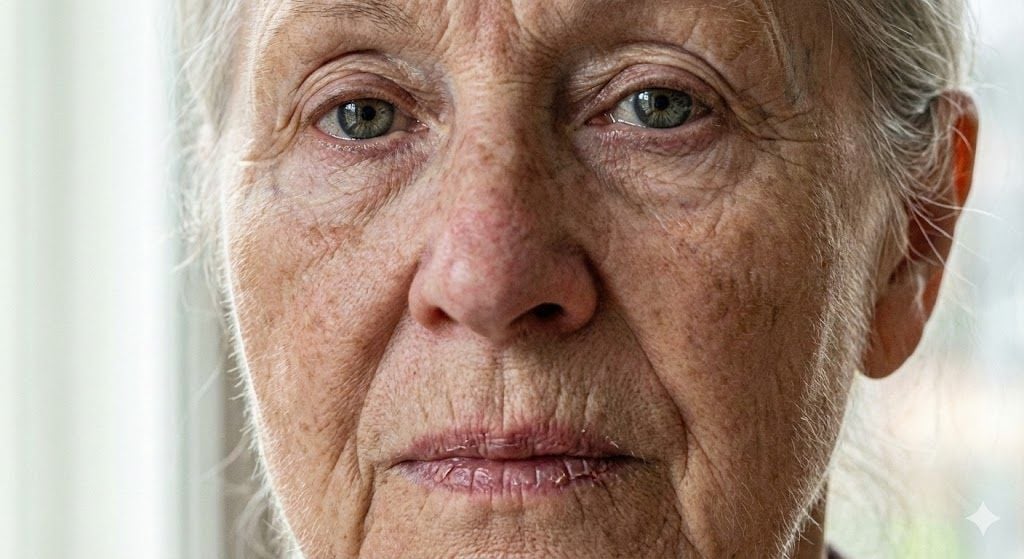
Anti-Plastic/Hyper-Realism Protocol for Human Skin Texture
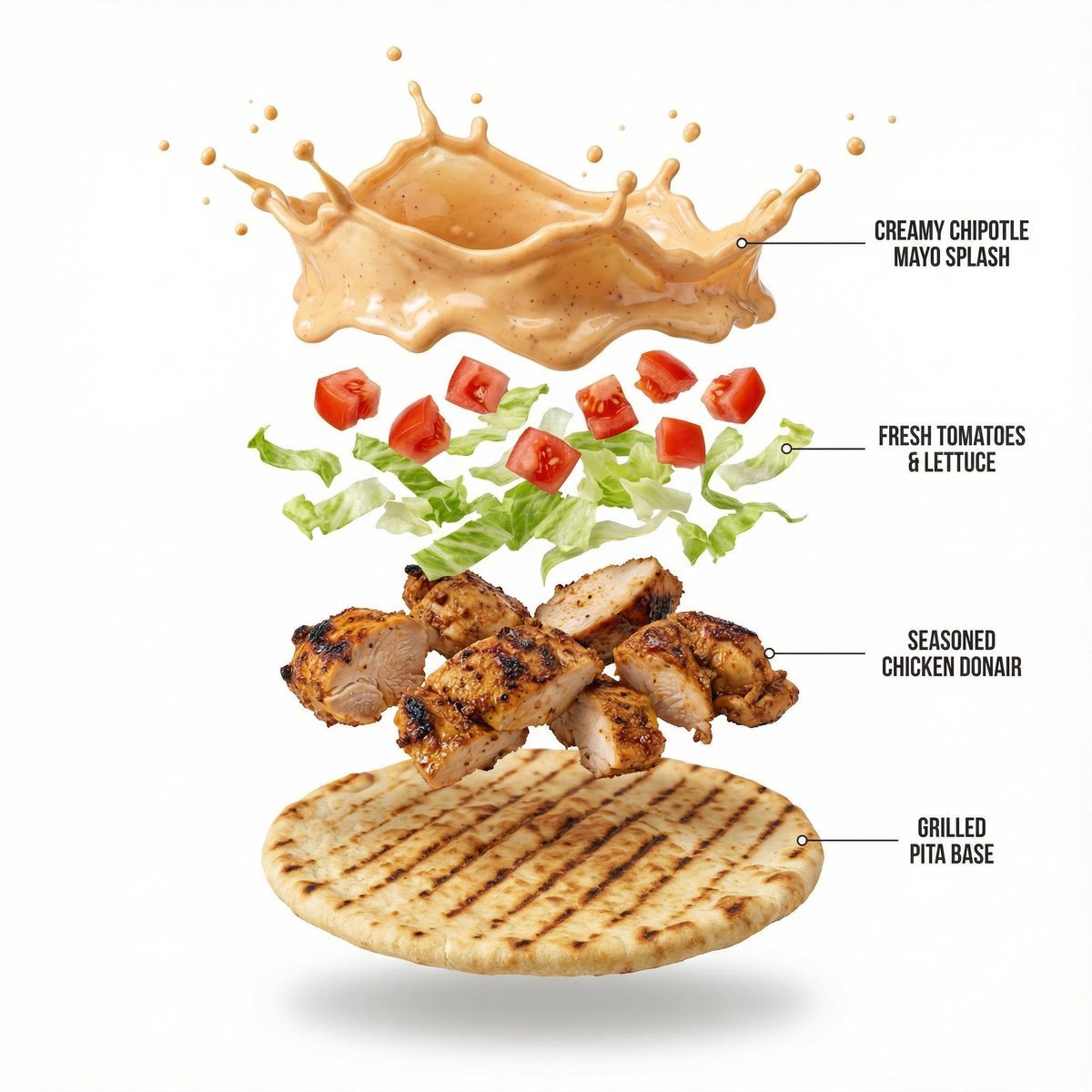
Shawarma Product Photography and Exploded Infographic
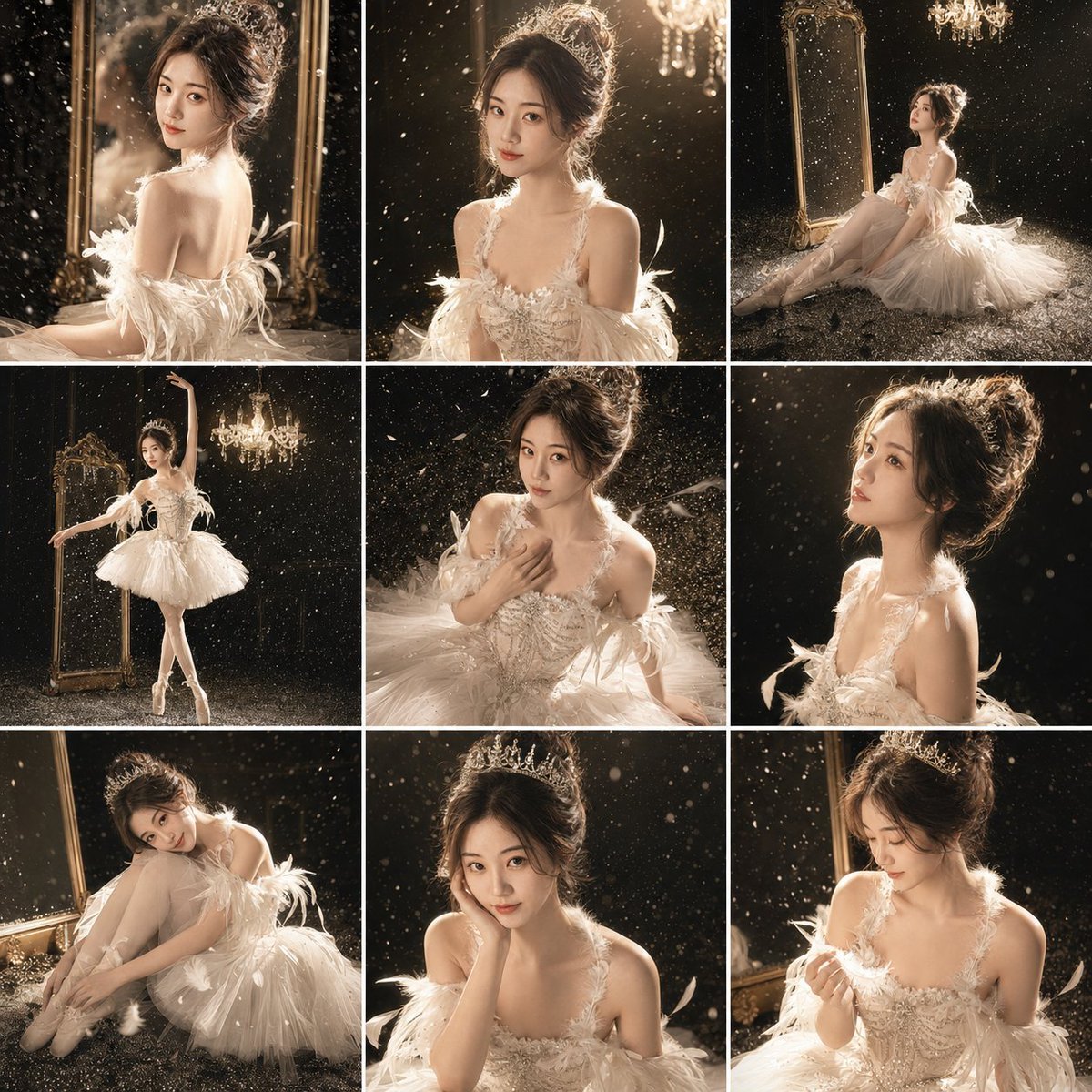
Luxury Studio Ballet Portrait Grid
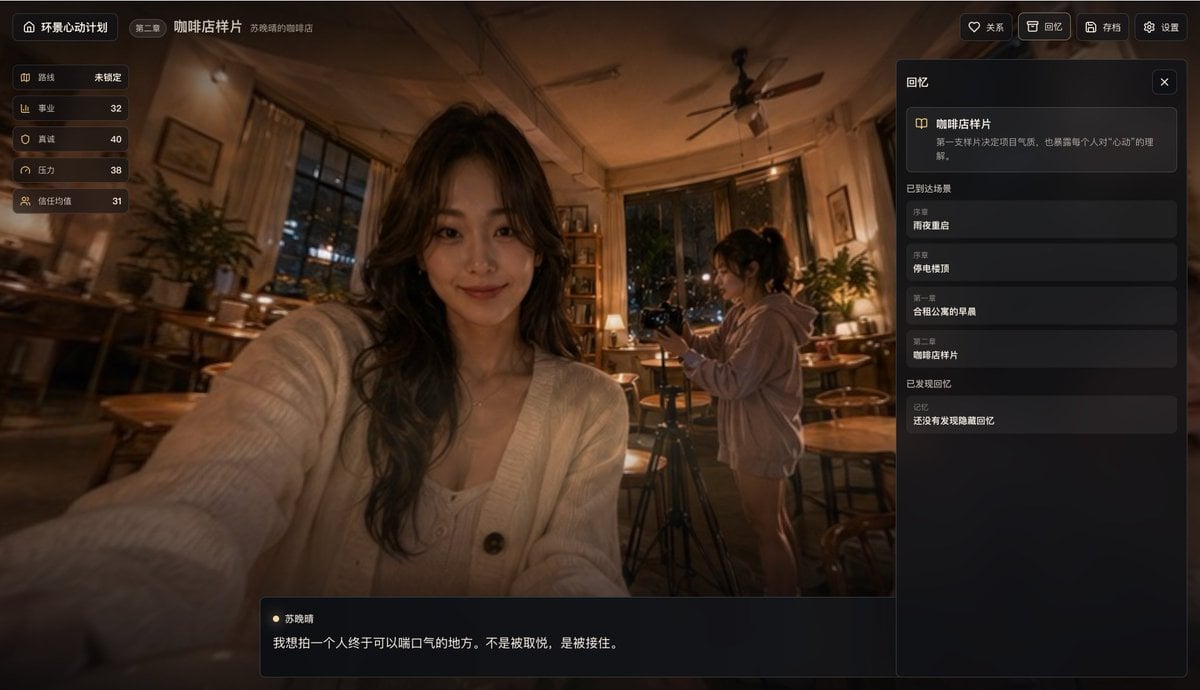
Cinematic Coffee Shop VN UI Mockup
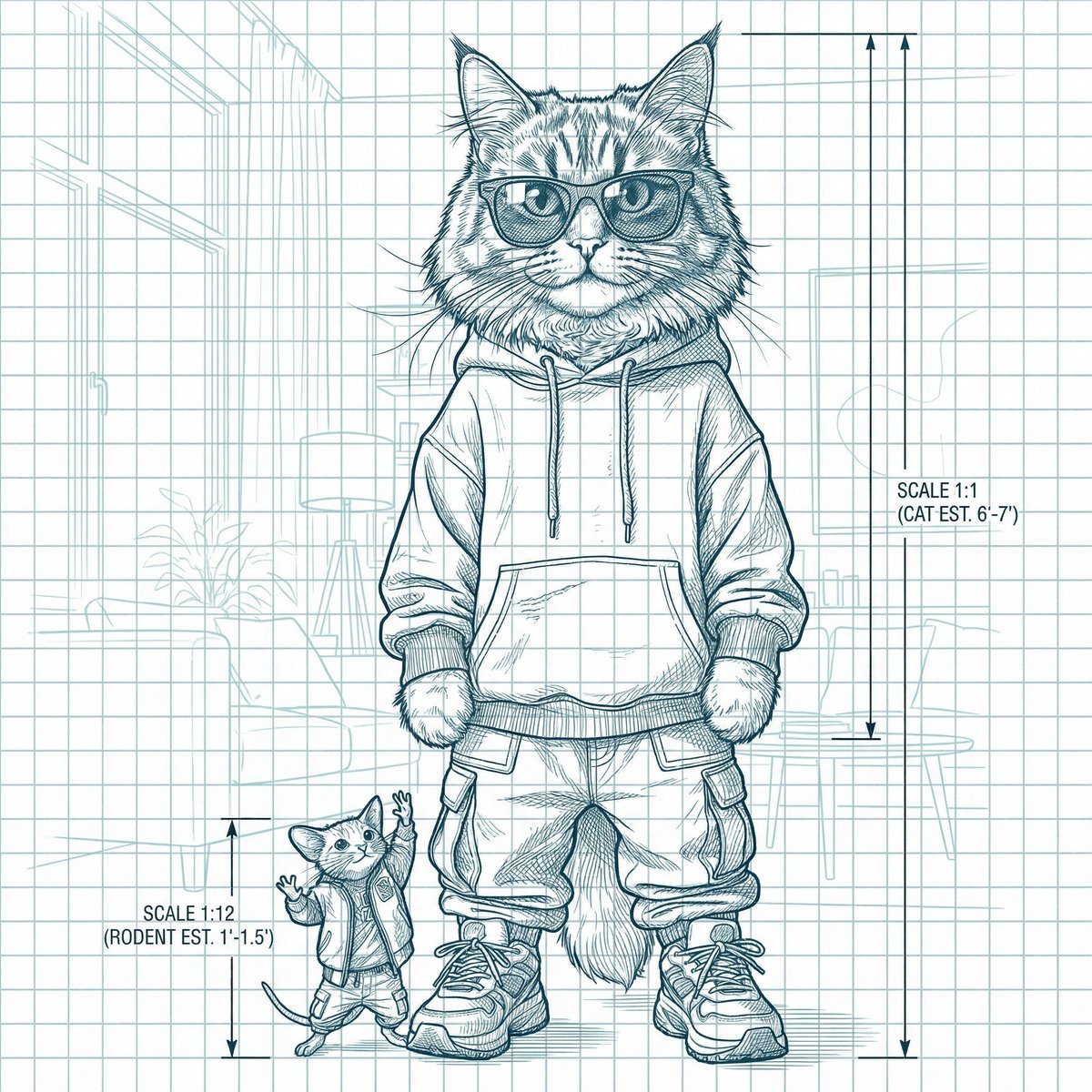
Blueprint-style technical schematic generation
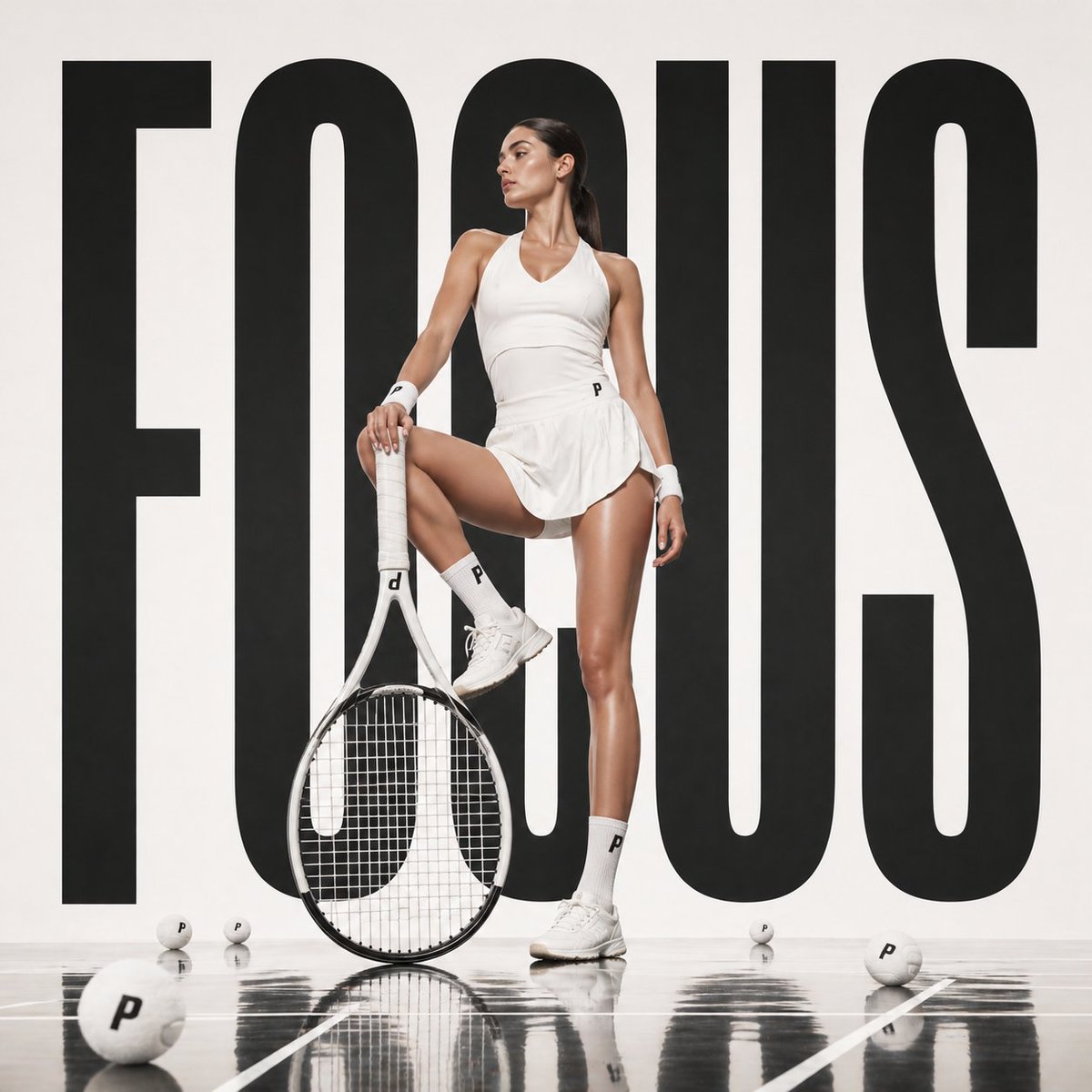
Avant-garde Fashion Advertisement
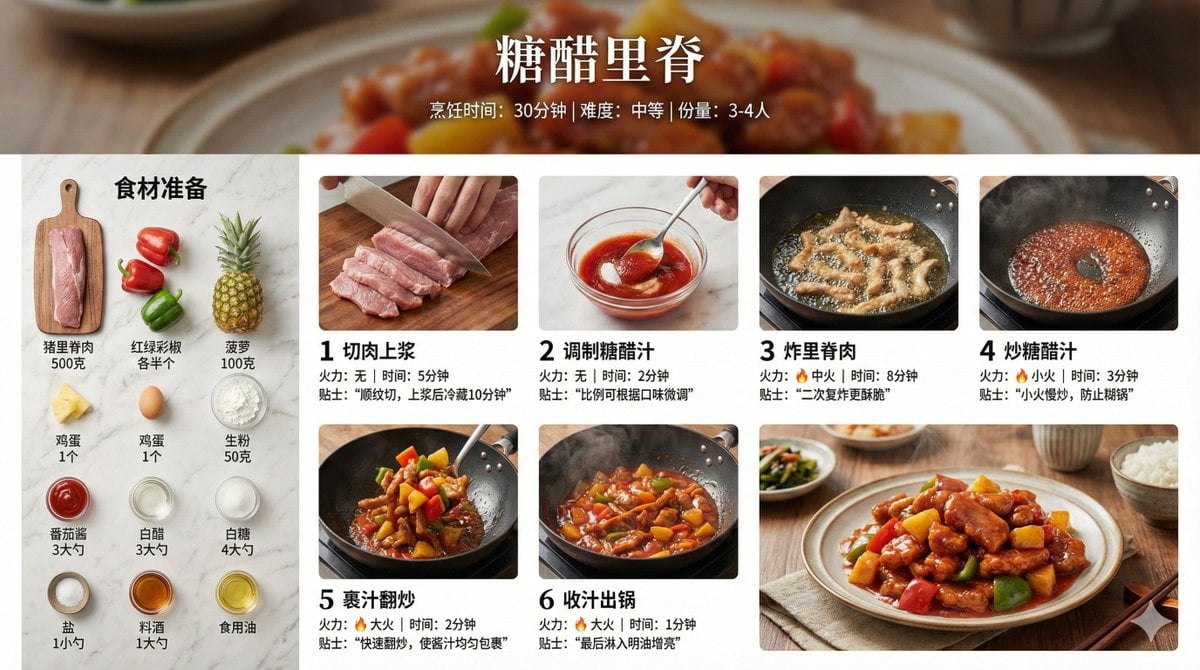
Infographic Prompt for Sweet and Sour Pork Recipe

Fictional Hamster Engine Car Catalog
Browse template categories
Open Travel Journal Overhead Still Life questions
How do I use the Open Travel Journal Overhead Still Life template?
Add your photo if the template asks for one, edit the prompt if you like — the template's model and format are already selected — and press Generate. Your version opens in PicX Studio.
Can I customize the Open Travel Journal Overhead Still Life template?
Yes. You can change the subject, setting, lighting, mood, format, and available model controls before creating your image.
Is the Open Travel Journal Overhead Still Life template free?
Opening and editing this template is free. Generating uses credits, shown on the Generate button when you are signed in.
Which AI model should I use?
Choose a compatible model in PicX Studio based on the style, speed, and output controls your project needs.
Looking for something else? Browse all templates.

Your photo, any look
Thousands of ready templates for every top image and video model, from one credit balance.