
Infographic Prompt for Sweet and Sour Pork Recipe
A highly detailed, multi-section prompt designed to generate a professional, 8K ultra-HD photographic infographic for a home-style Sweet and Sour Pork (糖醋里脊) recipe.
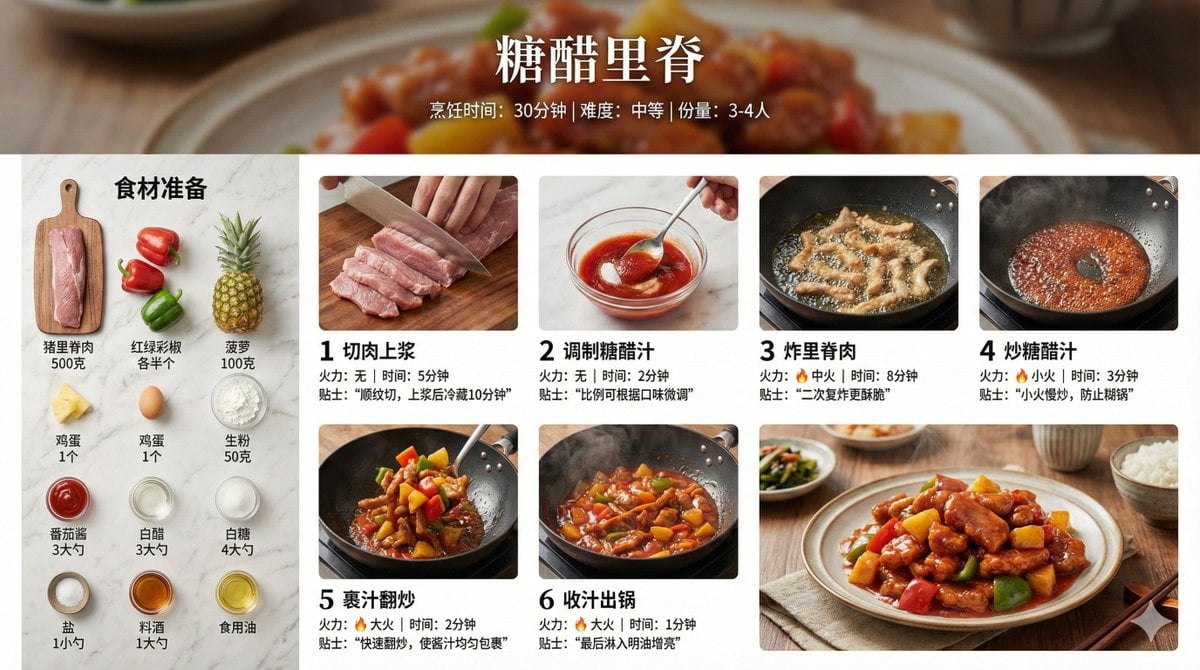
- Prompt included
- Model and format preset
- Free template
The prompt behind this image
Copy the exact prompt behind Infographic Prompt for Sweet and Sour Pork Recipe, or open it in the studio and make it yours.
创建一张【{argument name="菜名" default="糖醋里脊"}】的家常菜烹饪步骤信息图。 【整体风格】 - 风格:8K超高清真实摄影风格,美食杂志级专业质感 - 画质:8K分辨率,锐利细节,专业美食摄影光线 - 背景:真实厨房场景/大理石台面/木质砧板,浅景深虚化 - 配色:自然真实色彩,食材本色,暖色调打光 - 布局:横向16:9 【顶部标题区】 - 菜名大标题(优雅中文字体) - 副标题:烹饪时间 / 难度等级 / 份量 - 背景可用成品菜的虚化特写 【左侧或顶部 - 食材清单区】 - 标题:"食材准备" - 所有食材真实摆拍,俯视角度整齐排列 - 每种食材标注名称和用量 - 风格:ins风食材flat lay摄影 【主体 - 烹饪步骤区】 - 6-8个步骤,网格或时间轴排列 - 每个步骤包含: * 步骤编号(简洁数字标识) * 真实烹饪过程特写照片: - 切肉:刀工细节、肉的纹理 - 焯水:沸腾的水、浮沫 - 炒糖色:焦糖色泽、油光 - 翻炒:锅中动态、火焰 - 炖煮:汤汁冒泡、蒸汽升腾 - 收汁:浓稠酱汁、光泽肉块 * 简短说明文字(1-2句) * 火力/时间标注 【底部 - 成品展示区】 - 8K高清成品照片 - 专业摆盘,精美餐具 - 45度角或俯视角拍摄 - 可见食物质感:酱汁光泽、肉质纤维、热气蒸腾 - 背景:餐桌场景、筷子、小碗配菜点缀 【摄影规范】 - 光线:侧逆光/自然窗光,营造食欲感 - 景深:主体清晰,背景自然虚化 - 质感:可见食材纹理、油脂光泽、汤汁反光 - 蒸汽:热菜步骤可见真实热气 - 色温:暖色调(5500-6000K),增强食欲 【辅助元素】 - 小贴士标注:关键技巧(如"冷水下锅去腥"、"小火慢炖40分钟") - 火力图标:🔥 标注每步火力大小 - 计时标注:关键步骤时长 - 所有食材用量、步骤细节、时间火候根据菜品自动生成准确信息
How to use Infographic Prompt for Sweet and Sour Pork Recipe in 3 steps
- 1
Open
The prompt is already in the box next to the preview, with the template's model and format selected.
- 2…a portrait of your subject in softgolden-hour light, 85mm…
Personalize
Edit the subject and creative details for your destination.
- 3Generate
Generate
Press Generate — your image is created in PicX Studio, so you can compare it with the original and refine one variable at a time.
More like this
Templates with the same subject, style or setup. Open one to see its prompt.

Japan Travel Brochure Poster

Isometric Process Educational Diorama

Isometric Vehicle Teardown Infographic Template

Gpt2 E Commerce Main Image Earbuds E Commerce Infographic

Gpt2 Infographic Edu Visual Alishan One Day Travel Poster

Gpt2 Infographic Edu Visual Ethnographic Plate for Tibetan Ceremonial Hat

Gpt2 Infographic Edu Visual Earth Signs Zodiac Character Poster

Gpt2 Infographic Edu Visual Water Signs Zodiac Character Poster

Gpt2 Infographic Edu Visual Ink Wash Tribute Poster for Chen Uen

Gpt2 Infographic Edu Visual Vintage Claude Shannon Infographic Poster

Gpt2 Infographic Edu Visual Taoist Three Souls Seven Po Poster

Gpt2 Infographic Edu Visual Biomimetic Skyray Aircraft Poster
Make it yours
Infographic Prompt for Sweet and Sour Pork Recipe works as-is. These are the safest ways to change it without losing the look.
Change one field
Copy a single group, rewrite it, and generate again so you can see what that field is doing.
Keep the frame, change the subject
Hold the composition and light of Infographic Prompt for Sweet and Sour Pork Recipe, then swap wardrobe, props or the person for a new take.
| If the result… | Why | Fix |
|---|---|---|
| The result drifts from the preview | Too many fields changed at once. | Reuse Infographic Prompt for Sweet and Sour Pork Recipe as-is first, then change one group — subject, light, or setting. |
| The model over-stylizes the scene | The prose prompt leaves finish and camera underspecified. | Add one camera or lighting sentence and stay on Nano Banana 2. |
More Nano Banana 2 templates
Other prompts made for Nano Banana 2.

Photorealistic Leaf Shaped Like a Dragon

K-Pop Idol Portrait Grid for Rapid Selection

Poetic Rain Forest Portrait During Golden Hour

Urban Street Portrait with Cartoon Inner Self Duo

Candid Nighttime Photo with Cat Prompt

High-Concept 3D Diorama Generation Prompt

Cinematic Futuristic Studio Portrait Template

Skincare Editorial Photography Collage Prompt

Hyper-Realistic Commercial Product Photography (Splash Effect)

Hyper-Realistic Nightclub Portrait Prompt
More image prompts
Fresh picks from across the catalog.
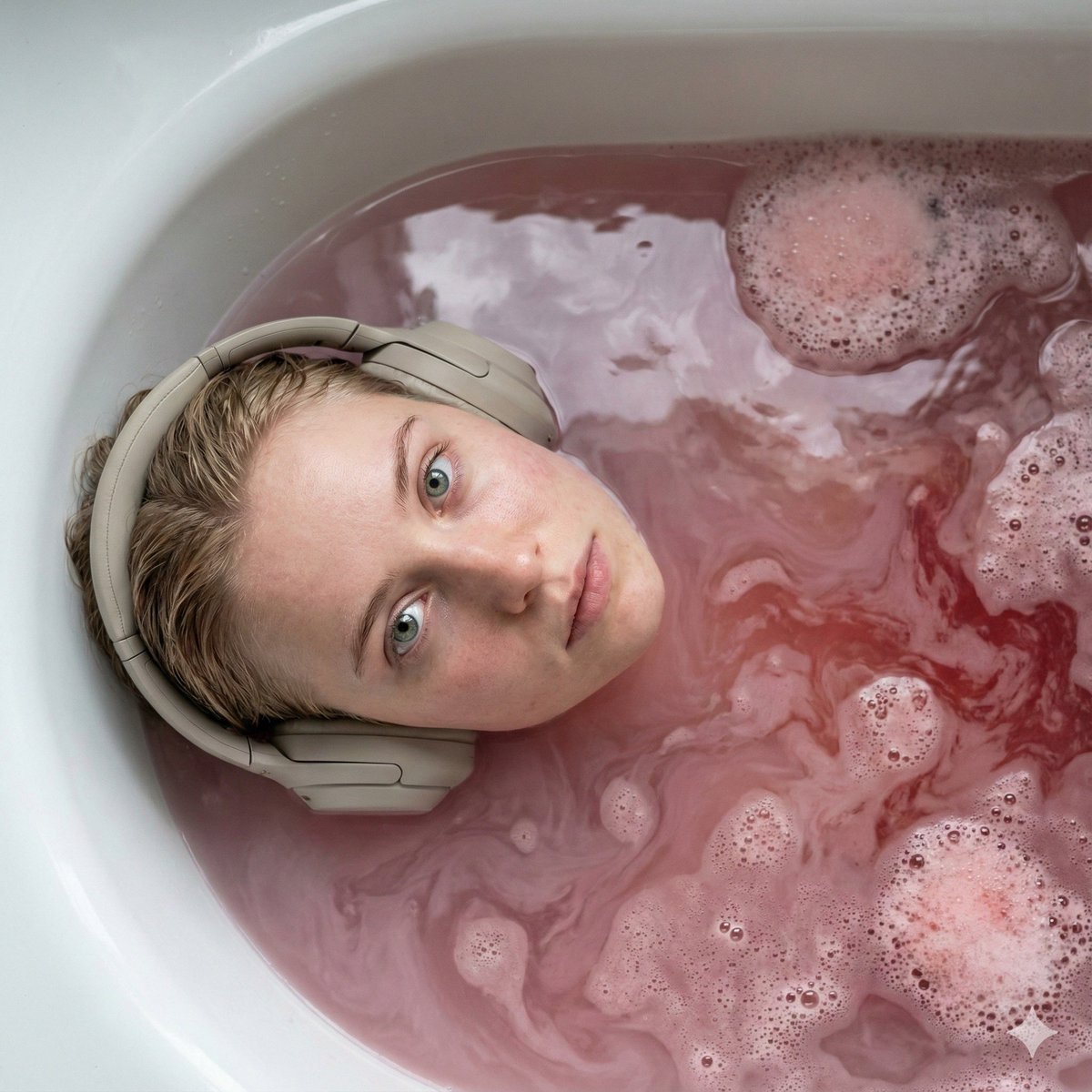
Ultra-Photorealistic Cinematic Portrait in a Bathtub with Noise-Canceling Headphones

Conceptual Visual for Vision to Execution
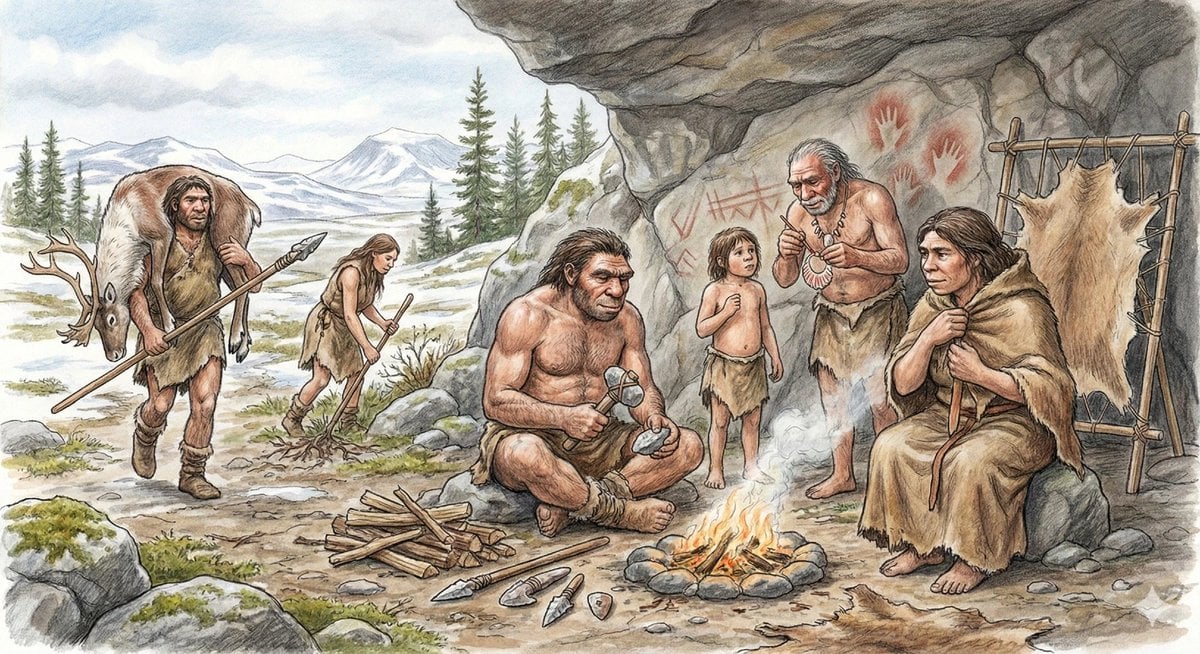
Neanderthal image generation based on expert knowledge

Neon Cyber-Kawaii VTuber Portrait

World Cup Cheerleader Action Shot

Luxury Candle Product Photography
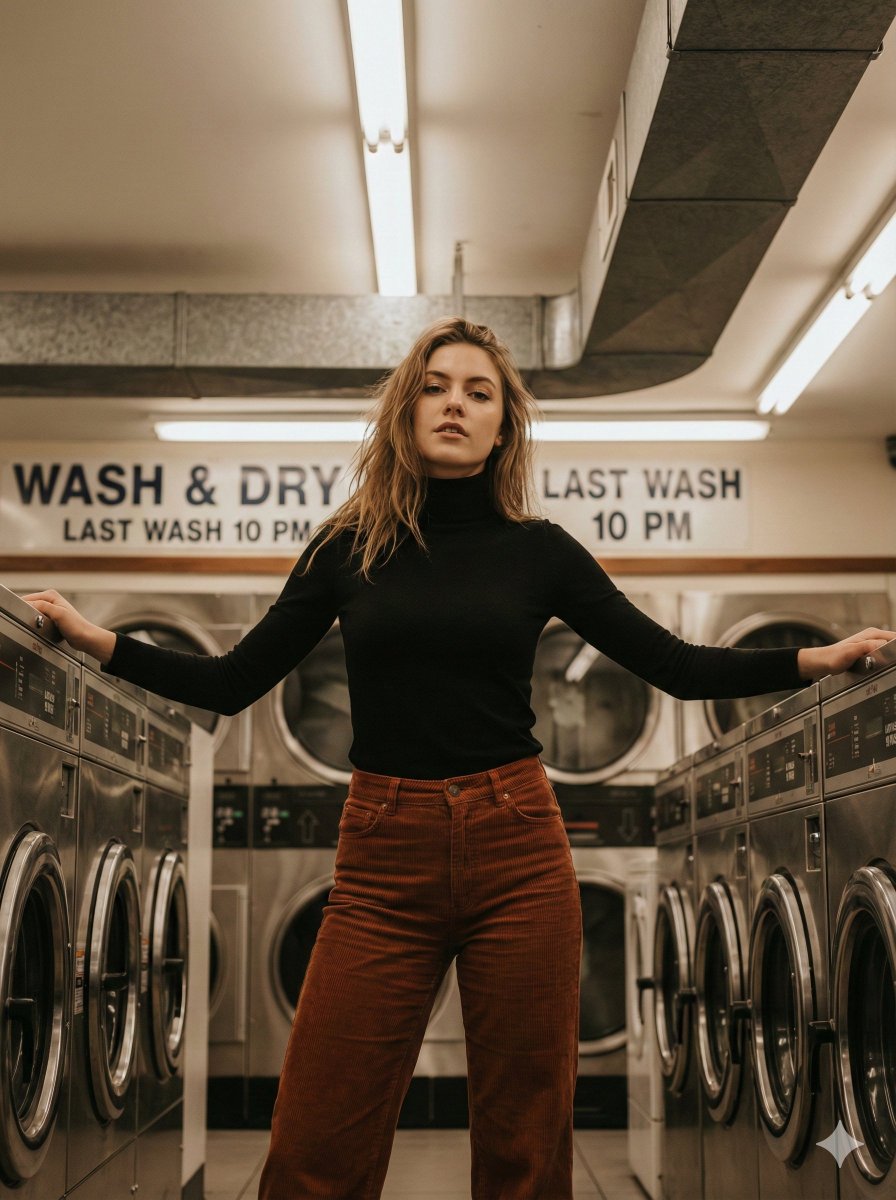
Editorial Laundromat Portrait Prompt
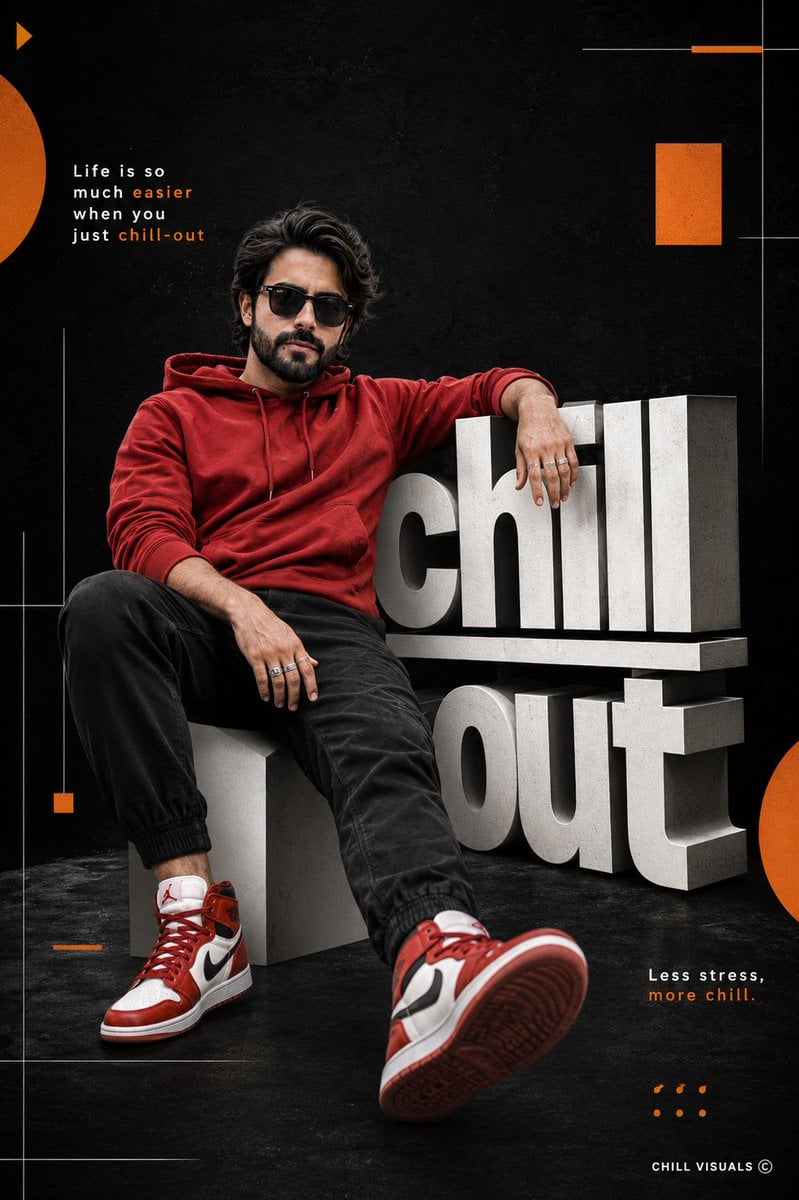
Hyper-Realistic Chill-out Cinematic Poster
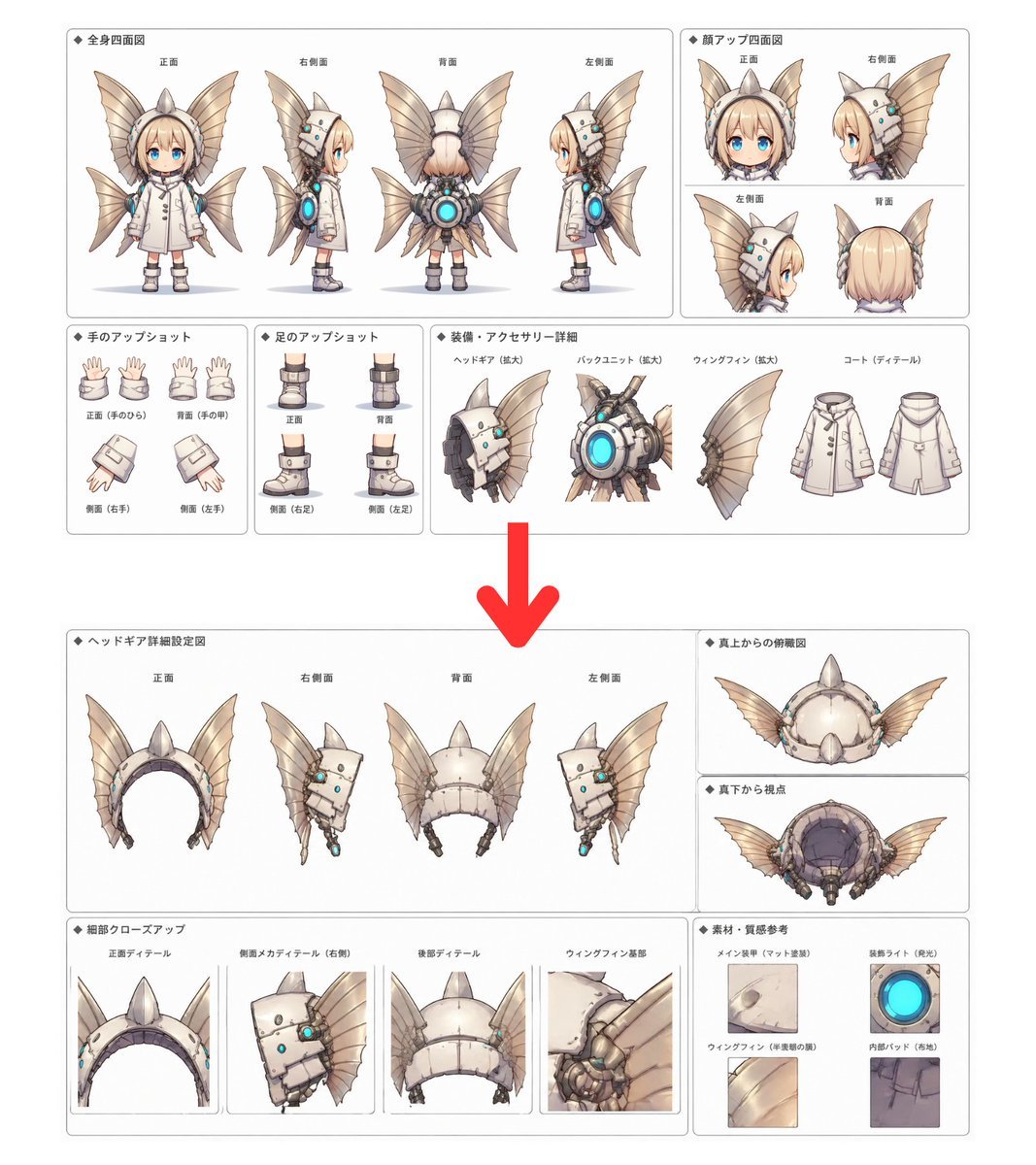
Character Setting Sheet Generator
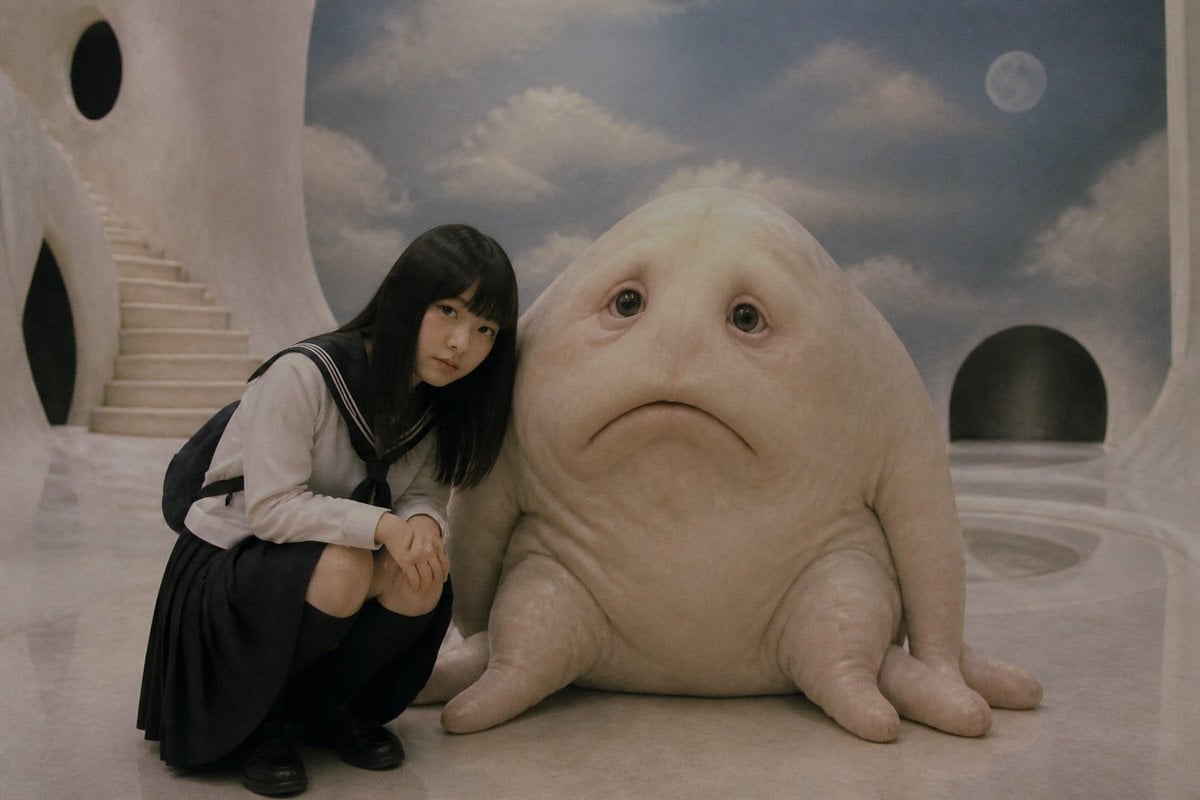
Surreal Schoolgirl and Blob Creature
Browse template categories
Infographic Prompt for Sweet and Sour Pork Recipe questions
How do I use the Infographic Prompt for Sweet and Sour Pork Recipe template?
Add your photo if the template asks for one, edit the prompt if you like — the template's model and format are already selected — and press Generate. Your version opens in PicX Studio.
Can I customize the Infographic Prompt for Sweet and Sour Pork Recipe template?
Yes. You can change the subject, setting, lighting, mood, format, and available model controls before creating your image.
Is the Infographic Prompt for Sweet and Sour Pork Recipe template free?
Opening and editing this template is free. Generating uses credits, shown on the Generate button when you are signed in.
Which AI model should I use?
Start with Nano Banana 2, which is the model associated with this template. You can compare another compatible model for a different finish.
Looking for something else? Browse all templates.

Your photo, any look
Thousands of ready templates for every top image and video model, from one credit balance.