
Surreal Schoolgirl and Blob Creature
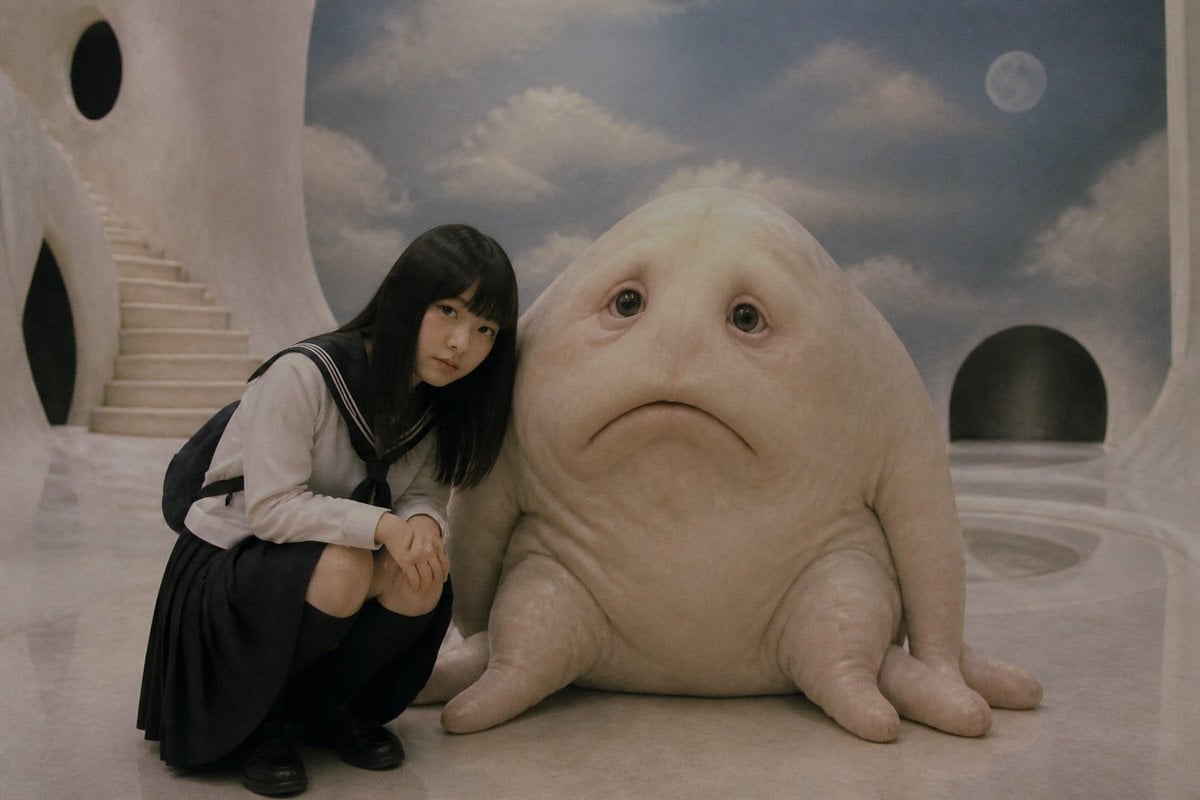
A dreamy analog-style surreal scene of a sailor-uniform schoolgirl crouching beside a censored soft blob creature in a white moonlit fantasy interior.
- Prompt included
- Model and format preset
- Free template
The prompt behind this image
Copy the exact prompt behind Surreal Schoolgirl and Blob Creature, or open it in the studio and make it yours.
Create a dreamy cinematic surreal photo in a soft 1980s film still style: a Japanese schoolgirl named {argument name="character name" default="Poyorin"} crouches on the left, wearing a classic navy-and-white sailor school uniform with long sleeves, a pleated skirt, black loafers, and a dark backpack, leaning gently toward a large pale pink soft-bodied blob creature sitting beside her on a glossy white floor. The creature is mostly hidden by a large opaque taupe-gray rectangular censor block centered over its upper body and face, with its rounded lower body and four stubby tentacle-like feet still visible at the bottom; the girl’s face is also covered by a smaller dark translucent square censor block. The setting is a fantastical all-white sculptural interior with smooth organic curved walls, oval black openings, a sweeping staircase on the far left, a rounded doorway on the right, and a painted or window-like sky backdrop with soft clouds and a small moon in the upper right. Use muted pastel tones, low contrast, subtle grain, slightly hazy lighting, and a nostalgic analog photography mood. Keep the composition horizontal 3:2, with the girl crouched in the left third, the creature occupying the center-right, and exactly two censor blocks: one small square over the girl’s face and one large rectangle over the creature’s upper body. No text, no watermark.
How to use Surreal Schoolgirl and Blob Creature in 3 steps
- 1Upload ImagePNG, JPG or paste
Add your photo
Upload the photo the template builds on. The prompt, model and format are already set.
- 2…a portrait of your subject in softgolden-hour light, 85mm…
Personalize
Edit the subject and creative details for your destination.
- 3Generate
Generate
Press Generate — your image is created in PicX Studio, so you can compare it with the original and refine one variable at a time.
More like this
Templates with the same subject, style or setup. Open one to see its prompt.

Surreal Cat Astronaut — Humanoid Face Freefall

Bold Red Contrast Fashion Editorial Newspaper Room

Stylized Fashion Portrait Bold Color Contrast Editorial
Schoolgirl and Toilet Paper Creature

Azed Double Exposure

Firefly Pixar Spill — Nano Banana Pro
Fantasy Creature Meadow Ensemble
Floating Schoolgirl in Dark
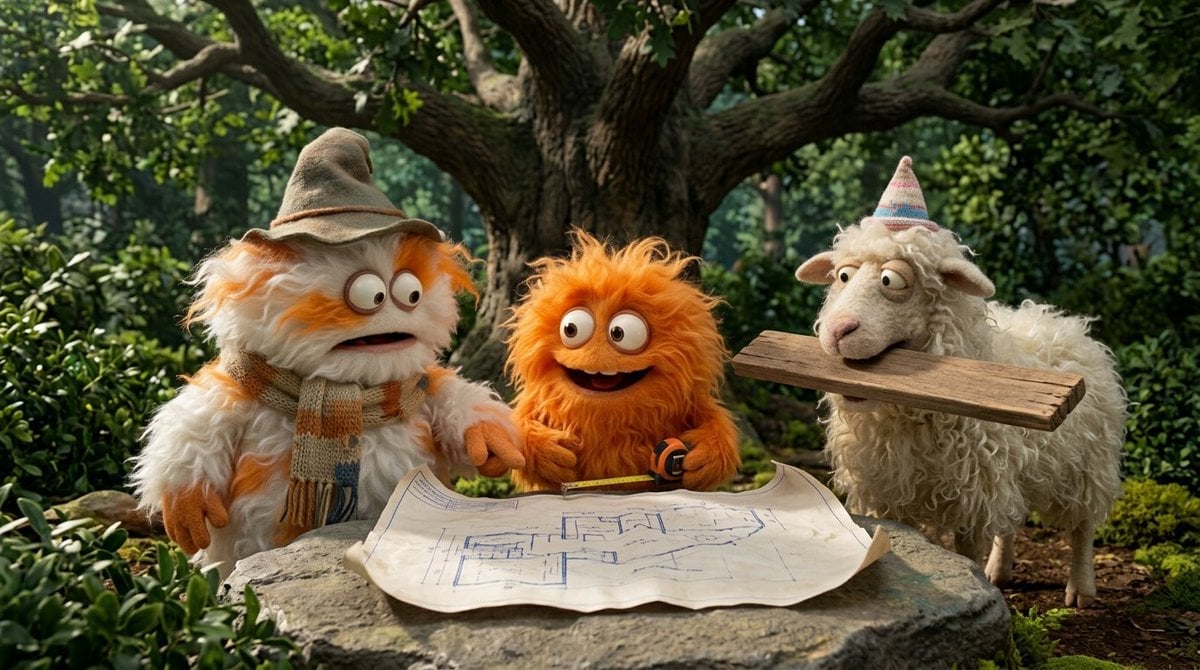
Funny 4-part story featuring 3 fluffy creatures building a treehouse
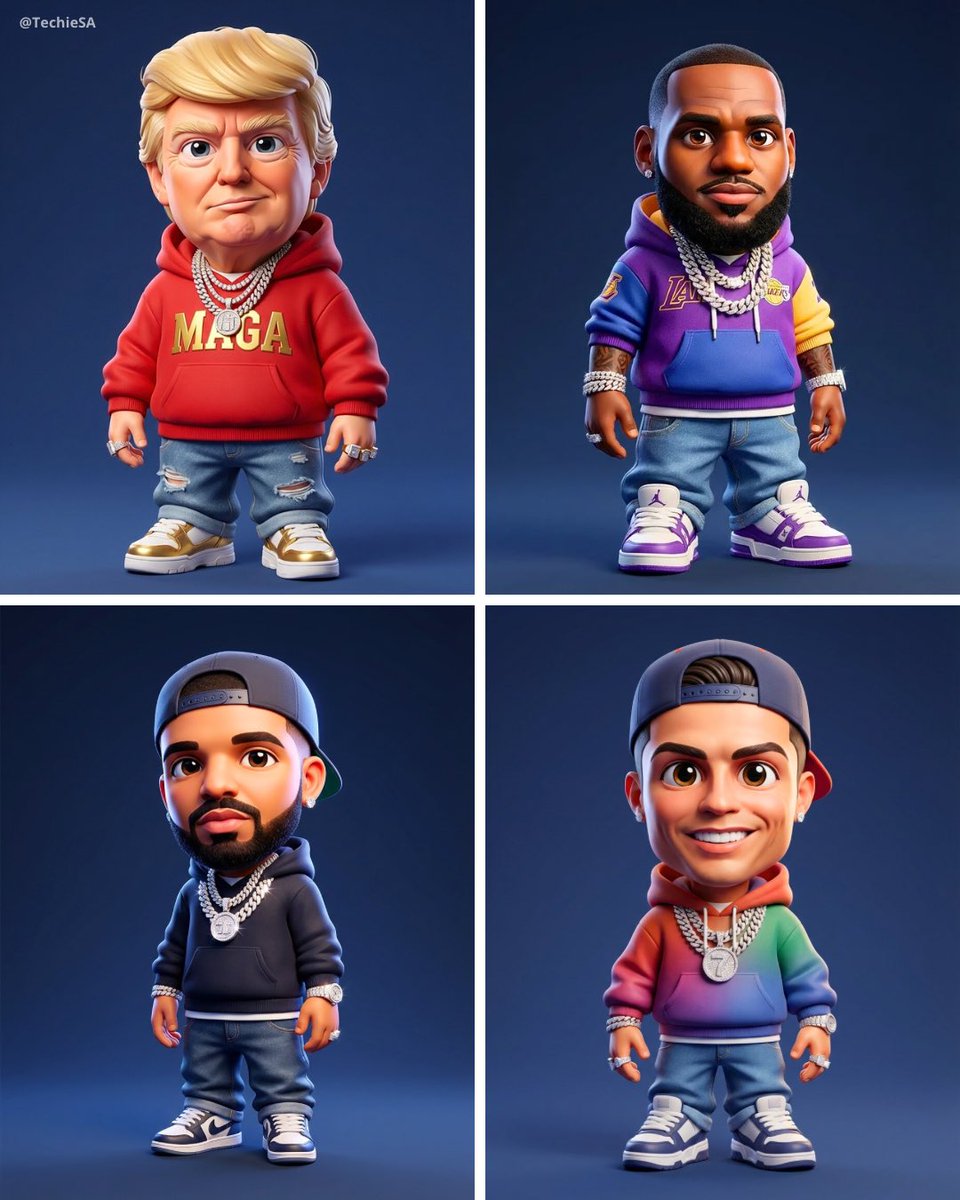
Maintaining the facial features of all creatures
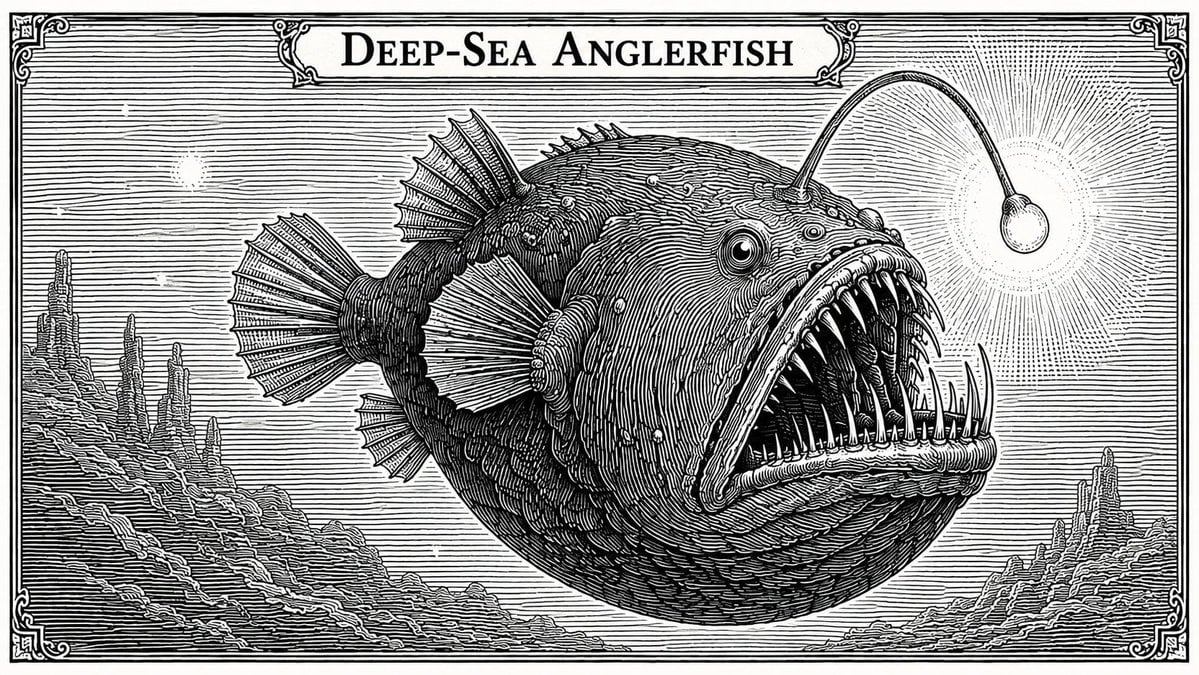
Banknote Engraving Deep Sea Creatures
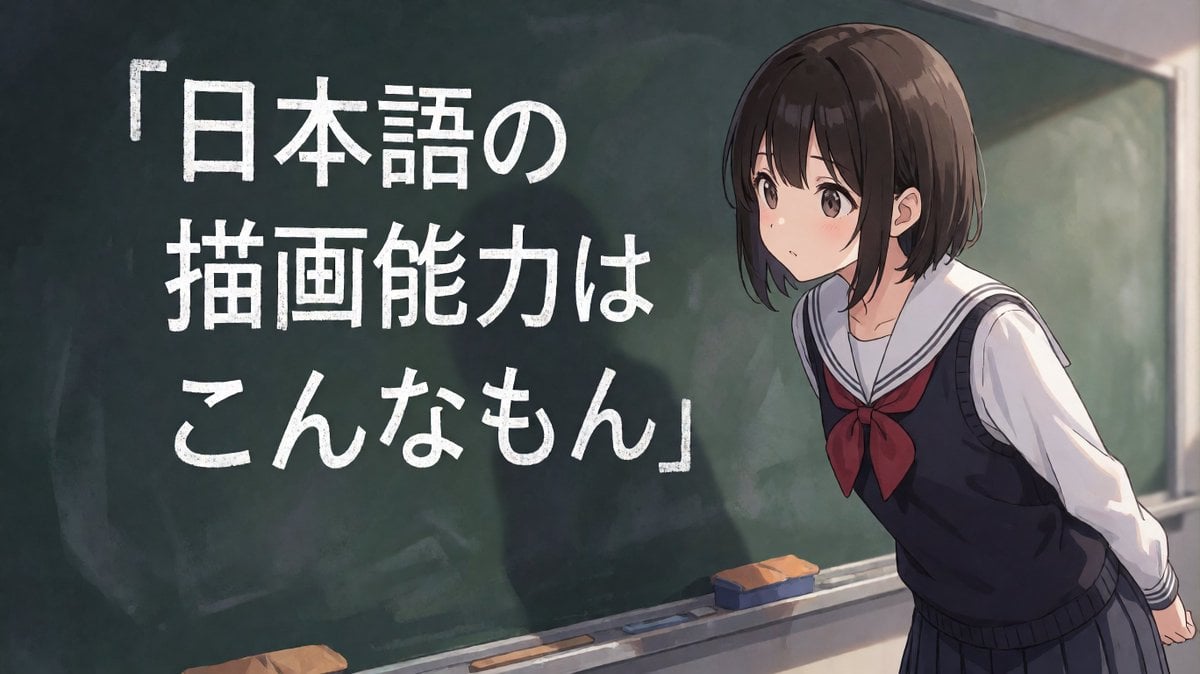
Anime Schoolgirl Chalkboard Quote
Make it yours
Surreal Schoolgirl and Blob Creature works as-is. These are the safest ways to change it without losing the look.
Change one field
Copy a single group, rewrite it, and generate again so you can see what that field is doing.
Keep the frame, change the subject
Hold the composition and light of Surreal Schoolgirl and Blob Creature, then swap wardrobe, props or the person for a new take.
| If the result… | Why | Fix |
|---|---|---|
| The result drifts from the preview | Too many fields changed at once. | Reuse Surreal Schoolgirl and Blob Creature as-is first, then change one group — subject, light, or setting. |
| The model over-stylizes the scene | The prose prompt leaves finish and camera underspecified. | Add one camera or lighting sentence and stay on GPT Image 2. |
More GPT Image 2 templates
Other prompts made for GPT Image 2.

Six VTuber Japanese Logo Sheet

Realistic Portrait of Woman and Deer

The Vista Modular Condo Poster

AI Model Routing Comparison Infographic

2.5D Anime Art Board

Isometric Productivity Desk Scene

New York Double Exposure Poster

Four-Panel AI Landscape Comparison

Japanese Tatami Lifestyle Magazine Cover

NESCAFÉ Coffee Map Poster
More image prompts
Fresh picks from across the catalog.
Cinematic Playful Couple Action Blur Editorial
Magical Seed Packet Diorama
Giant Coffee Cup Bath Image Prompt
Handwritten Historical Essay
Monochromatic Luxury Editorial Portrait
Global Beauty Standards Portraits
Floating Head Concept Art
Photoreal Claire Face Restoration

Character Expression and Pose Variation Prompt (20 Patterns)
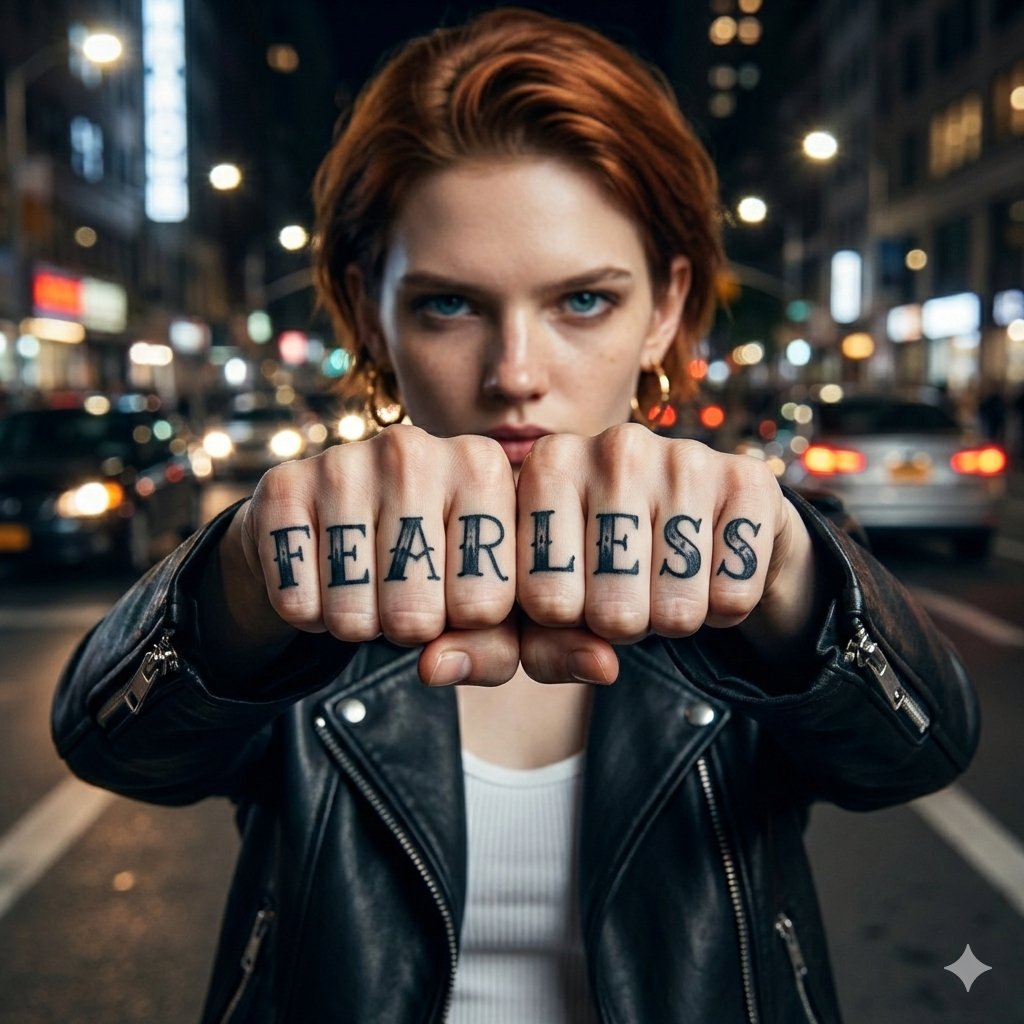
Hyper-realistic Portrait with Knuckle Tattoos
Browse template categories
Surreal Schoolgirl and Blob Creature questions
How do I use the Surreal Schoolgirl and Blob Creature template?
Add your photo if the template asks for one, edit the prompt if you like — the template's model and format are already selected — and press Generate. Your version opens in PicX Studio.
Can I customize the Surreal Schoolgirl and Blob Creature template?
Yes. You can change the subject, setting, lighting, mood, format, and available model controls before creating your image.
Is the Surreal Schoolgirl and Blob Creature template free?
Opening and editing this template is free. Generating uses credits, shown on the Generate button when you are signed in.
Which AI model should I use?
Start with GPT Image 2, which is the model associated with this template. You can compare another compatible model for a different finish.
Looking for something else? Browse all templates.

Your photo, any look
Thousands of ready templates for every top image and video model, from one credit balance.