
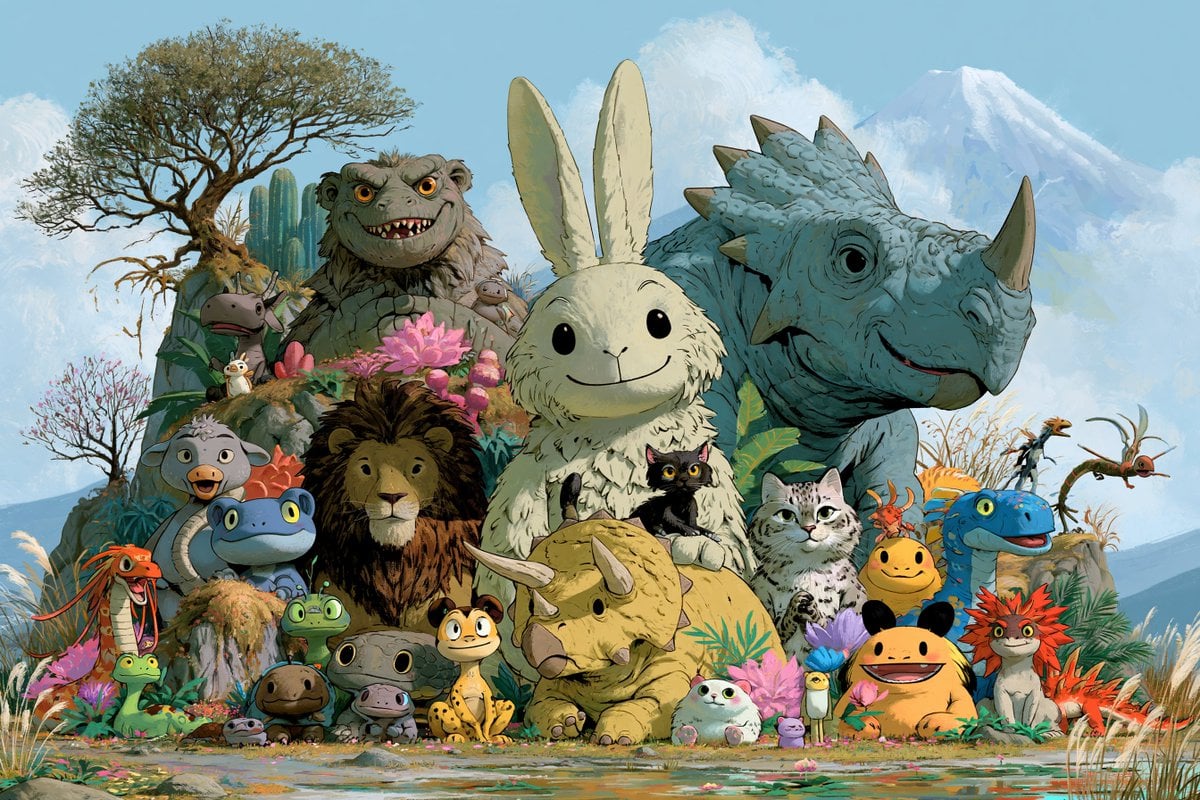
Fantasy Creature Meadow Ensemble
A detailed prompt for generating a whimsical hand-painted group portrait of friendly fantasy creatures in a lush mountain meadow.
- Prompt included
- Model and format preset
- Free template
The prompt behind this image
Copy the exact prompt behind Fantasy Creature Meadow Ensemble, or open it in the studio and make it yours.
Goal: Create a richly detailed hand-painted fantasy creature group portrait in a whimsical storybook animation style, featuring {argument name="central creature" default="a giant fluffy cream-white rabbit with long upright ears, tiny black oval eyes, and a gentle smile"} surrounded by many friendly imaginary animals. Canvas: Wide 3:2 landscape illustration, full-bleed, high detail, no border, no text. The composition is a dense, symmetrical ensemble portrait with the central rabbit slightly forward and centered, framed by larger creatures behind and smaller creatures along the foreground. Setting: A lush magical meadow at the edge of a shallow reflective pond, filled with reeds, grasses, mossy rocks, tropical leaves, pink lotus-like flowers, purple blossoms, and small petals scattered near the water. In the background, place a windswept tree on the upper left, cactus-like plants and shrubs behind it, soft blue hills, a pale blue sky with puffy white clouds, and a distant snow-capped mountain on the right. Use {argument name="background setting" default="a bright alpine fantasy meadow with a pond, flowering plants, a lone tree, and a snowy mountain"}. Creature ensemble: Include exactly 26 visible creatures, arranged as follows: 1 giant cream rabbit in the center; 2 massive blue rhinoceros-like triceratops on the right rear with pebbled skin, horn, beak, and spiked frill; 3 large gray furry troll monster on the left rear with orange eyes and a toothy grin; 4 brown-maned lion in the lower middle-left; 5 white-and-gray tabby cat seated to the right of the rabbit; 6 small black cat held against the rabbit’s chest; 7 squat yellow baby triceratops in the front center with two long side horns; 8 large yellow axolotl-like smiling creature at lower right with black-tipped limbs; 9 bright blue smiling baby dinosaur at mid-right; 10 red spiky fox-lizard creature at far right foreground; 11 gray duck-billed bird creature at left-middle foreground with an open beak; 12 blue frog-like creature at lower left-center with yellow eyes; 13 small green frog on a rock near the blue frog; 14 long red salamander-dragon at far left foreground with whiskers and a wide mouth; 15 small green lizard with a long neck at lower left; 16 brown round salamander at bottom-left center; 17 gray round toad beside it; 18 yellow spotted gecko sitting at lower center; 19 tiny white seal-like blob creature with pink ears at bottom center-right; 20 miniature penguin-like bird standing beside purple flowers near the yellow axolotl; 21 tiny white bird perched near the left flowers; 22 small mouse-like creature peeking from flowers near the gray troll; 23 small owl-like creature perched on the troll’s shoulder; 24 flying pterosaur-like reptile in the right sky/grass area; 25 orange flying insect creature with long limbs on the far right; 26 small gray hippo-like head peeking from foliage on the left behind the frog group. Visual style: Preserve a warm, nostalgic hand-painted animation concept-art look with visible brushwork, watercolor-gouache textures, soft ink-like outlines, painterly foliage, natural material rendering, expressive cute faces, and friendly fantasy proportions. Use {argument name="color palette" default="soft sky blues, moss greens, warm yellows, earthy browns, coral reds, and pink flower accents"}. Lighting is bright natural daylight from above-left, with gentle shadows and soft atmospheric depth. Mood is {argument name="mood" default="cheerful, magical, gentle, and inviting"}. Constraints: Keep all creatures cute and approachable rather than scary, with rounded shapes and expressive eyes. Maintain a crowded but readable group portrait, with the largest figures forming the back row and the smallest figures along the foreground pond edge. Do not add text, logos, watermarks, humans, buildings, or modern objects.
How to use Fantasy Creature Meadow Ensemble in 3 steps
- 1Upload ImagePNG, JPG or paste
Add your photo
Upload the photo the template builds on. The prompt, model and format are already set.
- 2…a portrait of your subject in softgolden-hour light, 85mm…
Personalize
Edit the subject and creative details for your destination.
- 3Generate
Generate
Press Generate — your image is created in PicX Studio, so you can compare it with the original and refine one variable at a time.
More like this
Templates with the same subject, style or setup. Open one to see its prompt.
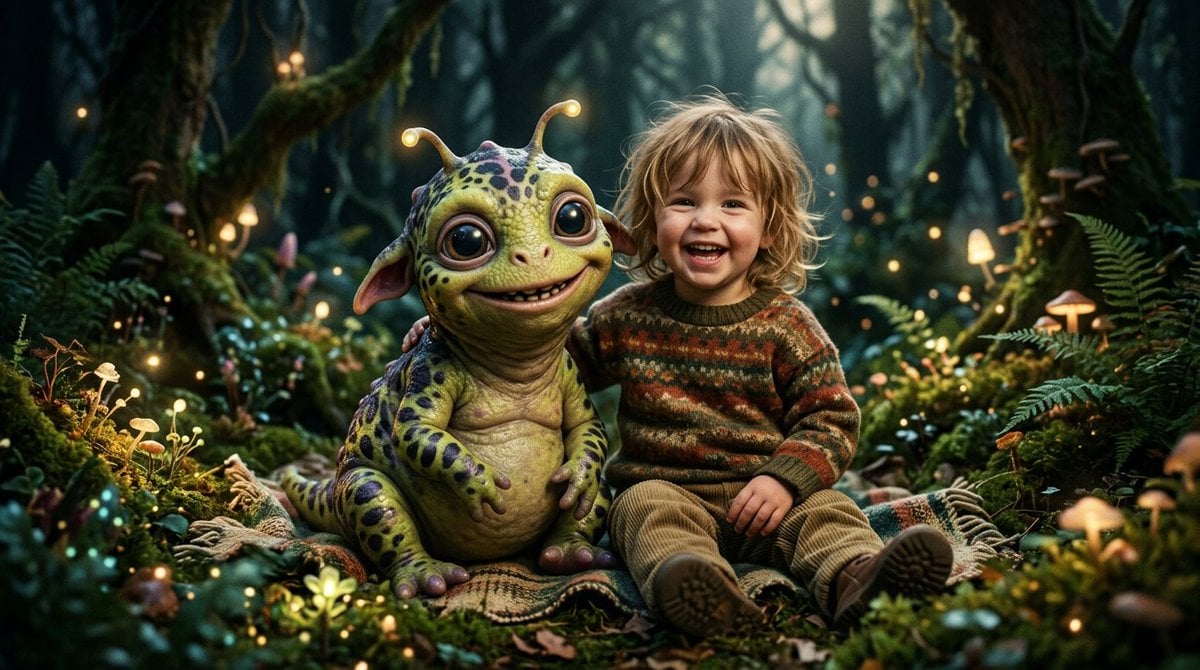
Fantasy Child and Alien Creature Portrait

Anime Fantasy Celestial Movie Poster
Anime Fantasy Celestial Movie Poster

Minecraft Fantasy Kingdom Voxel Landscape

Unfinished Sketch Comes Alive Portrait

Open Travel Journal Overhead Still Life

Tiny Woman Miniature Fantasy Macro Scene
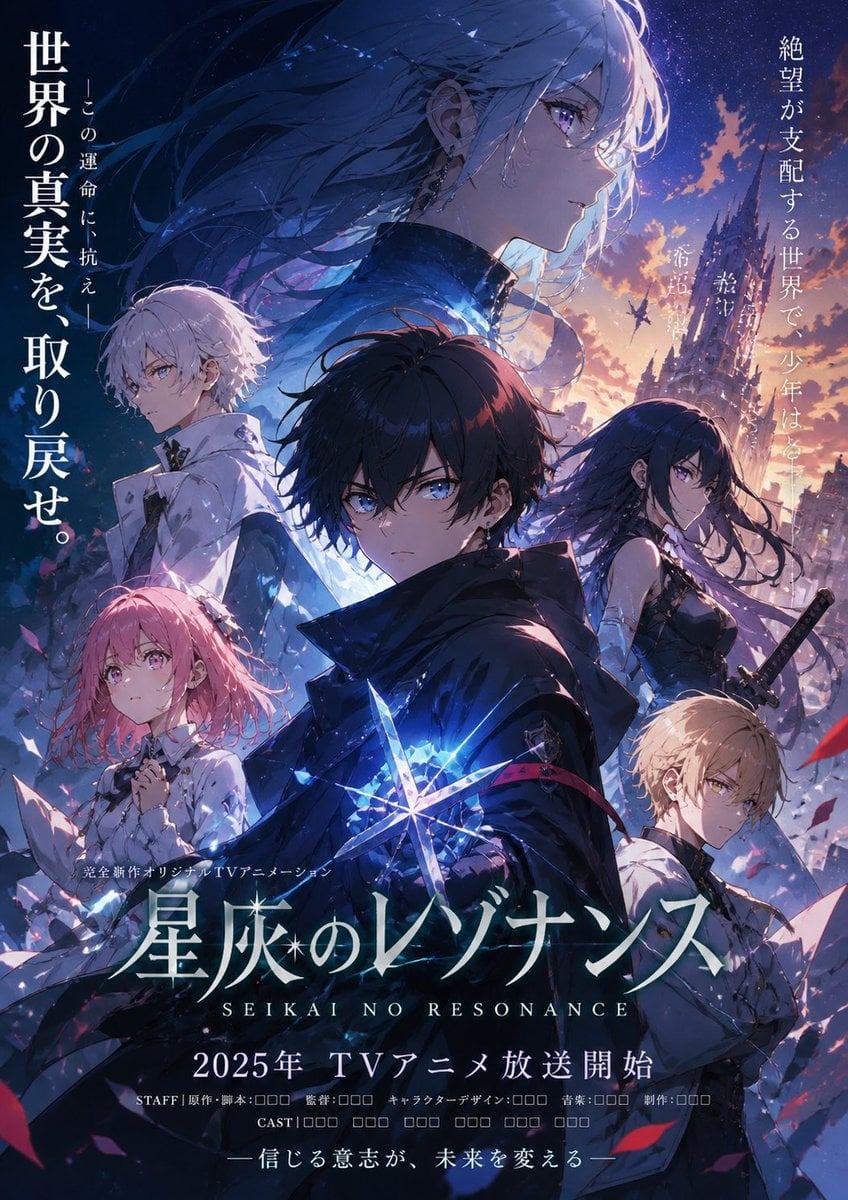
Anime Fantasy Ensemble Poster
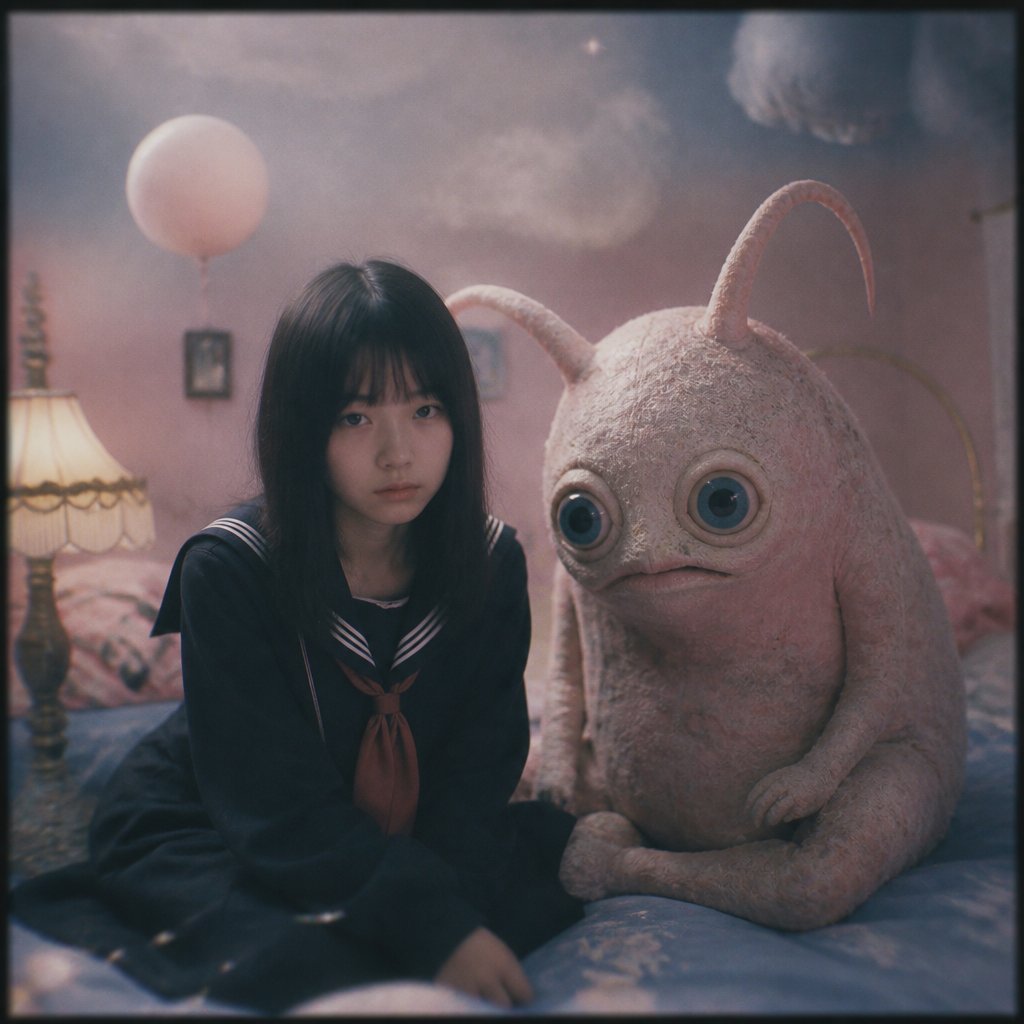
Dreamy Girl and Fantasy Creature
Fantasy Creature With Milk in Server Room
Dark Fantasy Winter Creature Emerging from a Blizzard
JSON Seedance - Fairy Macro Flight
Make it yours
Fantasy Creature Meadow Ensemble works as-is. These are the safest ways to change it without losing the look.
Change one field
Copy a single group, rewrite it, and generate again so you can see what that field is doing.
Keep the frame, change the subject
Hold the composition and light of Fantasy Creature Meadow Ensemble, then swap wardrobe, props or the person for a new take.
| If the result… | Why | Fix |
|---|---|---|
| The result drifts from the preview | Too many fields changed at once. | Reuse Fantasy Creature Meadow Ensemble as-is first, then change one group — subject, light, or setting. |
| The model over-stylizes the scene | The prose prompt leaves finish and camera underspecified. | Add one camera or lighting sentence and stay on GPT Image 2. |
More GPT Image 2 templates
Other prompts made for GPT Image 2.

Six VTuber Japanese Logo Sheet

Realistic Portrait of Woman and Deer

The Vista Modular Condo Poster

AI Model Routing Comparison Infographic

2.5D Anime Art Board

Isometric Productivity Desk Scene

New York Double Exposure Poster

Four-Panel AI Landscape Comparison

Japanese Tatami Lifestyle Magazine Cover

NESCAFÉ Coffee Map Poster
More image prompts
Fresh picks from across the catalog.
4K Upscale and Detail Enhancement Prompt
Road Trip Aesthetic with Three Subjects and Jeep
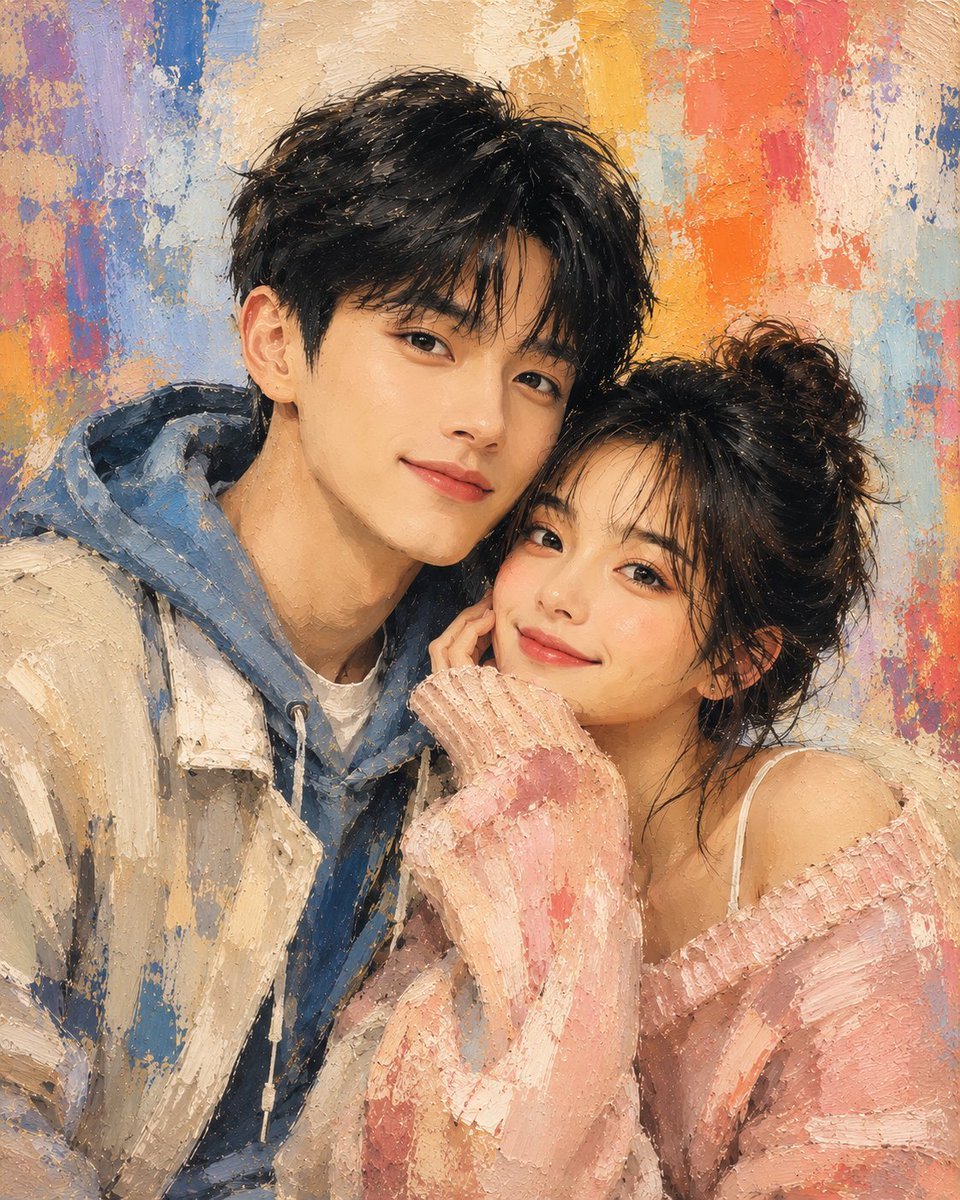
Traditional Dry Brush Artistic Portrait
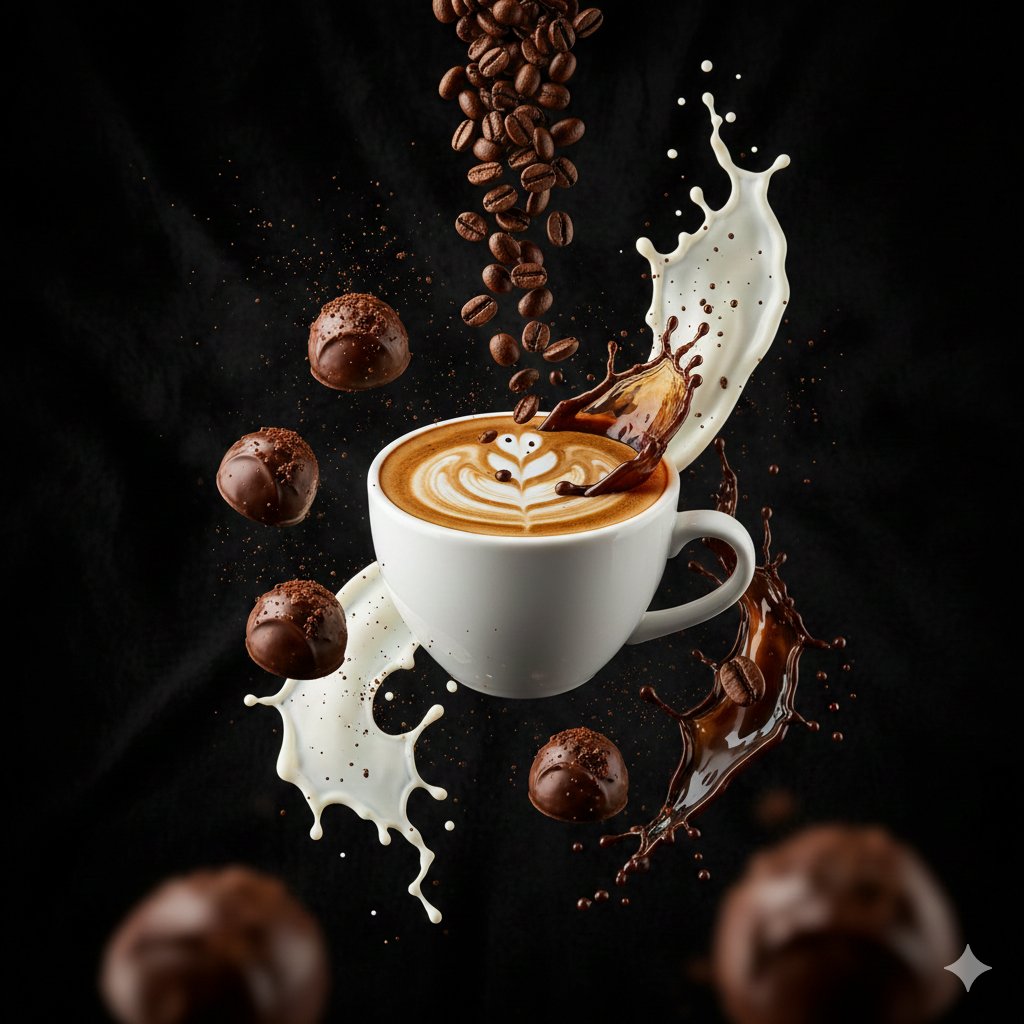
Ultra-Cinematic Splash Photography of Coffee and Chocolate
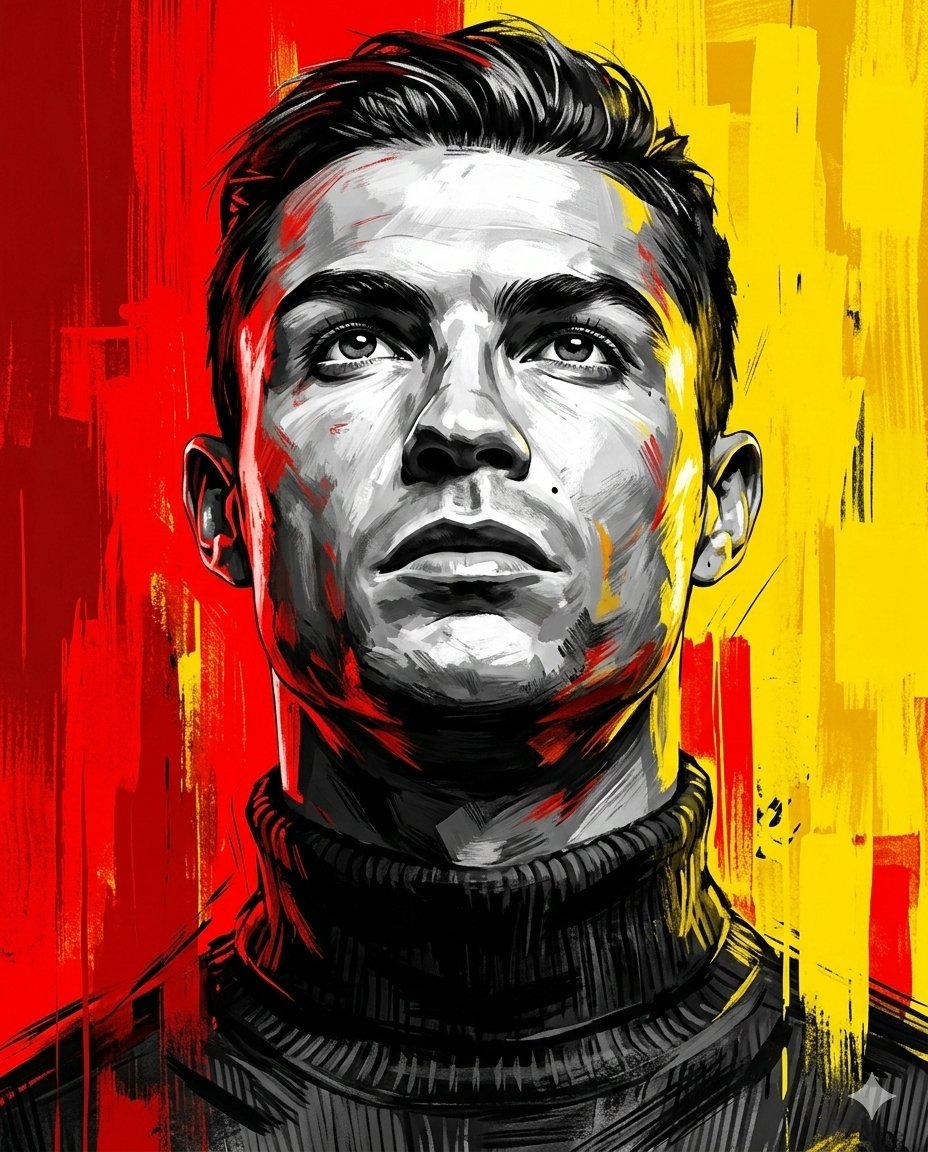
Dramatic Digital Painting Portrait Prompt
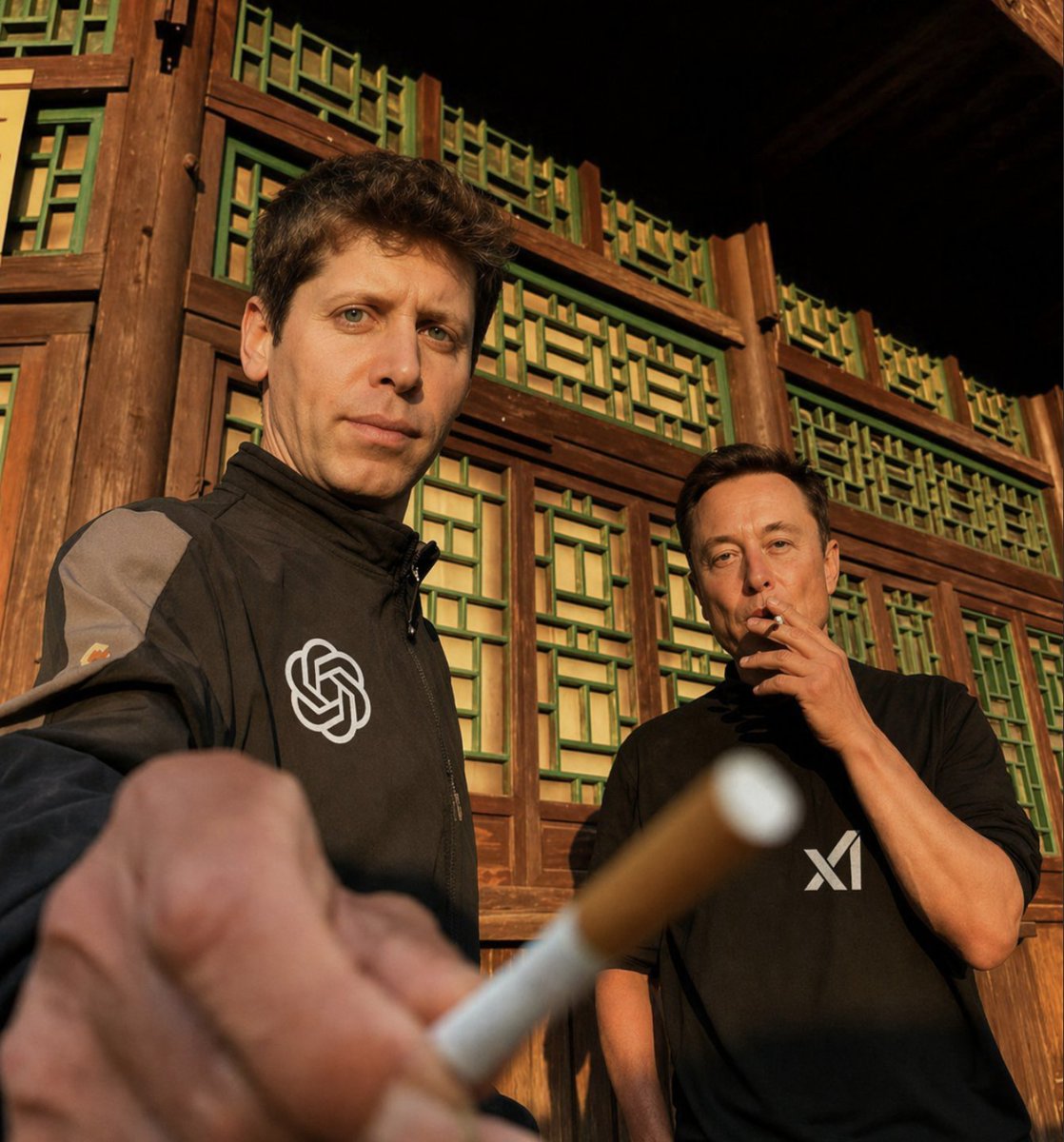
Golden Hour Tech Rivals Portrait
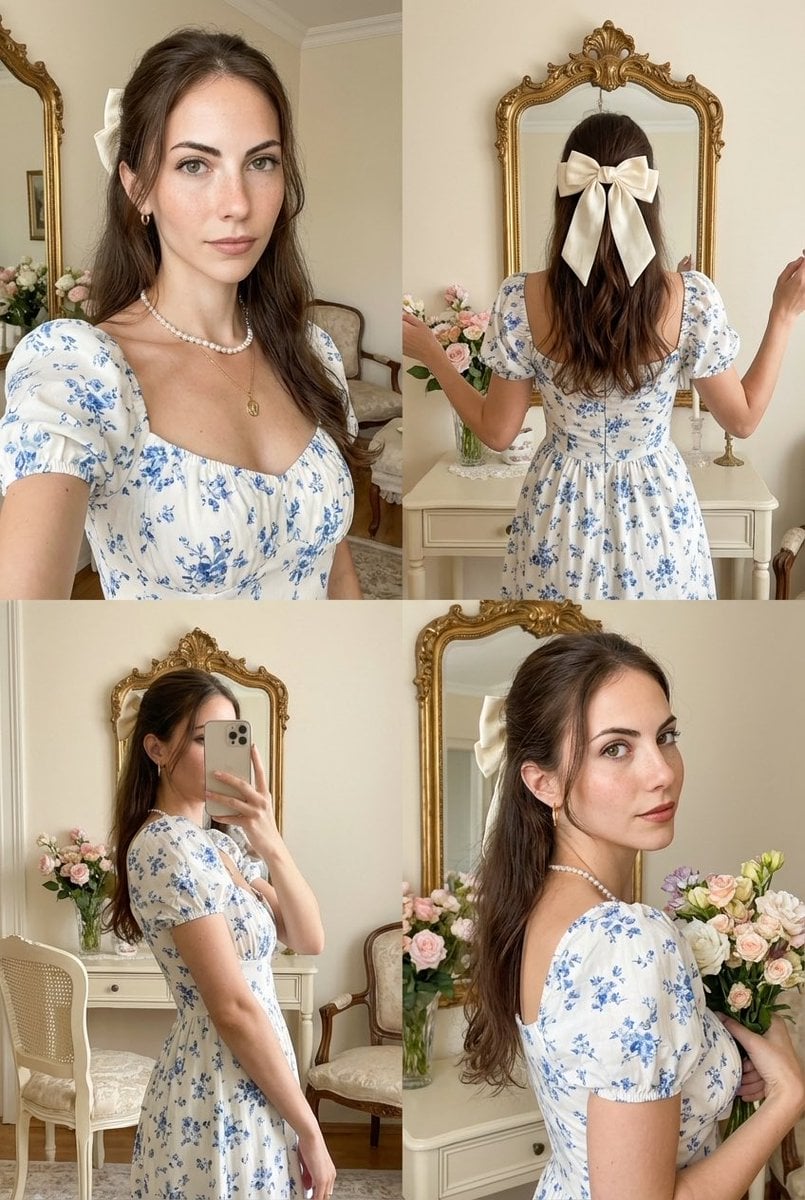
Four-Panel Collage with Strict Identity and Pose Matching
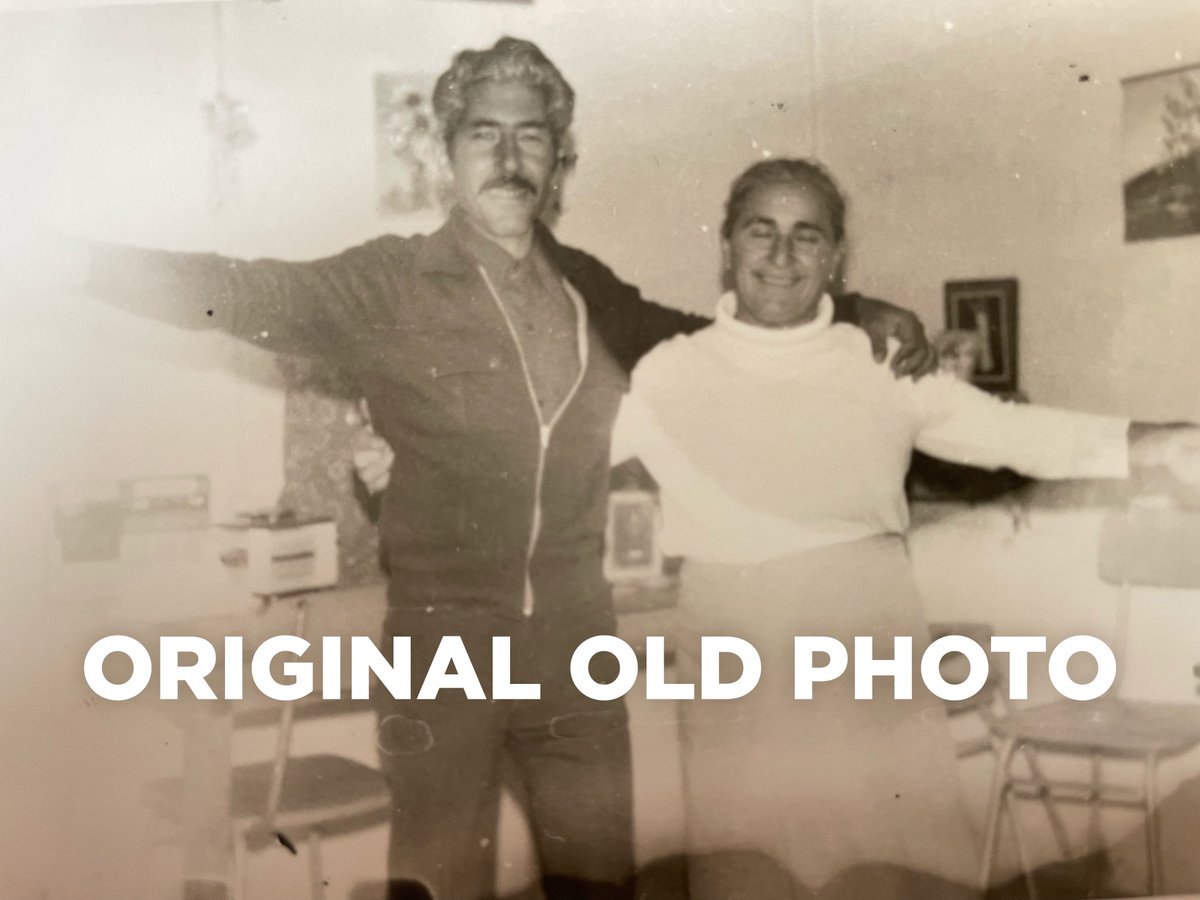
4K Photo Restoration Prompt

Golden Hour Intellectual Study Portrait
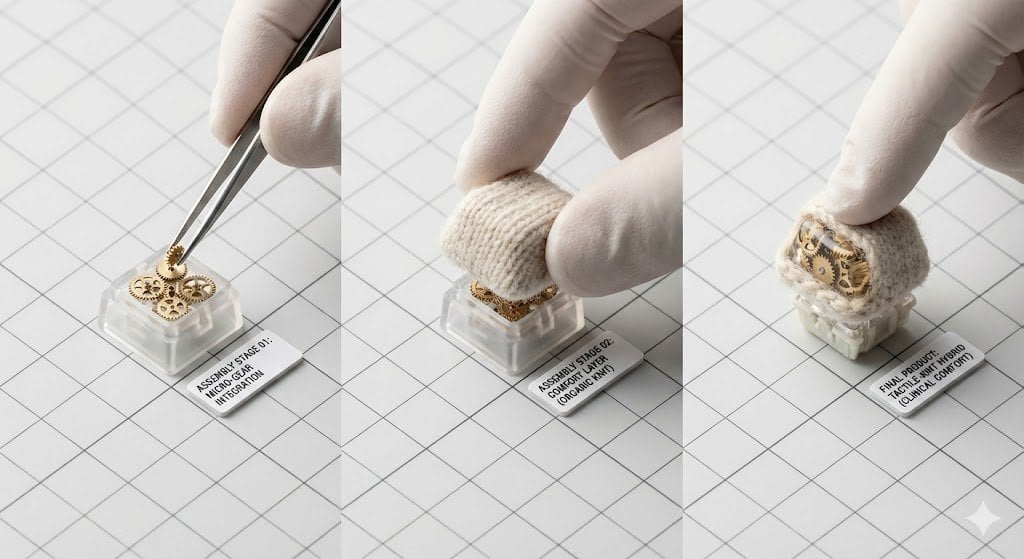
Mechanical Keyboard Keycap Product Photography Prompt
Browse template categories
Fantasy Creature Meadow Ensemble questions
How do I use the Fantasy Creature Meadow Ensemble template?
Add your photo if the template asks for one, edit the prompt if you like — the template's model and format are already selected — and press Generate. Your version opens in PicX Studio.
Can I customize the Fantasy Creature Meadow Ensemble template?
Yes. You can change the subject, setting, lighting, mood, format, and available model controls before creating your image.
Is the Fantasy Creature Meadow Ensemble template free?
Opening and editing this template is free. Generating uses credits, shown on the Generate button when you are signed in.
Which AI model should I use?
Start with GPT Image 2, which is the model associated with this template. You can compare another compatible model for a different finish.
Looking for something else? Browse all templates.

Your photo, any look
Thousands of ready templates for every top image and video model, from one credit balance.