
Dreamy Girl and Fantasy Creature
A nostalgic square film-style bedroom portrait of a sailor-uniform schoolgirl sitting beside a soft imaginary creature, useful for dreamy surreal AI art.
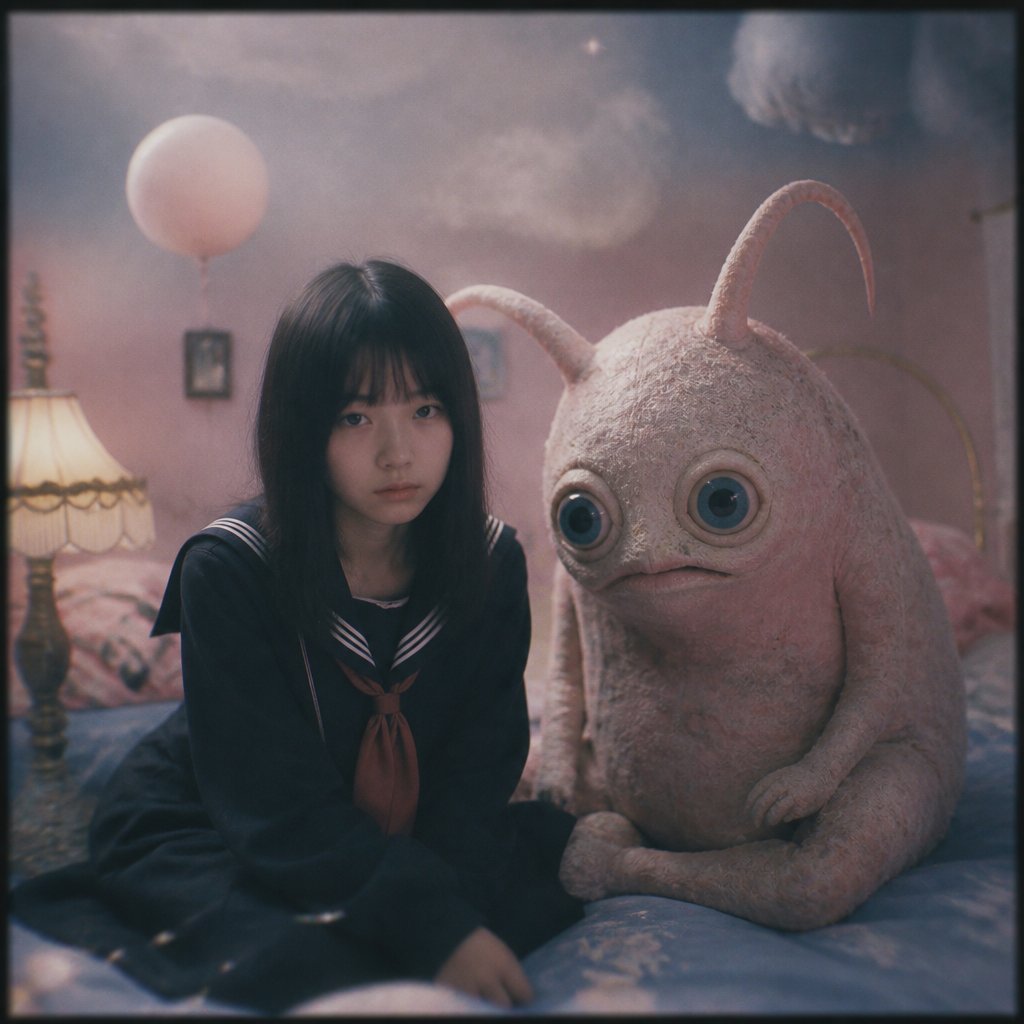
- Prompt included
- Model and format preset
- Free template
The prompt behind this image
Copy the exact prompt behind Dreamy Girl and Fantasy Creature, or open it in the studio and make it yours.
Create a dreamy cinematic square portrait titled around the feeling of {argument name="mood" default="dream time"}: a Japanese teenage schoolgirl in a dark navy sailor uniform with white striped collar and a muted reddish-brown necktie sits on a soft bed beside a large plush-like imaginary creature. The girl has long straight black hair with bangs, her face hidden in deep shadow/soft blur, sitting slightly hunched and quiet, hands near her lap. The creature is about the size of a seated child, pale dusty pink-beige, fuzzy and suede-textured, with a rounded pear-shaped body, two long curved antennae/horns, oversized glossy blue-black eyes, a tiny downturned mouth, short arms, and folded legs, posed close to her like a silent companion. The setting is a cozy pastel bedroom at night or twilight: pink mauve walls, rumpled blue bedding, a warm vintage bedside lamp with a fringed cream shade on the left, a pale pink balloon floating in the background, faint framed wall art, and soft cloudlike shapes near the ceiling. Use a nostalgic analog film look with low contrast, muted pink-blue color grading, shallow depth of field, gentle haze, dreamy bloom around highlights, subtle grain, slight vignette, and a thin dark border like an old square film photograph. Keep the composition intimate and centered, with exactly two main subjects: 1 girl and 1 fantasy creature. No readable text, no extra characters, no watermark.
How to use Dreamy Girl and Fantasy Creature in 3 steps
- 1Upload ImagePNG, JPG or paste
Add your photo
Upload the photo the template builds on. The prompt, model and format are already set.
- 2…a portrait of your subject in softgolden-hour light, 85mm…
Personalize
Edit the subject and creative details for your destination.
- 3Generate
Generate
Press Generate — your image is created in PicX Studio, so you can compare it with the original and refine one variable at a time.
More like this
Templates with the same subject, style or setup. Open one to see its prompt.
Fantasy Creature Meadow Ensemble

Teen Girl Alpine Lake Mountain View
Fantasy Child and Alien Creature Portrait

Anime Fantasy Celestial Movie Poster
Anime Fantasy Celestial Movie Poster

Minecraft Fantasy Kingdom Voxel Landscape

Unfinished Sketch Comes Alive Portrait

Open Travel Journal Overhead Still Life

Tiny Woman Miniature Fantasy Macro Scene
Elegant Fantasy Girl in Violet Garden
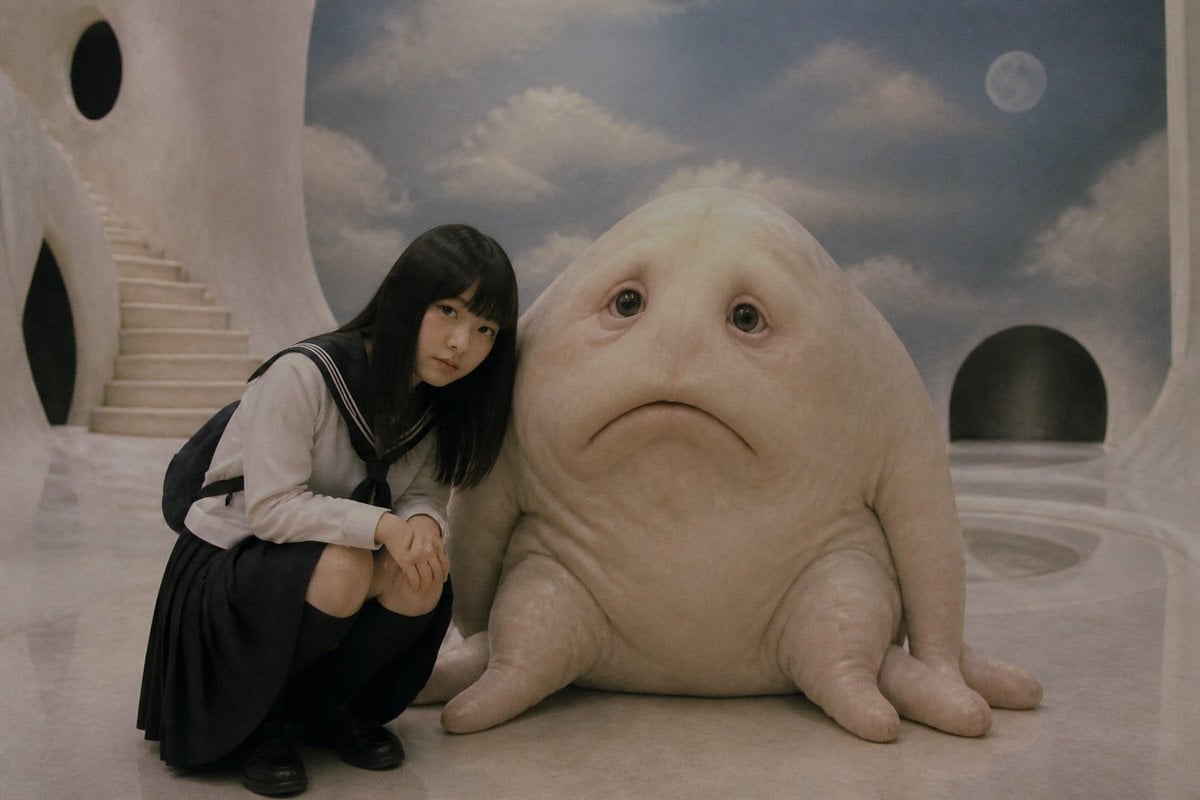
Surreal Schoolgirl and Blob Creature
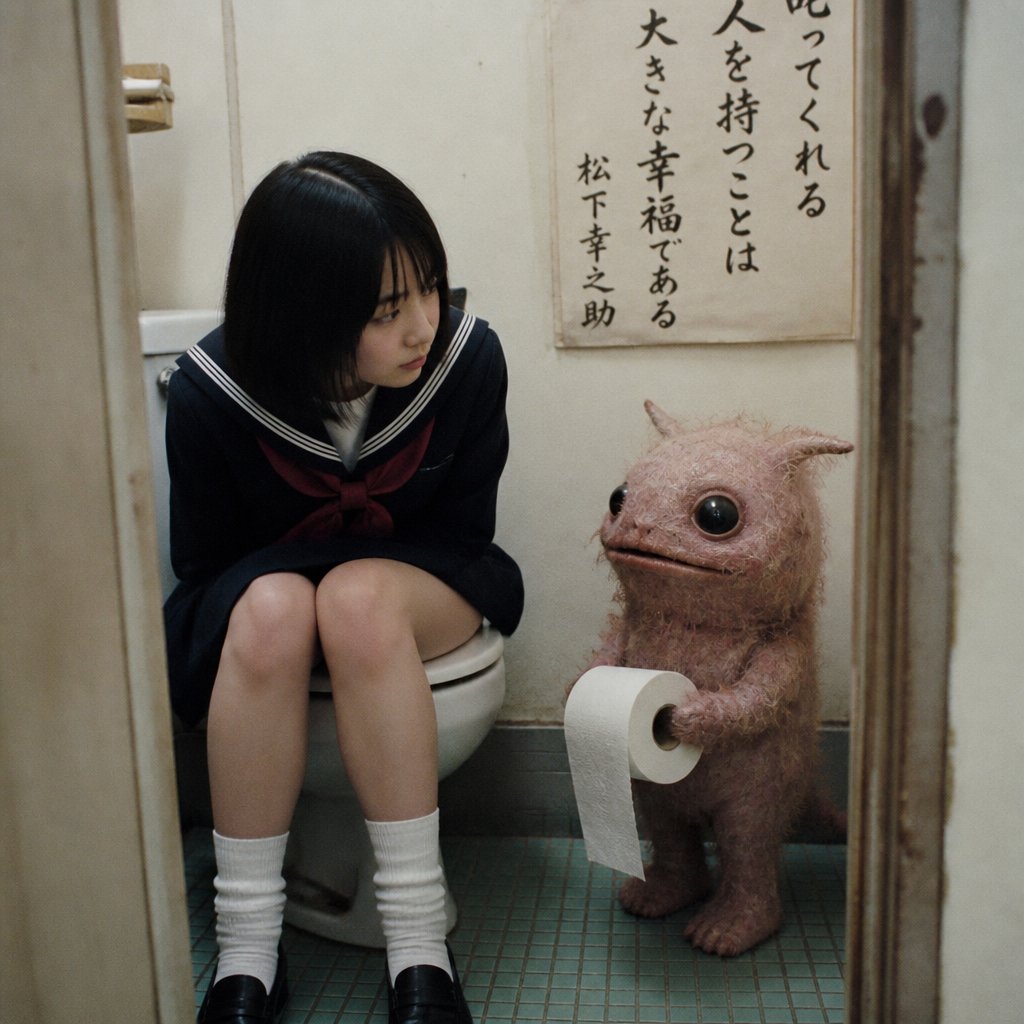
Schoolgirl and Toilet Paper Creature
Make it yours
Dreamy Girl and Fantasy Creature works as-is. These are the safest ways to change it without losing the look.
Change one field
Copy a single group, rewrite it, and generate again so you can see what that field is doing.
Keep the frame, change the subject
Hold the composition and light of Dreamy Girl and Fantasy Creature, then swap wardrobe, props or the person for a new take.
| If the result… | Why | Fix |
|---|---|---|
| The result drifts from the preview | Too many fields changed at once. | Reuse Dreamy Girl and Fantasy Creature as-is first, then change one group — subject, light, or setting. |
| The model over-stylizes the scene | The prose prompt leaves finish and camera underspecified. | Add one camera or lighting sentence and stay on GPT Image 2. |
More GPT Image 2 templates
Other prompts made for GPT Image 2.

Six VTuber Japanese Logo Sheet

Realistic Portrait of Woman and Deer

The Vista Modular Condo Poster

AI Model Routing Comparison Infographic

2.5D Anime Art Board

Isometric Productivity Desk Scene

New York Double Exposure Poster

Four-Panel AI Landscape Comparison

Japanese Tatami Lifestyle Magazine Cover

NESCAFÉ Coffee Map Poster
More image prompts
Fresh picks from across the catalog.
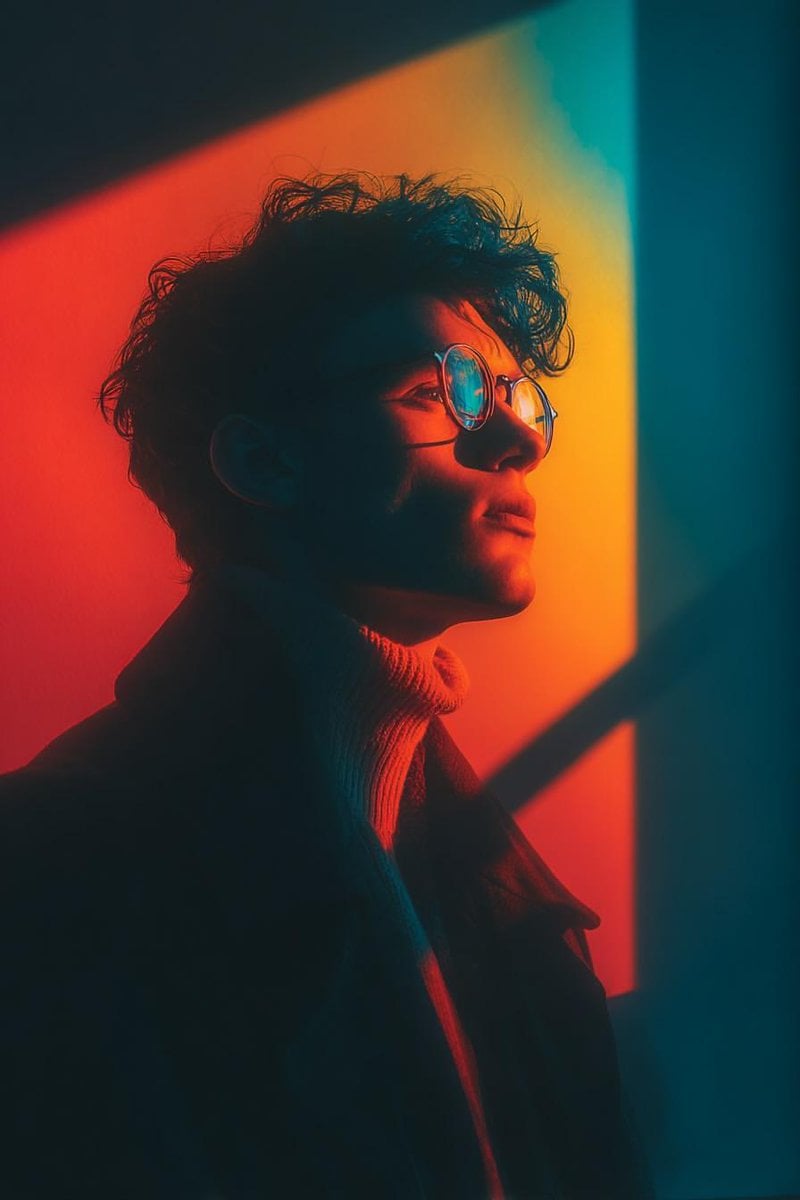
Cinematic Portrait with Geometric Window Light
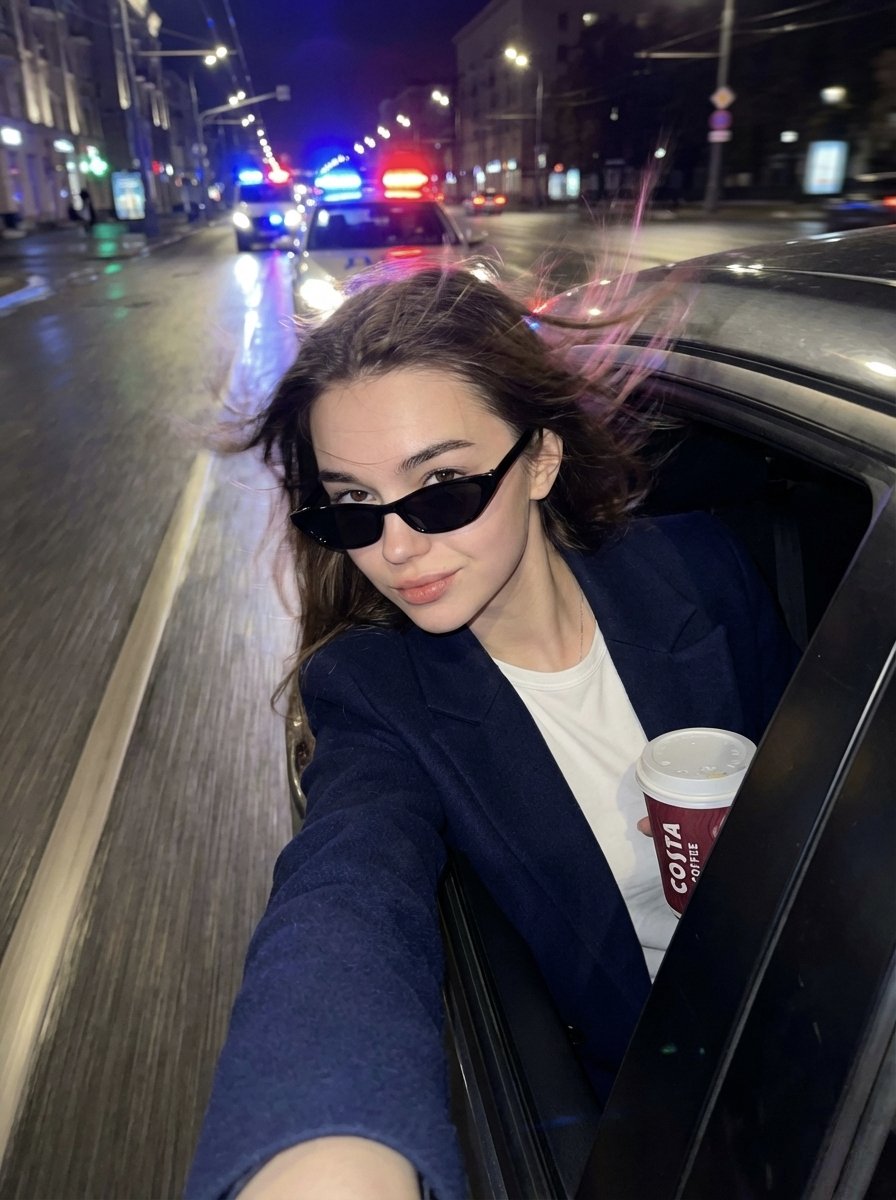
Cinematic Night Street Selfie Prompt with Identity Lock
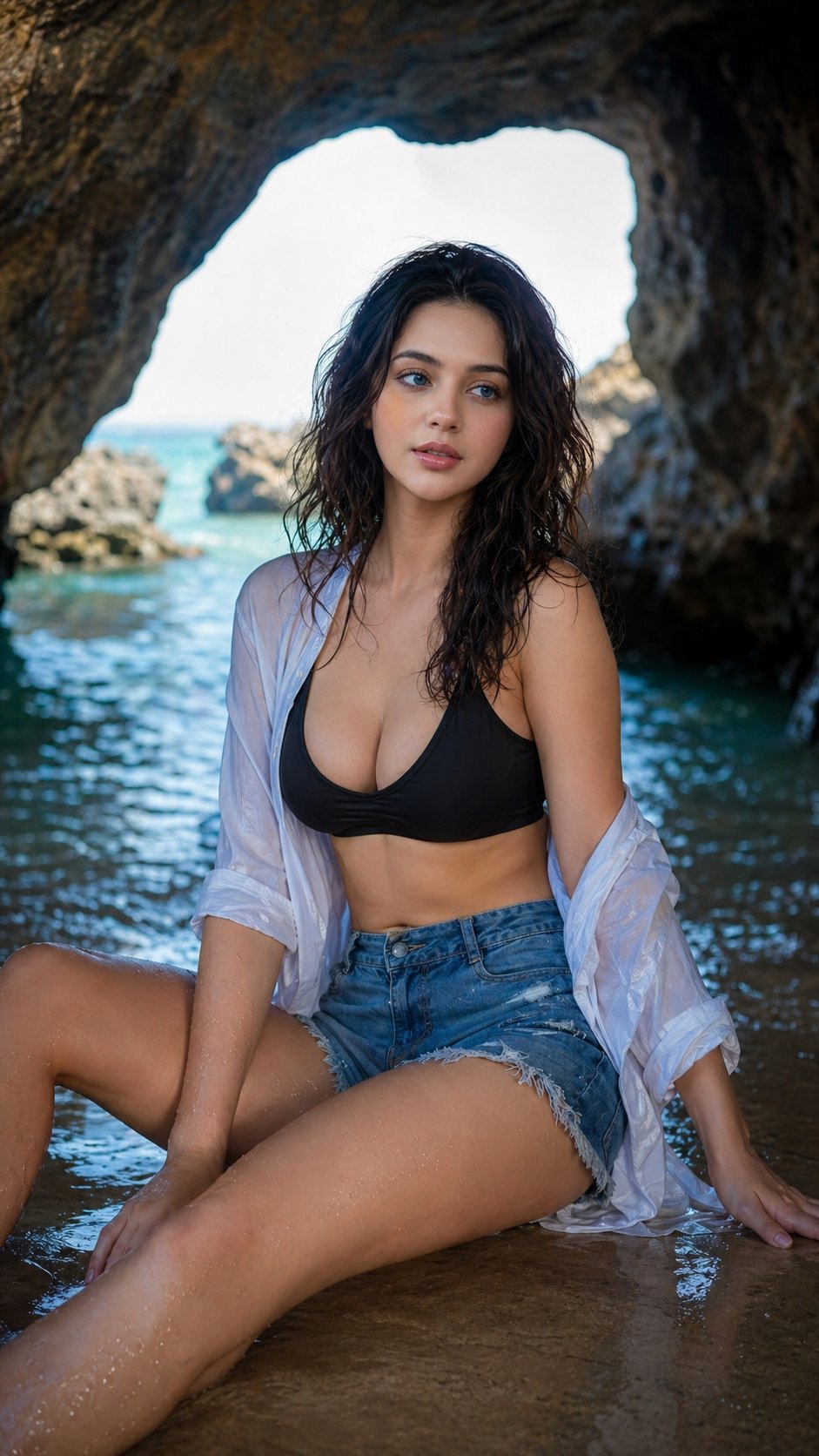
Nano Banana Sea Cave Portrait
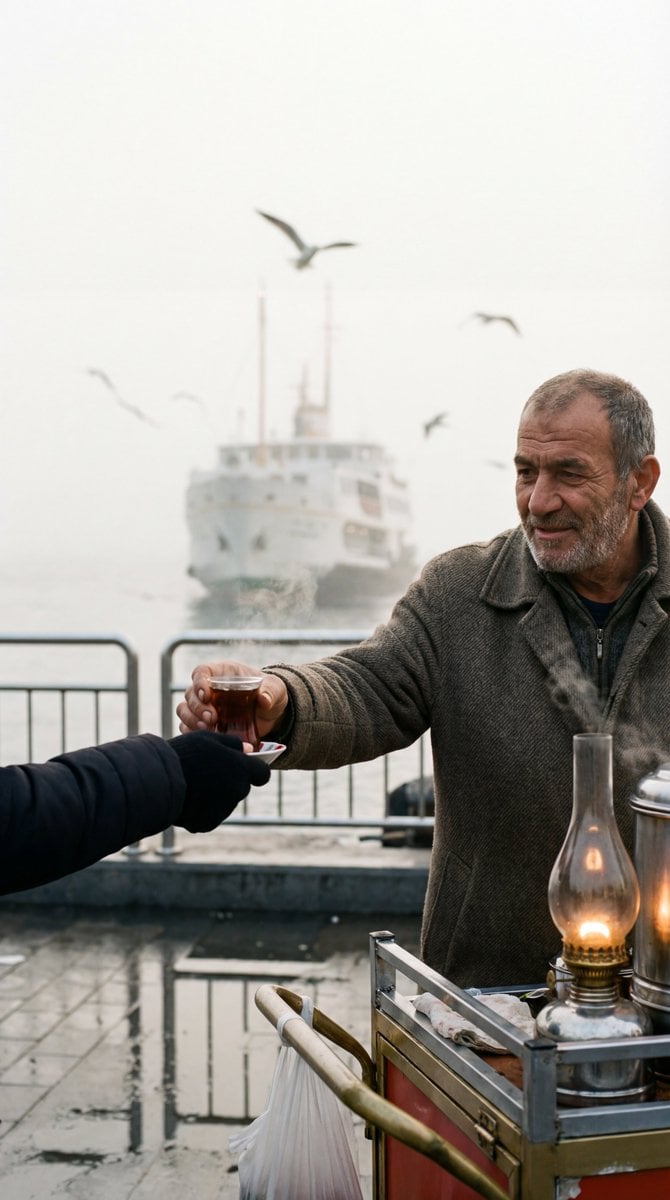
Cinematic Street Photography Film Still Prompt
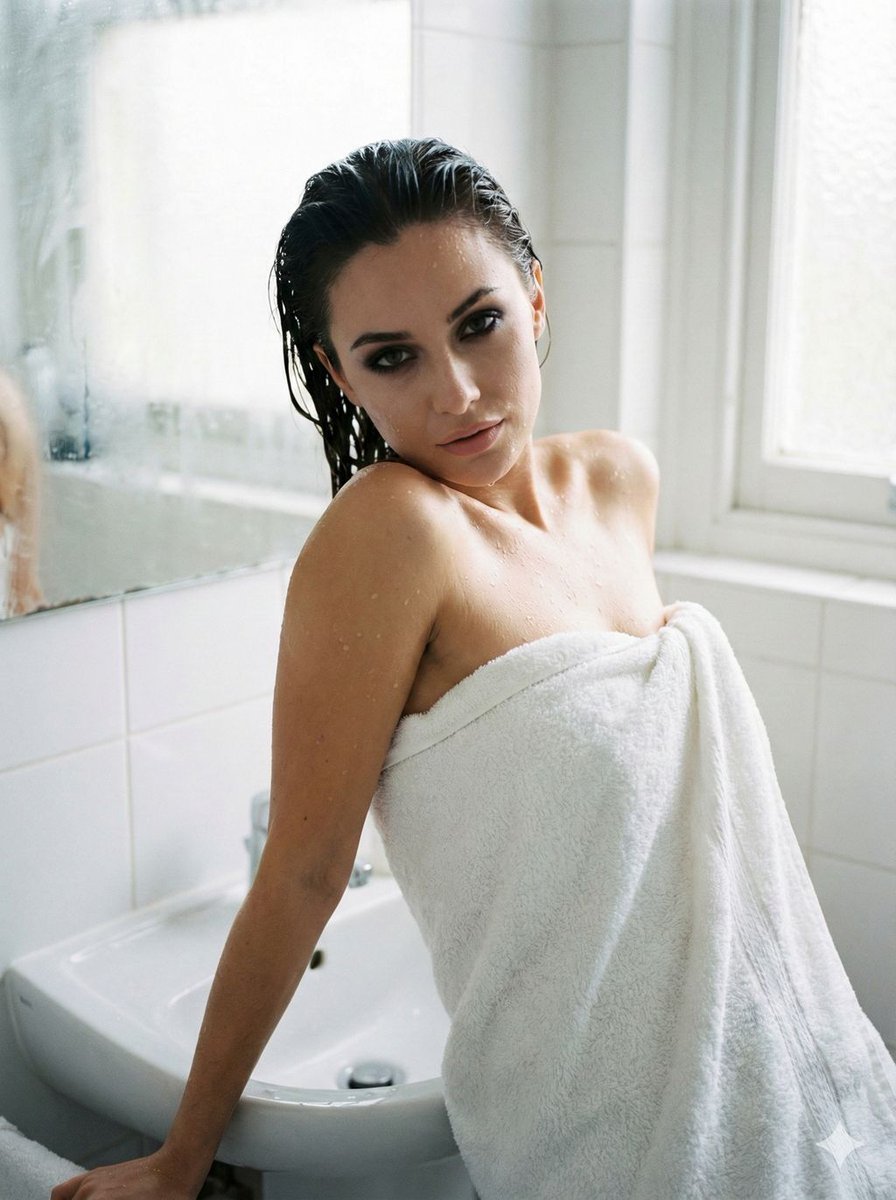
Raw Beauty Portrait in Steamy Bathroom
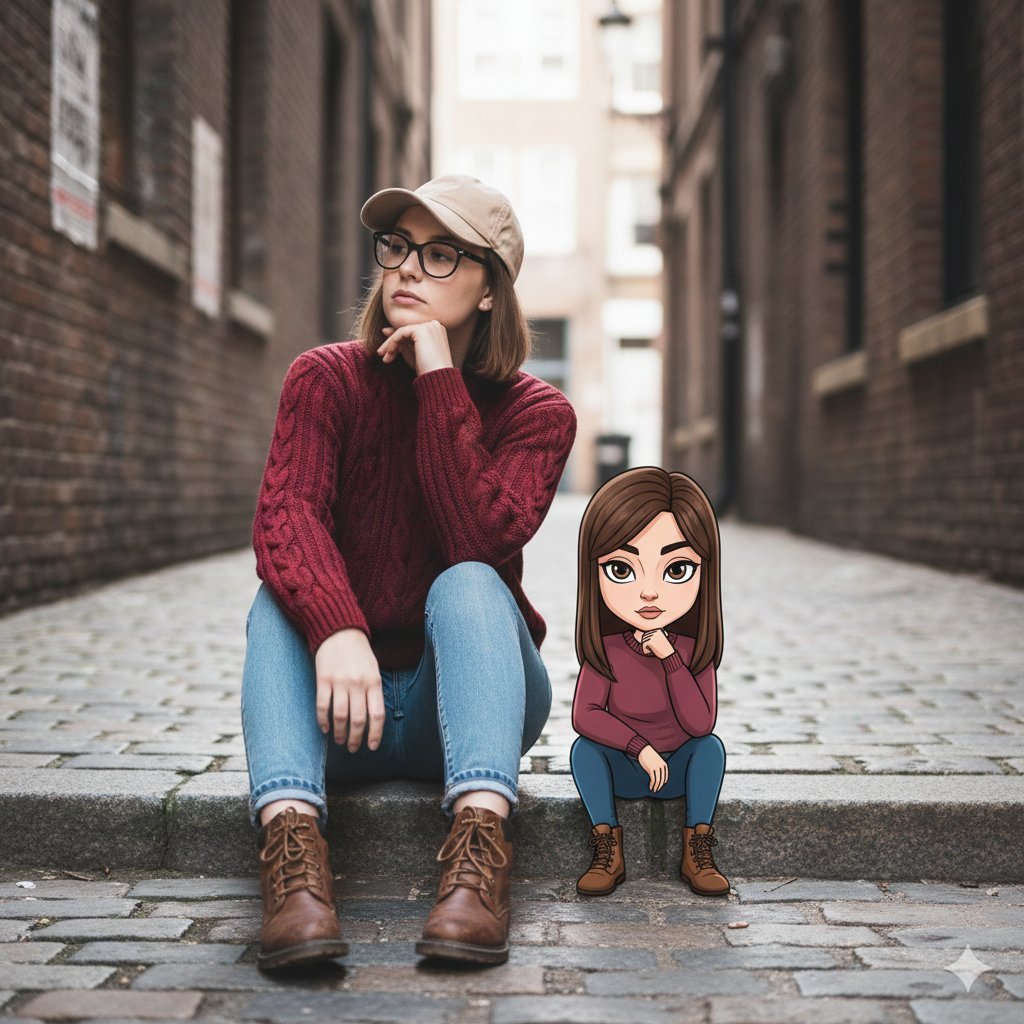
Cinematic Street Portrait with Whimsical Illustrated Avatar

High-angle fairy grunge idol in cluttered closet
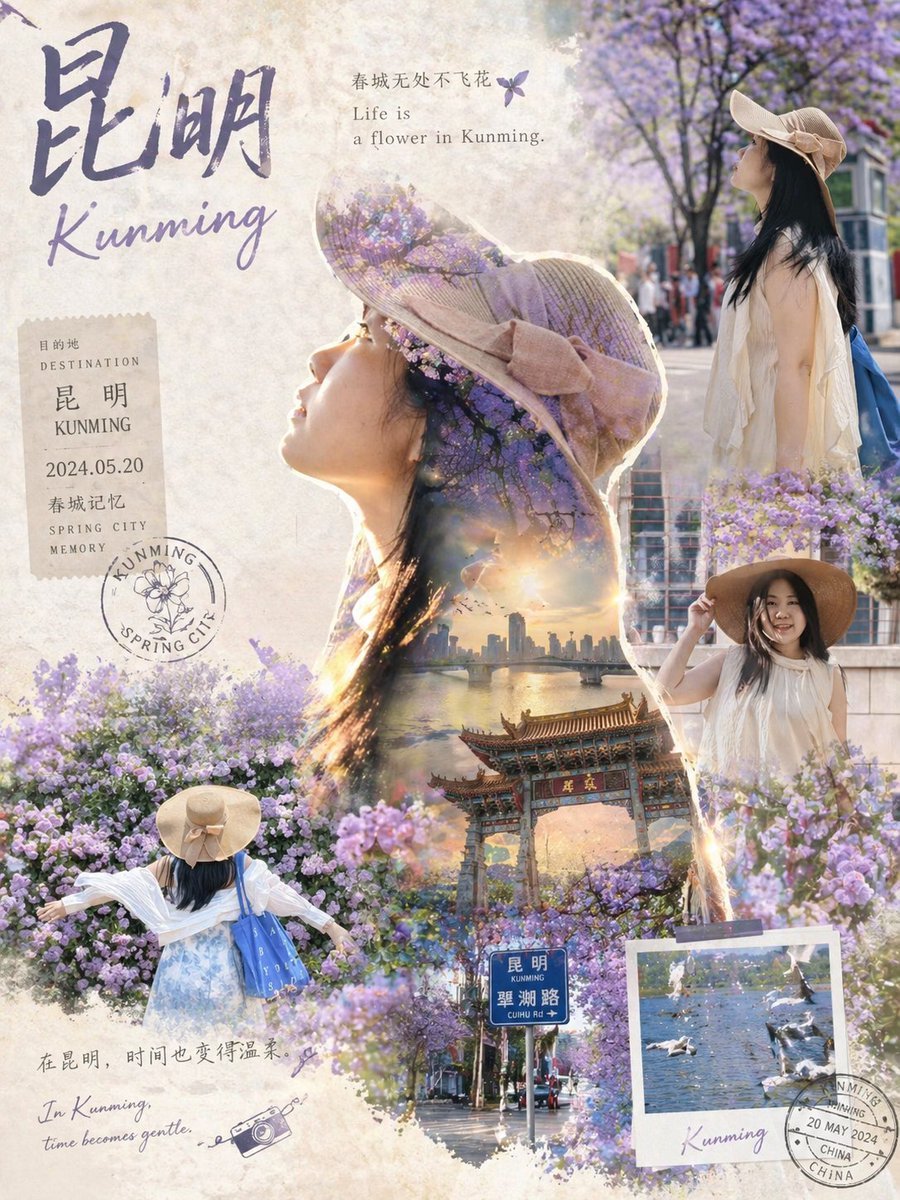
Epic Narrative Travel Poster
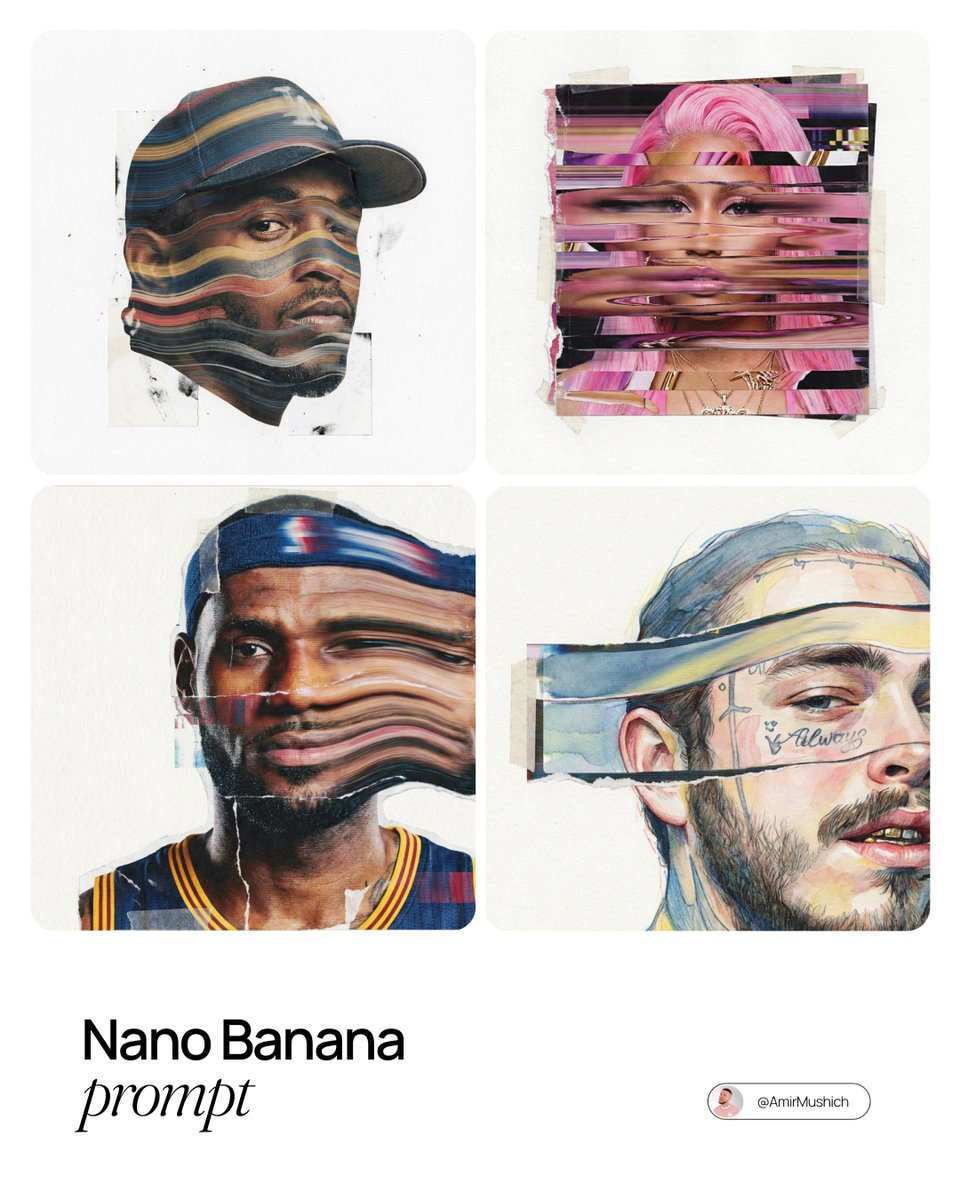
Mixed-Media Collage Posters Prompt
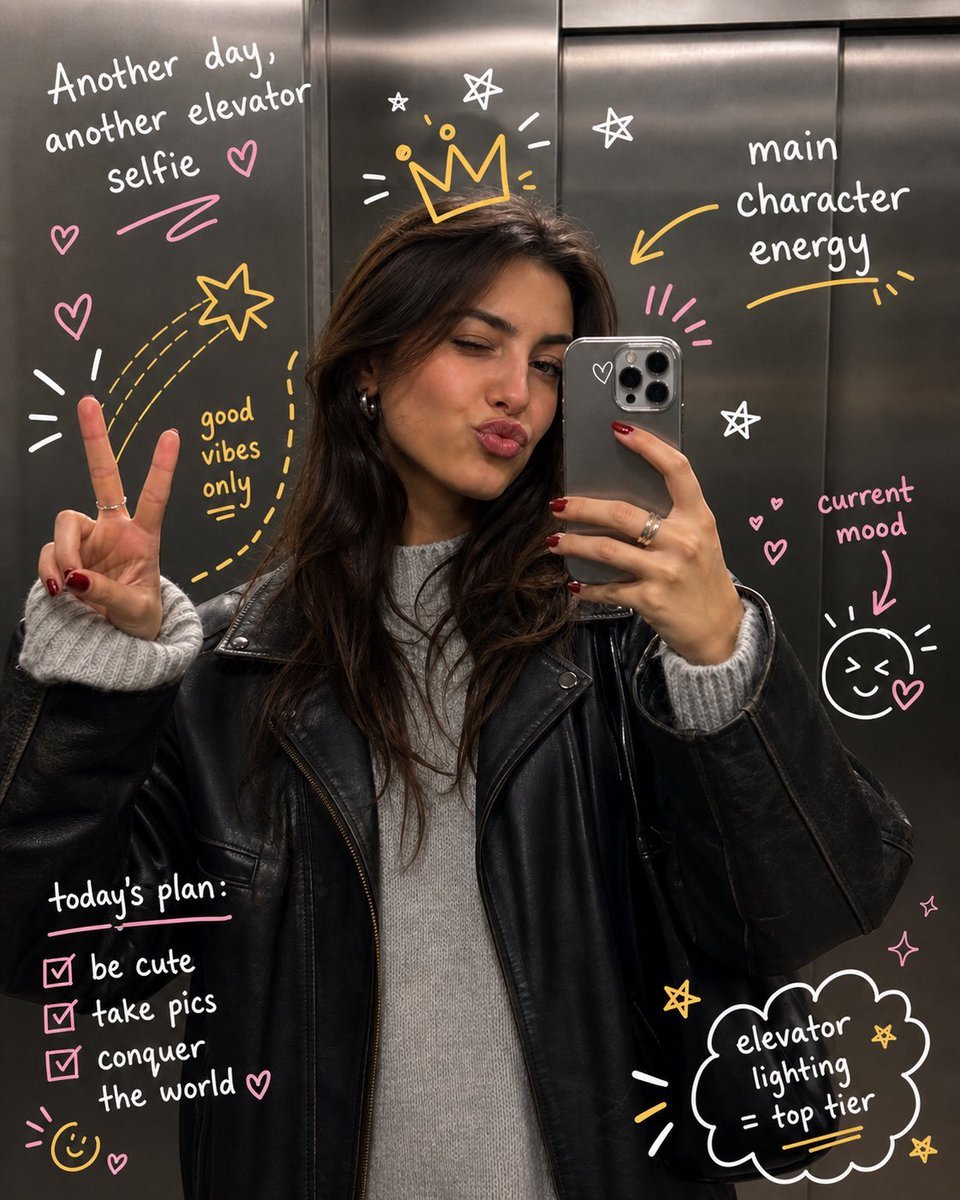
Hand-Drawn Doodles Overlay
Browse template categories
Dreamy Girl and Fantasy Creature questions
How do I use the Dreamy Girl and Fantasy Creature template?
Add your photo if the template asks for one, edit the prompt if you like — the template's model and format are already selected — and press Generate. Your version opens in PicX Studio.
Can I customize the Dreamy Girl and Fantasy Creature template?
Yes. You can change the subject, setting, lighting, mood, format, and available model controls before creating your image.
Is the Dreamy Girl and Fantasy Creature template free?
Opening and editing this template is free. Generating uses credits, shown on the Generate button when you are signed in.
Which AI model should I use?
Start with GPT Image 2, which is the model associated with this template. You can compare another compatible model for a different finish.
Looking for something else? Browse all templates.

Your photo, any look
Thousands of ready templates for every top image and video model, from one credit balance.