
Hand-Drawn Doodles Overlay
A creative prompt for adding expressive, hand-drawn doodles to an existing photo while preserving the original subject's identity, pose, and lighting for a playful, sketchbook-like aesthetic.
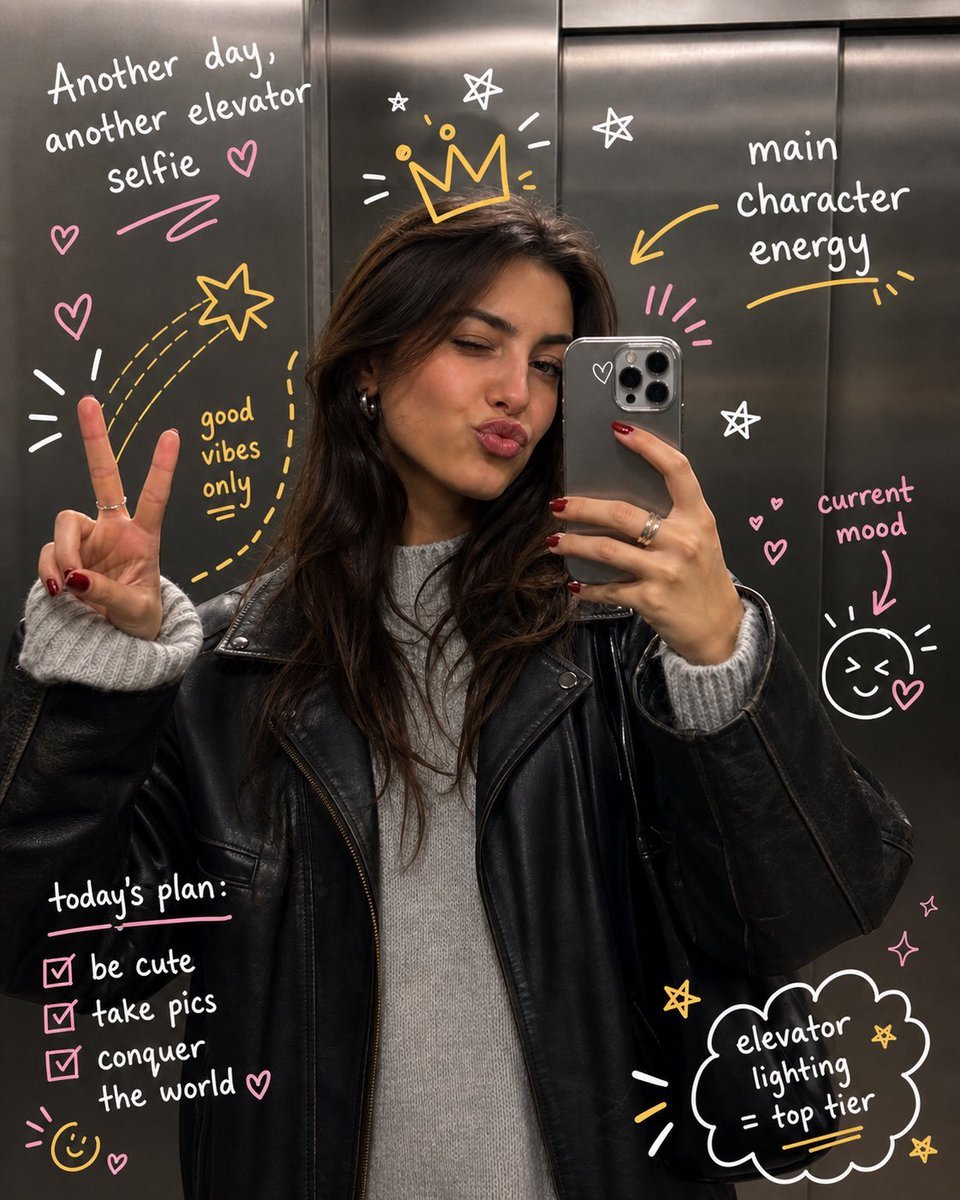
- Prompt included
- Model and format preset
- Free template
The prompt behind this image
Copy the exact prompt behind Hand-Drawn Doodles Overlay, or open it in the studio and make it yours.
Transform the uploaded image by keeping the {argument name="subject" default="subject"} exactly as they are—preserve their identity, pose, composition, and lighting without any distortion or alteration. Build on top of the original photo by adding expressive, hand-drawn doodles that interact playfully with the subject. Let the illustrations respond to the scene, trace or exaggerate gestures, extend movement, highlight contours, or introduce imaginative elements that feel connected to what’s happening in the frame. The doodles should feel intentional, as if they were sketched directly onto the image in a spontaneous yet thoughtful way. Use a loose, imperfect drawing style with slightly uneven strokes, organic lines, and a casual, sketchbook-like vibe. Incorporate {argument name="notes" default="handwritten notes or captions"} around the image that match the mood or narrative—keep them witty, context-aware, and naturally playful rather than generic. Make sure the added elements complement the photo instead of overpowering it. Aim for a visually balanced composition with a clean, high-resolution finish and colors that blend harmoniously with the original scene.
How to use Hand-Drawn Doodles Overlay in 3 steps
- 1Upload ImagePNG, JPG or paste
Add your photo
Upload the photo the template builds on. The prompt, model and format are already set.
- 2…a portrait of your subject in softgolden-hour light, 85mm…
Personalize
Edit the subject and creative details for your destination.
- 3Generate
Generate
Press Generate — your image is created in PicX Studio, so you can compare it with the original and refine one variable at a time.
More like this
Templates with the same subject, style or setup. Open one to see its prompt.
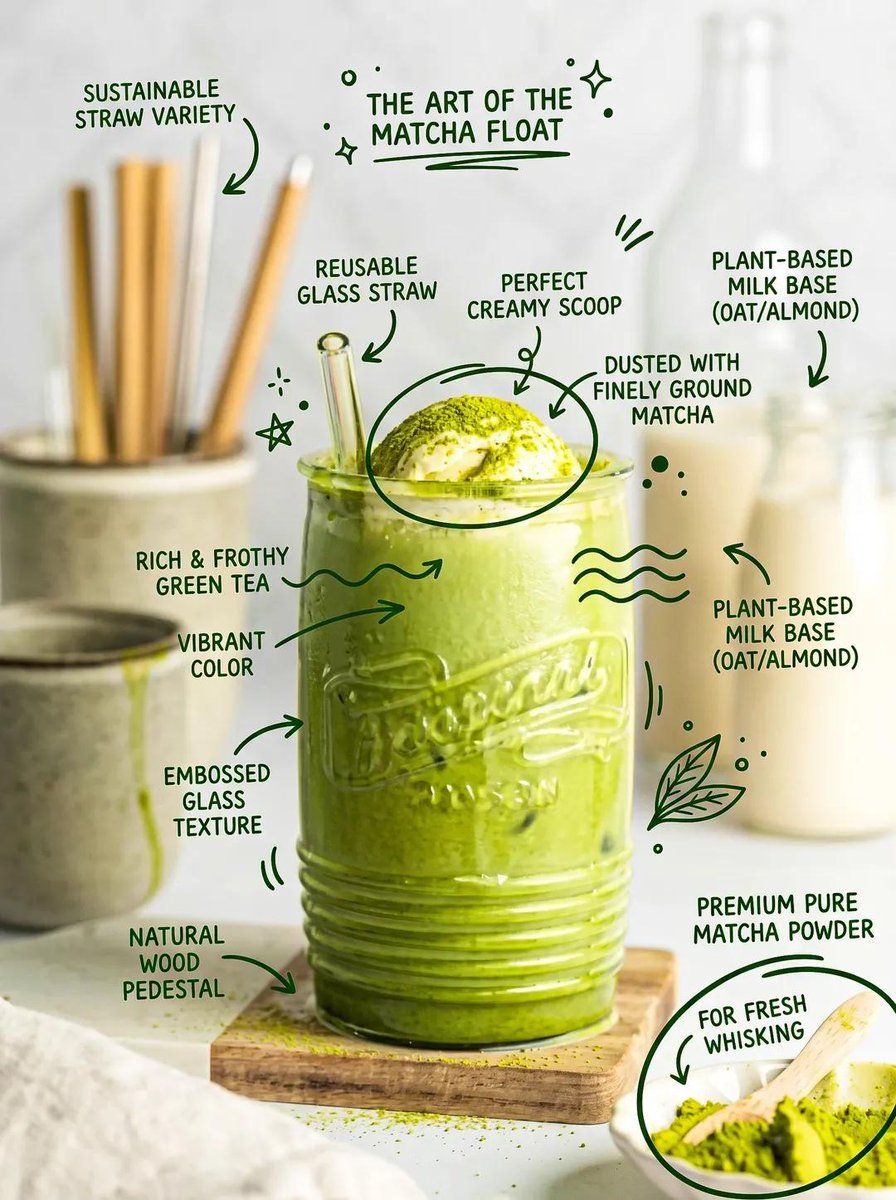
Hand-Drawn Doodles Overlay Prompt
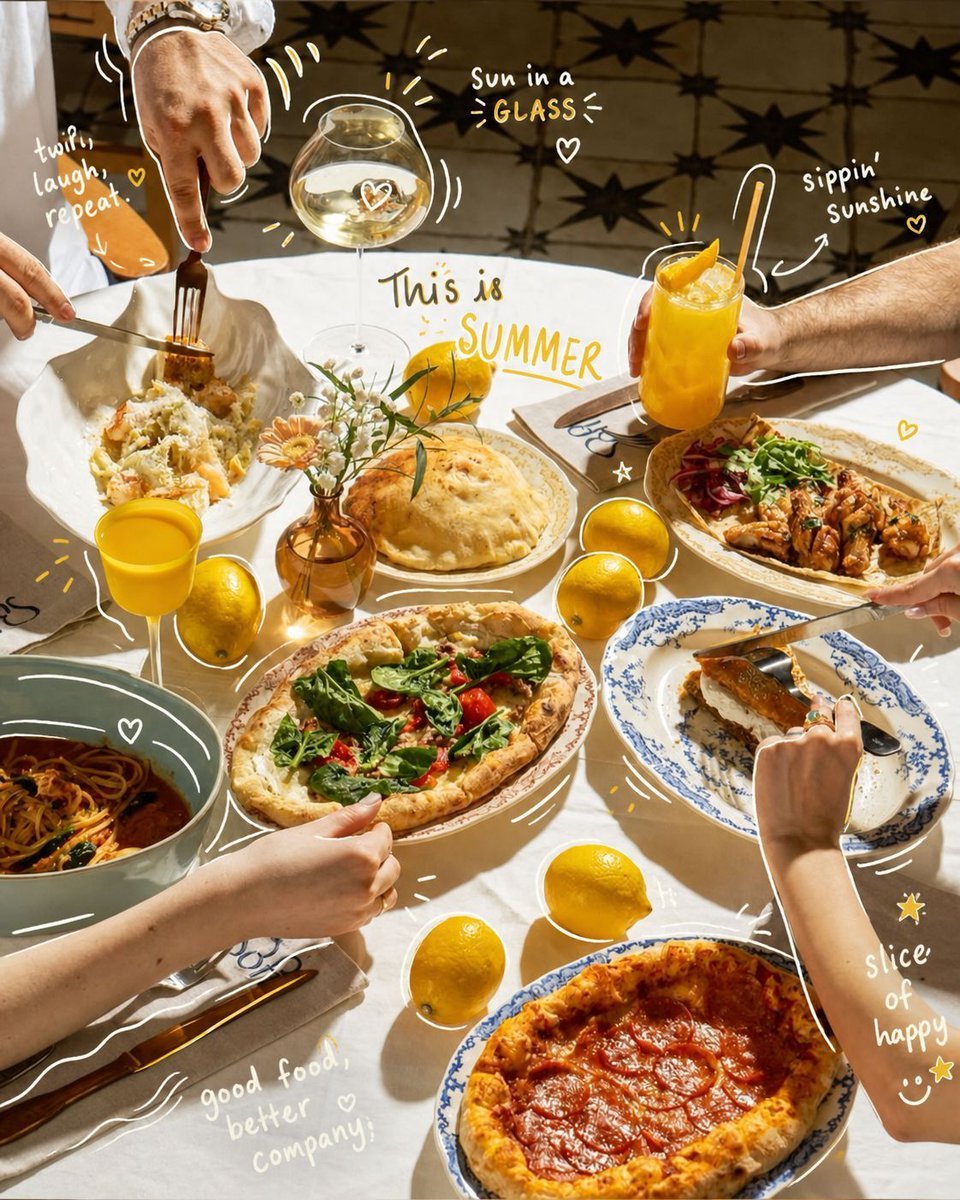
Hand-Drawn Interactive Doodles
Simple Hand-Drawn Koala Mascot

Hand-Drawn Doodle Grid Poster

Hand-drawn Breakfast Journal Aesthetic Poster
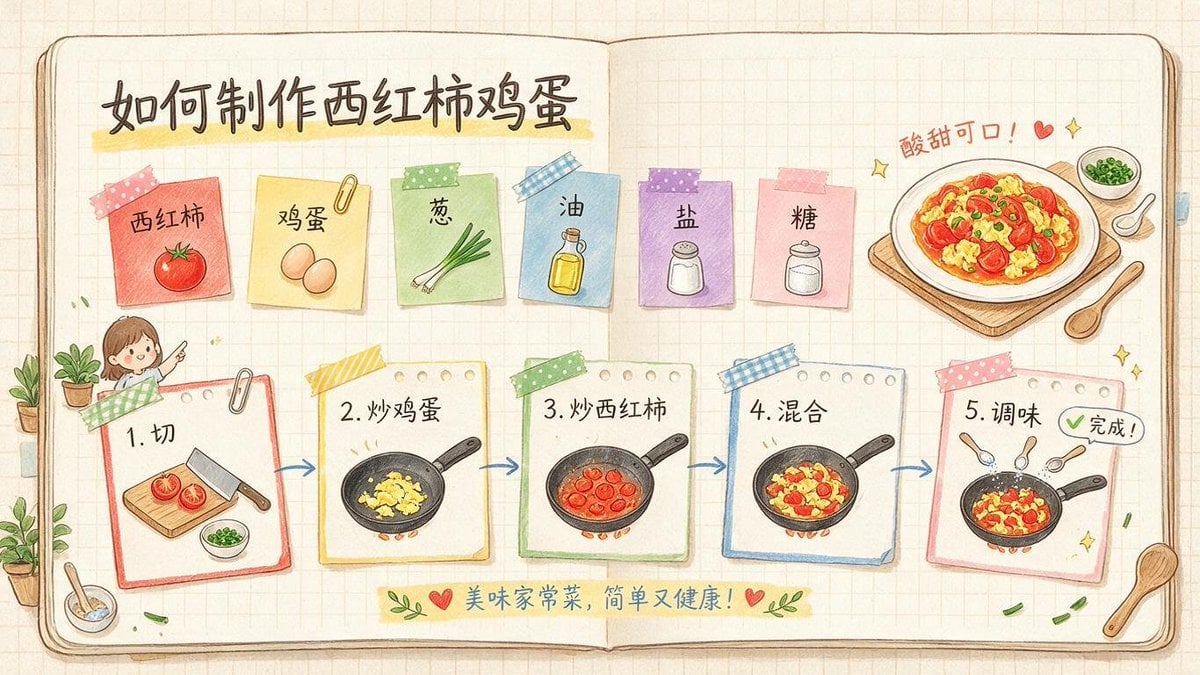
Hand-Drawn Tomato Egg Recipe Infographic
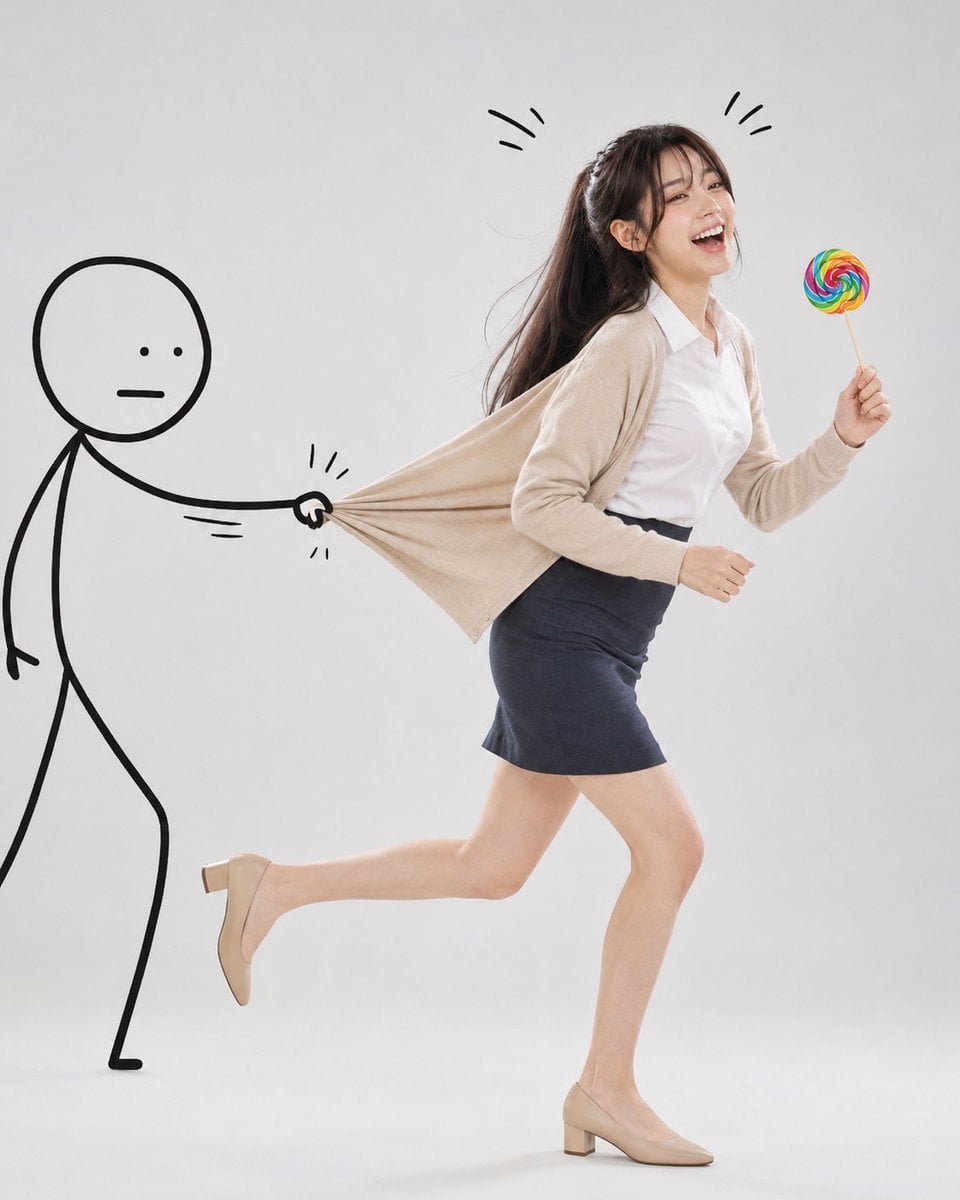
Surreal Studio Photography with Hand-Drawn Doodle

Minimal Hand-Drawn Sketch Watercolor Portrait

Eid al-Adha Cute Chaos — Fisheye Selfie with Farm Selfie, Mosque & Animals
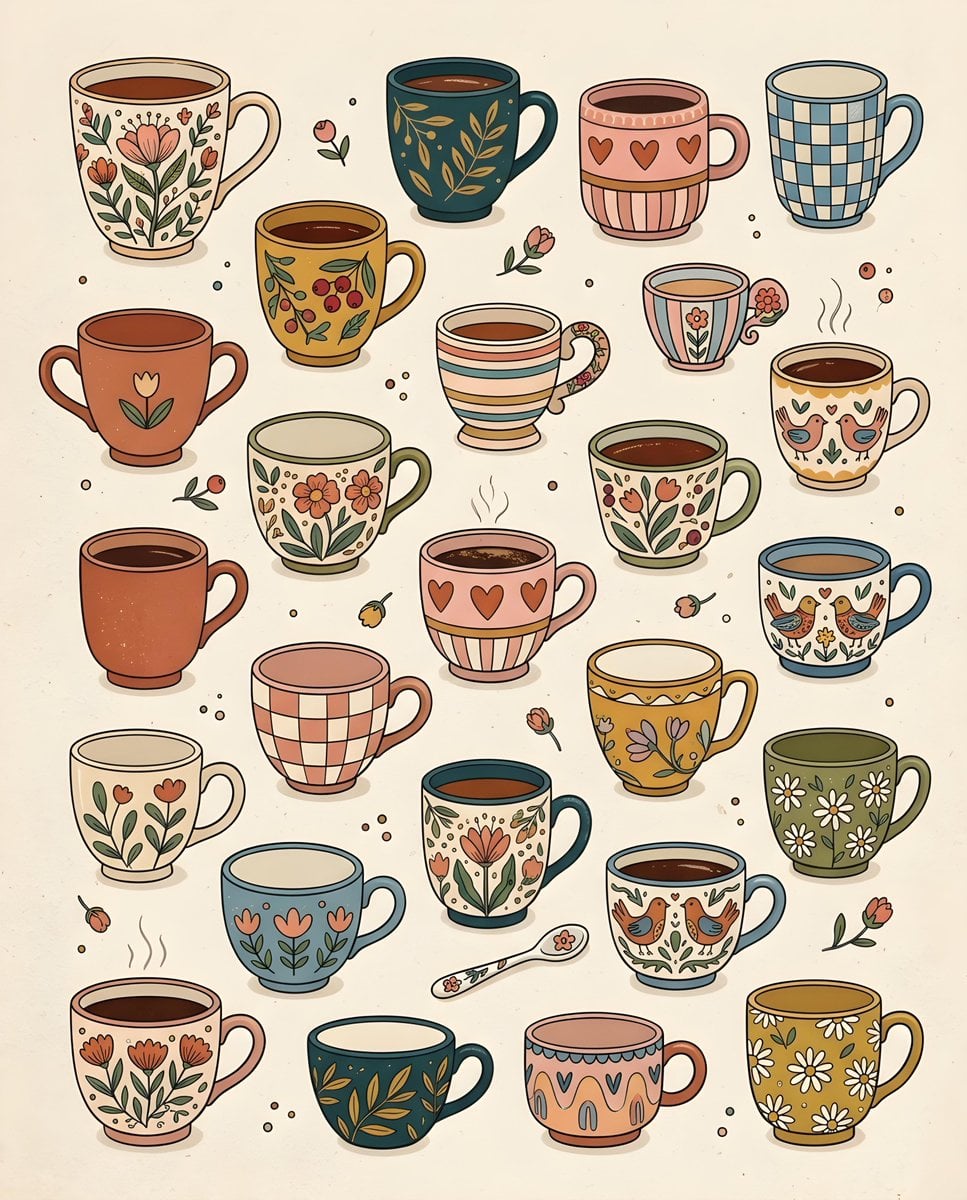
Whimsical Hand-Drawn Teacups
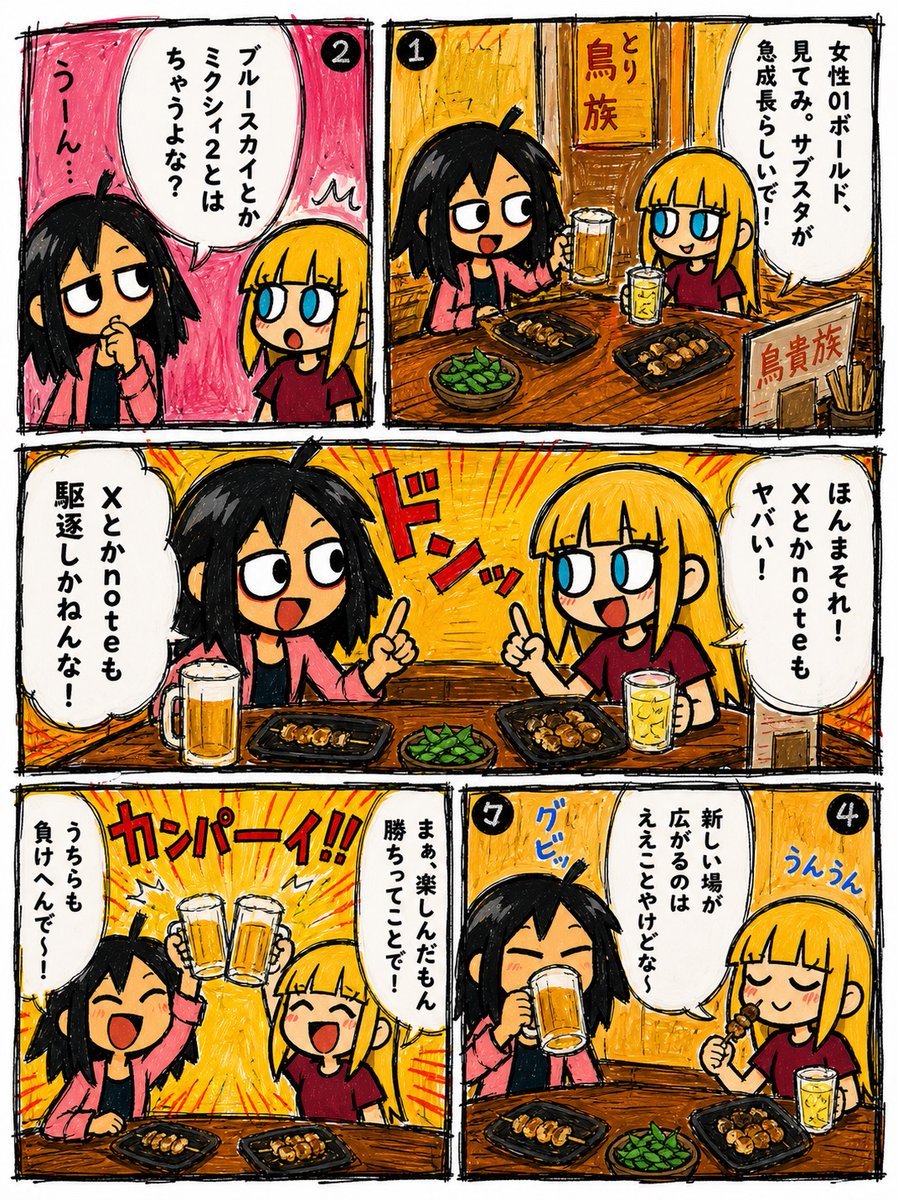
Hand-Drawn Izakaya Manga Page
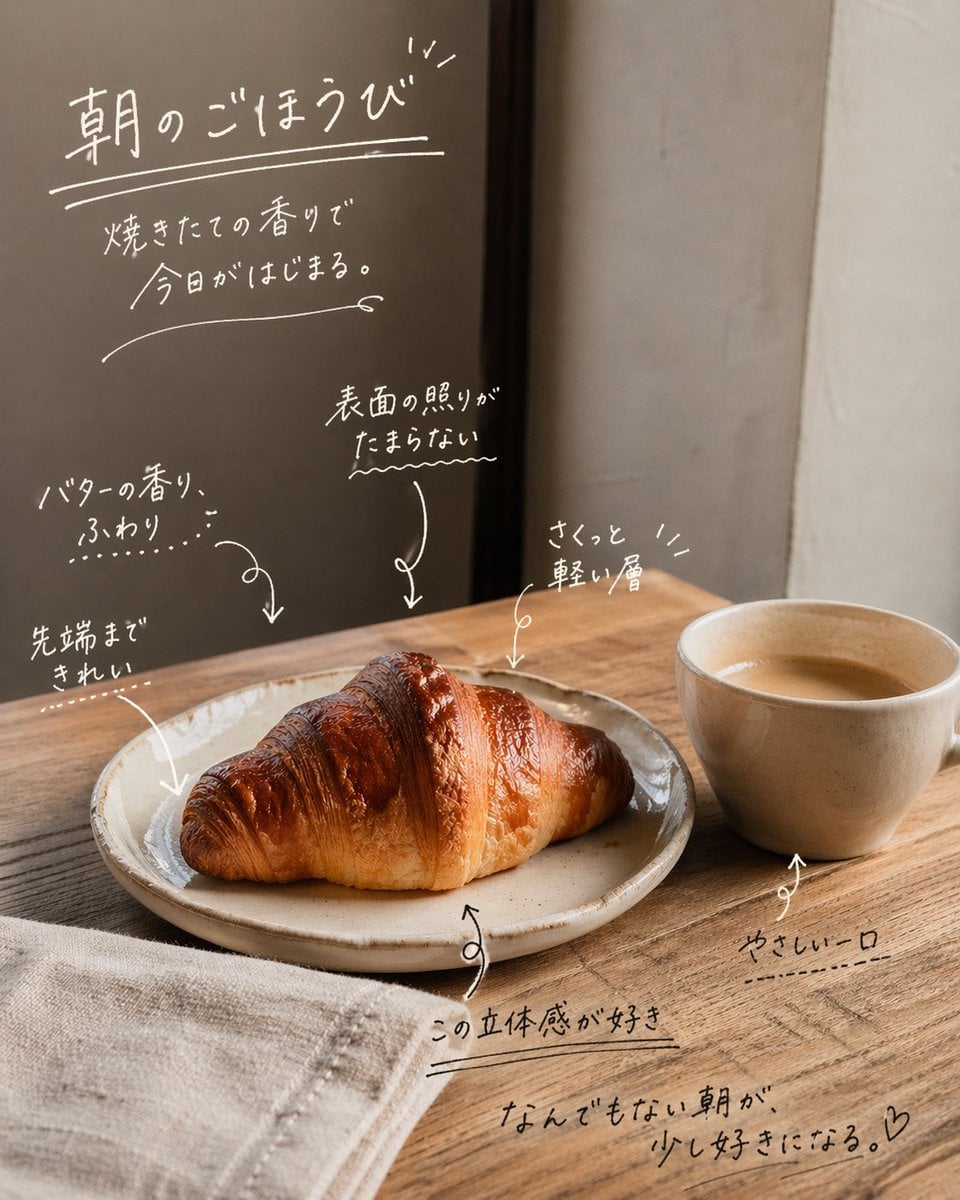
Handwritten Japanese Cafe Photo Overlay
Make it yours
Hand-Drawn Doodles Overlay works as-is. These are the safest ways to change it without losing the look.
Change one field
Copy a single group, rewrite it, and generate again so you can see what that field is doing.
Keep the frame, change the subject
Hold the composition and light of Hand-Drawn Doodles Overlay, then swap wardrobe, props or the person for a new take.
| If the result… | Why | Fix |
|---|---|---|
| The result drifts from the preview | Too many fields changed at once. | Reuse Hand-Drawn Doodles Overlay as-is first, then change one group — subject, light, or setting. |
| The model over-stylizes the scene | The prose prompt leaves finish and camera underspecified. | Add one camera or lighting sentence and stay on GPT Image 2. |
More GPT Image 2 templates
Other prompts made for GPT Image 2.

Six VTuber Japanese Logo Sheet

Realistic Portrait of Woman and Deer

The Vista Modular Condo Poster

AI Model Routing Comparison Infographic

2.5D Anime Art Board

Isometric Productivity Desk Scene

New York Double Exposure Poster

Four-Panel AI Landscape Comparison

Japanese Tatami Lifestyle Magazine Cover

NESCAFÉ Coffee Map Poster
More image prompts
Fresh picks from across the catalog.
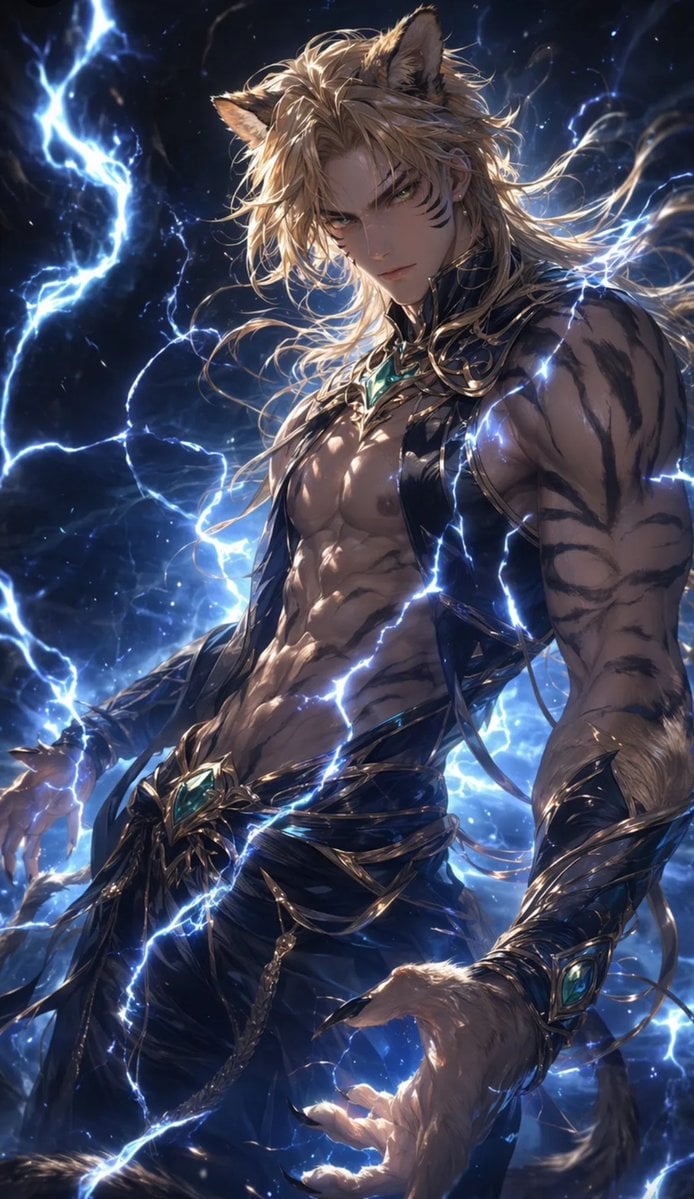
Tiger Beastman Lightning Warrior
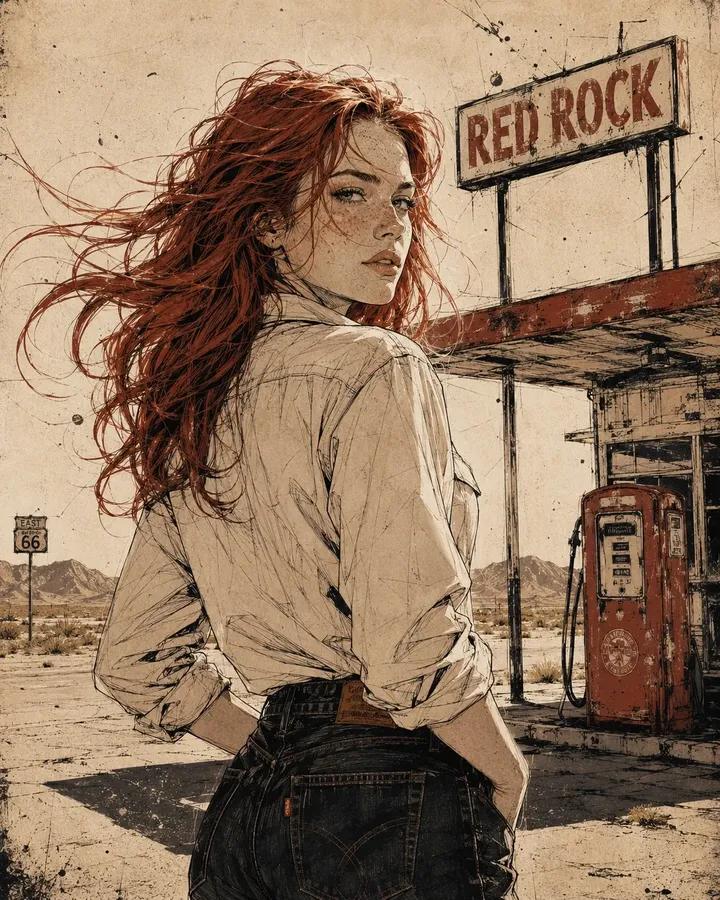
Vintage Americana Desert Illustration
Debug Test
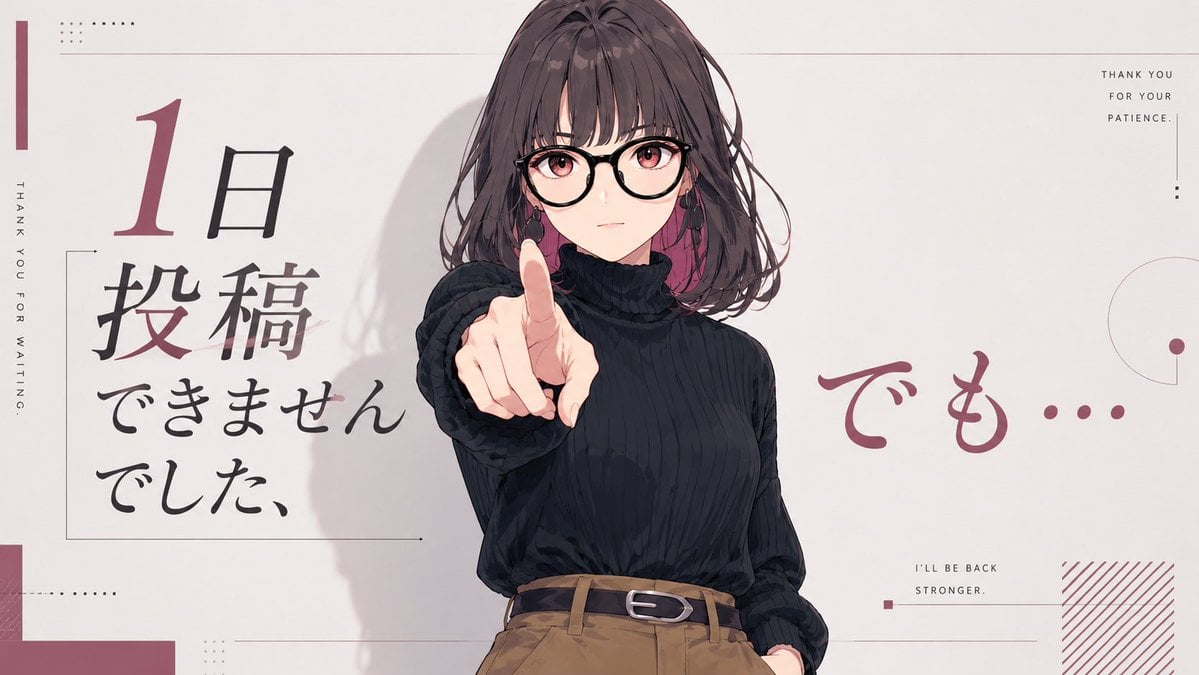
Anime Comeback Posting Banner
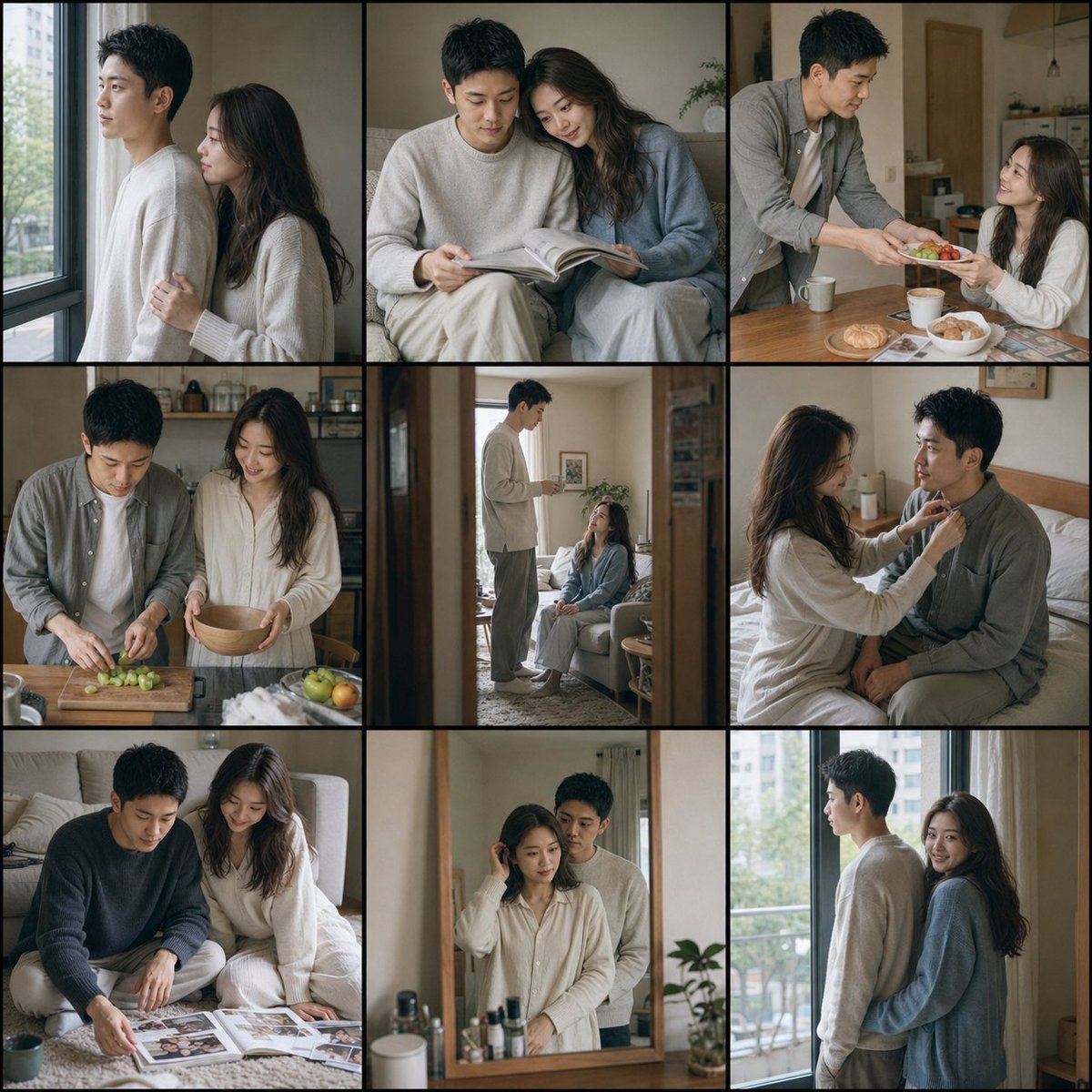
Fujifilm Style Home Couple Portraits
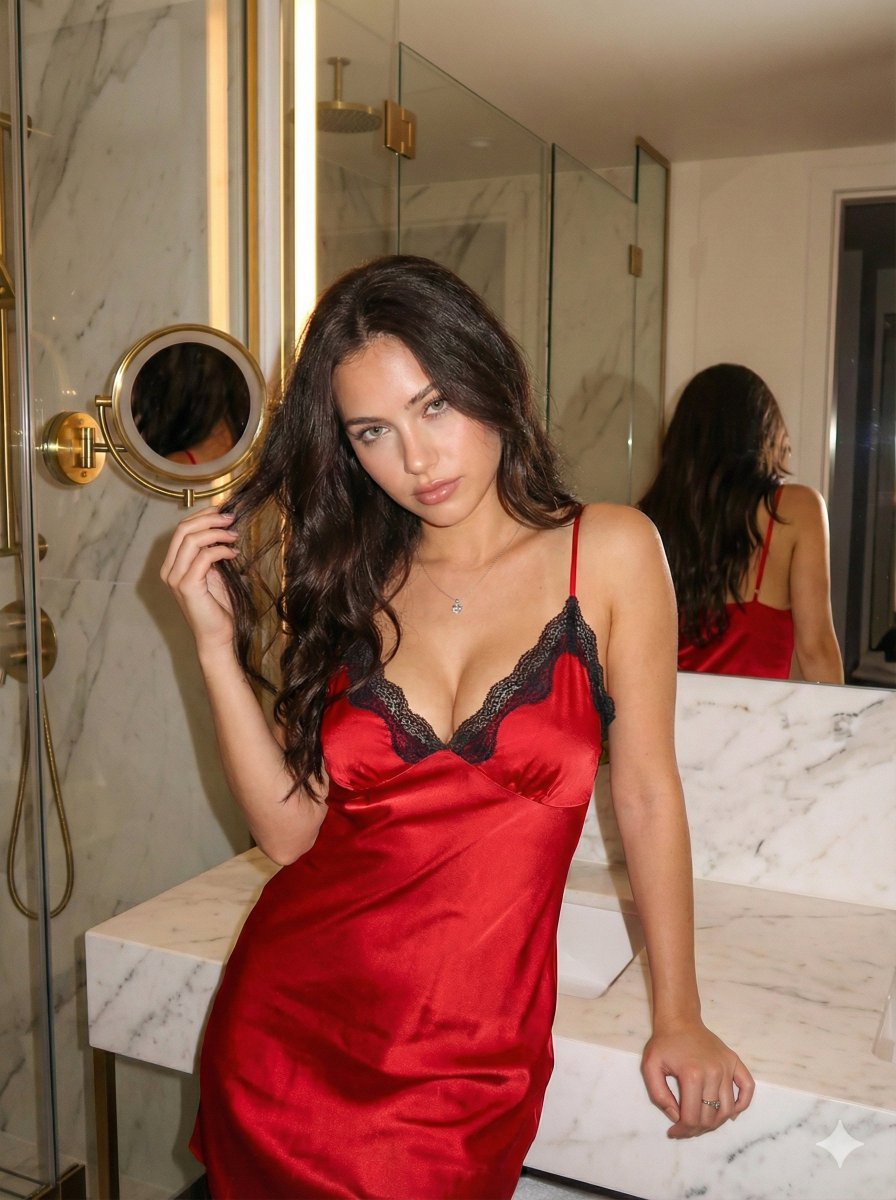
Red Satin Slip Dress Bathroom Flash Photo Prompt
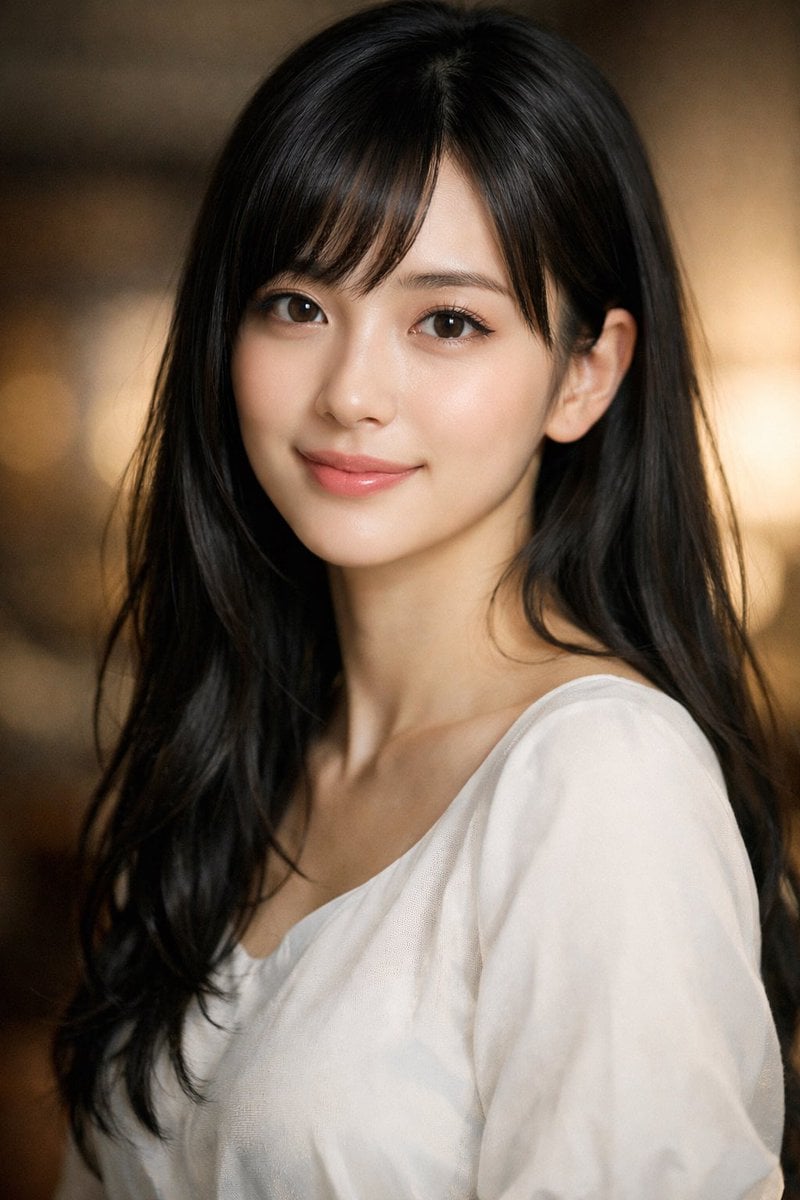
Photorealistic Portrait of a Young Woman
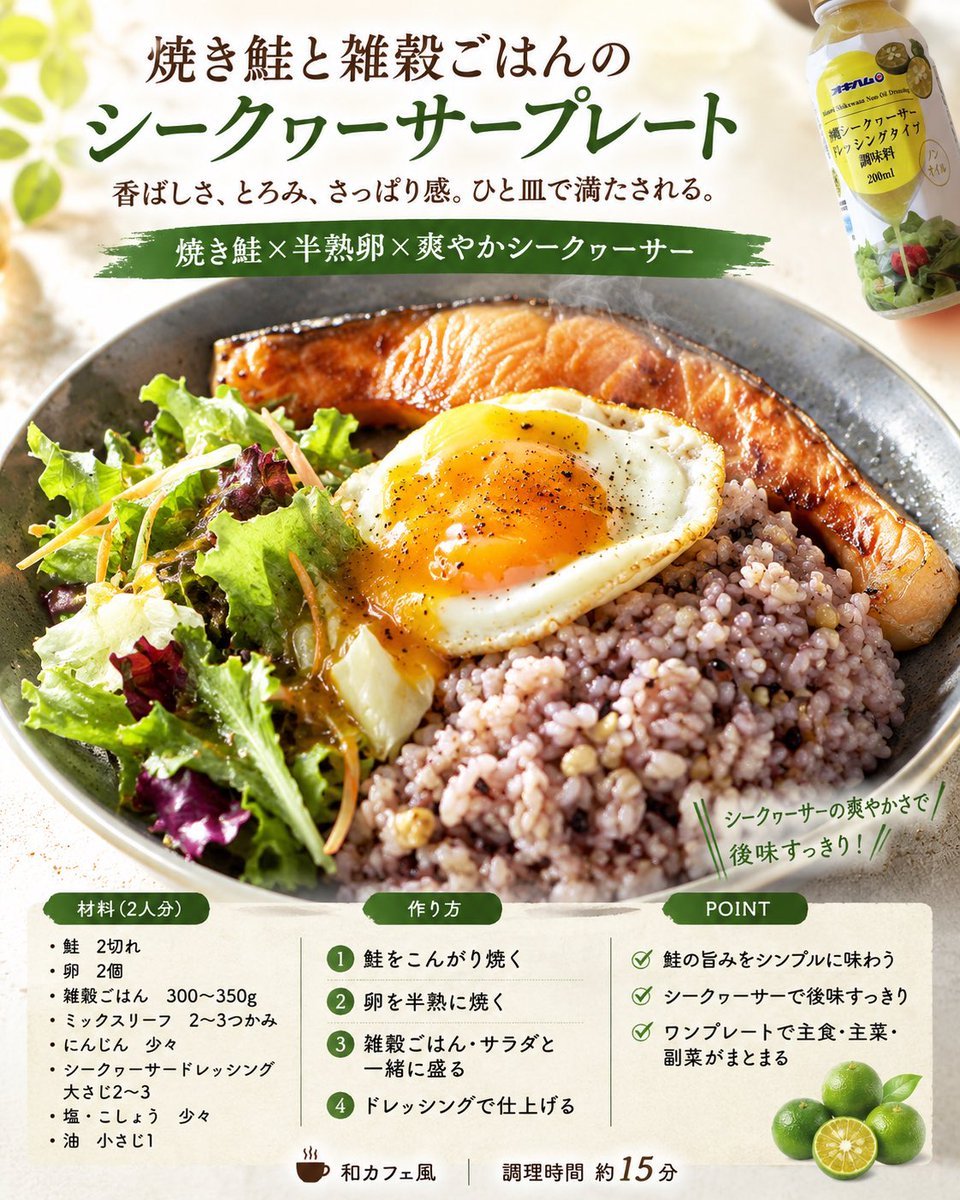
Professional Recipe Card Designer
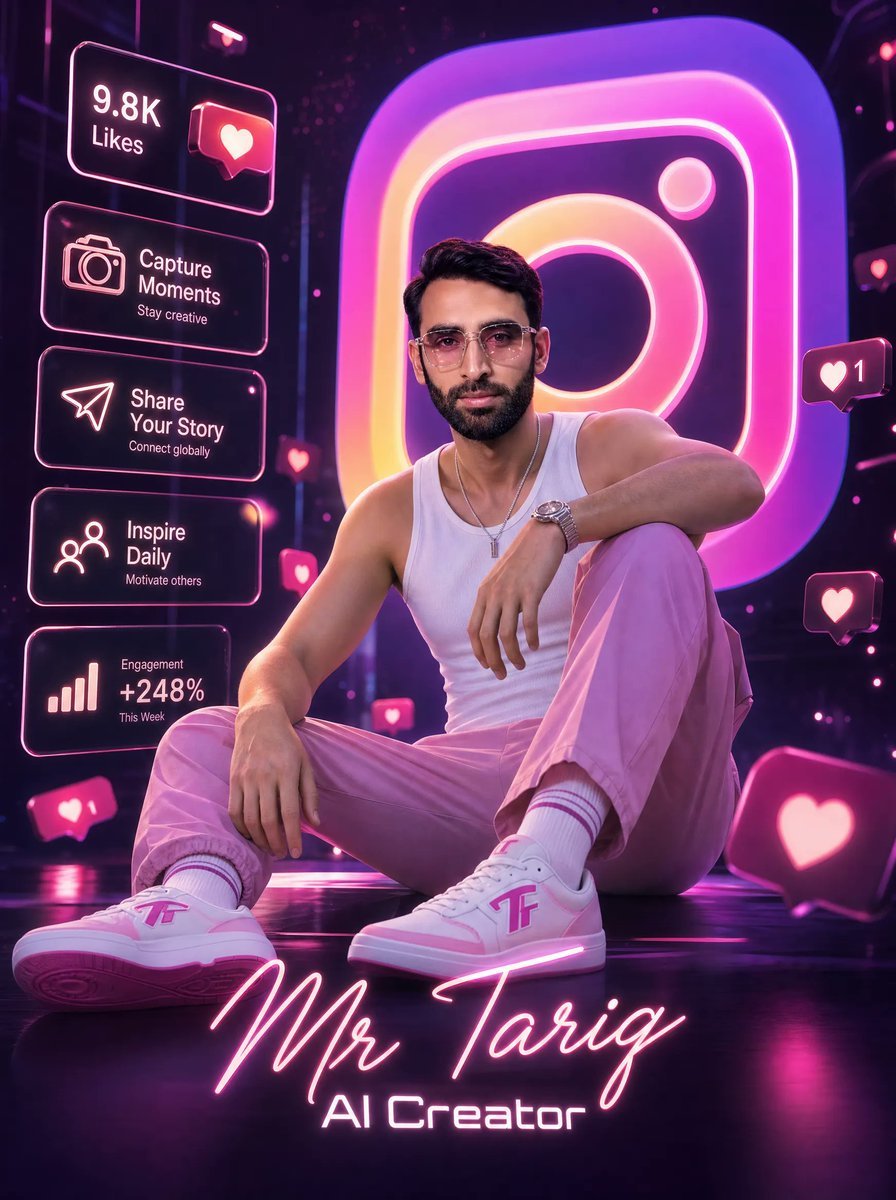
Neon AI Creator Poster
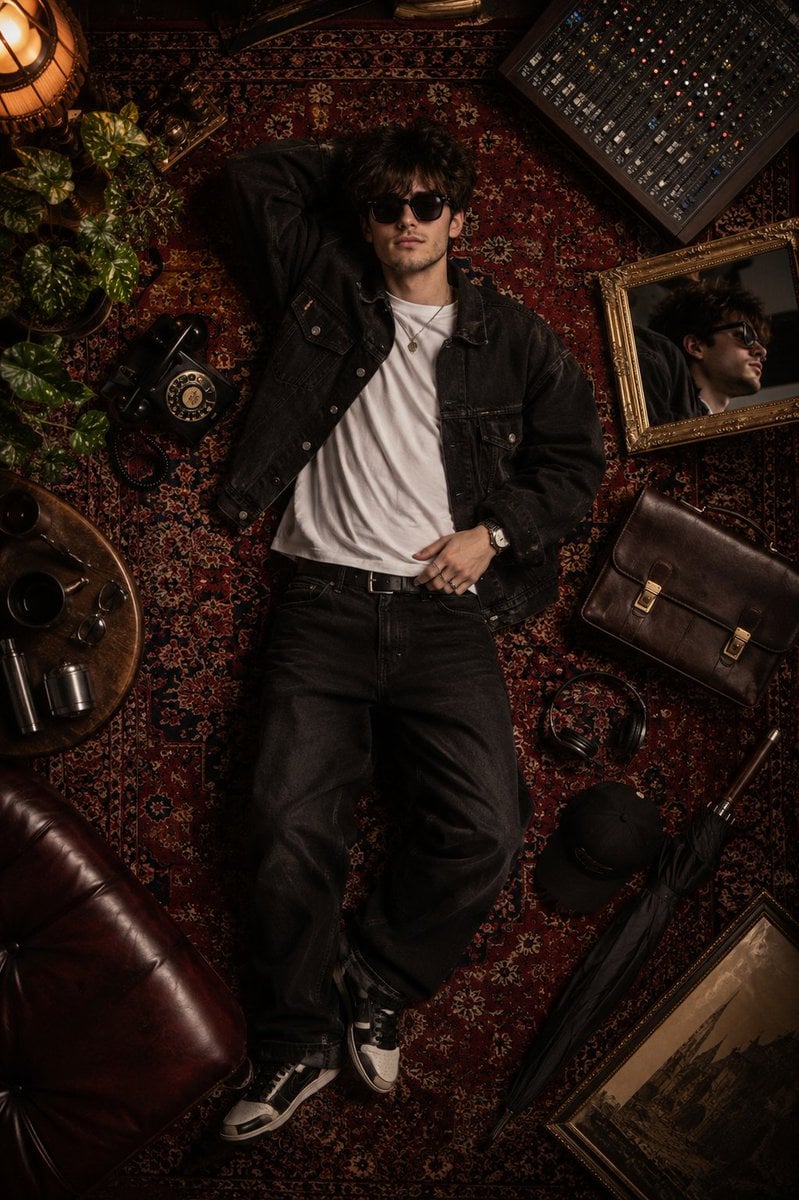
Luxury Fashion Editorial Flat Lay
Browse template categories
Hand-Drawn Doodles Overlay questions
How do I use the Hand-Drawn Doodles Overlay template?
Add your photo if the template asks for one, edit the prompt if you like — the template's model and format are already selected — and press Generate. Your version opens in PicX Studio.
Can I customize the Hand-Drawn Doodles Overlay template?
Yes. You can change the subject, setting, lighting, mood, format, and available model controls before creating your image.
Is the Hand-Drawn Doodles Overlay template free?
Opening and editing this template is free. Generating uses credits, shown on the Generate button when you are signed in.
Which AI model should I use?
Start with GPT Image 2, which is the model associated with this template. You can compare another compatible model for a different finish.
Looking for something else? Browse all templates.

Your photo, any look
Thousands of ready templates for every top image and video model, from one credit balance.