
Anime Comeback Posting Banner
A wide anime-style social media banner showing a woman pointing forward with Japanese comeback text for resuming posting after a one-day break.
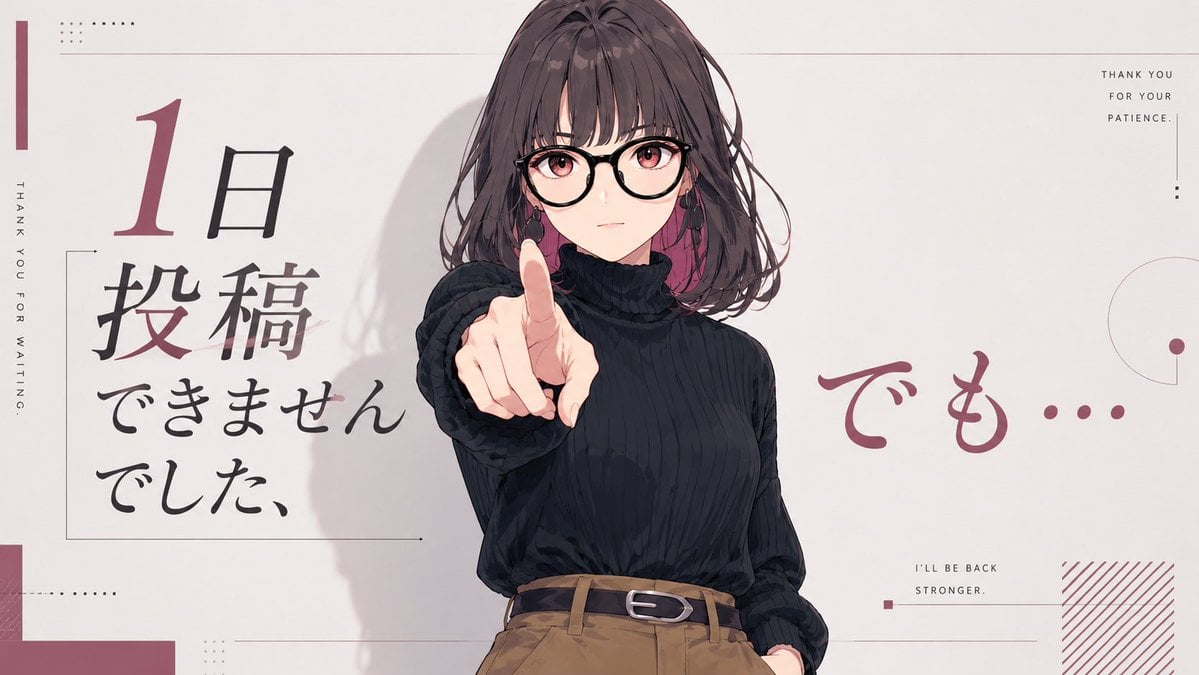
- Prompt included
- Model and format preset
- Free template
The prompt behind this image
Copy the exact prompt behind Anime Comeback Posting Banner, or open it in the studio and make it yours.
Goal: Create a clean 16:9 anime-style social media banner about taking a one-day break from posting but returning anyway. Canvas: Wide landscape canvas, pale warm off-white background, minimalist editorial magazine layout with muted burgundy accents, thin gray lines, small dot grids, and lots of negative space. Main subject: A half-body anime illustration of {argument name="character description" default="a young woman with shoulder-length wavy dark brown hair, wearing a black ribbed turtleneck sweater tucked into high-waisted camel-brown trousers with a black belt"}. Place her slightly right of center, facing the viewer. Her right arm reaches forward toward the camera with her index finger pointing directly outward, creating strong perspective foreshortening. Her left hand rests casually in a trouser pocket. Add soft painted shadows behind her and subtle hair strands around the face. Cover the upper face area with a large centered square mosaic/blur block in muted taupe, obscuring the face while leaving hair, ears, neck, and pointing finger visible. Layout and text: Use exactly 5 main text groups. 1) On the left, a large vertical Japanese headline in brush-calligraphy style reading {argument name="left Japanese headline" default="1日投稿できませんでした、"}, with the numeral “1” large and burgundy and the remaining Japanese characters mostly black. 2) On the right side, large burgundy handwritten Japanese text reading {argument name="right Japanese phrase" default="でも…"}. 3) Along the far left edge, small vertical uppercase English text: “THANK YOU FOR WAITING.” 4) In the top-right corner, small stacked uppercase English text: “THANK YOU / FOR YOUR / PATIENCE.” 5) In the lower-right area, small uppercase English text: “I’LL BE BACK / STRONGER.” Decorative elements: Include thin rectangular outline framing the left headline, a narrow burgundy vertical bar at the far left, tiny dotted square patterns near the top-left and lower-left, thin horizontal divider lines across the top and lower middle, a small burgundy square near the lower-right caption, a partial thin circle and dot motif on the right edge, and a burgundy diagonal hatch block in the bottom-right corner. Keep all decorations sparse and precise. Visual style: Polished Japanese anime illustration mixed with modern editorial typography; muted palette of off-white, black, charcoal, camel brown, and dusty burgundy. Soft lighting, clean linework, gentle cel-shading, no photorealism. Constraints: Maintain the same wide banner composition, keep the character centered-right and pointing at the viewer, include exactly the 5 text groups listed, avoid extra characters, logos, watermarks, or additional readable text.
How to use Anime Comeback Posting Banner in 3 steps
- 1Upload ImagePNG, JPG or paste
Add your photo
Upload the photo the template builds on. The prompt, model and format are already set.
- 2…a portrait of your subject in softgolden-hour light, 85mm…
Personalize
Edit the subject and creative details for your destination.
- 3Generate
Generate
Press Generate — your image is created in PicX Studio, so you can compare it with the original and refine one variable at a time.
More like this
Templates with the same subject, style or setup. Open one to see its prompt.












Make it yours
Anime Comeback Posting Banner works as-is. These are the safest ways to change it without losing the look.
Change one field
Copy a single group, rewrite it, and generate again so you can see what that field is doing.
Keep the frame, change the subject
Hold the composition and light of Anime Comeback Posting Banner, then swap wardrobe, props or the person for a new take.
| If the result… | Why | Fix |
|---|---|---|
| The result drifts from the preview | Too many fields changed at once. | Reuse Anime Comeback Posting Banner as-is first, then change one group — subject, light, or setting. |
| The model over-stylizes the scene | The prose prompt leaves finish and camera underspecified. | Add one camera or lighting sentence and stay on GPT Image 2. |
More GPT Image 2 templates
Other prompts made for GPT Image 2.

Six VTuber Japanese Logo Sheet

Realistic Portrait of Woman and Deer

The Vista Modular Condo Poster

AI Model Routing Comparison Infographic

2.5D Anime Art Board

Isometric Productivity Desk Scene

New York Double Exposure Poster

Four-Panel AI Landscape Comparison

Japanese Tatami Lifestyle Magazine Cover

NESCAFÉ Coffee Map Poster
More image prompts
Fresh picks from across the catalog.
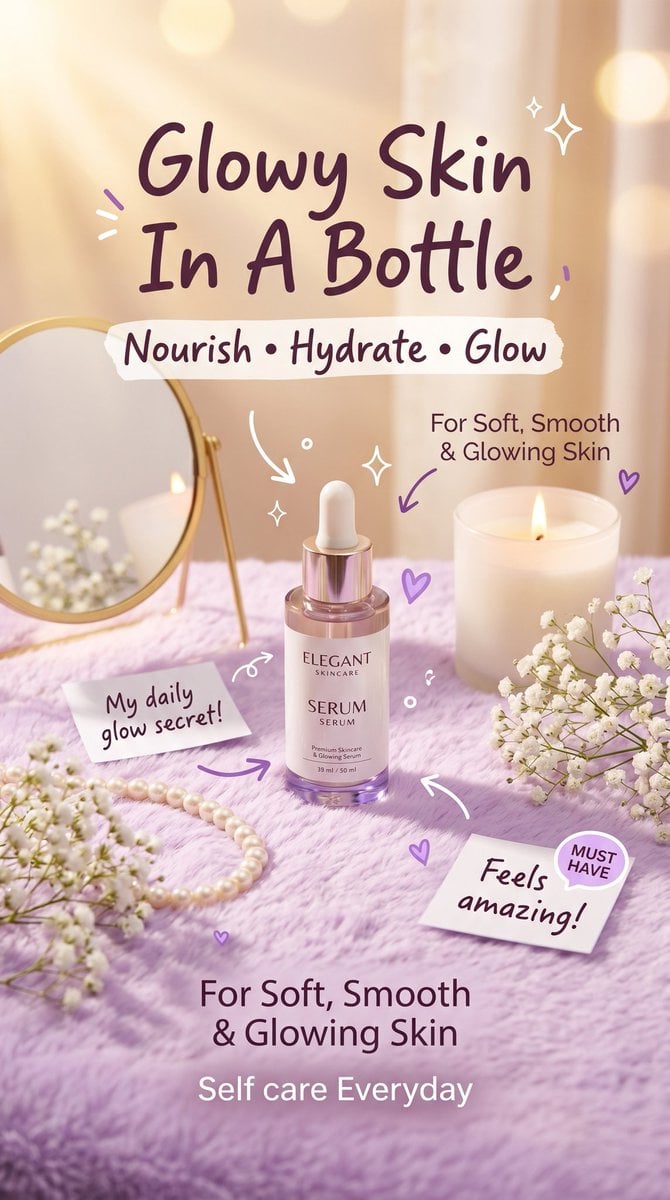
Pastel Luxury Skincare Ad
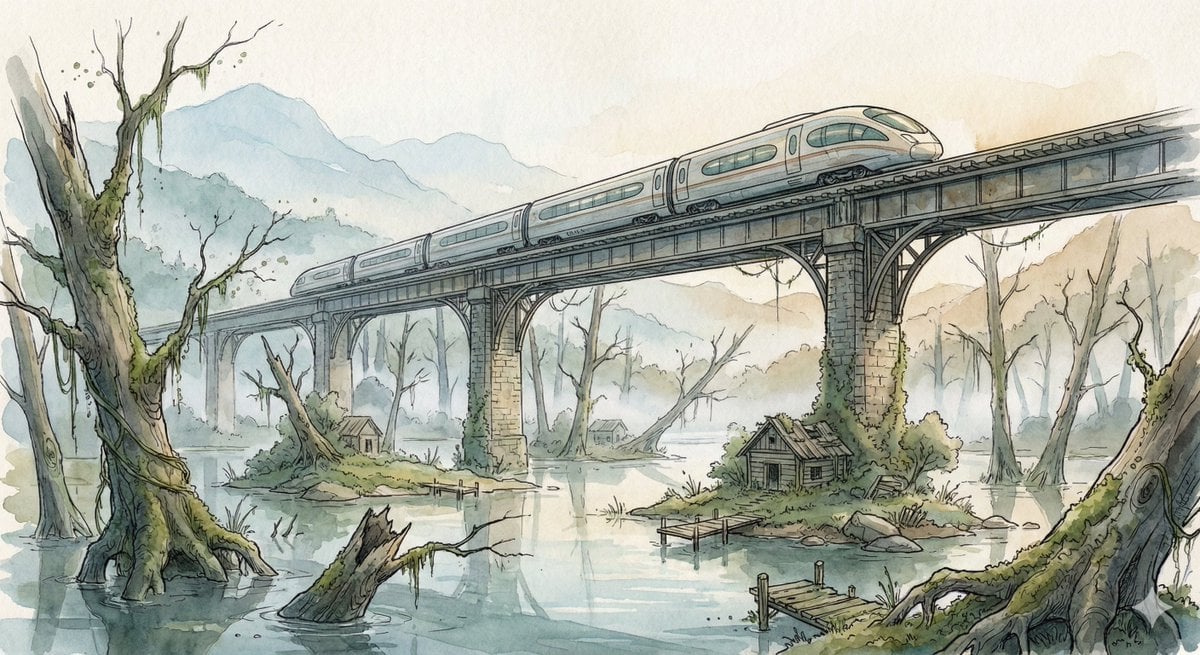
Fantasy Watercolor Illustration of an Elevated Rail Bridge over Flooded Forest
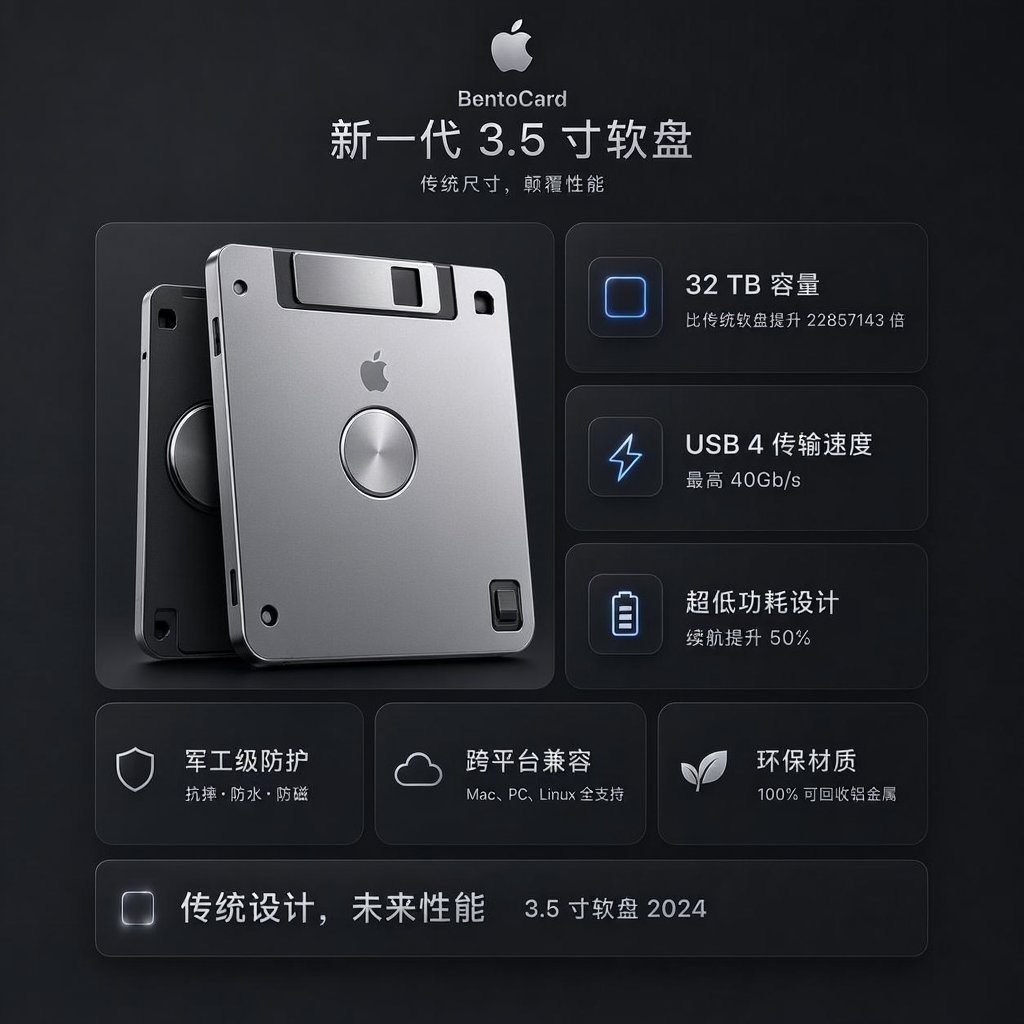
Futuristic BentoCard Floppy Ad
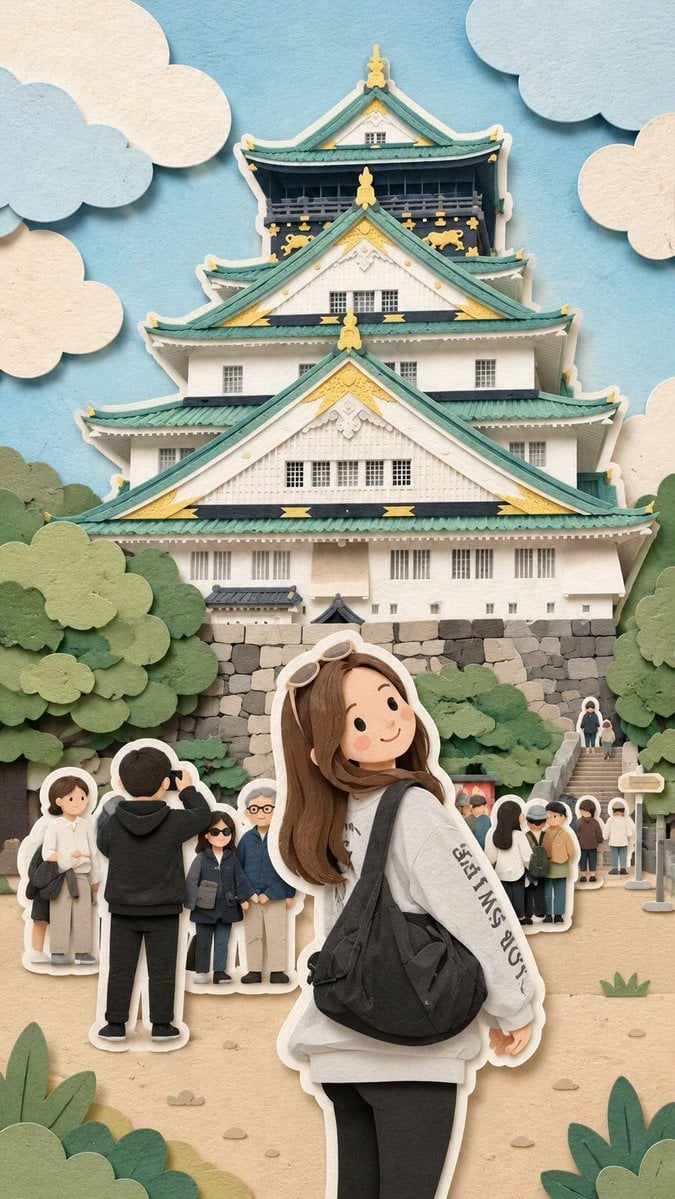
Kawaii Paper-Cut Travel Diorama
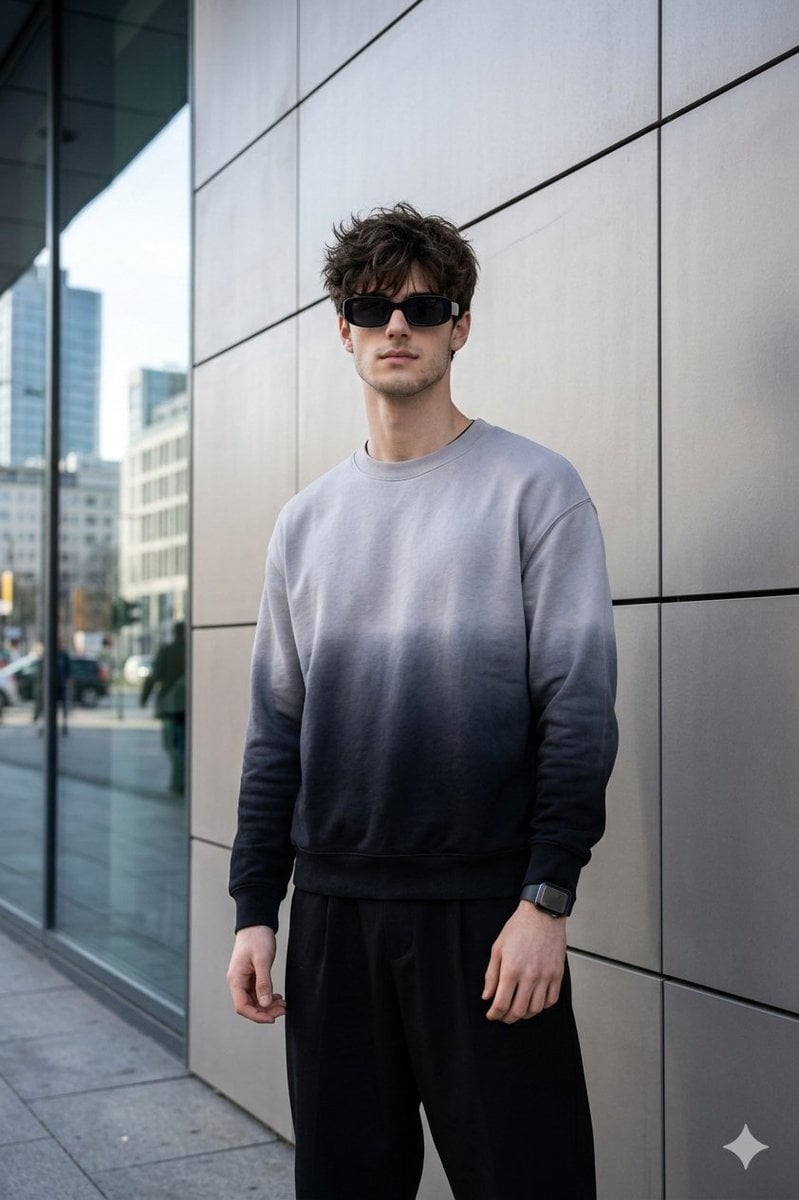
Masterpiece Cinematic Portrait Prompt
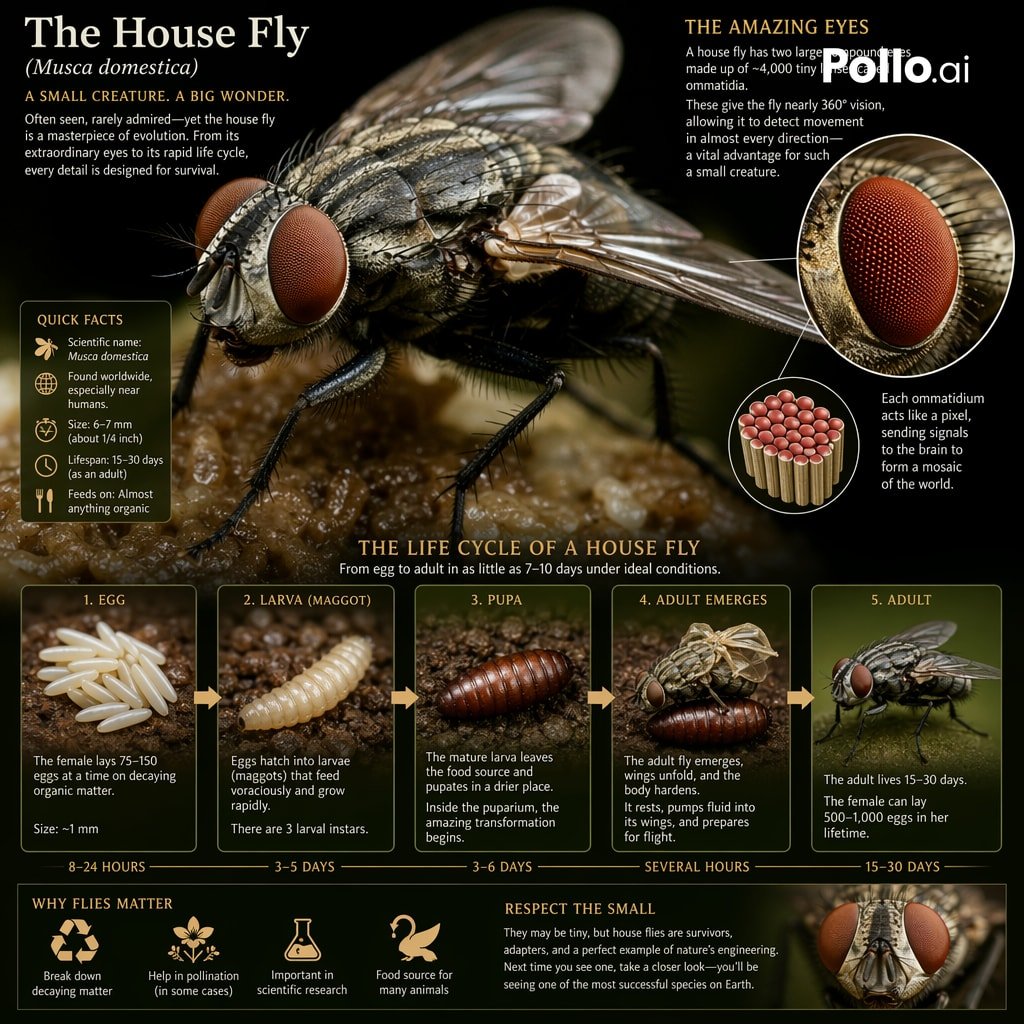
Biological Life Cycle Diagram
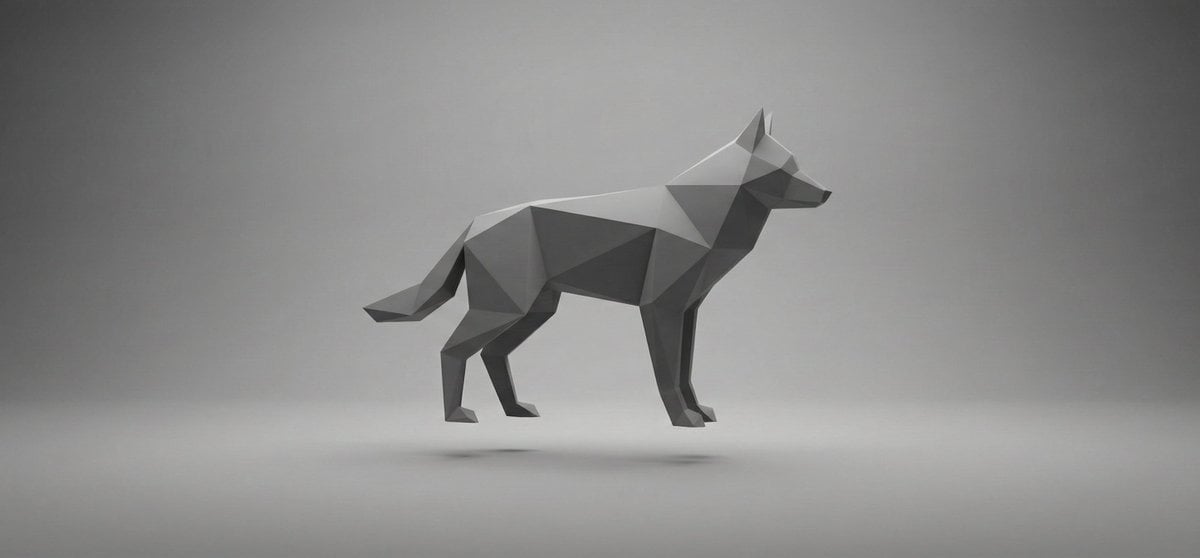
Abstract Geometry Portrait in Zen Space
Stylish Japanese Summer Fan Illustration
Cute Chibi Diorama Lamp Generator
Minimalist Moorish Wall at Night
Browse template categories
Anime Comeback Posting Banner questions
How do I use the Anime Comeback Posting Banner template?
Add your photo if the template asks for one, edit the prompt if you like — the template's model and format are already selected — and press Generate. Your version opens in PicX Studio.
Can I customize the Anime Comeback Posting Banner template?
Yes. You can change the subject, setting, lighting, mood, format, and available model controls before creating your image.
Is the Anime Comeback Posting Banner template free?
Opening and editing this template is free. Generating uses credits, shown on the Generate button when you are signed in.
Which AI model should I use?
Start with GPT Image 2, which is the model associated with this template. You can compare another compatible model for a different finish.
Looking for something else? Browse all templates.

Your photo, any look
Thousands of ready templates for every top image and video model, from one credit balance.