
Futuristic BentoCard Floppy Ad
A premium dark Apple-style product poster for a fictional high-capacity futuristic 3.5-inch floppy disk with Chinese feature cards.
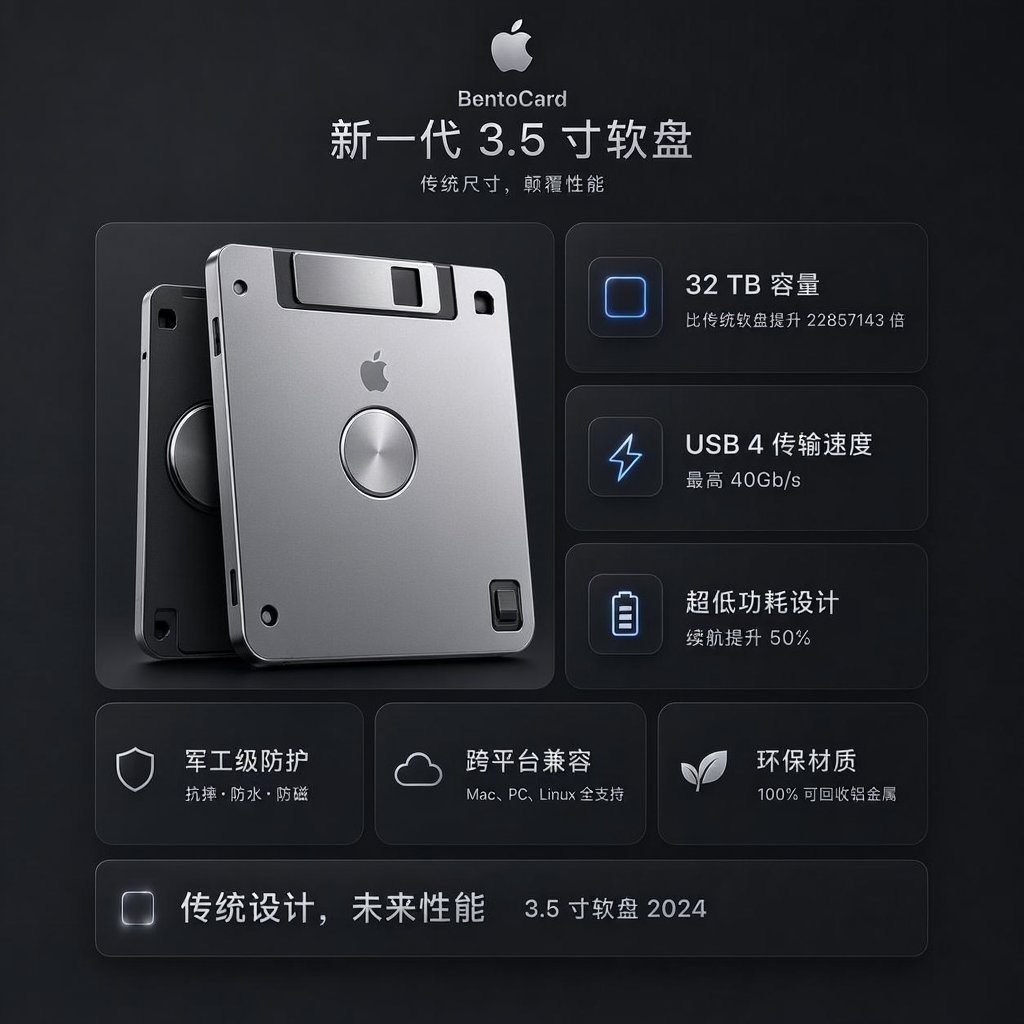
- Prompt included
- Model and format preset
- Free template
The prompt behind this image
Copy the exact prompt behind Futuristic BentoCard Floppy Ad, or open it in the studio and make it yours.
Goal: Create a dark, premium Apple-style product advertising poster for a fictional tech product named {argument name="product name" default="BentoCard"}, presented as a next-generation 3.5-inch floppy disk with futuristic storage performance. Canvas: Square 1:1 composition, 768×768 or similar, matte charcoal-black background with subtle vignette, soft gradients, faint texture, and glowing UI-card outlines. Overall mood is minimalist, high-end, futuristic, and product-launch oriented. Header: Centered at the top, show a silver Apple logo icon, then the small product name “BentoCard”, then a large Chinese headline: “新一代 3.5 寸软盘”. Under it, add the smaller Chinese subtitle: “传统尺寸,颠覆性能”. Use clean sans-serif typography, white and light gray text, with strong letter spacing and Apple-like restraint. Main layout: Use a two-column hero layout. On the left, place a large realistic 3D render of exactly 2 overlapping 3.5-inch floppy disks: one front disk in bright brushed silver with rounded corners, black shutter area, small Apple logo centered near the top, circular metallic hub in the middle, small black screw holes and slots; one darker rear disk offset behind it to the left, partially visible, with black/graphite finish and a circular hub. Add soft shadows and subtle reflections, as if photographed in a studio. Right feature column: Create exactly 3 stacked rounded-rectangle feature cards with thin translucent borders and soft blue glow icons on the left. Card 1 icon: rounded square storage chip outline; text “32 TB 容量” and smaller line “比传统软盘提升 22857143 倍”. Card 2 icon: lightning bolt; text “USB 4 传输速度” and smaller line “最高 40Gb/s”. Card 3 icon: battery outline; text “超低功耗设计” and smaller line “续航提升 50%”. Lower feature row: Under the hero area, create exactly 3 equal rounded feature cards. Card 1 has a shield icon and text “军工级防护” with smaller line “抗摔 · 防水 · 防尘”. Card 2 has a cloud icon and text “跨平台兼容” with smaller line “Mac, PC, Linux 全支持”. Card 3 has a sprout/leaf icon and text “环保材质” with smaller line “100% 可回收铝金属”. Footer bar: At the bottom, add exactly 1 long rounded translucent bar. On the left of the bar place a small glowing rounded-square icon, then bold Chinese slogan text “传统设计,未来性能”, and on the right smaller text “3.5 寸软盘 2024”. Visual style: Dark glassmorphism UI, subtle bevels, frosted translucent cards, cool blue icon highlights, silver metallic product material, realistic lighting, precise spacing, balanced grid, no clutter. Keep all text crisp and legible, preserve the Chinese wording exactly, and avoid extra logos, watermarks, or additional feature cards.
How to use Futuristic BentoCard Floppy Ad in 3 steps
- 1Upload ImagePNG, JPG or paste
Add your photo
Upload the photo the template builds on. The prompt, model and format are already set.
- 2…a portrait of your subject in softgolden-hour light, 85mm…
Personalize
Edit the subject and creative details for your destination.
- 3Generate
Generate
Press Generate — your image is created in PicX Studio, so you can compare it with the original and refine one variable at a time.
More like this
Templates with the same subject, style or setup. Open one to see its prompt.

Futuristic Chrome Helmet Fashion Portrait

Futuristic Studio Neon Ring Minimalist Portrait
Futuristic Chrome Helmet Fashion Portrait
Futuristic Studio Neon Ring Minimalist Portrait

Black Liquid Cyberpunk Portrait Poster

Cyberpunk Neon Brazil World Cup Poster

Playful Futuristic Brand Kit Board

Bohemian Sisters Portrait with Floppy Hats and Signature

Futuristic Product Launch Poster

Futuristic AI 2026 Tech Poster
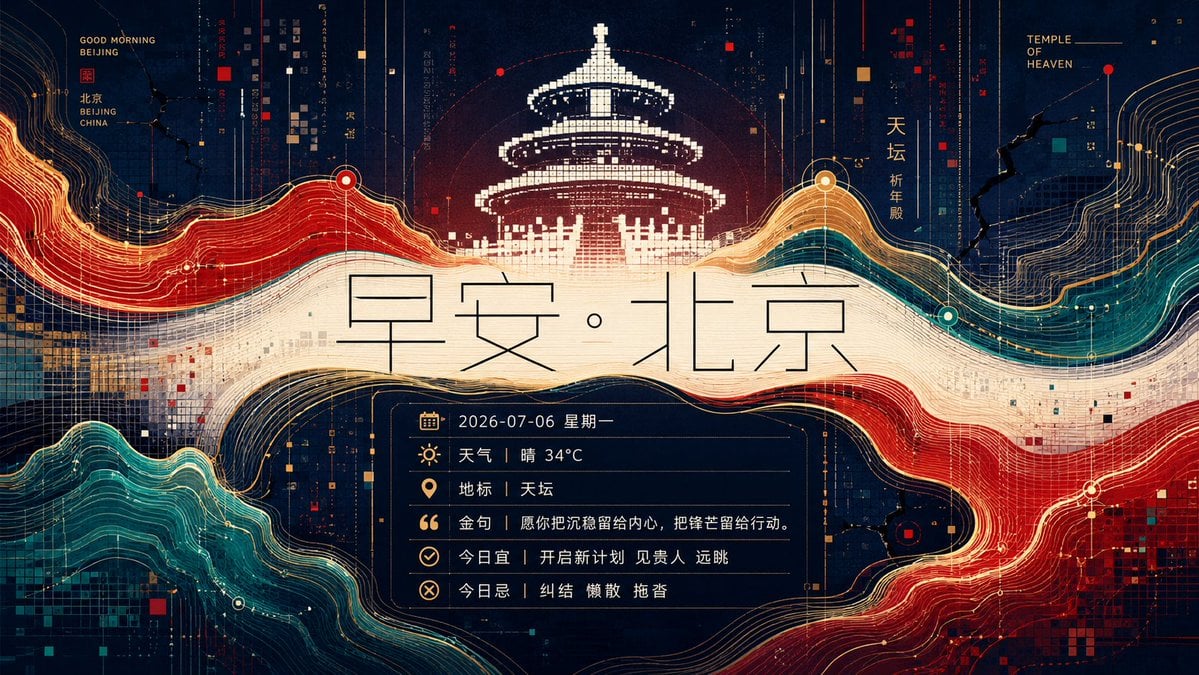
Futuristic Good Morning Beijing Poster
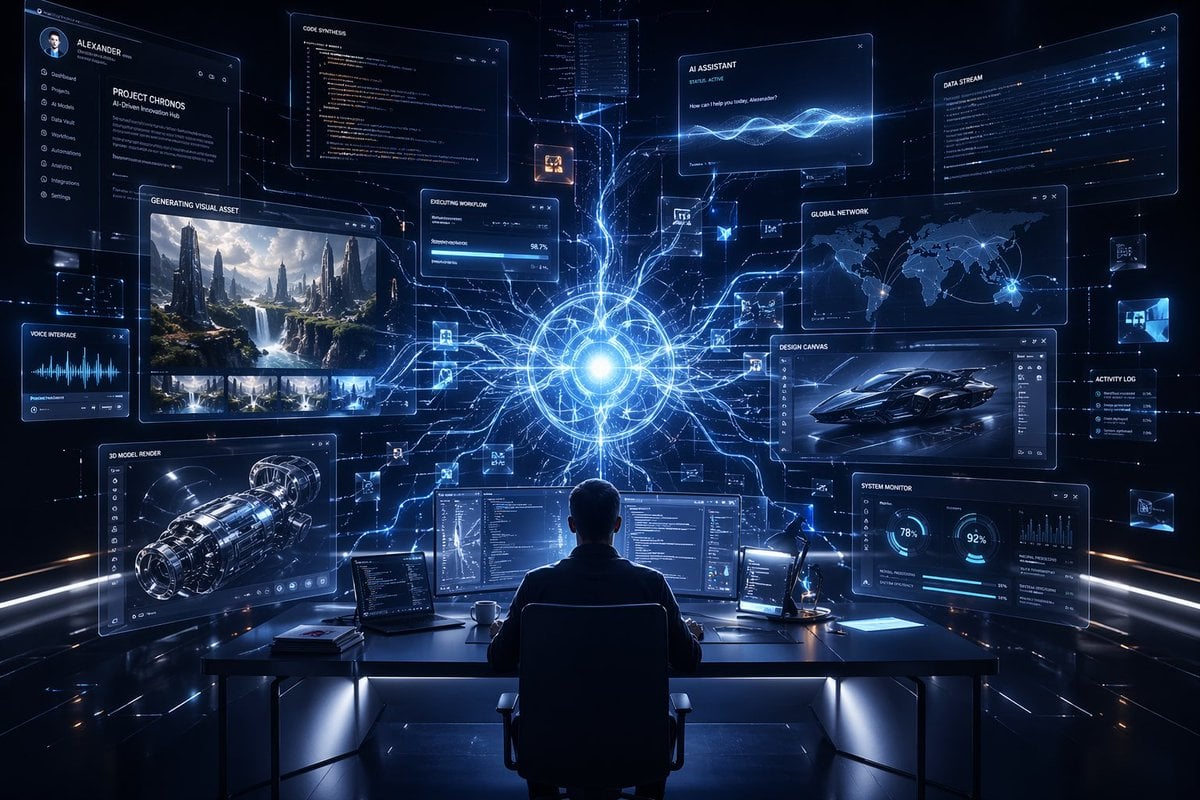
Premium Futuristic AI Workspace
Make it yours
Futuristic BentoCard Floppy Ad works as-is. These are the safest ways to change it without losing the look.
Change one field
Copy a single group, rewrite it, and generate again so you can see what that field is doing.
Keep the frame, change the subject
Hold the composition and light of Futuristic BentoCard Floppy Ad, then swap wardrobe, props or the person for a new take.
| If the result… | Why | Fix |
|---|---|---|
| The result drifts from the preview | Too many fields changed at once. | Reuse Futuristic BentoCard Floppy Ad as-is first, then change one group — subject, light, or setting. |
| The model over-stylizes the scene | The prose prompt leaves finish and camera underspecified. | Add one camera or lighting sentence and stay on GPT Image 2. |
More GPT Image 2 templates
Other prompts made for GPT Image 2.

Six VTuber Japanese Logo Sheet

Realistic Portrait of Woman and Deer

The Vista Modular Condo Poster

AI Model Routing Comparison Infographic

2.5D Anime Art Board

Isometric Productivity Desk Scene

New York Double Exposure Poster

Four-Panel AI Landscape Comparison

Japanese Tatami Lifestyle Magazine Cover

NESCAFÉ Coffee Map Poster
More image prompts
Fresh picks from across the catalog.
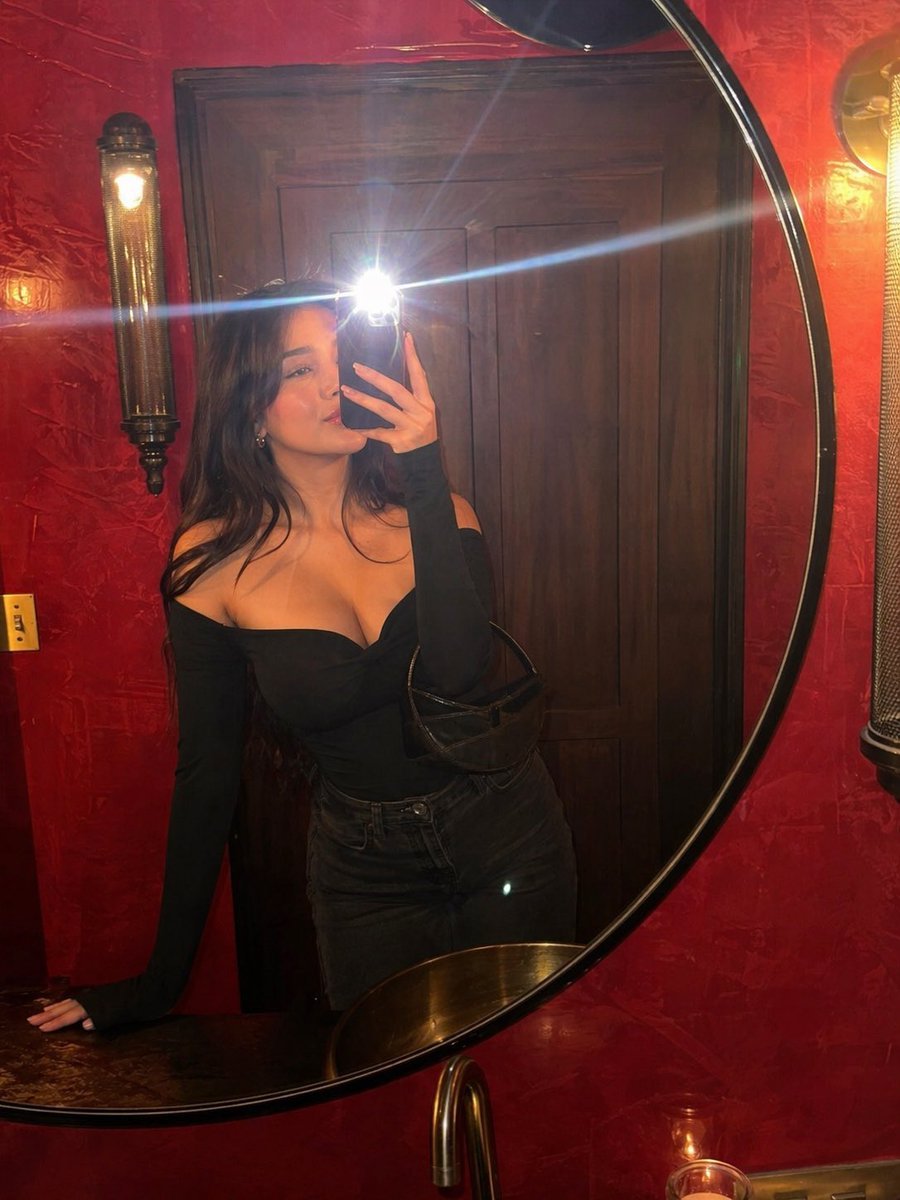
Flash Mirror Selfie in Red Restroom
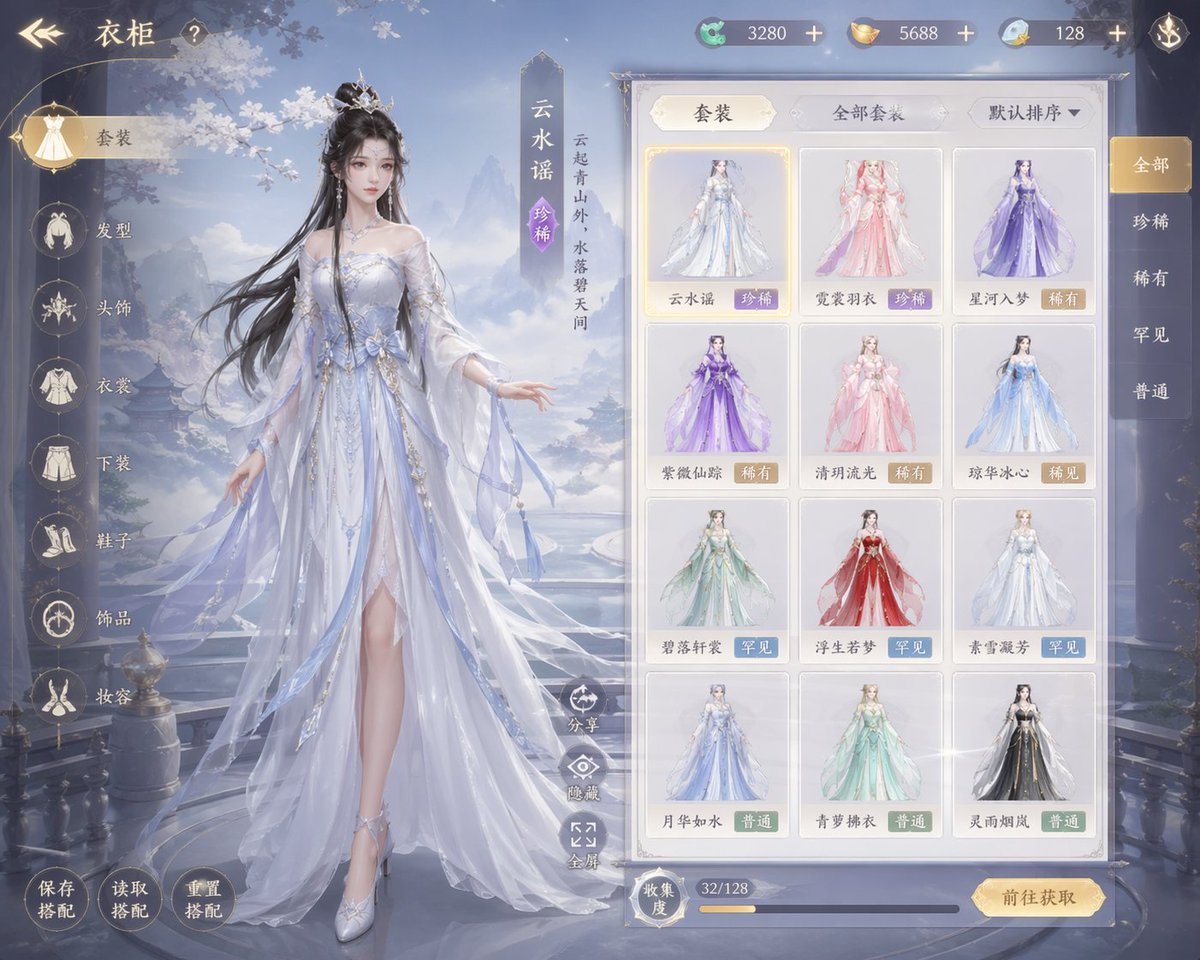
Xianxia Game Character Wardrobe Interface

Cyberpunk Geisha Macro Portrait
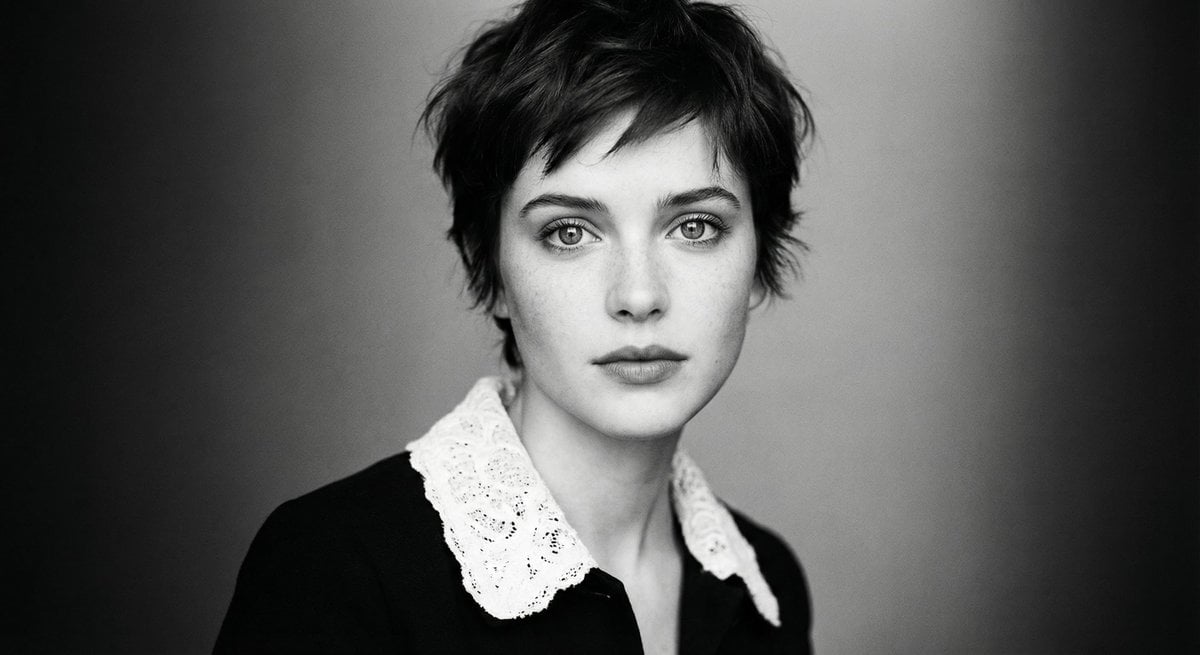
Monochrome cinematic portrait of young woman

Consistent Character Portrait: Alev in a Cozy Library (JSON)
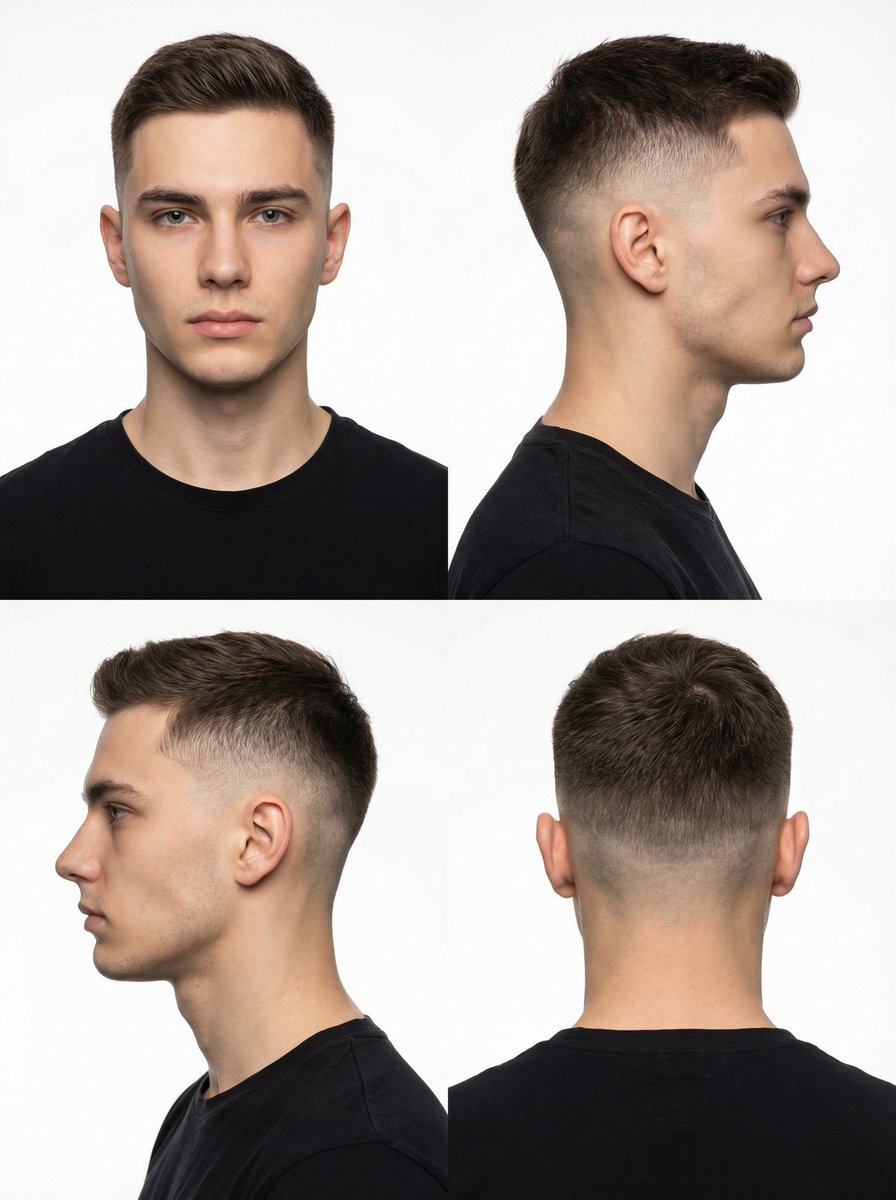
Panel Studio Portrait Grid

Refractive Glass Concept Portrait
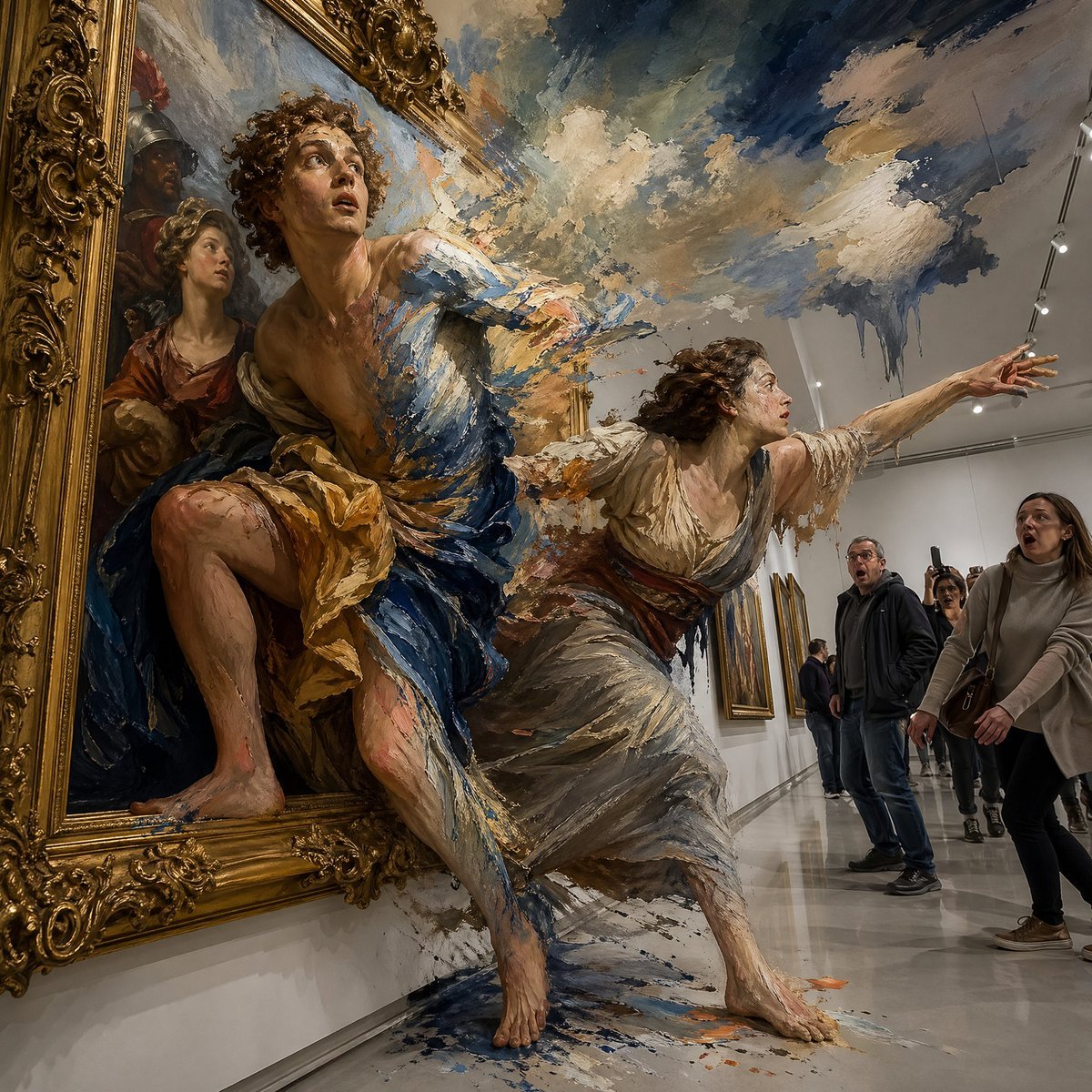
Gpt2 Comic Storyboard Surreal Baroque Painting Reality Fracture

Aesthetic Seated Portrait with Cable-Knit Dress and Ribbon Bow
Censored Man Holding Cat Portrait
Browse template categories
Futuristic BentoCard Floppy Ad questions
How do I use the Futuristic BentoCard Floppy Ad template?
Add your photo if the template asks for one, edit the prompt if you like — the template's model and format are already selected — and press Generate. Your version opens in PicX Studio.
Can I customize the Futuristic BentoCard Floppy Ad template?
Yes. You can change the subject, setting, lighting, mood, format, and available model controls before creating your image.
Is the Futuristic BentoCard Floppy Ad template free?
Opening and editing this template is free. Generating uses credits, shown on the Generate button when you are signed in.
Which AI model should I use?
Start with GPT Image 2, which is the model associated with this template. You can compare another compatible model for a different finish.
Looking for something else? Browse all templates.

Your photo, any look
Thousands of ready templates for every top image and video model, from one credit balance.