
Premium Futuristic AI Workspace
A cinematic concept image of a luxury AI-powered command desk with holographic interfaces, ideal for illustrating next-generation software, creative tools, or tech product marketing.
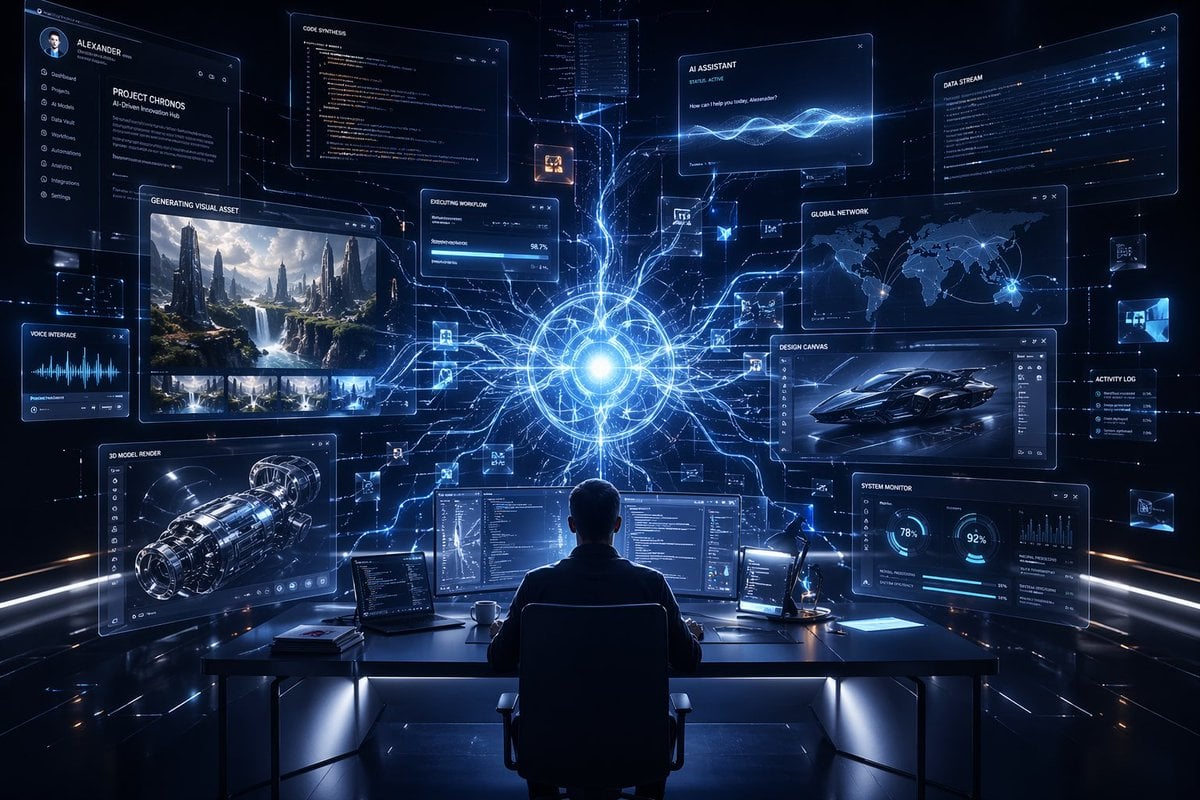
- Prompt included
- Model and format preset
- Premium template
The prompt behind this image
Copy the exact prompt behind Premium Futuristic AI Workspace, or open it in the studio and make it yours.
A cinematic futuristic control-room workspace in a dark premium tech aesthetic, viewed from behind a single person seated at a sleek desk, centered in the foreground, facing a wall of floating transparent holographic interface panels. The scene is illuminated by electric blue and cyan light on a nearly black background, with a brilliant glowing AI core or neural sphere at the center of the composition slightly above the desk line, radiating dozens of branching luminous data streams that connect to every screen like a digital nervous system. The person is a silhouetted professional wearing dark clothing in a modern office chair, framed symmetrically to emphasize scale and immersion. On the desk are 3 main desktop monitors filled with code and technical dashboards, 1 open laptop on the left, 1 slim task lamp on the right, 1 coffee mug, and a few minimal office accessories. Surrounding the figure are exactly 10 large floating UI windows: 1 left vertical profile/navigation panel with a circular avatar and the name {argument name="character name" default="ALEXANDER"}, plus menu items; 1 upper-left project information card titled {argument name="project name" default="PROJECT CHRONOS"}; 1 top-center code editor window titled "CODE SYNTHESIS" showing dense programming text; 1 upper-center-right assistant panel titled "AI ASSISTANT" with a glowing waveform and short chat text; 1 upper-right data window titled "DATA STREAM"; 1 mid-left media generation panel titled "GENERATING VISUAL ASSET" showing a dramatic sci-fi landscape with tall rock spires and multiple thumbnail previews beneath; 1 small central progress card titled "EXECUTING WORKFLOW" with progress bars; 1 mid-right world map analytics panel titled "GLOBAL NETWORK" with glowing connection points; 1 lower-left engineering render panel titled "3D MODEL RENDER" displaying a futuristic mechanical engine or spacecraft component; 1 lower-right dashboard titled "SYSTEM MONITOR" with circular percentage charts and graphs. Also include exactly 2 smaller side panels: 1 lower-left voice panel titled "VOICE INTERFACE" with waveform visualization, and 1 right-side narrow panel titled "ACTIVITY LOG" with status entries. Add several tiny floating micro-cards and image thumbnails scattered between the main windows, connected by light trails, to suggest multitasking AI orchestration. The interface design should feel ultra-polished, glassmorphic, transparent, edge-lit, and premium, with thin neon borders, subtle grid lines, small icons, and high-end sci-fi UI typography. Use a dramatic wide-angle composition, deep depth, crisp detail, volumetric glow, reflective surfaces, and a balanced symmetrical layout centered on the radiant AI nexus. The overall mood is visionary, luxurious, and intelligent, like {argument name="headline text" default="the future of creative AI interfaces"} made real, combining software engineering, generative design, global connectivity, and autonomous workflow management in one immersive scene.
How to use Premium Futuristic AI Workspace in 3 steps
- 1Upload ImagePNG, JPG or paste
Add your photo
Upload the photo the template builds on. The prompt, model and format are already set.
- 2…a portrait of your subject in softgolden-hour light, 85mm…
Personalize
Edit the subject and creative details for your destination.
- 3Generate
Generate
Press Generate — your image is created in PicX Studio, so you can compare it with the original and refine one variable at a time.
More like this
Templates with the same subject, style or setup. Open one to see its prompt.

Futuristic Chrome Helmet Fashion Portrait

Futuristic Studio Neon Ring Minimalist Portrait
Futuristic Chrome Helmet Fashion Portrait
Futuristic Studio Neon Ring Minimalist Portrait

Black Liquid Cyberpunk Portrait Poster

Cyberpunk Neon Brazil World Cup Poster

Playful Futuristic Brand Kit Board
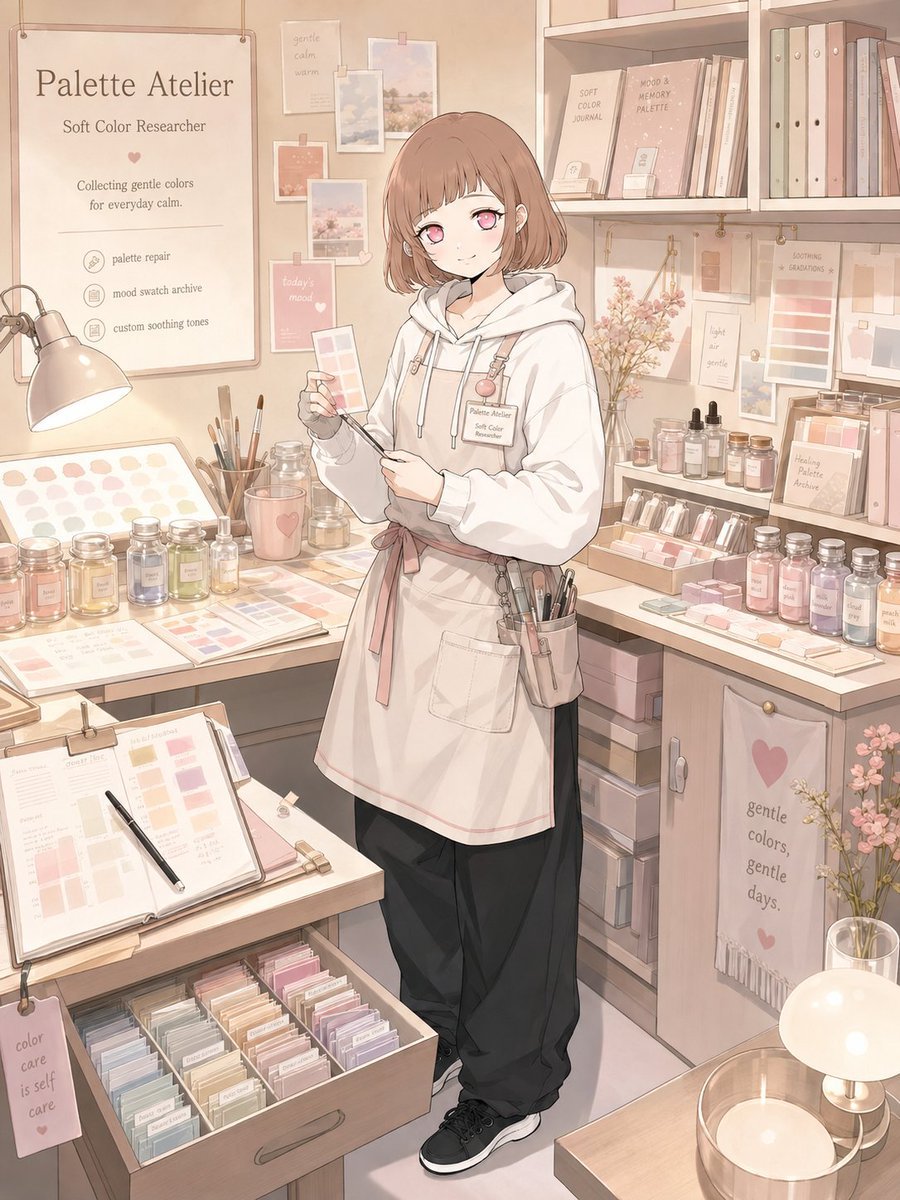
Character Workspace Generator
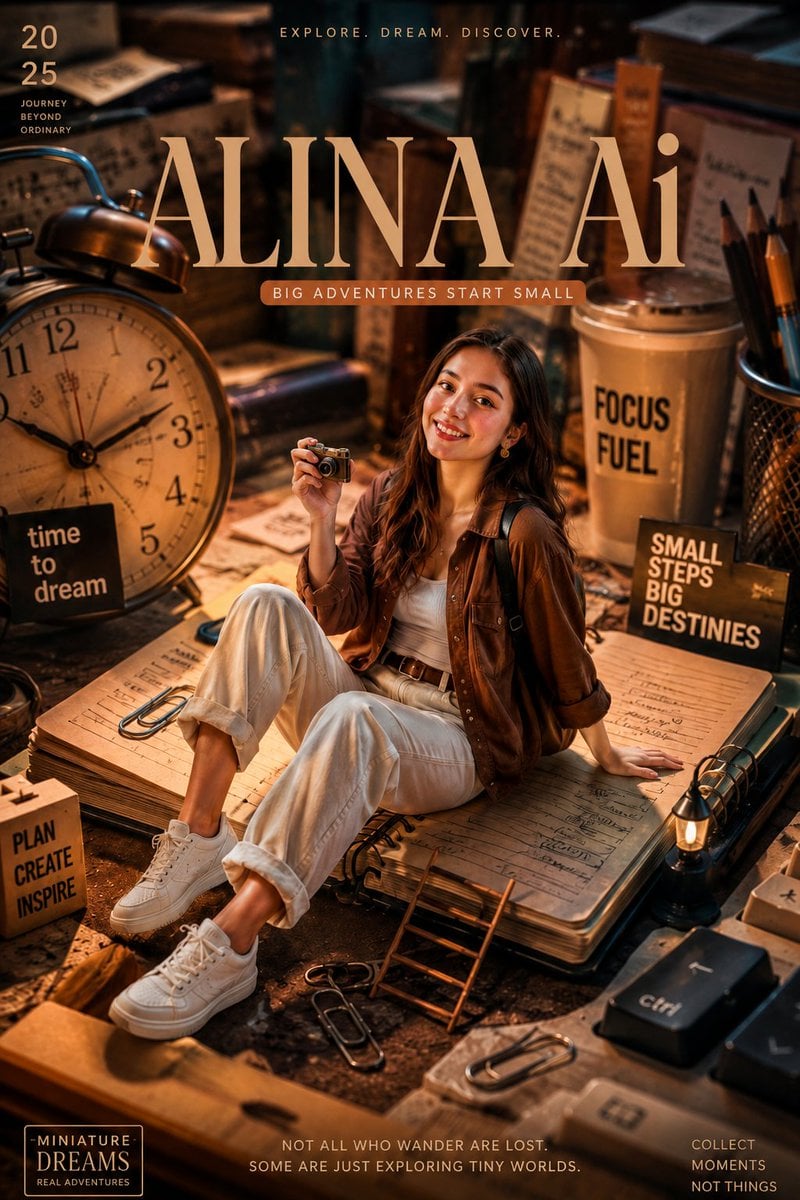
Miniature Workspace Adventure Poster
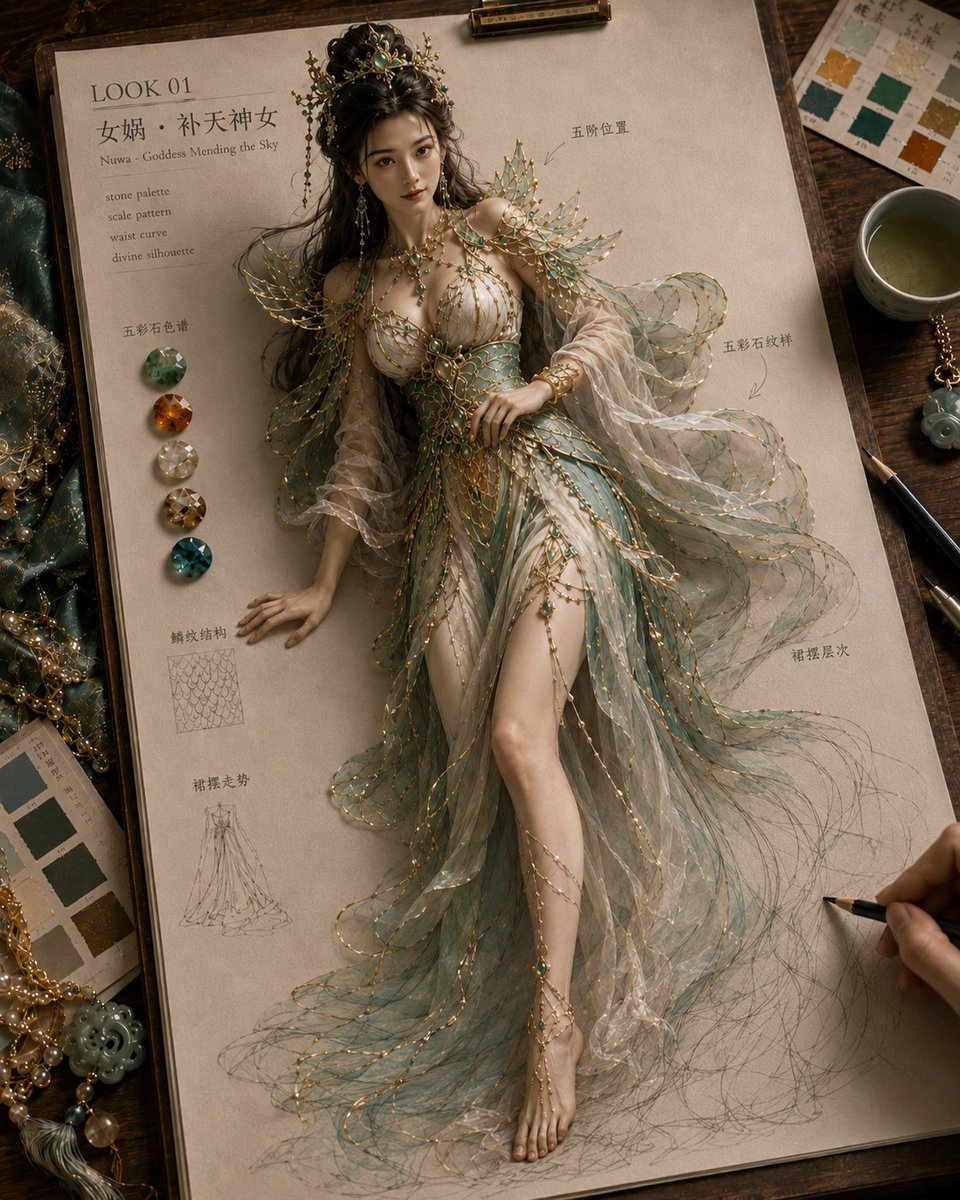
Mythical Haute Couture Sketch Workspace
Retro Y2K Computer Workspace Portrait
3D AI Prompt Library Workspace
Make it yours
Premium Futuristic AI Workspace works as-is. These are the safest ways to change it without losing the look.
Change one field
Copy a single group, rewrite it, and generate again so you can see what that field is doing.
Keep the frame, change the subject
Hold the composition and light of Premium Futuristic AI Workspace, then swap wardrobe, props or the person for a new take.
| If the result… | Why | Fix |
|---|---|---|
| The result drifts from the preview | Too many fields changed at once. | Reuse Premium Futuristic AI Workspace as-is first, then change one group — subject, light, or setting. |
| The model over-stylizes the scene | The prose prompt leaves finish and camera underspecified. | Add one camera or lighting sentence and stay on GPT Image 2. |
More GPT Image 2 templates
Other prompts made for GPT Image 2.

Six VTuber Japanese Logo Sheet

Realistic Portrait of Woman and Deer

The Vista Modular Condo Poster

AI Model Routing Comparison Infographic

2.5D Anime Art Board

Isometric Productivity Desk Scene

New York Double Exposure Poster

Four-Panel AI Landscape Comparison

Japanese Tatami Lifestyle Magazine Cover

NESCAFÉ Coffee Map Poster
More image prompts
Fresh picks from across the catalog.
Character Consistency and Storyboard Generation Template
Premium Japanese Gym Poster

Macro Realism of Mechanical and Gemstone Insects
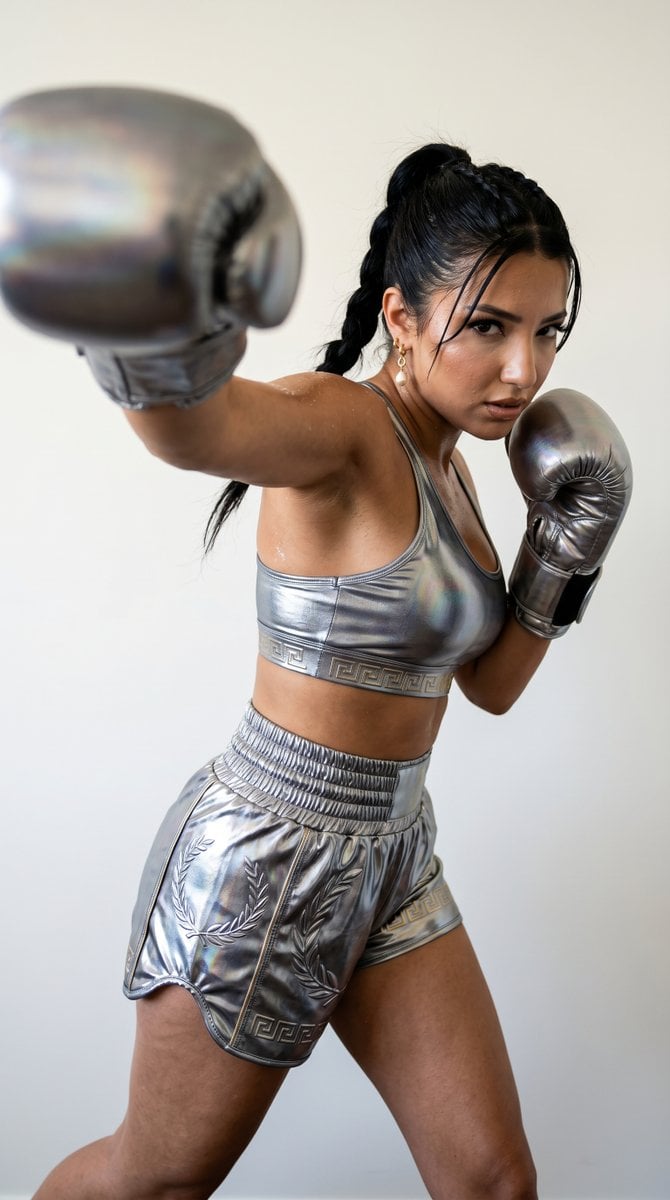
Mythological Warrior-Athlete Campaign
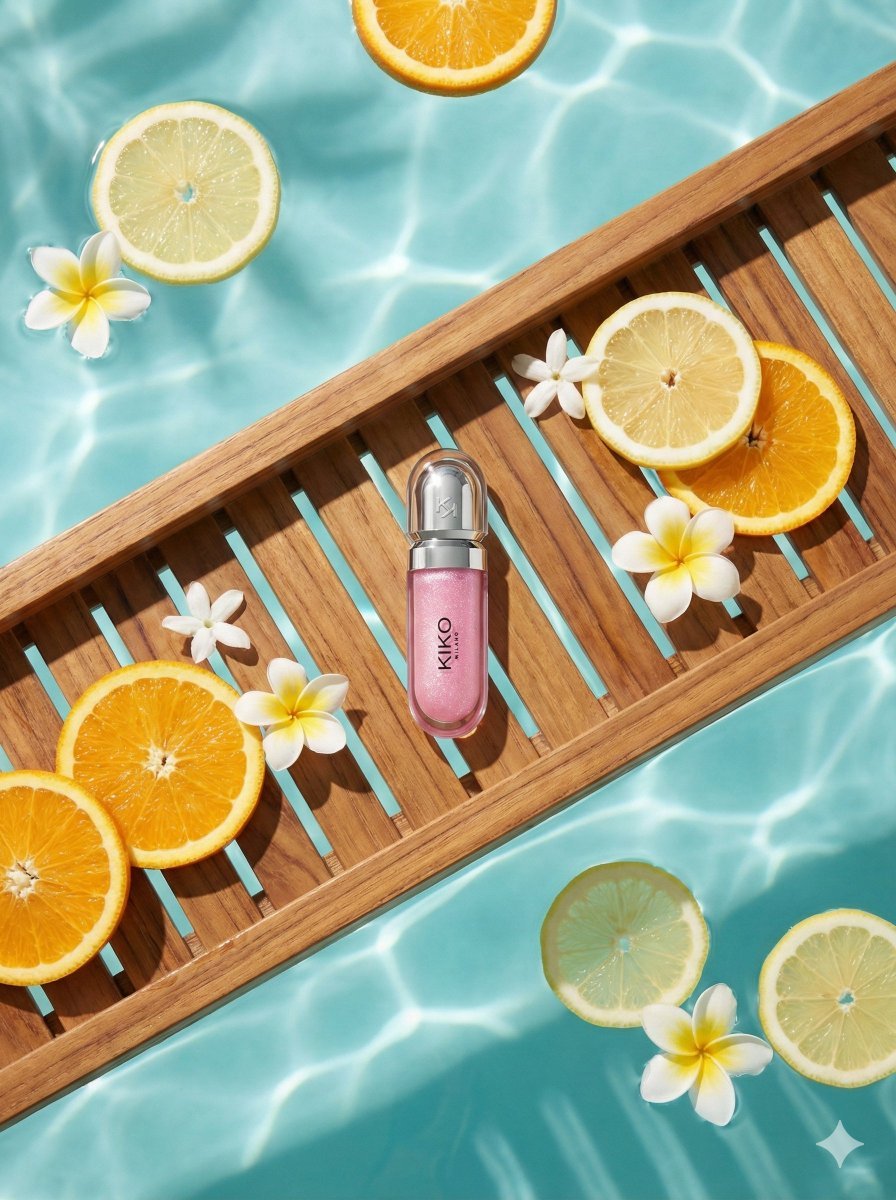
8K Ultra-Realistic Luxury Product Flat-Lay

Swimming Portrait in iPhone Style
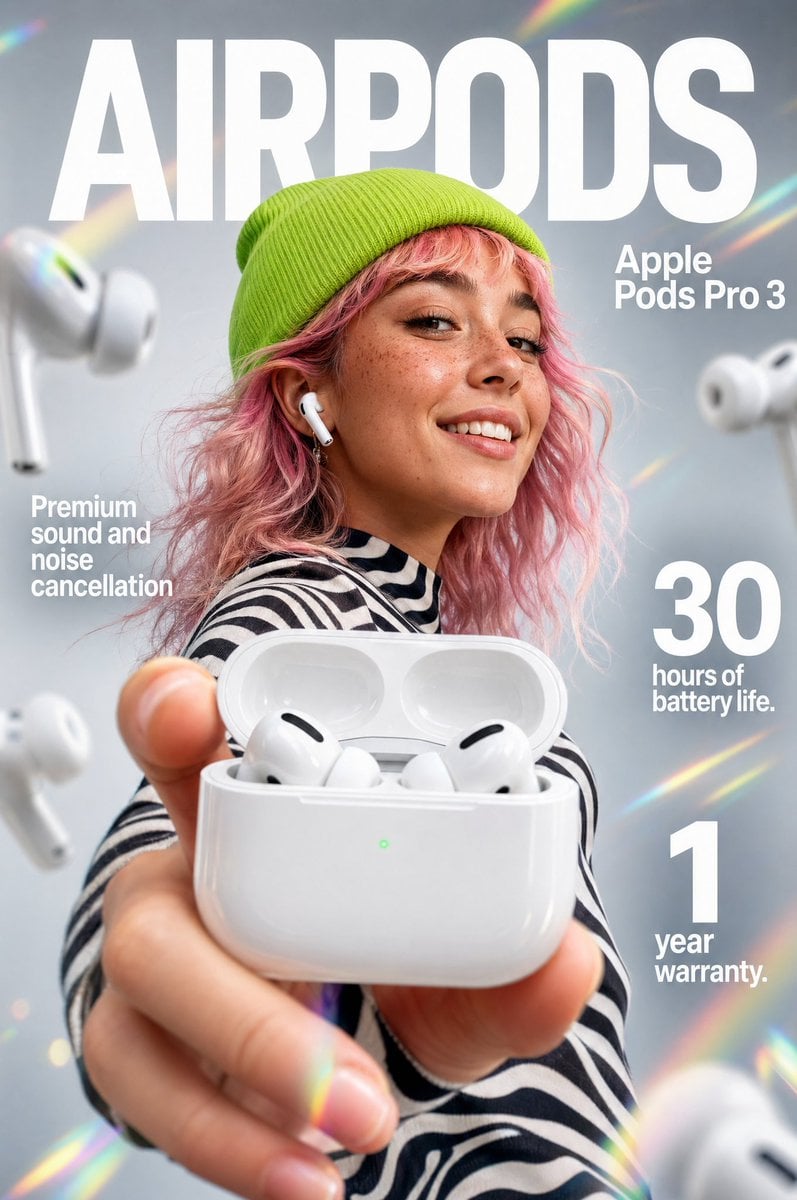
Premium Earbuds Ad Poster
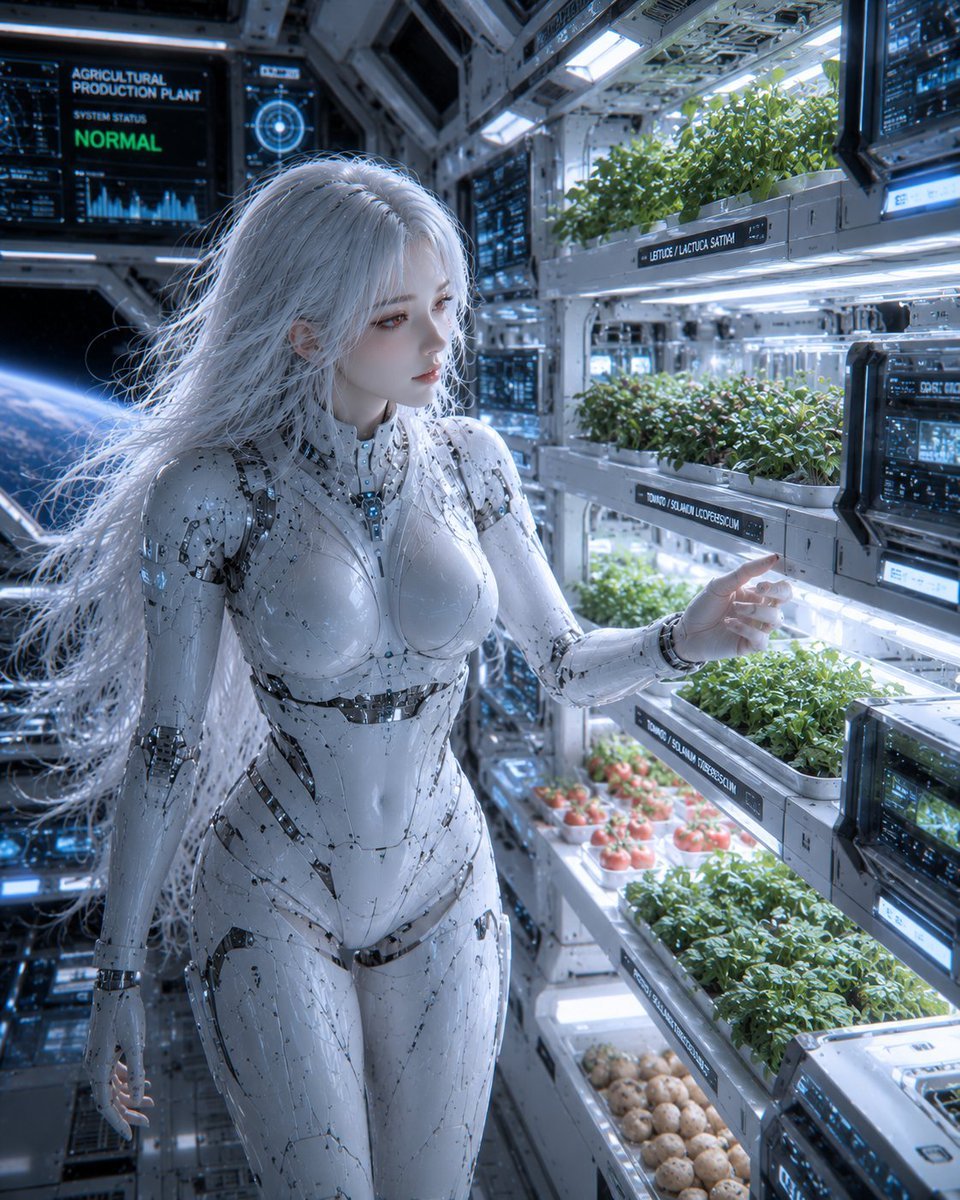
Female Android in Spaceship
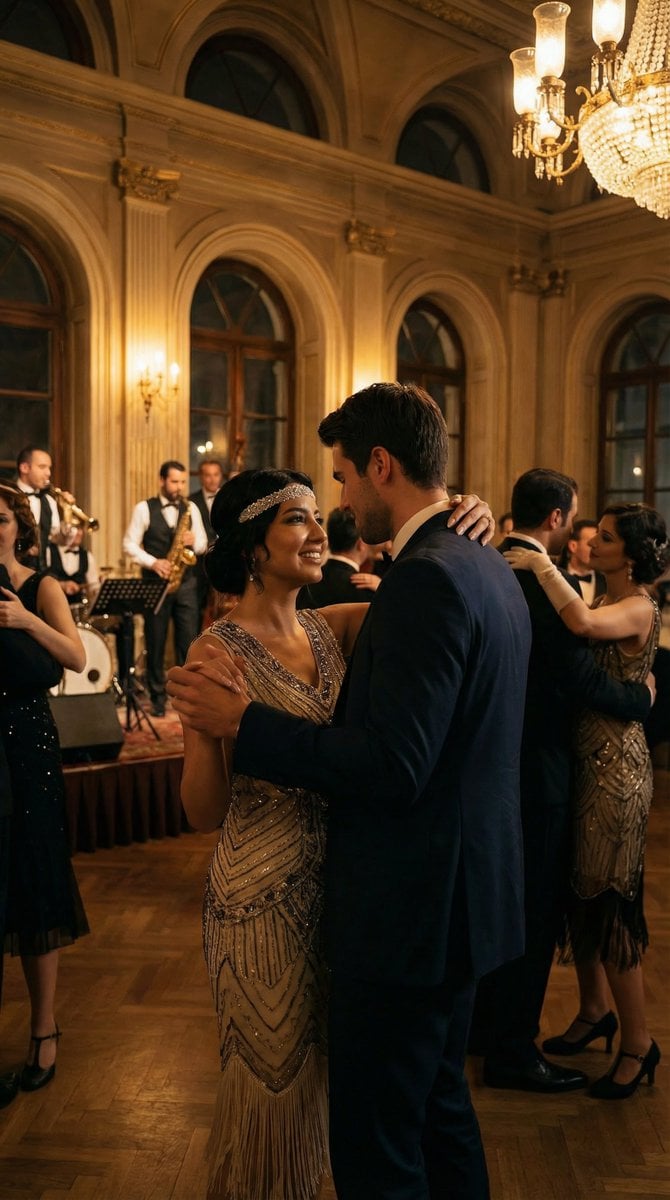
Historical romantic editorial of a couple dancing in 1920s Istanbul

Ultra-Photoreal Candid Street Romance Prompt
Browse template categories
Premium Futuristic AI Workspace questions
How do I use the Premium Futuristic AI Workspace template?
Add your photo if the template asks for one, edit the prompt if you like — the template's model and format are already selected — and press Generate. Your version opens in PicX Studio.
Can I customize the Premium Futuristic AI Workspace template?
Yes. You can change the subject, setting, lighting, mood, format, and available model controls before creating your image.
Is the Premium Futuristic AI Workspace template free?
Opening and editing this template is free. Generating uses credits, shown on the Generate button when you are signed in.
Which AI model should I use?
Start with GPT Image 2, which is the model associated with this template. You can compare another compatible model for a different finish.
Looking for something else? Browse all templates.

Your photo, any look
Thousands of ready templates for every top image and video model, from one credit balance.