
Miniature Workspace Adventure Poster
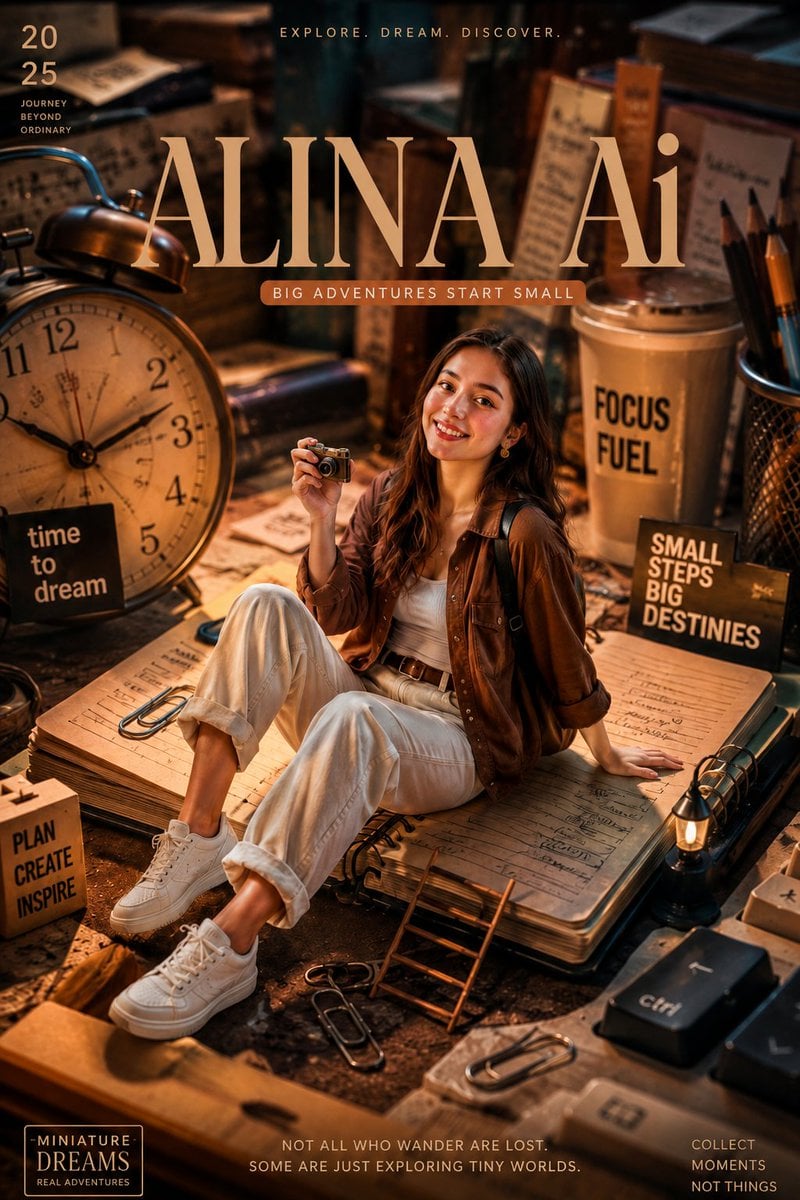
Creates a cinematic miniature-world editorial poster for an inspirational AI creativity brand with a young woman in an oversized cozy desk scene.
- Prompt included
- Model and format preset
- Free template
The prompt behind this image
Copy the exact prompt behind Miniature Workspace Adventure Poster, or open it in the studio and make it yours.
Goal: Create a vertical 4:5 cinematic, ultra-realistic editorial poster for an inspirational AI creativity brand called {argument name="brand name" default="ALINA Ai"}, showing a miniature young woman sitting inside a giant cozy desk workspace, surrounded by oversized everyday objects and warm adventure-themed typography. Canvas: Portrait poster, 4:5 aspect ratio, high-resolution cinematic depth of field, warm amber and dark brown color grading, moody desk-lamp lighting, shallow focus, editorial magazine cover composition. Main subject: A smiling young woman with long wavy dark brown hair sits casually on a huge open notebook like it is a platform. She wears a brown overshirt jacket, white tank top, relaxed white pants with rolled cuffs, brown belt, and white sneakers. She holds a tiny vintage camera in one hand, with the other hand resting on the notebook. Her pose feels cheerful, curious, adventurous, and approachable. Miniature-world scene: Make the woman appear small compared with a giant creative desk environment. The oversized workspace contains exactly 13 prominent prop groups: 1) a huge vintage alarm clock on the left, 2) stacked books and notebooks in the background, 3) handwritten papers and sketches, 4) a large takeaway coffee cup on the right labeled “FOCUS FUEL”, 5) a pen cup with pencils, 6) giant paper clips on the notebook and desk, 7) a small wooden sign on the left, 8) a black inspirational sign on the right, 9) a tiny ladder leaning against the notebook, 10) a miniature glowing desk lamp at bottom right, 11) oversized keyboard keys near the bottom right including one labeled “ctrl”, 12) scattered stationery and clips in the foreground, 13) blurred vintage objects and stacked documents in the background. Text layout: Use large elegant serif typography across the upper-middle reading {argument name="main title" default="ALINA Ai"}. Above it, add small spaced uppercase text: “EXPLORE. DREAM. DISCOVER.” Under the main title, add a small rounded label reading {argument name="tagline" default="BIG ADVENTURES START SMALL"}. In the top-left corner, place “20” above “25” and below it the small stacked phrase “JOURNEY BEYOND ORDINARY”. On the large clock, add a black label reading “time to dream”. On the coffee cup, add “FOCUS FUEL”. On the right sign, add “SMALL STEPS BIG DESTINIES”. On the left wooden block, add exactly three stacked words: “PLAN”, “CREATE”, “INSPIRE”. At the bottom-left, add a small outlined badge reading “-MINIATURE-” above “DREAMS” above “REAL ADVENTURES”. Along the bottom center, add the quote {argument name="bottom quote" default="NOT ALL WHO WANDER ARE LOST. SOME ARE JUST EXPLORING TINY WORLDS."}. At the bottom-right, add exactly three stacked lines: “COLLECT”, “MOMENTS”, “NOT THINGS”. Visual style: Hyper-detailed, cinematic miniature photography, realistic skin and fabric texture, polished editorial poster design, warm highlights, rich shadows, bokeh background, tactile paper grain, handwritten notebook pages, cozy vintage study atmosphere, adventurous and inspirational brand mood. Constraints: Keep all visible text legible and spelled exactly as specified. Preserve the miniature scale illusion. Do not add extra slogans, logos, watermarks, or additional characters. Keep the composition centered on the seated woman and the giant brand title.
How to use Miniature Workspace Adventure Poster in 3 steps
- 1Upload ImagePNG, JPG or paste
Add your photo
Upload the photo the template builds on. The prompt, model and format are already set.
- 2…a portrait of your subject in softgolden-hour light, 85mm…
Personalize
Edit the subject and creative details for your destination.
- 3Generate
Generate
Press Generate — your image is created in PicX Studio, so you can compare it with the original and refine one variable at a time.
More like this
Templates with the same subject, style or setup. Open one to see its prompt.

Clay Miniature Landmark Travel Diorama

Japan Travel Brochure Poster
Miniature Beach Adventure Collage

Cartoon TV Show Poster Pack

Trendy Cafe Drink Promo Poster

Urban Fashion Editorial Collage Streetwear Poster

Premium Fashion Editorial Cover Layout System

Polo Ralph Lauren Luxury American Heritage Fashion Campaign

Monochrome Halftone Editorial Fashion Poster

Retro Mirror Luxury Fashion Campaign Poster

Luxury Fashion Campaign Typography Poster System

Premium Fashion Editorial Campaign Poster System
Make it yours
Miniature Workspace Adventure Poster works as-is. These are the safest ways to change it without losing the look.
Change one field
Copy a single group, rewrite it, and generate again so you can see what that field is doing.
Keep the frame, change the subject
Hold the composition and light of Miniature Workspace Adventure Poster, then swap wardrobe, props or the person for a new take.
| If the result… | Why | Fix |
|---|---|---|
| The result drifts from the preview | Too many fields changed at once. | Reuse Miniature Workspace Adventure Poster as-is first, then change one group — subject, light, or setting. |
| The model over-stylizes the scene | The prose prompt leaves finish and camera underspecified. | Add one camera or lighting sentence and stay on GPT Image 2. |
More GPT Image 2 templates
Other prompts made for GPT Image 2.

Six VTuber Japanese Logo Sheet

Realistic Portrait of Woman and Deer

The Vista Modular Condo Poster

AI Model Routing Comparison Infographic

2.5D Anime Art Board

Isometric Productivity Desk Scene

New York Double Exposure Poster

Four-Panel AI Landscape Comparison

Japanese Tatami Lifestyle Magazine Cover

NESCAFÉ Coffee Map Poster
More image prompts
Fresh picks from across the catalog.
Goth IHOP Waitress Prompt: Rooftop Terrace Scene
Anime Idol Guitarist Contact Sheet
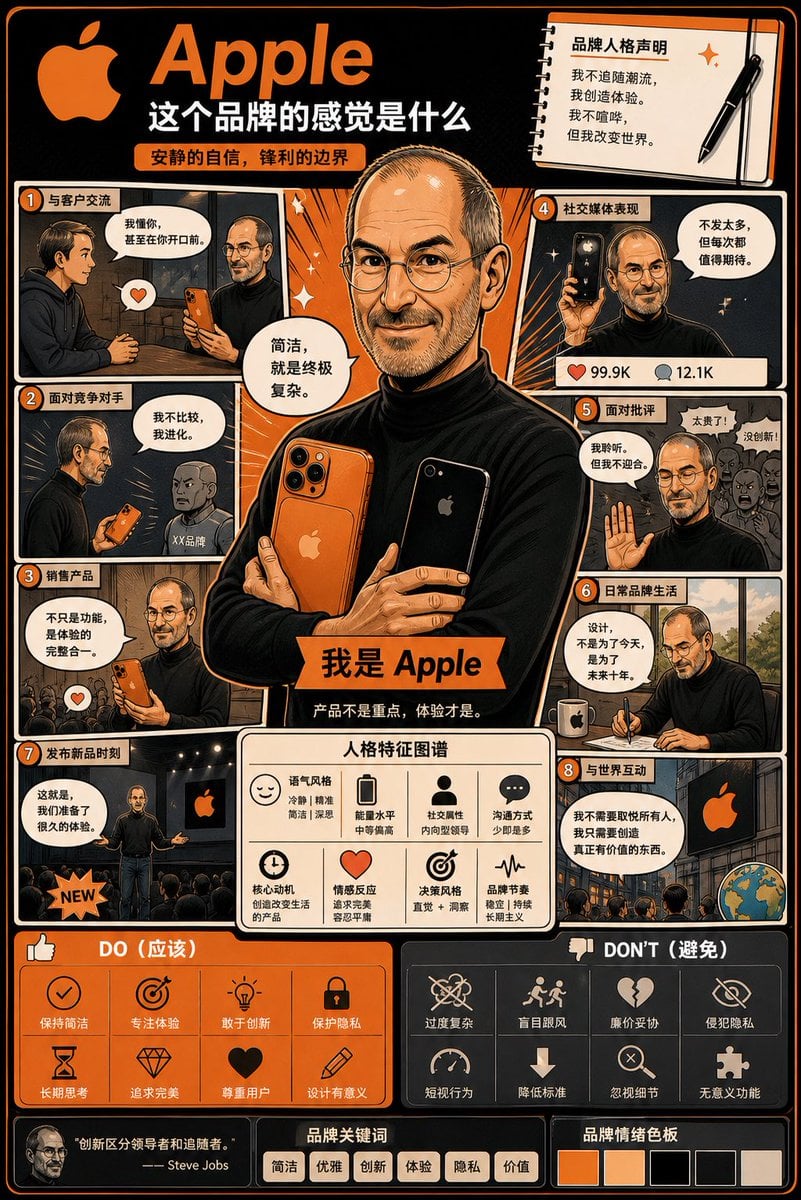
Manga Style Brand Identity Infographic
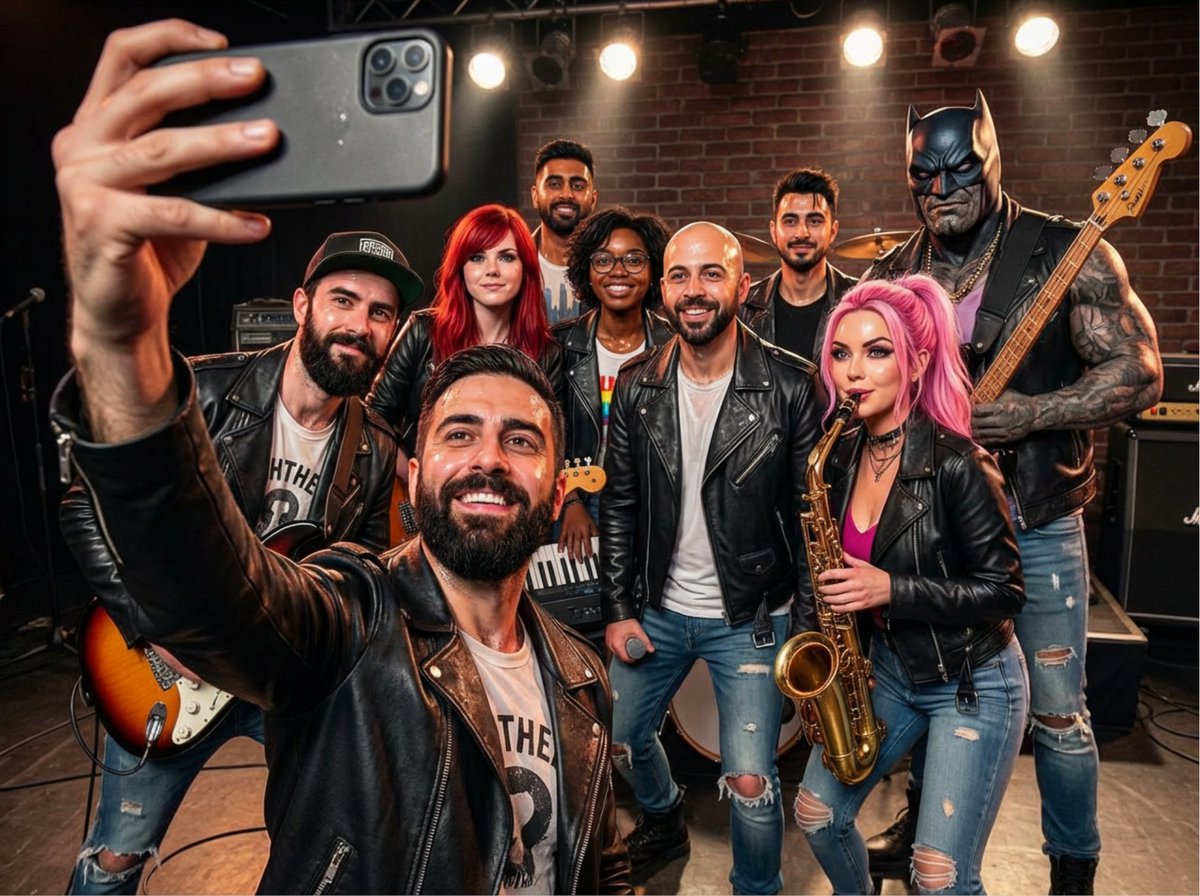
Rock band poster with consistent faces
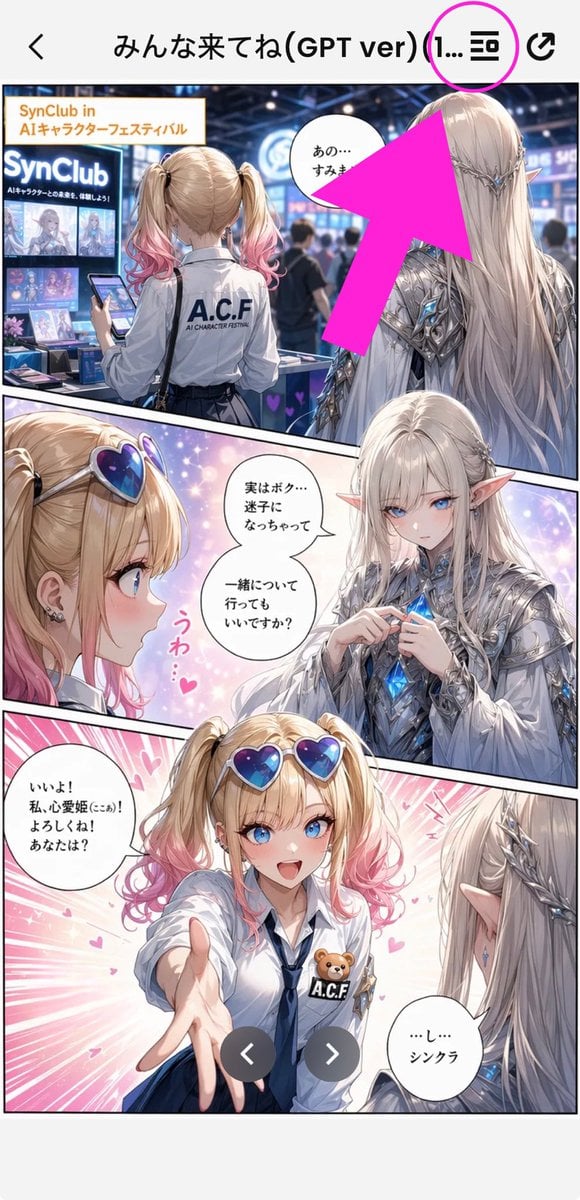
Annotated Manga App Screenshot
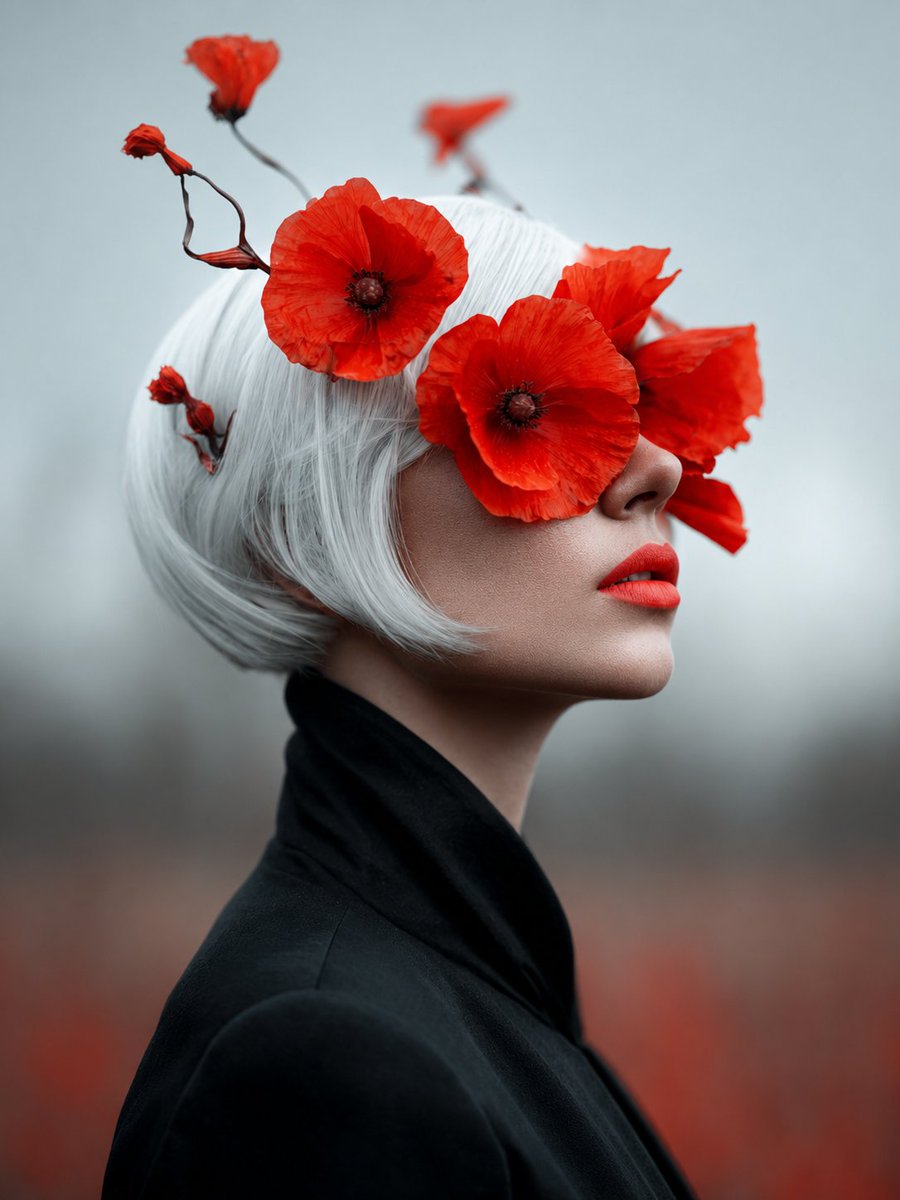
Lady of Red Poppies Portrait
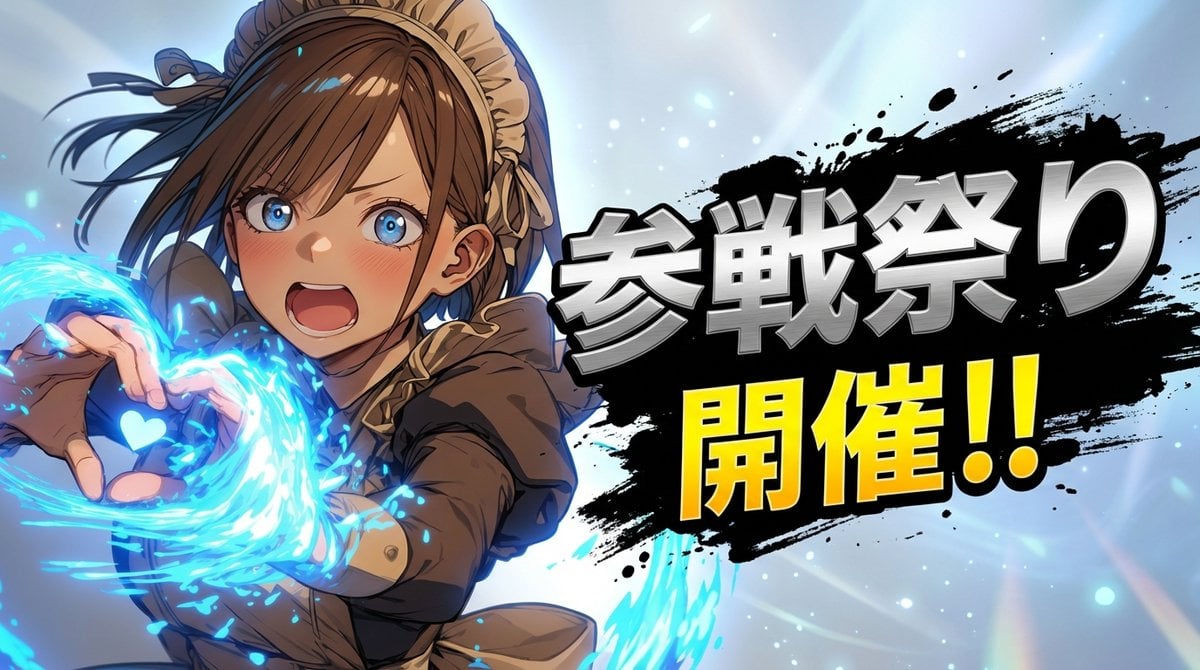
Character 'Participation Screen' Reveal Prompt
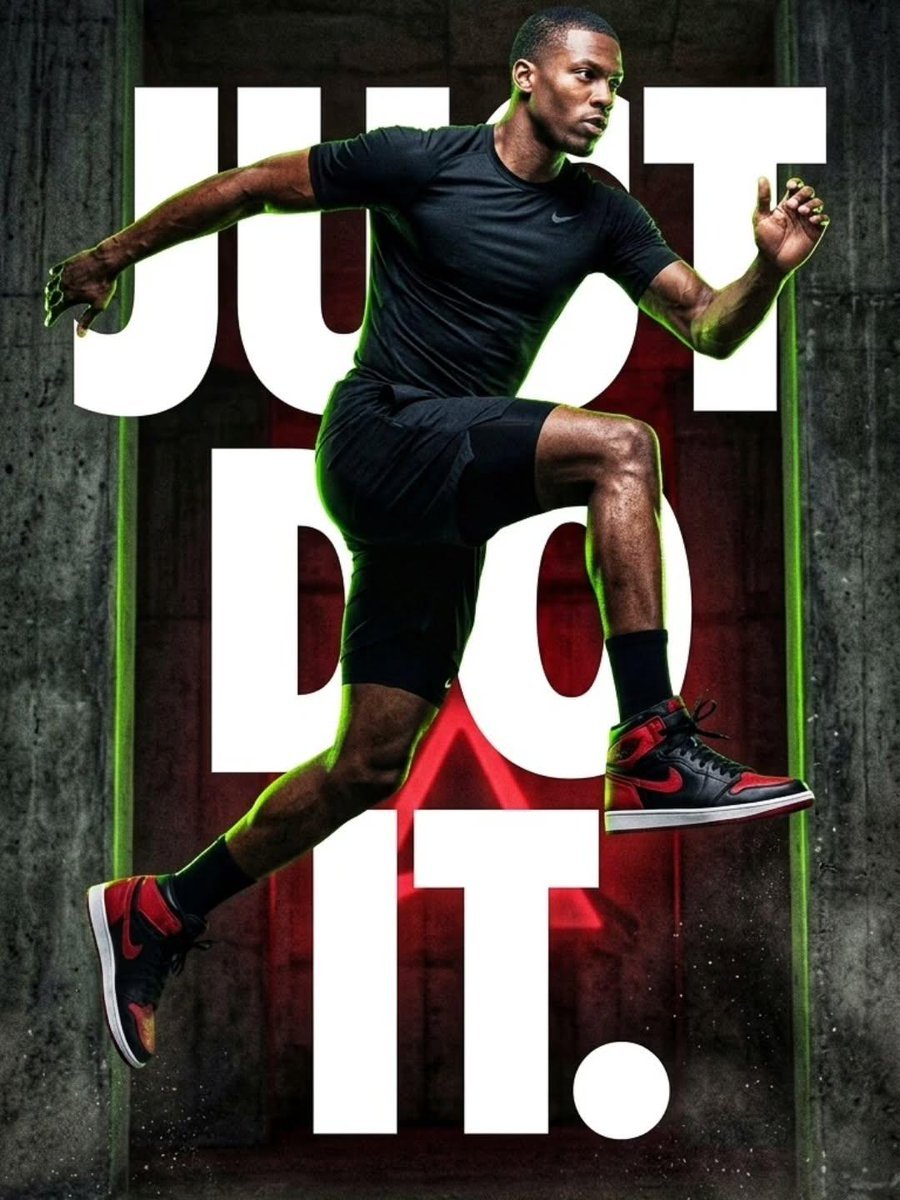
Cinematic Female Runner at Sunset
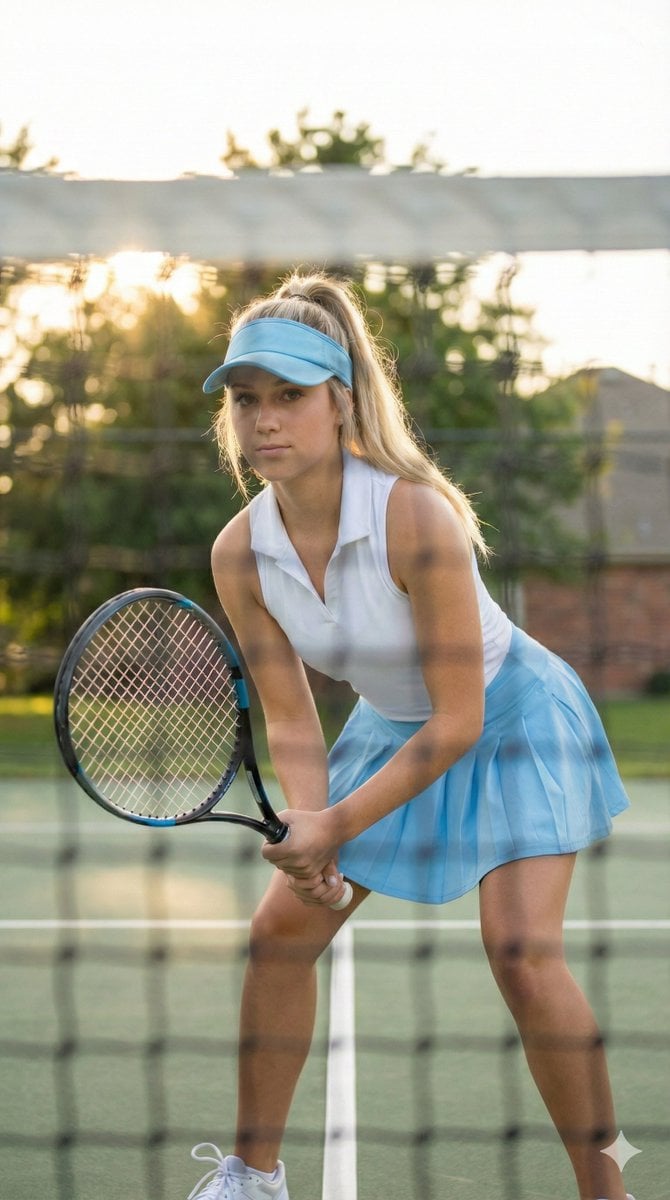
Tennis Player Golden Hour Portrait Prompt
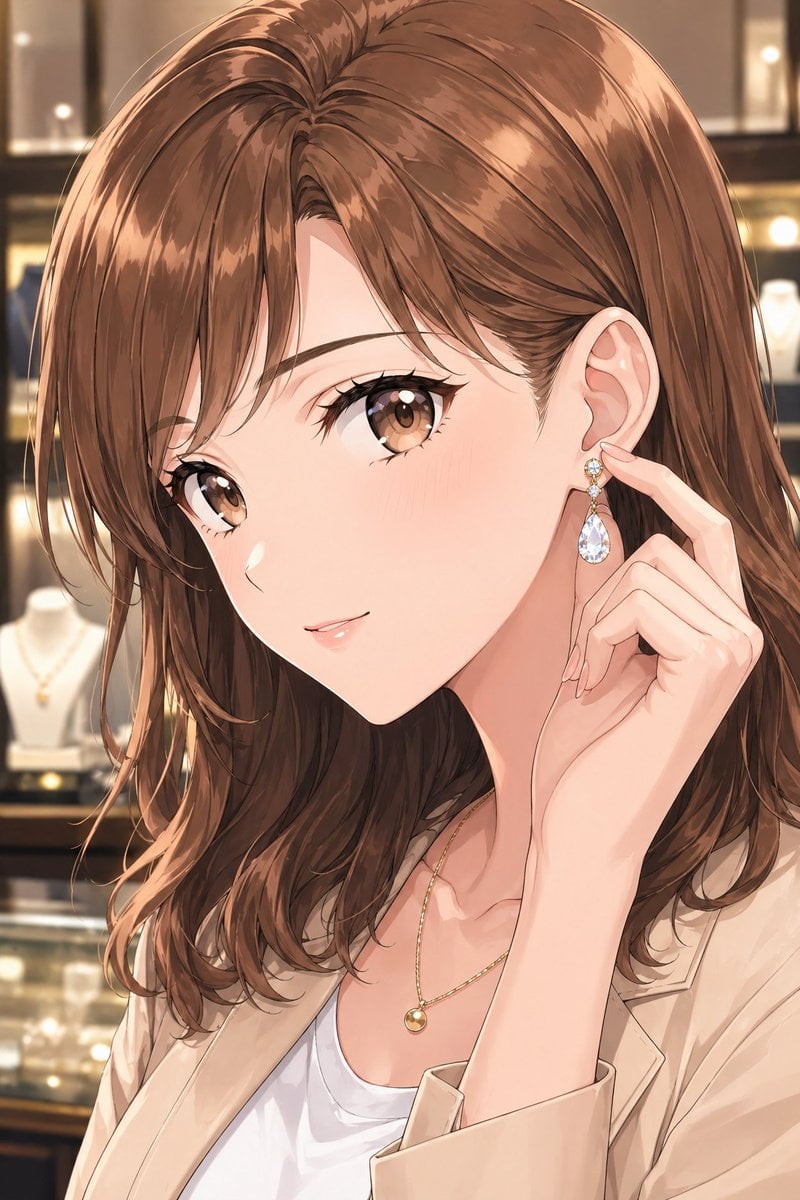
Elegant Office Lady in Jewelry Store
Browse template categories
Miniature Workspace Adventure Poster questions
How do I use the Miniature Workspace Adventure Poster template?
Add your photo if the template asks for one, edit the prompt if you like — the template's model and format are already selected — and press Generate. Your version opens in PicX Studio.
Can I customize the Miniature Workspace Adventure Poster template?
Yes. You can change the subject, setting, lighting, mood, format, and available model controls before creating your image.
Is the Miniature Workspace Adventure Poster template free?
Opening and editing this template is free. Generating uses credits, shown on the Generate button when you are signed in.
Which AI model should I use?
Start with GPT Image 2, which is the model associated with this template. You can compare another compatible model for a different finish.
Looking for something else? Browse all templates.

Your photo, any look
Thousands of ready templates for every top image and video model, from one credit balance.