
Miniature Beach Adventure Collage
Generates a playful six-panel hyper-realistic beach collage featuring a tiny person interacting with oversized summer objects.
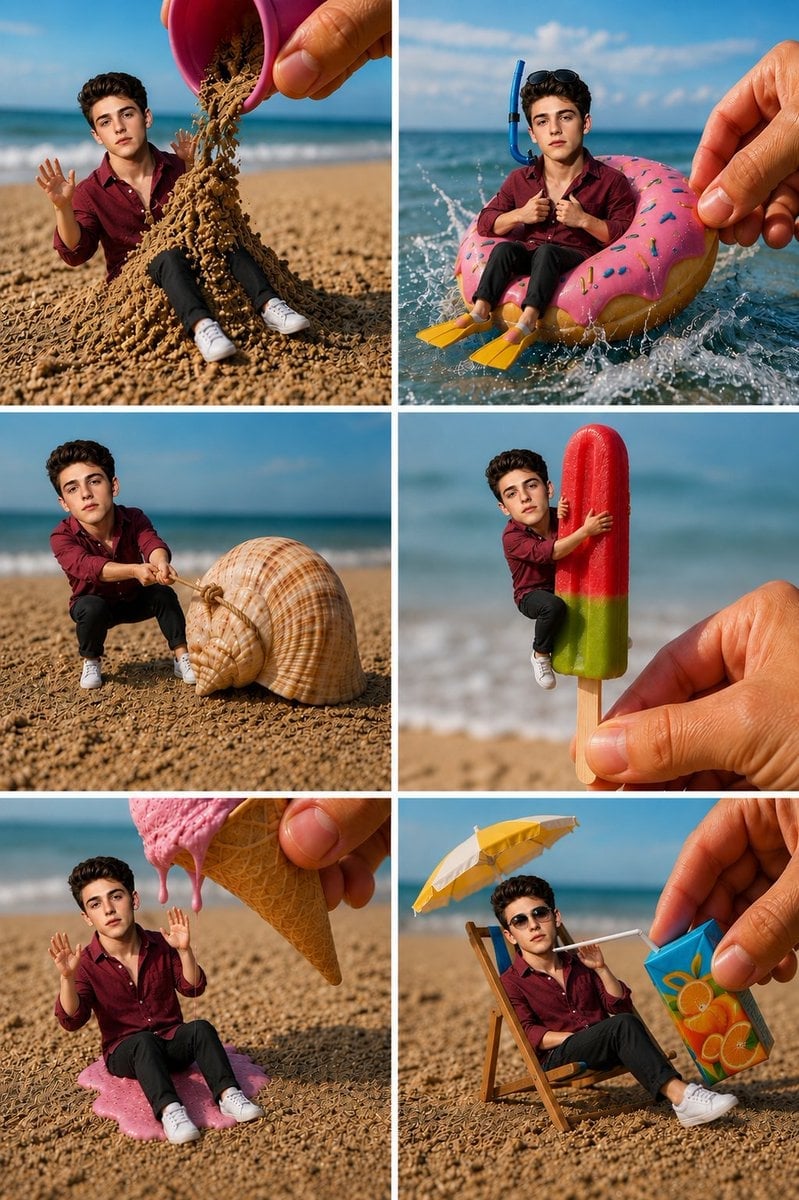
- Prompt included
- Model and format preset
- Premium template
The prompt behind this image
Copy the exact prompt behind Miniature Beach Adventure Collage, or open it in the studio and make it yours.
Goal: Create a whimsical hyper-realistic 2-column by 3-row photo collage showing a tiny miniature young man on a sunny beach, interacting with oversized summer objects as if he is a toy-sized person in a real world. Canvas: Vertical collage, 768×1152 style aspect ratio, six equal rectangular panels separated by clean white gutters. Bright midday beach lighting, shallow depth of field, blue ocean horizon and sandy beach background in every panel. Main subject: The same miniature young man appears in all 6 panels, about toy-sized, with a handsome youthful face, short dark wavy hair, light skin, wearing a burgundy button-up shirt, black pants, and white sneakers. Keep his identity and outfit consistent across the collage. Use {argument name="character name" default="a miniature young man"} as the recurring subject. Panel count and contents: Use exactly 6 panels. 1. Top-left: A giant human hand tilts a small pink bucket, pouring a mound of dry sand over and around the tiny man while he sits on the beach with both hands raised in surprise. 2. Top-right: The tiny man sits inside a giant pink frosted donut-shaped float in splashing ocean water, wearing a blue snorkel mask/tube and yellow flippers, while a large human hand steadies the float from the right. 3. Middle-left: The tiny man crouches on the sand and pulls a rope tied around an enormous spiral seashell, as if trying to drag it. 4. Middle-right: A large human hand holds a red-and-green popsicle on a wooden stick; the tiny man clings to the popsicle with his arms and legs, as if hugging it. 5. Bottom-left: A giant waffle cone held by a human hand drips melting pink ice cream over the tiny man, who sits on a puddle of pink ice cream with both hands raised. 6. Bottom-right: The tiny man lounges in a miniature beach chair under a small yellow-and-white umbrella, wearing dark sunglasses, while a large human hand offers him a blue-orange juice box with a white straw. Visual style: Ultra-realistic macro photography, playful forced-perspective miniature scene, crisp details on sand grains, realistic skin texture on the oversized hands, vivid beach colors, cinematic sunlight, natural shadows, glossy water splashes, realistic scale contrast, high-resolution editorial collage. Constraints: No text, captions, logos, or watermarks. Keep the same character, clothing, and beach environment in every panel. Make the objects oversized relative to the miniature person, with believable contact shadows and realistic interactions.
How to use Miniature Beach Adventure Collage in 3 steps
- 1Upload ImagePNG, JPG or paste
Add your photo
Upload the photo the template builds on. The prompt, model and format are already set.
- 2…a portrait of your subject in softgolden-hour light, 85mm…
Personalize
Edit the subject and creative details for your destination.
- 3Generate
Generate
Press Generate — your image is created in PicX Studio, so you can compare it with the original and refine one variable at a time.
More like this
Templates with the same subject, style or setup. Open one to see its prompt.

Pastel Anime Summer Beach Collage
Miniature Man Household Survival Collage

Paper Tunnel Book Architecture

Paper Cut Finale Fireworks

Paper Cut Garden Maze

Paper Cut Rooftop Concert

Paper Cut Bicycle Coast

Paper Cut Castle Gate

Paper Cut Kitchen Chaos

Paper Cut Carnival Ride

Paper Cut Rainy Bus Stop

Paper Cut Space Dock
Make it yours
Miniature Beach Adventure Collage works as-is. These are the safest ways to change it without losing the look.
Change one field
Copy a single group, rewrite it, and generate again so you can see what that field is doing.
Keep the frame, change the subject
Hold the composition and light of Miniature Beach Adventure Collage, then swap wardrobe, props or the person for a new take.
| If the result… | Why | Fix |
|---|---|---|
| The result drifts from the preview | Too many fields changed at once. | Reuse Miniature Beach Adventure Collage as-is first, then change one group — subject, light, or setting. |
| The model over-stylizes the scene | The prose prompt leaves finish and camera underspecified. | Add one camera or lighting sentence and stay on GPT Image 2. |
More GPT Image 2 templates
Other prompts made for GPT Image 2.

Six VTuber Japanese Logo Sheet

Realistic Portrait of Woman and Deer

The Vista Modular Condo Poster

AI Model Routing Comparison Infographic

2.5D Anime Art Board

Isometric Productivity Desk Scene

New York Double Exposure Poster

Four-Panel AI Landscape Comparison

Japanese Tatami Lifestyle Magazine Cover

NESCAFÉ Coffee Map Poster
More image prompts
Fresh picks from across the catalog.
Photorealistic portrait of a stylish woman in a snowy landscape
Cinematic Seaside Sunset Portrait
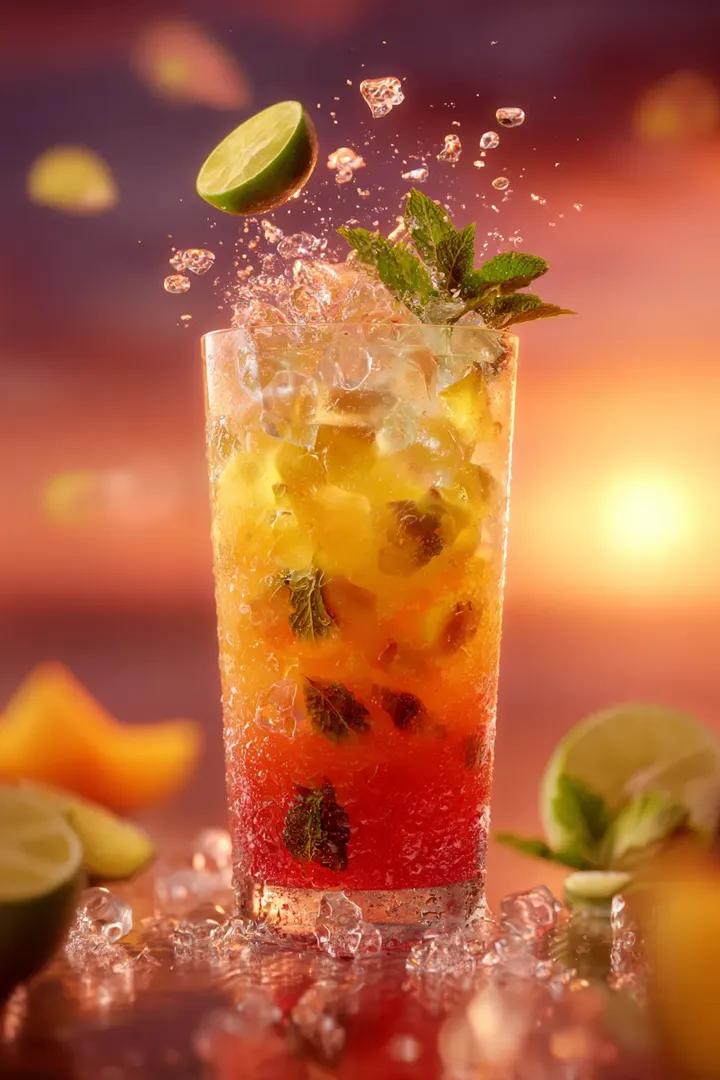
Orange Juice Slow Motion Product Shot
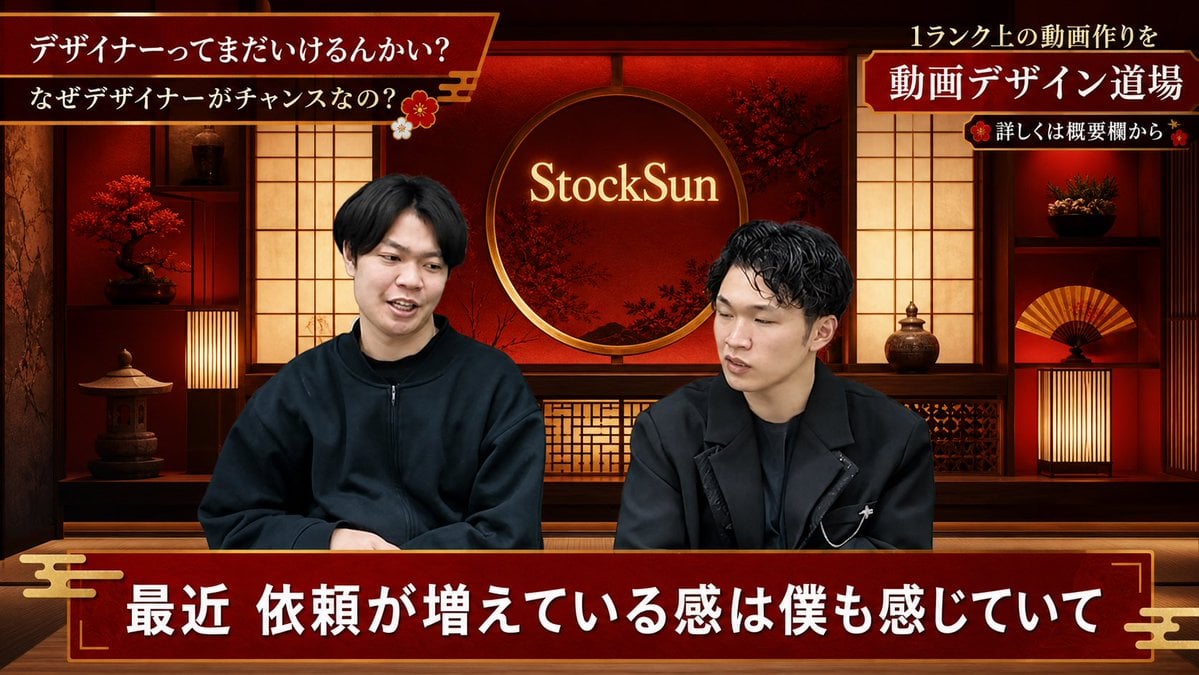
Red Japanese Style Design
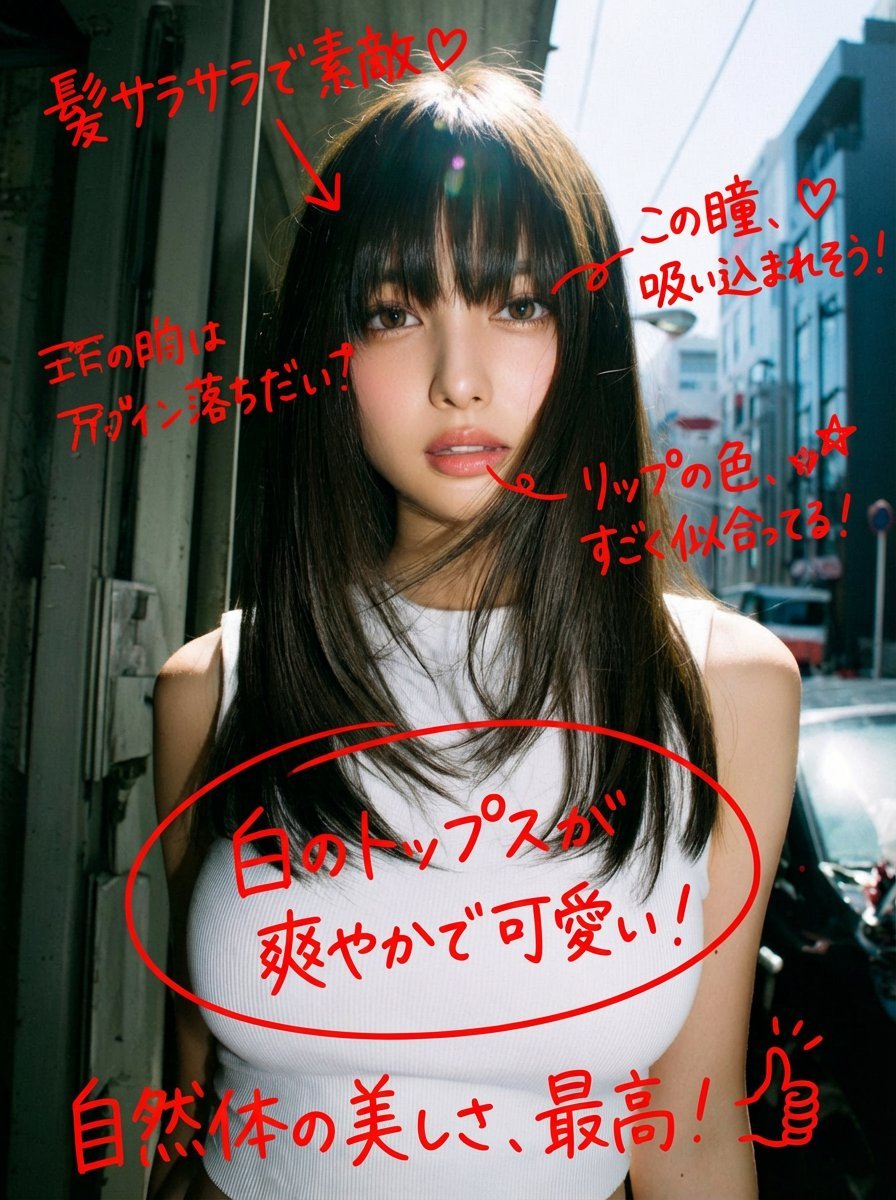
Image Analysis and Correction Tool Description
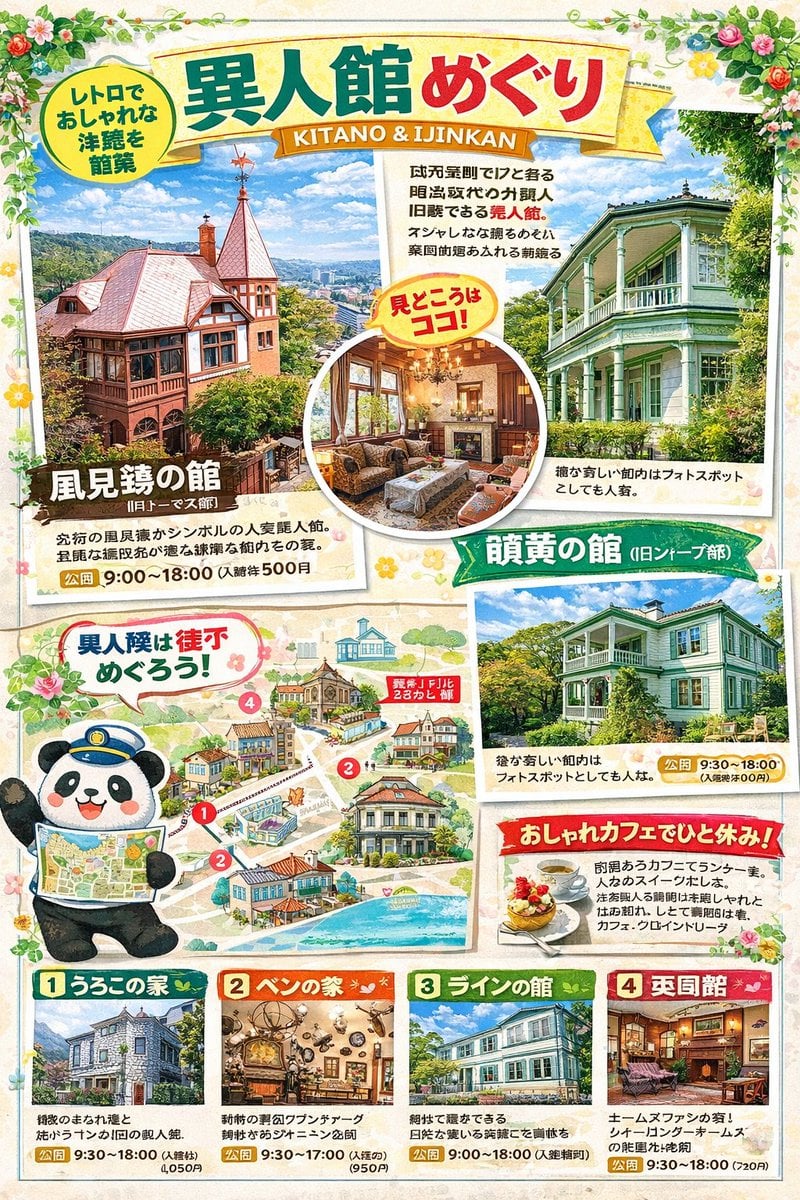
Magazine Page Generation for Travel Guide

Museum High Fashion Editorial
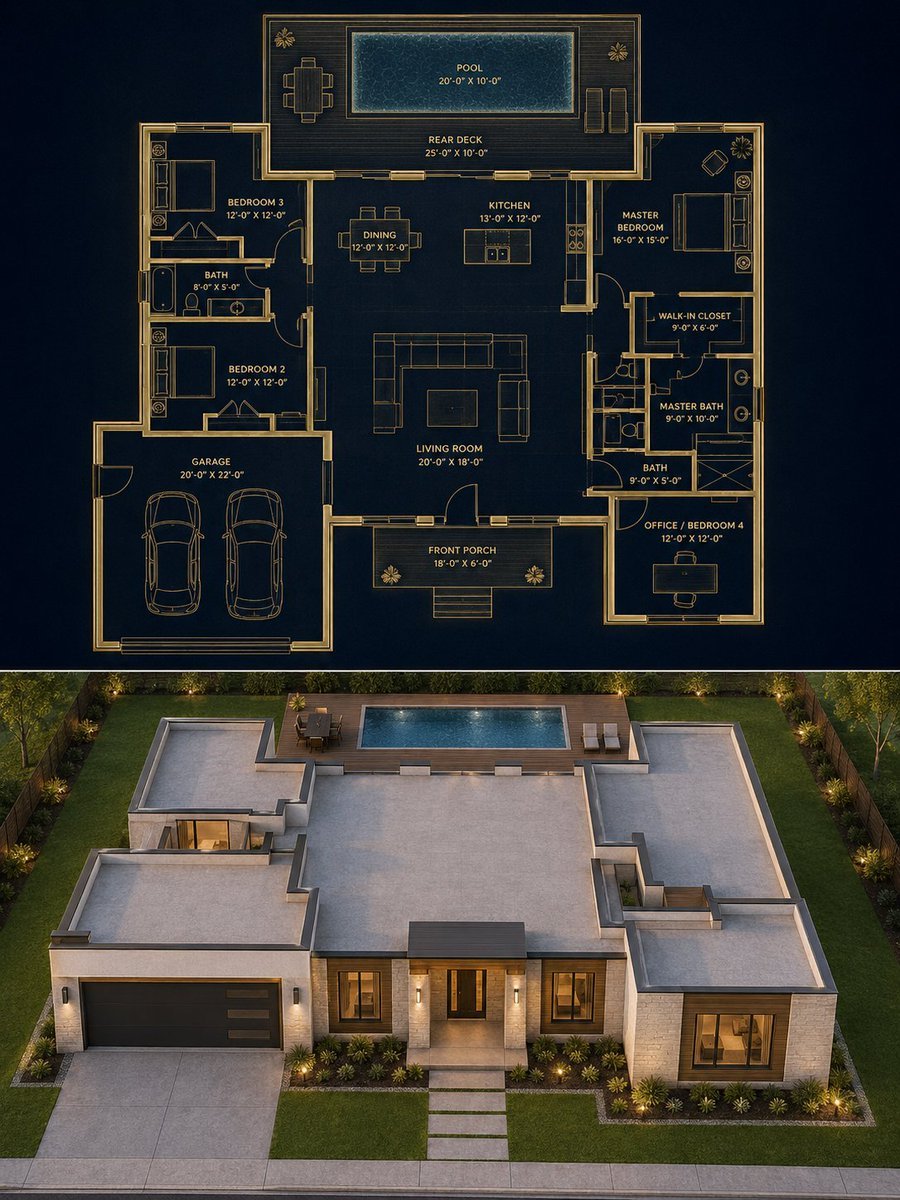
Split Blueprint and Modern House Render
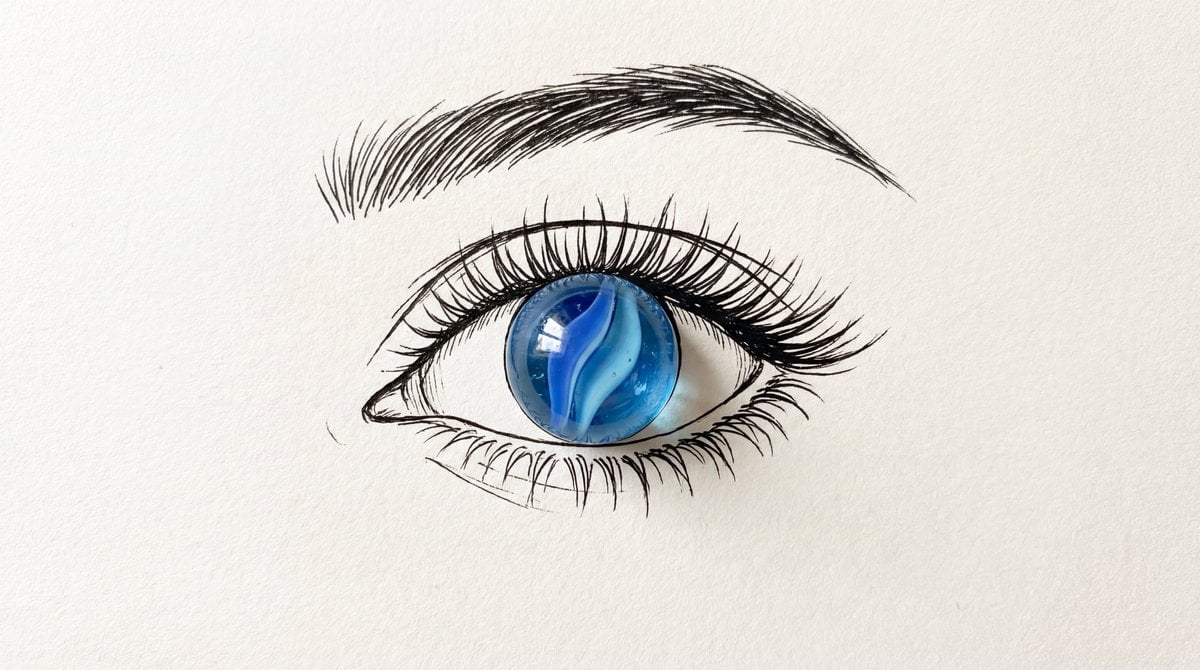
Minimalist Mixed-Media Eye Illustration
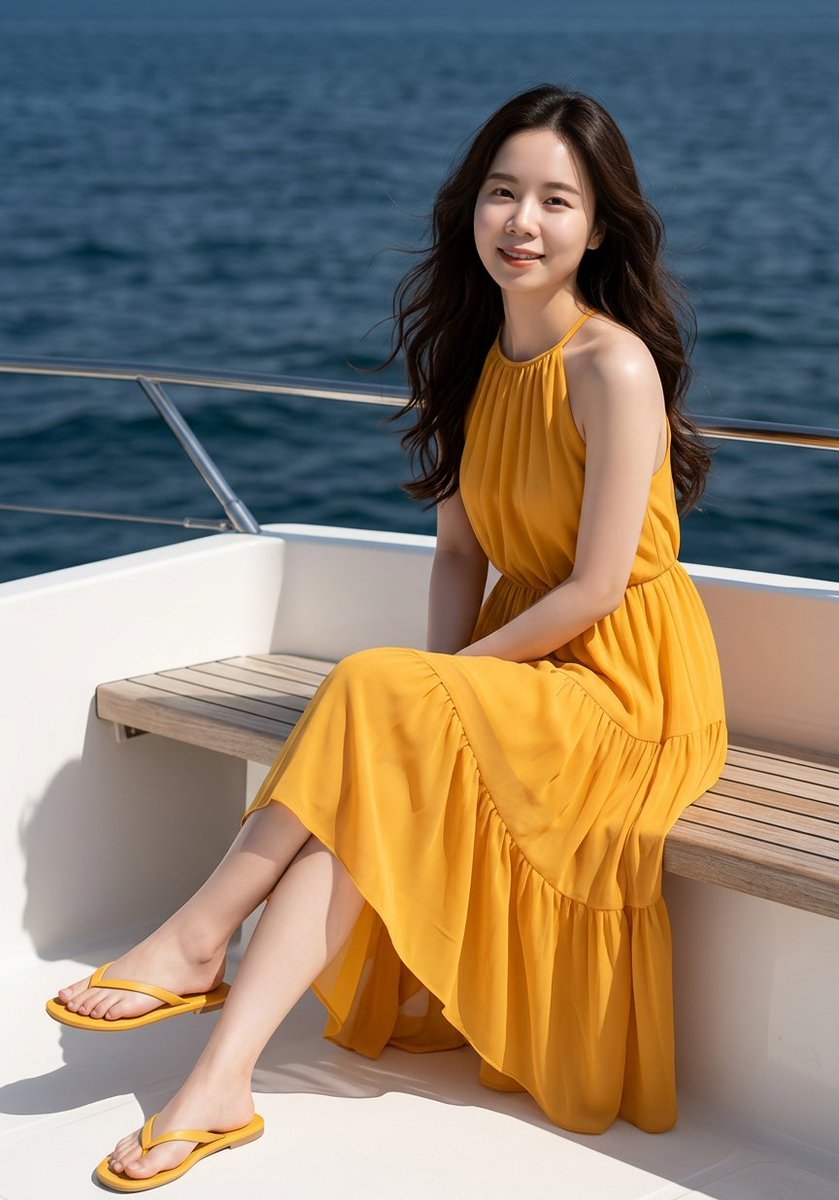
Professional Fashion Shot on Yacht Deck
Browse template categories
Miniature Beach Adventure Collage questions
How do I use the Miniature Beach Adventure Collage template?
Add your photo if the template asks for one, edit the prompt if you like — the template's model and format are already selected — and press Generate. Your version opens in PicX Studio.
Can I customize the Miniature Beach Adventure Collage template?
Yes. You can change the subject, setting, lighting, mood, format, and available model controls before creating your image.
Is the Miniature Beach Adventure Collage template free?
Opening and editing this template is free. Generating uses credits, shown on the Generate button when you are signed in.
Which AI model should I use?
Start with GPT Image 2, which is the model associated with this template. You can compare another compatible model for a different finish.
Looking for something else? Browse all templates.

Your photo, any look
Thousands of ready templates for every top image and video model, from one credit balance.