
Pastel Anime Summer Beach Collage
Generates a colorful vertical anime-style summer postcard illustration with a fashionable girl, beach props, and a playful pastel collage background.
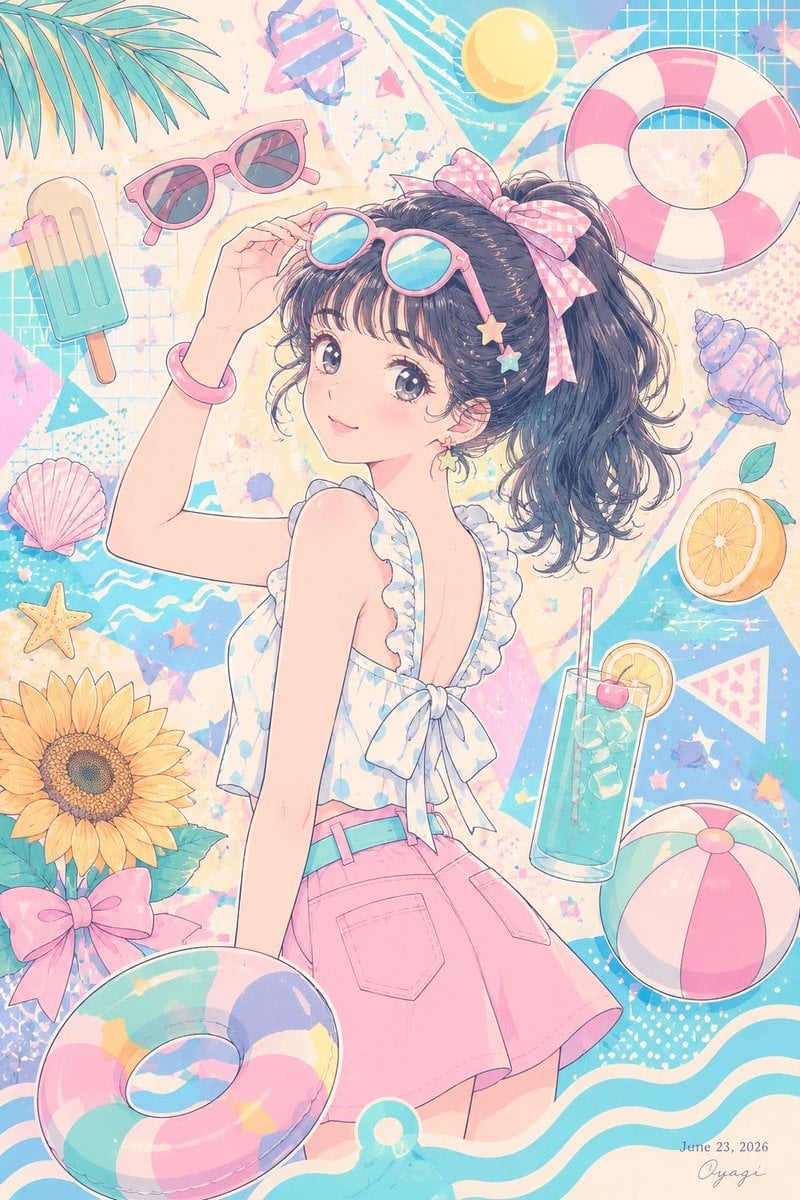
- Prompt included
- Model and format preset
- Premium template
The prompt behind this image
Copy the exact prompt behind Pastel Anime Summer Beach Collage, or open it in the studio and make it yours.
Goal: Create a bright pastel summer anime illustration of {argument name="character name" default="a stylish young woman"} enjoying a playful beach-vacation mood, viewed from behind in a dynamic poster composition. Canvas: Vertical 2:3 illustration, full-bleed, soft high-key lighting, airy pastel palette of aqua, bubblegum pink, cream, lavender, and lemon yellow. Use delicate line art, watercolor-like shading, glossy highlights, and a cute 1990s shoujo-anime summer aesthetic. Main subject: Center the character from hips upward, turned slightly to the left with her back and shoulder visible. She has {argument name="hair color" default="dark navy-black"} wavy hair in a high ponytail, tied with a large pink gingham bow. Add small star hair clips near the ponytail. Her face area is intentionally covered by a centered opaque square censor block with a muted gray-to-pale-pink vertical gradient, obscuring facial features. She raises one hand to adjust pink-framed sunglasses on her head. She wears a frilly sleeveless white summer top with pale blue polka dots, ruffled straps, an open-back cut, and a tied bow at the lower back, plus a high-waisted pink skirt with visible pockets and a turquoise belt. Floating summer objects: Include exactly 13 discrete surrounding props: 1 pink-framed sunglasses pair at upper left, 1 turquoise popsicle on a wooden stick at left, 1 large pink-and-white life preserver at upper right, 1 yellow beach ball near the top, 1 blue spiral seashell at right, 1 orange slice at mid-right, 1 tall turquoise lemonade glass with straw and lemon slice at lower right, 1 pink-and-white beach ball at bottom right, 1 pastel striped swim ring at bottom left, 1 pink seashell at lower left, 1 yellow starfish at lower left, 1 large sunflower at bottom left, and 1 pink bow near the sunflower. Background: Fill the backdrop with a cheerful collage of beach graphics: teal wave patterns, grid paper texture, diagonal pastel shapes, confetti dots, small stars, abstract paint splashes, and a few palm leaves entering from the top-left corner. The composition should feel packed but balanced, like a decorative summer postcard. Text: Add a small handwritten-style signature at the bottom right reading {argument name="signature" default="Oyagi"}, with the date {argument name="date" default="June 23, 2026"} just above it. Constraints: Keep everything in English except the signature if customized. No photorealism, no dark shadows, no extra people, no additional large text, no watermark beyond the tiny signature/date. Maintain the face-covering square exactly over the face area.
How to use Pastel Anime Summer Beach Collage in 3 steps
- 1Upload ImagePNG, JPG or paste
Add your photo
Upload the photo the template builds on. The prompt, model and format are already set.
- 2…a portrait of your subject in softgolden-hour light, 85mm…
Personalize
Edit the subject and creative details for your destination.
- 3Generate
Generate
Press Generate — your image is created in PicX Studio, so you can compare it with the original and refine one variable at a time.
More like this
Templates with the same subject, style or setup. Open one to see its prompt.
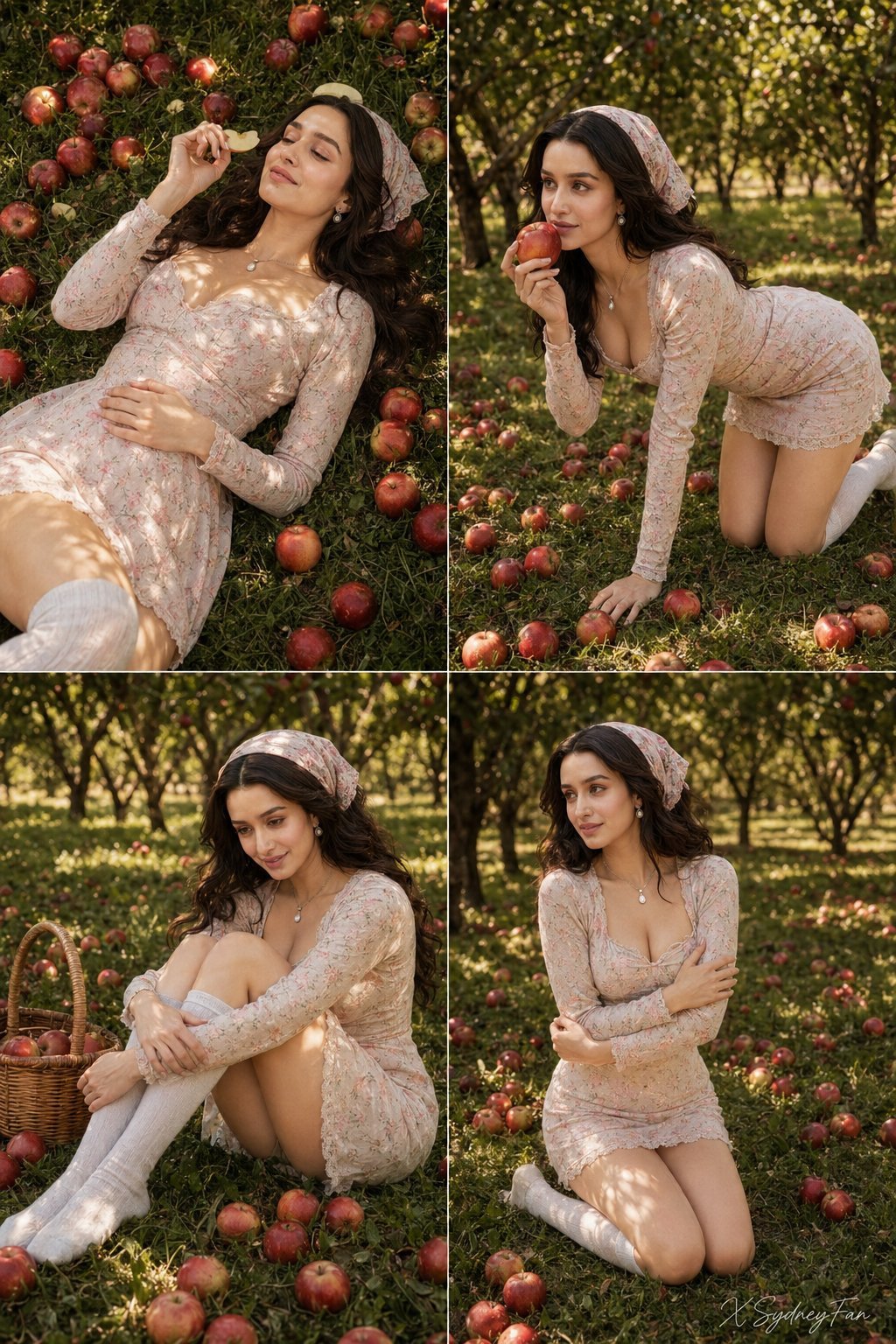
Nano Banana Apple Orchard Collage
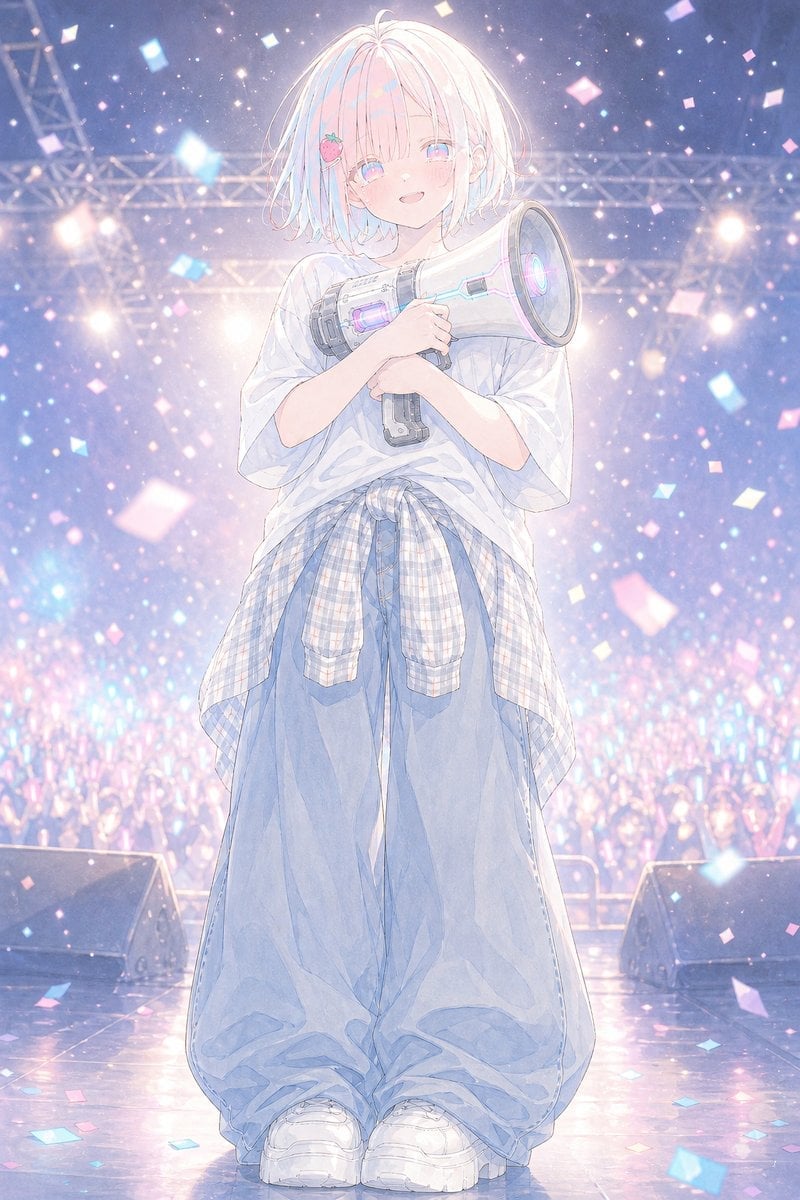
Pastel Anime Idol Concert Finale
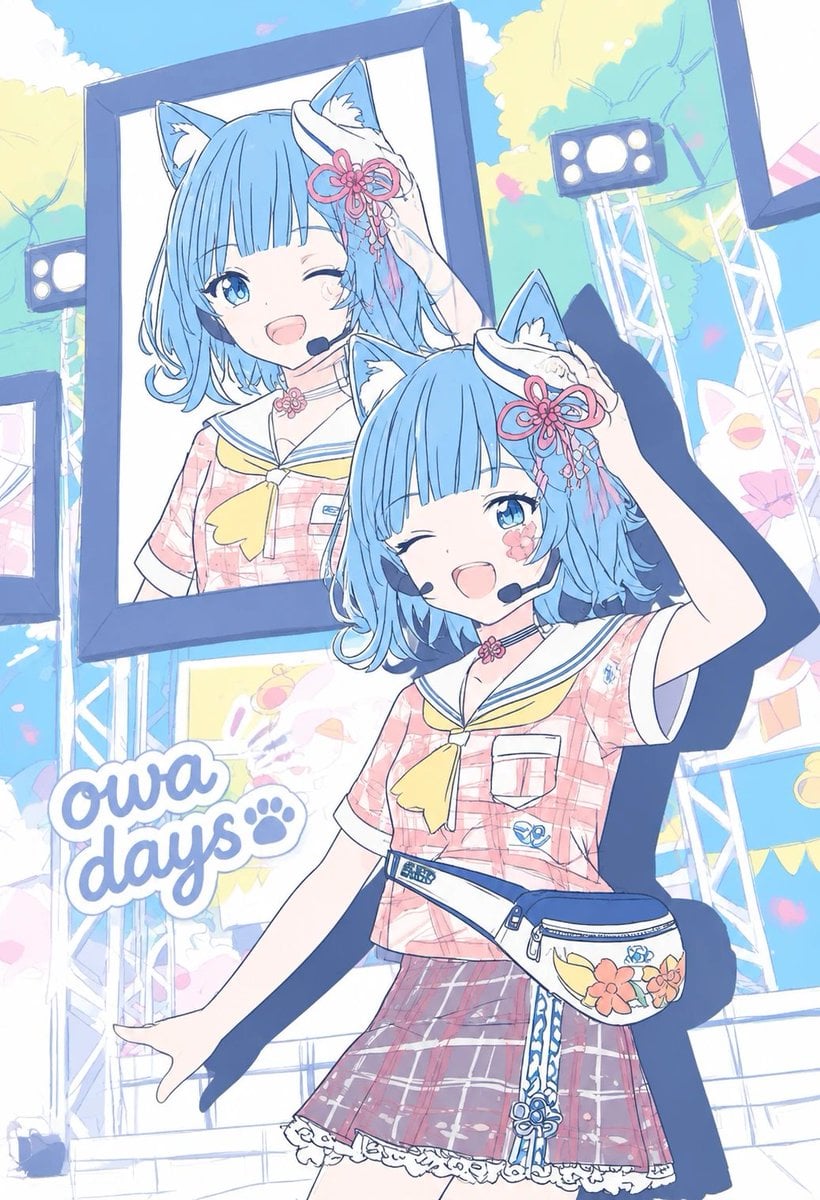
Pastel Cat-Eared Summer Idol Stage
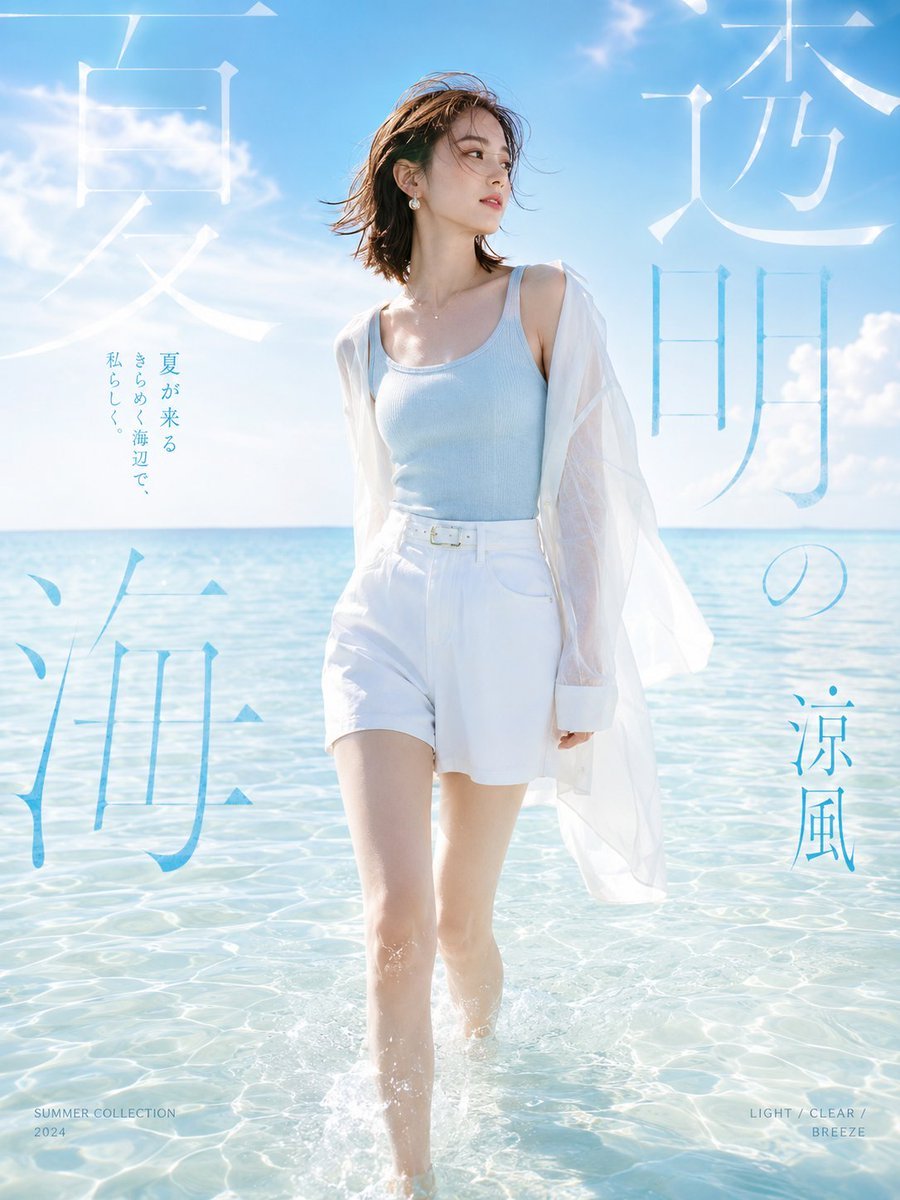
Japanese Summer Beach Fashion Poster
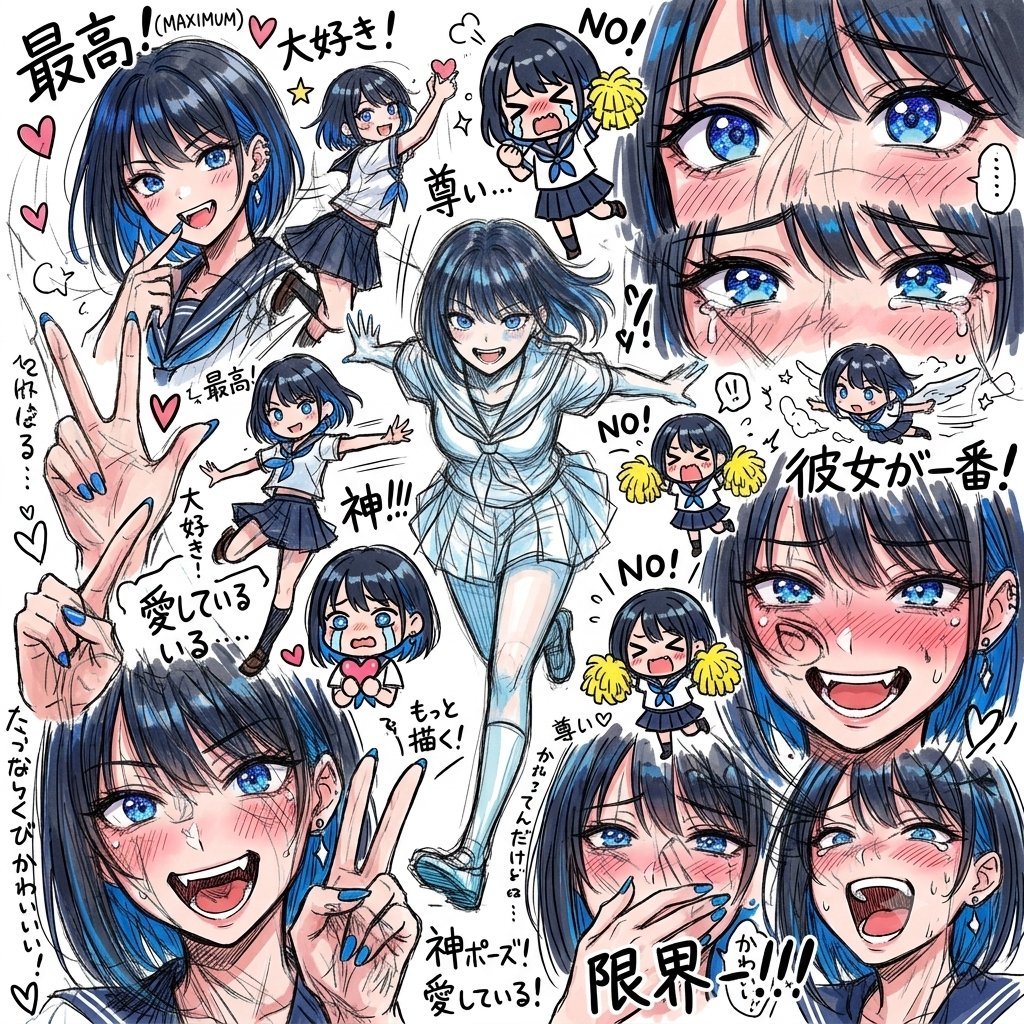
Chaotic Anime Schoolgirl Fan Collage
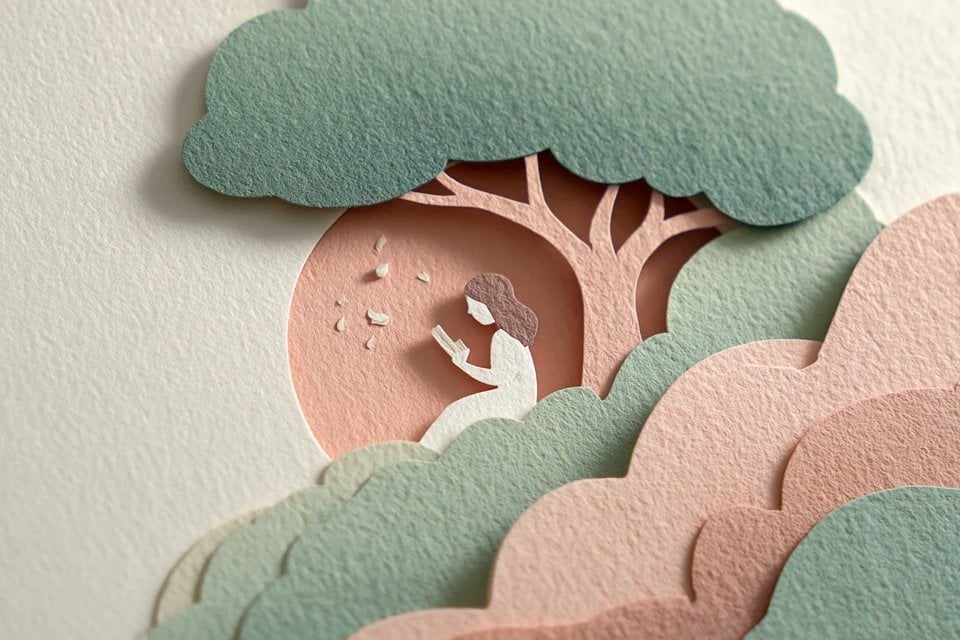
Layered Paper Cut Illustration Template
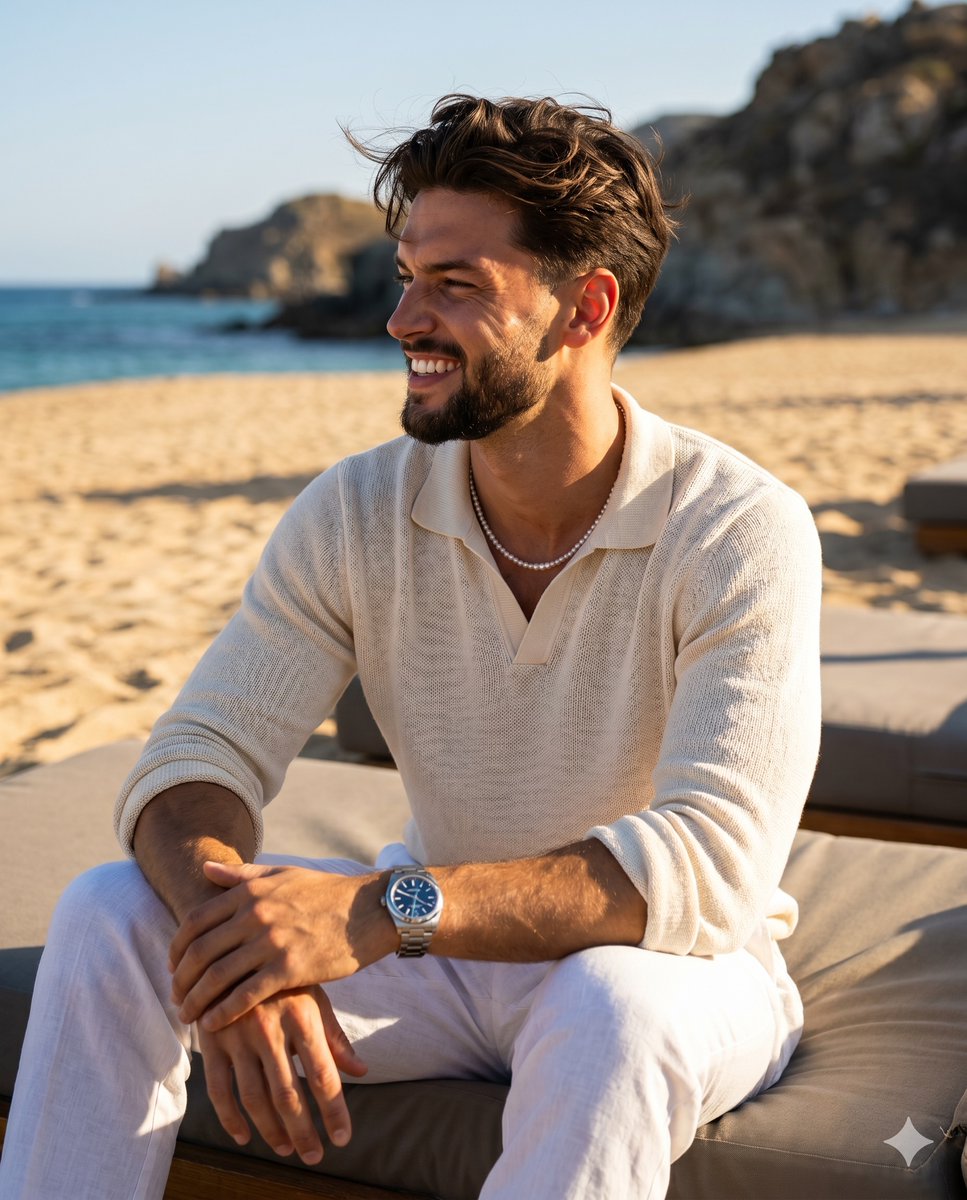
Summer Beach Editorial Portrait
Paper Cut Finale Fireworks
Paper Cut Garden Maze
Paper Cut Rooftop Concert

Paper Cut Bicycle Coast
Paper Cut Castle Gate
Make it yours
Pastel Anime Summer Beach Collage works as-is. These are the safest ways to change it without losing the look.
Change one field
Copy a single group, rewrite it, and generate again so you can see what that field is doing.
Keep the frame, change the subject
Hold the composition and light of Pastel Anime Summer Beach Collage, then swap wardrobe, props or the person for a new take.
| If the result… | Why | Fix |
|---|---|---|
| The result drifts from the preview | Too many fields changed at once. | Reuse Pastel Anime Summer Beach Collage as-is first, then change one group — subject, light, or setting. |
| The model over-stylizes the scene | The prose prompt leaves finish and camera underspecified. | Add one camera or lighting sentence and stay on GPT Image 2. |
More GPT Image 2 templates
Other prompts made for GPT Image 2.

Six VTuber Japanese Logo Sheet

Realistic Portrait of Woman and Deer

The Vista Modular Condo Poster

AI Model Routing Comparison Infographic

2.5D Anime Art Board

Isometric Productivity Desk Scene

New York Double Exposure Poster

Four-Panel AI Landscape Comparison

Japanese Tatami Lifestyle Magazine Cover

NESCAFÉ Coffee Map Poster
More image prompts
Fresh picks from across the catalog.
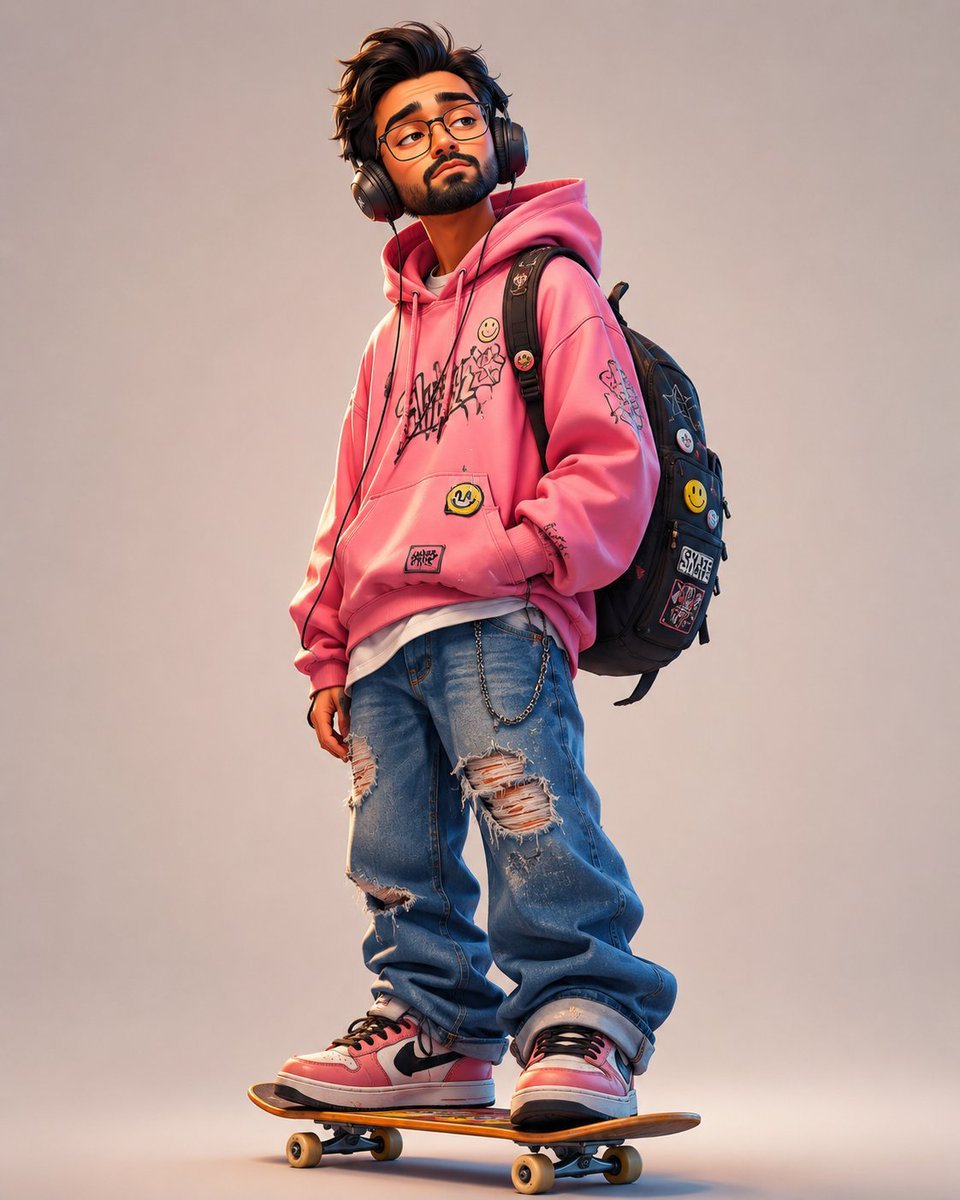
Anonymous Pink Hoodie Skater
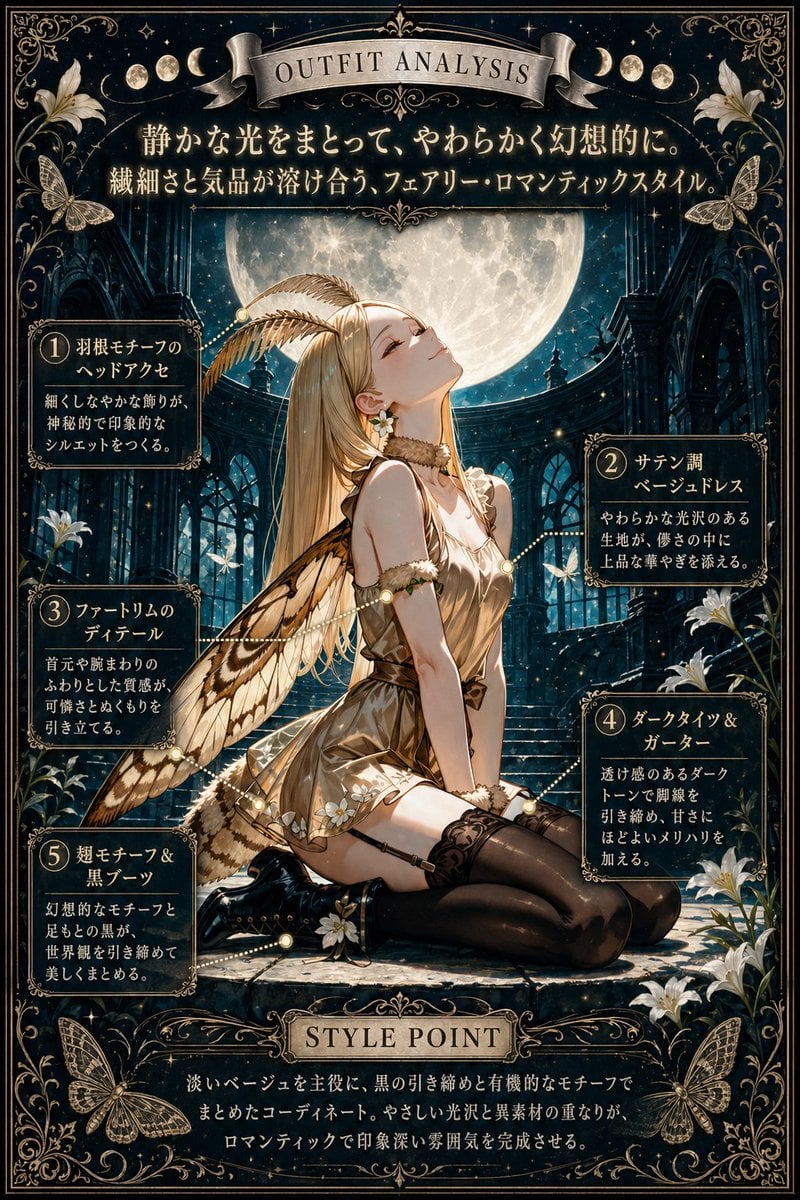
Moonlit Fairy Outfit Analysis Poster
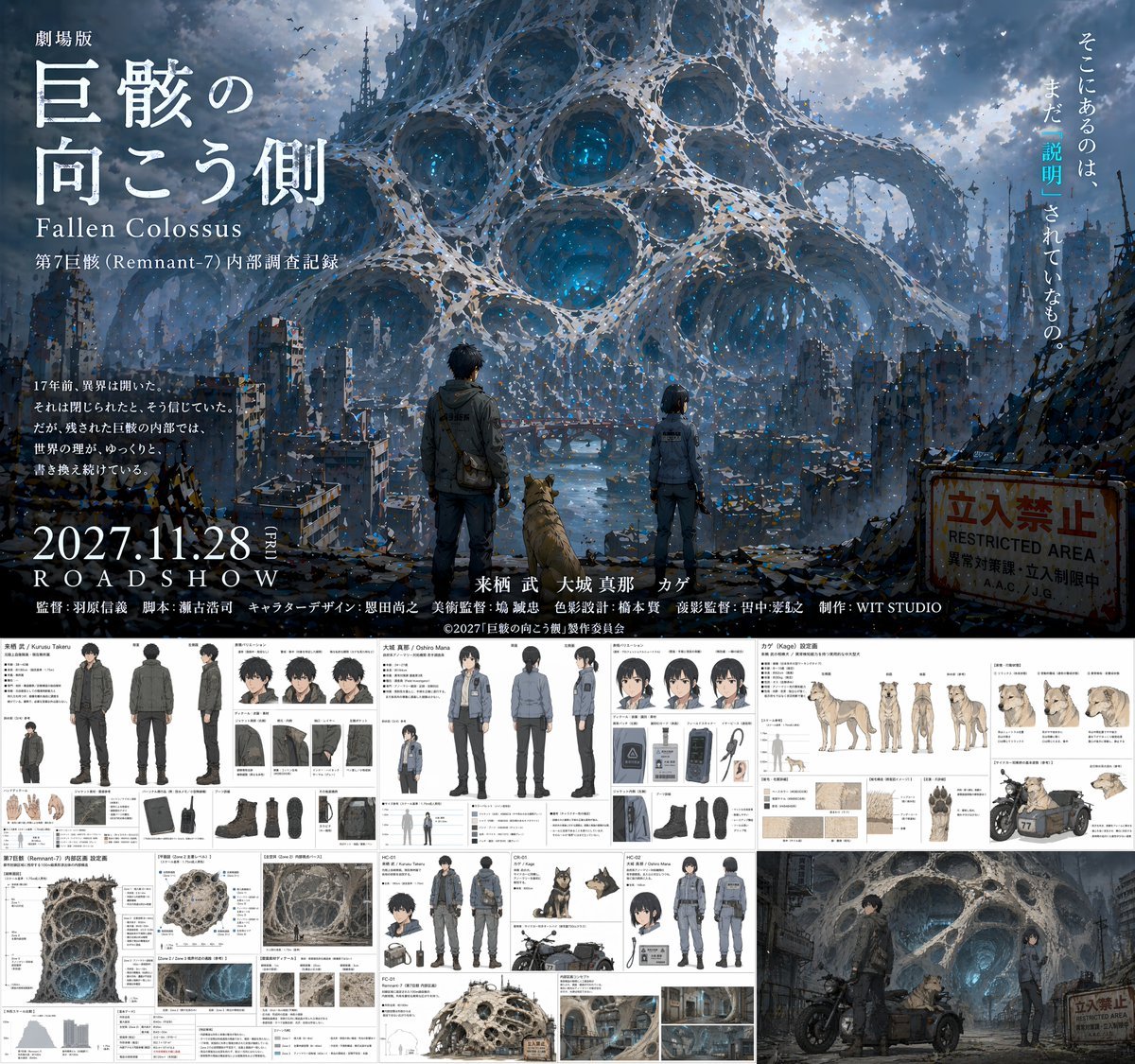
Anime Movie Pitch Document with Poster and Settei

Mirassol FC Signing Announcement Poster
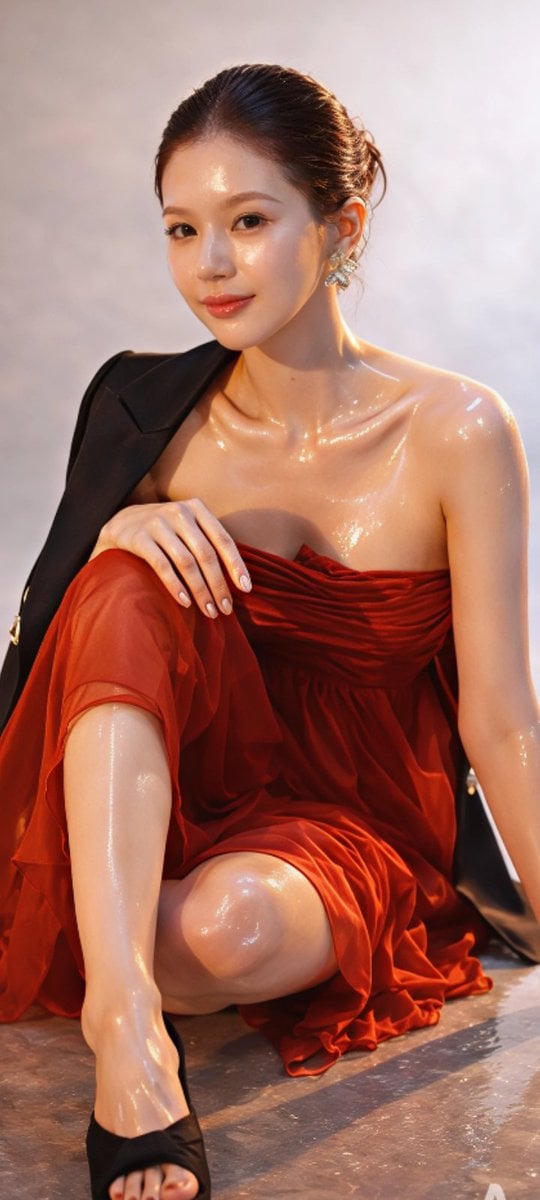
Zhao Lusi High-Fashion Editorial Prompt
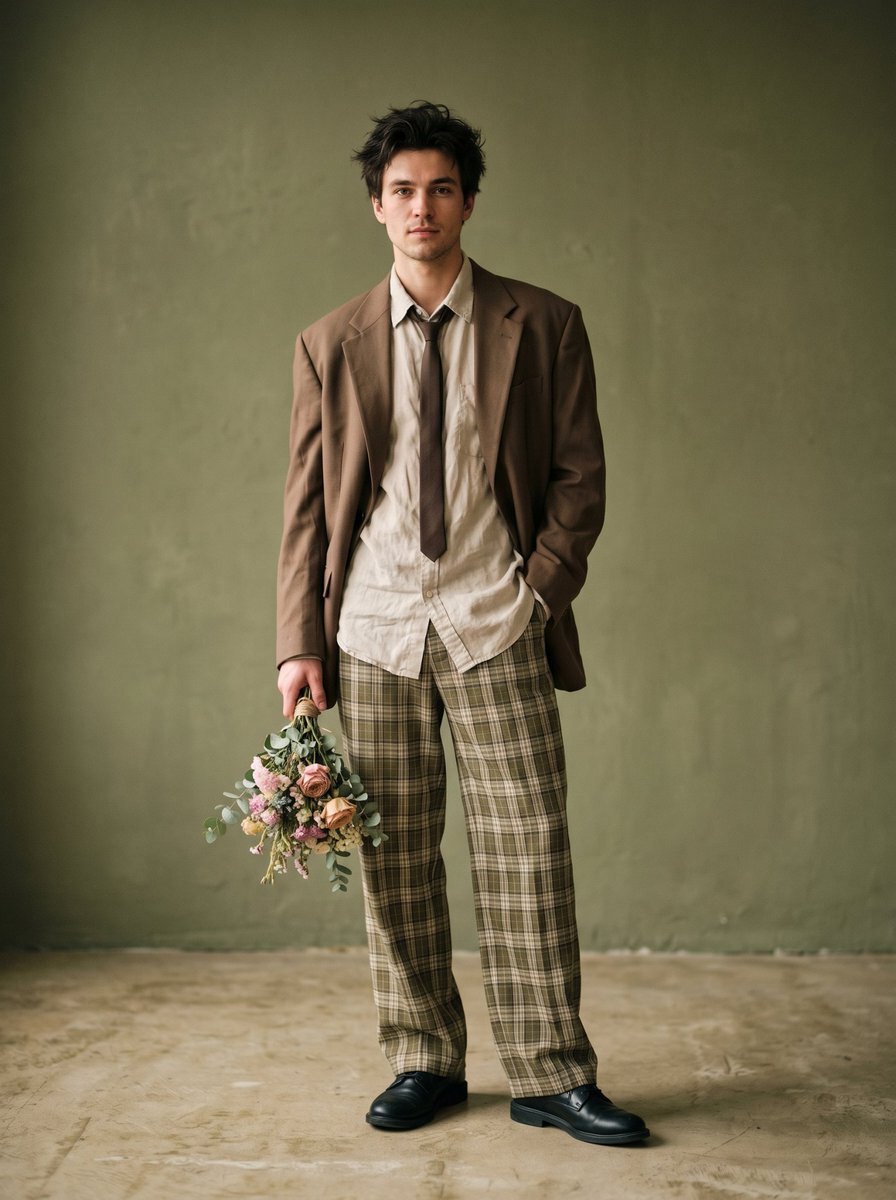
Fashion Editorial Studio Portrait
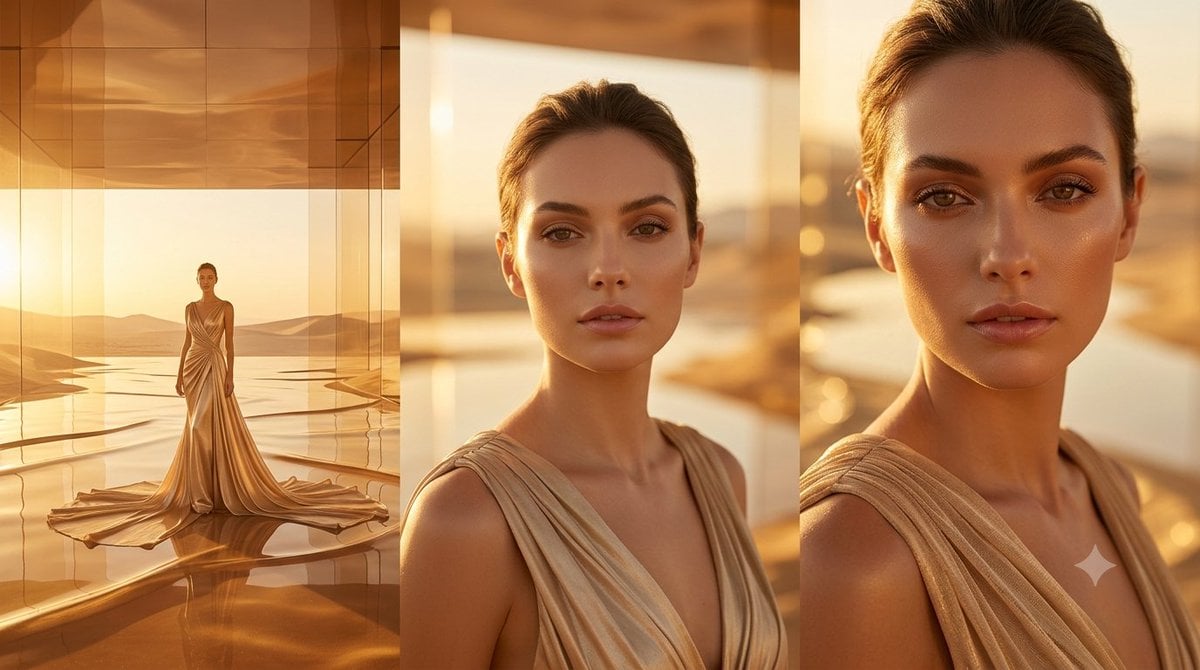
Golden Luxury Fashion Triptych
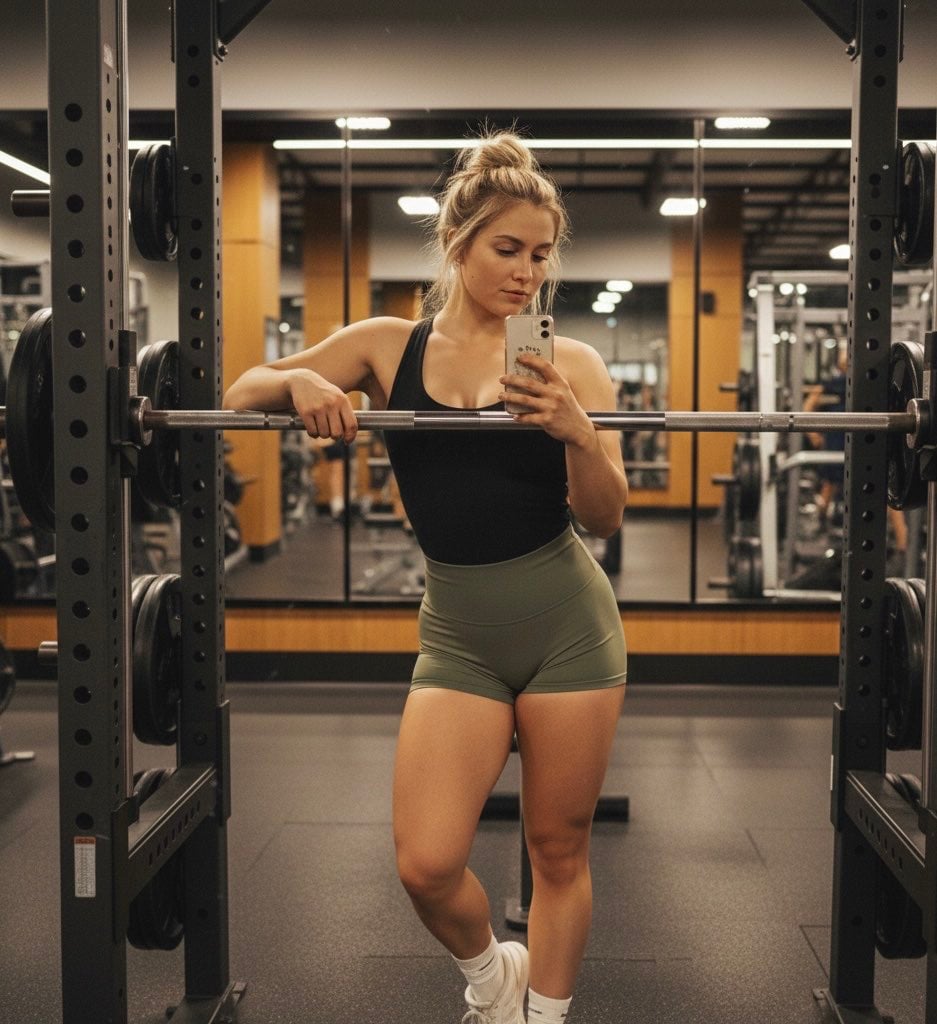
Gemini Nano Banana Pro Prompt for Reflective Self-Improvement

Cinematic Jeep Driver Portrait Prompt with Face Match

Fantasy Creature With Milk in Server Room
Browse template categories
Pastel Anime Summer Beach Collage questions
How do I use the Pastel Anime Summer Beach Collage template?
Add your photo if the template asks for one, edit the prompt if you like — the template's model and format are already selected — and press Generate. Your version opens in PicX Studio.
Can I customize the Pastel Anime Summer Beach Collage template?
Yes. You can change the subject, setting, lighting, mood, format, and available model controls before creating your image.
Is the Pastel Anime Summer Beach Collage template free?
Opening and editing this template is free. Generating uses credits, shown on the Generate button when you are signed in.
Which AI model should I use?
Start with GPT Image 2, which is the model associated with this template. You can compare another compatible model for a different finish.
Looking for something else? Browse all templates.

Your photo, any look
Thousands of ready templates for every top image and video model, from one credit balance.