
Fantasy Creature With Milk in Server Room
This prompt generates a moody cinematic fantasy illustration of a small robed creature holding a saucer of milk in a root-entangled server room, useful for surreal storytelling or social-media concept art.
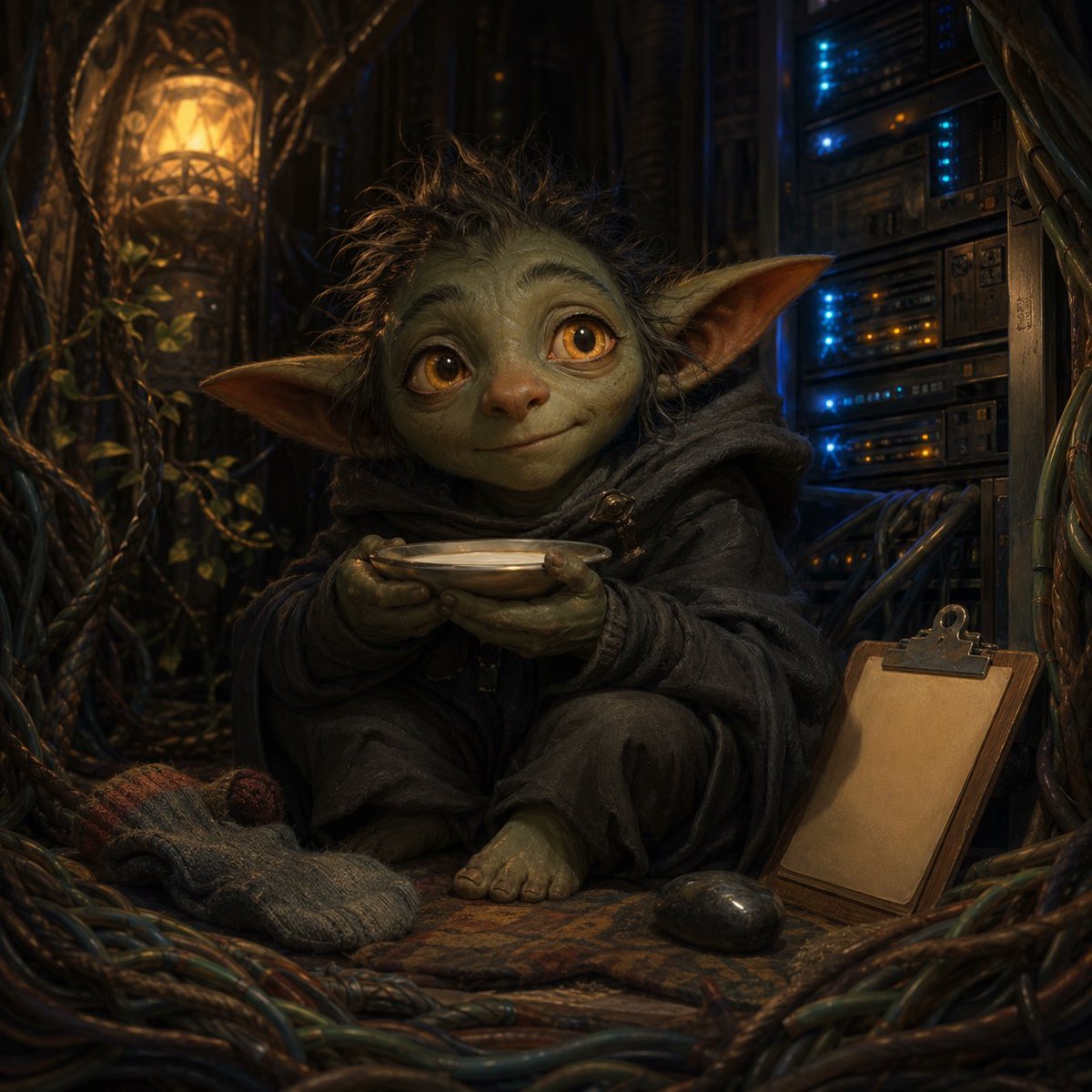
- Prompt included
- Model and format preset
- Free template
The prompt behind this image
Copy the exact prompt behind Fantasy Creature With Milk in Server Room, or open it in the studio and make it yours.
A cinematic fantasy-tech portrait of a small goblin-like creature sitting cross-legged on the floor of a dim server room overgrown with twisting tree roots and vines. The creature has large pointed ears, scruffy messy dark hair, greenish wrinkled hands and bare feet, and wears an oversized charcoal-gray hooded robe with heavy folds. Its face is obscured by a centered rectangular blur block, but the ears, hair, robe, hands, and posture remain visible. It gently holds a shallow white saucer filled with milk in both hands at chest level. In the lower left foreground, place exactly 1 thick wool sock, slouched on the floor, gray with a reddish toe. In the lower right foreground, place exactly 1 blank clipboard leaning against equipment and exactly 1 dark computer mouse on the rug beside it. Surround the scene with bundled cables and roots snaking across the floor and walls. On the left background, include exactly 1 warm amber lantern embedded in an organic wooden lattice, casting golden light. On the right background, show exactly 1 tall rack of vintage server hardware with small blue and orange indicator lights glowing. The floor should be layered with a worn patterned rug. Lighting is moody and low-key, mixing warm lantern light with cool blue server light, with shallow depth of field, rich texture, ultra-detailed fabric, cinematic volumetric shadows, whimsical yet eerie atmosphere, highly realistic fantasy illustration.
How to use Fantasy Creature With Milk in Server Room in 3 steps
- 1Upload ImagePNG, JPG or paste
Add your photo
Upload the photo the template builds on. The prompt, model and format are already set.
- 2…a portrait of your subject in softgolden-hour light, 85mm…
Personalize
Edit the subject and creative details for your destination.
- 3Generate
Generate
Press Generate — your image is created in PicX Studio, so you can compare it with the original and refine one variable at a time.
More like this
Templates with the same subject, style or setup. Open one to see its prompt.
Fantasy Creature Meadow Ensemble
Gothic Fantasy Diorama Room
Fantasy Child and Alien Creature Portrait

Anime Fantasy Celestial Movie Poster
Anime Fantasy Celestial Movie Poster

Minecraft Fantasy Kingdom Voxel Landscape

Unfinished Sketch Comes Alive Portrait

Open Travel Journal Overhead Still Life

Tiny Woman Miniature Fantasy Macro Scene
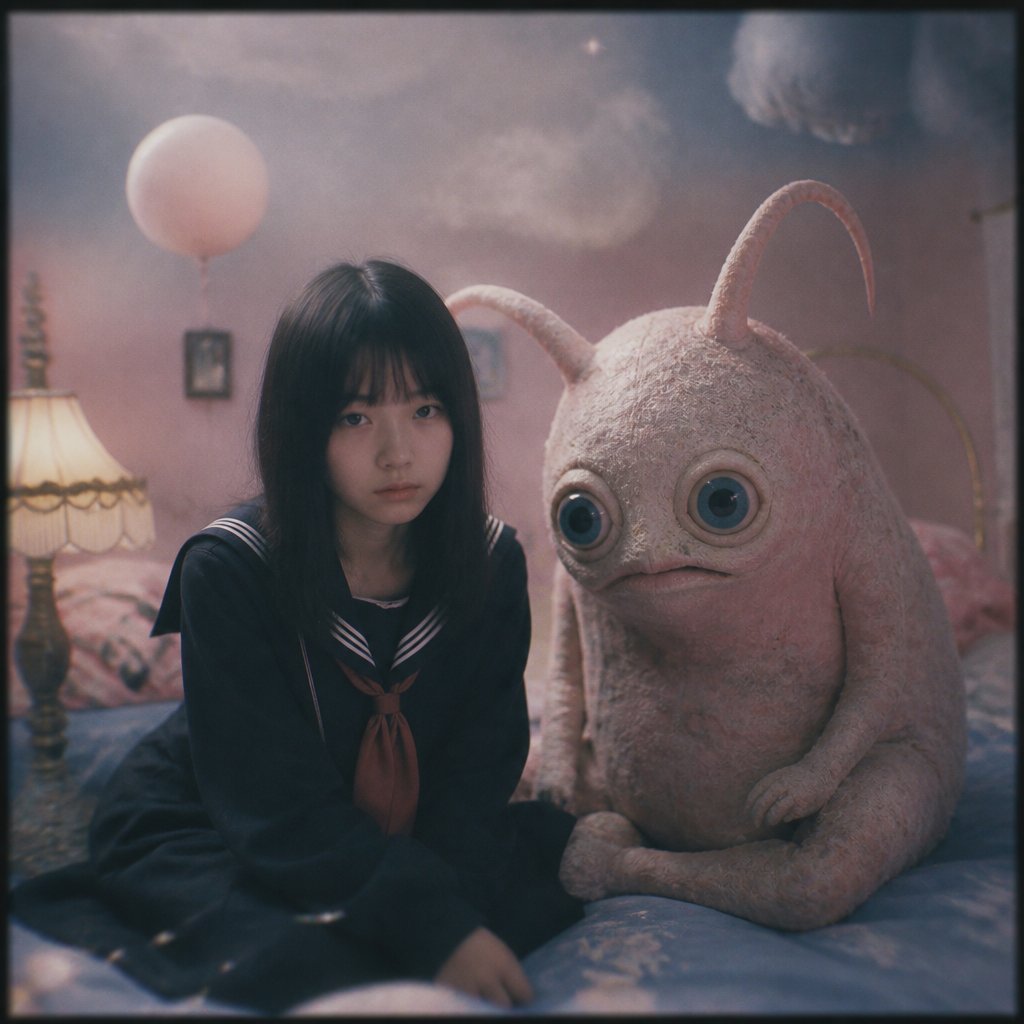
Dreamy Girl and Fantasy Creature
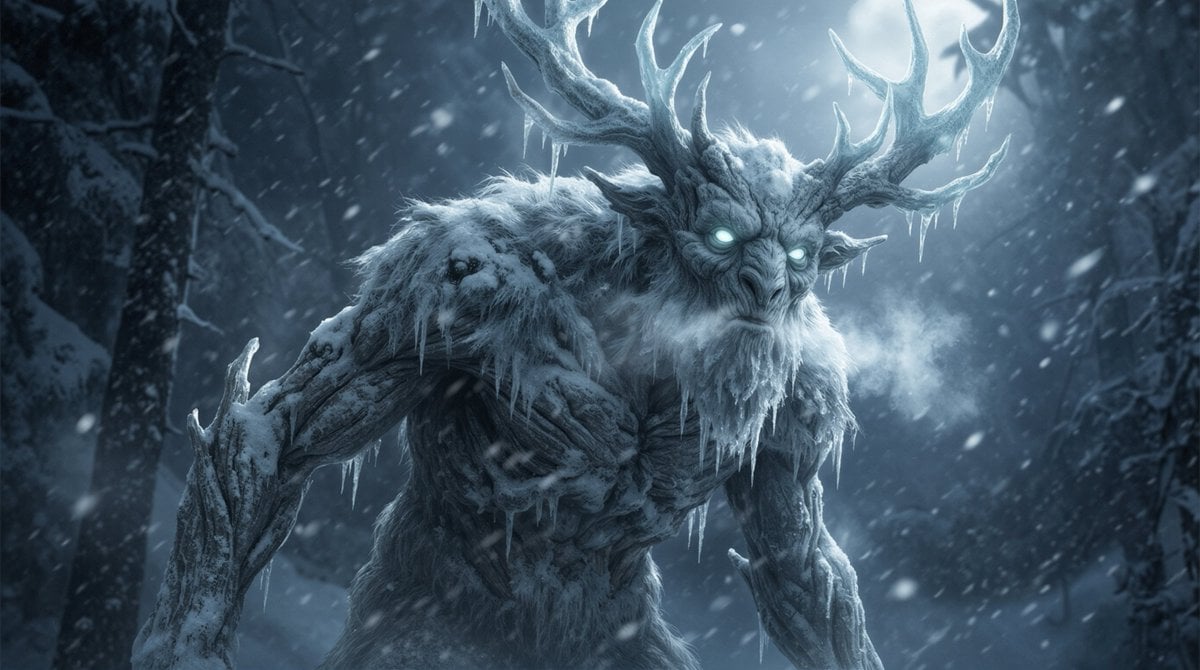
Dark Fantasy Winter Creature Emerging from a Blizzard
JSON Seedance - Fairy Macro Flight
Make it yours
Fantasy Creature With Milk in Server Room works as-is. These are the safest ways to change it without losing the look.
Change one field
Copy a single group, rewrite it, and generate again so you can see what that field is doing.
Keep the frame, change the subject
Hold the composition and light of Fantasy Creature With Milk in Server Room, then swap wardrobe, props or the person for a new take.
| If the result… | Why | Fix |
|---|---|---|
| The result drifts from the preview | Too many fields changed at once. | Reuse Fantasy Creature With Milk in Server Room as-is first, then change one group — subject, light, or setting. |
| The model over-stylizes the scene | The prose prompt leaves finish and camera underspecified. | Add one camera or lighting sentence and stay on GPT Image 2. |
More GPT Image 2 templates
Other prompts made for GPT Image 2.

Six VTuber Japanese Logo Sheet

Realistic Portrait of Woman and Deer

The Vista Modular Condo Poster

AI Model Routing Comparison Infographic

2.5D Anime Art Board

Isometric Productivity Desk Scene

New York Double Exposure Poster

Four-Panel AI Landscape Comparison

Japanese Tatami Lifestyle Magazine Cover

NESCAFÉ Coffee Map Poster
More image prompts
Fresh picks from across the catalog.
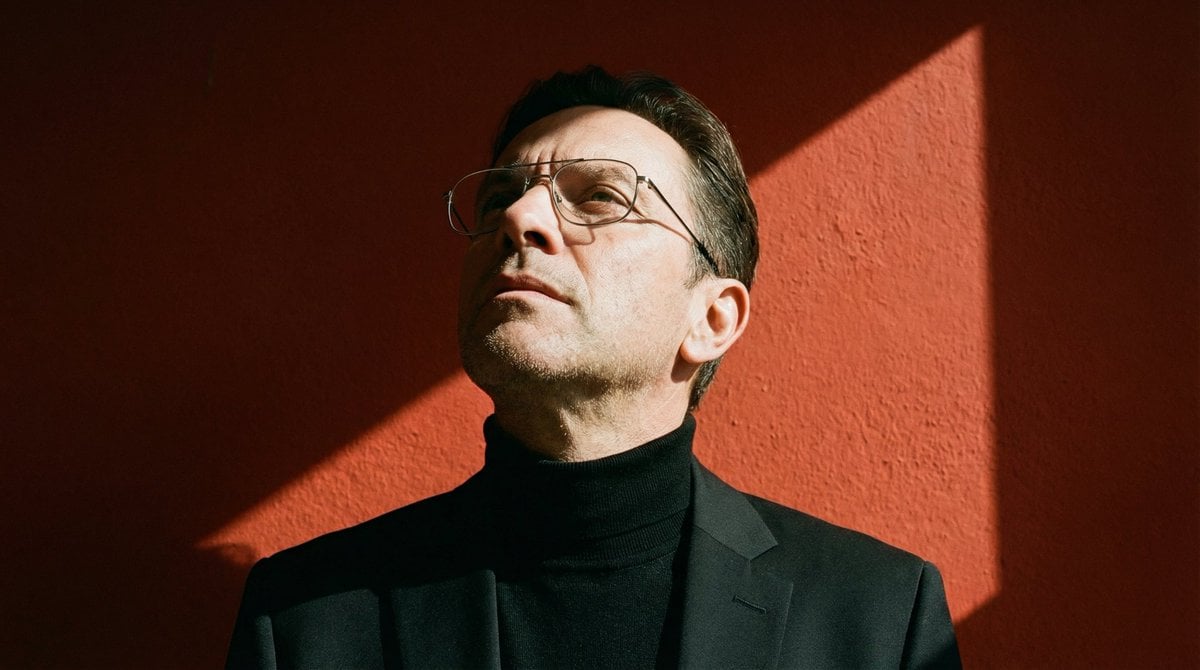
Ultra-Realistic Portrait with Hard Lighting Prompt
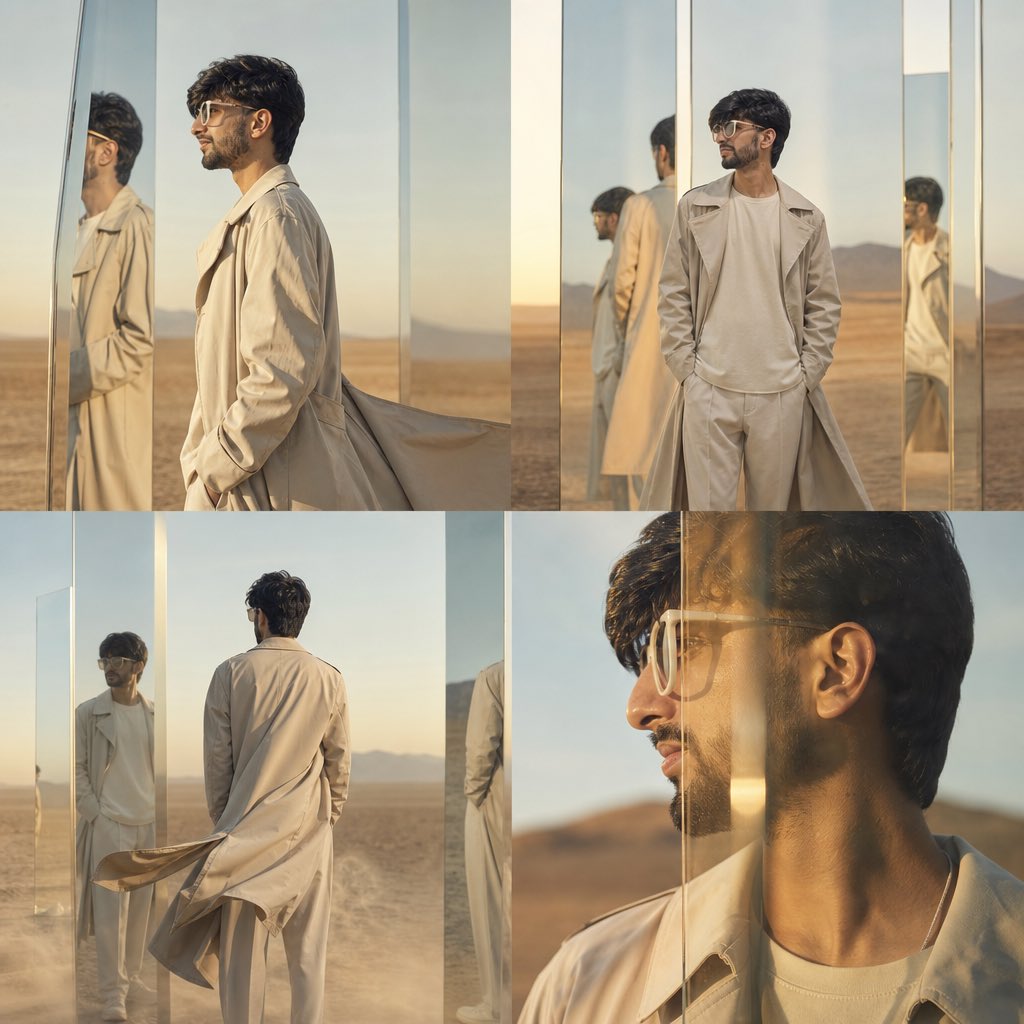
High-Concept Desert Mirror Fashion Photography
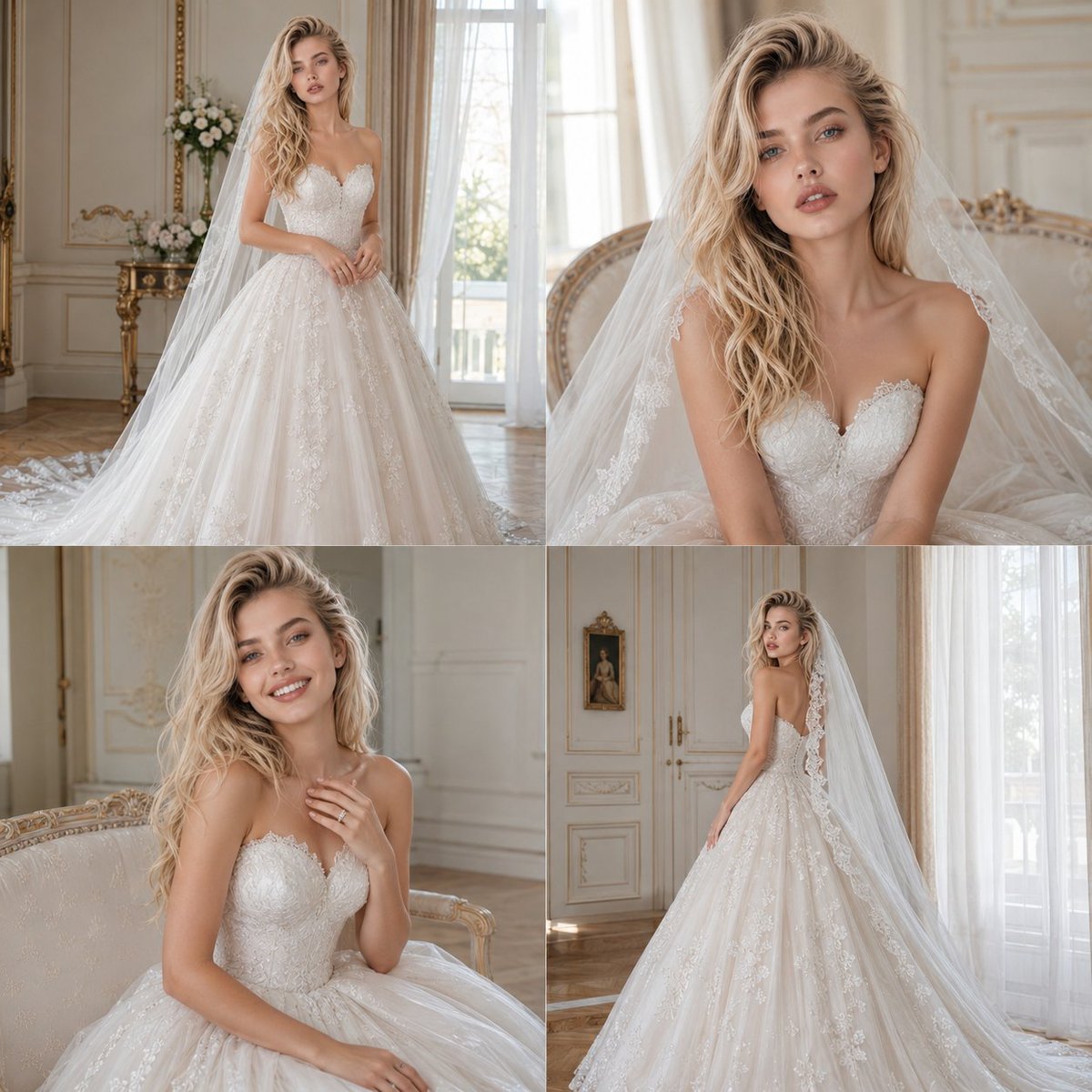
Bridal Photoshoot Grid
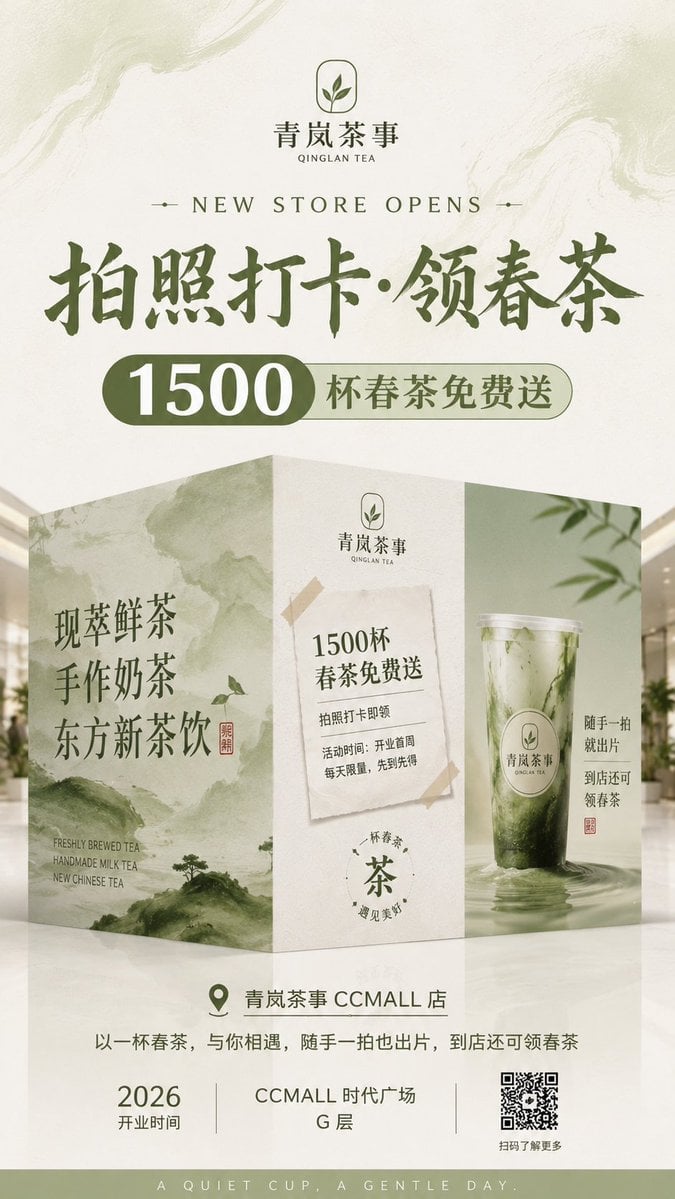
New Chinese Tea Store Hoarding Poster
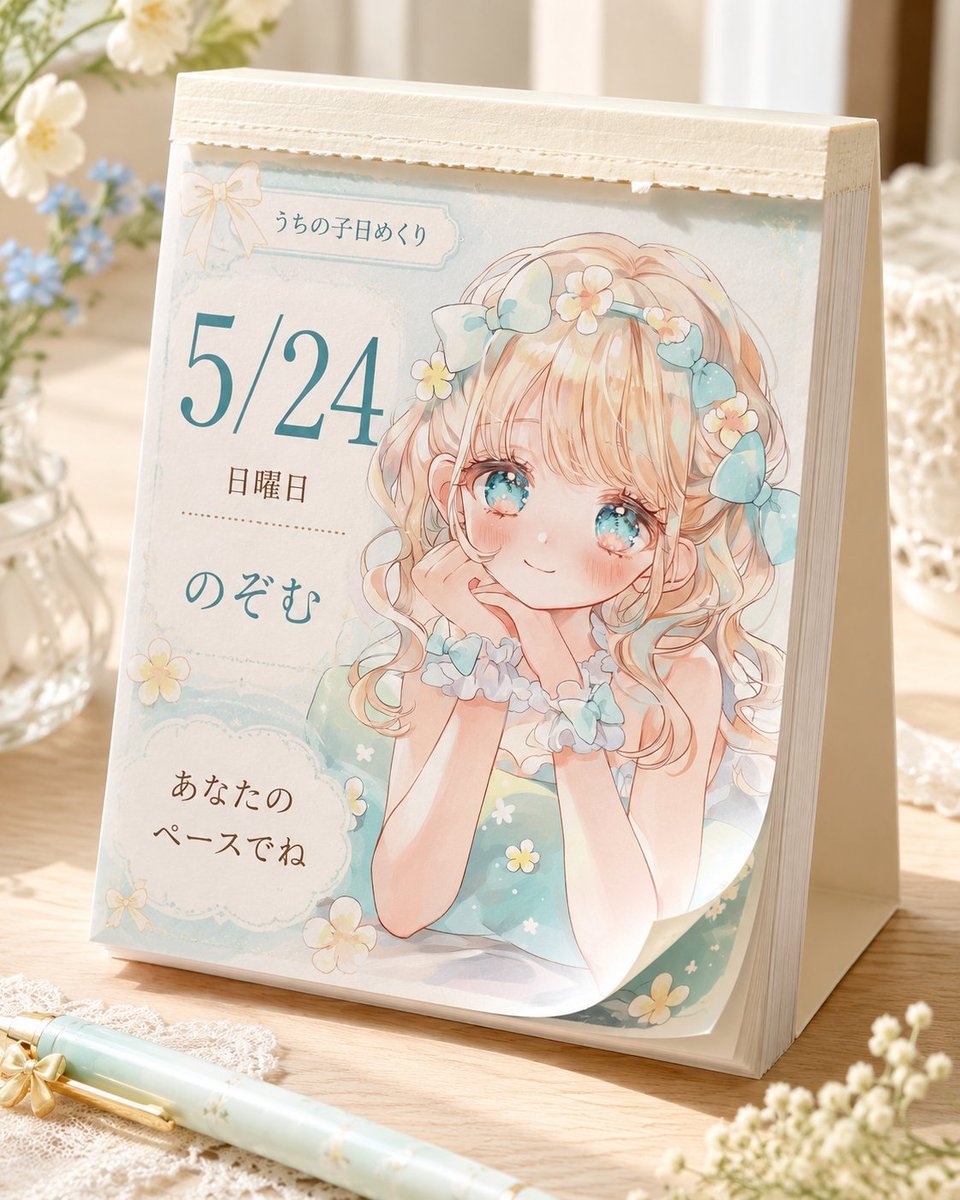
Cute Daily Anime Desk Calendar
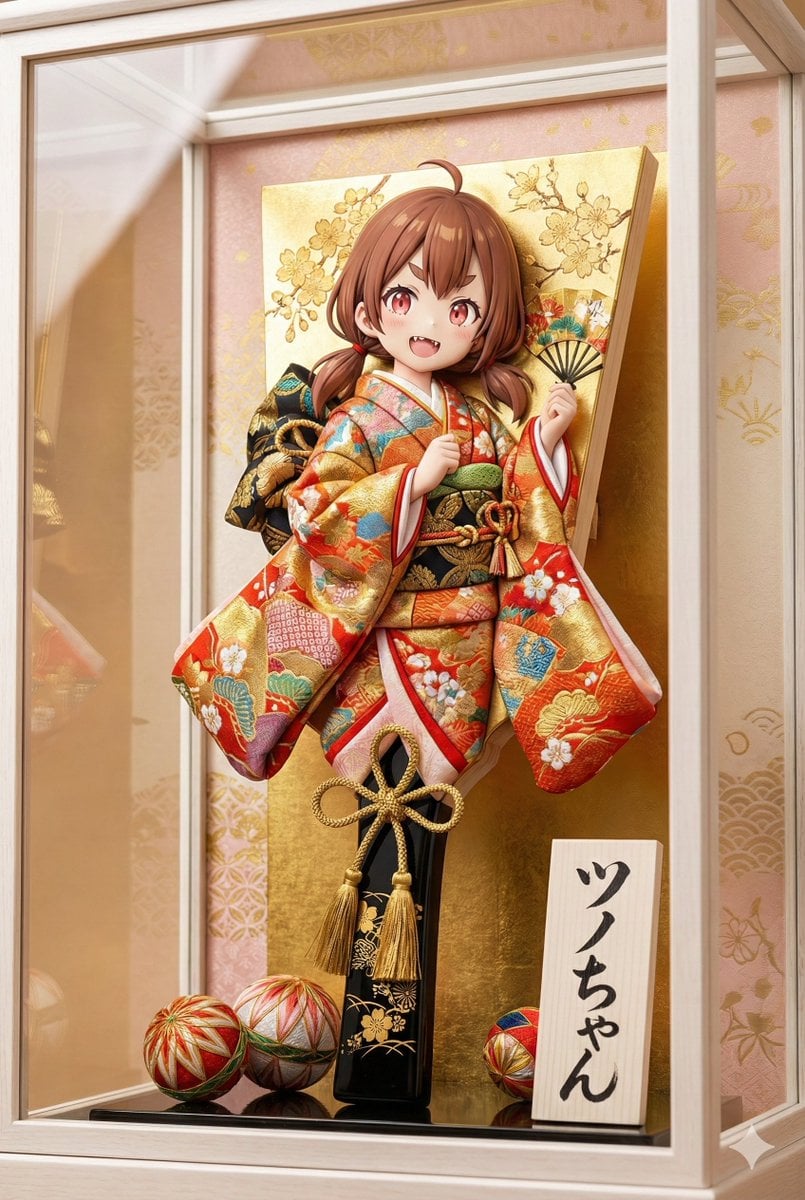
3D Hagoita (Battledore) Prompt for Nano Banana Pro
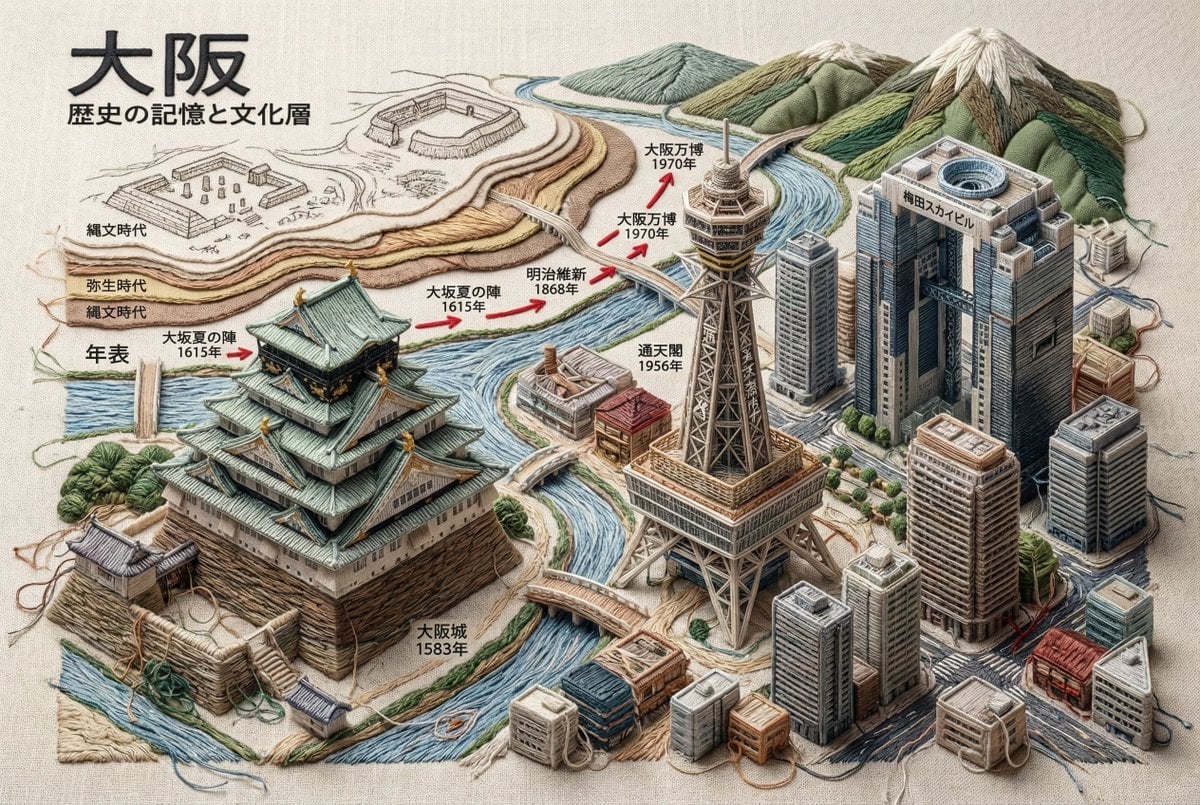
Embroidered 3D Isometric Cityscape Textile Art
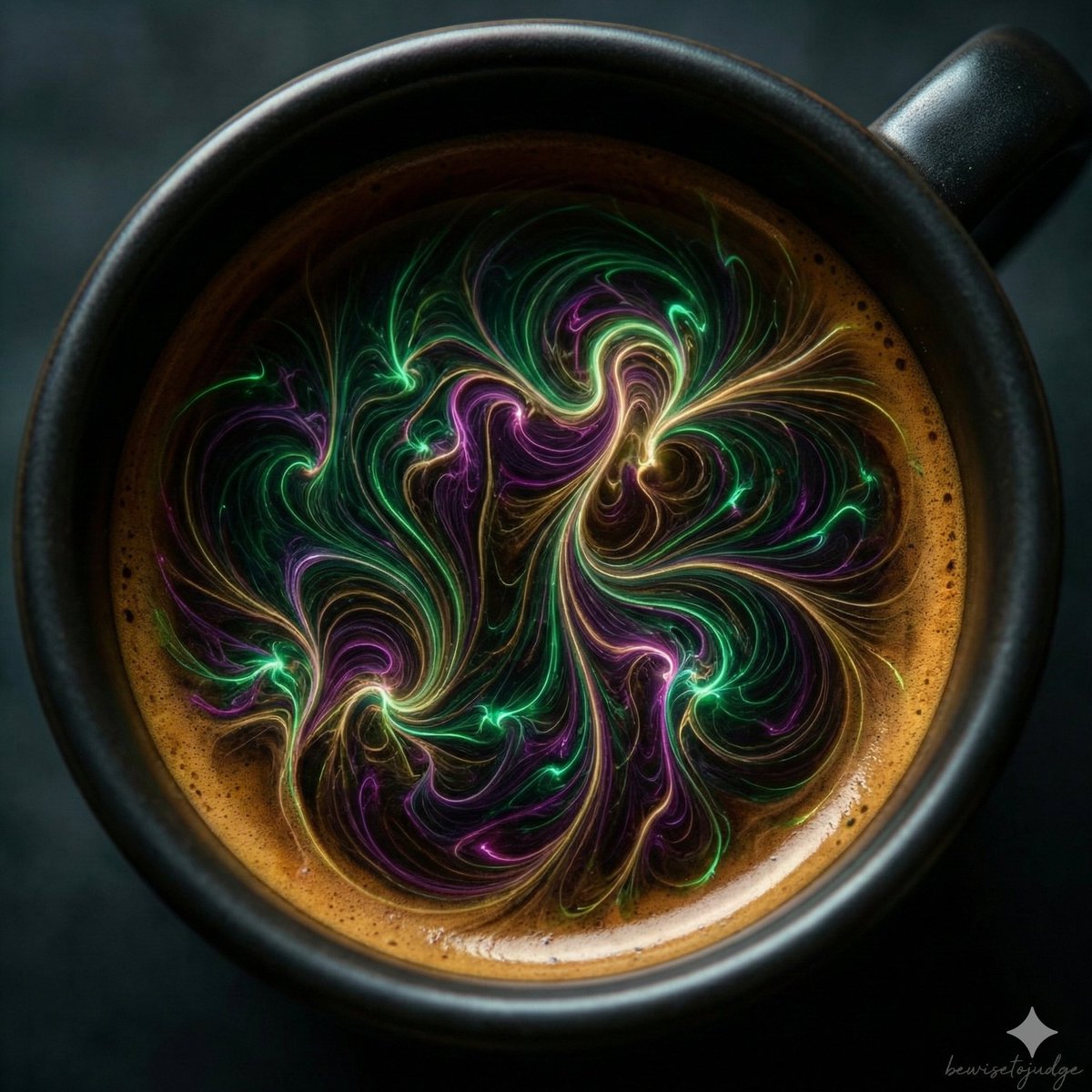
Abstract Microscopic View of Living Coffee Crema

Photorealistic Whimsical Fantasy Character Template
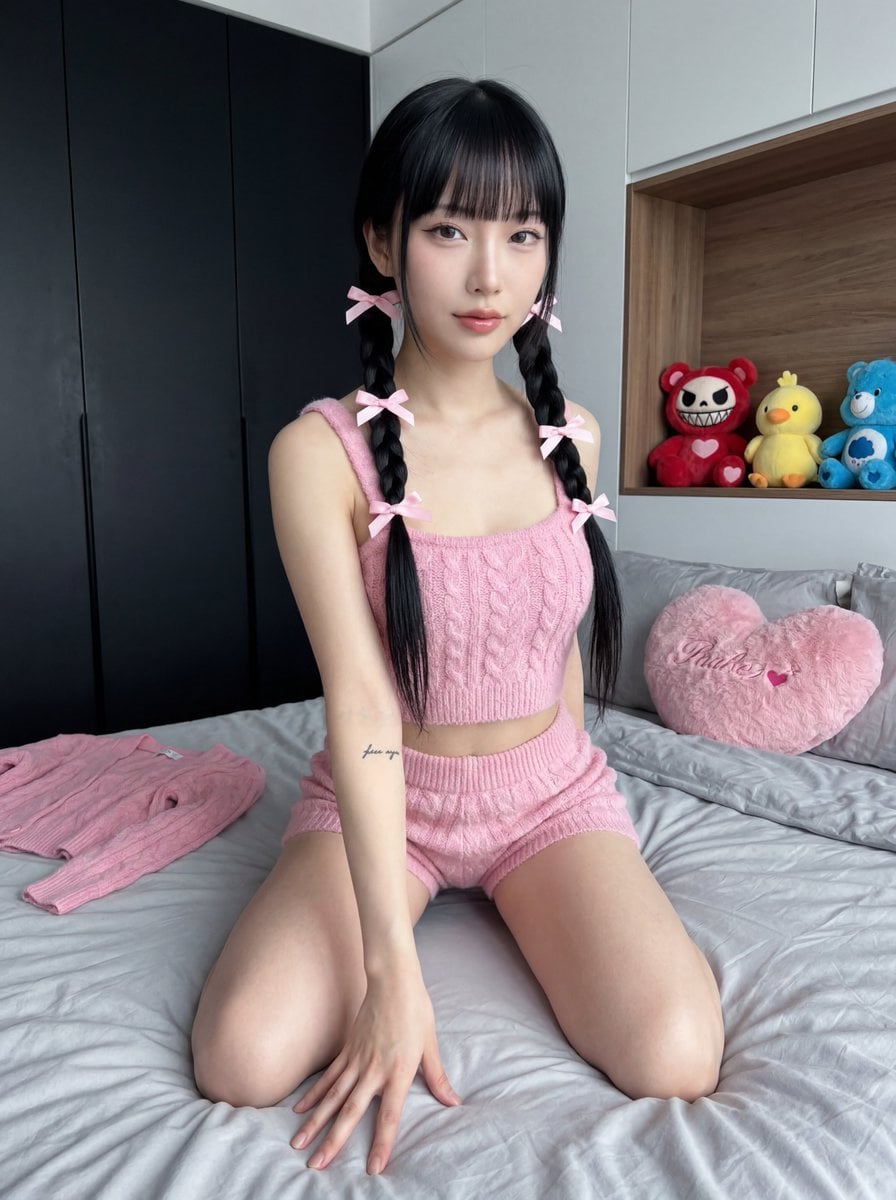
Ultra Photorealistic Japanese Woman in Pink Knit Set
Browse template categories
Fantasy Creature With Milk in Server Room questions
How do I use the Fantasy Creature With Milk in Server Room template?
Add your photo if the template asks for one, edit the prompt if you like — the template's model and format are already selected — and press Generate. Your version opens in PicX Studio.
Can I customize the Fantasy Creature With Milk in Server Room template?
Yes. You can change the subject, setting, lighting, mood, format, and available model controls before creating your image.
Is the Fantasy Creature With Milk in Server Room template free?
Opening and editing this template is free. Generating uses credits, shown on the Generate button when you are signed in.
Which AI model should I use?
Start with GPT Image 2, which is the model associated with this template. You can compare another compatible model for a different finish.
Looking for something else? Browse all templates.

Your photo, any look
Thousands of ready templates for every top image and video model, from one credit balance.