How do I use the Pastel Cat-Eared Summer Idol Stage template?
Edit the prompt in the box under the preview — the template's model and format are already selected — and press Generate. Your version appears right on this page.
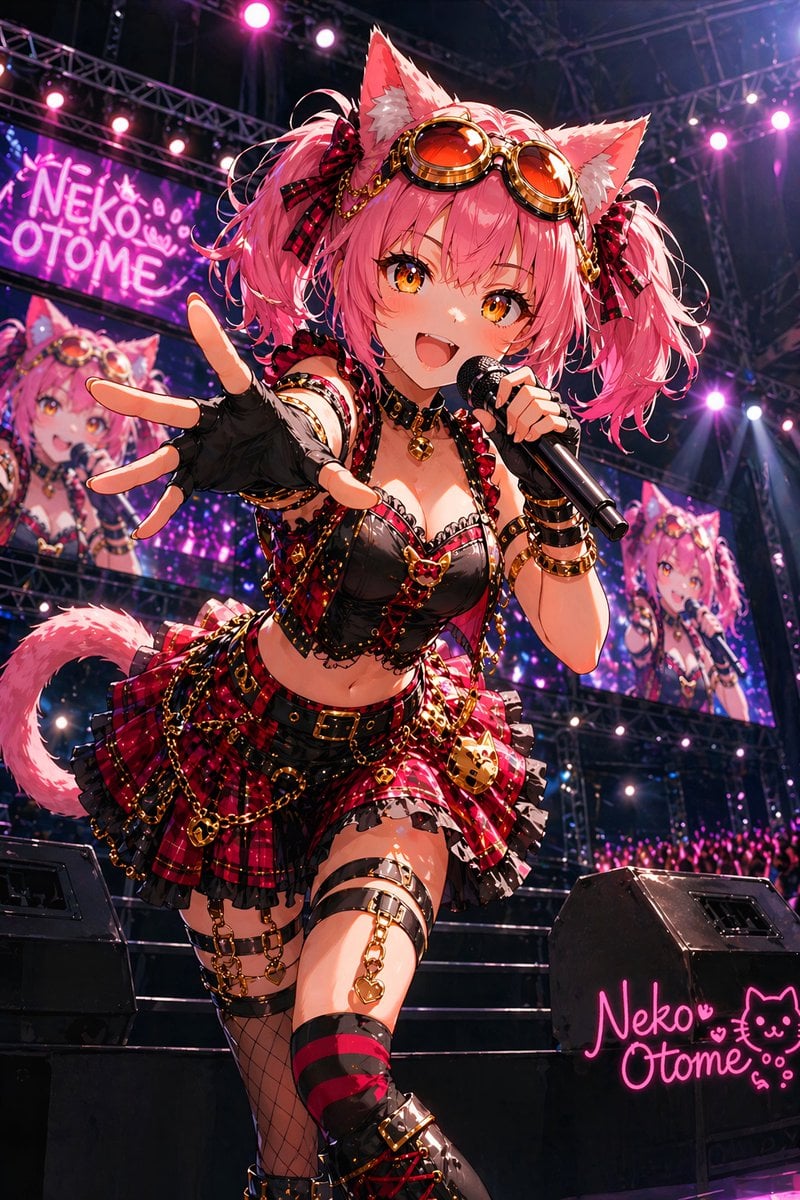
Generates a cheerful pastel anime catgirl idol performing on a summer festival stage with a large screen and cute logo branding.

This template uses your photo — add one with the + button.
Create a bright pastel anime idol illustration of {argument name="character name" default="Tama"}, a cheerful cat-eared girl performing at a summer festival stage. She has short bobbed {argument name="hair color" default="sky blue"} hair with straight bangs, blue eyes, white-and-blue cat ears, and a pink floral ribbon hair ornament with dangling tassels on one side. Show her in the foreground from mid-thigh up, winking with an open happy smile, wearing a black headset microphone, one hand raised to her cat ear as if posing, the other arm extended outward. Her outfit is a cute summer idol sailor uniform: pink plaid short-sleeve blouse with white sailor collar, yellow necktie, small chest pocket and tiny badges, a pink plaid pleated skirt with white lace trim, choker with a small pink flower, and a white waist pouch decorated with blue trim, a yellow bow, and orange flower motifs. Behind her, include exactly one large vertical stage screen showing the same character in a similar winking pose, framed by a dark blue border. Add exactly three visible stage light rigs: one on the left edge, one near the upper right, and one partly visible at the far right. Add festive summer-fair background details with soft trees, blue sky, fluffy clouds, pastel bunting, confetti, and faint cute mascot graphics. Place a bubbly logo on the left reading {argument name="logo text" default="owa days"} with a paw-print icon. Use a clean gpt-image-2 anime style with thin blue line art, soft cel shading, airy high-key lighting, pastel cyan, pink, yellow, and white palette, energetic idol concert composition, slight low-angle perspective, crisp character focus, no realism, no extra characters, no watermark.
Create a bright pastel anime idol illustration of {argument name="character name" default="Tama"}, a cheerful cat-eared girl performing at a summer festival stage. She has short bobbed {argument name="hair color" default="sky blue"} hair with straight bangs, blue eyes, white-and-blue cat ears, and a pink floral ribbon hair ornament with dangling tassels on one side. Show her in the foreground from mid-thigh up, winking with an open happy smile, wearing a black headset microphone, one hand raised to her cat ear as if posing, the other arm extended outward. Her outfit is a cute summer idol sailor uniform: pink plaid short-sleeve blouse with white sailor collar, yellow necktie, small chest pocket and tiny badges, a pink plaid pleated skirt with white lace trim, choker with a small pink flower, and a white waist pouch decorated with blue trim, a yellow bow, and orange flower motifs. Behind her, include exactly one large vertical stage screen showing the same character in a similar winking pose, framed by a dark blue border. Add exactly three visible stage light rigs: one on the left edge, one near the upper right, and one partly visible at the far right. Add festive summer-fair background details with soft trees, blue sky, fluffy clouds, pastel bunting, confetti, and faint cute mascot graphics. Place a bubbly logo on the left reading {argument name="logo text" default="owa days"} with a paw-print icon. Use a clean gpt-image-2 anime style with thin blue line art, soft cel shading, airy high-key lighting, pastel cyan, pink, yellow, and white palette, energetic idol concert composition, slight low-angle perspective, crisp character focus, no realism, no extra characters, no watermark.
Edit the prompt in the box under the preview — the template's model and format are already selected — and press Generate. Your version appears right on this page.
Yes. You can change the subject, setting, lighting, mood, format, and available model controls before creating your image.
Opening and editing this template is free. Generating uses credits, shown on the Generate button when you are signed in.
Start with GPT Image 2, which is the model associated with this template. You can compare another compatible model for a different finish.
Follow a topic to a crawlable collection of related PicX Studio templates.