
Winking Cat-Eared Idol Card
A pastel anime character-card illustration of a winking cat-eared girl in an ornate red sailor outfit with flowers, plaid, and Japanese scrapbook details.
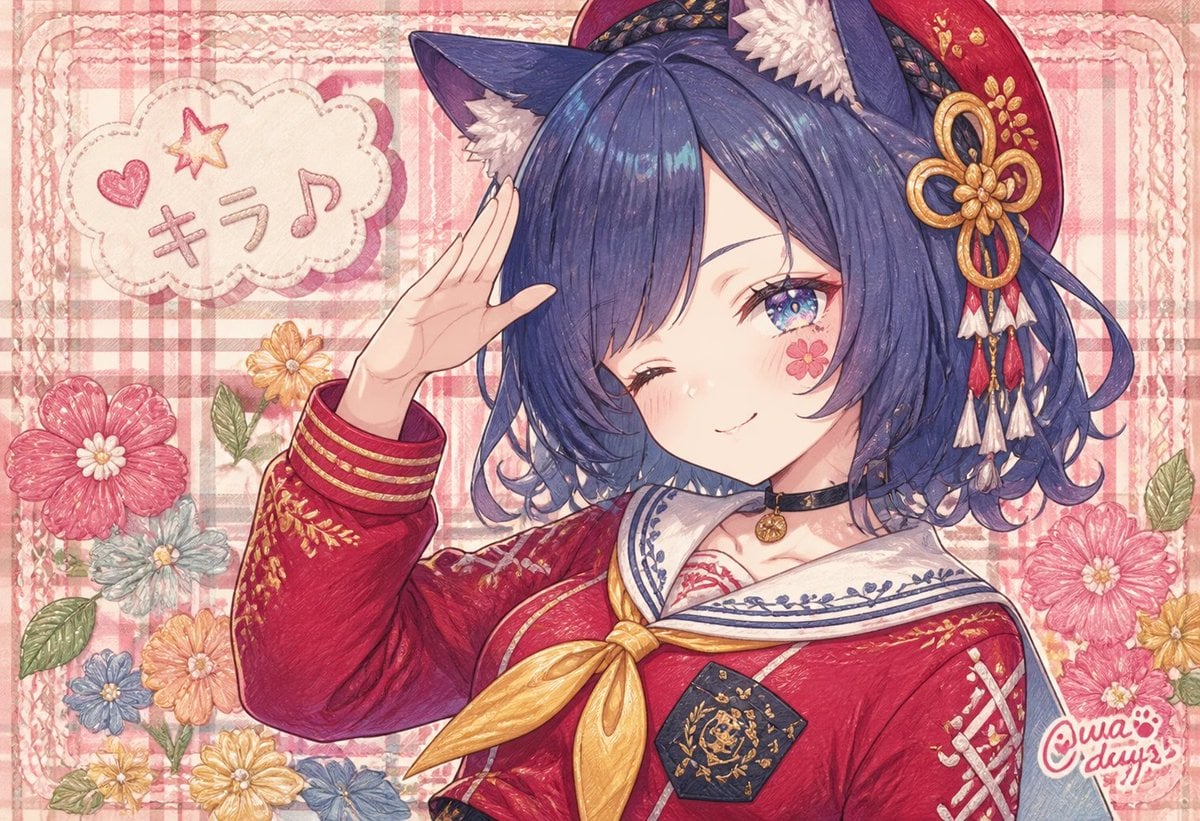
- Prompt included
- Model and format preset
- Premium template
The prompt behind this image
Copy the exact prompt behind Winking Cat-Eared Idol Card, or open it in the studio and make it yours.
Create a cute, richly textured anime illustration of {argument name="character name" default="Tama"}, a blue-haired cat-eared girl in a red Japanese-inspired sailor uniform, posing cheerfully in a pastel scrapbook style. She is shown from the chest up, slightly angled to the right, with one hand raised in a salute near her forehead and one eye winking while the other sparkling blue-purple eye looks at the viewer. Give her short wavy {argument name="hair color" default="deep navy blue"} hair with glossy highlights, fluffy dark cat ears with white inner fur, soft blush, and a small pink flower sticker/face paint on her cheek. Her outfit is a crimson sailor-style top with white collar, navy embroidery, gold trim, a large shiny yellow bow at the chest, ornate gold floral patterns on the sleeves, a black choker with a small round gold charm, and a dark hexagonal badge with gold filigree. Add a red beret-like hair accessory with gold embroidery and a decorative gold knot ornament, plus dangling red, white, and gold tassels. The background should be a warm pink plaid fabric pattern with lace-like borders and a handmade greeting-card feel. Include exactly 7 prominent decorative flowers around the frame: one large pink flower at lower left, one small pale blue flower near it, one orange flower lower left-center, one blue flower near bottom center, one yellow flower near upper left-center, one large pink flower at right, and one small yellow flower beside it, with green leaves. In the upper left, add a stitched cloud-shaped speech bubble containing a pink heart, a yellow star, and the Japanese text {argument name="bubble text" default="キラ♪"}. Add a small handwritten artist logo in the lower right reading {argument name="artist signature" default="@uwa days"} with a paw-print motif. Use a delicate colored-pencil and watercolor texture, soft paper grain, visible sketch lines, pastel pink lighting, intricate embroidery details, and a cozy kawaii idol-card composition. No photorealism, no 3D rendering, no extra characters, no cropped face, no additional text beyond the bubble and signature.
How to use Winking Cat-Eared Idol Card in 3 steps
- 1Upload ImagePNG, JPG or paste
Add your photo
Upload the photo the template builds on. The prompt, model and format are already set.
- 2…a portrait of your subject in softgolden-hour light, 85mm…
Personalize
Edit the subject and creative details for your destination.
- 3Generate
Generate
Press Generate — your image is created in PicX Studio, so you can compare it with the original and refine one variable at a time.
More like this
Templates with the same subject, style or setup. Open one to see its prompt.
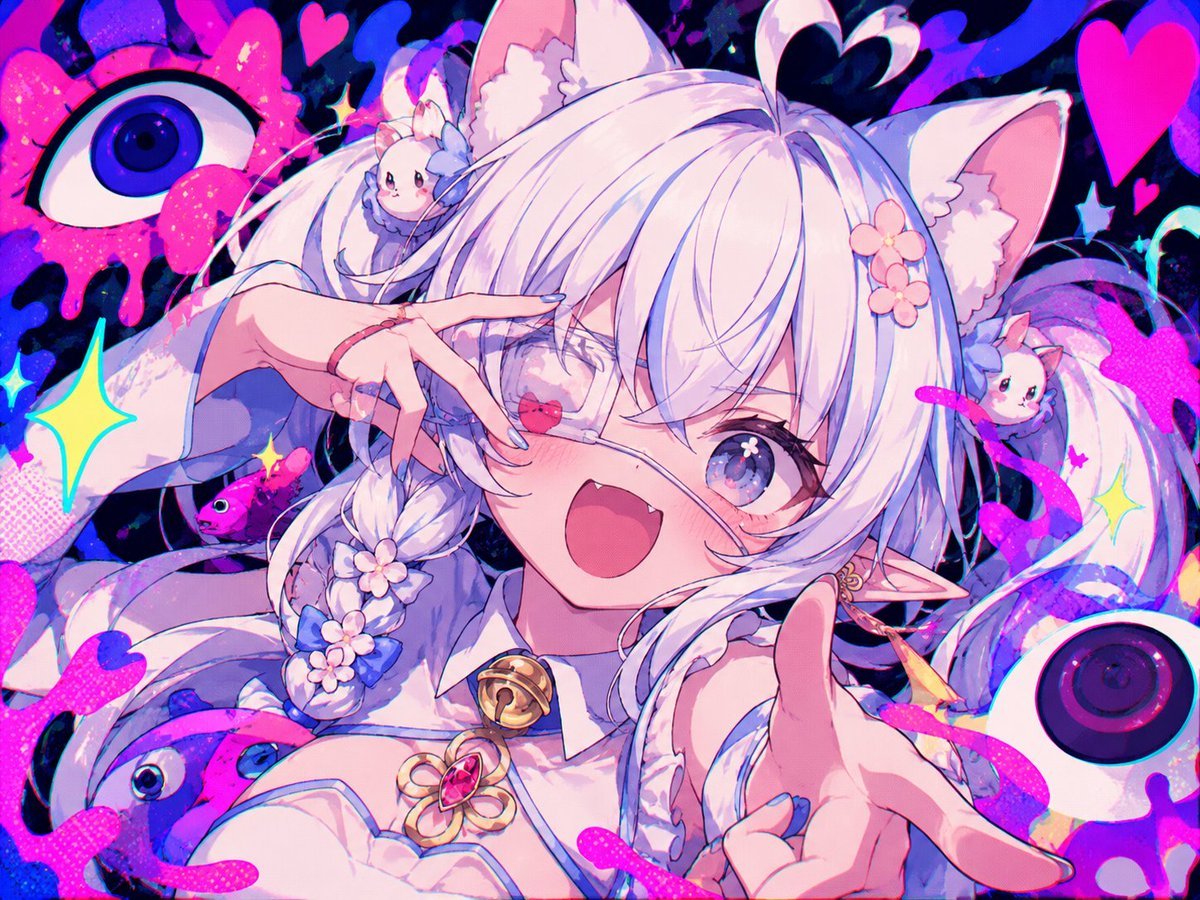
Neon Cat-Eared Idol Close-Up
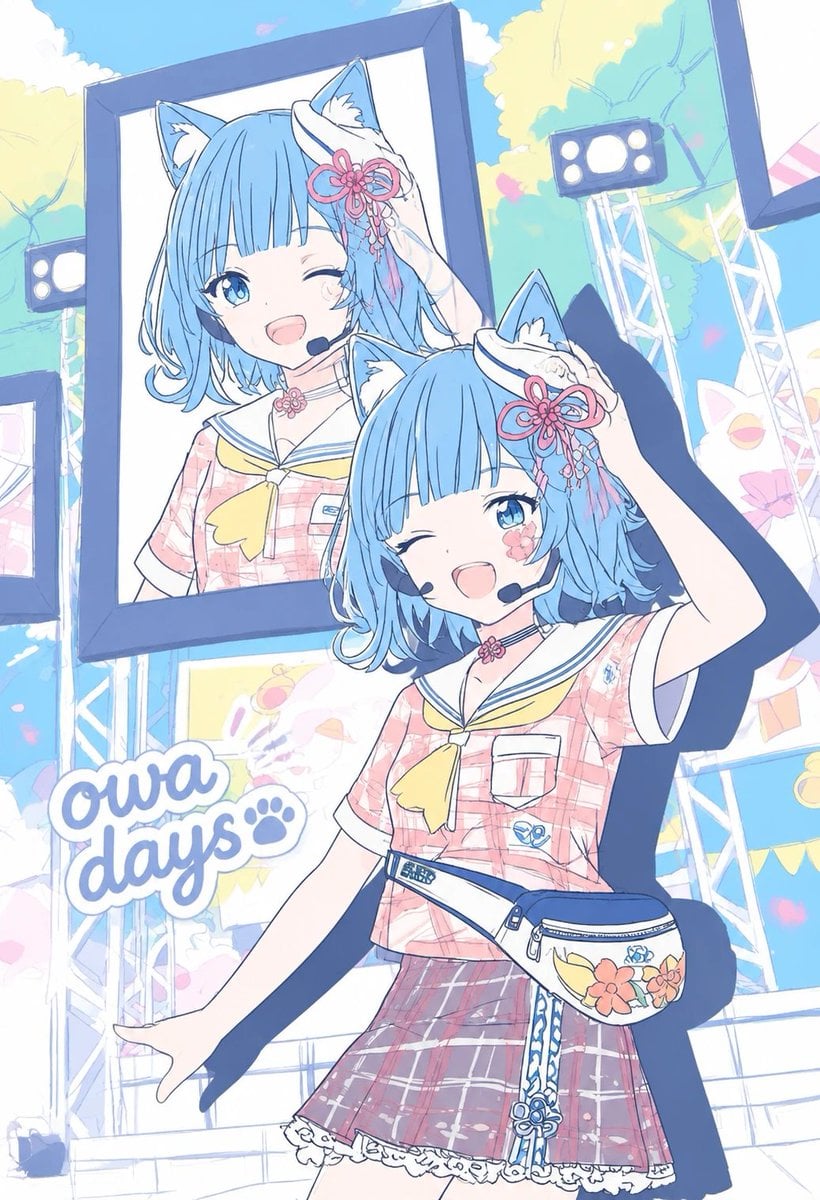
Pastel Cat-Eared Summer Idol Stage
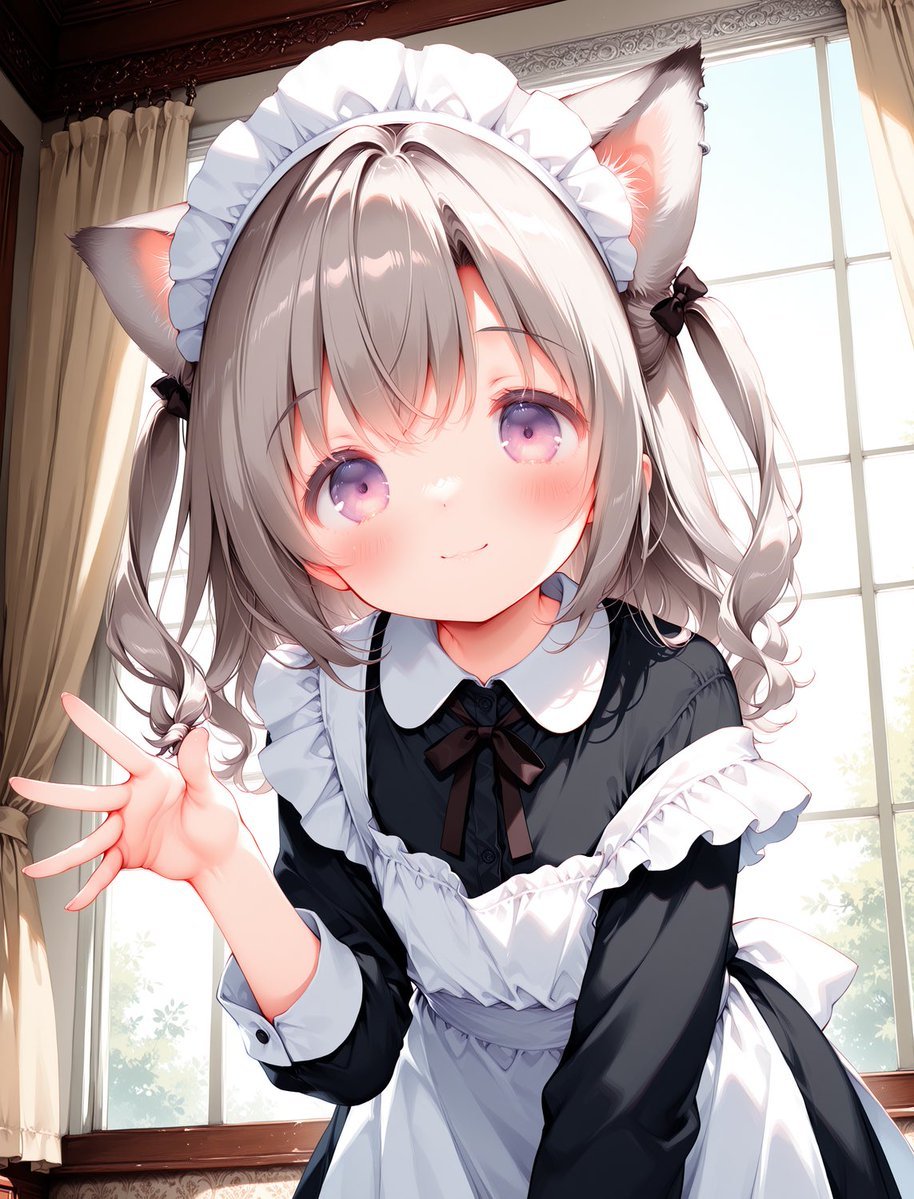
Cat-Eared Maid Portrait

Cat-Eared Kimono Girl Portrait
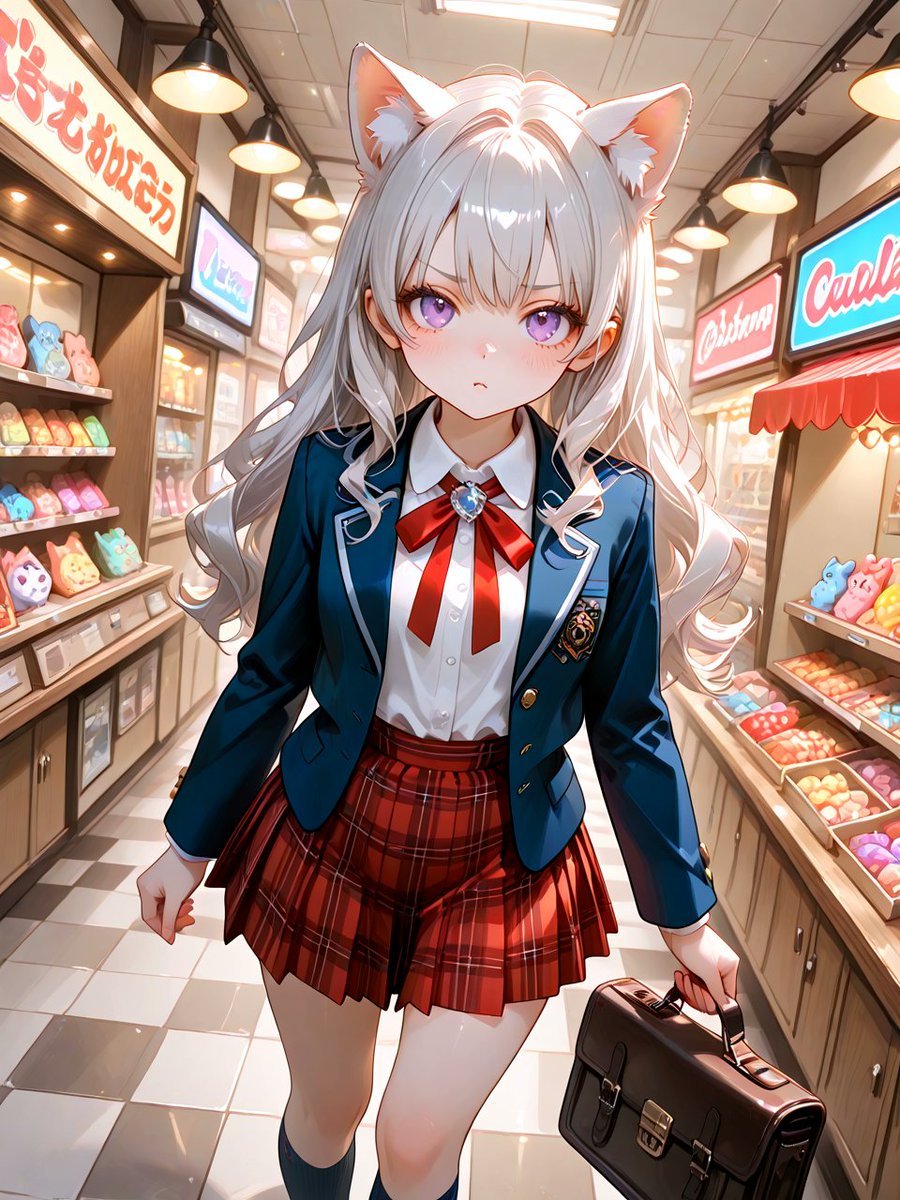
Cat-Eared Schoolgirl in Sweets Arcade
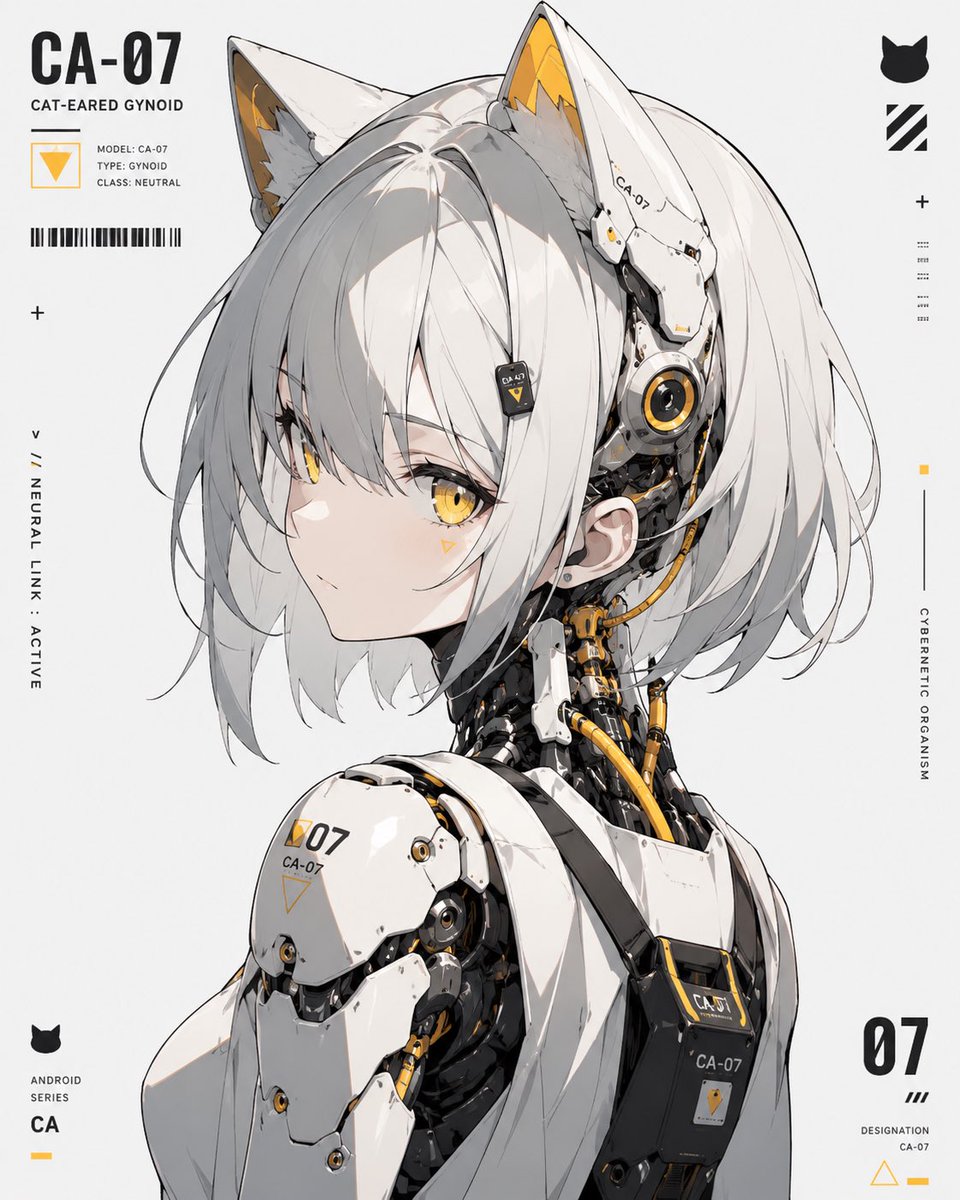
Cat-Eared Gynoid Digital Illustration
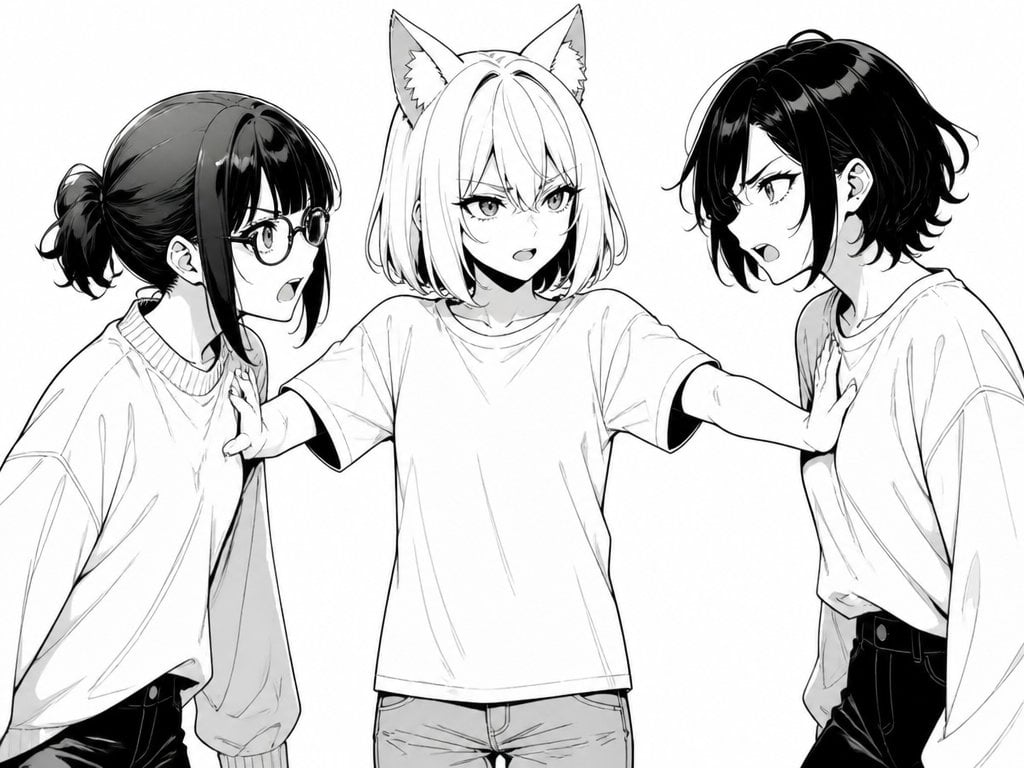
Manga Cat-Eared Girl Breaking Up Fight
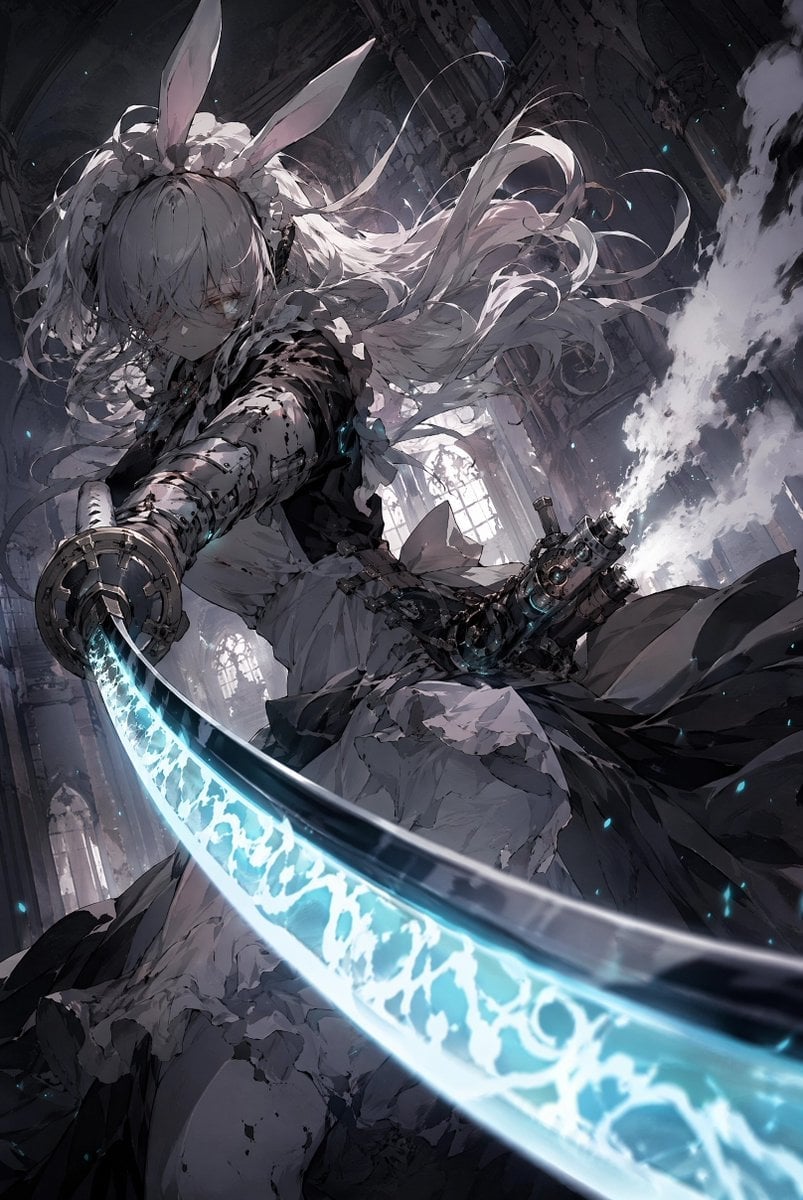
Rabbit-Eared Swordswoman in Ruined Cathedral
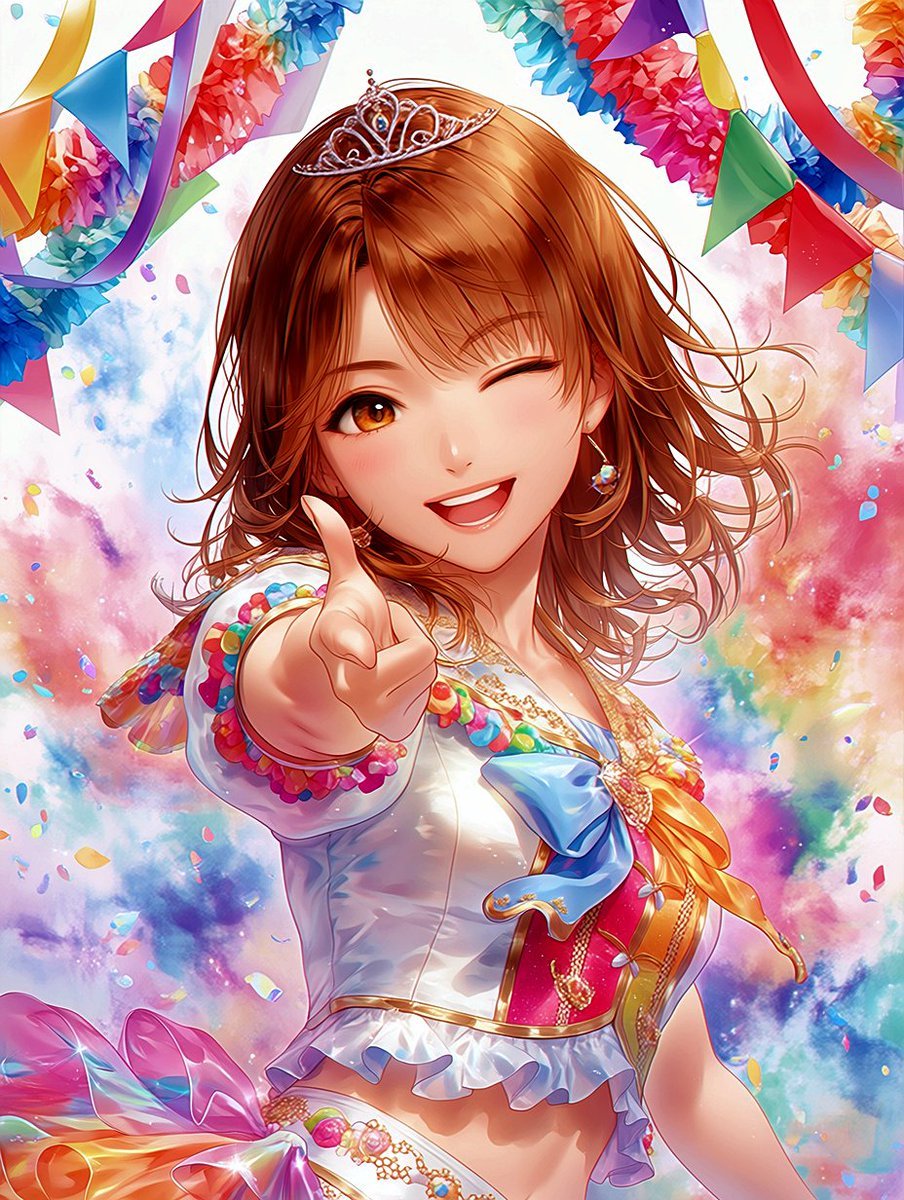
Winking Anime Idol Festival Portrait

Sunlit Cat-Eared Girl Reading

Rainy Cat-Eared Survivor Morning

Cat-Eared Kimono Girl
Make it yours
Winking Cat-Eared Idol Card works as-is. These are the safest ways to change it without losing the look.
Change one field
Copy a single group, rewrite it, and generate again so you can see what that field is doing.
Keep the frame, change the subject
Hold the composition and light of Winking Cat-Eared Idol Card, then swap wardrobe, props or the person for a new take.
| If the result… | Why | Fix |
|---|---|---|
| The result drifts from the preview | Too many fields changed at once. | Reuse Winking Cat-Eared Idol Card as-is first, then change one group — subject, light, or setting. |
| The model over-stylizes the scene | The prose prompt leaves finish and camera underspecified. | Add one camera or lighting sentence and stay on GPT Image 2. |
More GPT Image 2 templates
Other prompts made for GPT Image 2.

Six VTuber Japanese Logo Sheet

Realistic Portrait of Woman and Deer

The Vista Modular Condo Poster

AI Model Routing Comparison Infographic

2.5D Anime Art Board

Isometric Productivity Desk Scene

New York Double Exposure Poster

Four-Panel AI Landscape Comparison

Japanese Tatami Lifestyle Magazine Cover

NESCAFÉ Coffee Map Poster
More image prompts
Fresh picks from across the catalog.
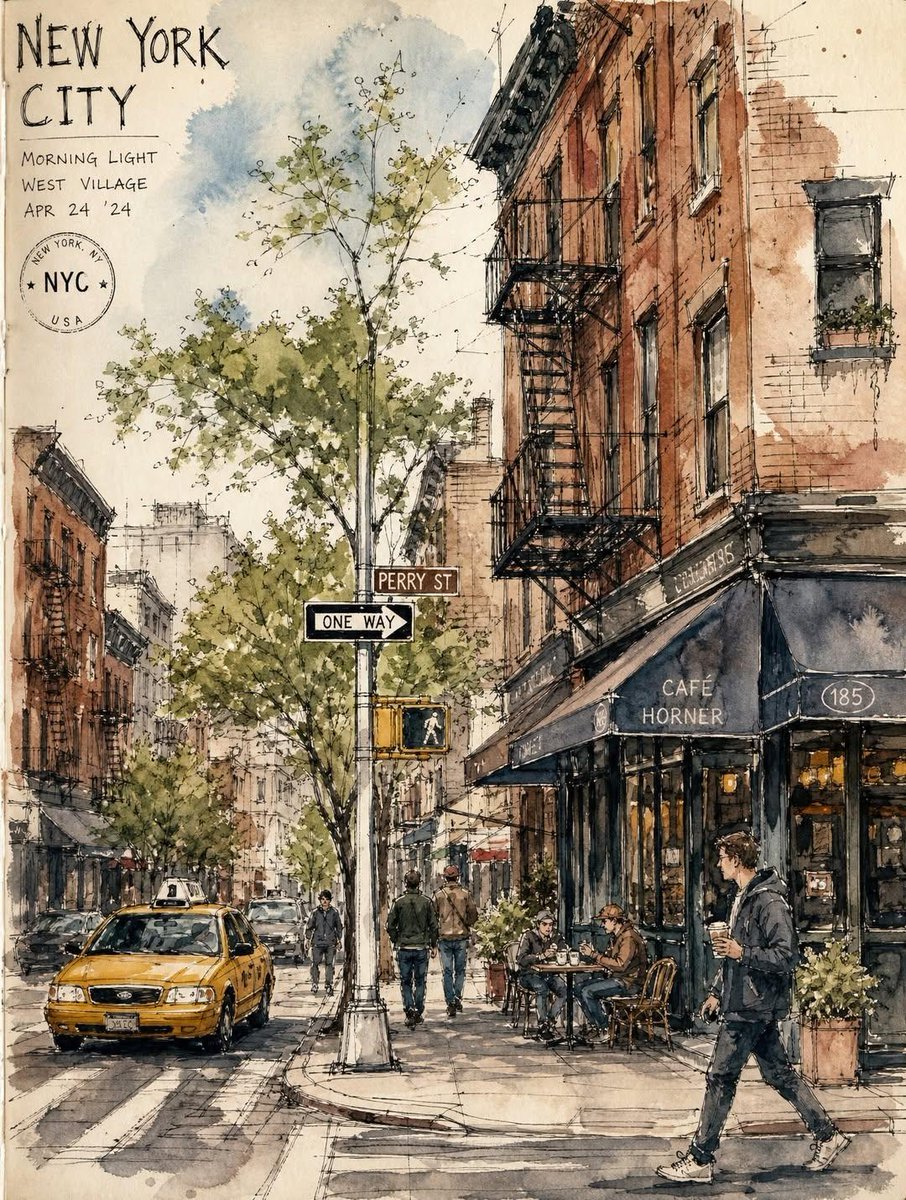
Vintage European Travel Sketchbook

3D Animated Character Expression Grid
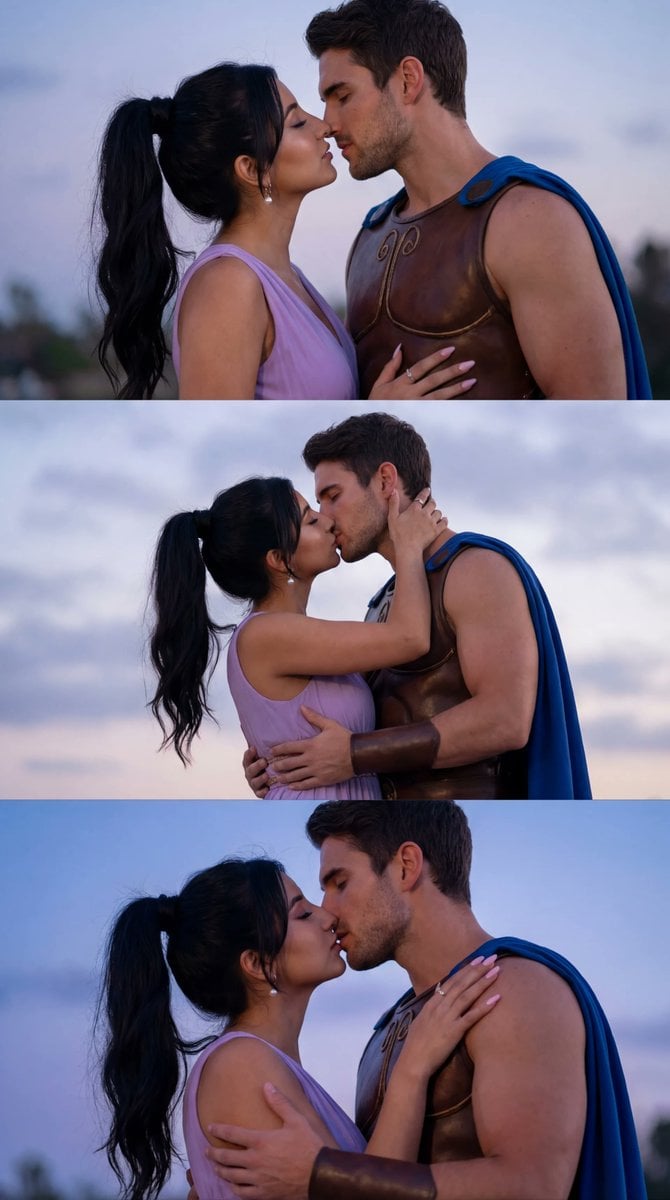
Cinematic Cosplay Romance Triptych

Crude MS Paint Photo Doodle
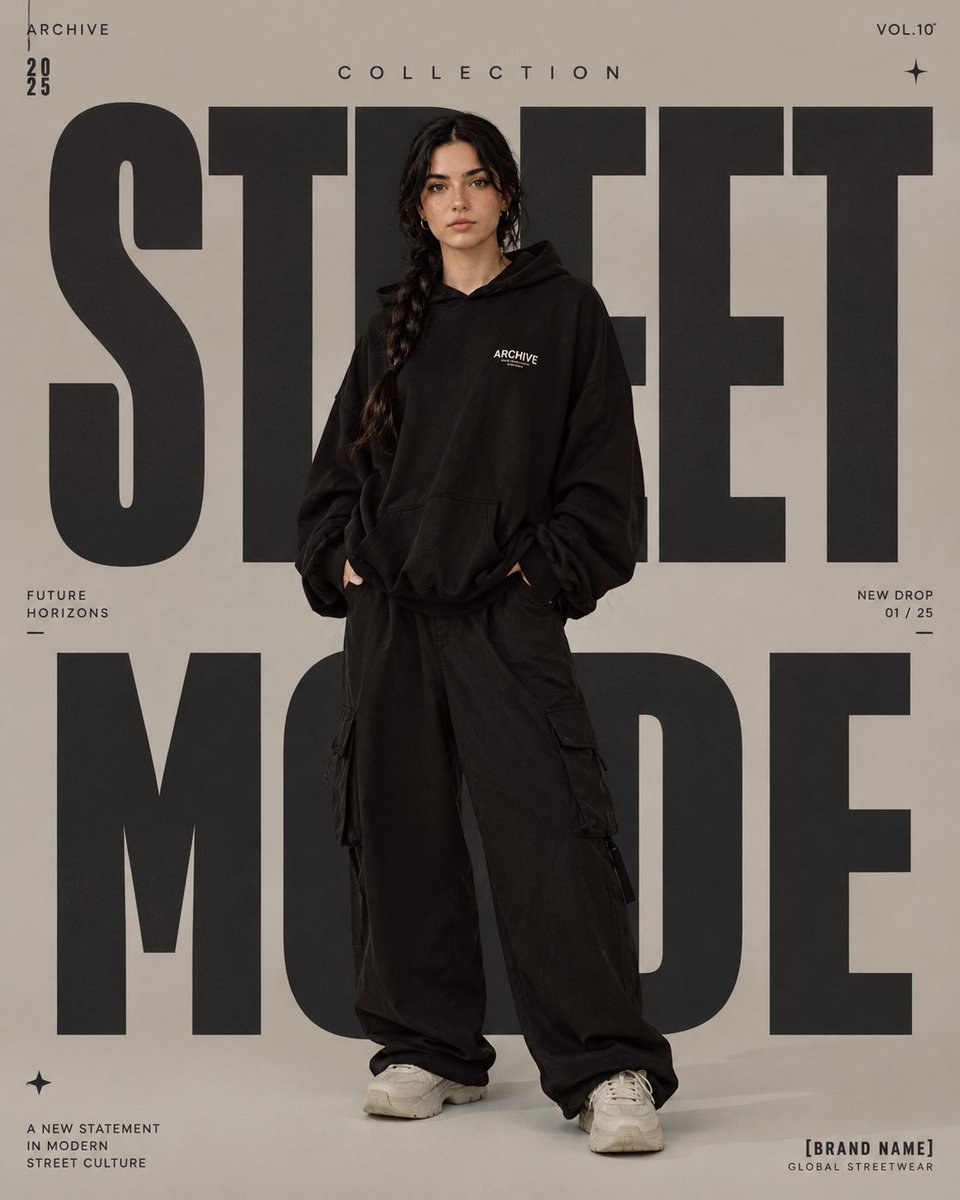
High-Fashion Editorial Magazine Poster
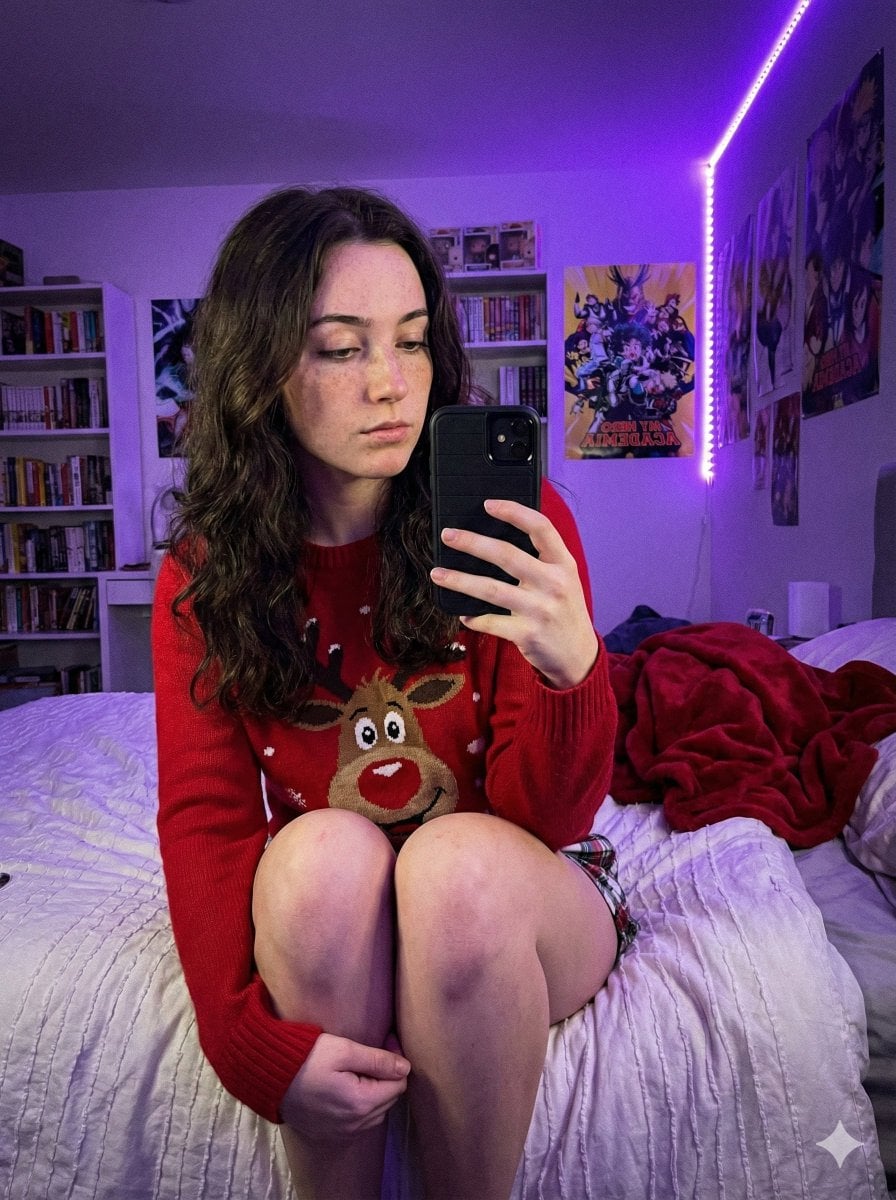
Low-Light Smartphone Selfie in Gen Z Bedroom
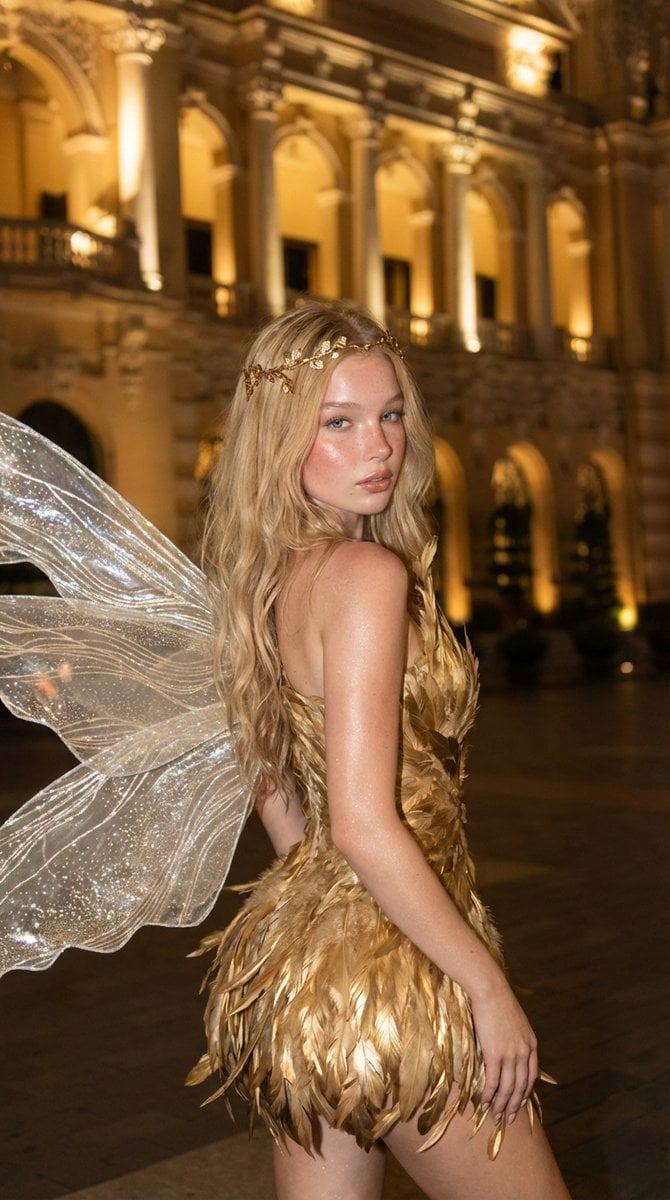
Golden Fairy Night Portrait
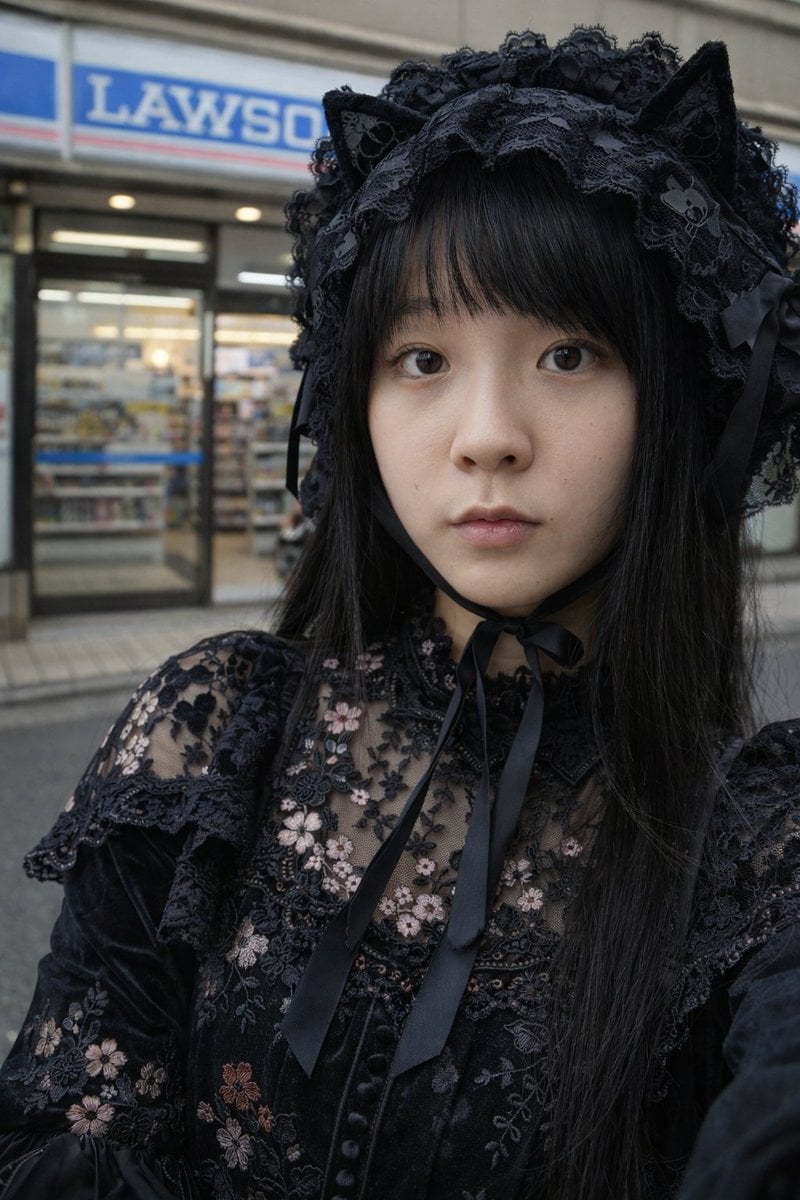
Gothic Lolita Portrait at Convenience Store
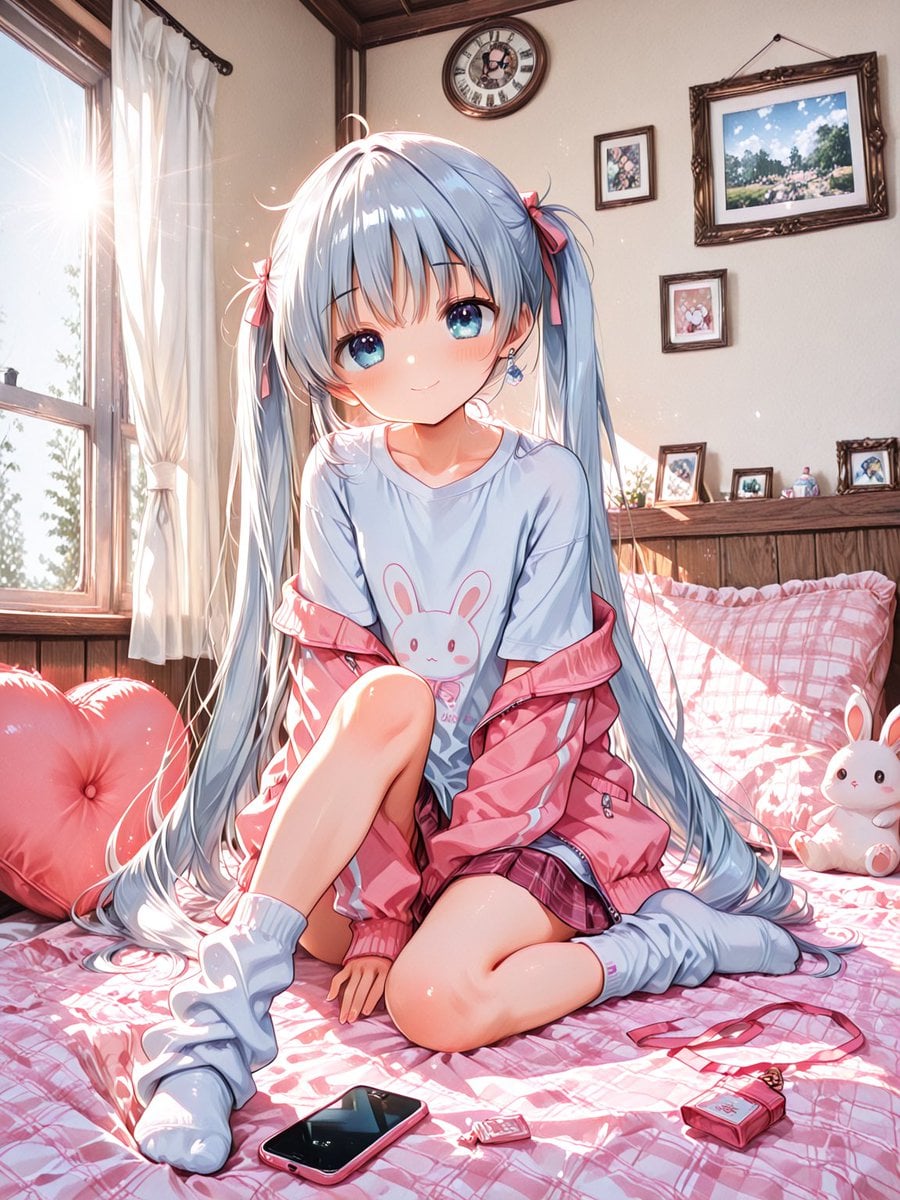
Sunlit Anime Bedroom Portrait
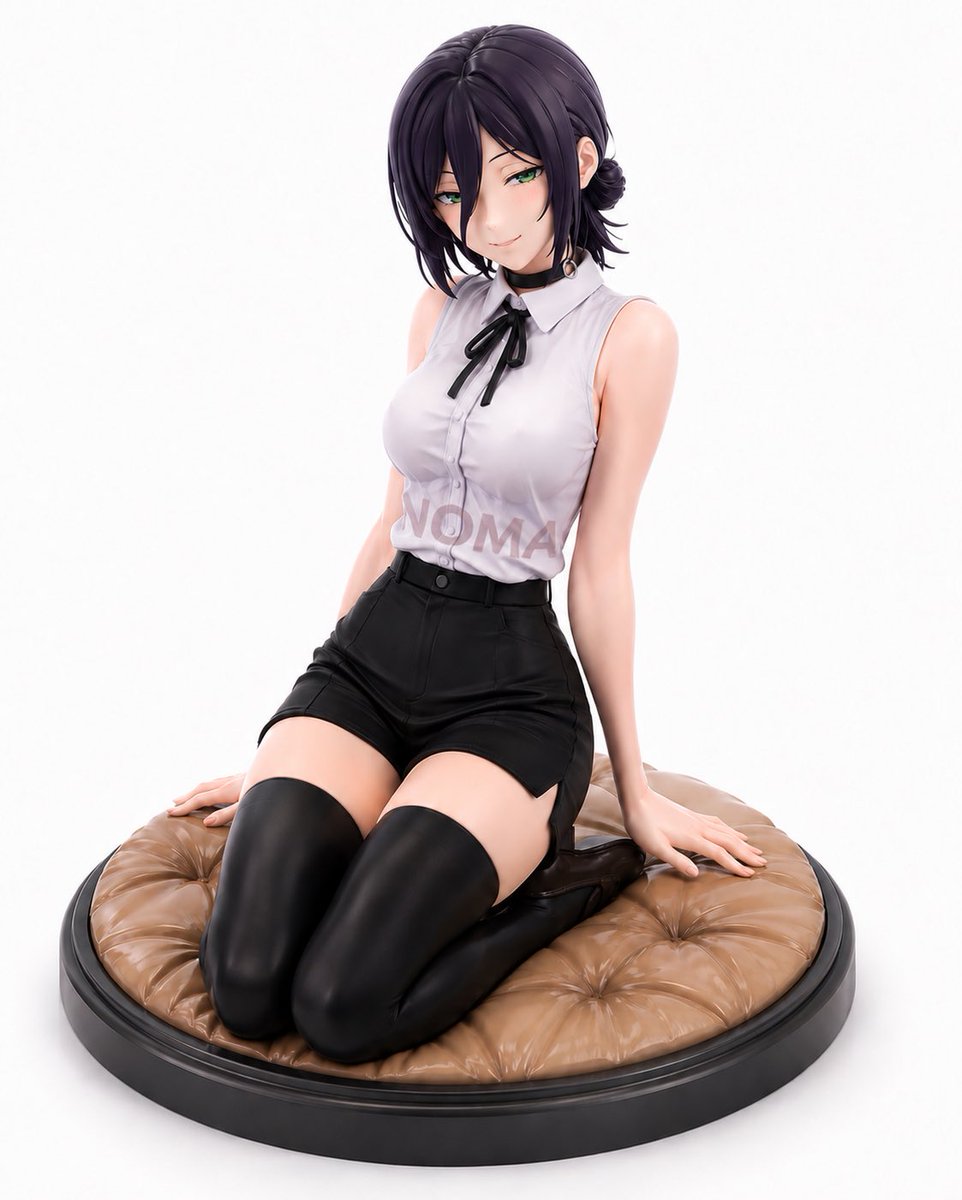
Reze Prize Figure Product Shot
Browse template categories
Winking Cat-Eared Idol Card questions
How do I use the Winking Cat-Eared Idol Card template?
Add your photo if the template asks for one, edit the prompt if you like — the template's model and format are already selected — and press Generate. Your version opens in PicX Studio.
Can I customize the Winking Cat-Eared Idol Card template?
Yes. You can change the subject, setting, lighting, mood, format, and available model controls before creating your image.
Is the Winking Cat-Eared Idol Card template free?
Opening and editing this template is free. Generating uses credits, shown on the Generate button when you are signed in.
Which AI model should I use?
Start with GPT Image 2, which is the model associated with this template. You can compare another compatible model for a different finish.
Looking for something else? Browse all templates.

Your photo, any look
Thousands of ready templates for every top image and video model, from one credit balance.