
Winking Anime Idol Festival Portrait
A vivid text-to-image prompt for creating a celebratory anime idol princess portrait with alcohol-ink colors, confetti, bunting, and a playful pointing pose.
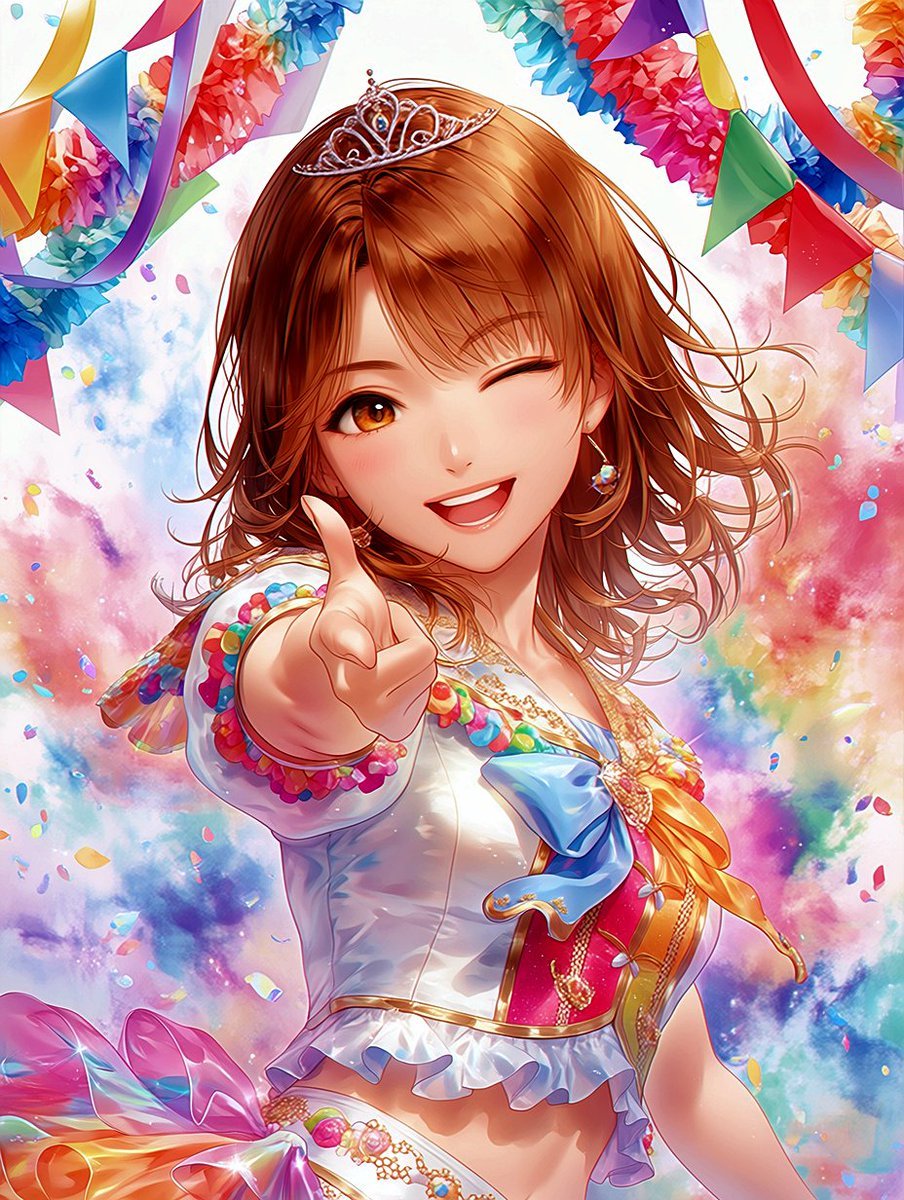
- Prompt included
- Model and format preset
- Free template
The prompt behind this image
Copy the exact prompt behind Winking Anime Idol Festival Portrait, or open it in the studio and make it yours.
Create a vibrant anime idol celebration portrait featuring {argument name="character name" default="a cheerful young idol princess"} in a close-up vertical composition, reaching one hand toward the viewer with her index finger pointing playfully at the camera. She is winking with one eye closed and the other eye bright amber, smiling widely with an open happy expression. Give her shoulder-length {argument name="hair color" default="warm chestnut brown"} hair with soft layered bangs and loose wind-swept curls, plus a delicate silver tiara with small jewel details. Dress her in a glossy white stage-idol costume with gold trim, a cropped fitted bodice, ruffled hem, colorful bead-like decorations on the sleeves, a large blue bow and orange-yellow ribbon at the chest, red and gold accents, and sparkling jewelry including small dangling earrings and chain ornaments. The background should feel like an alcohol-ink art festival: soft blooming clouds of watercolor-like pigment in pink, cyan, blue, purple, yellow, and red, with organic translucent stains and splashes. Add exactly 5 large visible party decoration groups: two multicolor pennant bunting strands across the upper left and upper right, two fluffy flower garland clusters near the top left and top right, and one oversized iridescent pink-orange bow/ribbon cluster at the lower left. Scatter many tiny confetti pieces and petal-like color chips throughout the scene, especially around her hand and hair. Use bright saturated colors, crisp clean anime linework, luminous highlights, glossy fabric reflections, soft depth of field, dynamic celebratory motion, and a polished high-detail gpt-image-2 anime illustration look. No text, no watermark, no extra characters.
How to use Winking Anime Idol Festival Portrait in 3 steps
- 1Upload ImagePNG, JPG or paste
Add your photo
Upload the photo the template builds on. The prompt, model and format are already set.
- 2…a portrait of your subject in softgolden-hour light, 85mm…
Personalize
Edit the subject and creative details for your destination.
- 3Generate
Generate
Press Generate — your image is created in PicX Studio, so you can compare it with the original and refine one variable at a time.
More like this
Templates with the same subject, style or setup. Open one to see its prompt.

Pixar Anime Festival Mask

Found Photograph: Us, 1970

80s Couple Studio Portrait

80s Bollywood Star

80s Golden Hour Cinema

Me in 1985

1985 Studio Portrait
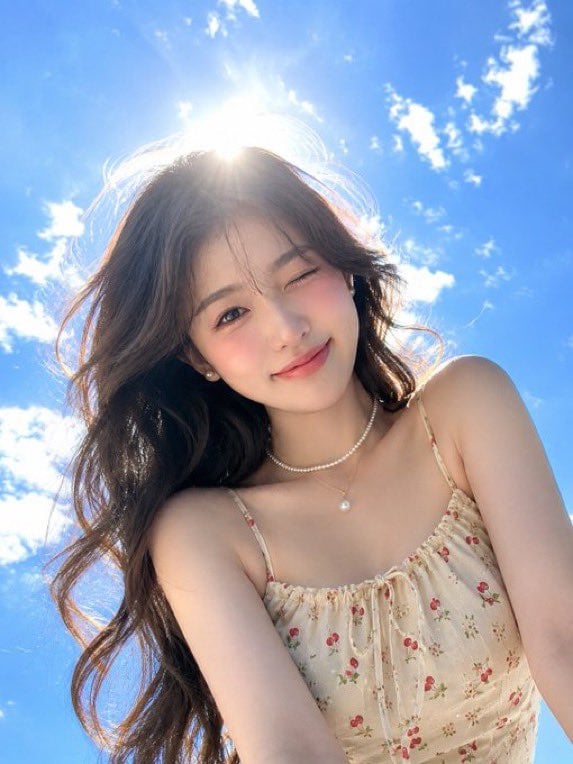
Hyper-Realistic Winking Girl Summer Portrait
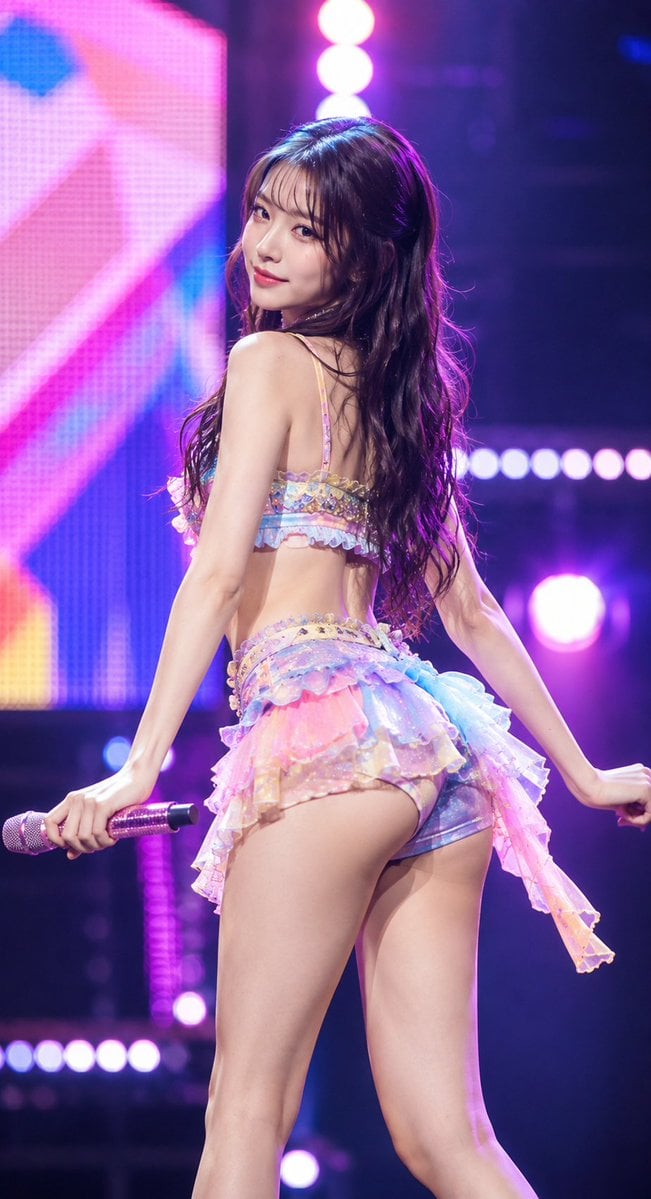
Idol Stage Performance Portrait

Hyper-Realistic Minecraft POV Portrait
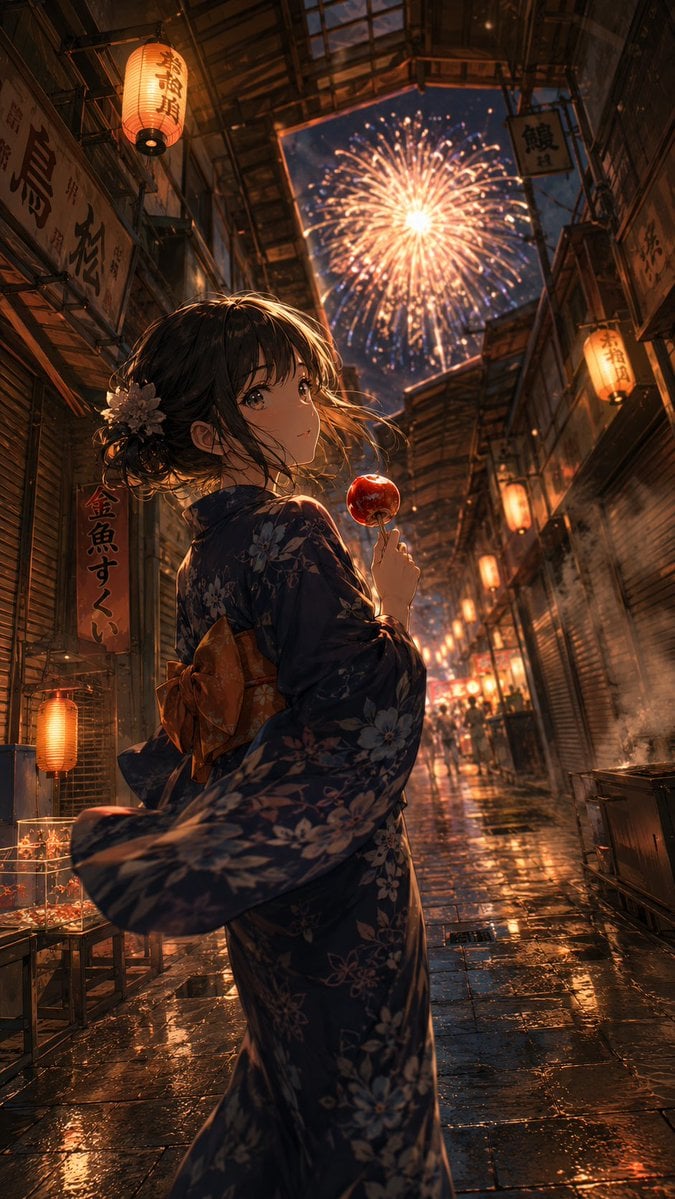
Anime Yukata Festival Alley

Pastel Anime Idol Concert Finale
Make it yours
Winking Anime Idol Festival Portrait works as-is. These are the safest ways to change it without losing the look.
Change one field
Copy a single group, rewrite it, and generate again so you can see what that field is doing.
Keep the frame, change the subject
Hold the composition and light of Winking Anime Idol Festival Portrait, then swap wardrobe, props or the person for a new take.
| If the result… | Why | Fix |
|---|---|---|
| The result drifts from the preview | Too many fields changed at once. | Reuse Winking Anime Idol Festival Portrait as-is first, then change one group — subject, light, or setting. |
| The model over-stylizes the scene | The prose prompt leaves finish and camera underspecified. | Add one camera or lighting sentence and stay on GPT Image 2. |
More GPT Image 2 templates
Other prompts made for GPT Image 2.

Six VTuber Japanese Logo Sheet

Realistic Portrait of Woman and Deer

The Vista Modular Condo Poster

AI Model Routing Comparison Infographic

2.5D Anime Art Board

Isometric Productivity Desk Scene

New York Double Exposure Poster

Four-Panel AI Landscape Comparison

Japanese Tatami Lifestyle Magazine Cover

NESCAFÉ Coffee Map Poster
More image prompts
Fresh picks from across the catalog.
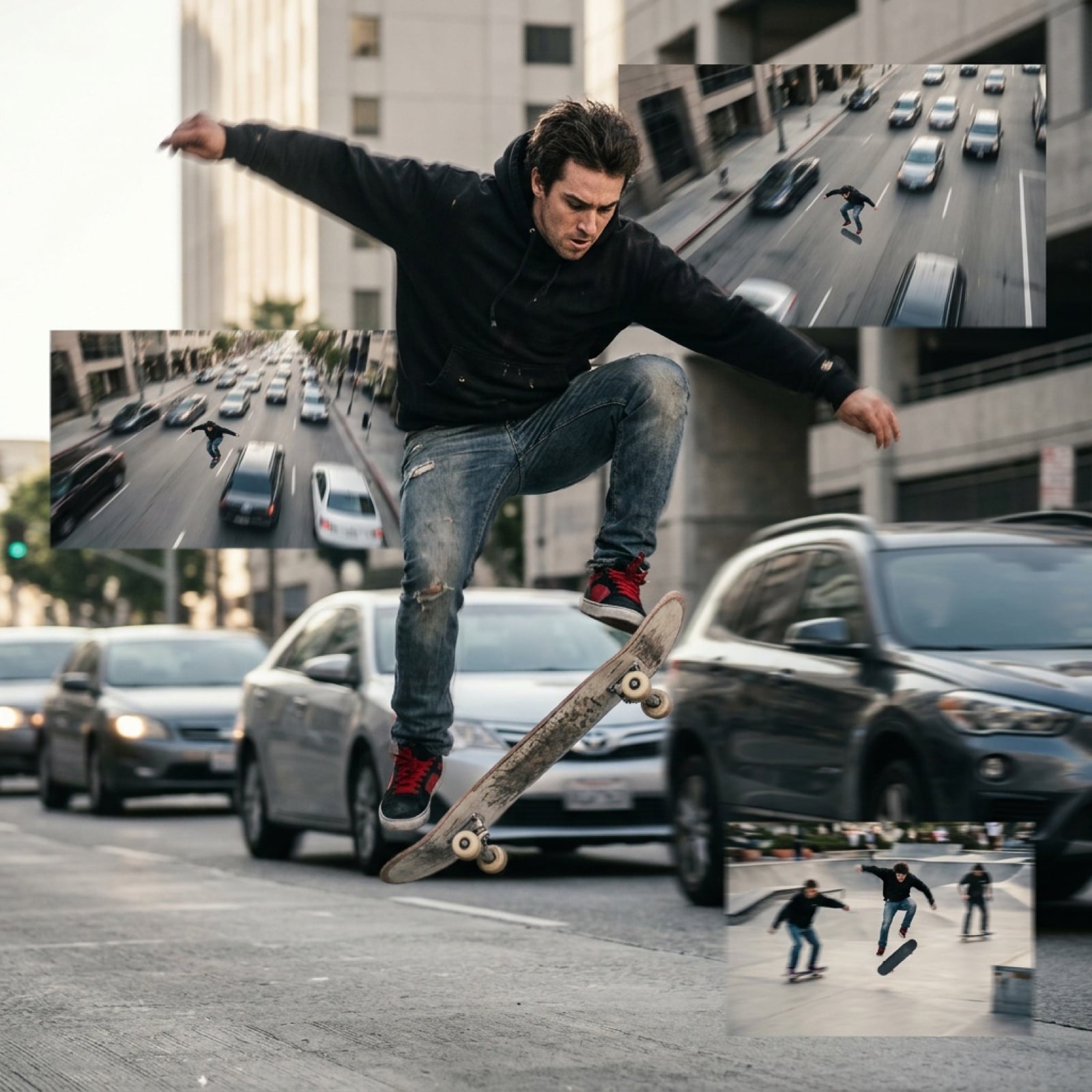
Grok Video Prompt: High-Speed Skateboarding and Jumping Over Cars
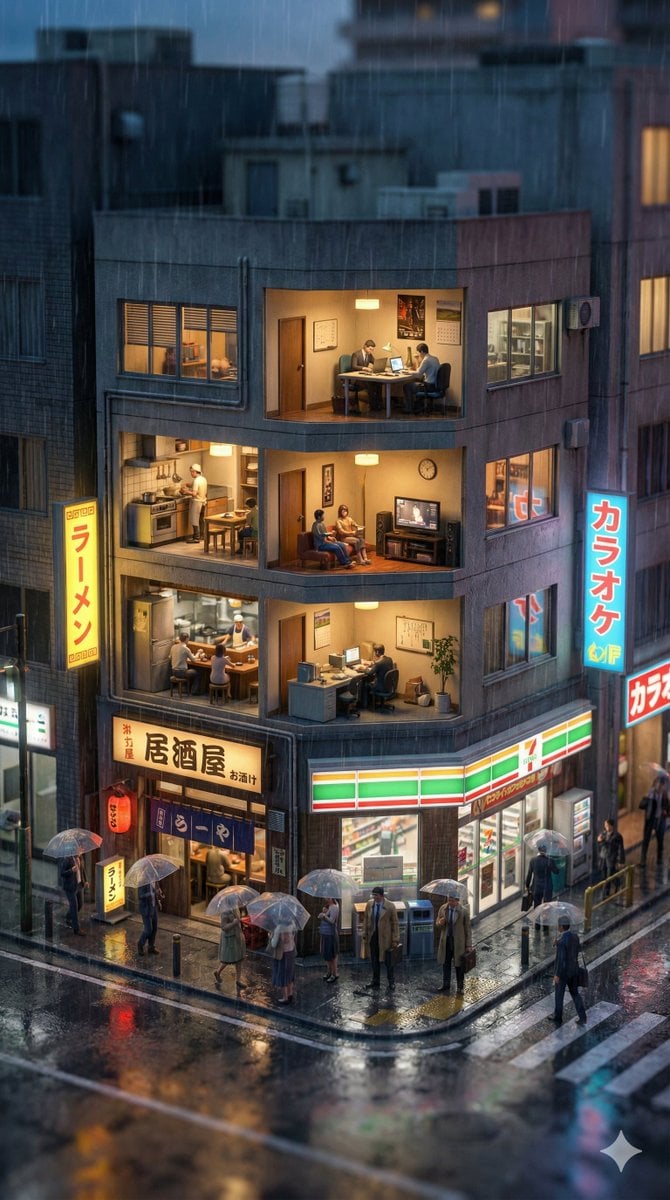
Vertical Tilt-Shift Miniature City Cross-Section
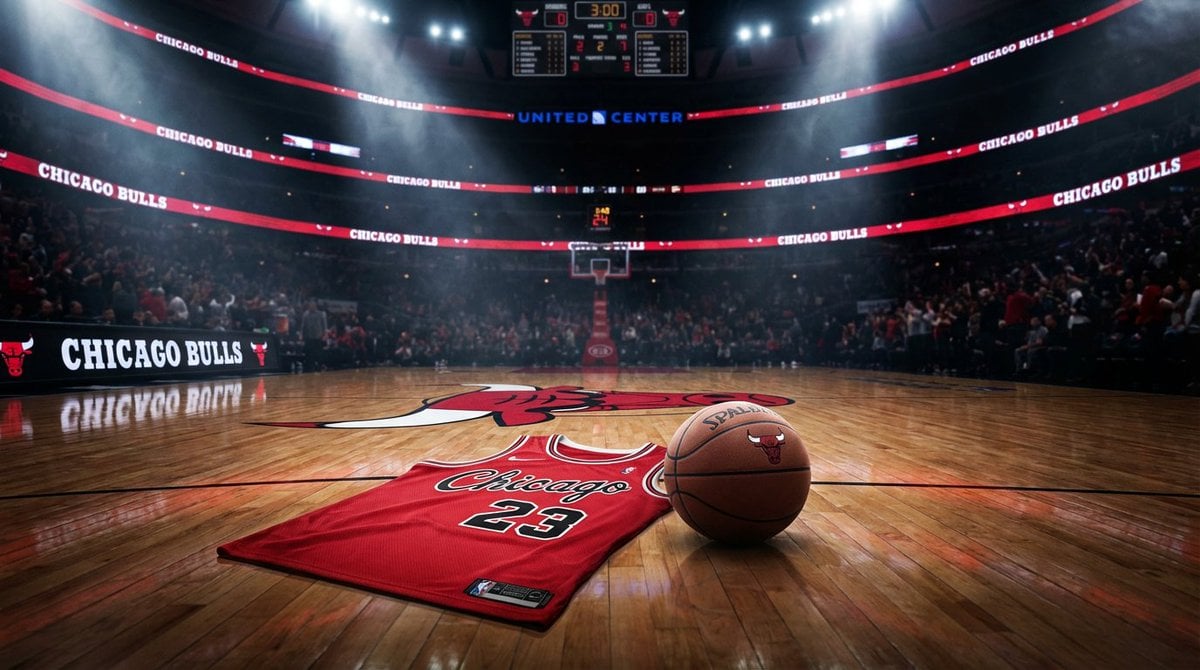
Master Prompt for NBA Finals Arena Promos
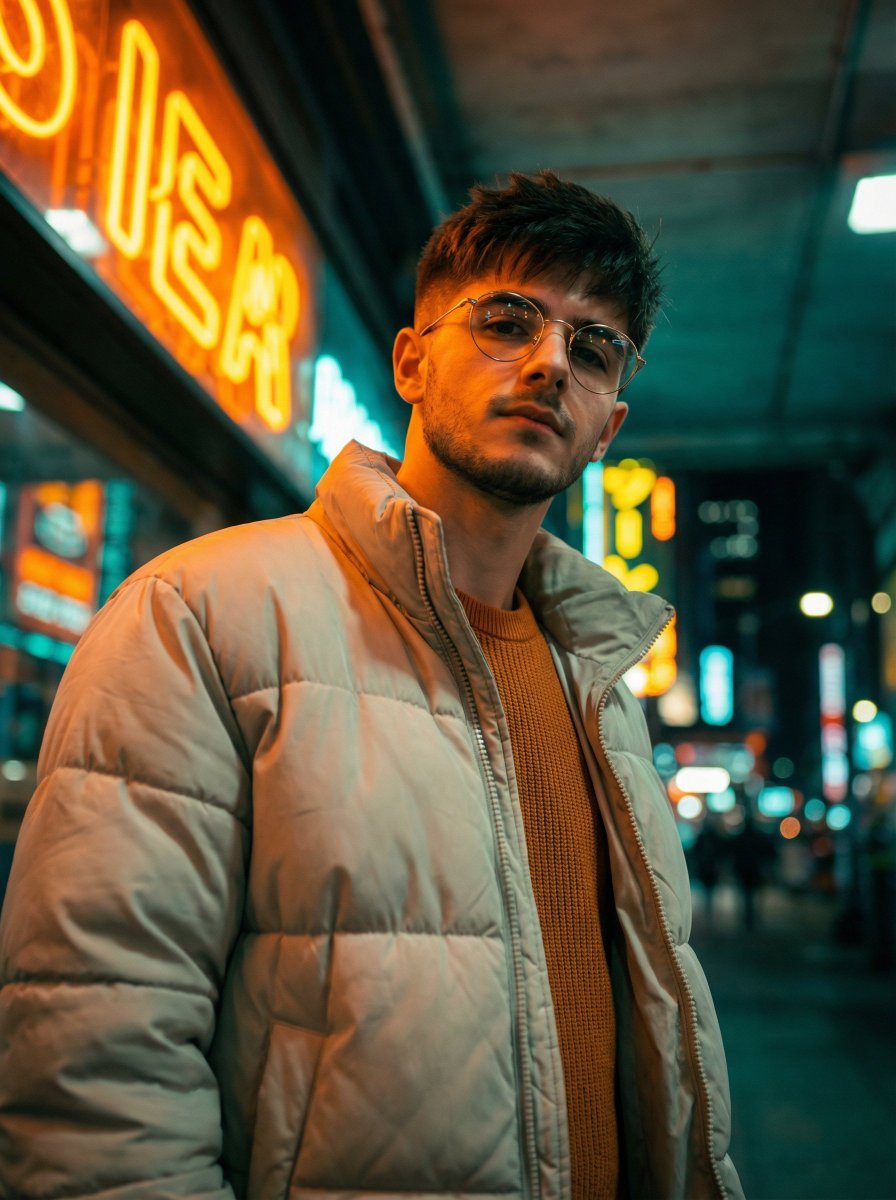
Cinematic Fashion Portrait Prompt
Photo Restoration to DSLR Quality
Bitcoin Monkey MS Paint Doodle
Dreamy Semi-Realistic Anime Portrait of a Girl with a Dandelion

Affiliate Marketing Prompt Collection for Nano Banana Pro
Realistic Cinematic Fashion Portrait
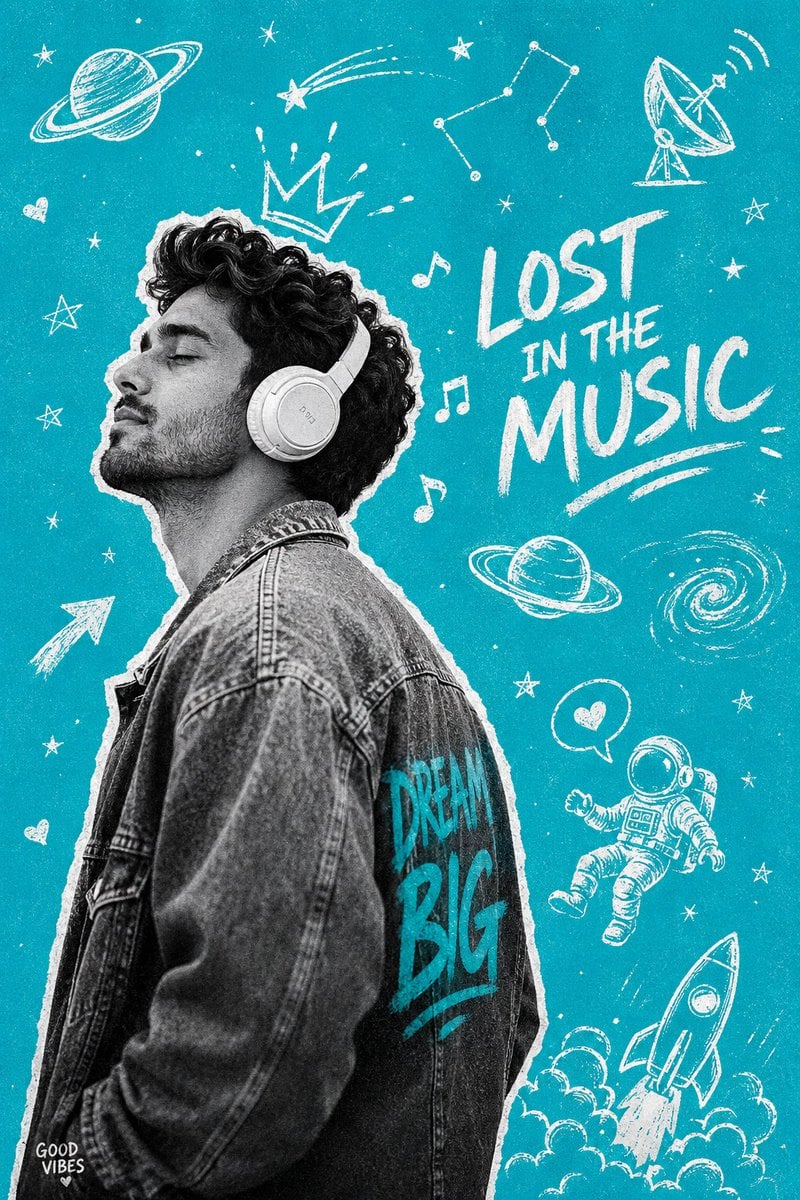
Gen-Z Music Doodle Poster
Browse template categories
Winking Anime Idol Festival Portrait questions
How do I use the Winking Anime Idol Festival Portrait template?
Add your photo if the template asks for one, edit the prompt if you like — the template's model and format are already selected — and press Generate. Your version opens in PicX Studio.
Can I customize the Winking Anime Idol Festival Portrait template?
Yes. You can change the subject, setting, lighting, mood, format, and available model controls before creating your image.
Is the Winking Anime Idol Festival Portrait template free?
Opening and editing this template is free. Generating uses credits, shown on the Generate button when you are signed in.
Which AI model should I use?
Start with GPT Image 2, which is the model associated with this template. You can compare another compatible model for a different finish.
Looking for something else? Browse all templates.

Your photo, any look
Thousands of ready templates for every top image and video model, from one credit balance.