
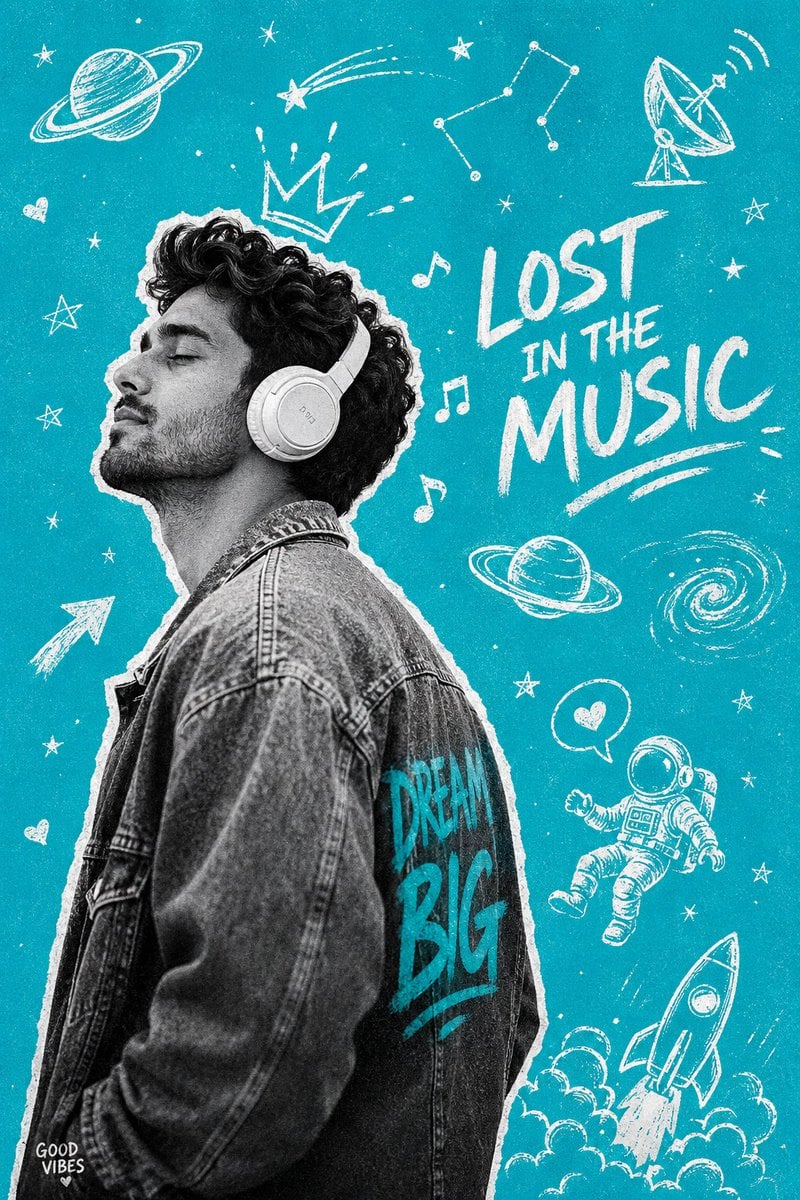
Gen-Z Music Doodle Poster
A creative prompt for a high-contrast black and white subject against a vibrant teal background with hand-drawn white doodles.
- Prompt included
- Model and format preset
- Free template
The prompt behind this image
Copy the exact prompt behind Gen-Z Music Doodle Poster, or open it in the studio and make it yours.
poster — B&W photo cutout on hand-drawn {argument name="background color" default="teal"} doodle universe background. Vertical 4:6 ratio. SUBJECT (monochrome): {argument name="subject" default="Indian young man, curly messy black hair natural, 3–5 day stubble beard"} — chin, jawline, upper lip, NO glasses. Side profile facing left, chin lifted, head back, eyes shut — completely surrendered to the music. White over-ear headphones on head. Oversized acid-washed denim jacket, slightly slouched cool posture. Subject: full black and white desaturated,high contrast — deep blacks, bright whites. White rough hand-cut border around silhouette. BACKGROUND: Pure flat teal cyan (#00BCD4) — energetic, bold, Gen-Z aesthetic. White chalk illustration doodles scattered: Saturn with rings (top left), shooting star trail, constellation dot-connect pattern, satellite dish (top right), ringed planet (center right), spiral galaxy swirl, rocket launching with clouds (bottom), floating astronaut with speech bubble heart, music notes floating near head,crown with rays above headphones, small stars and hearts scattered throughout, arrow pointing at subject. TEXT ELEMENTS (white, handwritten chalk style): — "{argument name="text" default="DREAM BIG"}" on jacket back, teal graffiti font — "LOST IN THE MUSIC" center-right, casual script — "GOOD VIBES ♡" bottom-left corner, tiny size Overall: heavy film grain texture, vintage poster feel, Gen-Z music culture aesthetic, high contrast B&W subject vs vivid teal background. Vertical 4:6 ratio. --ar 2:3 --style raw --q 2
How to use Gen-Z Music Doodle Poster in 3 steps
- 1
Open
The prompt is already in the box next to the preview, with the template's model and format selected.
- 2…a portrait of your subject in softgolden-hour light, 85mm…
Personalize
Edit the subject and creative details for your destination.
- 3Generate
Generate
Press Generate — your image is created in PicX Studio, so you can compare it with the original and refine one variable at a time.
More like this
Templates with the same subject, style or setup. Open one to see its prompt.

Neon Glitch Cyber Symbiote Music Poster
Synthwave Retro Superhero Music Poster

Legendary Player Fragmented Editorial Poster
Legendary Icons Mixed Style Poster Pack

Gpt2 Youtube Thumbnail Anime Music Bootcamp Promo Poster
Gen Z Meme Doodle Poster

Our Song was on a Cassette

Japan Travel Brochure Poster
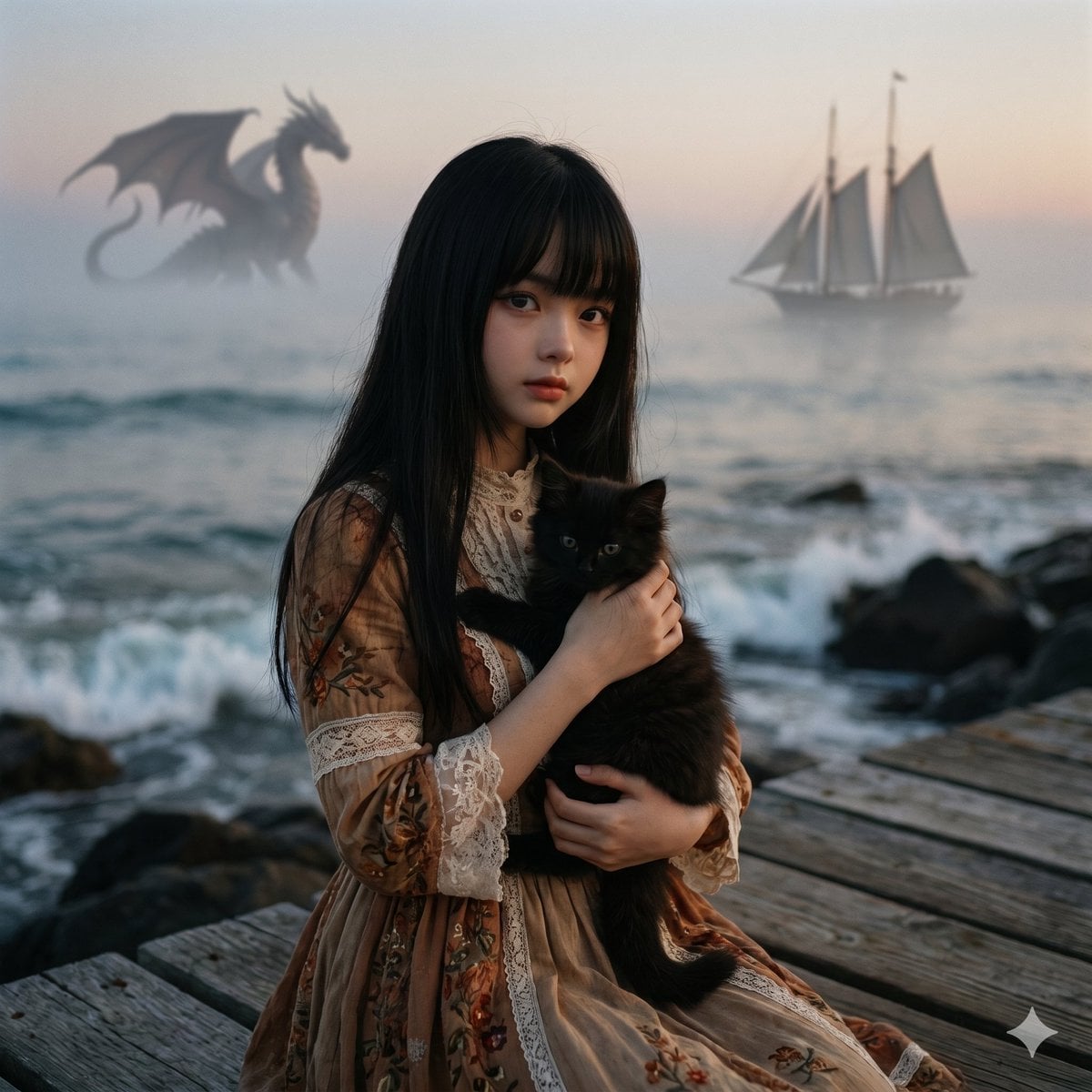
Music-to-Image Generation Prompt

Cartoon TV Show Poster Pack

Trendy Cafe Drink Promo Poster

Urban Fashion Editorial Collage Streetwear Poster
Make it yours
Gen-Z Music Doodle Poster works as-is. These are the safest ways to change it without losing the look.
Change one field
Copy a single group, rewrite it, and generate again so you can see what that field is doing.
Keep the frame, change the subject
Hold the composition and light of Gen-Z Music Doodle Poster, then swap wardrobe, props or the person for a new take.
| If the result… | Why | Fix |
|---|---|---|
| The result drifts from the preview | Too many fields changed at once. | Reuse Gen-Z Music Doodle Poster as-is first, then change one group — subject, light, or setting. |
| The model over-stylizes the scene | The prose prompt leaves finish and camera underspecified. | Add one camera or lighting sentence and stay on GPT Image 2. |
More GPT Image 2 templates
Other prompts made for GPT Image 2.

Six VTuber Japanese Logo Sheet

Realistic Portrait of Woman and Deer

The Vista Modular Condo Poster

AI Model Routing Comparison Infographic

2.5D Anime Art Board

Isometric Productivity Desk Scene

New York Double Exposure Poster

Four-Panel AI Landscape Comparison

Japanese Tatami Lifestyle Magazine Cover

NESCAFÉ Coffee Map Poster
More image prompts
Fresh picks from across the catalog.
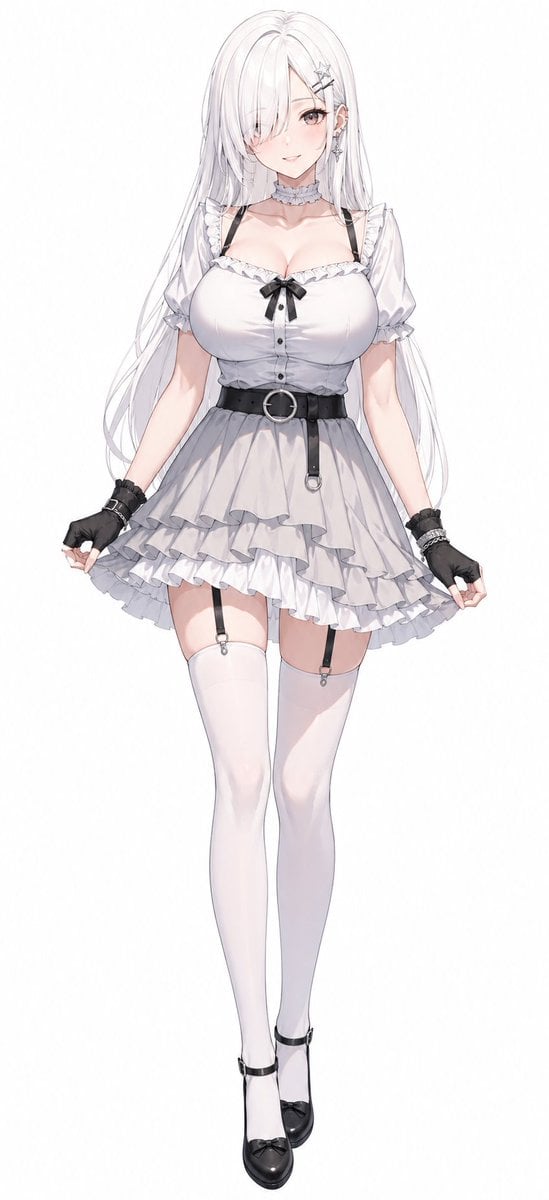
Monochrome Anime Gothic Dress Girl
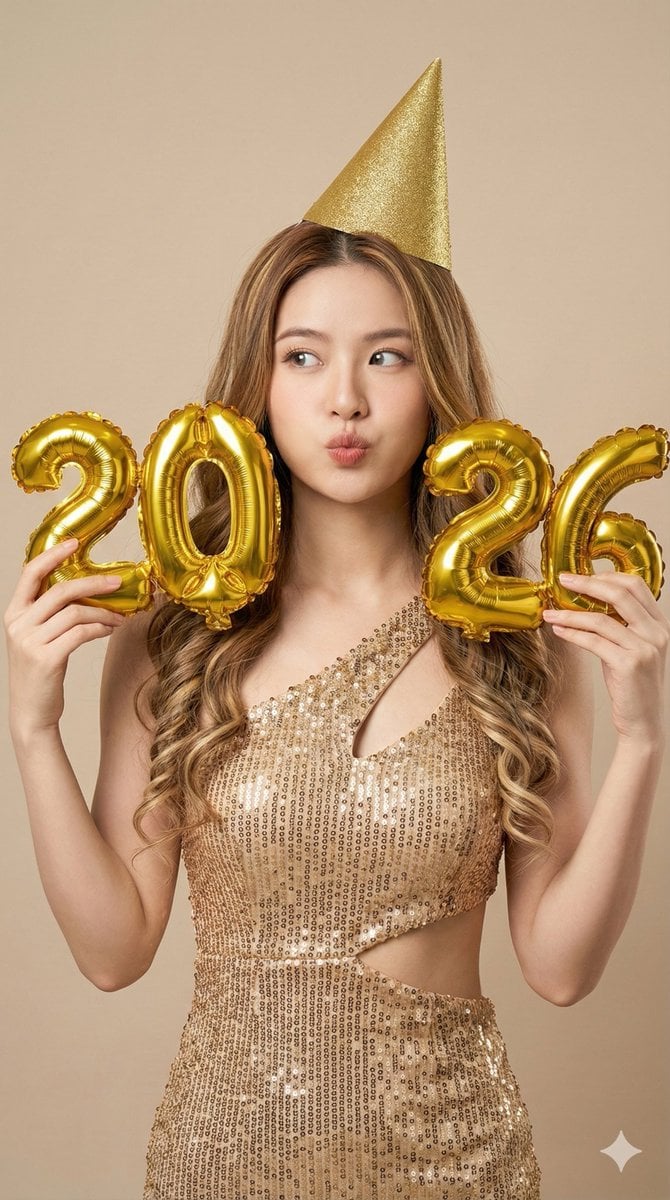
High-Resolution Photorealistic Studio Fashion Portrait for New Year 2026
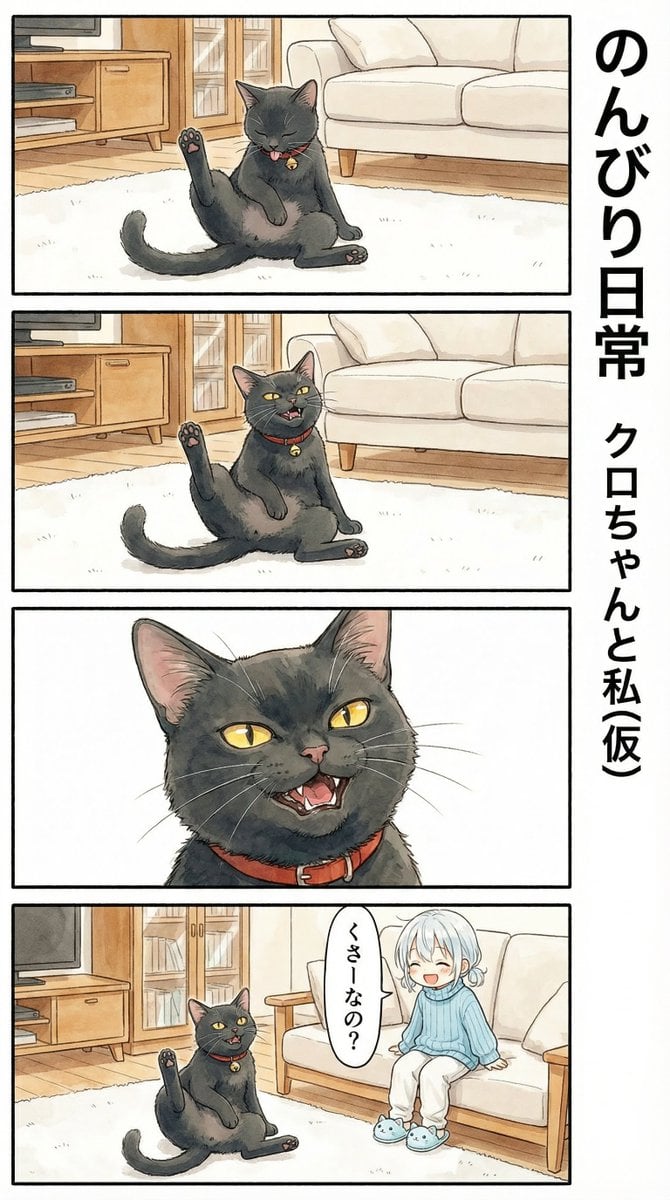
Flehmen Response AI Manga Panel Prompt
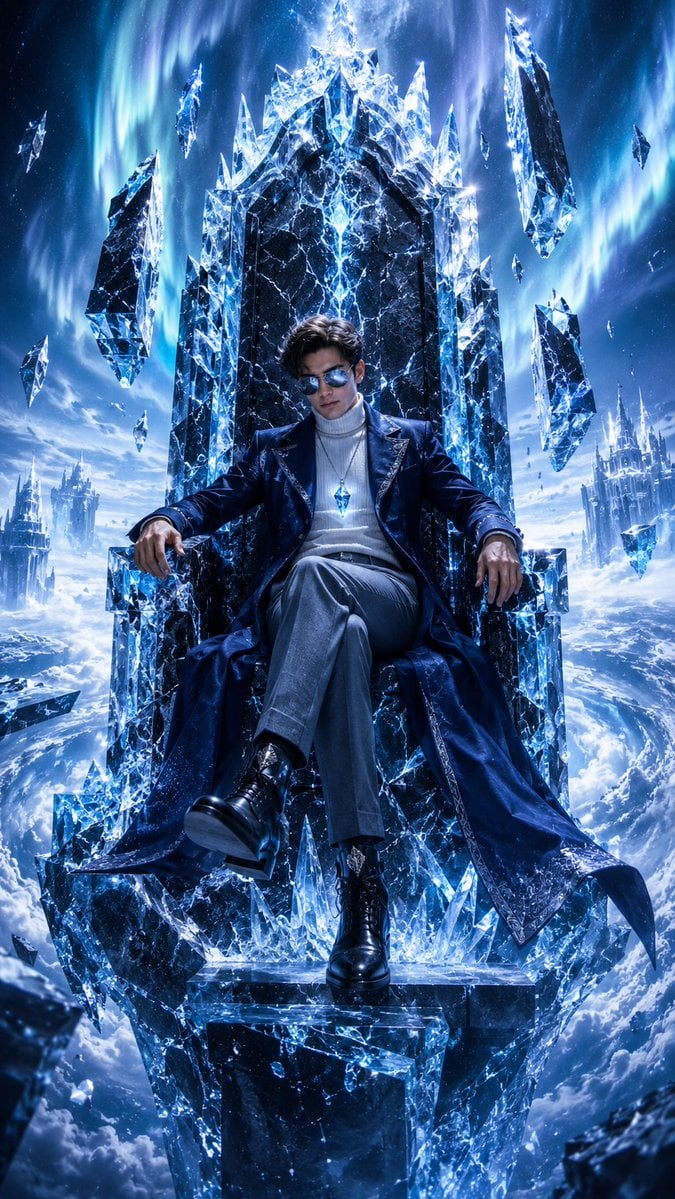
Frozen Empire Crystal Throne
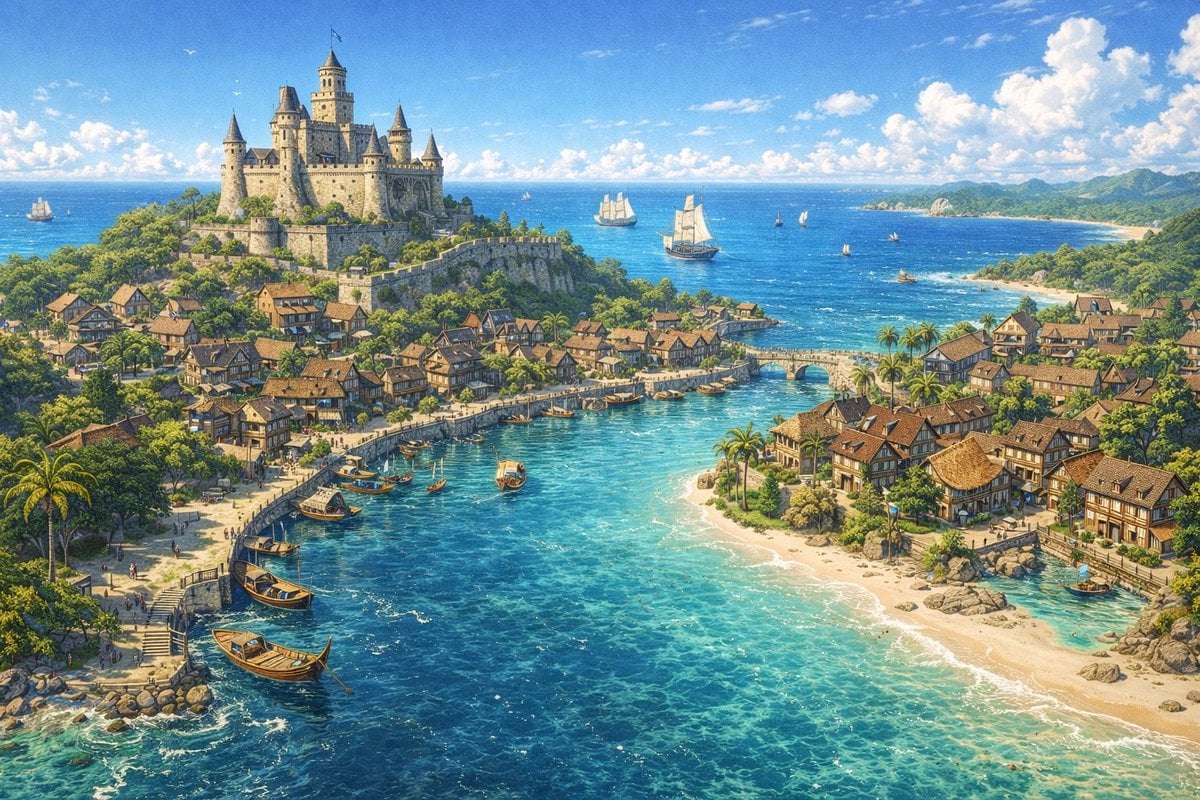
Fantasy Coastal City Landscape
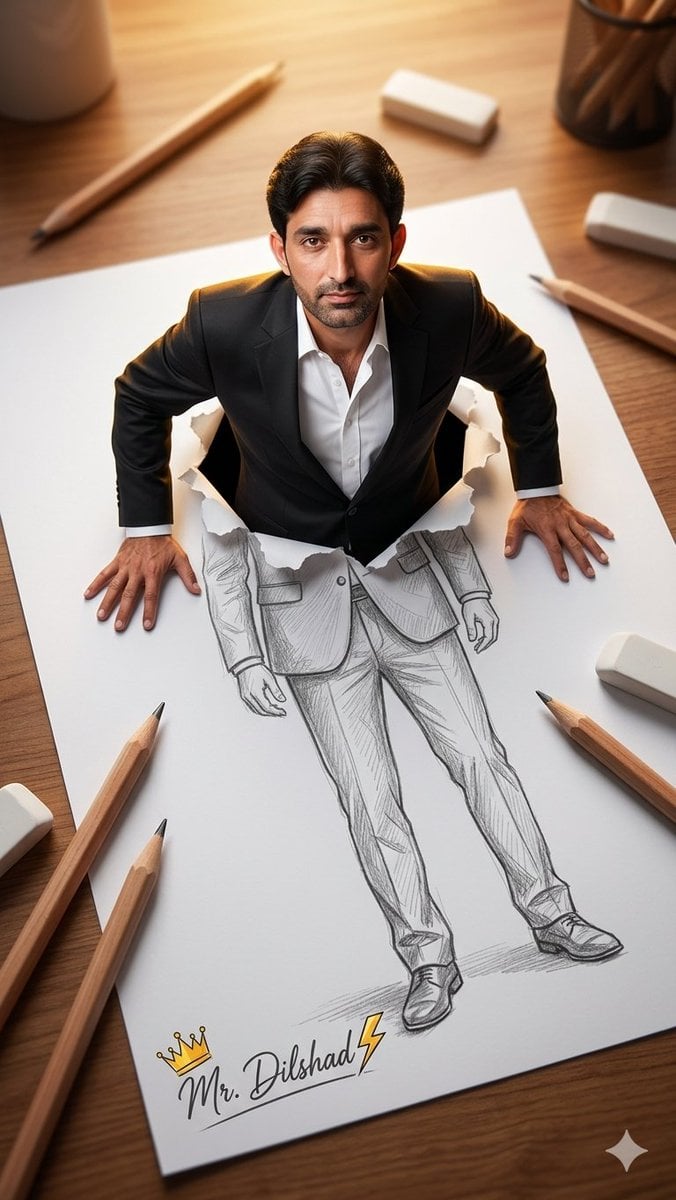
3D Figure Emerging from Pencil Sketch
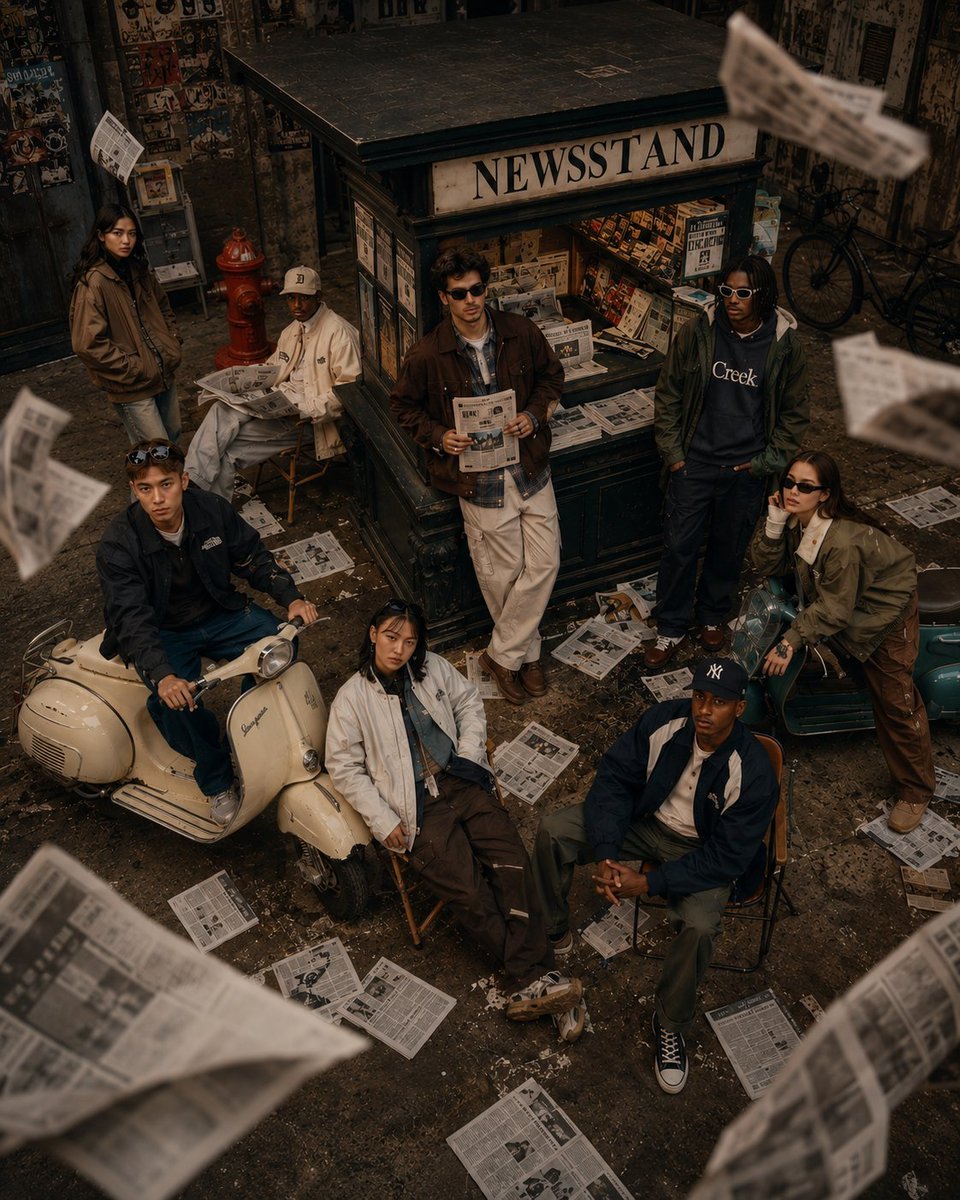
90s Retro Streetwear Fashion Editorial
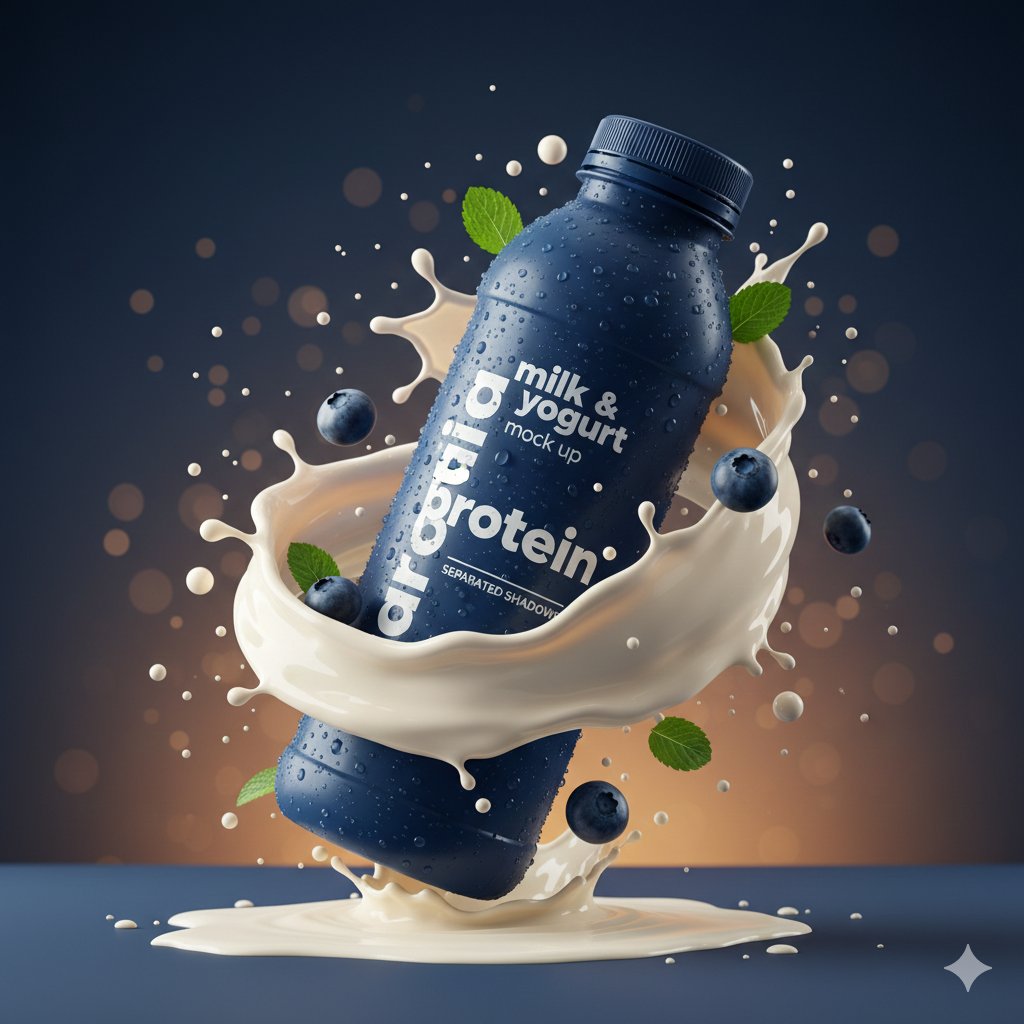
Hyper-realistic Product Photography with Dynamic Splash Effects
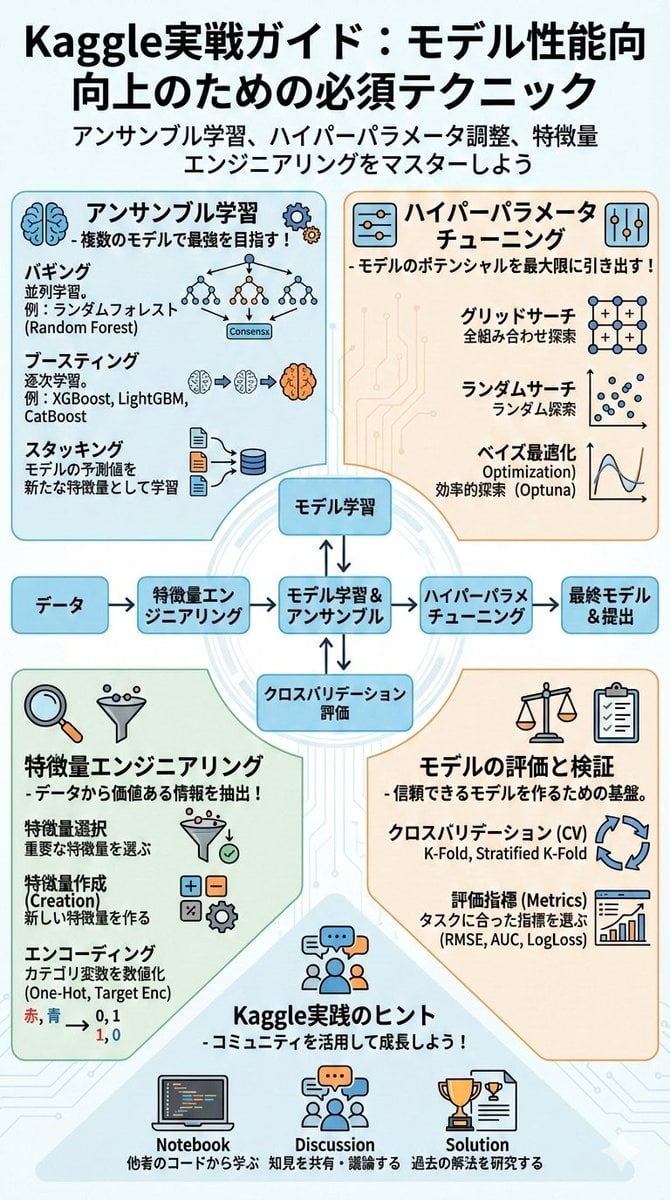
Summarize a book into a Japanese poster image
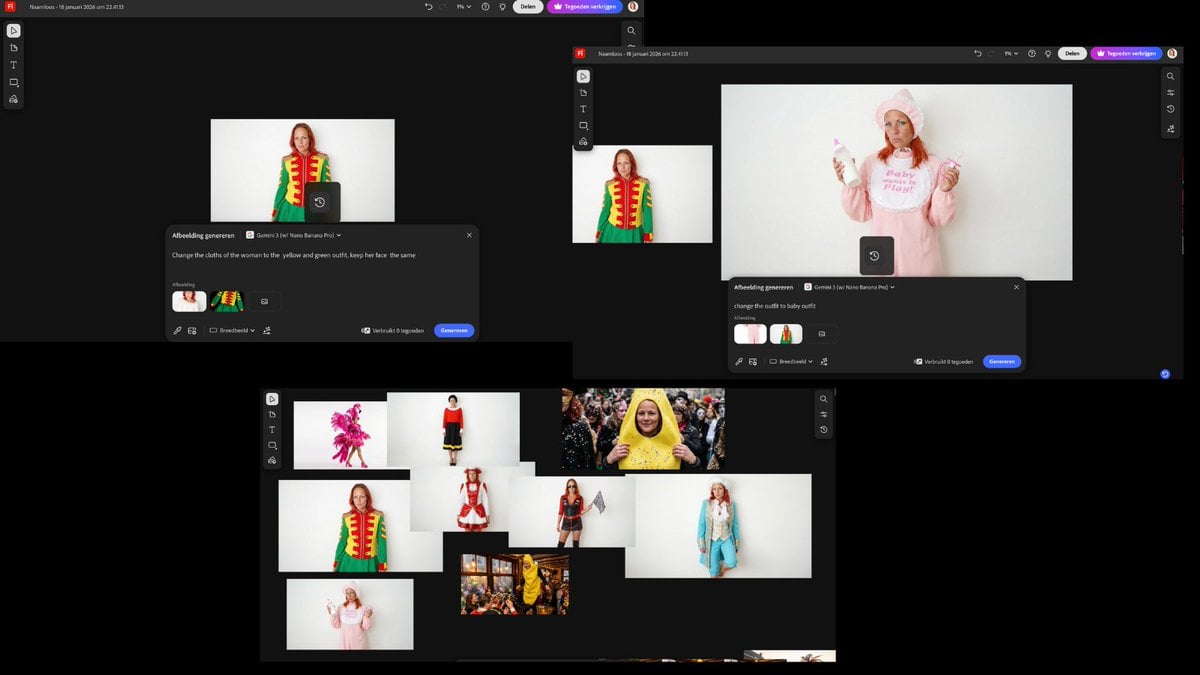
Outfit Swapping Workflow with Reference Images
Browse template categories
Gen-Z Music Doodle Poster questions
How do I use the Gen-Z Music Doodle Poster template?
Add your photo if the template asks for one, edit the prompt if you like — the template's model and format are already selected — and press Generate. Your version opens in PicX Studio.
Can I customize the Gen-Z Music Doodle Poster template?
Yes. You can change the subject, setting, lighting, mood, format, and available model controls before creating your image.
Is the Gen-Z Music Doodle Poster template free?
Opening and editing this template is free. Generating uses credits, shown on the Generate button when you are signed in.
Which AI model should I use?
Start with GPT Image 2, which is the model associated with this template. You can compare another compatible model for a different finish.
Looking for something else? Browse all templates.

Your photo, any look
Thousands of ready templates for every top image and video model, from one credit balance.