
Gen Z Meme Doodle Poster
A long, detailed prompt for a chaotic, playful editorial poster featuring raw flash photography, wide-angle lens distortion, and marker-style doodles.
- Prompt included
- Model and format preset
- Free template
The prompt behind this image
Copy the exact prompt behind Gen Z Meme Doodle Poster, or open it in the studio and make it yours.
Create a chaotic playful editorial poster based on a funny ultra-wide candid selfie aesthetic, mixing raw flash photography, hand-drawn doodles, and Gen Z meme-poster energy. Main concept: A close-up exaggerated selfie portrait of a stylish young person making a chaotic funny face under a green tent or canopy, surrounded by rough doodle illustrations and handwritten captions. The design should feel spontaneous, hilarious, expressive, and intentionally unpolished, like a real candid photo turned into a meme-editorial poster. Main subject: Feature a young person in an extreme close-up wide-angle selfie crop, centered and very close to the camera. The face should appear slightly exaggerated from the lens perspective, with playful distortion around the nose, mouth, and cheeks. The subject wears a casual blue jacket or windbreaker and looks energetic, weird, and funny in an intentional way. Pose and behaviour: The subject makes a dramatic silly expression: one eye squeezed shut, nose scrunched, mouth open with teeth visible, lips pulled to one side, like a chaotic “rawr” face. The head is very close to the camera, creating strong perspective distortion. The pose should feel spontaneous, candid, and meme-worthy. Expression: Funny, chaotic, playful, unhinged but harmless, expressive, unserious, and intentionally awkward. The mood should feel like “current mood: still not normal.” Environment: Set the portrait under a green outdoor tent or canopy, with visible metal frame lines in the background. The environment should feel casual, slightly messy, and realistic, like an outdoor event snapshot taken with direct flash. Graphic doodles: Add hand-drawn doodles around the subject using white, yellow, red, orange, and light blue marker-style lines: - cat ears drawn above the head - white whiskers on the cheeks - a rough white outline around the face and body - handwritten text "RAWR!" in red on the left - handwritten text "NOPE, STILL NOT NORMAL" on the upper-right - small yellow stars - arrows and underline marks - handwritten label "CURRENT MOOD" near the lower-right - a cartoon green monster or dinosaur doodle on the left side, breathing a small orange flame toward the subject - loose squiggle lines and motion marks Composition: Keep the subject huge and central, filling most of the frame. Place doodle text and monster illustration around the face without covering the main facial expression. The green tent background should remain visible and recognizable. Typography: Use rough handwritten marker lettering, uneven and casual. The text should feel like someone doodled directly on top of the photo. Keep the words readable but imperfect. Color palette: - Deep green tent background - Blue jacket - Warm natural skin tones - White doodle outlines - Red "RAWR!" text - Yellow stars and highlights - Orange flame accents - Light blue small doodle accents Lighting and finish: Use direct flash selfie lighting, strong highlights on the face, casual iPhone-style sharpness, slight lens distortion, realistic skin texture, and raw snapshot energy. Add subtle grain and printed-photo texture, but keep the face clear. Style: Chaotic Gen Z selfie editorial, doodle meme poster, candid flash photography, funny internet-core design, scrapbook annotation style, playful monster doodle aesthetic. Design principles: Preserve the funny facial expression as the main focal point, keep doodles expressive but not too cluttered, maintain readable handwritten captions, and make the final image feel spontaneous, weird, fun, and editorial. Negative prompt: No messy anatomy, no extra fingers, no distorted teeth beyond natural wide-angle exaggeration, no scary horror mood, no gore, no aggressive violence, no low-quality face, no unreadable handwriting, no overcluttered doodles, no polished luxury fashion mood, no corporate poster style, no random unrelated stickers, no hair control. Aspect ratio: 3:4
How to use Gen Z Meme Doodle Poster in 3 steps
- 1Upload ImagePNG, JPG or paste
Add your photo
Upload the photo the template builds on. The prompt, model and format are already set.
- 2…a portrait of your subject in softgolden-hour light, 85mm…
Personalize
Edit the subject and creative details for your destination.
- 3Generate
Generate
Press Generate — your image is created in PicX Studio, so you can compare it with the original and refine one variable at a time.
More like this
Templates with the same subject, style or setup. Open one to see its prompt.

Legendary Player Fragmented Editorial Poster
Legendary Icons Mixed Style Poster Pack
Gen-Z Music Doodle Poster

Japan Travel Brochure Poster
Funny Ugly Meme Doodle Drawing

Cartoon TV Show Poster Pack

Trendy Cafe Drink Promo Poster

Urban Fashion Editorial Collage Streetwear Poster

Premium Fashion Editorial Cover Layout System

Polo Ralph Lauren Luxury American Heritage Fashion Campaign

Monochrome Halftone Editorial Fashion Poster

Retro Mirror Luxury Fashion Campaign Poster
Make it yours
Gen Z Meme Doodle Poster works as-is. These are the safest ways to change it without losing the look.
Change one field
Copy a single group, rewrite it, and generate again so you can see what that field is doing.
Keep the frame, change the subject
Hold the composition and light of Gen Z Meme Doodle Poster, then swap wardrobe, props or the person for a new take.
| If the result… | Why | Fix |
|---|---|---|
| The result drifts from the preview | Too many fields changed at once. | Reuse Gen Z Meme Doodle Poster as-is first, then change one group — subject, light, or setting. |
| The model over-stylizes the scene | The prose prompt leaves finish and camera underspecified. | Add one camera or lighting sentence and stay on GPT Image 2. |
More GPT Image 2 templates
Other prompts made for GPT Image 2.

Six VTuber Japanese Logo Sheet

Realistic Portrait of Woman and Deer

The Vista Modular Condo Poster

AI Model Routing Comparison Infographic

2.5D Anime Art Board

Isometric Productivity Desk Scene

New York Double Exposure Poster

Four-Panel AI Landscape Comparison

Japanese Tatami Lifestyle Magazine Cover

NESCAFÉ Coffee Map Poster
More image prompts
Fresh picks from across the catalog.
Panel Studio Expression Contact Sheet Prompt
Hyper-Realistic High-Contrast Mirror Selfie Prompt
Expressive Woman Emoji Sticker Pack
Video Prompt Instruction for Nano Banana
Giant Sprite Can Product Shot with Subject
Gemini System Prompt for 10-Page Manga Generation in Nano Banana Pro
Cinematic Urban Street Scene Prompt

Turn Your Food Photos Into a Vintage Rec
Photorealistic Studio Portrait with Gentle Expression
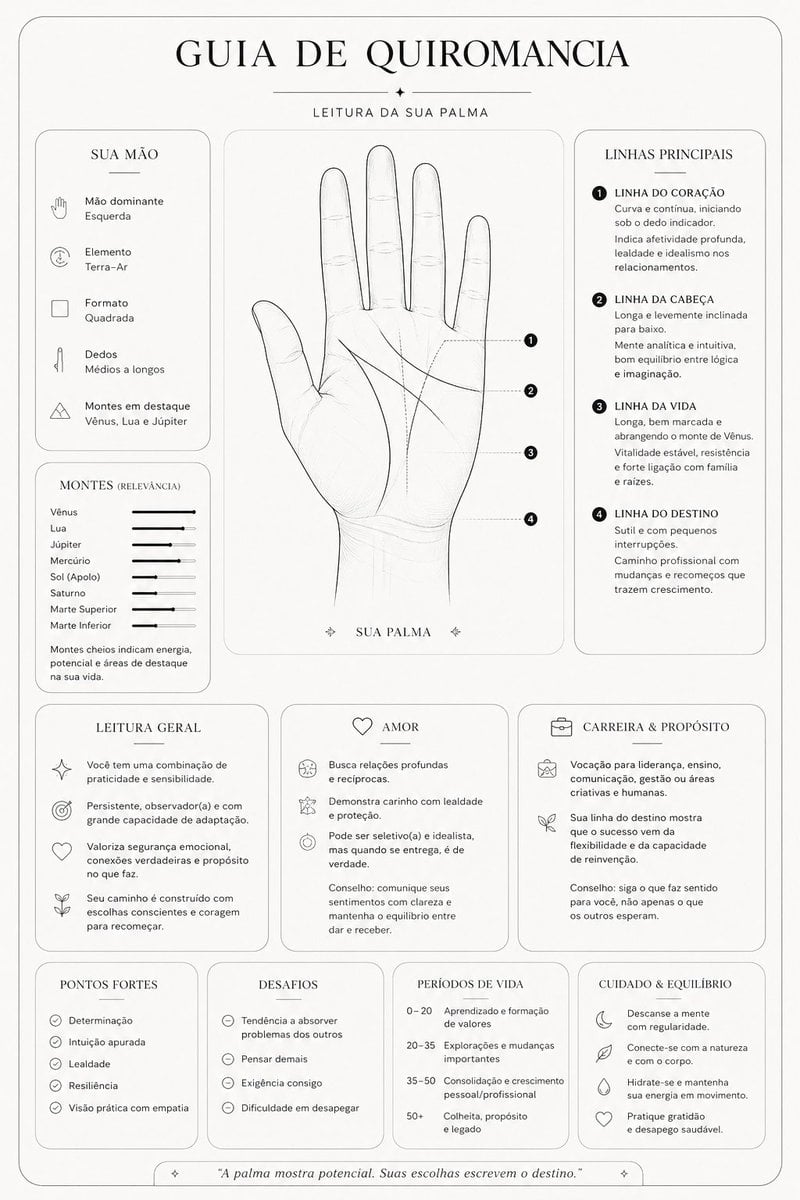
Minimalist Palmistry Guide Prompt
Browse template categories
Gen Z Meme Doodle Poster questions
How do I use the Gen Z Meme Doodle Poster template?
Add your photo if the template asks for one, edit the prompt if you like — the template's model and format are already selected — and press Generate. Your version opens in PicX Studio.
Can I customize the Gen Z Meme Doodle Poster template?
Yes. You can change the subject, setting, lighting, mood, format, and available model controls before creating your image.
Is the Gen Z Meme Doodle Poster template free?
Opening and editing this template is free. Generating uses credits, shown on the Generate button when you are signed in.
Which AI model should I use?
Start with GPT Image 2, which is the model associated with this template. You can compare another compatible model for a different finish.
Looking for something else? Browse all templates.

Your photo, any look
Thousands of ready templates for every top image and video model, from one credit balance.