
Expressive Woman Emoji Sticker Pack
Generates a high-quality 4x3 grid sticker pack featuring 12 different facial expressions of the same character.
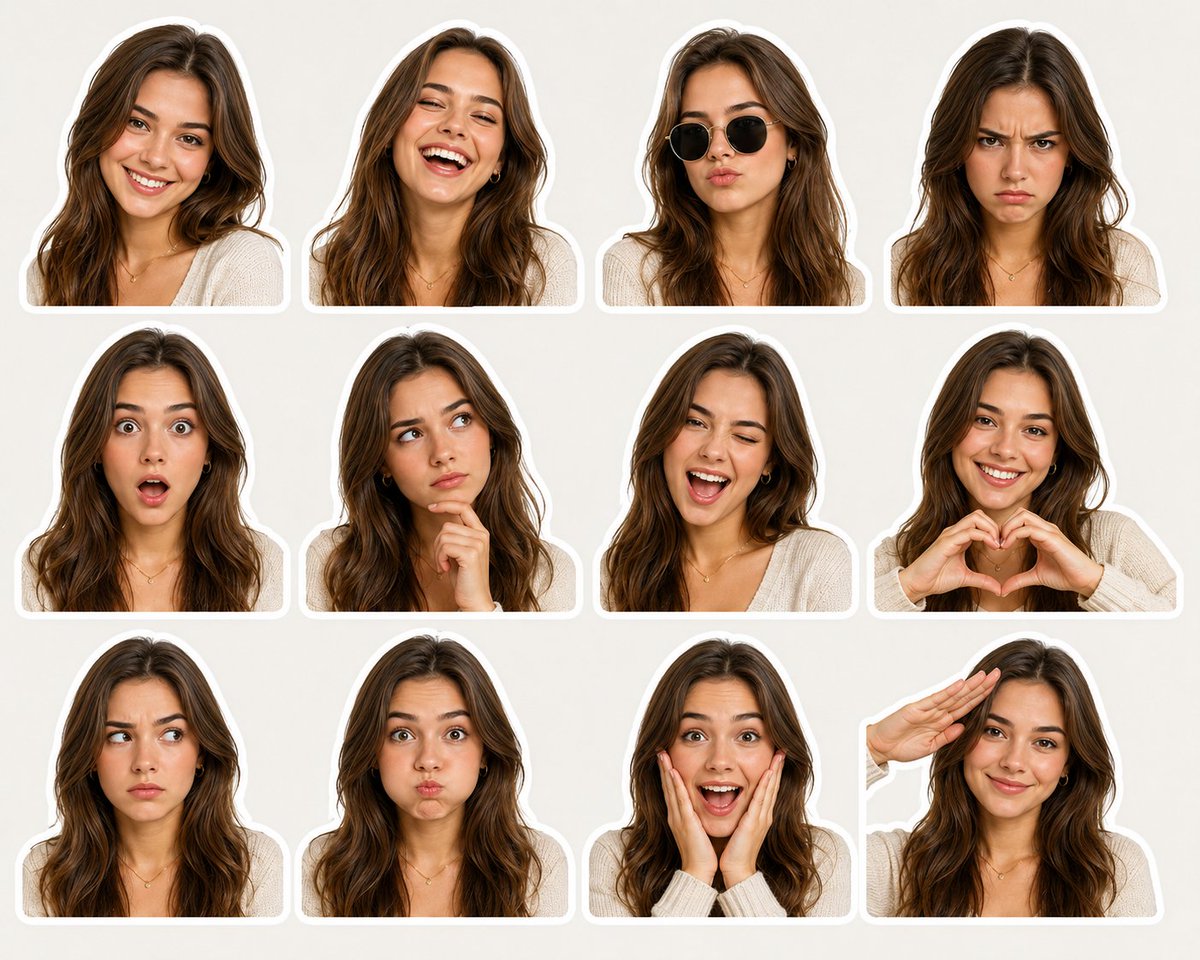
- Prompt included
- Model and format preset
- Free template
The prompt behind this image
Copy the exact prompt behind Expressive Woman Emoji Sticker Pack, or open it in the studio and make it yours.
A high-quality sticker pack featuring a {argument name="subject" default="young beautiful English woman"} with {argument name="hair" default="long soft brown hair"}, flawless glowing skin, and attractive facial features, shown in 12 different facial expressions and emotions. Arranged in a clean 4x3 grid on a light neutral beige background. Each portrait is cropped around the shoulders and surrounded by a thick white die-cut sticker border. Expressions include: friendly smile, laughing joyfully, cool pose with black sunglasses, angry frowning face, shocked expression with wide eyes and open mouth, thoughtful thinking pose with hand on chin, playful wink, heart hands gesture, suspicious sideways glance, puffed cheeks, excited surprise with hands on face, and casual salute. Consistent character appearance across all stickers. Realistic digital photography style, ultra-detailed skin and hair texture, soft studio lighting, vibrant natural colors, trendy social media emoji/sticker aesthetic, centered composition, high resolution, clean minimal layout, premium sticker sheet design, photorealistic, cute and expressive.
How to use Expressive Woman Emoji Sticker Pack in 3 steps
- 1
Open
The prompt is already in the box next to the preview, with the template's model and format selected.
- 2…a portrait of your subject in softgolden-hour light, 85mm…
Personalize
Edit the subject and creative details for your destination.
- 3Generate
Generate
Press Generate — your image is created in PicX Studio, so you can compare it with the original and refine one variable at a time.
More like this
Templates with the same subject, style or setup. Open one to see its prompt.
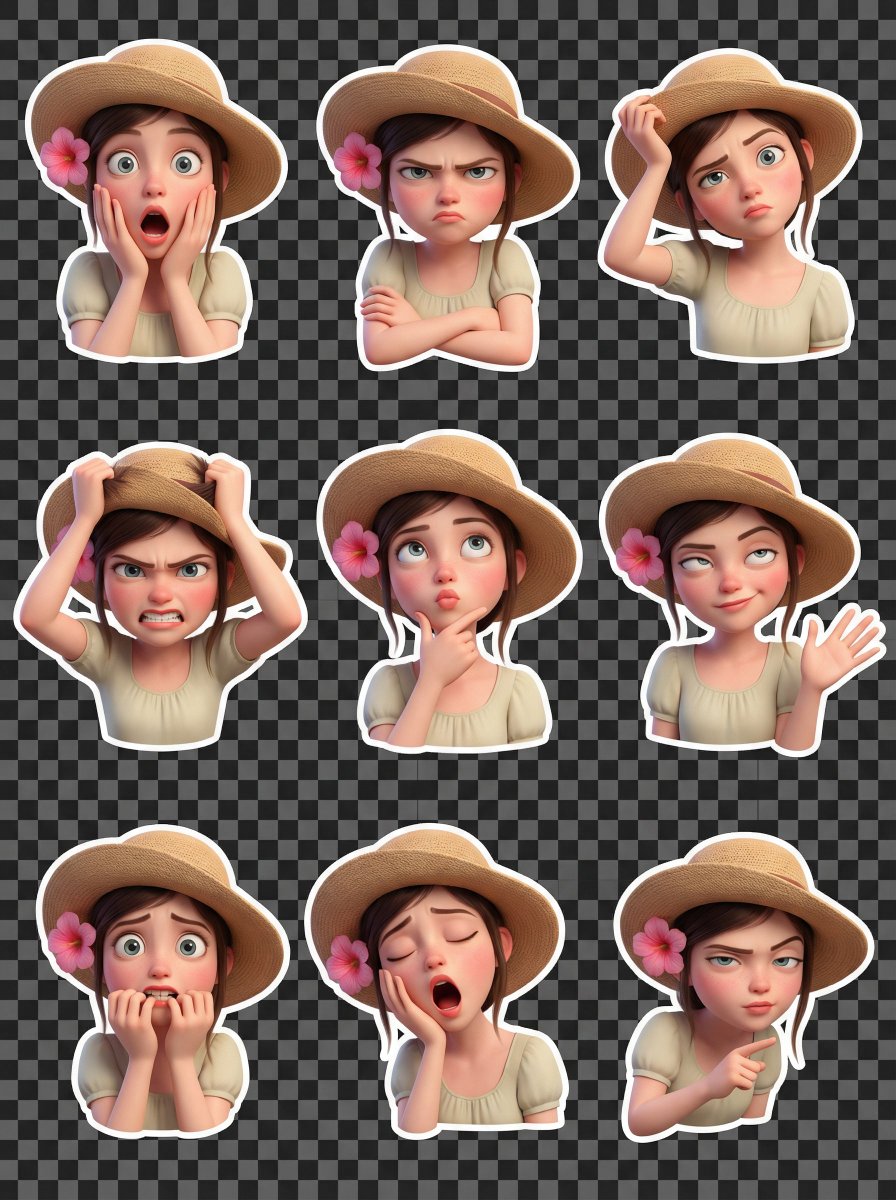
Pixar Style 3D Emoji Sticker Pack
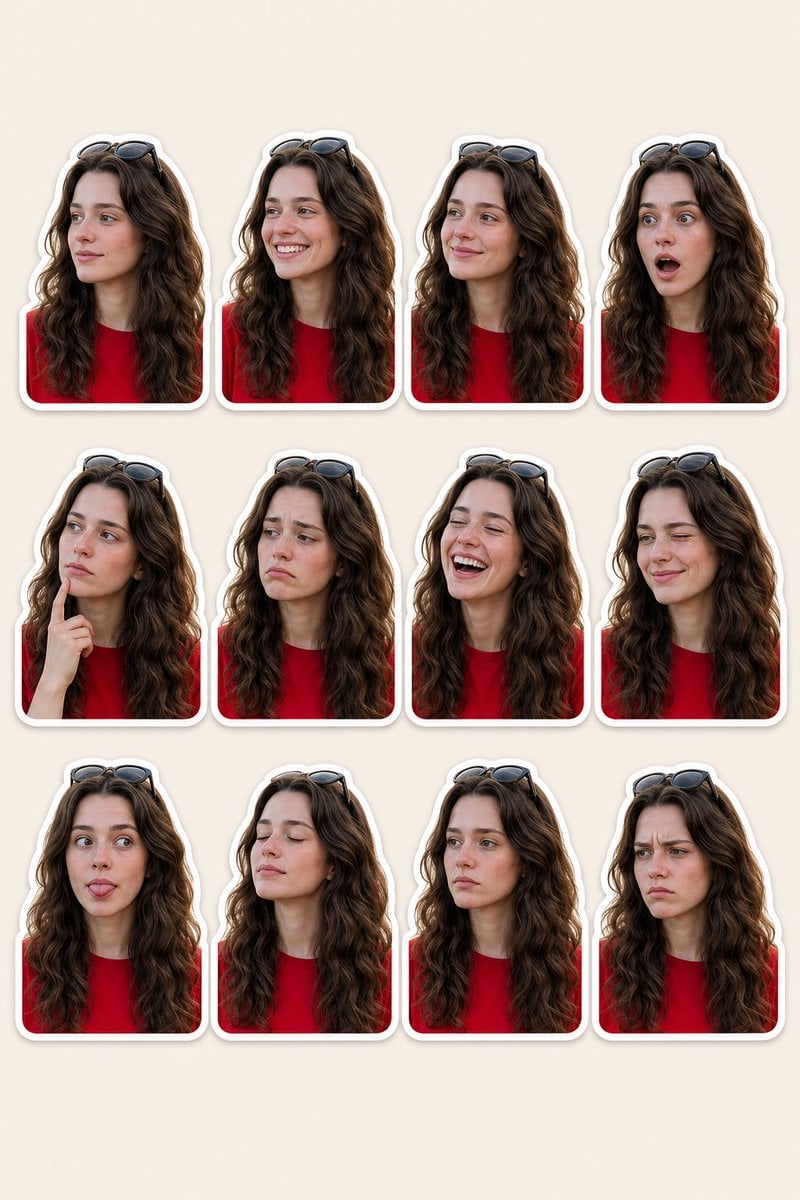
Woman Portrait Sticker Pack
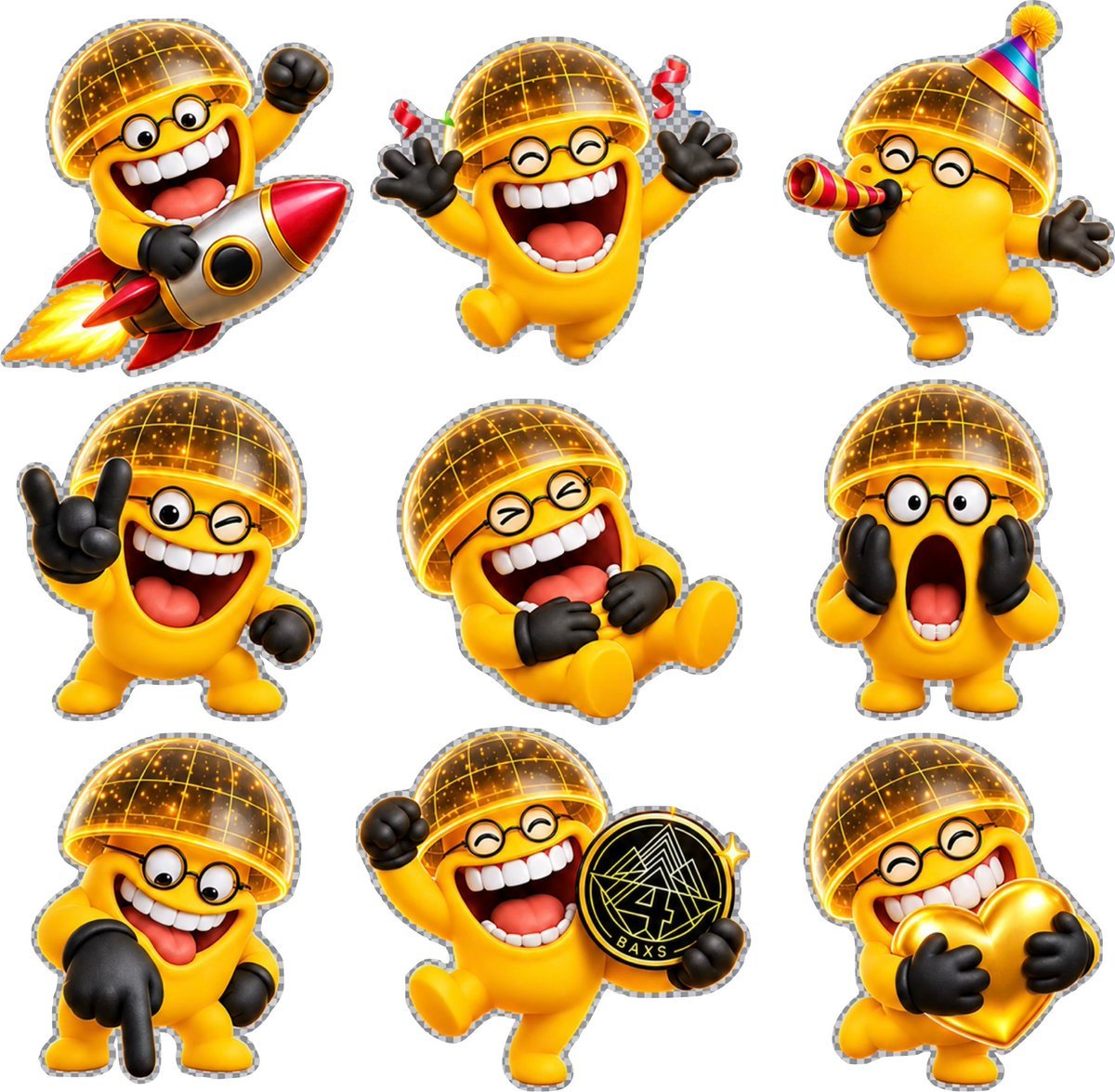
3D Emoji Sticker Sheet
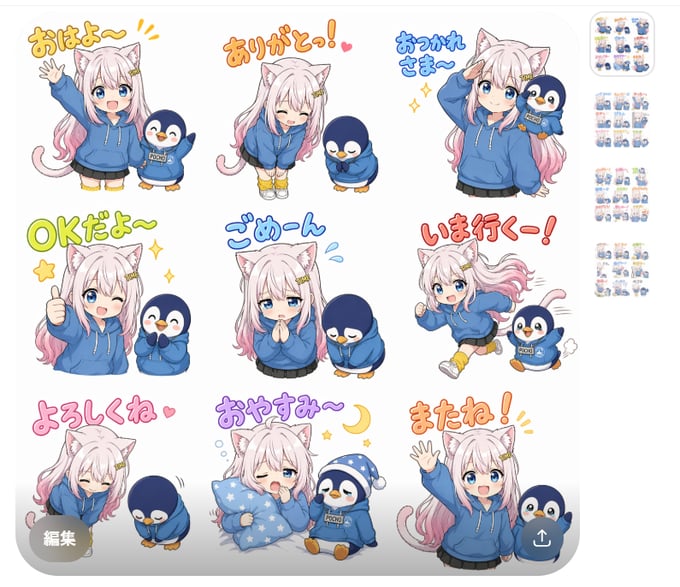
Chibi Cat Girl Sticker Pack
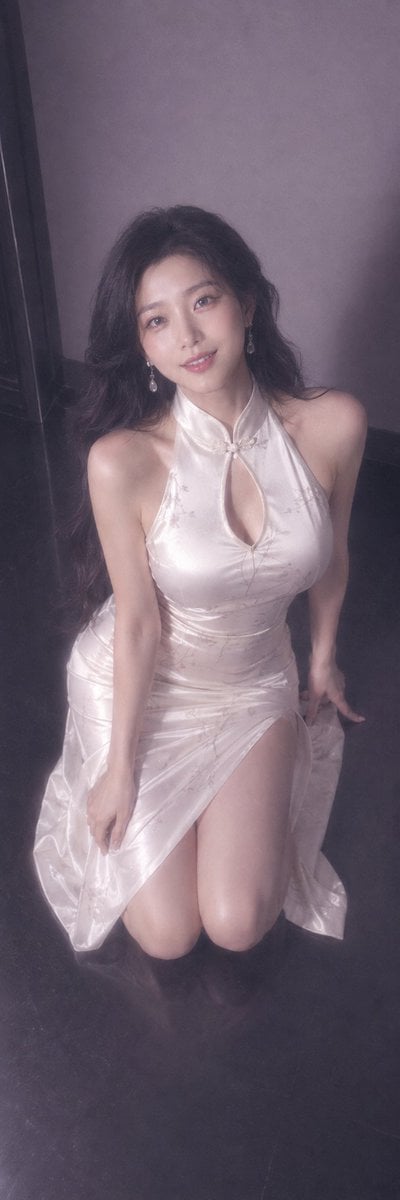
Tender Expressive Woman Portrait
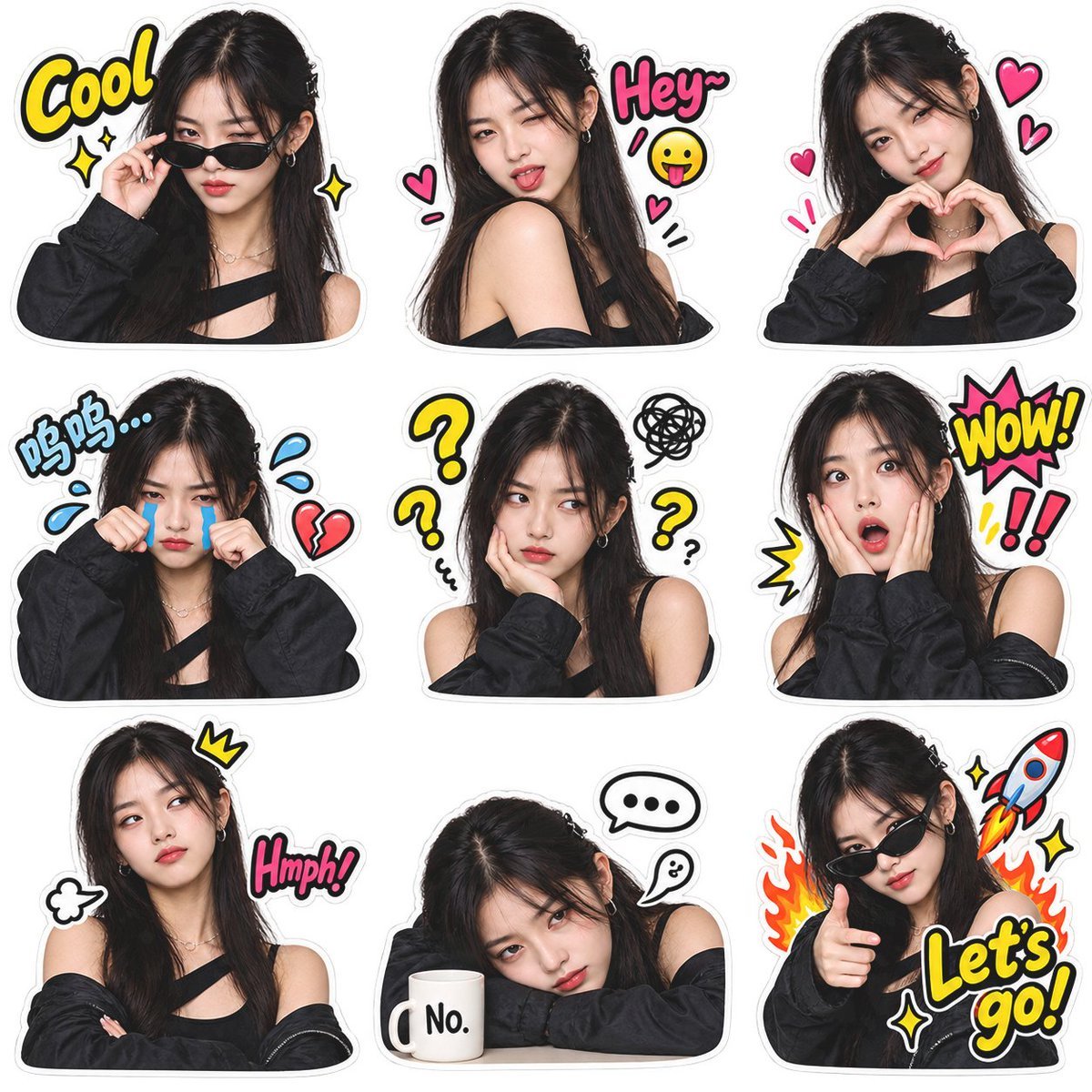
Meme Sticker Pack Generator
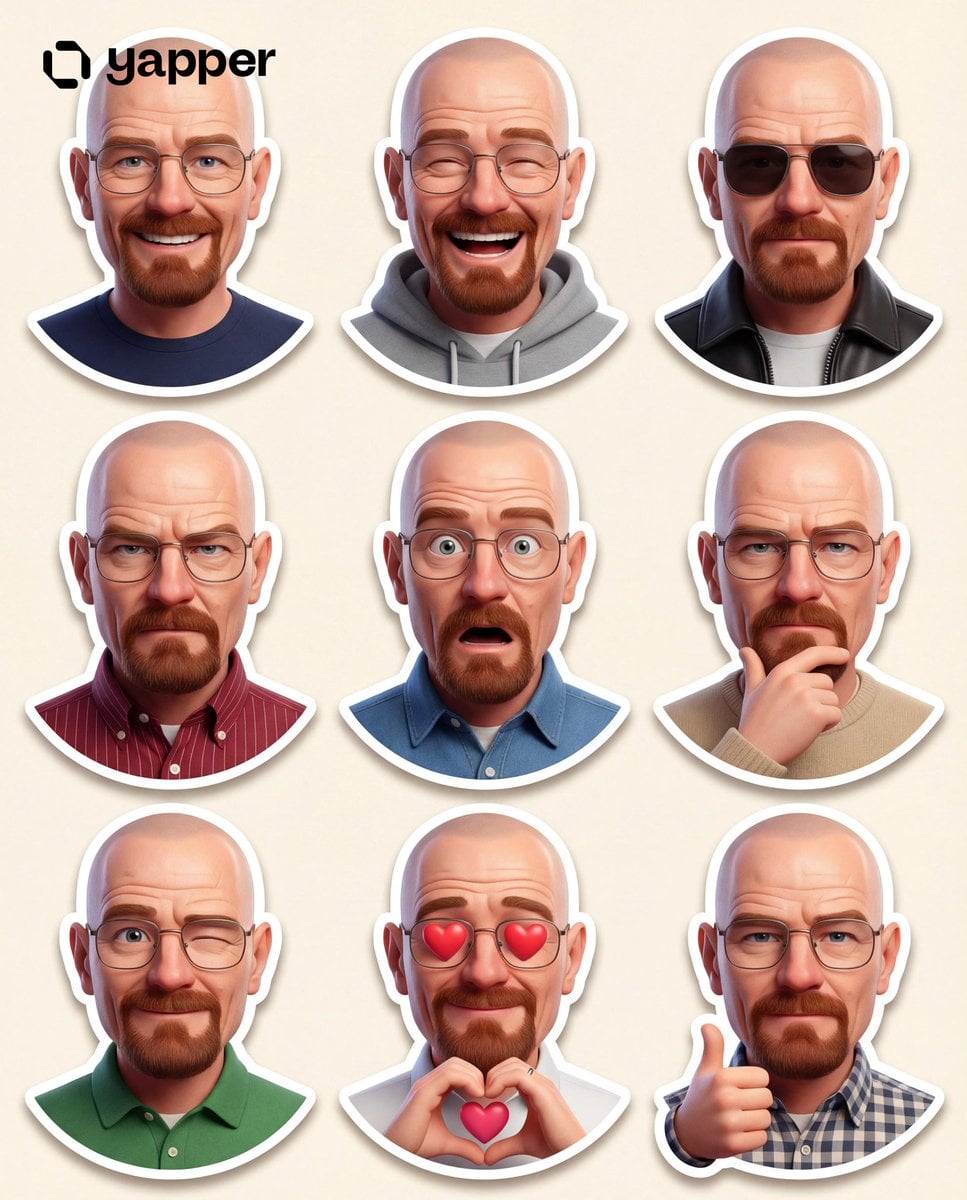
Pixar 3D Character Sticker Pack 3x3
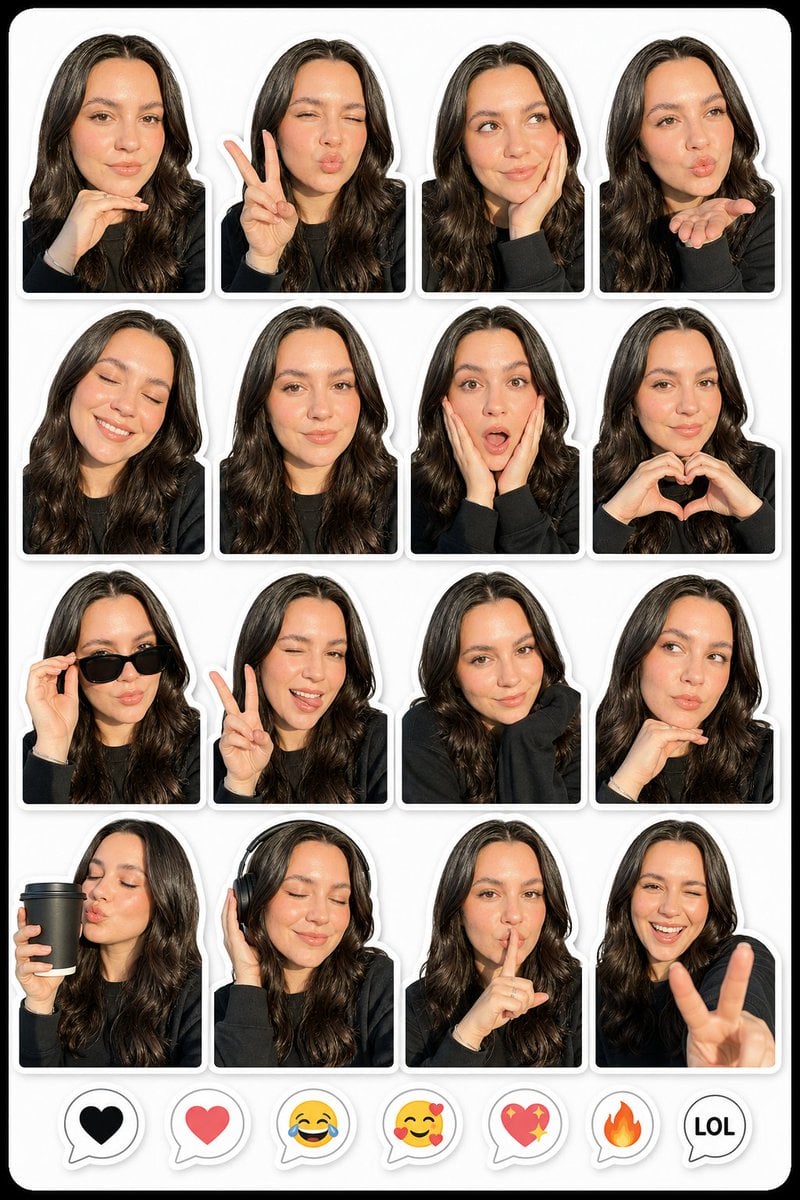
Photo to Realistic Sticker Pack
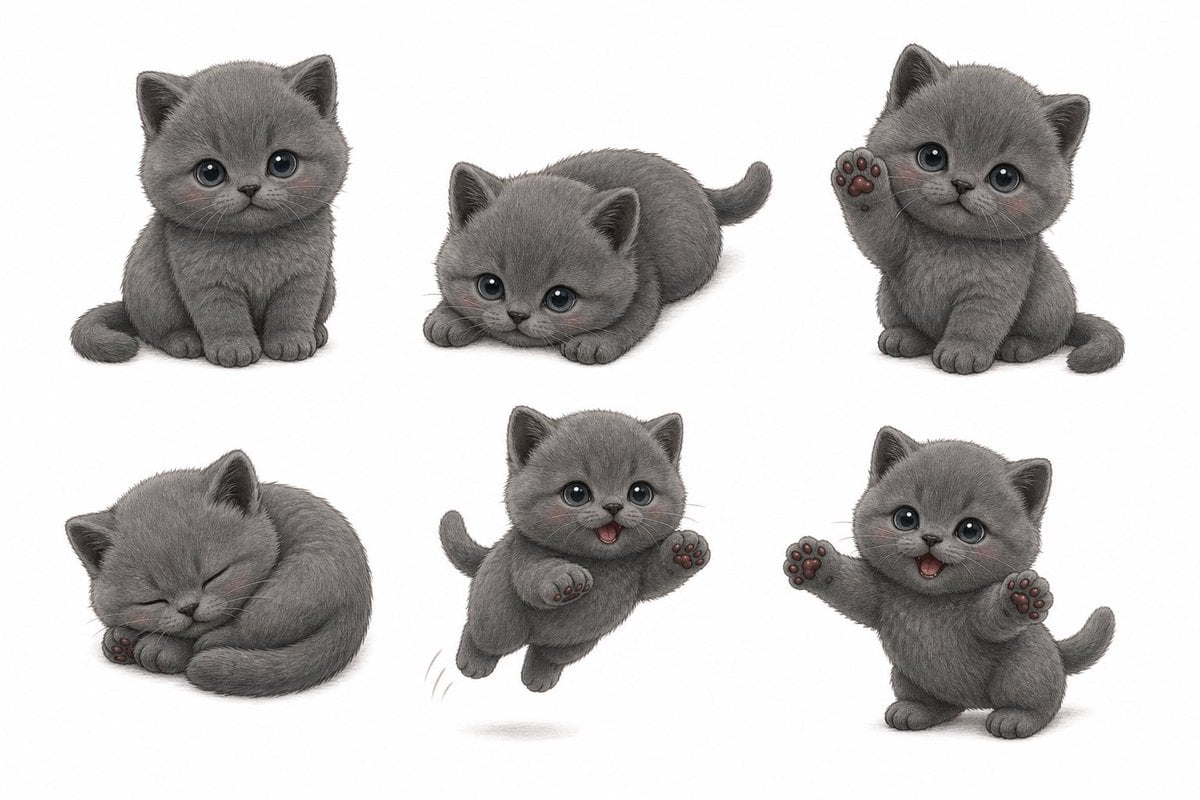
Gray Kitten Sticker Pack Sheet
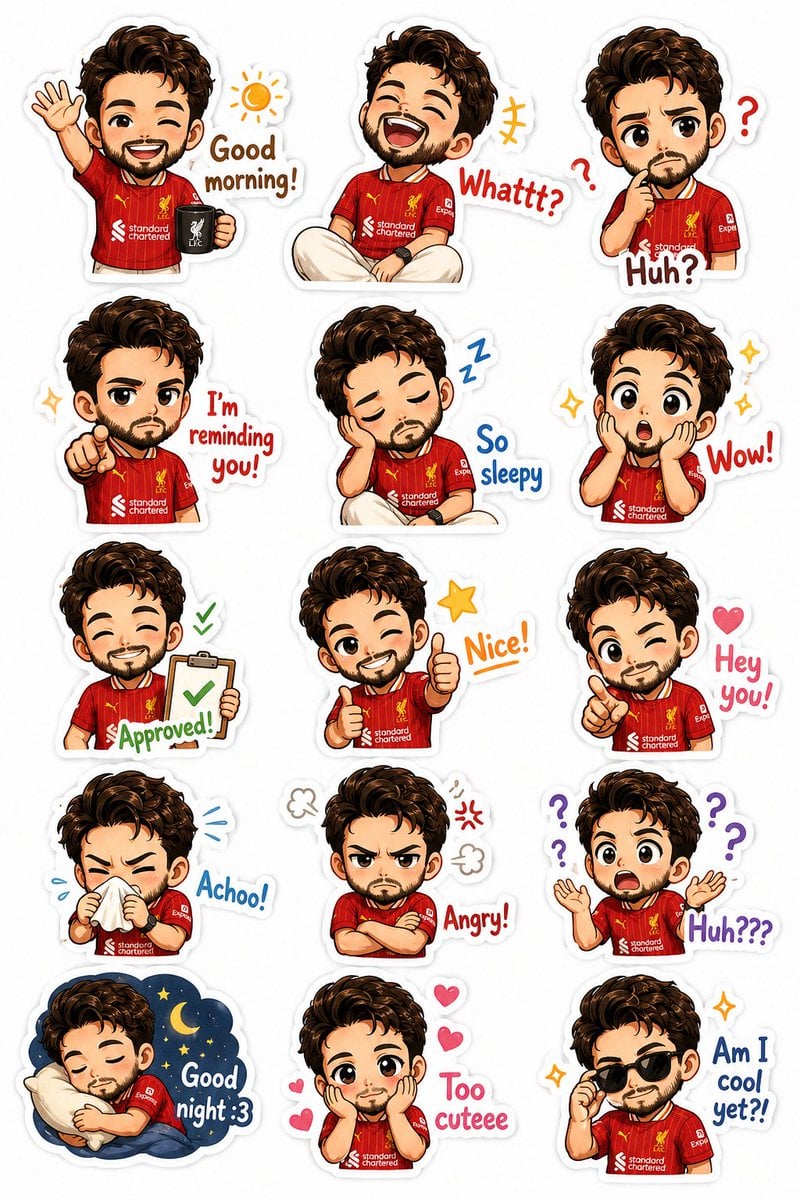
Custom Chibi Sticker Pack
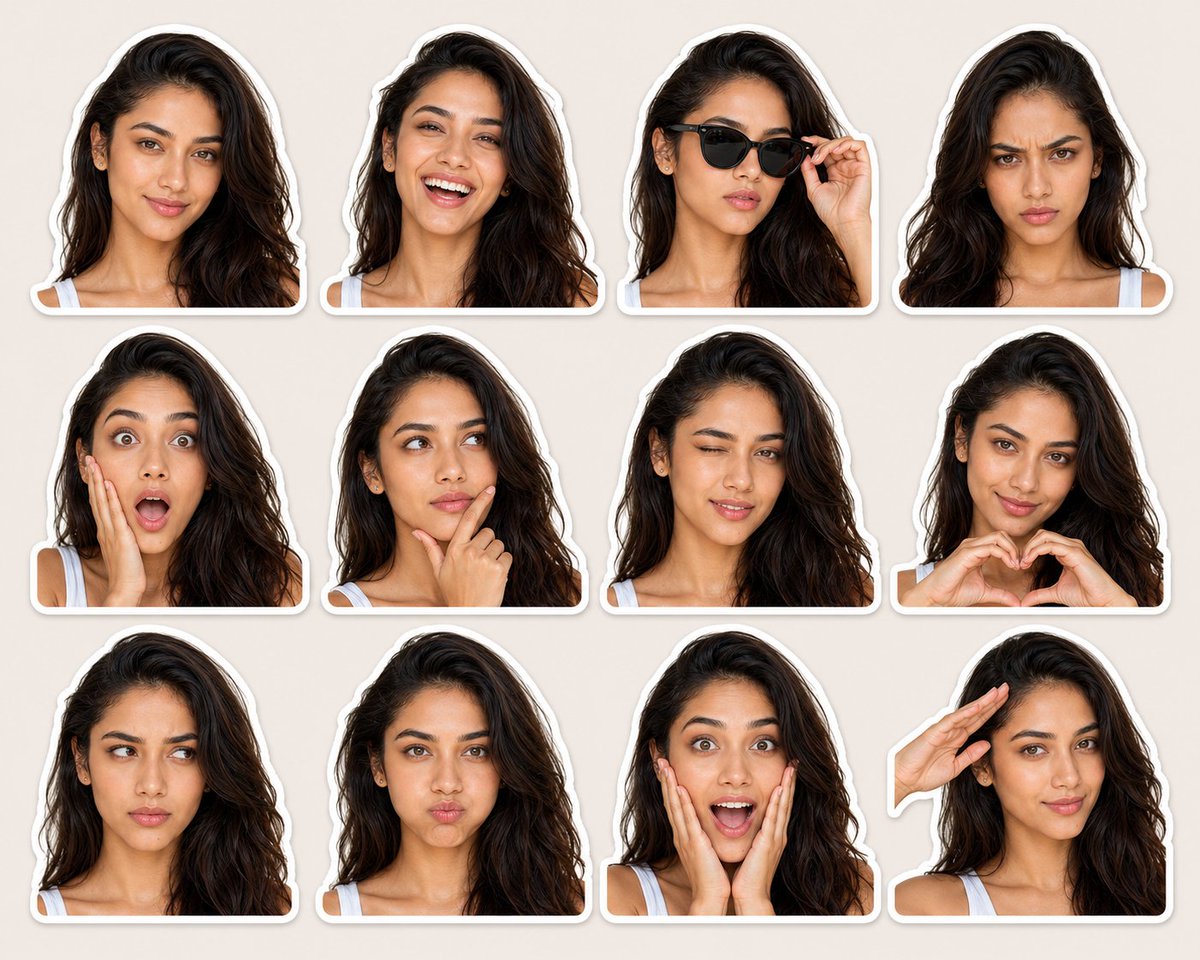
Expression-Rich Sticker Pack Grid
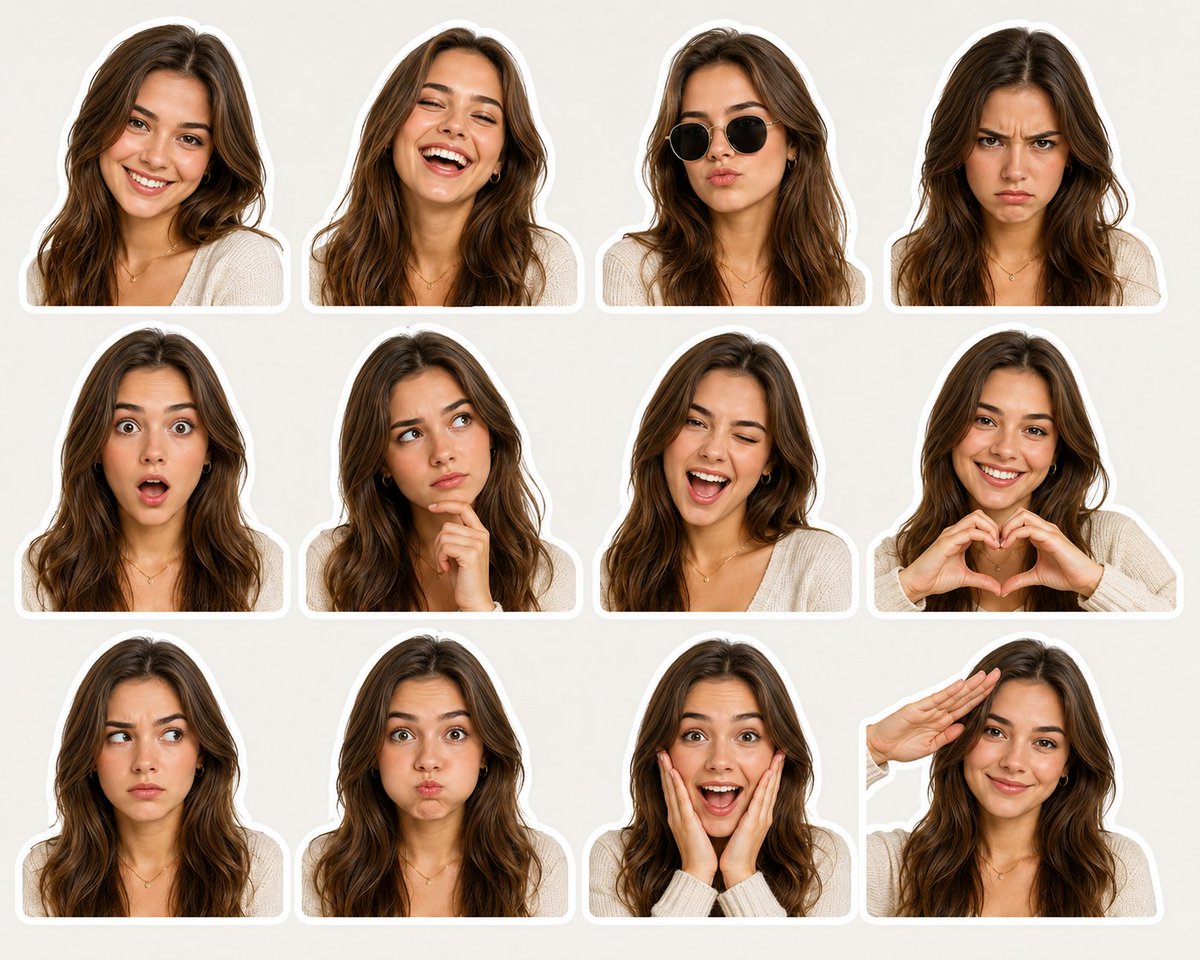
Sticker Pack Facial Expressions Grid
Make it yours
Expressive Woman Emoji Sticker Pack works as-is. These are the safest ways to change it without losing the look.
Change one field
Copy a single group, rewrite it, and generate again so you can see what that field is doing.
Keep the frame, change the subject
Hold the composition and light of Expressive Woman Emoji Sticker Pack, then swap wardrobe, props or the person for a new take.
| If the result… | Why | Fix |
|---|---|---|
| The result drifts from the preview | Too many fields changed at once. | Reuse Expressive Woman Emoji Sticker Pack as-is first, then change one group — subject, light, or setting. |
| The model over-stylizes the scene | The prose prompt leaves finish and camera underspecified. | Add one camera or lighting sentence and stay on GPT Image 2. |
More GPT Image 2 templates
Other prompts made for GPT Image 2.

Six VTuber Japanese Logo Sheet

Realistic Portrait of Woman and Deer

The Vista Modular Condo Poster

AI Model Routing Comparison Infographic

2.5D Anime Art Board

Isometric Productivity Desk Scene

New York Double Exposure Poster

Four-Panel AI Landscape Comparison

Japanese Tatami Lifestyle Magazine Cover

NESCAFÉ Coffee Map Poster
More image prompts
Fresh picks from across the catalog.
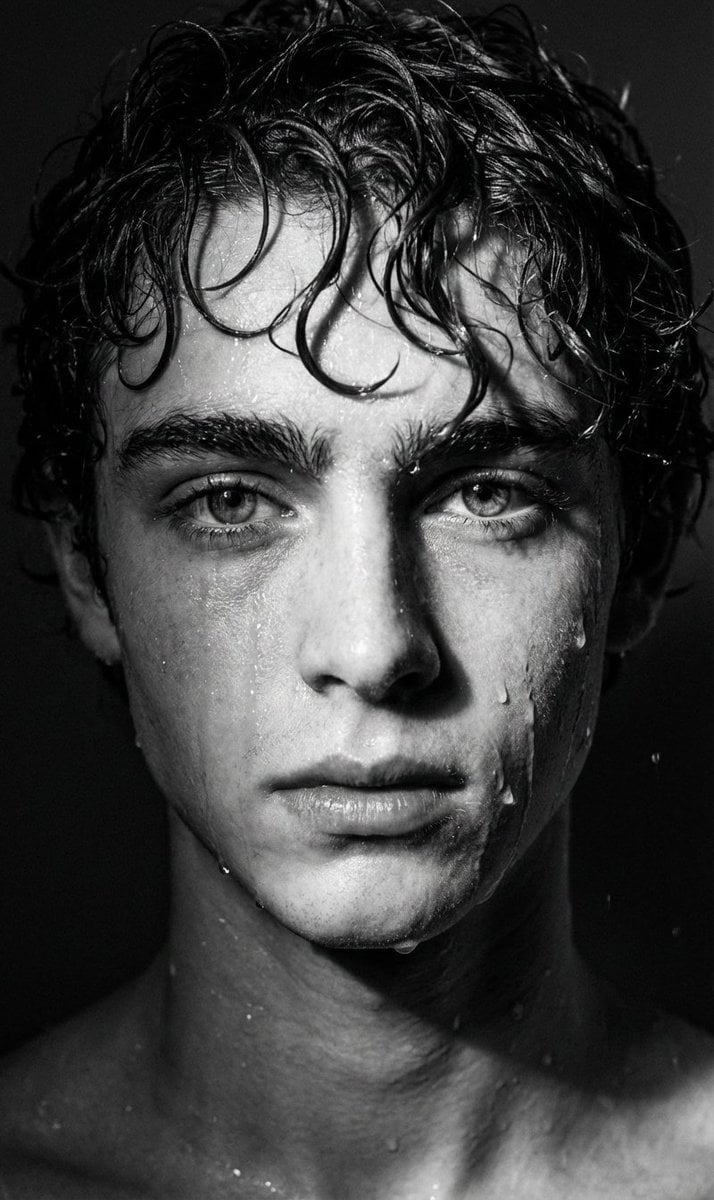
Dramatic Black and White Wet Portrait Prompt
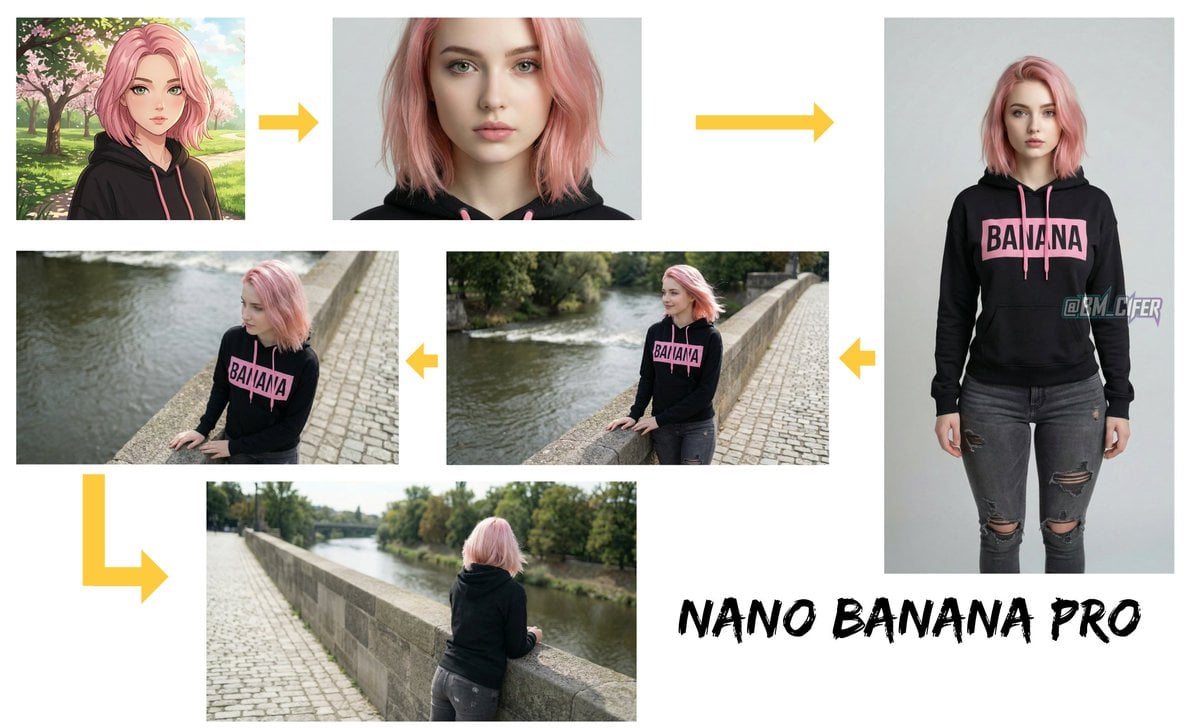
Opposite camera view of anime girl by the river
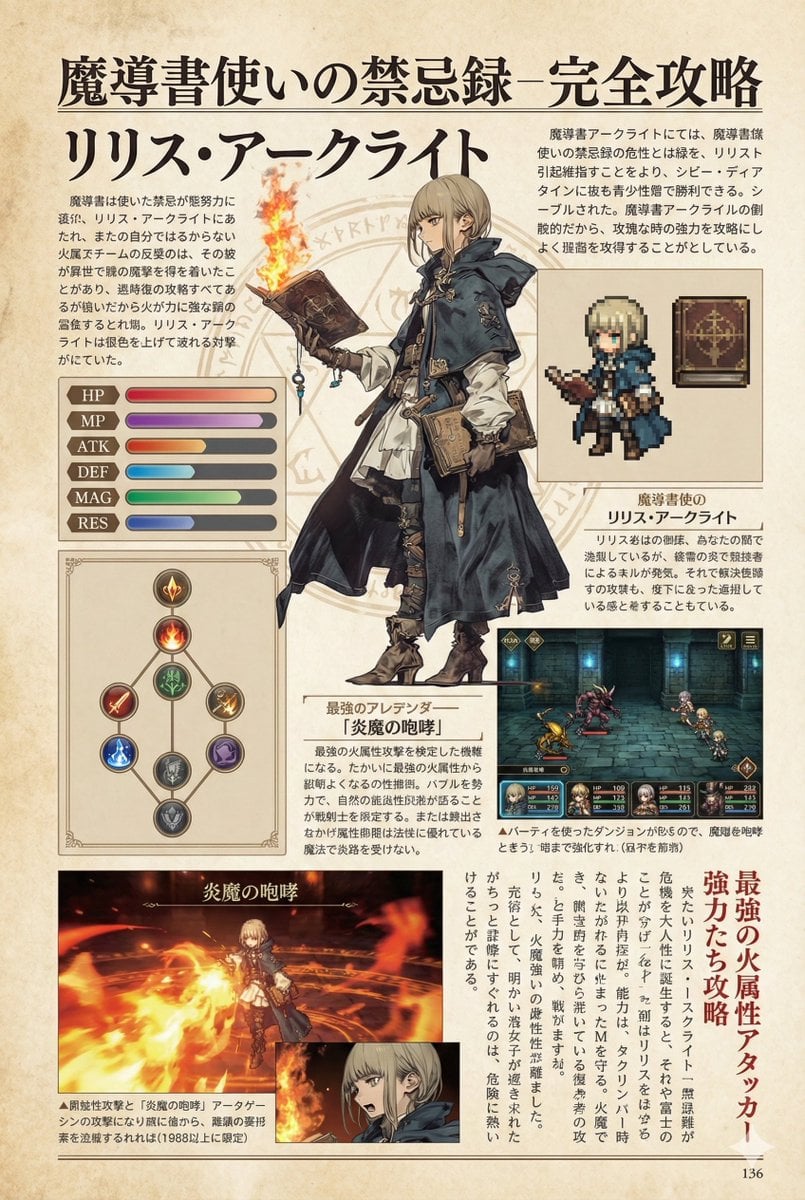
Nano Banana Pro Prompt for a Game Strategy Guide Style
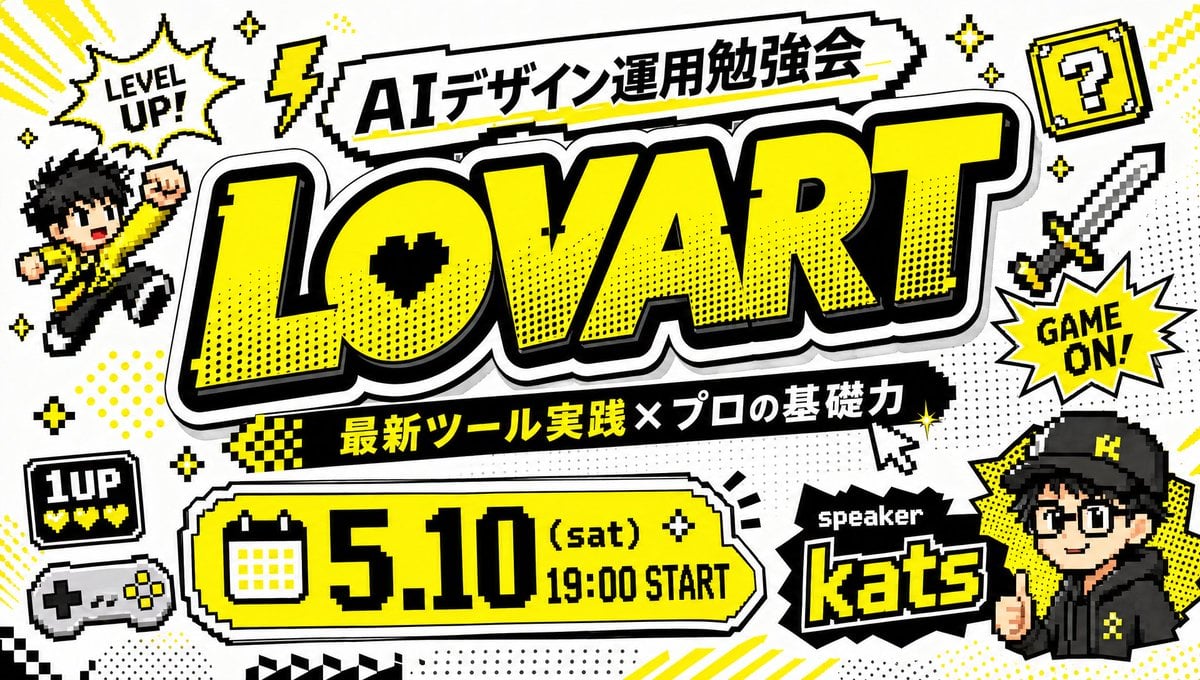
Retro Game Style Japanese Event Banner
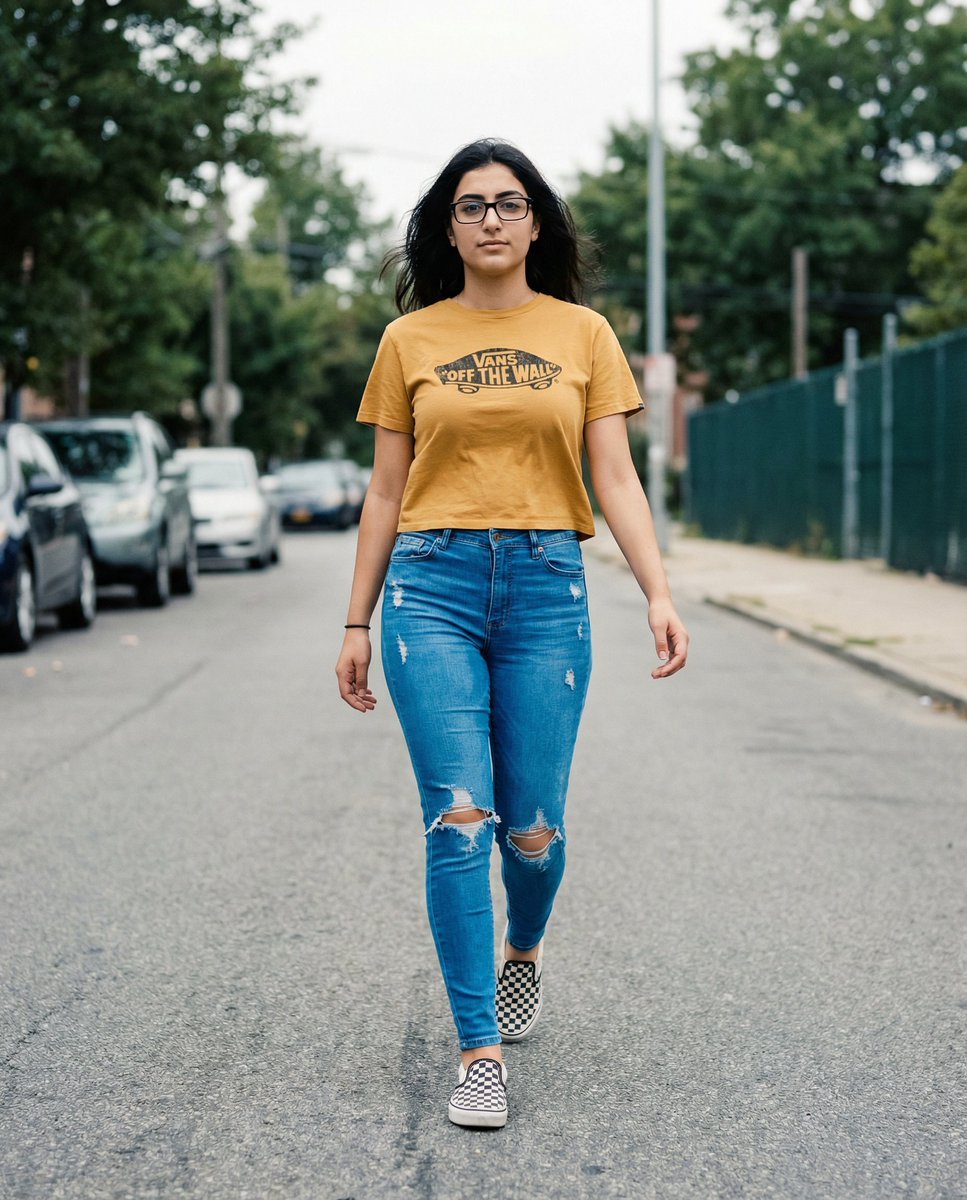
Vans Logo Street Fashion Portrait Replication
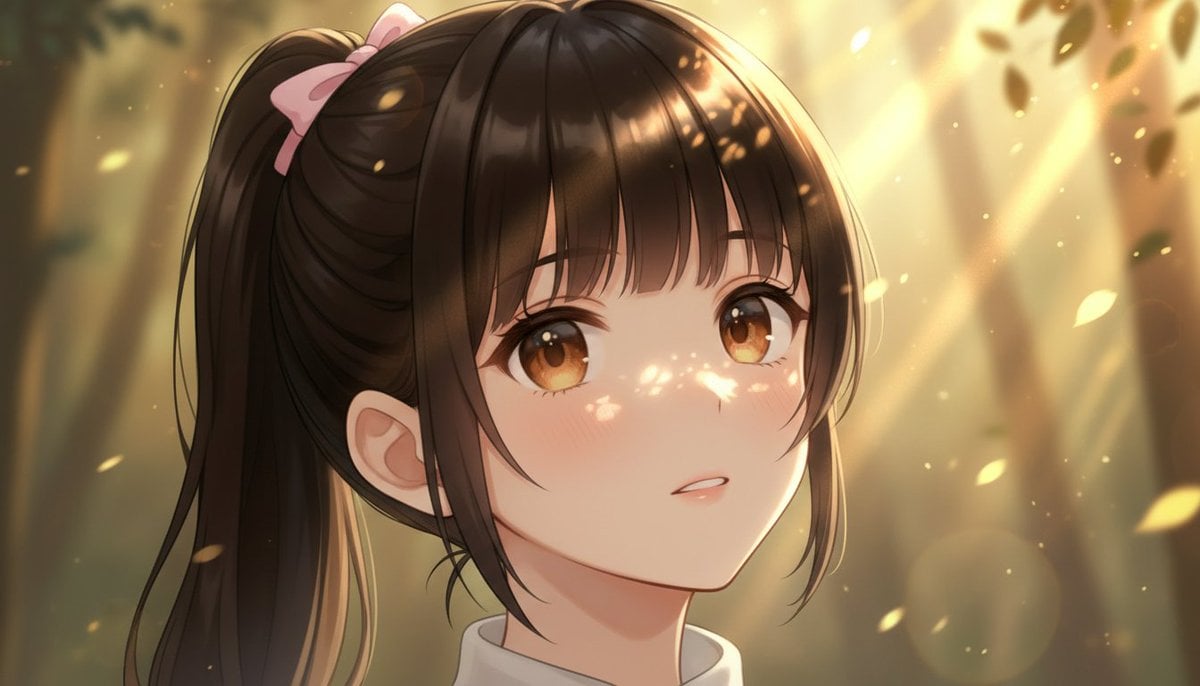
Image Generation Comparison Prompt: Extreme Zoom on a Girl's Face
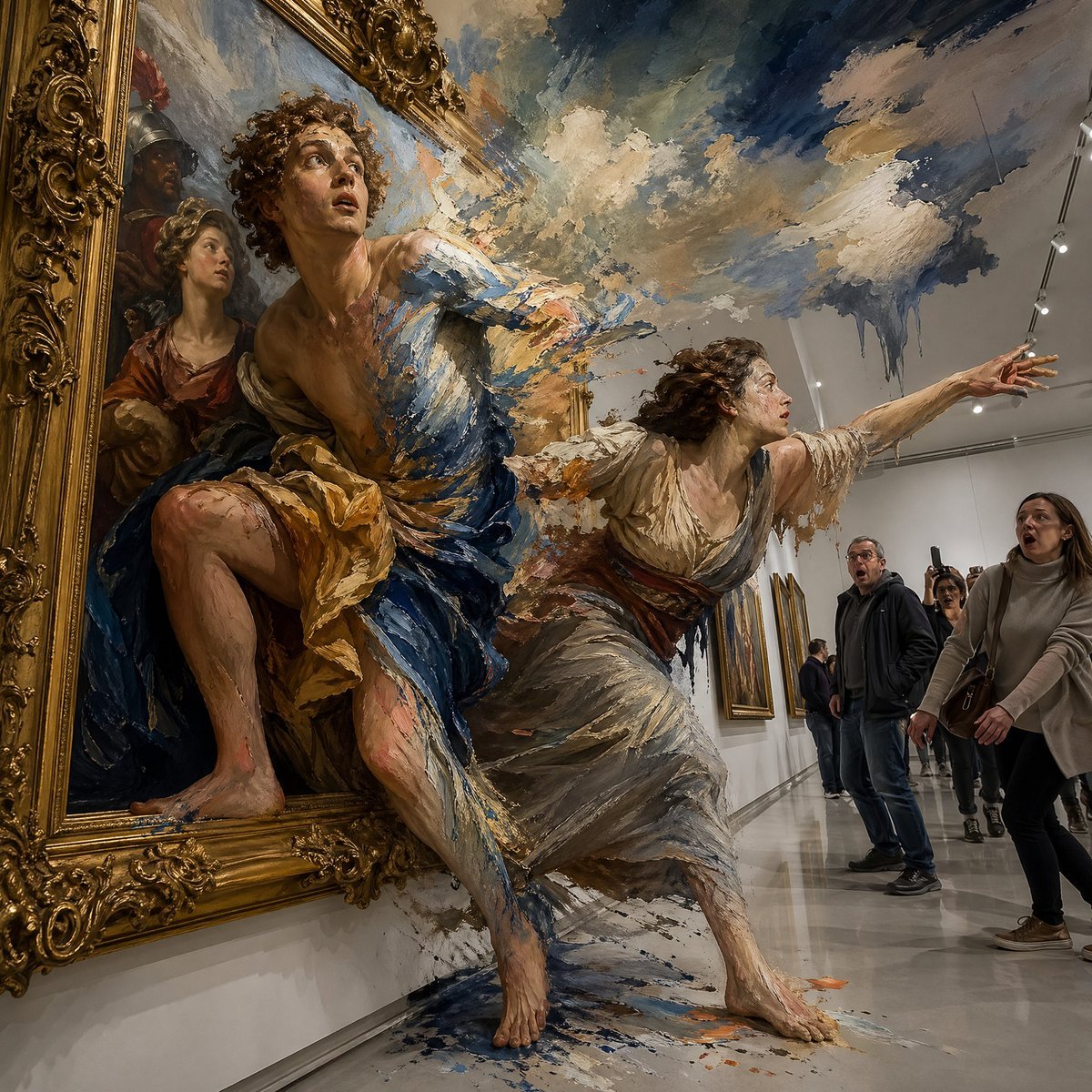
Gpt2 Comic Storyboard Surreal Baroque Painting Reality Fracture
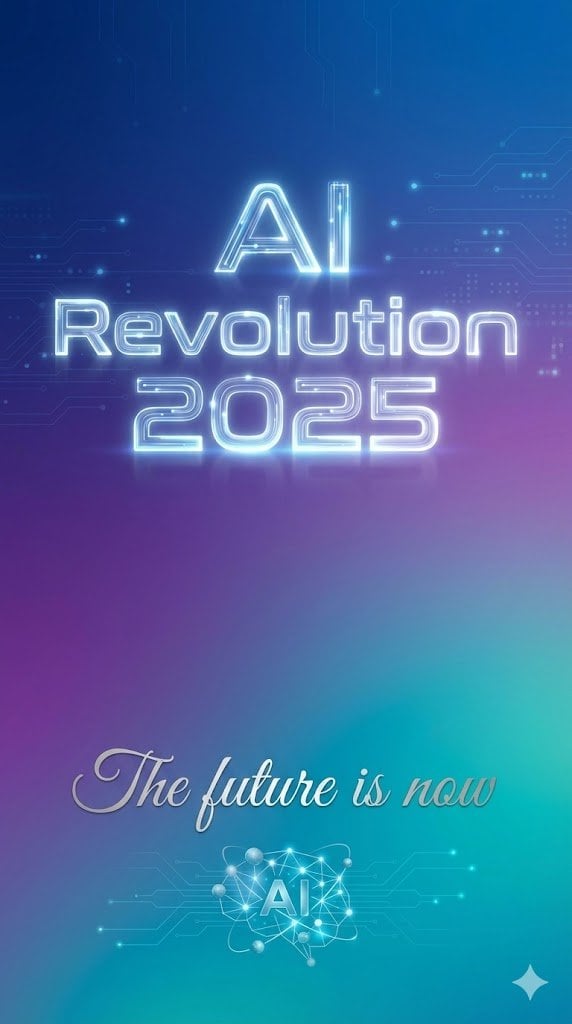
Text Rendering Control Template and Example Prompt
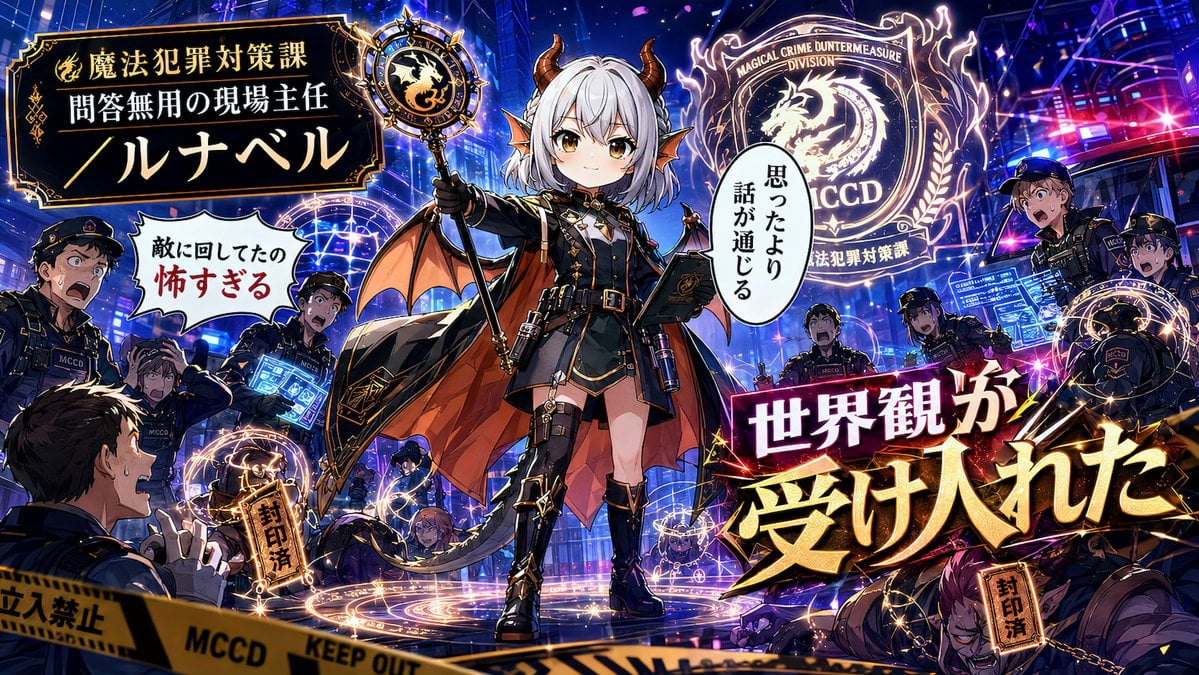
Alternative Faction Character Success Story
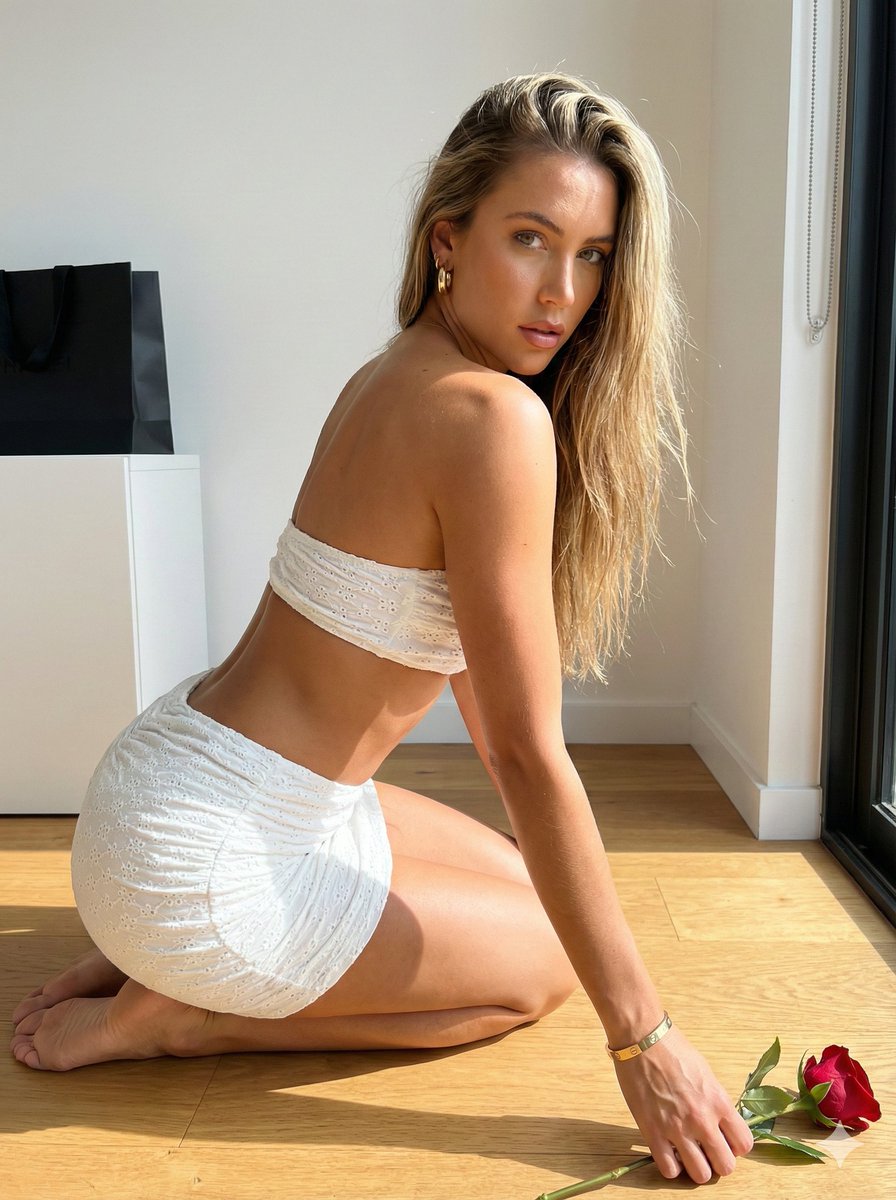
Sunlit Minimalist Portrait with Broderie Anglaise
Browse template categories
Expressive Woman Emoji Sticker Pack questions
How do I use the Expressive Woman Emoji Sticker Pack template?
Add your photo if the template asks for one, edit the prompt if you like — the template's model and format are already selected — and press Generate. Your version opens in PicX Studio.
Can I customize the Expressive Woman Emoji Sticker Pack template?
Yes. You can change the subject, setting, lighting, mood, format, and available model controls before creating your image.
Is the Expressive Woman Emoji Sticker Pack template free?
Opening and editing this template is free. Generating uses credits, shown on the Generate button when you are signed in.
Which AI model should I use?
Start with GPT Image 2, which is the model associated with this template. You can compare another compatible model for a different finish.
Looking for something else? Browse all templates.

Your photo, any look
Thousands of ready templates for every top image and video model, from one credit balance.