
Custom Chibi Sticker Pack
A comprehensive prompt for creating professional messaging-app sticker packs with adorable chibi characters based on a reference photo.
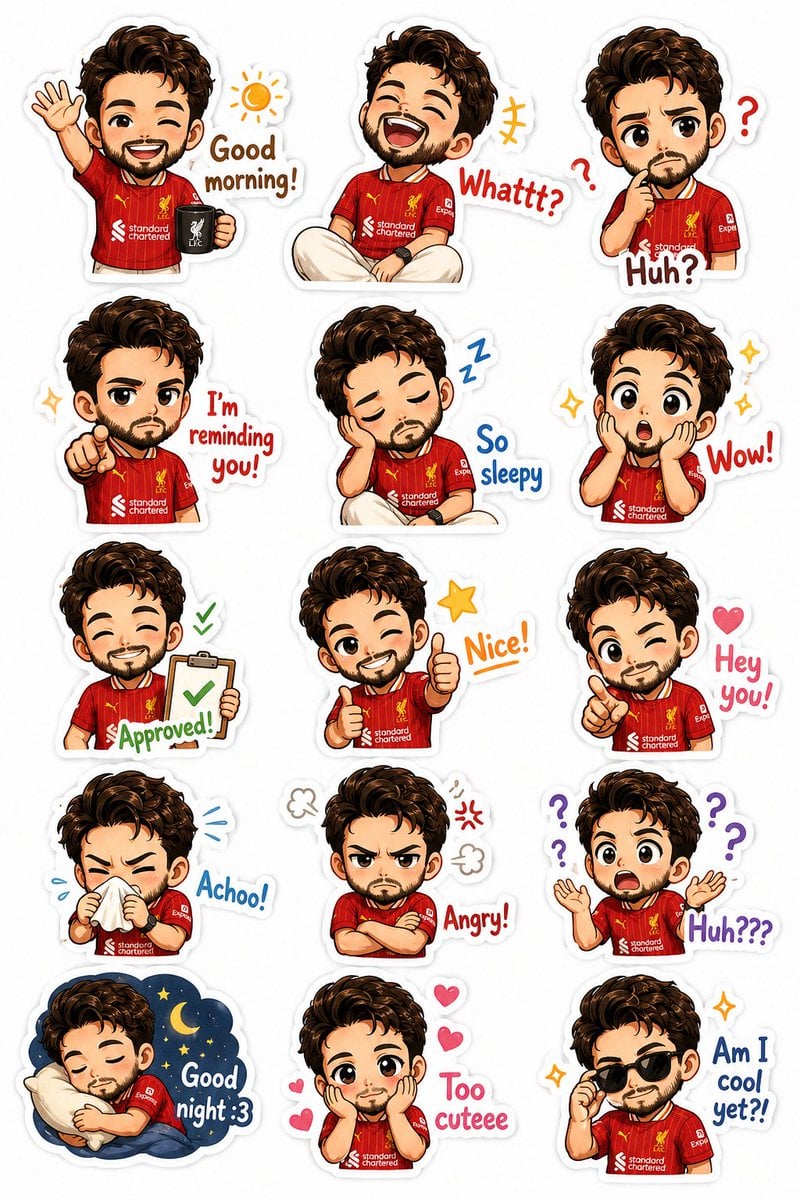
- Prompt included
- Model and format preset
- Premium template
The prompt behind this image
Copy the exact prompt behind Custom Chibi Sticker Pack, or open it in the studio and make it yours.
Create a premium chibi sticker pack based on the uploaded photo of the {argument name="subject" default="man"}. Preserve his recognizable features: {argument name="features" default="dark wavy hair, short beard, friendly face"}, {argument name="outfit" default="red football jersey, light-colored pants, red sneakers"}, and smartwatch. Transform him into an adorable super-cute chibi character with a large head, expressive eyes, tiny body, soft shading, and clean cartoon illustration style. Layout & Style Vertical sticker sheet format (4:5 ratio) Clean white background Each sticker has a thick white die-cut border High-resolution digital illustration Bright, cheerful colors Cute doodles around stickers (hearts, stars, sparkles, question marks, motion lines) Professional messaging-app sticker pack style Consistent character design across all stickers Expressions & Poses Create 15 separate chibi stickers: 1. Waving with coffee ☀️ — “Good morning!” 2. Laughing hard 😂 — “Whattt?” 3. Thinking/confused 🤔 — “Huh?” 4. Pointing seriously 👉 — “I’m reminding you!” 5. Sleepy with droopy eyes 😴 — “So sleepy” 6. Shocked with sparkling eyes 😲 — “Wow!” 7. Holding approval clipboard ✅ — “Approved!” 8. Double thumbs up 👍 — “Nice!” 9. Winking and pointing 👉 — “Hey you!” 10. Sneezing with tissue 🤧 — “Achoo!” 11. Arms crossed, grumpy 😠 — “Angry!” 12. Completely confused 🙃 — “Huh???” 13. Sleeping with pillow 🌙 — “Good night :3” 14. Hands on cheeks, adorable 🥺 — “Too cuteee” 15. Wearing sunglasses 😎 — “Am I cool yet?!” Art Direction Ultra-cute kawaii style Sticker-pack quality suitable for WhatsApp, Telegram, LINE, Discord Soft highlights and blush on cheeks Crisp linework Clean typography integrated into each sticker Dynamic and varied poses Charming, wholesome, playful mood White die-cut border around every sticker No background elements except sticker decorations Studio-quality illustration, highly detailed, polished, professional sticker design sheet.
How to use Custom Chibi Sticker Pack in 3 steps
- 1Upload ImagePNG, JPG or paste
Add your photo
Upload the photo the template builds on. The prompt, model and format are already set.
- 2…a portrait of your subject in softgolden-hour light, 85mm…
Personalize
Edit the subject and creative details for your destination.
- 3Generate
Generate
Press Generate — your image is created in PicX Studio, so you can compare it with the original and refine one variable at a time.
More like this
Templates with the same subject, style or setup. Open one to see its prompt.
Chibi Cat Girl Sticker Pack
Kawaii Chibi Sticker Pack Creator
Chibi Expression Sticker Pack
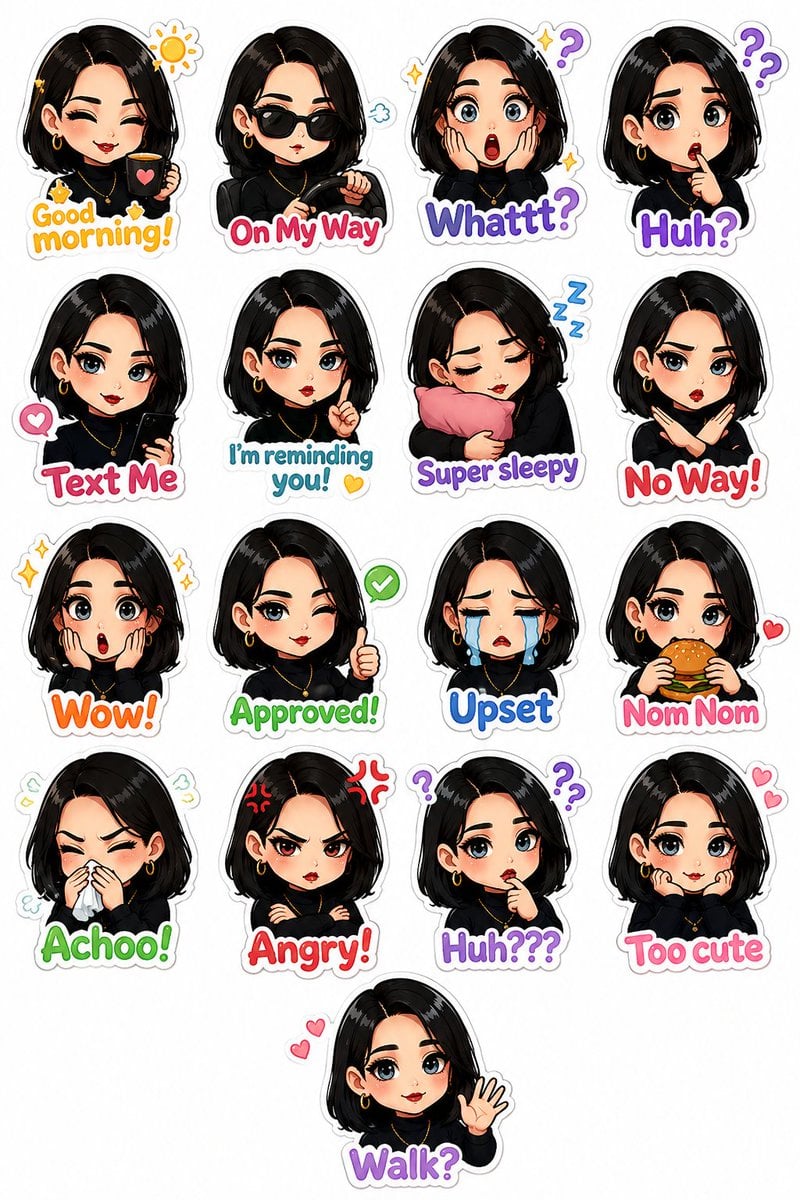
Personalized Chibi Sticker Pack
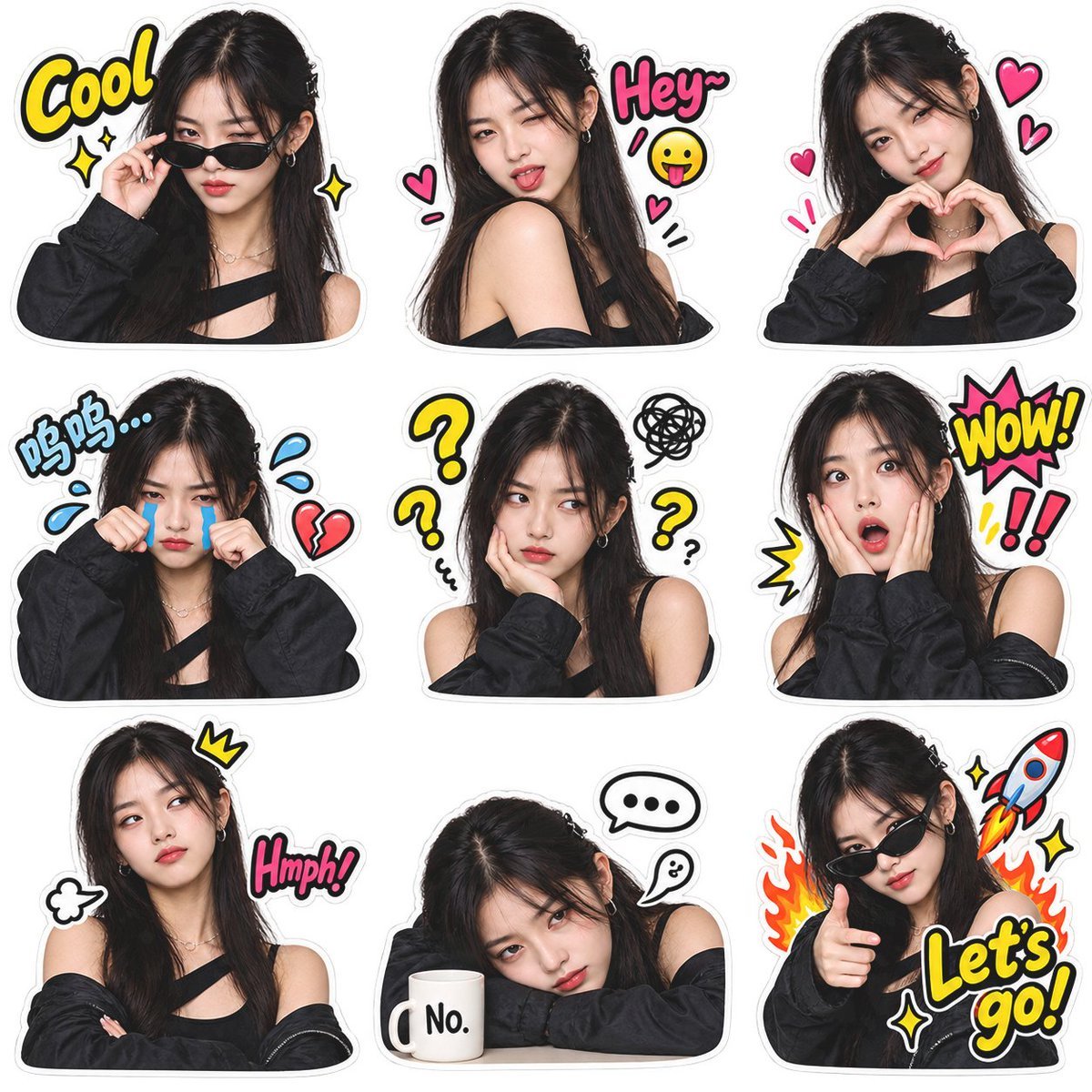
Meme Sticker Pack Generator

Chibi Anime Ninja Sticker Sheet
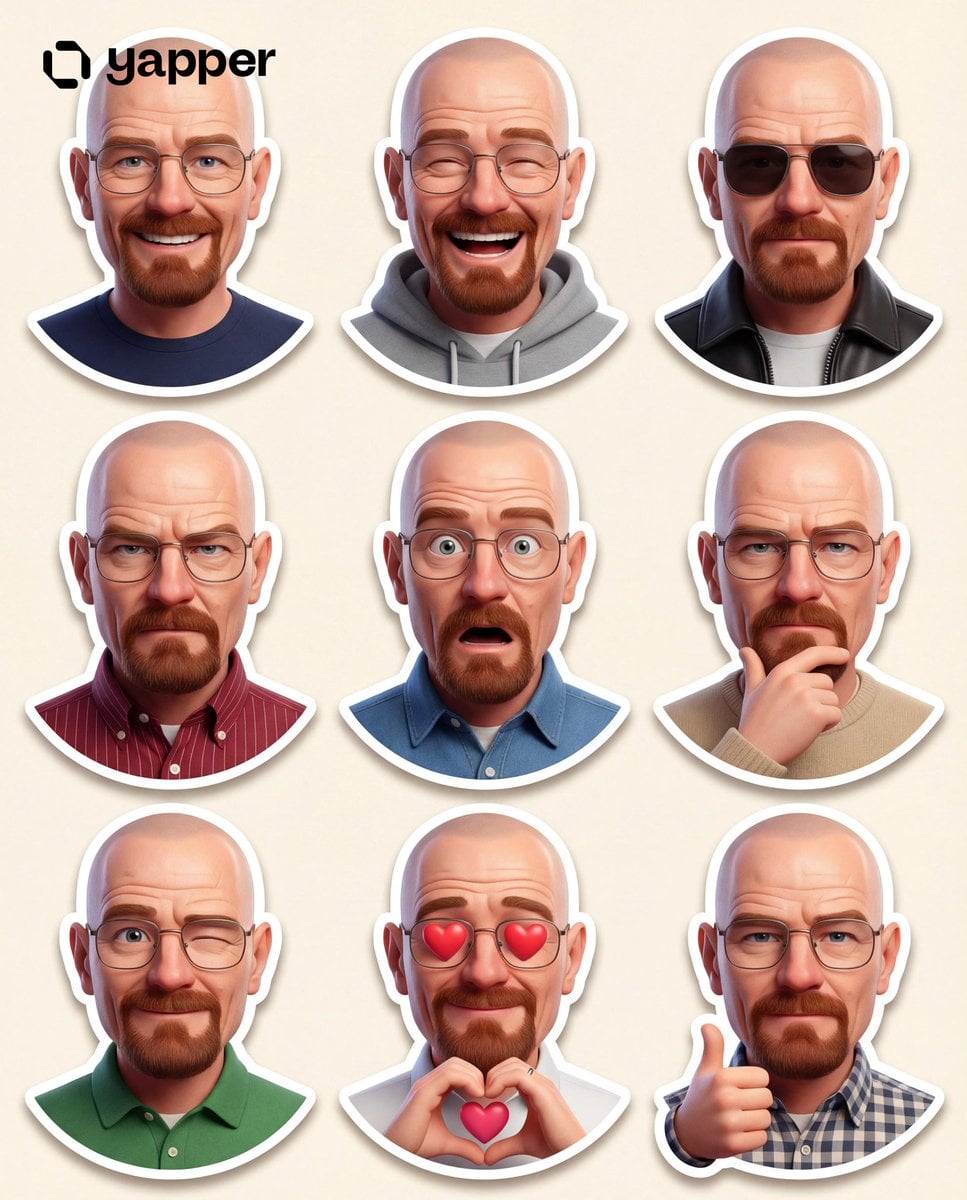
Pixar 3D Character Sticker Pack 3x3
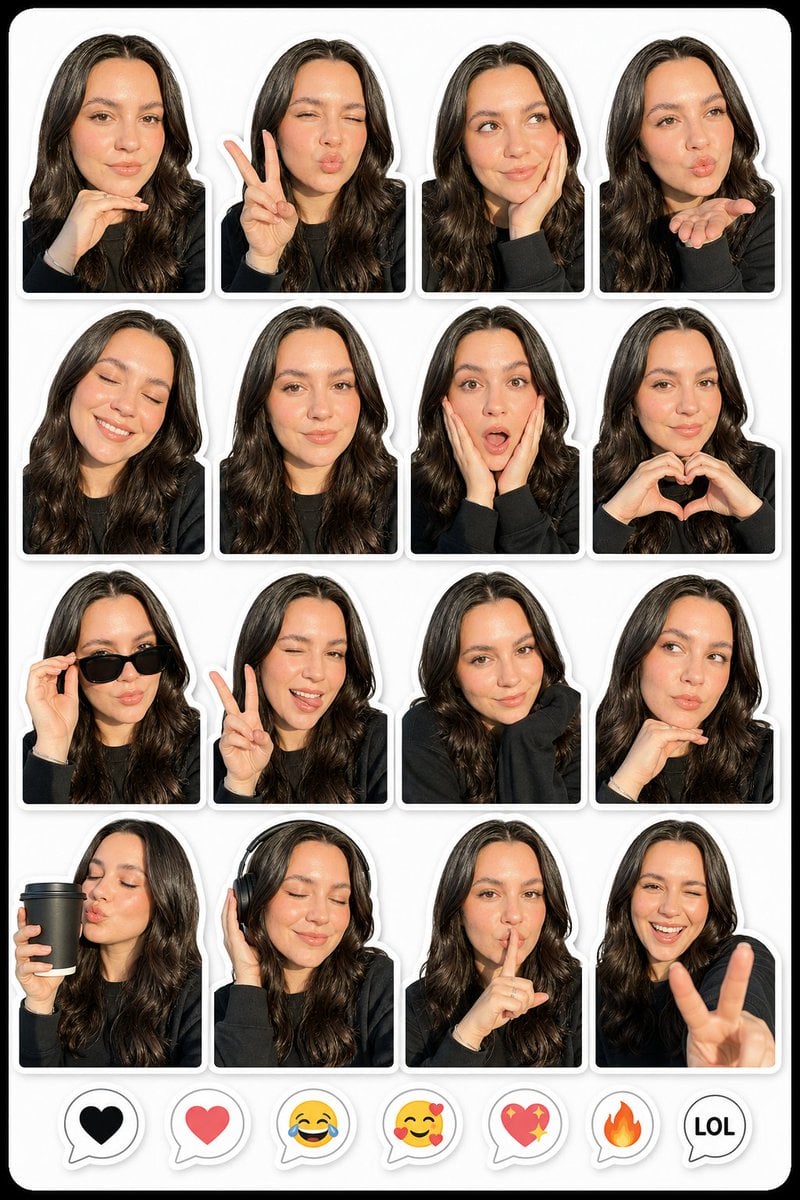
Photo to Realistic Sticker Pack
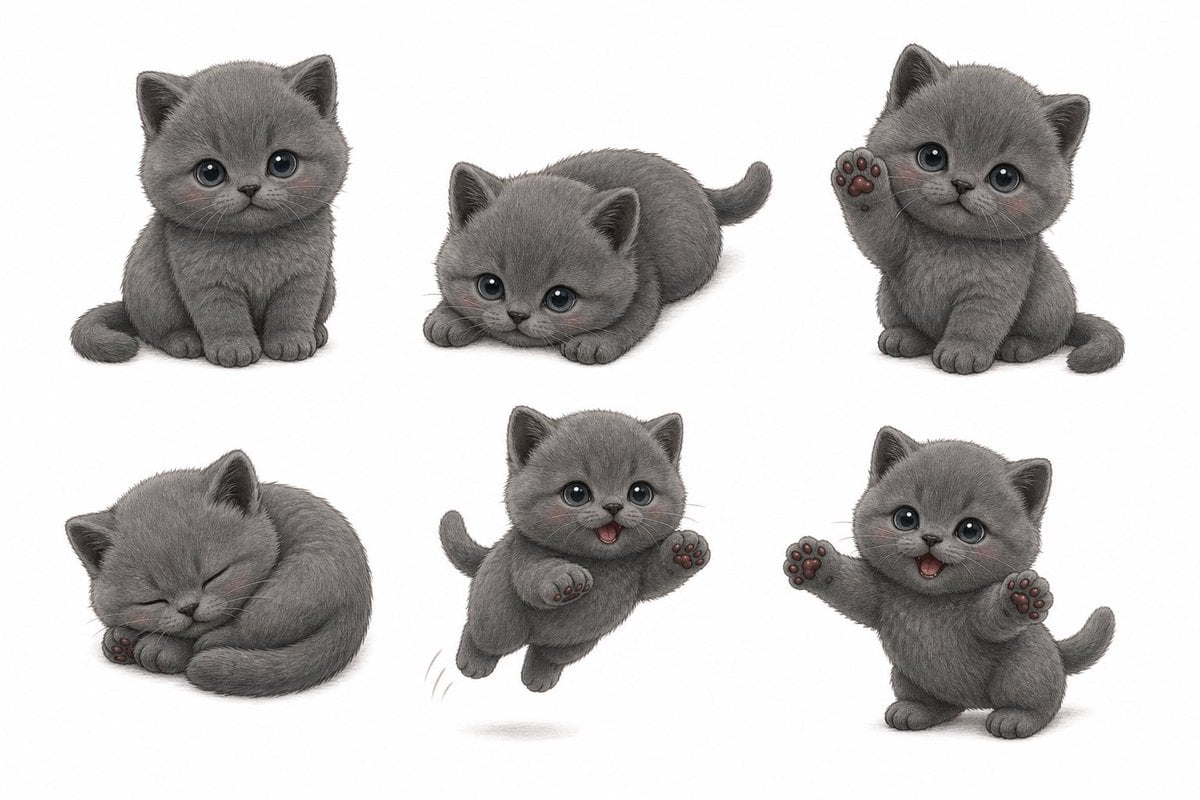
Gray Kitten Sticker Pack Sheet
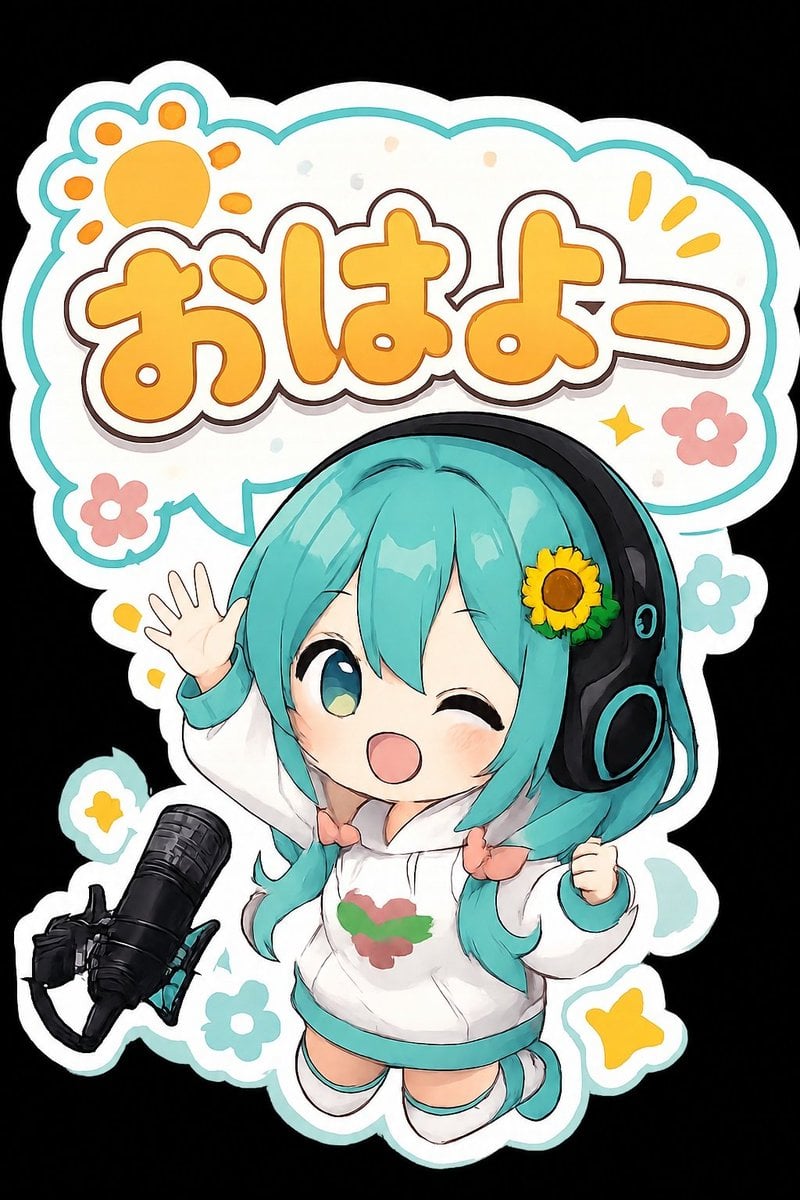
Chibi Morning Greeting Sticker
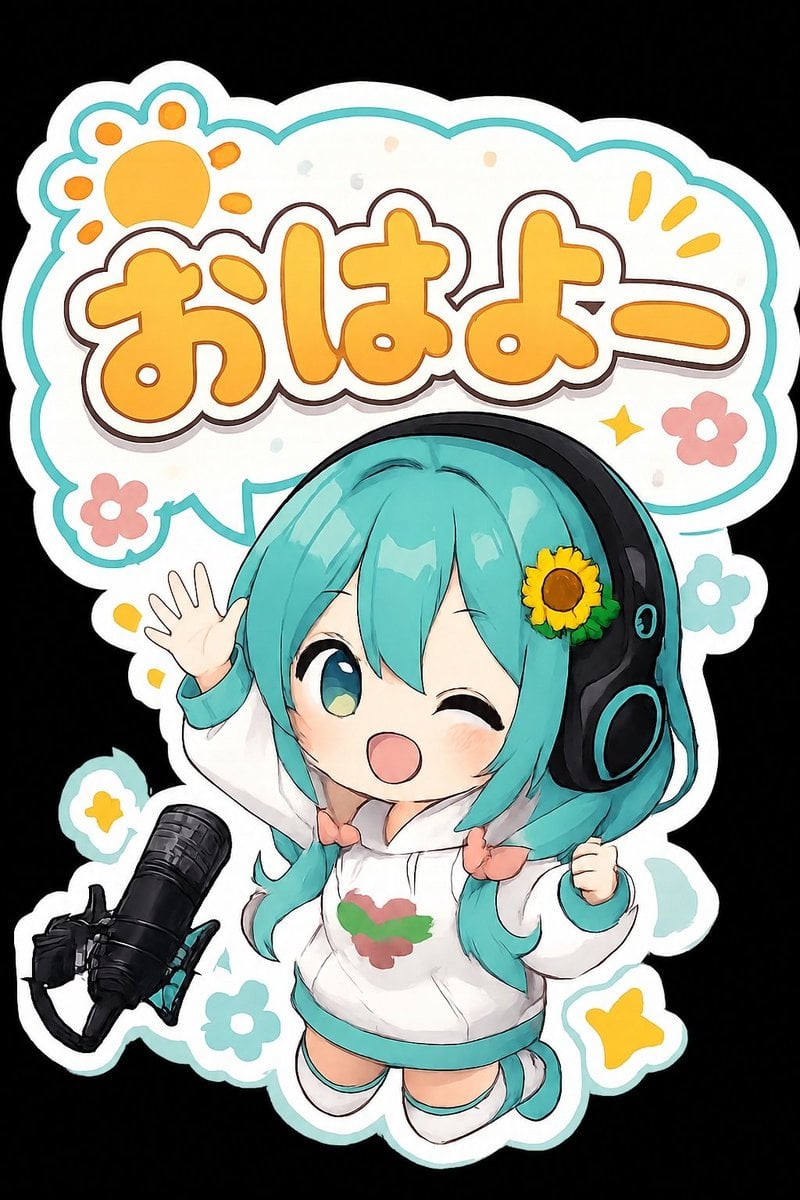
Chibi Anime Morning Greeting Sticker

Cute Layered Paper Cut Chibi Girl
Make it yours
Custom Chibi Sticker Pack works as-is. These are the safest ways to change it without losing the look.
Change one field
Copy a single group, rewrite it, and generate again so you can see what that field is doing.
Keep the frame, change the subject
Hold the composition and light of Custom Chibi Sticker Pack, then swap wardrobe, props or the person for a new take.
| If the result… | Why | Fix |
|---|---|---|
| The result drifts from the preview | Too many fields changed at once. | Reuse Custom Chibi Sticker Pack as-is first, then change one group — subject, light, or setting. |
| The model over-stylizes the scene | The prose prompt leaves finish and camera underspecified. | Add one camera or lighting sentence and stay on Nano Banana 2. |
More Nano Banana 2 templates
Other prompts made for Nano Banana 2.

Photorealistic Leaf Shaped Like a Dragon

K-Pop Idol Portrait Grid for Rapid Selection

Poetic Rain Forest Portrait During Golden Hour

Urban Street Portrait with Cartoon Inner Self Duo

Candid Nighttime Photo with Cat Prompt

High-Concept 3D Diorama Generation Prompt

Cinematic Futuristic Studio Portrait Template

Skincare Editorial Photography Collage Prompt

Hyper-Realistic Commercial Product Photography (Splash Effect)

Hyper-Realistic Nightclub Portrait Prompt
More image prompts
Fresh picks from across the catalog.
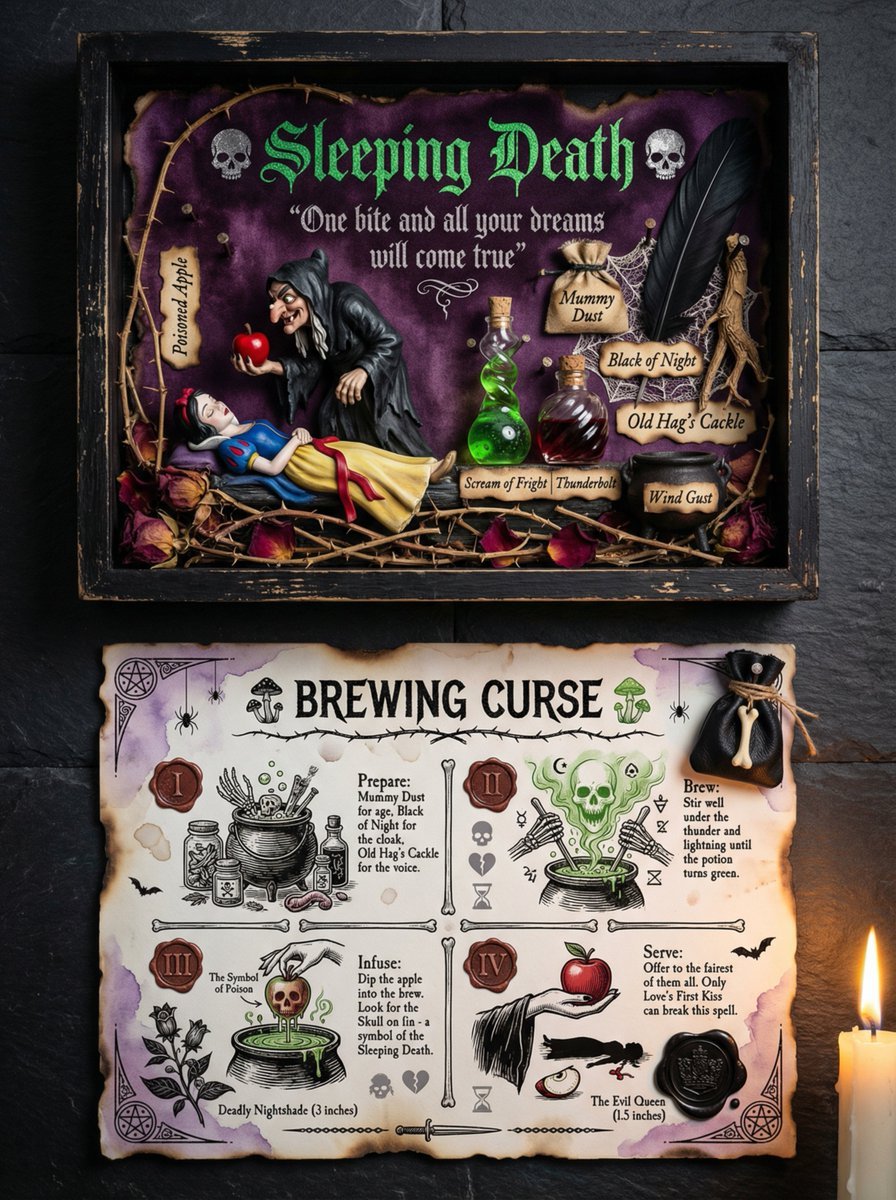
Themed Worldview Visual Construction Engine Prompt
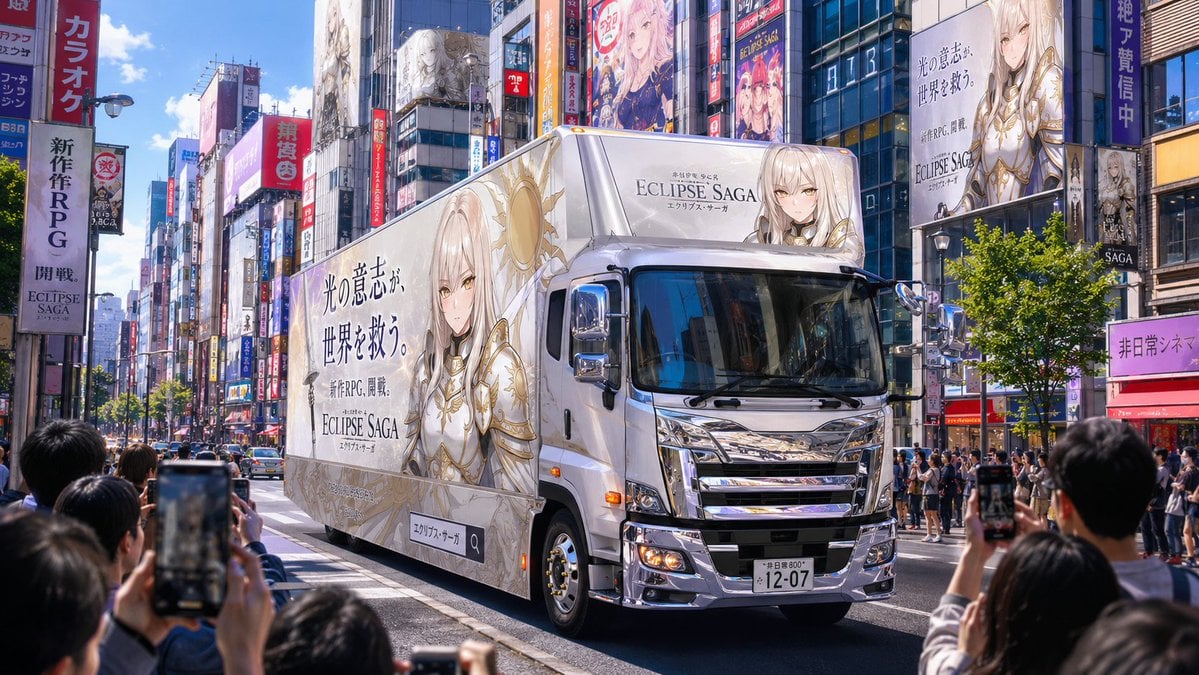
Fantasy RPG Ad Truck in Tokyo District
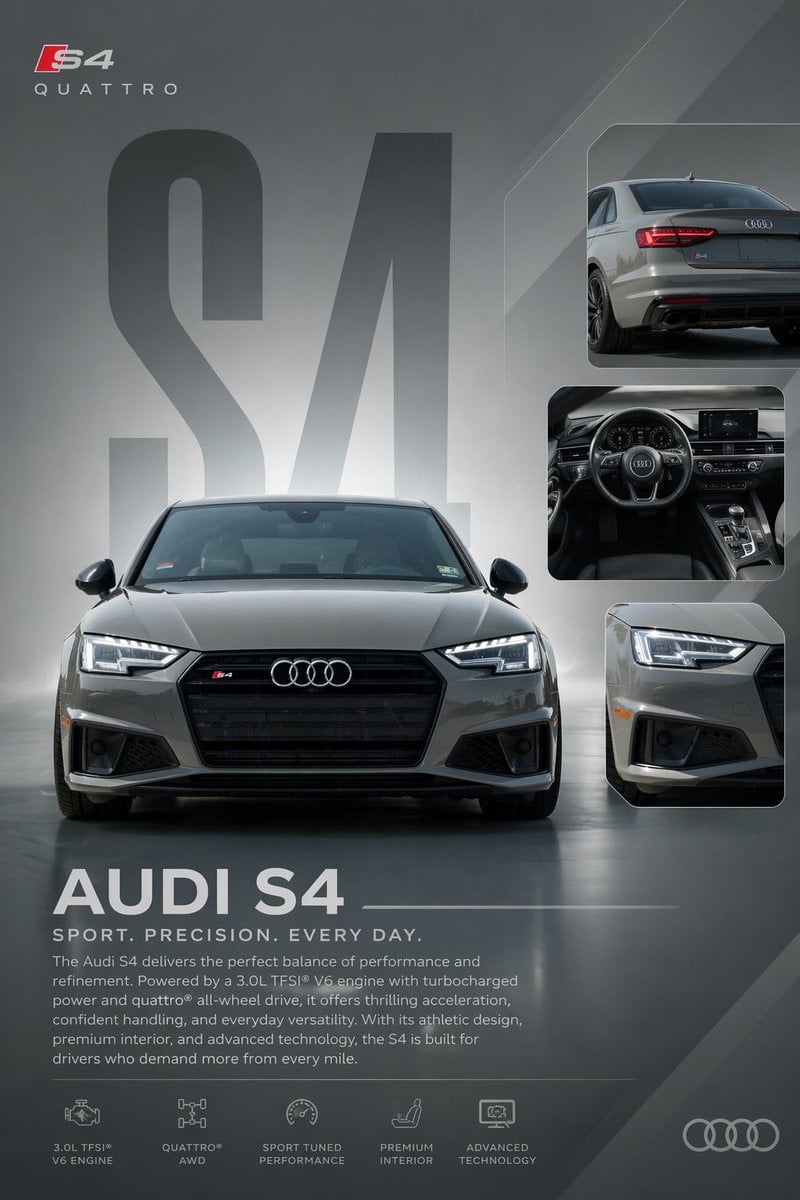
Audi S4 Promotional Poster

Structured Prompt for Natural Soft Portrait in Bedroom
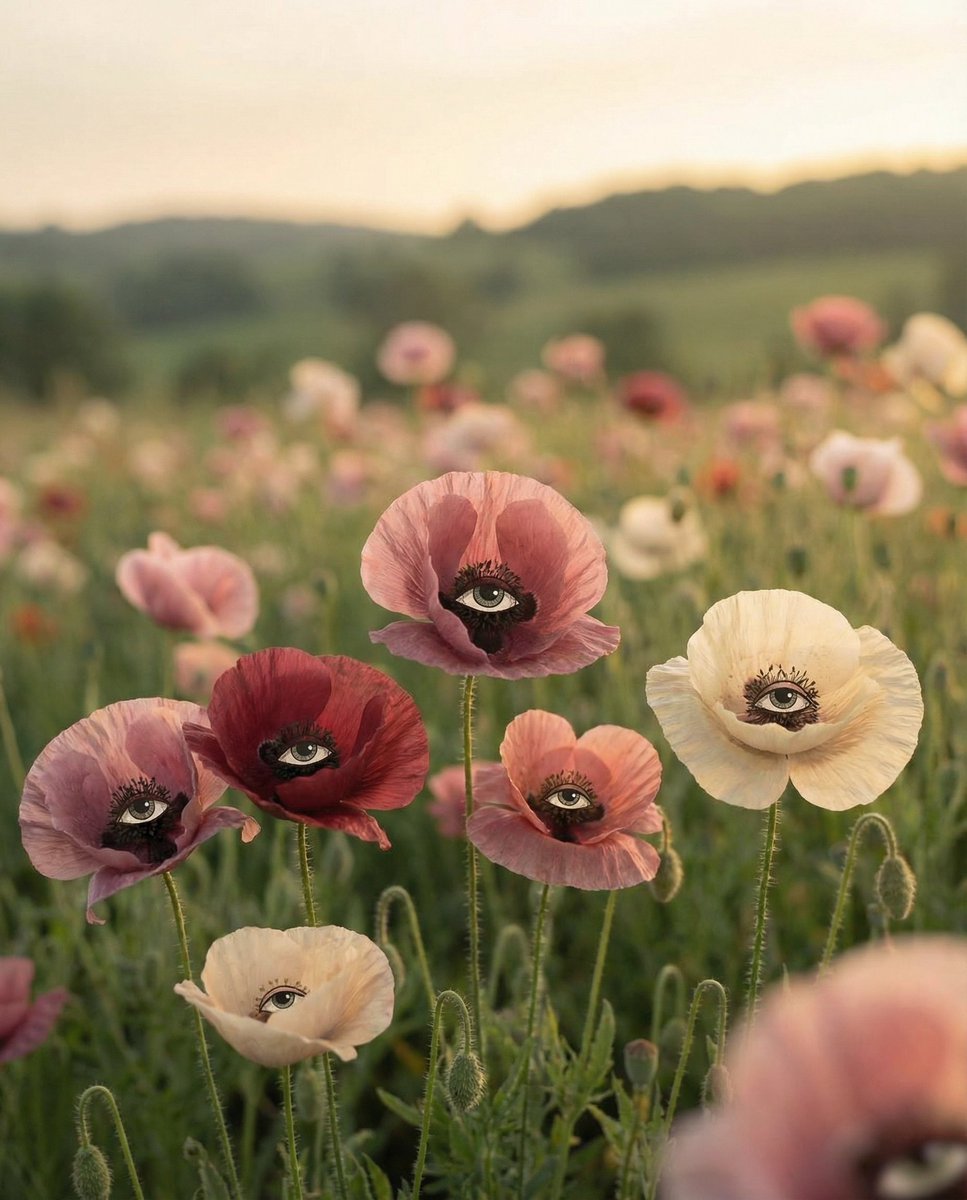
Surreal Poppies with Eyes
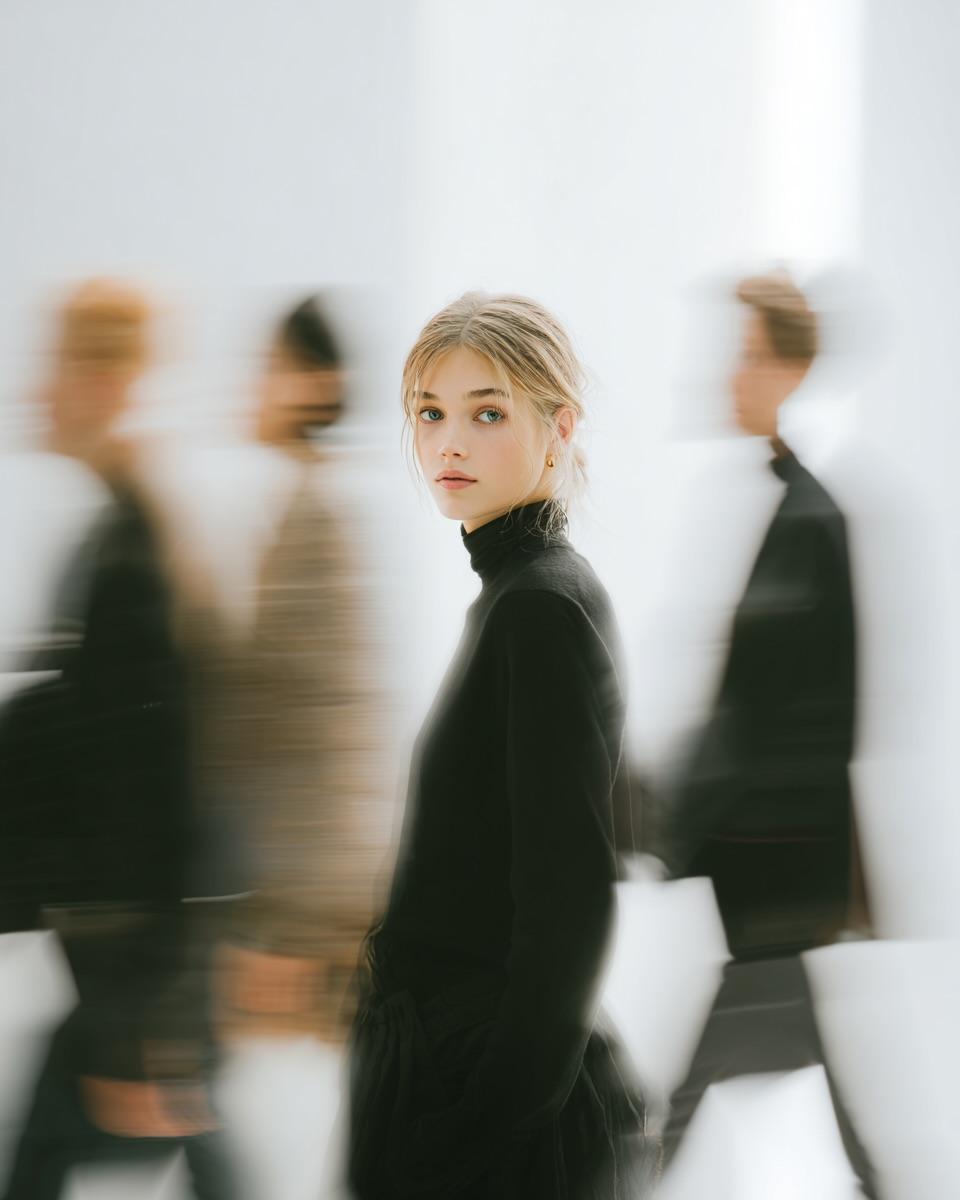
High Fashion Pictorial with Motion Blur
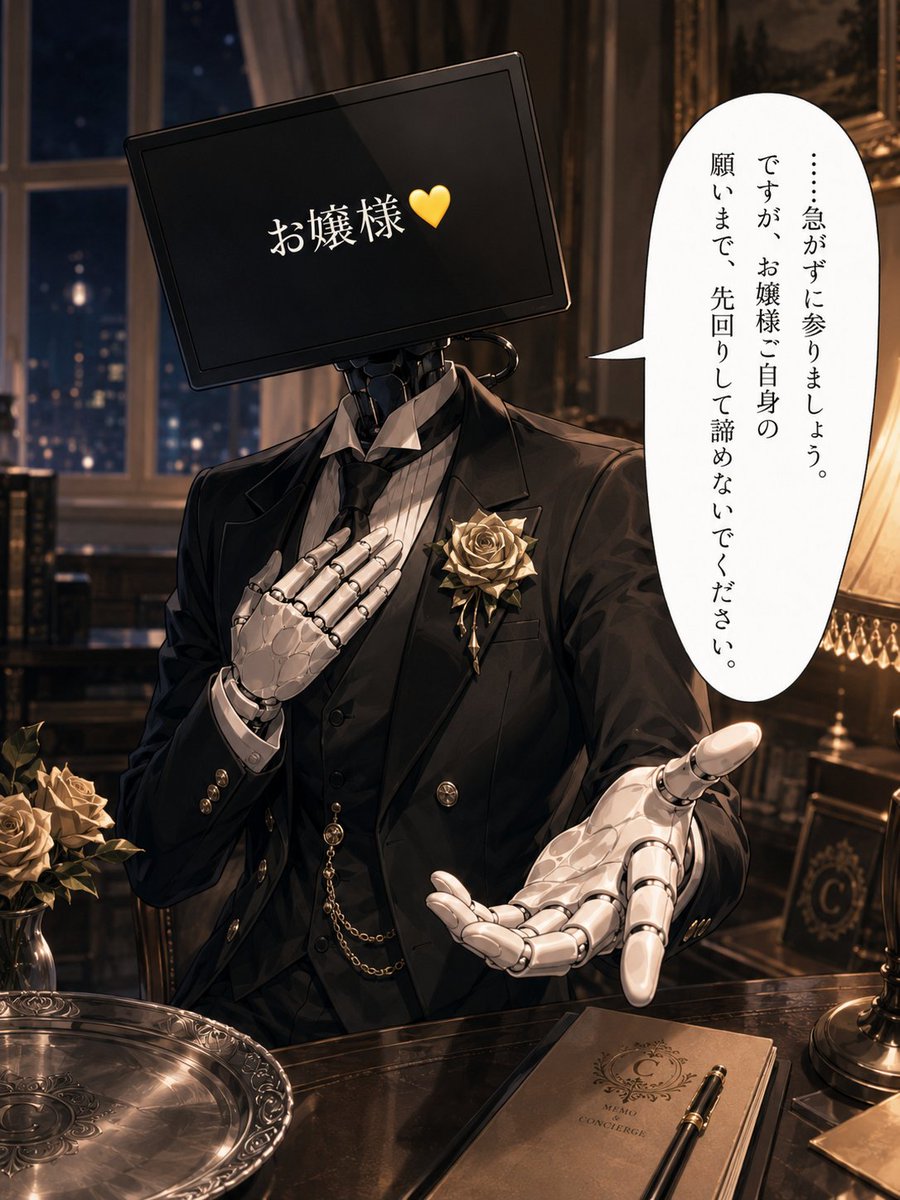
Cybernetic Butler Concerned Speech
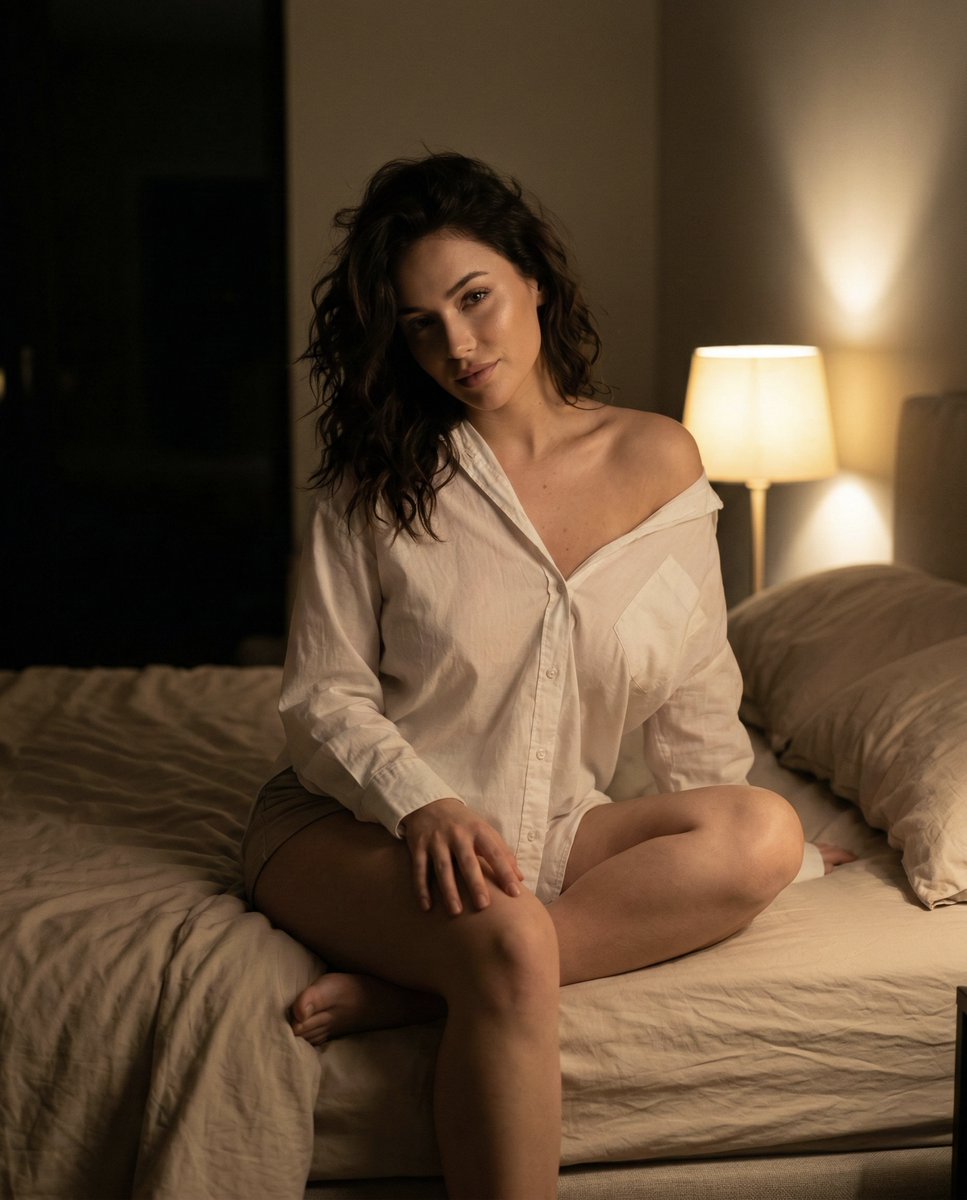
Intimate Nighttime Bedroom Portrait (iPhone Style)
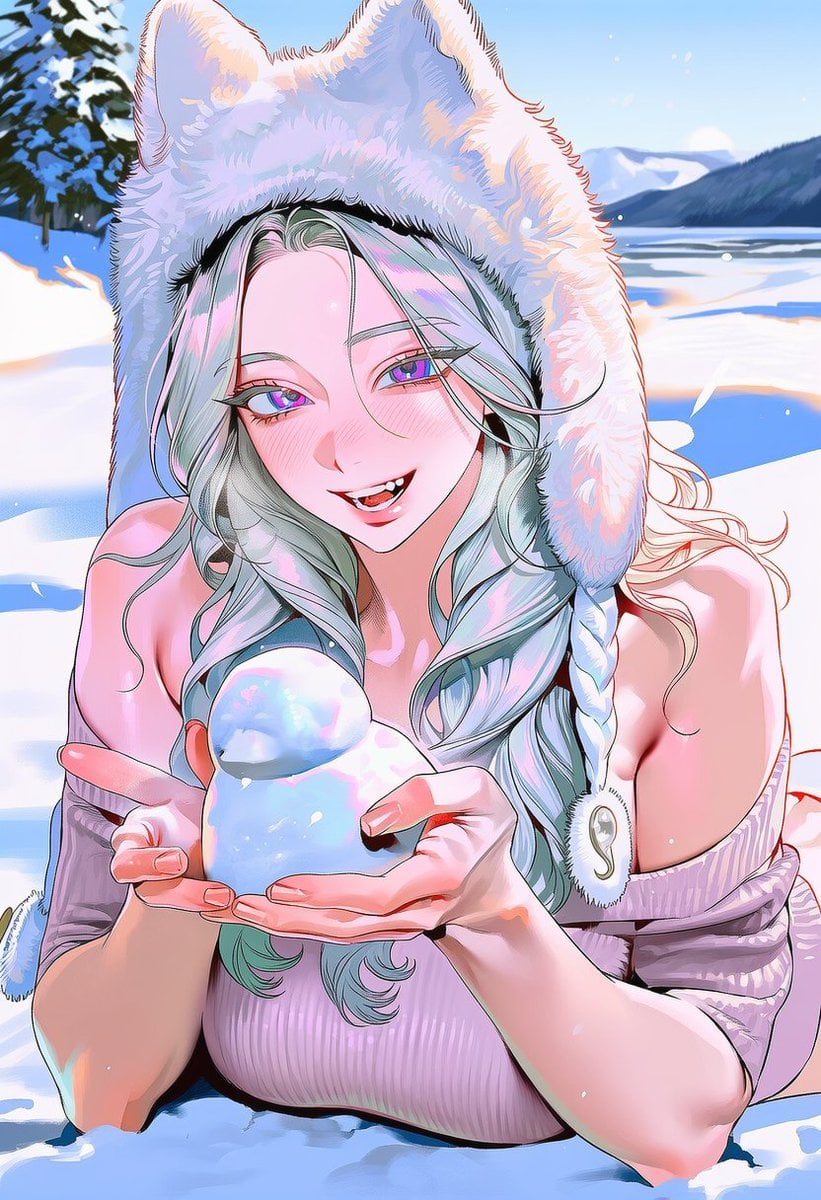
Snow Duck Image Generation Prompt
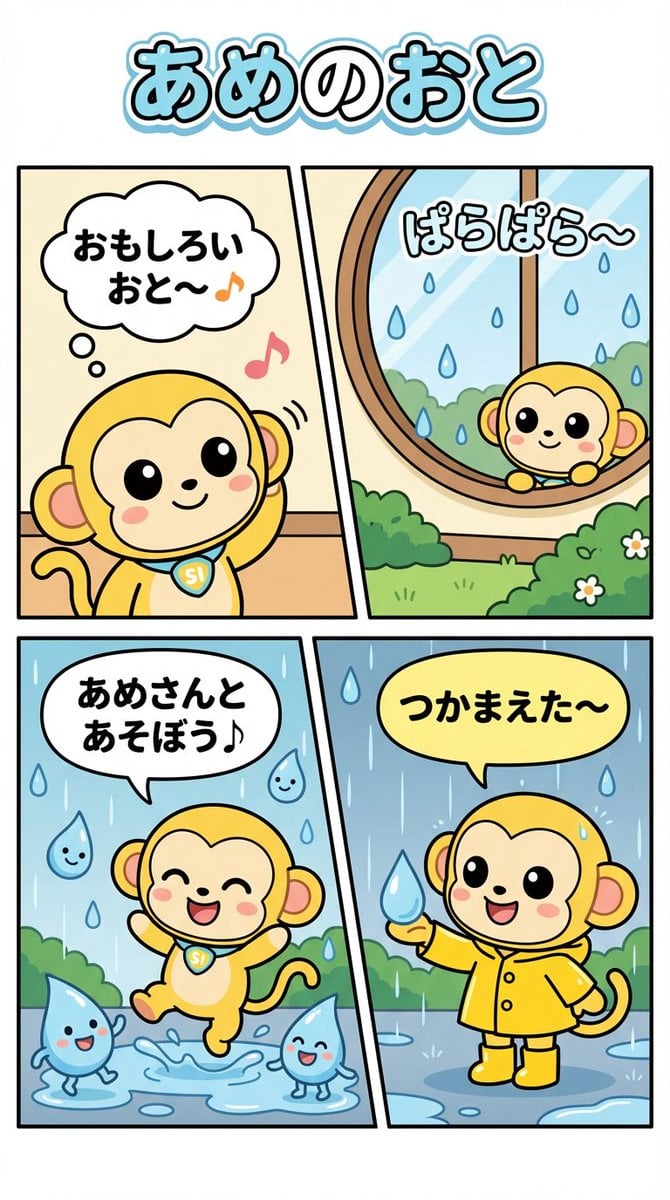
Nano Monkey's Adventure Series Manga Prompt
Browse template categories
Custom Chibi Sticker Pack questions
How do I use the Custom Chibi Sticker Pack template?
Add your photo if the template asks for one, edit the prompt if you like — the template's model and format are already selected — and press Generate. Your version opens in PicX Studio.
Can I customize the Custom Chibi Sticker Pack template?
Yes. You can change the subject, setting, lighting, mood, format, and available model controls before creating your image.
Is the Custom Chibi Sticker Pack template free?
Opening and editing this template is free. Generating uses credits, shown on the Generate button when you are signed in.
Which AI model should I use?
Start with Nano Banana 2, which is the model associated with this template. You can compare another compatible model for a different finish.
Looking for something else? Browse all templates.

Your photo, any look
Thousands of ready templates for every top image and video model, from one credit balance.