
Cybernetic Butler Concerned Speech
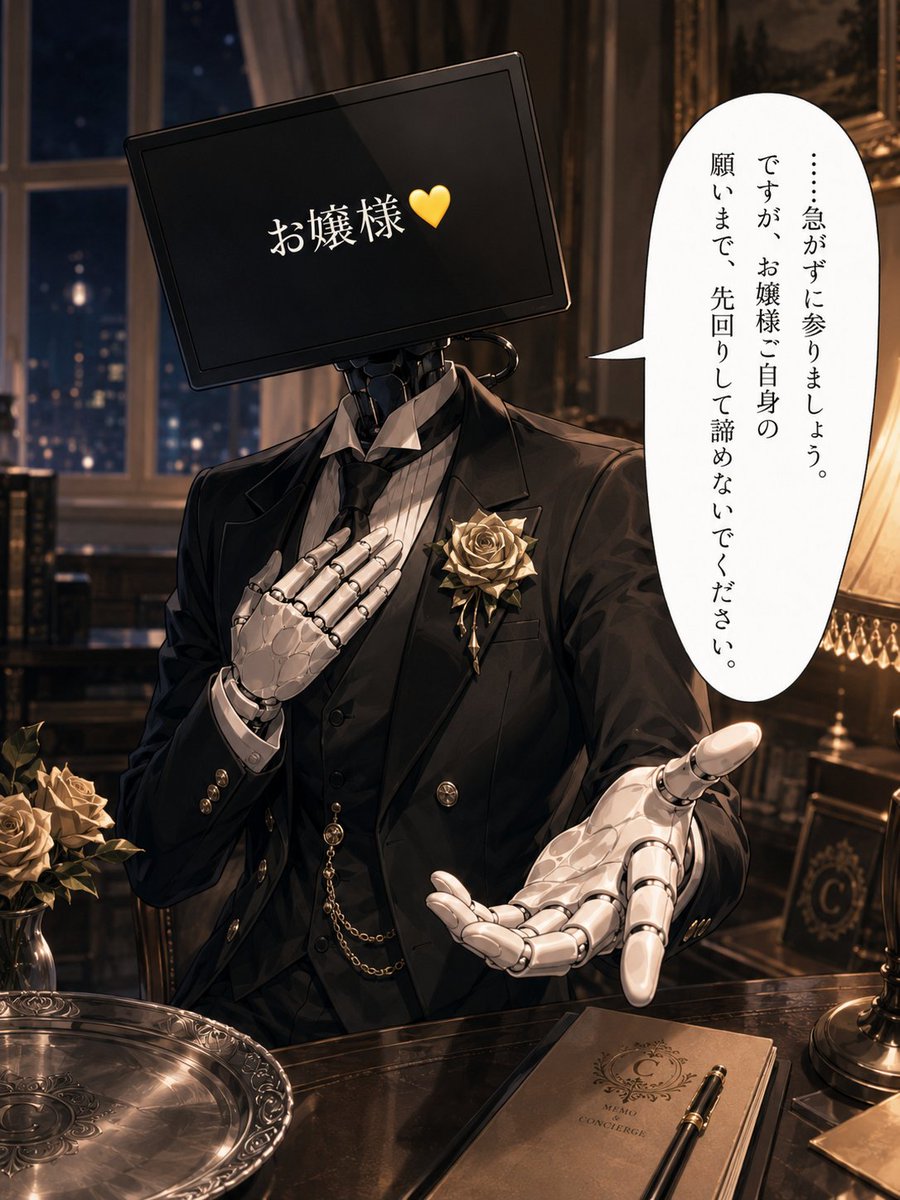
Generates an elegant anime illustration of a monitor-headed robotic butler offering loyal concern in a luxurious night study.
- Prompt included
- Model and format preset
- Free template
The prompt behind this image
Copy the exact prompt behind Cybernetic Butler Concerned Speech, or open it in the studio and make it yours.
Create a polished anime-style single-panel illustration of a loyal cybernetic butler in a luxurious Victorian mansion at night. The butler is shown from the waist up behind a glossy dark wooden desk, wearing a formal black tailcoat, black vest, striped white dress shirt, black tie, gold buttons, pocket watch chain, and a large pale gold rose boutonniere on the left lapel. His head is a tilted black widescreen monitor instead of a human face, with white Japanese text reading 「お嬢様」 followed by a yellow heart, centered on the screen. His visible hands are elegant white articulated robotic hands: one hand rests seriously over his chest, and the other reaches forward in a worried, pleading gesture toward the viewer. Add a tall vertical white speech bubble on the right with Japanese text reading 「……急がずに参りましょう。ですが、お嬢様ご自身の願いまで、先回りして諦めないでください。」 Set the scene in a warm, dimly lit study with a large window showing a dark blue city night outside, heavy curtains, framed art, carved furniture, and an ornate table lamp glowing on the right. On the desk include exactly three main tabletop objects: an engraved silver serving tray at lower left, a closed brown concierge memo notebook at lower right with a fountain pen on top, and a small vase or cluster of pale gold roses at far left. Use cinematic warm lighting, detailed metallic reflections, refined gothic-luxury atmosphere, shallow depth of field, high-detail anime rendering, elegant composition, no extra characters, no watermark. Customizable details: {argument name="screen address text" default="お嬢様"}, {argument name="screen icon" default="💛"}, {argument name="speech bubble text" default="……急がずに参りましょう。ですが、お嬢様ご自身の願いまで、先回りして諦めないでください。"}, {argument name="butler flower" default="pale gold rose boutonniere"}, {argument name="setting" default="luxurious Victorian mansion study at night"}.
How to use Cybernetic Butler Concerned Speech in 3 steps
- 1Upload ImagePNG, JPG or paste
Add your photo
Upload the photo the template builds on. The prompt, model and format are already set.
- 2…a portrait of your subject in softgolden-hour light, 85mm…
Personalize
Edit the subject and creative details for your destination.
- 3Generate
Generate
Press Generate — your image is created in PicX Studio, so you can compare it with the original and refine one variable at a time.
More like this
Templates with the same subject, style or setup. Open one to see its prompt.
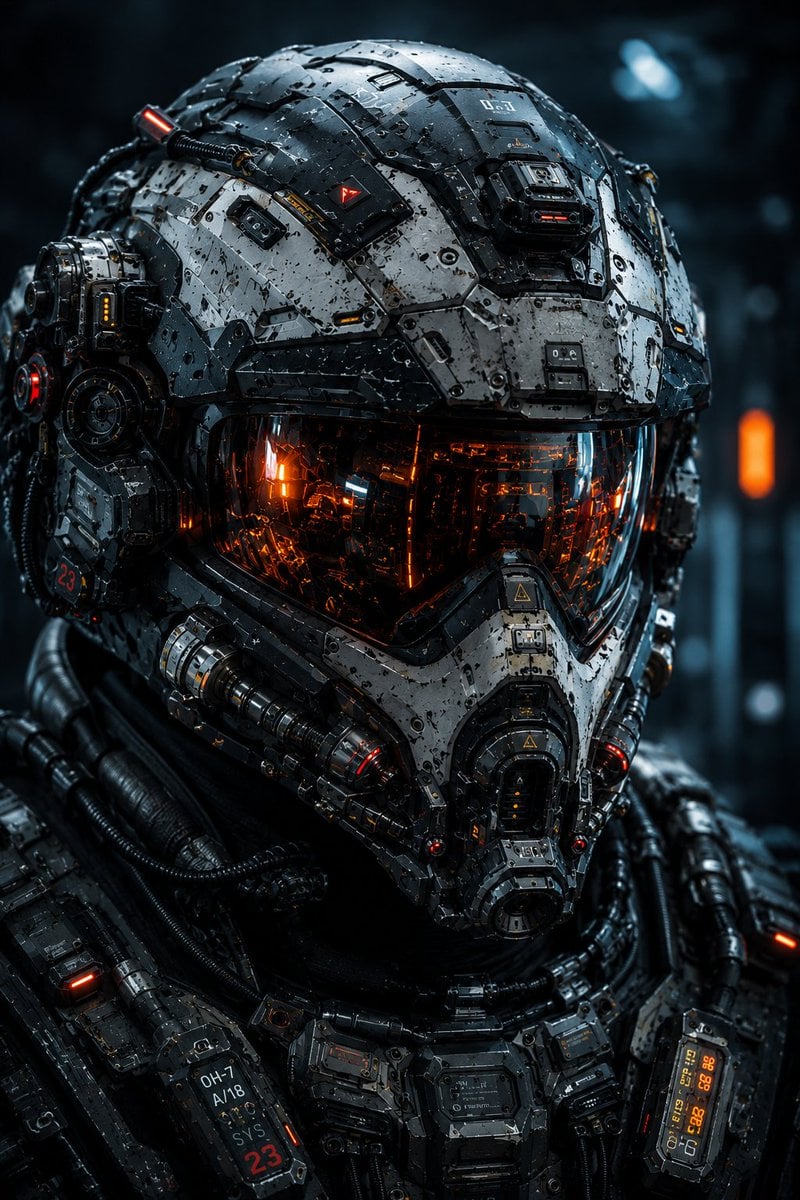
Cybernetic Tactical Soldier Portrait
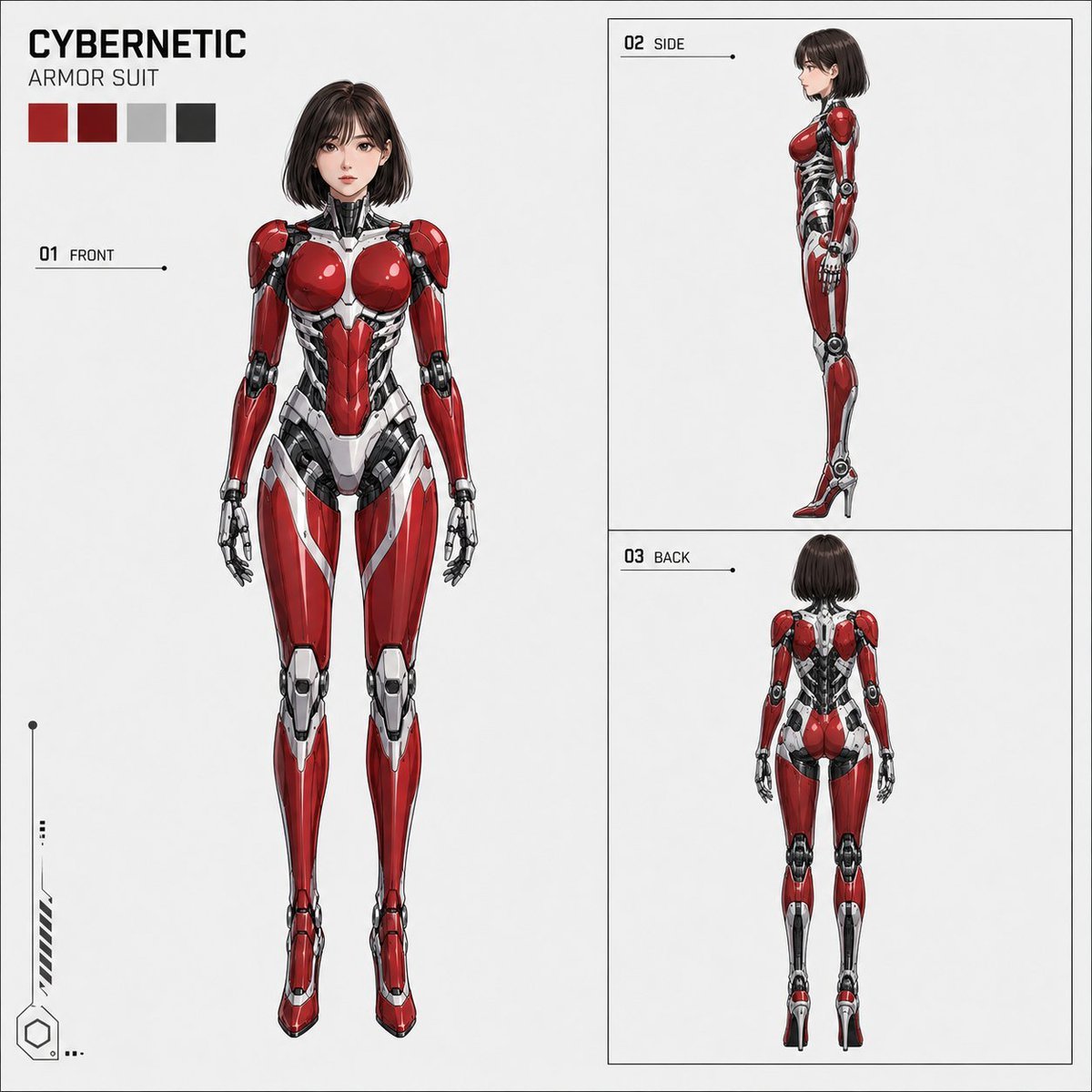
Anime Cybernetic Armor Character Sheet
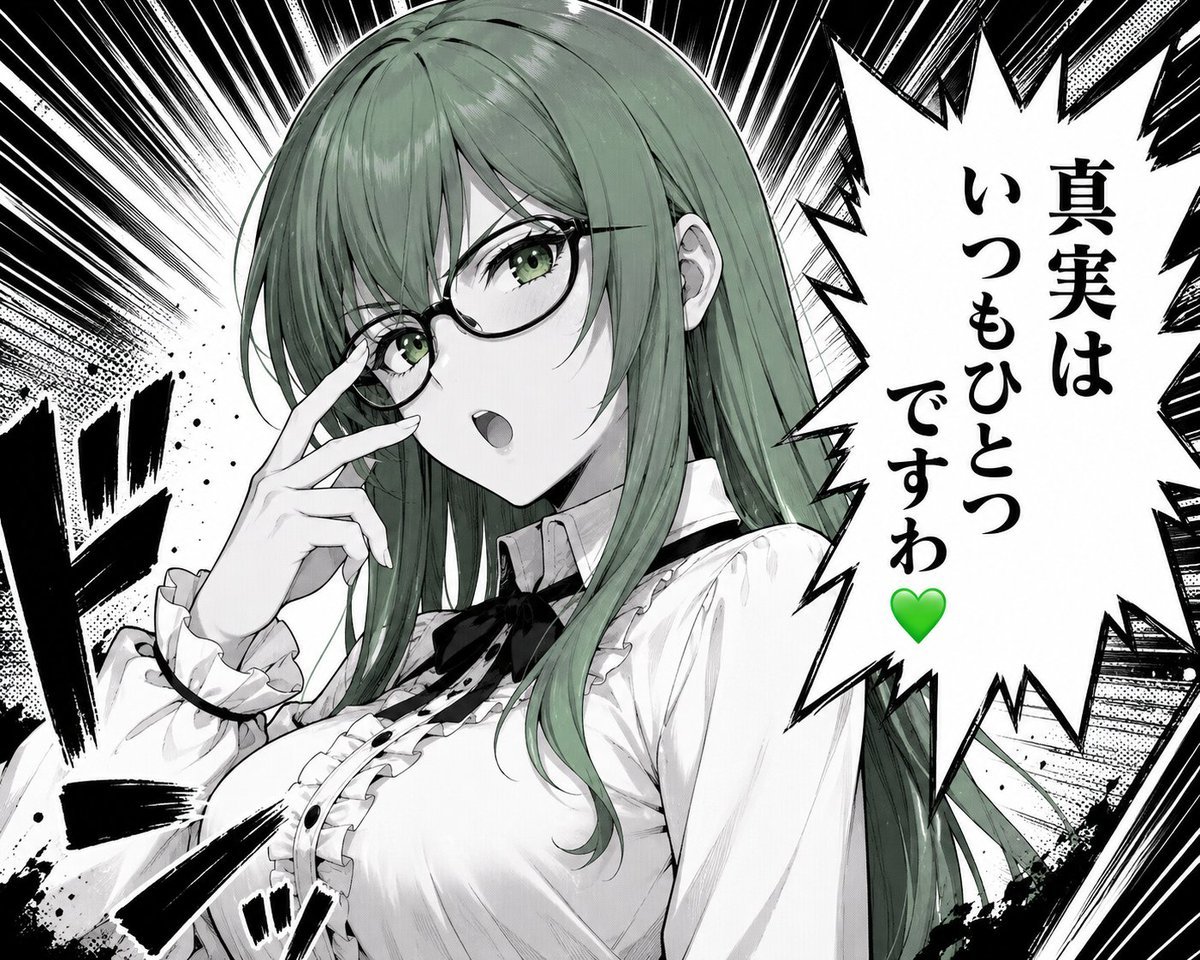
Green-Haired Manga Lady Speech Bubble
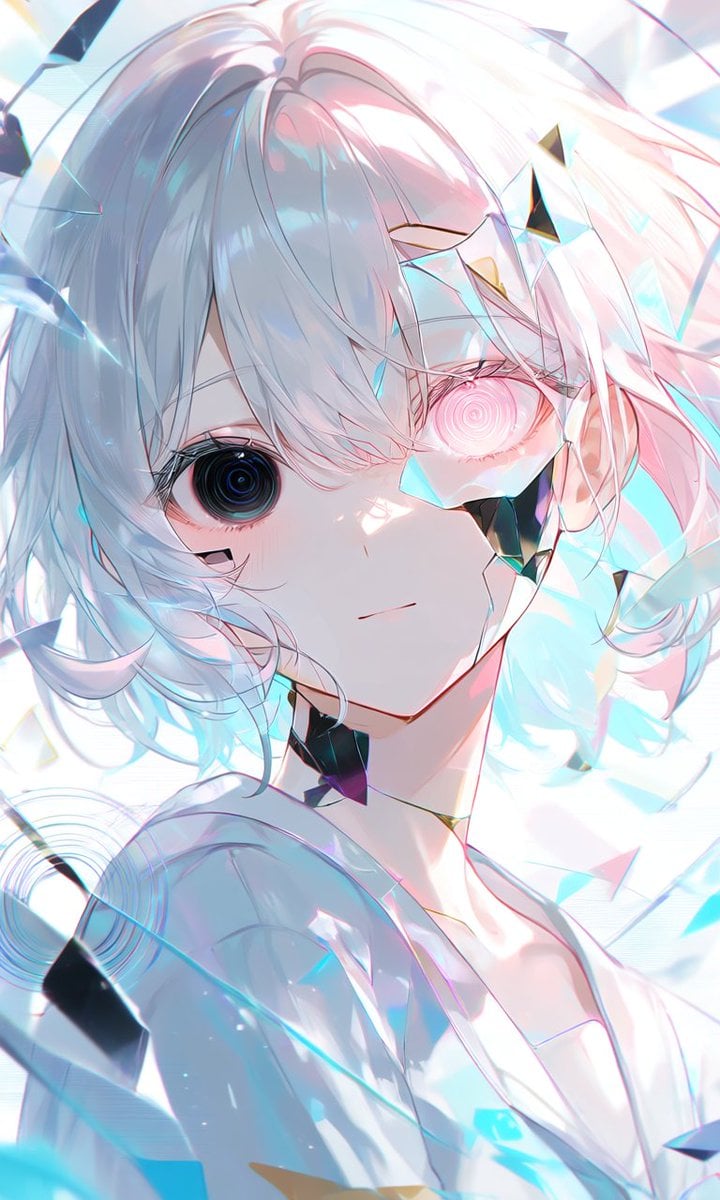
Crystalline Cybernetic Anime Girl

Cybernetic Demon Head UI Concept
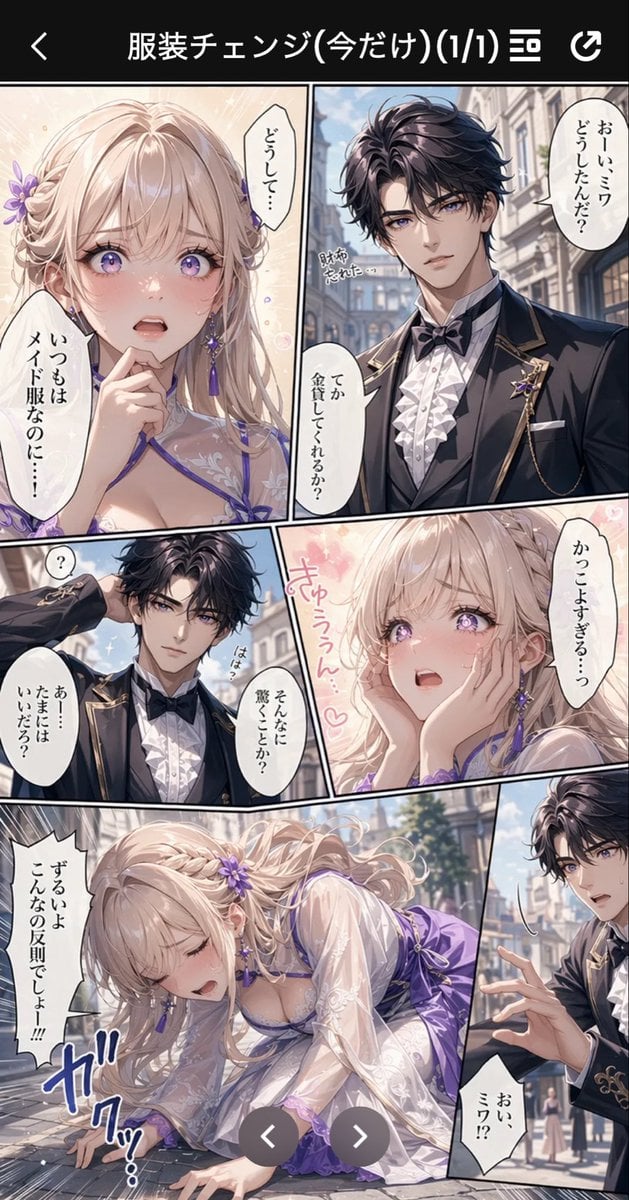
Anime Butler Date Manga Screenshot
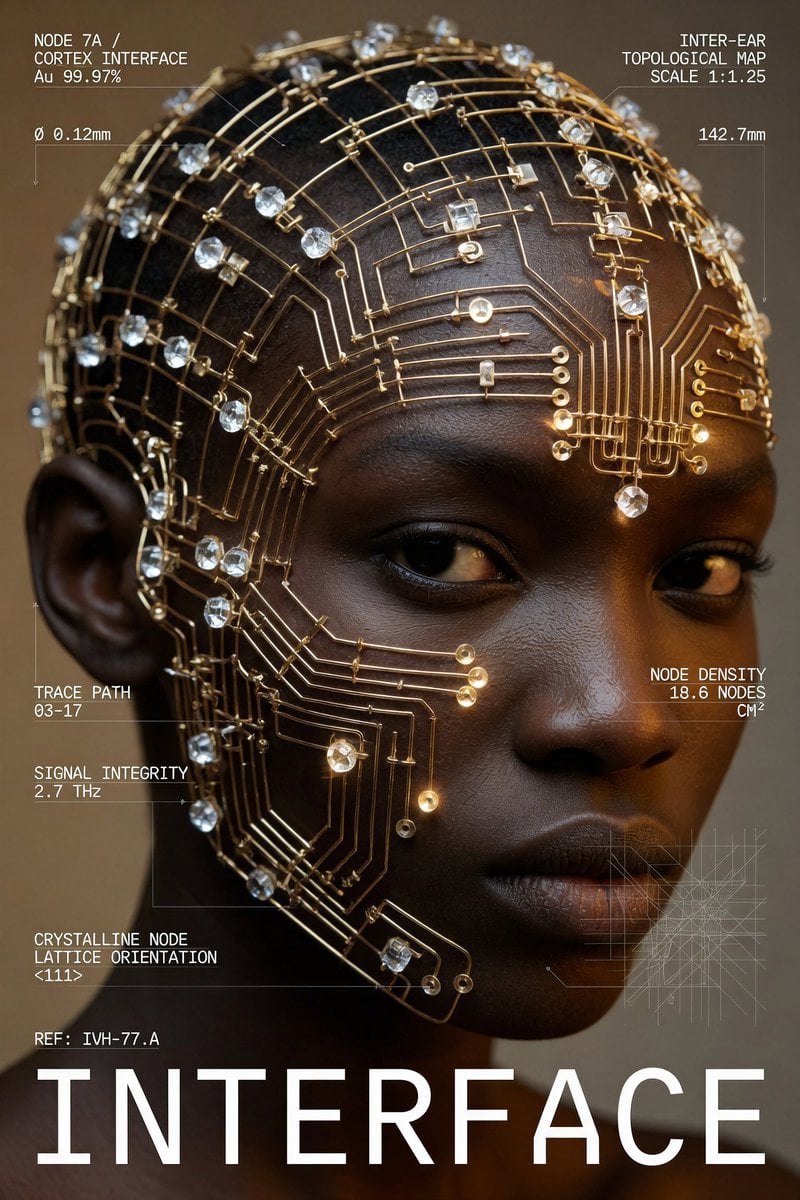
Cybernetic Interface Fashion Poster
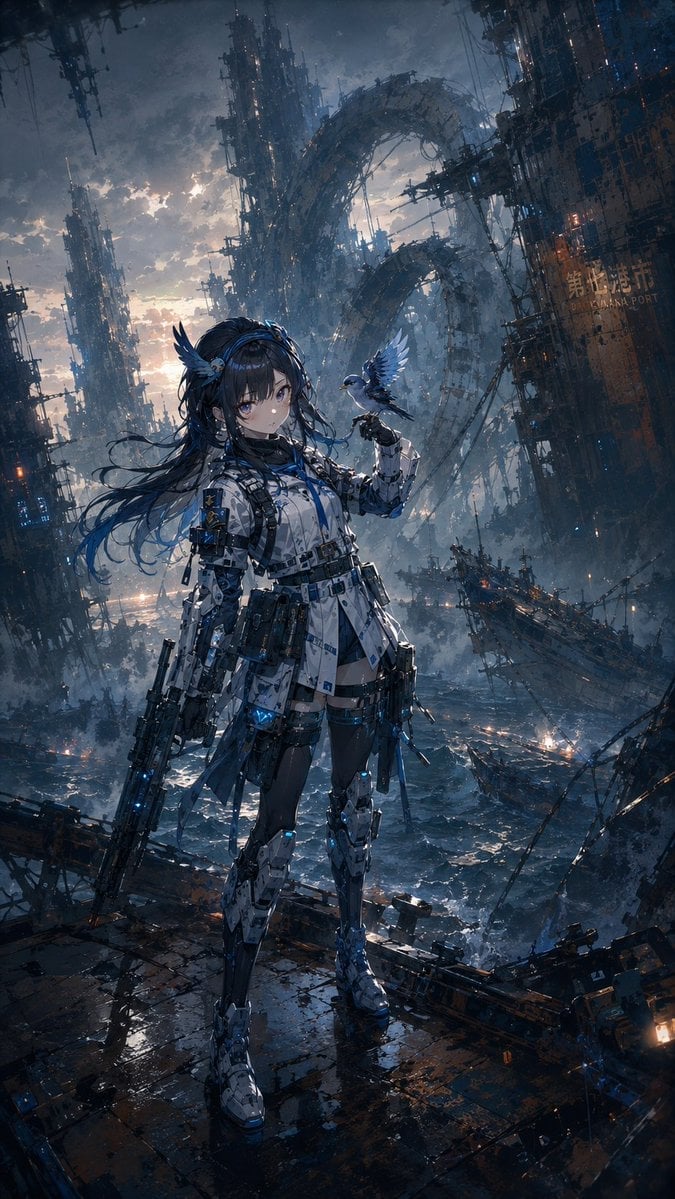
Cybernetic Girl in Ruined Harbor
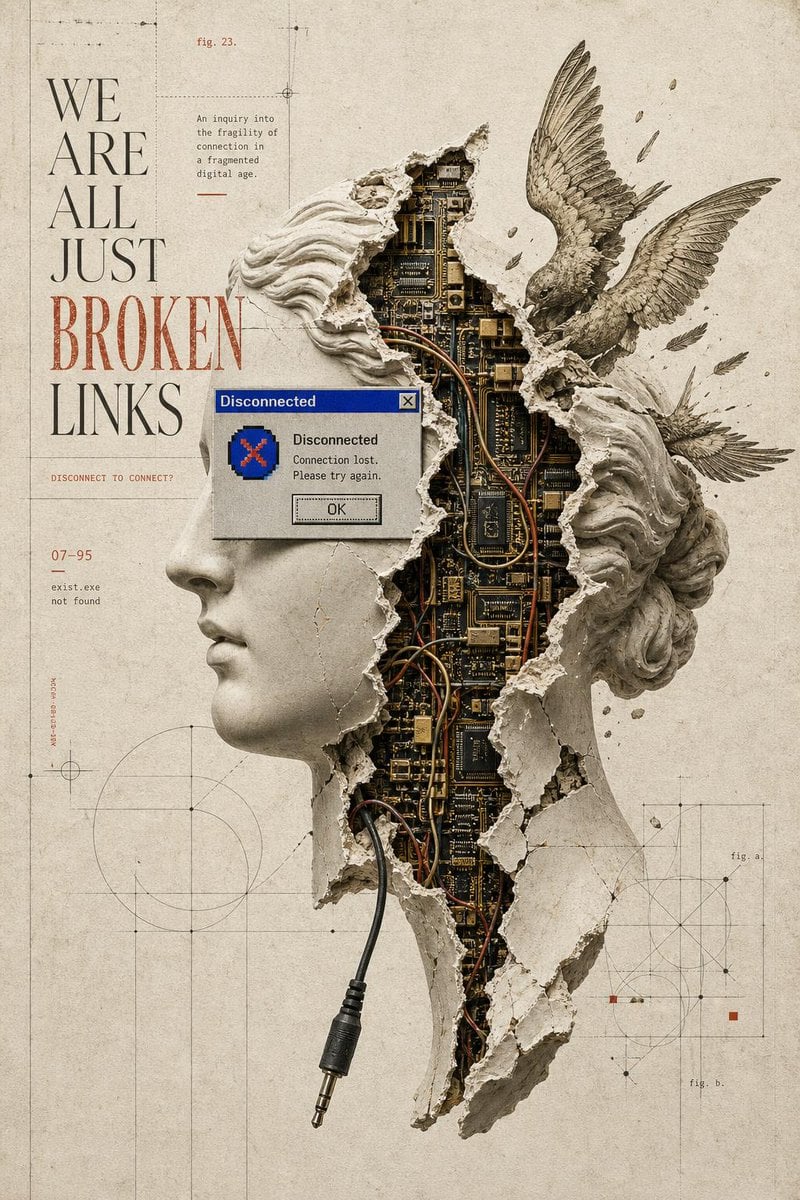
Broken Links Cybernetic Bust Poster
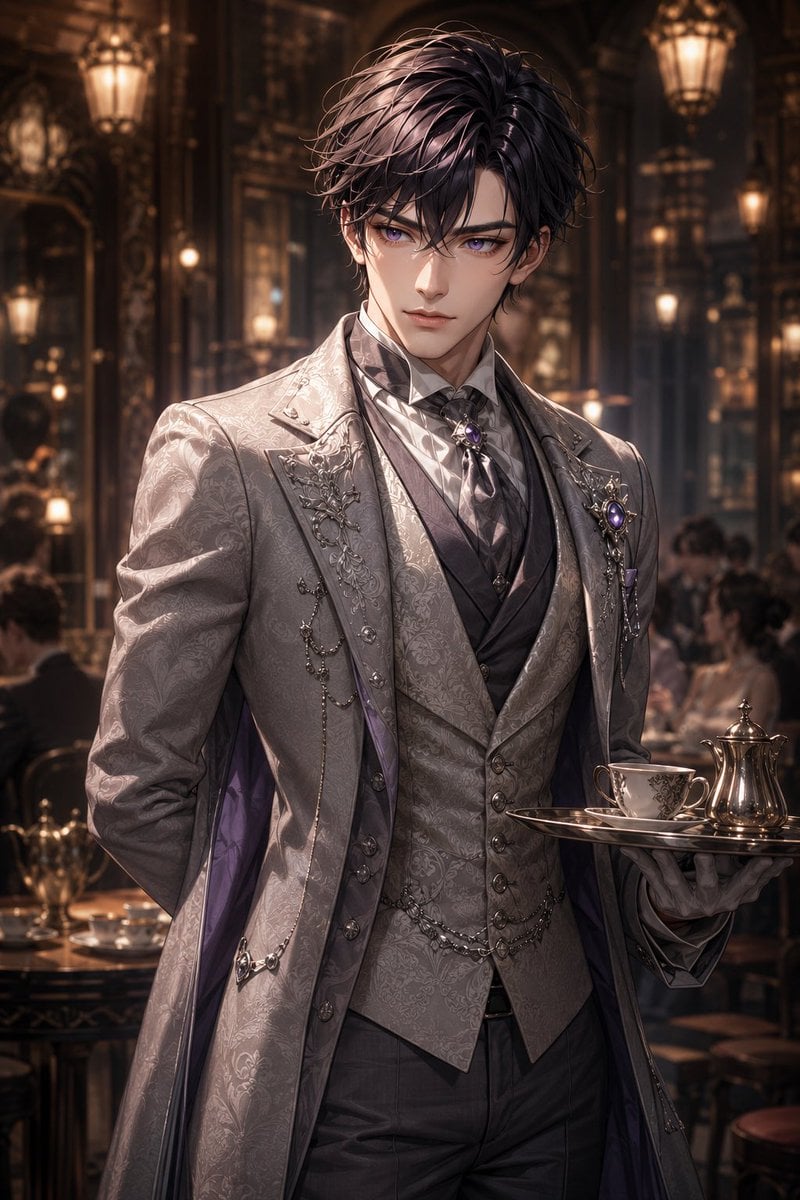
Damask Gothic Butler Portrait
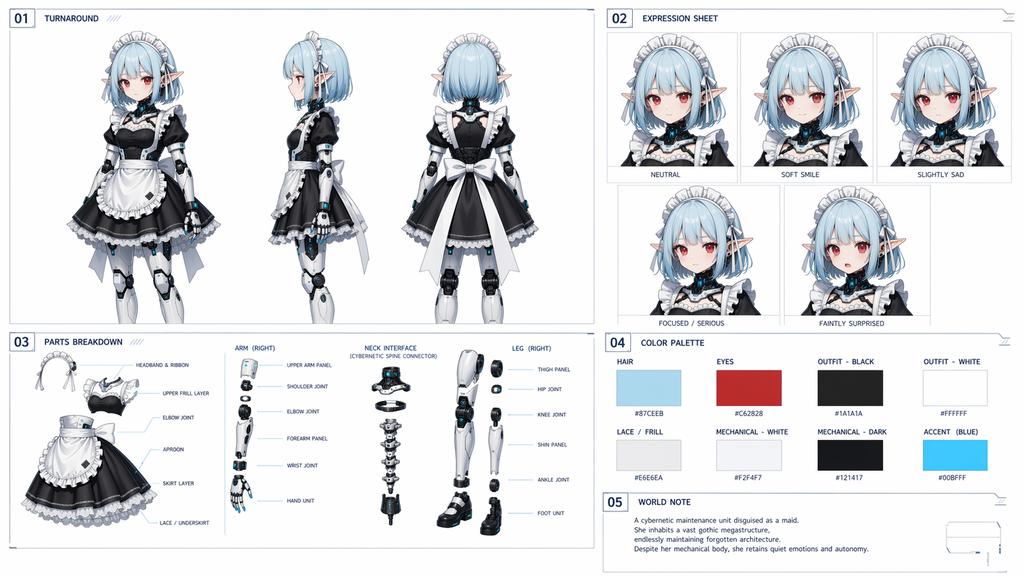
Cybernetic Character Reference Sheet

Muted Speech Editorial Portrait
Make it yours
Cybernetic Butler Concerned Speech works as-is. These are the safest ways to change it without losing the look.
Change one field
Copy a single group, rewrite it, and generate again so you can see what that field is doing.
Keep the frame, change the subject
Hold the composition and light of Cybernetic Butler Concerned Speech, then swap wardrobe, props or the person for a new take.
| If the result… | Why | Fix |
|---|---|---|
| The result drifts from the preview | Too many fields changed at once. | Reuse Cybernetic Butler Concerned Speech as-is first, then change one group — subject, light, or setting. |
| The model over-stylizes the scene | The prose prompt leaves finish and camera underspecified. | Add one camera or lighting sentence and stay on GPT Image 2. |
More GPT Image 2 templates
Other prompts made for GPT Image 2.

Six VTuber Japanese Logo Sheet

Realistic Portrait of Woman and Deer

The Vista Modular Condo Poster

AI Model Routing Comparison Infographic

2.5D Anime Art Board

Isometric Productivity Desk Scene

New York Double Exposure Poster

Four-Panel AI Landscape Comparison

Japanese Tatami Lifestyle Magazine Cover

NESCAFÉ Coffee Map Poster
More image prompts
Fresh picks from across the catalog.

Multi-Pattern Web Advertisement Grid
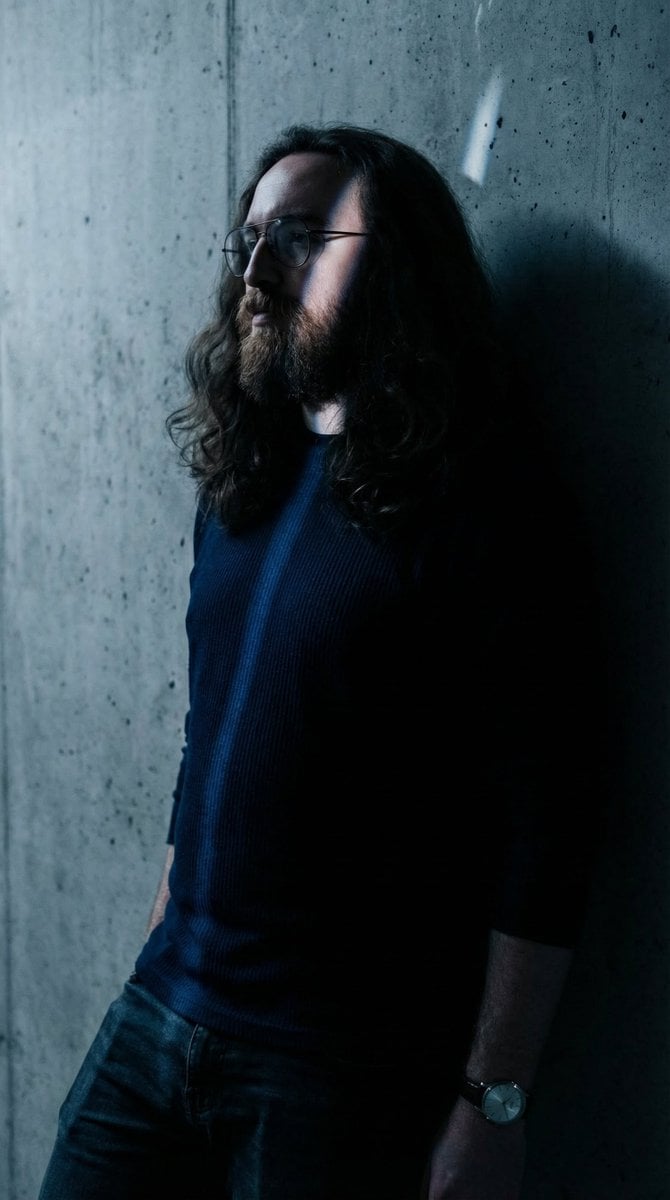
Moody High-Contrast Portrait with Rim Light
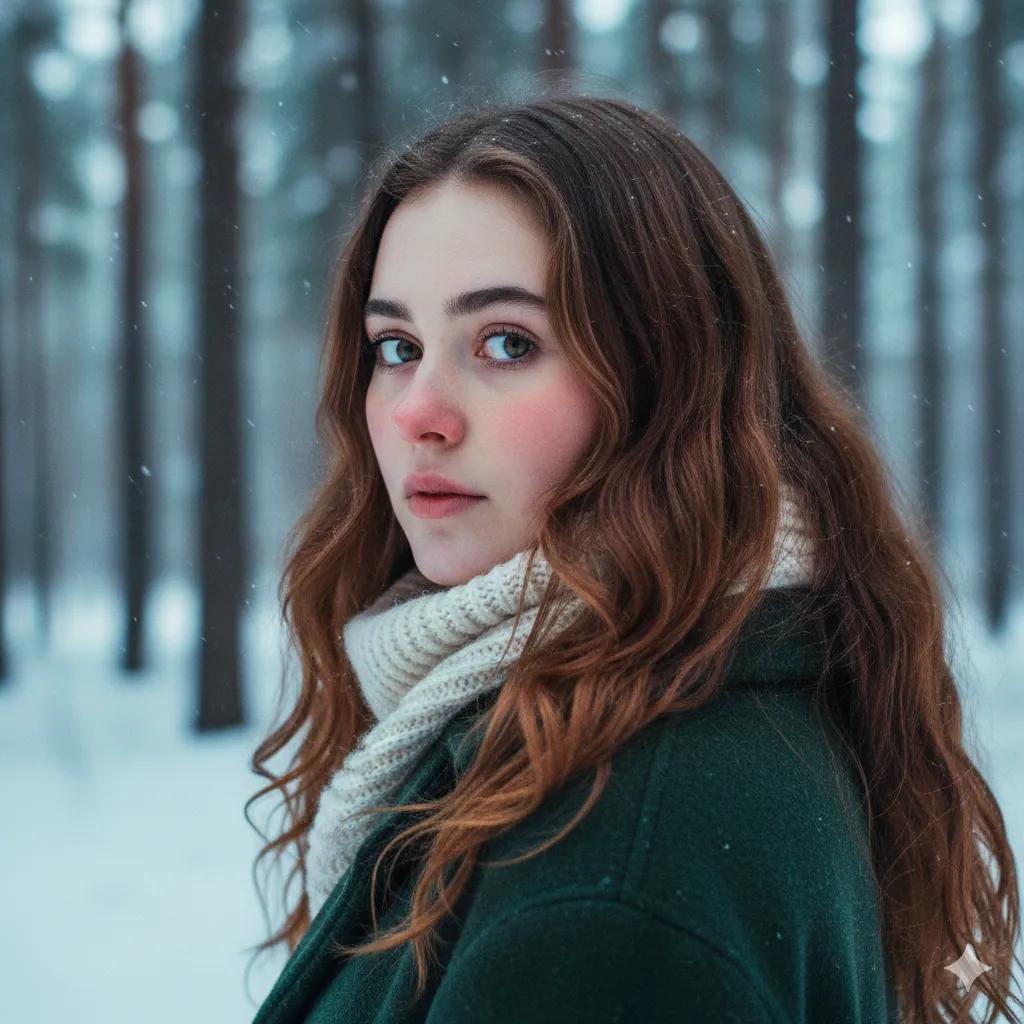
Cinematic Winter Portrait Prompt for Gemini
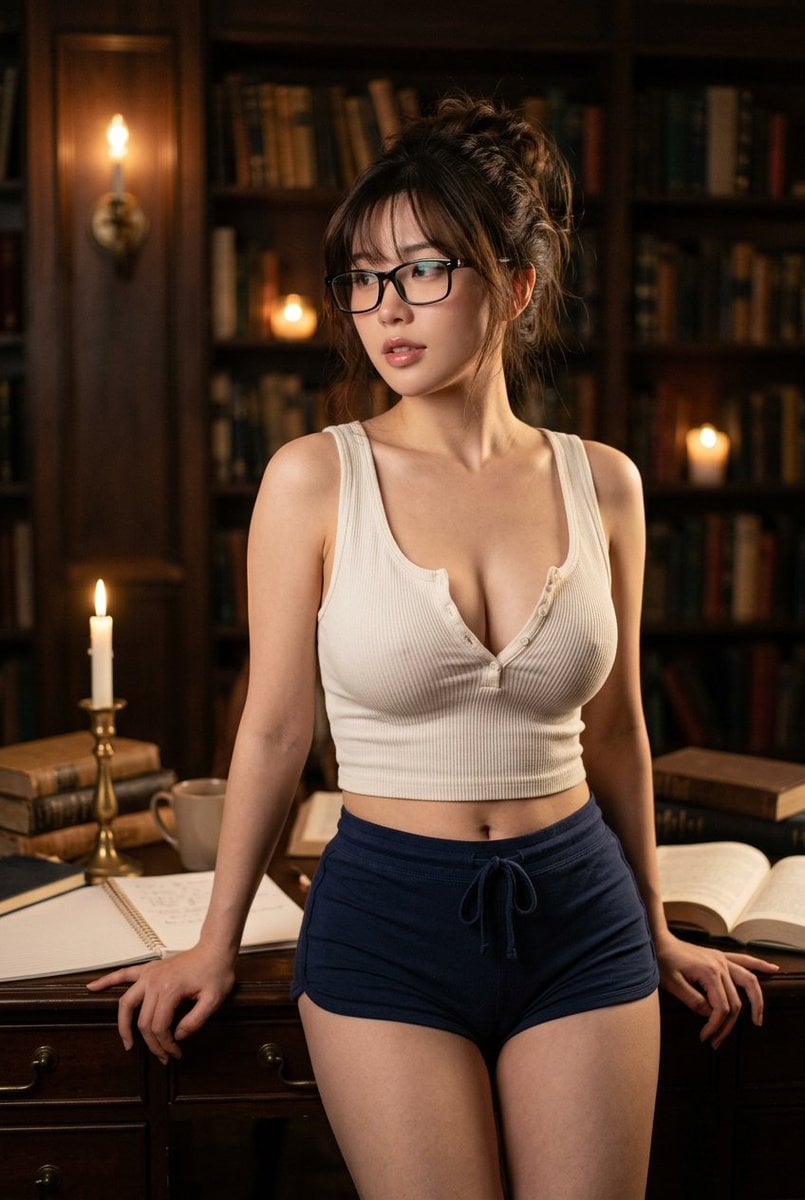
Golden Hour Fitness Muse
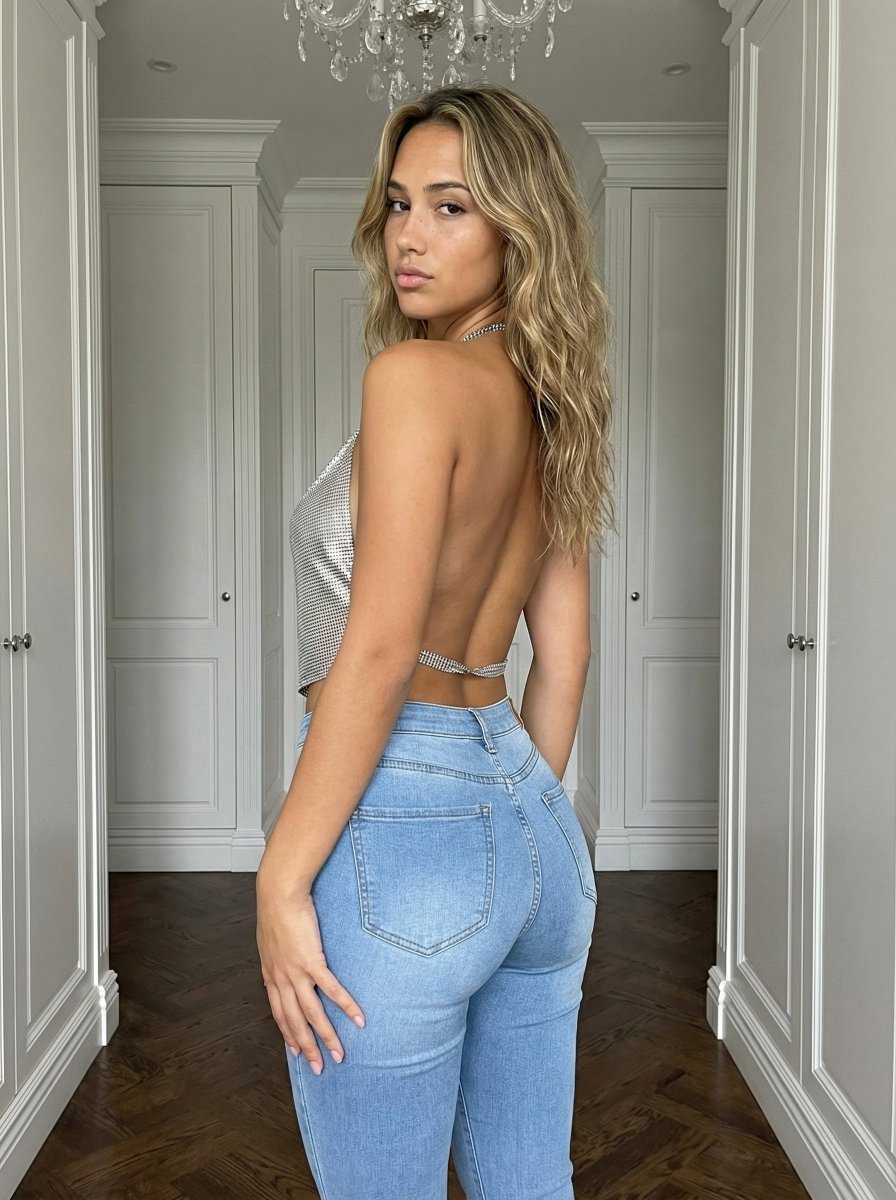
Curvy Influencer Aesthetic Back-View Portrait
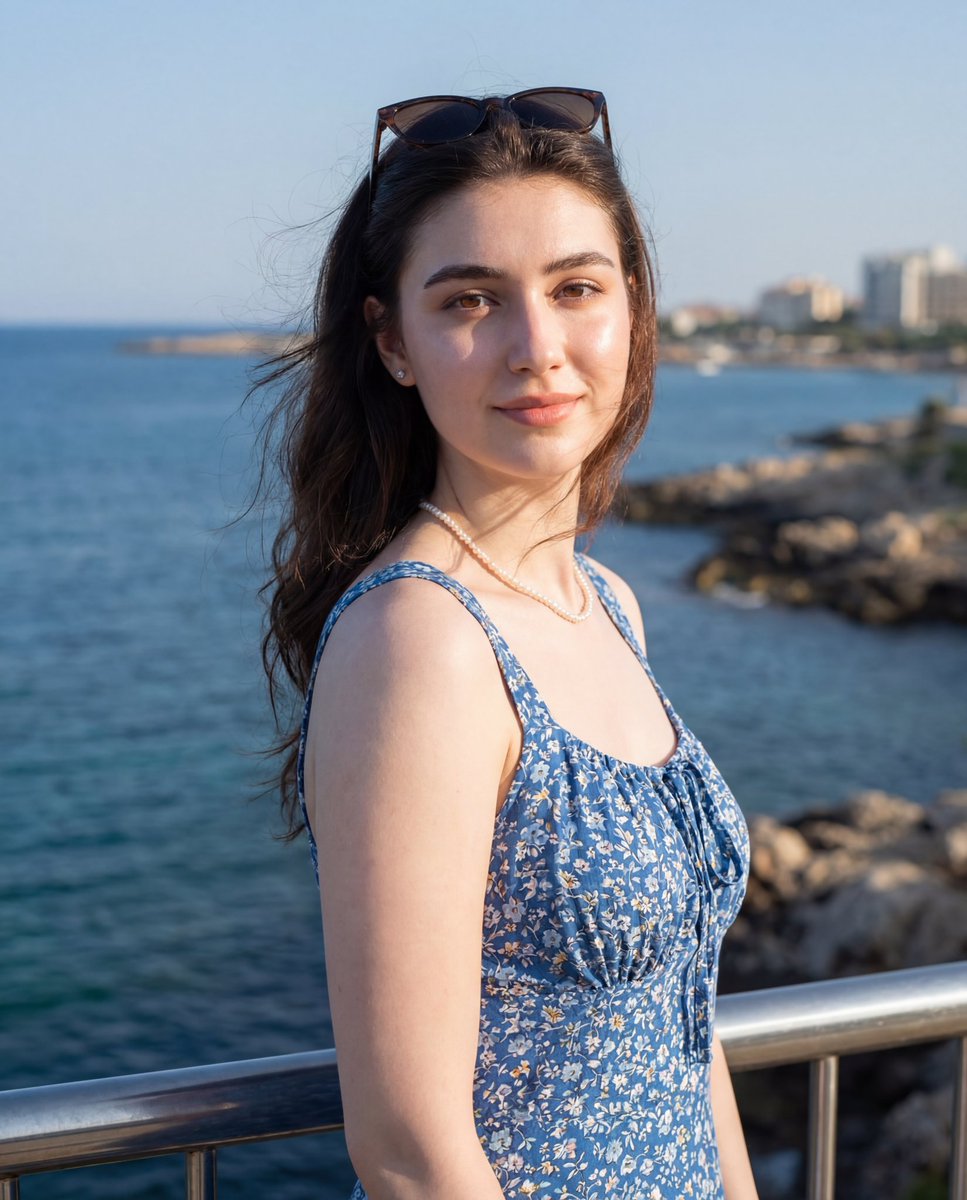
Seaside Travel Lifestyle Portrait

Cinematic 3D Action Advertisement Prompt
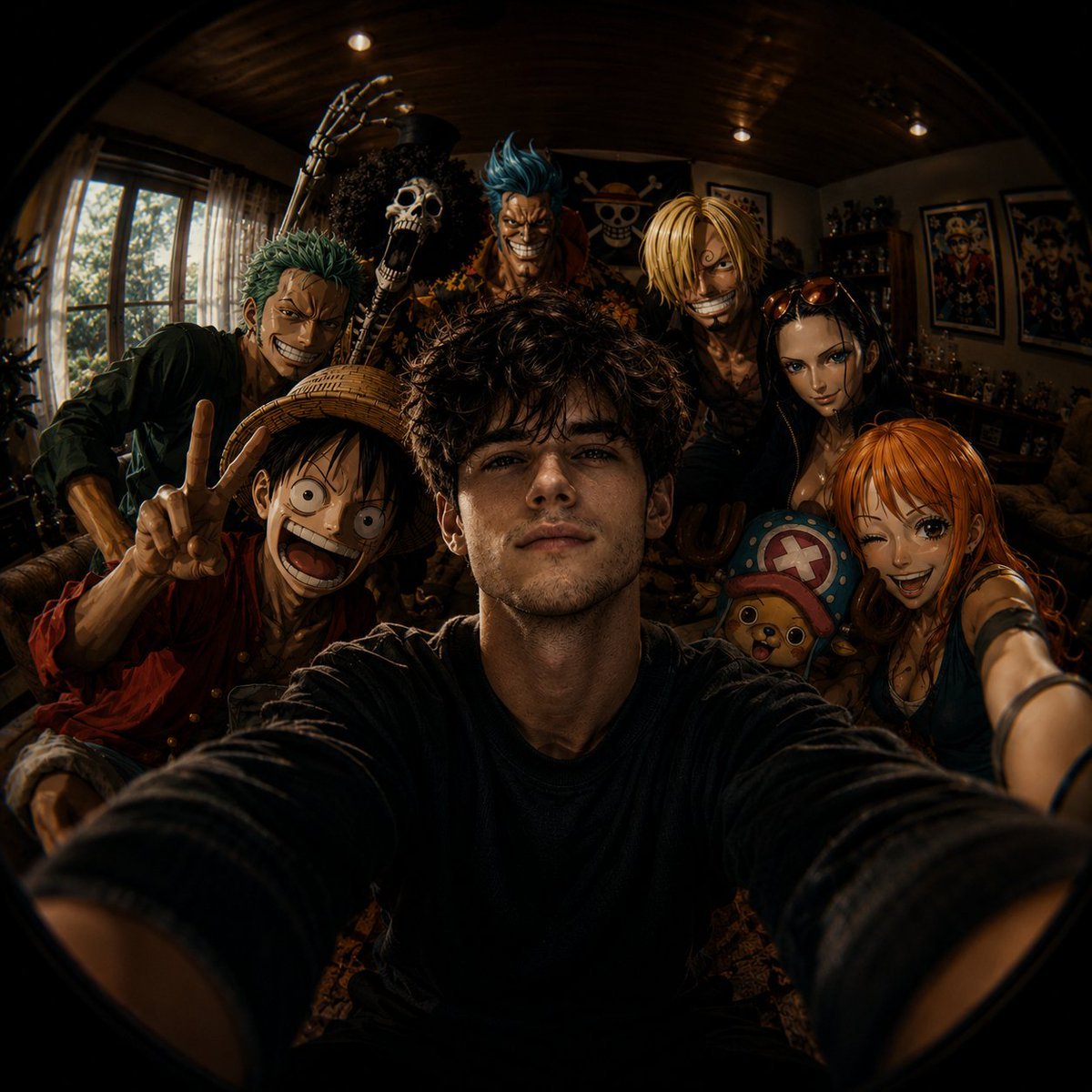
Fisheye Anime Group Selfie
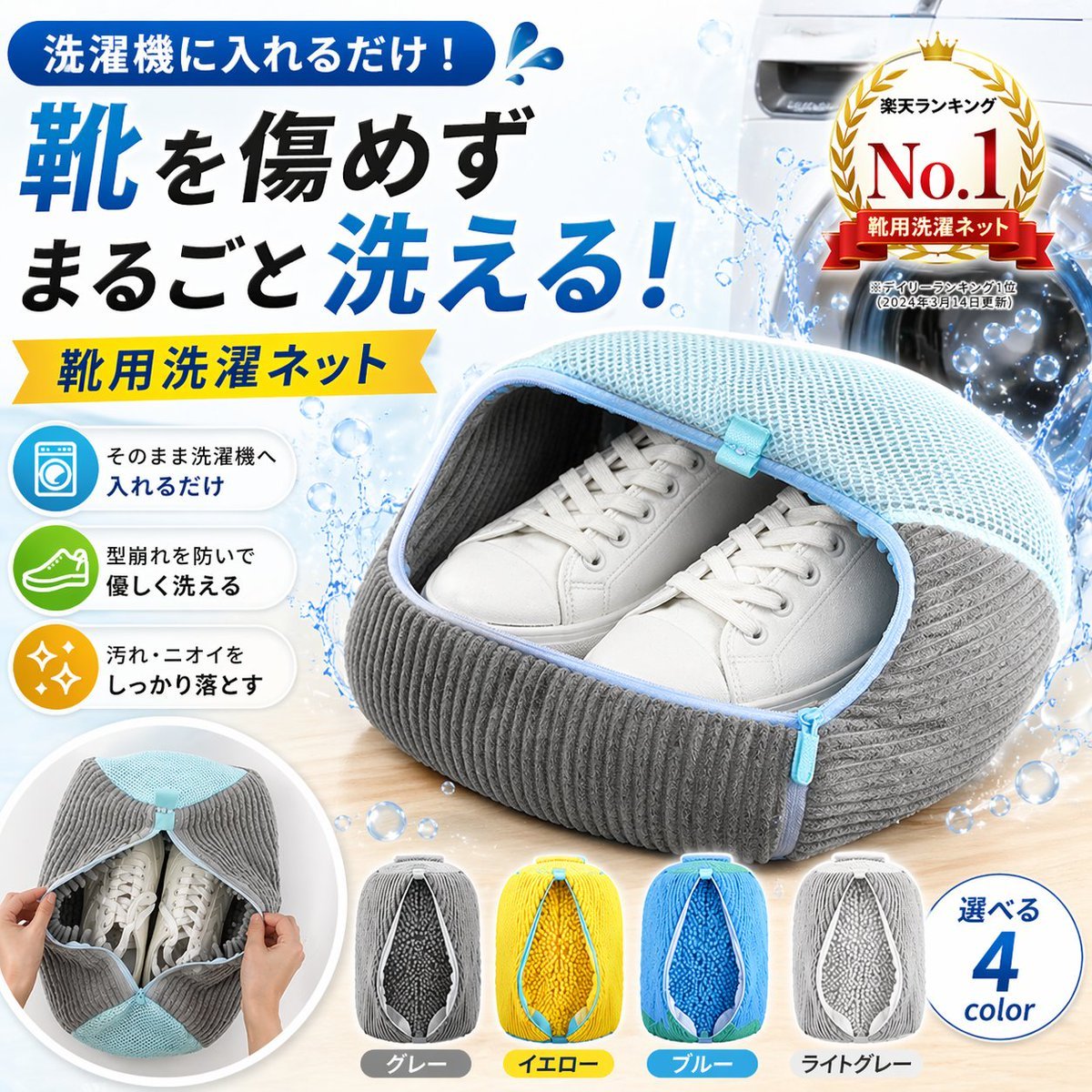
Japanese Shoe Laundry Bag Ad
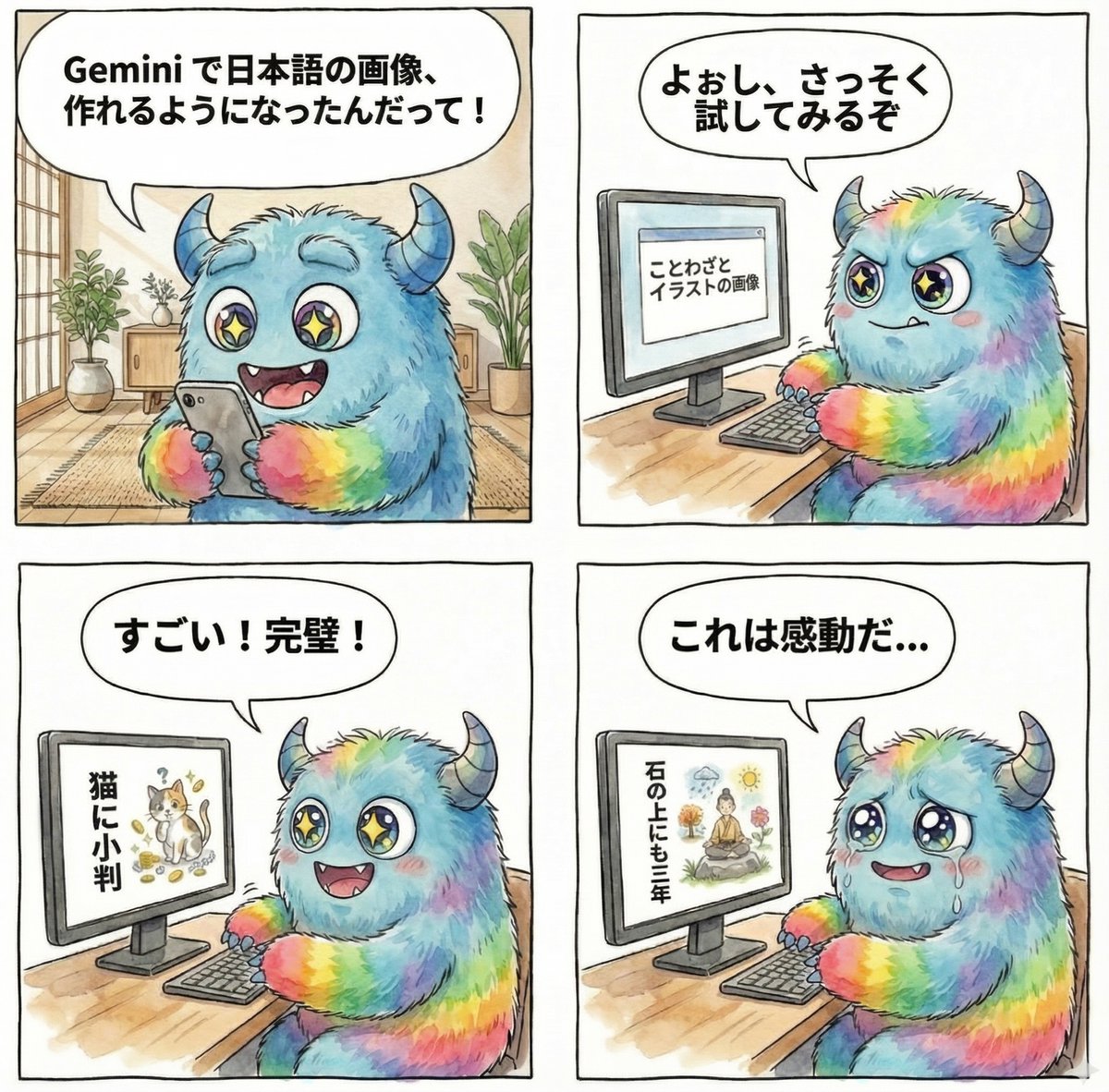
panel manga about Gemini generating Japanese text images
Browse template categories
Cybernetic Butler Concerned Speech questions
How do I use the Cybernetic Butler Concerned Speech template?
Add your photo if the template asks for one, edit the prompt if you like — the template's model and format are already selected — and press Generate. Your version opens in PicX Studio.
Can I customize the Cybernetic Butler Concerned Speech template?
Yes. You can change the subject, setting, lighting, mood, format, and available model controls before creating your image.
Is the Cybernetic Butler Concerned Speech template free?
Opening and editing this template is free. Generating uses credits, shown on the Generate button when you are signed in.
Which AI model should I use?
Start with GPT Image 2, which is the model associated with this template. You can compare another compatible model for a different finish.
Looking for something else? Browse all templates.

Your photo, any look
Thousands of ready templates for every top image and video model, from one credit balance.