
Crystalline Cybernetic Anime Girl
Generates a luminous geometric anime close-up of a cybernetic girl surrounded by glass shards and pastel prismatic light.
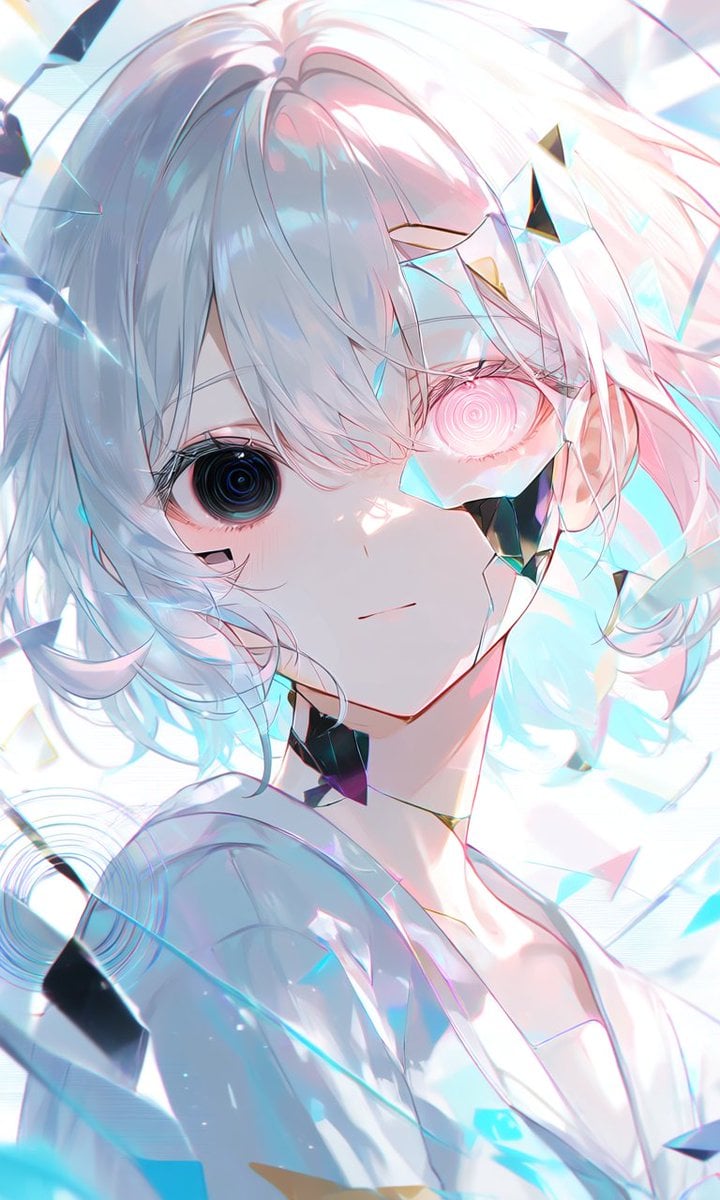
- Prompt included
- Model and format preset
- Premium template
The prompt behind this image
Copy the exact prompt behind Crystalline Cybernetic Anime Girl, or open it in the studio and make it yours.
Create a luminous vertical anime portrait of {argument name="character name" default="a mysterious cybernetic girl"} in an elegant geometric illustration style. The composition is an extreme close-up from the shoulders up, slightly tilted, with the face centered and cropped tightly by the top and sides. She has soft short wavy {argument name="hair color" default="silvery white hair with pale pink and cyan reflections"}, long wispy bangs covering part of her forehead, a delicate pale face, a tiny neutral mouth, and an expression that feels calm, doll-like, and unsettling. Her left eye is a large glossy black mechanical eye with concentric blue rings, while her right eye glows pale pink with a hypnotic spiral iris; add fine eyelashes and subtle blush around both eyes. She wears a loose translucent white shirt or robe with a low neckline, rendered with iridescent cyan, pink, and lavender highlights. Surround her with exactly 18 visible floating geometric fragments: 6 translucent cyan glass shards, 5 black triangular prism shards, 4 white angular polygon shards, and 3 small gold-edged triangular pieces. Some shards overlap her hair and cheek like fractured crystal plates, including one translucent shard crossing the right eye and cheek. Add thin circular orbit lines and faint technical arcs in the background, plus scattered prismatic light streaks and sparkles. Use a high-key white background flooded with overexposed light, pastel cyan and pink rim lighting, glossy glass refractions, chromatic aberration, soft bloom, and very clean detailed anime linework. The mood should be futuristic, ethereal, fragile, and crystalline, with no text, no watermark, and no extra characters.
How to use Crystalline Cybernetic Anime Girl in 3 steps
- 1Upload ImagePNG, JPG or paste
Add your photo
Upload the photo the template builds on. The prompt, model and format are already set.
- 2…a portrait of your subject in softgolden-hour light, 85mm…
Personalize
Edit the subject and creative details for your destination.
- 3Generate
Generate
Press Generate — your image is created in PicX Studio, so you can compare it with the original and refine one variable at a time.
More like this
Templates with the same subject, style or setup. Open one to see its prompt.





Make it yours
Crystalline Cybernetic Anime Girl works as-is. These are the safest ways to change it without losing the look.
Change one field
Copy a single group, rewrite it, and generate again so you can see what that field is doing.
Keep the frame, change the subject
Hold the composition and light of Crystalline Cybernetic Anime Girl, then swap wardrobe, props or the person for a new take.
| If the result… | Why | Fix |
|---|---|---|
| The result drifts from the preview | Too many fields changed at once. | Reuse Crystalline Cybernetic Anime Girl as-is first, then change one group — subject, light, or setting. |
| The model over-stylizes the scene | The prose prompt leaves finish and camera underspecified. | Add one camera or lighting sentence and stay on GPT Image 2. |
More GPT Image 2 templates
Other prompts made for GPT Image 2.

Six VTuber Japanese Logo Sheet

Realistic Portrait of Woman and Deer

The Vista Modular Condo Poster

AI Model Routing Comparison Infographic

2.5D Anime Art Board

Isometric Productivity Desk Scene

New York Double Exposure Poster

Four-Panel AI Landscape Comparison

Japanese Tatami Lifestyle Magazine Cover

NESCAFÉ Coffee Map Poster
More image prompts
Fresh picks from across the catalog.
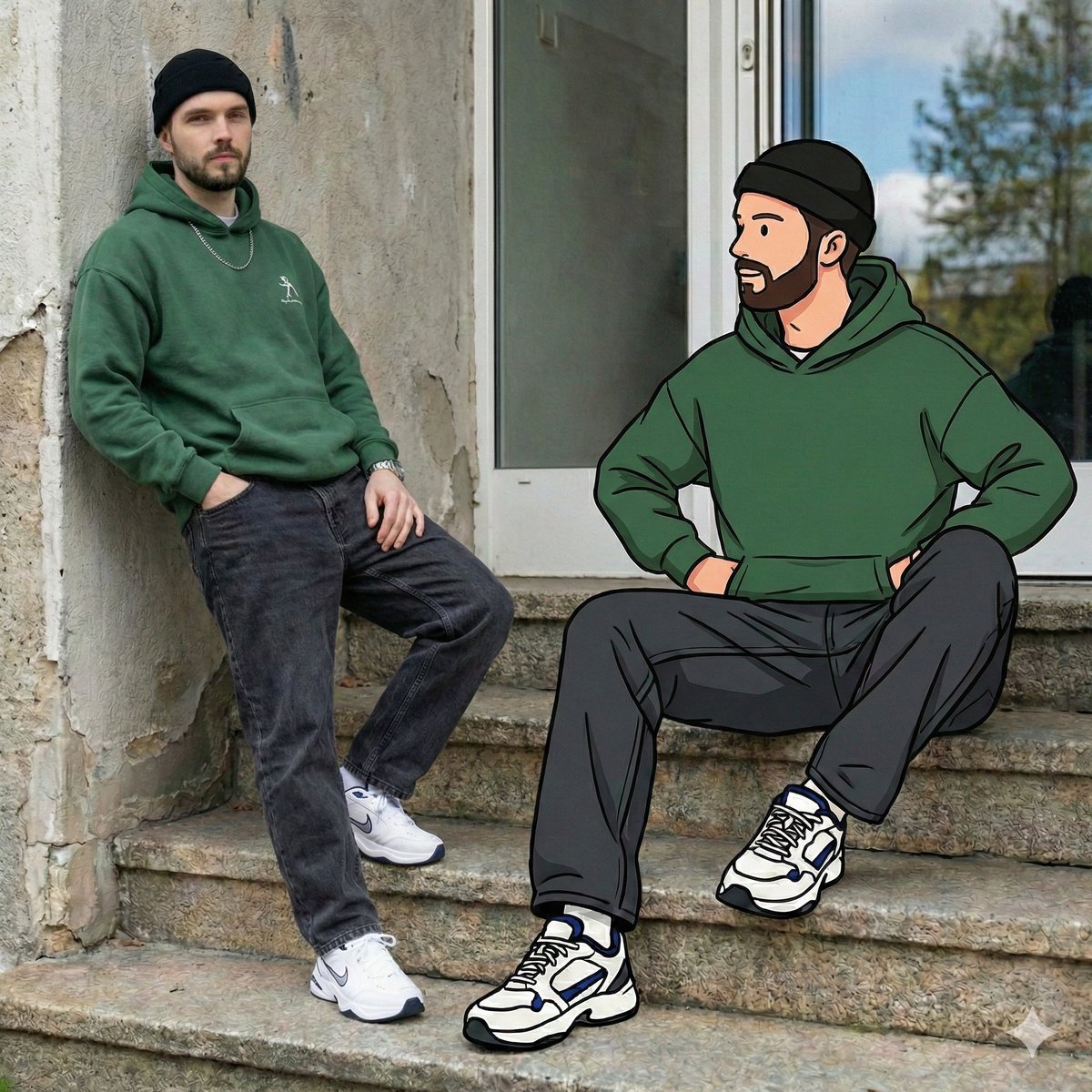
Mixed Reality Street Portrait with Cartoon Twin
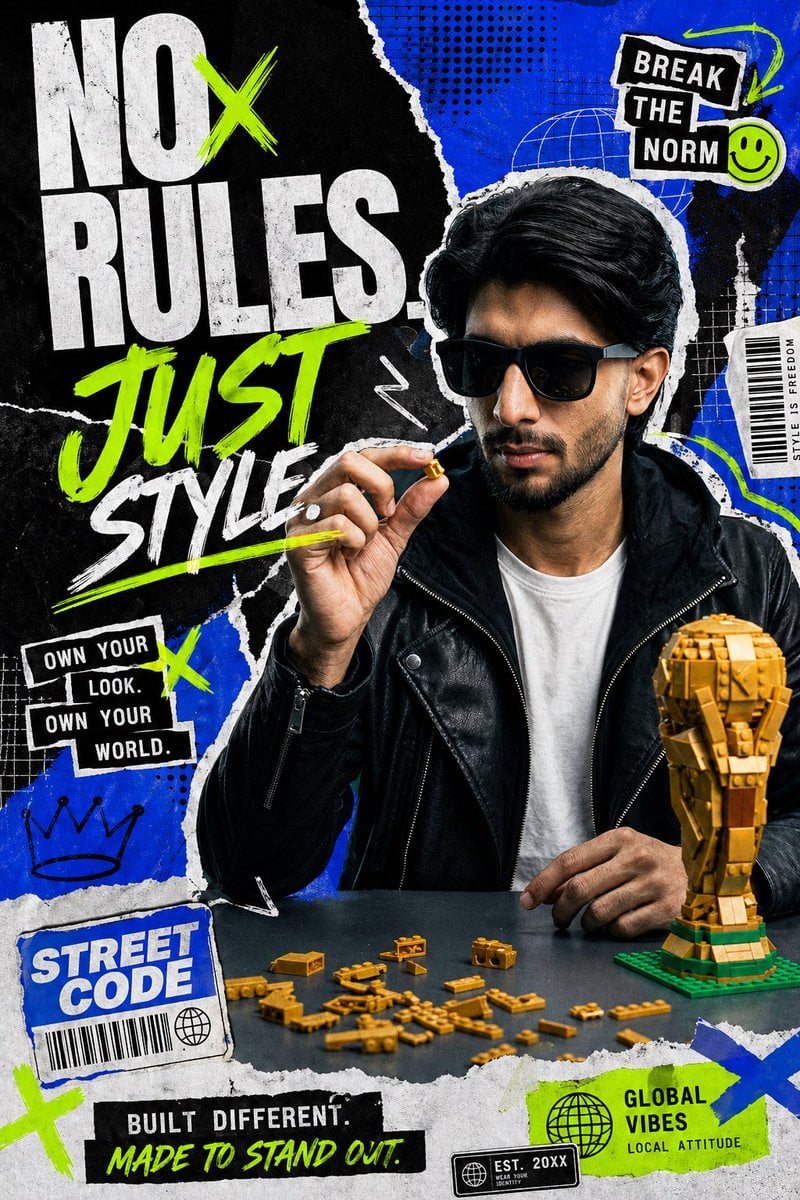
Streetwear Collage Poster With Gold Bricks
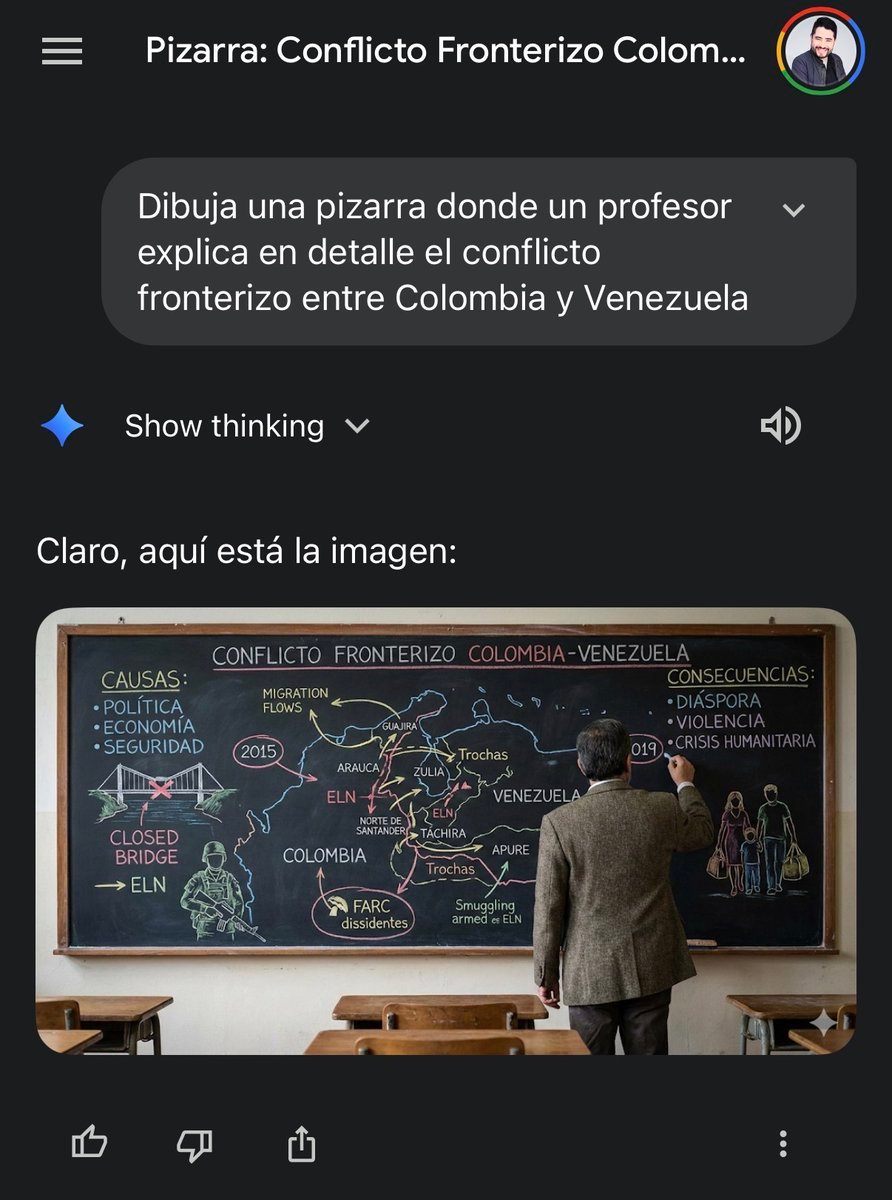
Military briefing on Caribbean tensions
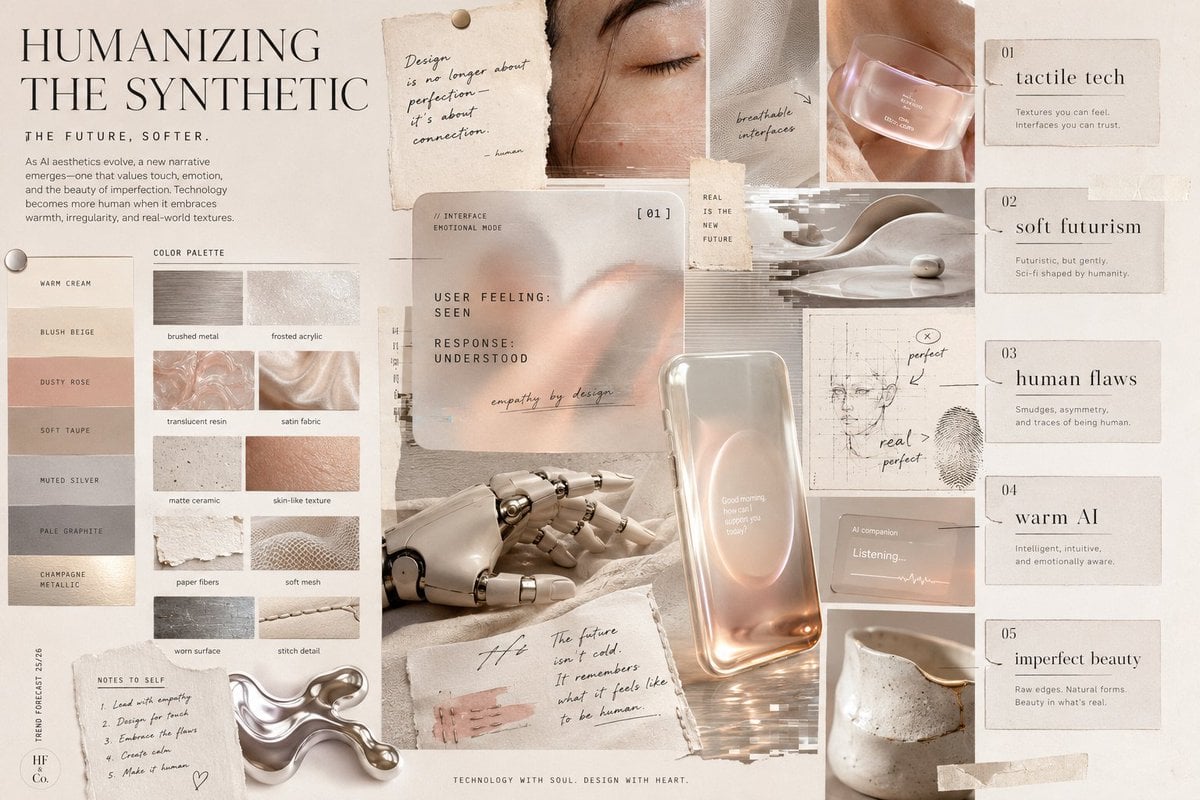
Visual Trend Analysis Moodboard
Collection of Emotional Kaomoji and Emoticons
Ethereal Submerged Portrait in Icy Water
Y2K Style K-Fashion Poster
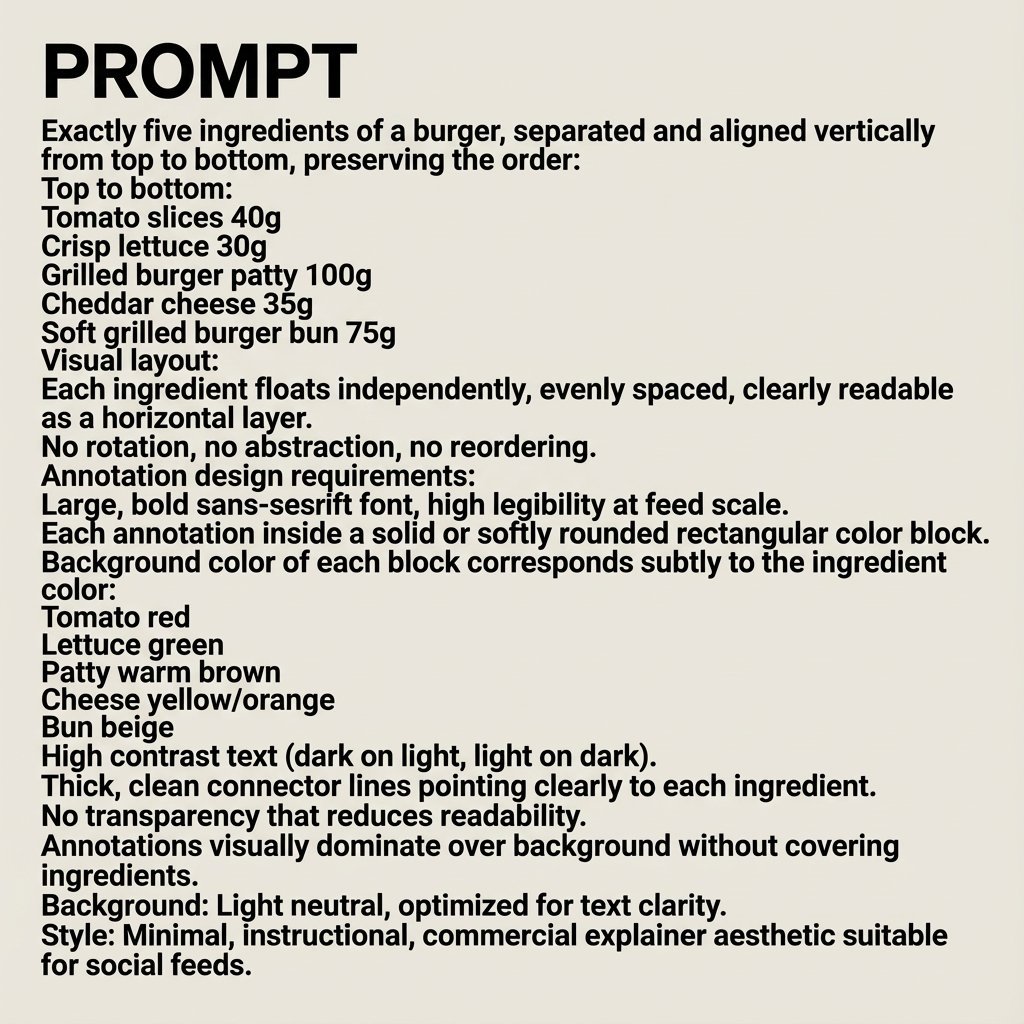
Nano Banana Pro Image Generation Prompt
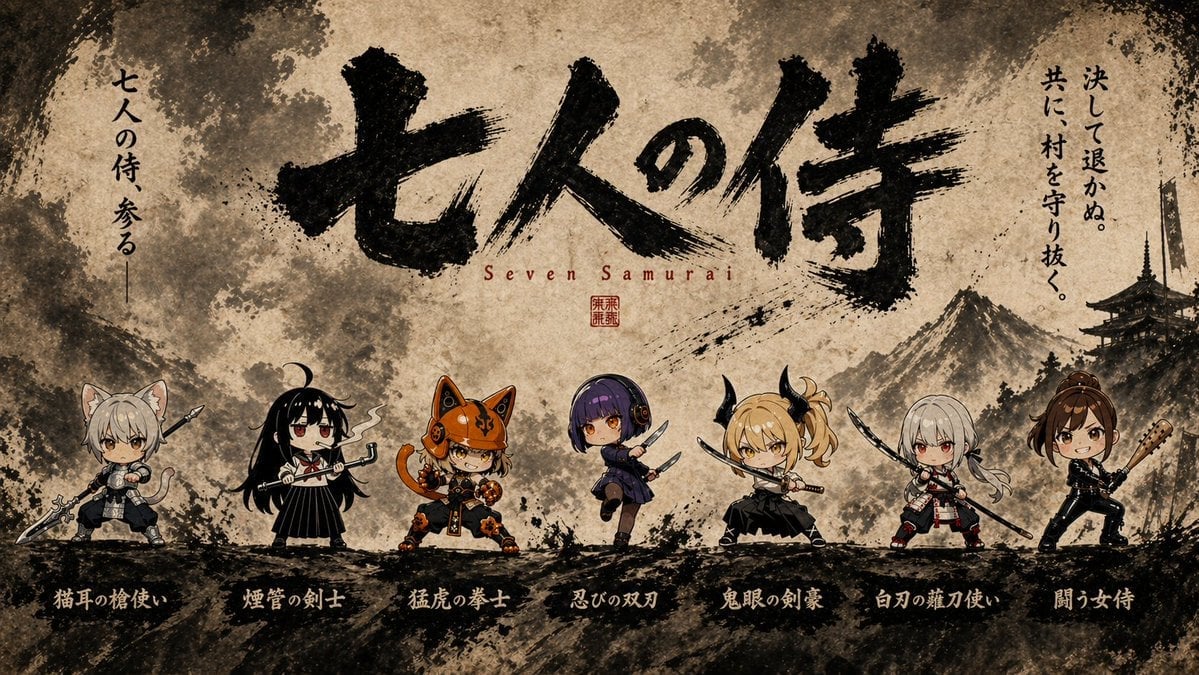
Seven Chibi Samurai Ink Poster
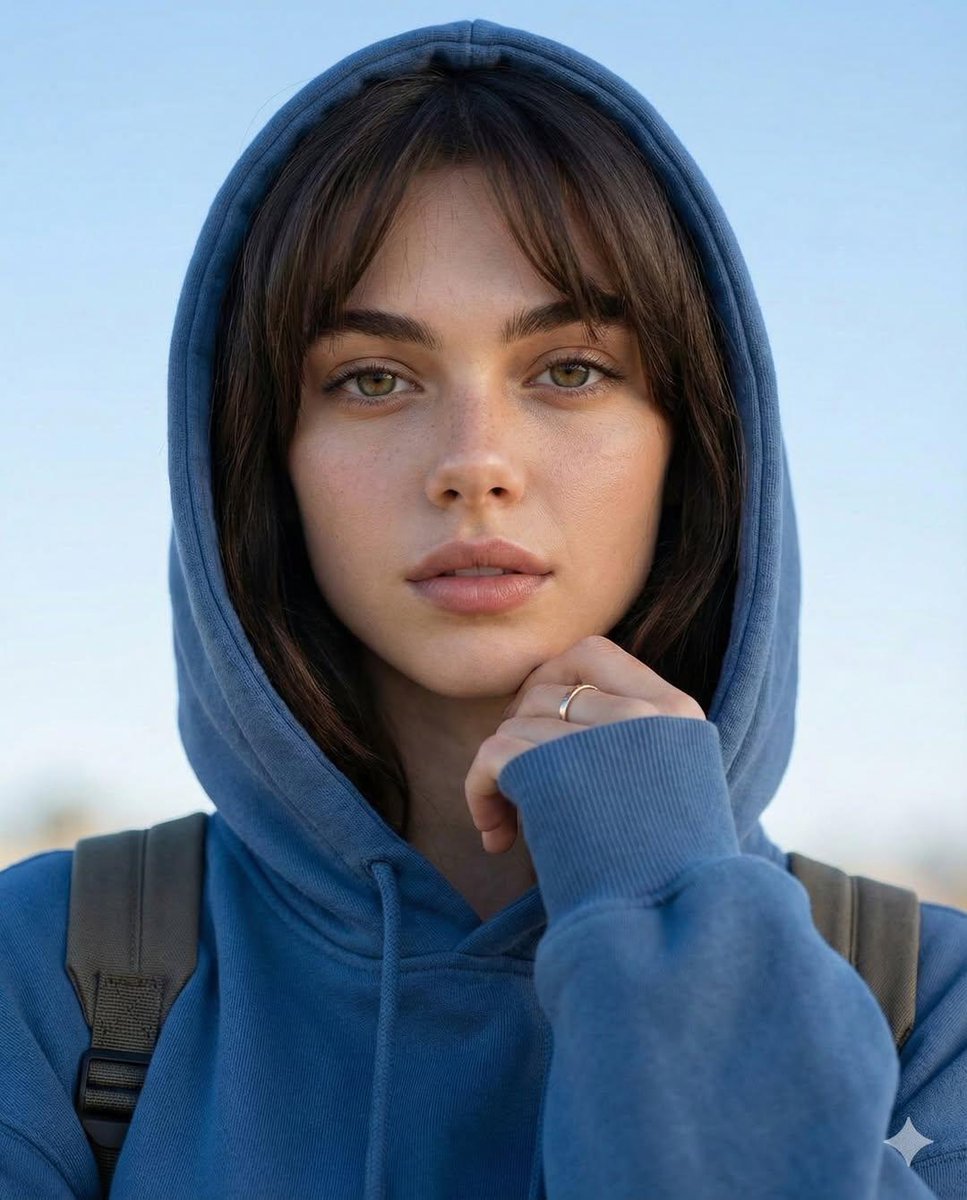
Photorealistic Portrait with Absolute Facial Identity Lock
Browse template categories
Crystalline Cybernetic Anime Girl questions
How do I use the Crystalline Cybernetic Anime Girl template?
Add your photo if the template asks for one, edit the prompt if you like — the template's model and format are already selected — and press Generate. Your version opens in PicX Studio.
Can I customize the Crystalline Cybernetic Anime Girl template?
Yes. You can change the subject, setting, lighting, mood, format, and available model controls before creating your image.
Is the Crystalline Cybernetic Anime Girl template free?
Opening and editing this template is free. Generating uses credits, shown on the Generate button when you are signed in.
Which AI model should I use?
Start with GPT Image 2, which is the model associated with this template. You can compare another compatible model for a different finish.
Looking for something else? Browse all templates.

Your photo, any look
Thousands of ready templates for every top image and video model, from one credit balance.