
Mixed Reality Street Portrait with Cartoon Twin
A complex JSON prompt for generating a mixed-reality street portrait combining a photorealistic subject with an identical cartoon counterpart.
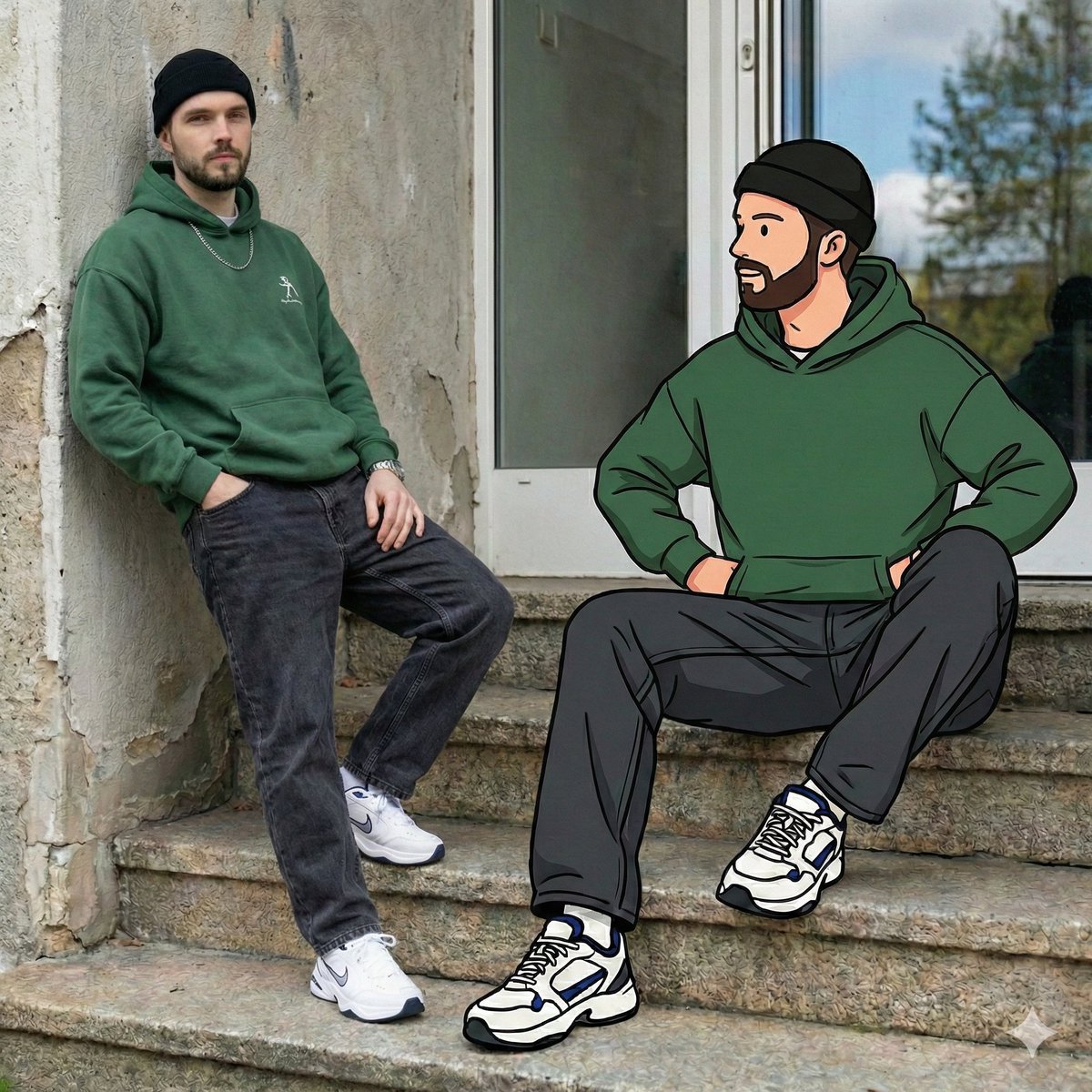
- Prompt included
- Model and format preset
- Free template
The prompt behind this image
Copy the exact prompt behind Mixed Reality Street Portrait with Cartoon Twin, or open it in the studio and make it yours.
- Output Resolution
- 64K_DSLR_ultra_high_detail
- Engine Style
- Octane Render, Unreal Engine 5
- Scene Type
- mixed_reality_street_portrait
- Environment › Location
- urban outdoor setting
- Environment › Background › Wall
- weathered concrete wall with subtle graffiti traces
- Environment › Background › Window
- large rectangular window above subject reflecting sky, trees, and soft interior lights
- Environment › Ground
- stone steps and sidewalk with chipped teal paint along edges
- Environment › Lighting › Type
- natural daylight
- Environment › Lighting › Quality
- soft, evenly diffused
- Environment › Lighting › Shadows
- realistic and grounded
- Real Subject › Identity
- same face as uploaded image
- Real Subject › Gender
- male
- Real Subject › Age Group
- young adult
- Real Subject › Position
- seated on steps, slightly angled toward camera
- Real Subject › Pose › Legs
- one knee bent, one leg extended
- Real Subject › Pose › Arms
- one forearm resting on knee, other relaxed by side
- Real Subject › Expression
- calm, confident, effortless cool
- Real Subject › Gaze
- looking slightly upward, away from camera
- Real Subject › Outfit › Top
- oversized forest-green hoodie with minimal chest graphic
- Real Subject › Outfit › Bottom
- washed charcoal baggy denim jeans
- Real Subject › Outfit › Shoes
- white chunky sneakers with blue and black accents
- Real Subject › Outfit › Accessories
- black beanie worn snug, silver chain necklace, simple wristwatch
- Real Subject › Outfit › Style Reference
- early-2000s streetwear with modern urban twist
- Illustrated Counterpart › Identity
- cartoon version of the same face
Raw JSON
{
  "output_resolution": "64K_DSLR_ultra_high_detail",
  "engine_style": ["Octane Render", "Unreal Engine 5"],
  "scene_type": "mixed_reality_street_portrait",
  "environment": {
    "location": "urban outdoor setting",
    "background": {
      "wall": "weathered concrete wall with subtle graffiti traces",
      "window": "large rectangular window above subject reflecting sky, trees, and soft interior lights"
    },
    "ground": "stone steps and sidewalk with chipped teal paint along edges",
    "lighting": {
      "type": "natural daylight",
      "quality": "soft, evenly diffused",
      "shadows": "realistic and grounded"
    }
  },
  "real_subject": {
    "identity": "same face as uploaded image",
    "gender": "male",
    "age_group": "young adult",
    "position": "seated on steps, slightly angled toward camera",
    "pose": {
      "legs": "one knee bent, one leg extended",
      "arms": "one forearm resting on knee, other relaxed by side"
    },
    "expression": "calm, confident, effortless cool",
    "gaze": "looking slightly upward, away from camera",
    "outfit": {
      "top": "oversized forest-green hoodie with minimal chest graphic",
      "bottom": "washed charcoal baggy denim jeans",
      "shoes": "white chunky sneakers with blue and black accents",
      "accessories": [
        "black beanie worn snug",
        "silver chain necklace",
        "simple wristwatch"
      ],
      "style_reference": "early-2000s streetwear with modern urban twist"
    }
  },
  "illustrated_counterpart": {
    "identity": "cartoon version of the same face",
    "style": {
      "art_type": "flat graphic illustration",
      "linework": "thick black outlines",
      "shading": "clean flat colors with minimal gradients",
      "inspiration": "hand-drawn street art and animated hip-hop characters"
    },
    "pose_matching": "mirrors real subject exactly in posture, scale, and alignment",
    "outfit_matching": "identical clothing, colors, and accessories as real subject",
    "interaction": {
      "visual_connection": "illustrated hand lightly overlaps or aligns with real subject’s arm",
      "effect": "playful illusion of cartoon and reality interacting"
    }
  },
  "visual_contrast": {
    "realism": ["fabric texture", "skin detail", "concrete grain", "natural shadows"],
    "illustration": ["smooth color blocks", "simplified facial features", "bold outlines"]
  },
  "camera_settings": {
    "lens": "50mm",
    "aperture": "f/2.8",
    "depth_of_field": "moderate subject separation",
    "focus": "sharp on both real and illustrated figures"
  },
  "mood_and_tone": [
    "cool",
    "nostalgic",
    "playful",
    "creative",
    "urban storytelling"
  ],
  "keywords": [
    "mixed media photography",
    "real person with cartoon twin",
    "urban street portrait",
    "Y2K streetwear influence",
    "graphic illustration blend",
    "playful surrealism",
    "nostalgic urban culture",
    "high-resolu"
  ]
}How to use Mixed Reality Street Portrait with Cartoon Twin in 3 steps
- 1Upload ImagePNG, JPG or paste
Add your photo
Upload the photo the template builds on. The prompt, model and format are already set.
- 2…a portrait of your subject in softgolden-hour light, 85mm…
Personalize
Edit the subject and creative details for your destination.
- 3Generate
Generate
Press Generate — your image is created in PicX Studio, so you can compare it with the original and refine one variable at a time.
More like this
Templates with the same subject, style or setup. Open one to see its prompt.
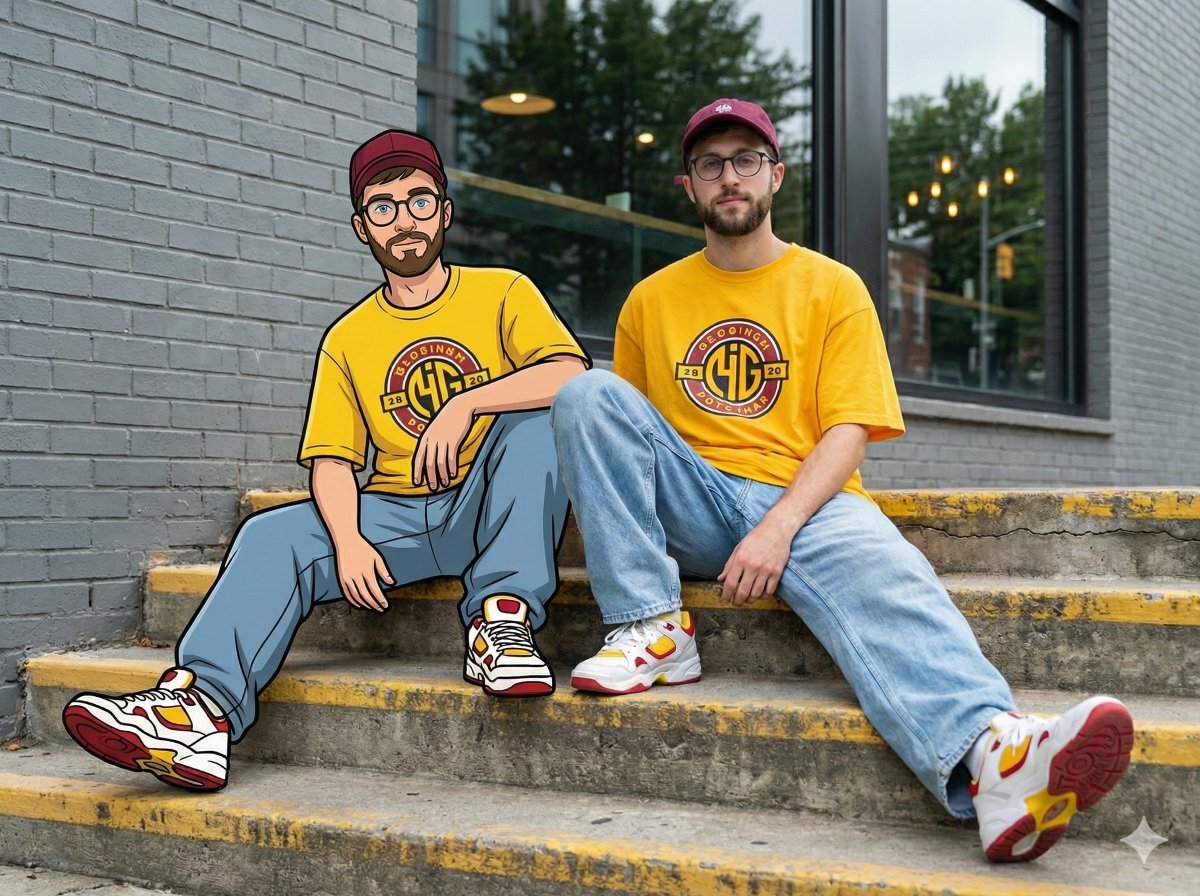
Mixed-Reality Street Portrait (Real Person with Cartoon Twin)
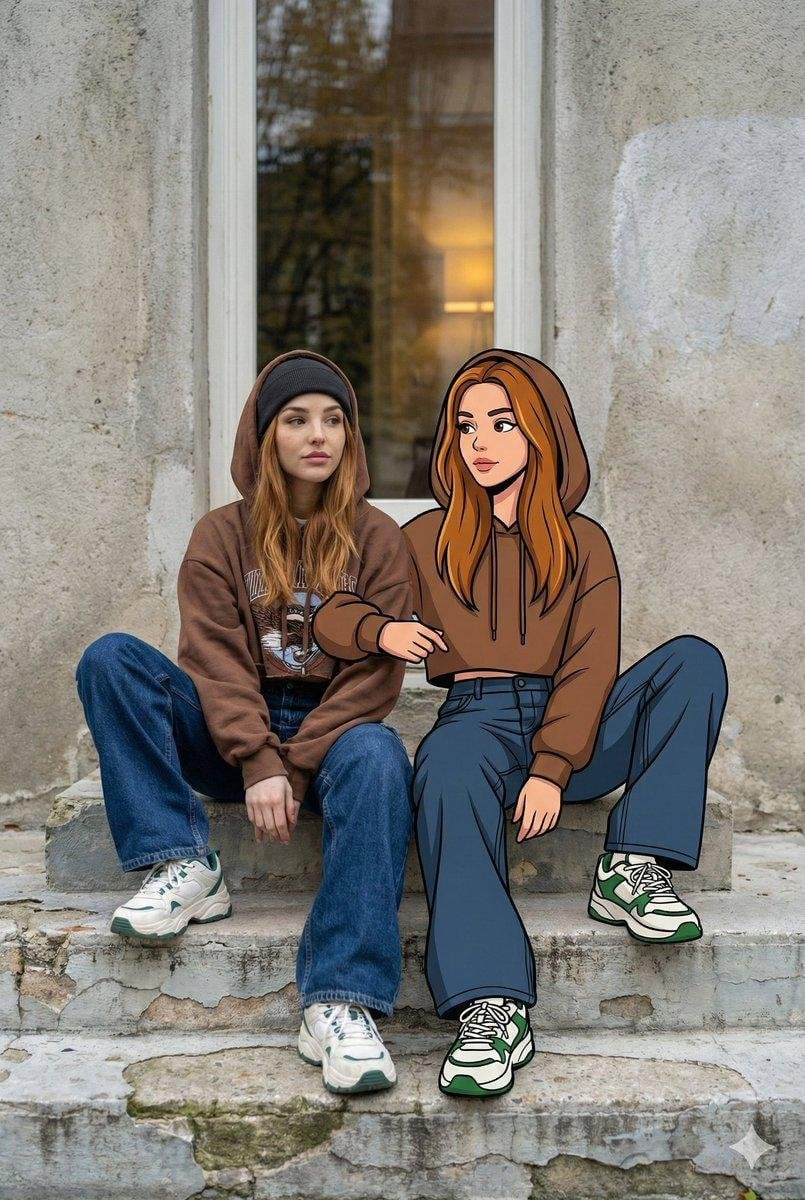
Mixed Reality Street Portrait
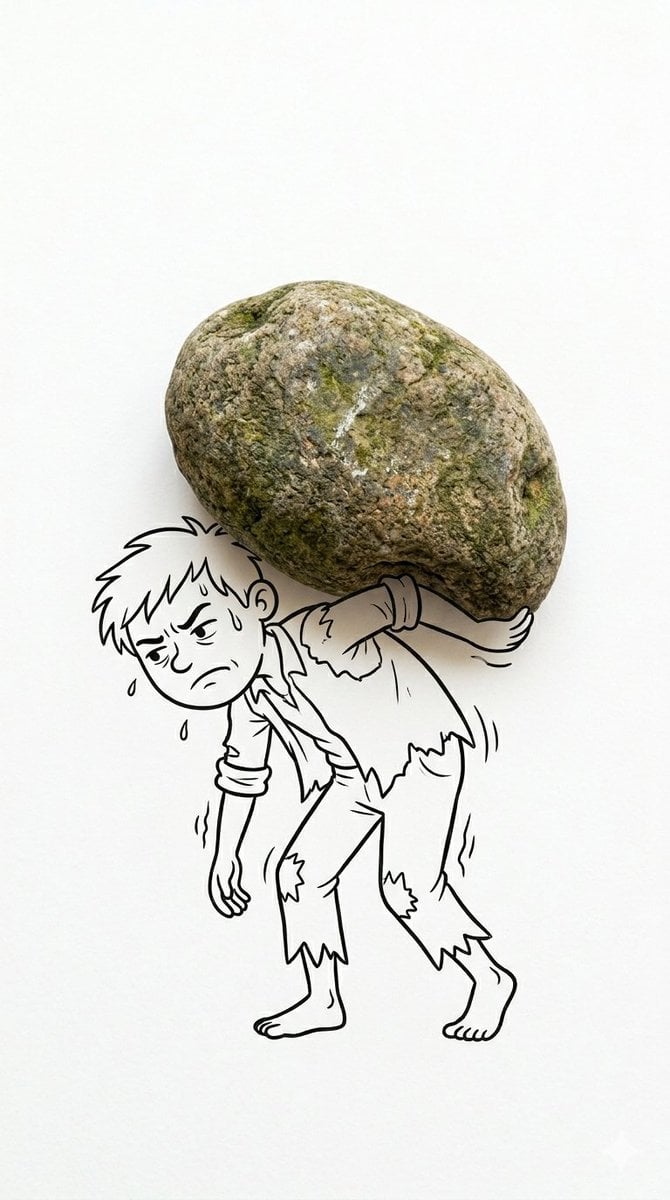
Mixed Reality Cartoon Composite
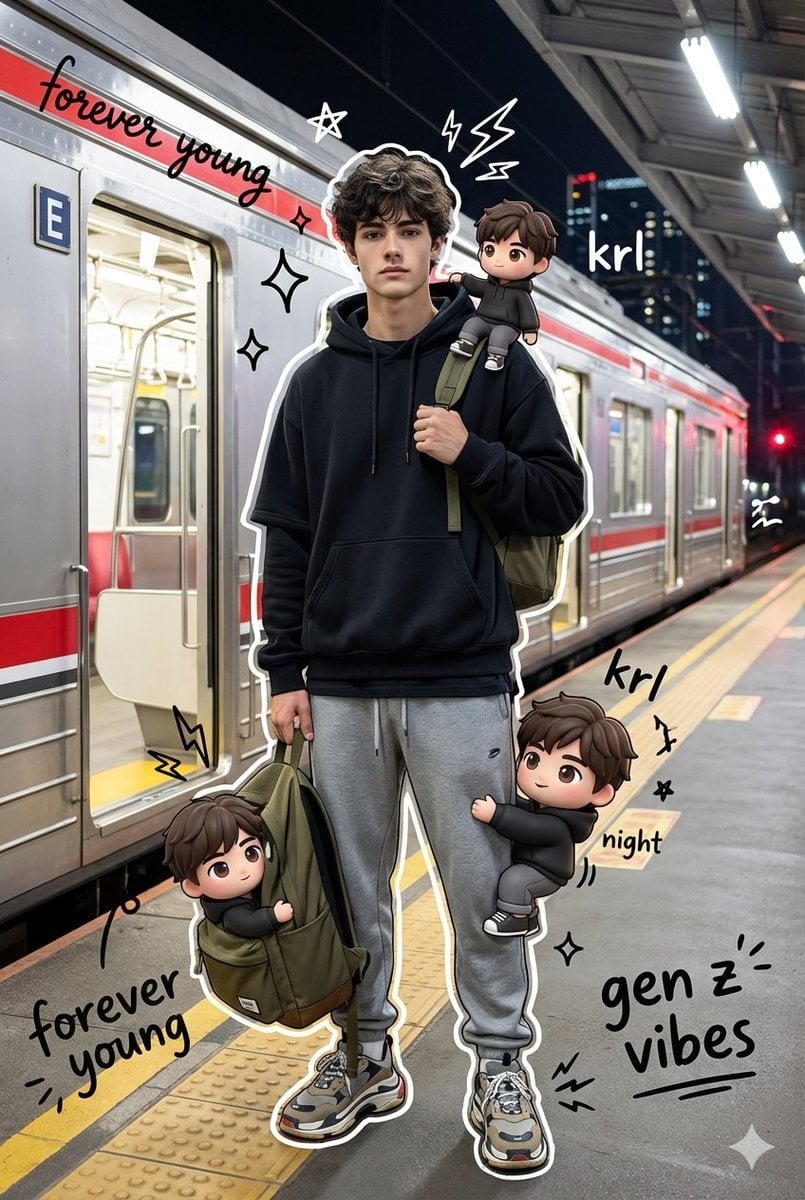
Mixed Media Chibi Streetwear Portrait

Urban Street Portrait with Cartoon Inner Self Duo
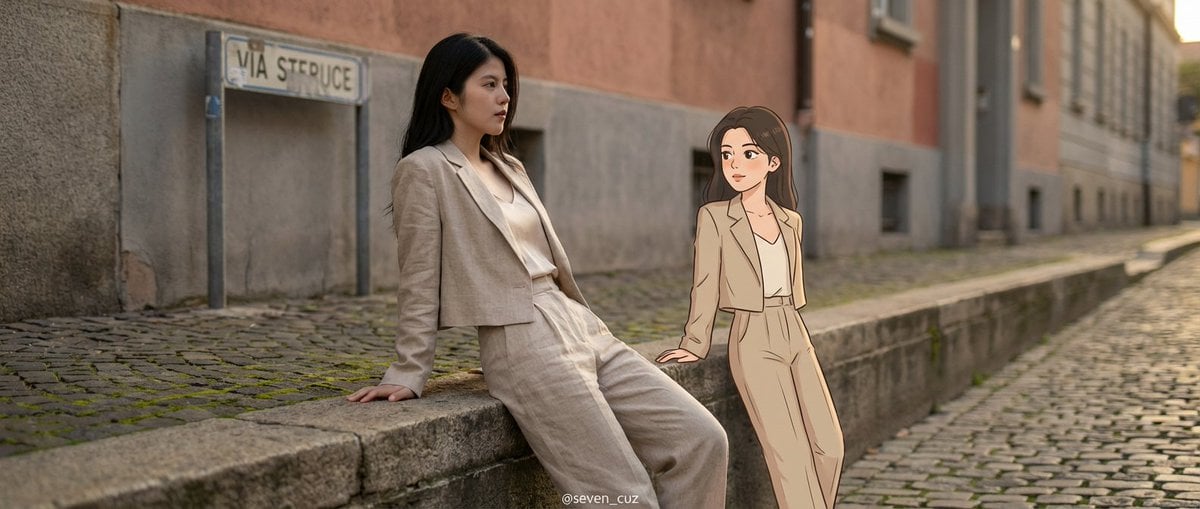
Mixed-Media Crossover Portrait (Real and Cartoon)
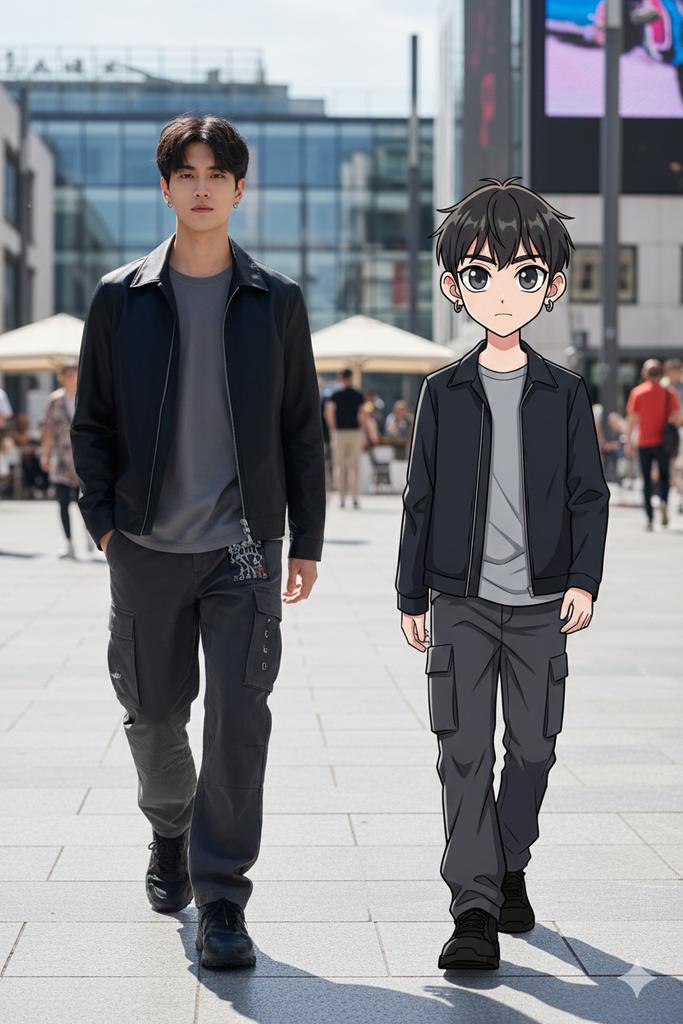
64K Street Candid with Cartoon Twin and Custom Branding

Ultra Detailed 3d Plush Cartoon Characte
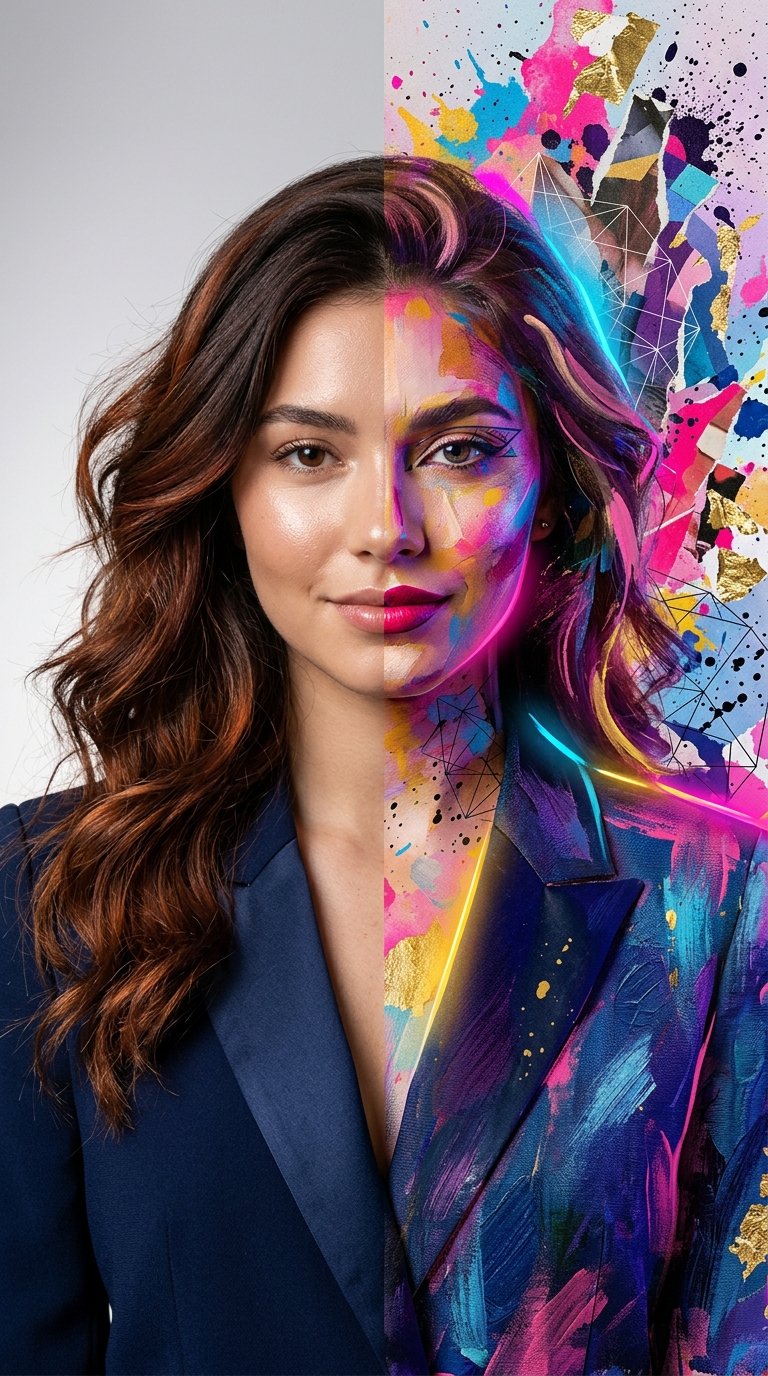
Split Portrait - Mixed Media

Two Tickets, One Night

Found Photograph: Us, 1970

Meet Me When It Rains
Make it yours
Mixed Reality Street Portrait with Cartoon Twin works as-is. These are the safest ways to change it without losing the look.
Swap the setting
Keep the rest of the prompt and replace the location block. The current setting is “urban outdoor setting”.
Swap the light
One lighting change is enough to compare takes. Current light: “natural daylight”.
Change one field
Copy a single group, rewrite it, and generate again so you can see what that field is doing.
| If the result… | Why | Fix |
|---|---|---|
| The result drifts from the preview | Too many fields changed at once. | Reuse Mixed Reality Street Portrait with Cartoon Twin as-is first, then change one group — subject, light, or setting. |
| Nano Banana 2 ignores part of the JSON | Some models flatten or skip nested keys. | Keep the same values and paste them as a short paragraph instead. |
More Nano Banana 2 templates
Other prompts made for Nano Banana 2.

Photorealistic Leaf Shaped Like a Dragon

K-Pop Idol Portrait Grid for Rapid Selection

Poetic Rain Forest Portrait During Golden Hour

Candid Nighttime Photo with Cat Prompt

High-Concept 3D Diorama Generation Prompt

Cinematic Futuristic Studio Portrait Template

Skincare Editorial Photography Collage Prompt

Hyper-Realistic Commercial Product Photography (Splash Effect)

Hyper-Realistic Nightclub Portrait Prompt

Cinematic Urban Rain Scene Prompt (Neo-Noir)
More image prompts
Fresh picks from across the catalog.
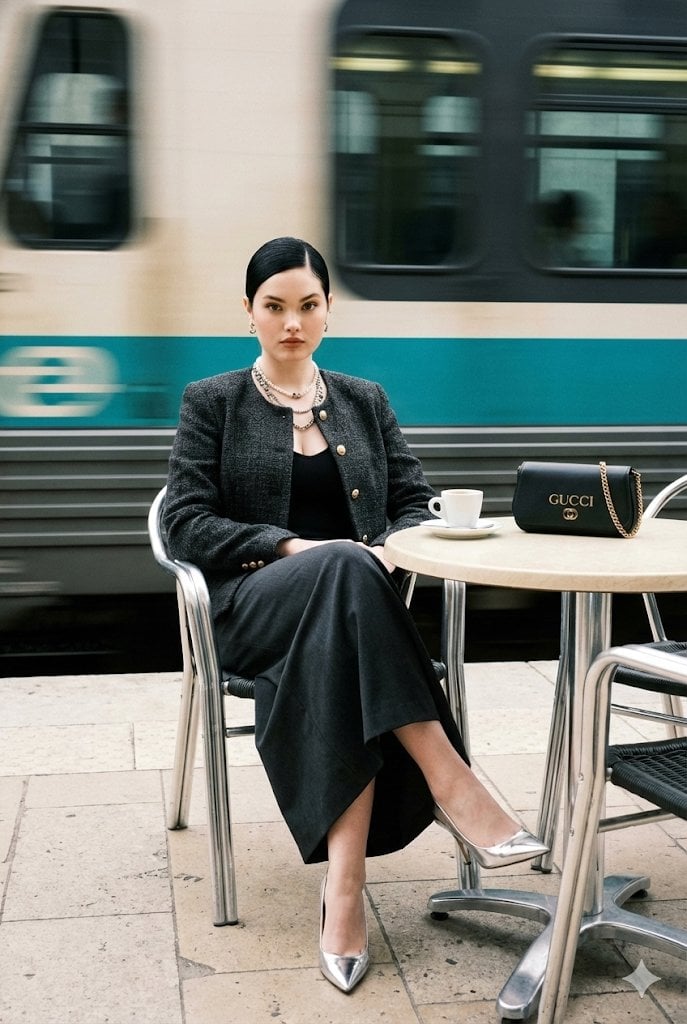
Ultra-Realistic Street-Fashion Portrait with Motion Blur
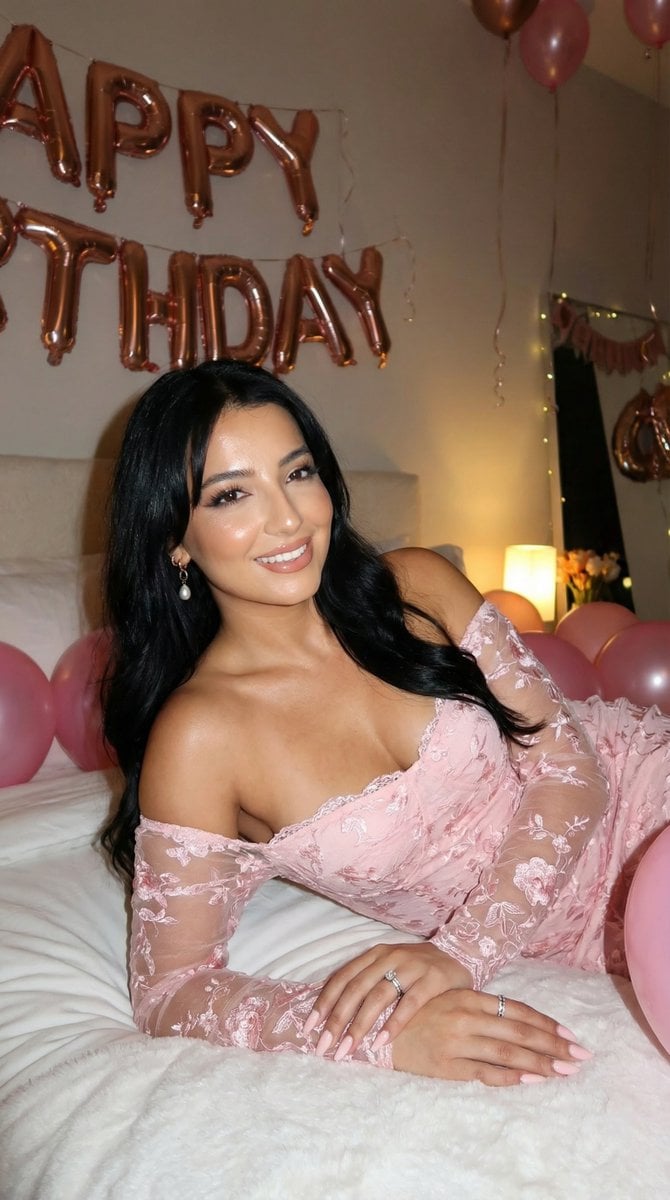
Flash Photography Birthday Portrait Prompt
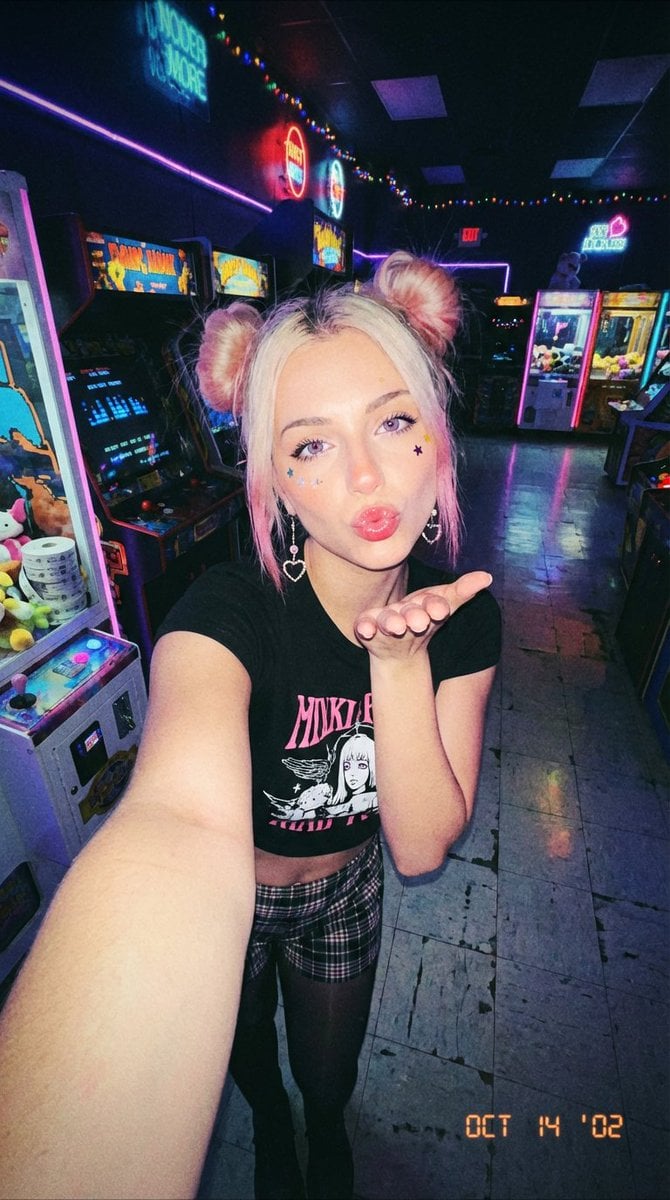
Y2K Grunge Arcade Selfie Portrait
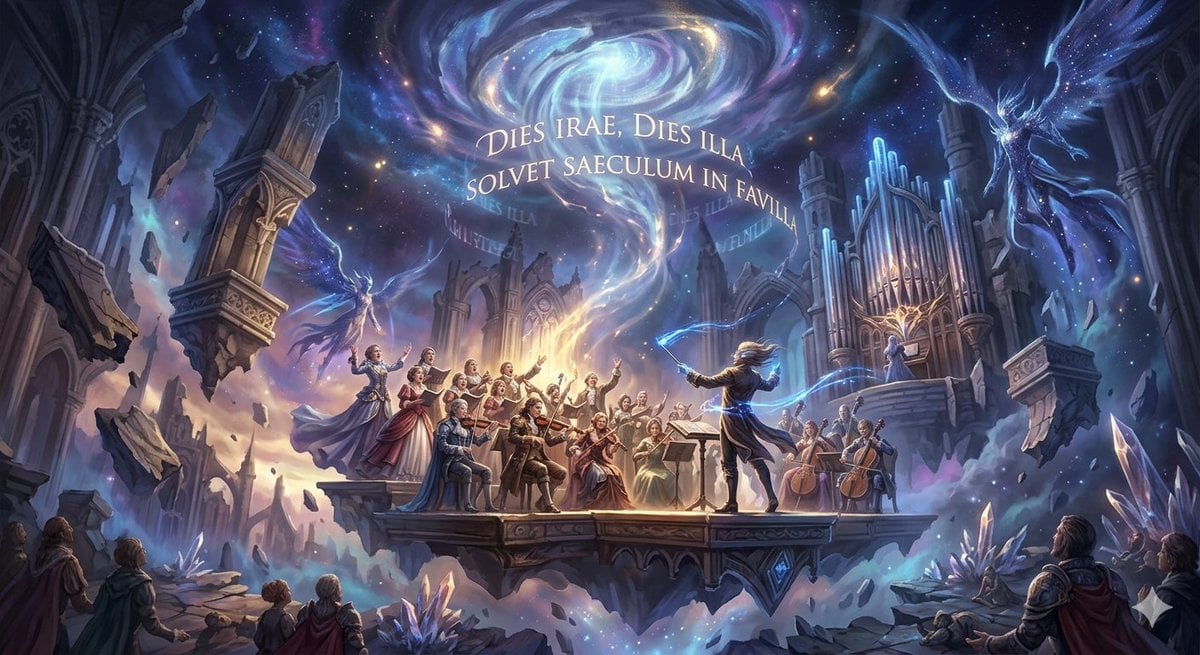
Mozart's Dies Irae Image Generation
Nocturne Veil Eyes Anime Beauty Poster
Golden Hour Indian Woman Portrait
Minimalist Children's Illustration Style
High-Concept Desert Mirror Fashion Photography
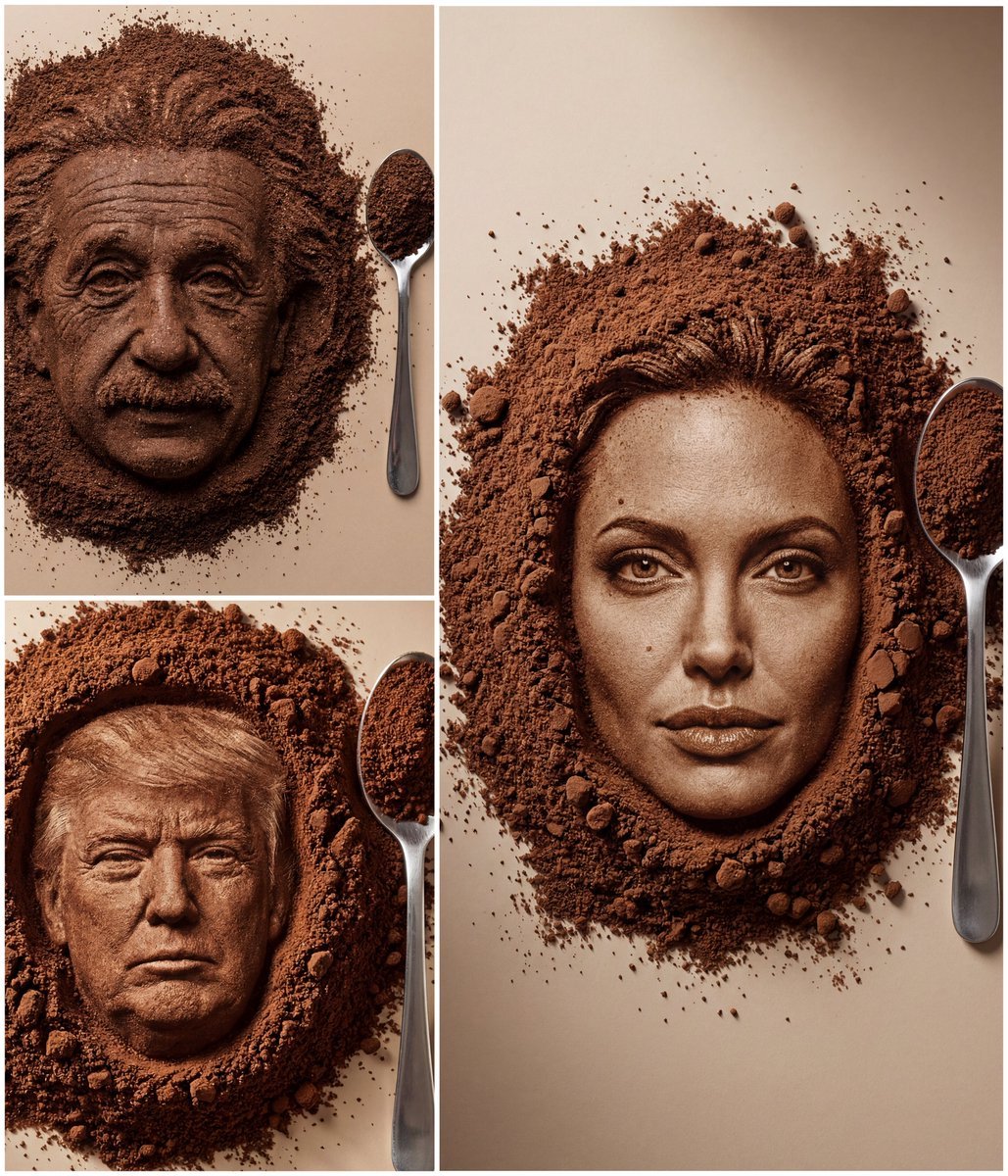
Hyper-Realistic Coffee Powder Face Impression
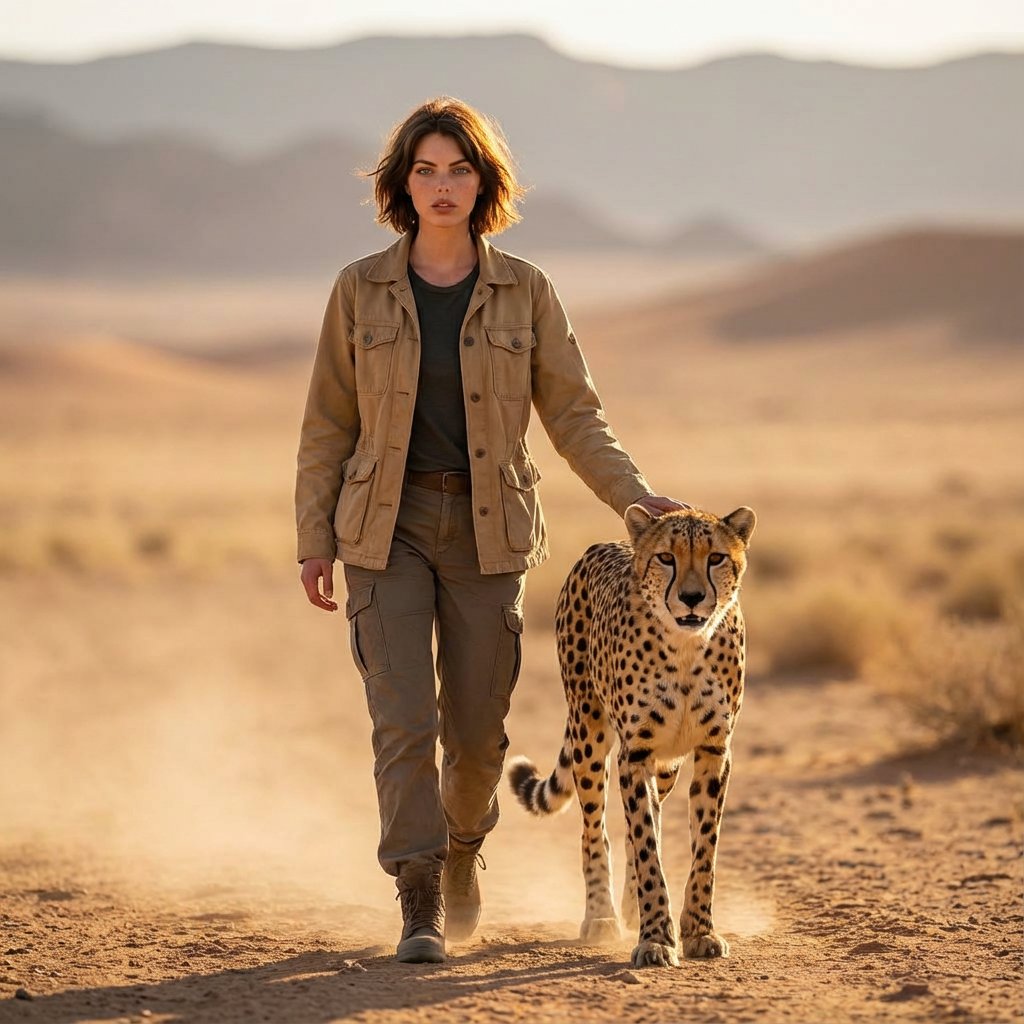
Golden Hour Desert Photo of Woman and Cheetah
Browse template categories
Mixed Reality Street Portrait with Cartoon Twin questions
How do I use the Mixed Reality Street Portrait with Cartoon Twin template?
Add your photo if the template asks for one, edit the prompt if you like — the template's model and format are already selected — and press Generate. Your version opens in PicX Studio.
Can I customize the Mixed Reality Street Portrait with Cartoon Twin template?
Yes. You can change the subject, setting, lighting, mood, format, and available model controls before creating your image.
Is the Mixed Reality Street Portrait with Cartoon Twin template free?
Opening and editing this template is free. Generating uses credits, shown on the Generate button when you are signed in.
Which AI model should I use?
Start with Nano Banana 2, which is the model associated with this template. You can compare another compatible model for a different finish.
Looking for something else? Browse all templates.

Your photo, any look
Thousands of ready templates for every top image and video model, from one credit balance.