
Nocturne Veil Eyes Anime Beauty Poster
Generates a vertical anime-style cosmetics key visual poster for a smoky four-shade eyeshadow palette with Japanese ad copy and premium product layout.
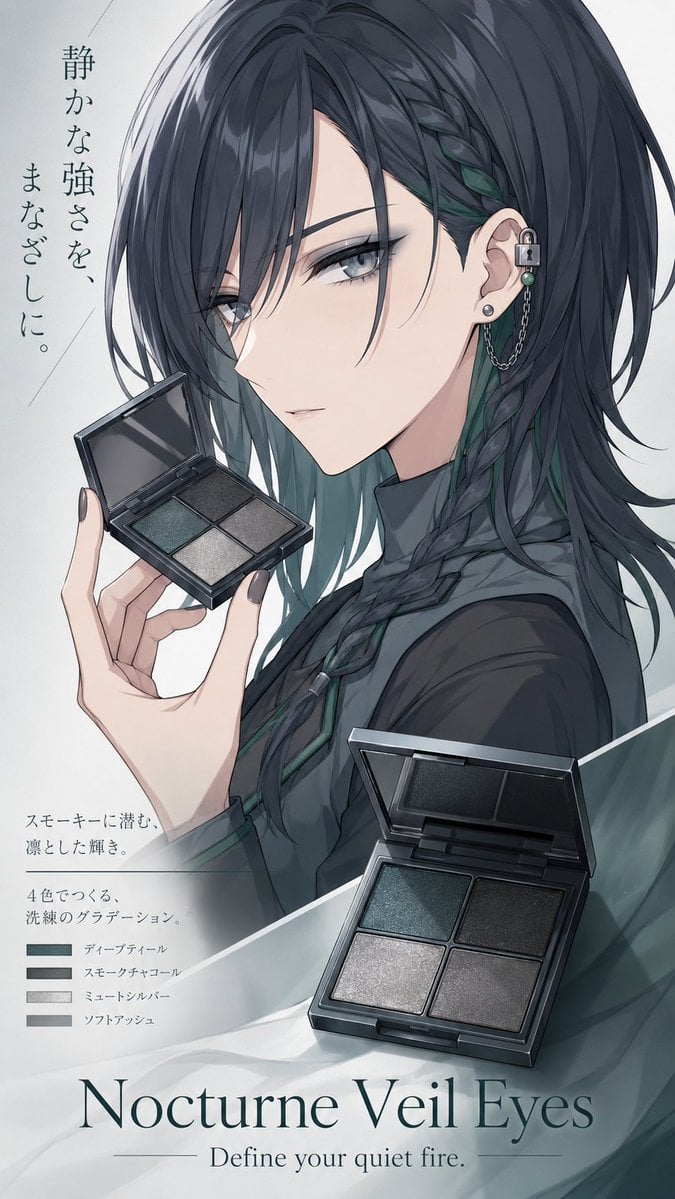
- Prompt included
- Model and format preset
- Free template
The prompt behind this image
Copy the exact prompt behind Nocturne Veil Eyes Anime Beauty Poster, or open it in the studio and make it yours.
- Type
- vertical anime cosmetics key visual poster
- Aspect Ratio
- 9:16
- Style
- polished commercial anime illustration, cool muted palette, elegant beauty advertisement, soft studio lighting, translucent smoky fabric overlays, high-detail hair rendering, clean magazine layout
- Main Subject › Description
- close-up three-quarter side portrait of a mysterious young woman from shoulders up, facing left, with most of her face intentionally covered by a tall vertical soft-edged gray-to-beige rectangular blur block centered over the face
- Main Subject › Hair
- {argument name="hair color" default="long charcoal-black hair with deep teal inner streaks"}, layered and windswept, with loose strands and one thick braid running down the front
- Main Subject › Outfit
- dark charcoal high-collar blouse or jacket with subtle teal trim, refined gothic-modern styling
- Main Subject › Accessories
- silver ear cuff with small padlock charm, chain drape, teal bead, and pearl stud earring
- Main Subject › Pose
- one pale hand with dark gray manicured nails holds an open square eyeshadow compact near the left side of the portrait
- Product › Name
- {argument name="product name" default="Nocturne Veil Eyes"}
- Product › Category
- four-color eyeshadow palette
- Product › Main Packshot
- large open black compact in the lower right foreground, angled in perspective, with mirror lid and four square pans
- Product › Secondary Packshot
- smaller open compact held in the character's hand at mid-left
- Product › Palette Count
- 4
- Product › Shades › 0 › Label
- ディープティール
- Product › Shades › 0 › Description
- deep teal smoky shade
- Product › Shades › 1 › Label
- スモーキーチャコール
- Product › Shades › 1 › Description
- smoky charcoal gray
- Product › Shades › 2 › Label
- ミュートシルバー
- Product › Shades › 2 › Description
- muted shimmering silver
- Product › Shades › 3 › Label
- ソフトアッシュ
- Product › Shades › 3 › Description
- soft ash gray
- Layout › Format
- Japanese poster advertisement with elegant vertical typography and product callouts
- Layout › Background
- pale gray-white gradient with faint diagonal lines, misty translucent teal-gray fabric shapes crossing the bottom and right edge
- Layout › Text Elements › 0 › Position
- upper left, vertical Japanese copy
Raw JSON
{"type":"vertical anime cosmetics key visual poster","aspect_ratio":"9:16","style":"polished commercial anime illustration, cool muted palette, elegant beauty advertisement, soft studio lighting, translucent smoky fabric overlays, high-detail hair rendering, clean magazine layout","main_subject":{"description":"close-up three-quarter side portrait of a mysterious young woman from shoulders up, facing left, with most of her face intentionally covered by a tall vertical soft-edged gray-to-beige rectangular blur block centered over the face","hair":"{argument name=\"hair color\" default=\"long charcoal-black hair with deep teal inner streaks\"}, layered and windswept, with loose strands and one thick braid running down the front","outfit":"dark charcoal high-collar blouse or jacket with subtle teal trim, refined gothic-modern styling","accessories":"silver ear cuff with small padlock charm, chain drape, teal bead, and pearl stud earring","pose":"one pale hand with dark gray manicured nails holds an open square eyeshadow compact near the left side of the portrait"},"product":{"name":"{argument name=\"product name\" default=\"Nocturne Veil Eyes\"}","category":"four-color eyeshadow palette","main_packshot":"large open black compact in the lower right foreground, angled in perspective, with mirror lid and four square pans","secondary_packshot":"smaller open compact held in the character's hand at mid-left","palette_count":4,"shades":[{"label":"ディープティール","description":"deep teal smoky shade"},{"label":"スモーキーチャコール","description":"smoky charcoal gray"},{"label":"ミュートシルバー","description":"muted shimmering silver"},{"label":"ソフトアッシュ","description":"soft ash gray"}]},"layout":{"format":"Japanese poster advertisement with elegant vertical typography and product callouts","background":"pale gray-white gradient with faint diagonal lines, misty translucent teal-gray fabric shapes crossing the bottom and right edge","text_elements":[{"position":"upper left, vertical Japanese copy","text":"{argument name=\"vertical headline text\" default=\"静かな強さを、まなざしに。\"}"},{"position":"lower left, Japanese product description","text":"{argument name=\"description text\" default=\"スモーキーに潜む、凛とした輝き。4色でつくる、洗練のグラデーション。\"}"},{"position":"lower left beneath description","count":4,"labels":["ディープティール","スモーキーチャコール","ミュートシルバー","ソフトアッシュ"]},{"position":"bottom center, large serif English title","text":"{argument name=\"product name\" default=\"Nocturne Veil Eyes\"}"},{"position":"bottom center under title, small English tagline","text":"Define your quiet fire."}]},"typography":"large refined serif English title at bottom, thin horizontal rules flanking the tagline, delicate Japanese Mincho-style vertical text, small swatch labels aligned with four rectangular color chips","composition":"character fills the upper and right half, hand-held compact on the left, large product compact overlaps the lower right, copy and shade legend on the lower left, premium beauty campaign poster mood"}How to use Nocturne Veil Eyes Anime Beauty Poster in 3 steps
- 1Upload ImagePNG, JPG or paste
Add your photo
Upload the photo the template builds on. The prompt, model and format are already set.
- 2…a portrait of your subject in softgolden-hour light, 85mm…
Personalize
Edit the subject and creative details for your destination.
- 3Generate
Generate
Press Generate — your image is created in PicX Studio, so you can compare it with the original and refine one variable at a time.
More like this
Templates with the same subject, style or setup. Open one to see its prompt.

Captain Tsubasa Anime World Cup Poster

Gpt2 Youtube Thumbnail Anime Music Bootcamp Promo Poster

Japan Travel Brochure Poster
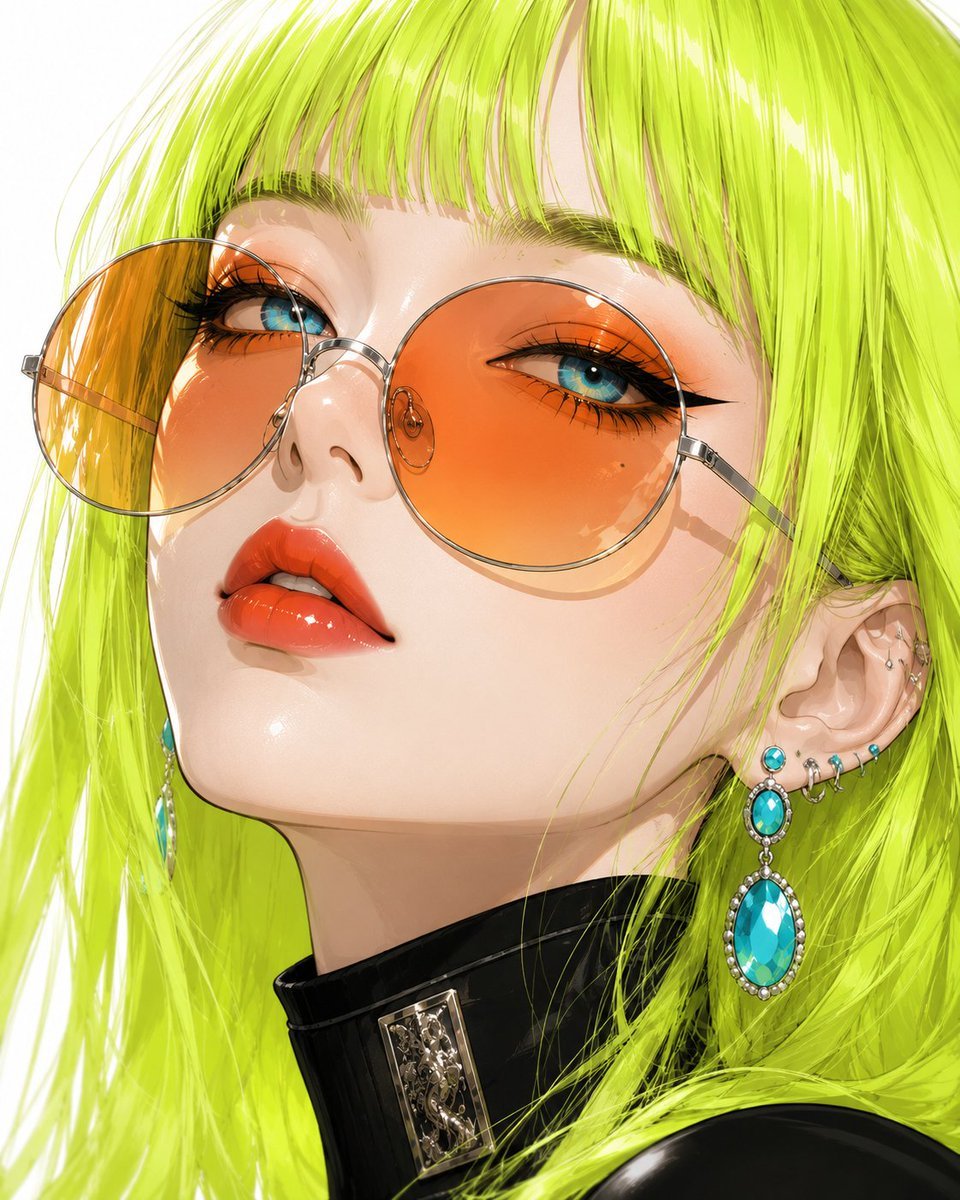
Anime Beauty Editorial Portrait

Nice Day Anime Poster

Cel 2D Finale Fireworks

Cel 2D Garden Maze

Cel 2D Rooftop Concert

Cel 2D Bicycle Coast

Cel 2D Castle Gate

Cel 2D Kitchen Chaos

Cel 2D Carnival Ride
Make it yours
Nocturne Veil Eyes Anime Beauty Poster works as-is. These are the safest ways to change it without losing the look.
Swap the setting
Keep the rest of the prompt and replace the location block. The current setting is “pale gray-white gradient with faint diagonal lines, misty translucent teal-gray ”.
Change one field
Copy a single group, rewrite it, and generate again so you can see what that field is doing.
Keep the frame, change the subject
Hold the composition and light of Nocturne Veil Eyes Anime Beauty Poster, then swap wardrobe, props or the person for a new take.
| If the result… | Why | Fix |
|---|---|---|
| The result drifts from the preview | Too many fields changed at once. | Reuse Nocturne Veil Eyes Anime Beauty Poster as-is first, then change one group — subject, light, or setting. |
| GPT Image 2 ignores part of the JSON | Some models flatten or skip nested keys. | Keep the same values and paste them as a short paragraph instead. |
More GPT Image 2 templates
Other prompts made for GPT Image 2.

Six VTuber Japanese Logo Sheet

Realistic Portrait of Woman and Deer

The Vista Modular Condo Poster

AI Model Routing Comparison Infographic

2.5D Anime Art Board

Isometric Productivity Desk Scene

New York Double Exposure Poster

Four-Panel AI Landscape Comparison

Japanese Tatami Lifestyle Magazine Cover

NESCAFÉ Coffee Map Poster
More image prompts
Fresh picks from across the catalog.
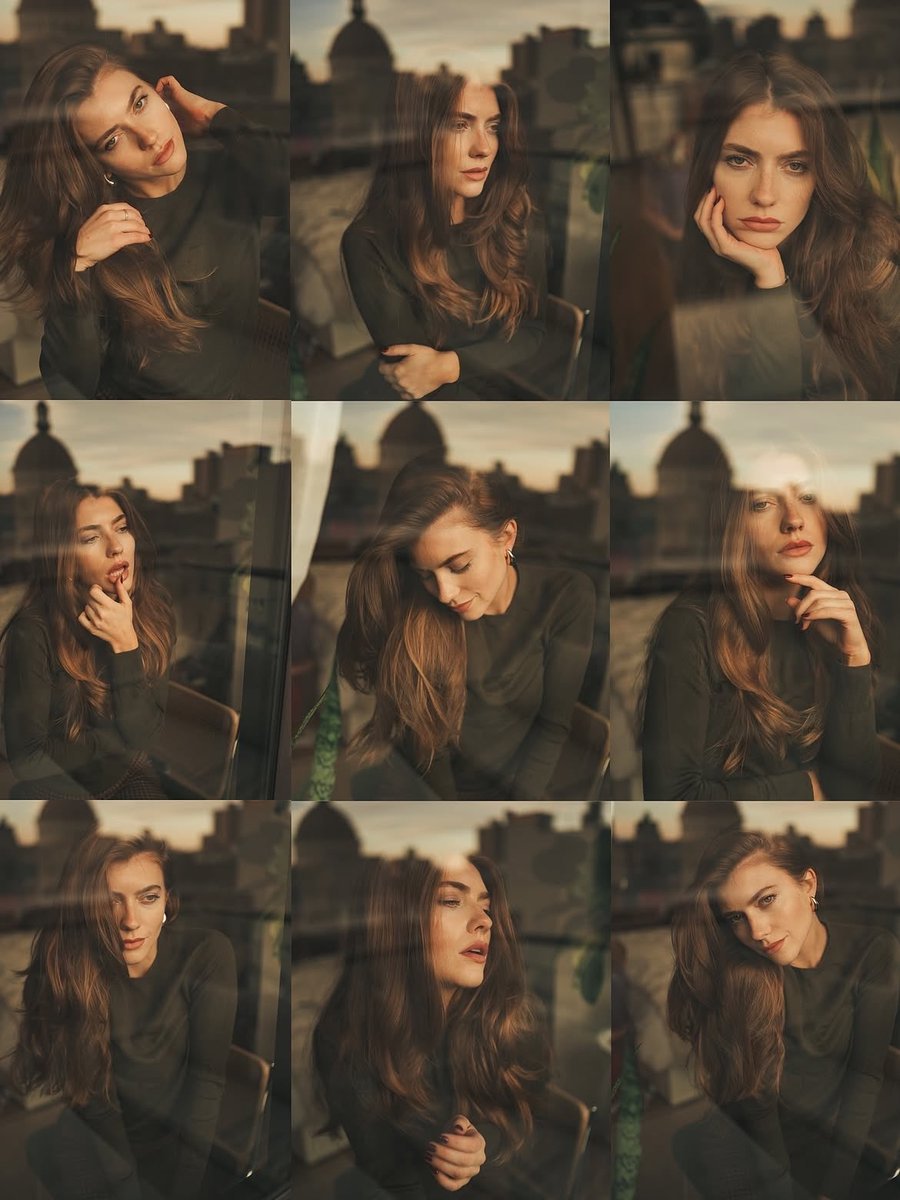
Cinematic Portrait Series by Window at Golden Hour
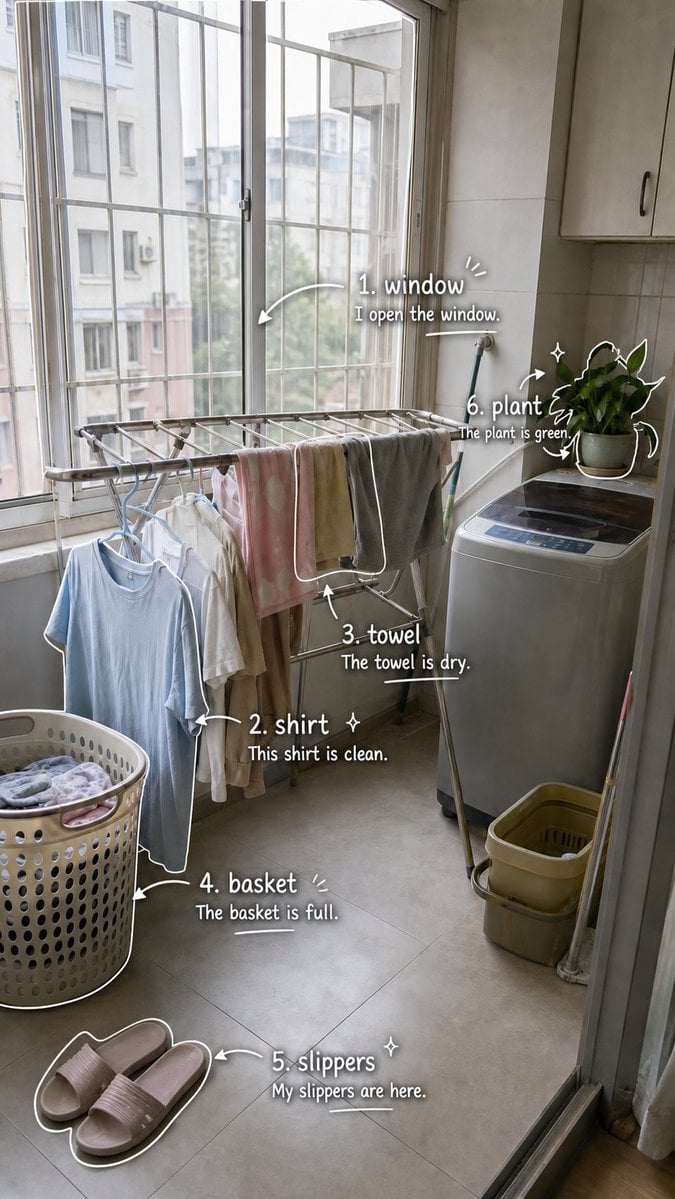
Laundry Balcony Vocabulary Journal
Google Fonts Japanese Infographic
Retro 90s Movie Fashion Portrait
Hyper-realistic Portrait with Tom & Jerry 3D Characters
Tiny Christmas Character Trapped in a Mason Jar Snow Globe

Sculptor's Awakening Cinematic Scene Prompt
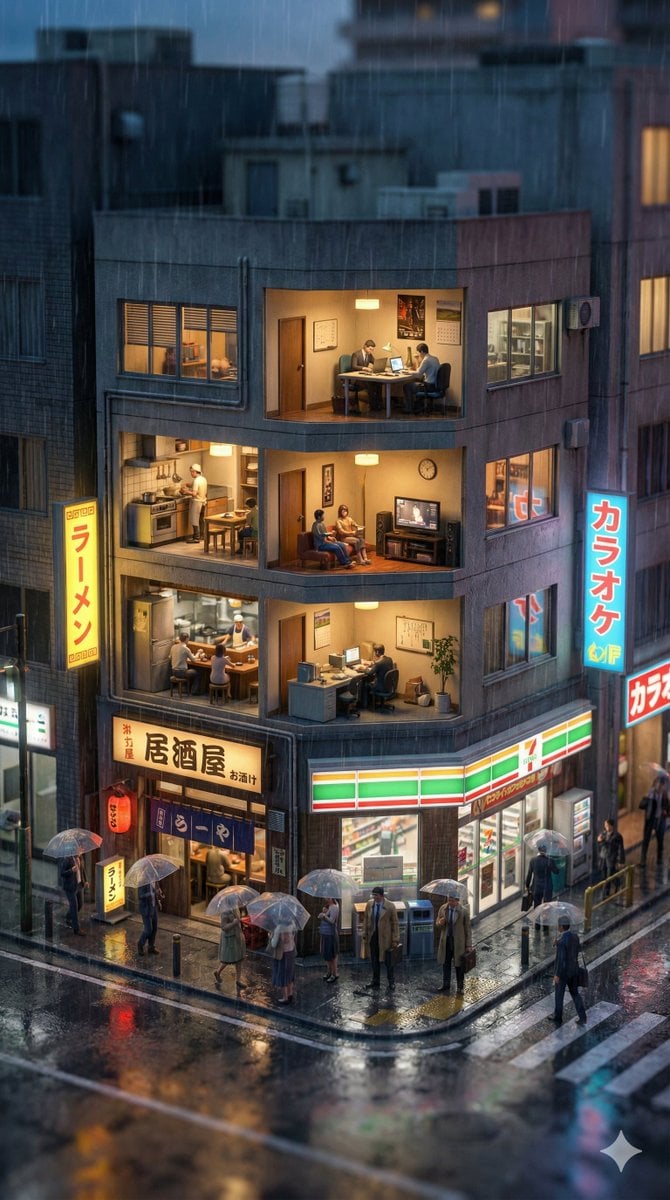
Vertical Tilt-Shift Miniature City Cross-Section
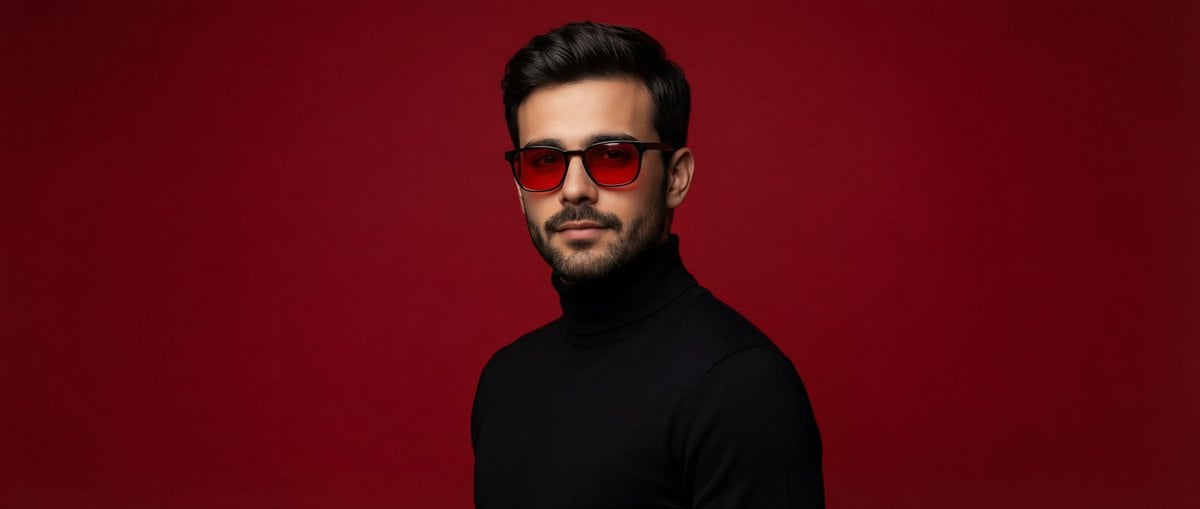
Editorial Portrait of Man in Turtleneck
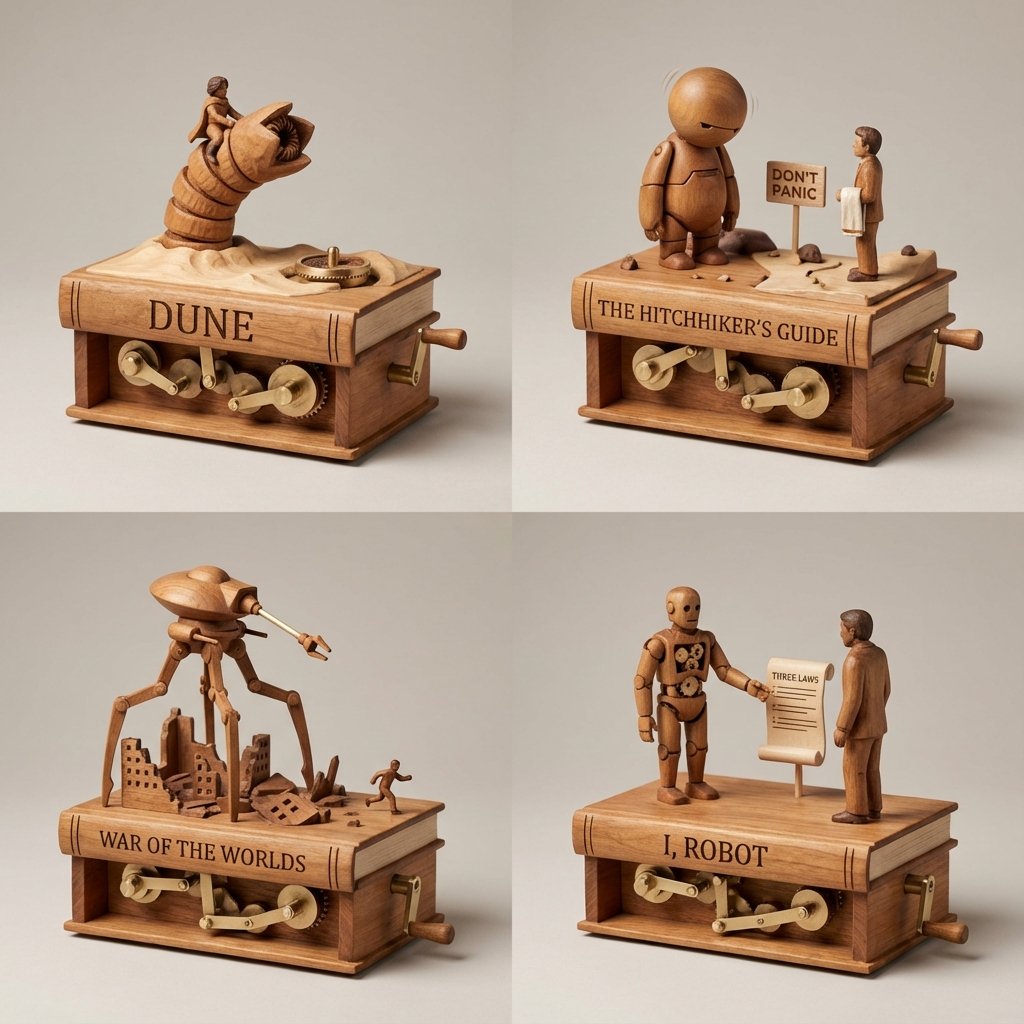
Sci-Fi Book Automaton Macro Product Photography Prompt
Browse template categories
Nocturne Veil Eyes Anime Beauty Poster questions
How do I use the Nocturne Veil Eyes Anime Beauty Poster template?
Add your photo if the template asks for one, edit the prompt if you like — the template's model and format are already selected — and press Generate. Your version opens in PicX Studio.
Can I customize the Nocturne Veil Eyes Anime Beauty Poster template?
Yes. You can change the subject, setting, lighting, mood, format, and available model controls before creating your image.
Is the Nocturne Veil Eyes Anime Beauty Poster template free?
Opening and editing this template is free. Generating uses credits, shown on the Generate button when you are signed in.
Which AI model should I use?
Start with GPT Image 2, which is the model associated with this template. You can compare another compatible model for a different finish.
Looking for something else? Browse all templates.

Your photo, any look
Thousands of ready templates for every top image and video model, from one credit balance.