
Ultra-Realistic Street-Fashion Portrait with Motion Blur
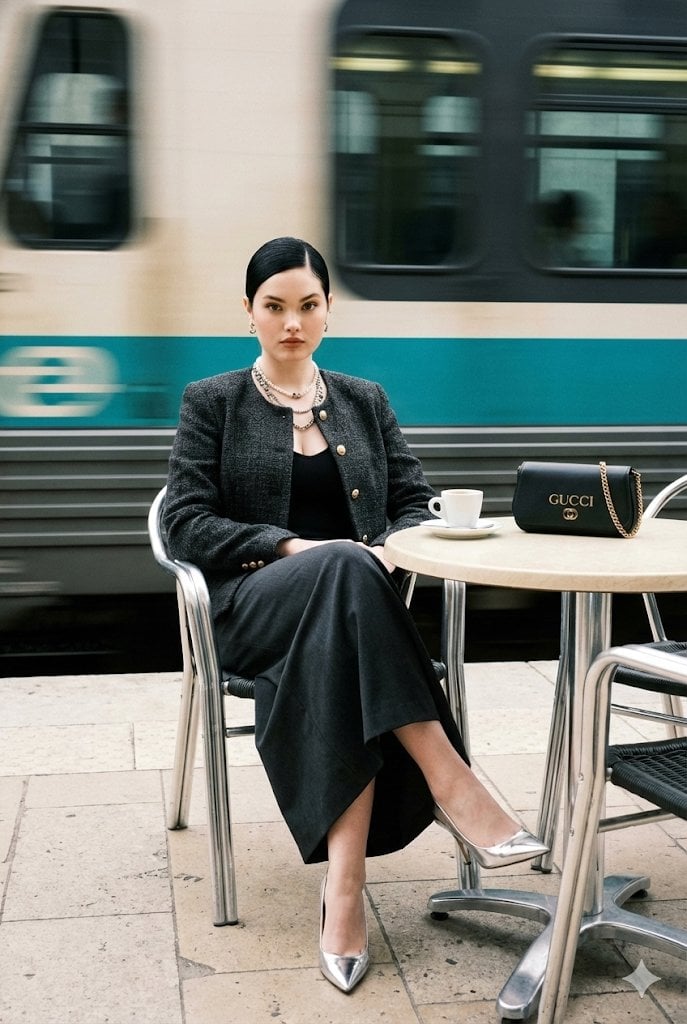
A highly detailed prompt for generating an ultra-realistic editorial street-fashion portrait of a woman at an outdoor café, emphasizing luxury styling (tweed jacket, Gucci bag), sharp focus on the subject, and dramatic…
- Prompt included
- Model and format preset
- Free template
The prompt behind this image
Copy the exact prompt behind Ultra-Realistic Street-Fashion Portrait with Motion Blur, or open it in the studio and make it yours.
Ultra-realistic editorial street-fashion portrait at an outdoor café. A poised young woman sits centered in frame on a chrome café chair, facing camera with calm direct eye contact. She has sleek glossy black hair with a precise center part pulled into a tight low bun, minimal flyaways, small earrings, layered pearl-and-chain necklaces. Outfit: structured luxury charcoal/dark-brown tweed jacket with subtle texture and boxy shoulders, partially open, featuring small gold buttons; black low-neck top underneath; long dark charcoal/black draped skirt covering crossed legs. Footwear: metallic silver pointed-toe stilettos with reflective highlights. Pose: legs crossed toward camera-left, upper body upright and relaxed, hands resting naturally (one near lap/armrest), composed expression. Scene: sidewalk café terrace with a round table on the right side of the frame; table has a light top and reflective chrome pedestal base. On the tabletop: a white espresso cup on a saucer with a small plate/saucer stack. A black {argument name="brand name" default="GUCCI"} bag sits on the right side of the table, soft pouch silhouette with a gold chain strap draped across it, the word ‘GUCCI’ visible on the bag. Background: a passing train behind the subject rendered as strong horizontal motion blur streaks (off-white body, teal-blue banding and darker gray stripes), creating a fast-moving blurred backdrop while the subject remains sharp. Ground is light pavement/stone with faint lines; overall clean luxury street aesthetic. Camera: portrait orientation, medium-full seated fashion shot, eye-level slightly above knees, subject sharp with shallow depth of field; background motion blur from train; gentle film grain; subtle vignette; high-end editorial realism, perfect skin texture, natural pores, realistic fabric weave, accurate reflections on chrome and shoes. Color grade: muted luxury neutrals with soft warm skin tones and cool teal/blue background streak, cinematic contrast, no oversaturation.” CAMERA / OPTICS (lock-in) •85mm look (or 70–105mm range), f/2.0–f/2.8 shallow DOF •Fast shutter feel for subject sharpness, but background motion blur (train) preserved •Natural perspective compression, no wide-angle distortion LIGHTING (lock-in) •Soft diffused daylight, gentle key from front-left, minimal harsh shadows •Subtle specular highlights on shoes and chrome table base TEXTURE / REALISM (lock-in) •Visible tweed weave, accurate button sheen, realistic jewelry reflections •Skin: natural pores, soft highlight on cheekbones, no plastic smoothing NEGATIVE PROMPT (do not allow) “no extra people, no additional bags, no brand changes, no missing GUCCI text, no hat, no open hair, no smile, no heavy makeup, no harsh flash, no dramatic colored lighting, no bokeh balls, no rain, no snow, no indoor setting, no different table, no different cup color, no sneakers, no boots, no swapped outfit colors, no exaggerated shoulders, no cartoon/anime, no painterly look, no over-sharpening,
How to use Ultra-Realistic Street-Fashion Portrait with Motion Blur in 3 steps
- 1
Open
The prompt is already in the box next to the preview, with the template's model and format selected.
- 2…a portrait of your subject in softgolden-hour light, 85mm…
Personalize
Edit the subject and creative details for your destination.
- 3Generate
Generate
Press Generate — your image is created in PicX Studio, so you can compare it with the original and refine one variable at a time.
More like this
Templates with the same subject, style or setup. Open one to see its prompt.
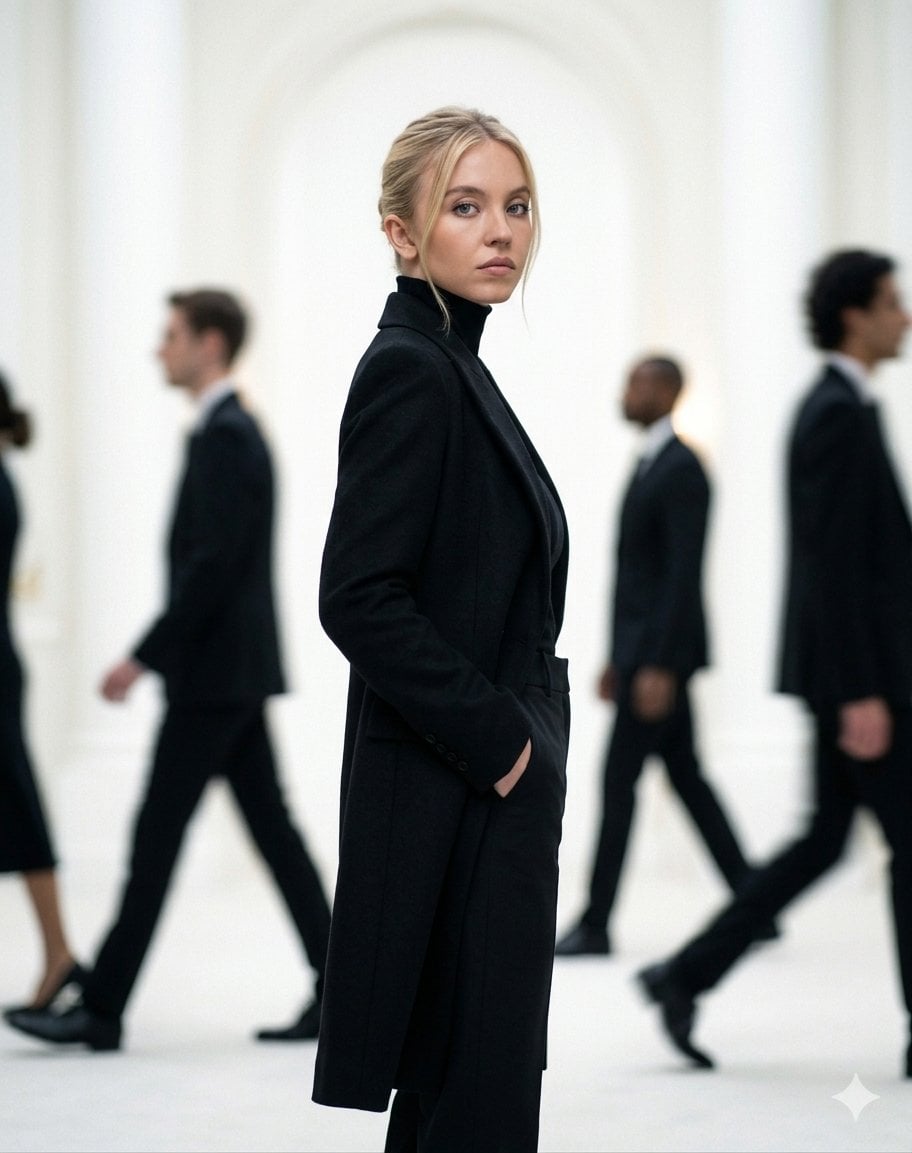
Cinematic Motion Blur Fashion Portrait
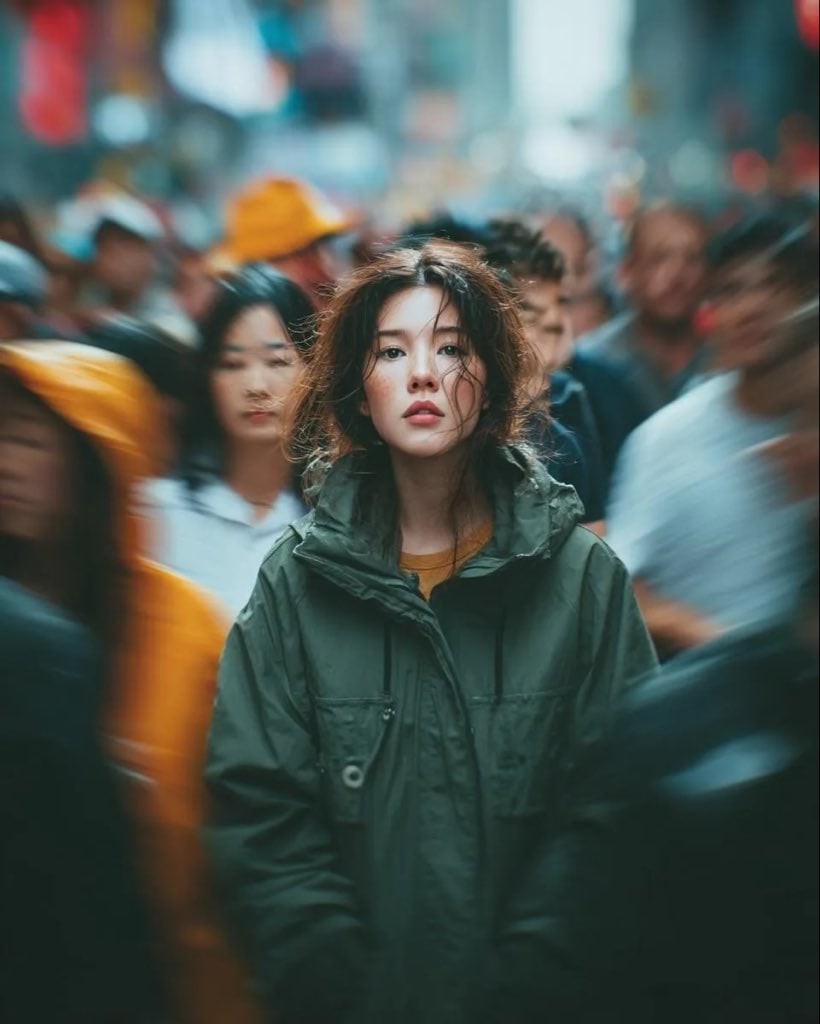
Candid Paparazzi Street Portrait with Motion Blur

Nano Banana 2 High Fashion Sports Campai

Couture Fashion Editorial Woman and Drag

Ive Yujin Fashion Portrait in Blue

Nano Banana 2 Editorial Fashion Portrait

Caution Tape Fashion — Industrial Editorial

Nano Banana - Street Paris T-Shirt
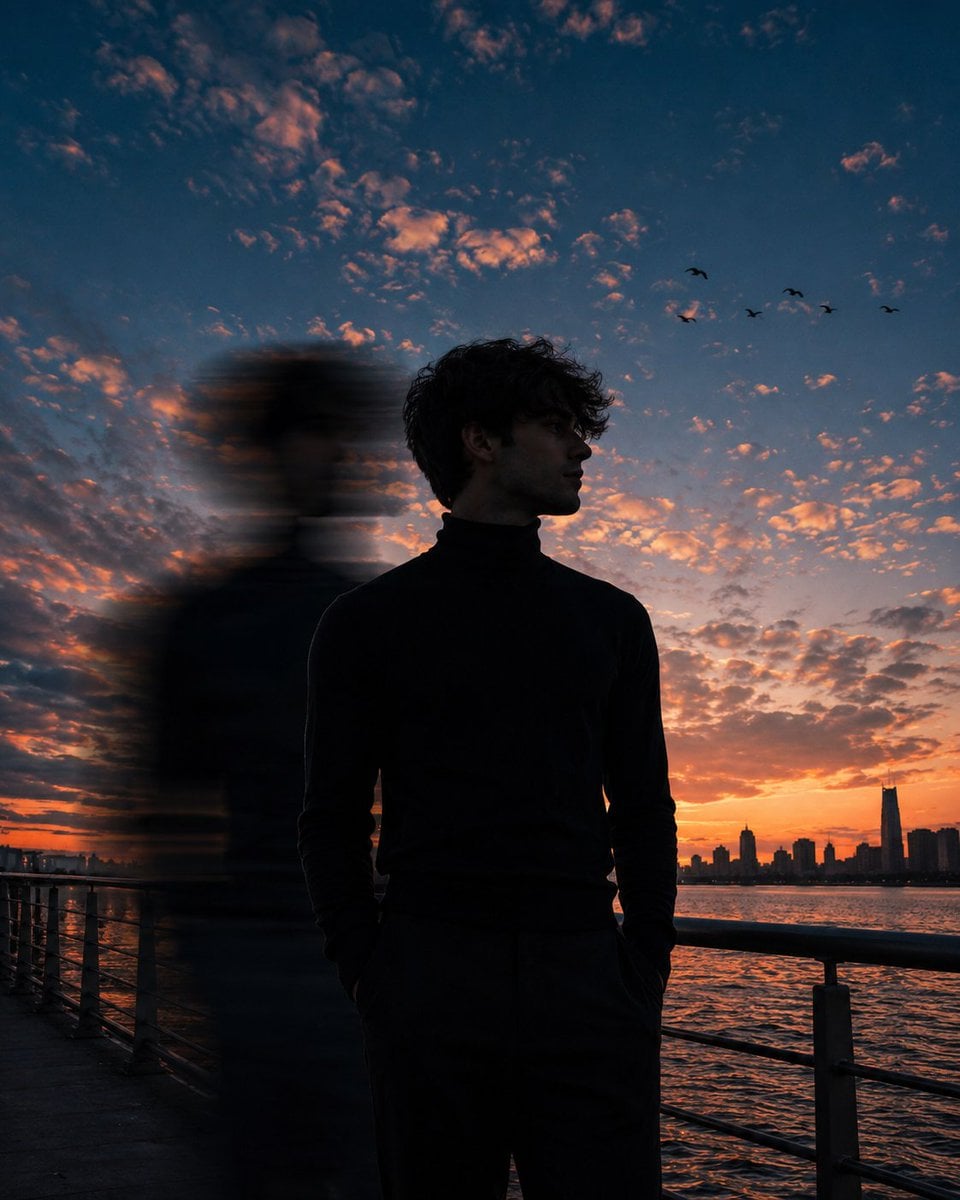
Motion Blur Sunset Portrait
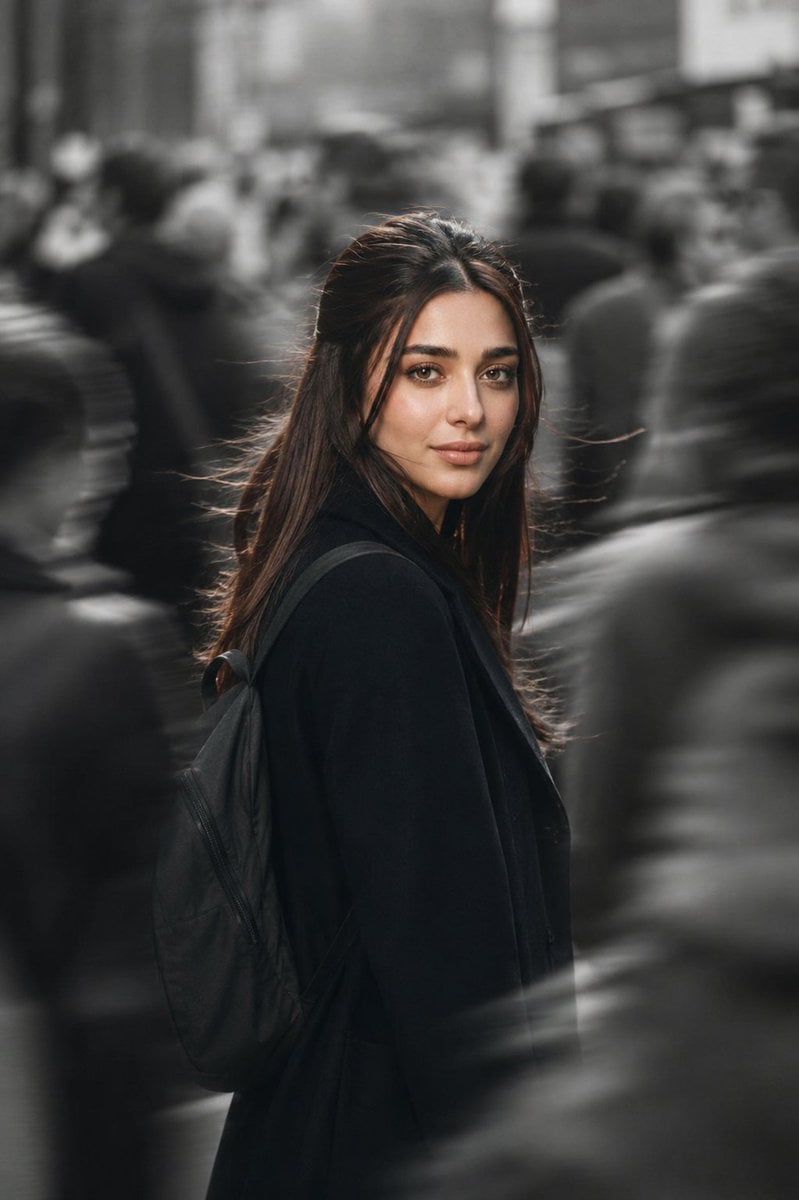
Cinematic City Motion Blur Portrait
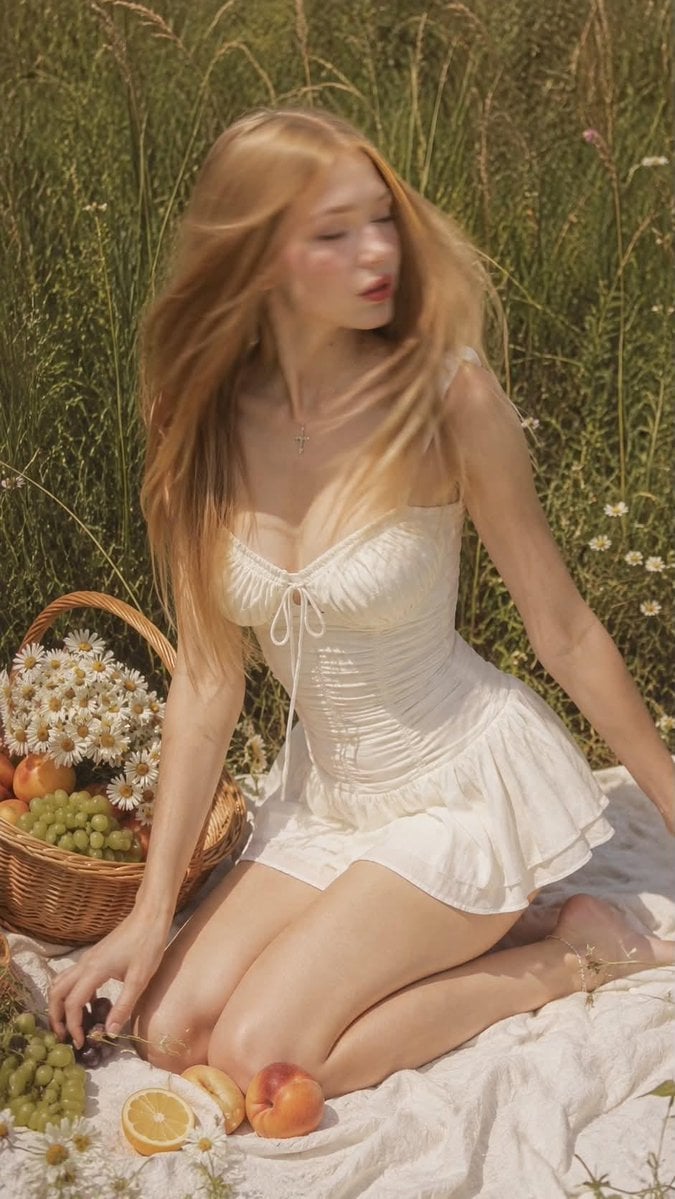
Ultra Realistic Motion Blur Portrait
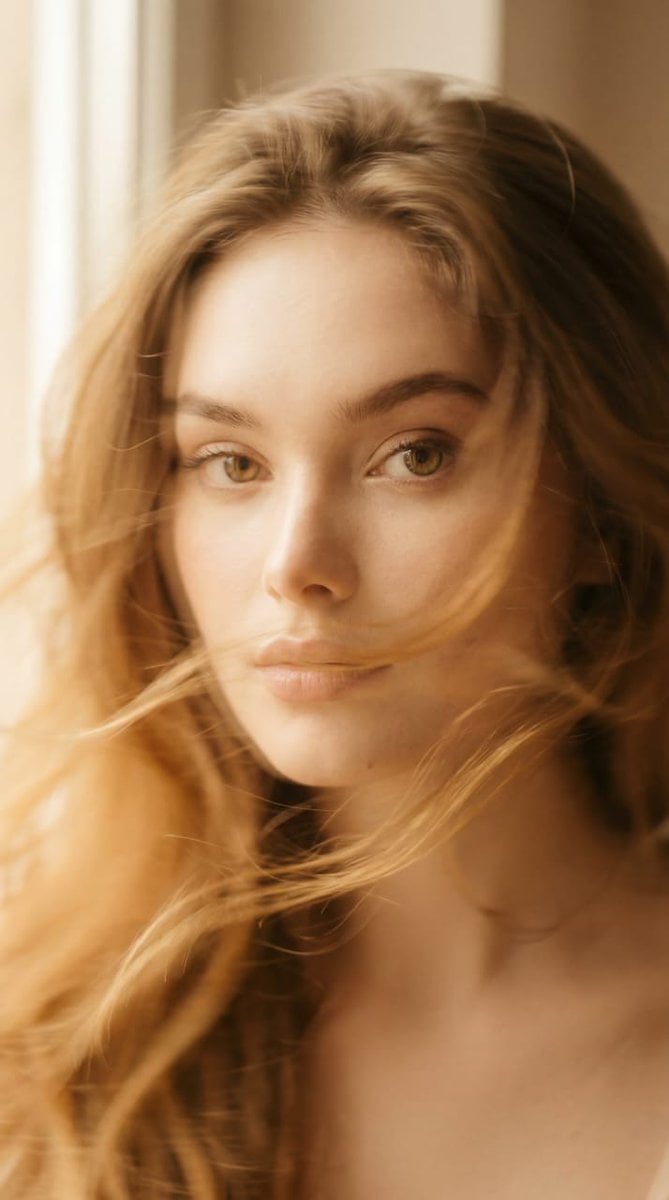
Ethereal Motion Blur Portrait
Make it yours
Ultra-Realistic Street-Fashion Portrait with Motion Blur works as-is. These are the safest ways to change it without losing the look.
Change one field
Copy a single group, rewrite it, and generate again so you can see what that field is doing.
Keep the frame, change the subject
Hold the composition and light of Ultra-Realistic Street-Fashion Portrait with Motion Blur, then swap wardrobe, props or the person for a new take.
| If the result… | Why | Fix |
|---|---|---|
| The result drifts from the preview | Too many fields changed at once. | Reuse Ultra-Realistic Street-Fashion Portrait with Motion Blur as-is first, then change one group — subject, light, or setting. |
| The model over-stylizes the scene | The prose prompt leaves finish and camera underspecified. | Add one camera or lighting sentence and stay on Nano Banana 2. |
More Nano Banana 2 templates
Other prompts made for Nano Banana 2.

Photorealistic Leaf Shaped Like a Dragon

K-Pop Idol Portrait Grid for Rapid Selection

Poetic Rain Forest Portrait During Golden Hour

Urban Street Portrait with Cartoon Inner Self Duo

Candid Nighttime Photo with Cat Prompt

High-Concept 3D Diorama Generation Prompt

Cinematic Futuristic Studio Portrait Template

Skincare Editorial Photography Collage Prompt

Hyper-Realistic Commercial Product Photography (Splash Effect)

Hyper-Realistic Nightclub Portrait Prompt
More image prompts
Fresh picks from across the catalog.
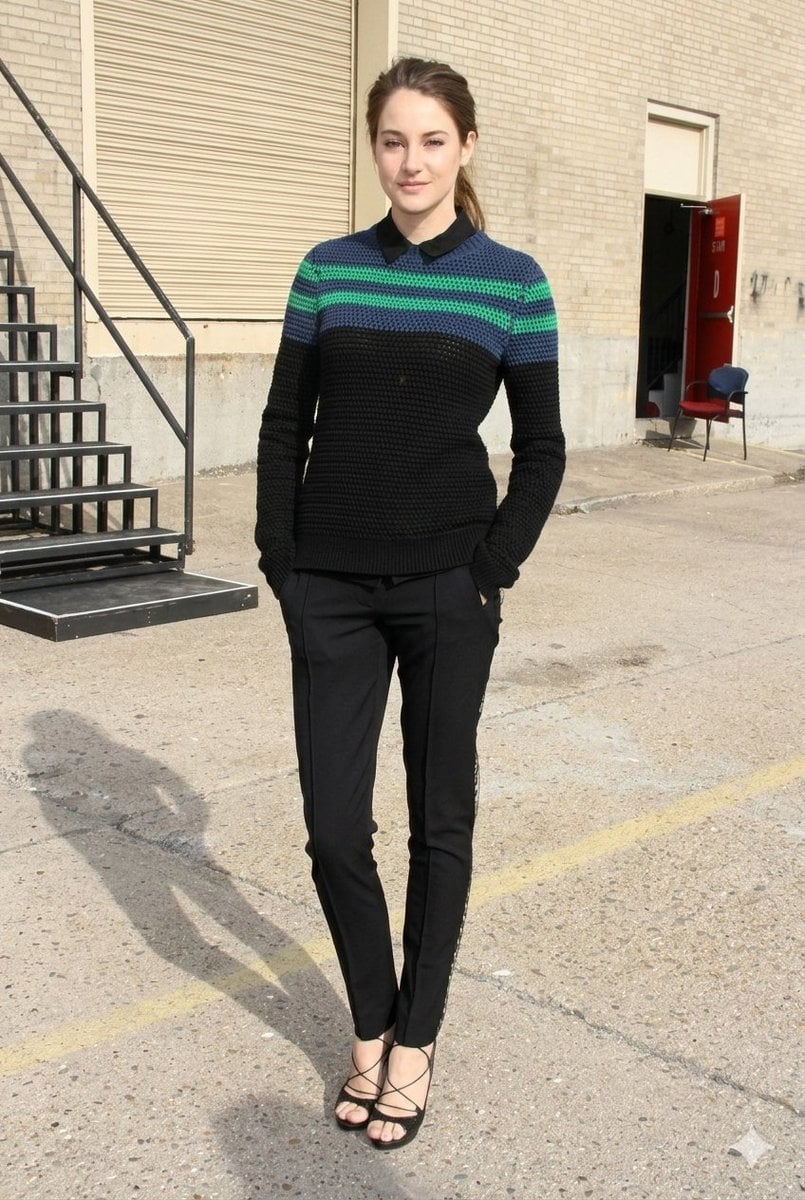
Photorealistic Fashion Portrait with Urban Industrial Background
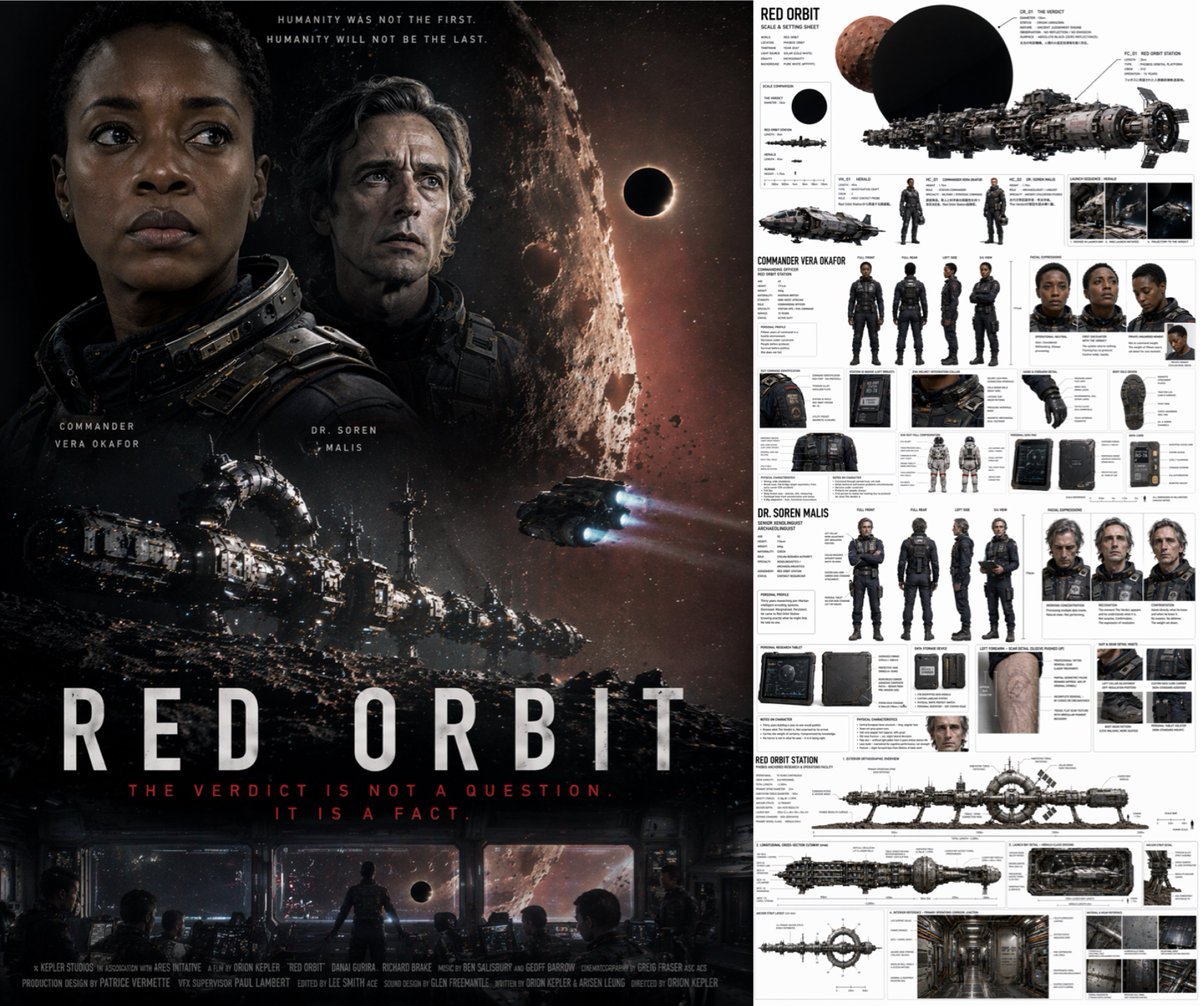
Sci-Fi Movie Poster and Production Design Sheet

Anime Pop-Art Protest Poster
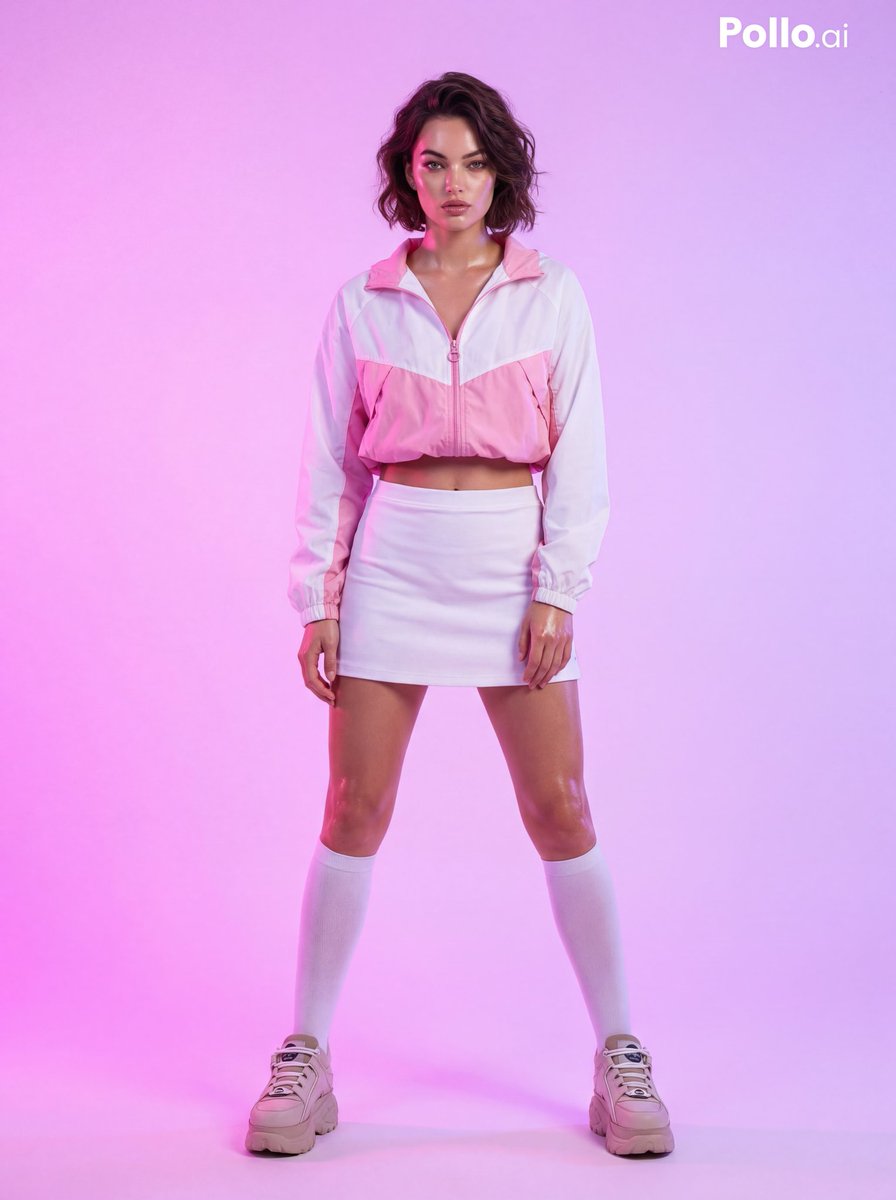
Fashion Photoshoot with Neon Gradient Background
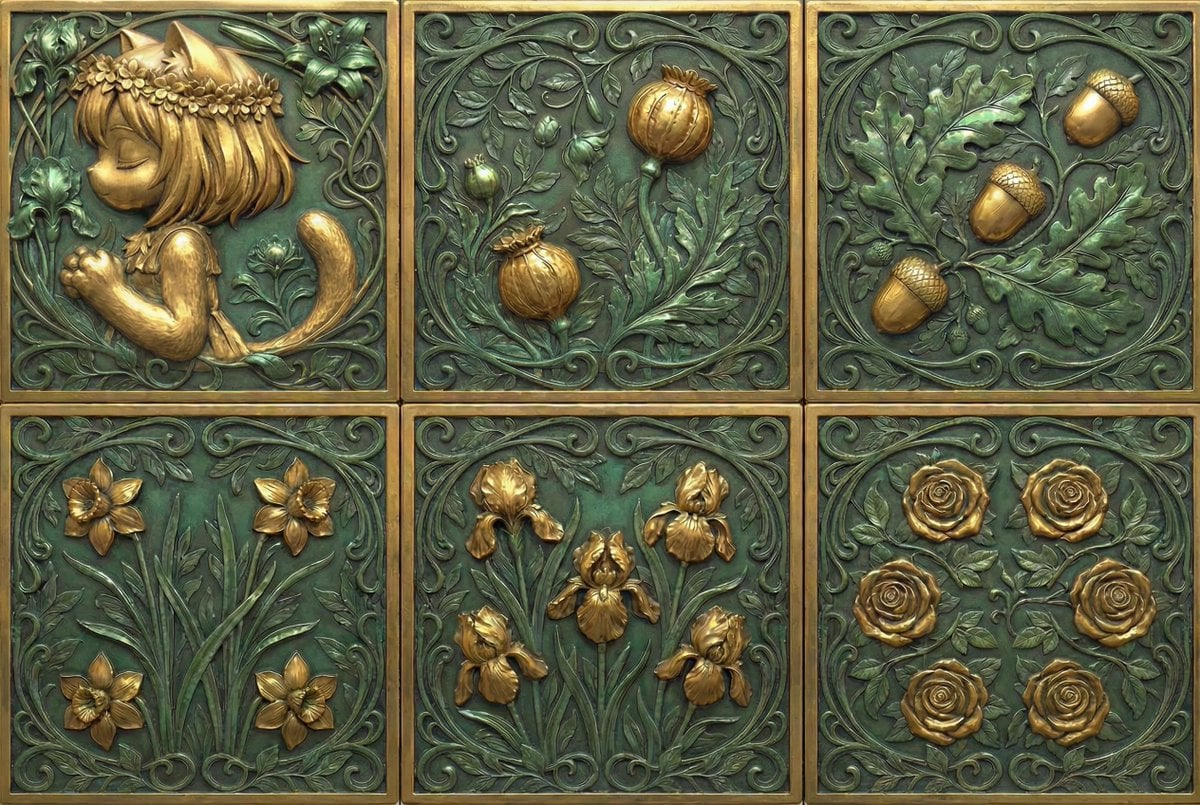
Generate Dice Faces with Specific Object Placement
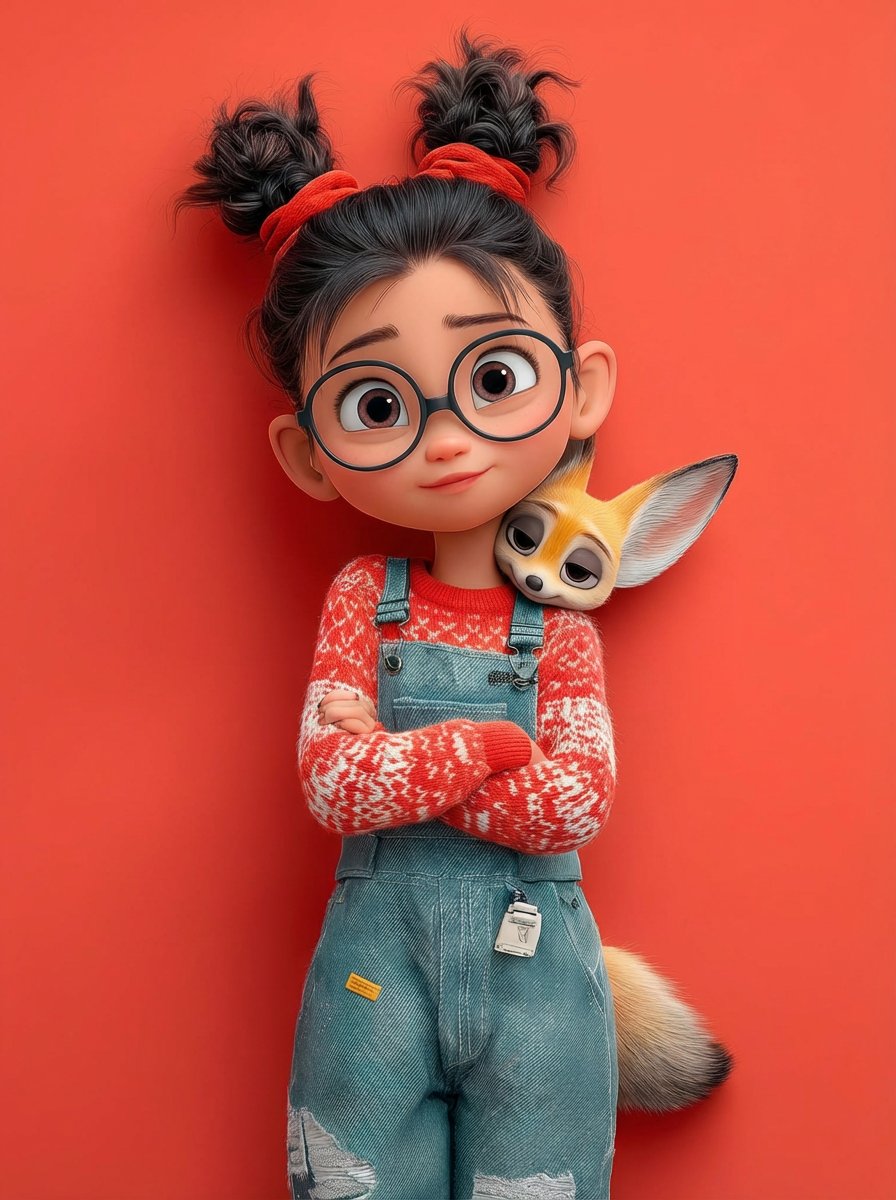
Pixar 3D Character Portrait with Fennec Fox
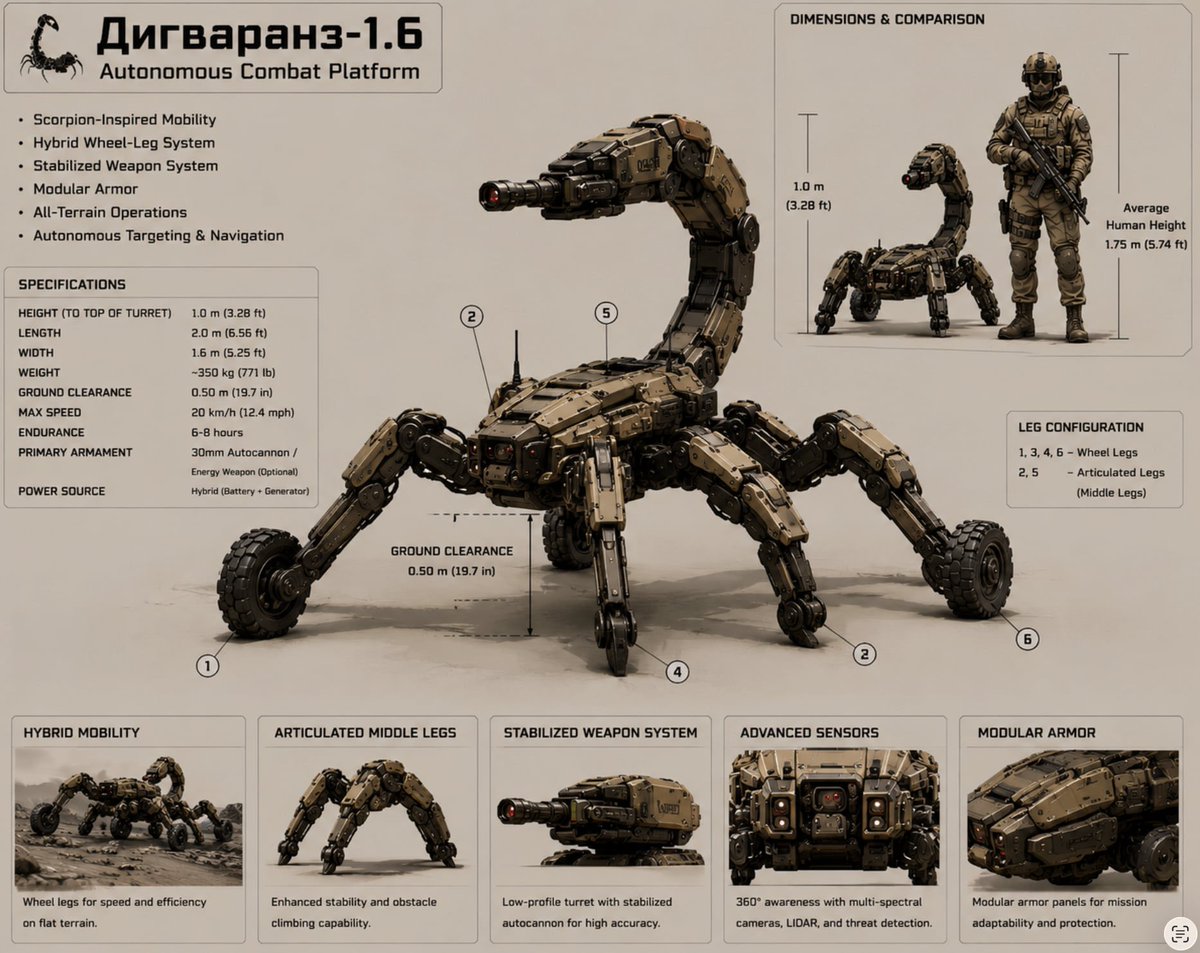
Scorpion Combat Robot Spec Sheet
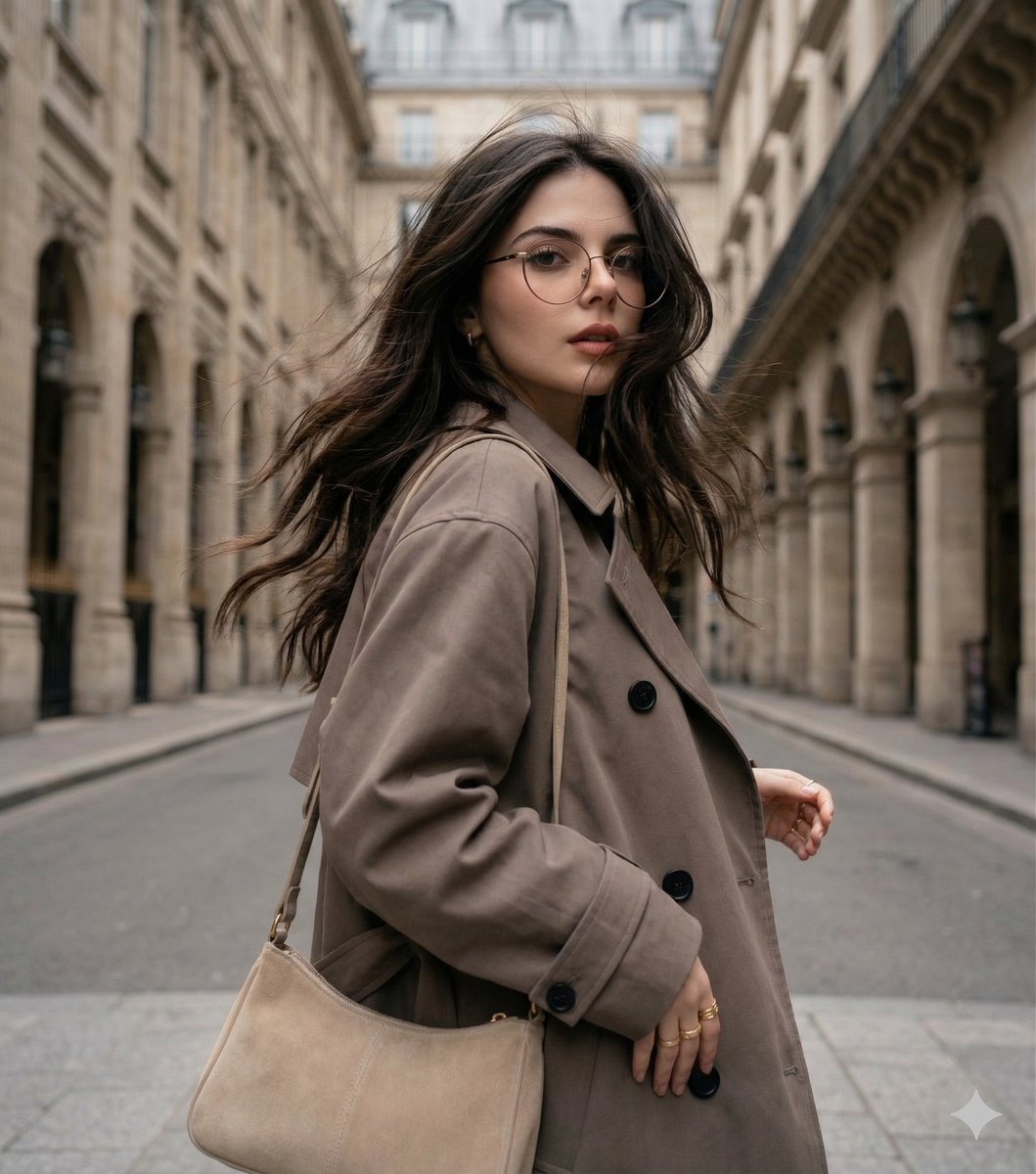
Windswept woman in a trench coat in a European street
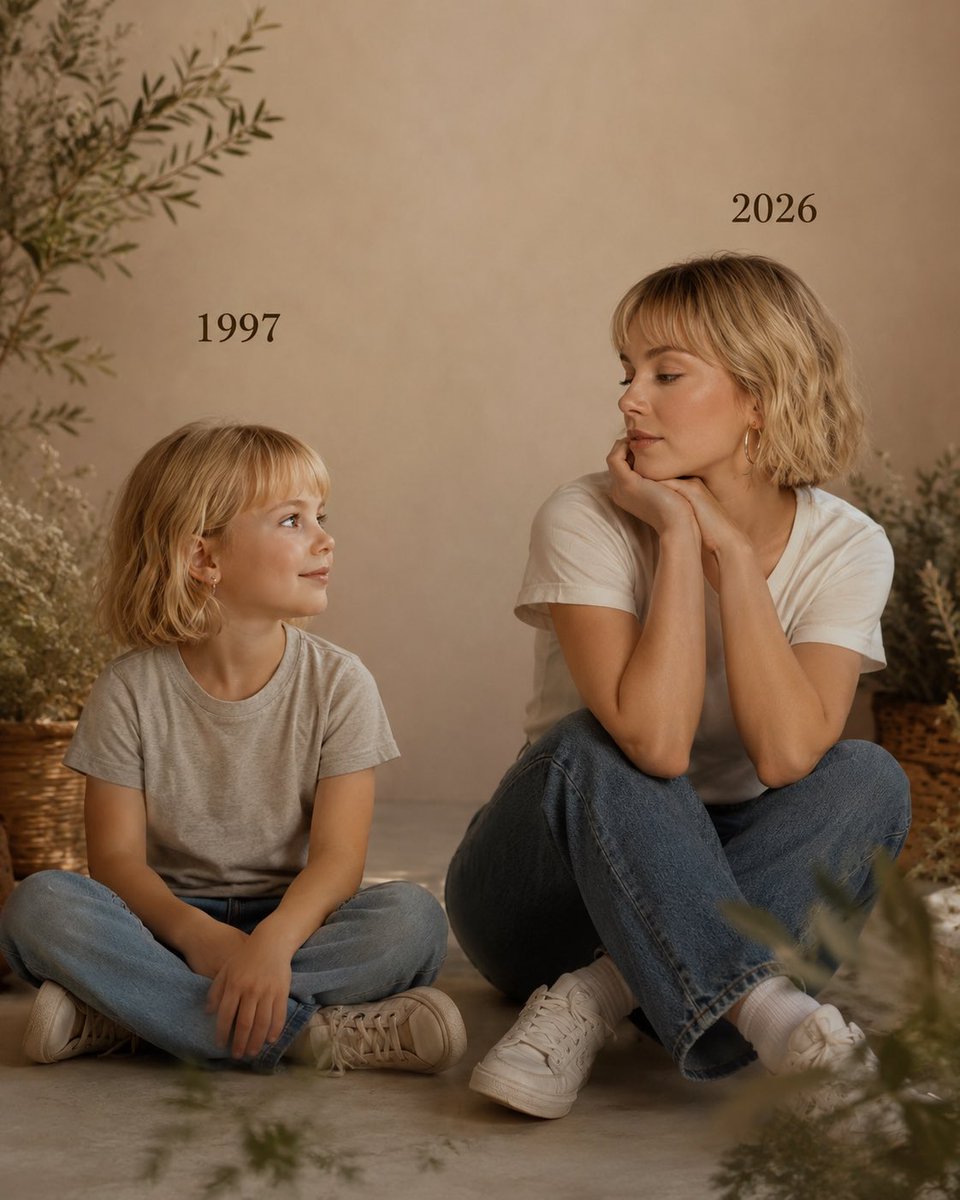
Past vs Present Portrait
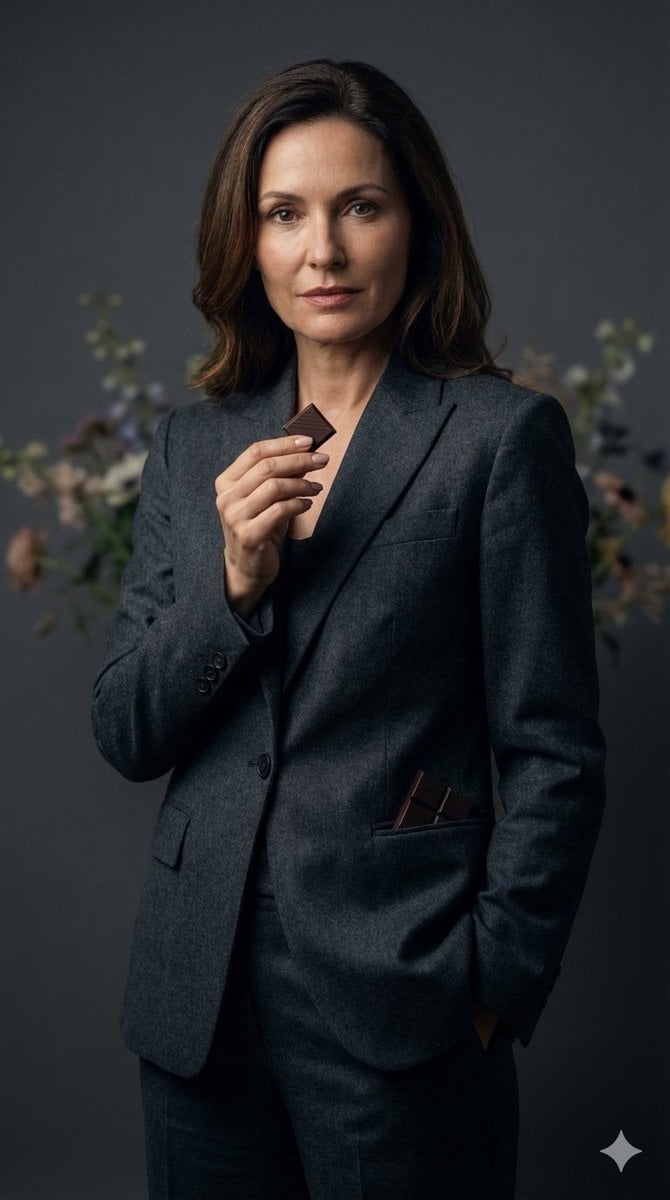
Luxury Editorial Portrait of Mature Woman Prompt
Browse template categories
Ultra-Realistic Street-Fashion Portrait with Motion Blur questions
How do I use the Ultra-Realistic Street-Fashion Portrait with Motion Blur template?
Add your photo if the template asks for one, edit the prompt if you like — the template's model and format are already selected — and press Generate. Your version opens in PicX Studio.
Can I customize the Ultra-Realistic Street-Fashion Portrait with Motion Blur template?
Yes. You can change the subject, setting, lighting, mood, format, and available model controls before creating your image.
Is the Ultra-Realistic Street-Fashion Portrait with Motion Blur template free?
Opening and editing this template is free. Generating uses credits, shown on the Generate button when you are signed in.
Which AI model should I use?
Start with Nano Banana 2, which is the model associated with this template. You can compare another compatible model for a different finish.
Looking for something else? Browse all templates.

Your photo, any look
Thousands of ready templates for every top image and video model, from one credit balance.